
7 Accounts Assistant Apprentice Cover Letter Templates with Example
This practical guide helps you write an Accounts Assistant Apprentice cover letter and compare seven layouts for presenting your interest clearly.
What Makes a Great Accounts Assistant Apprentice Cover Letter in 2026
A strong letter explains why you want this apprenticeship and connects your accounting practice to its day-to-day work. Keep the opening focused and make your interest in learning clear.
Use specific examples from your college practice, such as bookkeeping in Xero, checking invoices, preparing working papers or completing VAT exercises. Show how your careful approach and communication can support the team and its clients.
The featured Accounts Assistant Apprentice example moves from motivation to practical accounting evidence, then to readiness for training and a clear close; adapt this focused progression while choosing a presentation suited to the employer and communication context.
#1 Simple One Column Format Cover Letter Example
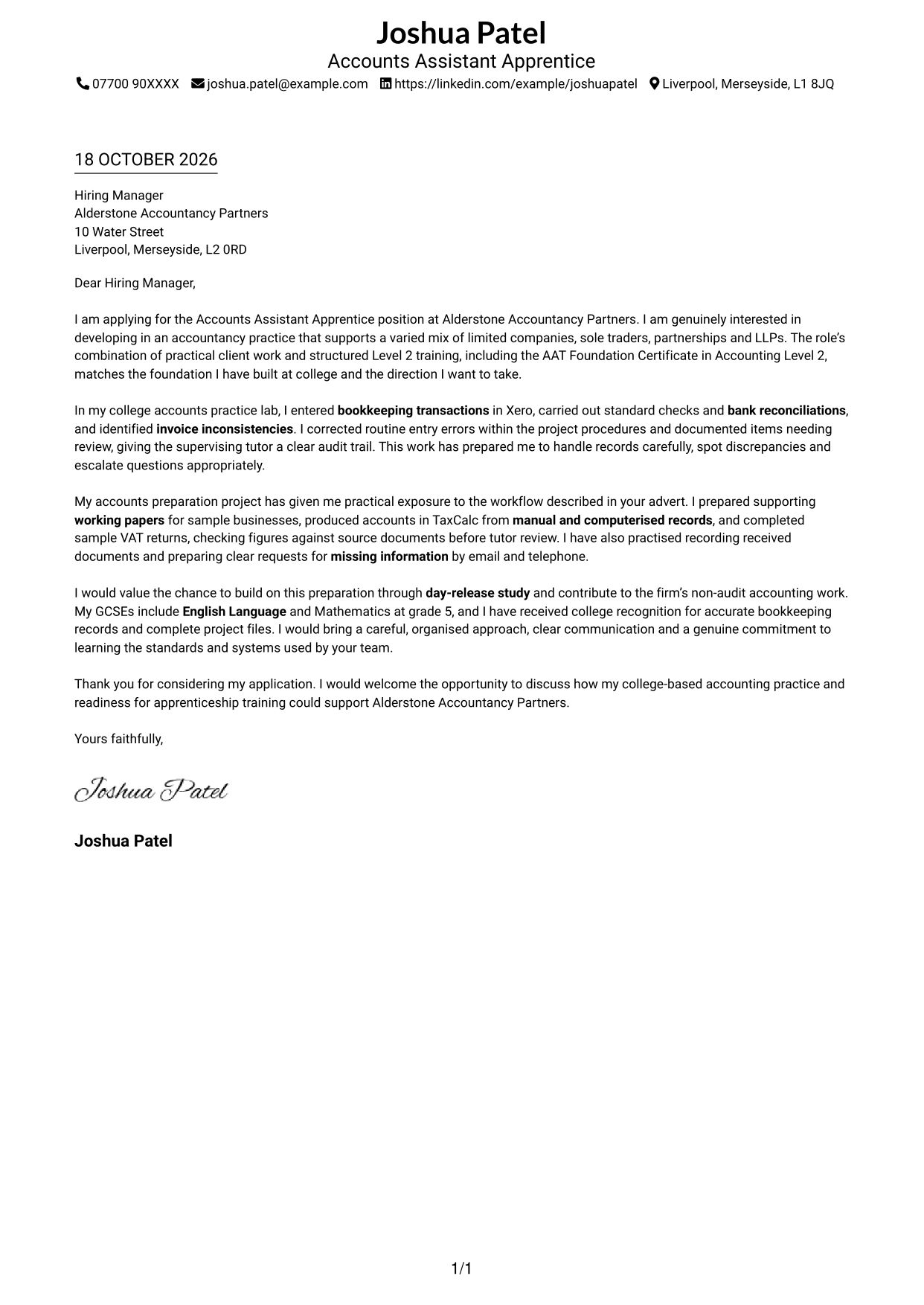
The single-column layout keeps sender details in the header and the letter body together, making it a straightforward choice for readers who prefer a direct reading path.
Why This Format Works
- Sender details stay in the header, keeping the letter body centred on its message.
- One column lets the reader follow the opening, supporting paragraphs and close in order.
- No portrait keeps visual attention on the written application rather than a photo.
Best For
- Direct letter reading order
- Sender details in a clear header
- Text-led applications without a sidebar
- Letters with connected paragraphs
- Photo-free correspondence
#2 Two Column Format Cover Letter Example
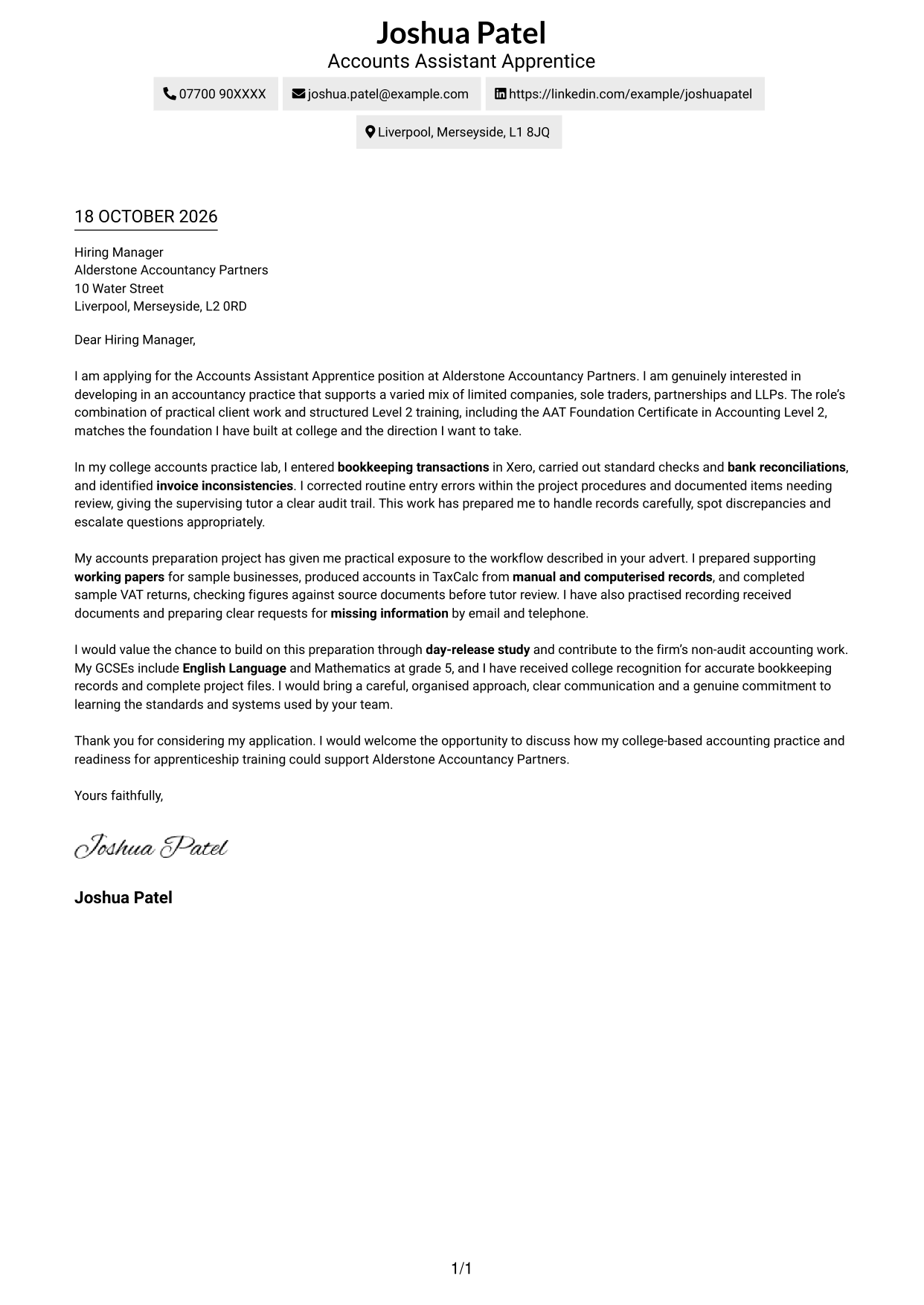
A contact sidebar sits beside one continuous letter body, a useful choice when sender details should remain separate from the application message.
Why This Format Works
- Contact details sit apart from prose, making them easy to locate.
- The letter's opening, supporting points and close remain in one continuous reading sequence.
- No portrait leaves the visual focus on the written message and contact information.
Best For
- Separate contact and letter areas
- Continuous paragraph-based letters
- Photo-free correspondence
- Formal application correspondence
- Accounts Assistant Apprentice applications
#3 Photo Header Two Column Format Cover Letter Example
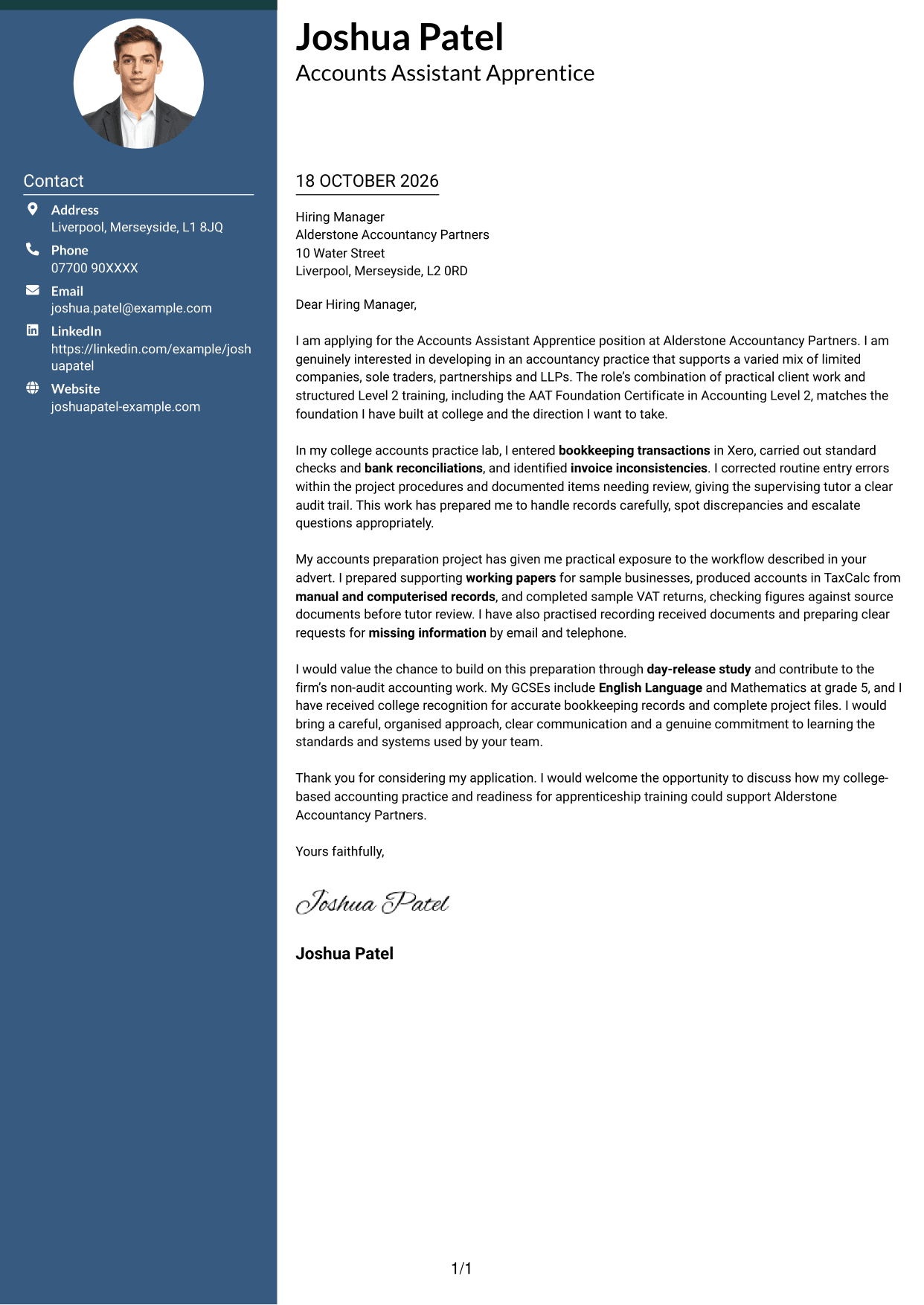
A portrait adds a personal visual detail to the two-column layout, while the contact sidebar and continuous letter body keep details apart from the message.
Why This Format Works
- Contact details have a separate sidebar, while the letter keeps a single, continuous body.
- Opening, evidence and closing paragraphs stay together, preserving the letter's intended reading order.
- A portrait adds a personal visual detail for readers who prefer a photo in correspondence.
Best For
- Portrait-led correspondence
- Separate contact and letter areas
- One connected letter argument
- Photo-inclusive applications
- Accounts practice applications
#4 One Column Format with Photo Cover Letter Example
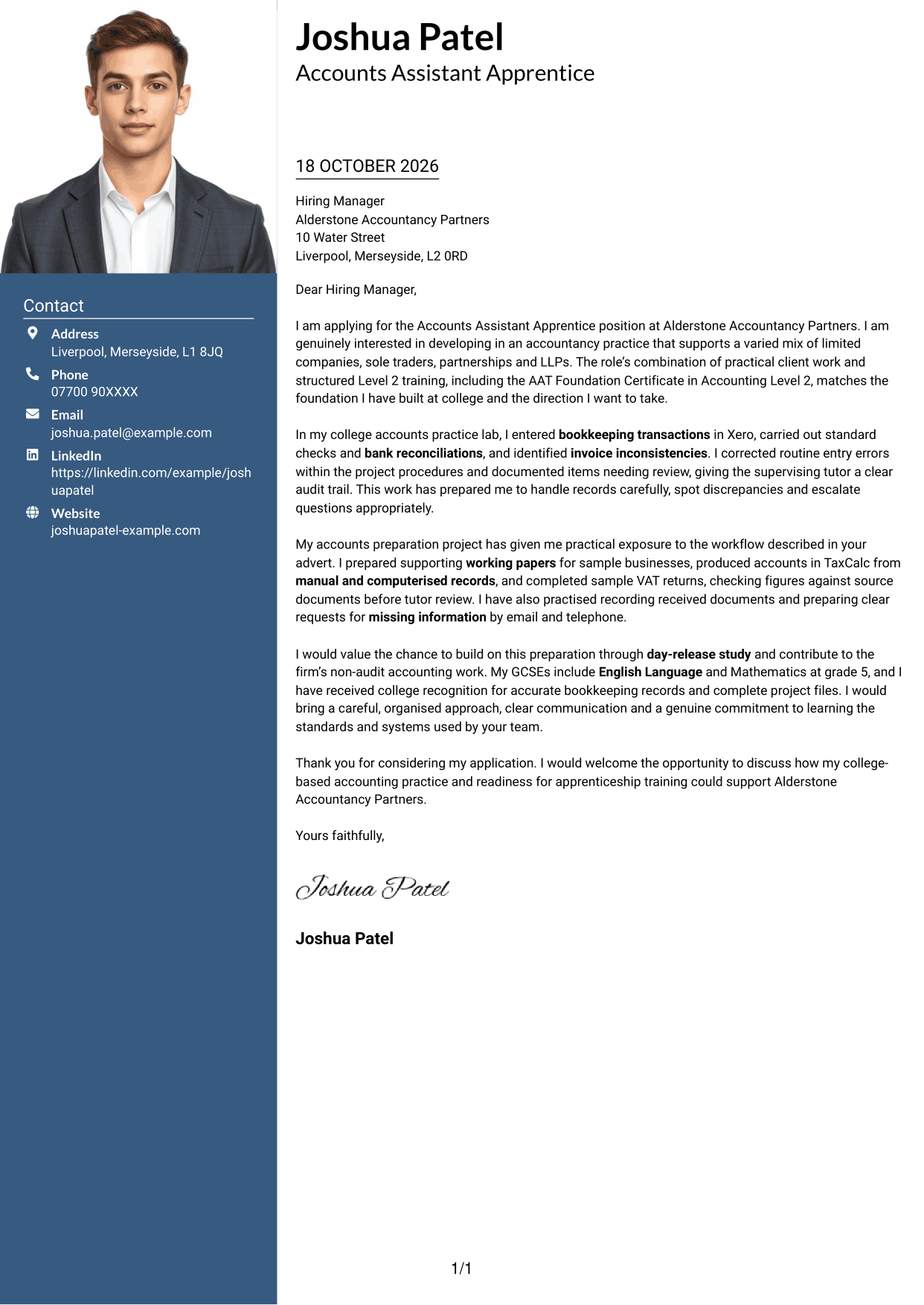
The single-column layout includes a photo and keeps the letter body together, suiting readers who want a portrait without a contact sidebar.
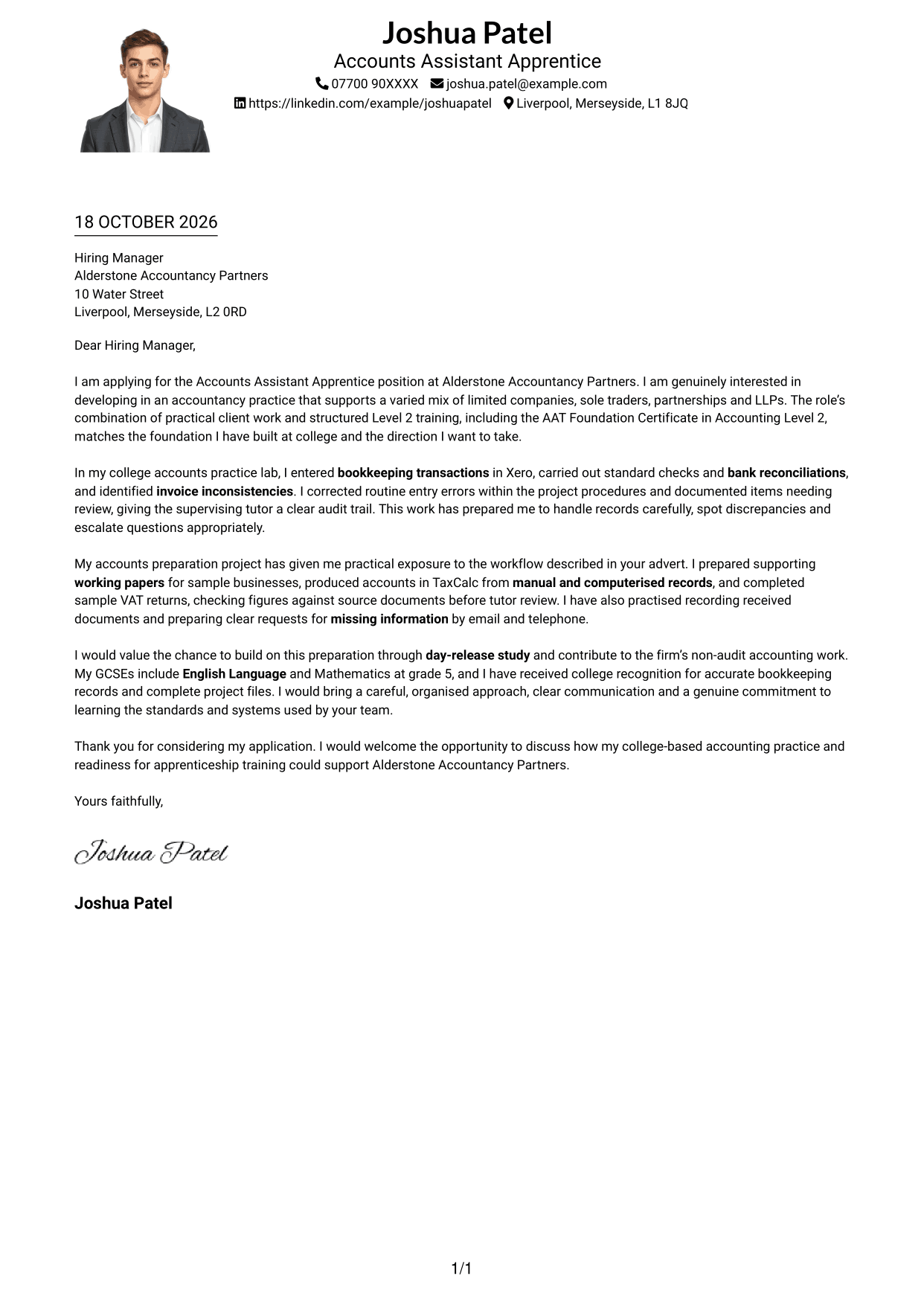
Why This Format Works
- Sender details remain in the header, leaving the single-column body for the full message.
- Readers can follow motivation, examples and the closing without moving between body columns.
- The portrait gives the page a personal visual element while prose remains the focus.
Best For
- Single-column letter flow
- A portrait with the message
- Sender details in the header
- Connected motivation and evidence
- Photo-inclusive applications
#5 Simple Two Column Format Cover Letter Example
A contact sidebar sits beside a single, continuous letter body, giving readers a clear choice when they want sender details apart from the message.
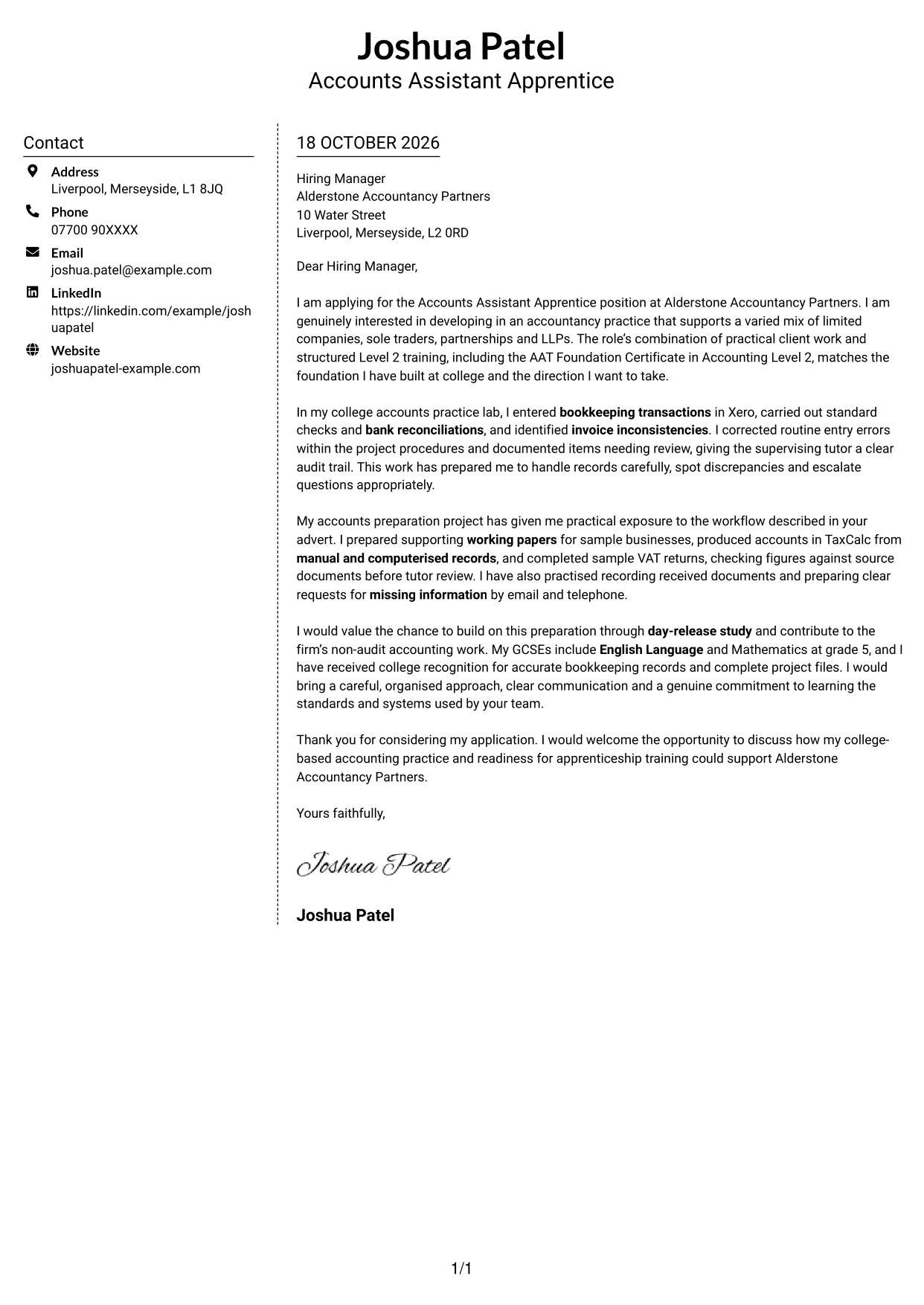
Why This Format Works
- The sidebar groups sender details separately from the letter's paragraphs.
- A single body column keeps the application message together from first paragraph to close.
- No portrait suits readers who prefer correspondence led by written content.
Best For
- Sidebar contact details
- A continuous letter body
- Photo-free correspondence
- Written-content-led applications
- Formal apprenticeship applications
#6 Modern Icon Format Cover Letter Example
Contact icons provide visual cues for sender details in the two-column layout, while the letter remains one continuous body.
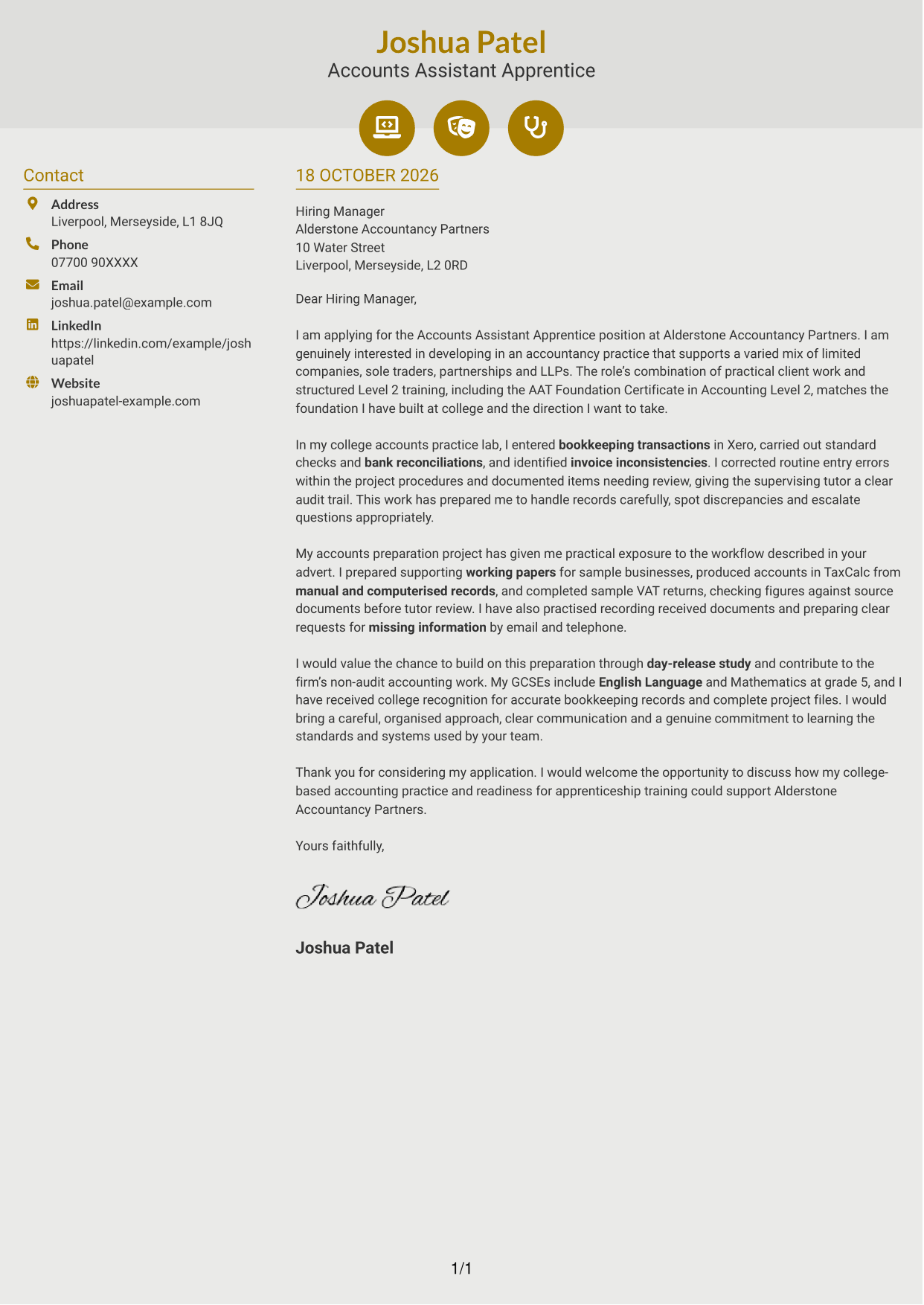
Why This Format Works
- Contact icons provide cues for sender details, rather than dividing the letter's argument.
- One continuous body lets the reader follow motivation and supporting points in sequence.
- The contact sidebar keeps sender information apart from the letter's paragraphs.
Best For
- Icon-cued contact details
- Two-column contact presentation
- Connected letter paragraphs
- Photo-free correspondence
- Applications with clear supporting points
#7 Creative Two Tone Format Cover Letter Example
The two-column layout places a contact sidebar beside one continuous letter body, suiting readers who want separate contact details and connected prose.
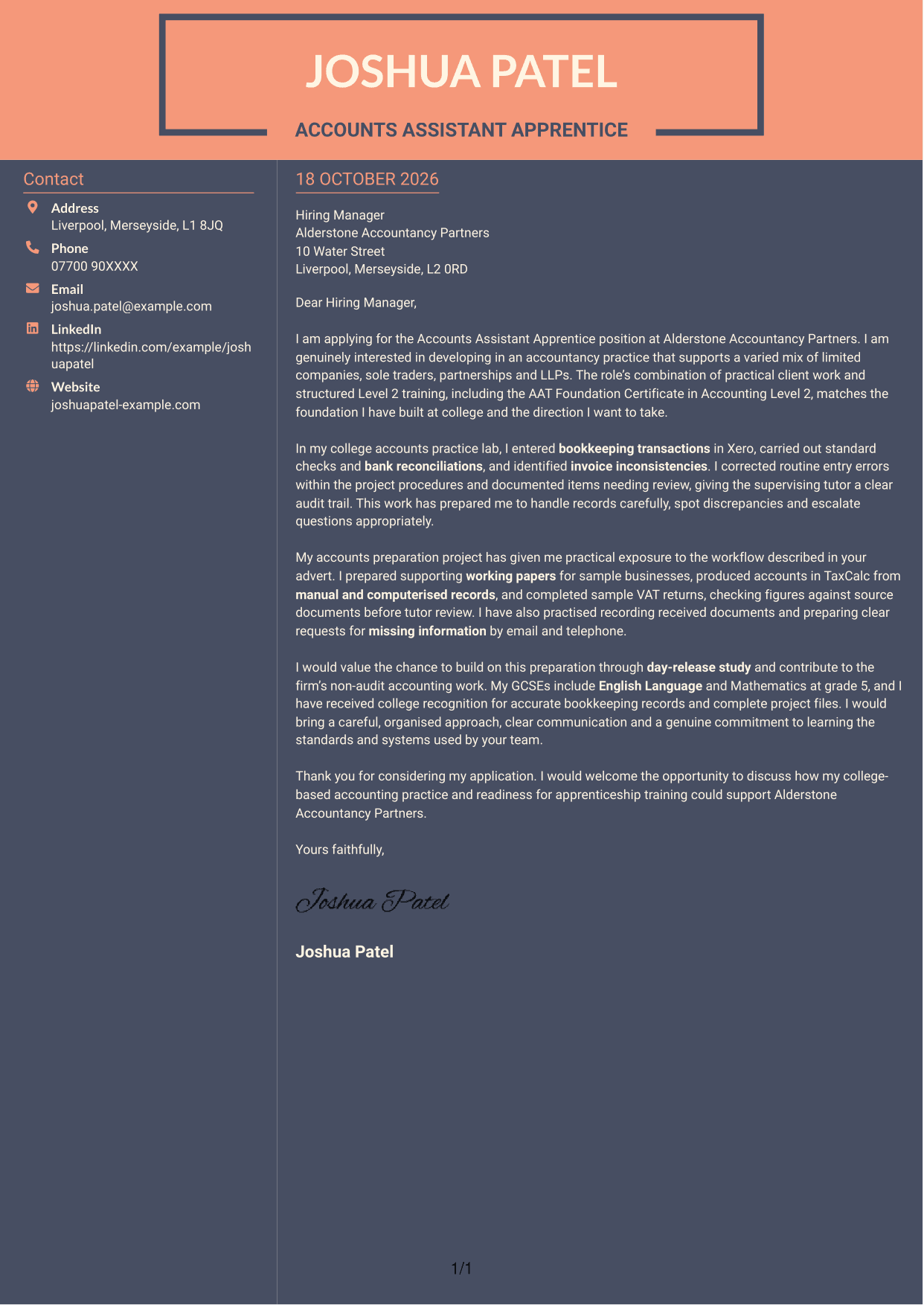
Why This Format Works
- Contact details sit in a sidebar beside the single, continuous letter body.
- Keeping every argument paragraph together helps readers follow the application from start to close.
- No portrait keeps the page centred on written correspondence and the sender's details.
Best For
- A sidebar beside the letter
- Continuous application prose
- Photo-free correspondence
- Clear opening-to-close flow
- Accountancy apprenticeship applications
See Also
- 7 Accounts Assistant Apprentice CV Templates with Example
- 7 Apprentice Bookkeeper & Accounts Assistant - Client Accounts CV Templates with Example
- 7 Finance Assistant Apprentice - Multi-Company Bookkeeping CV Templates with Example
- 7 Optical Assistant Apprentice CV Templates with Example
- 7 Accounts Assistant - Accounts Payable and Receivable CV Templates with Example
- 7 Accounts Assistant - Purchase Ledger CV Templates with Example
- 7 Cash Reconciliation Assistant - Retail and Wholesale Accounts CV Templates with Example
- 7 Administrative Assistant - School Administration CV Templates with Example
- 7 Apprentice Bookkeeper & Accounts Assistant - Client Accounts Cover Letter Templates with Example
- 7 Finance Assistant Apprentice - Multi-Company Bookkeeping Cover Letter Templates with Example
Frequently Asked Questions
What should an Accounts Assistant Apprentice cover letter include?
Explain why the apprenticeship interests you and give clear evidence of relevant preparation. You could describe college practice with bookkeeping, reconciliations, working papers, TaxCalc or VAT returns, while being clear that this work was part of your training.
How can I show that my accounting practice is relevant?
Choose one or two tasks that match the role, such as entering transactions in Xero, checking invoices or preparing accounts from source records. Say what you did and how you checked or recorded the work.
How can I explain my interest in the apprenticeship?
Connect your interest in accountancy practice to the chance to support different types of clients and develop through structured training. Mention the Level 2 training and AAT Foundation Certificate in Accounting if they are part of the opportunity you are applying for.
How should I structure this cover letter?
Open by naming the role and explaining your interest. Use the body to show relevant preparation and communication skills, then close by restating your interest and welcoming a discussion.
Should I describe college practice as work with live clients?
No. Be accurate about where and how you gained your experience. Describe simulated tasks as college practice, then explain how they helped you build skills that relate to the apprenticeship.




