
7 Accounts Semi Senior - Accounts Preparation and Tax Cover Letter Templates with Example
This practical guide helps you shape an Accounts Semi Senior - Accounts Preparation and Tax cover letter, with seven layouts to compare and adapt.
What Makes a Great Accounts Semi Senior - Accounts Preparation and Tax Cover Letter in 2026
A strong letter links your interest in the role to clear evidence of accounts preparation, tax work and client support. Keep the opening direct and explain why the opportunity to take on greater responsibility appeals to you.
Use relevant examples, such as preparing year-end accounts, checking records before tax deadlines or handling client queries. Show how your careful, organised approach fits the practice’s client work and development path.
The featured example moves from interest in the role to accounts and tax evidence, then to client and team contributions before a clear close; adapt this focused progression while choosing a presentation suited to the employer and communication context.
#1 Simple One Column Format Cover Letter Example
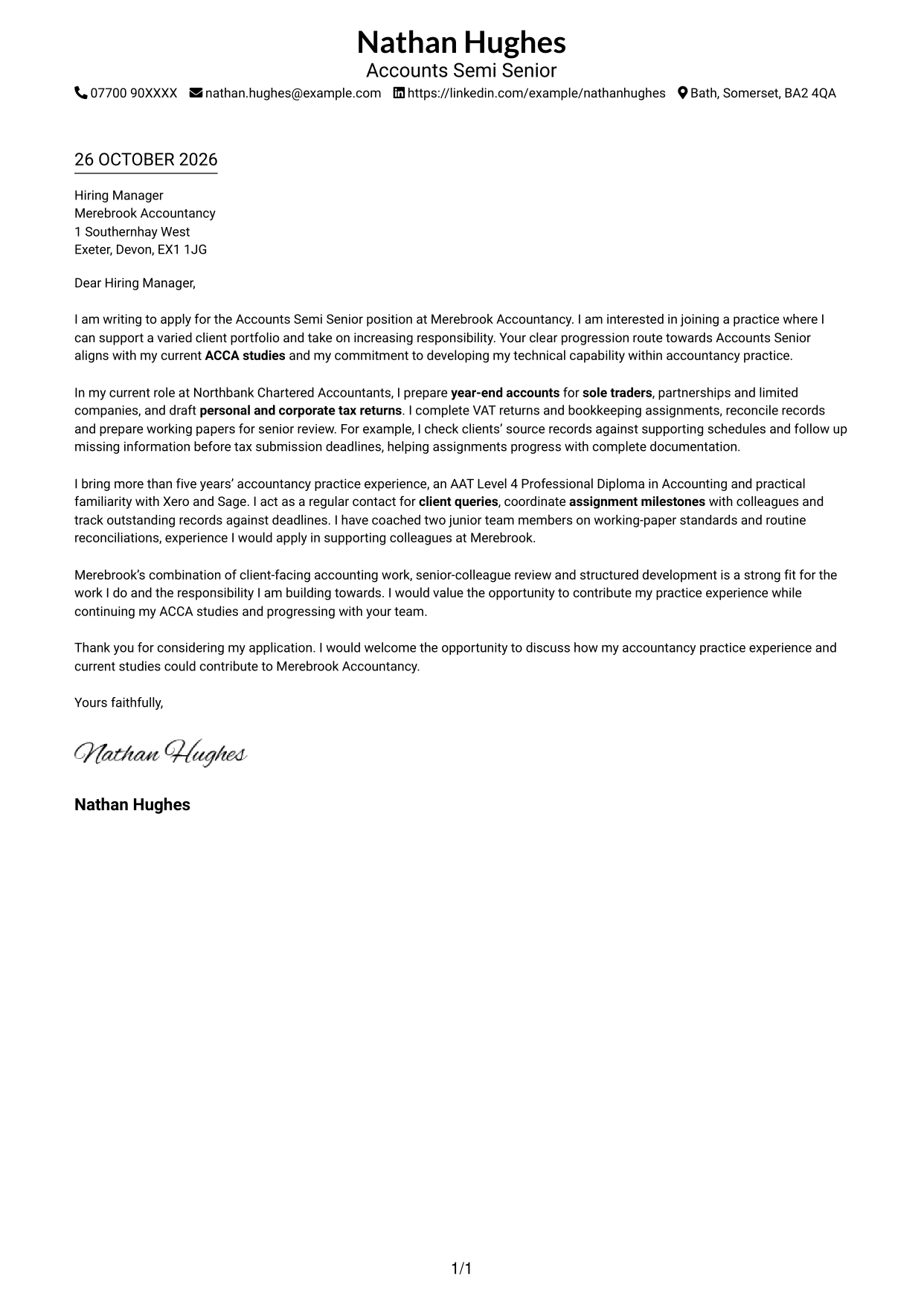
This photo-free, one-column format keeps the sender details and letter on a straightforward reading path.
Why This Format Works
- Sender details and letter content share one column, giving the page a direct reading path.
- One continuous body lets the reader follow motivation, evidence and closing in order.
- No photograph keeps the visual presentation focused on the written correspondence.
Best For
- Single-column reading
- Header-based contact details
- Continuous letter paragraphs
- Photo-free correspondence
- Client-facing practice applications
#2 Two Column Format Cover Letter Example
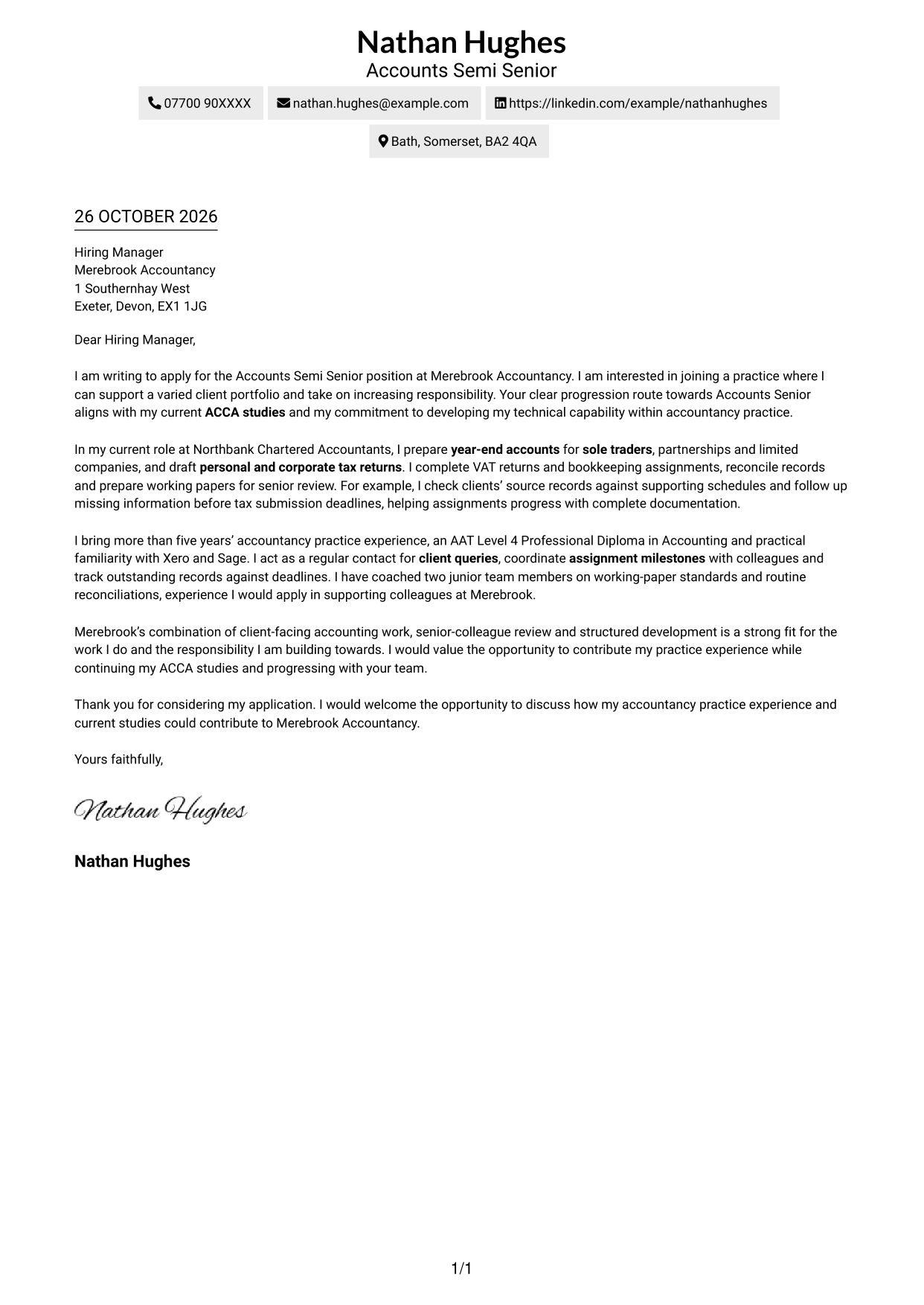
A contact sidebar sits beside the continuous letter body, keeping contact details separate from the message.
Why This Format Works
- Sender details sit apart from the letter, making contact information easy to locate.
- One uninterrupted body lets the reader follow motivation, evidence and closing in order.
- Without a photograph, the page keeps its visual focus on written correspondence.
Best For
- Separate contact and message areas
- Unbroken letter-body reading
- Multi-paragraph applications
- Photo-free document preference
- Client-facing practice applications
#3 Photo Header Two Column Format Cover Letter Example
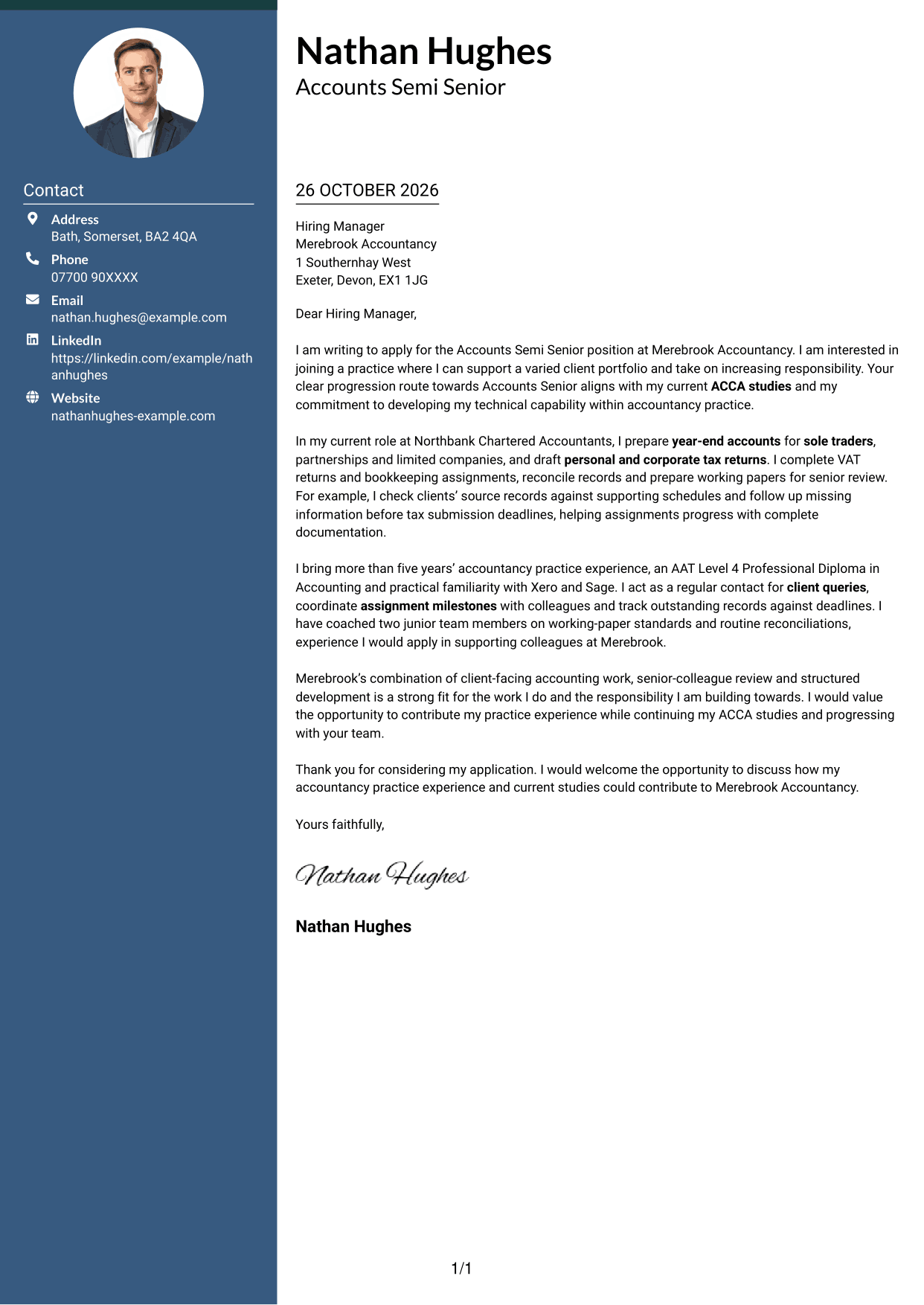
A photo header and contact sidebar give this two-column letter a distinct visual identity while keeping its body continuous.
Why This Format Works
- The header portrait gives the contact area a visual reference without interrupting the letter.
- Contact details have their own sidebar, separate from the continuous letter paragraphs.
- Opening, evidence and closing remain in one body for a clear reading sequence.
Best For
- Portrait-led contact presentation
- Separate contact and message areas
- Continuous letter-body reading
- Multi-paragraph applications
- Client-facing practice applications
#4 One Column Format with Photo Cover Letter Example
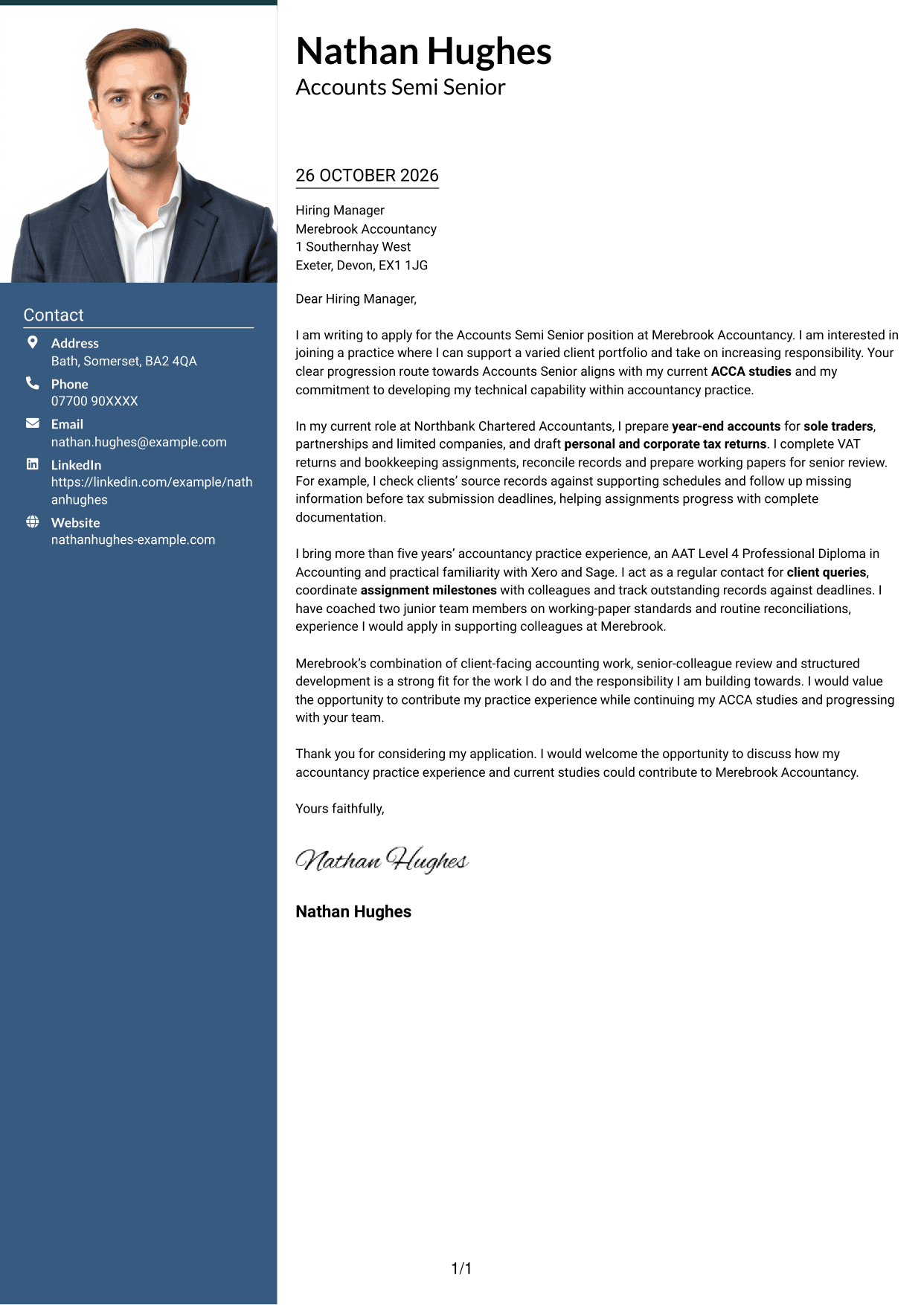
A photograph adds a visual element to this one-column format while the letter stays on a single reading path.
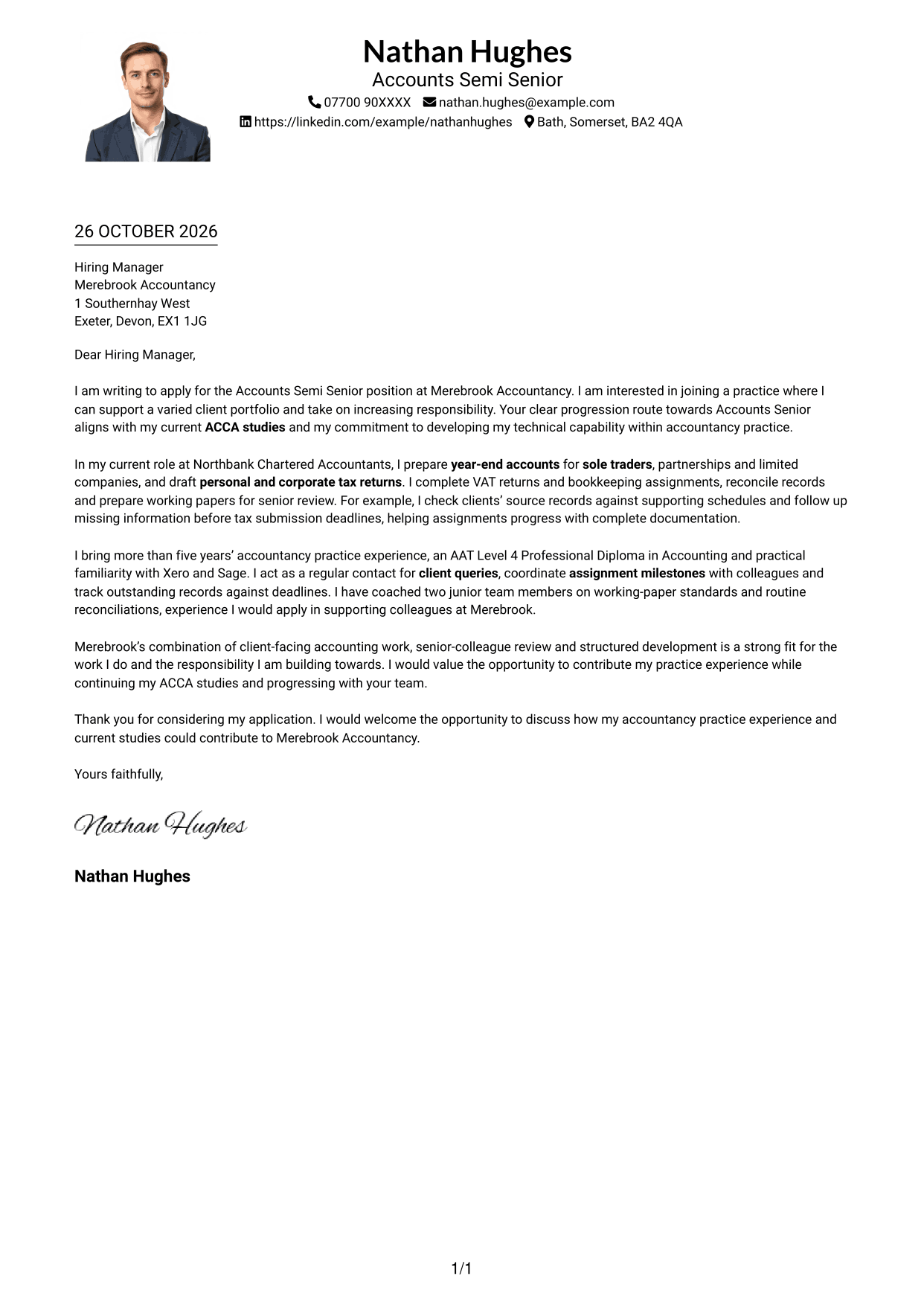
Why This Format Works
- The single-column layout keeps sender details and the letter on one reading path.
- An uninterrupted body preserves the natural order from motivation through closing.
- A photograph adds a visual element while leaving the letter text in one column.
Best For
- Single-column letter layout
- Applications using a sender photograph
- Header-based sender details
- Multi-paragraph correspondence
- Client-facing practice applications
#5 Simple Two Column Format Cover Letter Example
This simple two-column arrangement places contact details alongside one continuous letter body, clearly separating practical details from the message.
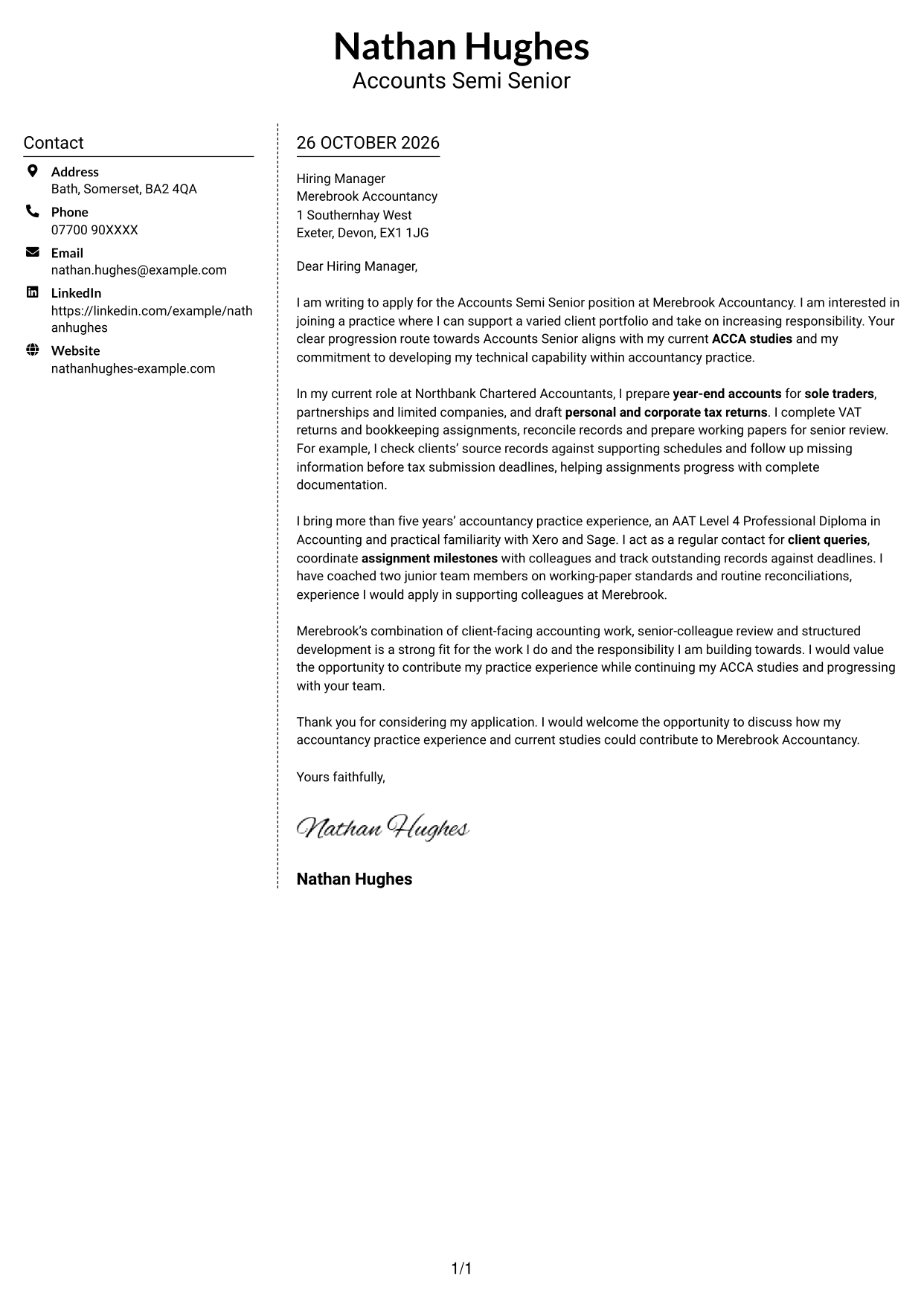
Why This Format Works
- Contact information occupies a sidebar, so it does not interrupt the letter paragraphs.
- The message stays in one continuous body, keeping the argument in its intended order.
- Leaving out a photograph suits readers who prefer a text-led visual style.
Best For
- Sidebar-based contact details
- One continuous letter body
- Text-led applications
- Multi-paragraph correspondence
- Client-facing practice applications
#6 Modern Icon Format Cover Letter Example
Contact icons provide visual cues for sender details, while the two-column layout keeps the letter body continuous.
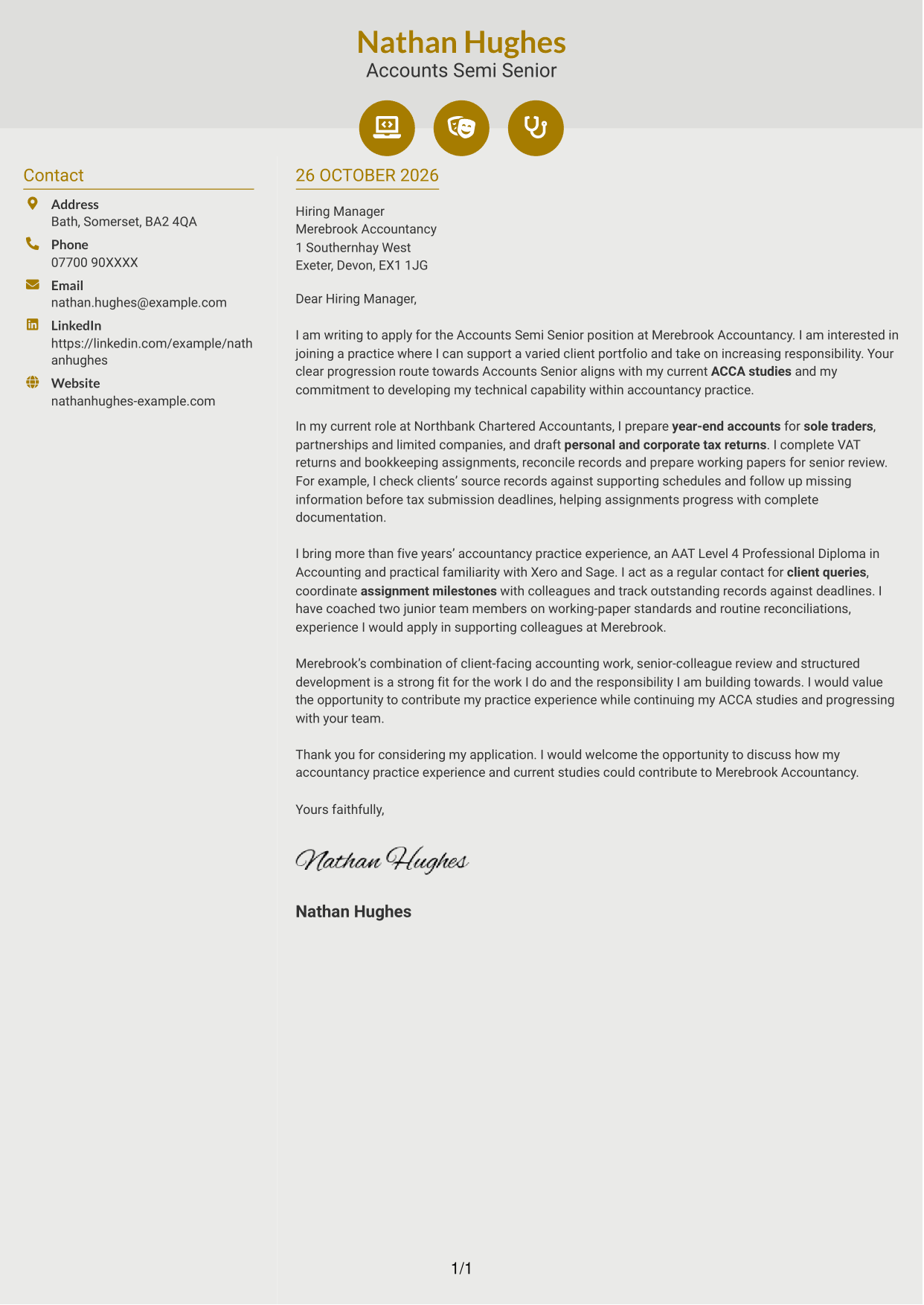
Why This Format Works
- Contact icons help identify sender details, while the letter remains a separate continuous body.
- Sidebar contact details stay apart from the opening, evidence and closing paragraphs.
- The single letter body keeps the message sequence intact from greeting to sign-off.
Best For
- Contact details with visual cues
- Separate sender and message areas
- Continuous letter paragraphs
- Photo-free applications
- Multi-paragraph correspondence
#7 Creative Two Tone Format Cover Letter Example
A photo-free contact sidebar sits alongside the uninterrupted letter body, separating sender details from the message.
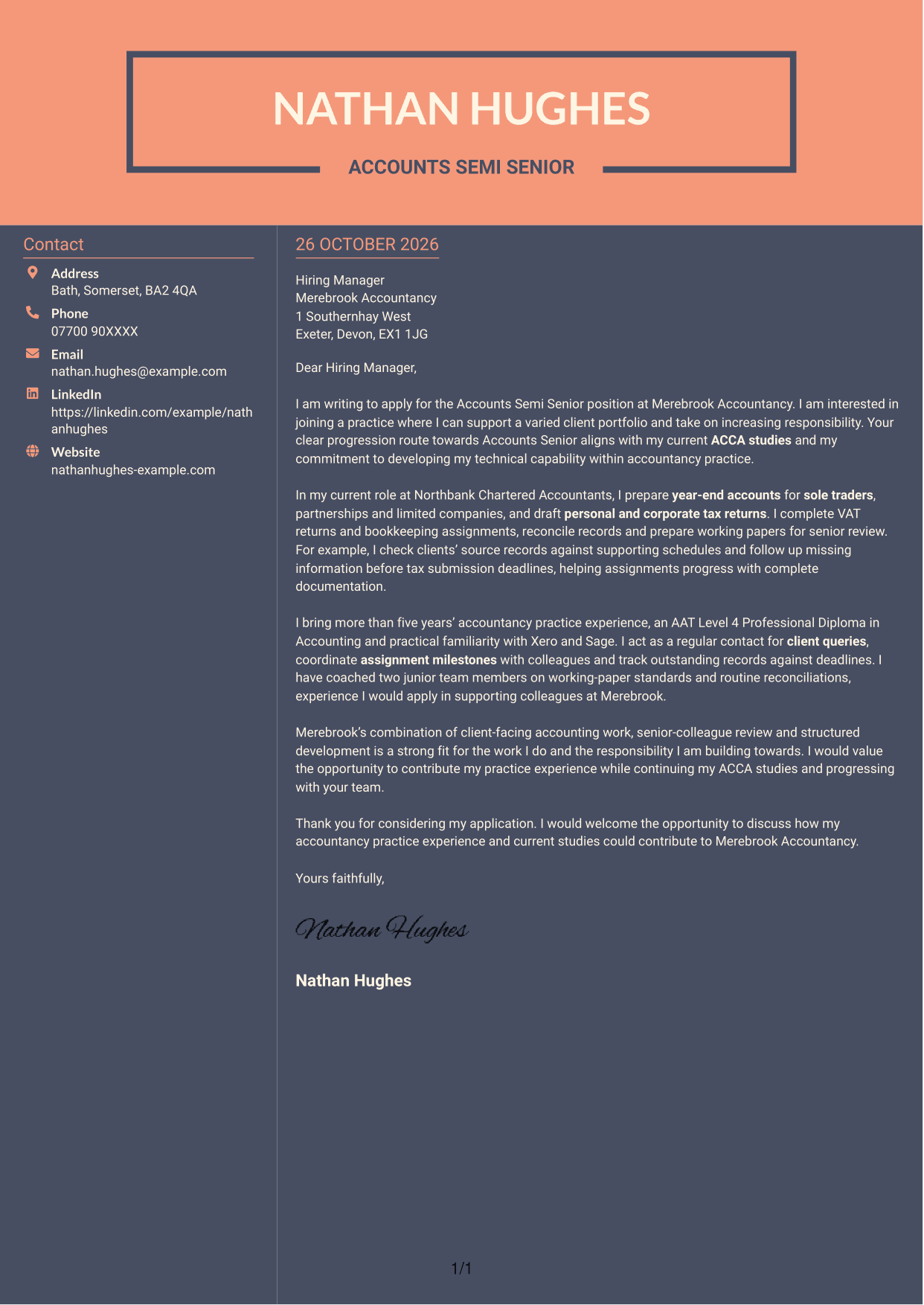
Why This Format Works
- Side-by-side contact details and letter body separate practical details from the message.
- All persuasive paragraphs remain together, preserving the flow from motivation to closing.
- A photo-free design keeps the visual treatment centred on sender details and text.
Best For
- Sidebar contact details
- Letters with one continuous argument
- Photo-free correspondence
- Separated sender and message areas
- Client-facing practice applications
See Also
- 7 Accounts Semi Senior - Accounts Preparation and Tax CV Templates with Example
- 7 AAT Trainee - Accounts Preparation and Bookkeeping CV Templates with Example
- 7 Accounts Senior - Accounts and Tax CV Templates with Example
- 7 Accounts Technician - Practice Accounts and Tax CV Templates with Example
- 7 Business Services Senior Accountant - Year-End Accounts, Tax and VAT CV Templates with Example
- 7 Practice Accountant / Accounts Senior - Accounts and Tax CV Templates with Example
- 7 Senior Accountant - Year-End Accounts and Tax CV Templates with Example
- 7 AAT Trainee - Accounts and Bookkeeping CV Templates with Example
- 7 Accounts Senior - Accounts and Tax Cover Letter Templates with Example
- 7 Accounts Technician - Practice Accounts and Tax Cover Letter Templates with Example
Frequently Asked Questions
What should an Accounts Semi Senior - Accounts Preparation and Tax cover letter highlight?
Focus on evidence that matches the role, such as year-end accounts, personal or corporate tax returns, VAT work, bookkeeping and clear communication with clients. Explain how you organise assignments and meet agreed deadlines.
How can I show my experience is relevant to this role?
Choose a specific example from accountancy practice. For instance, describe how you checked source records, followed up missing information and prepared complete working papers for review.
How should I explain my interest in the employer?
Connect a genuine reason for applying with the work and development on offer. For this role, you could explain how varied client assignments and a route towards greater responsibility match your professional aims.
What is a clear way to structure this cover letter?
Open by naming the role and giving your reason for applying. Use the body to show relevant accounts, tax and client-service evidence, then close by restating your interest and inviting a conversation.
Should I include every part of my work history?
No. Select the duties and examples that best support your fit for this position. A few clear examples are easier to follow and more persuasive than a full list of responsibilities.




