
7 Accounts Technician - Practice Accounts and Tax Cover Letter Templates with Example
This guide helps you write an Accounts Technician - Practice Accounts and Tax cover letter, with examples across seven layouts.
What Makes a Great Accounts Technician - Practice Accounts and Tax Cover Letter in 2026
A strong letter links your practice accounts and tax experience to reliable service for business clients. Make your opening clear about the role and the value you can bring.
Use brief evidence of work such as preparing accounts, VAT and partnership tax returns, or bringing ledgers through to finalisation. Then connect your approach to the employer’s needs and show genuine interest in its work and values.
The featured example moves from role interest to practical accounts and tax work, assignment coordination and employer-specific motivation, then closes clearly; adapt this progression while choosing a presentation suited to the employer and communication context.
#1 Simple One Column Format Cover Letter Example
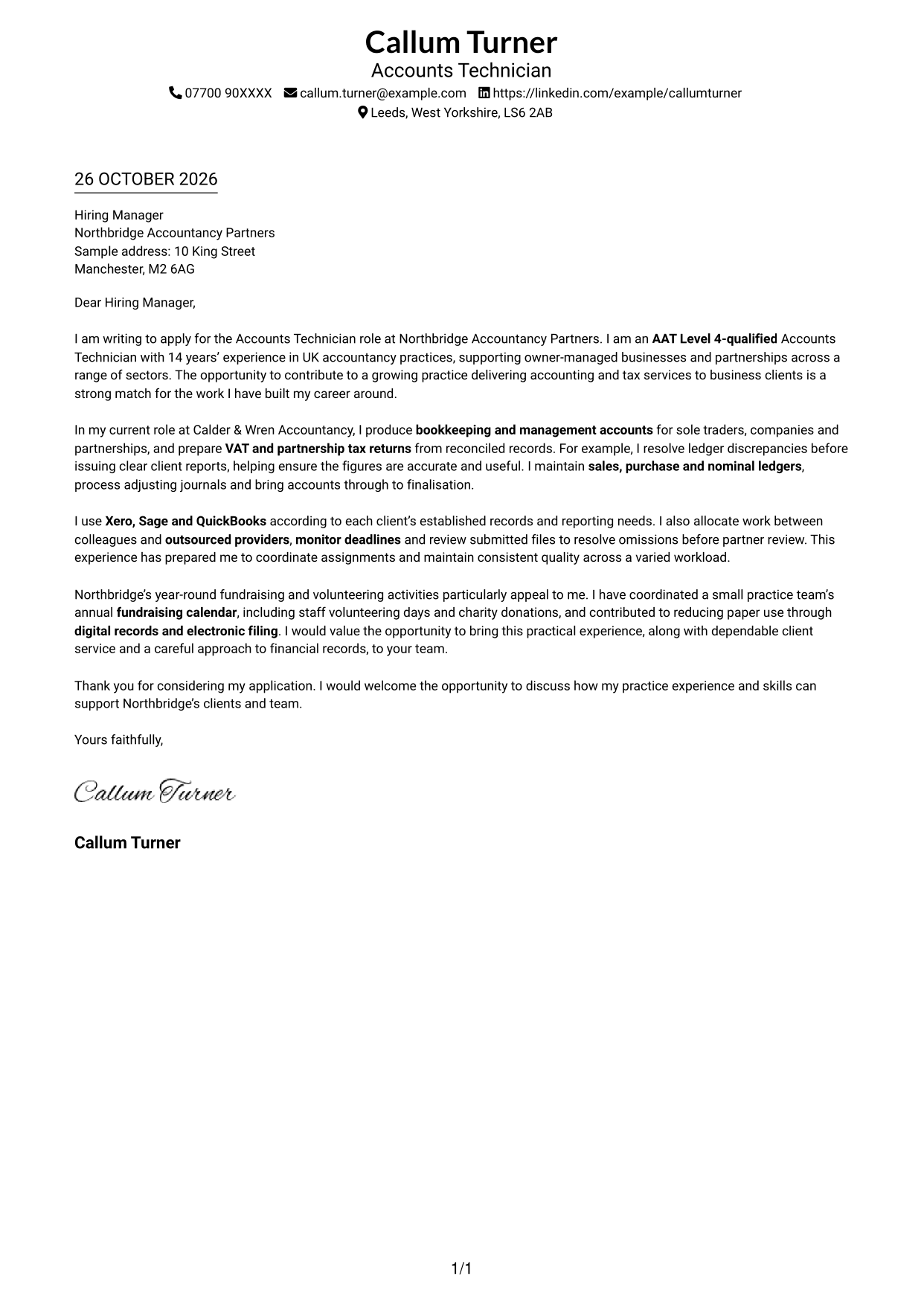
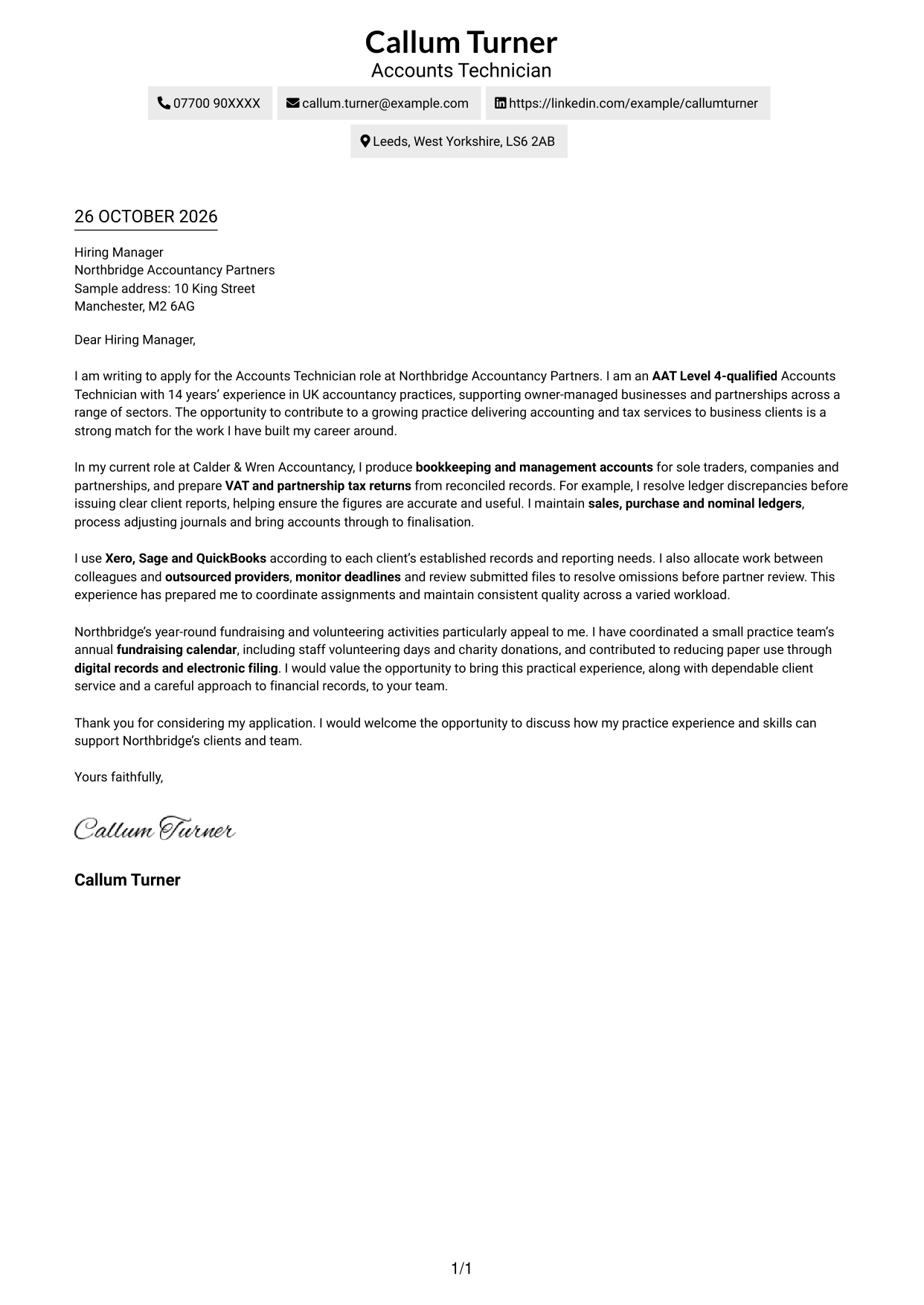
The Simple One Column Format keeps sender details in the header and the letter in one column, giving the application a direct reading path.
Why This Format Works
- Sender details sit in the header, leaving the body for the application case.
- Readers can follow the opening, supporting points and close in one sequence.
- Photo-free pages suit applications where the written case should lead.
Best For
- Single-column letter pages
- Header-based contact details
- Paragraph-led persuasion
- Portrait-free presentation
- Applications with several points of fit
#2 Two Column Format Cover Letter Example
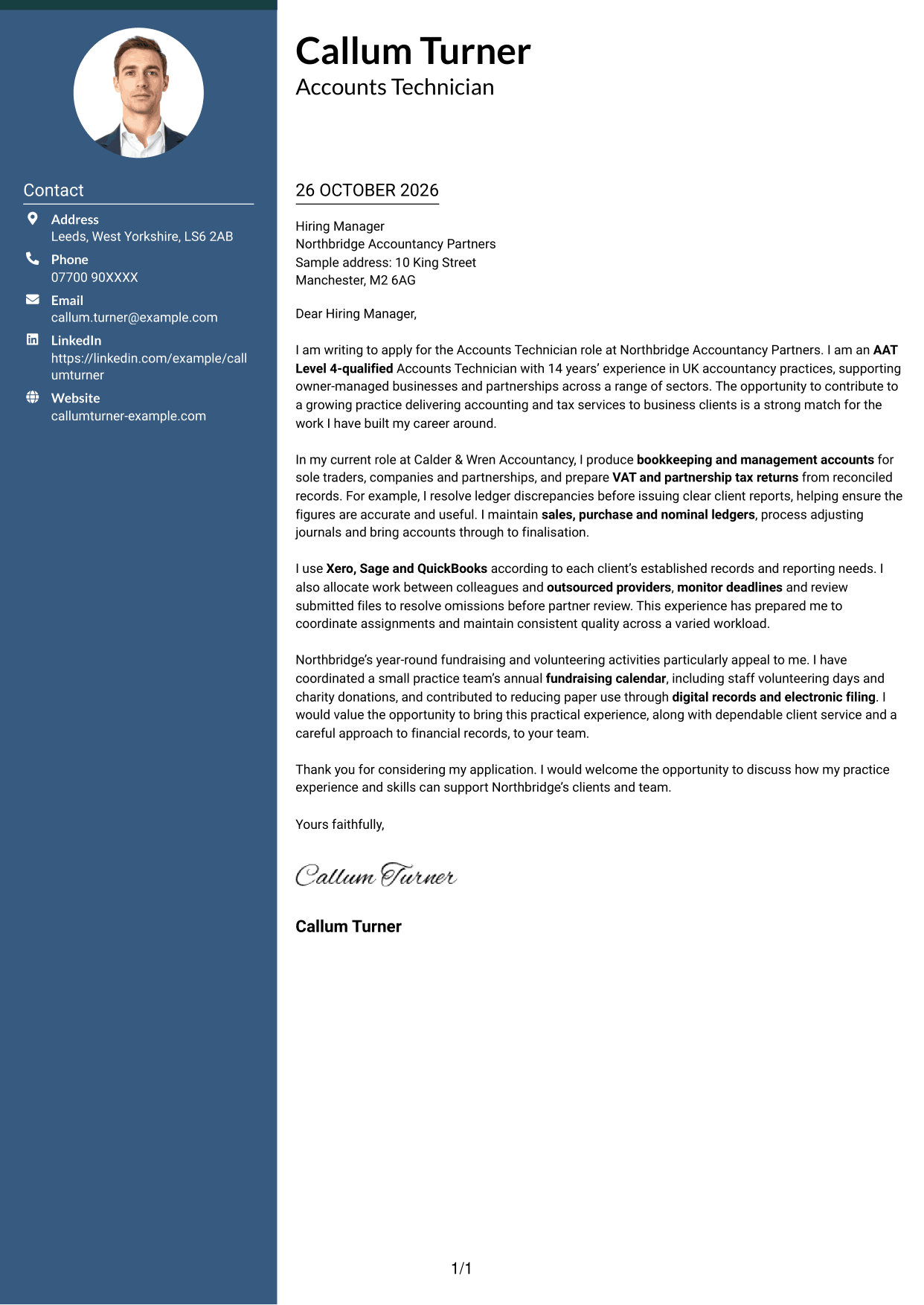
The Two Column Format places a contact sidebar beside one continuous letter body, keeping contact details apart while the argument stays in sequence.
Why This Format Works
- Contact information has its own sidebar, apart from the persuasive paragraphs.
- The letter body stays intact, keeping the opening and close within one case.
- Portrait-free presentation suits applicants who prefer a text-led page.
Best For
- Contact sidebar layouts
- Single-path letter reading
- Portrait-free page preference
- Paragraph-based application cases
- Applications with several points of fit
#3 Photo Header Two Column Format Cover Letter Example
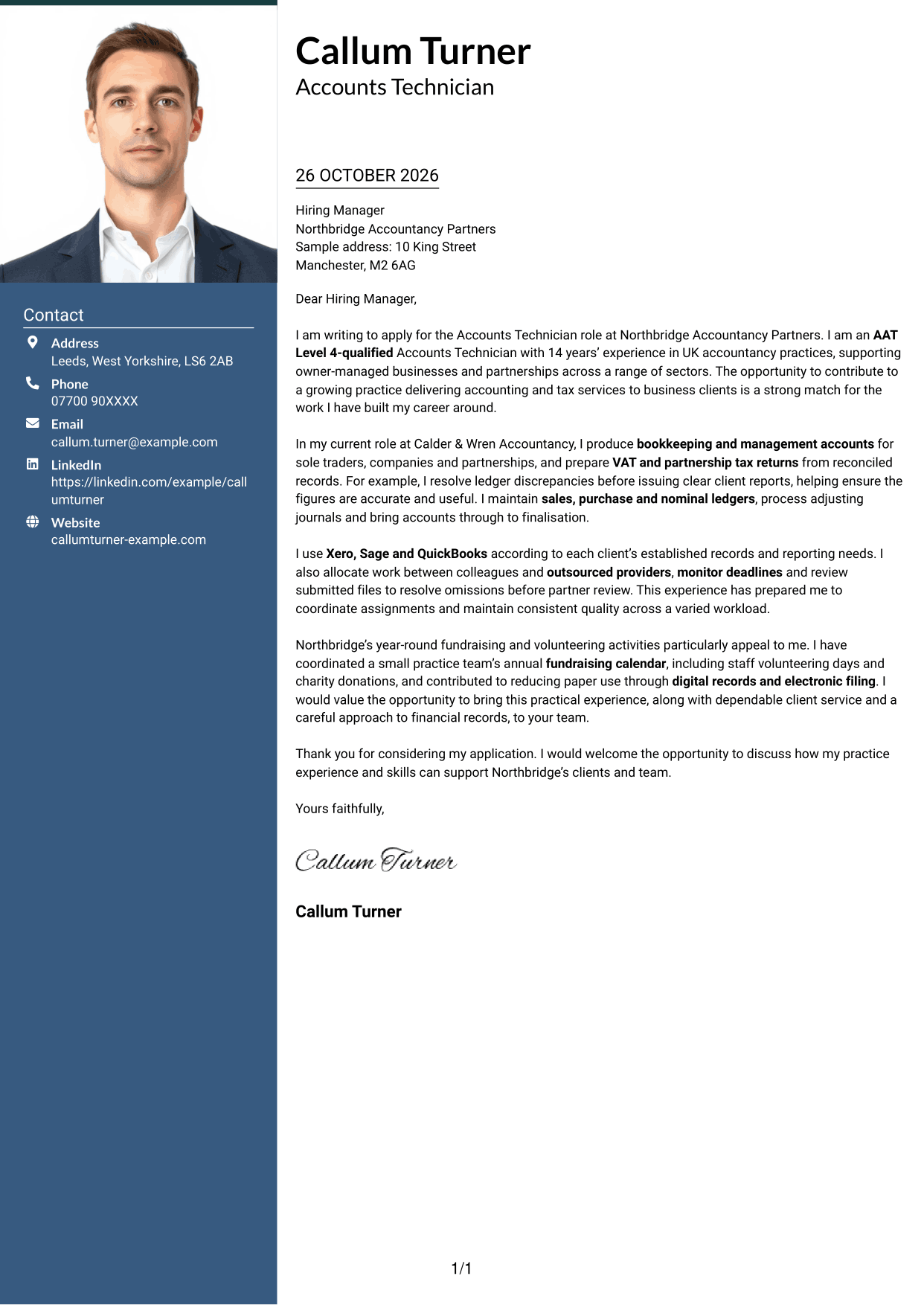
The Photo Header Two Column Format pairs a portrait with a contact sidebar and one continuous letter body, adding a personal visual element without splitting the argument.
Why This Format Works
- The contact sidebar keeps sender details distinct from the letter's persuasive paragraphs.
- A portrait adds a personal visual element without dividing the body text.
- One continuous body preserves the sequence from application to closing.
Best For
- Portrait-inclusive applications
- Contact sidebar letters
- One-column argument flow
- Paragraph-based persuasion
- Applications with several points of fit
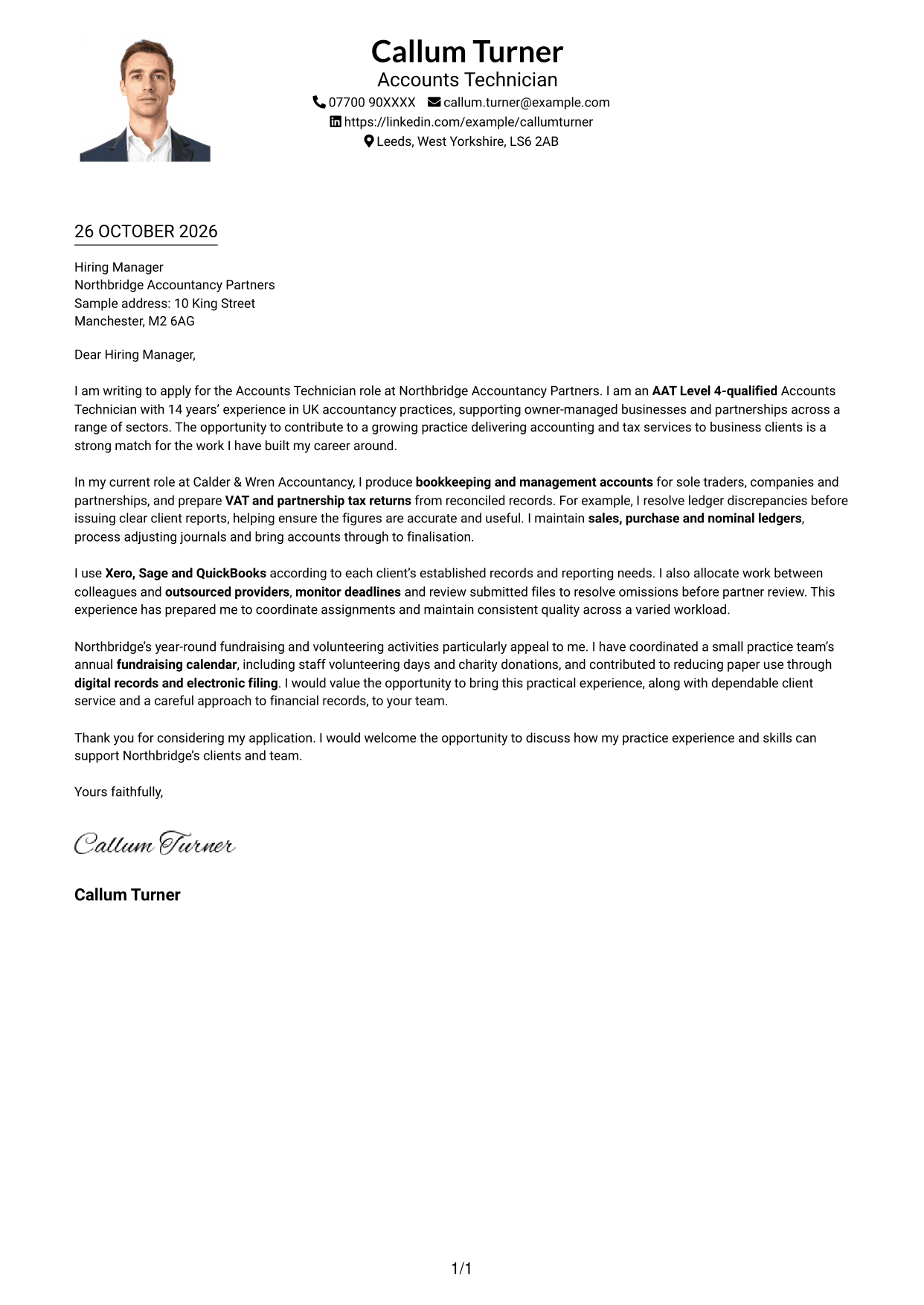
#4 One Column Format with Photo Cover Letter Example
The One Column Format with Photo includes a portrait alongside a single-column letter, giving the page a visual point of recognition while keeping the text in one reading order.
Why This Format Works
- Sender details and letter share one reading column, with no sidebar to cross.
- A portrait adds a visual point of recognition beside the written application.
- Opening, supporting case and closing stay in a single paragraph sequence.
Best For
- Single-column letter pages
- Portrait-inclusive presentation
- No-sidebar reading
- Paragraph-led applications
- Header-based contact details
#5 Simple Two Column Format Cover Letter Example
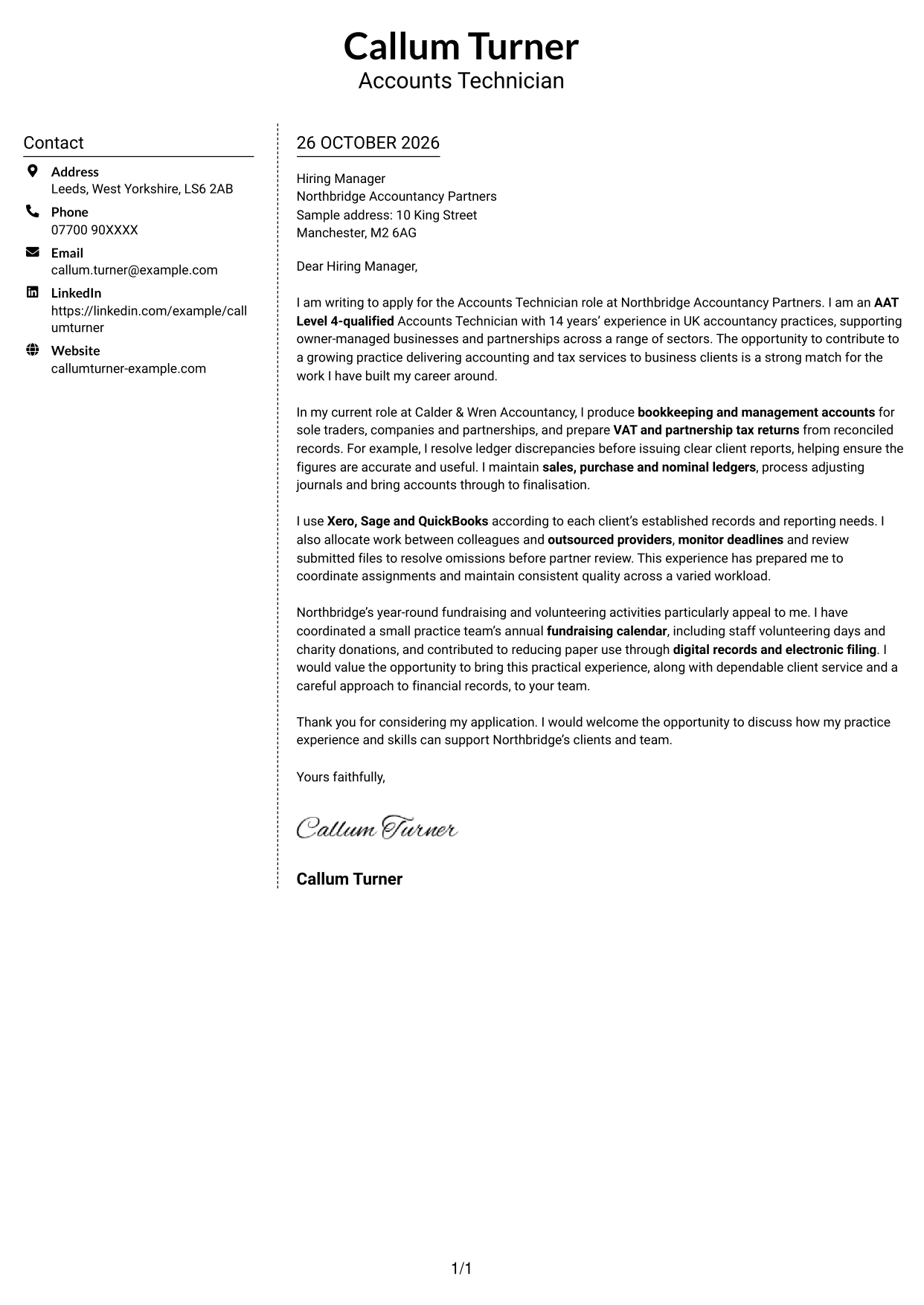
The Simple Two Column Format sets a contact sidebar beside the continuous letter body, so readers can distinguish sender details from the application argument.
Why This Format Works
- Sender details occupy a sidebar, leaving the body for the application argument.
- One continuous letter column keeps motivation and evidence in their original order.
- Without a portrait, the design keeps attention on the written message.
Best For
- Contact sidebar preference
- Continuous letter arguments
- Portrait-free presentation
- Two-area page organisation
- Applications with several points of fit
#6 Modern Icon Format Cover Letter Example
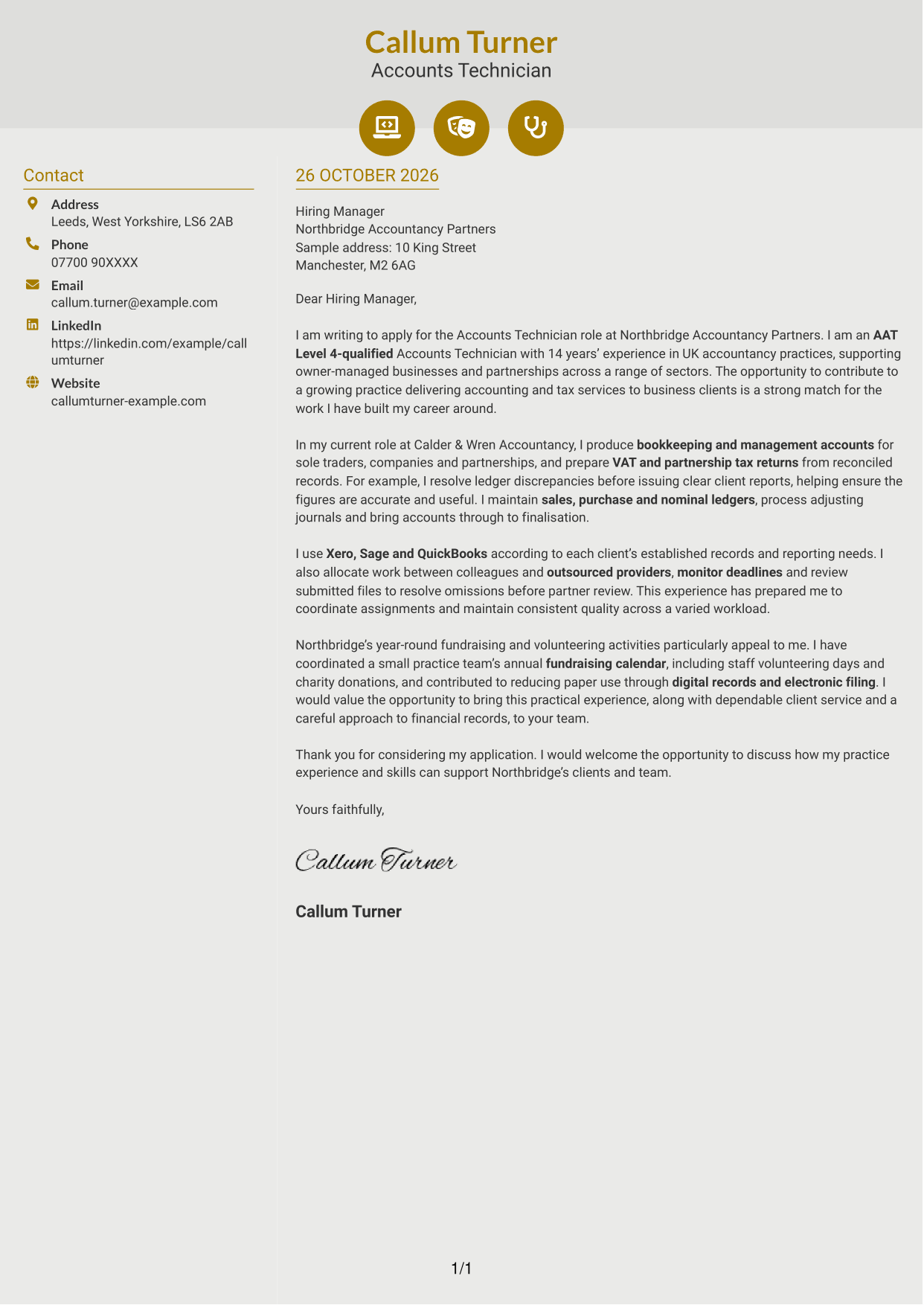
The Modern Icon Format uses contact icons in the sidebar beside one continuous letter body, giving contact details visual cues without labelling the letter's argument.
Why This Format Works
- Contact icons cue sender details, not stages of the letter's argument.
- Decorative header accents add visual cues without labelling the letter's paragraphs.
- The continuous body lets readers follow the case without section labels.
Best For
- Icon-cued contact details
- Sidebar beside letter body
- Continuous paragraph argument
- Decorative header cues
- Portrait-free page preference
#7 Creative Two Tone Format Cover Letter Example
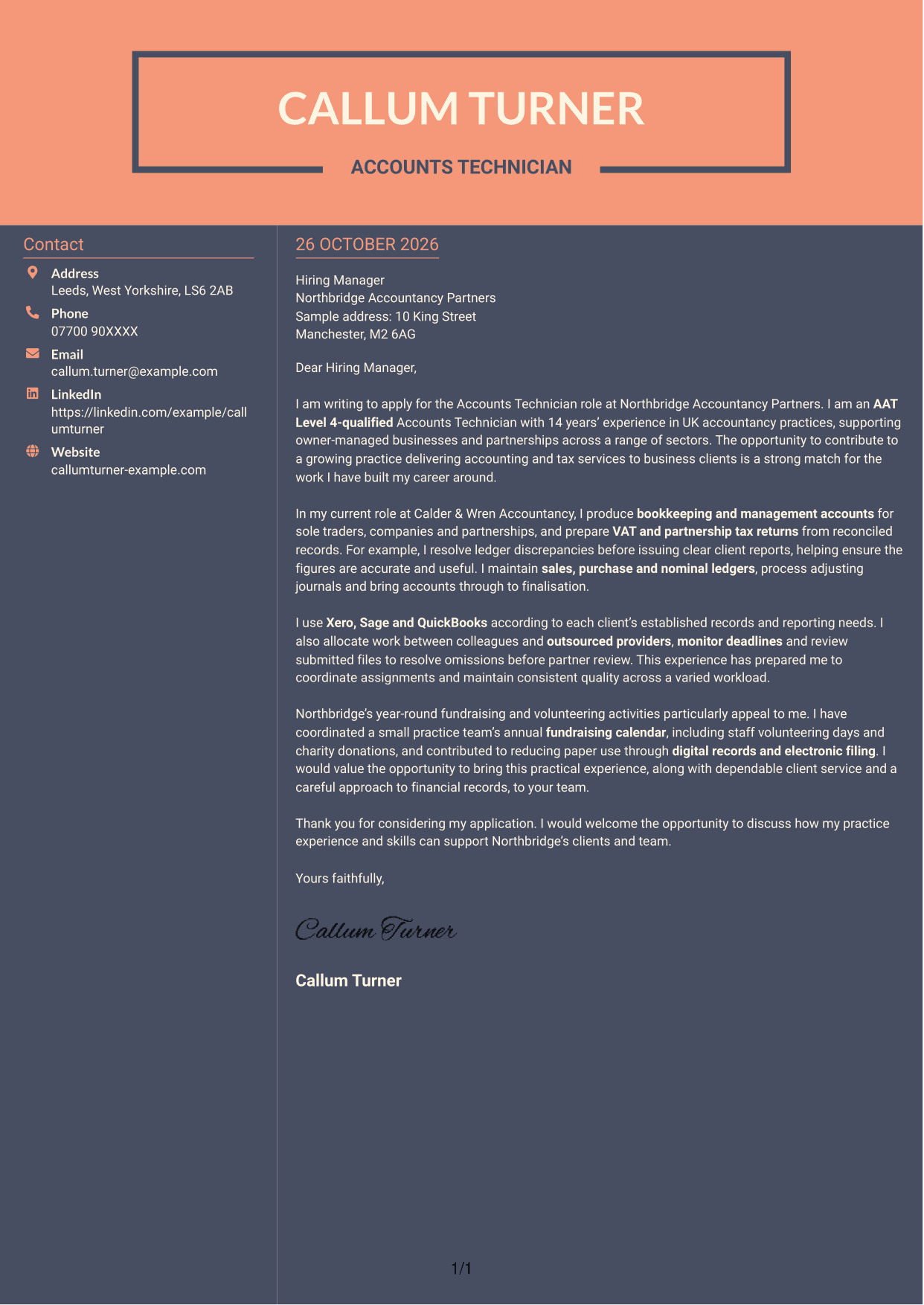
The Creative Two Tone Format pairs a contact sidebar with one continuous letter body, keeping sender details separate while the application follows a single reading path.
Why This Format Works
- Contact details sit apart from the letter, while the body follows one reading path.
- The uninterrupted paragraphs carry the application from its opening to the close.
- With no portrait, the paired layout suits text-led visual preferences.
Best For
- Contact sidebar layouts
- Continuous letter arguments
- Portrait-free applications
- Text-led visual preferences
- Applications with several points of fit
See Also
- 7 Accounts Technician - Practice Accounts and Tax CV Templates with Example
- 7 Global People Business Partner Marine and Offshore CV Templates with Example
- 7 Paraplanner - Financial Planning CV Templates with Example
- 7 Office Administrator - Building Control CV Templates with Example
- 7 Technical Field Research Lead - Plant Science CV Templates with Example
- 7 Disputes and Investigations Graduate Programme CV Templates with Example
- 7 Building Control Surveyor - Residential and Low-Risk Commercial CV Templates with Example
- 7 Space Policy Lead - Spaceflight Regulation CV Templates with Example
- 7 Investment Banking Intern - Infrastructure Project Finance CV Templates with Example
- 7 Structured ETF Product Specialist CV Templates with Example
Frequently Asked Questions
What should an Accounts Technician - Practice Accounts and Tax cover letter highlight?
Show how your practice experience supports accurate accounts and tax work for clients. Relevant evidence may include bookkeeping, management accounts, VAT and partnership tax returns, software use, ledger maintenance and assignment coordination.
How can I show my experience is relevant to this role?
Choose a clear example that shows what you did and why it mattered. The featured letter explains how resolving ledger discrepancies helped produce accurate, useful client reports, then connects that work to accounts preparation and finalisation.
How can I explain my interest in the employer?
Refer to a genuine activity or value that matters to you. In the featured letter, interest in Northbridge Accountancy Partners’ fundraising and volunteering is linked to experience coordinating charity activities and supporting digital record-keeping.
What is a clear way to structure this cover letter?
Open with the role and your reason for applying. Use the body to explain relevant accounts, tax and coordination work, then show why the employer interests you and close with a concise invitation to discuss your application.
Should I include every part of my work history?
No. Select the examples that best support your fit for this position. Focused evidence of client accounts, tax work and dependable delivery will make your case clearer than a full list of duties.




