
7 Admin Assistant - School Administration Cover Letter Templates with Example
Use this practical guide to write an Admin Assistant - School Administration cover letter, with seven layouts to help you present your school office experience clearly.
What Makes a Great Admin Assistant - School Administration Cover Letter in 2026
A strong letter explains why you want to support a school and shows how your communication and follow-through suit its daily administration. Keep the opening direct, then use the body to connect your experience to the role.
Give clear examples of maintaining database records, coordinating office tasks and handling sensitive information with care. Link your evidence to the school’s needs, including support for learners, safeguarding and effective teamwork.
The featured example follows a focused path from interest in the role to school administration evidence, safeguarding awareness and a clear close; adapt this progression while choosing a presentation suited to the employer and communication context.
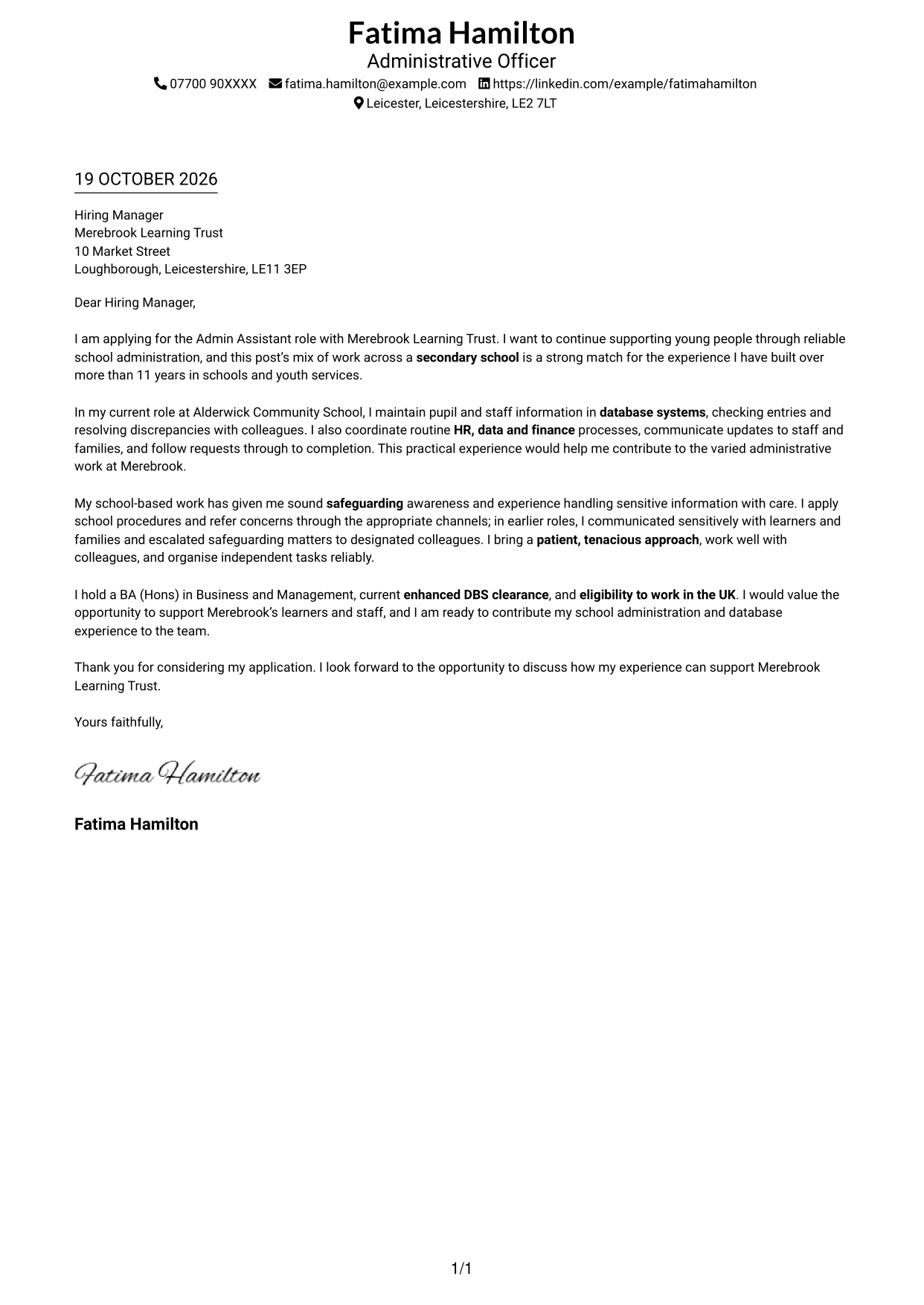
#1 Simple One Column Format Cover Letter Example
With one column and sender details in the header, this format gives the letter a direct reading path.
Why This Format Works
- Header contact details stay apart from the correspondence in the single-column layout.
- Opening, motivation, evidence and closing remain together in a continuous paragraph flow.
- A single reading path helps reviewers follow the letter from greeting to sign-off.
Best For
- Single-column correspondence
- Header-based sender details
- Continuous letter arguments
- Direct paragraph reading
- Letters without a photo
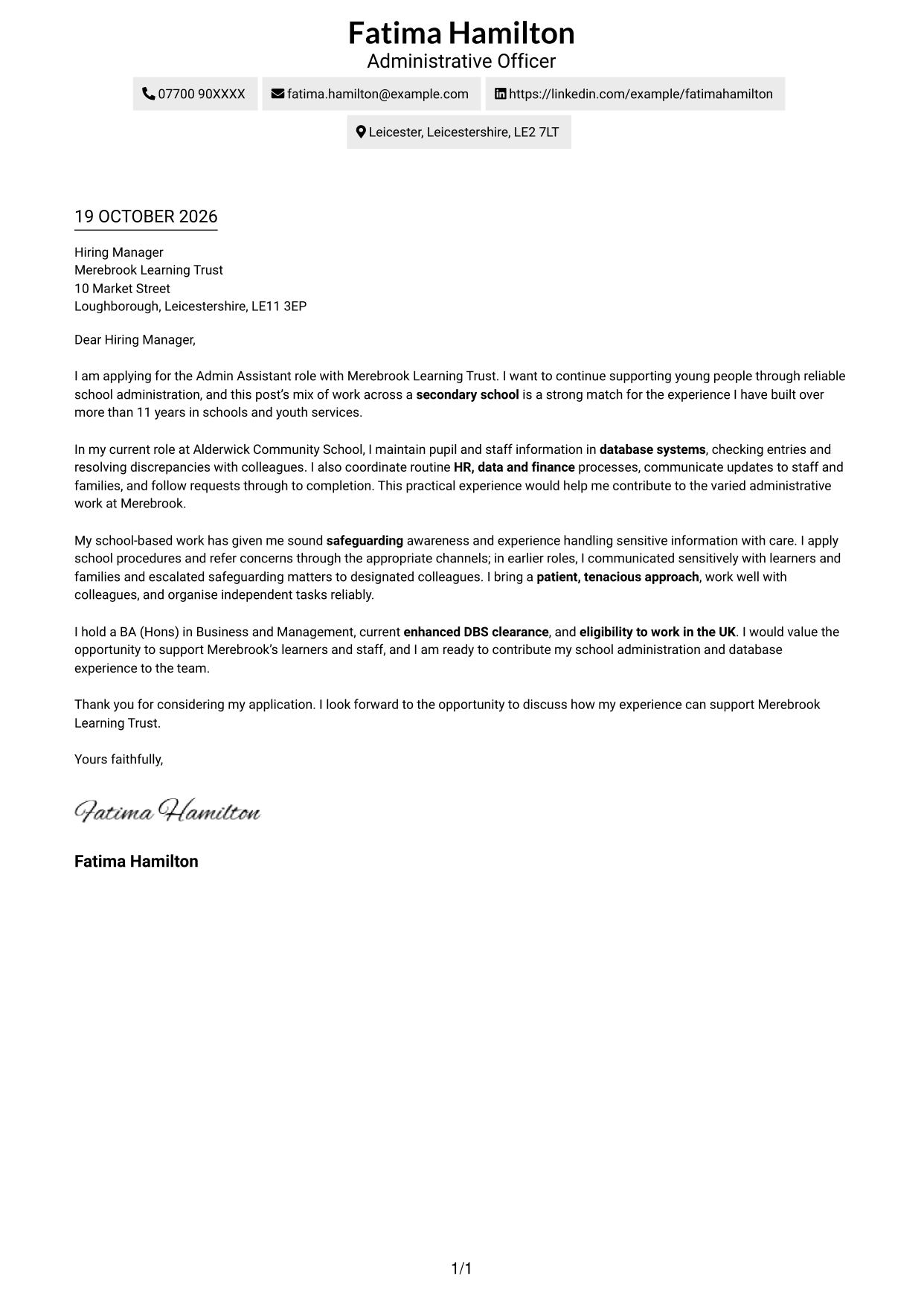
#2 Two Column Format Cover Letter Example
A contact sidebar beside the letter body keeps sender information distinct from the message.
Why This Format Works
- The contact sidebar gives sender details a separate, easy-to-find place.
- One continuous body keeps motivation, supporting evidence and closing in sequence.
- Side-by-side placement makes the distinction between contact information and correspondence clear.
Best For
- Contact details outside the main text
- A continuous persuasive message
- Several connected letter paragraphs
- Visible separation of contact and message
- No-photo correspondence
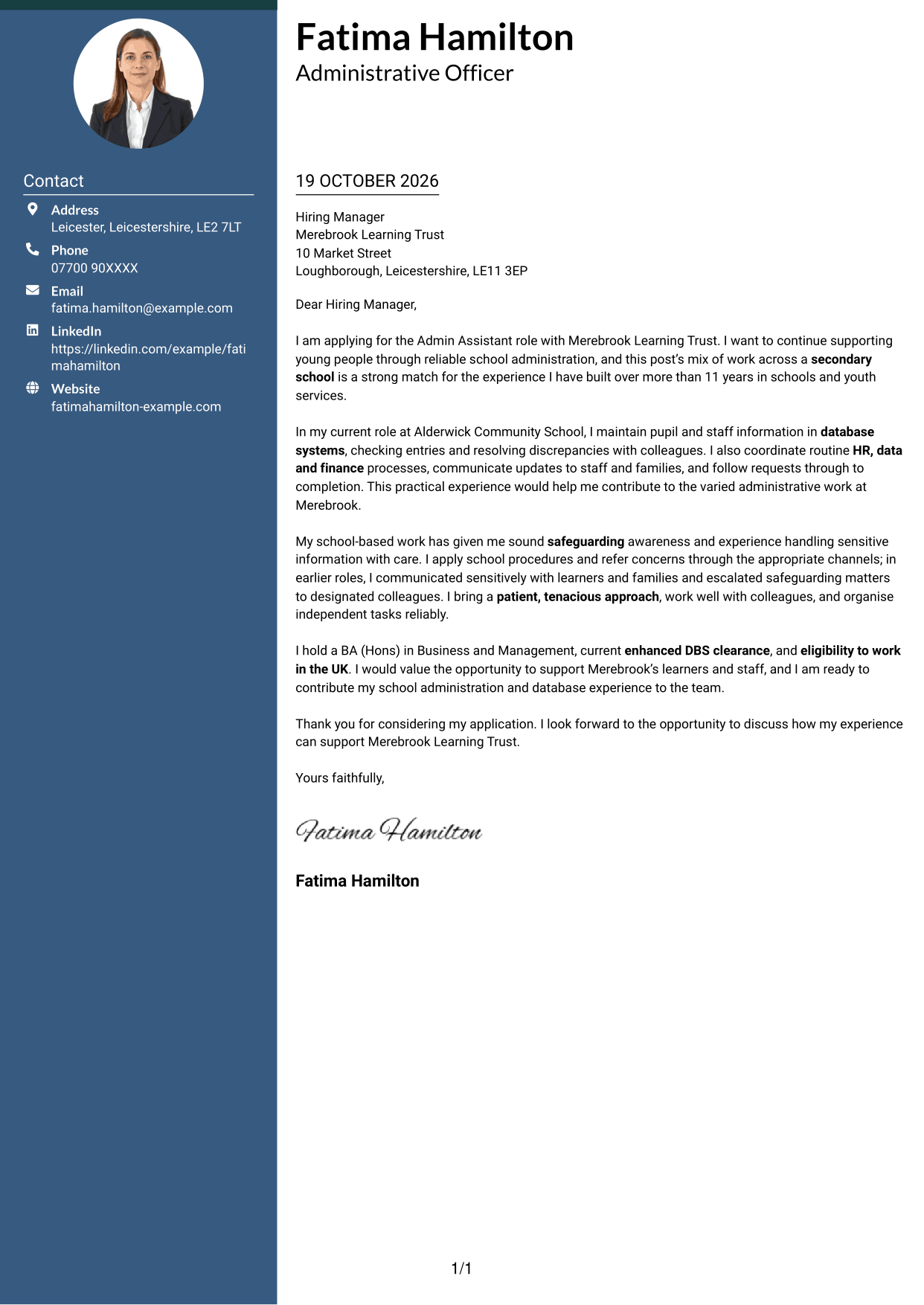
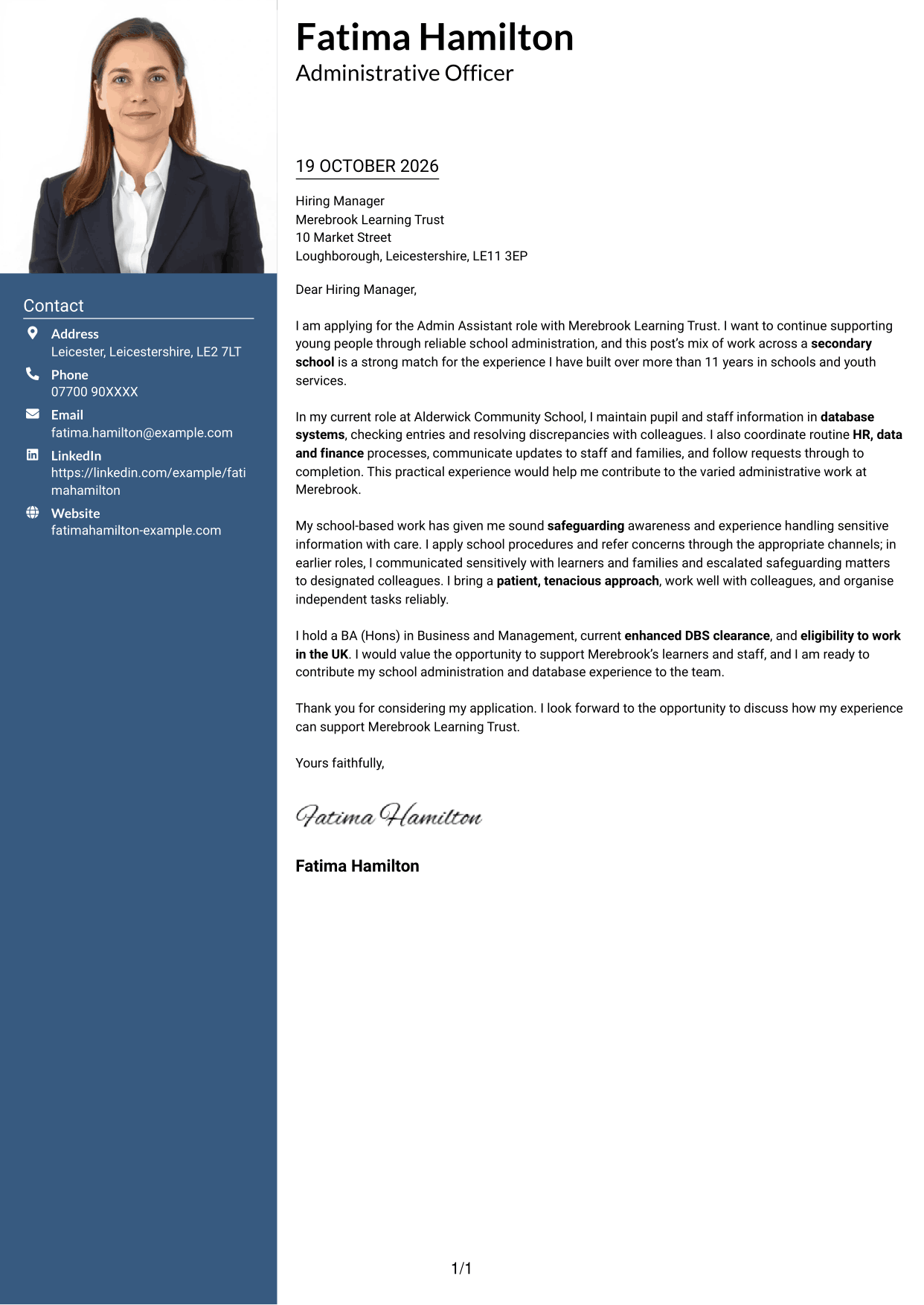
#3 Photo Header Two Column Format Cover Letter Example
A photo header paired with a contact sidebar gives this two-column letter a personal visual touch.
Why This Format Works
- The photo in the header adds a personal visual detail to the page.
- Contact details sit in a sidebar, apart from the uninterrupted letter body.
- One body column lets reviewers follow each paragraph in order.
Best For
- Photo-inclusive correspondence
- Contact details in a separate area
- A continuous letter argument
- A personal visual element
- Side-by-side contact and message
#4 One Column Format with Photo Cover Letter Example
The one-column body and photo give this letter a simple page structure with a personal visual element.
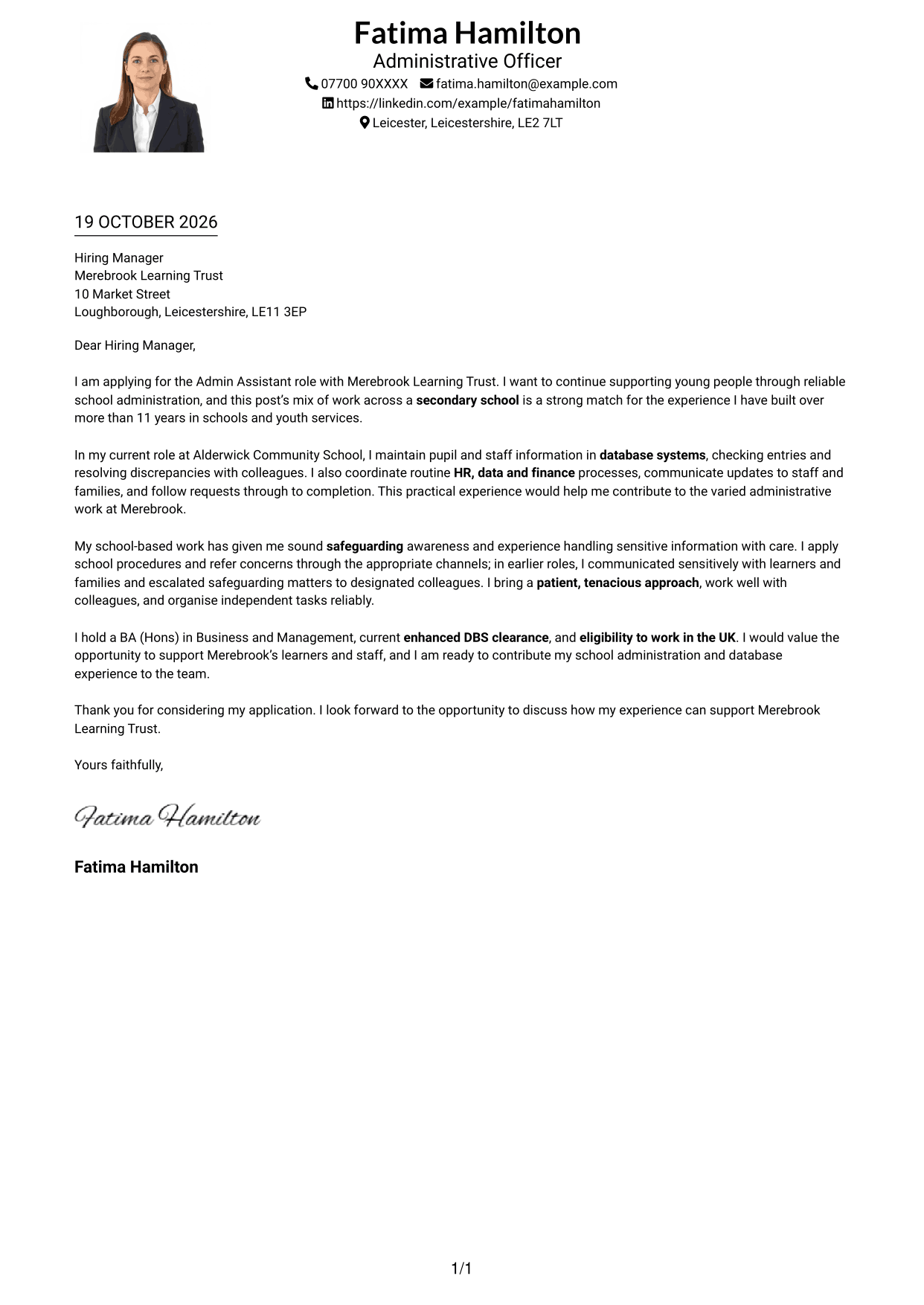
Why This Format Works
- The photo adds a personal visual detail without splitting the letter into columns.
- Header contact details stay separate from the letter's continuous message.
- A single body column keeps the opening and closing in a direct reading sequence.
Best For
- One-column correspondence with a photo
- Header-held contact details
- Continuous paragraph-based messages
- A personal visual element
- Direct reading from opening to closing
#5 Simple Two Column Format Cover Letter Example
A contact sidebar gives this two-column format a clear place for sender details beside the uninterrupted letter.
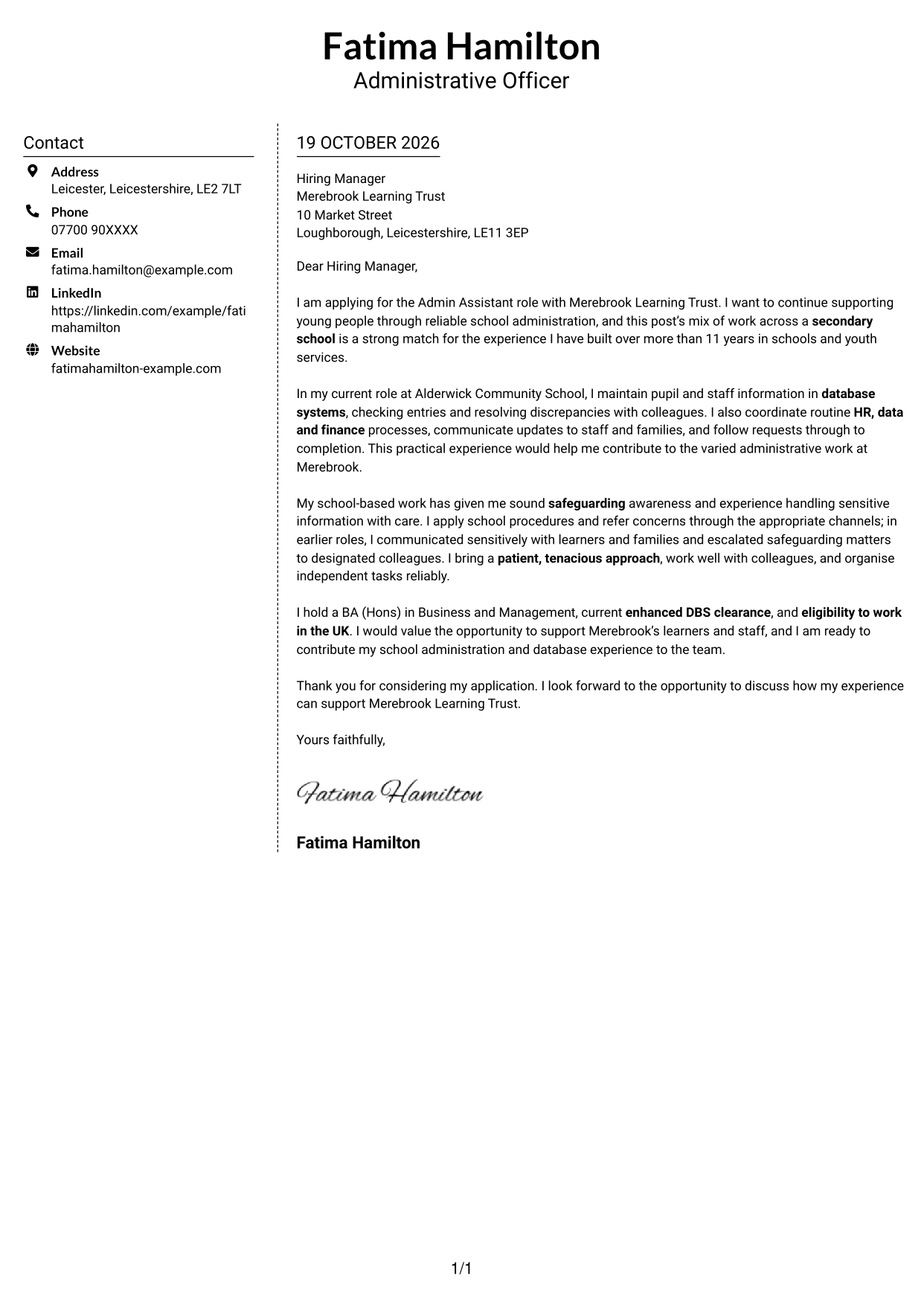
Why This Format Works
- Sender information has a set place outside the main letter text.
- The continuous body keeps the persuasive paragraphs together in reading order.
- The two-column arrangement distinguishes contact details from the message itself.
Best For
- Sender details beside the letter
- A continuous persuasive message
- Several connected body paragraphs
- Clear contact and message separation
- Two-column correspondence without a photo
#6 Modern Icon Format Cover Letter Example
Contact cues in the sidebar and decorative header icons make sender information easy to identify without dividing the letter body.
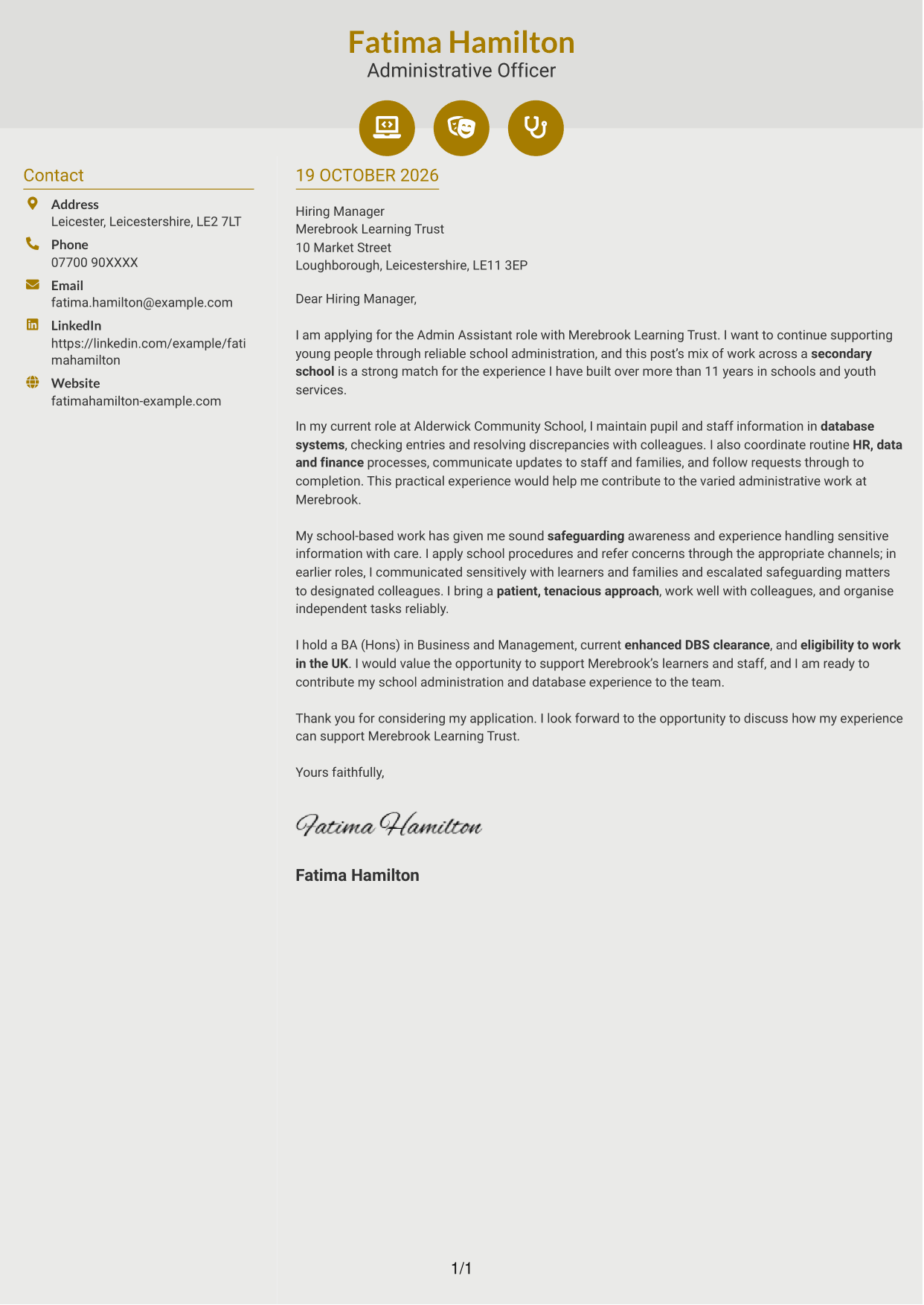
Why This Format Works
- Contact icons help readers identify sender details without labelling parts of the letter.
- A sidebar keeps contact information apart from the continuous body.
- The letter's paragraphs remain in one column, preserving their natural sequence.
Best For
- Icon-marked contact details
- A separate contact sidebar
- Continuous paragraph correspondence
- One-column letter-body reading
- Decorative header accents
#7 Creative Two Tone Format Cover Letter Example
Two columns distinguish contact details from the continuous letter body, offering a balanced presentation for the correspondence.
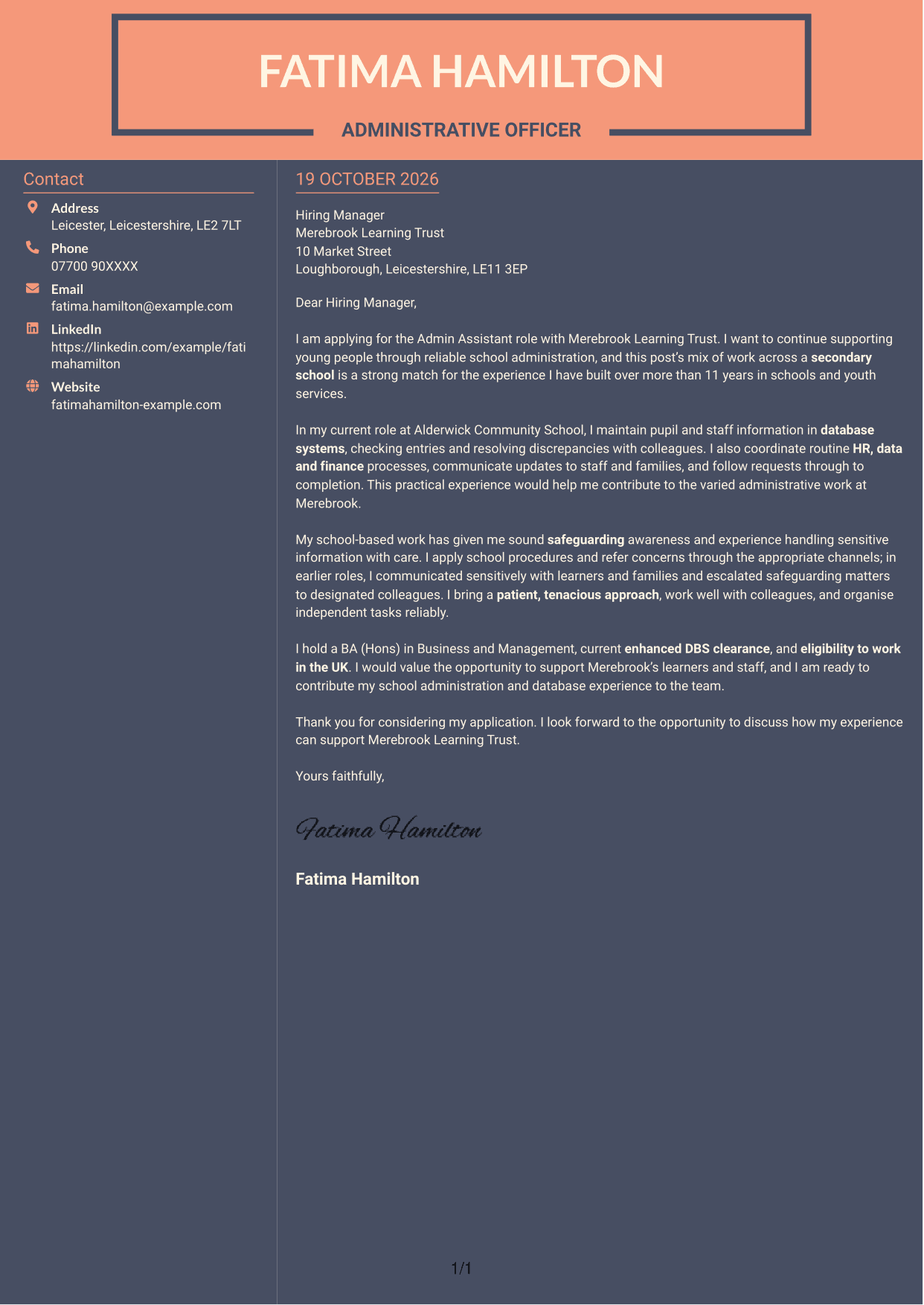
Why This Format Works
- The contact sidebar gives sender information its own place beside the letter.
- The continuous body keeps the message together from opening through closing.
- Separate columns make contact details easy to distinguish from the correspondence.
Best For
- Contact details beside the message
- Continuous letter arguments
- A clear distinction between contact and correspondence
- Several connected letter paragraphs
- Two-column correspondence without a photo
See Also
- 7 Admin Assistant - School Administration CV Templates with Example
- 7 Administrative Assistant - School Administration CV Templates with Example
- 7 Assistant Banking Manager - Lending Administration CV Templates with Example
- 7 Accounts Assistant - Accounts Payable and Accounts Receivable CV Templates with Example
- 7 Accounts Assistant - Accounts Payable and Receivable CV Templates with Example
- 7 Accounts Assistant Apprentice CV Templates with Example
- 7 Accounts Assistant - Purchase Ledger CV Templates with Example
- 7 Apprentice Bookkeeper & Accounts Assistant - Client Accounts CV Templates with Example
- 7 Administrative Assistant - School Administration Cover Letter Templates with Example
- 7 Assistant Banking Manager - Lending Administration Cover Letter Templates with Example
Frequently Asked Questions
What should an Admin Assistant - School Administration cover letter highlight?
Show how your experience can support a busy school office. Useful examples include checking database records, coordinating HR, data or finance tasks, communicating with families and staff, and handling sensitive information carefully.
How can I make my experience relevant to this school administration role?
Choose a specific task and explain what you did. For example, describe how you checked pupil or staff records, followed up a discrepancy or completed a request, then show how that work supports accurate and reliable school administration.
How should I explain my interest in the employer?
Give a genuine reason for wanting to support the Trust’s secondary school community. Connect that reason to the role’s focus on helping learners and staff, rather than using general praise that could apply to any employer.
What is a clear way to structure this cover letter?
Open by naming the role and explaining your interest. Use the body to give relevant school administration and safeguarding evidence, then close by restating your interest and inviting a conversation.
Should I include every part of my work history?
No. Select the experience that best supports your fit for this school administration position. A small number of clear, relevant examples will make your letter easier to follow.




