
7 Admin Officer - Court Administration Cover Letter Templates with Example
This practical guide helps you create an Admin Officer - Court Administration cover letter and compare its seven layouts.
What Makes a Great Admin Officer - Court Administration Cover Letter in 2026
A strong letter links your interest in court administration to the accurate records, prepared hearing papers and helpful service the role needs. Make your opening clear and direct.
Use specific evidence, such as checking hearing files, handling court-user enquiries or improving an intake checklist. Show how your approach supports the employer’s service and procedures.
The featured example moves from interest in court services to relevant duties, a practical improvement and a clear close. Adapt this focused progression, choosing a presentation that suits the employer and communication context.
#1 Simple One Column Format Cover Letter Example
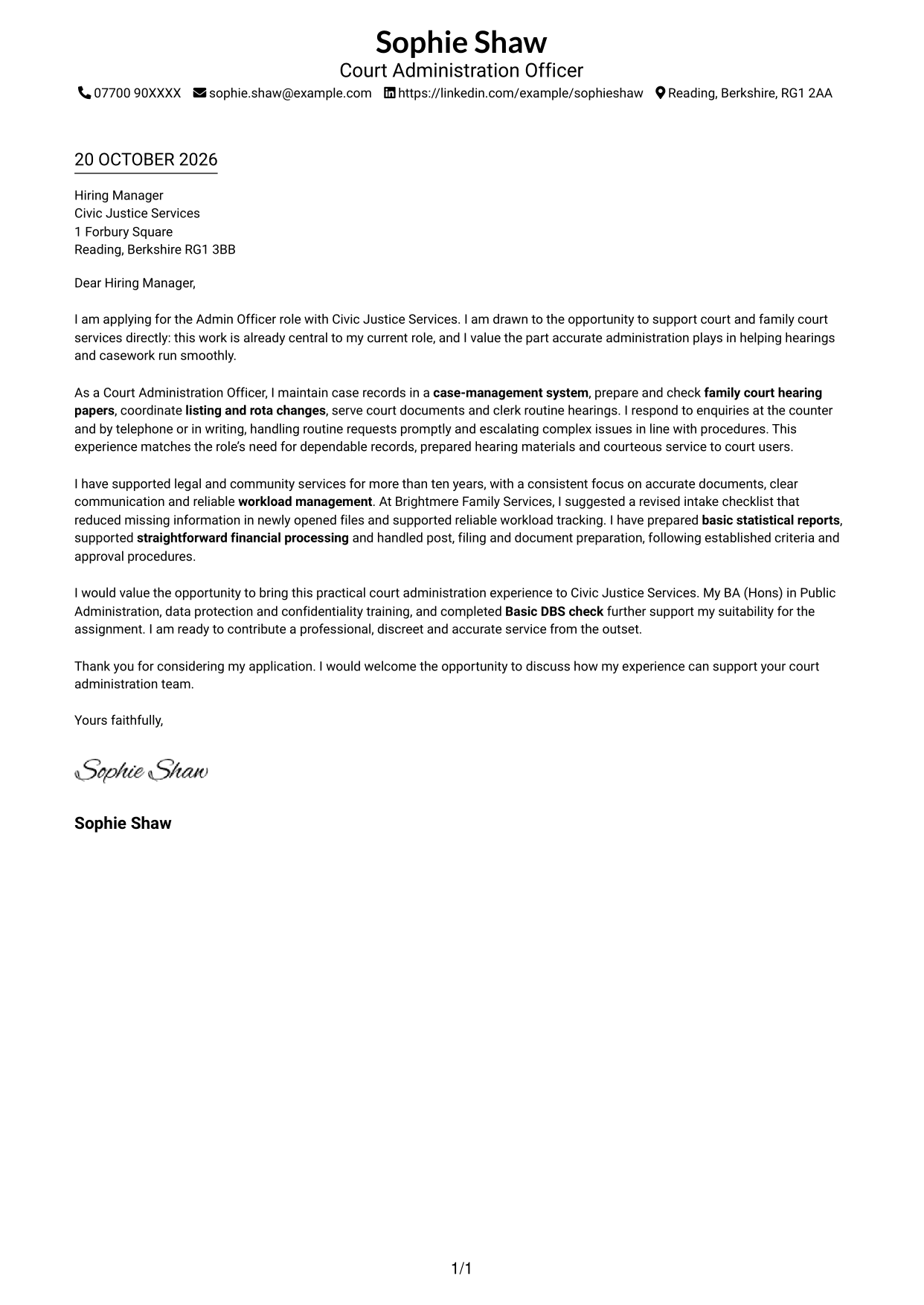
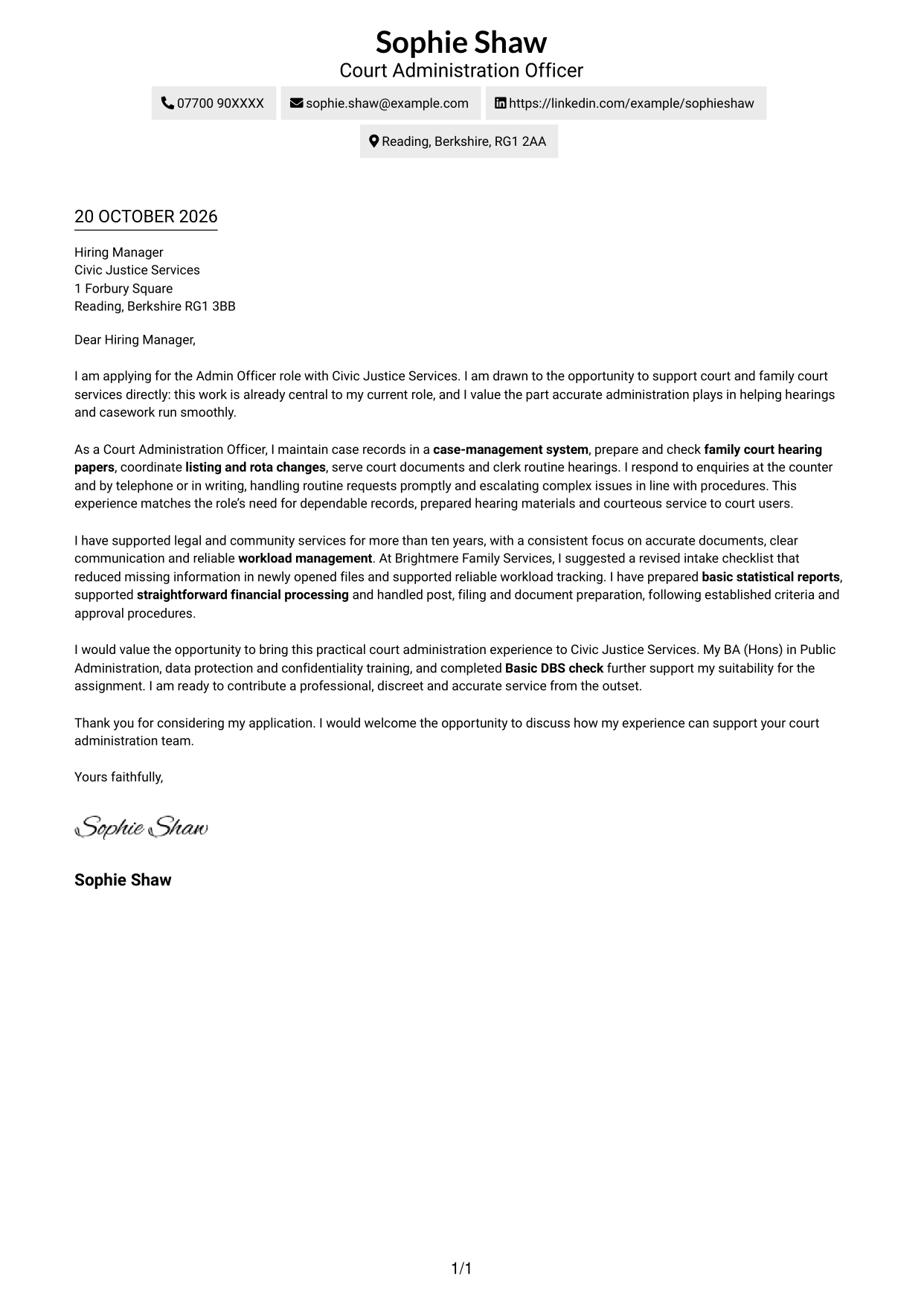
The Simple One Column Format keeps the letter body in one column and sender details in the header, giving the message a direct reading order.
Why This Format Works
- Contact details in the header stay separate from the application message.
- One-column reading carries motivation, evidence and closing in sequence.
- The layout suits readers who prefer a familiar letter format.
Best For
- One-column page preference
- Header-based sender details
- Letters with connected points
- Text-led applications
- Formal correspondence
#2 Two Column Format Cover Letter Example
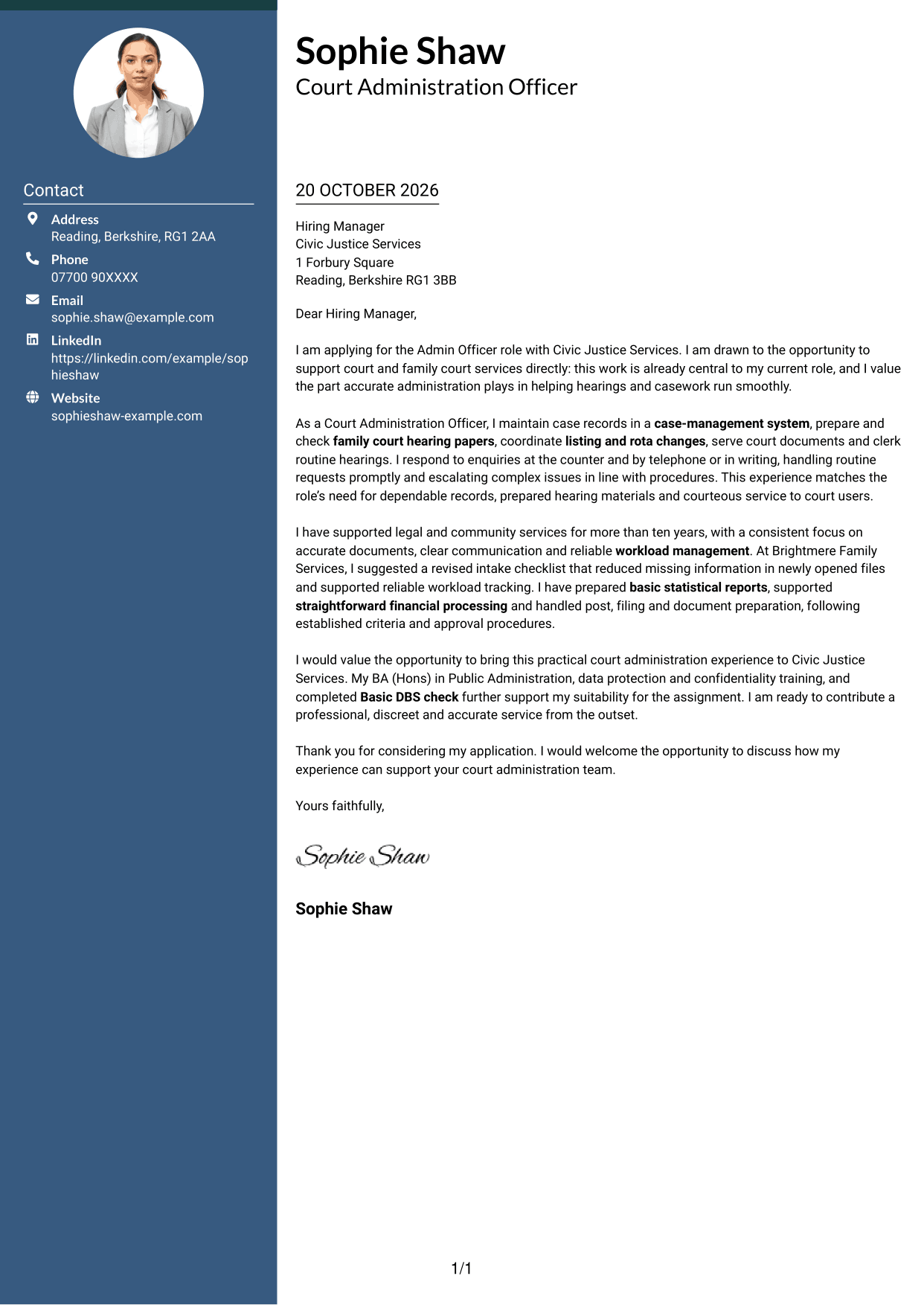
The Two Column Format places contact details in a sidebar beside one continuous letter body, keeping sender information apart from the application message.
Why This Format Works
- A dedicated sidebar keeps contact information distinct from the letter’s argument.
- The main letter stays in one column, keeping each paragraph in reading order.
- Reviewers can move from sender details to the opening without parallel body text.
Best For
- Contact-sidebar preference
- Several sender contact methods
- Continuous letter-body text
- Formal service applications
- Letters with distinct opening and close
#3 Photo Header Two Column Format Cover Letter Example
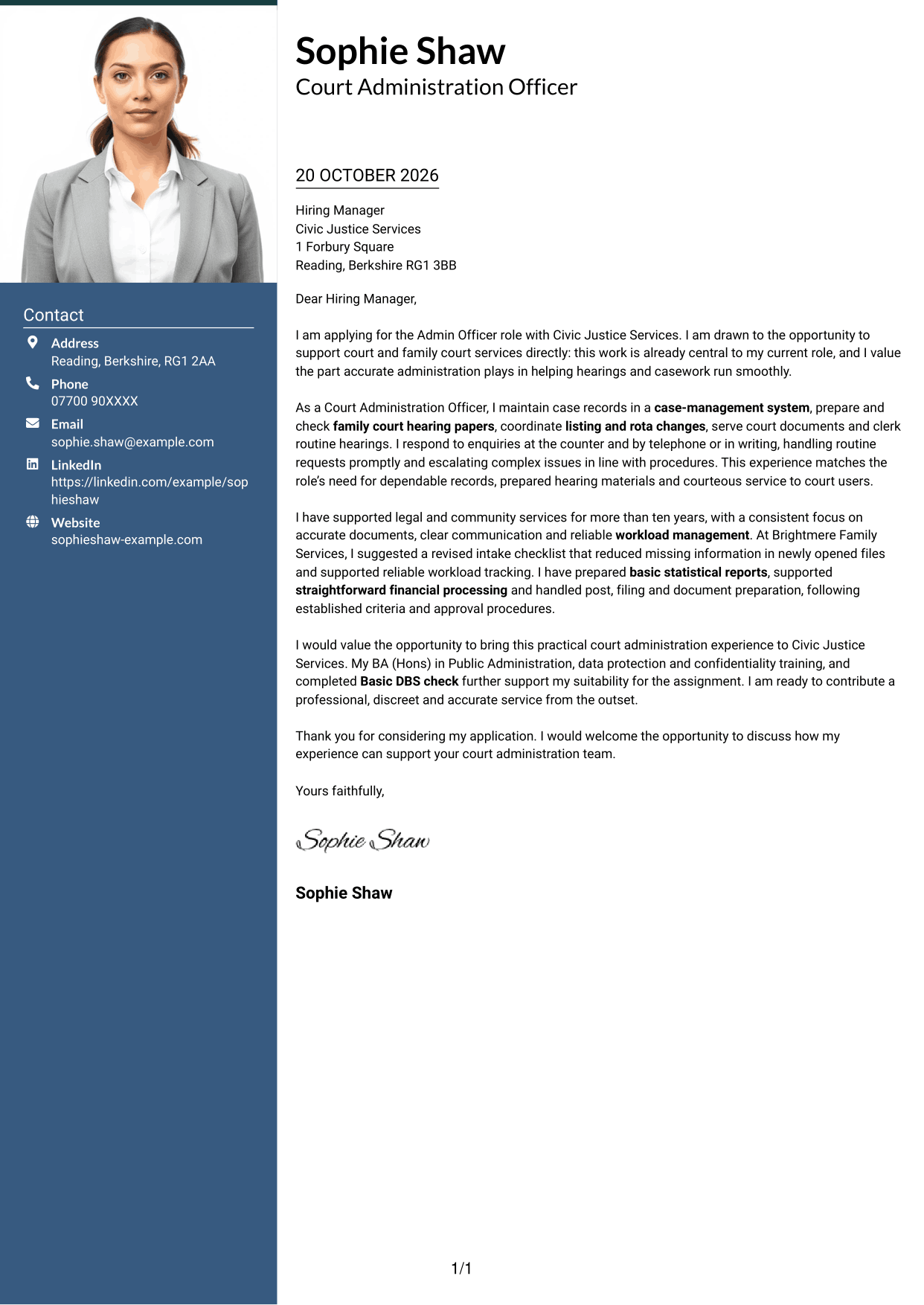
The Photo Header Two Column Format includes a photo and a contact sidebar beside one continuous letter body, offering a personal visual element while keeping contact details separate.
Why This Format Works
- Contact details in the sidebar stay apart from the letter’s persuasive paragraphs.
- One body column keeps motivation, evidence and closing in a clear sequence.
- The photo offers a visual choice without changing how the argument is read.
Best For
- Portrait-inclusive letter design
- Contact-sidebar preference
- Several sender contact methods
- Continuous body text
- Formal service applications
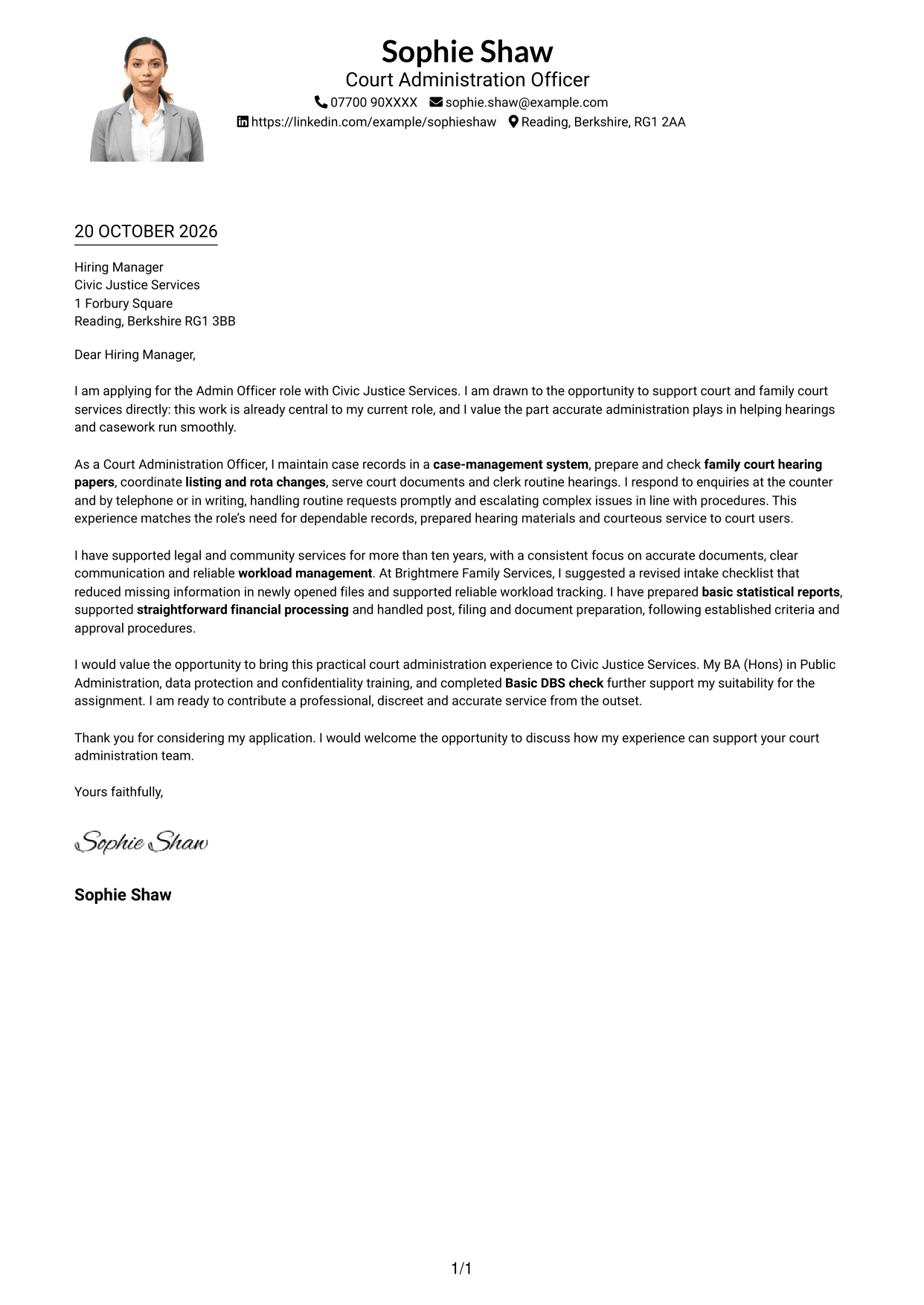
#4 One Column Format with Photo Cover Letter Example
The One Column Format with Photo keeps the letter body in one column and includes a photo for readers who prefer a personal visual element.
Why This Format Works
- One-column reading keeps the opening, supporting points and close in sequence.
- Sender details in the header remain distinct from the letter text.
- The photo adds a personal visual element without dividing the letter body.
Best For
- One-column letter reading
- Photo-inclusive presentation
- Header-based sender details
- Text-led applications
- Letters with connected supporting points
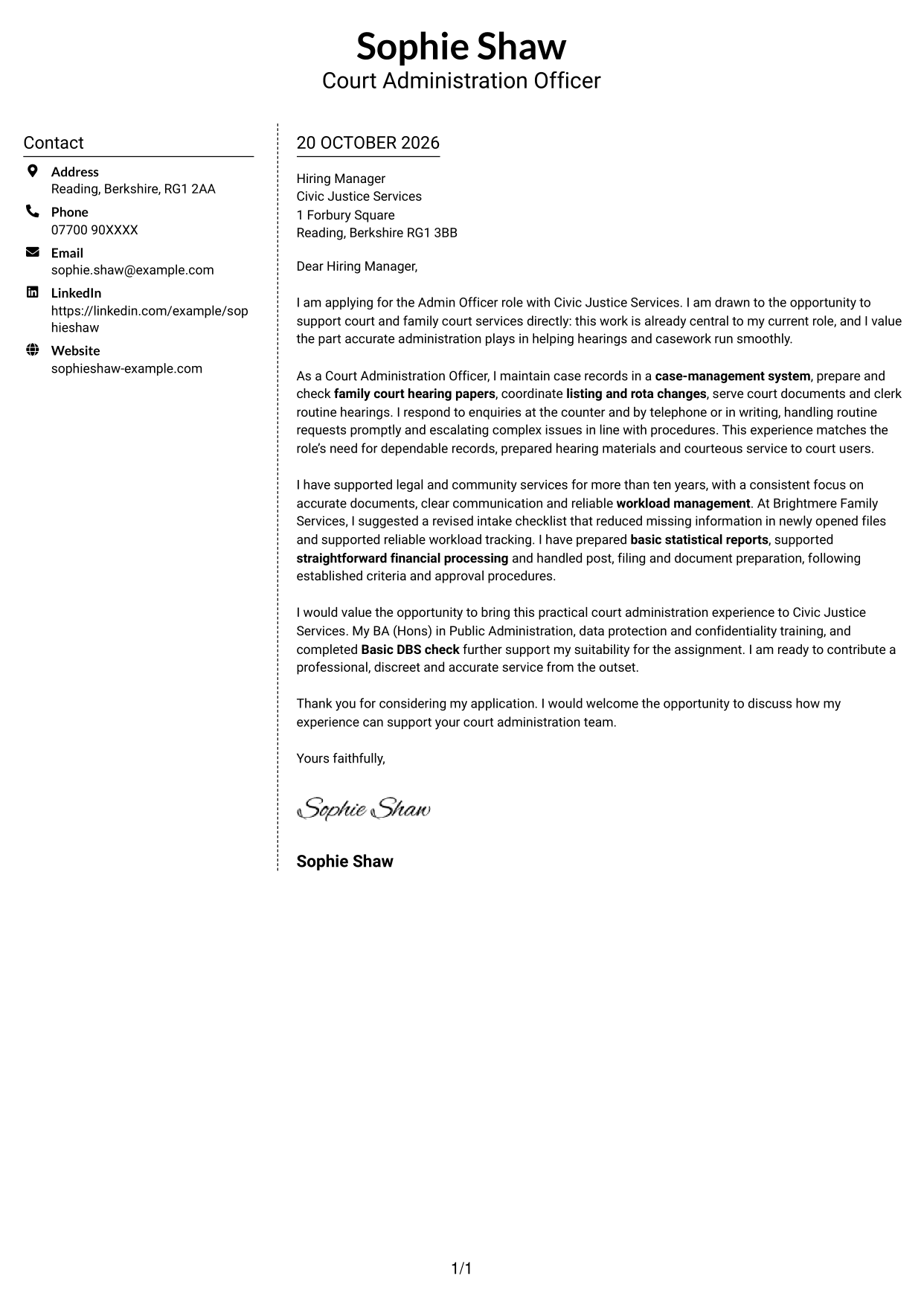
#5 Simple Two Column Format Cover Letter Example
The Simple Two Column Format places contact details beside one continuous letter body, separating correspondence information from the application message.
Why This Format Works
- The contact sidebar gives sender information its own area beside the letter.
- The letter remains in one column, so paragraphs are not read side by side.
- A continuous body preserves the order of motivation, evidence and closing.
Best For
- Contact-sidebar preference
- Several sender contact methods
- Single-column letter text
- Applications with connected evidence
- Formal correspondence
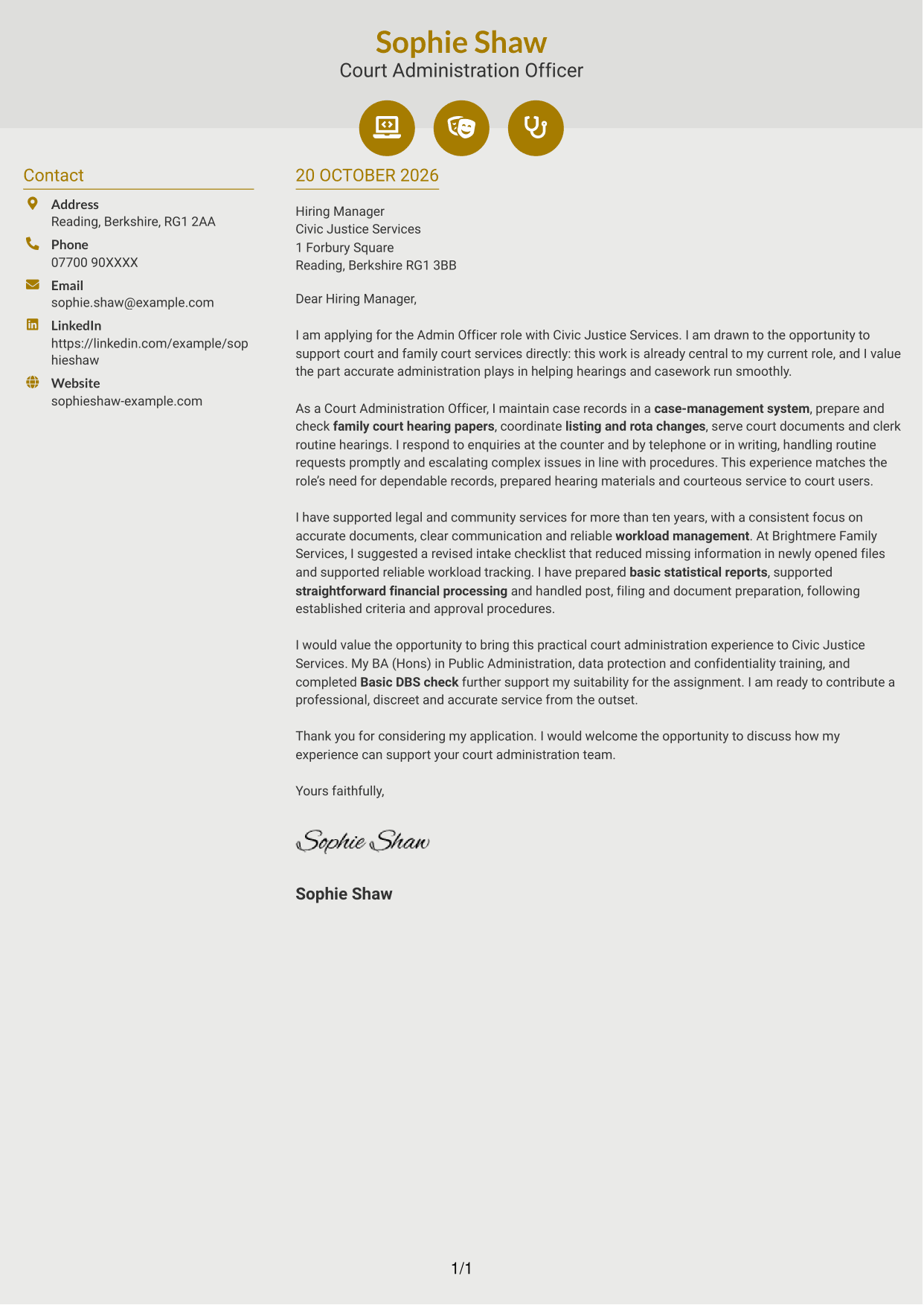
#6 Modern Icon Format Cover Letter Example
The Modern Icon Format uses icons as contact-detail cues beside one continuous letter body, making sender information visually distinct from the message.
Why This Format Works
- Contact icons give sender details quick visual cues without labelling letter paragraphs.
- The sidebar separates contact information from the continuous application message.
- One body column keeps motivation and supporting points in normal reading order.
Best For
- Contact-icon preference
- Several sender contact methods
- Continuous letter-body text
- Applications with connected points
- Sidebars beside letter text
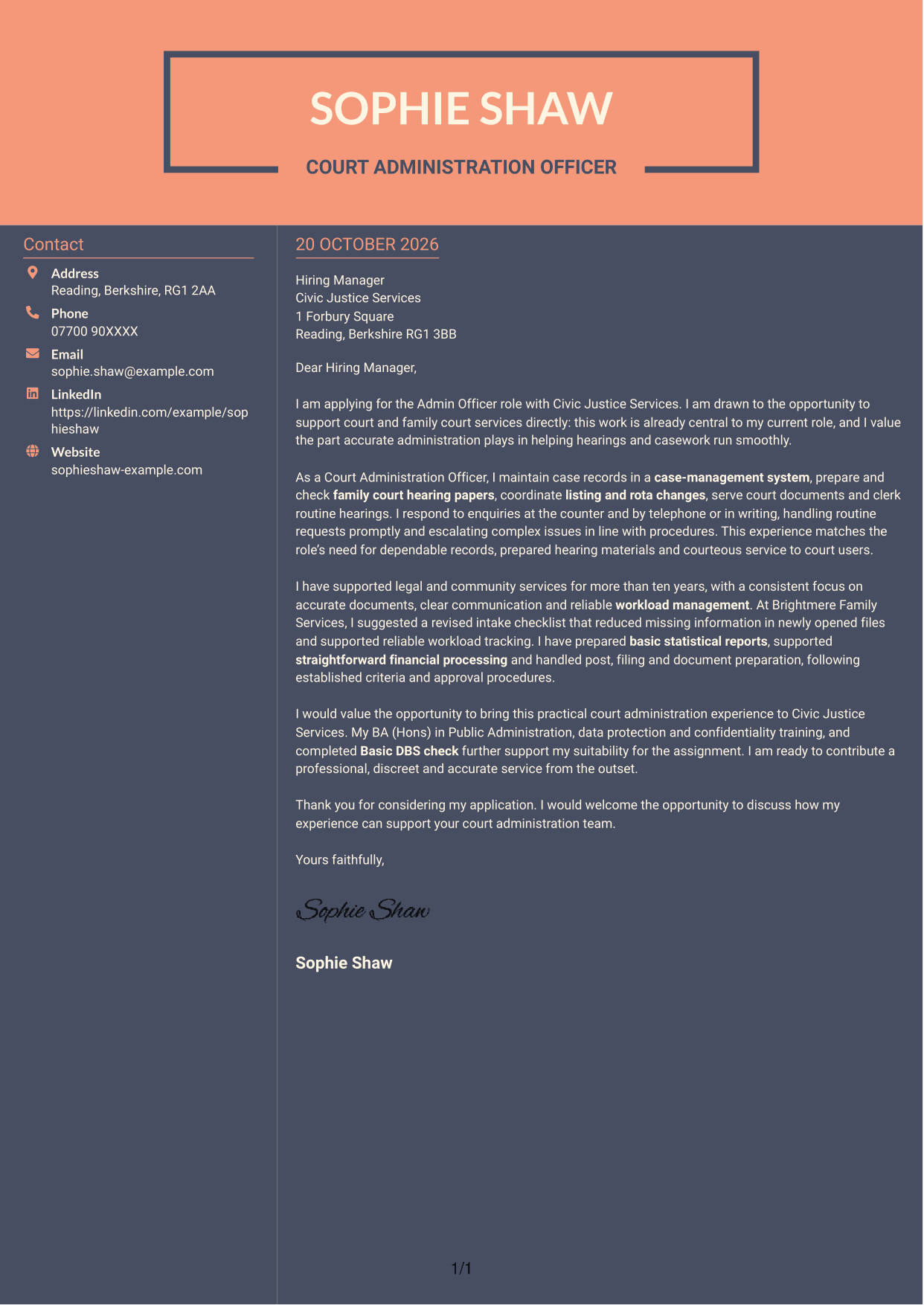
#7 Creative Two Tone Format Cover Letter Example
The Creative Two Tone Format places a contact sidebar beside one continuous letter body, keeping sender details apart from the letter’s argument.
Why This Format Works
- The sidebar gives contact details a separate place beside the application message.
- The letter body stays in one column, preserving the order of its paragraphs.
- A continuous argument lets the reviewer follow the opening through to the close.
Best For
- Contact-sidebar preference
- Separate sender details
- One-column letter text
- Letters with connected supporting points
- Applications needing a continuous message
See Also
- 7 Admin Officer - Court Administration CV Templates with Example
- 7 Attendance Officer - Student Attendance Administration CV Templates with Example
- 7 Business Support Officer - Operations Support CV Templates with Example
- 7 Housing Officer - Resident and Estate Management CV Templates with Example
- 7 UK Student Recruitment Officer - Higher Education Outreach CV Templates with Example
- 7 Director, US Funds Tax CV Templates with Example
- 7 Systems Engineer - Defence Training Systems CV Templates with Example
- 7 Branch Manager - Automotive Parts Distribution CV Templates with Example
- 7 Attendance Officer - Student Attendance Administration Cover Letter Templates with Example
- 7 Business Support Officer - Operations Support Cover Letter Templates with Example
Frequently Asked Questions
What should an Admin Officer - Court Administration cover letter highlight?
Show how your administrative work supports accurate case records, complete hearing papers and prompt, polite service to court users. You can also explain how you follow procedures and escalate complex matters.
How can I make my experience relevant to this role?
Choose examples that match the work, such as preparing hearing files, coordinating listings or responding to enquiries. Explain what you did and how it helped keep casework organised and reliable.
How should I explain my interest in Civic Justice Services?
Connect your interest to the organisation’s support for court and family court services. Explain why accurate administration and responsive service matter to you, and how you would contribute to that work.
What is a clear way to structure this cover letter?
Open with the role and your reason for applying. Use the body to give relevant evidence about records, hearing support and customer service, then close by restating your interest and welcoming a discussion.
Should I include every part of my work history?
No. Focus on the duties and examples that show your fit for court administration. A few clear points are easier for the reader to assess than a full list of past tasks.




