
7 AI Automation Engineer CV Templates with Example
This guide shows you how to create an AI Automation Engineer CV that is clear, focused and easy to review. You will learn how to organise relevant evidence and choose a format that presents your skills well.
A strong CV for this role connects AI workflow projects with practical service desk needs. Use clear bullets to show API investigations, data checks, testing, documentation and the value of Power BI reporting.
Compare the example in 7 layouts using the PNG image previews, then open a preferred version in the editor to customise it. The guide also covers ATS readability and role-specific terms such as RMM and PSA platforms, N-able, ConnectWise, Halo, Microsoft Foundry, Python and PowerShell.
What Makes a Great AI Automation Engineer CV in 2026
A strong CV makes relevant automation projects, technical skills and results easy to find. Focus on how your work supports service desk processes and operational decisions.
Use concise bullets to explain your role in API integrations, data reconciliation, testing and Power BI reporting. Include tools such as Python, PowerShell and Microsoft Foundry only where your evidence supports them.
Note: CV examples are for educational purposes only. Use only information that accurately reflects your experience and qualifications. References to real organisations do not imply affiliation or endorsement.
#1 Simple One Column Format CV Example
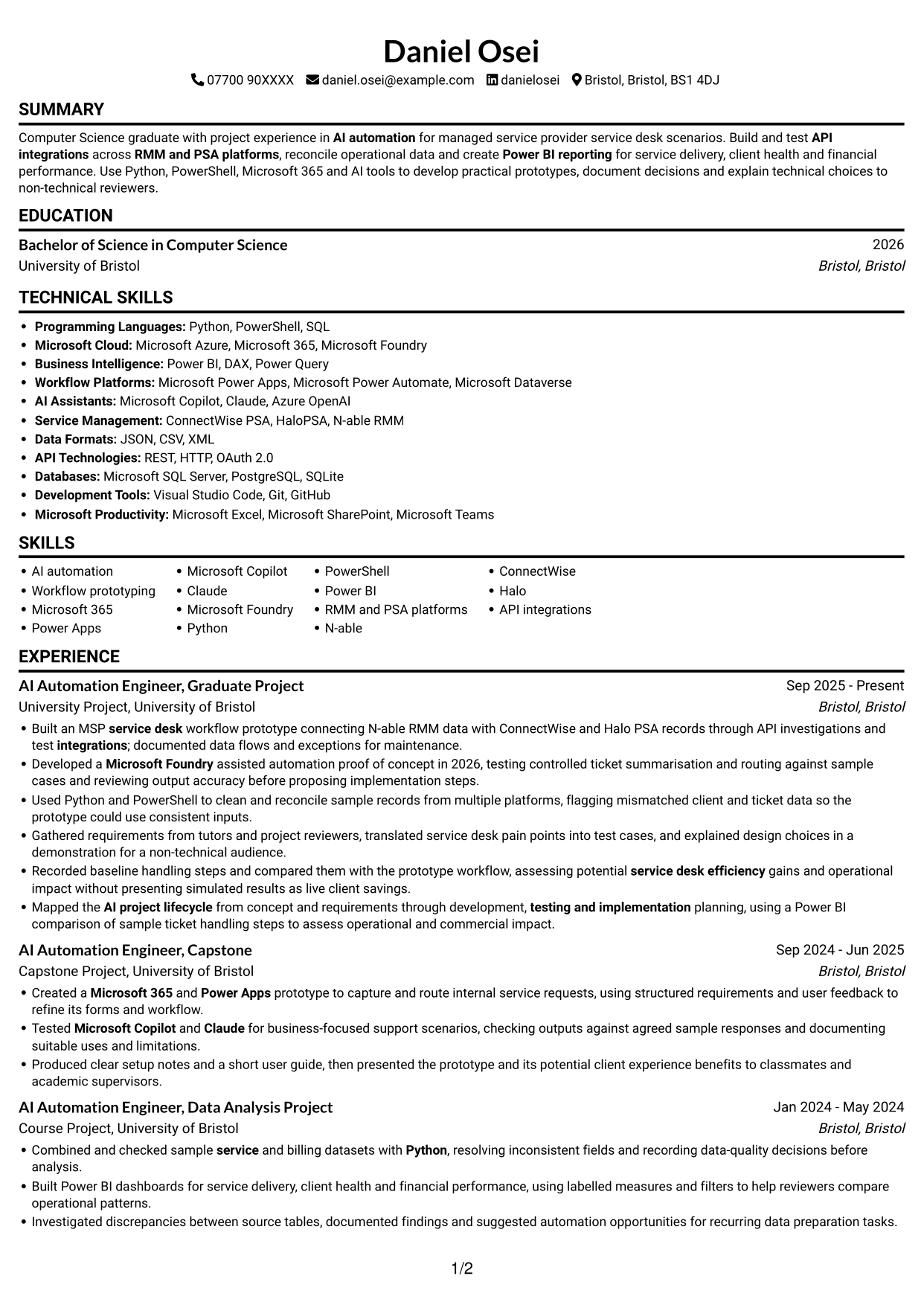
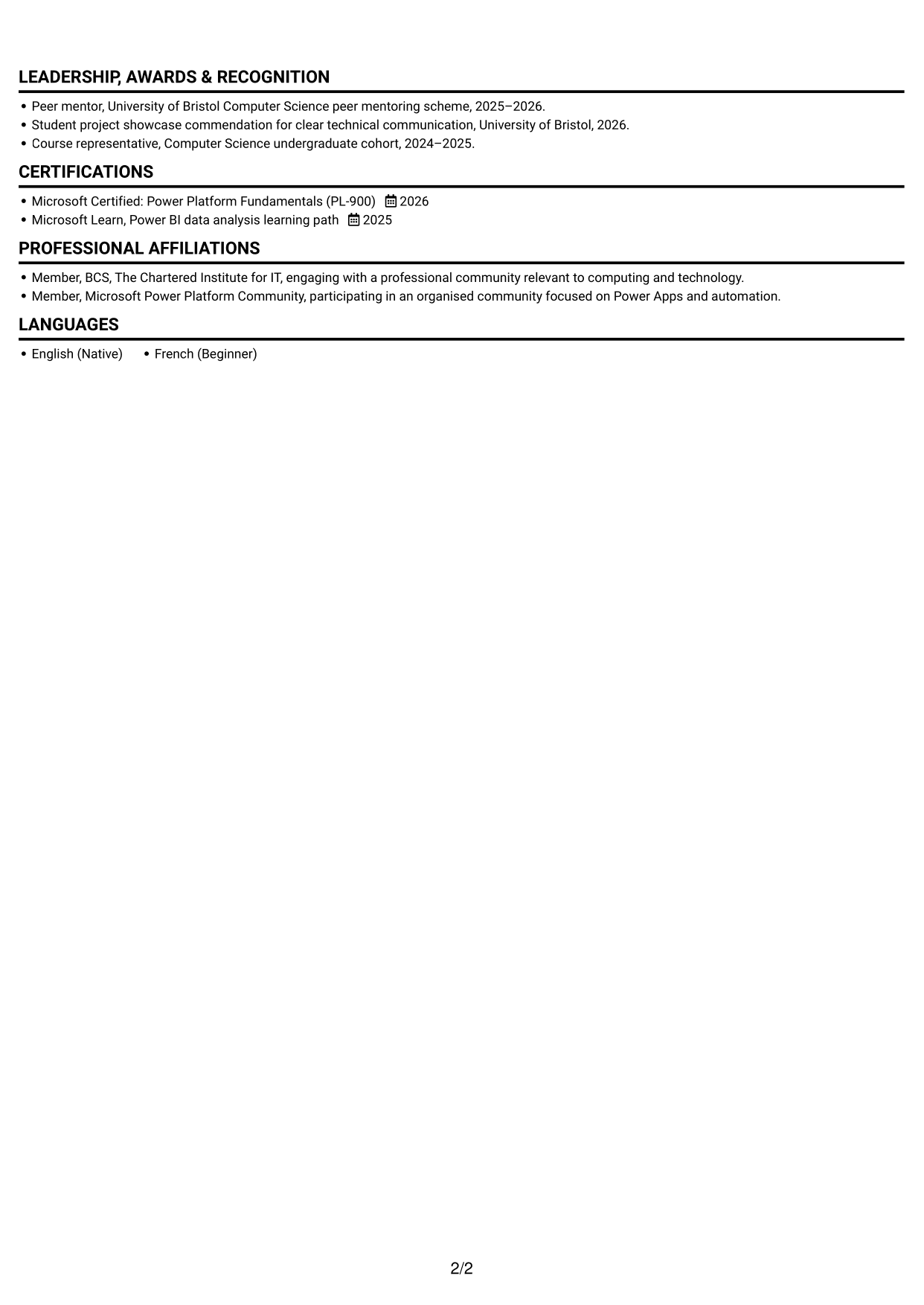
With one text column, this format gives experience, projects and education a single reading path for reviewers who prefer a clear sequence.
Why This Format Works
- One vertical reading path helps reviewers follow experience, projects and education.
- Skills and credentials remain within the same continuous CV sequence.
- Project bullets stay part of the main text flow for steady review.
Best For
- Linear CV review
- Project-based technical experience
- Experience-led applications
- Skills and credentials in one sequence
- Readers who prefer one text column
CV Keywords
- AI automation
- Built an MSP service desk workflow prototype connecting N-able RMM data with ConnectWise and Halo PSA records through API investigations and test integrations; documented data flows and exceptions for maintenance.
- RMM and PSA platforms
- API integrations
- AI project lifecycle
- Microsoft Copilot
- Claude
- Microsoft Foundry
- clean and reconcile sample records from multiple platforms
- Combined and checked sample service and billing datasets with Python
- Built Power BI dashboards
- create Power BI reporting for service delivery
- create Power BI reporting for service delivery, client health
- create Power BI reporting for service delivery, client health and financial performance
- Microsoft 365
#2 Simple Two Column Format CV Example
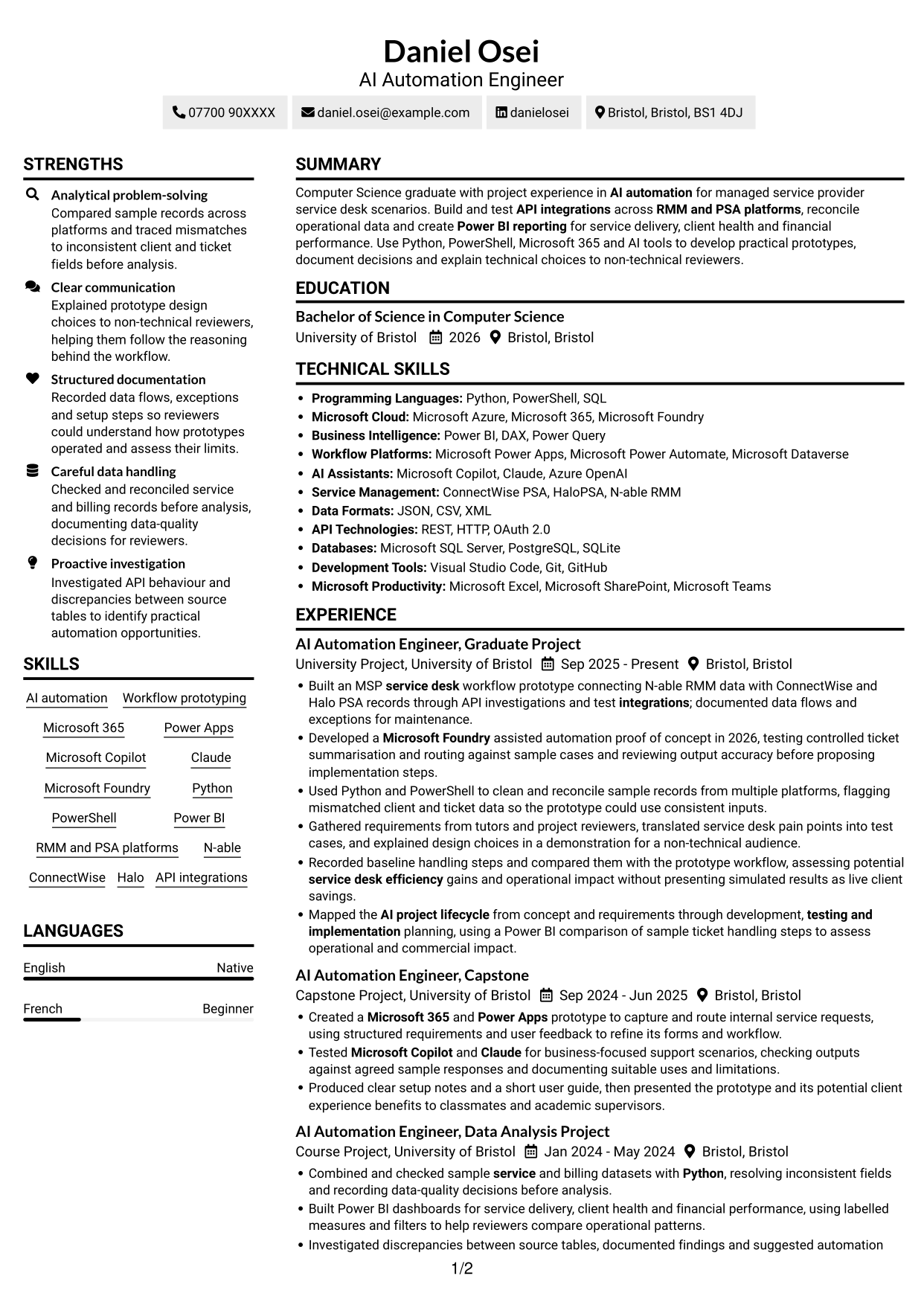
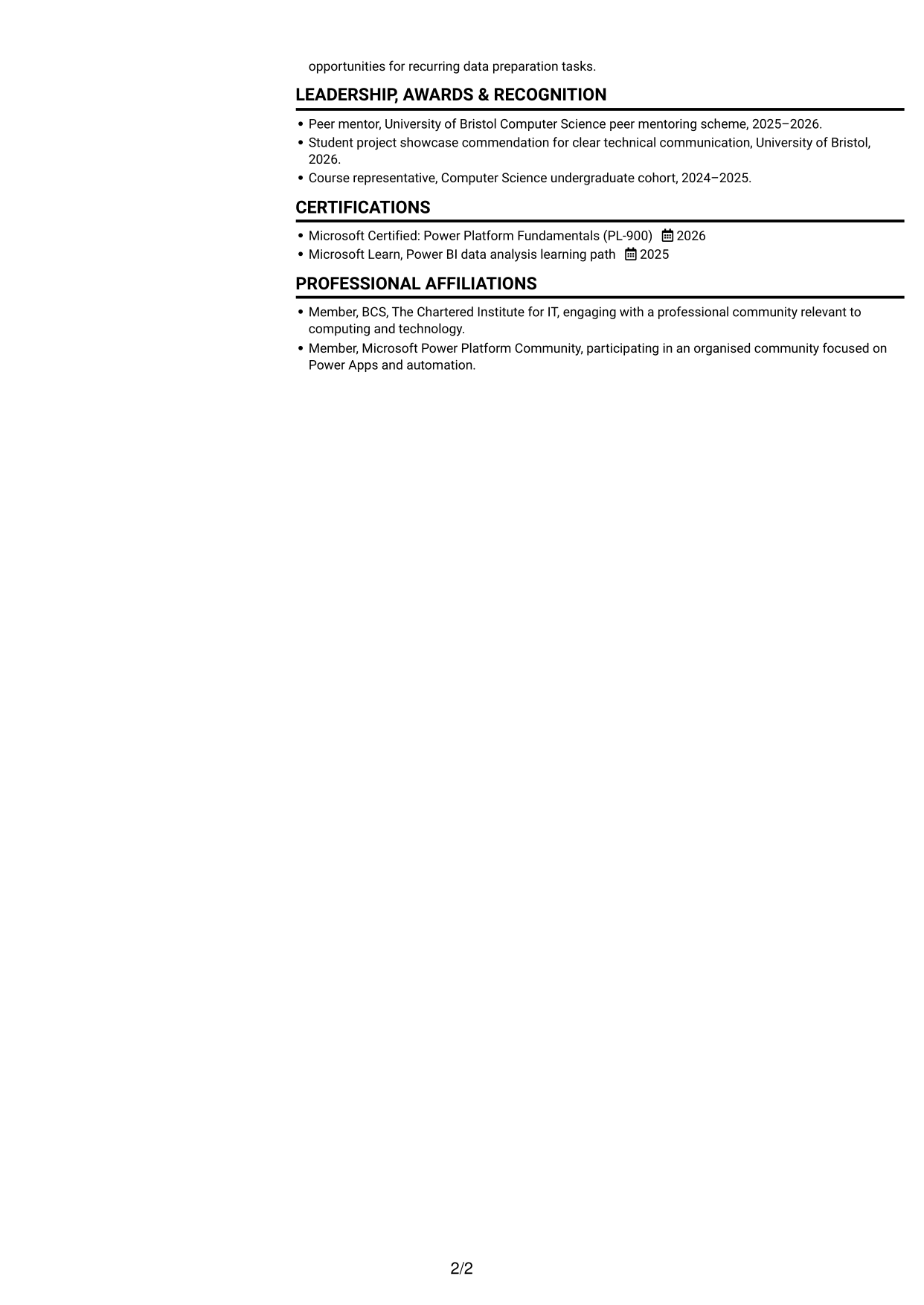
Two columns divide the CV's reading area, suiting reviewers who want content presented in distinct areas.
Why This Format Works
- Two content columns give experience and supporting CV sections distinct reading areas.
- Reviewers can scan skills and education while keeping the wider career context in view.
- Project details and other CV content share one divided document view.
Best For
- Two-column reading preference
- CVs with varied section types
- Experience and supporting details
- Project and education information
- Readers who scan separate content areas
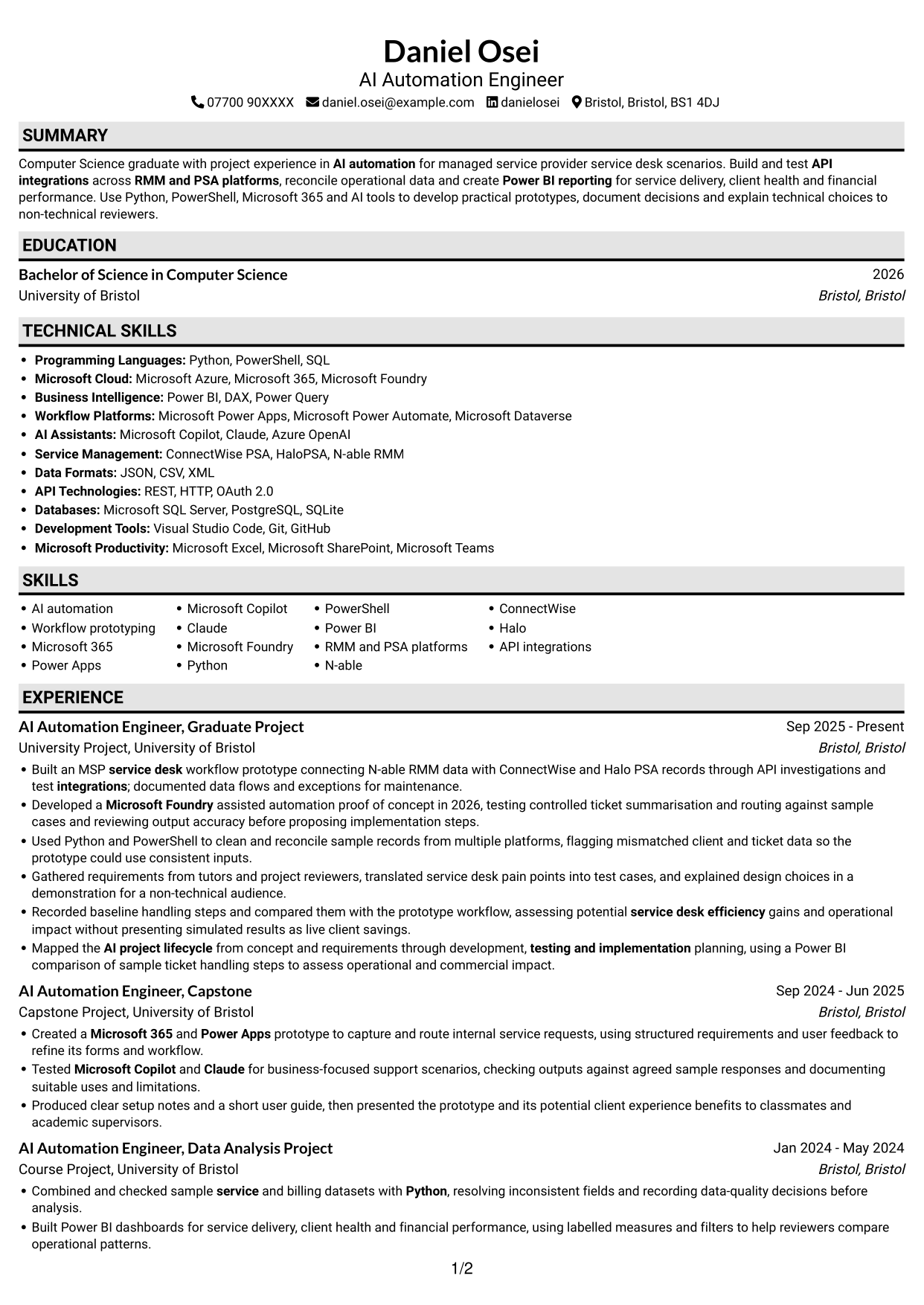
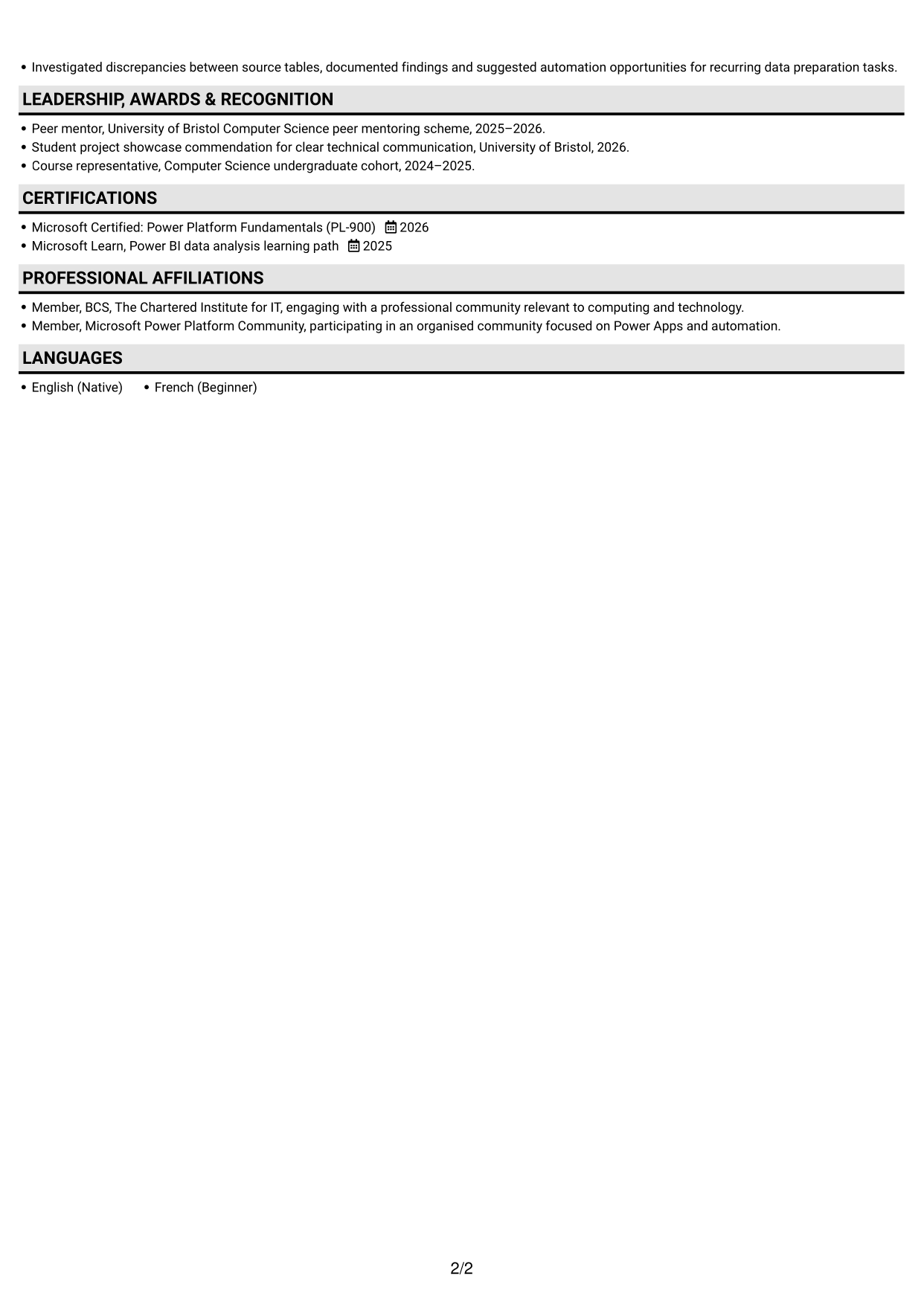
#3 Plain One Column with Shaded Labels CV Example
A single-column body keeps the CV in one continuous reading sequence, useful when a straightforward text flow matters most.
Why This Format Works
- A single text column gives experience and project details a straightforward review order.
- Education and credentials remain within the same continuous reading path.
- Skills and project evidence can be read as part of one document flow.
Best For
- Straightforward CV reading
- Project-led work history
- Sequential experience review
- Education and skills in one flow
- Readers who prefer a single column
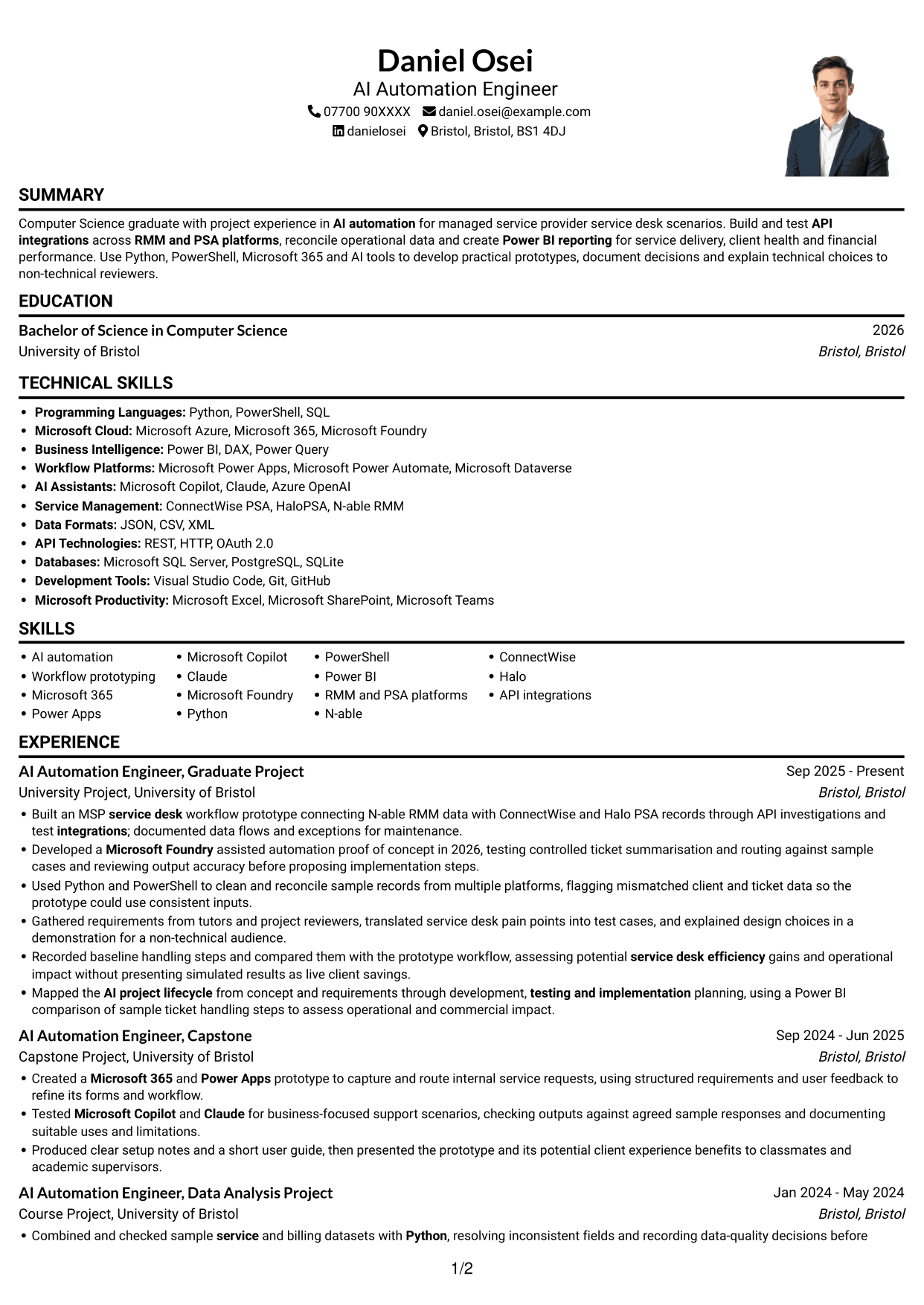
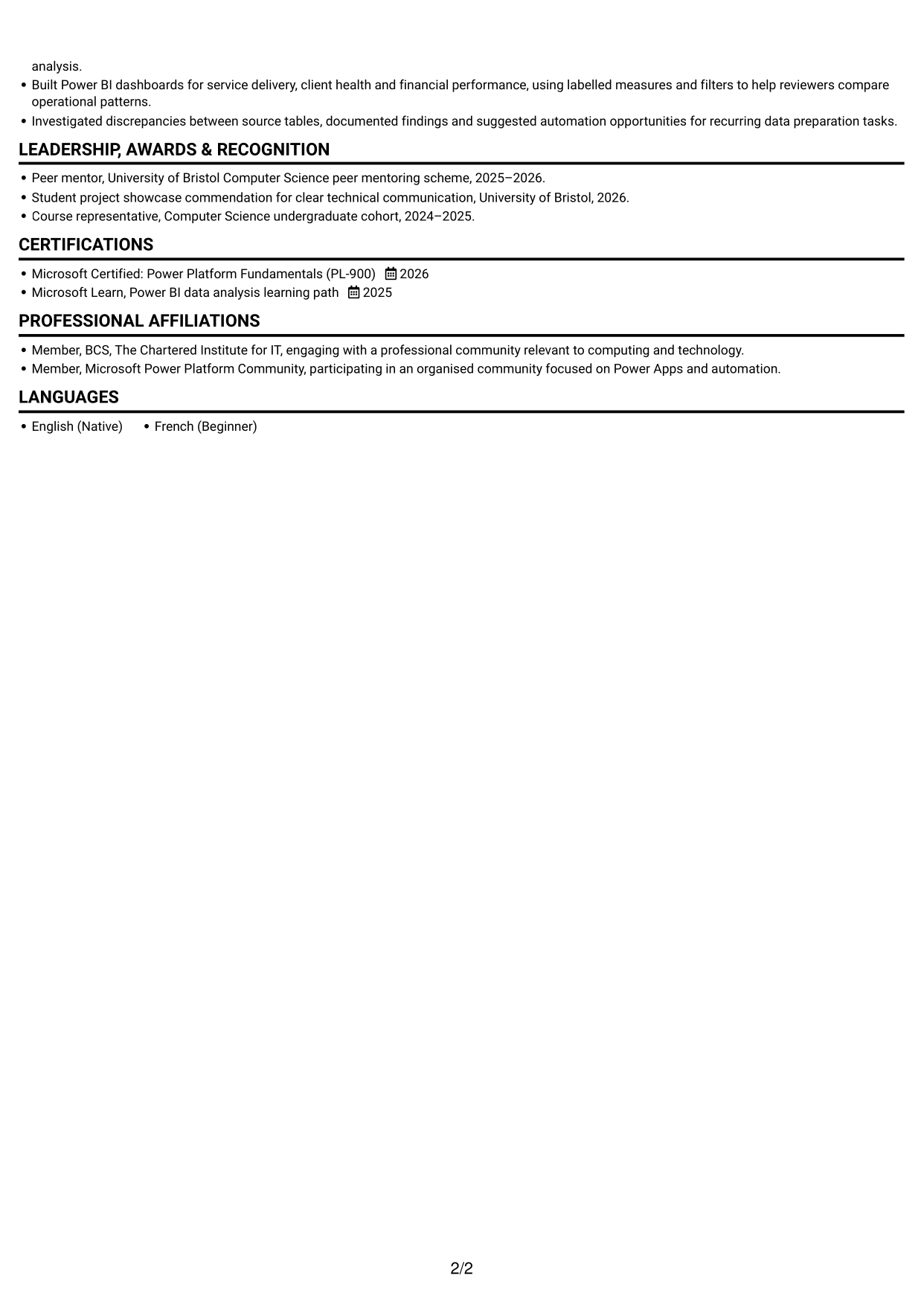
#4 One Column Format with Photo Right CV Example
The one-column body pairs a single text sequence with a photo on the right, for readers who want a portrait alongside the CV.
Why This Format Works
- The single text path keeps experience and education in a clear reading sequence.
- A right-side portrait stays visually apart from project and work details.
- Skills and credentials remain part of the main CV text flow.
Best For
- CVs that include a portrait
- One-column reading preference
- Project details in a text sequence
- Experience and education review
- Applications where a portrait is wanted
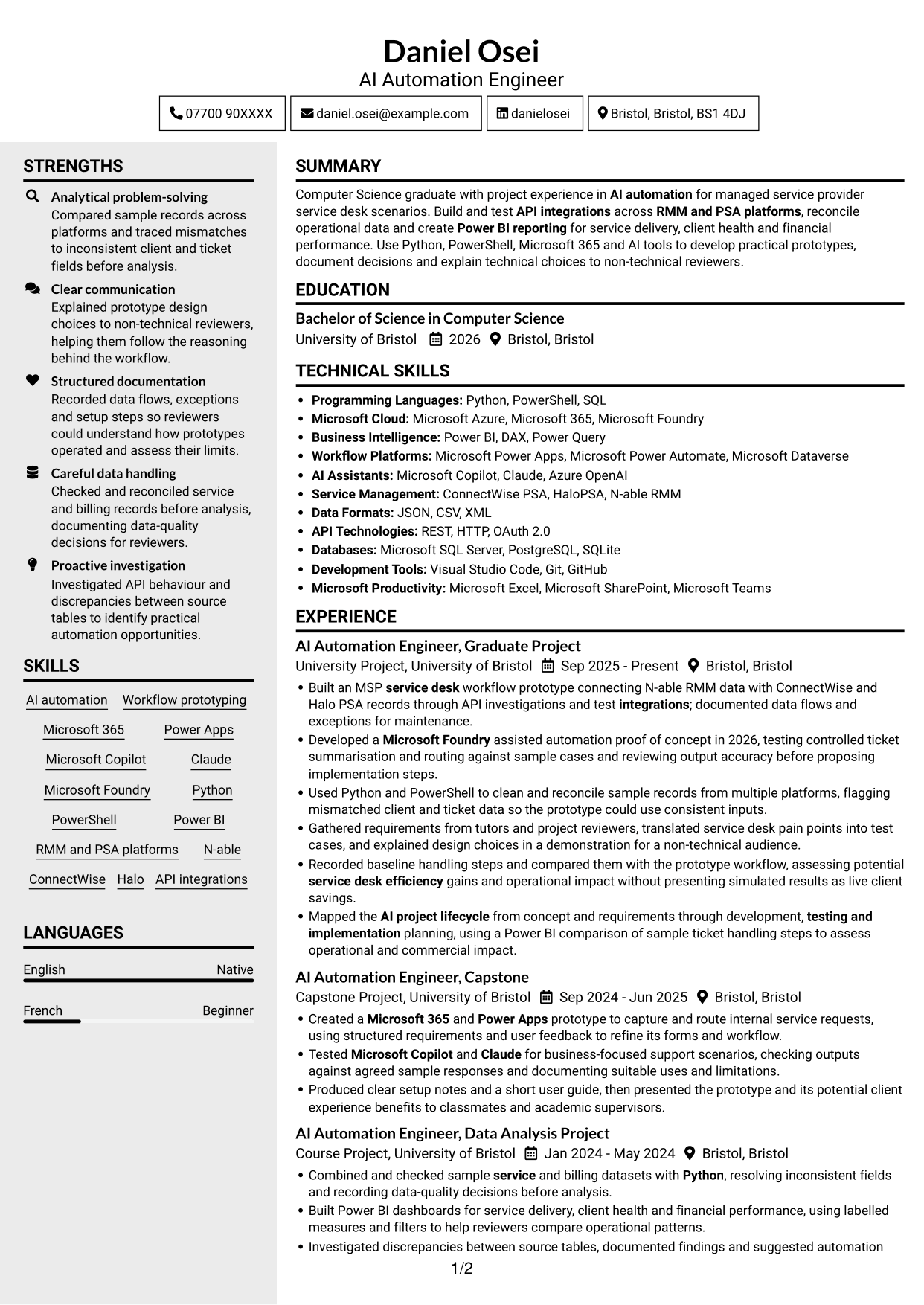
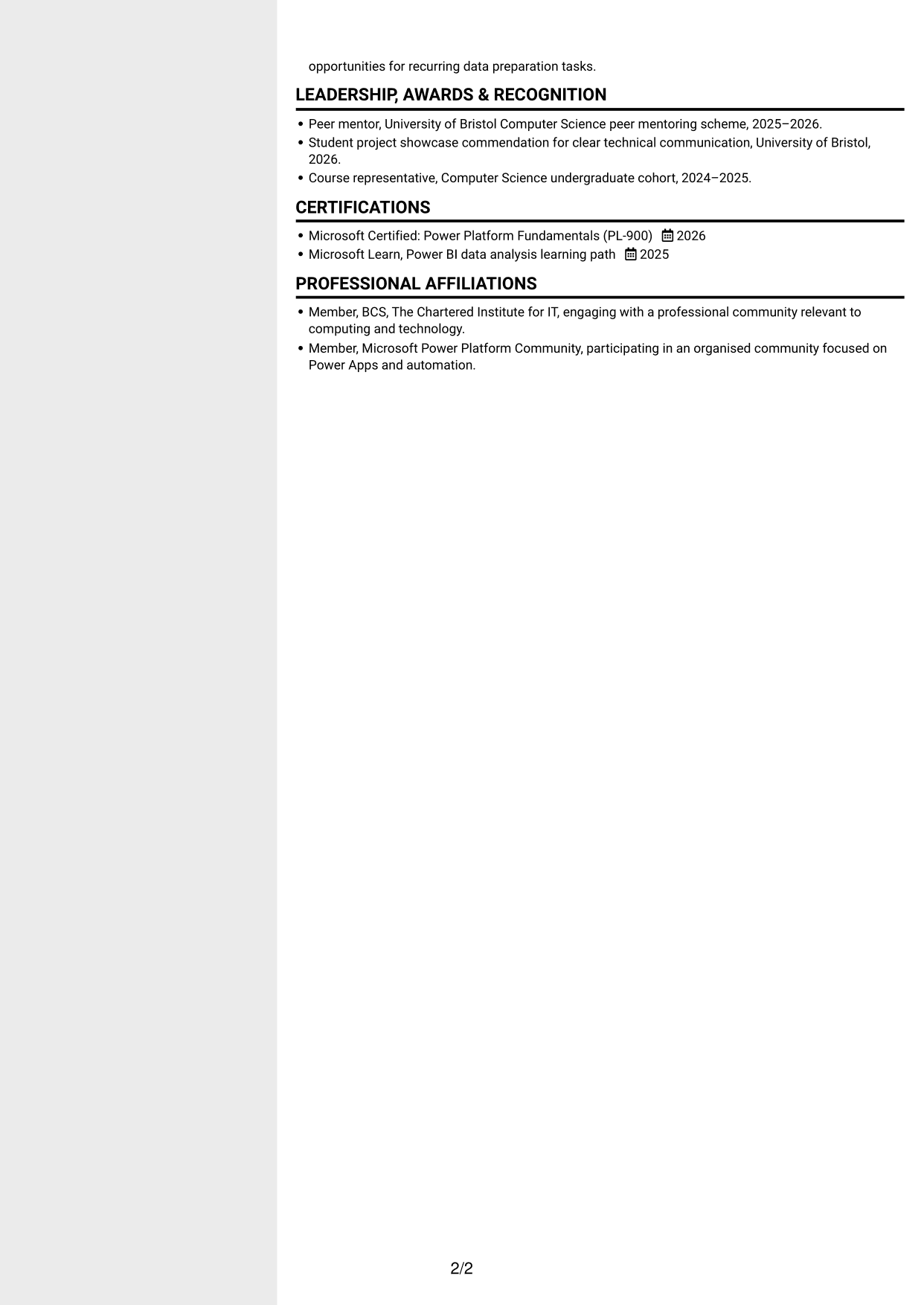
#5 Clean Two Column Sidebar Format CV Example
This two-column layout offers distinct reading areas, a useful choice when the CV includes varied sections and supporting details.
Why This Format Works
- Separate column areas help reviewers locate experience and supporting CV sections.
- Skills and education can be scanned without losing the wider career context.
- Project details stay within the same CV while the page uses two reading areas.
Best For
- CVs with varied sections
- Separate content areas
- Project and education details
- A two-column reading structure
- Readers comparing different CV sections
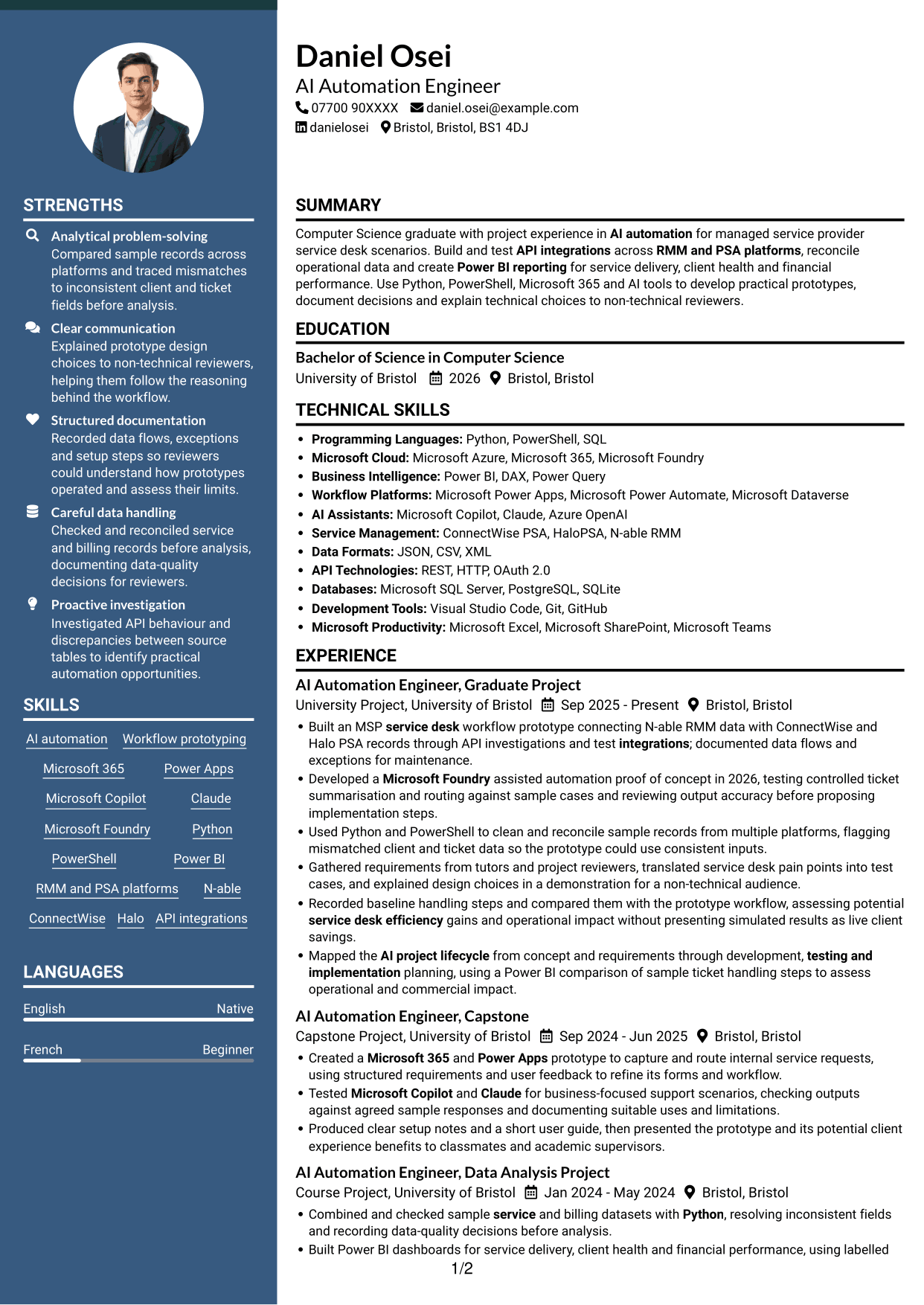
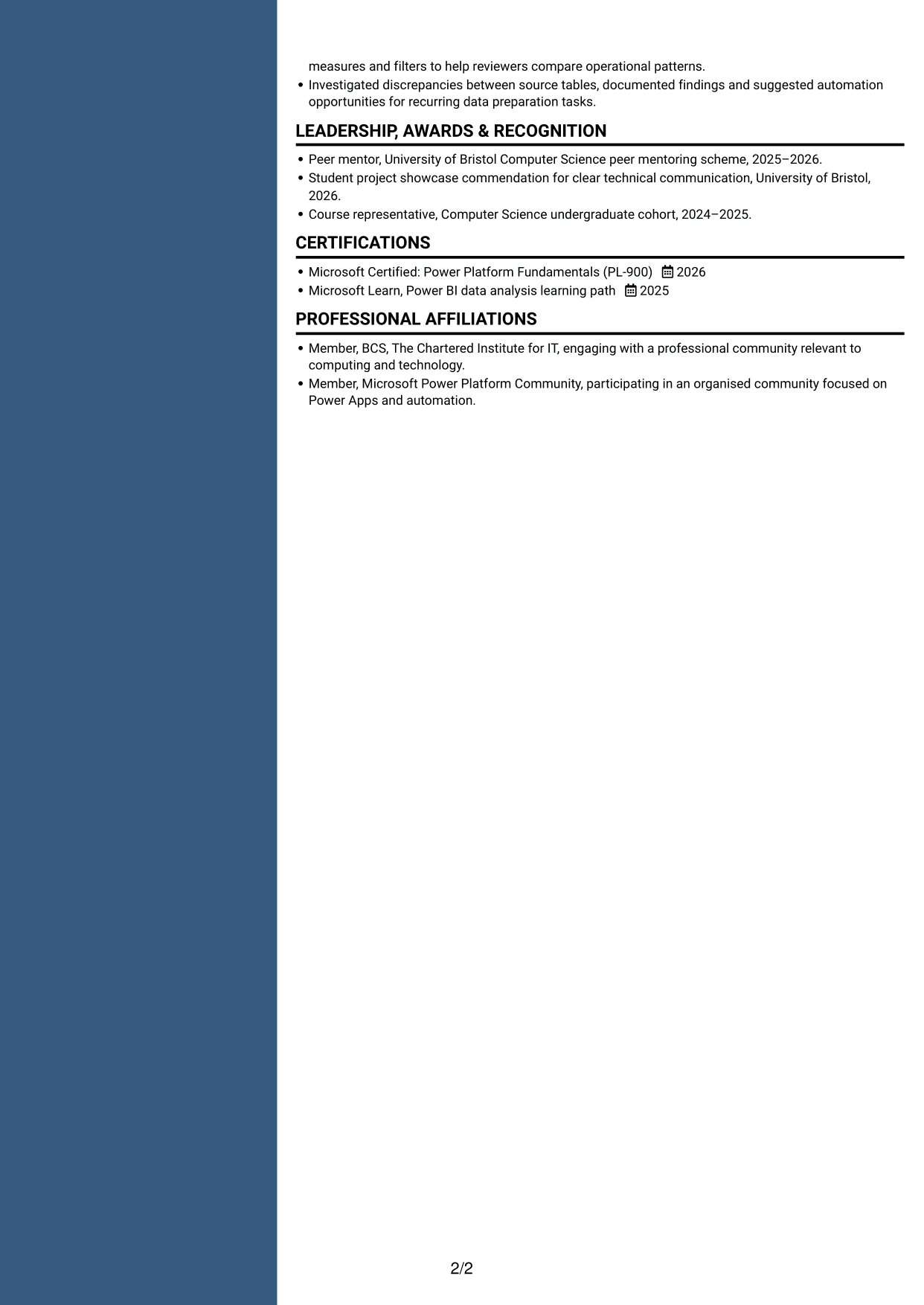
#6 Two Column Format CV Example
Two columns give this CV a divided reading structure, helping readers choose between a broader scan and closer review.
Why This Format Works
- The two-column structure separates experience from other CV content for review.
- A divided reading area helps reviewers find skills and education within the document.
- Project details remain part of the same CV rather than a separate record.
Best For
- Divided CV reading
- CVs with several content types
- Project-based evidence
- Skills and education review
- Readers who prefer two columns
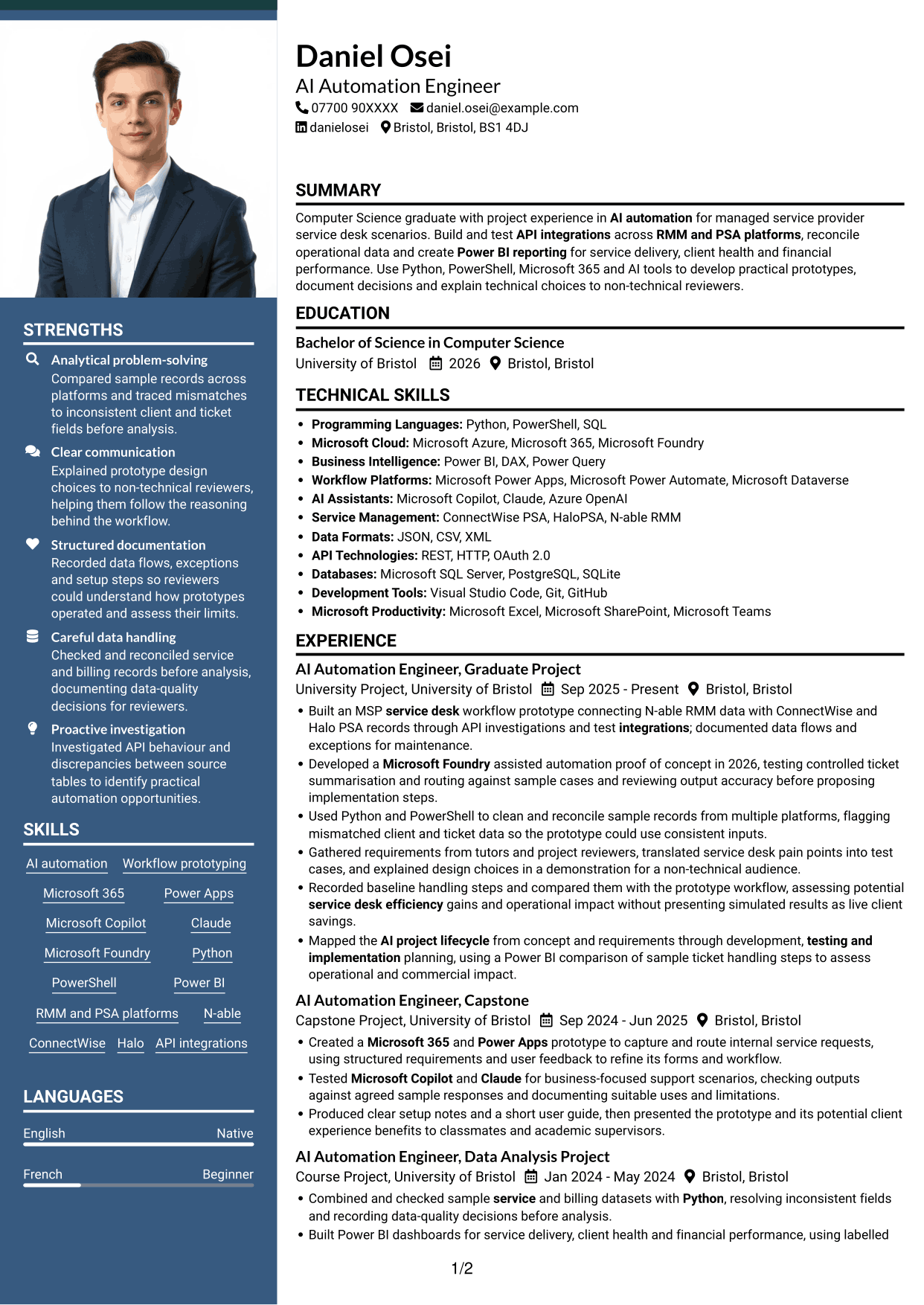
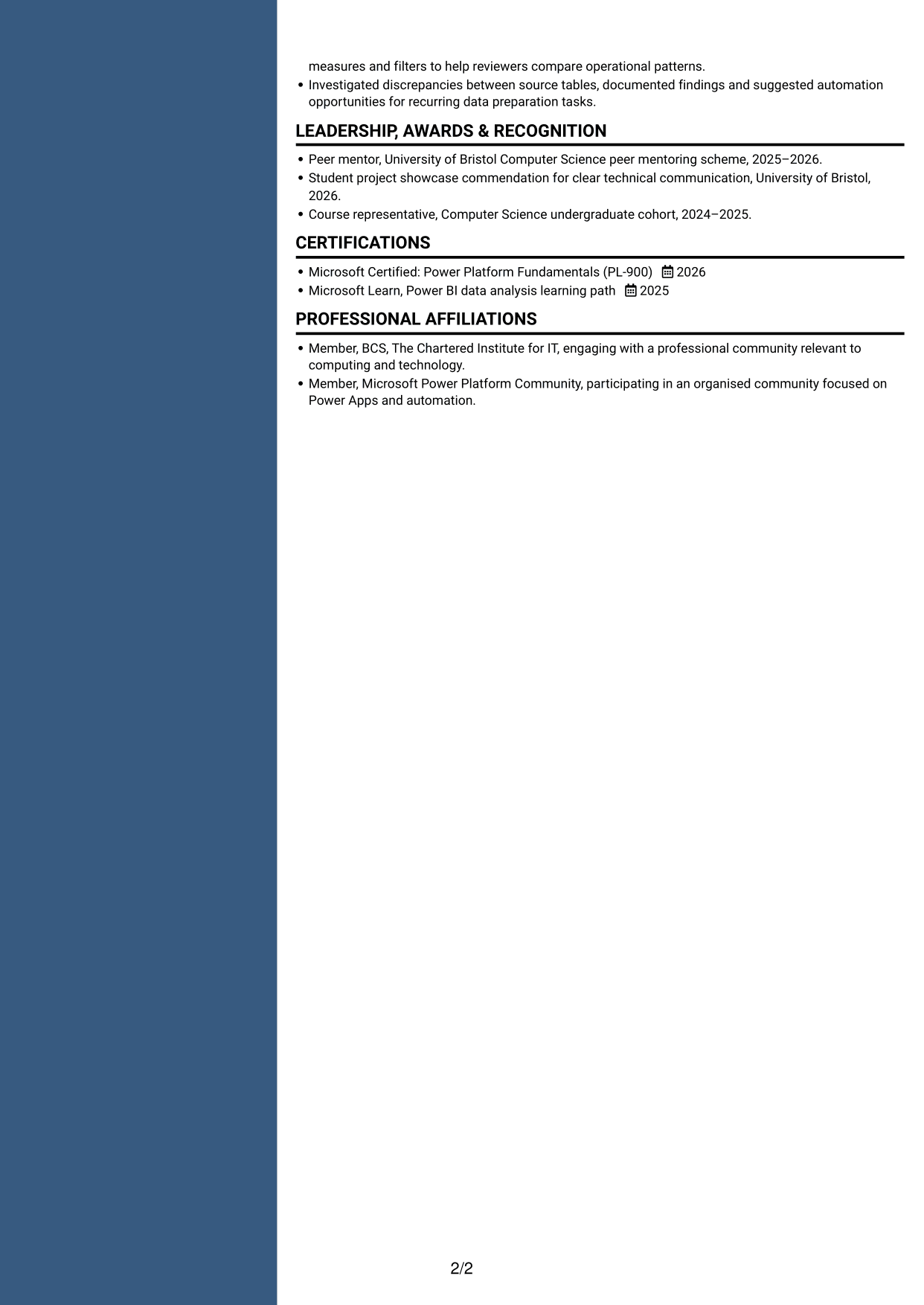
#7 Photo Header Two Column Format CV Example
A photo in the header accompanies the two-column body, combining a portrait with separated content areas.
Why This Format Works
- Two body columns give experience and supporting sections distinct areas for review.
- The header portrait is separate from the CV's main career information.
- Reviewers can scan skills and education within the divided body layout.
Best For
- CVs with a header portrait
- Two-column content organisation
- Experience with supporting sections
- Skills and education review
- Applications where a portrait is preferred
Why Build Your AI Automation Engineer CV with ResumeInMinutes
ResumeInMinutes helps you organise AI automation projects, technical skills and education in a clear CV. Compare PNG image previews, then open an example in the editor to customise its content and layout.
- Coloured CV layouts
- Clear, readable section structure
- Space for role-specific keywords
- Organised skills and project evidence
- PNG image previews
- CV customisation in the editor
Choose a format that makes your project work easy to follow. Keep the focus on integrations, careful data handling, testing and clear reporting.
See Also
- 7 AI Data Engineer - Data Analytics CV Templates with Example
- 7 AI Engineer Apprentice - Generative AI CV Templates with Example
- 7 AI Engineer - Generative AI CV Templates with Example
- 7 AI/ML Engineer - Media and Audience Intelligence CV Templates with Example
- 7 AI Product Engineer - AI/Hardware/Manufacturing CV Templates with Example
- 7 AI Research Engineer - Financial Crime Compliance CV Templates with Example
- 7 AI Security Engineer CV Templates with Example
- 7 AI Software Engineer CV Templates with Example
- 7 AI Automation Engineer Cover Letter Templates with Example
- 7 AI Data Engineer - Data Analytics Cover Letter Templates with Example
Frequently Asked Questions
Are these AI Automation Engineer CV templates ATS-friendly?
The examples use clear headings and sections to support scanning. Include relevant terms naturally, such as API integrations, RMM and PSA platforms, data reconciliation, Microsoft Foundry and Power BI.
Are these separate CV examples or different layouts of one example?
This page shows one role-focused CV example in different layouts. Compare the PNG image previews, then open an example in the editor to customise it.
What should an AI Automation Engineer CV include?
Include a focused summary, relevant project or work experience, education and skills. Show evidence of API investigations, workflow testing, data cleaning, documentation and reporting for service delivery, client health or financial performance.
Which CV layout works well for this role?
Choose a layout with clear headings and an easy-to-follow order for your experience, skills and education. A simple structure helps recruiters and applicant tracking systems find key details.
How can I show AI automation project results on my CV?
Use concise bullet points to explain the task, your contribution and the outcome. If you assess potential efficiency gains, label estimates or sample results clearly and do not present them as live client savings.
Should I include a photo on my CV?
For UK applications, a photo is usually not needed. Use the space for relevant projects, skills and supported results instead.




