
7 AI Engineer Apprentice - Generative AI Cover Letter Templates with Example
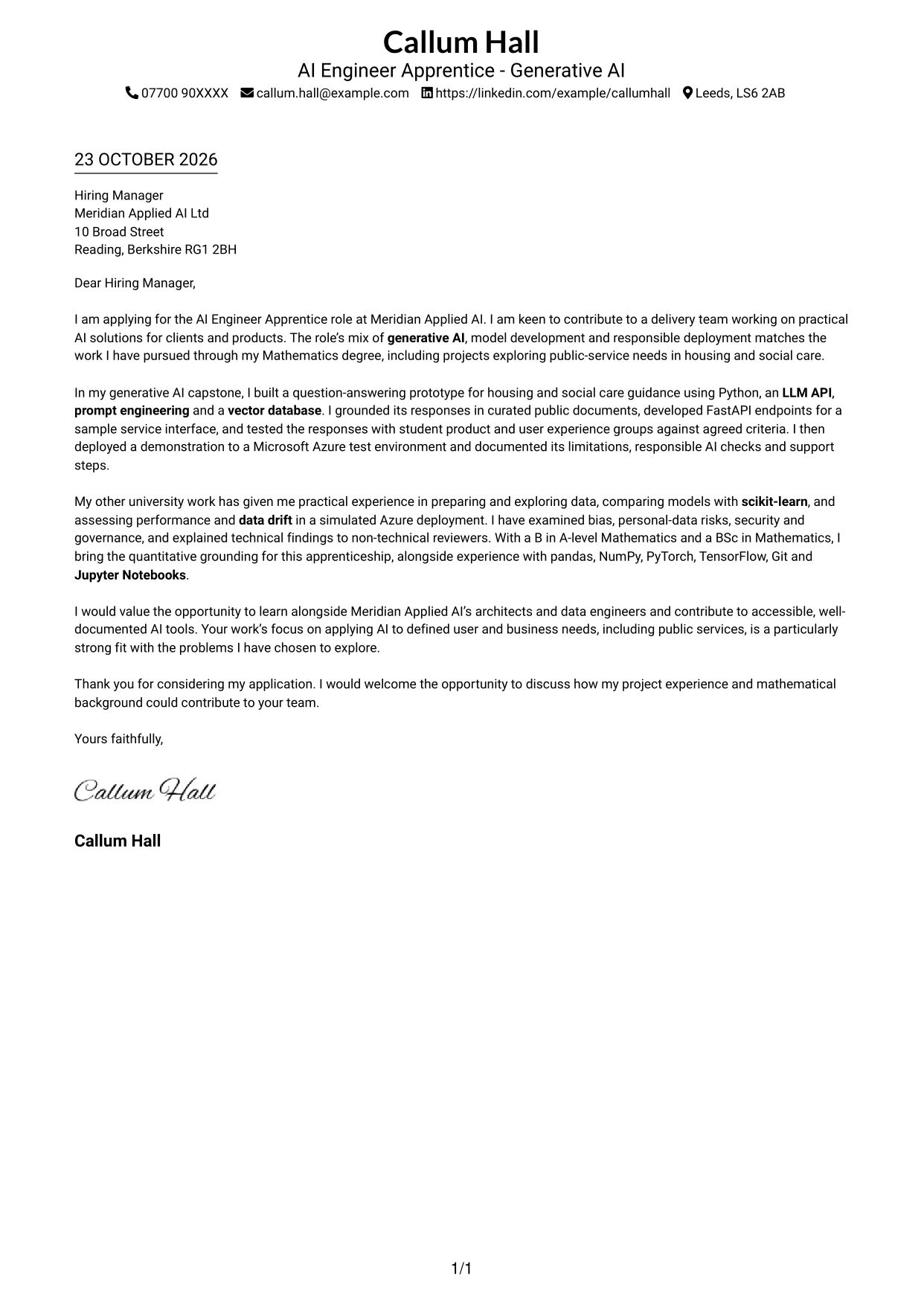
This practical guide helps you write an AI Engineer Apprentice - Generative AI cover letter, with seven layouts to compare and customise.
What Makes a Great AI Engineer Apprentice - Generative AI Cover Letter in 2026
A strong letter connects your interest in generative AI with the needs of the role. Open with clear motivation, then show how you can contribute to building useful, responsible AI tools.
Use specific evidence, such as a Python-based question-answering prototype, API integration, user testing or checks for model performance and data drift. Explain how this work fits the employer’s focus on practical AI and clear communication.
The featured example moves from interest in the role to a detailed project example, supporting technical evidence and a clear close. Adapt this focused progression while choosing a presentation that suits the employer and communication context.
#1 Simple One Column Format Cover Letter Example
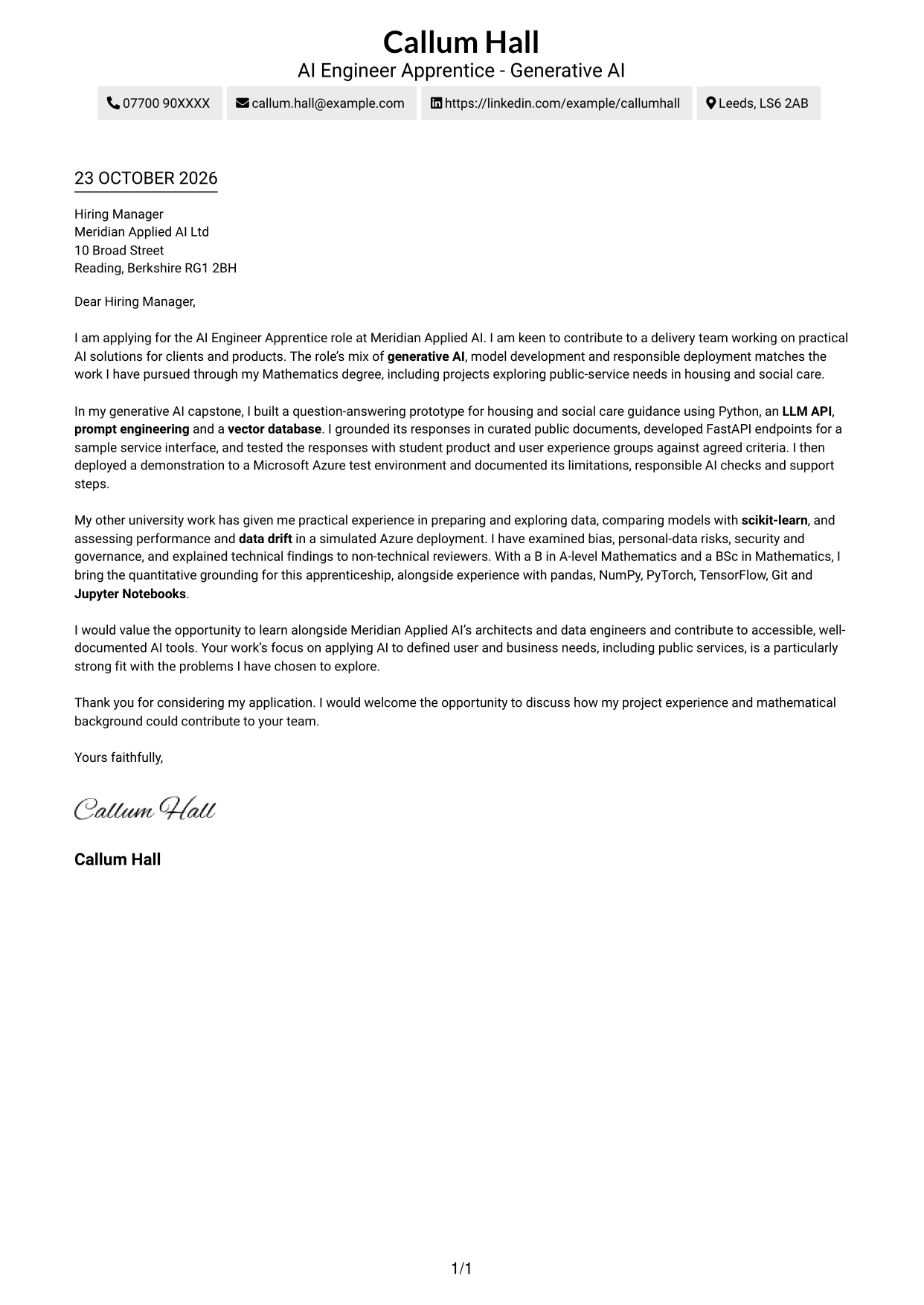
Simple One Column Format keeps sender details in the header and the letter body in one column, for a direct reading path.
Why This Format Works
- The single-column body keeps the opening, supporting points and closing in sequence.
- Sender details stay in the header, separate from the letter’s message.
- The photo-free page keeps attention on the written case.
Best For
- Single-column reading preference
- Header-based contact details
- Photo-free correspondence
- Continuous paragraph structure
- Text-led applications
#2 Two Column Format Cover Letter Example
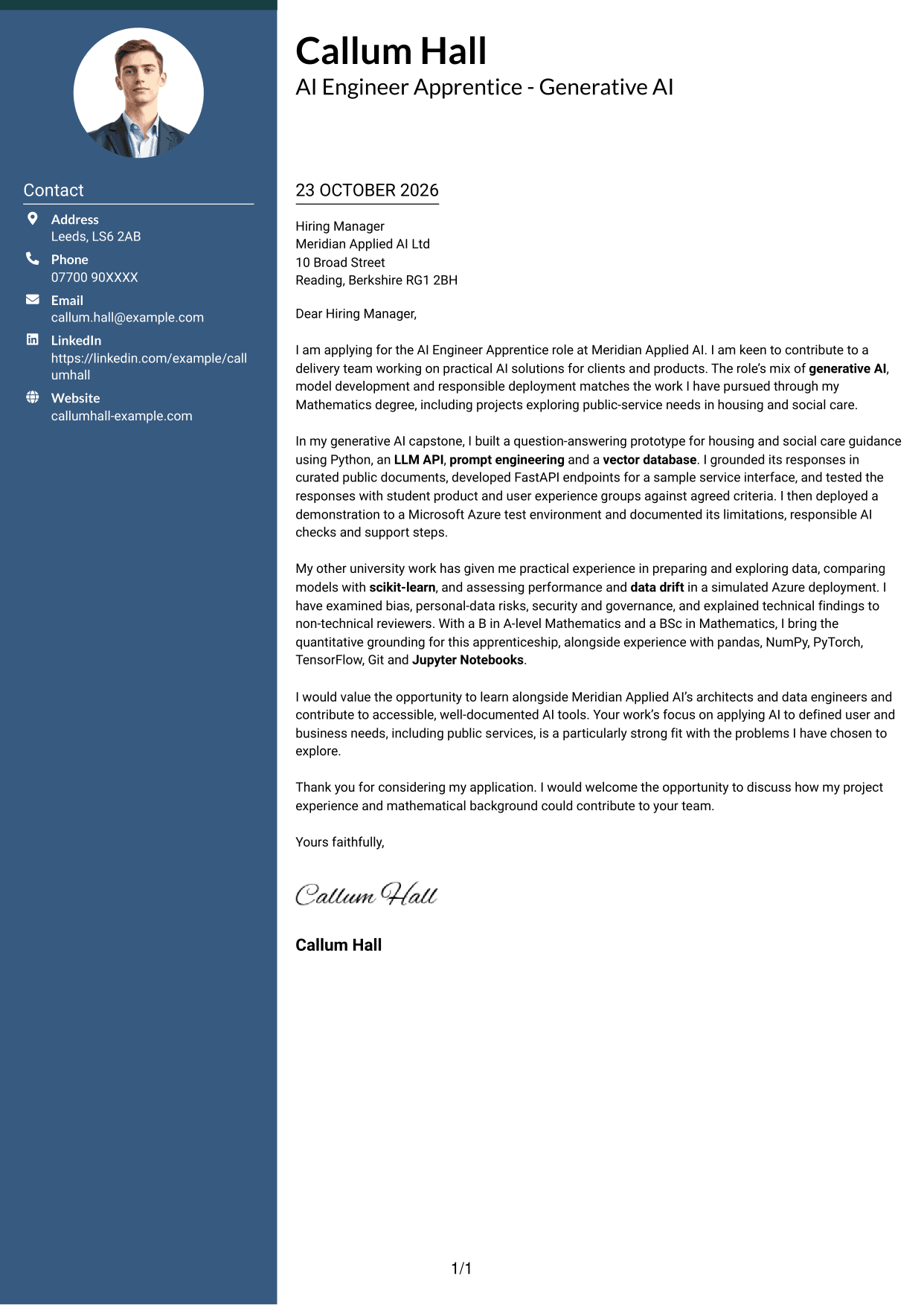
Two Column Format places contact details beside one continuous letter body, keeping the contact information distinct from the message.
Why This Format Works
- The contact sidebar gives sender information a separate place beside the letter.
- A single body column preserves the order of the written argument.
- The layout keeps contact information apart without dividing the letter’s paragraphs.
Best For
- Separate contact information
- One-stream letter reading
- Photo-free correspondence
- Motivation-led applications
- Letters with several evidence points
#3 Photo Header Two Column Format Cover Letter Example
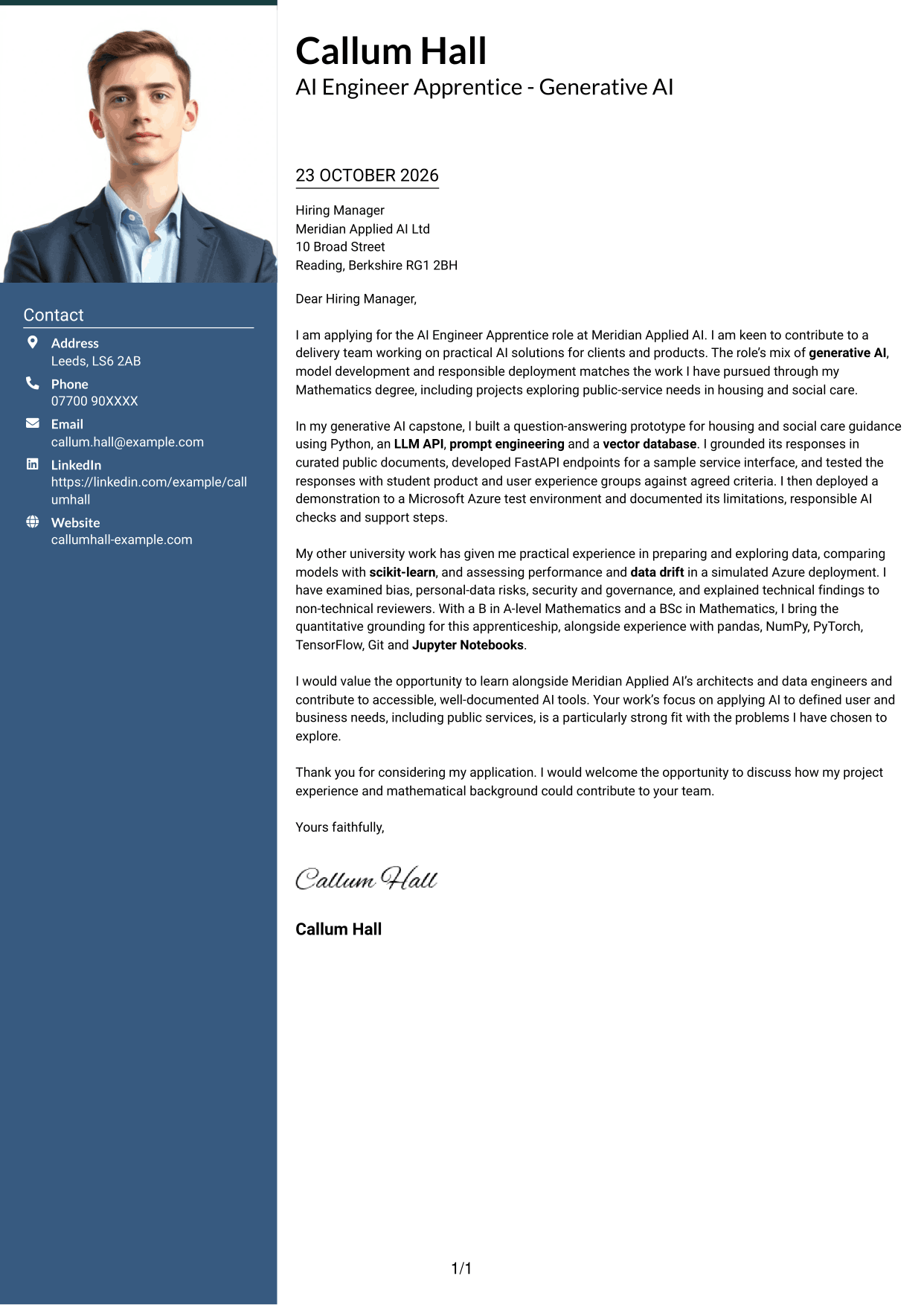
Photo Header Two Column Format combines a photo and contact sidebar with one continuous letter body, for readers who prefer a portrait in the design.
Why This Format Works
- The portrait offers a visual point of identification without changing the letter’s message.
- Contact details sit apart from the continuous body of the letter.
- The single body column keeps the opening, evidence and closing in order.
Best For
- Portrait-inclusive correspondence
- Sidebar contact details
- A single letter narrative
- Motivation followed by evidence
- Applications with a clear closing
#4 One Column Format with Photo Cover Letter Example
One Column Format with Photo pairs a portrait with a single-column letter body, while keeping the message in one continuous reading path.
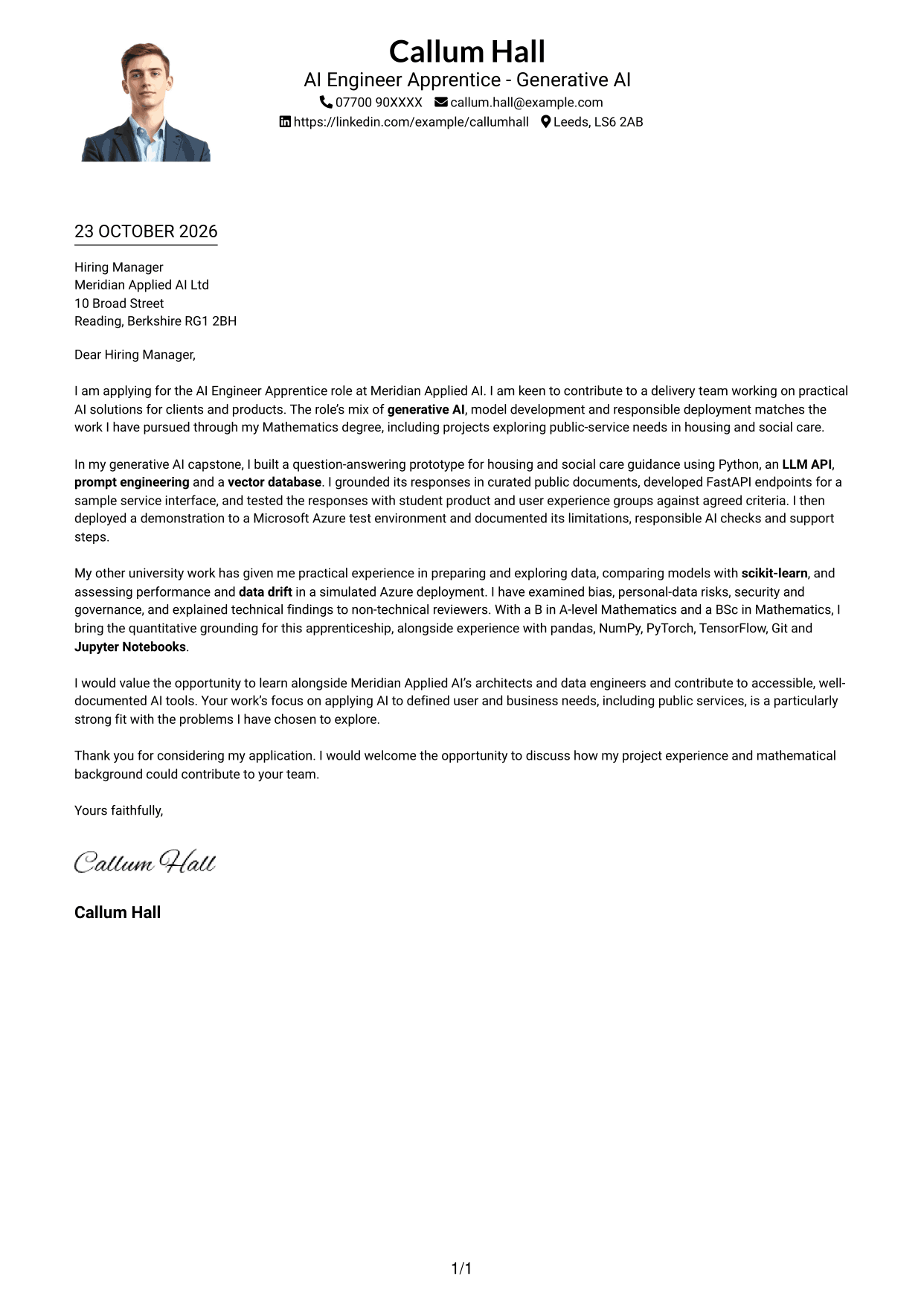
Why This Format Works
- The one-column body carries the letter from its opening through its closing.
- Sender details remain in the header, apart from the main message.
- A portrait adds a visual feature while the letter stays in one column.
Best For
- Portrait-inclusive letters
- Single-column reading
- Header-held sender details
- Continuous paragraph arguments
- Personalised application correspondence
#5 Simple Two Column Format Cover Letter Example
Simple Two Column Format sets contact details in a sidebar beside the letter, making it easy to tell the sender information from the message.
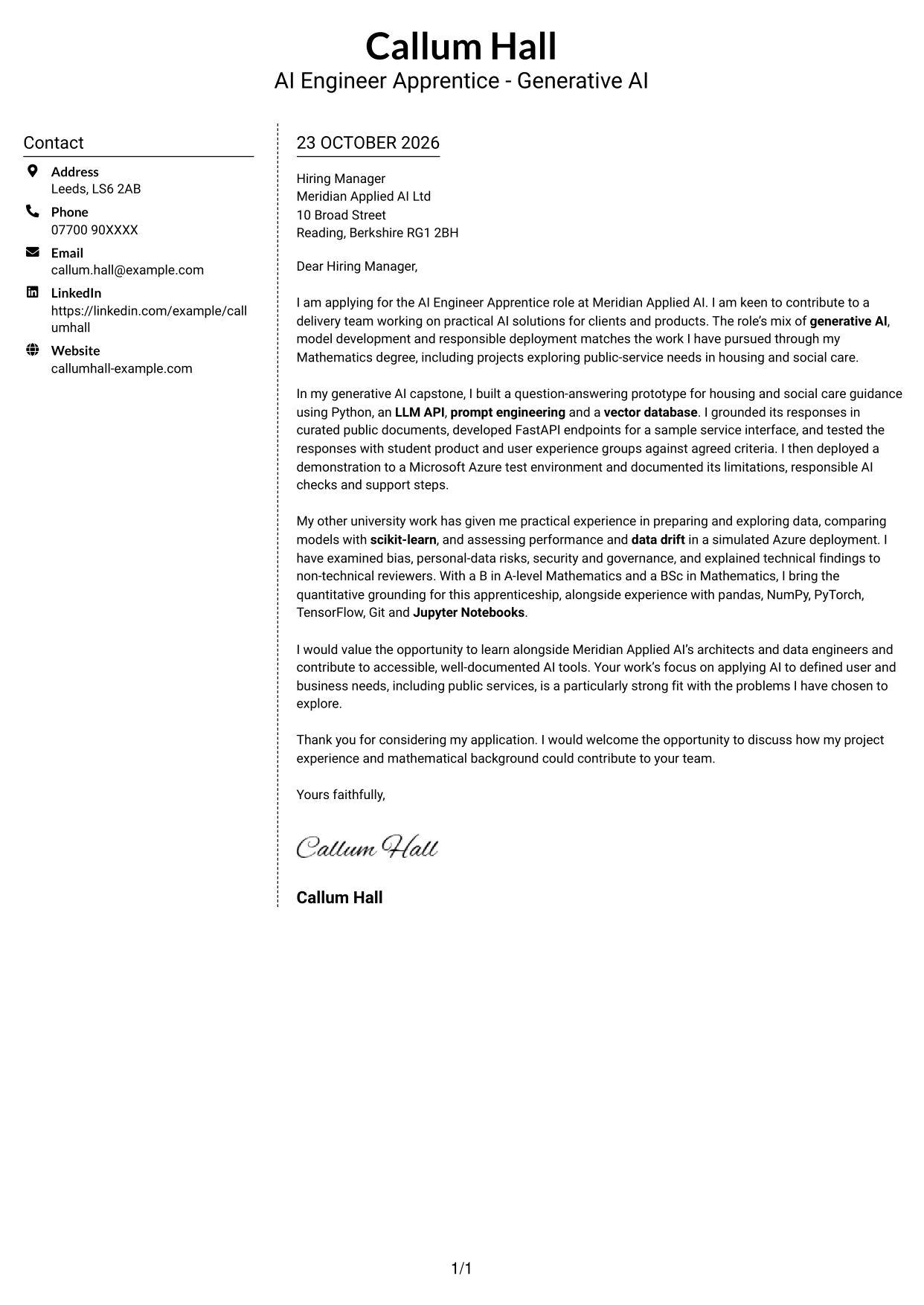
Why This Format Works
- Contact details have their own sidebar, separate from the letter’s paragraphs.
- The body remains one continuous column for a clear reading sequence.
- The design keeps the written case central without adding a photo.
Best For
- Sidebar-based contact details
- Continuous letter paragraphs
- Photo-free applications
- A clear motivation statement
- Letters with a focused conclusion
#6 Modern Icon Format Cover Letter Example
Modern Icon Format uses contact icons in a two-column layout, with the details beside rather than within the continuous letter body.
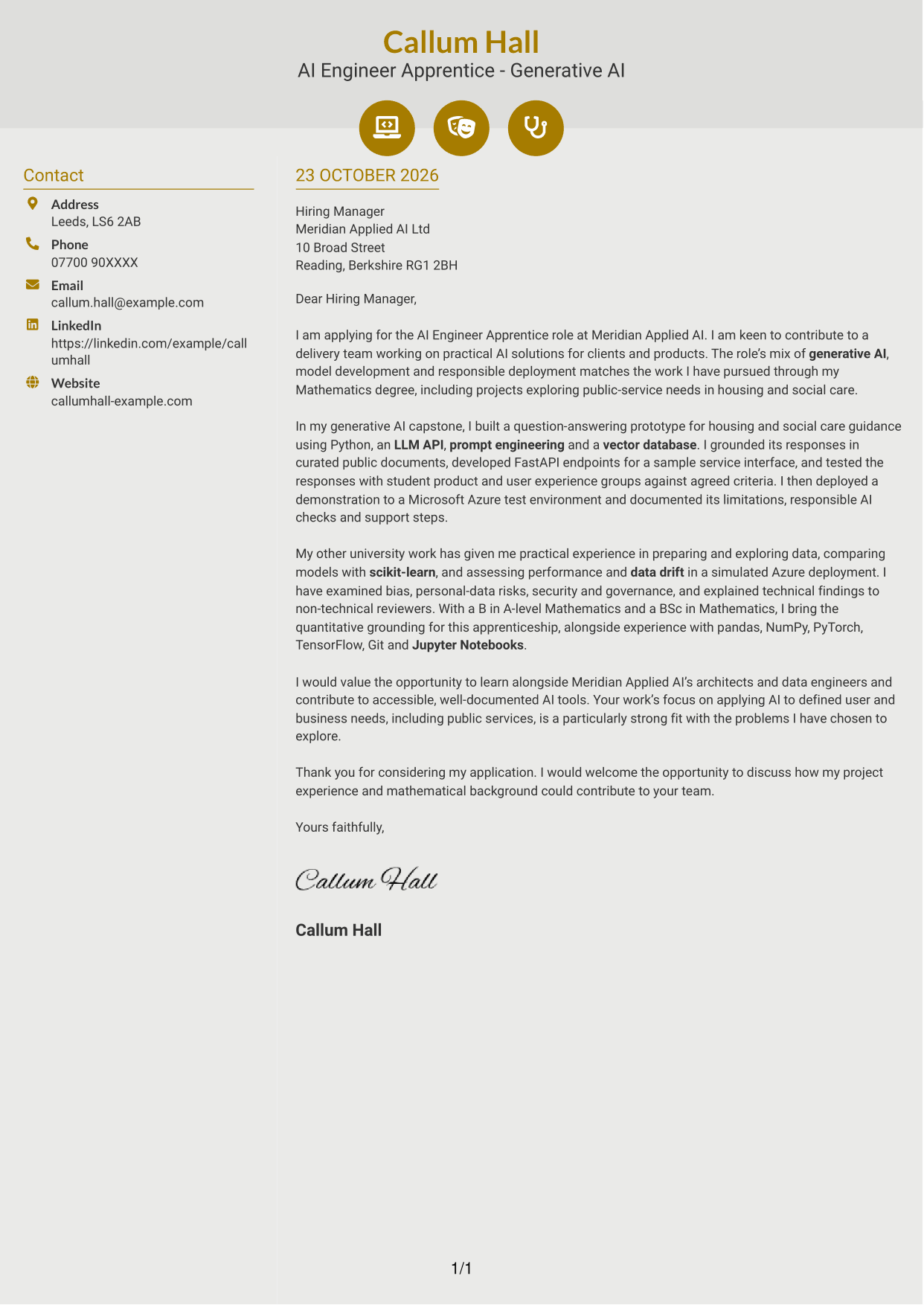
Why This Format Works
- Contact icons cue the reader to sender details, not stages of the argument.
- A separate sidebar keeps contact information apart from the letter’s message.
- One continuous body column holds the opening, evidence and closing together.
Best For
- Icon-cued contact details
- Separate contact and message areas
- A continuous letter argument
- Photo-free applications
- Clear opening-to-close order
#7 Creative Two Tone Format Cover Letter Example
Creative Two Tone Format places a contact sidebar alongside one continuous letter body, suiting readers who want contact details separated from the main message.
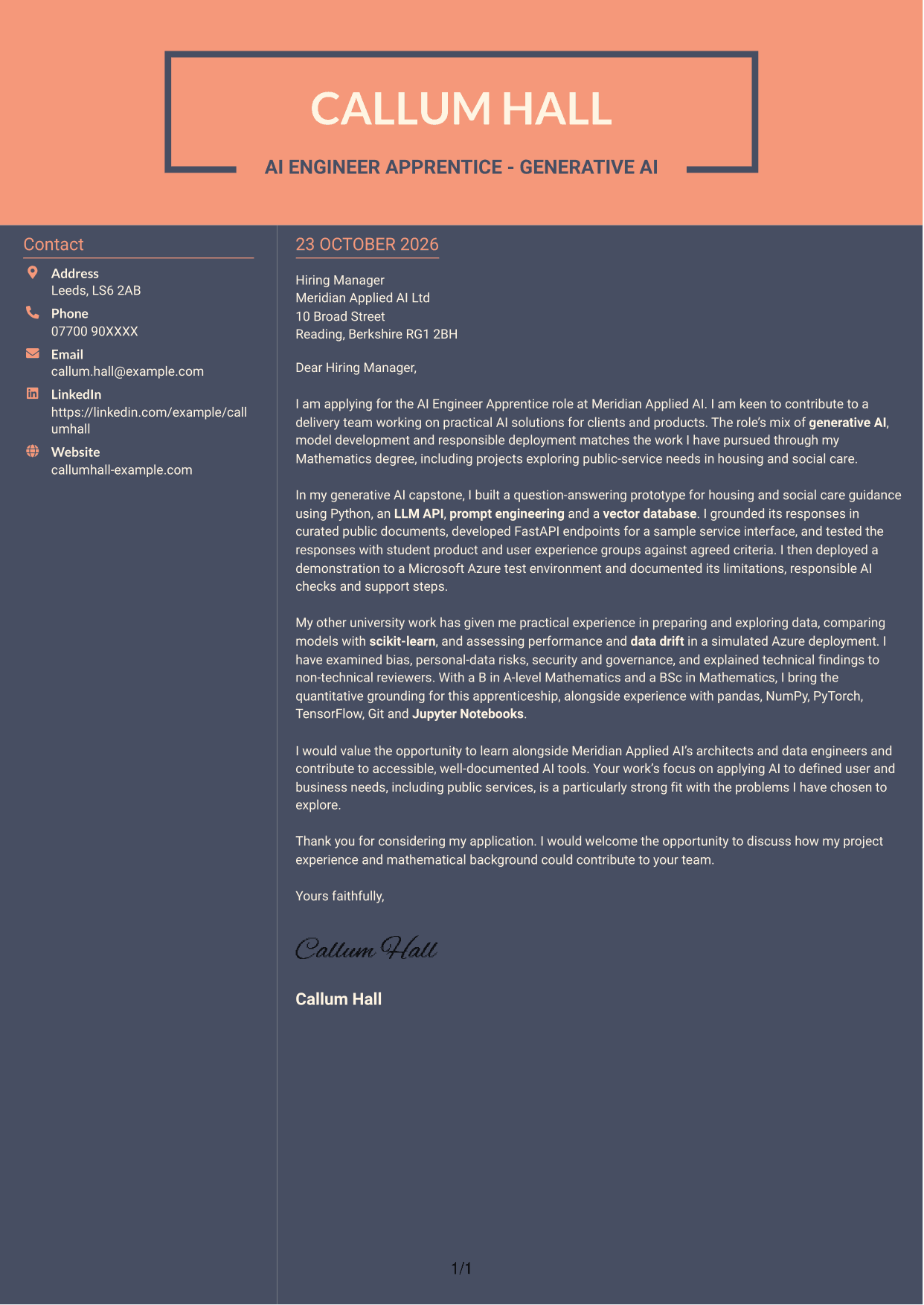
Why This Format Works
- The sidebar makes sender information distinct from the letter’s persuasive paragraphs.
- A single body column keeps the message in its intended order.
- The two-column arrangement separates contact details without splitting the argument.
Best For
- Contact details beside the letter
- A single persuasive narrative
- Photo-free correspondence
- Applications with a clear motivation
- Letters ending with a direct next step
See Also
- 7 AI Engineer Apprentice - Generative AI CV Templates with Example
- 7 Trainee AI Engineer - Generative AI and Machine Learning CV Templates with Example
- 7 AI Solutions Engineer CV Templates with Example
- 7 Junior AI Engineer - AI and Data CV Templates with Example
- 7 Principal Full-Stack Software Engineer - Python, Data and AI CV Templates with Example
- 7 Software Engineer - Python and AI Solutions CV Templates with Example
- 7 Data Scientist & Engineer - Legal Data Products CV Templates with Example
- Full Stack Lead Software Engineer CV Guide (Java, Spring Boot, AWS) (Examples + Free PDF Downloads)
- 7 Trainee AI Engineer - Generative AI and Machine Learning Cover Letter Templates with Example
- 7 AI Solutions Engineer Cover Letter Templates with Example
Frequently Asked Questions
What should an AI Engineer Apprentice - Generative AI cover letter highlight?
Show your interest in building useful AI tools and connect it to relevant evidence. For example, describe a generative AI prototype, Python development, API integration, model testing or responsible AI checks that you have carried out.
How can I explain my project experience clearly?
Briefly state the problem, what you built and how you tested it. A question-answering tool grounded in public documents, tested with user groups and documented for reuse can show both technical care and attention to user needs.
How should I connect my skills to the apprenticeship?
Choose skills that support the work described in the role, such as Python, prompt engineering, vector databases or Microsoft Azure. Give context for each skill by explaining how you used it, rather than presenting a long list.
How can I show interest in the employer?
Connect your motivation to the employer’s work on practical AI for client and product needs. If public services interest you, explain how your work on housing or social care guidance has shaped that interest.
What is a clear way to structure this cover letter?
Open with your reason for applying. Use the body to show relevant project evidence, technical choices and care for responsible use, then close by linking your contribution to the team and inviting a discussion.




