
7 AI Product Engineer - AI/Hardware/Manufacturing Cover Letter Templates with Example
This guide helps you write an AI Product Engineer - AI/Hardware/Manufacturing cover letter and compare seven layouts for presenting your fit.
What Makes a Great AI Product Engineer - AI/Hardware/Manufacturing Cover Letter in 2026
A strong letter connects product-engineering skills with applied AI and the work of helping engineers develop physical products. Make your opening clear about your interest, then show how your experience fits the role.
Use specific evidence, such as turning requests, images and drawings into engineering specifications or building agents that use CAD and geometry tools. Explain how evaluation, error checks and human review support reliable workflows, and link this evidence to the employer’s needs.
The featured example follows a focused progression from motivation to relevant evidence and a clear close; adapt this flow while choosing a presentation suited to the employer and communication context.
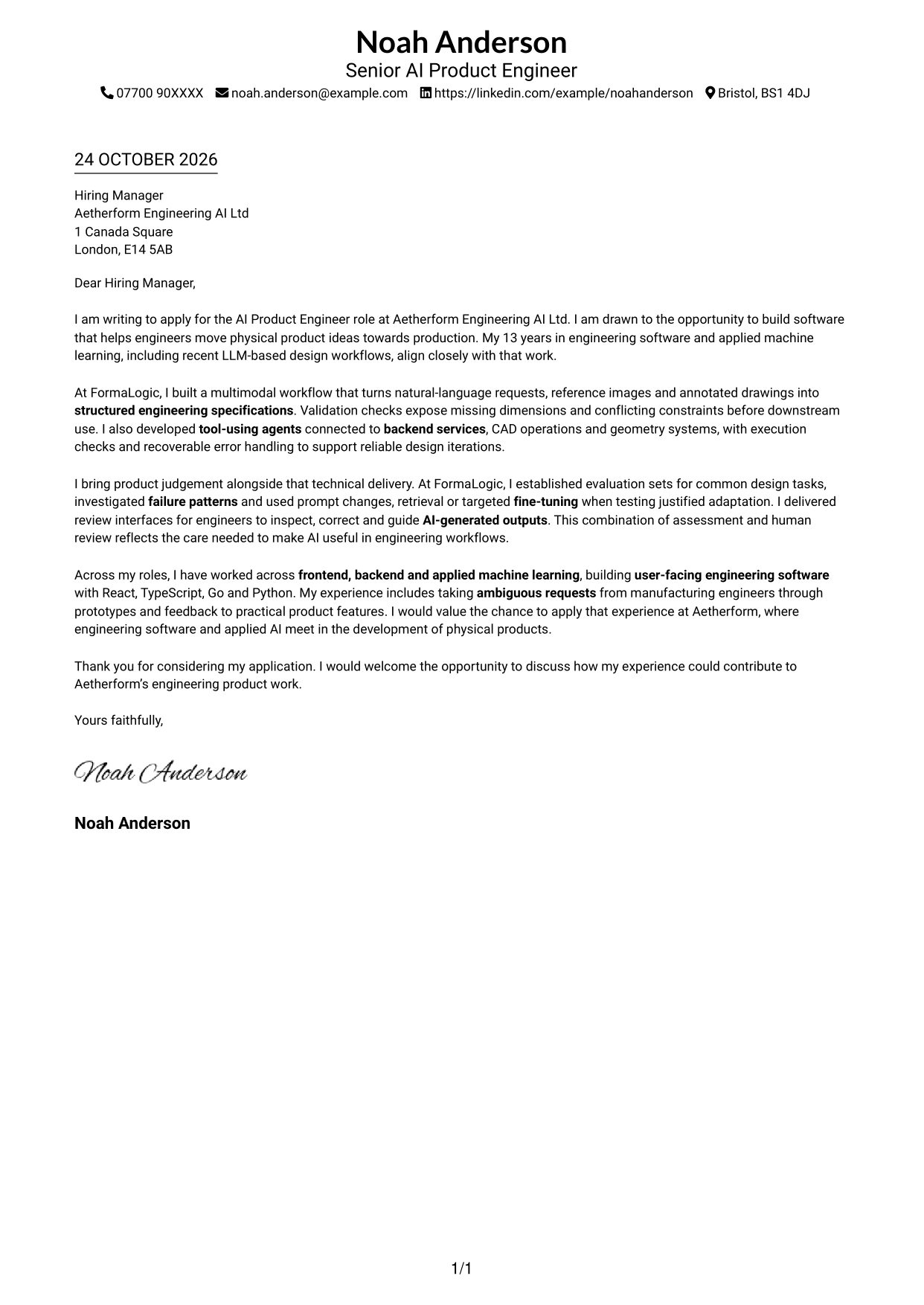
#1 Simple One Column Format Cover Letter Example
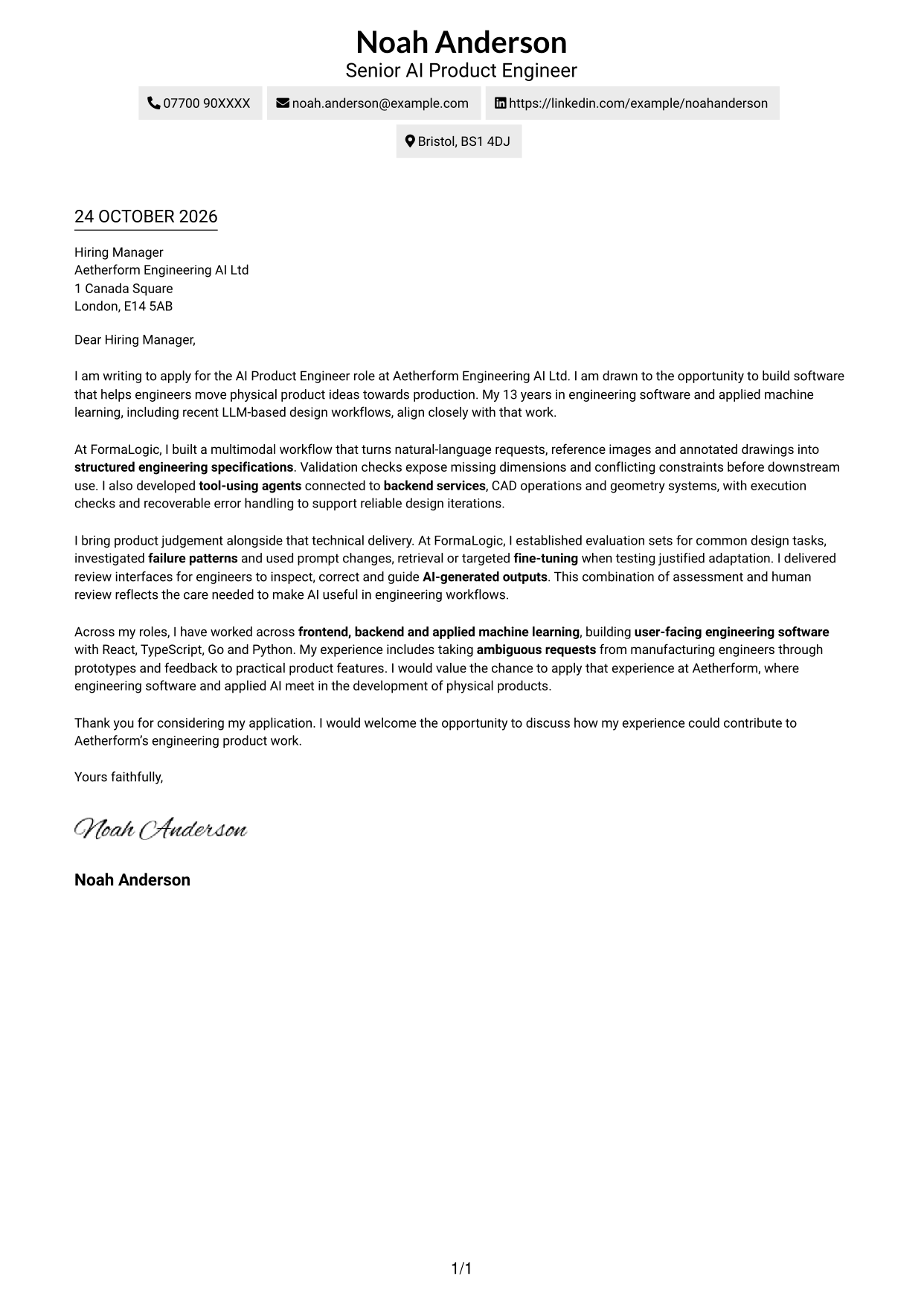
A single-column page keeps sender details in the header and the letter body on one clear reading path, a practical choice for direct correspondence.
Why This Format Works
- Sender details in the header keep contact information easy to locate.
- One column gives the greeting and paragraphs a clear top-to-bottom order.
- The continuous body carries motivation, evidence and closing in one connected argument.
Best For
- Single-column letter reading
- Contact details in the header
- Direct opening-to-close arguments
- Text-led applications without a photo
- Readers who prefer a familiar page flow
#2 Two Column Format Cover Letter Example
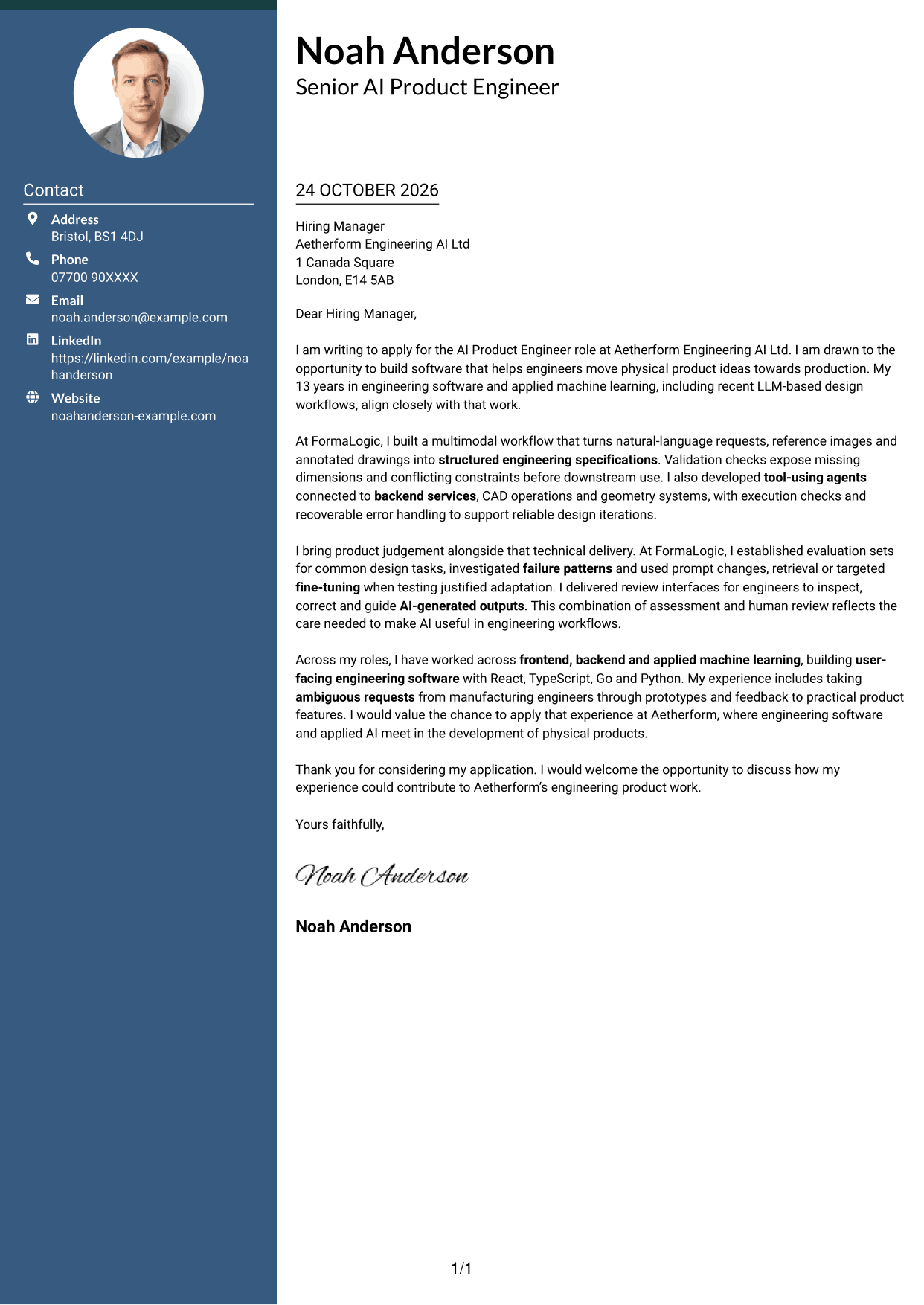
A contact sidebar sits beside the continuous letter body, keeping contact details distinct from the message in this two-column format.
Why This Format Works
- The contact sidebar gives sender details a separate place beside the message.
- The letter stays in one body, so its reasoning remains in sequence.
- Opening, evidence and closing remain together in the letter column.
Best For
- Contact details beside the letter
- One-column letter body within a two-column page
- A clear separation between contact and message
- Applications needing a continuous argument
- Readers who want contact information easy to find
#3 Photo Header Two Column Format Cover Letter Example
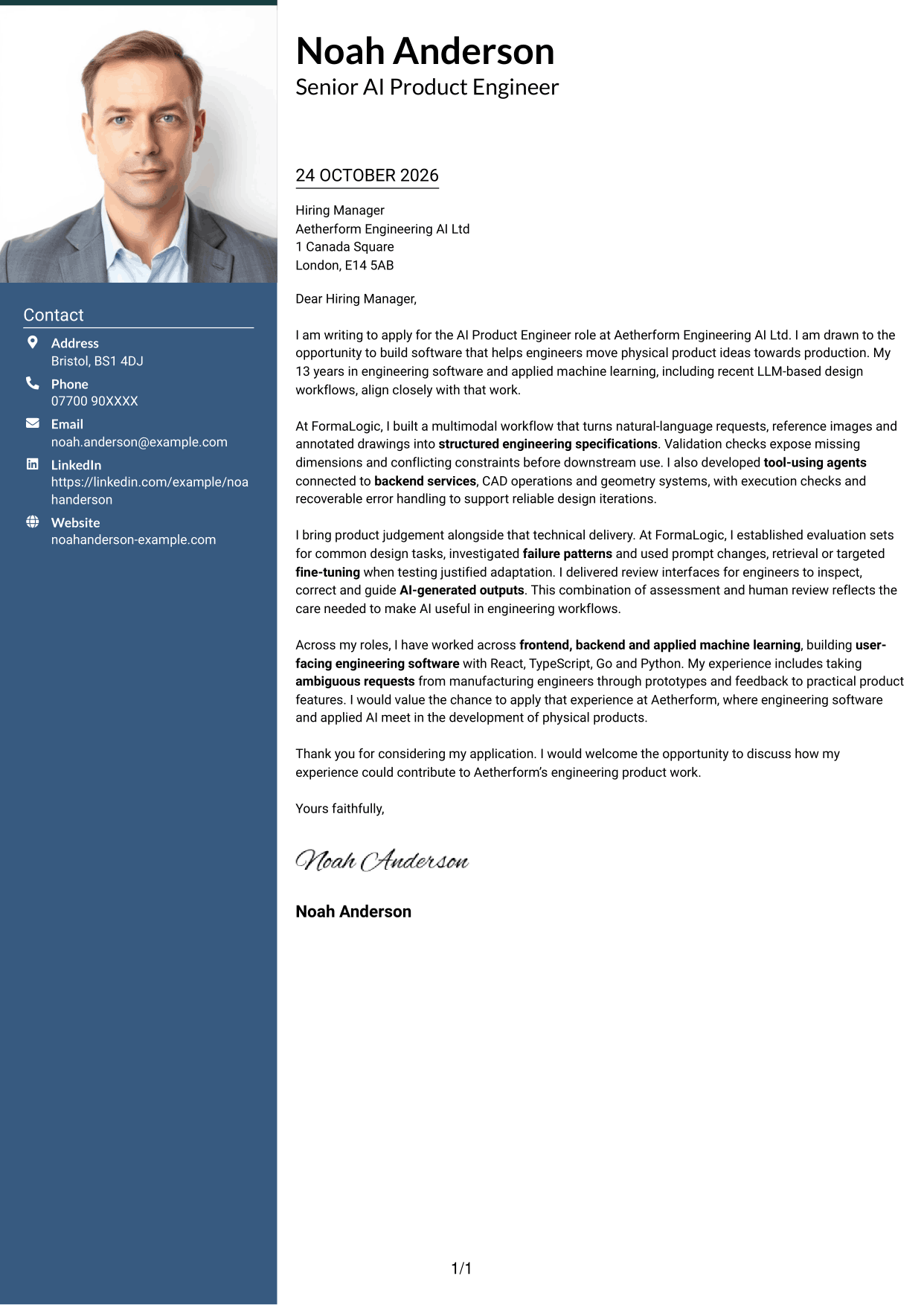
A photo adds a personal visual element to this two-column format, while the contact sidebar remains distinct from the continuous letter body.
Why This Format Works
- The photo provides a visible personal element without dividing the letter argument.
- Contact details have a separate place beside the main correspondence.
- A single letter body keeps motivation, evidence and closing in sequence.
Best For
- A photo-led personal introduction
- Contact information beside the letter body
- One continuous argument in a two-column layout
- Applications where a portrait suits the presentation
- Readers who value a distinct contact area
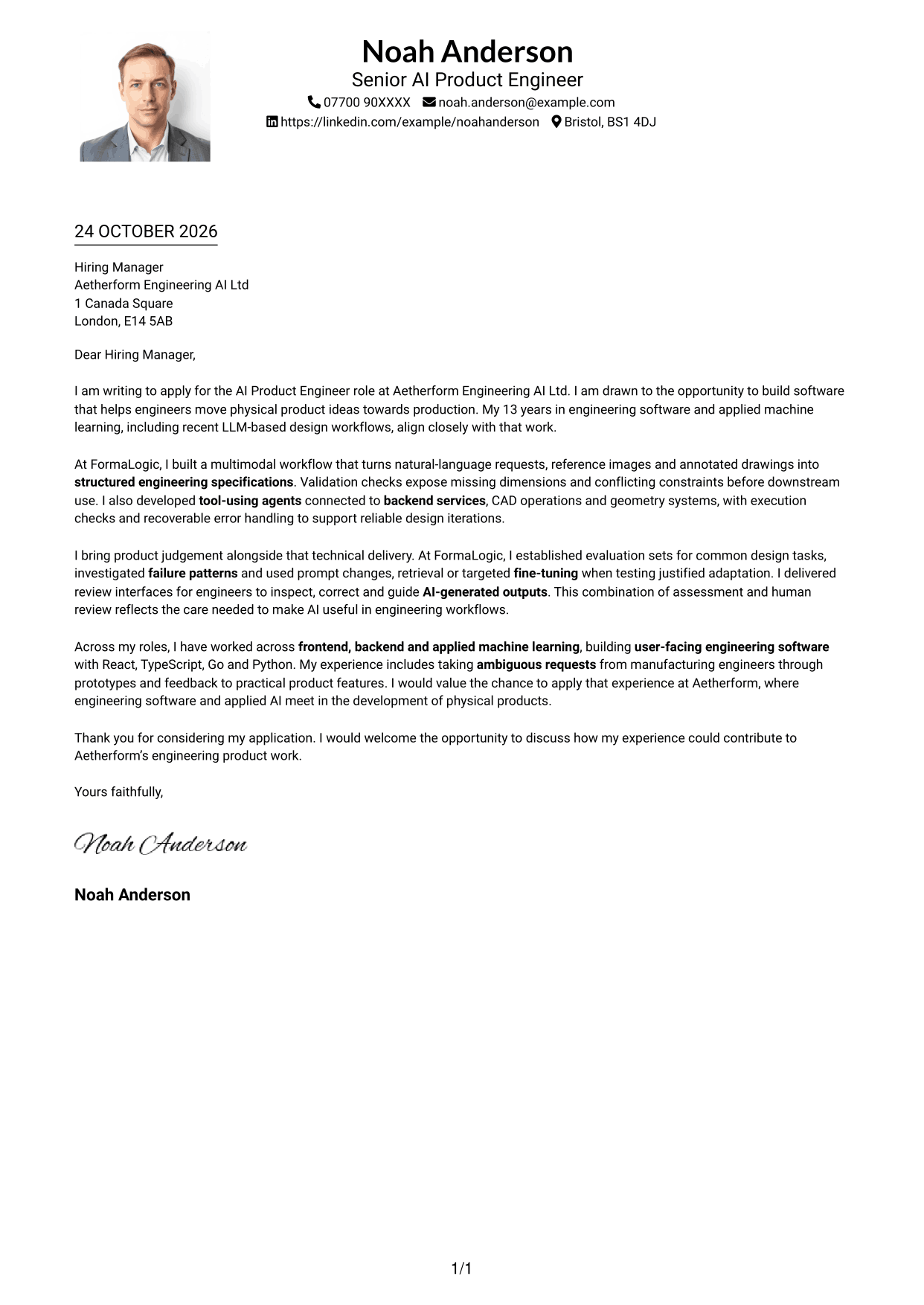
#4 One Column Format with Photo Cover Letter Example
The photo adds a personal visual element to a single-column page, where sender details appear in the header and the letter follows one reading path.
Why This Format Works
- One column keeps the letter’s opening, evidence and closing in reading order.
- Sender details in the header remain easy to locate.
- The continuous body lets the message develop without parallel text columns.
Best For
- A single-column letter with a photo
- Header-based contact details
- A continuous opening-to-close message
- Applications where a portrait is appropriate
- Readers who prefer one clear reading path
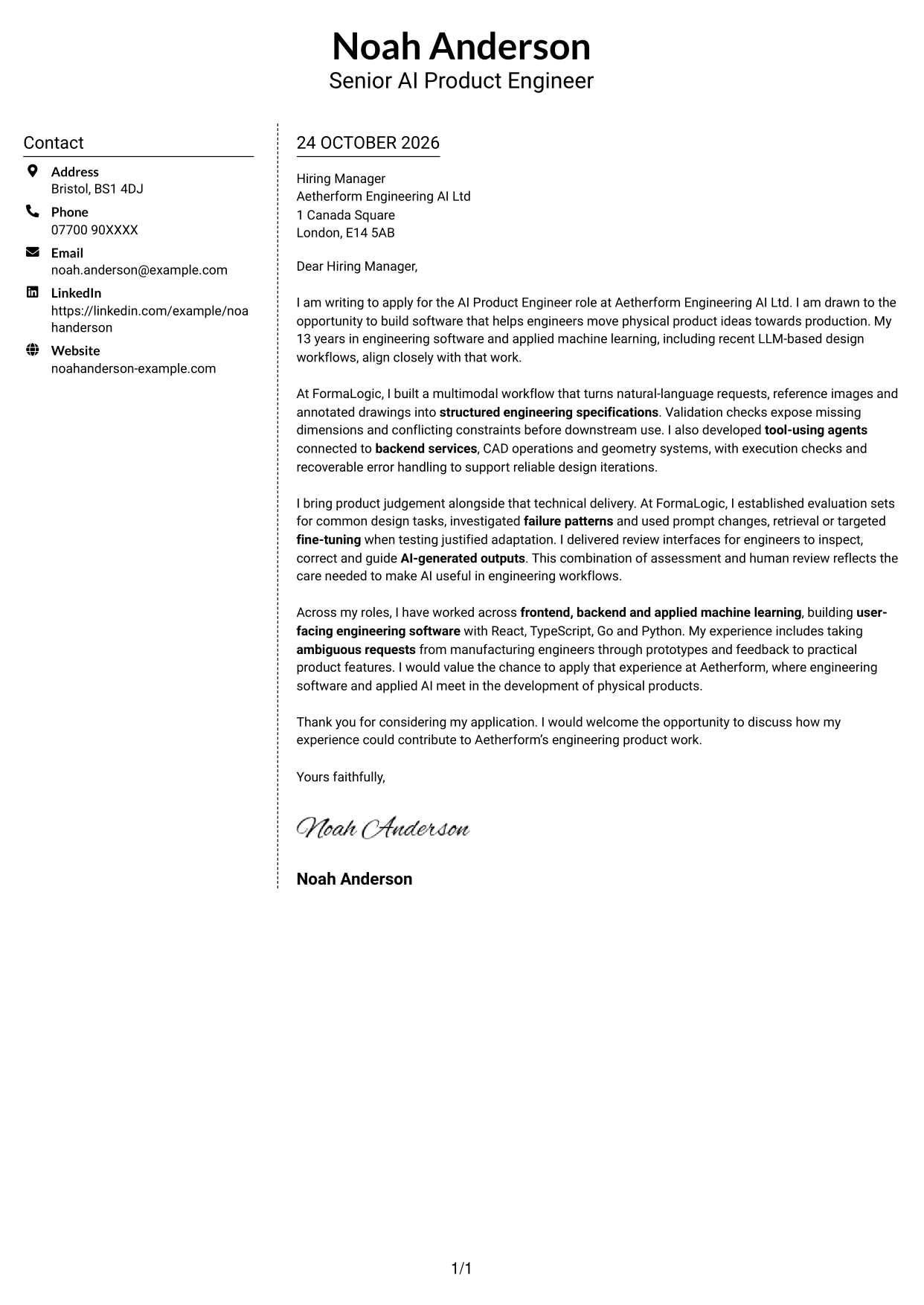
#5 Simple Two Column Format Cover Letter Example
This simple two-column layout places a contact sidebar beside one continuous letter body, giving contact information and correspondence separate areas.
Why This Format Works
- The contact sidebar keeps sender details separate from the letter’s message.
- The body remains continuous, so the argument reads from opening to closing.
- Two distinct areas help readers tell contact information from correspondence.
Best For
- Separate contact and letter areas
- A continuous body alongside a contact sidebar
- Applications with a clear opening and closing
- Readers who want contact details apart from the message
- Two-column organisation without a photo
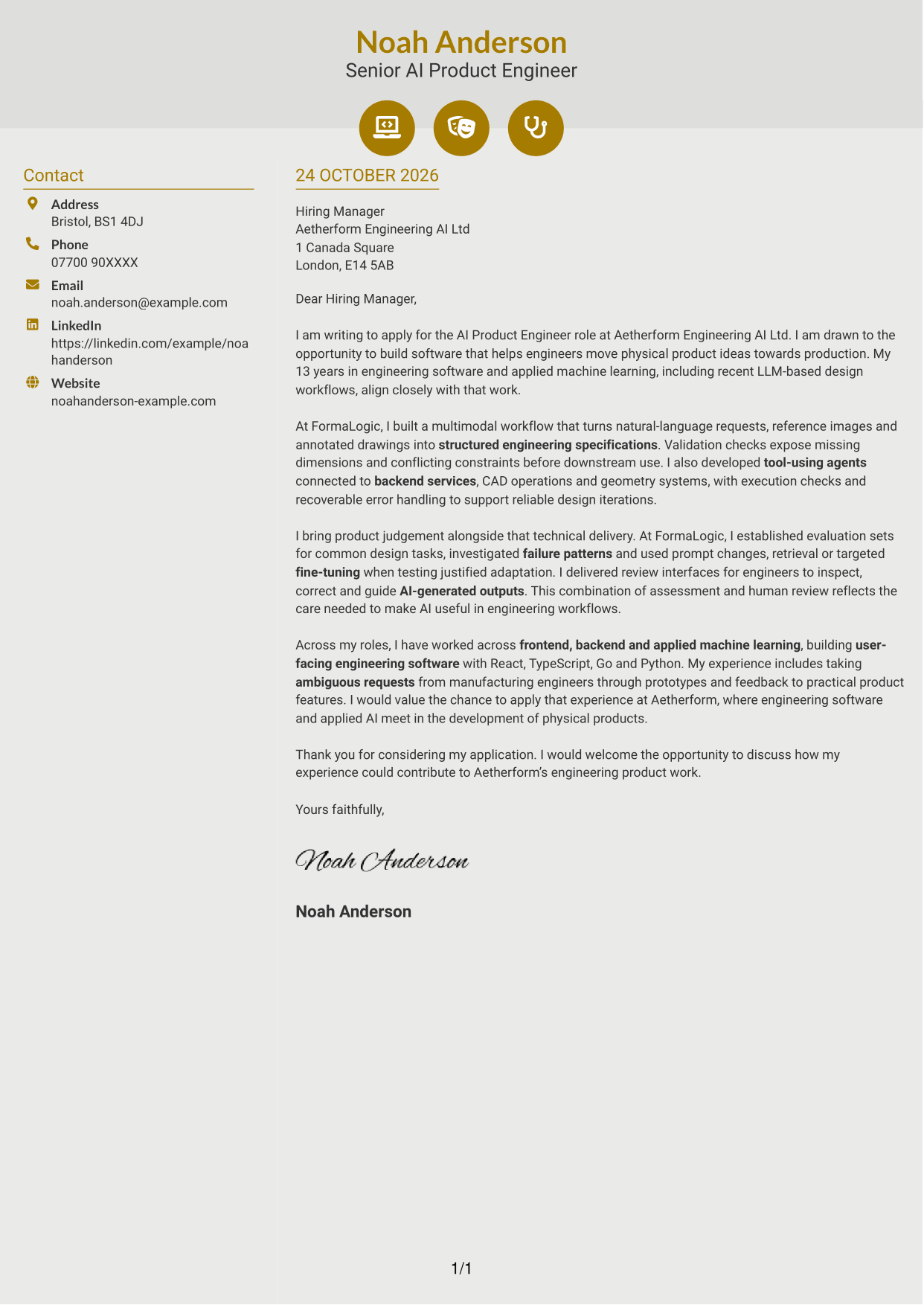
#6 Modern Icon Format Cover Letter Example
Contact-detail icons add visual cues to this two-column format, while the letter remains a single continuous body beside the contact sidebar.
Why This Format Works
- Contact icons help distinguish contact details from the letter’s paragraphs.
- The sidebar keeps sender information apart from the message itself.
- One continuous body preserves the sequence from motivation through closing.
Best For
- Icon cues for contact information
- Contact details beside the letter body
- A single-column argument in a two-column page
- Readers who prefer visual contact markers
- Applications needing uninterrupted letter paragraphs
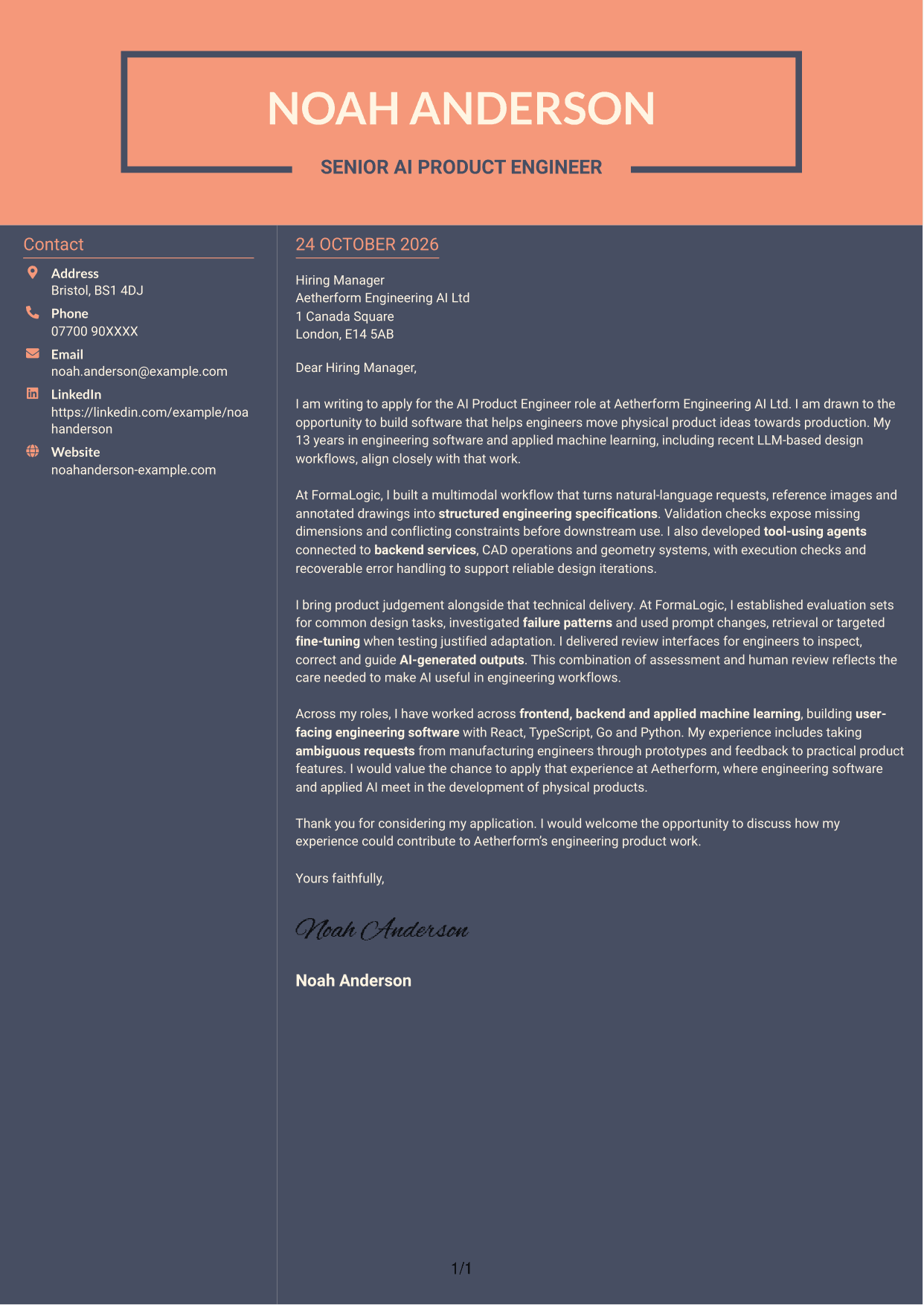
#7 Creative Two Tone Format Cover Letter Example
The two-column layout gives contact details a sidebar beside the continuous letter body, a useful choice when the message should remain distinct from sender information.
Why This Format Works
- A separate contact sidebar keeps sender details outside the letter’s argument.
- The body’s continuous paragraphs carry the message from opening to closing.
- The two-column reading order distinguishes contact information from correspondence.
Best For
- A separate place for sender details
- One continuous letter beside a contact sidebar
- Applications with a clear message sequence
- Readers who prefer distinct contact information
- Two-column organisation without a photo
See Also
- 7 AI Product Engineer - AI/Hardware/Manufacturing CV Templates with Example
- 7 Data Scientist & Engineer - Legal Data Products CV Templates with Example
- 7 AI Automation Engineer CV Templates with Example
- 7 AI Data Engineer - Data Analytics CV Templates with Example
- 7 AI Engineer Apprentice - Generative AI CV Templates with Example
- 7 AI Engineer - Generative AI CV Templates with Example
- 7 AI/ML Engineer - Media and Audience Intelligence CV Templates with Example
- 7 AI Research Engineer - Financial Crime Compliance CV Templates with Example
- 7 Data Scientist & Engineer - Legal Data Products Cover Letter Templates with Example
- 7 AI Automation Engineer Cover Letter Templates with Example
Frequently Asked Questions
What should an AI Product Engineer - AI/Hardware/Manufacturing cover letter highlight?
Show how your product-engineering work connects software and applied AI to engineers’ needs. Relevant evidence may include user-facing tools, structured engineering specifications, agents that use tools, and ways to review and correct generated outputs.
How can I show that my AI work is reliable?
Give a clear example of how you test model behaviour, examine failures and add checks before outputs are used. You can also explain when human review, model adaptation or fine-tuning helped address a proven need.
How can I explain experience with CAD and geometry systems?
Describe how your work connects agents or product workflows to CAD operations and geometry services. Explain the purpose of validation, execution checks or error handling, and how these steps support reliable design work.
How should I structure this cover letter?
Begin with your interest in the role and its product focus. Use the body to give relevant evidence of technical delivery and product judgement, then close with a concise statement of interest and an invitation to discuss your fit.
How can I show that I can turn unclear needs into product features?
Choose an example where you listened to engineering users, shaped their needs into a feature and tested the approach through prototypes or feedback. State what you contributed and how the work supported a practical engineering workflow.




