
7 AI Security Engineer Cover Letter Templates with Example
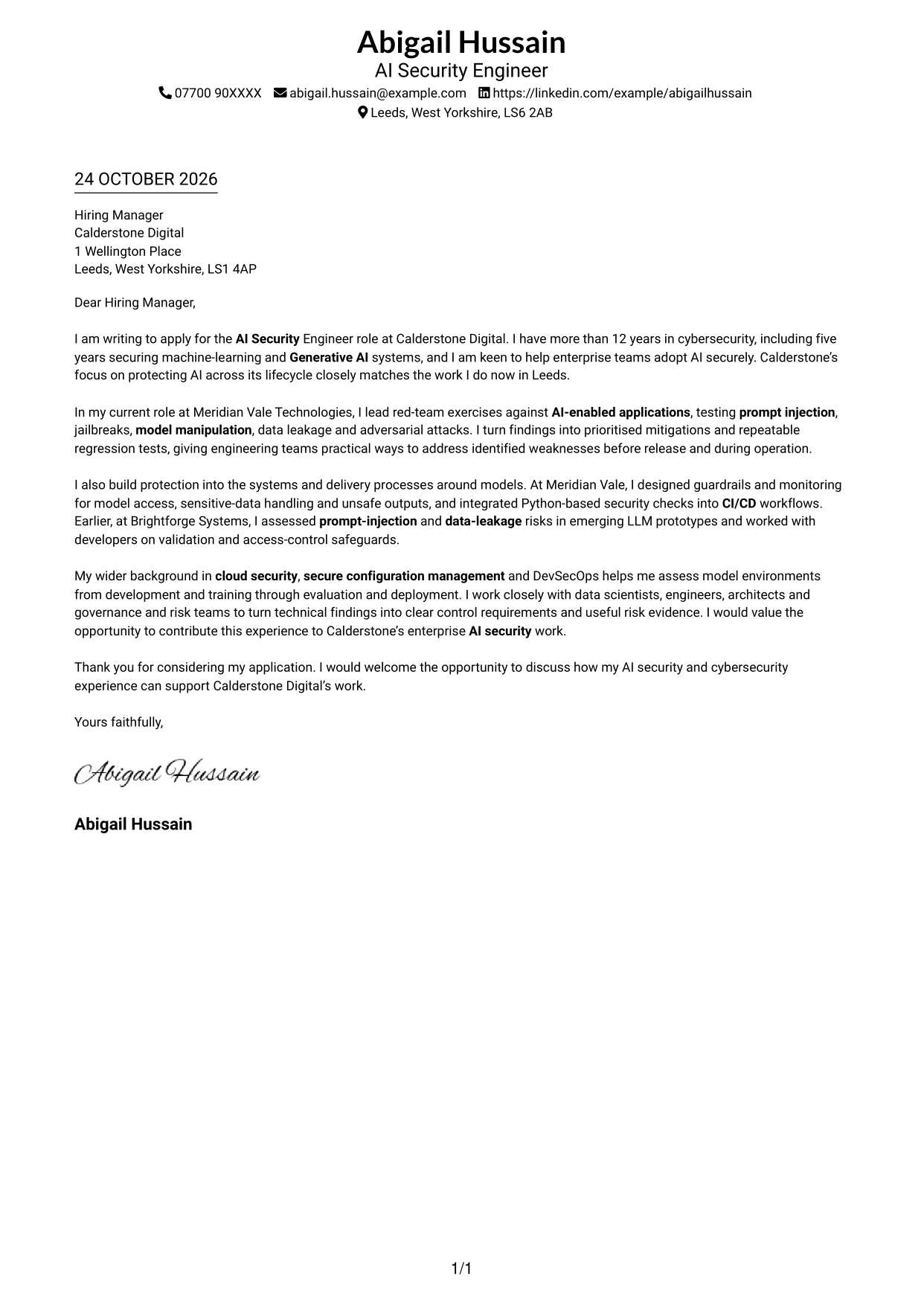
This practical guide to an AI Security Engineer cover letter shows how to present relevant evidence and motivation across seven layouts.
What Makes a Great AI Security Engineer Cover Letter in 2026
A strong letter links your interest in the role to practical ways of protecting AI systems. Make the opening clear, then show how your work supports secure model development and use.
Choose evidence such as testing prompt injection and data leakage, building guardrails, or adding security checks to CI/CD. Explain the outcome and connect it to the employer’s needs and its aim to support secure enterprise AI.
The featured AI Security Engineer example moves from role motivation to red-team evidence, practical safeguards and cross-functional communication, then closes with a clear request to discuss the application. Adapt this focused progression while choosing a presentation suited to the employer and communication context.
#1 Simple One Column Format Cover Letter Example
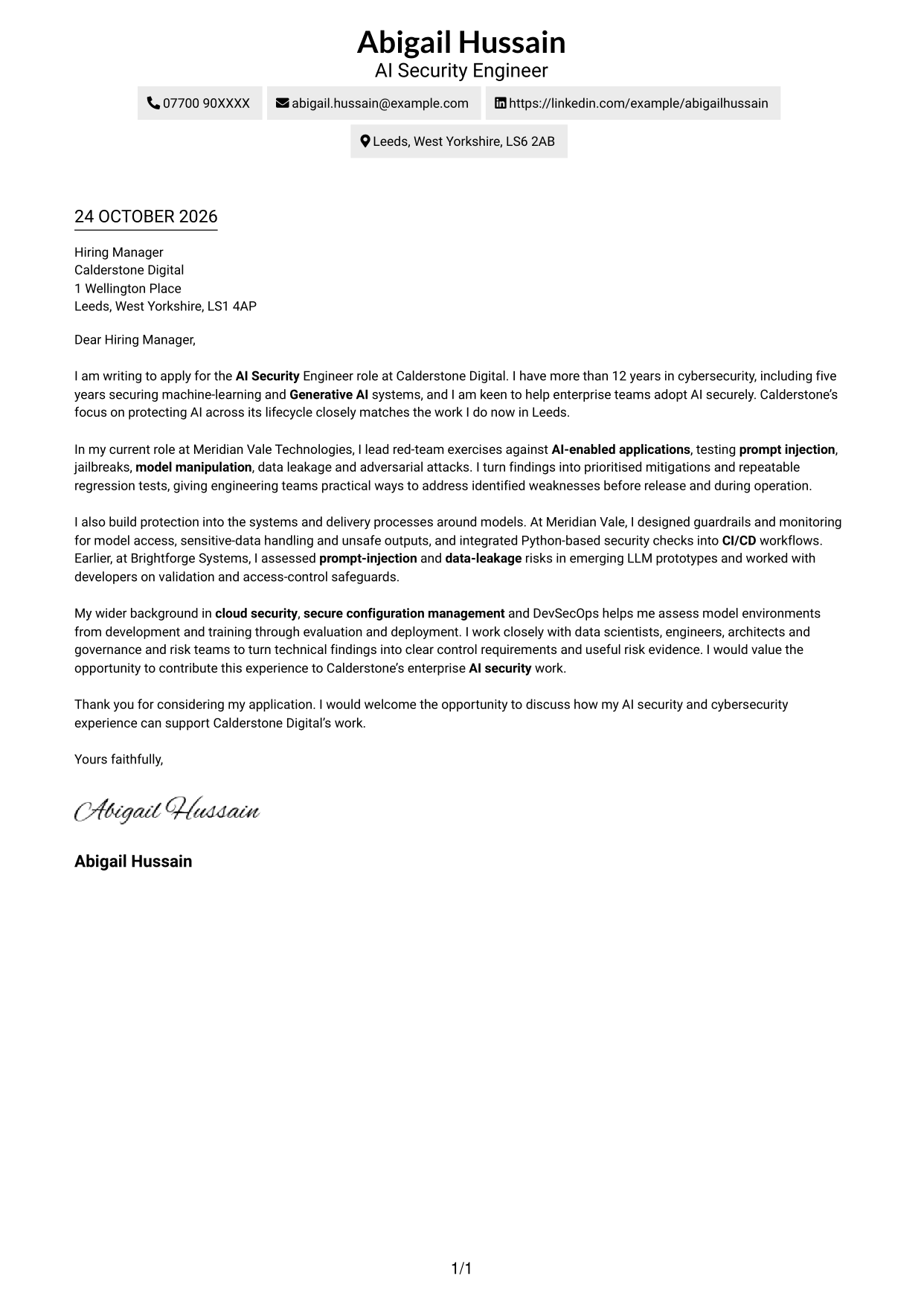
This one-column format keeps the sender details in the header and the complete letter in a single, easy-to-follow reading path.
Why This Format Works
- One column carries the opening, supporting points and close in a clear sequence.
- Sender details stay in the header, apart from the letter paragraphs.
- With no sidebar, the page has no competing contact column.
Best For
- Single-column reading preference
- Header-led contact details
- Uninterrupted letter paragraphs
- Photo-free correspondence
- Text-led letter presentation
#2 Two Column Format Cover Letter Example
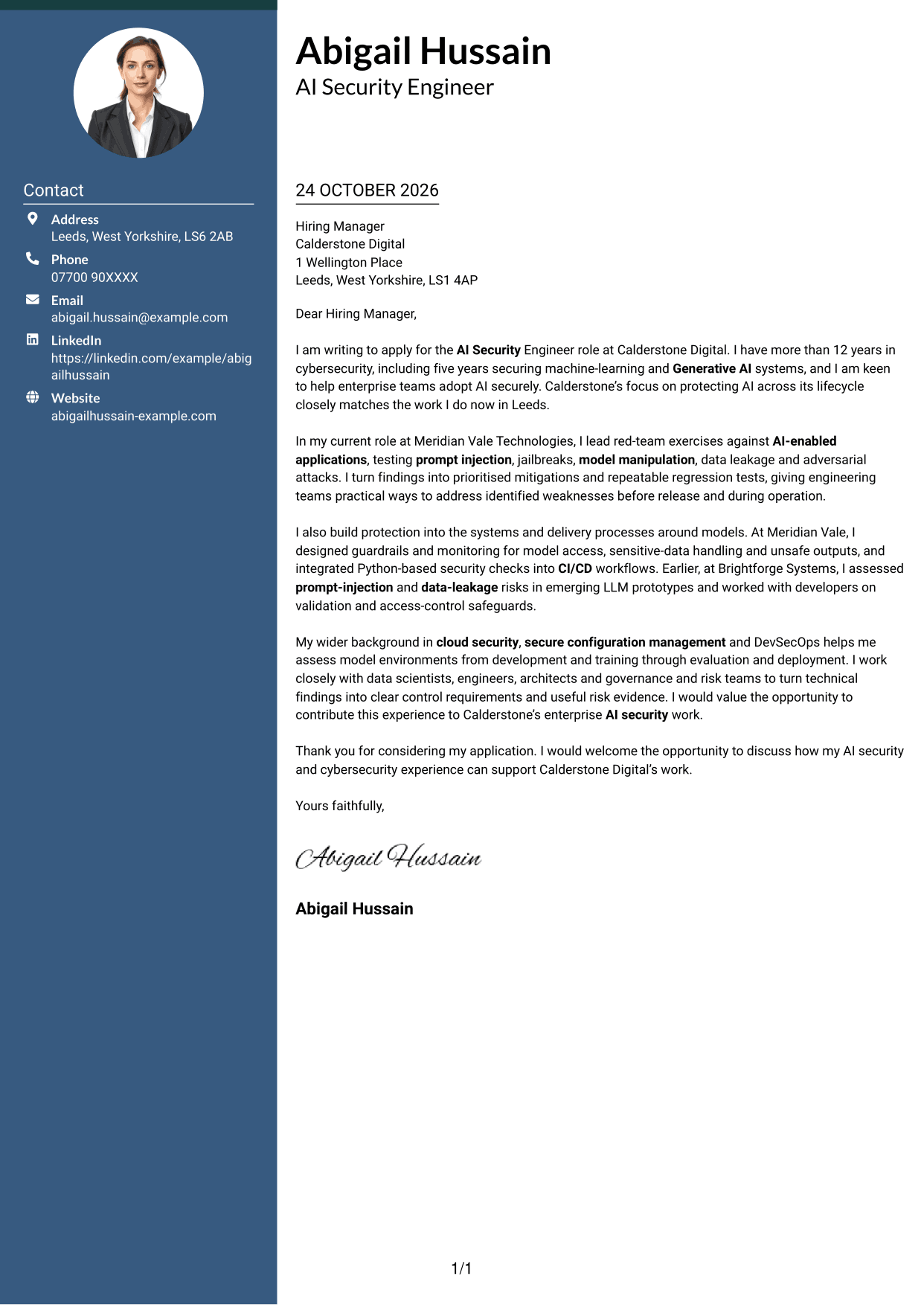
A contact sidebar sits beside the uninterrupted letter body, giving contact details a separate place without splitting the message.
Why This Format Works
- Contact information has a dedicated place beside the letter, not within its paragraphs.
- The continuous body preserves the natural order from opening to closing.
- The photo-free presentation keeps sender identification entirely text-based.
Best For
- Contact information outside the message
- Unbroken paragraph flow
- Two-column page preference
- Text-only sender identity
- Letters with several contact fields
#3 Photo Header Two Column Format Cover Letter Example
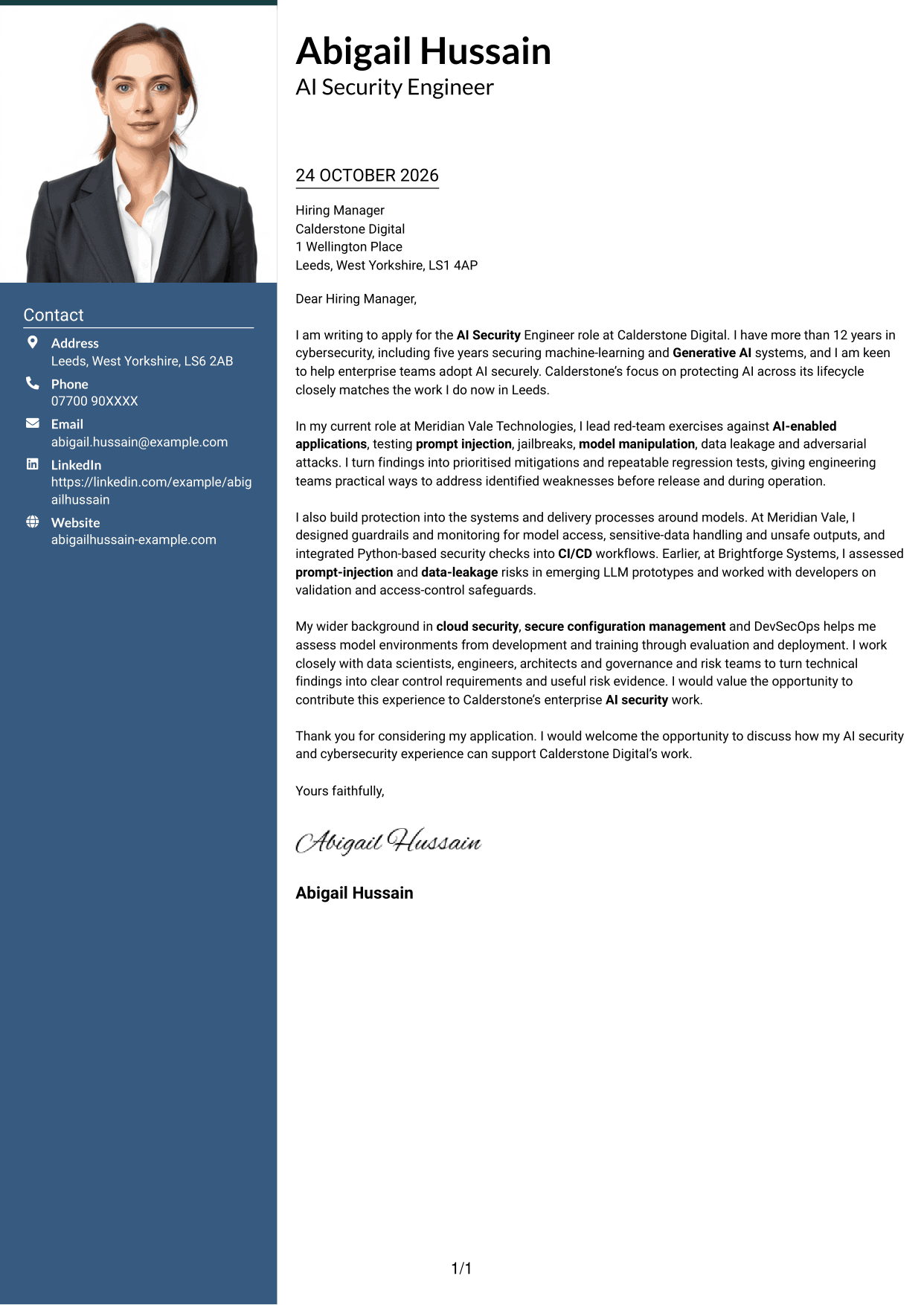
A photo in the header adds a personal visual element, while the contact sidebar stays apart from the continuous letter body.
Why This Format Works
- The header portrait offers a visual identifier for readers who value a photograph.
- A contact sidebar keeps sender details distinct from the main correspondence.
- The uninterrupted body preserves the sequence from greeting to closing.
Best For
- Header portrait preference
- Two-column page design
- Contact details separate from the message
- Continuous letter-body reading
- Letters with detailed contact information
#4 One Column Format with Photo Cover Letter Example
With a photo and sender details in the header, this one-column layout keeps the letter body in one continuous sequence.
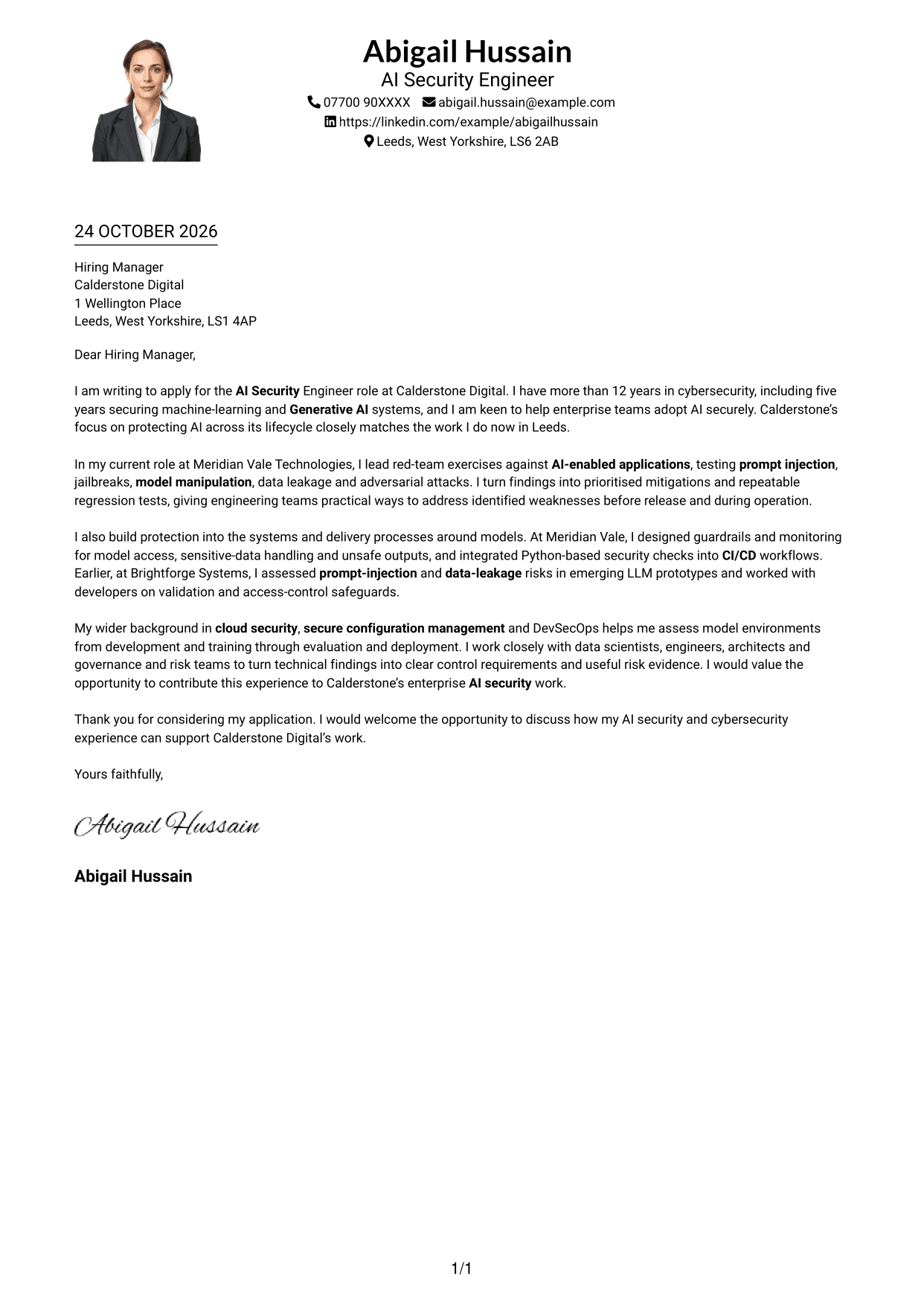
Why This Format Works
- A header portrait gives visual identity a clear place above the letter.
- Contact details remain in the header, apart from the letter paragraphs.
- The single body column keeps all paragraphs in one reading sequence.
Best For
- Portrait-led header choice
- One-column page preference
- Header contact information
- Continuous letter paragraphs
- Text-led argument with a visual identifier
#5 Simple Two Column Format Cover Letter Example
The contact sidebar gives sender details their own column, leaving the complete letter to read as one continuous message.
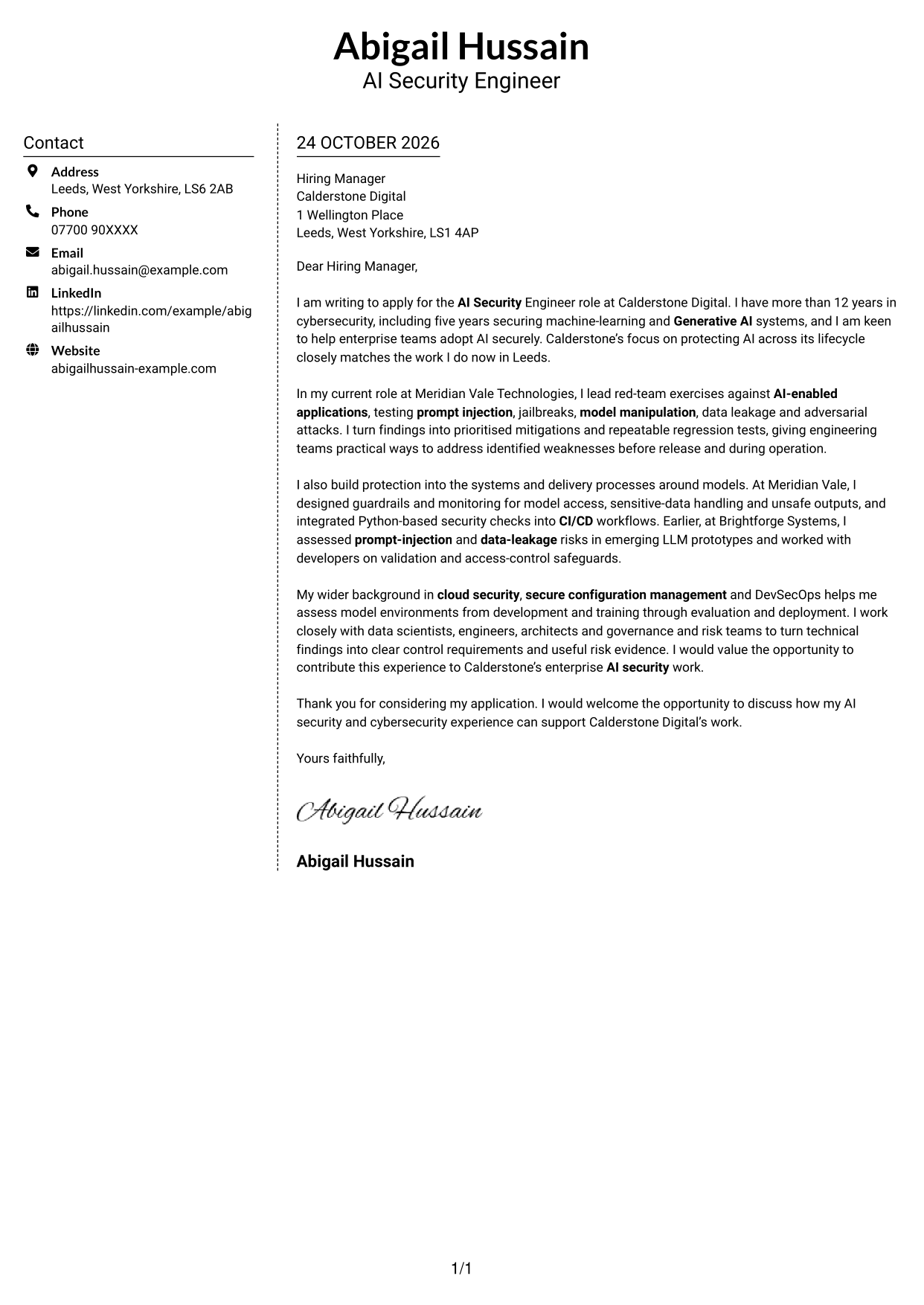
Why This Format Works
- Sender details sit in a separate column for quick reference.
- Paragraphs stay together in one letter body, preserving the message's sequence.
- The photo-free layout keeps attention on written correspondence.
Best For
- Quick sender-detail reference
- Single-flow letter reading
- Separate contact and message areas
- Photo-free correspondence
- Side-by-side page organisation
#6 Modern Icon Format Cover Letter Example
Contact icons and header accents mark the contact area, while the two columns keep those details beside one continuous letter body.
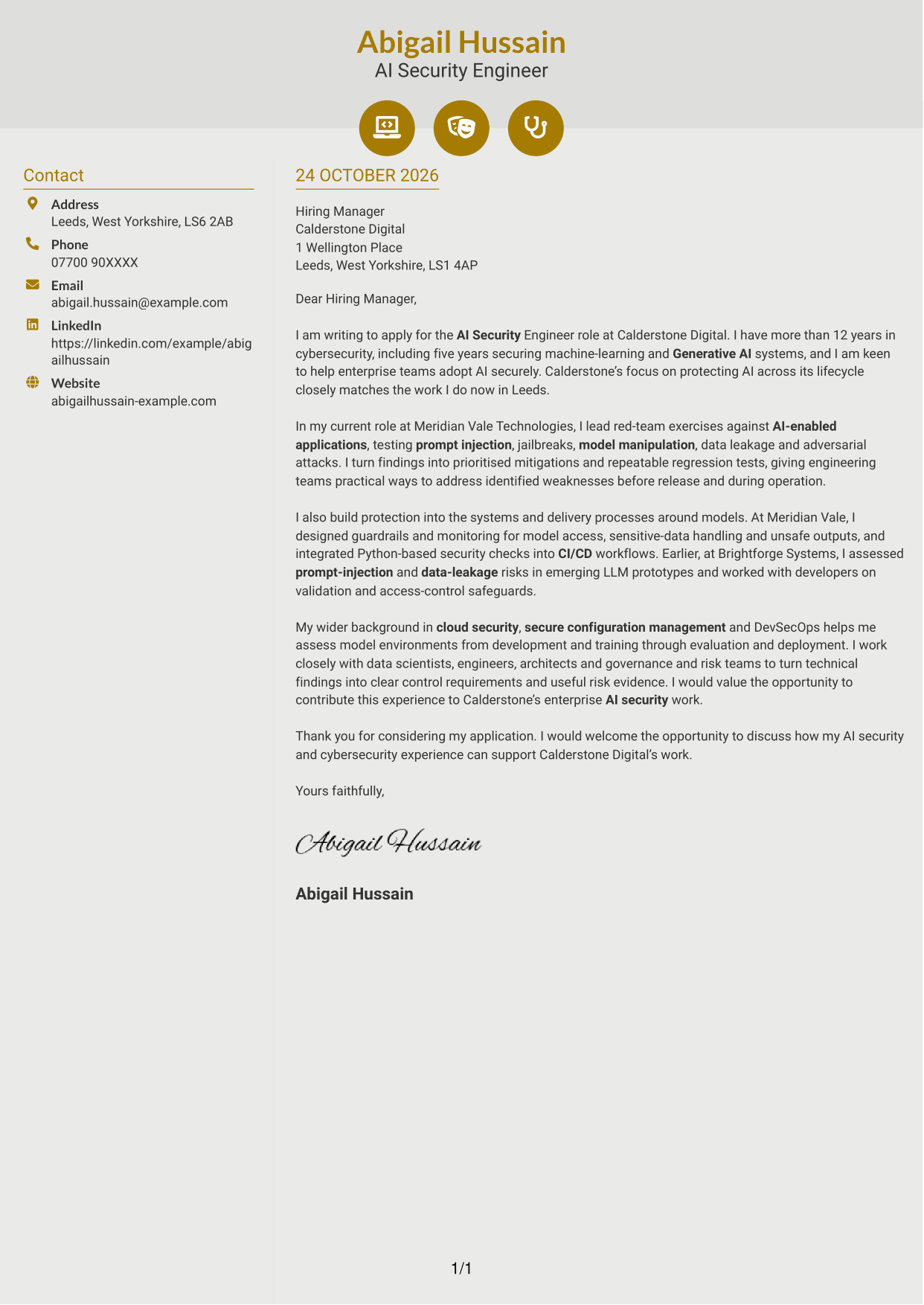
Why This Format Works
- Contact icons provide visual cues for the sender details in the sidebar.
- Header accents decorate contact information without labelling letter arguments.
- The continuous body keeps motivation, evidence and closing in paragraph order.
Best For
- Icon-marked contact details
- Decorative header cues
- Two-column page preference
- Continuous letter-body reading
- Photo-free correspondence
#7 Creative Two Tone Format Cover Letter Example
For readers who prefer a two-column page, this layout places the contact sidebar alongside one continuous letter body.
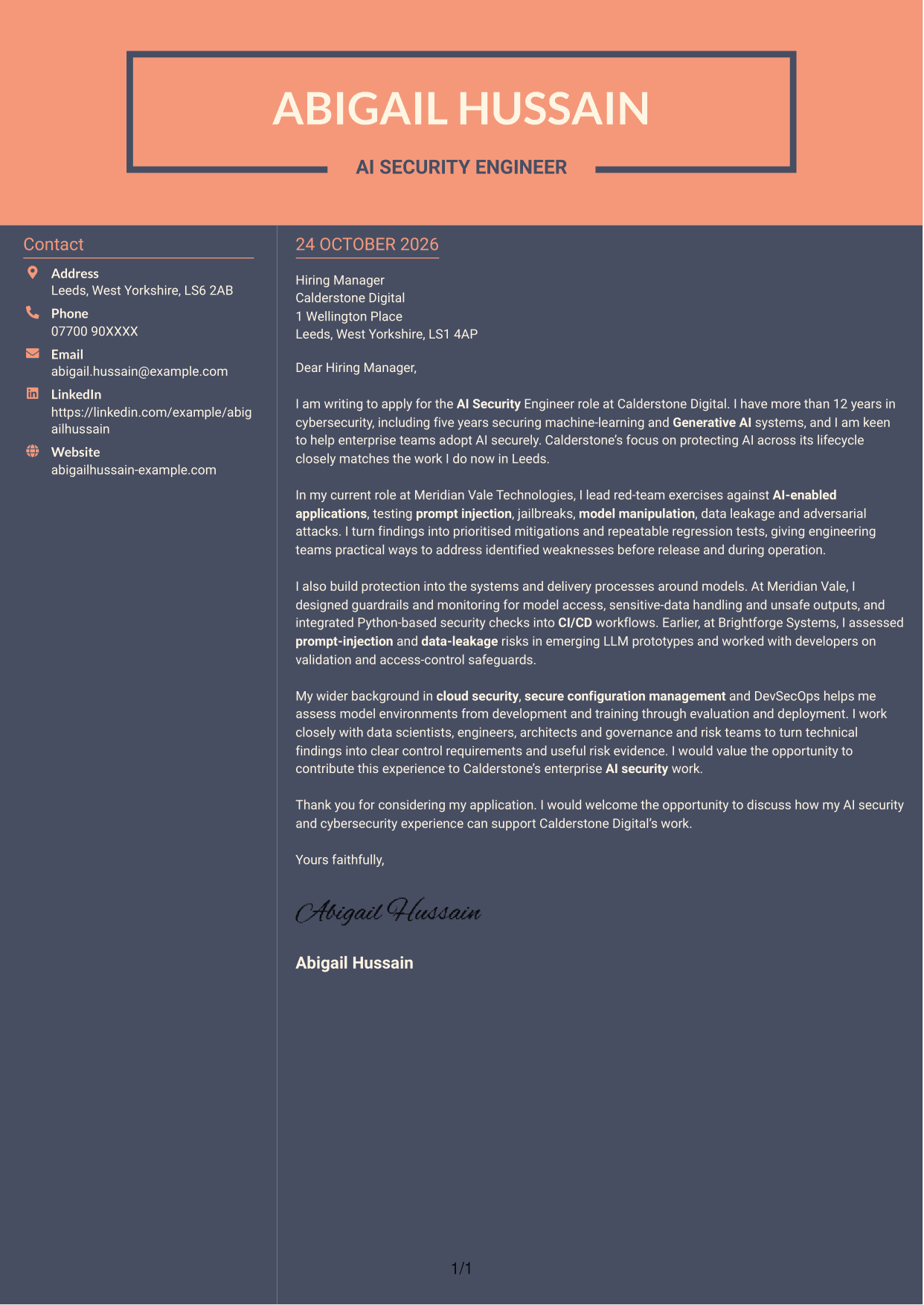
Why This Format Works
- The sidebar keeps sender details separate from the letter's paragraphs.
- A single body sequence lets readers follow the message from opening to close.
- The photo-free layout suits text-led correspondence.
Best For
- Two-column page preference
- Contact sidebar layout
- One continuous letter body
- Photo-free correspondence
- Text-led communication
See Also
- 7 AI Security Engineer CV Templates with Example
- 7 Java Software Engineer - Cross-Domain Security CV Templates with Example
- 7 AI Automation Engineer CV Templates with Example
- 7 AI Data Engineer - Data Analytics CV Templates with Example
- 7 AI Engineer Apprentice - Generative AI CV Templates with Example
- 7 AI Engineer - Generative AI CV Templates with Example
- 7 AI/ML Engineer - Media and Audience Intelligence CV Templates with Example
- 7 AI Product Engineer - AI/Hardware/Manufacturing CV Templates with Example
- 7 Java Software Engineer - Cross-Domain Security Cover Letter Templates with Example
- 7 AI Automation Engineer Cover Letter Templates with Example
Frequently Asked Questions
What should an AI Security Engineer cover letter highlight?
Show how you identify and reduce risks in AI systems. Useful examples include AI red-team testing, threat modelling, prompt-injection or jailbreak testing, and safeguards for model access and sensitive data.
How can I show evidence of AI security work?
Describe the risk you tested, the action you took and the result for the team. For example, explain how you turned red-team findings into prioritised fixes and repeatable regression tests.
How can I explain my interest in the employer?
Refer to the employer’s stated focus on helping enterprise teams adopt AI securely. Explain why protecting AI across its development and use matters to you, and connect that interest to relevant work you have done.
How should I structure an AI Security Engineer cover letter?
Open with the role and your reason for applying. Use the body to give focused examples of AI security testing, safeguards and collaboration, then close by restating your interest and inviting a discussion.
Should I include every technical detail?
No. Select a few examples that best show your fit, such as AI red-team testing, guardrails or secure CI/CD checks. Explain why each example matters rather than listing every tool or task.




