
7 AI Solutions Engineer Cover Letter Templates with Example
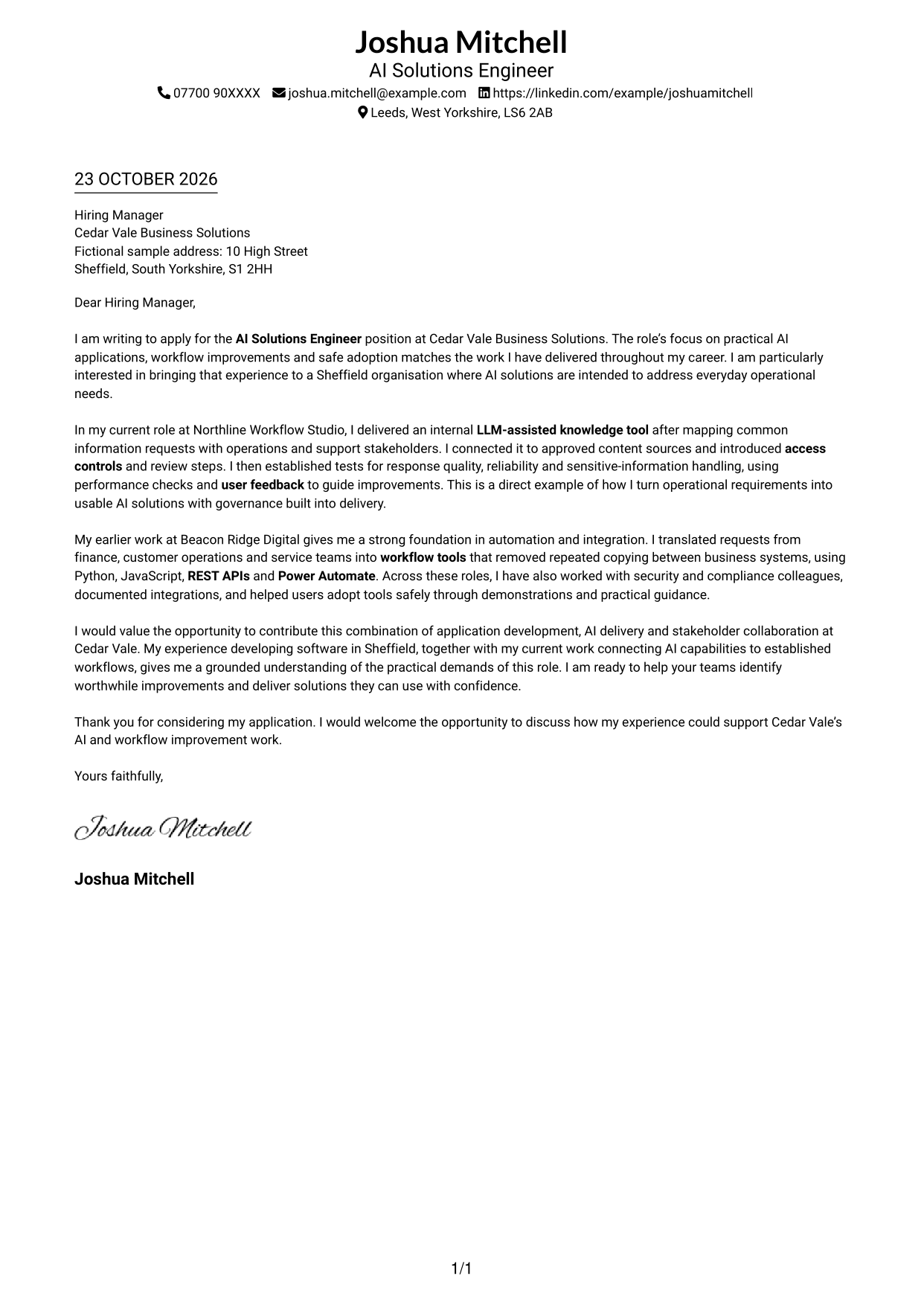
This practical guide to an AI Solutions Engineer cover letter shows how to present role fit and motivation across seven layouts.
What Makes a Great AI Solutions Engineer Cover Letter in 2026
A strong letter connects your interest in the role with practical AI applications, workflow improvements and safe adoption. Make the opening clear, then show how your approach can help teams solve everyday business problems.
Use focused evidence, such as delivering an LLM-assisted knowledge tool, testing its responses and setting access controls. Explain how you work with stakeholders and connect your experience to the employer’s needs for useful, secure solutions.
The featured AI Solutions Engineer example moves from role interest to a specific AI delivery example, then shows relevant automation experience before a clear close; adapt this focused progression while choosing a presentation suited to the employer and communication context.
#1 Simple One Column Format Cover Letter Example
A single-column page keeps sender details in the header and the letter in one continuous body, suiting readers who prefer a familiar reading path.
Why This Format Works
- Sender details stay in the header, separate from the letter's message.
- One body column carries the opening, evidence and closing in sequence.
- The photo-free page suits a text-led visual preference.
Best For
- Single-column document preference
- Header-based sender details
- Continuous paragraph correspondence
- Text-led application materials
- Familiar letter reading order
#2 Two Column Format Cover Letter Example
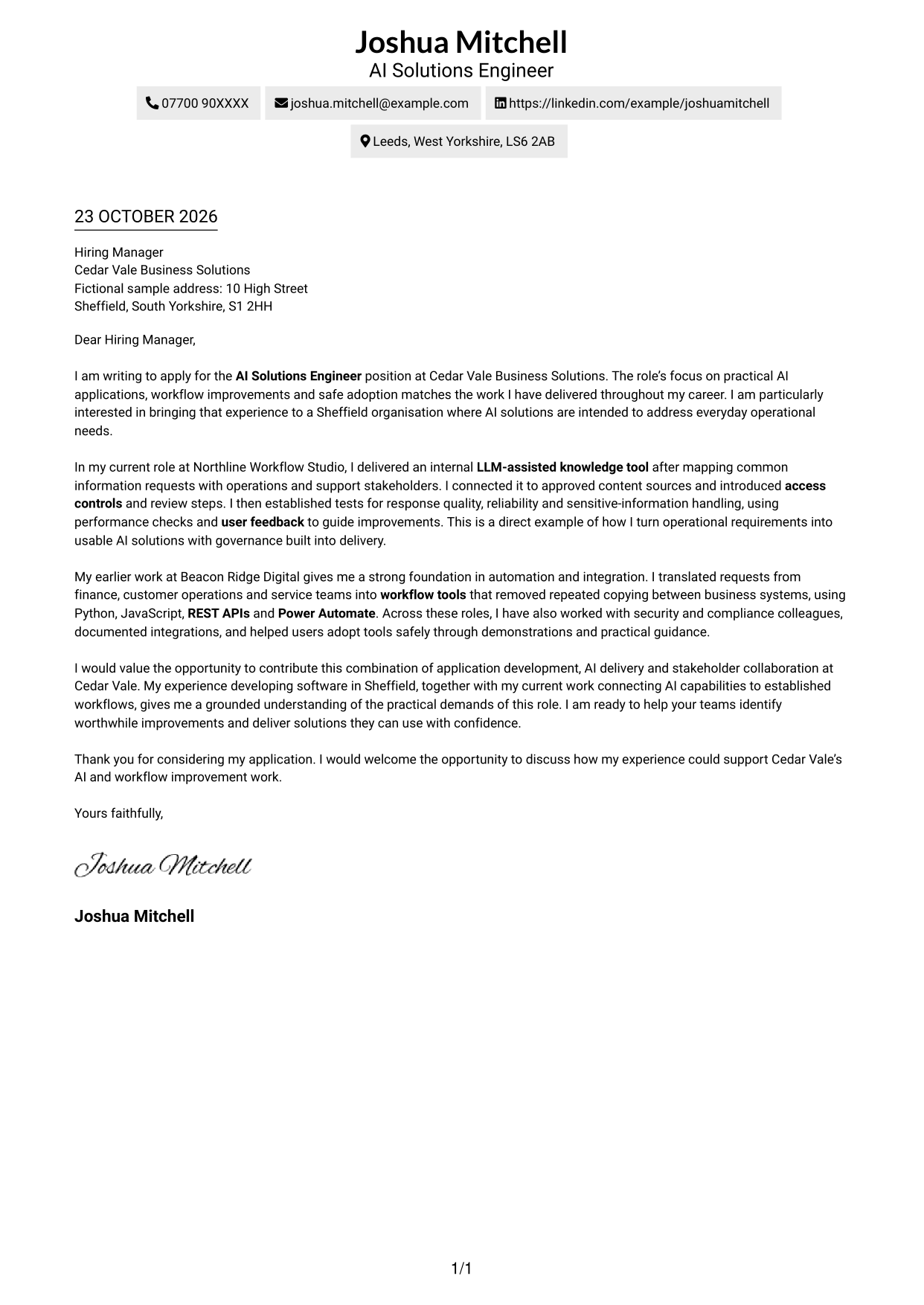
A contact sidebar sits beside one continuous letter body, giving sender information its own space while keeping the message in a single reading column.
Why This Format Works
- The sidebar keeps contact details apart from the letter's message.
- The letter stays in one body column, preserving its natural progression.
- Its photo-free presentation suits applications centred on written correspondence.
Best For
- Two-column page preference
- Separate sender contact details
- Continuous letter-body reading
- Several sender contact methods
- Photo-free application documents
#3 Photo Header Two Column Format Cover Letter Example
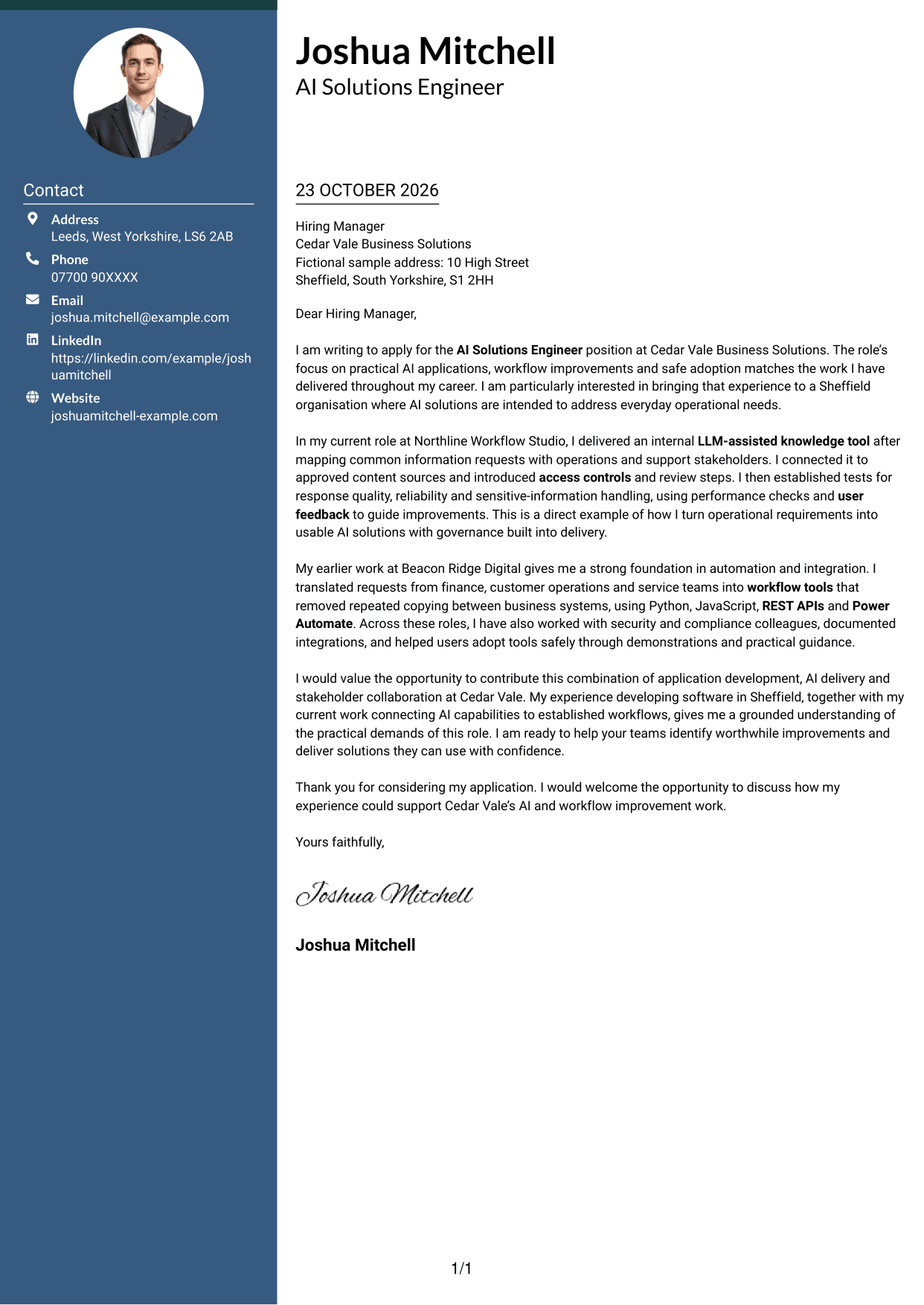
A photo and contact sidebar accompany a single-column letter body, a suitable choice for readers who want a portrait alongside their correspondence.
Why This Format Works
- Contact details sit beside the message, while the letter stays in one column.
- Opening, supporting points and closing remain in a continuous sequence.
- The photo adds a personal visual element without dividing the letter's argument.
Best For
- Portrait-inclusive letter layouts
- Sidebar contact organisation
- Single-column message body
- Several sender contact methods
- Personal visual presentation
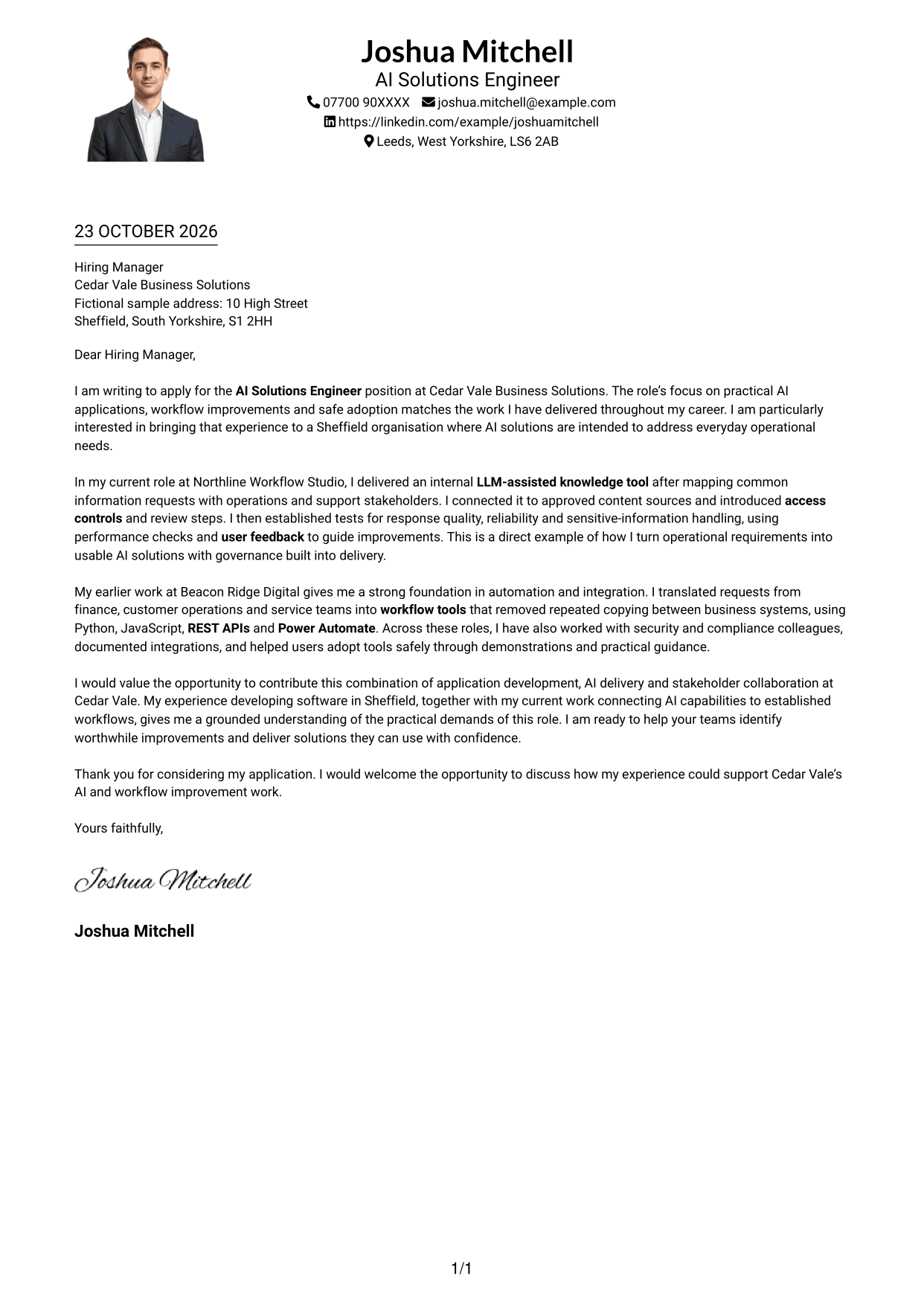
#4 One Column Format with Photo Cover Letter Example
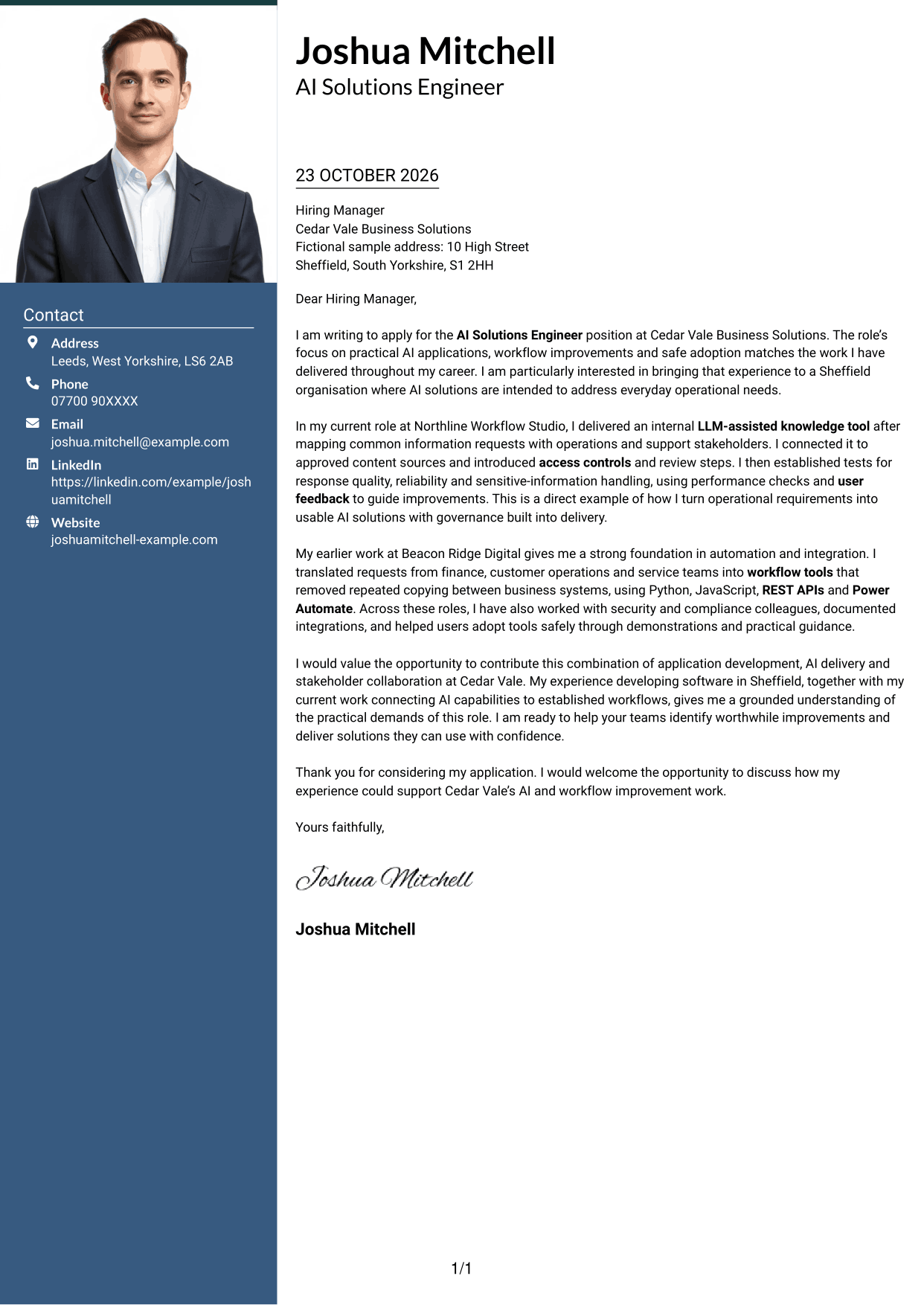
The sender details and photo appear with a single-column letter, bringing a portrait into a familiar, direct reading layout.
Why This Format Works
- A single column keeps the letter's paragraphs in one direct reading path.
- Sender details sit in the header rather than a separate contact sidebar.
- The photo adds a personal visual feature to the page.
Best For
- One-column page preference
- Portrait-inclusive documents
- Header-based sender information
- Continuous paragraph letters
- Personal visual presentation
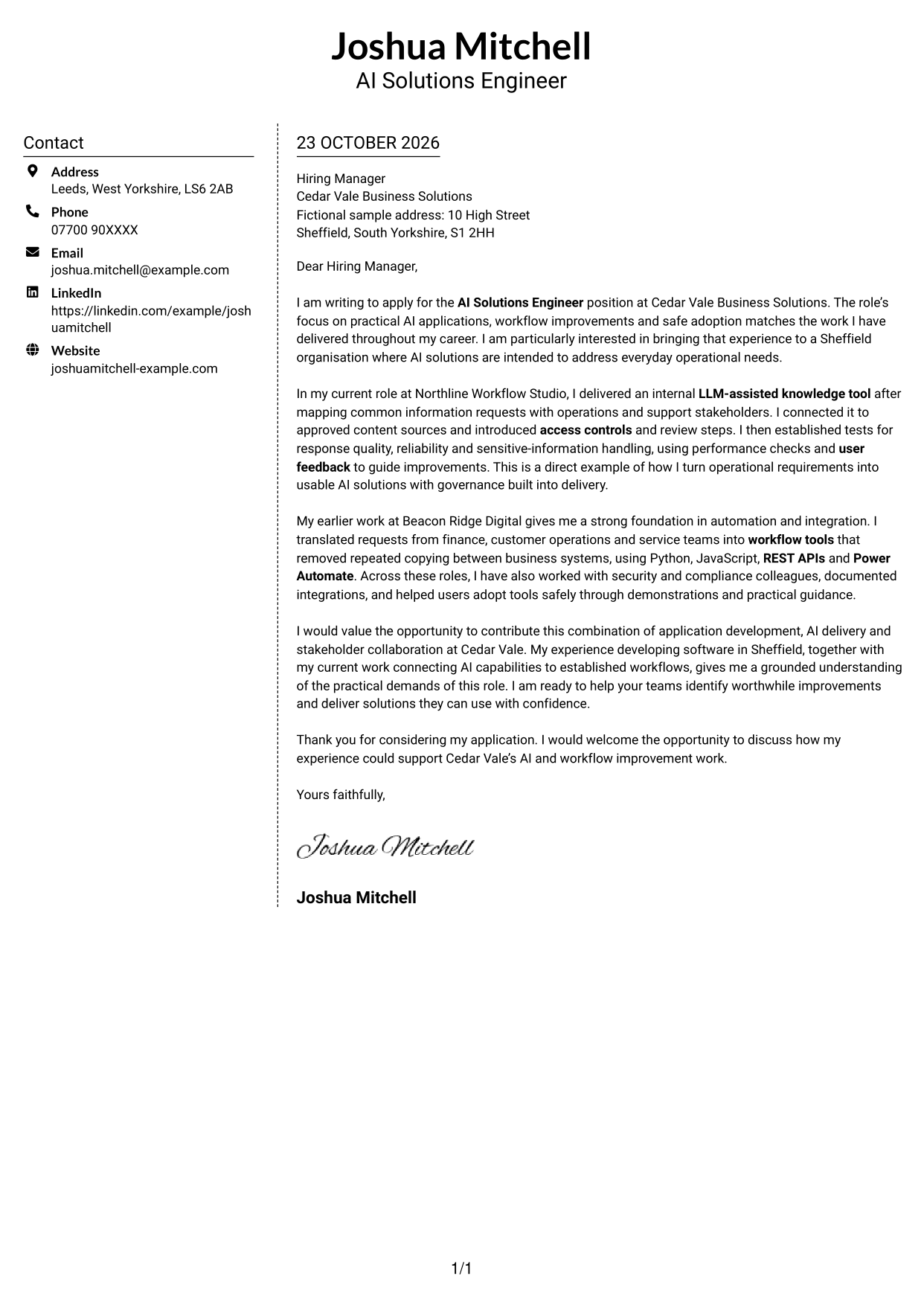
#5 Simple Two Column Format Cover Letter Example
A contact sidebar shares the page with one uninterrupted letter body, keeping sender information distinct from the message without splitting its paragraphs.
Why This Format Works
- The sidebar gives sender details a separate place beside the correspondence.
- All letter paragraphs remain together in one body column.
- Its photo-free layout suits a preference for text-led documents.
Best For
- Two-column correspondence layouts
- Sidebar contact details
- One-column letter message
- Photo-free page preference
- Letters with several contact methods
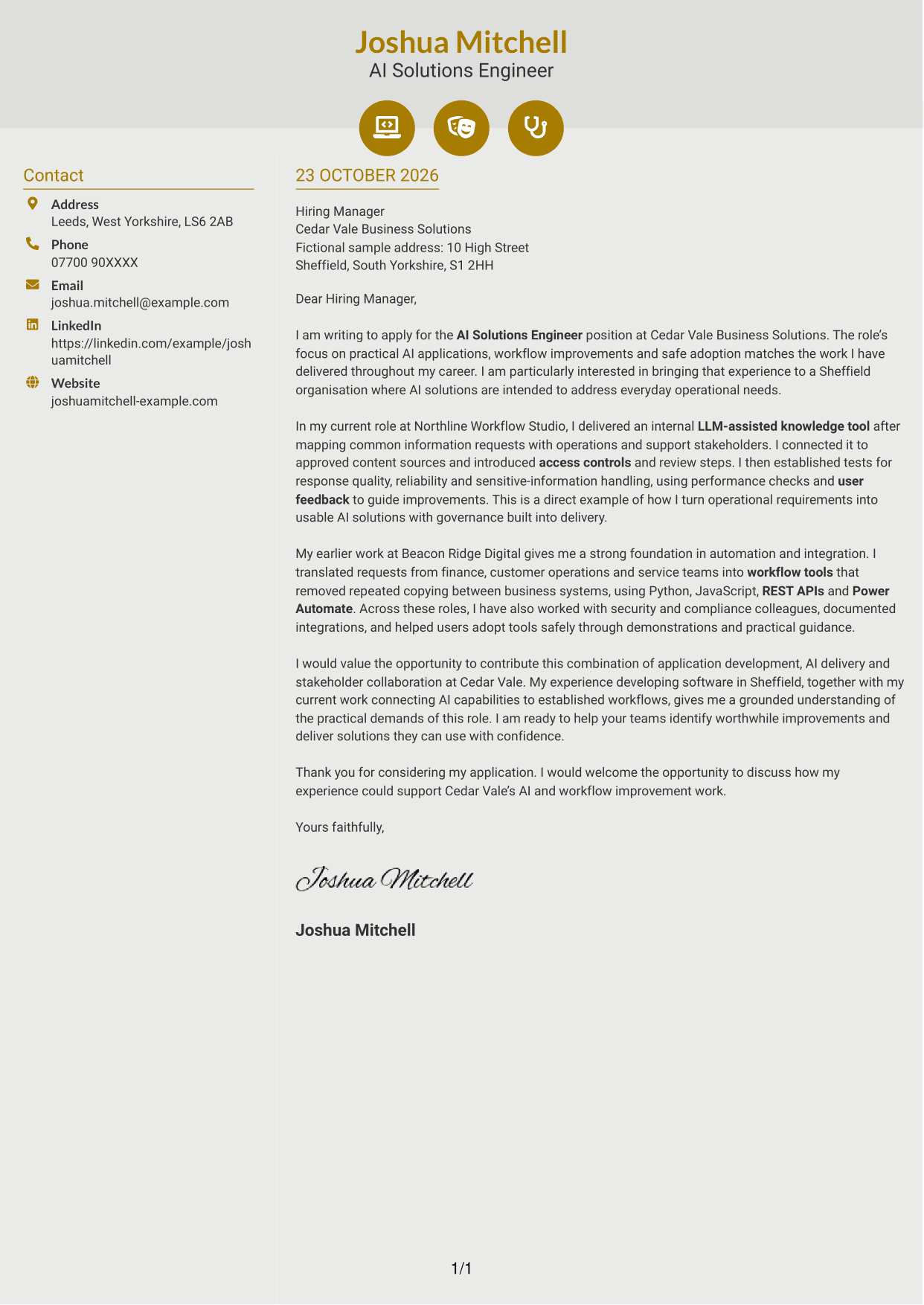
#6 Modern Icon Format Cover Letter Example
Contact icons accompany the sidebar beside one continuous letter body, giving contact details visual cues while keeping the argument in a single column.
Why This Format Works
- Contact icons help distinguish contact details from the letter's paragraphs.
- The sidebar and message have separate areas, while the body stays continuous.
- A single letter column keeps the opening and closing in the same reading path.
Best For
- Icon-marked contact details
- Two-column page preference
- Single-column letter body
- Letters with phone, email and LinkedIn details
- Photo-free correspondence
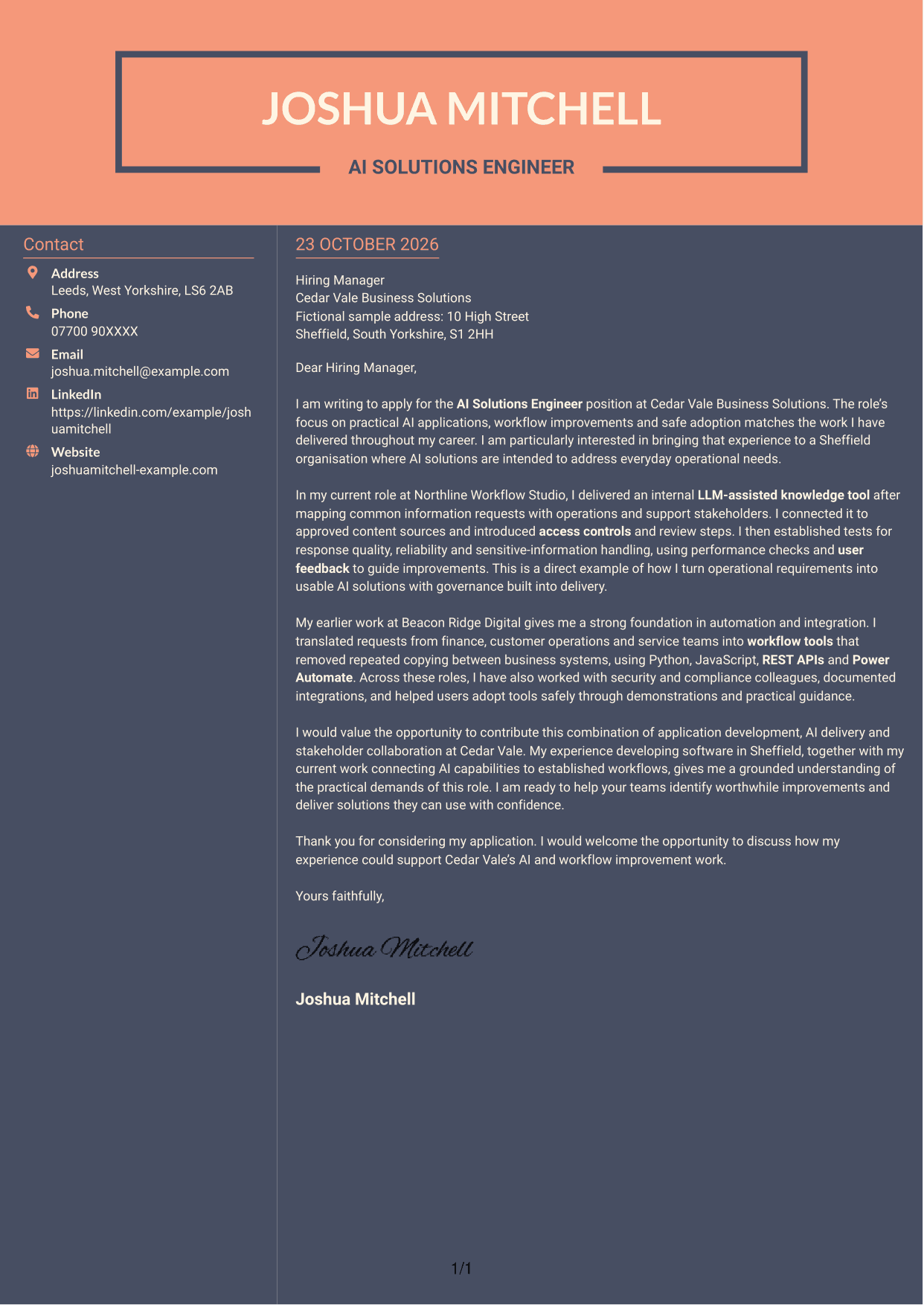
#7 Creative Two Tone Format Cover Letter Example
The two-column layout places contact details beside a continuous letter body, offering a clear separation between sender information and correspondence.
Why This Format Works
- The contact sidebar leaves the message in one clear body column.
- The letter's opening, evidence and closing stay together in sequence.
- A photo-free page keeps the visual focus on the written correspondence.
Best For
- Two-column page preference
- Contact details beside correspondence
- Continuous letter-body reading
- Several sender contact methods
- Photo-free application documents
See Also
- 7 AI Solutions Engineer CV Templates with Example
- 7 Software Engineer - Python and AI Solutions CV Templates with Example
- 7 AI Engineer Apprentice - Generative AI CV Templates with Example
- 7 Junior AI Engineer - AI and Data CV Templates with Example
- 7 Principal Full-Stack Software Engineer - Python, Data and AI CV Templates with Example
- 7 Trainee AI Engineer - Generative AI and Machine Learning CV Templates with Example
- 7 Data Scientist & Engineer - Legal Data Products CV Templates with Example
- Full Stack Lead Software Engineer CV Guide (Java, Spring Boot, AWS) (Examples + Free PDF Downloads)
- 7 Software Engineer - Python and AI Solutions Cover Letter Templates with Example
- 7 AI Engineer Apprentice - Generative AI Cover Letter Templates with Example
Frequently Asked Questions
What should an AI Solutions Engineer cover letter highlight?
Show how you turn business needs into practical AI applications, workflow improvements or integrations. Use relevant evidence, such as LLM solutions, Python or JavaScript development, testing, user guidance and safe handling of data.
How can I show that my AI experience fits the role?
Describe one solution you helped deliver, the need it addressed and how you checked that it worked. For example, the featured letter explains how an LLM-assisted knowledge tool used approved content, access controls, testing and user feedback.
How can I show that I can support safe AI adoption?
Give a clear example of how you considered security, governance or compliance during delivery. You can also mention how demonstrations and practical guidance helped users understand when human review was needed.
How should I explain my interest in the employer?
Connect your interest to the role’s focus on useful AI applications, workflow improvements and effective adoption. Explain how your approach could help colleagues address practical business needs without claiming knowledge of the employer that you have not verified.
What is a clear way to structure this cover letter?
Open with the role and your reason for applying. Use the body to give focused evidence of AI delivery, automation and collaboration, then close by restating your interest and inviting a discussion.
Should I include every part of my work history?
No. Choose the examples that best show your fit for the AI Solutions Engineer role. A focused account of relevant AI, software and workflow work is more persuasive than a full list of past duties.




