
7 Application Support Officer - Oracle Cloud ERP Cover Letter Templates with Example
This guide to an Application Support Officer - Oracle Cloud ERP cover letter presents seven layouts to help you make a clear case for your role fit.
What Makes a Great Application Support Officer - Oracle Cloud ERP Cover Letter in 2026
A strong letter links your interest in the role to practical support for Oracle Cloud ERP users across finance and procurement. Its opening should make your reason for applying clear, while the body explains how you communicate and handle service issues.
Use relevant evidence, such as resolving Service Desk cases, analysing finance data, supporting quarterly upgrades or training users. Show how this experience can help the employer support its member organisations and improve shared services.
The featured example moves from interest in the role to evidence of NHS application support, data analysis, system changes and team coaching, then closes with a clear statement of fit; adapt this focused progression while choosing a presentation suited to the employer and communication context.
#1 Simple One Column Format Cover Letter Example
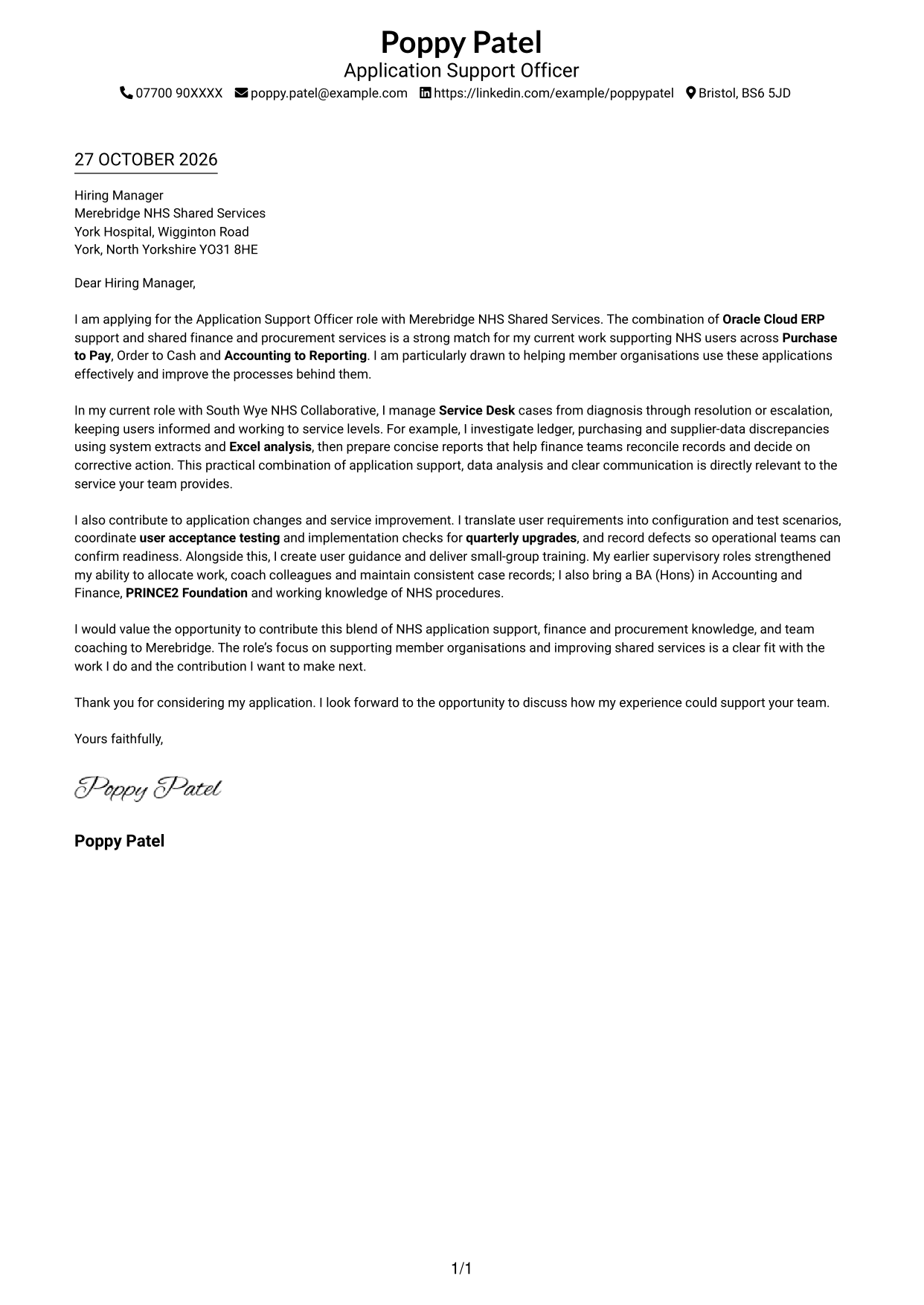
A single-column page places sender details in the header above one continuous letter body, keeping the message in a familiar reading order.
Why This Format Works
- Sender details stay in the header, apart from the letter's main paragraphs.
- One column gives the reviewer a direct route from greeting to closing.
- Without a sidebar, the message keeps the page's central reading area.
Best For
- Single-column reading preference
- Full-width letter paragraphs
- Header-based sender details
- Paragraph-led application letters
- Photo-free correspondence
#2 Two Column Format Cover Letter Example
A contact sidebar sits beside one continuous letter body, giving correspondence details a separate place without splitting the message.
Why This Format Works
- The sidebar places correspondence details outside the main letter text.
- One continuous body lets the reviewer follow the message from opening to close.
- Unlabelled paragraphs preserve the familiar form of an application letter.
Best For
- Sidebar-based contact details
- Two-column page preference
- Single-body application letters
- Contact-first page navigation
- Photo-free correspondence
#3 Photo Header Two Column Format Cover Letter Example
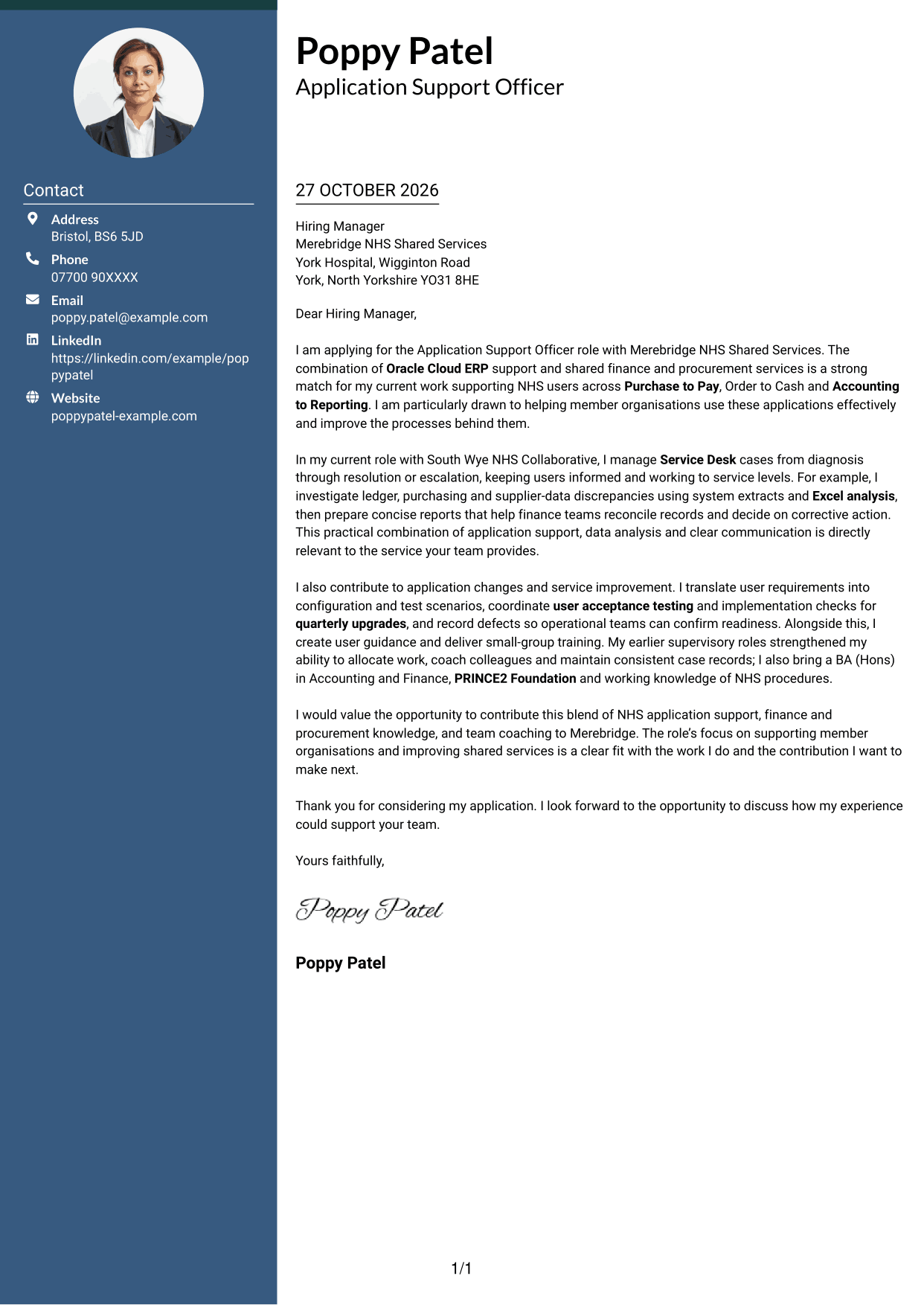
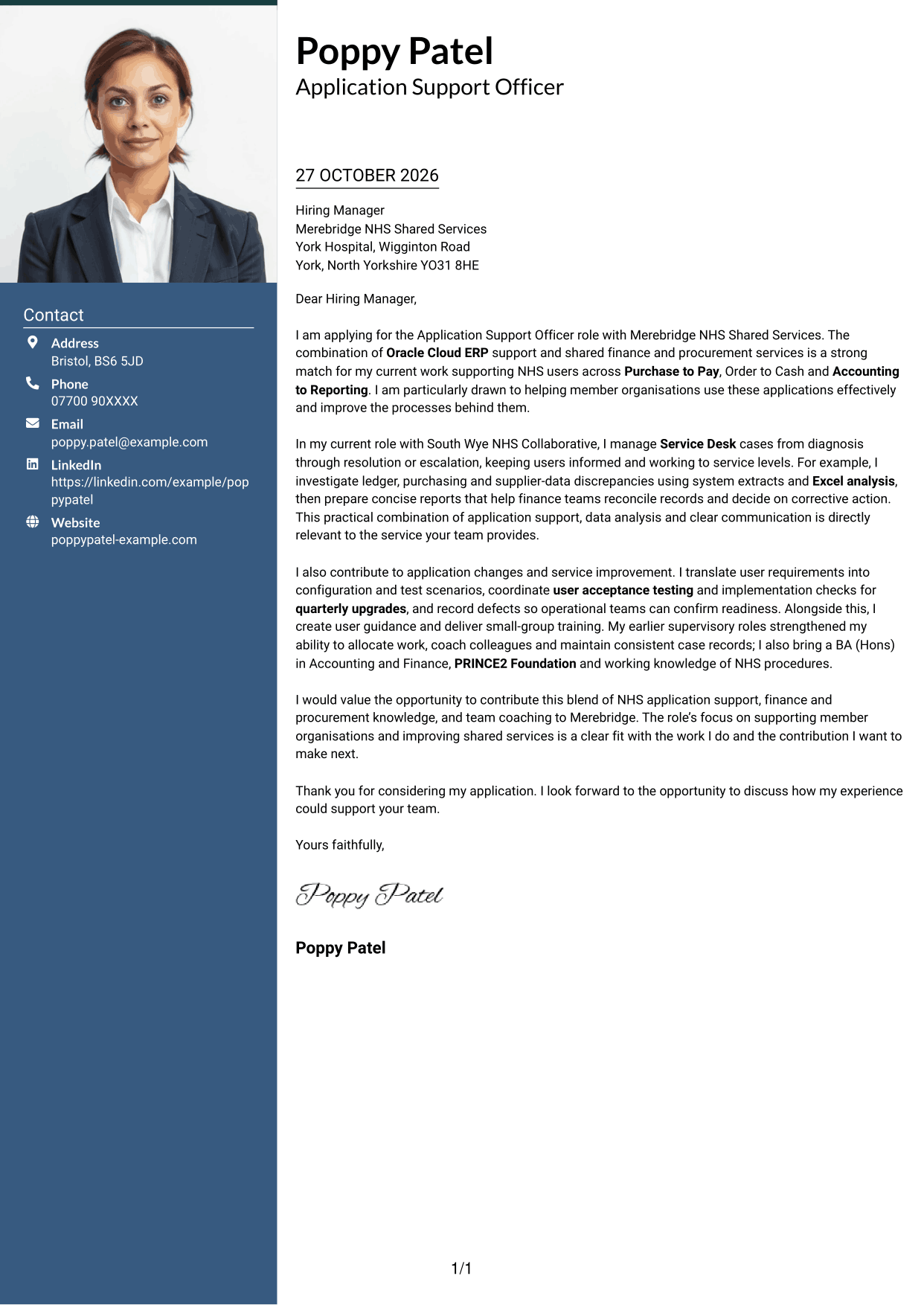
This two-column layout includes a photo and a contact sidebar beside one continuous letter body, suiting readers who prefer a portrait and distinct contact area.
Why This Format Works
- The sidebar keeps contact details distinct from the letter's argument.
- Paragraphs remain in one body, so the message can be read in sequence.
- The photo provides a portrait option without labelling the letter's content.
Best For
- Portrait-inclusive letters
- Two-column page preference
- Sidebar contact details
- Continuous letter-body preference
- Portrait-led visual presentation
#4 One Column Format with Photo Cover Letter Example
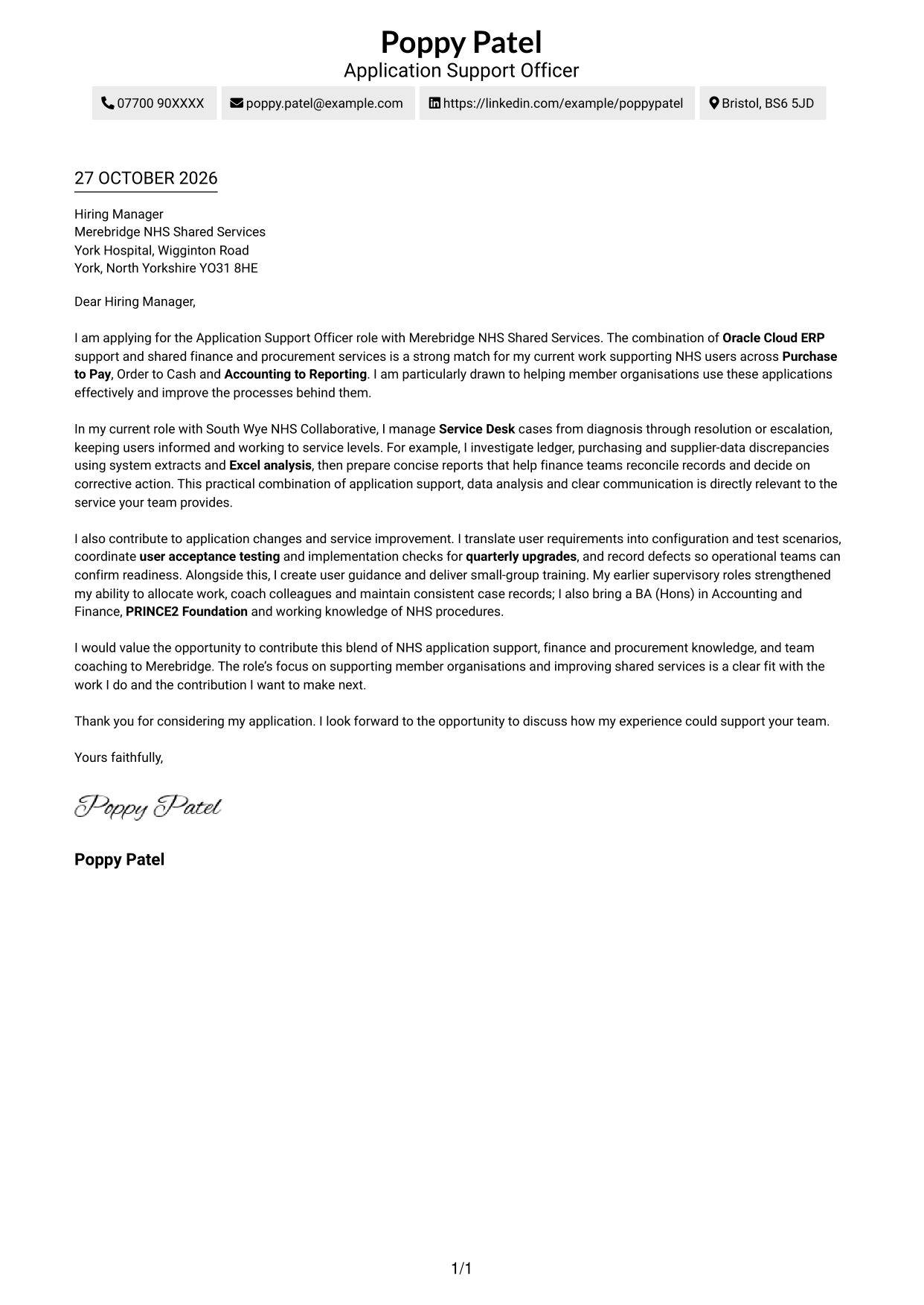
A photo accompanies the single-column letter, offering a portrait-inclusive option while keeping the body in one reading column.
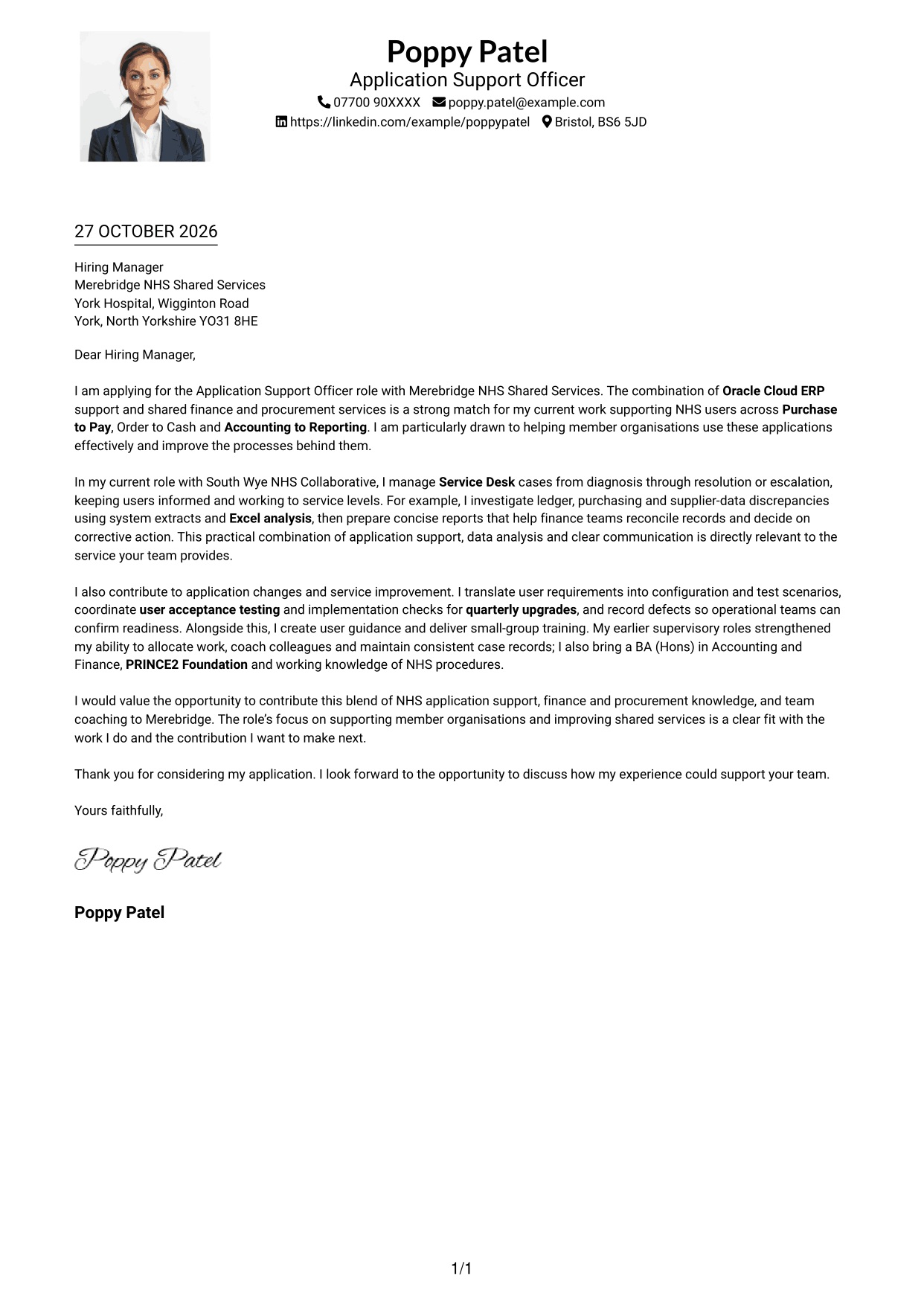
Why This Format Works
- The photo adds a portrait element to the single-column page.
- Sender details remain in the header, separate from the message paragraphs.
- One reading column keeps the letter's paragraphs in a direct sequence.
Best For
- Portrait-inclusive applications
- Single-column page preference
- Header-based contact details
- Full-width letter paragraphs
- Paragraph-led correspondence
#5 Simple Two Column Format Cover Letter Example
The contact sidebar and letter body sit in separate columns, while the argument remains one continuous message.
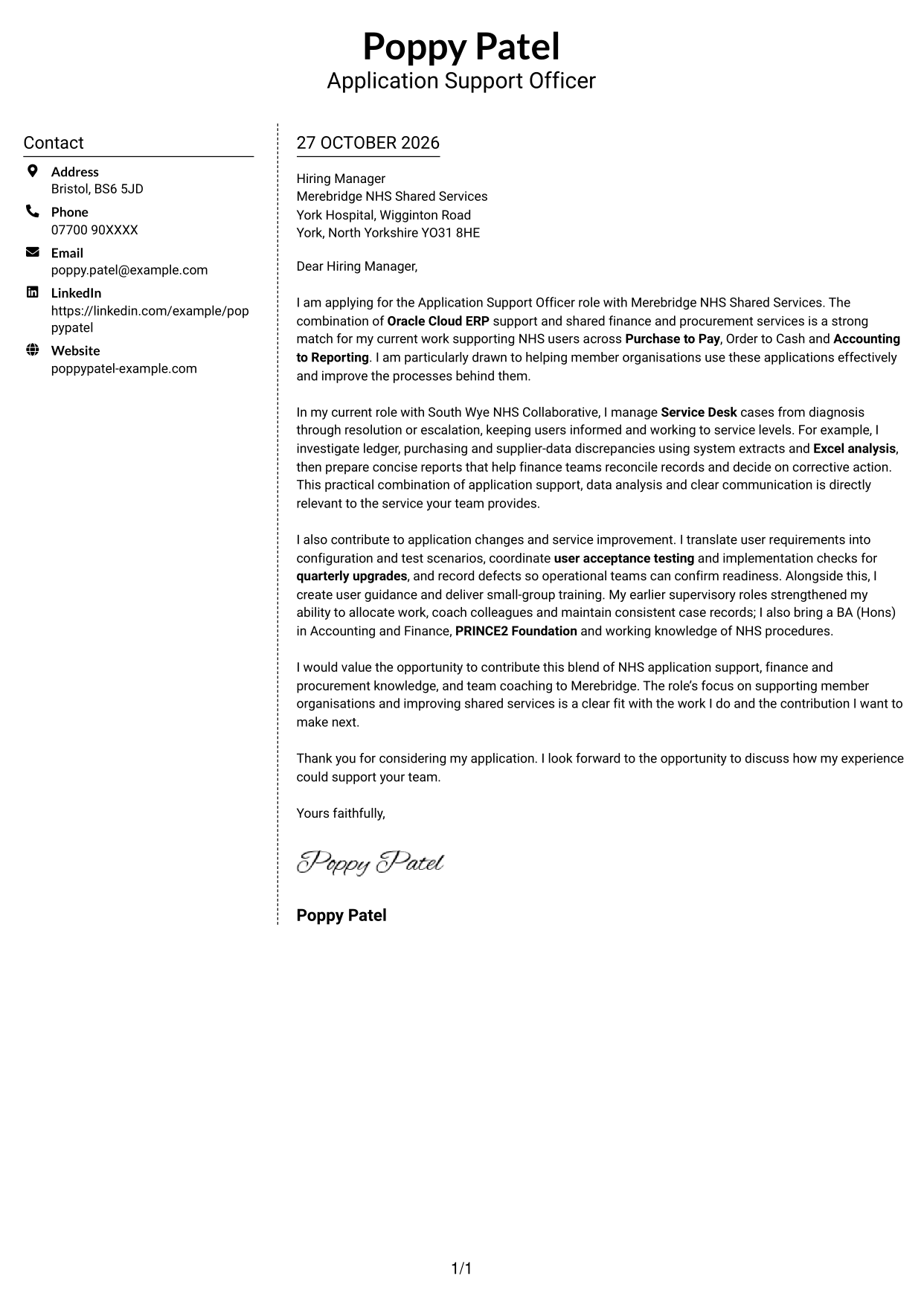
Why This Format Works
- Contact details have their own sidebar beside the continuous letter body.
- Separate columns distinguish correspondence information from the application message.
- An unbroken paragraph sequence keeps the letter in a familiar form.
Best For
- Sidebar-based contact presentation
- Two-column reading preference
- Continuous letter-body layout
- Contact details beside the message
- Photo-free letter design
#6 Modern Icon Format Cover Letter Example
Contact icons sit with the sidebar details, adding visual cues without labelling the letter's argument.
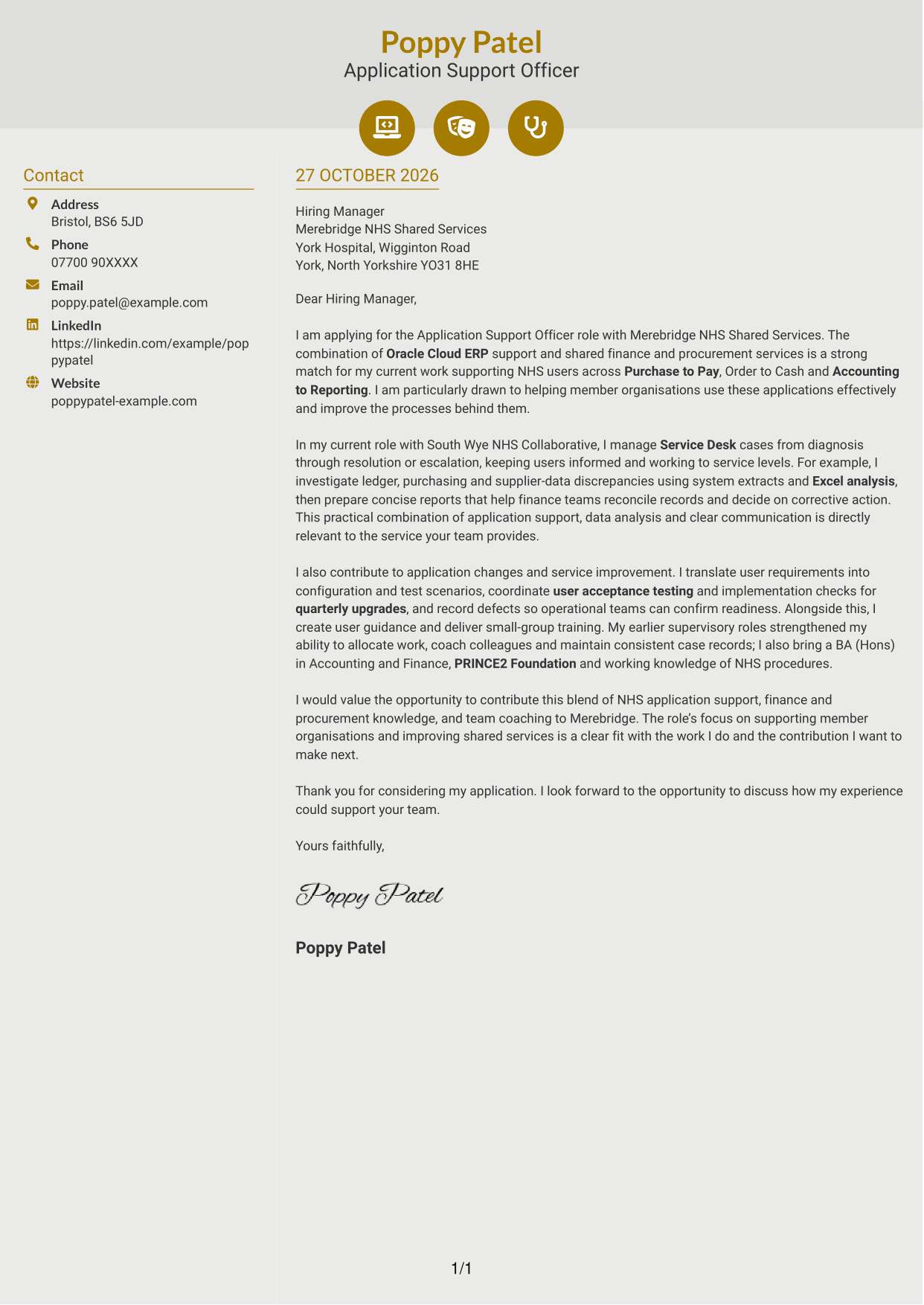
Why This Format Works
- Contact icons help the reviewer spot sender details in the sidebar.
- One continuous body keeps the letter's message separate from contact cues.
- The icons act as visual accents, not labels for the argument's stages.
Best For
- Icon-led contact details
- Two-column page preference
- Continuous letter-body layouts
- Quickly located sender information
- Decorative contact cues
#7 Creative Two Tone Format Cover Letter Example
A contact sidebar sits beside the continuous letter body, keeping sender details distinct from the message.
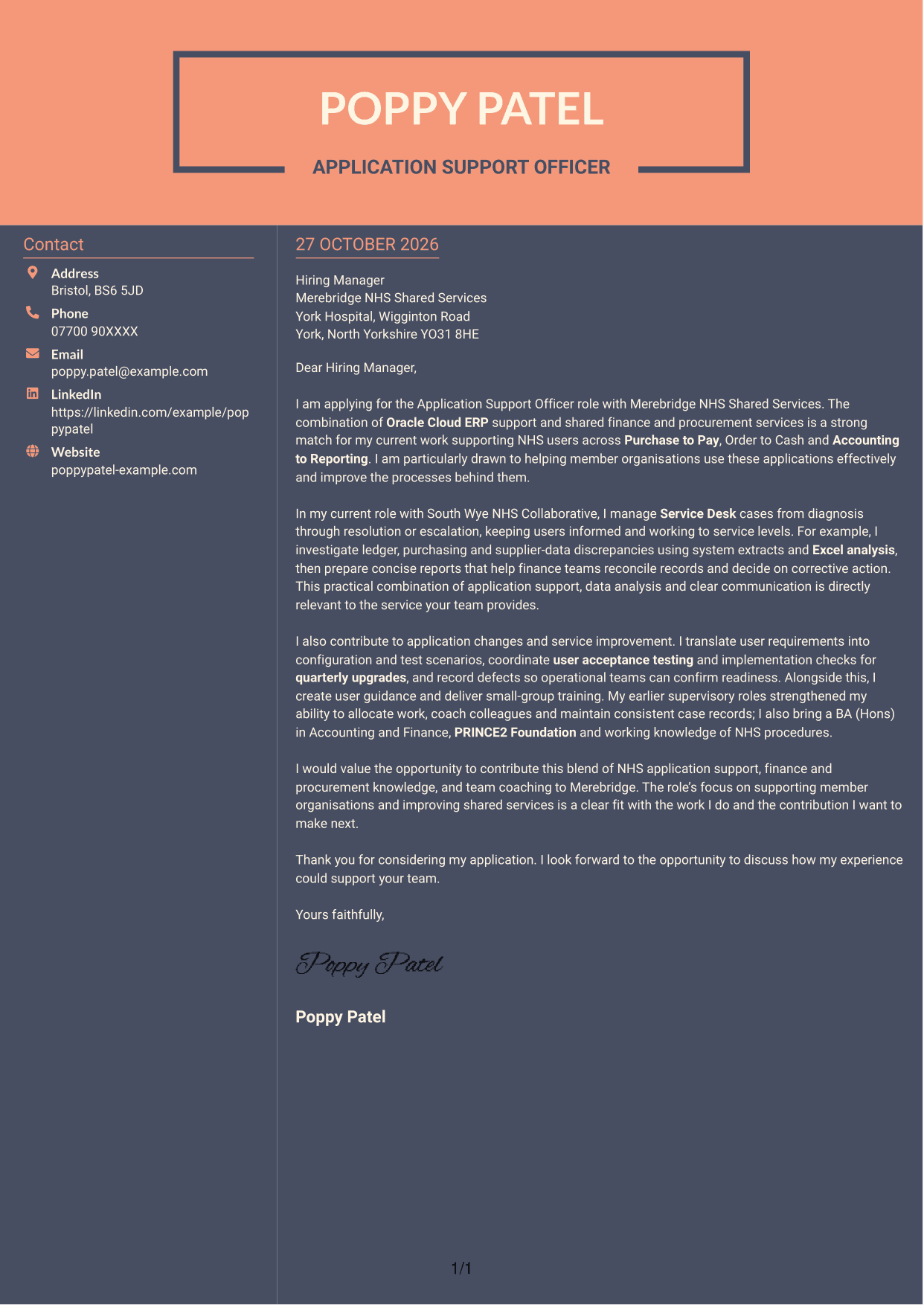
Why This Format Works
- Sender details sit apart from the letter's main paragraphs in a sidebar.
- The continuous body lets the reviewer follow the application from greeting to close.
- No headings divide the argument, preserving a conventional paragraph-led letter.
Best For
- Sidebar contact presentation
- Two-column page layouts
- Paragraph-led application letters
- Contact details kept apart from the message
- Photo-free correspondence
See Also
- 7 Application Support Officer - Oracle Cloud ERP CV Templates with Example
- 7 Development Services Officer - Planning Applications CV Templates with Example
- 7 Business Support Officer - Operations Support CV Templates with Example
- 7 Plant Health Research Support Officer CV Templates with Example
- 7 Private Sector Housing Technical Support Officer CV Templates with Example
- 7 Admin Officer - Court Administration CV Templates with Example
- 7 Attendance & Admin Officer - School Administration CV Templates with Example
- 7 Attendance & Family Liaison Officer CV Templates with Example
- 7 Development Services Officer - Planning Applications Cover Letter Templates with Example
- 7 Business Support Officer - Operations Support Cover Letter Templates with Example
Frequently Asked Questions
What should an Application Support Officer - Oracle Cloud ERP cover letter highlight?
Show how your experience relates to supporting Oracle Cloud ERP users and finance and procurement processes. Useful examples may include Service Desk case handling, data checks, system testing, user guidance and clear communication.
How can I show that my experience fits this role?
Choose a specific example that explains the issue, the action you took and the result. For example, describe how you investigated a ledger or supplier-data discrepancy, used Excel analysis and shared findings to support a clear next step.
How should I explain my interest in Merebridge NHS Shared Services?
Refer to a genuine part of the role, such as supporting member organisations or improving shared finance and procurement services. Explain why that work matters to you and connect it to the contribution you could make.
What is a clear way to structure this cover letter?
Open by naming the role and explaining your interest. Use the body to show relevant application support, analysis, testing or training experience, then close by restating your fit and inviting a conversation.
Should I include every part of my work history?
No. Select the experience that best supports your application, such as NHS systems support, finance and procurement operations, or coaching colleagues. Focused evidence helps the reader understand your fit quickly.




