
7 Architect - Retail and Commercial Cover Letter Templates with Example
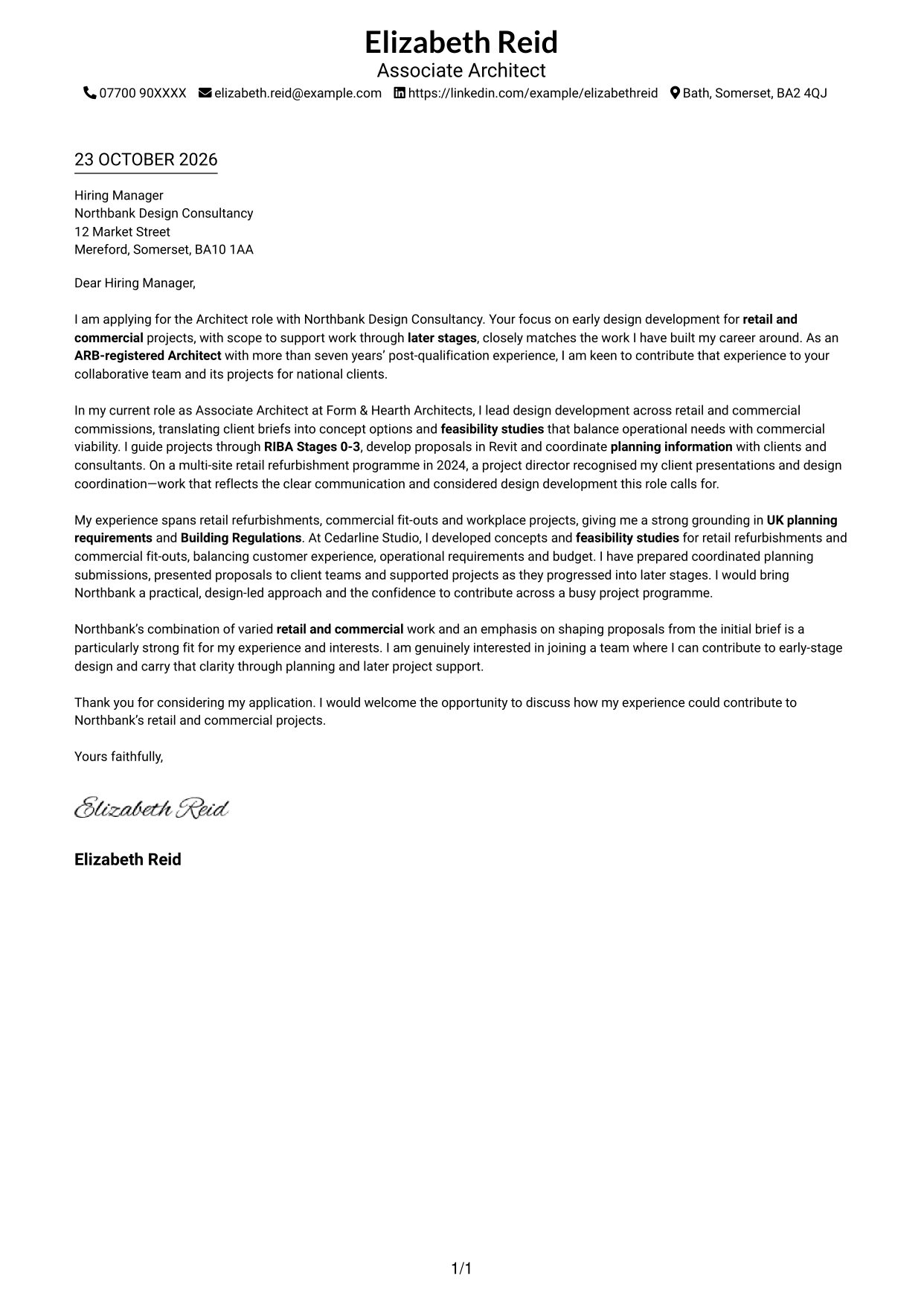
This practical guide to an Architect - Retail and Commercial cover letter helps you shape your role fit and motivation across seven layouts.
What Makes a Great Architect - Retail and Commercial Cover Letter in 2026
A strong letter shows how your design approach can turn retail and commercial briefs into viable proposals. Make your opening clear about your interest in the role and the work you can contribute.
Choose focused evidence, such as developing feasibility options, coordinating planning information or explaining design choices to clients. Link it to the employer’s needs and give a clear, genuine reason for your interest in its work.
The featured example follows a focused progression from role interest to relevant design evidence and a clear close; adapt it while choosing a presentation that suits the employer and communication context.
#1 Simple One Column Format Cover Letter Example
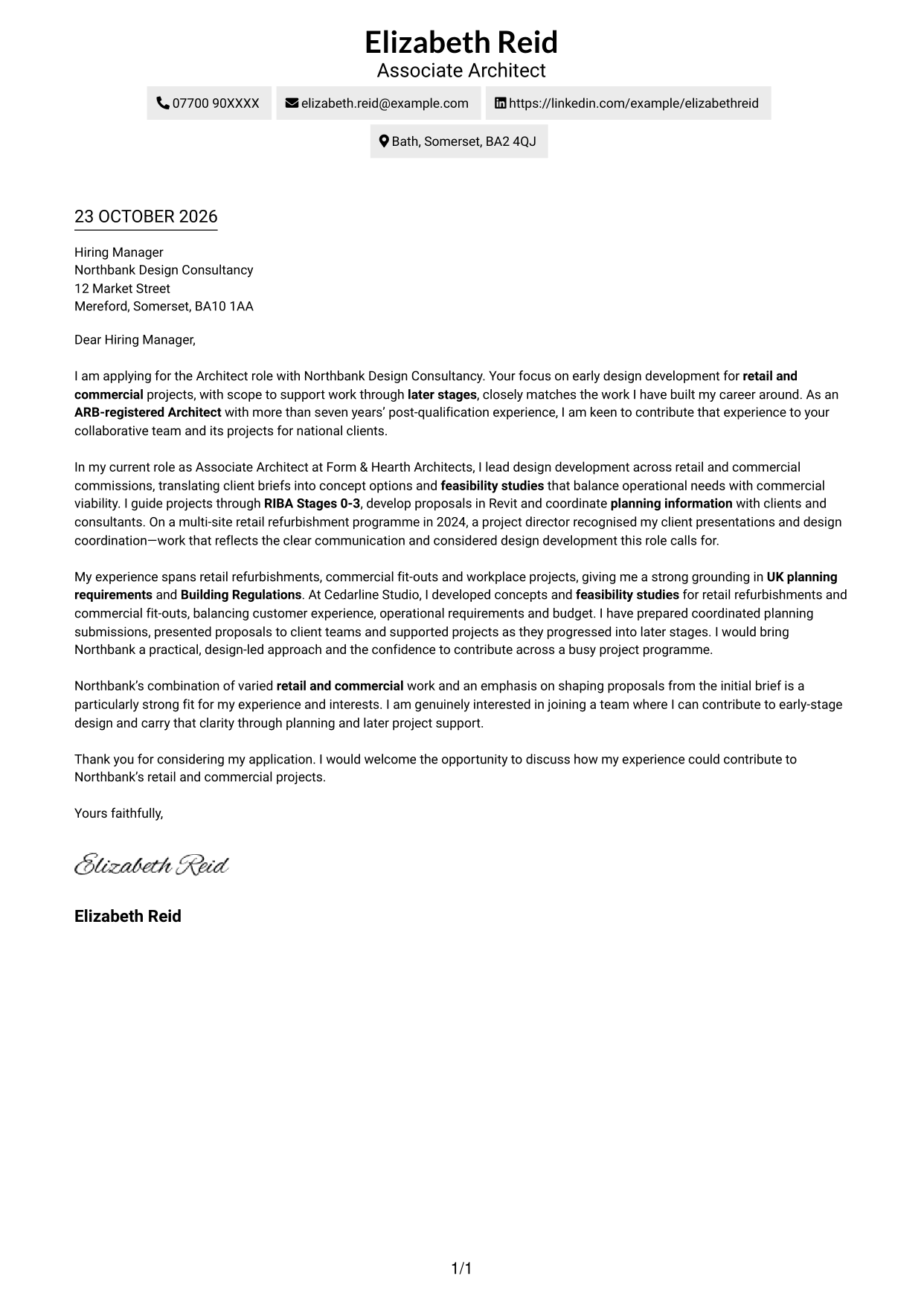
A single-column page keeps sender details in the header and the letter in one clear reading path.
Why This Format Works
- The single reading path lets reviewers follow the letter without column changes.
- Sender details remain in the header, separate from the letter's main message.
- Without a photo, the page keeps attention on the written application.
Best For
- Single-column letter reading
- Header-based contact details
- Text-led applications without portraits
- Continuous persuasive paragraphs
- Reviewers preferring direct page flow
#2 Two Column Format Cover Letter Example
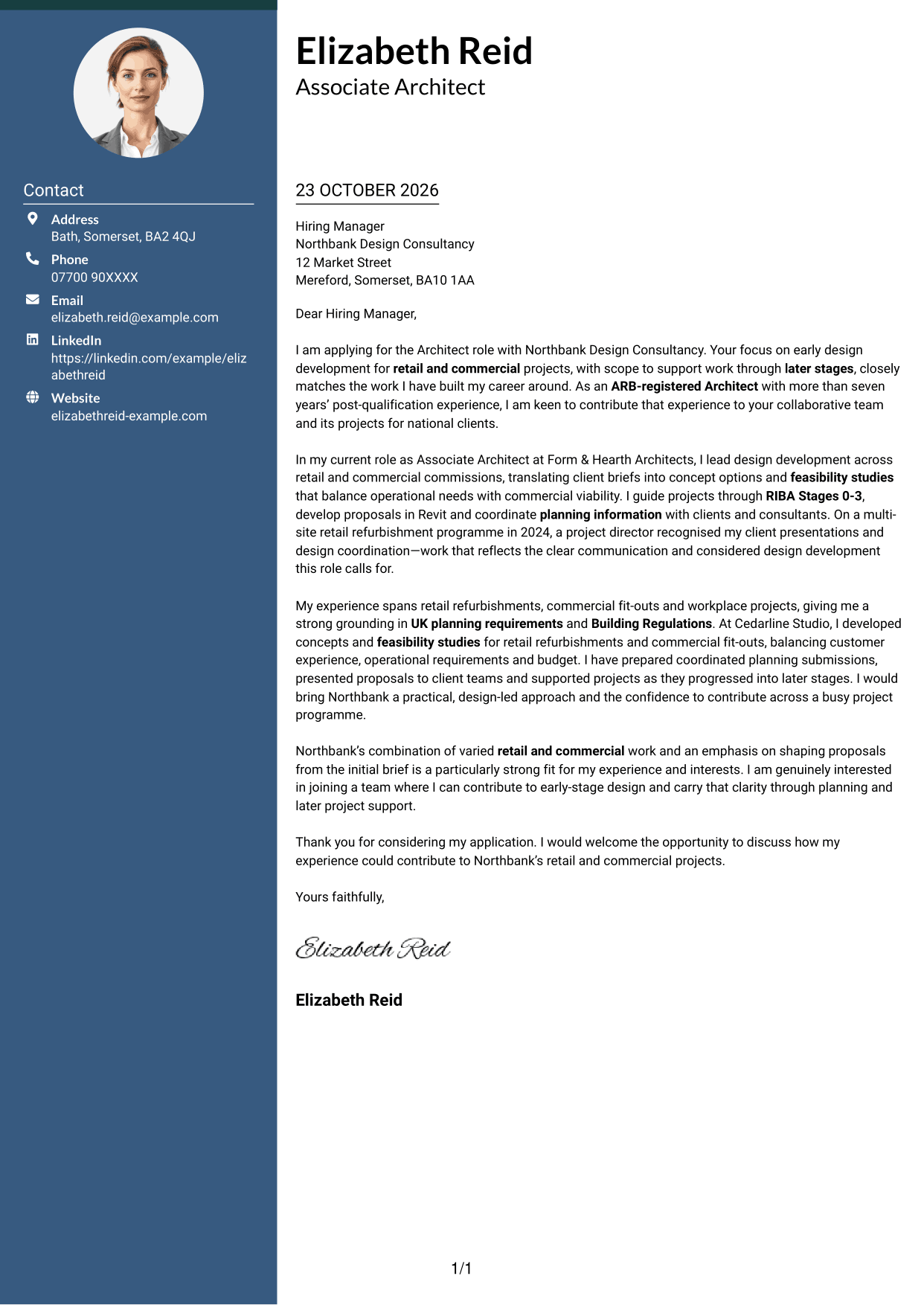
The contact sidebar sits beside one continuous letter body, giving practical details a separate place without splitting the message.
Why This Format Works
- A sidebar makes sender details easy to find beside the main message.
- The letter remains a continuous body, not divided into parallel arguments.
- Without a portrait, the page keeps attention on the written case.
Best For
- Separate contact and message areas
- Continuous paragraph-led arguments
- Letters with several contact methods
- Portrait-free applications
- Side-by-side page organisation
#3 Photo Header Two Column Format Cover Letter Example
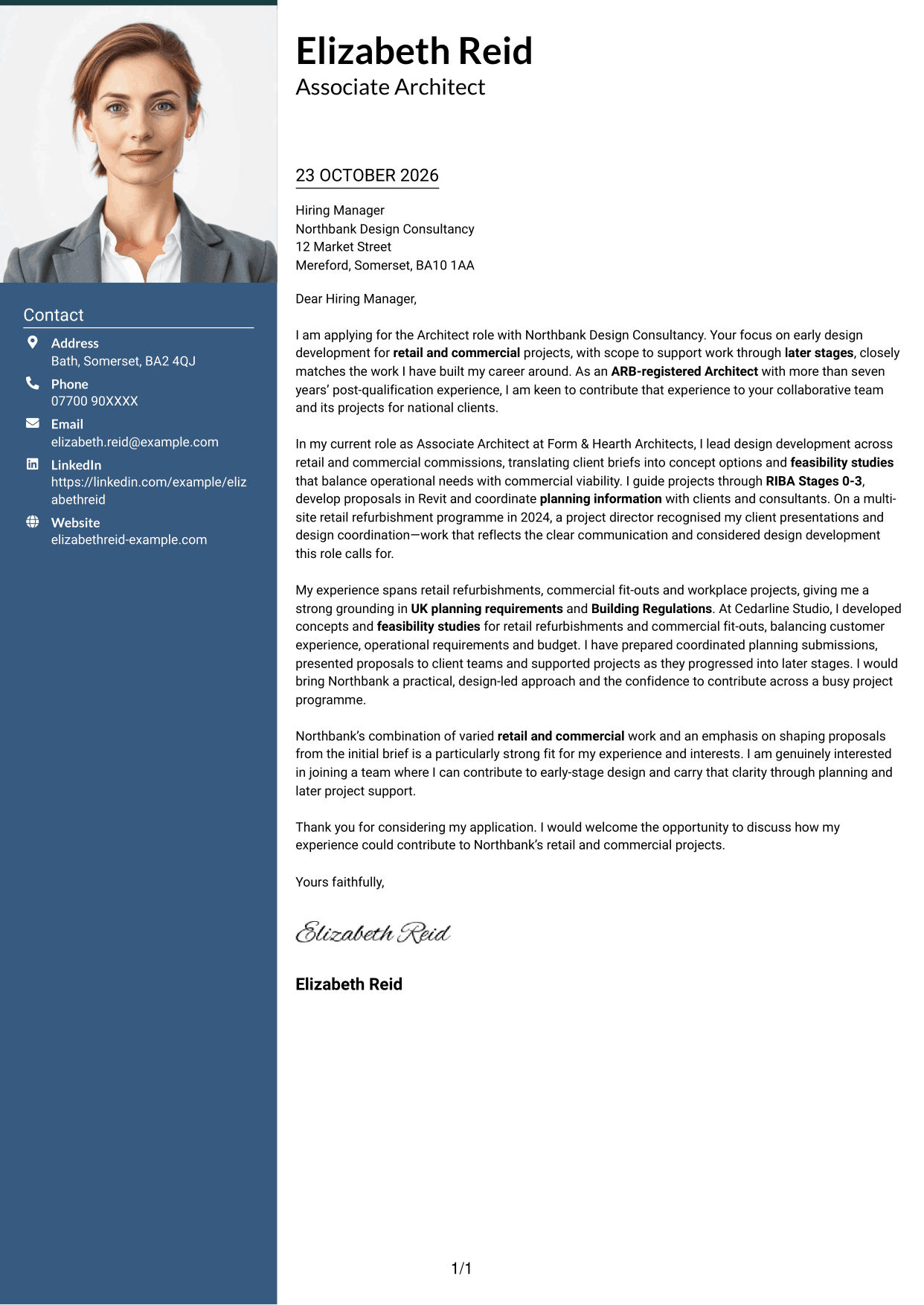
A portrait adds a personal visual element in the header, while the sidebar and continuous letter body keep contact details apart from the message.
Why This Format Works
- The portrait adds a personal visual element without dividing the letter body.
- A sidebar keeps contact information distinct from the continuous paragraphs.
- One body column lets the opening and closing follow a natural sequence.
Best For
- Portrait-inclusive correspondence
- Contact details beside the message
- Continuous paragraph-led arguments
- Two-column page organisation
- Applications where a portrait is preferred
#4 One Column Format with Photo Cover Letter Example
A photo accompanies the single-column letter, adding a personal visual touch while keeping the message on one reading path.
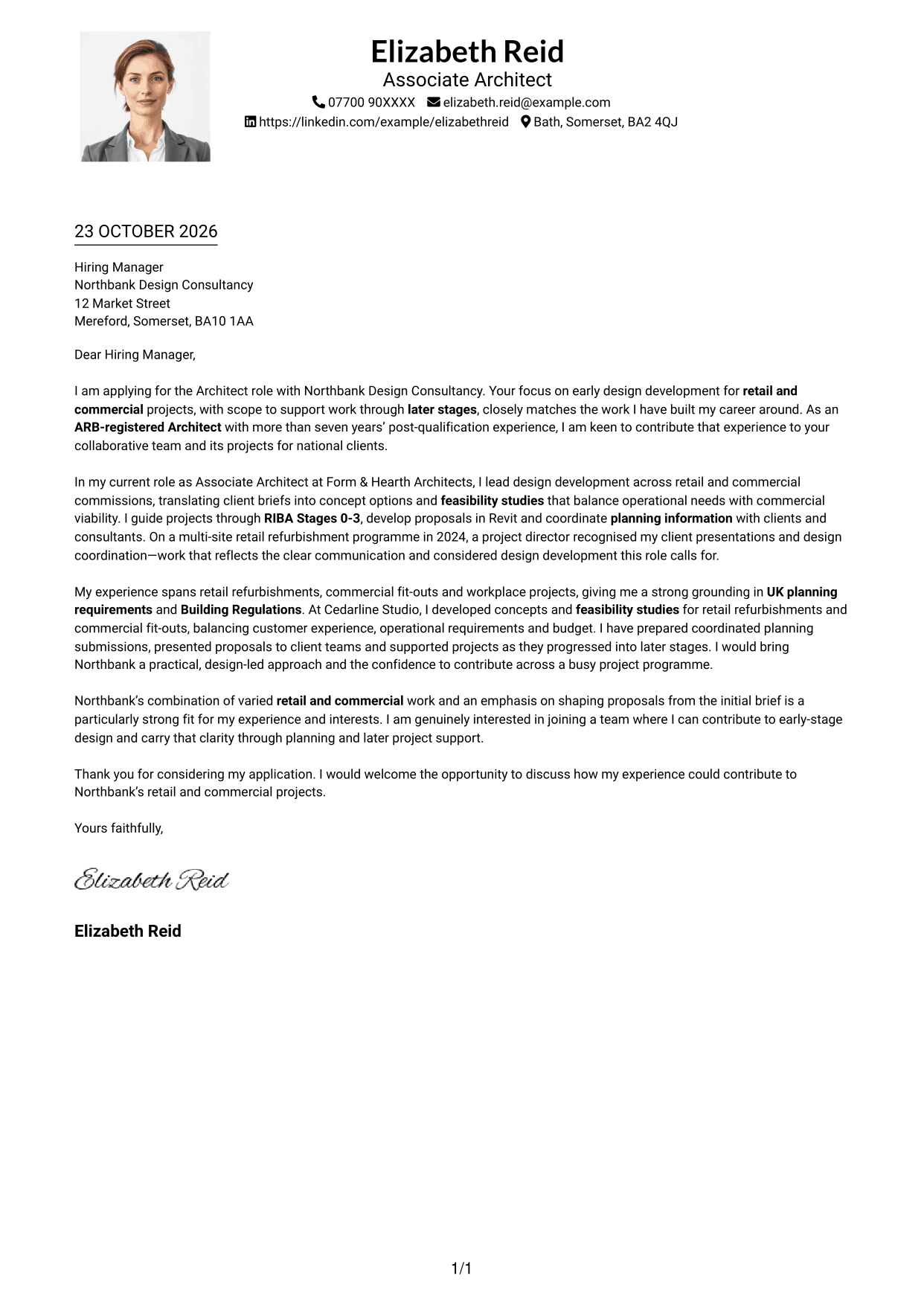
Why This Format Works
- The photo adds a personal visual element while the letter keeps one reading path.
- Sender information stays in the header rather than beside the letter body.
- Single-column prose continues without a sidebar interruption.
Best For
- Photo-inclusive single-column letters
- Header-based contact details
- Continuous letter paragraphs
- A direct reading path
- Personal visual presentation
#5 Simple Two Column Format Cover Letter Example
Contact information has its own column beside the uninterrupted letter, a useful choice when practical details should be easy to find.
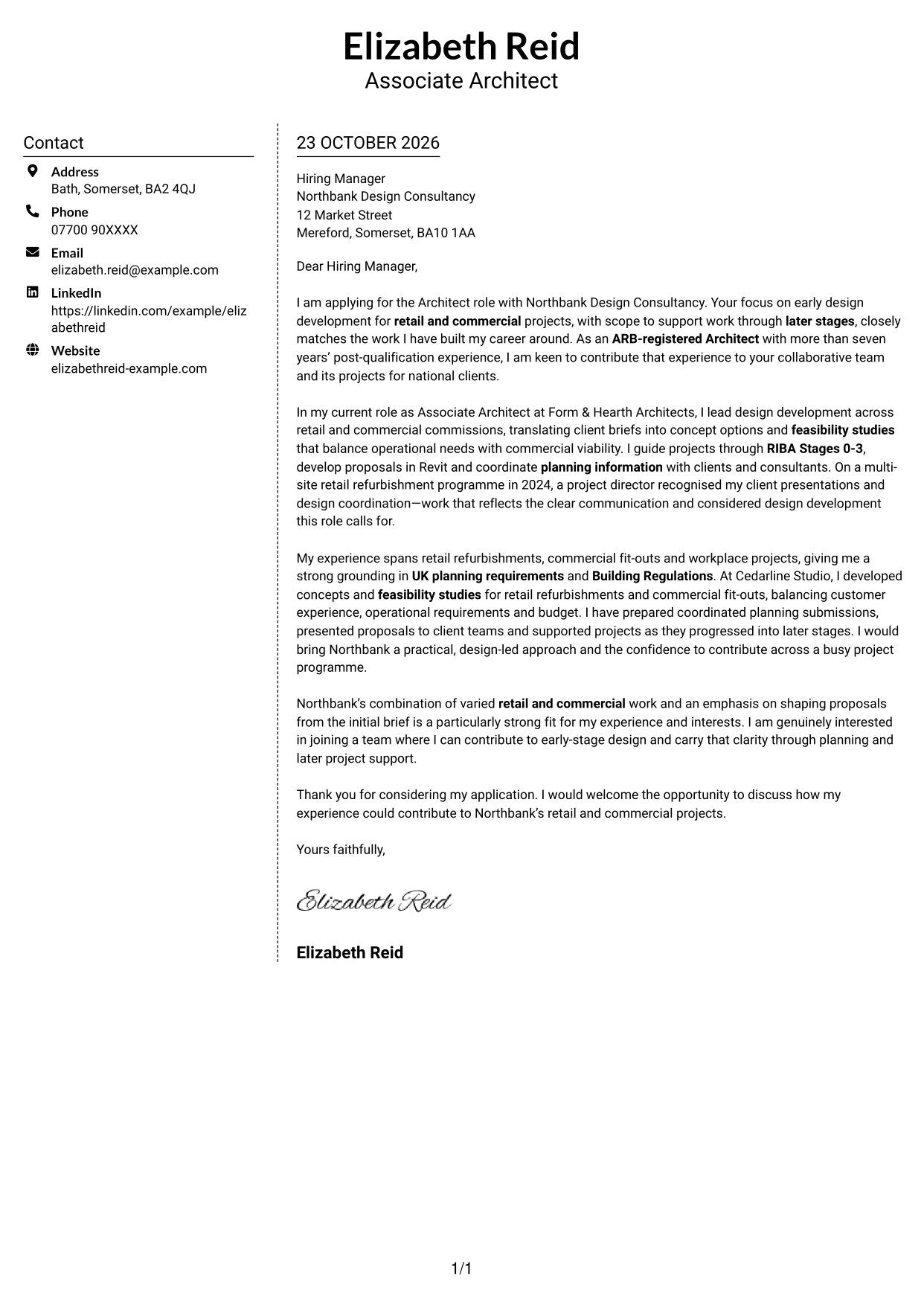
Why This Format Works
- Sender details are easy to find without entering the letter body.
- One continuous body keeps the opening, evidence and closing in natural order.
- Without a portrait, the page keeps attention on the written case.
Best For
- Distinct contact and message areas
- One continuous letter body
- Several sender contact methods
- Portrait-free correspondence
- Side-by-side page layouts
#6 Modern Icon Format Cover Letter Example
Contact icons provide visual cues for sender details in the sidebar, while the letter itself remains one continuous body.
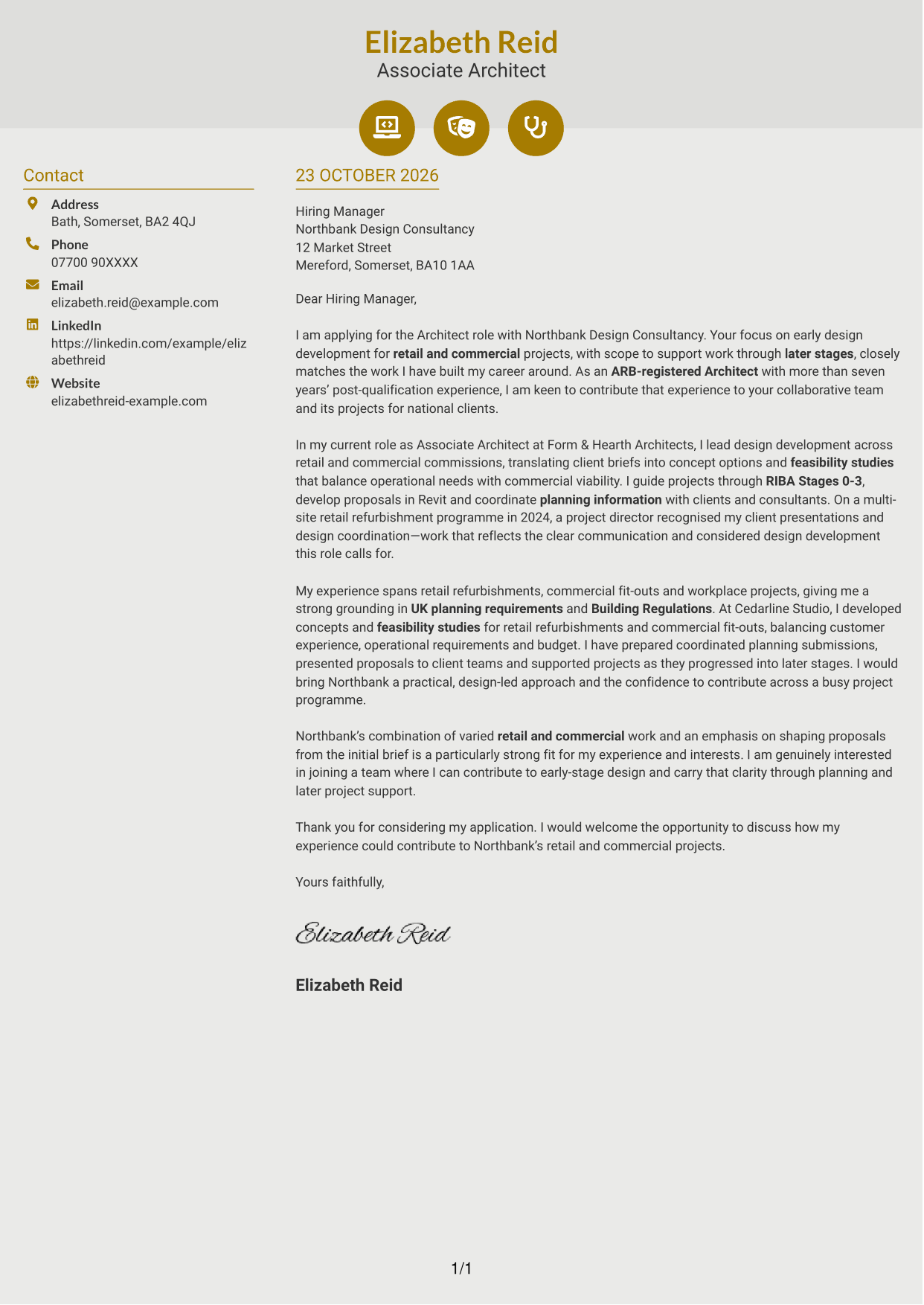
Why This Format Works
- Contact icons help distinguish practical details from the main letter text.
- Sender information has a separate place beside the continuous letter body.
- The body follows one sequence instead of splitting arguments across columns.
Best For
- Icon-led contact details
- A continuous letter argument
- Separate contact and message areas
- Portrait-free applications
- Quick access to sender information
#7 Creative Two Tone Format Cover Letter Example
Separate columns give contact details and the continuous letter body distinct places, keeping the message together from greeting to close.
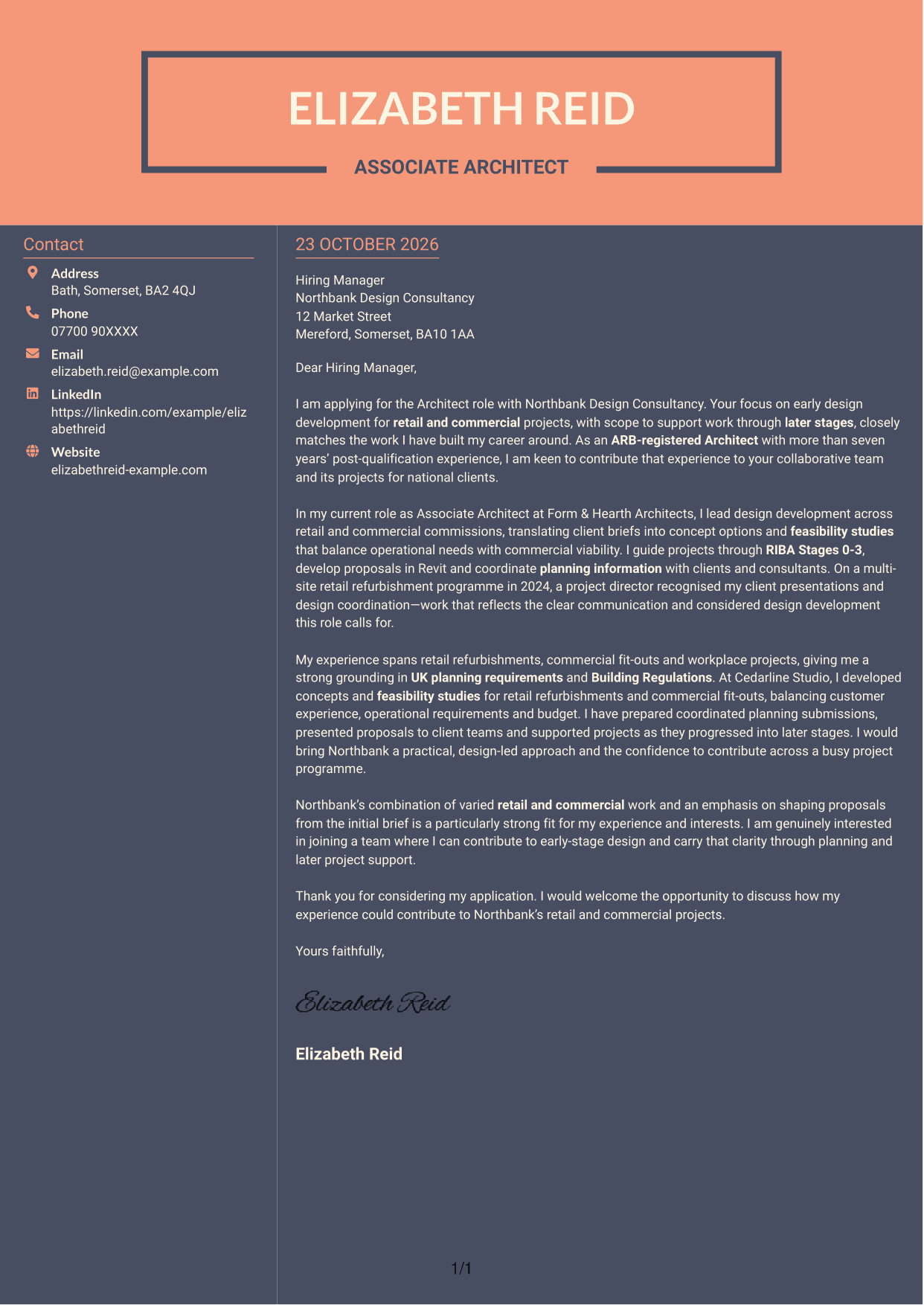
Why This Format Works
- Distinct columns place contact details apart from the main letter text.
- The uninterrupted prose keeps the case together from greeting through sign-off.
- No photo suits applications where written communication should remain the visual focus.
Best For
- Distinct contact and letter areas
- One uninterrupted written case
- Easy access to contact details
- Portrait-free applications
- Clear side-by-side organisation
See Also
- 7 Architect - Retail and Commercial CV Templates with Example
- 7 Commercial SAP Solution Architect CV Templates with Example
- 7 Newly Qualified Architect - Commercial and Industrial CV Templates with Example
- 7 AI Solution Architect - Agentic AI CV Templates with Example
- 7 AI Solution Architect - GCP / Agentic AI CV Templates with Example
- 7 Associate Architect - Architectural Project Delivery CV Templates with Example
- 7 Associate Architect - Education and Healthcare CV Templates with Example
- 7 Business Architect - Capability and Operating Model CV Templates with Example
- 7 Commercial SAP Solution Architect Cover Letter Templates with Example
- 7 Newly Qualified Architect - Commercial and Industrial Cover Letter Templates with Example
Frequently Asked Questions
What should an Architect - Retail and Commercial cover letter highlight?
Show how your design work connects with retail and commercial needs. Useful evidence may include shaping client briefs, developing concepts and feasibility studies, preparing planning information, and communicating with clients and consultants.
How can I show that my experience fits this role?
Choose one or two specific examples that show your contribution. You could explain how you balanced a client brief with operational needs, coordinated planning information, or developed a proposal using Revit.
How should I explain my interest in the employer?
Connect a genuine reason for your interest to the employer’s retail and commercial work or its focus on early design development. Then explain how your approach could support that work.
How should I structure this cover letter?
Open with the role and your reason for applying. Use the body to connect relevant design evidence to the role, then close by restating your interest and inviting further discussion.
Should I include every project in my cover letter?
No. Select the projects and examples that best show your fit for this position. A small number of clear details will keep the letter focused and easy to follow.




