
7 Associate Architect - Architectural Project Delivery Cover Letter Templates with Example
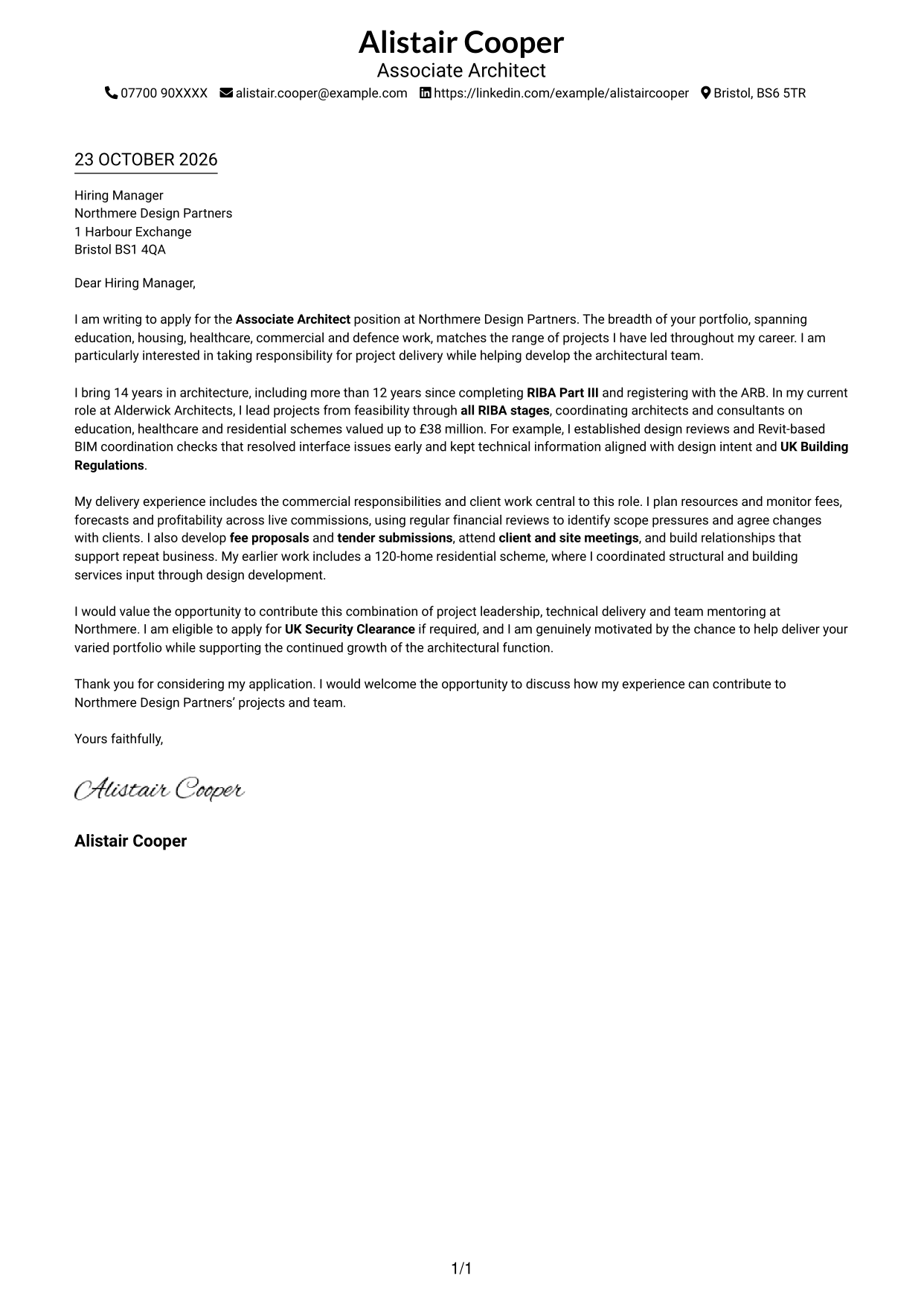
This practical guide helps you write an Associate Architect - Architectural Project Delivery cover letter and compare its seven layouts.
What Makes a Great Associate Architect - Architectural Project Delivery Cover Letter in 2026
A strong letter makes your interest clear and links project leadership, technical delivery and team support to the role. Keep the opening direct and show why this work suits you.
Use relevant evidence, such as leading work through RIBA stages, coordinating Revit and BIM information, managing fees or mentoring colleagues. Explain how your contribution meets the employer’s needs and why its work interests you.
The featured example moves from interest in the role to project delivery evidence, commercial and client responsibilities, and a clear close; adapt this focused progression while choosing a presentation suited to the employer and communication context.
#1 Simple One Column Format Cover Letter Example
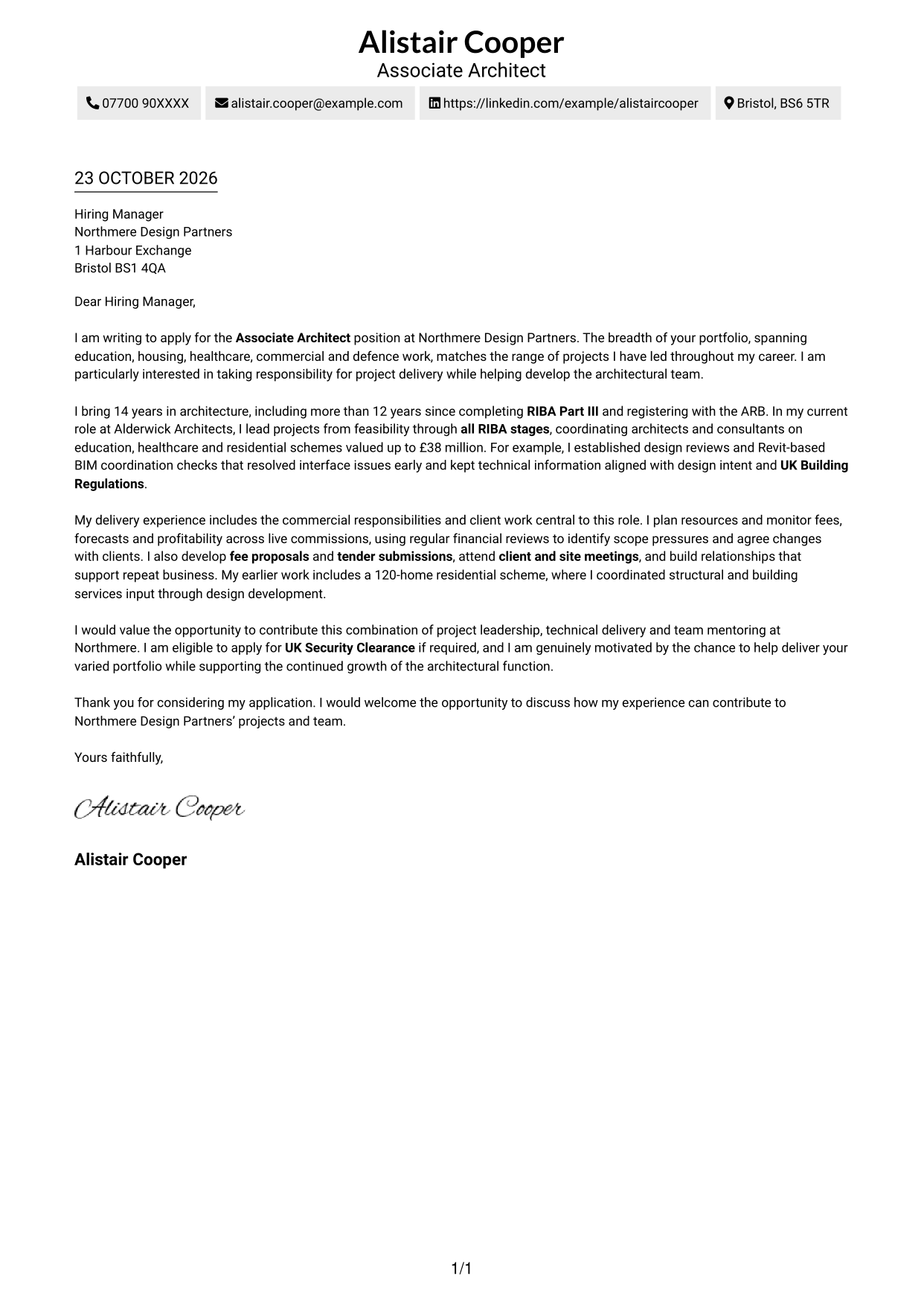
This format places sender details in the header above one continuous letter column, keeping the application message in a single reading path.
Why This Format Works
- Sender details sit in the header, apart from the application message.
- The continuous body keeps the opening, supporting evidence and close in one sequence.
- Without argument headings, each paragraph remains part of the letter itself.
Best For
- Single-column letter reading
- Direct, text-led applications
- Uninterrupted paragraph flow
- Letters without argument headings
- Simple contact presentation
#2 Two Column Format Cover Letter Example
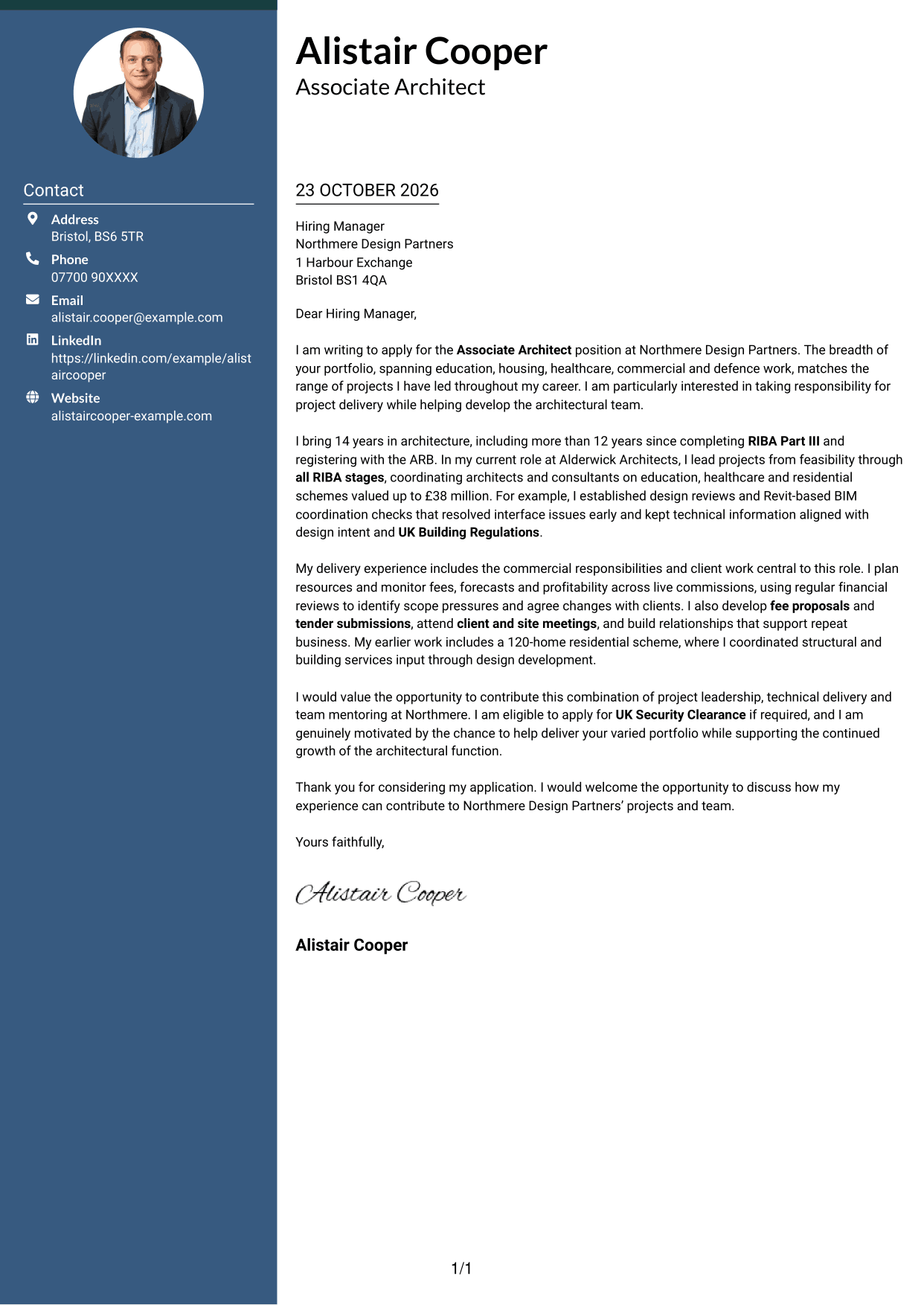
A contact sidebar sits beside one continuous letter body, keeping practical details apart from the application message.
Why This Format Works
- Contact details remain easy to locate without taking space between letter paragraphs.
- The main column keeps the opening, evidence and closing together in reading order.
- No section headings break up the continuous paragraphs in the letter body.
Best For
- Contact sidebar layouts
- Paragraph-based applications
- Letters with several supporting points
- Direct employer-focused messages
- Continuous letter bodies
#3 Photo Header Two Column Format Cover Letter Example
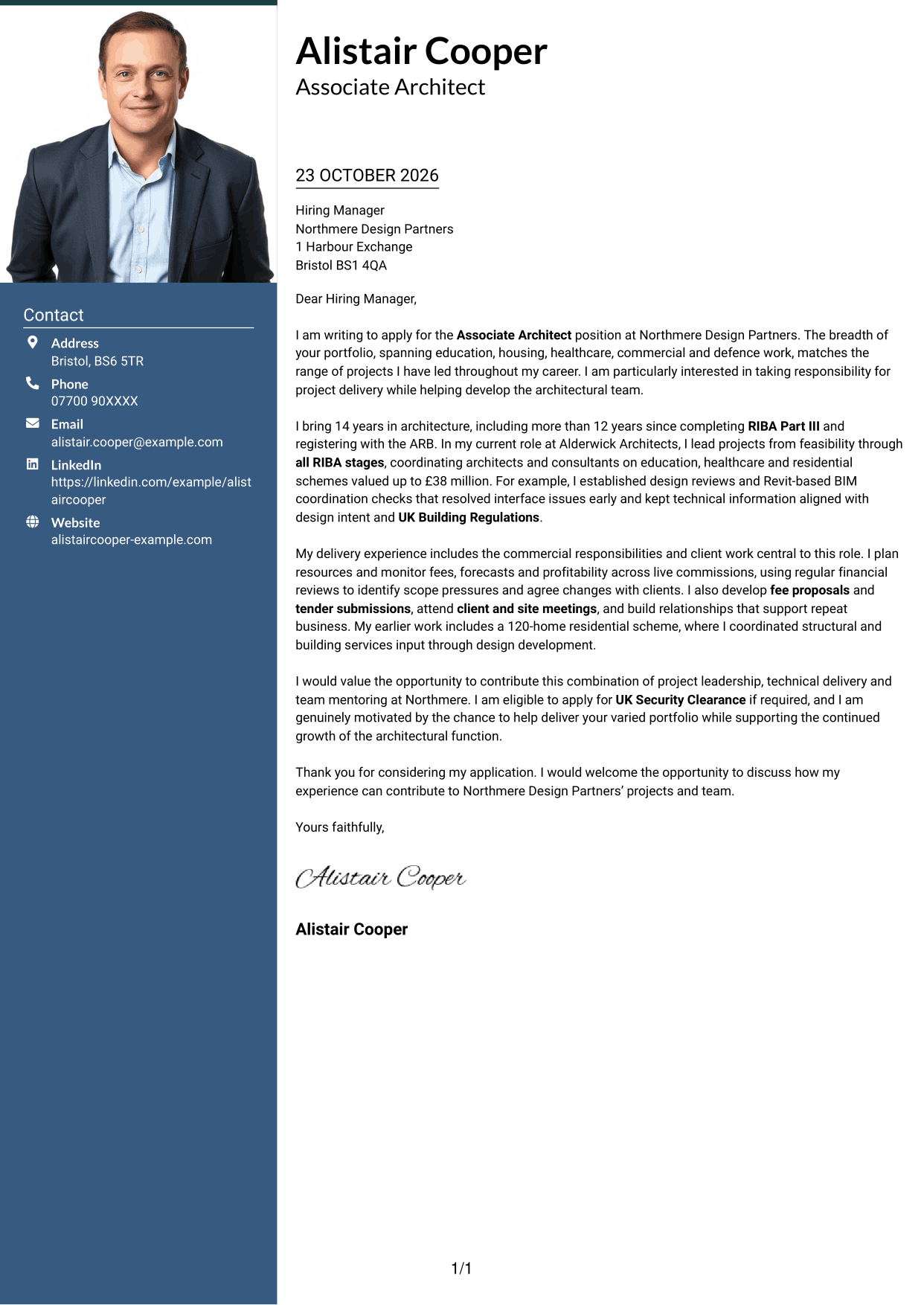
A contact sidebar sits beside one continuous letter body, with a photo included for a personal visual touch.
Why This Format Works
- The sidebar keeps contact details separate from the letter's main argument.
- The single body column preserves the order of the letter's paragraphs.
- The photo offers a personal visual choice without making claims about qualifications.
Best For
- Applications with a photo
- Two-column contact layouts
- Letters with a continuous main message
- Paragraph-led employer applications
- Personal visual presentation
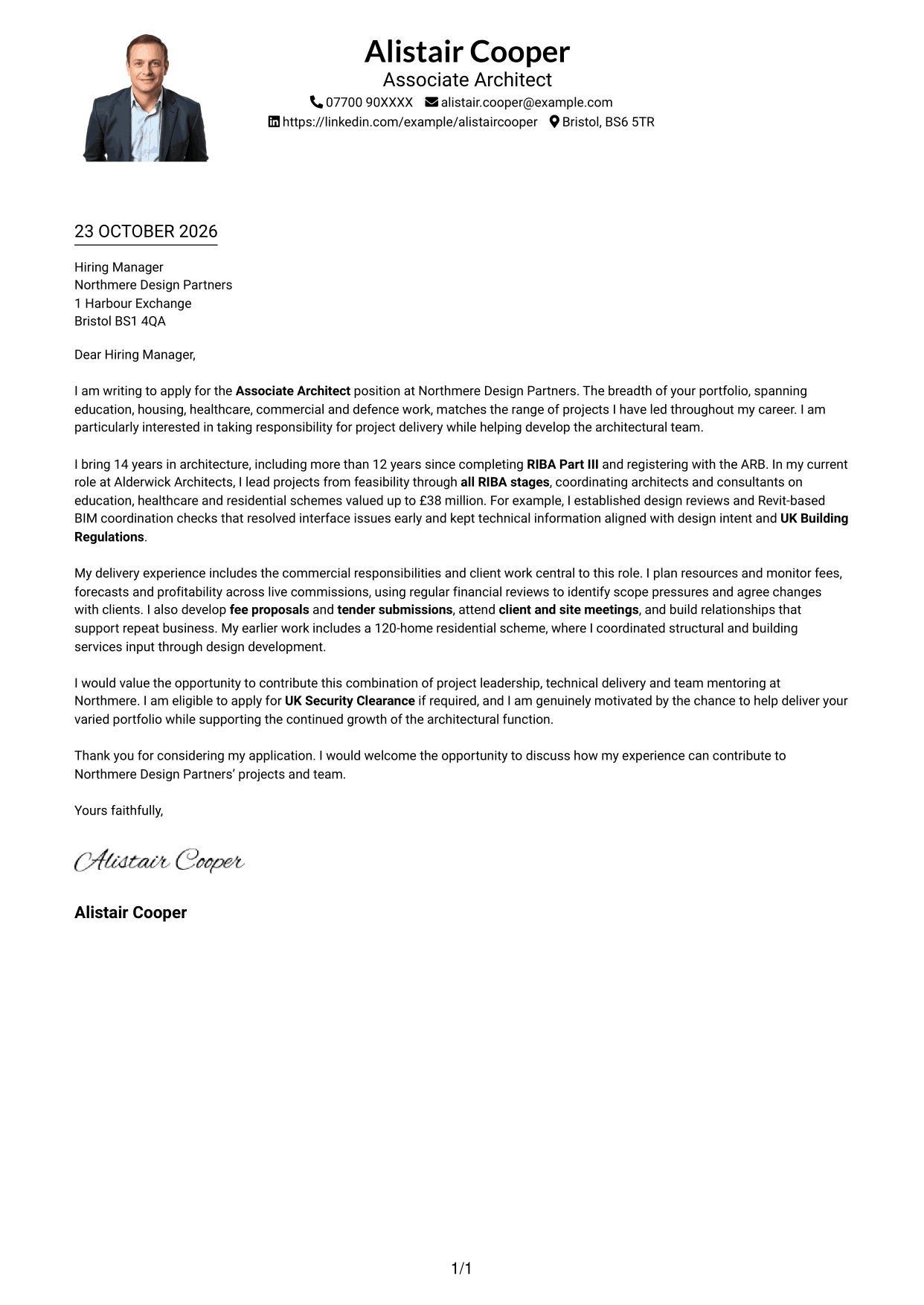
#4 One Column Format with Photo Cover Letter Example
The photo accompanies a single-column letter, keeping the message in one continuous reading path while adding a personal visual element.
Why This Format Works
- A photo adds a personal visual element to the one-column format.
- Sender details appear in the header, separate from the continuous letter body.
- Each paragraph stays in one reading sequence from opening through closing.
Best For
- Single-column letters with a photo
- Direct, paragraph-led applications
- A personal visual touch
- Letters with a clear opening and close
- Header-based sender details
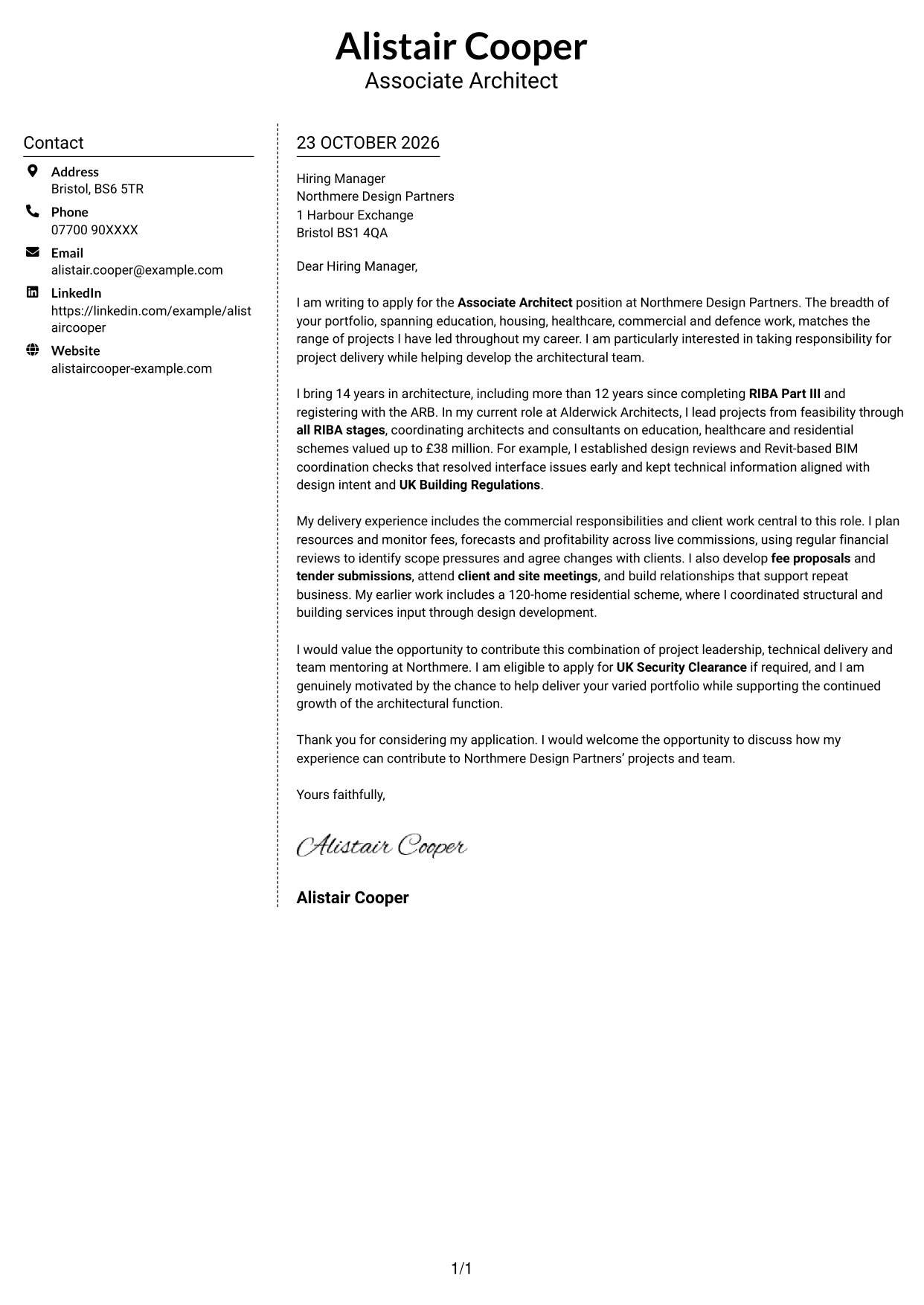
#5 Simple Two Column Format Cover Letter Example
This two-column layout keeps sender contact details in a sidebar while the letter remains a continuous body in the other column.
Why This Format Works
- The sidebar keeps practical contact details apart from the letter's argument.
- One body column keeps motivation, evidence and closing in paragraph order.
- The letter body has no section headings to divide its continuous message.
Best For
- Sidebar contact details
- Applications with a continuous message
- Letters with several evidence points
- Paragraph-based employer applications
- A separate contact reference
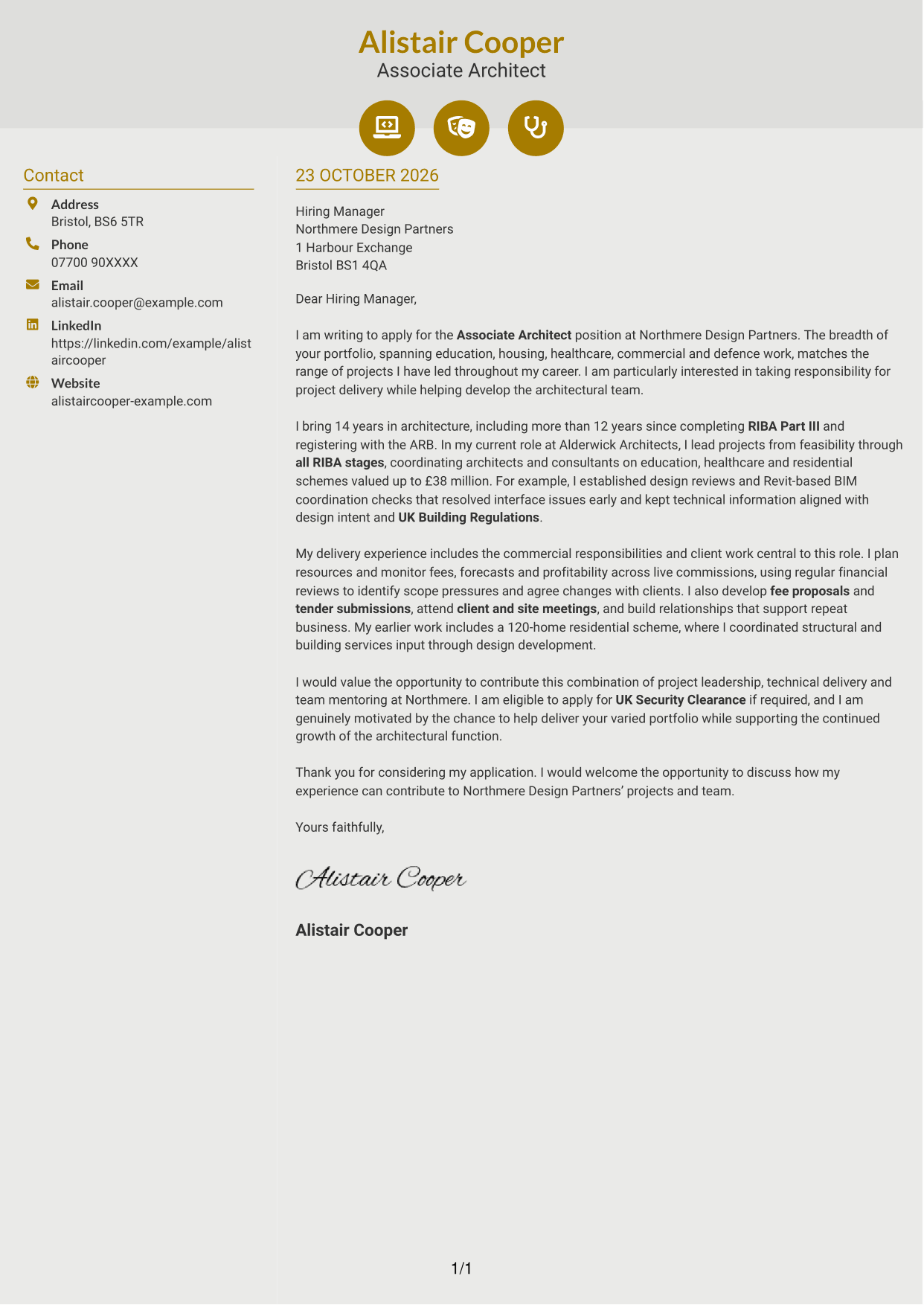
#6 Modern Icon Format Cover Letter Example
A contact sidebar sits beside one continuous letter body, with icons used as cues for contact details and header accents.
Why This Format Works
- Contact icons act as cues for sender details, not argument sections.
- The sidebar and letter body have separate, clear reading roles.
- Opening, evidence and close stay together in a single body column.
Best For
- Icon-led contact details
- Two-column letter layouts
- Applications with a continuous argument
- Several paragraphs of supporting evidence
- A clear distinction between contact and message
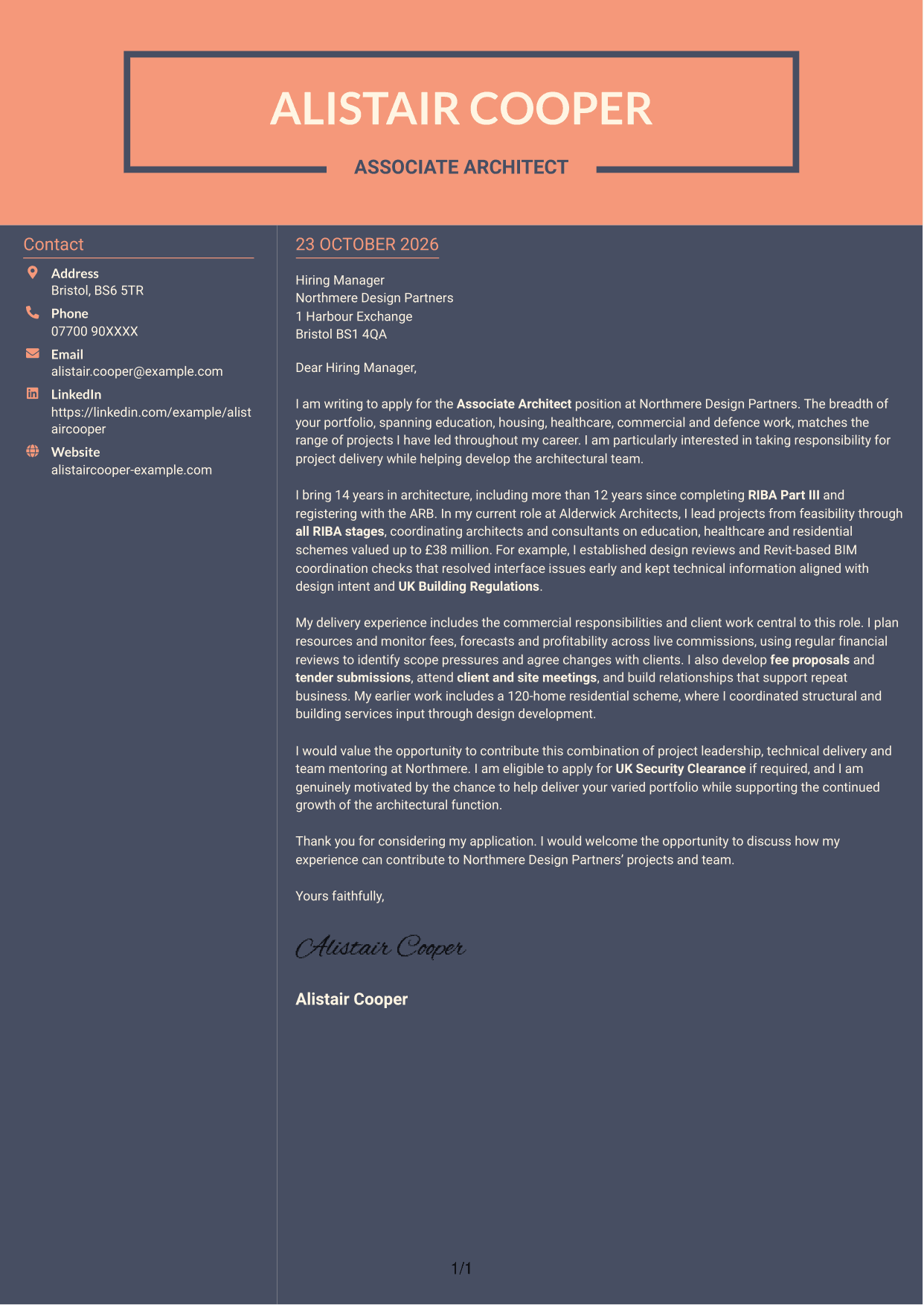
#7 Creative Two Tone Format Cover Letter Example
This two-column layout places contact details in a sidebar beside a continuous letter body, keeping practical information separate from the message.
Why This Format Works
- The sidebar keeps sender details available beside the letter's continuous body.
- Readers can follow the argument in one body column without parallel letter text.
- The letter body has no section headings to interrupt the message.
Best For
- Contact information in a sidebar
- Single-column letter text
- Applications with a clear message
- Letters with several supporting paragraphs
- Separate contact and message areas
See Also
- 7 Associate Architect - Architectural Project Delivery CV Templates with Example
- 7 Project Architect - RIBA Project Delivery CV Templates with Example
- 7 AI Solution Architect - Agentic AI CV Templates with Example
- 7 AI Solution Architect - GCP / Agentic AI CV Templates with Example
- 7 Architect - Retail and Commercial CV Templates with Example
- 7 Associate Architect - Education and Healthcare CV Templates with Example
- 7 Business Architect - Capability and Operating Model CV Templates with Example
- 7 Chief Architect Financial Services CV Templates with Example
- 7 Project Architect - RIBA Project Delivery Cover Letter Templates with Example
- 7 AI Solution Architect - Agentic AI Cover Letter Templates with Example
Frequently Asked Questions
What should an Associate Architect - Architectural Project Delivery cover letter highlight?
Show how your experience fits the role’s mix of project leadership, technical coordination, commercial oversight and team development. Use evidence that is accurate to your own work, such as managing project resources or coordinating design information.
How can I show I can lead architectural project delivery?
Choose a project example and explain your role from feasibility or concept design through planning, technical delivery or completion. State how you coordinated people, maintained design quality or resolved a delivery issue.
How should I describe my Revit and BIM experience?
Explain how you used Revit or BIM to coordinate design information and support project delivery. Where accurate, connect this to checking technical details against design intent and UK Building Regulations.
How can I show commercial and client skills in my letter?
Give a clear example of planning resources, monitoring fees or forecasts, preparing a fee proposal, or discussing a scope change with a client. Mention bids or tender submissions when they are relevant to your experience.
What is a clear way to structure this cover letter?
Open with the role and your reason for applying. Use the body to show relevant project and client evidence, then close by restating your interest and inviting a discussion.




