
7 Associate CV Templates with Example
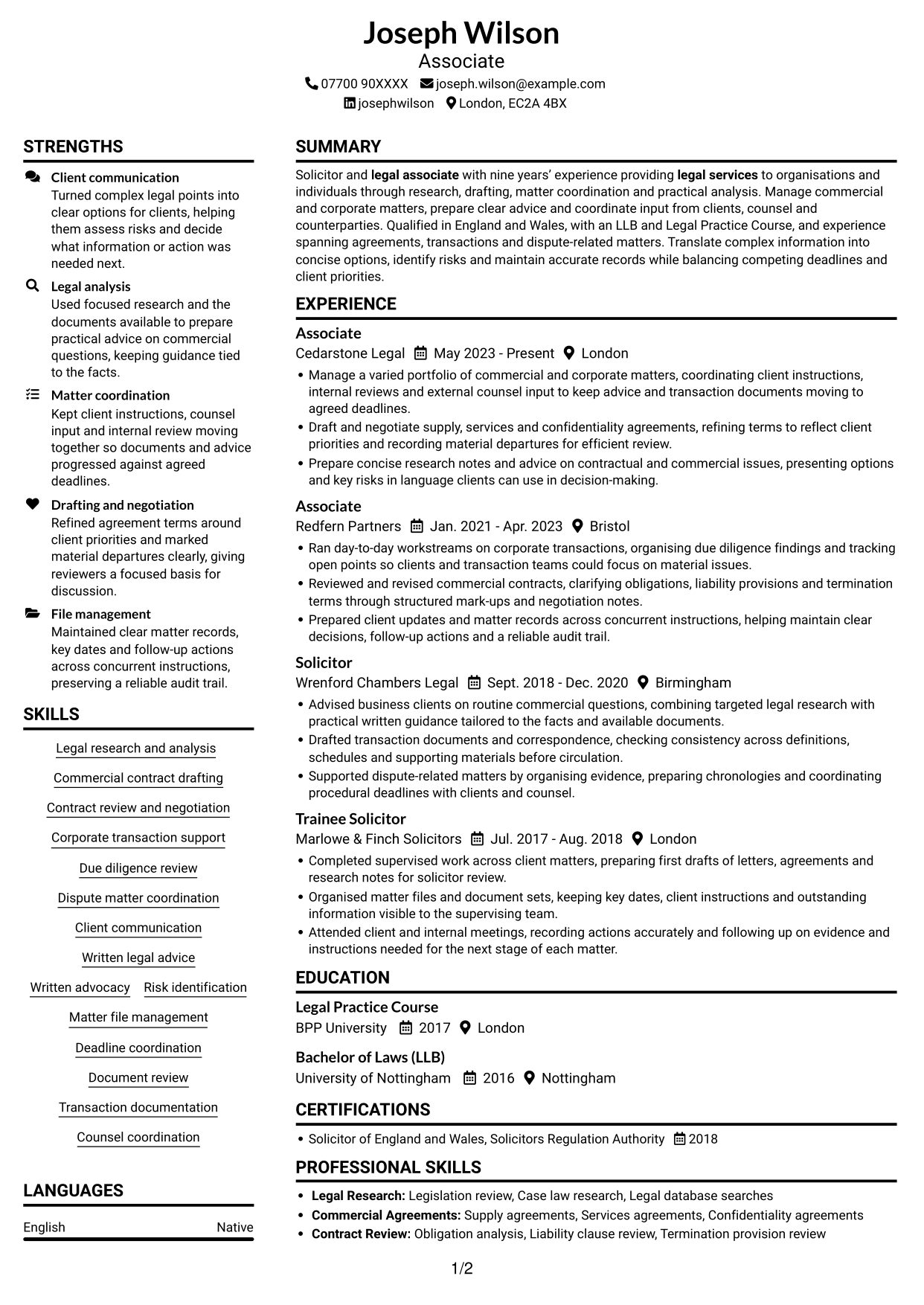
This guide shows you how to create an Associate CV that presents your legal work clearly and makes the main points easy to find. You will learn how to organise your evidence and choose a layout suited to this role.
A strong Associate CV makes legal analysis, drafting, matter coordination and client work clear to a reader. Use concise bullets to show your contribution to commercial agreements, corporate transactions and dispute-related matters.
Explore the example presented in 7 layouts, compare their PNG image previews, and open a preferred example in the editor to customise it. The guidance also covers ATS readability, useful CV sections and relevant terms such as due diligence, contract review, risk identification and deadline coordination.
What Makes a Great Associate CV in 2026
A strong CV makes legal work easy to scan. It uses clear headings and focused bullets to show your role in research, drafting, client matters and transactions.
Use relevant terms such as contract review, due diligence, written legal advice and matter coordination. Add measurable results only when you can support them.
Note: CV examples are for educational purposes only. Use only information that accurately reflects your experience and qualifications. References to real organisations do not imply affiliation or endorsement.
#1 Plain Two Column Format CV Example
The Plain Two Column Format separates CV content across two columns, helping readers move between career history and supporting details.
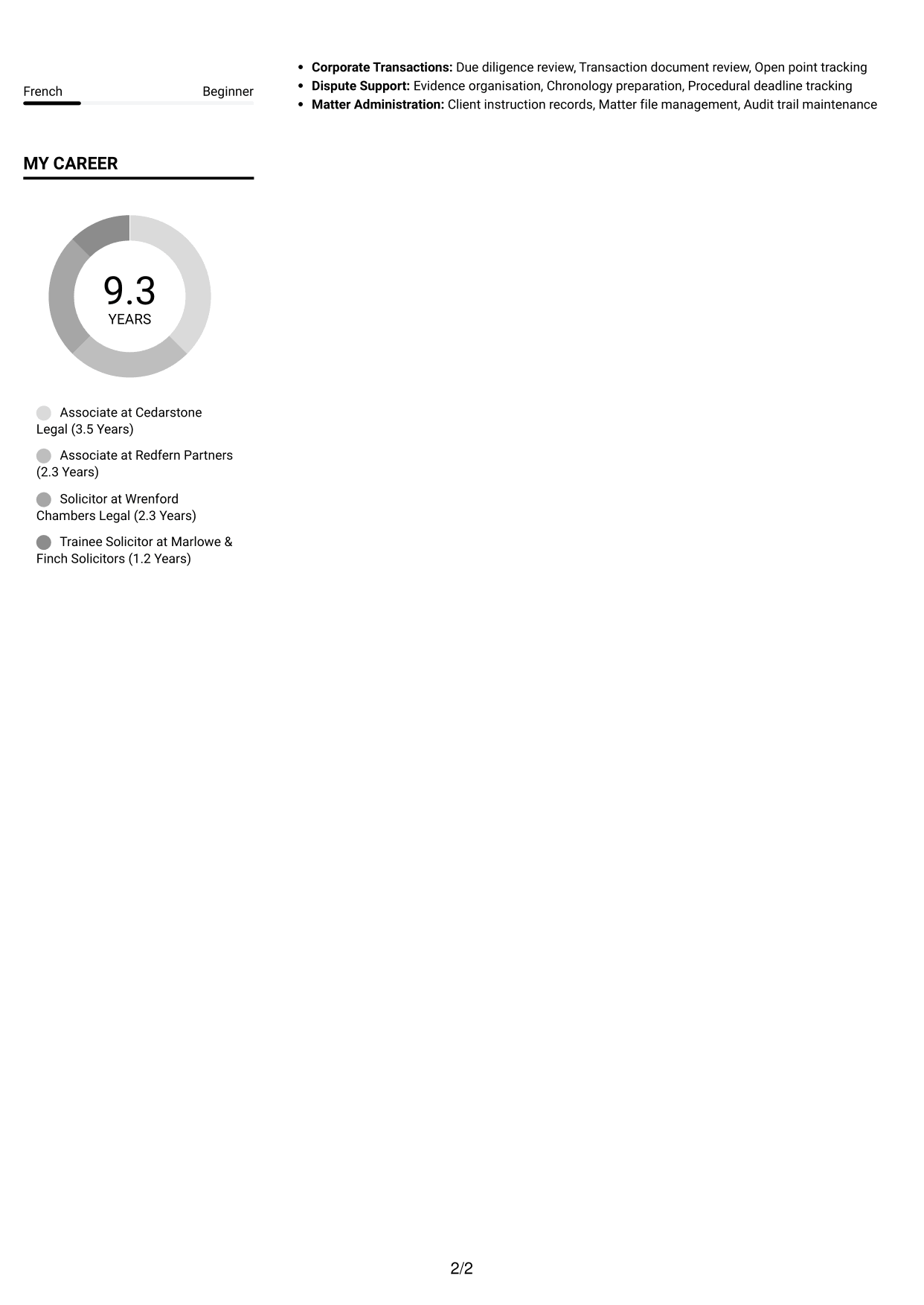
CV Snapshot
- Nine years’ experience in legal work
- Qualified solicitor of England and Wales
- LLB and Legal Practice Course
- Commercial, corporate and dispute-related matters
Why This Format Works
- Separate columns help reviewers distinguish career history from supporting sections at a glance.
- Clear section breaks make education and credentials easier to locate during a scan.
- Skills can be found without breaking the sequence of experience entries.
Best For
- CVs with several sections
- Readers scanning role dates
- Career history beside supporting details
- Skills and education in easy reach
- Applications needing distinct reading areas
CV Keywords
- legal associate
- legal services
- providing legal services to organisations and individuals
#2 Simple One Column Format CV Example
The Simple One Column Format keeps CV content in one vertical column, a practical choice for readers who prefer a direct top-to-bottom sequence.
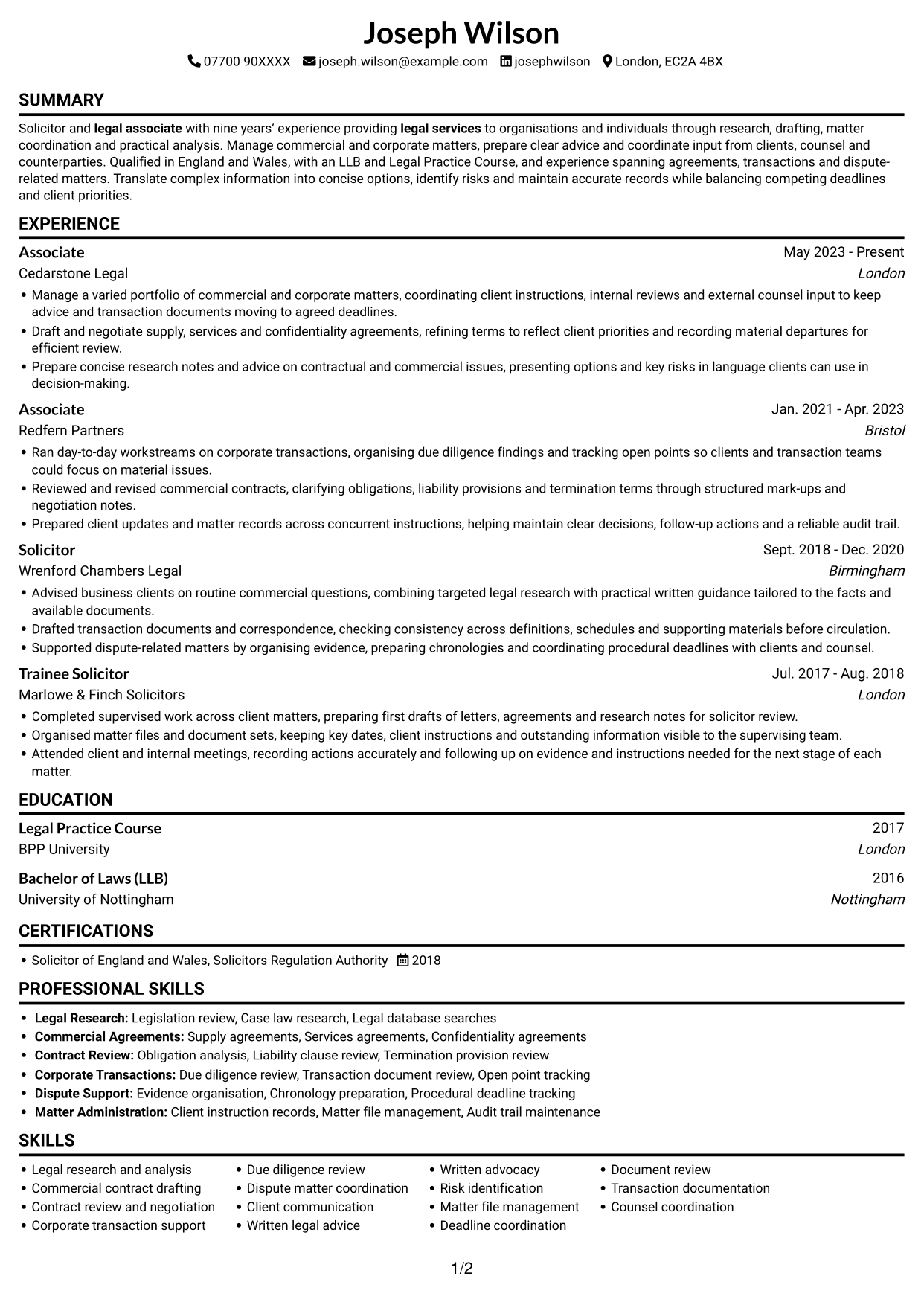

Why This Format Works
- A vertical sequence helps reviewers follow career progression from role to role.
- Single-column text gives longer experience entries room to read clearly.
- Education and credentials remain part of the same top-to-bottom review path.
Best For
- Top-to-bottom review preference
- Detailed experience entries
- CVs with a clear career sequence
- Readers who prefer one reading path
- Sections needing generous line width
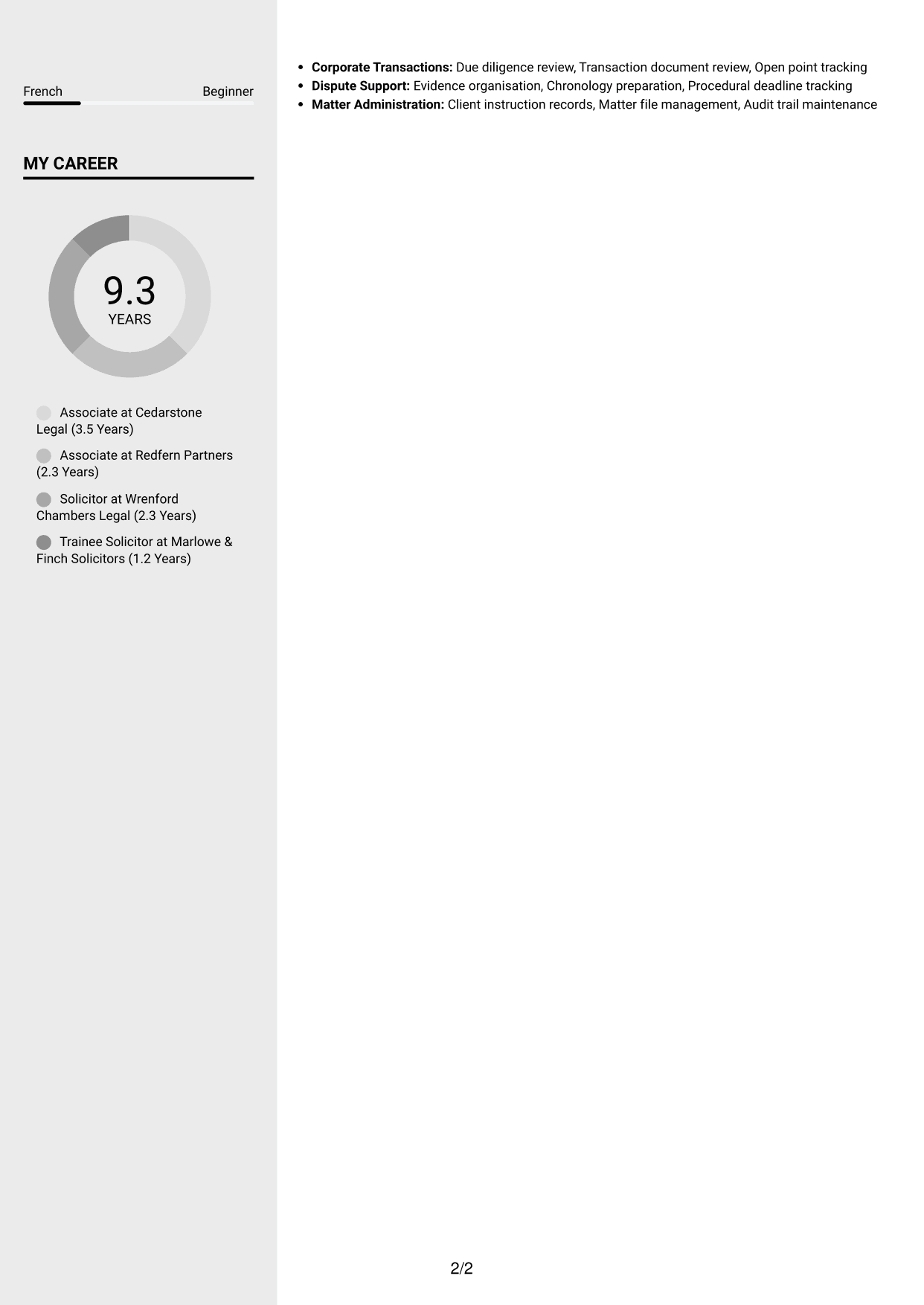
#3 Clean Two Column Sidebar Format CV Example
The Clean Two Column Sidebar Format uses two columns to keep career history and supporting information distinct for section-by-section review.
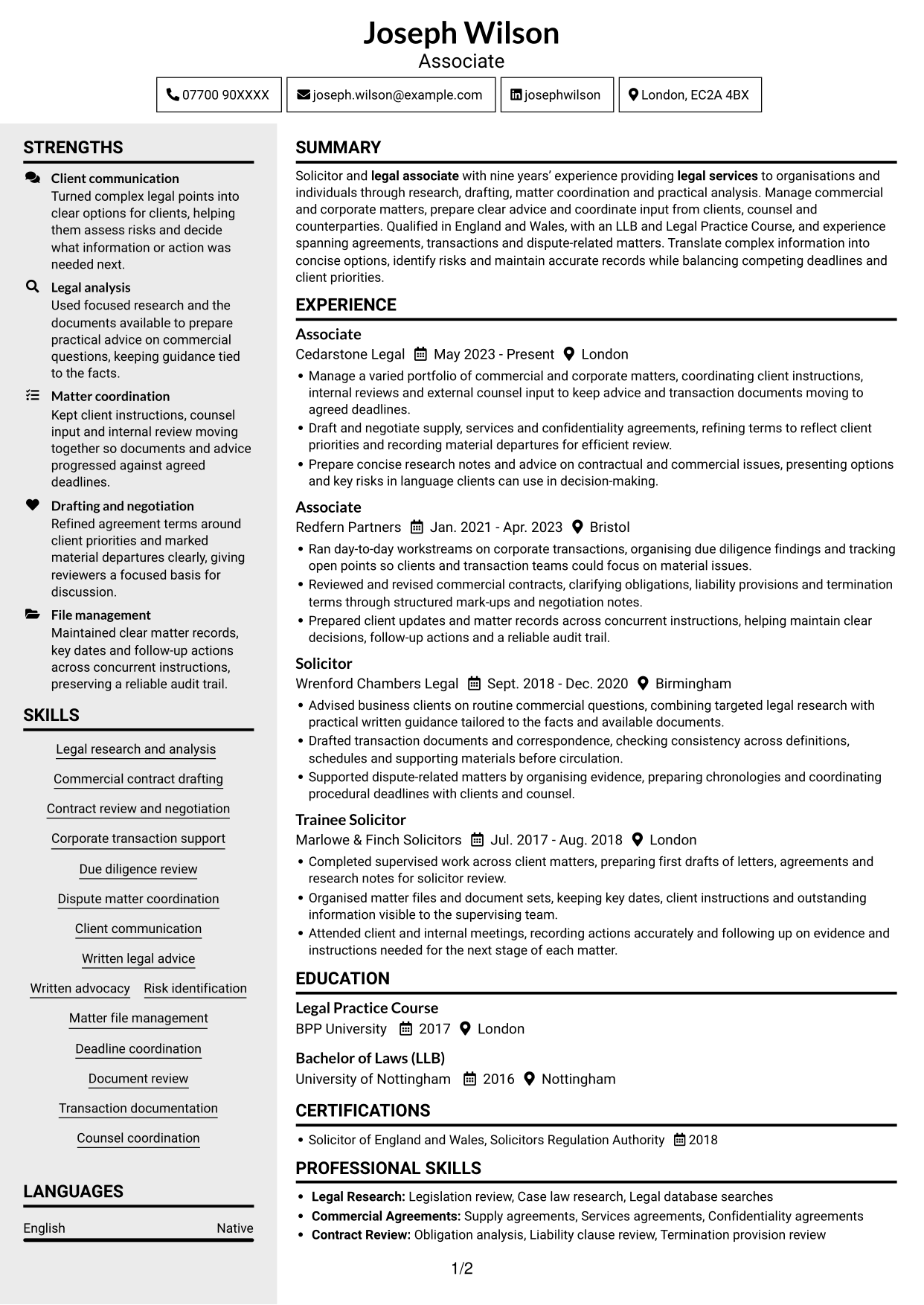
Why This Format Works
- Two columns keep career history distinct from supporting sections during a section-by-section review.
- Separate areas help reviewers locate education and credentials without scanning every role entry.
- Experience can remain in sequence while skills and other details stay easy to find.
Best For
- CVs balancing history with supporting details
- Section-by-section review
- Skills and education kept distinct
- Readers scanning several CV sections
- Career entries with supporting information
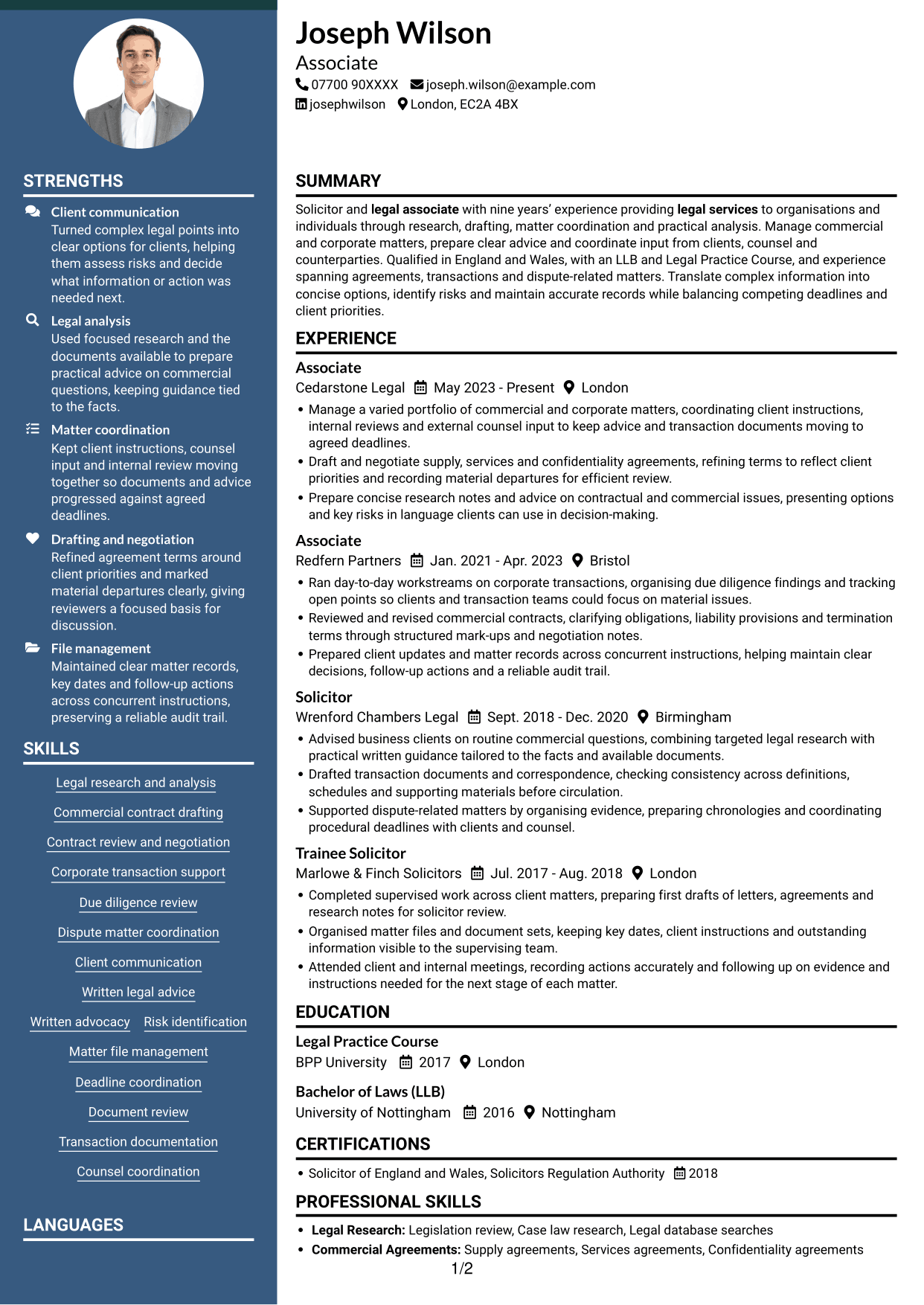
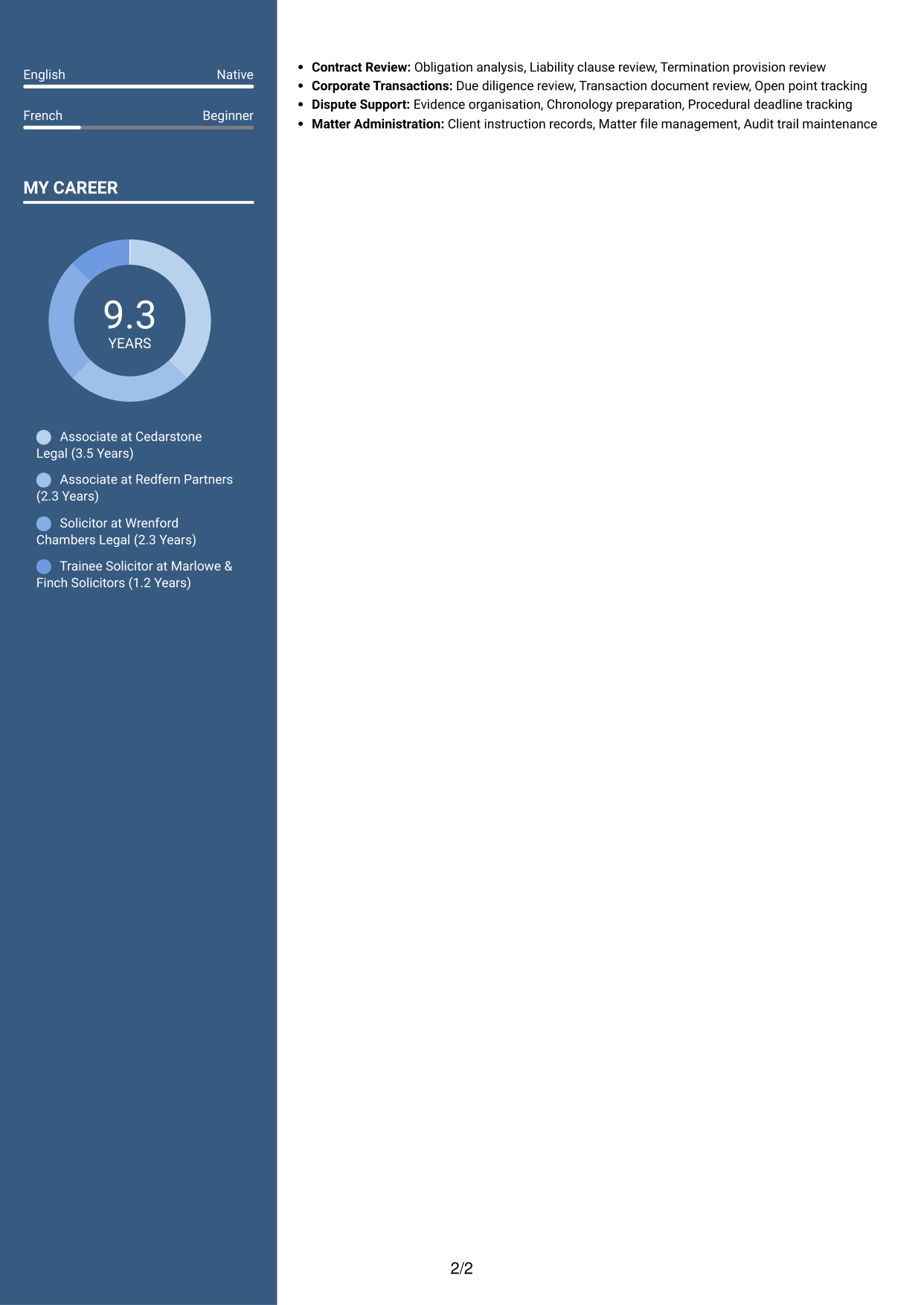
#4 Two Column Format CV Example
The Two Column Format gives CV content two reading areas, suiting readers who want work history and supporting sections easy to distinguish.
Why This Format Works
- Distinct reading areas help reviewers compare experience with the rest of the CV.
- Career progression stays clear when role entries have a defined reading order.
- Separate sections make education and professional credentials straightforward to locate.
Best For
- Readers comparing CV sections
- Work history with supporting qualifications
- CVs needing clear content grouping
- Roles presented in date order
- A two-column reading preference
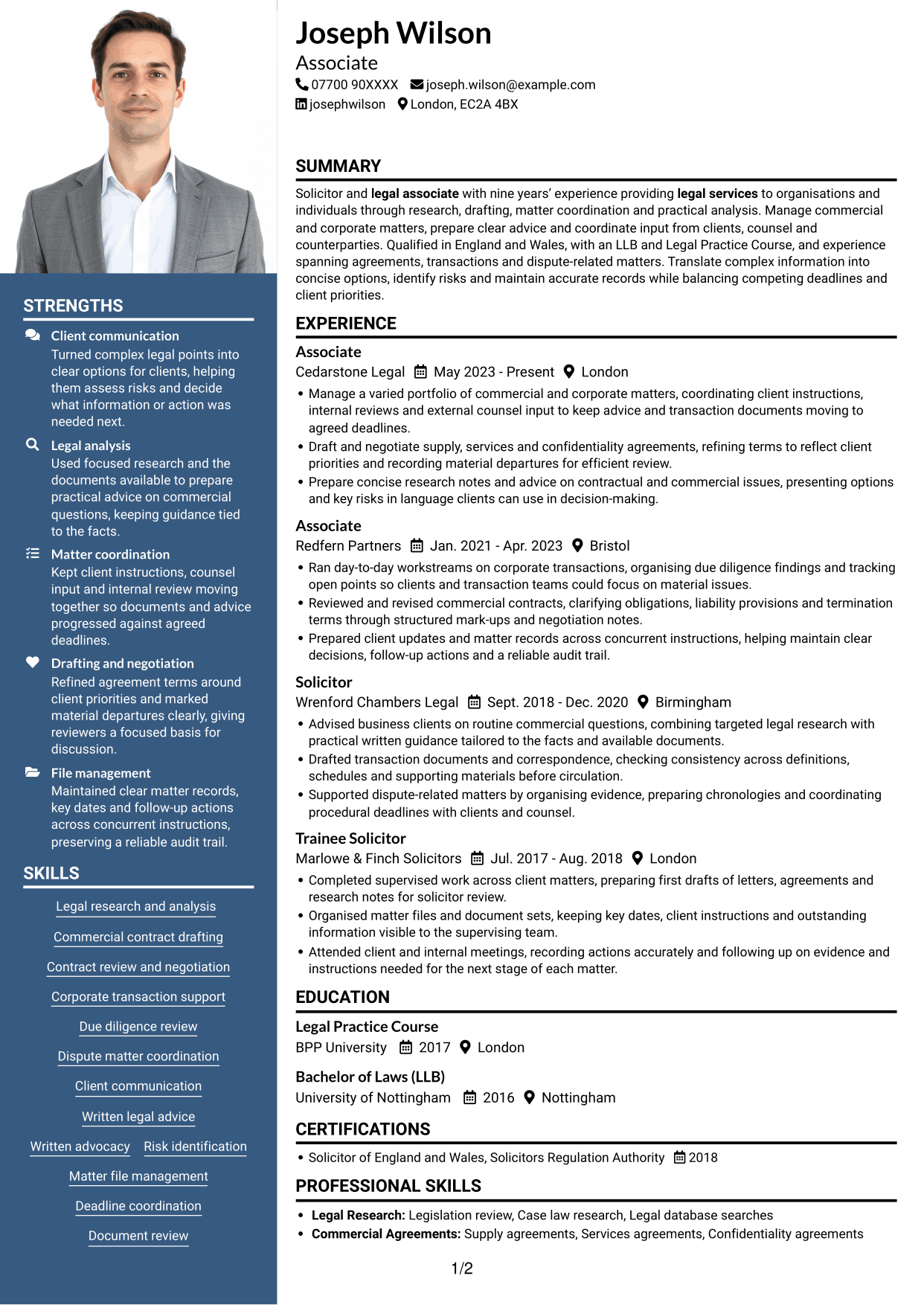
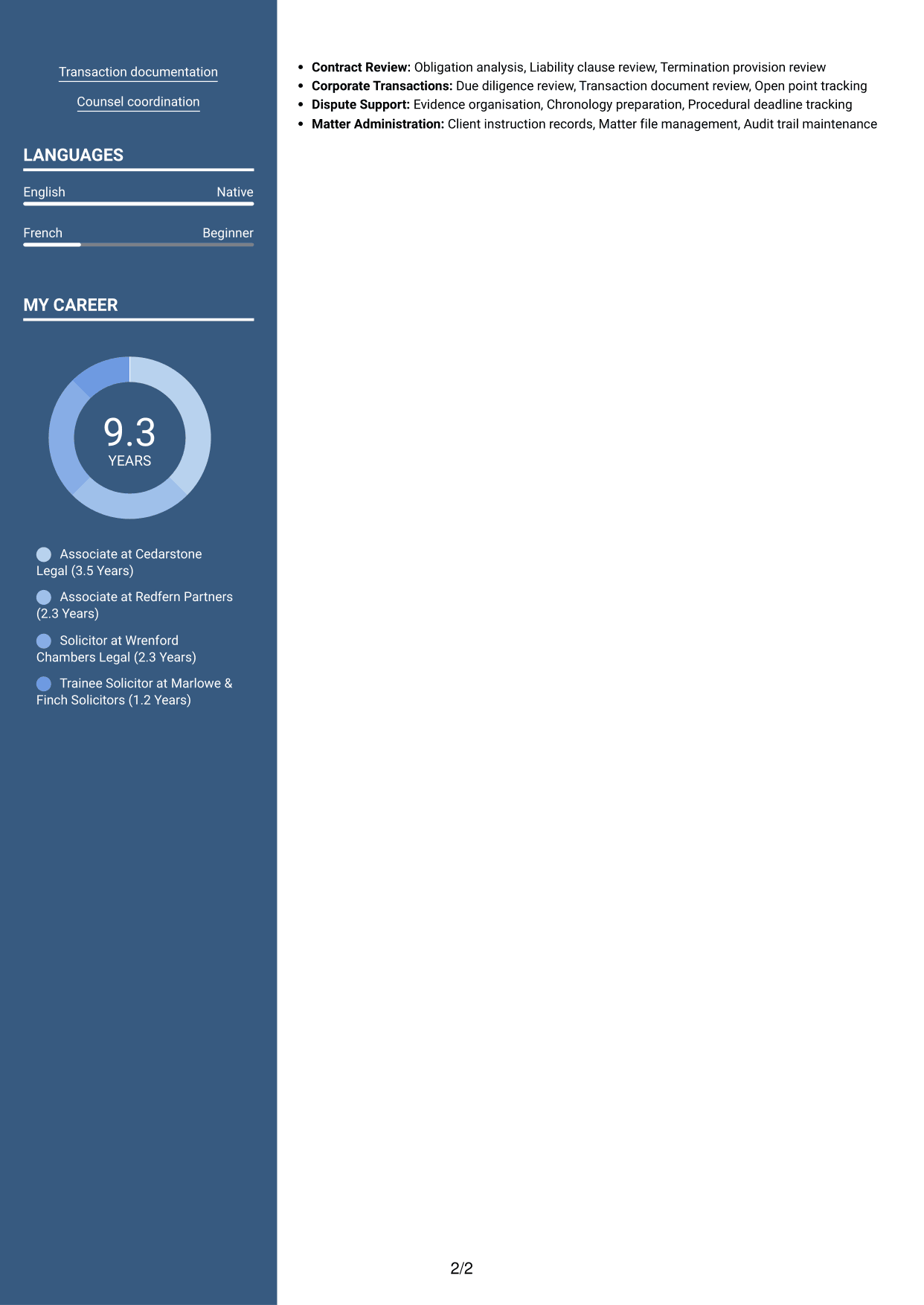
#5 Photo Header Two Column Format CV Example
The Photo Header Two Column Format combines a header photo with two content columns, for readers who value photo presentation and separated sections.
Why This Format Works
- Two columns separate career history from supporting content while keeping both within one layout.
- Ordered experience entries remain easy to follow beside other CV sections.
- Education and credentials retain clear section roles within the document.
Best For
- CVs where a header photo is wanted
- Two-column section organisation
- Career history beside supporting sections
- Applications with distinct reading areas
- Experience and education in one document
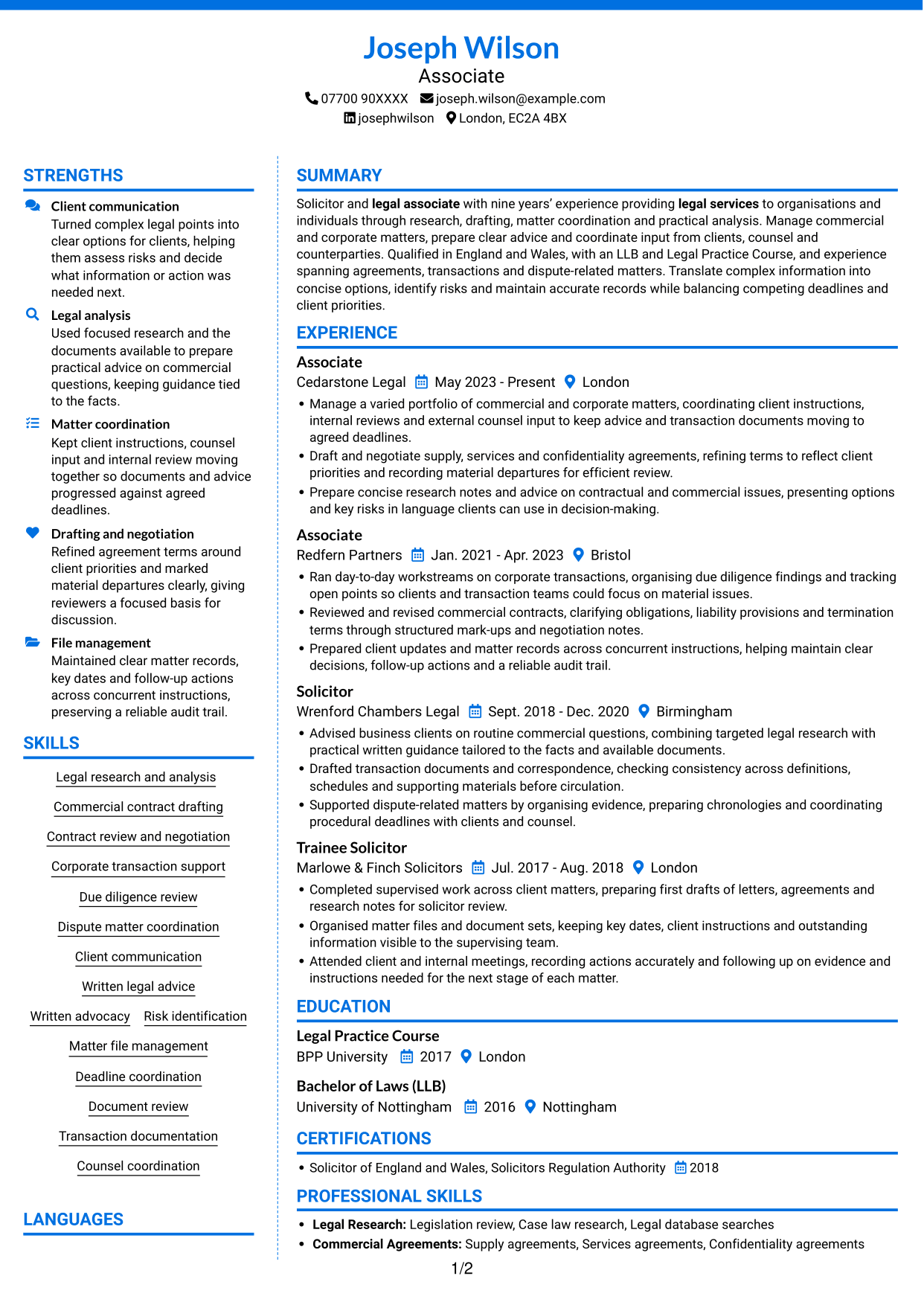
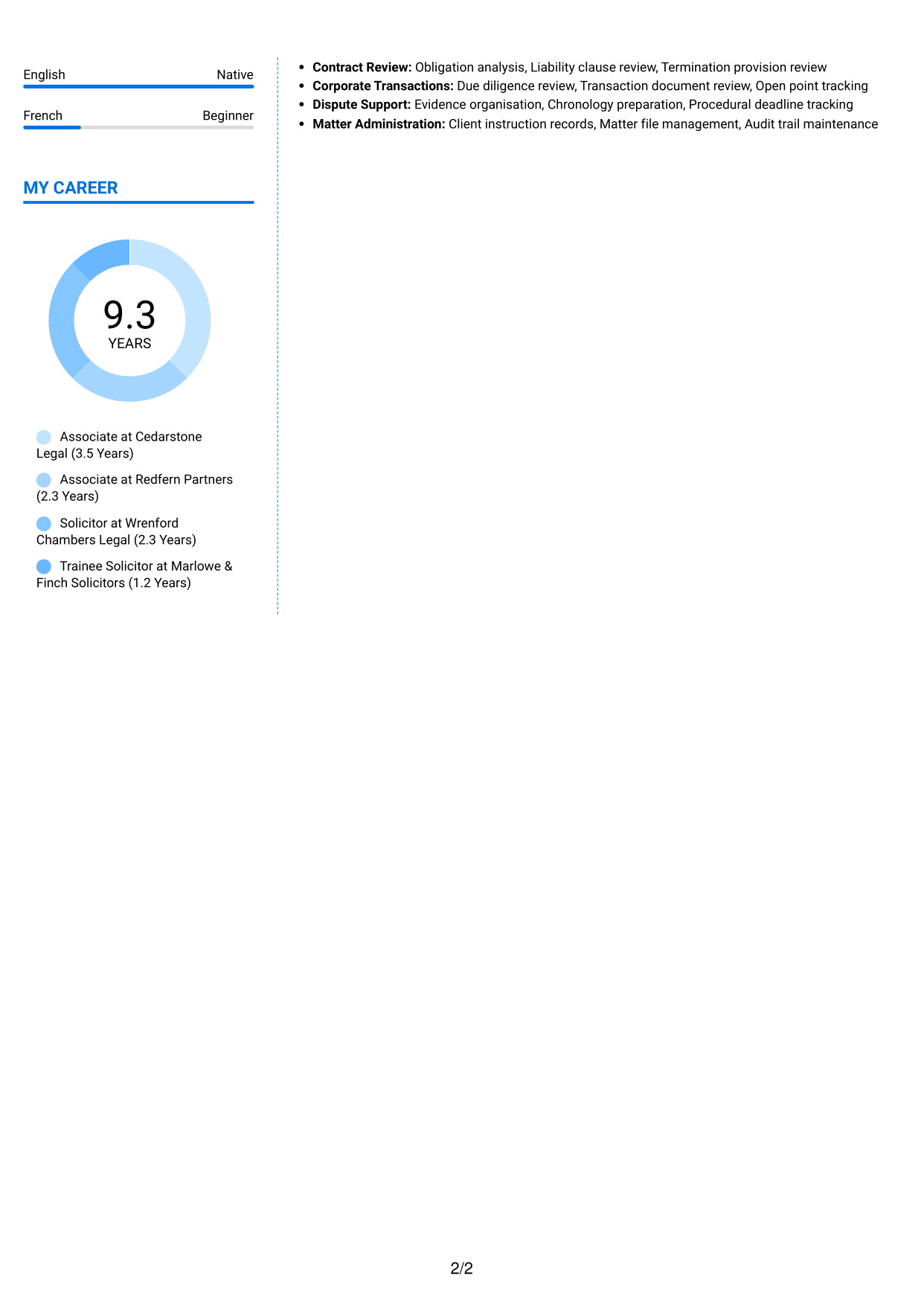
#6 Coloured Two Column Format CV Example
The Coloured Two Column Format adds colour to a two-column CV, for readers who want colour in the page design.
Why This Format Works
- Colour provides a visual accent while the two columns separate CV content.
- Distinct content areas help reviewers locate education and credentials without losing career context.
- Experience entries stay easy to follow alongside the rest of the CV.
Best For
- Colour in the CV design
- Two-column section organisation
- Readers scanning distinct content areas
- Career history alongside supporting sections
- CVs with several document sections
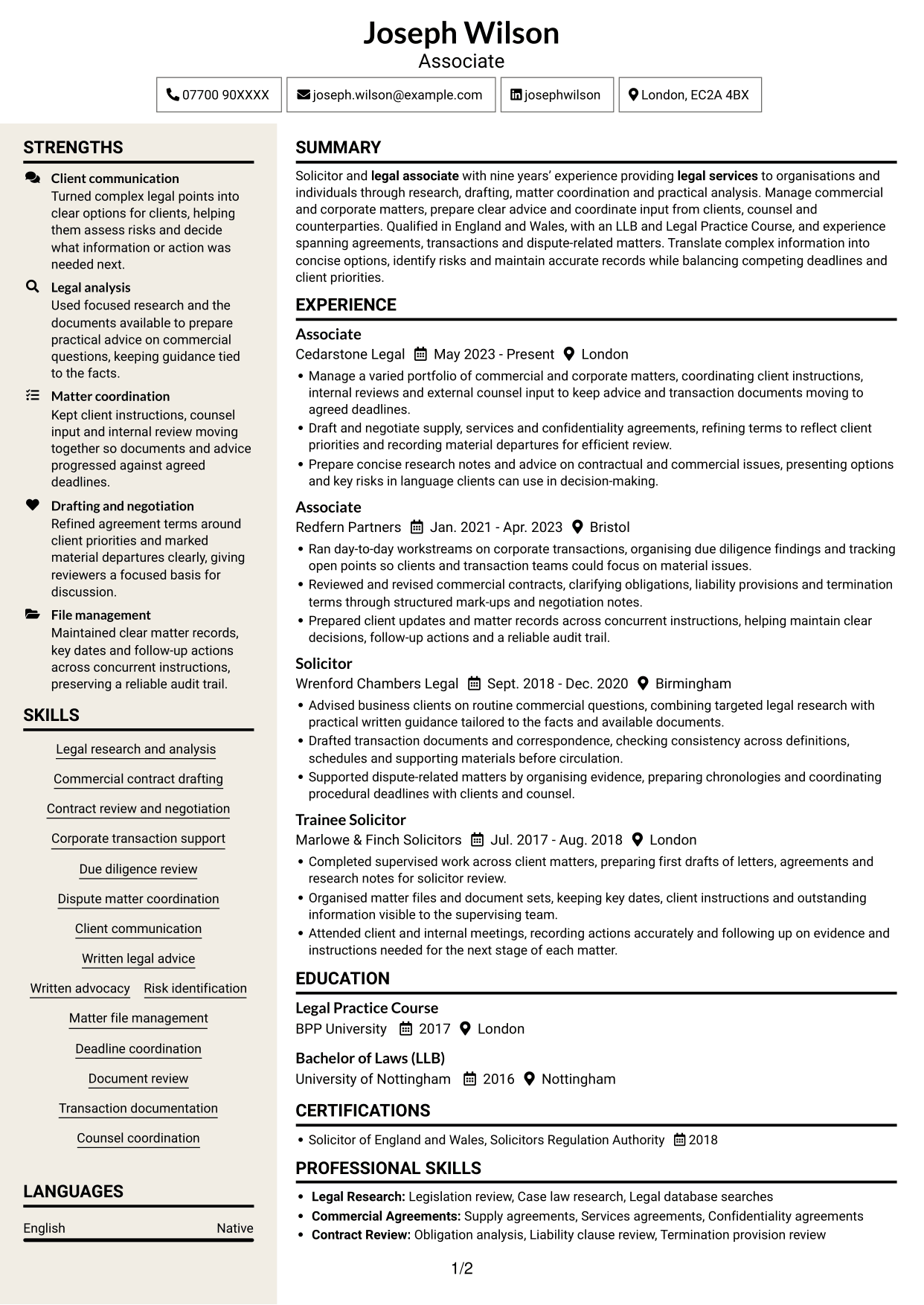
#7 Stylish Two Column Designer Format CV Example
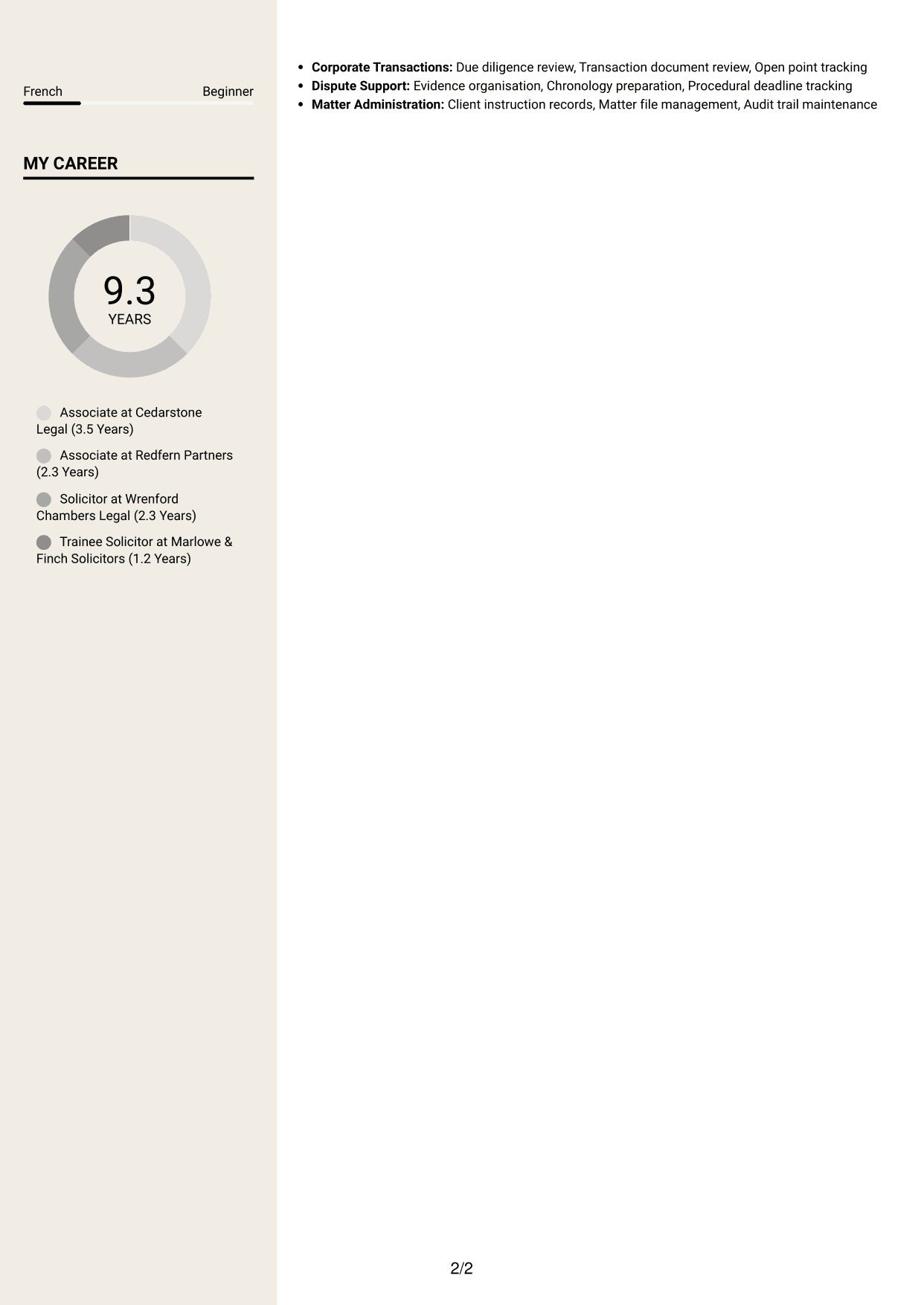
The Stylish Two Column Designer Format arranges CV content in two columns, a practical choice for readers who want separate areas for career history and supporting details.
Why This Format Works
- Two columns give career history and supporting details separate places in the reading order.
- Clear section distinctions help readers find education and credentials without rereading role entries.
- Experience can be followed in sequence while other CV sections remain accessible.
Best For
- Two-column CV organisation
- Separate career and supporting sections
- Readers who scan by content area
- Several sections needing clear structure
- Experience entries alongside other details
Why Build Your Associate CV with ResumeInMinutes
ResumeInMinutes helps you arrange legal experience, skills and education in a clear CV. Compare PNG image previews, then open an example in the editor to customise its content and layout.
- Different CV layouts
- Clear, readable section structure
- Space for role-specific keywords
- Organised skills and experience
- PNG image previews
- CV customisation in the editor
Choose the format that makes your work easiest to follow. Keep the focus on clear advice, careful drafting, well-managed files and sound judgement.
See Also
- 7 Operations Planning Manager - Rail Maintenance CV Templates with Example
- 7 Postgraduate Administrator - Admissions and Student Support CV Templates with Example
- 7 Cash Reconciliation Assistant - Retail and Wholesale Accounts CV Templates with Example
- 7 Associate, US Funds Tax CV Templates with Example
- 7 Associate - Export, Trade and Commodity Finance CV Templates with Example
- 7 Clinical Trainer - Robotic-Assisted Knee Surgery CV Templates with Example
- 7 Retail Assistant - Fashion Retail CV Templates with Example
- 7 Programme Coordinator - Adult English and Maths Projects CV Templates with Example
- 7 Audit Assistant Manager - Real Estate CV Templates with Example
- 7 Administrative Assistant - School Administration CV Templates with Example
Frequently Asked Questions
Are these Associate CV templates ATS-friendly?
The examples use readable headings and clear sections to support scanning. Include relevant terms naturally, such as legal research, commercial contract drafting, due diligence and matter coordination.
Are these separate CV examples or different layouts of one example?
This page shows one role-focused CV example in different layouts. Compare the PNG image previews, then open an example in the editor to customise it.
What should an Associate CV include?
Include a focused summary, relevant experience, education, skills and professional qualifications. Use your bullets to explain your work on research, agreements, transactions, client advice and matter records.
Which CV layout works well for an Associate?
Choose a layout with clear headings and an easy-to-follow order for experience, skills and education. A simple structure helps recruiters and applicant tracking systems find key details.
How can I show legal achievements on my CV?
Write concise bullets that state the task, your contribution and the result. Include figures only when they are accurate and supported by evidence.
Should I include a photo on my CV?
For UK applications, a photo is usually not needed. Use the space for relevant experience, skills and clear evidence of your work instead.




