
7 Associate Director of Student Recruitment and Admissions Cover Letter Templates with Example
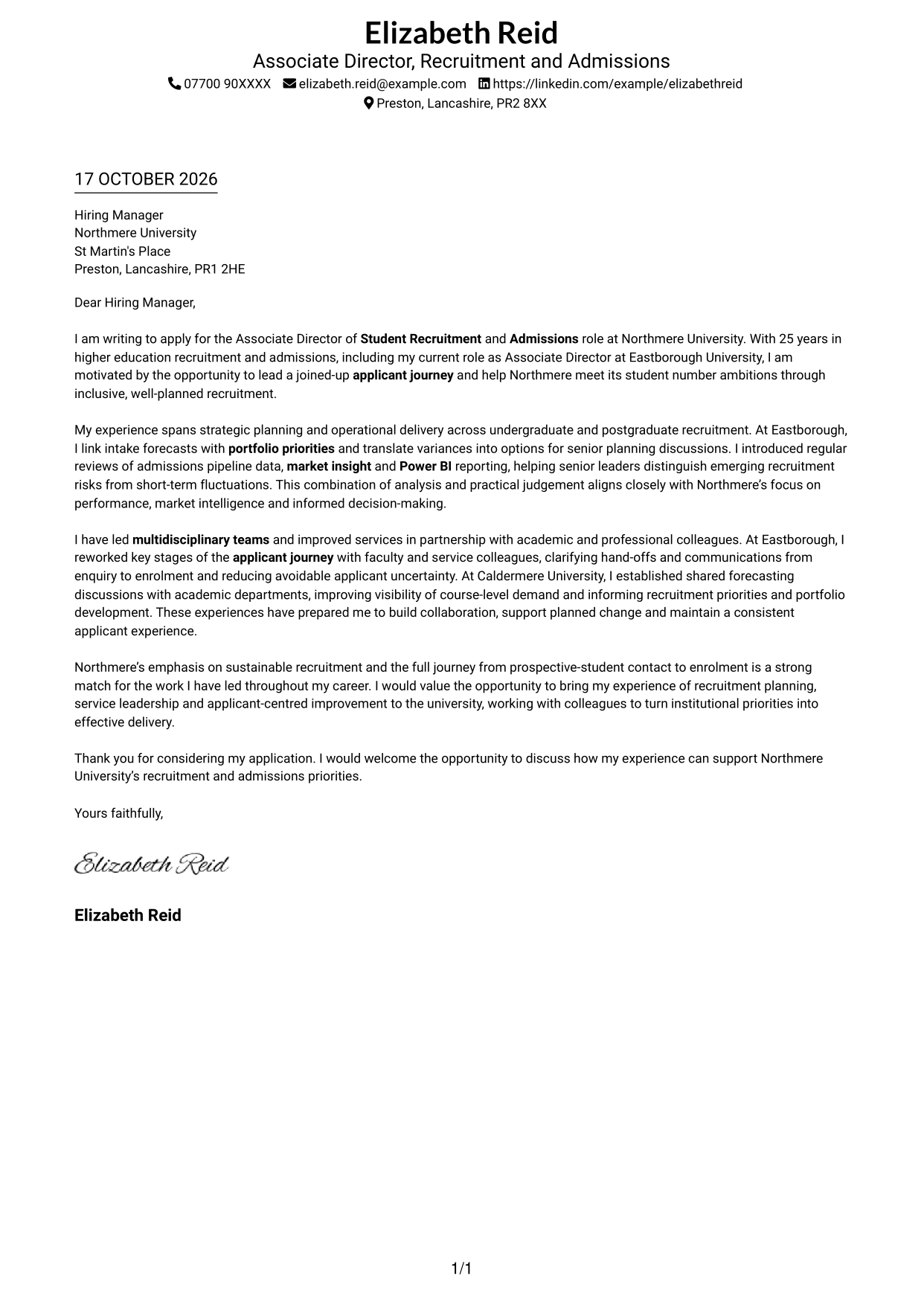
This practical guide to an Associate Director of Student Recruitment and Admissions cover letter shows how to communicate role fit through seven layouts.
What Makes a Great Associate Director of Student Recruitment and Admissions Cover Letter in 2026
A strong letter links recruitment priorities with clear leadership, thoughtful planning and a consistent applicant journey. Its opening should explain your interest in the role and the contribution you could make.
Use relevant evidence, such as linking intake forecasts to portfolio priorities, reviewing admissions data and improving applicant communications. Connect these examples to Northmere’s focus on sustainable recruitment and a clear journey from first contact to enrolment.
The featured example follows a focused progression from interest in the role to evidence of planning, data-informed decisions and team leadership, then a clear close; adapt this progression while choosing a presentation suited to the employer and communication context.
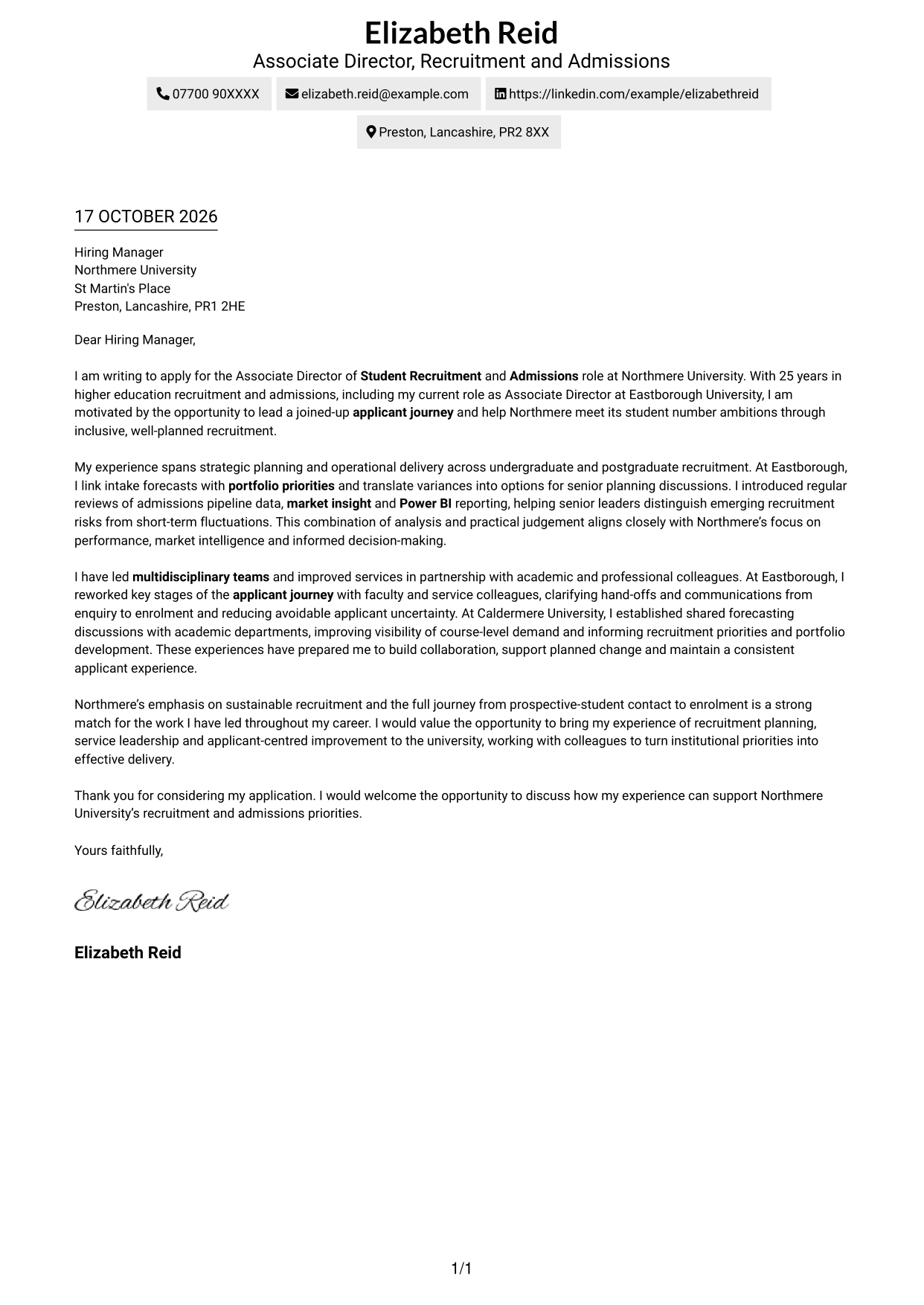
#1 Simple One Column Format Cover Letter Example
The single-column page keeps sender details in the header and the application letter in one continuous body, giving its motivation, evidence and closing a clear reading path.
Why This Format Works
- Sender details stay in the header, separate from the letter’s persuasive content.
- The single body lets readers follow the opening, evidence and closing in order.
- Without a sidebar, the page keeps attention on the written case for fit.
Best For
- One uninterrupted reading path
- Letters with several supporting paragraphs
- Sender details kept outside the letter body
- Applications built around written persuasion
- Readers who prefer a straightforward page
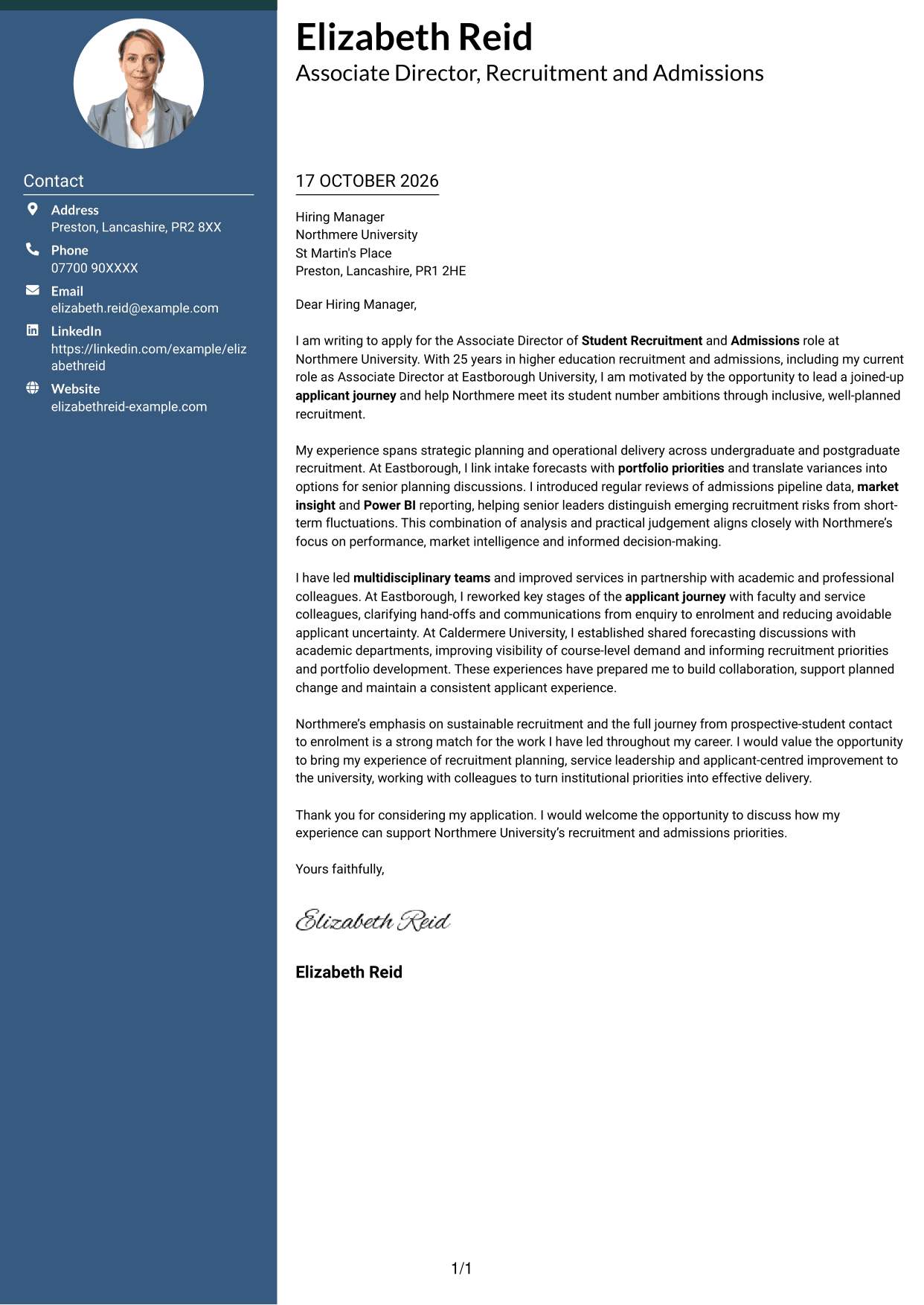
#2 Two Column Format Cover Letter Example
The two-column layout places contact details in a sidebar beside one continuous letter body, keeping contact information easy to locate without splitting the argument.
Why This Format Works
- Contact details have a dedicated sidebar, apart from the letter’s paragraphs.
- Readers can follow the opening, supporting case and closing in sequence.
- The argument stays in one body rather than running across parallel columns.
Best For
- Contact information kept apart from prose
- A continuous argument in one body
- Letters with several supporting paragraphs
- Body text without section headings
- Contact details beside the message
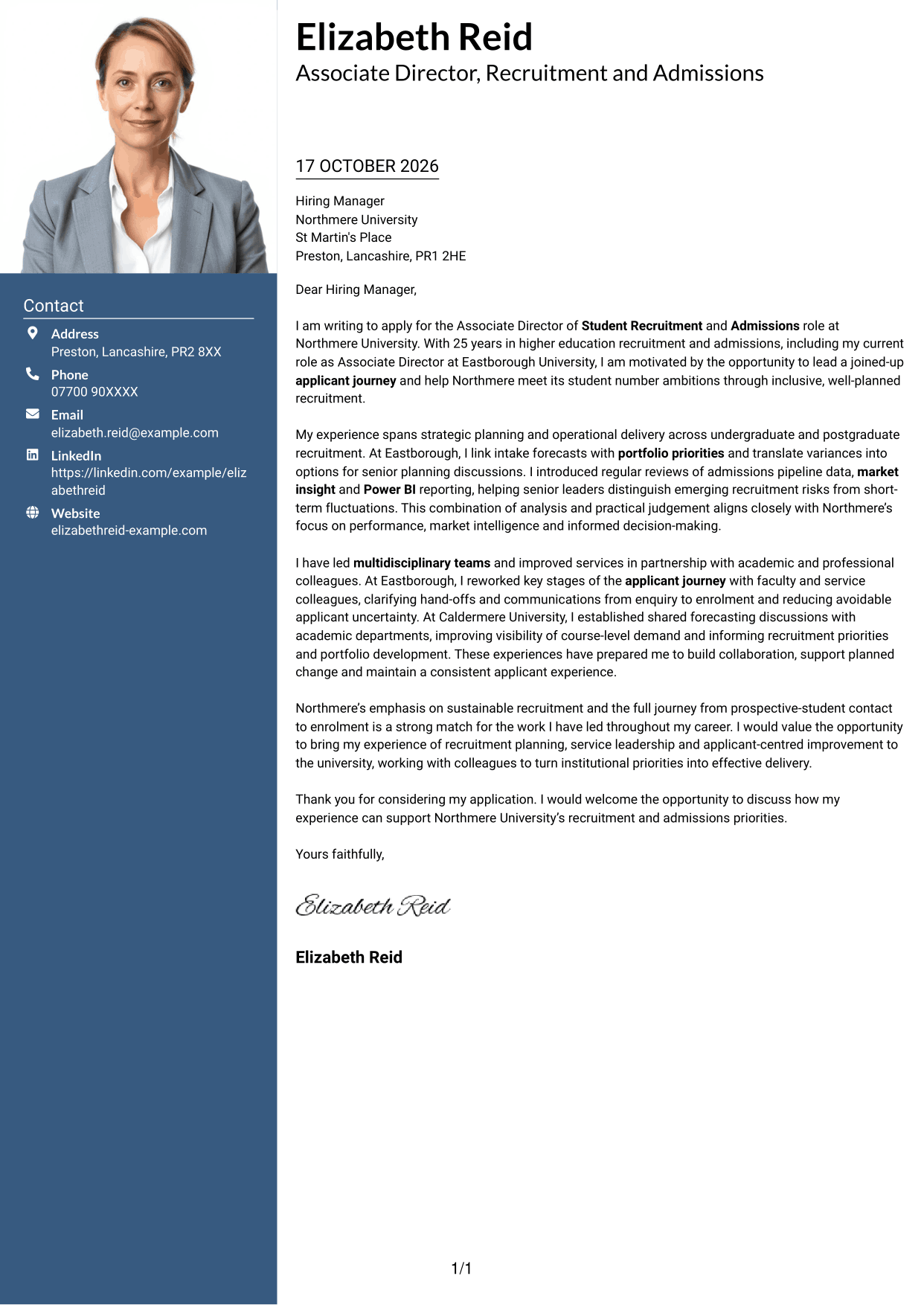
#3 Photo Header Two Column Format Cover Letter Example
A portrait appears with the two-column contact-and-letter layout, adding a personal visual element while keeping the application message in one continuous body.
Why This Format Works
- The portrait adds a visual point of recognition without changing the letter’s reading order.
- Contact details sit apart from the continuous application message.
- Readers can follow the letter’s paragraphs from opening through to its closing.
Best For
- A portrait alongside contact details
- One continuous letter argument
- Multi-paragraph application letters
- A clear separation of contact and message
- Applications with a personal visual element
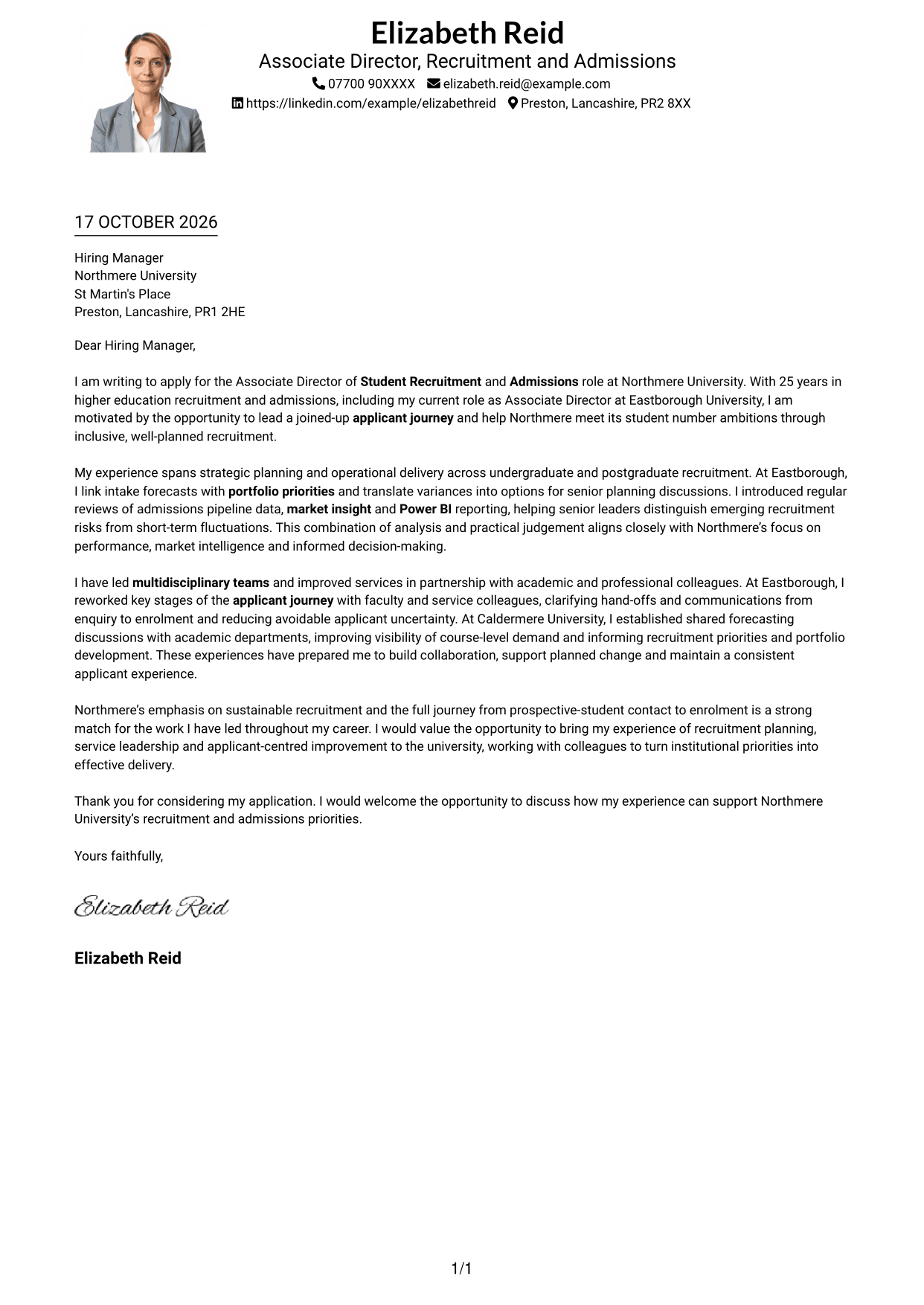
#4 One Column Format with Photo Cover Letter Example
This one-column format includes a portrait and keeps the letter in a continuous body, suiting readers who want a personal visual detail alongside a direct reading path.
Why This Format Works
- The portrait provides a visual detail without dividing the letter’s paragraphs.
- A single body lets readers follow the application message in sequence.
- Sender details remain in the header, distinct from the letter text.
Best For
- A portrait with a single-column letter
- Direct reading from opening to closing
- Sender details in the header
- Letters with connected supporting paragraphs
- A personal visual detail
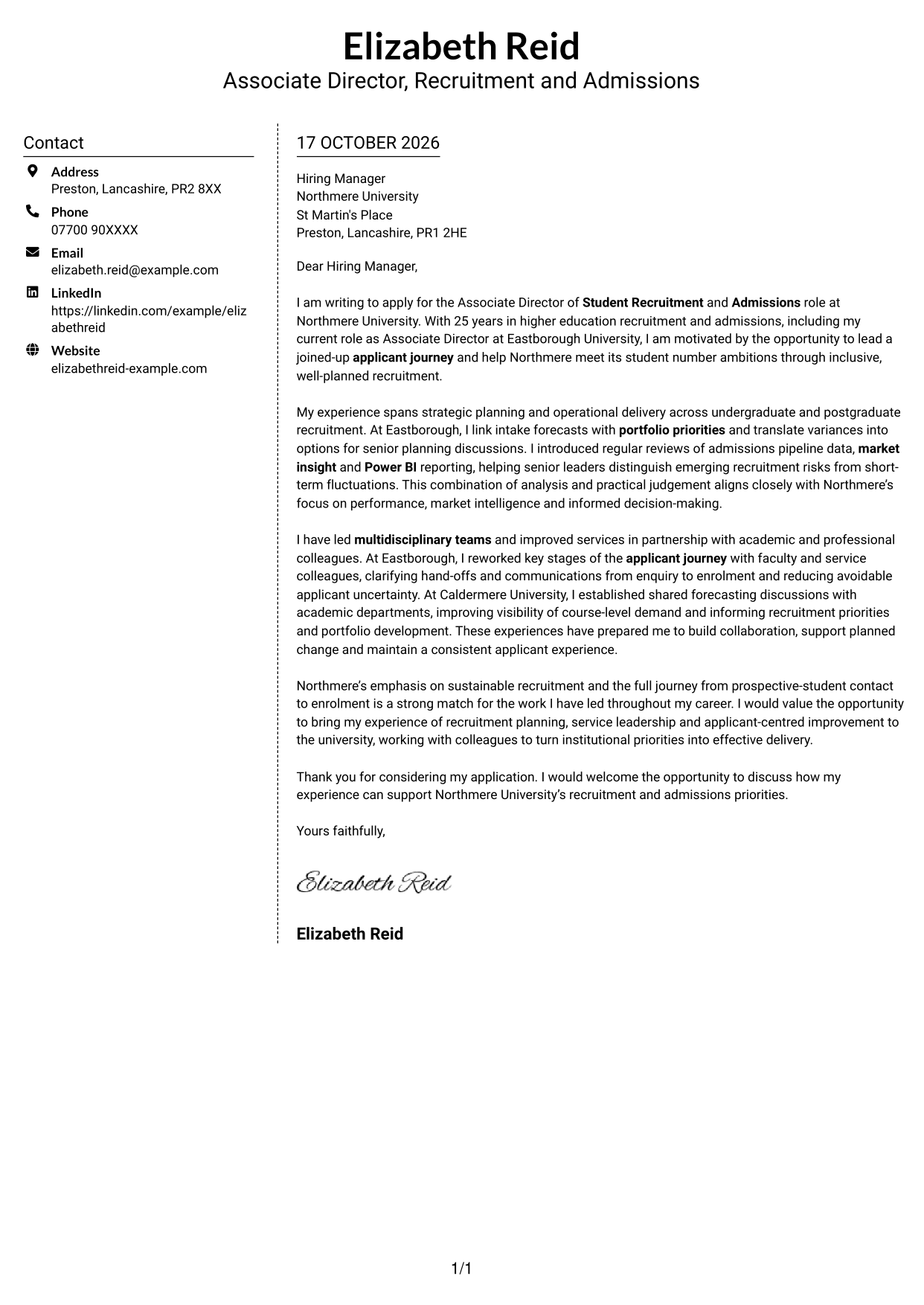
#5 Simple Two Column Format Cover Letter Example
The contact sidebar sits beside a single, continuous letter body, keeping the sender’s details separate while the application message reads in sequence.
Why This Format Works
- A separate sidebar makes contact information easy to distinguish from the letter.
- The letter’s opening, supporting points and closing remain together in one body.
- Readers can check contact details without interrupting the written message.
Best For
- Contact details in a separate area
- A letter read from start to finish
- Applications with several supporting points
- Contact information beside the message
- Body text without internal headings
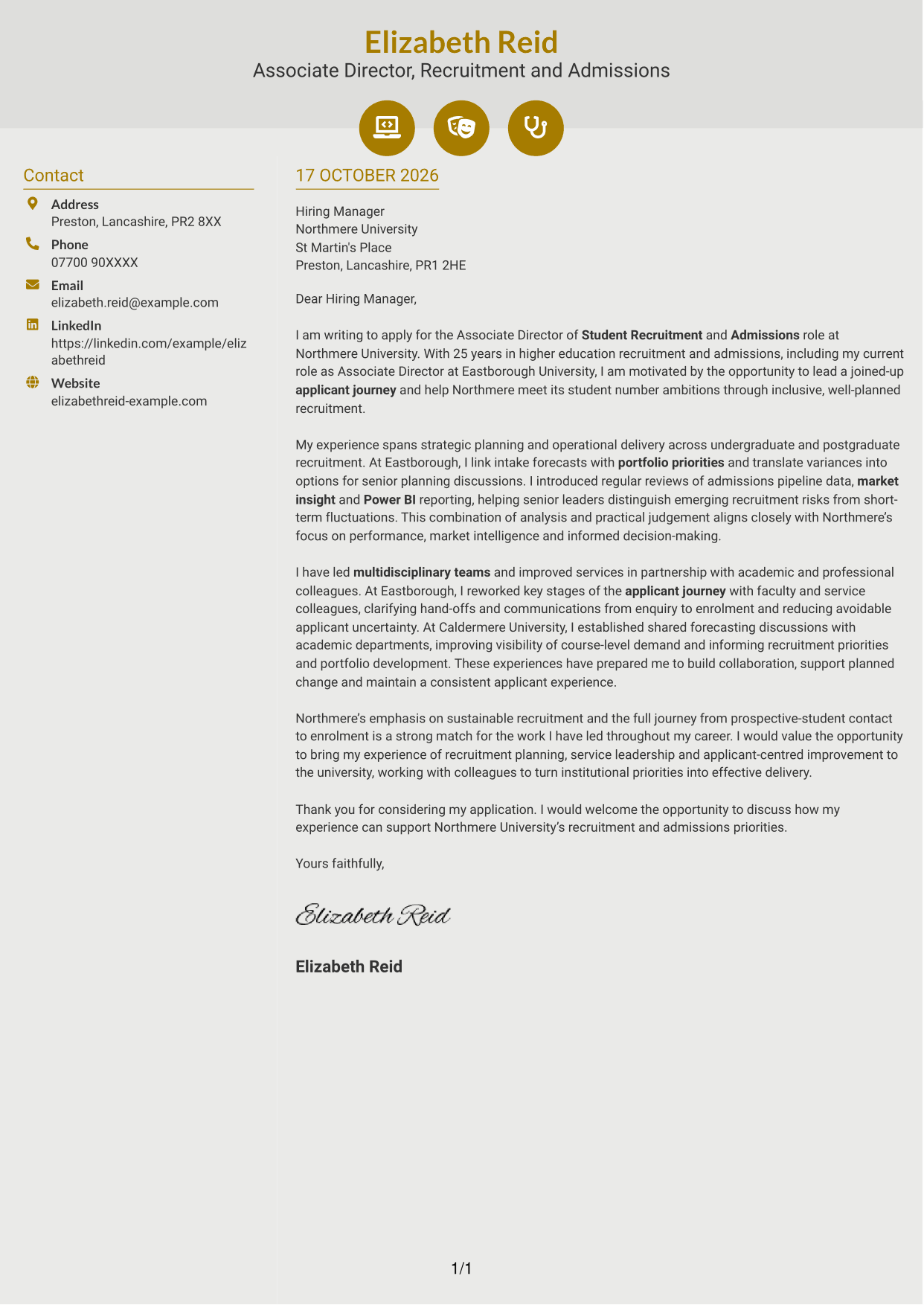
#6 Modern Icon Format Cover Letter Example
The two-column design pairs contact details with one continuous letter body, while icons provide visual cues for contact information and add detail to the header.
Why This Format Works
- Contact icons help distinguish key details from the letter’s main text.
- The single letter body keeps the application message in a clear sequence.
- A separate column keeps contact information alongside, but apart from, the letter.
Best For
- Icon cues beside contact details
- A continuous letter argument
- Contact information separate from prose
- Letters without body section headings
- A visual accent in the header
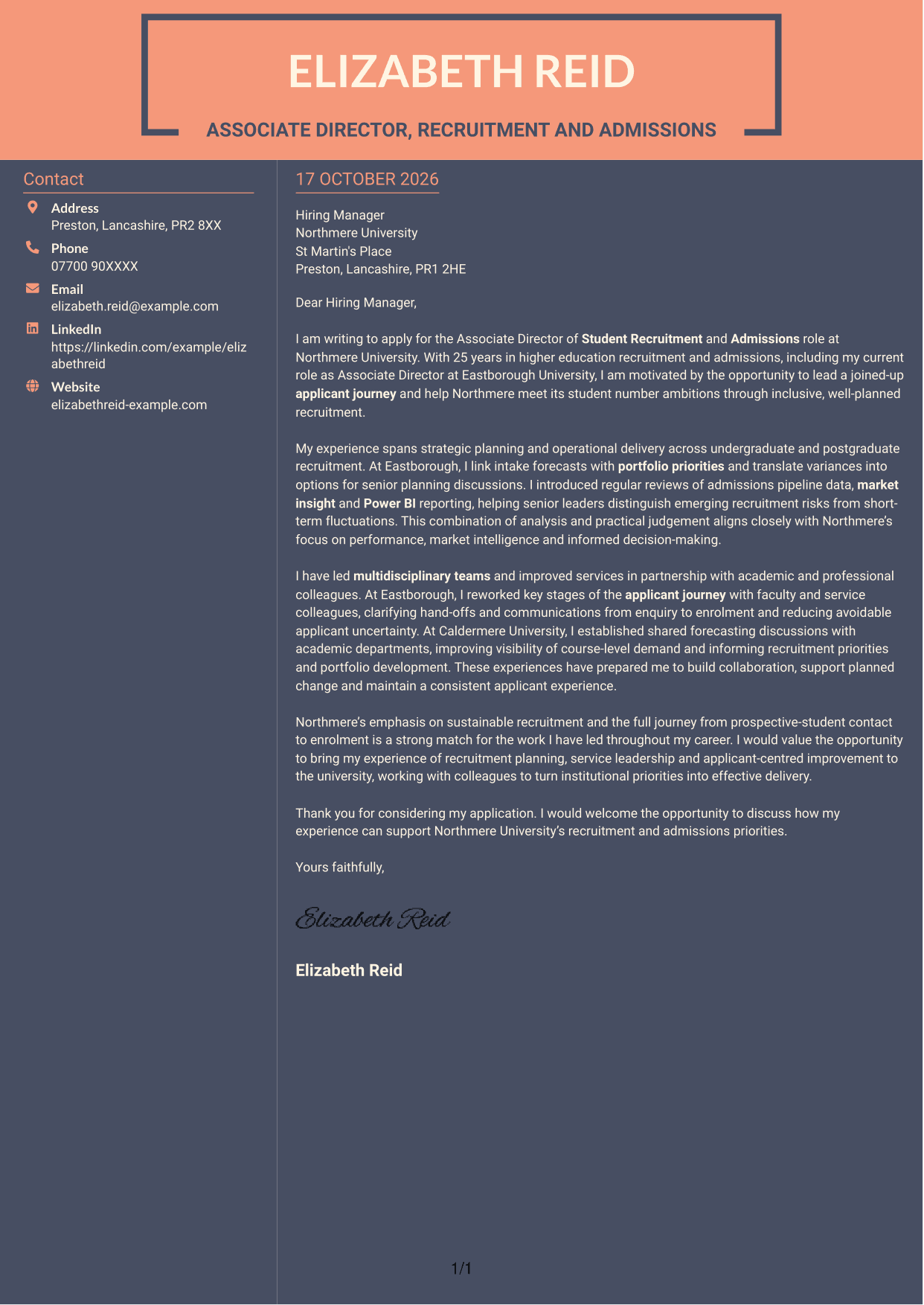
#7 Creative Two Tone Format Cover Letter Example
The two-column layout keeps contact details beside the letter while the opening, supporting case and closing remain in one continuous body, supporting a steady reading order.
Why This Format Works
- Contact information sits apart from the letter’s persuasive paragraphs.
- The message remains in one body, so its points follow a clear sequence.
- Readers can refer to contact details while staying beside the letter.
Best For
- Contact details alongside the letter
- A single sequence of supporting points
- Multi-paragraph application messages
- Contact information apart from the prose
- Letters with no internal headings
See Also
- 7 Associate Director of Student Recruitment and Admissions CV Templates with Example
- 7 Operations Planning Manager - Rail Maintenance CV Templates with Example
- 7 Postgraduate Administrator - Admissions and Student Support CV Templates with Example
- 7 Cash Reconciliation Assistant - Retail and Wholesale Accounts CV Templates with Example
- 7 Associate, US Funds Tax CV Templates with Example
- 7 Associate - Export, Trade and Commodity Finance CV Templates with Example
- 7 Clinical Trainer - Robotic-Assisted Knee Surgery CV Templates with Example
- 7 Retail Assistant - Fashion Retail CV Templates with Example
- 7 Programme Coordinator - Adult English and Maths Projects CV Templates with Example
- 7 Audit Assistant Manager - Real Estate CV Templates with Example
Frequently Asked Questions
What should an Associate Director of Student Recruitment and Admissions cover letter highlight?
Show how your experience can support recruitment planning, admissions delivery and a consistent applicant journey. Explain how you lead teams, use evidence to guide decisions and work with colleagues on student number and portfolio planning.
How can I show my fit for this role?
Choose specific examples that show what you did and why it mattered. You could describe linking intake forecasts to portfolio priorities, reviewing admissions pipeline data or improving communications from enquiry to enrolment.
How should I explain my interest in Northmere University?
Connect your motivation to Northmere’s stated focus on sustainable recruitment and the full applicant journey. Explain why those priorities matter to you and how your approach could support them.
How can I write about data and market insight?
Give a clear example of how you used admissions pipeline data, market insight or Power BI reporting to inform a discussion or decision. State what the evidence helped leaders understand, without adding unsupported results.
What is a clear way to structure this cover letter?
Open with the role and your main reason for applying. Use the body to connect relevant planning, service and team examples to Northmere’s priorities, then close by restating your interest and inviting a discussion.




