
7 Associate Product Manager - Cross-border Payments Cover Letter Templates with Example
This guide helps you write an Associate Product Manager - Cross-border Payments cover letter, with seven layouts to compare and clear advice on presenting your fit.
What Makes a Great Associate Product Manager - Cross-border Payments Cover Letter in 2026
A strong letter links customer and partner discovery to clear feature requirements, delivery and launch. Its opening should state your interest and show why this product work suits you.
Use specific evidence, such as validating SME payment needs, shipping a tracking feature or using product data to guide a decision. Connect that evidence to the employer’s payment services and partner integrations.
The featured example moves from role motivation to discovery and delivery evidence, then to analytical strengths and a direct close; adapt this progression while choosing a presentation that suits the employer and communication context.
#1 Simple One Column Format Cover Letter Example
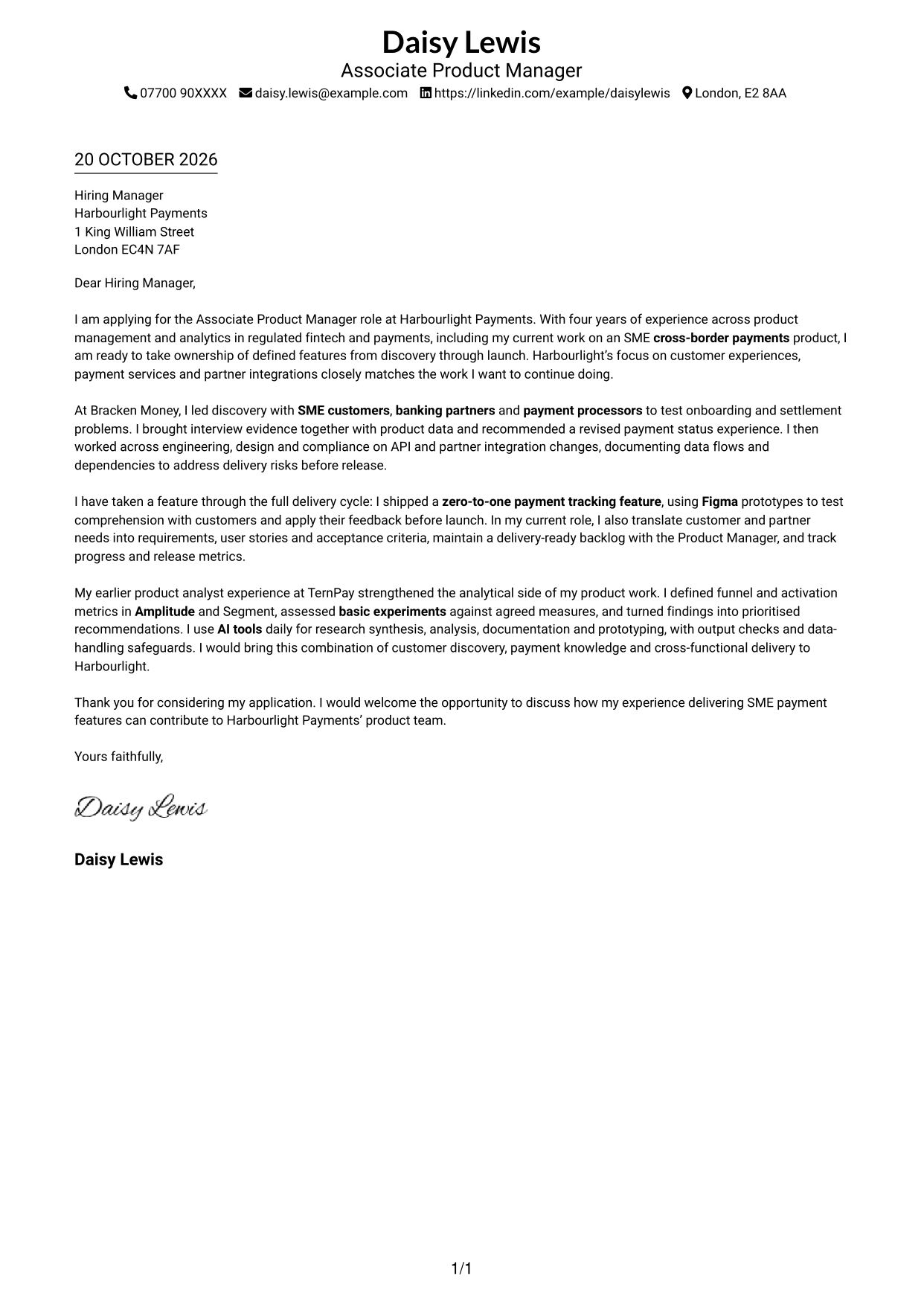
The Simple One Column Format keeps sender details in the header and presents the letter in one continuous column.
Why This Format Works
- Sender details stay in the header, apart from the letter’s main message.
- The single-column body keeps the opening, evidence and closing in reading order.
- One text path suits readers who prefer a conventional letter sequence.
Best For
- Single-column letter layouts
- Uninterrupted paragraph arguments
- Header-based sender details
- Text-led applications
- Conventional reading order
#2 Two Column Format Cover Letter Example
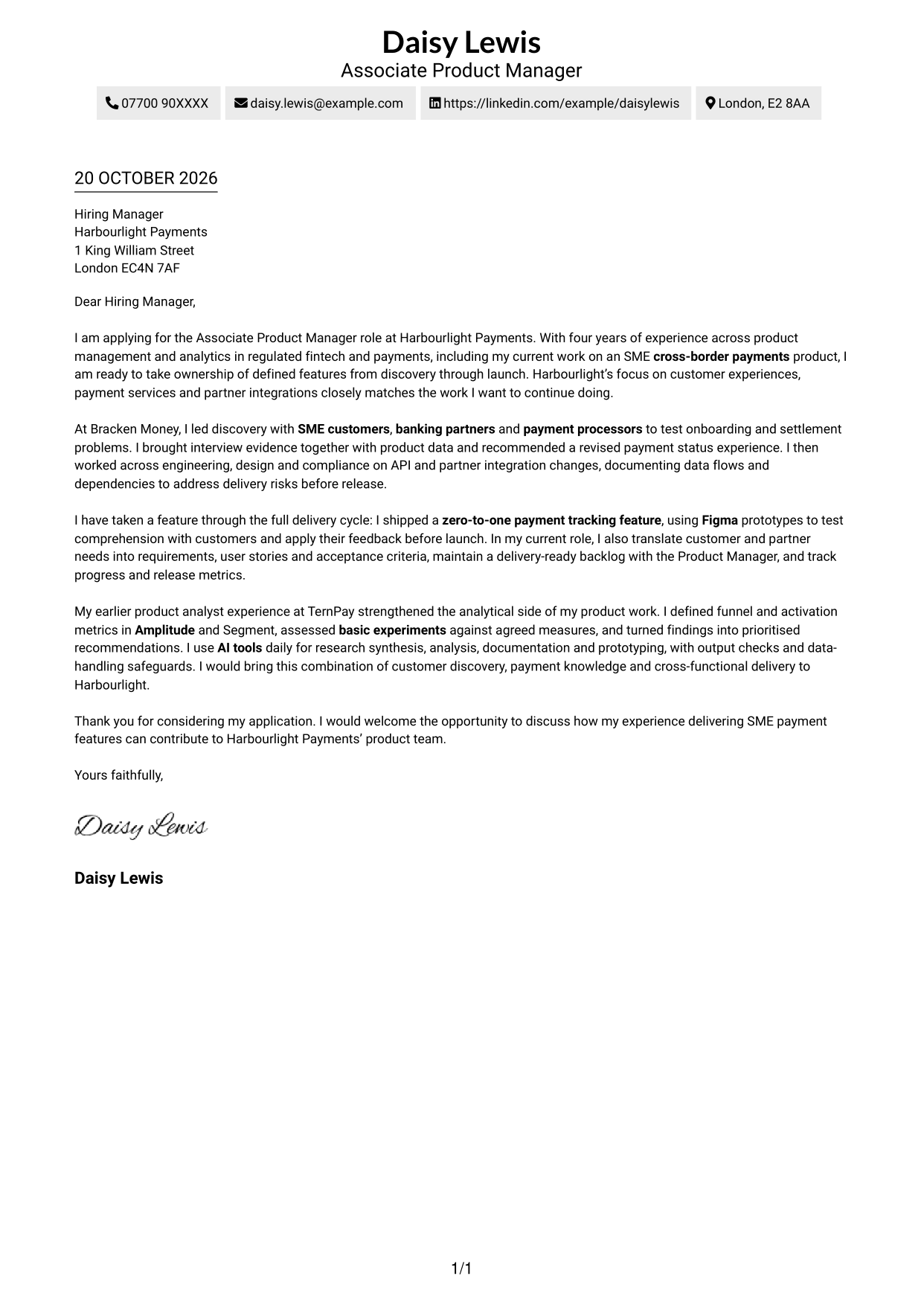
The Two Column Format places a contact sidebar beside one continuous letter body, keeping the contact area distinct from the message.
Why This Format Works
- A separate sidebar keeps contact details apart from the letter’s argument.
- The main paragraphs remain in one sequence from opening through closing.
- Readers can locate sender information without mistaking it for letter content.
Best For
- Distinct contact and message areas
- Continuous paragraph arguments
- Two-column page preference
- Text-led letter design
- Sidebar-based contact lookup
#3 Photo Header Two Column Format Cover Letter Example
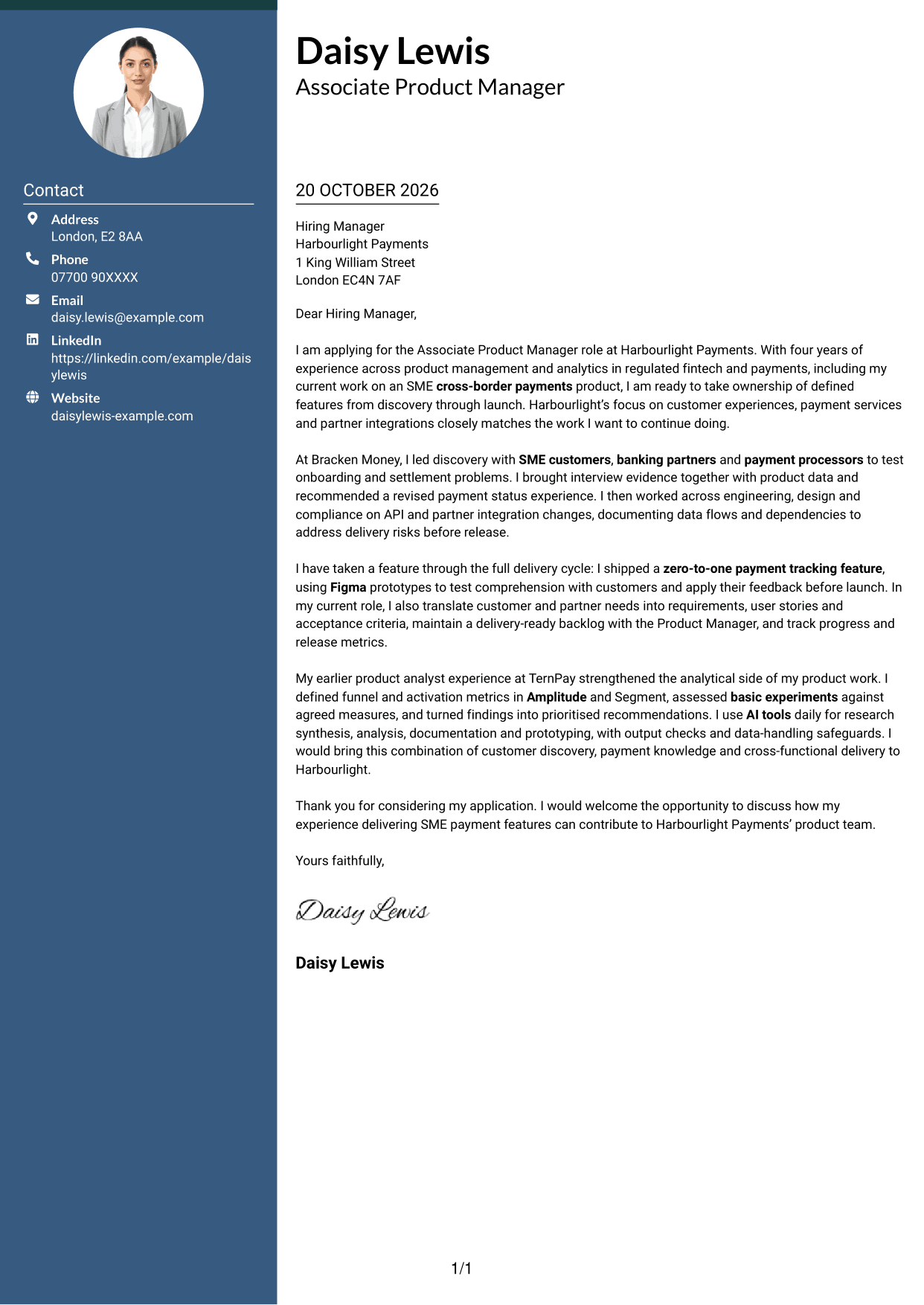
The Photo Header Two Column Format combines a photo in the header with a contact sidebar beside the continuous letter body.
Why This Format Works
- The portrait adds a personal visual element without dividing the letter’s paragraphs.
- A separate contact area keeps sender details distinct from the main message.
- The letter body retains a clear sequence from its opening to its close.
Best For
- Portrait-inclusive letter layouts
- Contact sidebar organisation
- Continuous letter paragraphs
- Two-column page preference
- Photo-led header presentation
#4 One Column Format with Photo Cover Letter Example
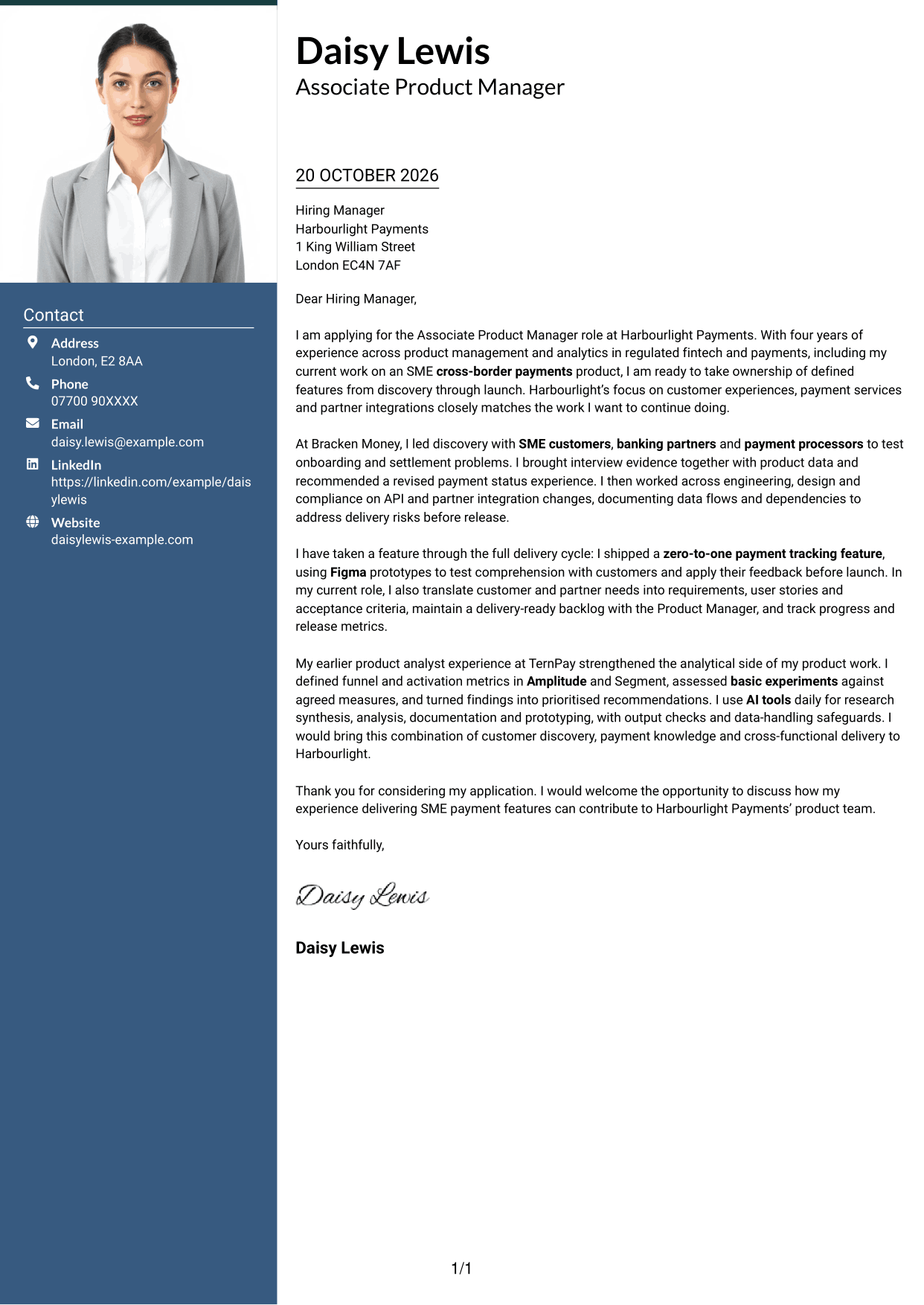
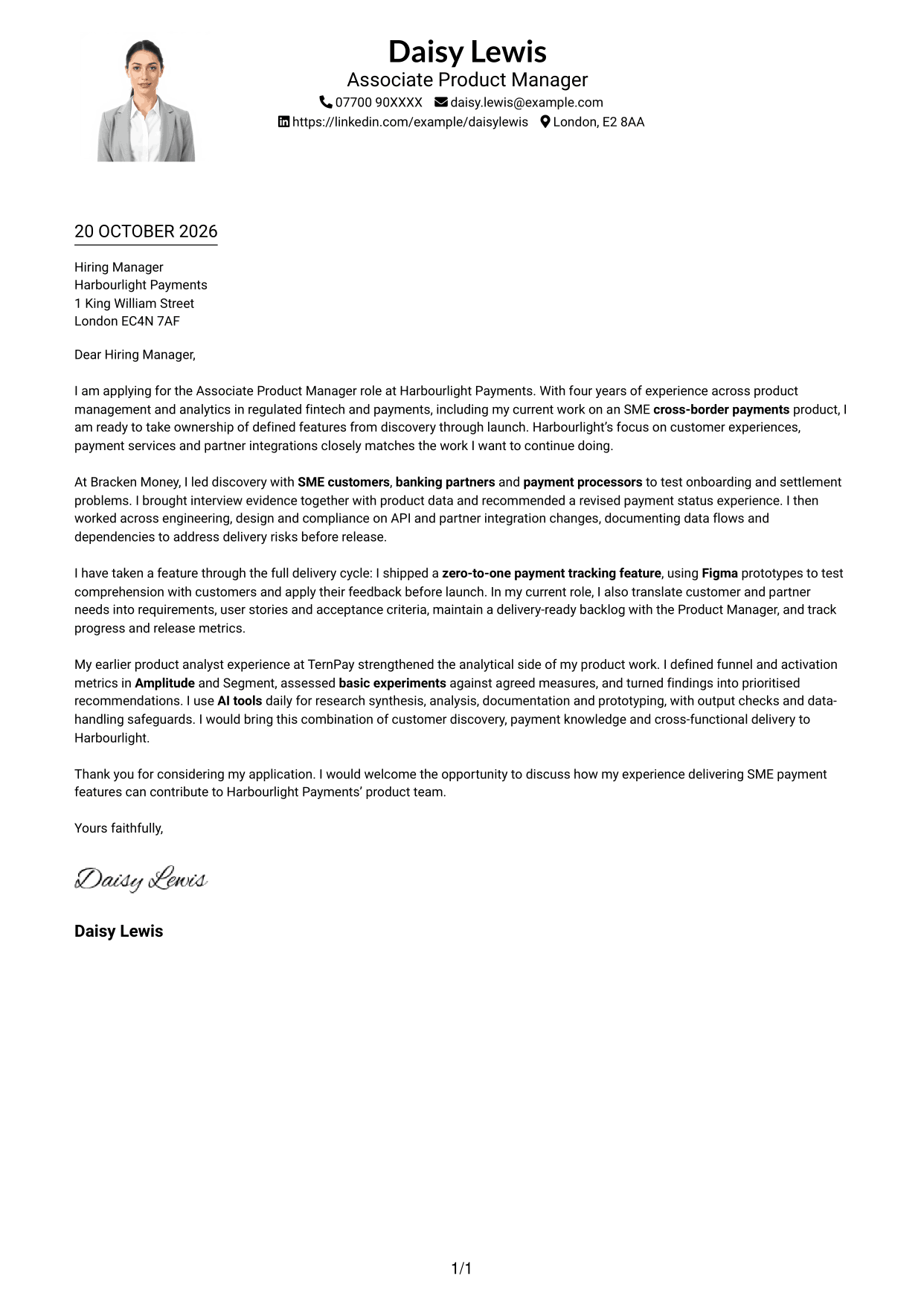
The One Column Format with Photo places a photo with the sender details in the header above a single-column letter body.
Why This Format Works
- The portrait gives the header a personal visual feature while the letter stays in one column.
- Sender details remain with the header rather than interrupting the letter’s paragraphs.
- A single reading path carries the reader through the full letter.
Best For
- Photo-inclusive single-column letters
- Header-based contact details
- One-path letter reading
- Portrait-led document styling
- Continuous paragraph structure
#5 Simple Two Column Format Cover Letter Example
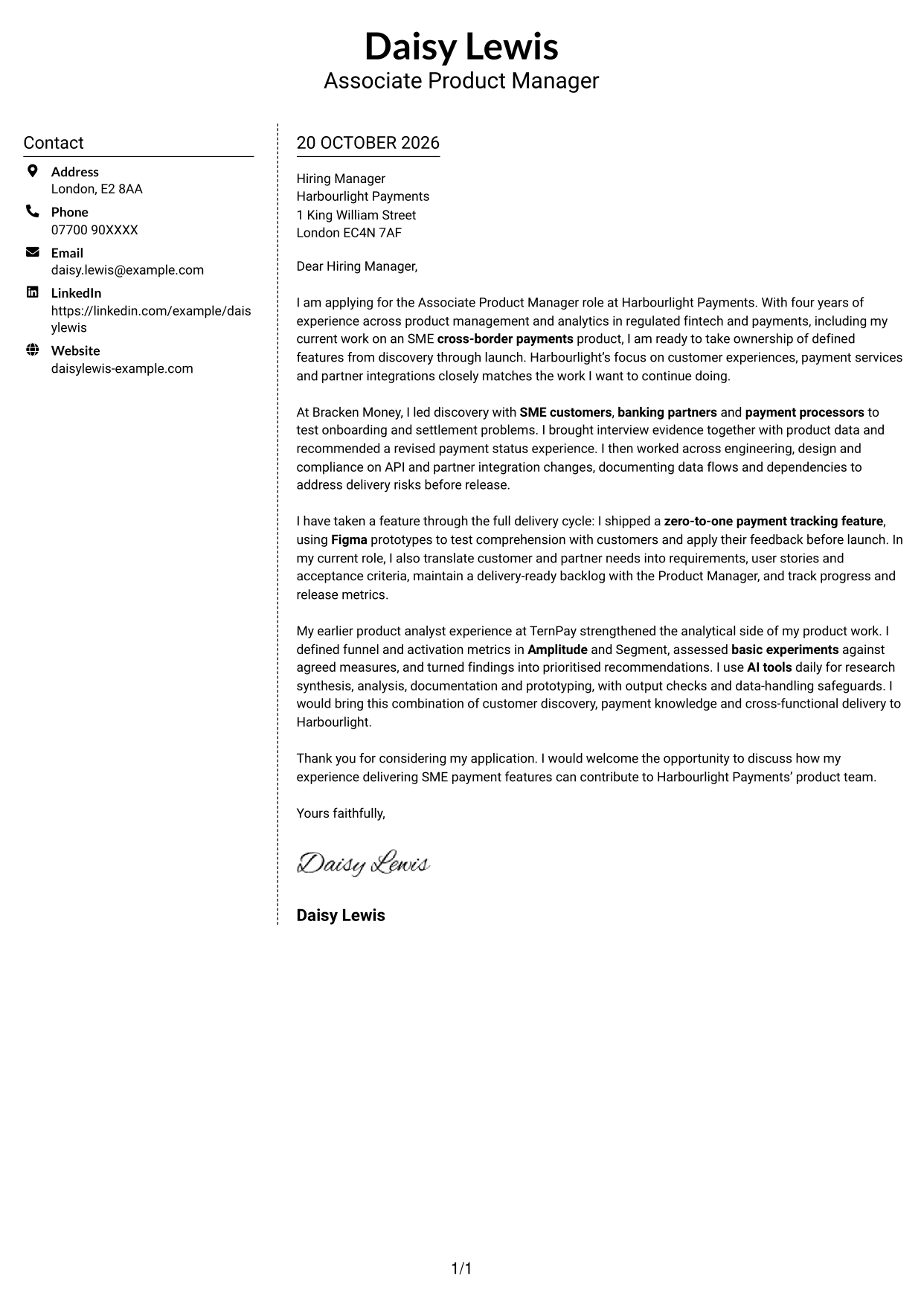
The Simple Two Column Format sets contact details in a sidebar, with the letter’s paragraphs kept together in one body column.
Why This Format Works
- The sidebar gives sender details a separate place beside the letter.
- One continuous body keeps the persuasive message in its intended order.
- Contact information remains easy to distinguish from the letter’s content.
Best For
- Separate contact and letter areas
- One continuous message
- Sidebar contact presentation
- Two-column page layouts
- Text-focused correspondence
#6 Modern Icon Format Cover Letter Example
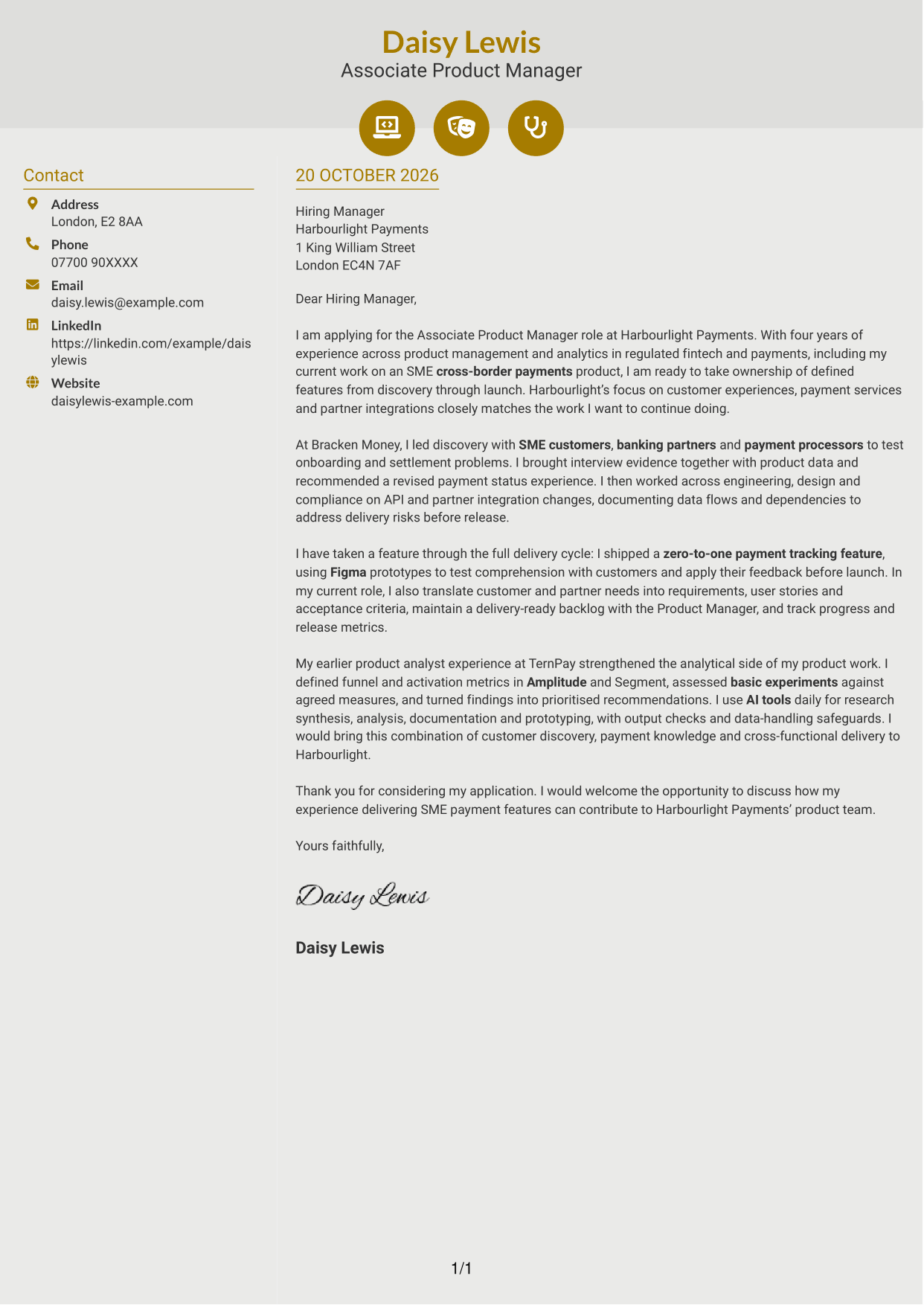
The Modern Icon Format uses two columns, with contact cues in the sidebar and the full letter in one continuous body.
Why This Format Works
- Contact icons help distinguish details in the sidebar without labelling letter paragraphs.
- The argument remains in one body, rather than being split between columns.
- The separate contact area keeps personal details apart from the message.
Best For
- Icon-led contact details
- Two-column letter layouts
- Continuous paragraph arguments
- Contact information set apart
- Letters without a portrait
#7 Creative Two Tone Format Cover Letter Example
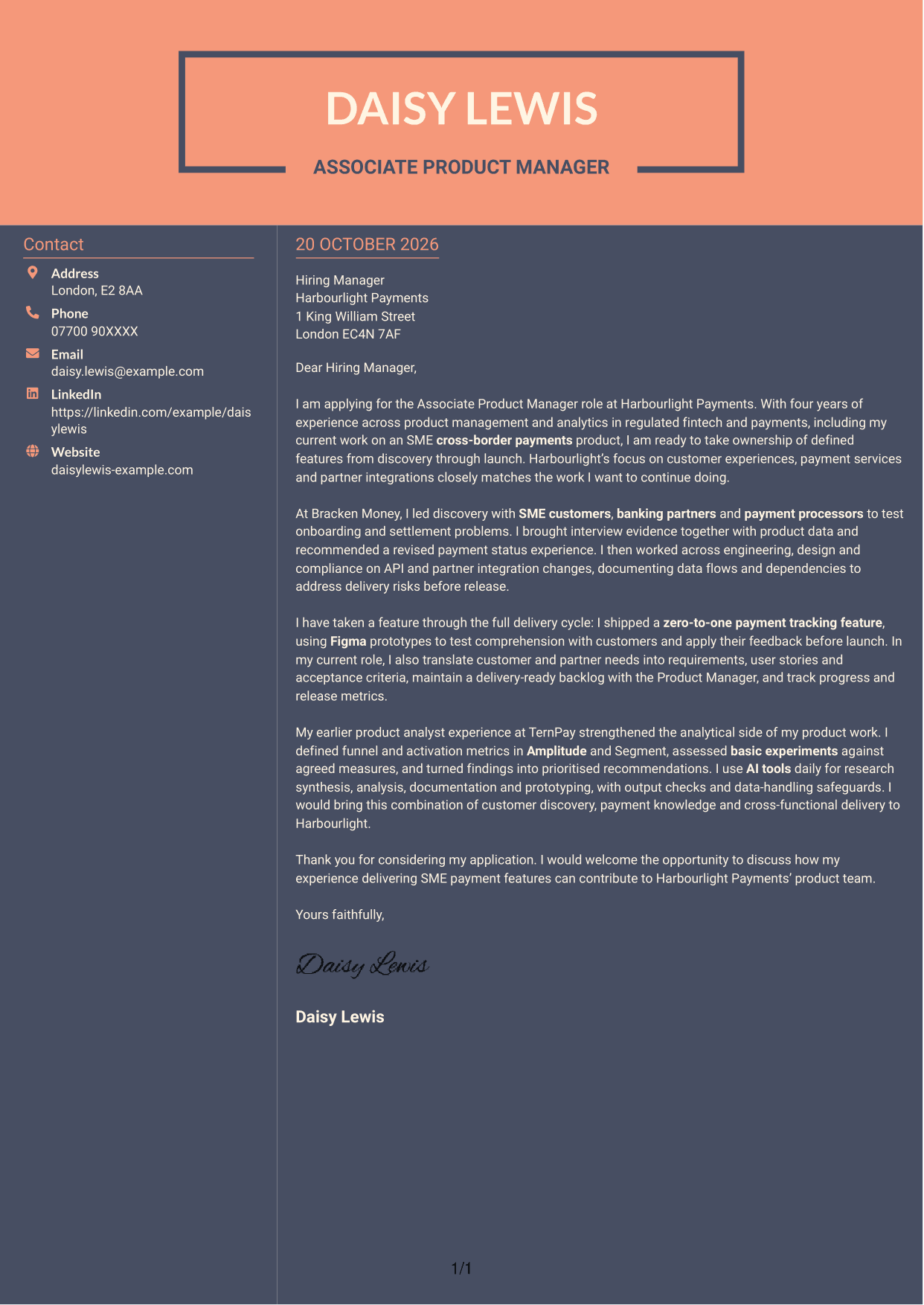
The Creative Two Tone Format uses two columns, with a contact sidebar alongside a single, uninterrupted letter body.
Why This Format Works
- The sidebar separates sender details from the continuous letter message.
- A single body column keeps the opening, supporting points and close together.
- The two-column arrangement gives contact information its own reading area.
Best For
- Separate contact and message areas
- Continuous letter paragraphs
- Two-column page preference
- Sidebar-based contact details
- Text-led correspondence
See Also
- 7 Associate Product Manager - Cross-border Payments CV Templates with Example
- 7 Director, US Funds Tax CV Templates with Example
- 7 Systems Engineer - Defence Training Systems CV Templates with Example
- 7 Branch Manager - Automotive Parts Distribution CV Templates with Example
- 7 Brand Specialist (Supervisor) - Menswear, Accessories CV Templates with Example
- 7 Pathway Support CV Templates with Example
- 7 Senior Research Associate - Liver Cancer Bioinformatics CV Templates with Example
- 7 Operations Manager - Higher Education Operations CV Templates with Example
- 7 Team Assistant - Executive and Office Support CV Templates with Example
- 7 Admin Officer - Court Administration CV Templates with Example
Frequently Asked Questions
What should an Associate Product Manager - Cross-border Payments cover letter highlight?
Show how you learn about customer and partner needs, shape a feature and support its delivery. Evidence may include work on SME payments, partner integrations, product metrics or a feature taken through launch.
How can I show that my experience fits this role?
Choose a clear example that shows your actions and the result. For instance, explain how customer interviews and product data helped you recommend a better payment status experience, or how you tested a feature before launch.
How should I explain my interest in Harbourlight Payments?
Refer to the role’s focus on customer experiences, payment services and partner integrations. Link that work to the parts of cross-border payments you want to contribute to, using a reason that is genuine and specific.
What is a clear way to structure this cover letter?
Open with the role and your reason for applying. Use the body to explain relevant discovery, delivery and analytical evidence, then close by restating your interest and inviting a discussion.
Should I include every detail of my work history?
No. Select a few examples that support your fit for this position. Keep each point focused on your contribution to customer understanding, feature delivery or product decisions.




