
7 Business Services Senior Accountant - Year-End Accounts, Tax and VAT Cover Letter Templates with Example
This guide helps you write a Business Services Senior Accountant - Year-End Accounts, Tax and VAT cover letter, with seven layouts to present your role fit clearly.
What Makes a Great Business Services Senior Accountant - Year-End Accounts, Tax and VAT Cover Letter in 2026
A strong letter explains your interest in the role and shows how you can support year-end accounts, tax and VAT work for a varied client portfolio. Keep the opening direct and make your fit clear.
Use specific evidence, such as reviewing client records, managing deadlines or explaining requirements clearly. Link that experience to the practice’s business-services focus and its need for reliable client and team support.
The featured example moves from interest in the role to relevant client and team experience, then closes with a clear invitation to talk; adapt this focused progression while choosing a presentation suited to the employer and communication context.
#1 Simple One Column Format Cover Letter Example
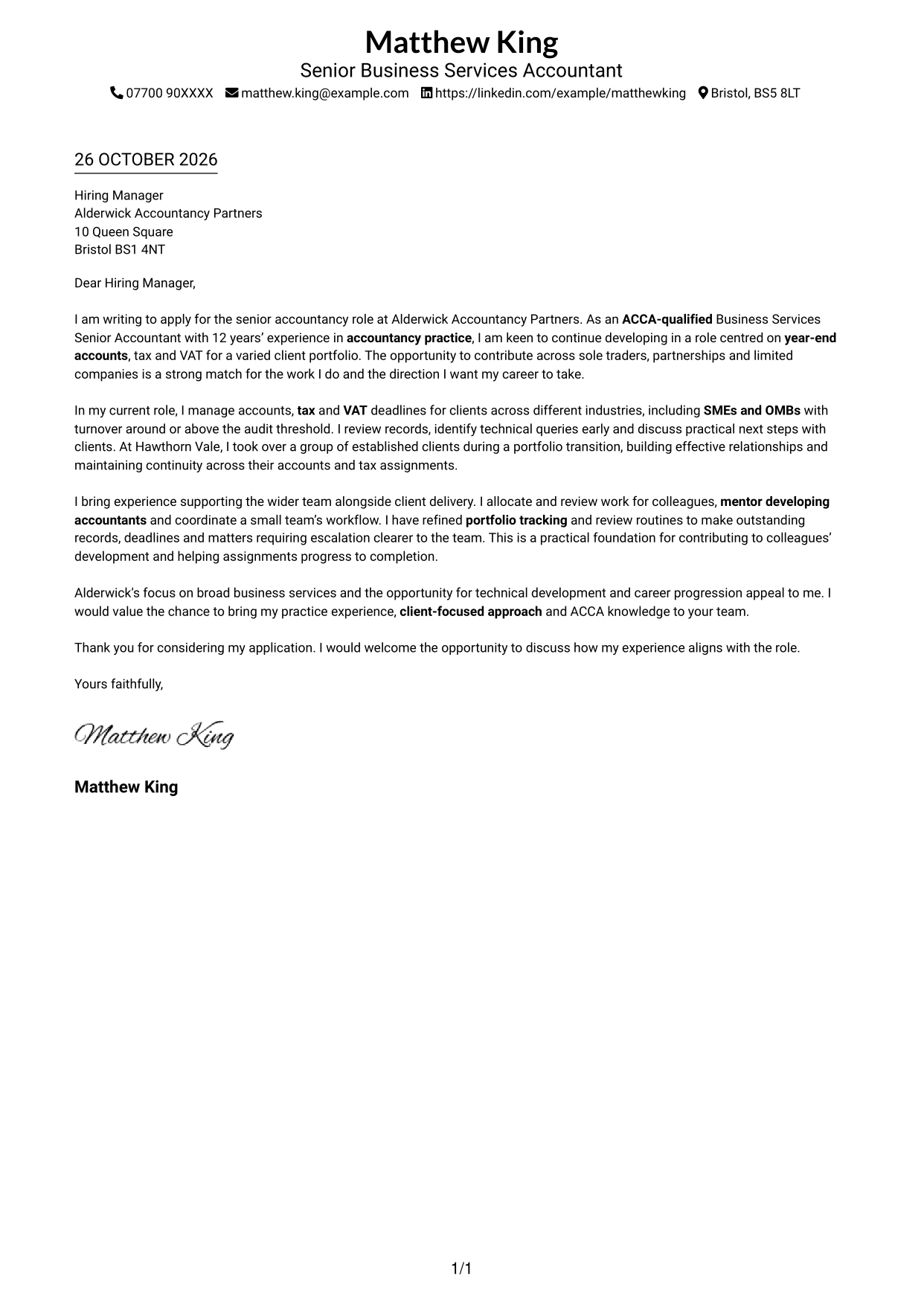
A simple one-column layout presents the letter in a familiar page shape, suiting readers who prefer a straightforward visual style.
Why This Format Works
- The single-column order lets reviewers follow the opening, evidence and closing without side-by-side content.
- Header-based sender details keep contact information apart from the letter paragraphs.
- No portrait leaves the visual focus on the written message.
Best For
- Single-column reading order
- Header-based contact details
- Continuous letter paragraphs
- Portrait-free applications
- Text-led correspondence
#2 Two Column Format Cover Letter Example
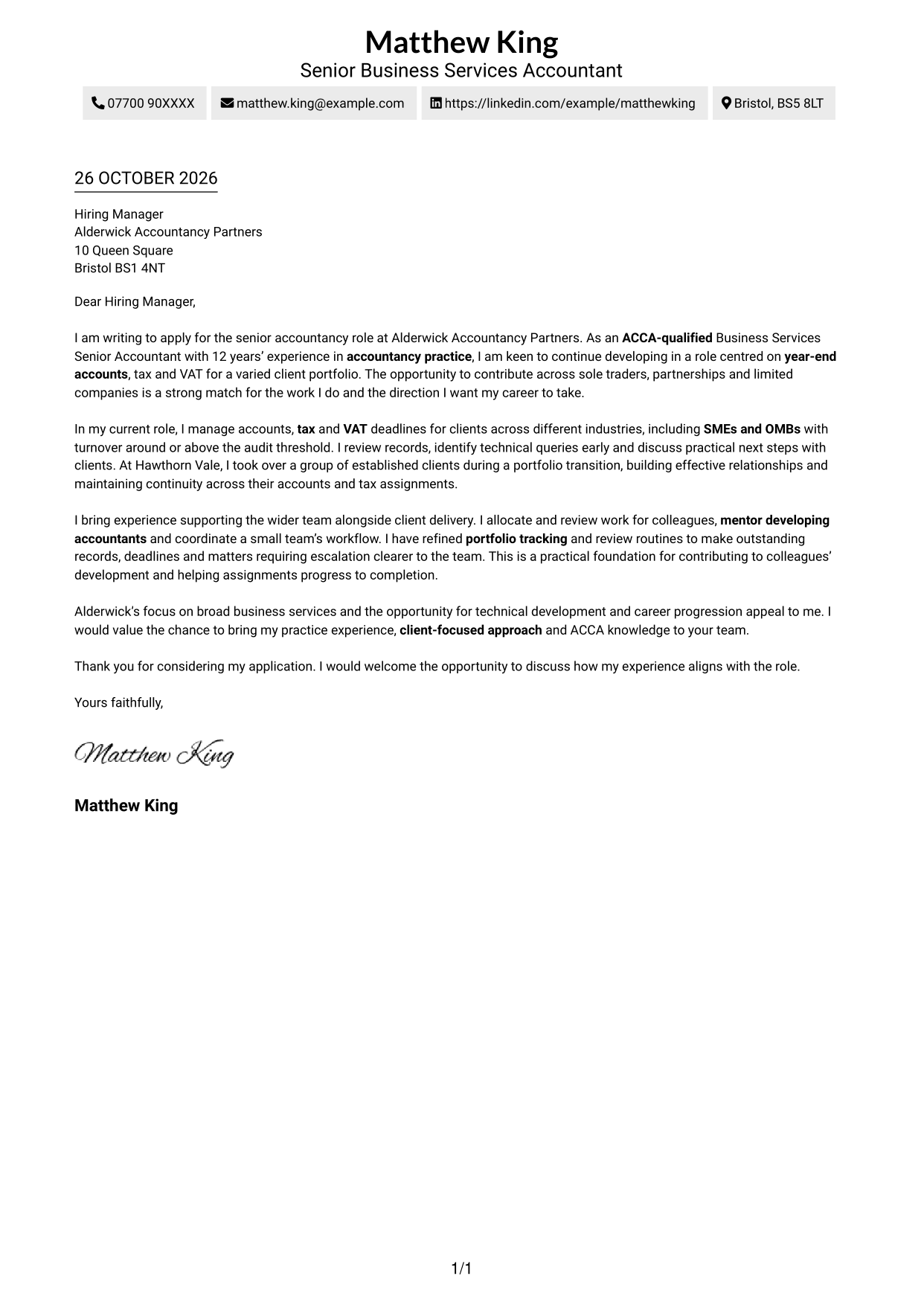
A contact sidebar sits beside one continuous letter body, giving contact details their own place without splitting the argument.
Why This Format Works
- Sender details sit apart from the message, making contact information easy to locate.
- All argument paragraphs stay together, preserving the letter’s natural reading sequence.
- A portrait-free treatment keeps the page centred on written correspondence.
Best For
- Contact details set apart
- Several sender contact methods
- Continuous letter paragraphs
- Two-column page organisation
- Portrait-free correspondence
#3 Photo Header Two Column Format Cover Letter Example
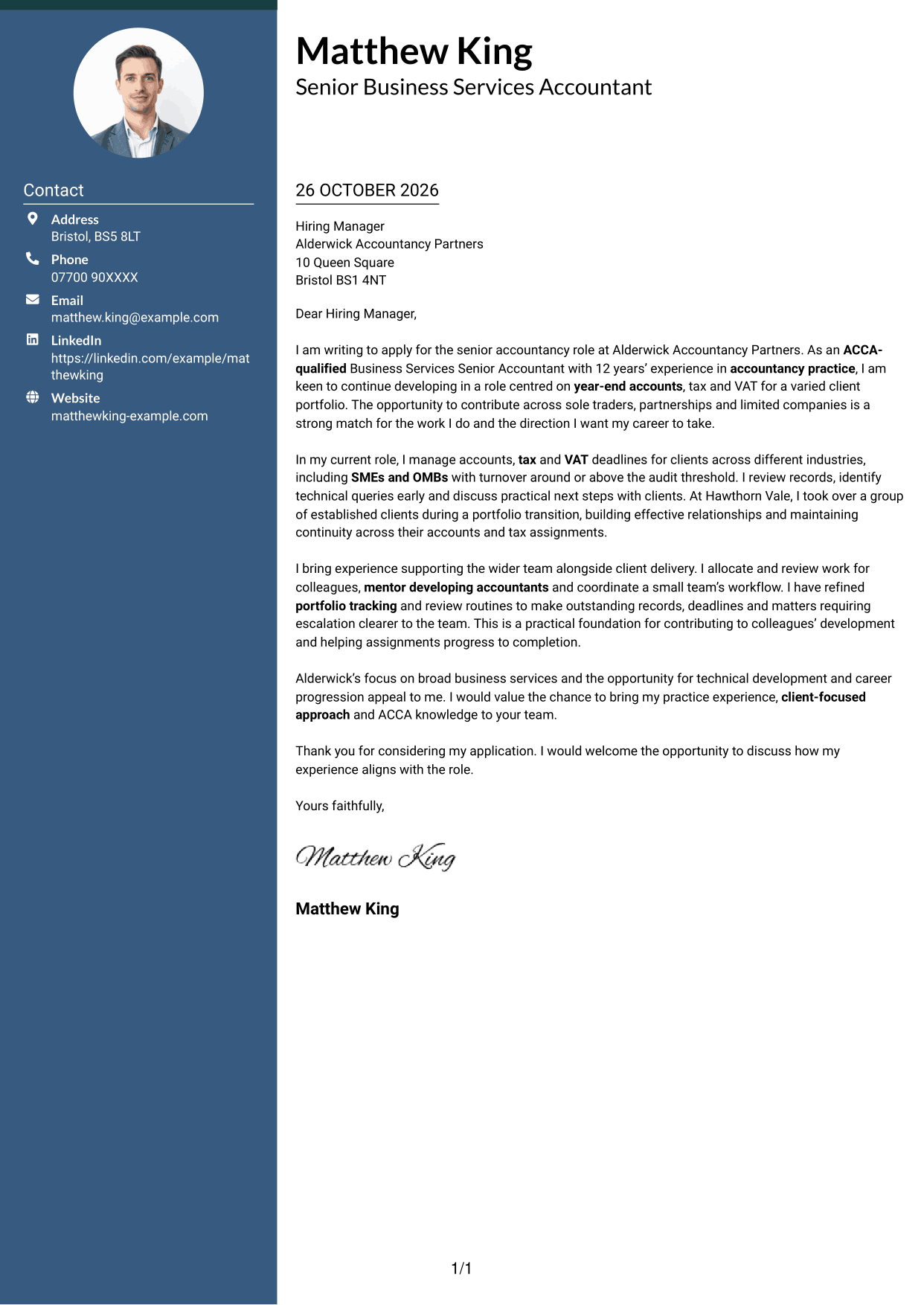
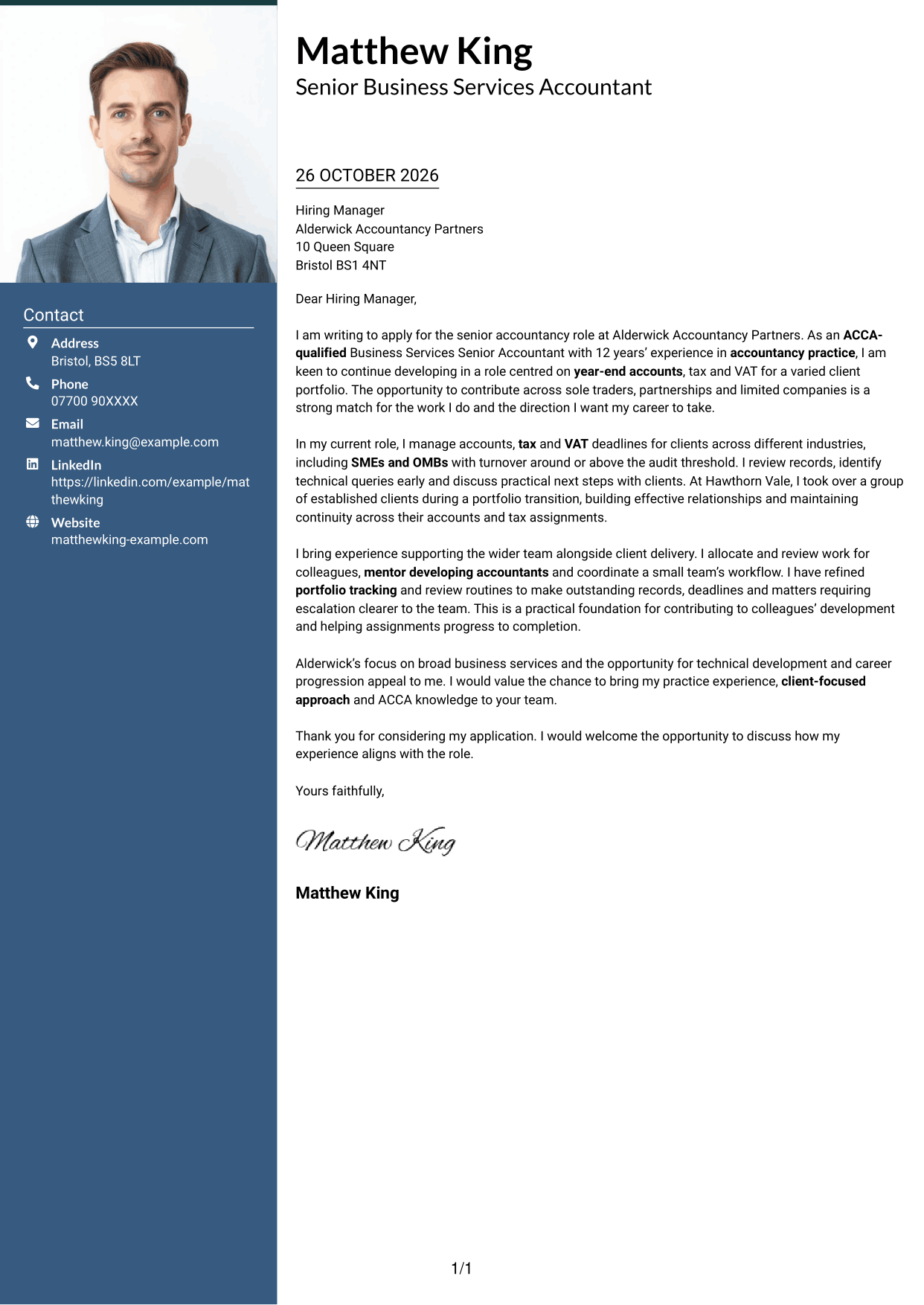
This two-column letter includes a portrait and a separate contact sidebar, for readers who want both alongside the correspondence.
Why This Format Works
- Contact details have their own sidebar, separate from the continuous letter body.
- The letter’s paragraphs remain in sequence, so the case reads from opening to close.
- The portrait offers a personal visual element without changing the letter’s argument.
Best For
- Portrait-inclusive correspondence
- Contact details apart from the message
- Continuous letter paragraphs
- Two-column page structure
- Business services applications
#4 One Column Format with Photo Cover Letter Example
The single-column letter includes a portrait, a suitable choice when a personal image is part of the preferred presentation.
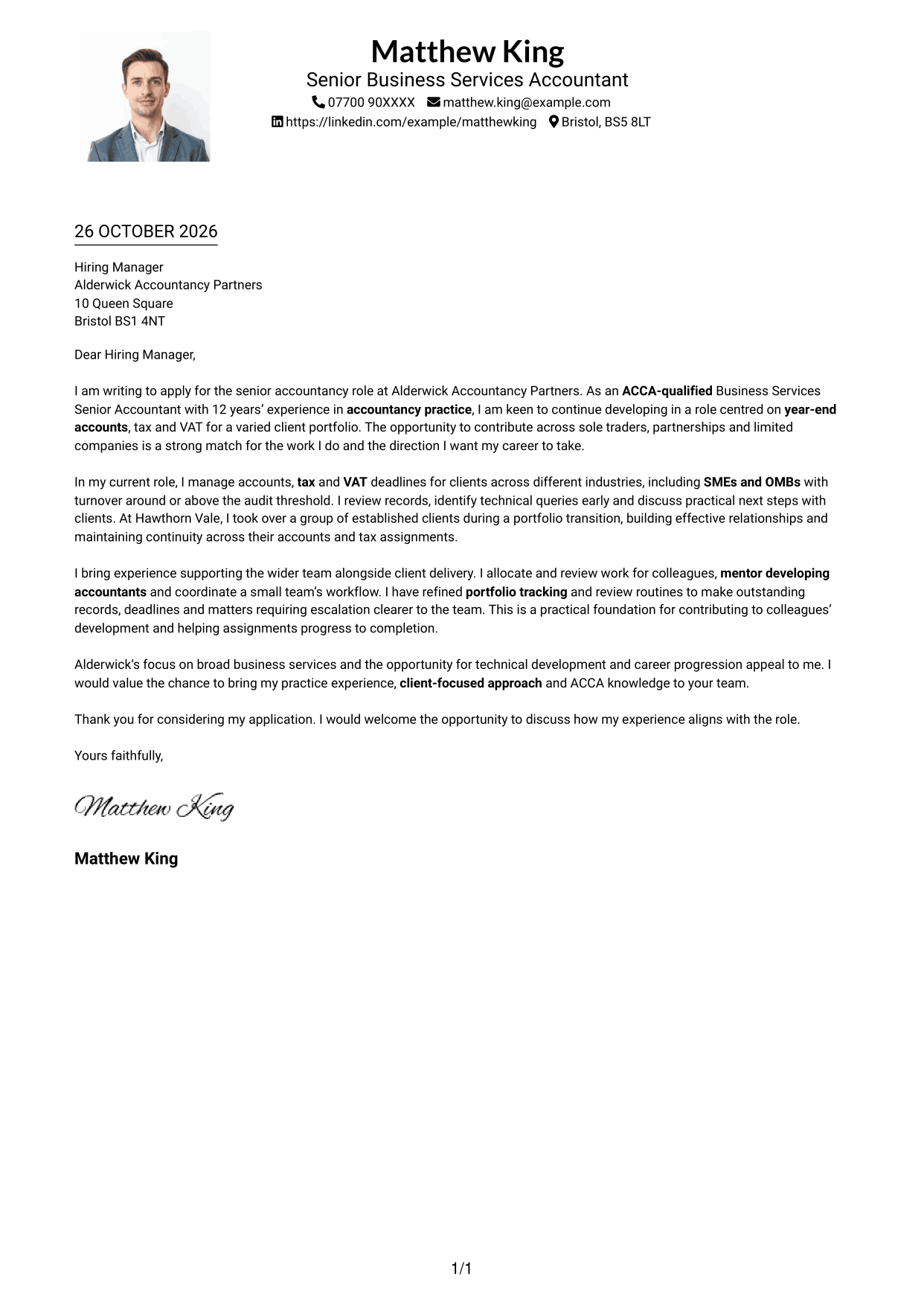
Why This Format Works
- One-column reading order keeps each paragraph in sequence from application to closing.
- The portrait adds a personal visual element to the continuous letter page.
- Sender details stay in the header rather than a separate contact panel.
Best For
- Portrait-inclusive letters
- One-column letter layout
- Header-held contact details
- Uninterrupted letter argument
- Business services applications
#5 Simple Two Column Format Cover Letter Example
A contact sidebar sits beside the uninterrupted letter body, keeping sender details distinct from the message.
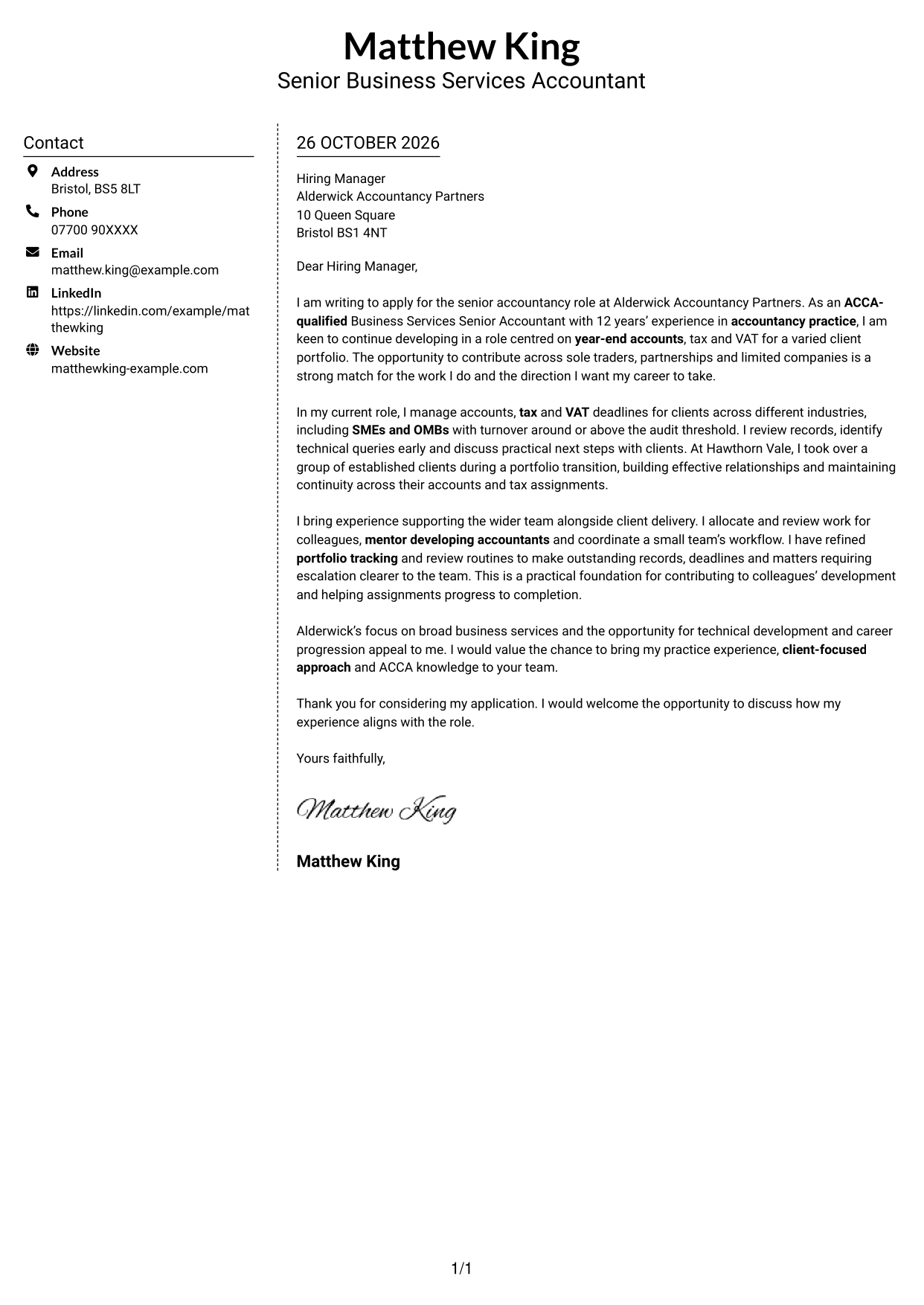
Why This Format Works
- Contact details in the sidebar remain distinct from the letter’s continuous paragraphs.
- Readers can follow the message in order without argument sections split across columns.
- The portrait-free page keeps its visual attention on written correspondence.
Best For
- Sidebar contact information
- Uninterrupted letter body
- Two-column reading order
- No-photo presentation
- Several contact methods
#6 Modern Icon Format Cover Letter Example
Contact icons add visual cues to the sidebar, while the letter itself remains one continuous body.
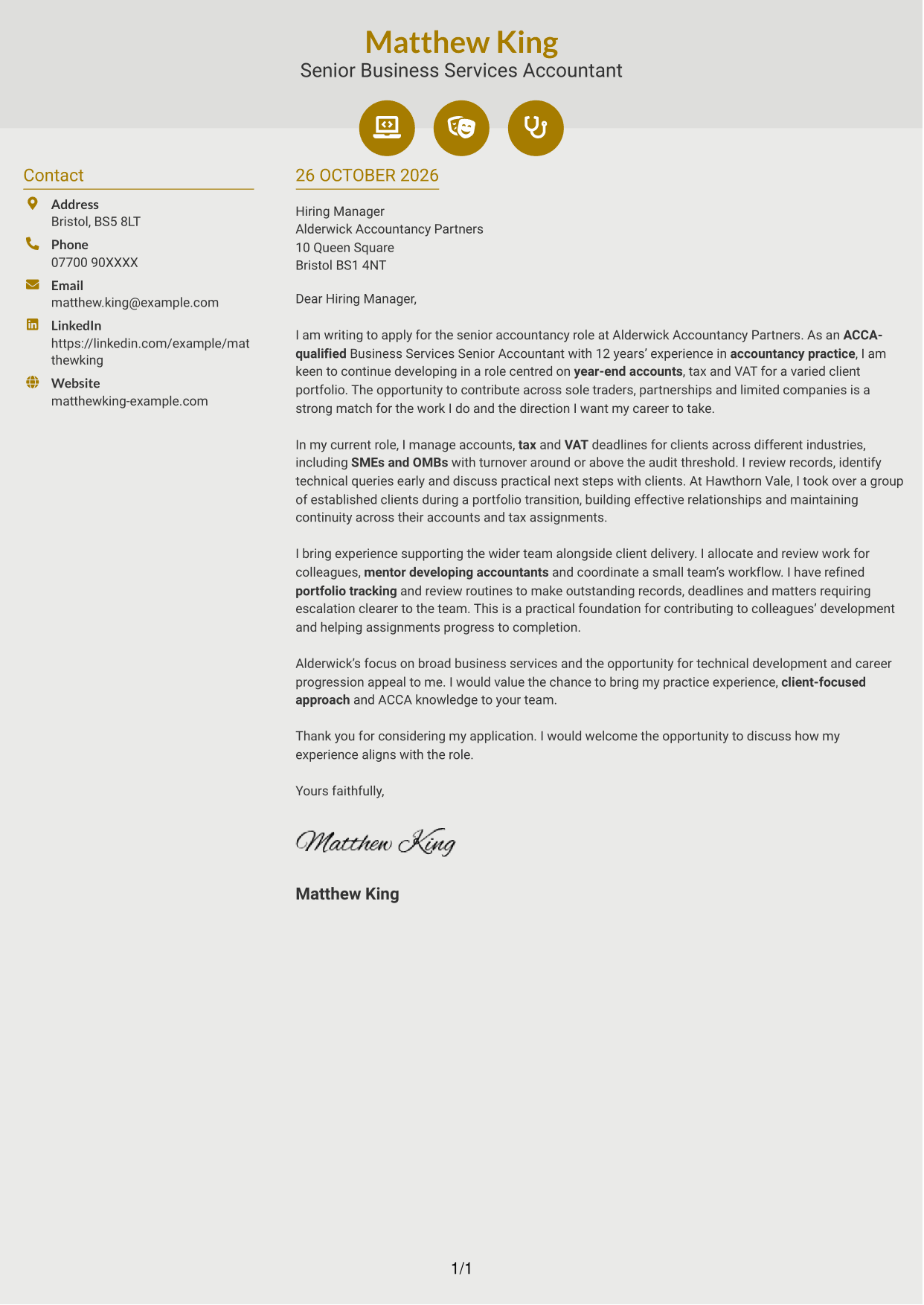
Why This Format Works
- Contact icons cue sender details, while the main letter remains one continuous body.
- The sidebar keeps contact information distinct from the opening and supporting paragraphs.
- Without a portrait, decorative cues remain limited to the header and contacts.
Best For
- Contact icons in the sidebar
- Two-column letter structure
- Continuous letter argument
- Portrait-free correspondence
- Quick contact detail recognition
#7 Creative Two Tone Format Cover Letter Example
Contact details occupy a sidebar beside a single, continuous letter body, suiting readers who prefer separate contact and correspondence areas.
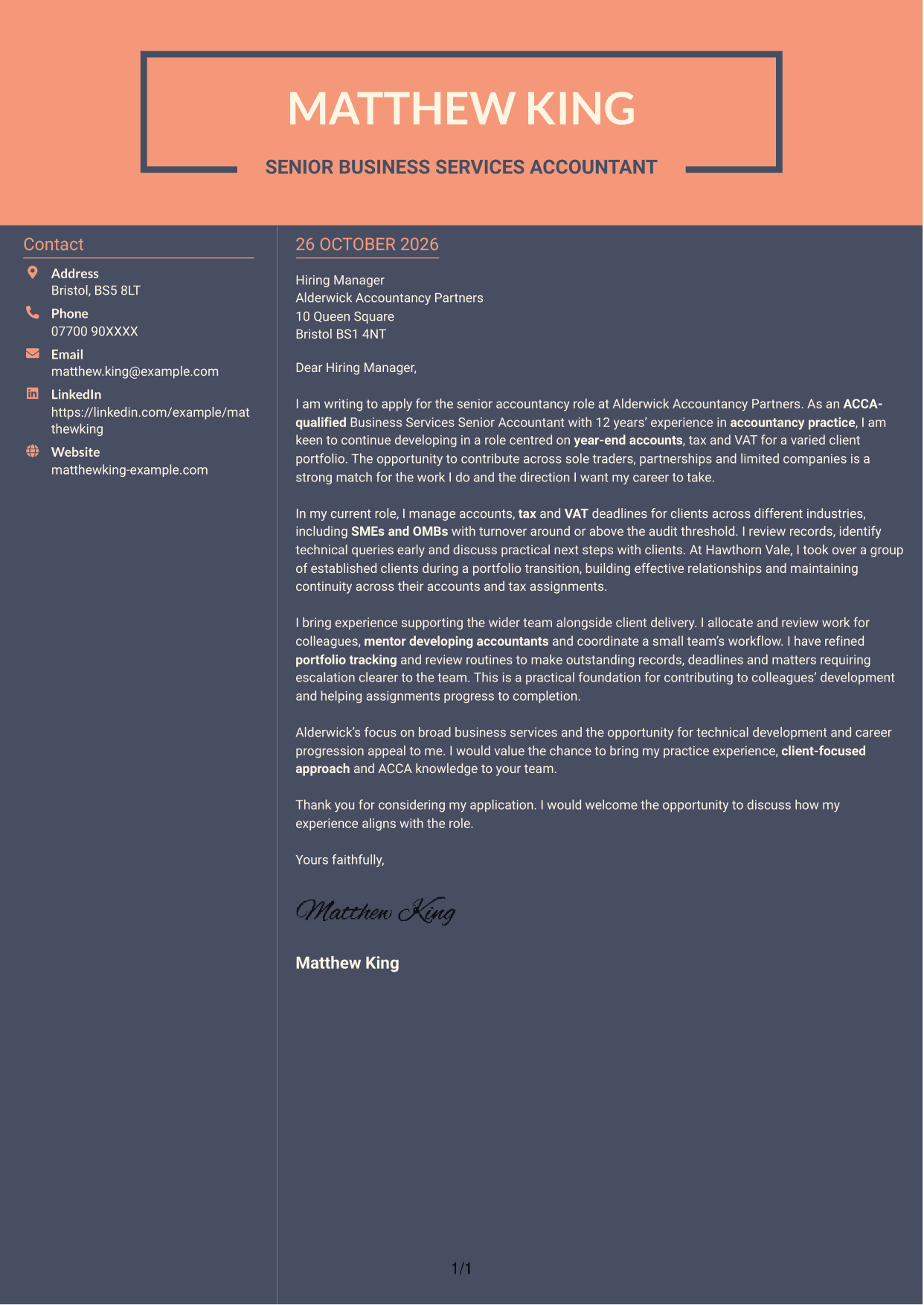
Why This Format Works
- The sidebar places sender details apart from the paragraphs that make the case.
- A continuous letter body keeps the opening, supporting points and closing in sequence.
- The portrait-free design keeps attention on the written application.
Best For
- Contact details beside the message
- Continuous letter paragraphs
- Two-column document layout
- No-photo letter presentation
- Business services applications
See Also
- 7 Business Services Senior Accountant - Year-End Accounts, Tax and VAT CV Templates with Example
- 7 Senior Accountant - Year-End Accounts and Tax CV Templates with Example
- 7 Practice Accountant / Accounts Senior - Accounts and Tax CV Templates with Example
- 7 Accountant / Bookkeeper - Residential Property Management Accounts CV Templates with Example
- 7 Assistant Management Accountant - Group Reporting CV Templates with Example
- 7 Financial Accountant - Financial Reporting and Compliance CV Templates with Example
- 7 Group Management Accountant CV Templates with Example
- 7 Trainee Accountant - Bookkeeping and Accounting CV Templates with Example
- 7 Senior Accountant - Year-End Accounts and Tax Cover Letter Templates with Example
- 7 Practice Accountant / Accounts Senior - Accounts and Tax Cover Letter Templates with Example
Frequently Asked Questions
What should a Business Services Senior Accountant - Year-End Accounts, Tax and VAT cover letter highlight?
Show how your accountancy practice experience relates to year-end accounts, tax and VAT services. You could include clear examples of client communication, managing deadlines and supporting colleagues, where these reflect your own experience.
How can I show my fit for this role?
Choose one or two relevant examples and explain what you did. For instance, describe how you reviewed client records, resolved a query or kept an assignment moving, then connect that work to effective client service.
How should I explain my interest in Alderwick Accountancy Partners?
Connect your genuine interest to the practice’s business-services work and the opportunity for technical development. Explain how your approach to client service and team support could contribute to that work.
How should I structure this cover letter?
Open by naming the role and explaining why it interests you. Use the body to give focused evidence of client and team contributions, then close by restating your interest and inviting a discussion.
Should I include every part of my accountancy experience?
No. Select the experience that best supports your fit for this position, such as relevant accounts, tax, VAT or client work. A few clear examples are easier to follow than a full list of duties.




