
7 Business Tax Manager - Corporate Tax Compliance Cover Letter Templates with Example
This practical guide to a Business Tax Manager - Corporate Tax Compliance cover letter shows how to present role fit clearly across seven layouts.
What Makes a Great Business Tax Manager - Corporate Tax Compliance Cover Letter in 2026
A strong letter connects accurate corporation tax compliance and client portfolio management to the needs of the role. Its opening should state your interest and give a clear reason for your fit.
Use relevant evidence, such as managing a varied portfolio, explaining tax matters clearly or supporting advisory work. Link that evidence to the employer’s client base and show how your communication and team approach would contribute.
The featured example moves from interest in the role to compliance and advisory evidence, then to qualifications, team contribution and a clear close; adapt this focused progression while choosing a presentation suited to the employer and communication context.
#1 Simple One Column Format Cover Letter Example
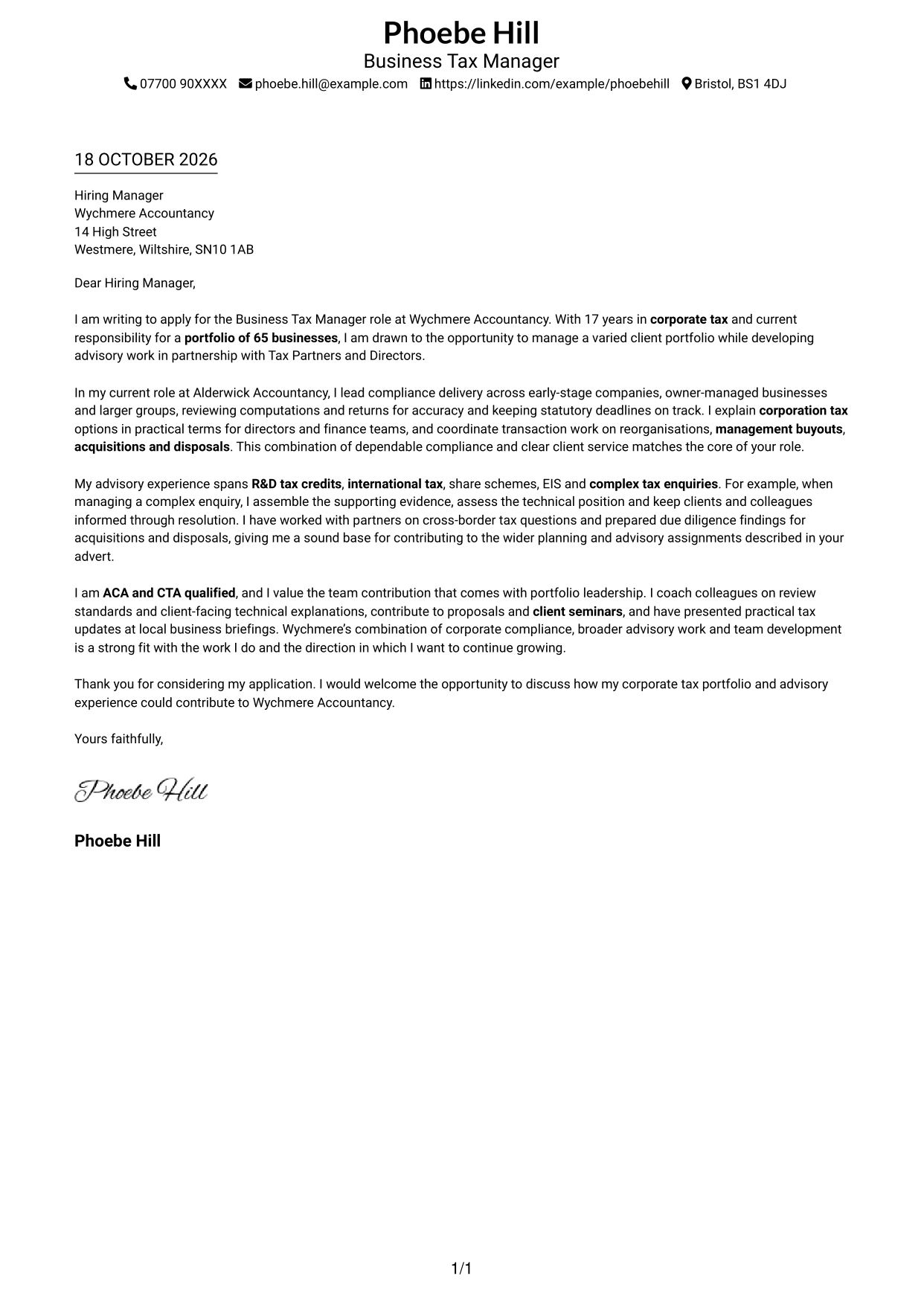
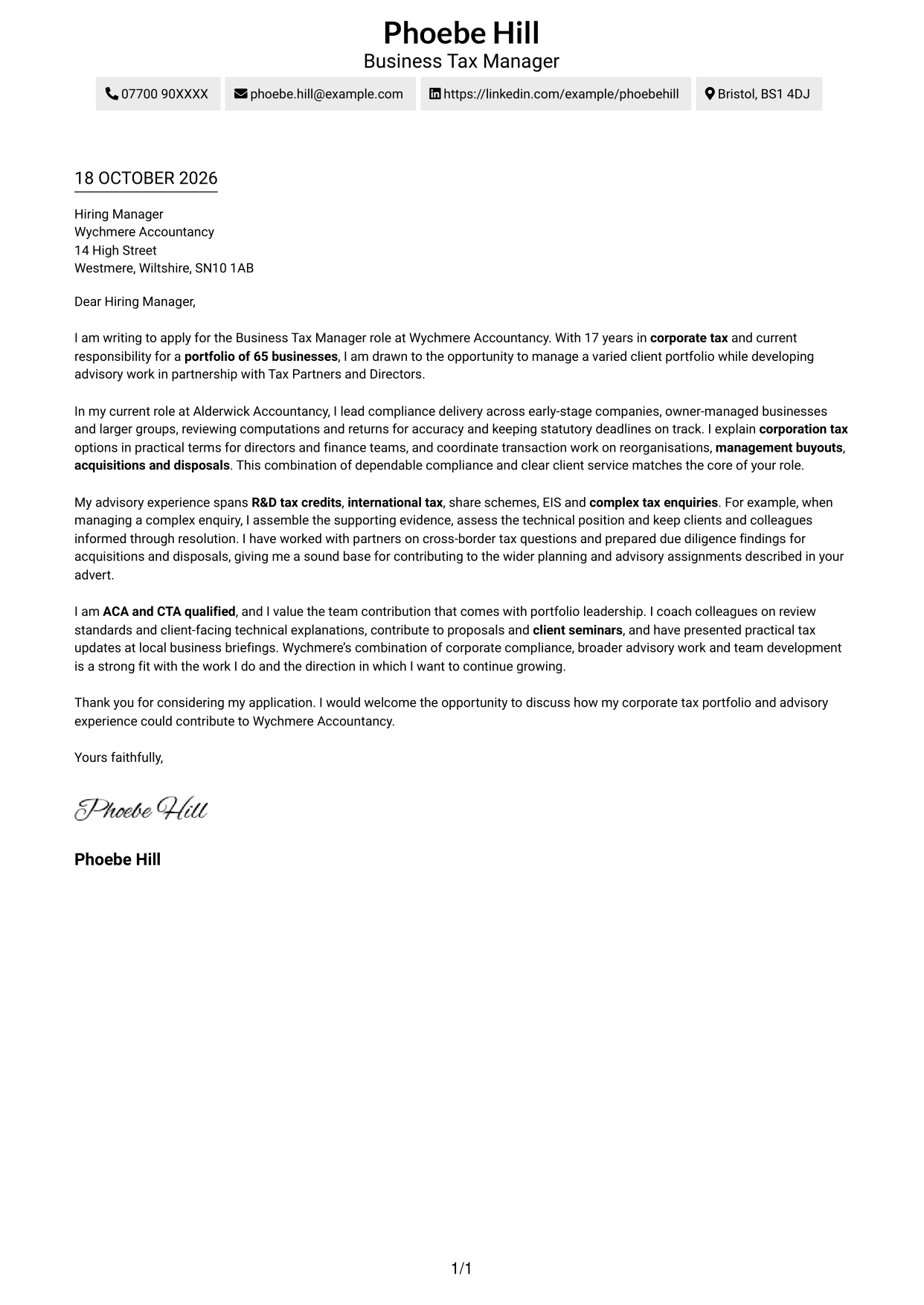
The Simple One Column Format keeps the letter in one column, with sender details in the header, for a direct and familiar application layout.
Why This Format Works
- Sender details sit in the header, apart from the letter's main message.
- One continuous body lets the reviewer follow motivation, evidence and closing in order.
- Keeping the letter in one column avoids switching between separate content areas.
Best For
- Single-column correspondence
- Header-based sender details
- Continuous paragraph-led letters
- Direct reading order
- Photo-free presentation
#2 Two Column Format Cover Letter Example
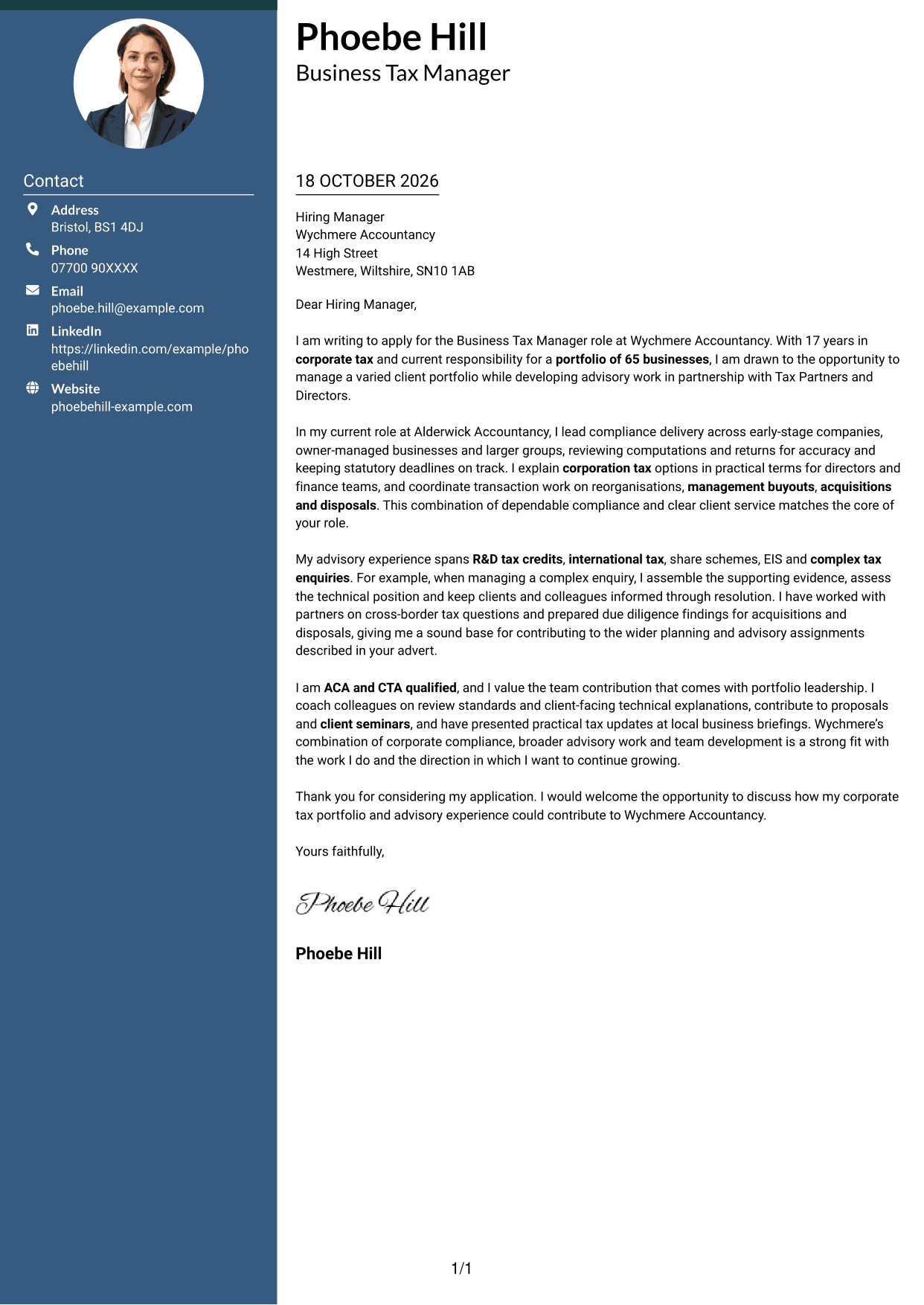
The Two Column Format places a contact sidebar beside one continuous letter body, suiting readers who want sender details apart from the message.
Why This Format Works
- Contact details occupy a sidebar beside the letter's single, continuous body.
- Separate placement helps reviewers distinguish sender information from the application message.
- All paragraphs remain together, so the case for applying unfolds in its written order.
Best For
- Sidebar contact presentation
- Separate sender and message areas
- Continuous letter arguments
- Multi-paragraph applications
- Two-column document preference
#3 Photo Header Two Column Format Cover Letter Example
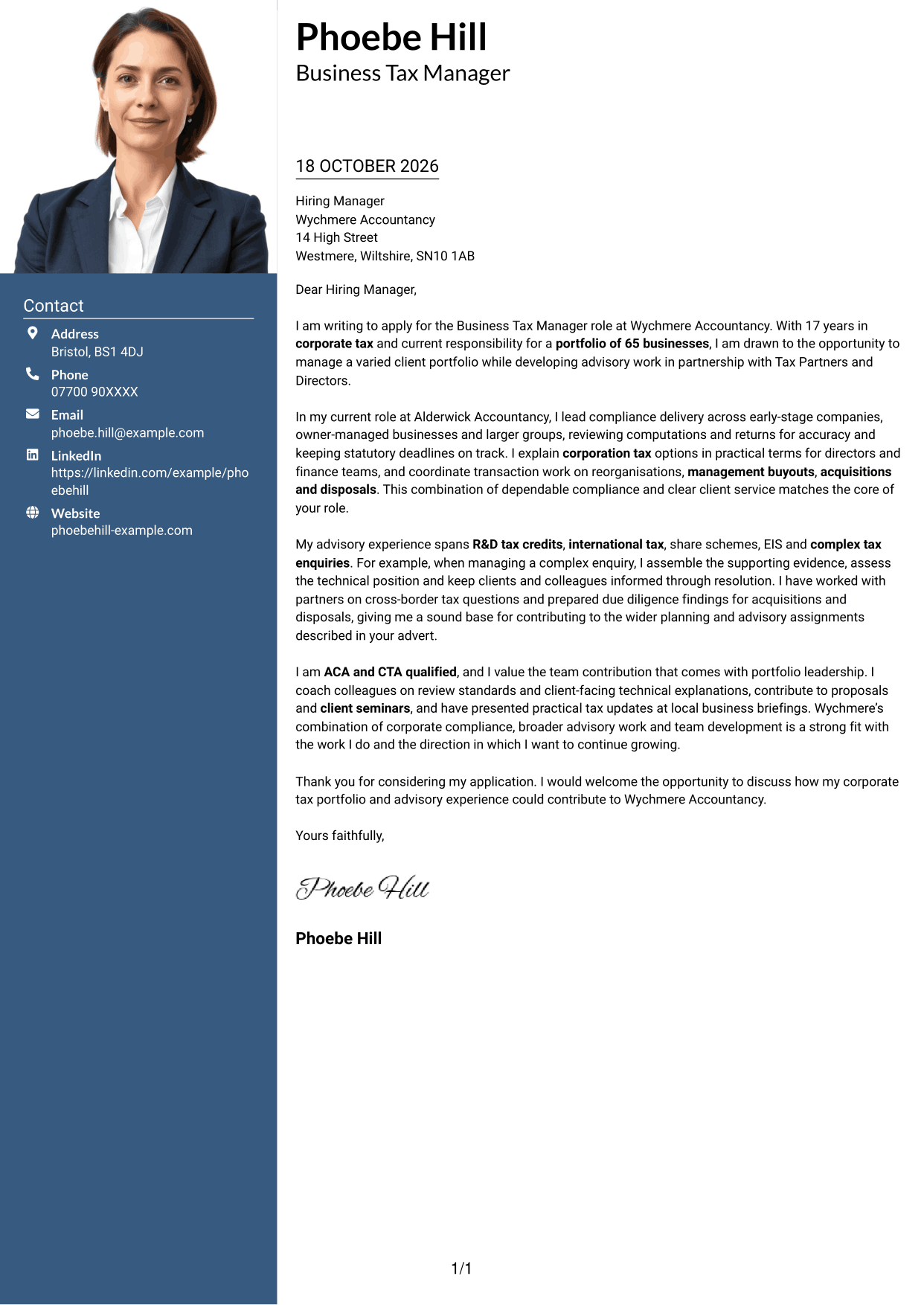
The Photo Header Two Column Format combines a portrait with a contact sidebar and continuous letter body for a photo-inclusive, two-column presentation.
Why This Format Works
- Contact details stay in a sidebar, while the letter remains one continuous body.
- Portrait inclusion offers a clear visual choice for readers who want a photo.
- Keeping the message in one column lets reviewers follow each paragraph in sequence.
Best For
- Portrait-inclusive correspondence
- Sidebar contact presentation
- Continuous letter paragraphs
- Two-column reading preference
- Applications where a photo is desired
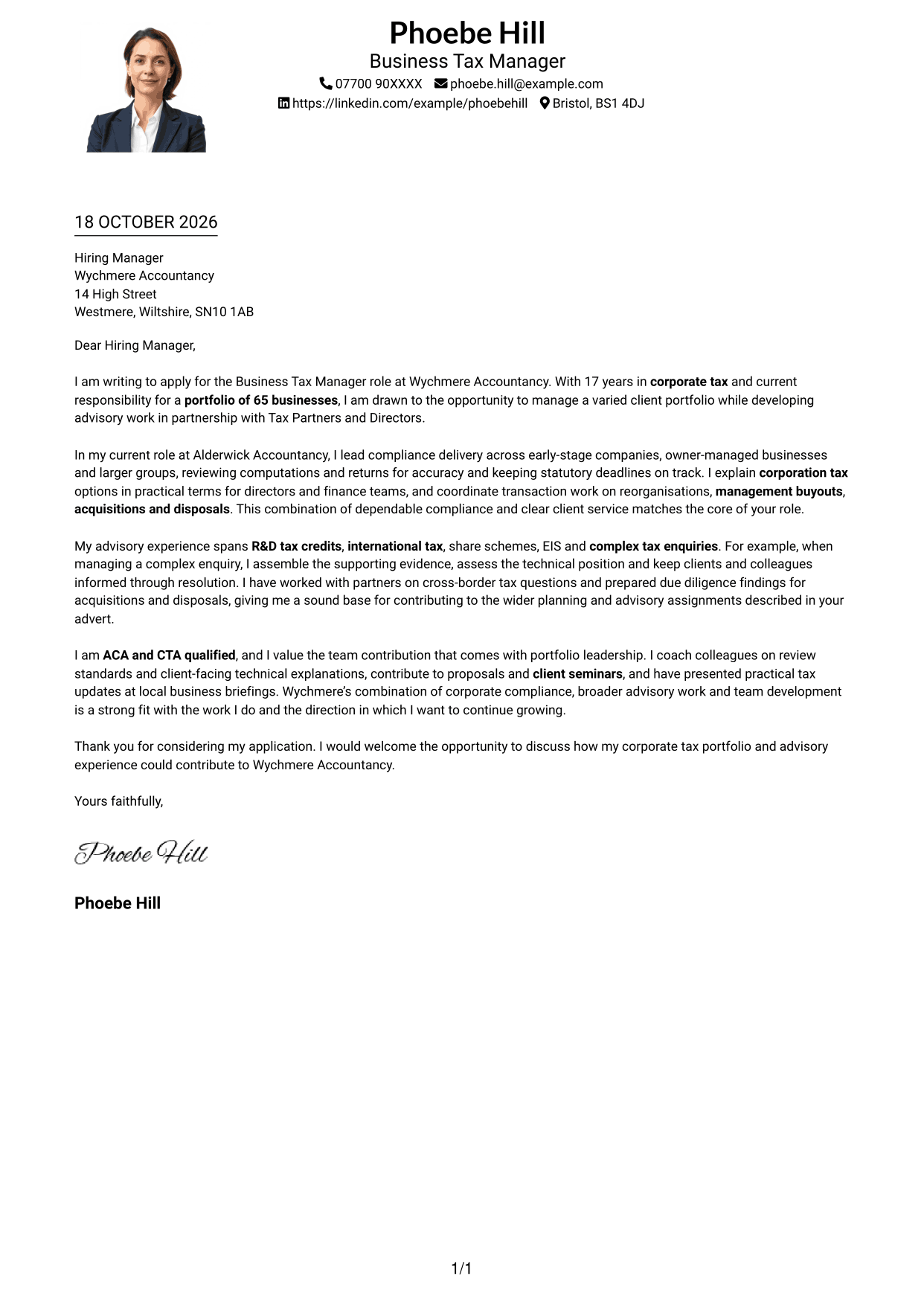
#4 One Column Format with Photo Cover Letter Example
The One Column Format with Photo pairs a portrait with a single-column letter, offering a simple reading path for readers who want a photo included.
Why This Format Works
- One-column body keeps every paragraph in a consistent reading position.
- A portrait adds a personal image without dividing the letter body.
- Sender details in the header are easy to find before the message begins.
Best For
- Single-column correspondence
- Portrait-inclusive letters
- Header-based contact details
- Applications with several body paragraphs
- Direct letter reading
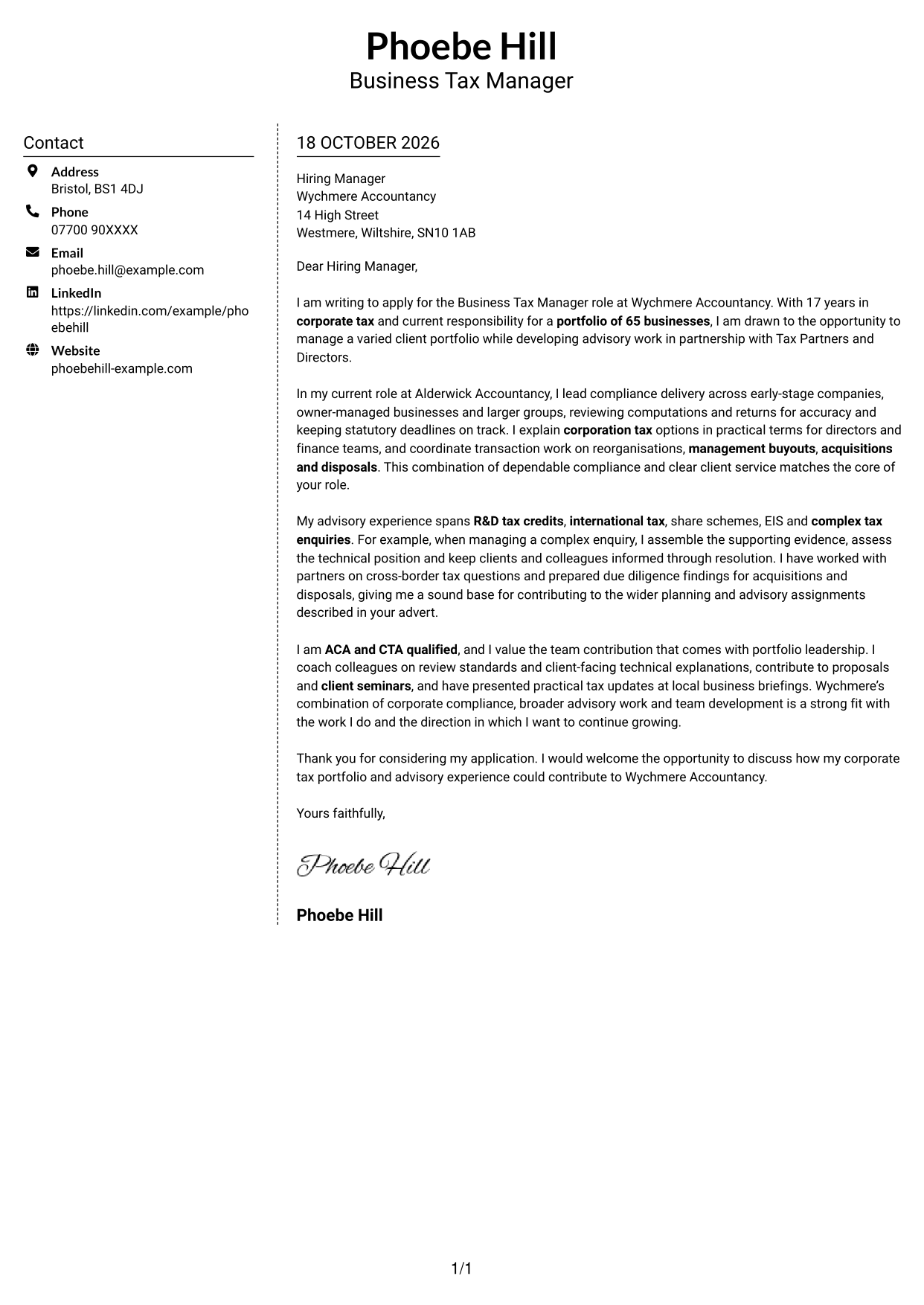
#5 Simple Two Column Format Cover Letter Example
The Simple Two Column Format sets contact details in a sidebar beside the continuous letter body, a straightforward choice when the two need separate areas.
Why This Format Works
- Contact details have a sidebar, separate from the continuous letter body.
- Readers can identify sender information without mistaking it for part of the message.
- Motivation, evidence and closing stay in one sequence rather than parallel columns.
Best For
- Separate contact information
- Continuous paragraph flow
- Two-column correspondence
- Multi-paragraph applications
- Clear distinction between sender and message
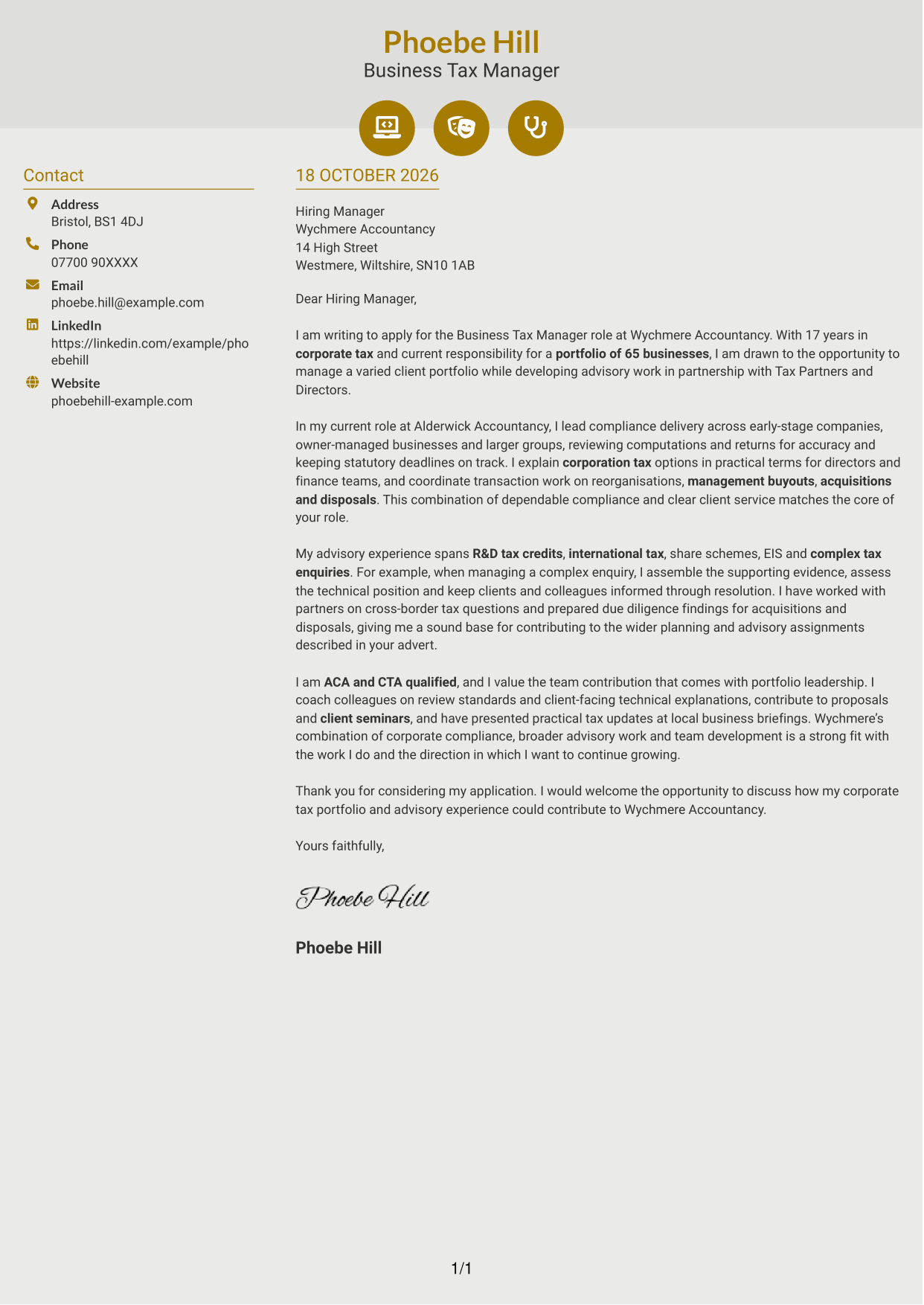
#6 Modern Icon Format Cover Letter Example
The Modern Icon Format uses two columns and icons for contact details, keeping those cues distinct from the continuous letter body.
Why This Format Works
- Contact icons help distinguish sender details from the letter's continuous body.
- The two-column arrangement keeps contact information apart from the application message.
- Icons serve contact details, not paragraph labels, so the letter remains a continuous argument.
Best For
- Icon-led contact details
- Separate contact and message areas
- Continuous letter paragraphs
- Two-column correspondence
- Readers who favour contact icons
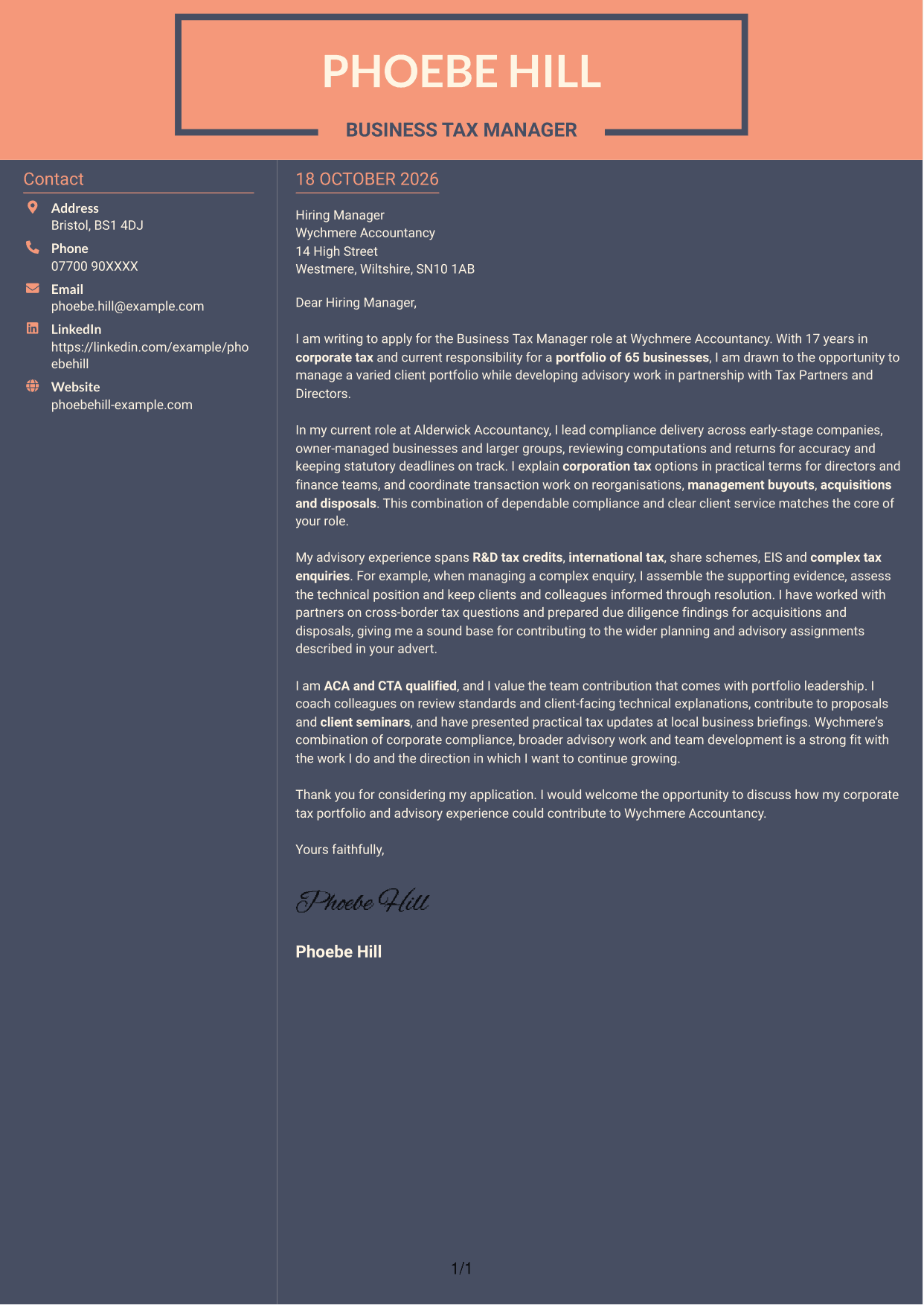
#7 Creative Two Tone Format Cover Letter Example
The Creative Two Tone Format places a contact sidebar beside one continuous letter body, giving contact details a separate place from the message.
Why This Format Works
- Contact details sit beside a single, continuous letter body.
- Separate areas help readers tell correspondence details from the application message.
- Opening, supporting paragraphs and sign-off remain together in one reading sequence.
Best For
- Sidebar contact presentation
- Single-body letter structure
- Separate correspondence details
- Applications with several supporting paragraphs
- Two-column layout preference
See Also
- 7 Business Tax Manager - Corporate Tax Compliance CV Templates with Example
- 7 Employment Tax Manager - Client Advisory and Compliance CV Templates with Example
- 7 Tax Manager - European Tax Compliance CV Templates with Example
- 7 Corporate Tax Senior Manager CV Templates with Example
- 7 Tax Assistant - Personal and Corporate Tax CV Templates with Example
- 7 Associate, US Funds Tax CV Templates with Example
- 7 Graduate Analyst - US Funds Tax CV Templates with Example
- 7 Partner - Funds Tax CV Templates with Example
- 7 Employment Tax Manager - Client Advisory and Compliance Cover Letter Templates with Example
- 7 Tax Manager - European Tax Compliance Cover Letter Templates with Example
Frequently Asked Questions
What should a Business Tax Manager - Corporate Tax Compliance cover letter highlight?
Show how your experience relates to corporate tax compliance, client portfolio management and clear communication. You can also include relevant examples of tax planning, transaction support or advisory work.
How can I show that I can manage a corporate tax portfolio?
Give a clear example of how you organise deadlines, review computations or returns, and keep clients informed. Where it is accurate, include the size or range of businesses in the portfolio.
How should I explain my interest in the employer?
Choose a genuine point about the employer’s client base or the balance of compliance and advisory work. Explain why it matters to you and connect it to the contribution you can make.
What is a clear way to structure this cover letter?
Open with the role and your reason for applying. Use the body to show relevant compliance and advisory evidence, then close by summarising your interest and inviting a discussion.
Should I include every part of my tax experience?
No. Select the experience that best supports your fit for this role. A few clear examples, such as client portfolio work, tax planning or handling a complex enquiry, are usually more useful than a full account of every duty.




