
7 Chartered Structural Engineer Cover Letter Templates with Example
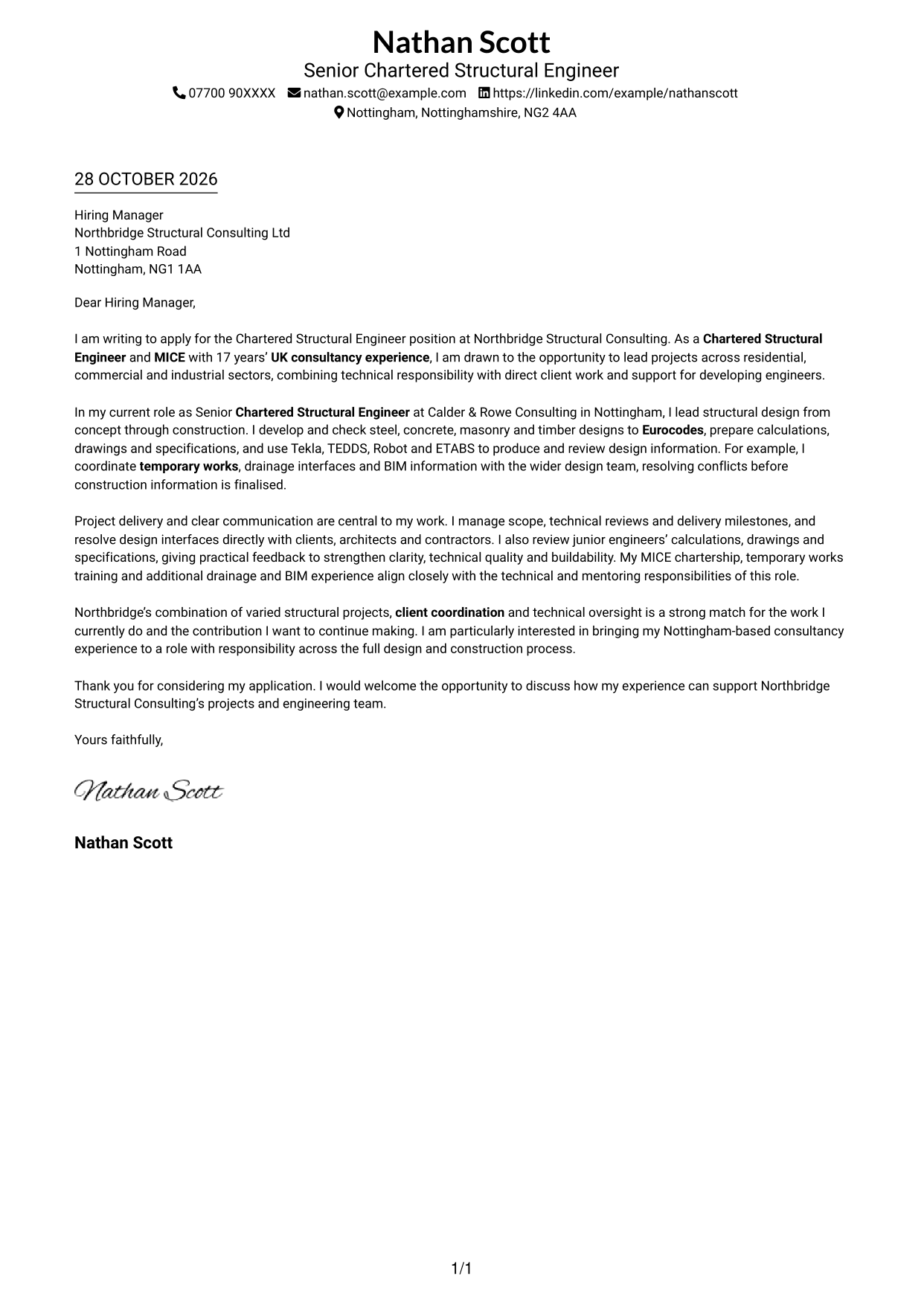
This practical guide to a Chartered Structural Engineer cover letter shows how to present role fit and technical judgement across 7 layouts.
What Makes a Great Chartered Structural Engineer Cover Letter in 2026
A strong letter for this role connects sound structural design judgement with project delivery, clear client communication and guidance for junior engineers. Make your opening direct and show why this work interests you.
Use focused evidence, such as applying Eurocodes across steel, concrete, masonry and timber, coordinating design through construction, or reviewing colleagues’ work. Link that evidence to the employer’s needs and explain your interest in its projects and responsibilities.
The featured example moves from interest in the role to technical contribution, project delivery and a clear close; adapt this focused progression while choosing a presentation suited to the employer and communication context.
#1 Simple One Column Format Cover Letter Example
A simple single-column page places sender details in the header above one continuous letter body, giving the opening, evidence and close a direct reading order.
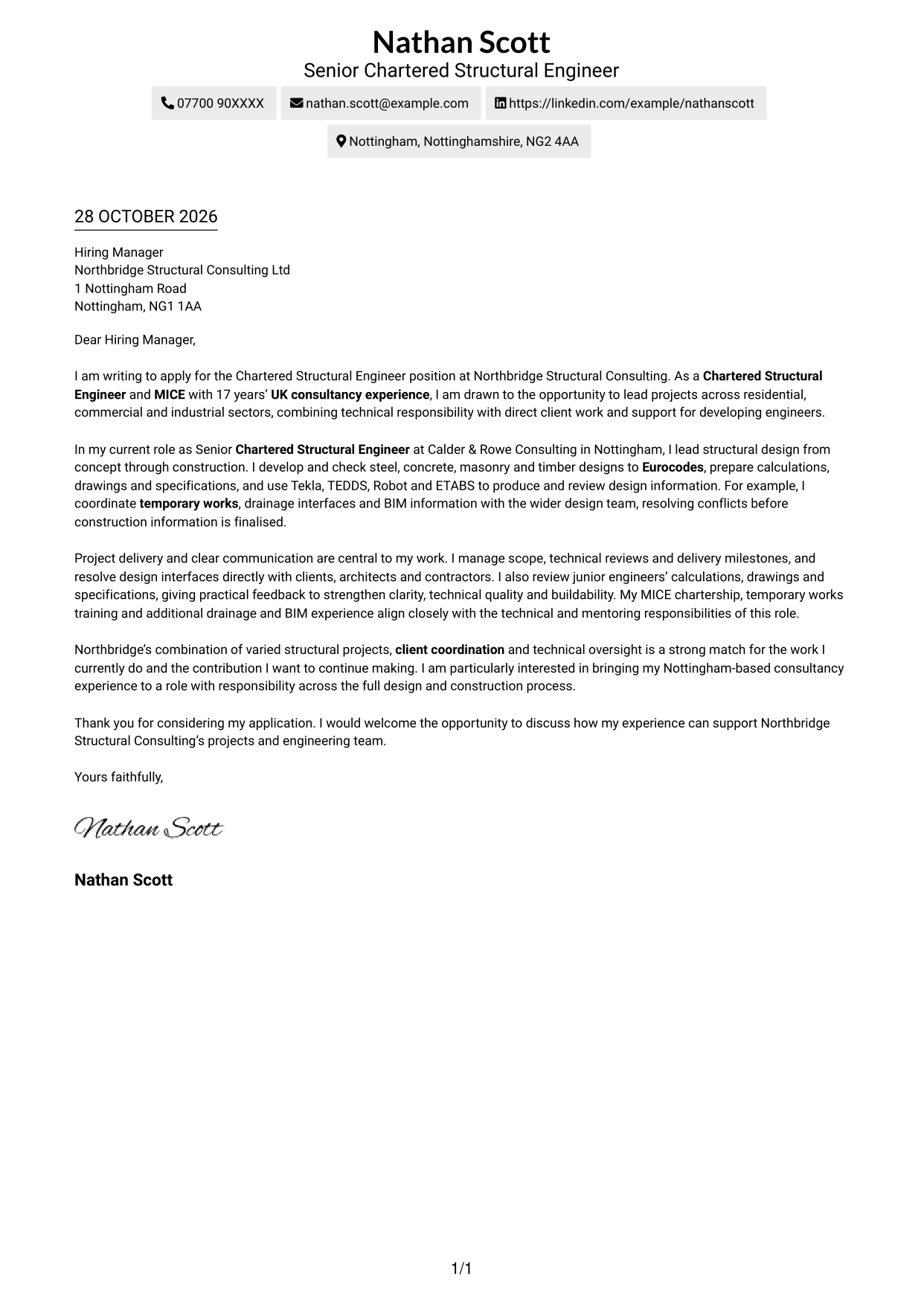
Why This Format Works
- Sender details in the header keep contact information apart from the letter's message.
- One reading path helps reviewers follow motivation, evidence and closing in order.
- Single-column correspondence suits readers who prefer a familiar, direct page structure.
Best For
- Direct, single-path reading
- Header-led contact details
- Paragraph-based persuasion
- Traditional application letters
- Letters with a focused case
#2 Two Column Format Cover Letter Example
A contact sidebar sits beside one continuous letter body, giving practical sender details a separate place while the application message remains easy to follow.
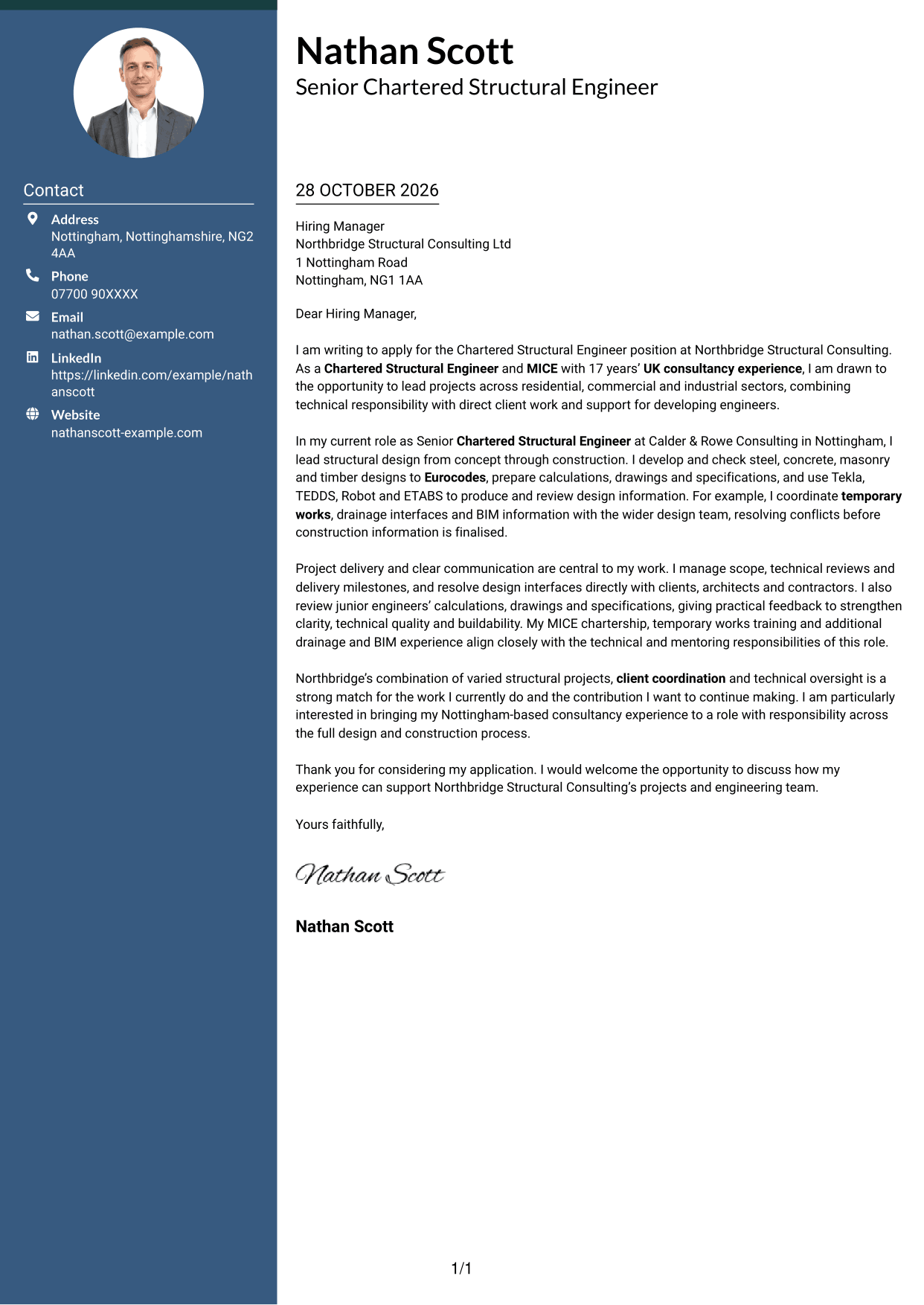
Why This Format Works
- Contact details stay in a sidebar, separate from the message for quick reference.
- One continuous letter body keeps the opening, evidence and closing in sequence.
- The two areas let reviewers locate correspondence and sender details independently.
Best For
- Side-by-side contact details
- A continuous letter argument
- Quick access to sender information
- Clearly separated correspondence
- Applications with several body paragraphs
#3 Photo Header Two Column Format Cover Letter Example
A portrait accompanies the contact sidebar and continuous letter body, adding a personal visual element while keeping the main message in one reading path.
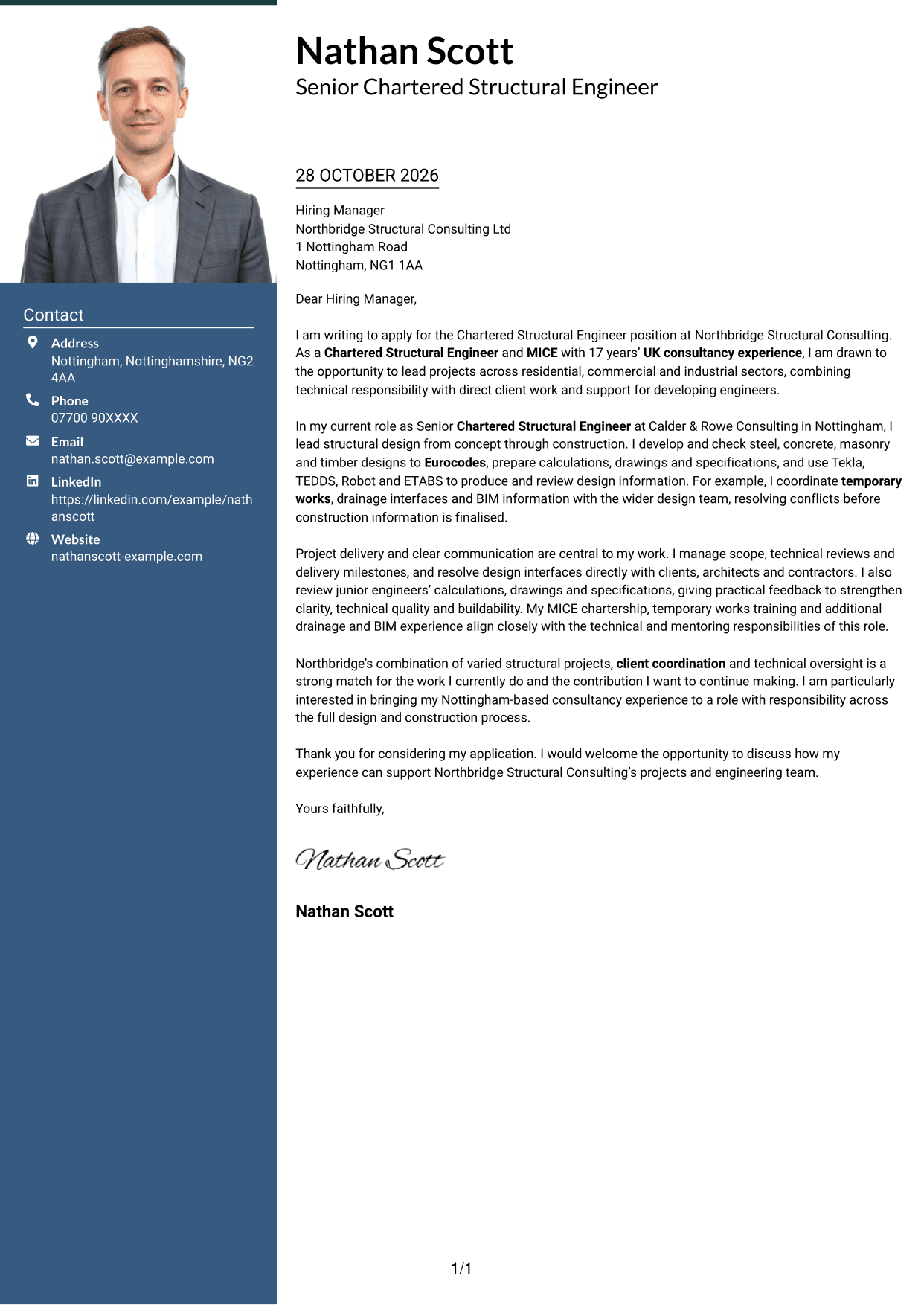
Why This Format Works
- The portrait adds a personal visual element without changing the letter's reading order.
- Contact details sit apart from the message for straightforward reference.
- A continuous body lets reviewers follow the application case from opening to close.
Best For
- A portrait alongside correspondence
- One-path letter reading
- Separate contact information
- A personal visual element
- Applications with a clear central message
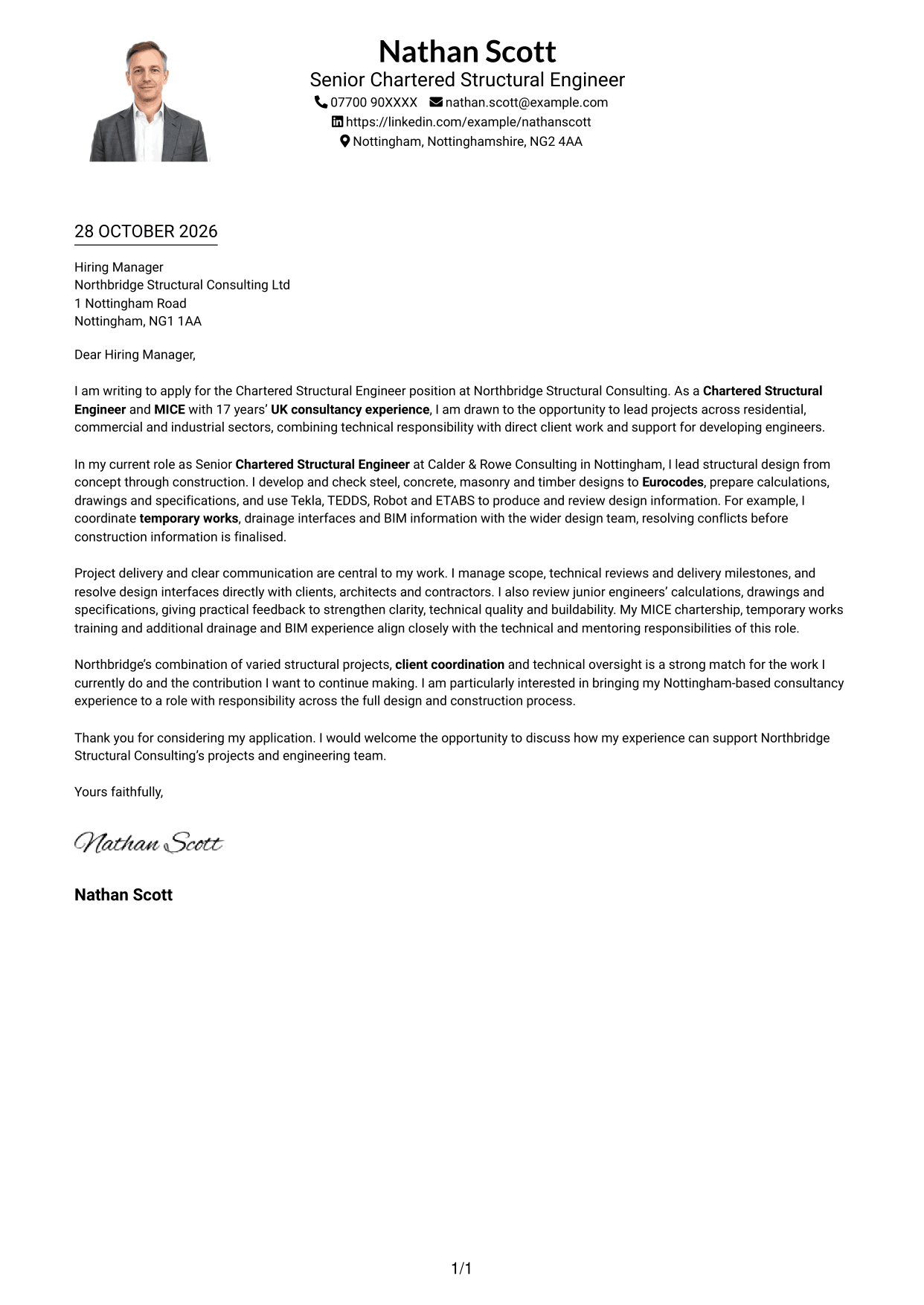
#4 One Column Format with Photo Cover Letter Example
One continuous letter body follows a single-column reading path, with a photo adding a visual element to the page without dividing the message.
Why This Format Works
- The single-column body carries the opening, evidence and close in a clear sequence.
- A portrait adds a personal visual element without changing the argument's structure.
- Sender details can remain distinct from the letter's persuasive paragraphs.
Best For
- Single-path correspondence
- A photo on the page
- Uninterrupted application arguments
- Paragraph-led explanation
- A familiar letter reading order
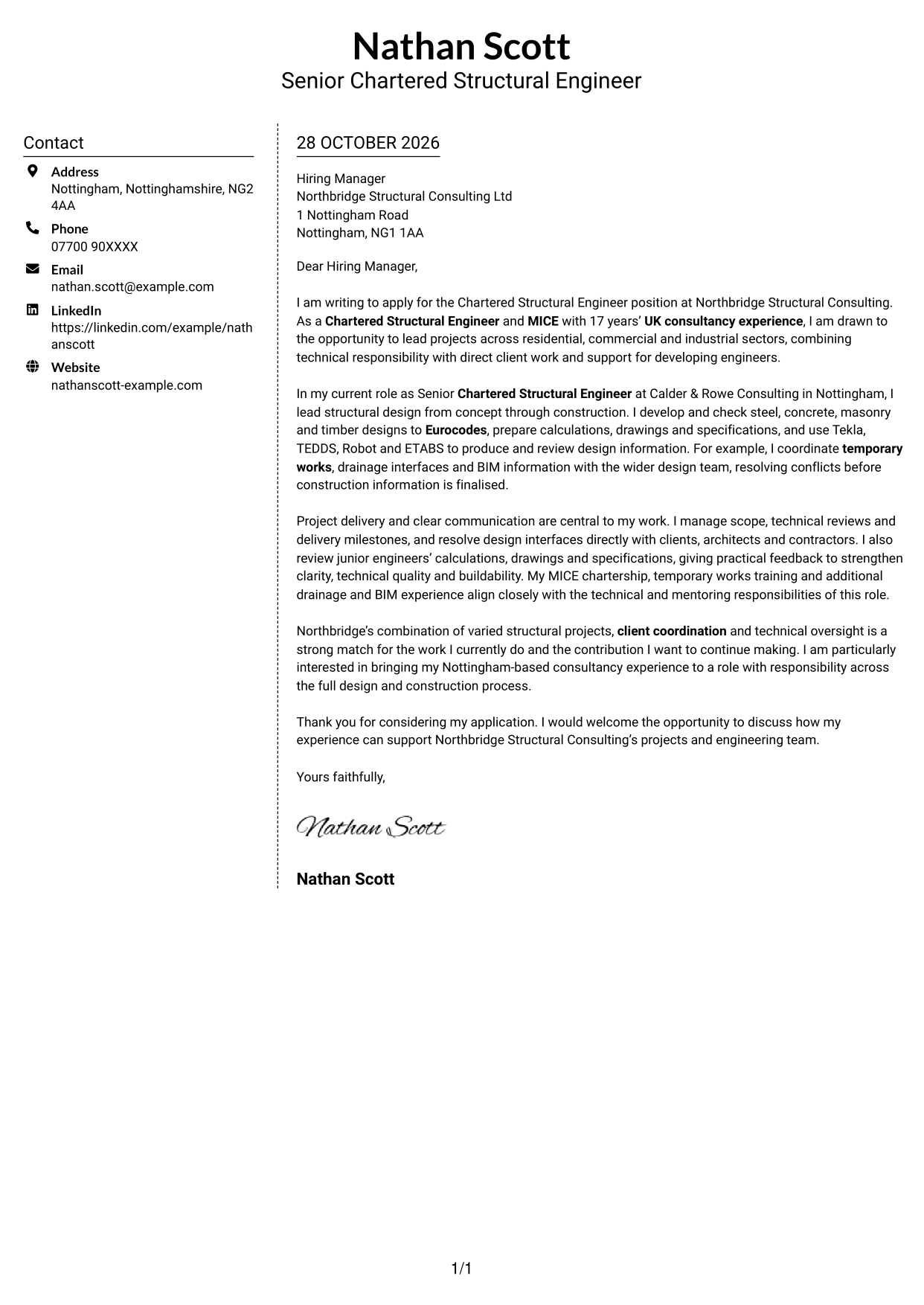
#5 Simple Two Column Format Cover Letter Example
The two-column layout places contact details beside one continuous letter body, keeping practical information distinct from the message while preserving its natural paragraph order.
Why This Format Works
- The contact sidebar gives sender information a clear place outside the letter body.
- The argument remains in continuous paragraphs, rather than parallel columns.
- Reviewers can move from practical details to the message without losing its sequence.
Best For
- Contact details beside the message
- A continuous case for appointment
- Clear separation of sender information
- Paragraph-based application letters
- Readers who prefer side-by-side organisation
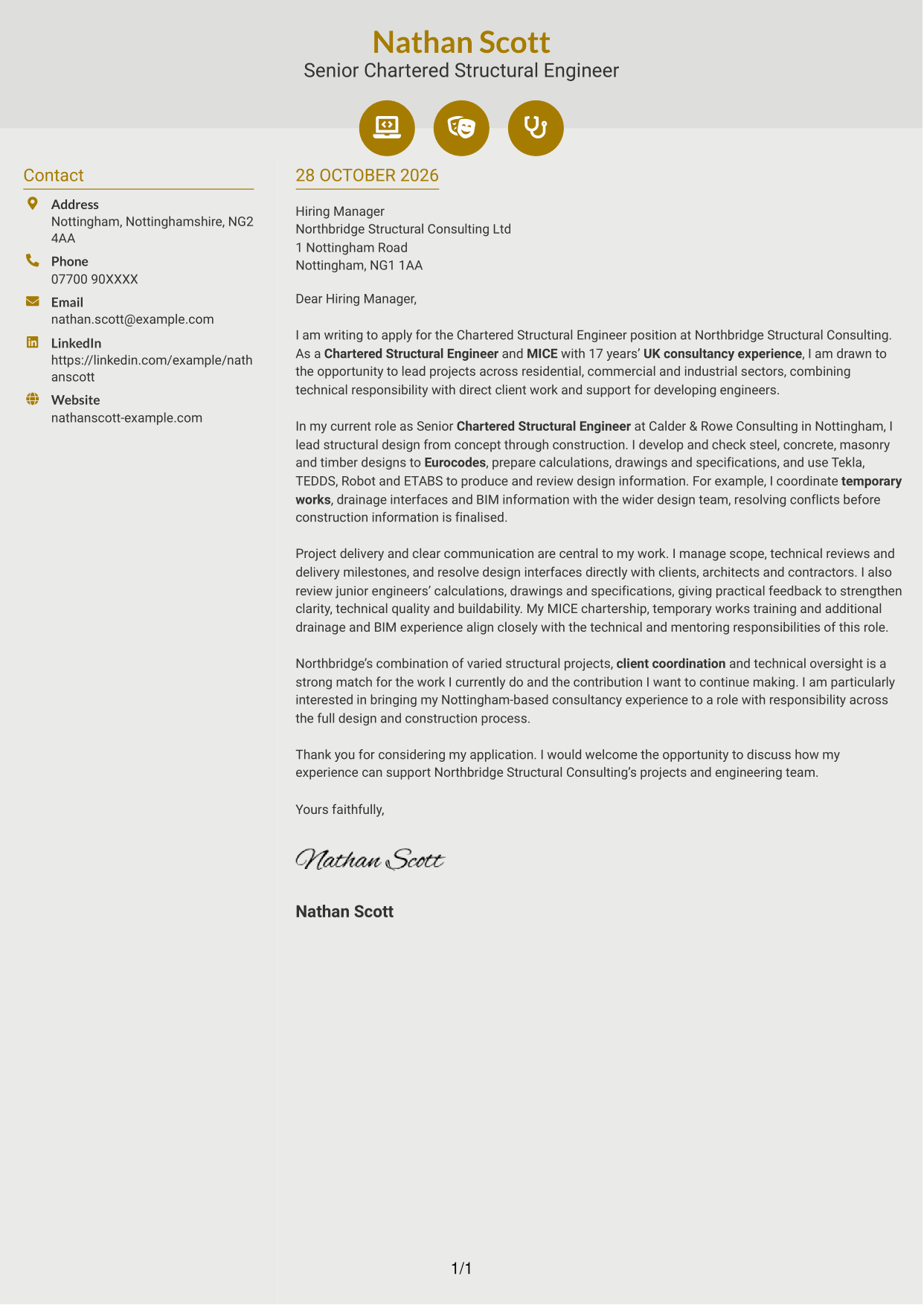
#6 Modern Icon Format Cover Letter Example
Modern Icon Format pairs contact icons and a sidebar with one continuous letter body, keeping visual cues with practical details rather than the application argument.
Why This Format Works
- Contact icons act as cues for practical details, not labels for the letter's argument.
- Separate contact and letter areas distinguish sender information from the case being made.
- One continuous body carries the opening, supporting points and close in order.
Best For
- Icon-led contact details
- A single, continuous message
- Visible separation of contact information
- Letters with a clear argument
- Readers who value practical visual cues
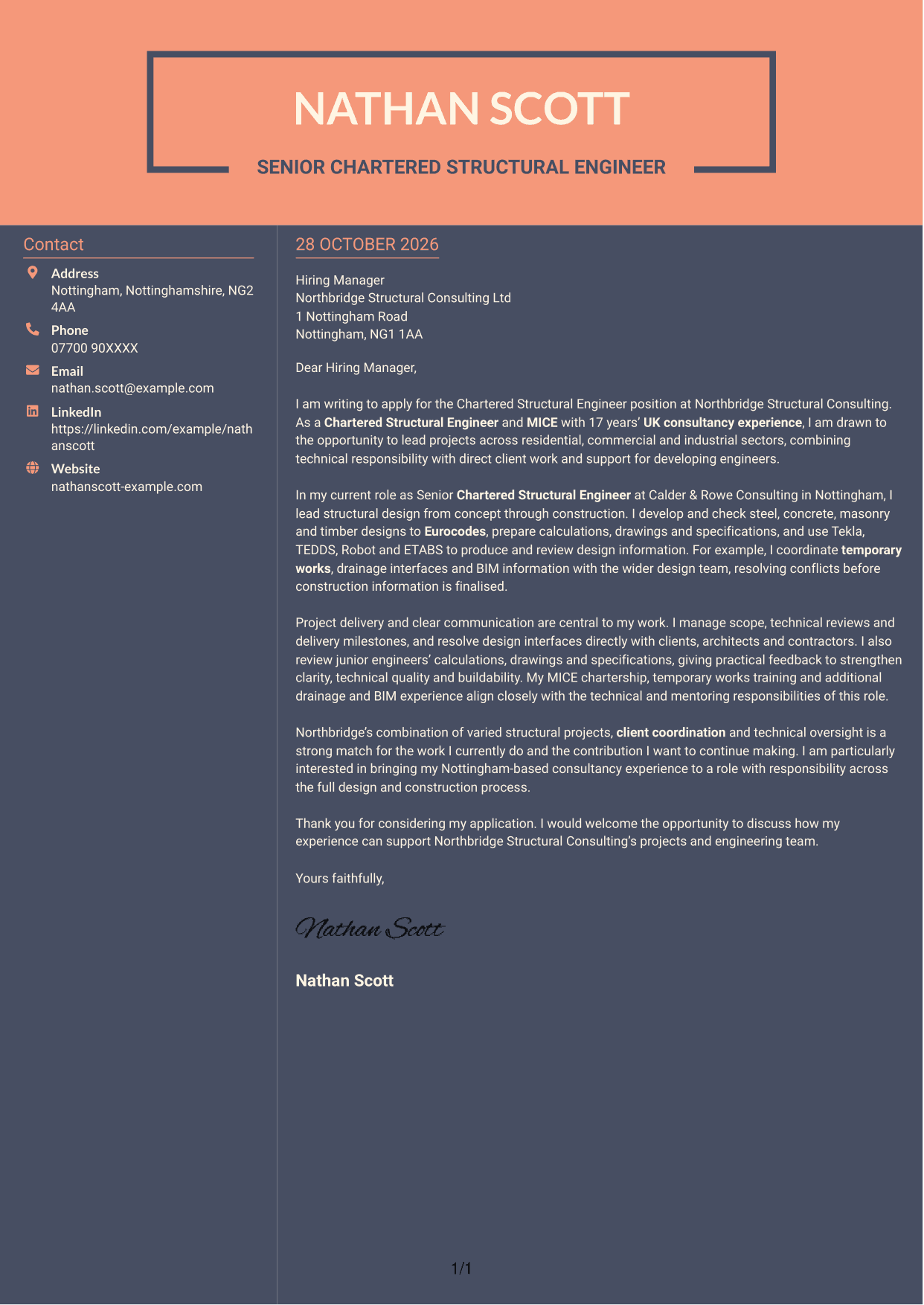
#7 Creative Two Tone Format Cover Letter Example
The two-column page places sender details beside one continuous letter body, giving contact information its own area while the message keeps a direct reading order.
Why This Format Works
- The sidebar keeps contact information easy to find beside the correspondence.
- The letter's paragraphs stay together, preserving the intended order of the case.
- A clear boundary between details and message helps reviewers distinguish their roles.
Best For
- A distinct contact area
- One continuous application message
- Easy-to-locate sender information
- A clear paragraph sequence
- Correspondence with a focused argument
See Also
- 7 Chartered Structural Engineer CV Templates with Example
- 7 Chartered Civil Engineer - Highways, Drainage and Flood Risk CV Templates with Example
- 7 Civil and Structural Engineer - Refinery Infrastructure CV Templates with Example
- 7 Senior Fire Engineer - Structural CV Templates with Example
- 7 AI Automation Engineer CV Templates with Example
- 7 AI Data Engineer - Data Analytics CV Templates with Example
- 7 AI Engineer Apprentice - Generative AI CV Templates with Example
- 7 AI Engineer - Generative AI CV Templates with Example
- 7 Chartered Civil Engineer - Highways, Drainage and Flood Risk Cover Letter Templates with Example
- 7 Civil and Structural Engineer - Refinery Infrastructure Cover Letter Templates with Example
Frequently Asked Questions
What should a Chartered Structural Engineer cover letter highlight?
Show how your structural design judgement supports safe, practical and buildable solutions. Include relevant evidence of applying Eurocodes, checking calculations and coordinating work with clients, architects and contractors.
How can I show that I can lead engineering projects?
Give a clear example of taking design work from an early stage through construction. Explain your part in managing scope, reviews or delivery milestones, and how you resolved design questions with the wider team.
How should I describe my structural engineering software experience?
Name tools that you have used, such as Tekla, TEDDS, Robot or ETABS, and connect them to the design work you completed. Keep the focus on how you checked and used the information to support sound decisions.
How can I show that I support junior engineers?
Describe how you review calculations, drawings or specifications and give practical feedback. A brief example can show how your guidance helps improve clarity, technical quality and buildability.
How should I explain my interest in the employer?
Connect your interest to the role’s mix of varied structural projects, client coordination and technical oversight. Explain how your approach to project delivery and design quality could support that work.




