
7 Civil and Structural Engineer - Refinery Infrastructure Cover Letter Templates with Example
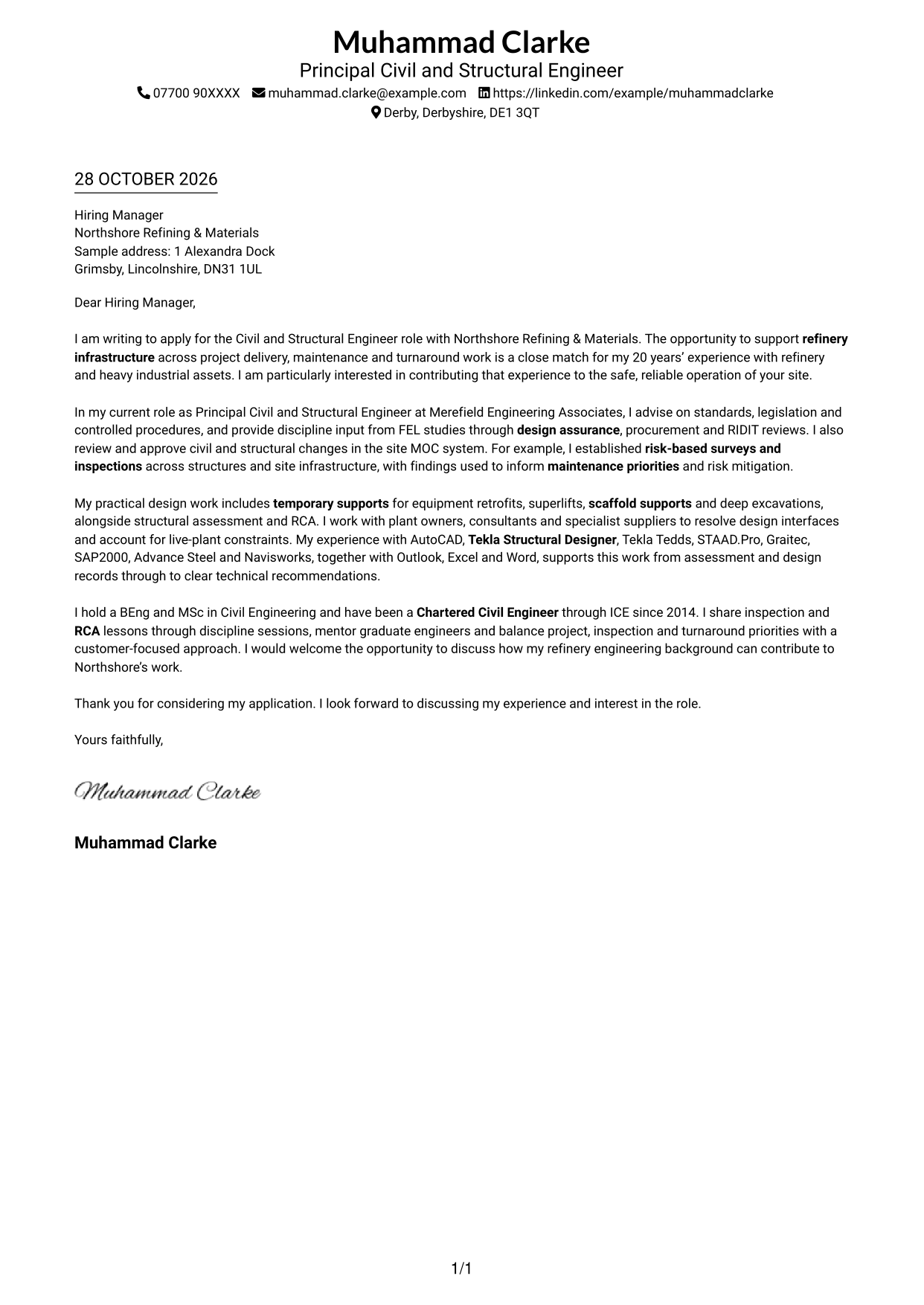
This practical guide helps you write a Civil and Structural Engineer - Refinery Infrastructure cover letter, with seven layouts to compare and adapt.
What Makes a Great Civil and Structural Engineer - Refinery Infrastructure Cover Letter in 2026
A strong letter links your interest in refinery infrastructure to clear evidence of sound civil and structural engineering judgement. Make the opening direct and show how your approach can support safe, reliable site assets.
Choose relevant examples, such as inspection planning, MOC reviews or temporary works, and explain their value. Connect your evidence to the employer’s stated needs without making claims you cannot support.
The featured example moves from role-specific interest to standards, MOC and inspection work, then to practical design evidence and a clear close; adapt this focused progression while choosing a presentation suited to the employer and communication context.
#1 Simple One Column Format Cover Letter Example
The Simple One Column Format keeps sender details in the header and the letter in one body column, giving the argument a direct reading path.
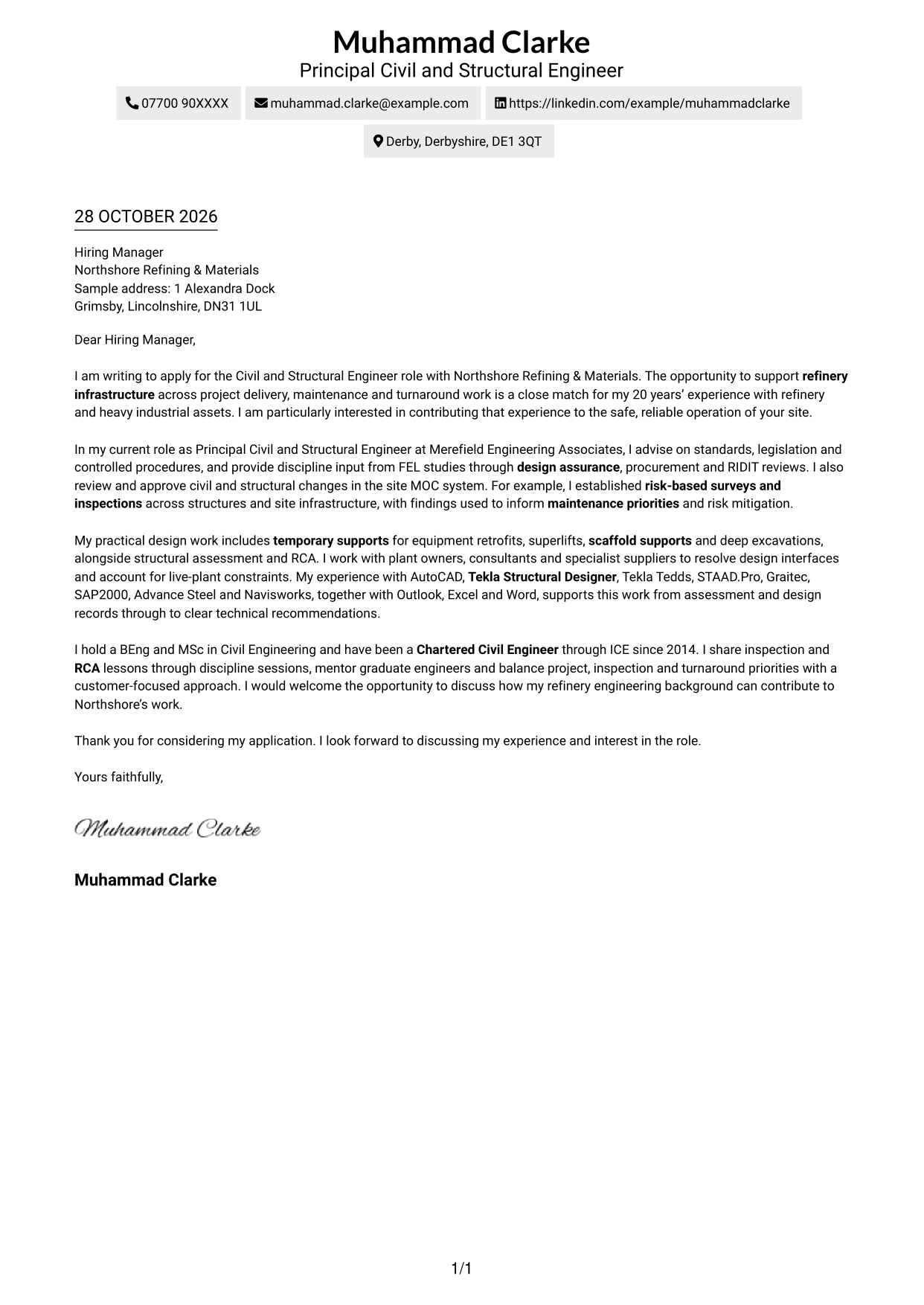
Why This Format Works
- Sender details stay in the header, separate from the letter’s persuasive content.
- One body column gives the motivation, evidence and closing a clear reading order.
- The written application remains the main visual focus, with no portrait competing for space.
Best For
- Single-column letter reading
- Header-based contact details
- Written motivation as the main focus
- Continuous paragraph arguments
- Applications without a portrait
#2 Two Column Format Cover Letter Example
The Two Column Format places contact details in a sidebar beside one continuous letter body, keeping contact information distinct from the argument.
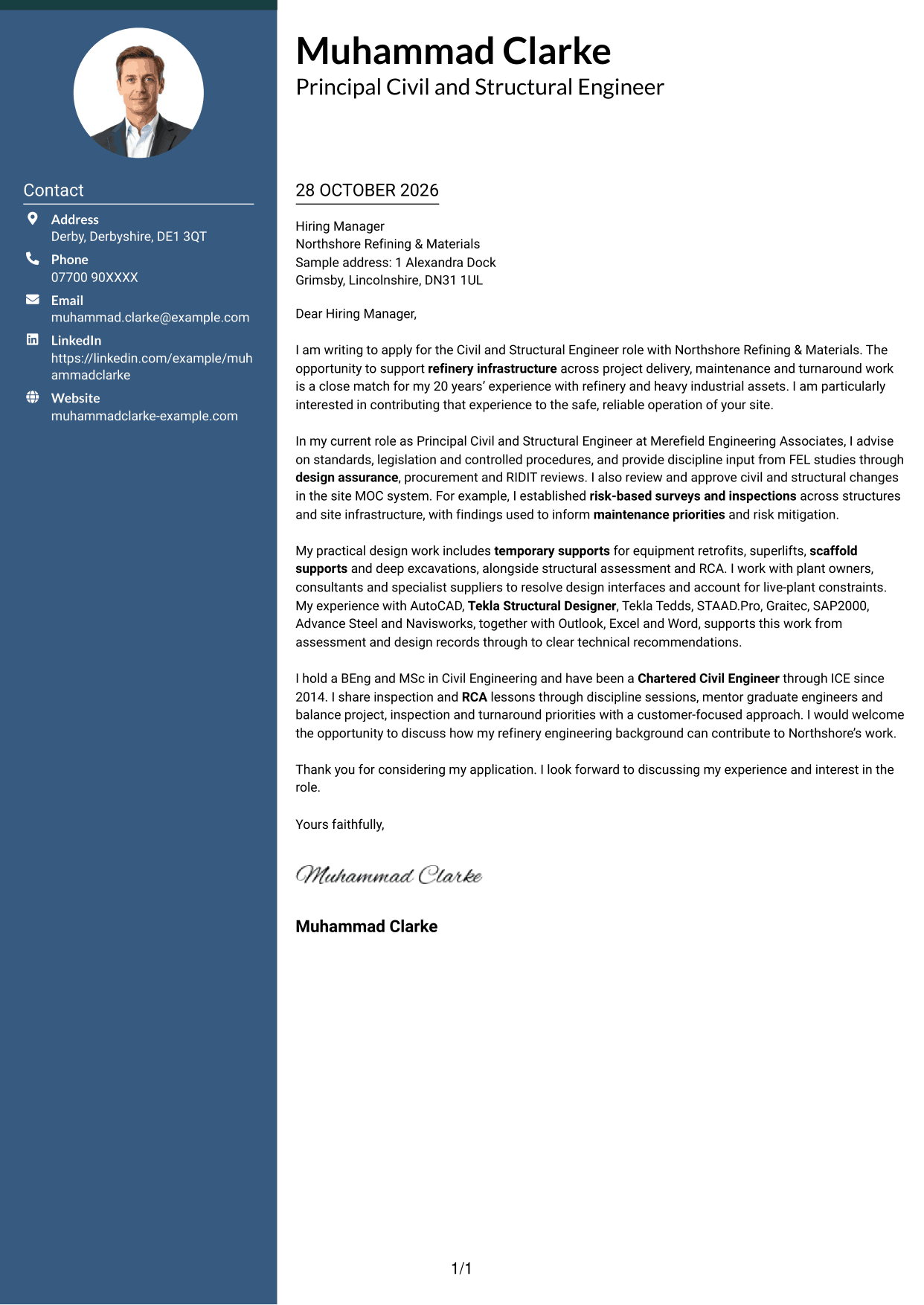
Why This Format Works
- The contact sidebar makes personal details easy to locate apart from the letter.
- A continuous body carries motivation, evidence and closing in one reading sequence.
- The two-column arrangement keeps contact information visible without dividing the letter’s argument.
Best For
- Contact details beside the letter
- Continuous persuasive paragraphs
- Quick access to sender information
- Applications with a clear written case
- Letters without a portrait
#3 Photo Header Two Column Format Cover Letter Example
The Photo Header Two Column Format combines a photo and contact sidebar with one continuous letter body, adding a portrait while keeping the argument together.
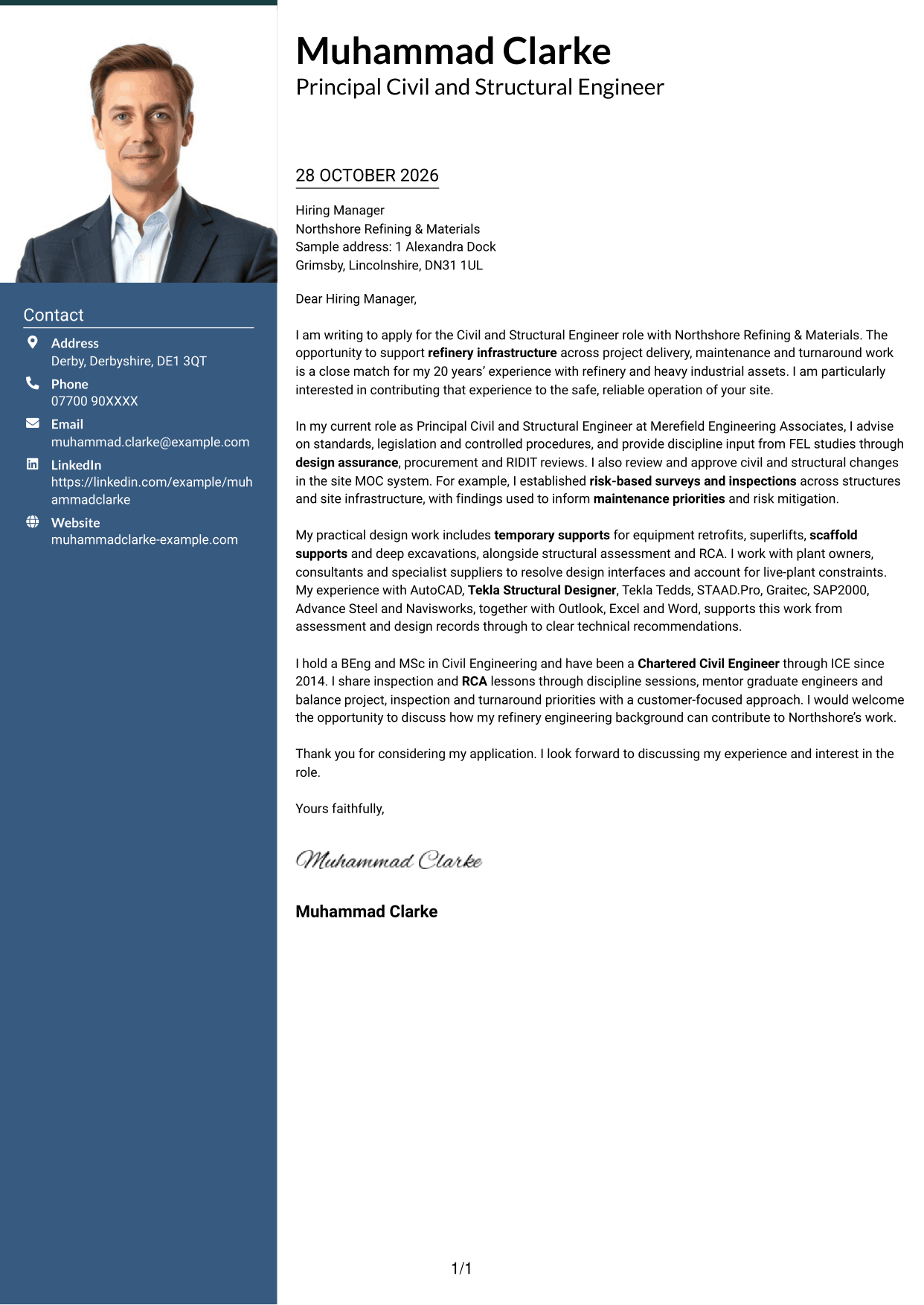
Why This Format Works
- A contact sidebar separates personal details from the letter’s main paragraphs.
- The single letter body keeps the opening, supporting evidence and close together.
- A portrait adds a visible personal element without dividing the written argument.
Best For
- Portrait alongside contact details
- One continuous letter body
- Visible personal presentation
- Separate contact and letter areas
- Applications with a written case
#4 One Column Format with Photo Cover Letter Example
The One Column Format with Photo keeps the letter in one body column and includes a photo, pairing a direct reading path with a personal visual element.
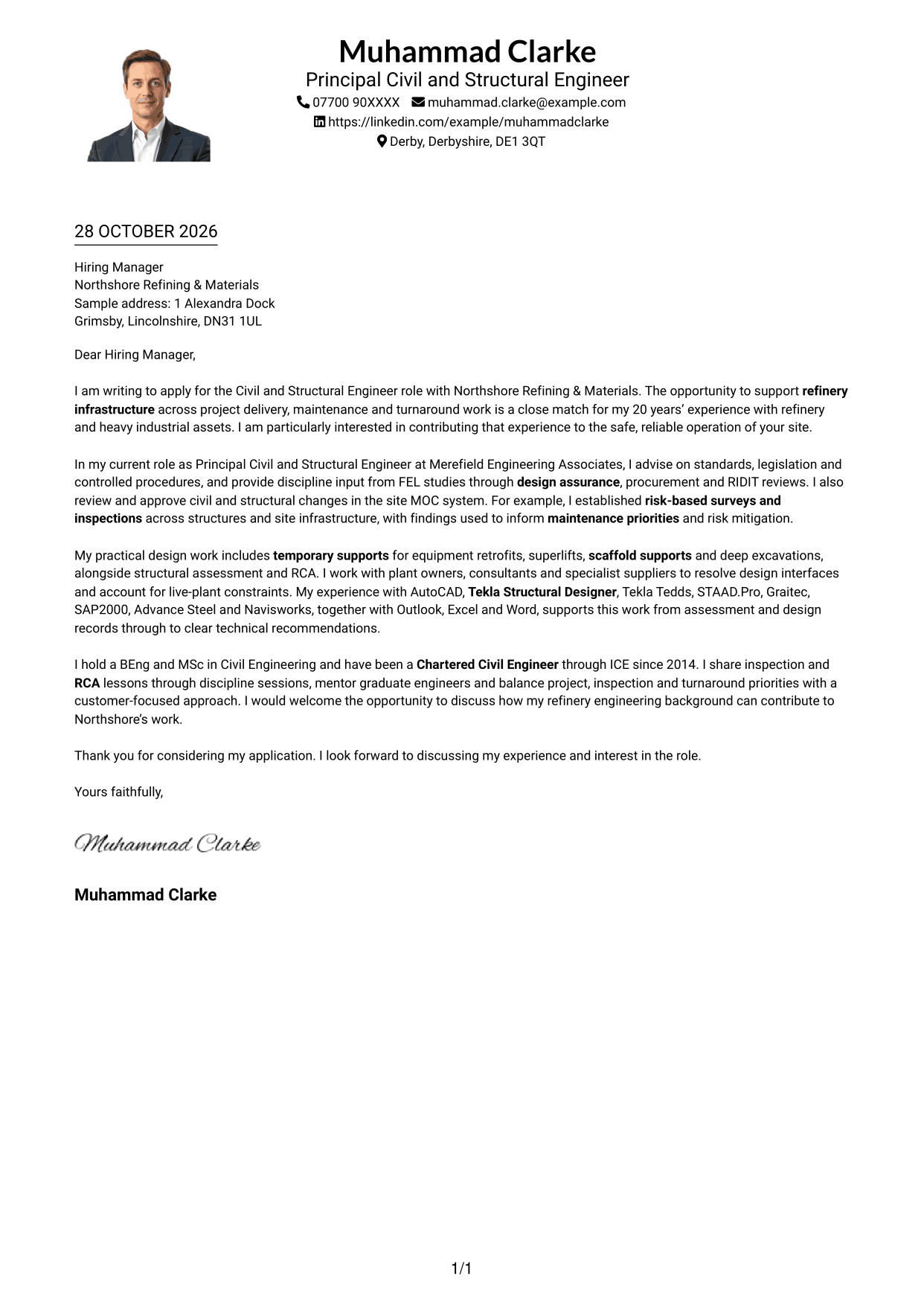
Why This Format Works
- One body column lets readers follow the letter from opening to closing.
- The photo adds a personal visual element alongside the written case.
- Sender details in the header remain separate from the letter’s paragraphs.
Best For
- Single-column letter reading
- A portrait with written content
- Header-based sender details
- One continuous line of argument
- Personal visual presentation
#5 Simple Two Column Format Cover Letter Example
The Simple Two Column Format places contact details beside a continuous letter body, giving the sender information a separate space from the written case.
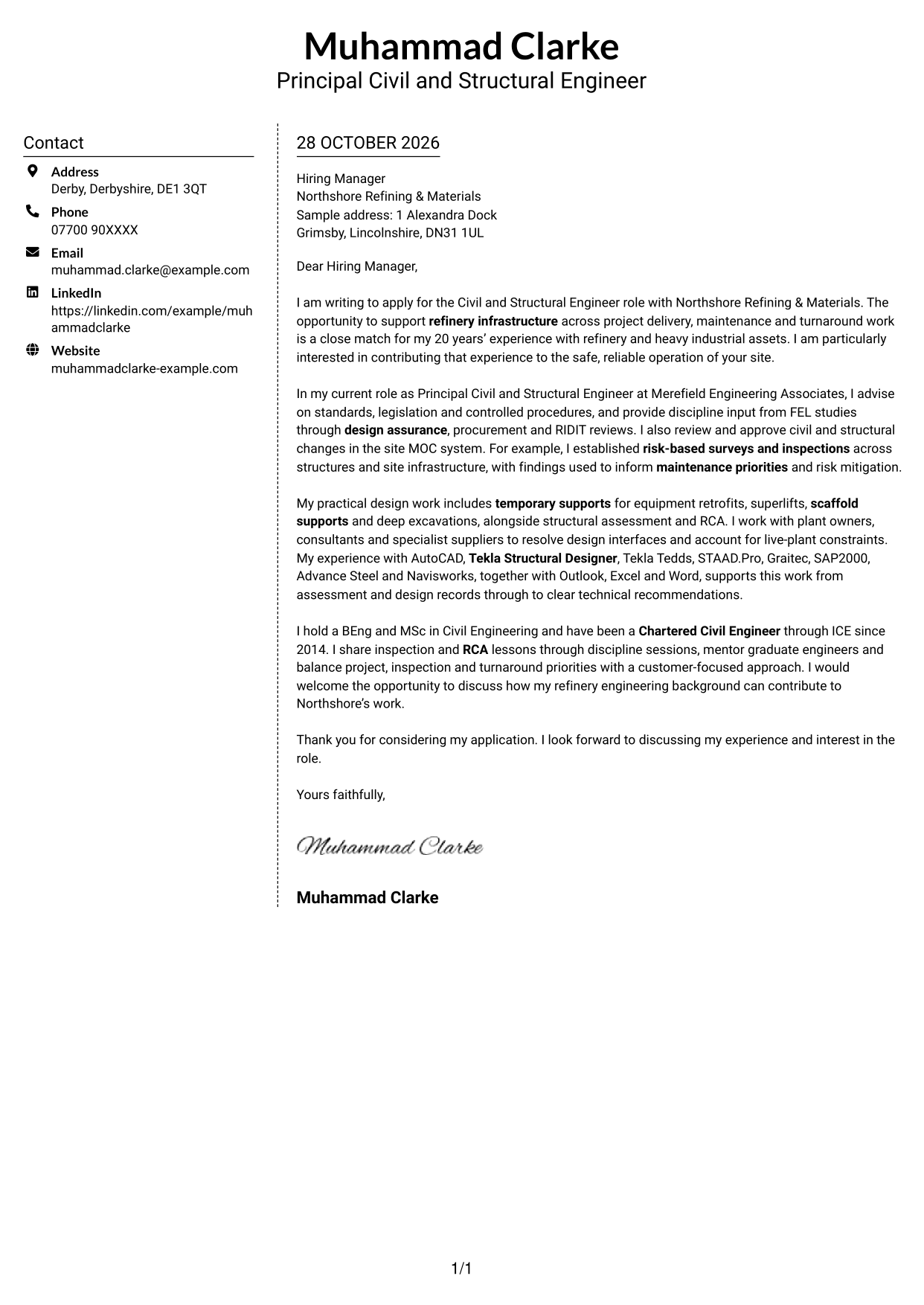
Why This Format Works
- A separate contact sidebar keeps sender information outside the letter paragraphs.
- The argument stays in one body, from the opening through the close.
- With no photo, the page gives its visual space to contact details and letter text.
Best For
- Contact information in a sidebar
- Uninterrupted letter paragraphs
- Written content without a portrait
- Separate sender and recipient details
- Direct access to contact information
#6 Modern Icon Format Cover Letter Example
The Modern Icon Format uses a contact sidebar beside one continuous letter body, with icons serving as contact cues rather than labels for the argument.
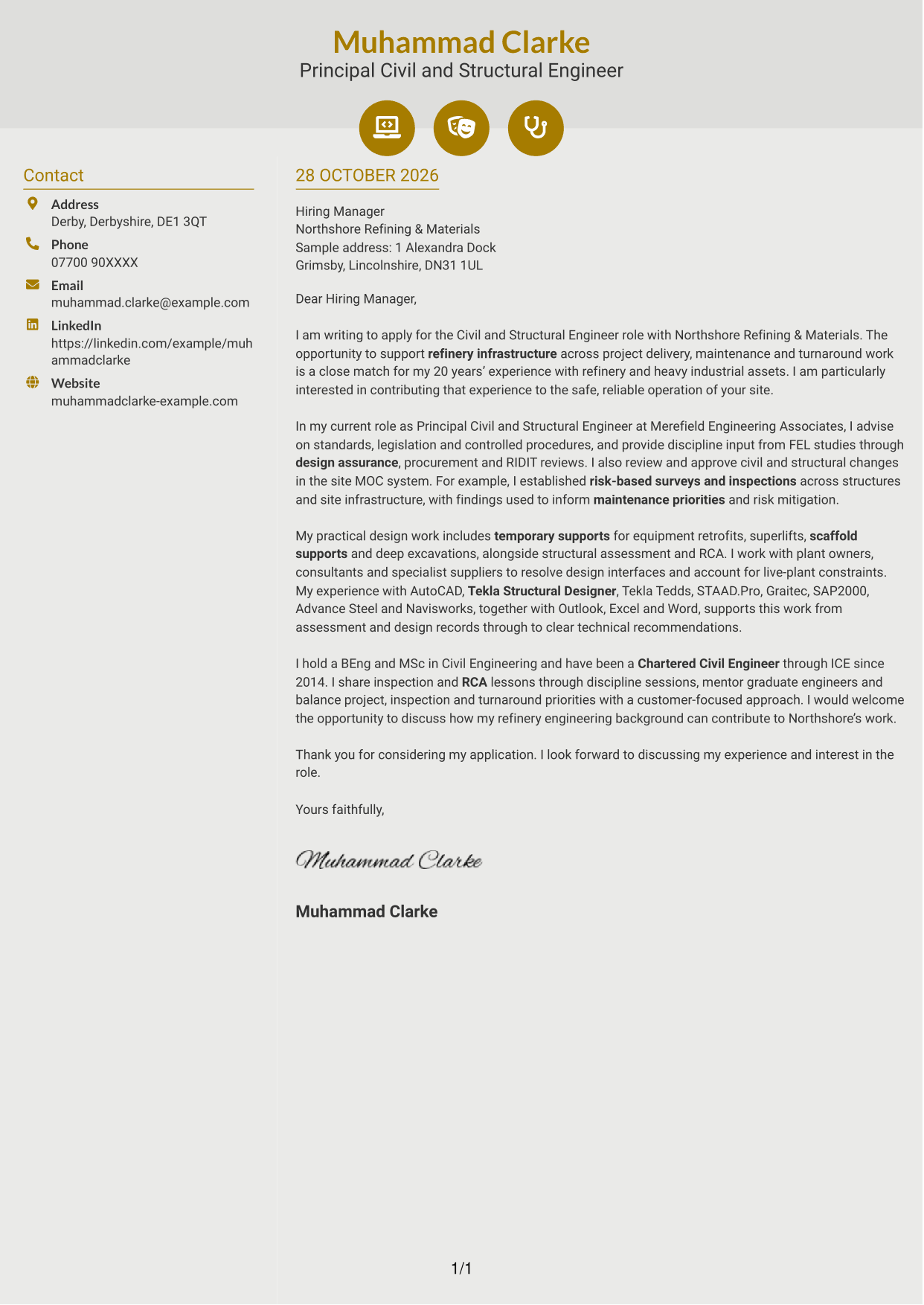
Why This Format Works
- Contact icons help distinguish personal details in the sidebar.
- The letter’s paragraphs remain together in one continuous body.
- Readers can follow the written case without icons dividing its argument.
Best For
- Contact details with visual cues
- One continuous letter body
- Quick recognition of personal details
- Written motivation kept together
- Applications without a portrait
#7 Creative Two Tone Format Cover Letter Example
The Creative Two Tone Format sets contact details beside one continuous letter body, keeping sender information apart while the written argument stays together.
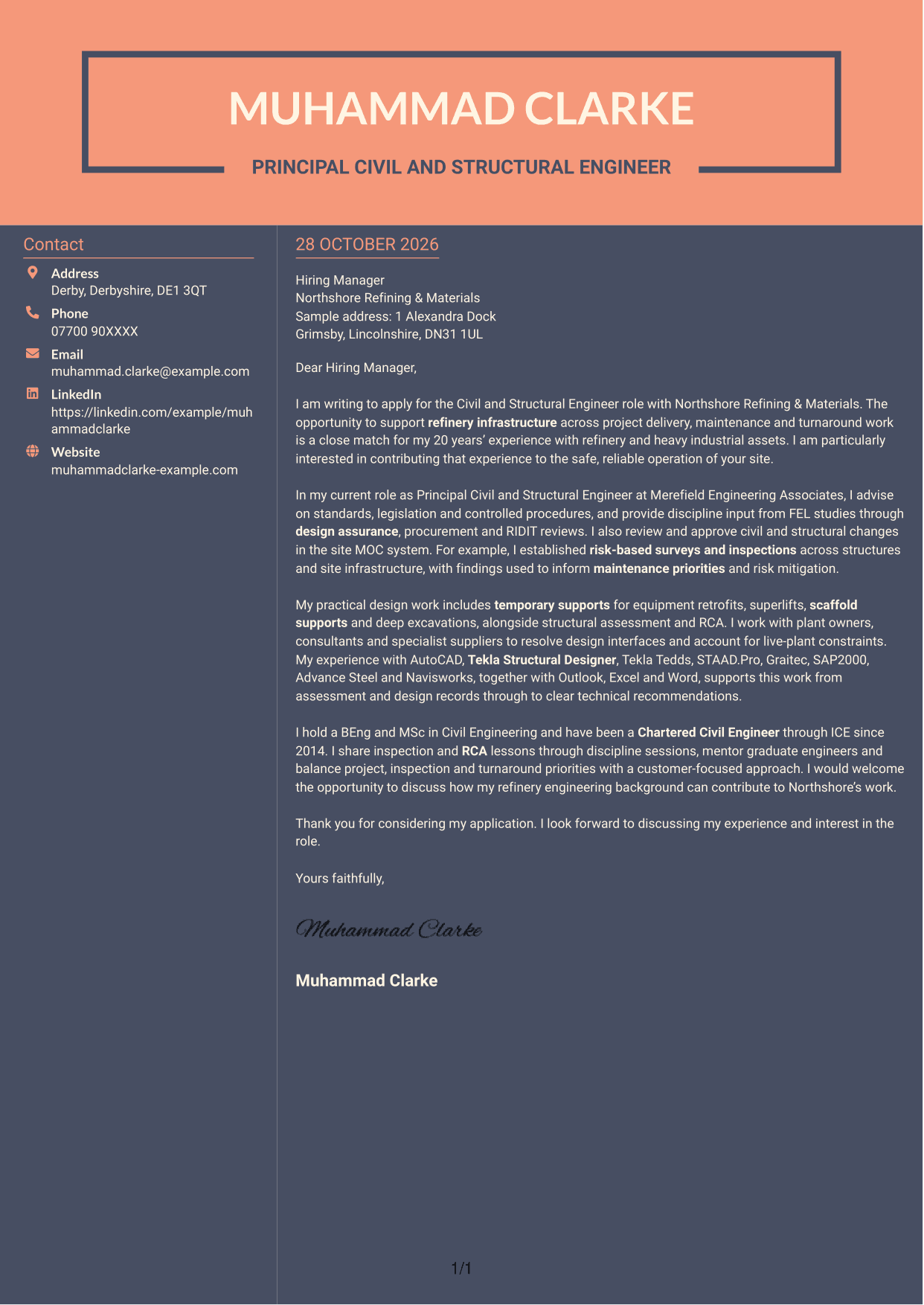
Why This Format Works
- The sidebar places contact details outside the letter’s main text.
- One letter body keeps the opening, evidence and close in sequence.
- The page has no photo, leaving the letter and contact details as its visual content.
Best For
- A sidebar for contact information
- Opening-to-close letter flow
- Text-led personal presentation
- Visible separation of sender details
- Applications without a portrait
See Also
- 7 Civil and Structural Engineer - Refinery Infrastructure CV Templates with Example
- 7 Chartered Structural Engineer CV Templates with Example
- 7 Senior Fire Engineer - Structural CV Templates with Example
- 7 Civil Design Engineer - Water and Wastewater Infrastructure CV Templates with Example
- 7 Civil Engineer - Development Infrastructure CV Templates with Example
- 7 Civil Engineer - HV Infrastructure CV Templates with Example
- 7 Civil Engineer Lead - Drainage and Infrastructure Design CV Templates with Example
- 7 Civil Infrastructure Engineer - Nuclear New-Build CV Templates with Example
- 7 Chartered Structural Engineer Cover Letter Templates with Example
- 7 Senior Fire Engineer - Structural Cover Letter Templates with Example
Frequently Asked Questions
What should a Civil and Structural Engineer - Refinery Infrastructure cover letter highlight?
Show how your civil and structural engineering work relates to refinery projects, maintenance and turnaround activity. Use specific evidence, such as design assurance, MOC decisions, inspections or temporary works, to explain the value of your contribution.
How can I make my experience relevant to this role?
Choose an example that matches a stated need in the role. For instance, explain how inspection findings helped set maintenance priorities or reduce structural risk, and describe your part in reaching that outcome.
How should I explain my interest in Northshore Refining & Materials?
Use a genuine reason linked to the refinery engineering work described in the vacancy. Avoid claims about the organisation that you cannot verify, and explain how your experience could support its stated needs.
What is a clear way to structure this cover letter?
Open with the position and your reason for applying. Use the body to show relevant engineering evidence and role fit, then close by restating your interest and inviting a discussion.
Which technical details should I include?
Focus on tools and methods that directly support your examples. For this role, relevant details may include AutoCAD, structural design software, temporary works, inspection planning and root cause analysis.




