
7 Civil Engineer Lead - Drainage and Infrastructure Design Cover Letter Templates with Example
This guide helps you write a focused Civil Engineer Lead - Drainage and Infrastructure Design cover letter, with seven layouts to compare and practical advice on presenting your role fit.
What Makes a Great Civil Engineer Lead - Drainage and Infrastructure Design Cover Letter in 2026
A strong letter links your interest in the role to clear evidence of drainage and infrastructure design, technical oversight and project coordination. Open with a direct reason for applying and the value you can offer.
Choose examples that show how you review drainage designs, plan work across schemes and guide junior colleagues. Explain how your approach supports the employer’s project needs and helps teams deliver clear, coordinated work.
The featured example moves from interest in the role to design evidence, coordination and a clear close; adapt this focused progression while choosing a presentation suited to the employer and communication context.
#1 Simple One Column Format Cover Letter Example
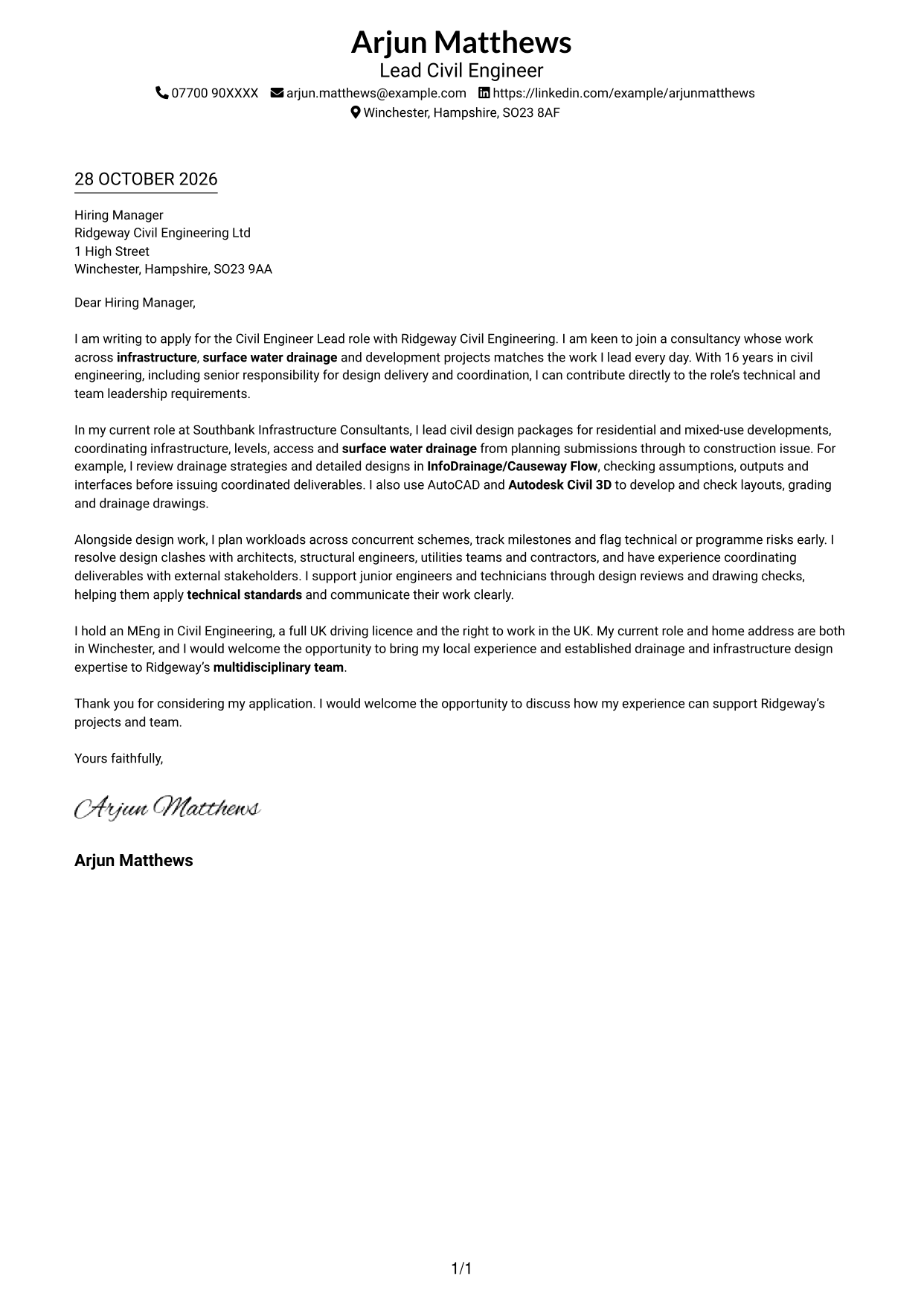
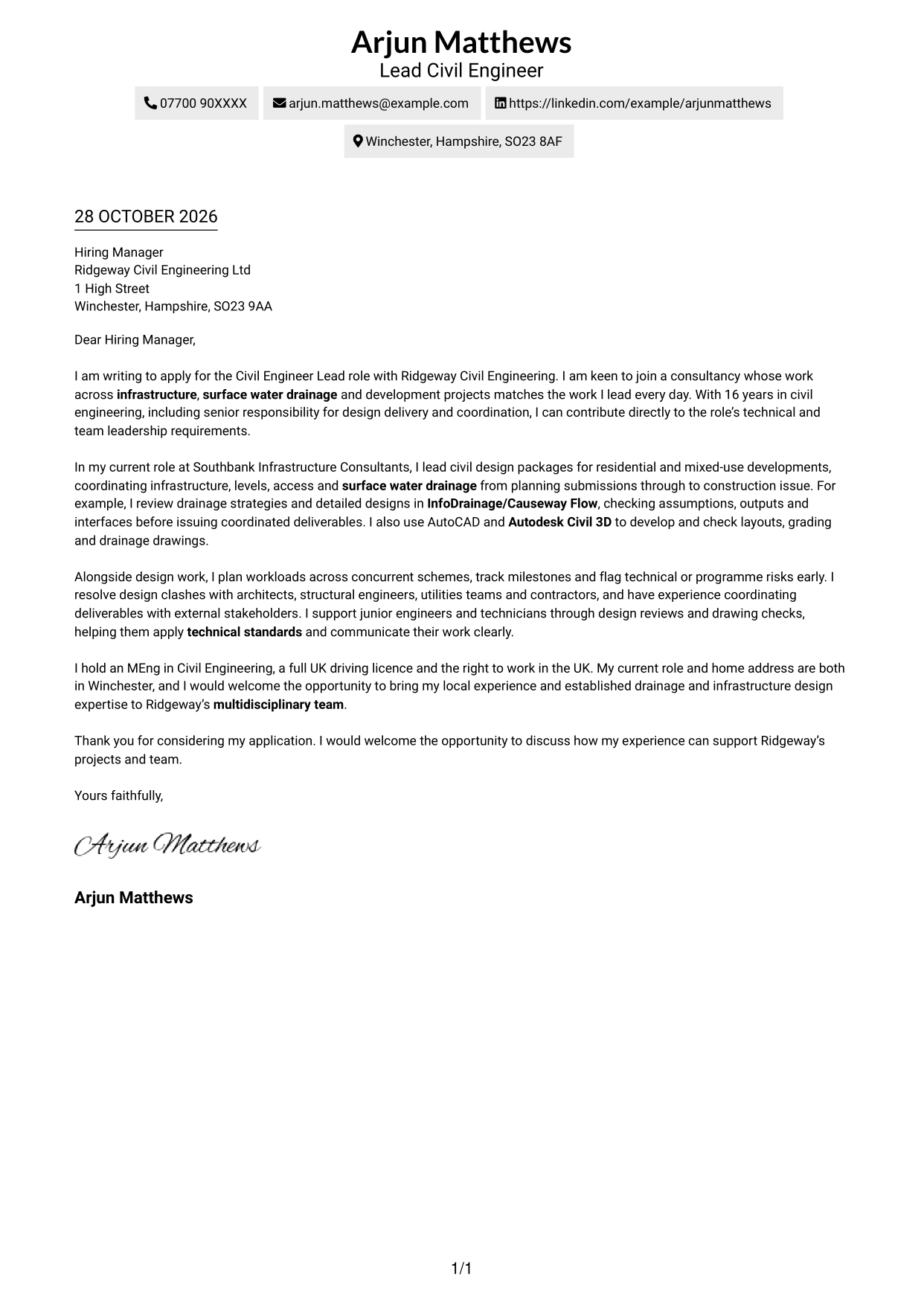
The Simple One Column Format places sender details in the header above one continuous letter body, giving the application a direct reading path.
Why This Format Works
- Header-based sender details make contact information easy to find before reading.
- One continuous column lets the opening, evidence and close follow in order.
- Without argument headings, the letter reads as a connected personal message.
Best For
- Single-column letter reading
- Header-based contact details
- Continuous paragraph structure
- Text-led applications
- Simple document layouts
#2 Two Column Format Cover Letter Example
The Two Column Format keeps contact details in a sidebar beside one continuous letter body, separating practical information from the application’s case.
Why This Format Works
- Contact details sit beside, not within, the letter’s persuasive paragraphs.
- The letter body remains one column, so its reasoning is not split across panels.
- Readers can follow the case from opening to close without section labels.
Best For
- Two-column page organisation
- Continuous letter body
- Easy sender-detail lookup
- Text-focused applications
- No-photo document preference
#3 Photo Header Two Column Format Cover Letter Example
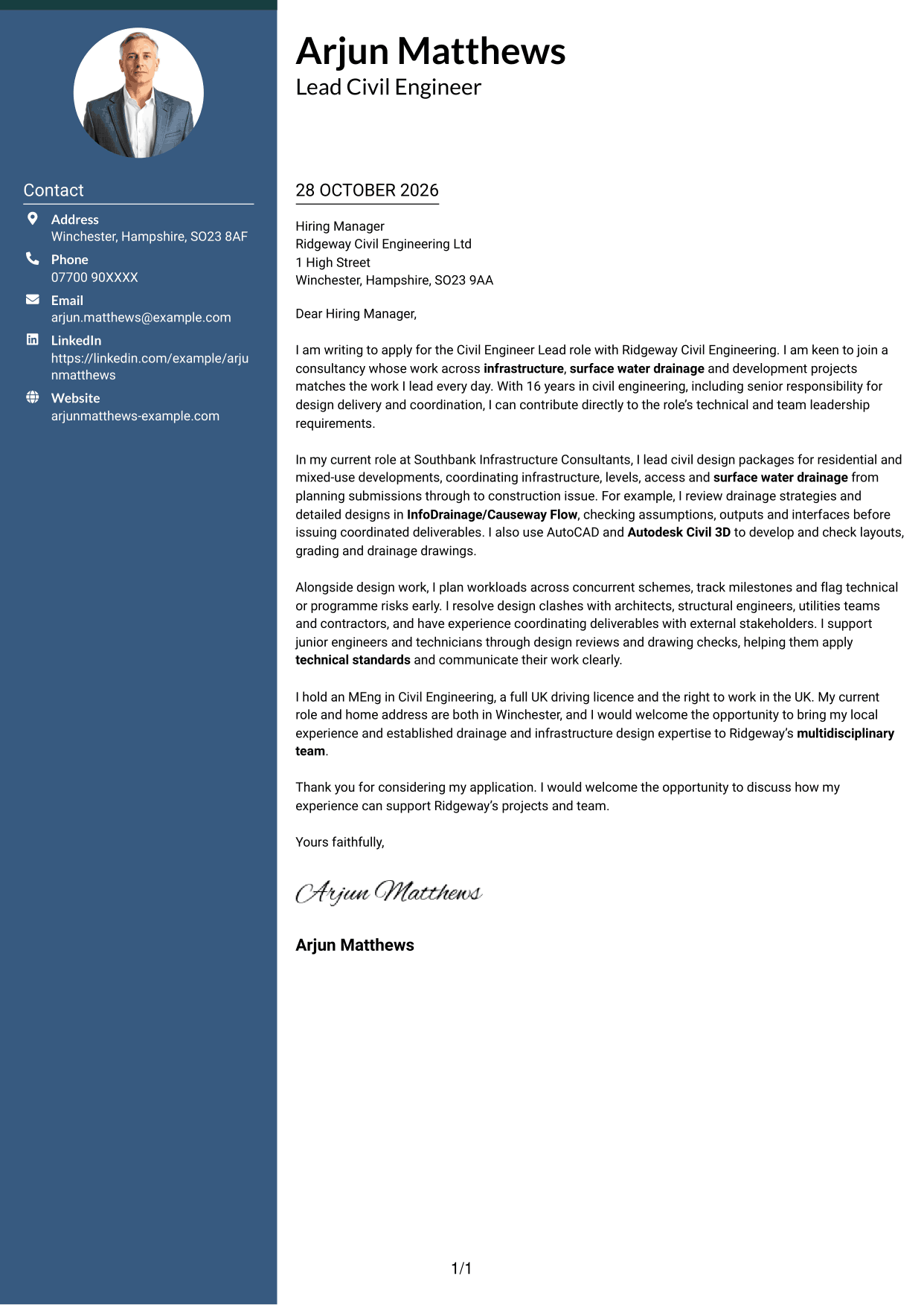
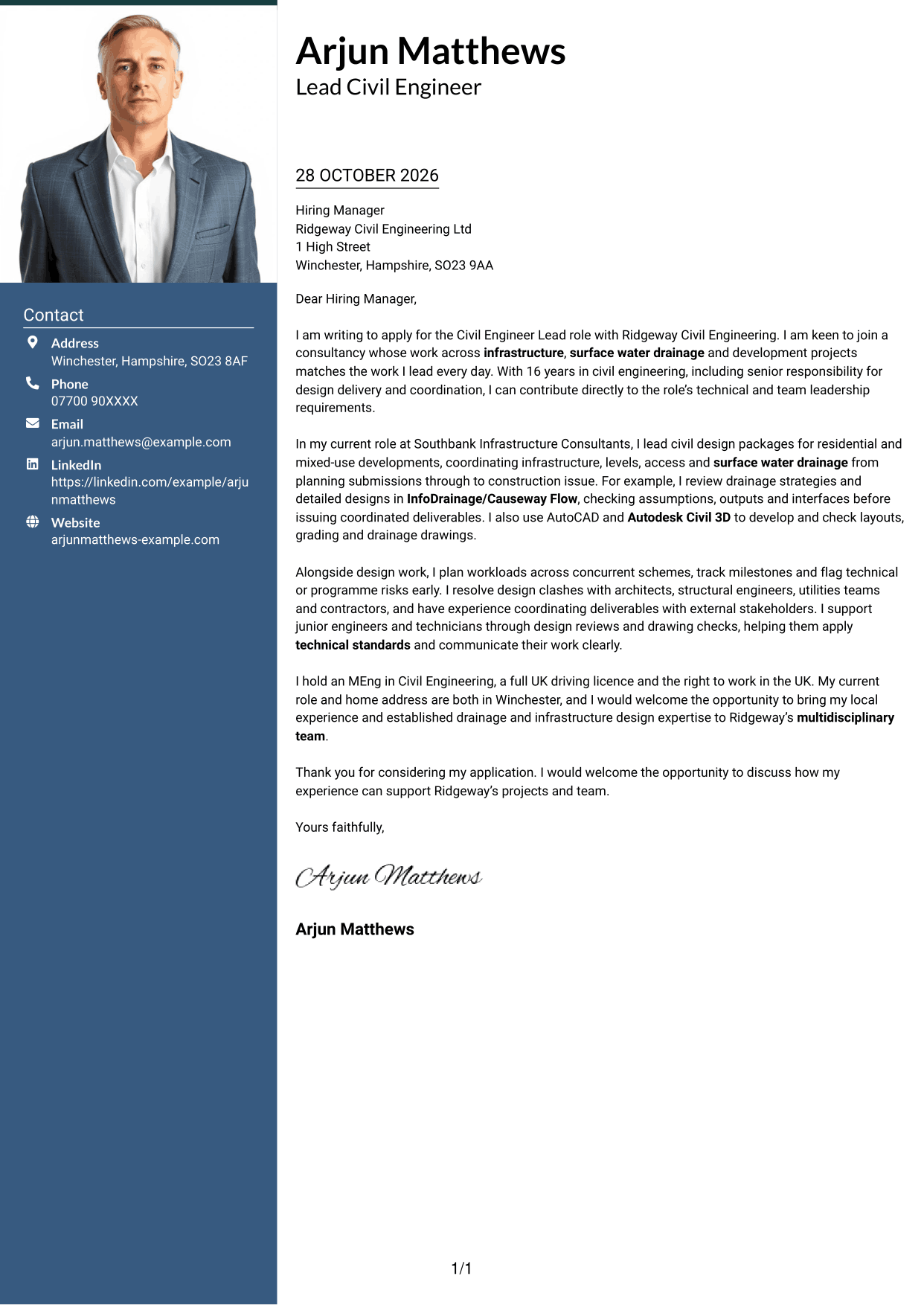
The Photo Header Two Column Format includes a photo and places contact details beside one continuous letter body, combining a personal visual element with a separate contact area.
Why This Format Works
- The photo identifies the sender without changing the letter’s argument.
- Contact details stay beside the letter rather than inside its paragraphs.
- A single body column keeps the message in a clear reading order.
Best For
- Photo-inclusive applications
- Side-by-side contact access
- Single-column letter body
- Portrait-led correspondence
- Paragraph-based persuasion
#4 One Column Format with Photo Cover Letter Example
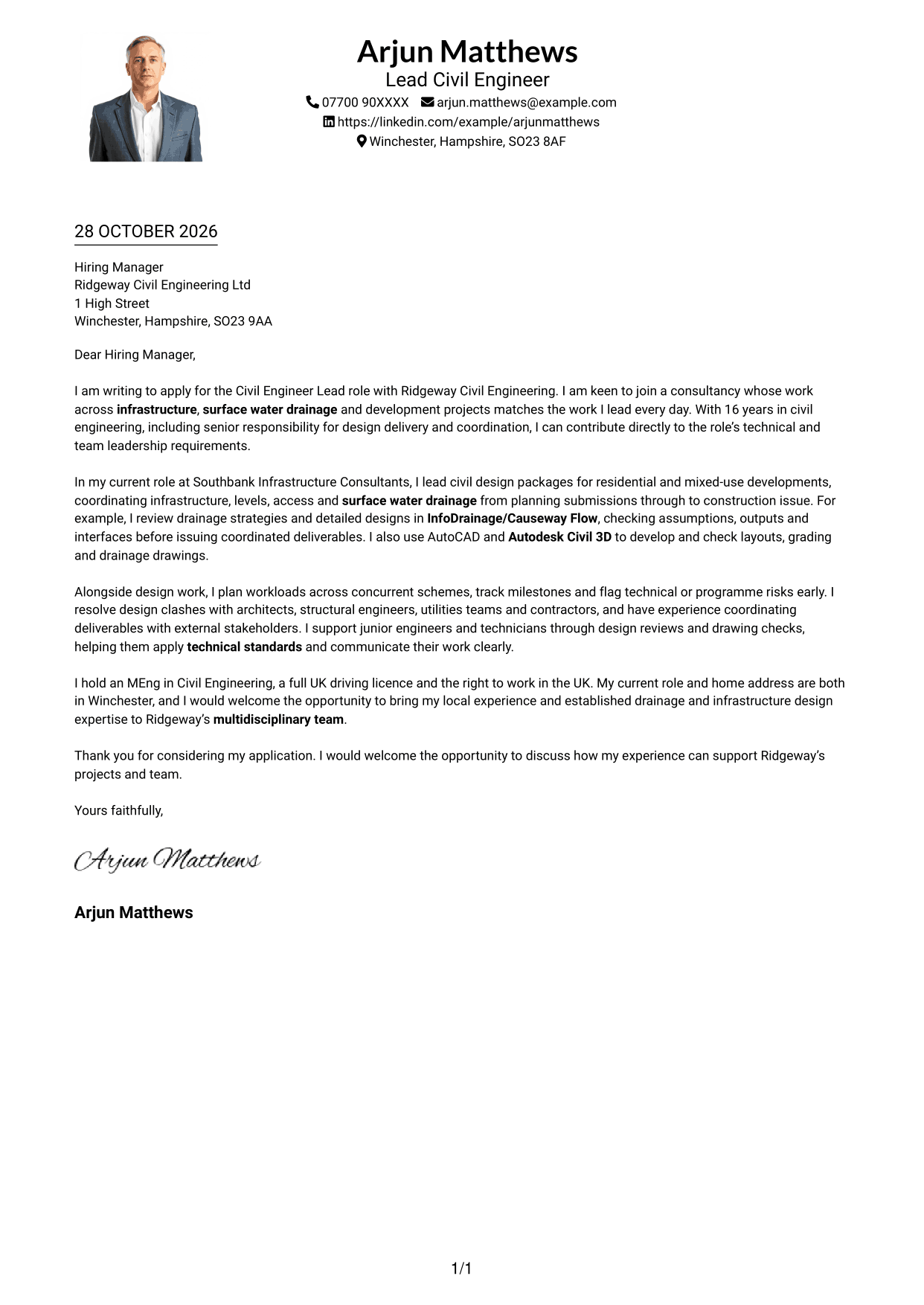
The One Column Format with Photo combines a photo and header-based sender details with a continuous letter body, keeping the correspondence together in one reading path.
Why This Format Works
- Sender details stay in the header, away from the letter paragraphs.
- One-column paragraphs preserve a straightforward route from interest to closing.
- The photo adds a personal visual element without dividing the argument.
Best For
- Photo-inclusive correspondence
- One-column reading
- Header-based contact information
- Continuous letter paragraphs
- Personal visual presentation
#5 Simple Two Column Format Cover Letter Example
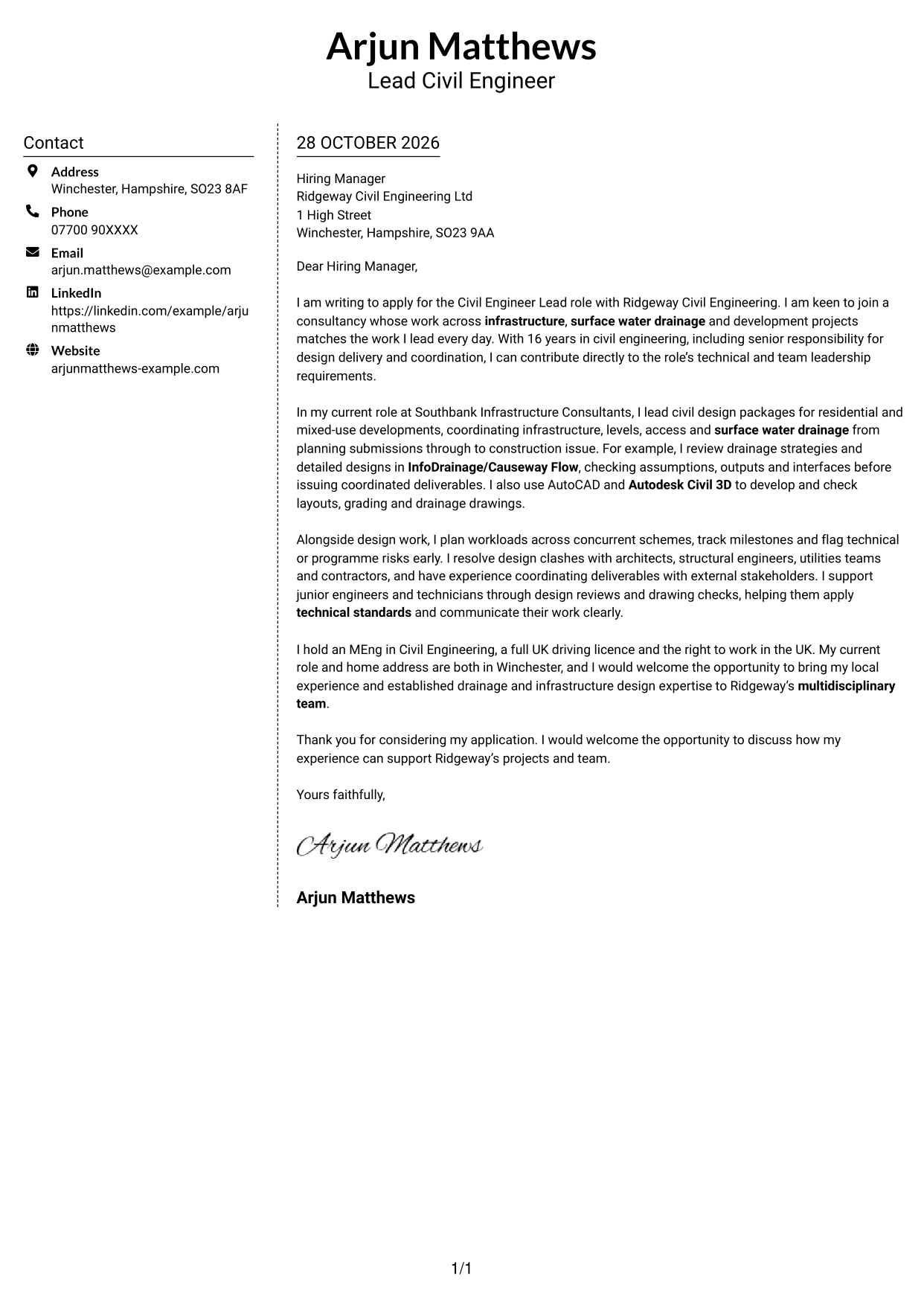
The Simple Two Column Format places a contact sidebar beside the uninterrupted letter body, giving practical details their own space without splitting the argument.
Why This Format Works
- A dedicated sidebar makes sender contact details distinct from the correspondence.
- The letter stays in one body column, keeping its paragraphs together.
- Readers can move through the message without switching between argument columns.
Best For
- Separate contact information
- Uninterrupted letter reading
- Two-column page organisation
- Text-led correspondence
- No-photo applications
#6 Modern Icon Format Cover Letter Example
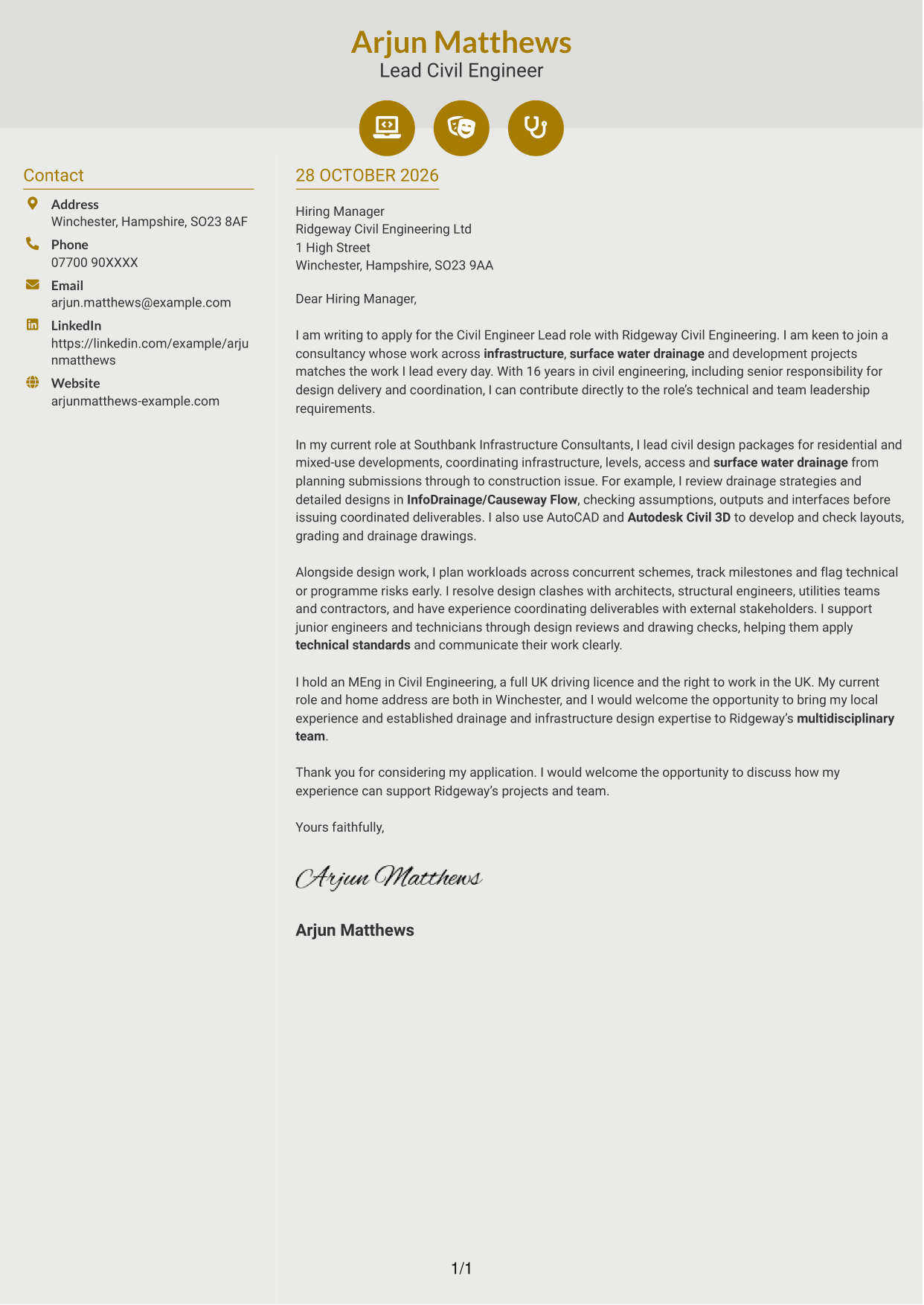
The Modern Icon Format uses two columns, with contact details in a sidebar and icons as contact cues or decorative header accents, while the letter remains continuous.
Why This Format Works
- Icons help distinguish contact details without labelling parts of the letter argument.
- The sidebar keeps sender information apart from the continuous letter body.
- One body column lets the message read from opening through closing.
Best For
- Icon-marked contact details
- Separate contact sidebar
- Continuous letter body
- Two-column reading
- No-photo document preference
#7 Creative Two Tone Format Cover Letter Example
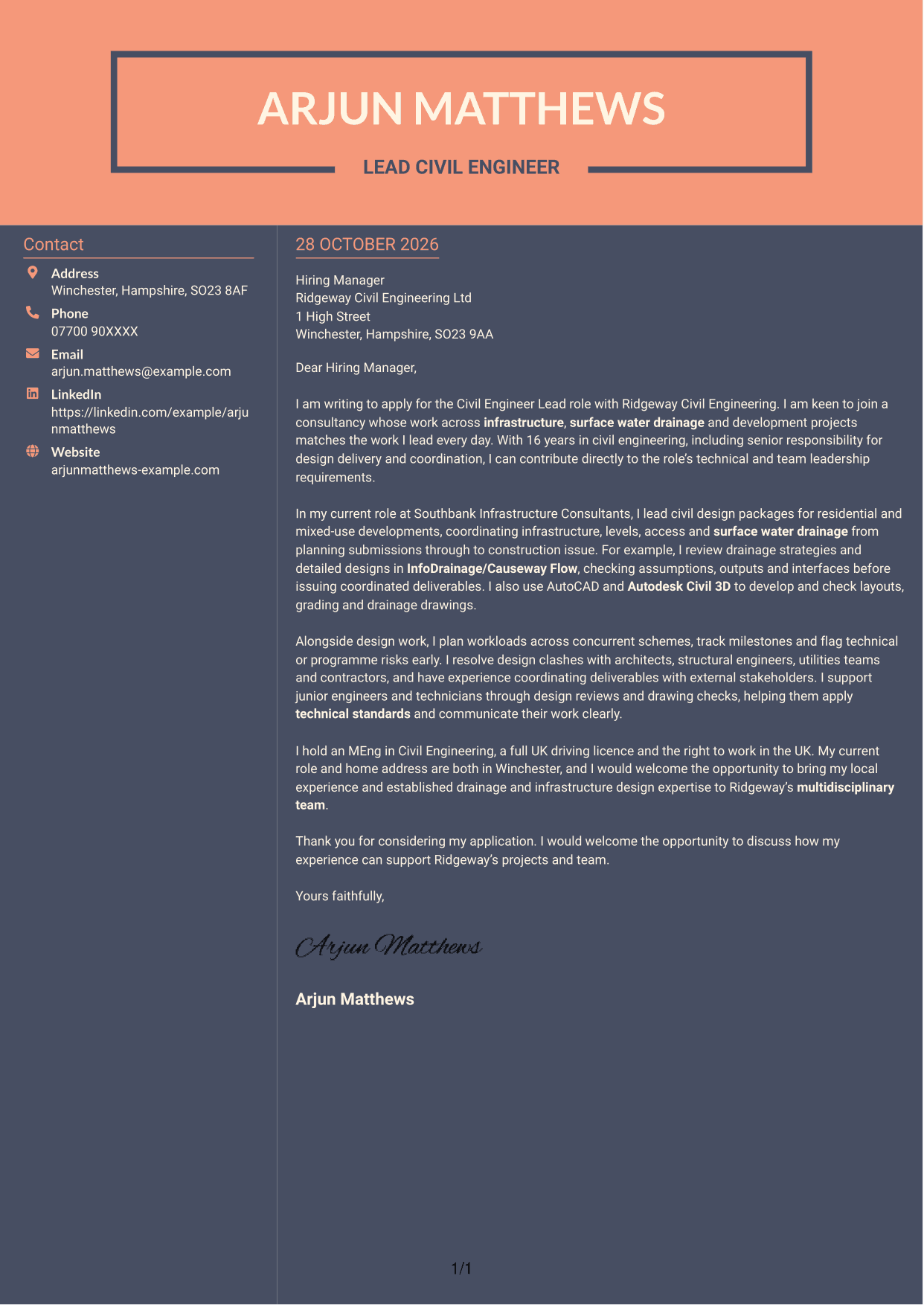
The Creative Two Tone Format sets a contact sidebar beside one continuous letter body, keeping sender information distinct while the application’s argument stays together.
Why This Format Works
- The sidebar gives contact details a separate place beside the correspondence.
- A single letter column keeps the case intact from opening to close.
- The contact area does not interrupt the letter’s connected paragraphs.
Best For
- Contact sidebar layouts
- Connected letter paragraphs
- Single-column argument
- Side-by-side page structure
- No-photo correspondence
See Also
- 7 Civil Engineer Lead - Drainage and Infrastructure Design CV Templates with Example
- 7 Assistant Civil Engineer - Highways and Drainage Design CV Templates with Example
- 7 Civil Design Engineer - Water and Wastewater Infrastructure CV Templates with Example
- 7 Graduate Civil Engineer - Rail Infrastructure Design CV Templates with Example
- 7 Senior Civil Engineer - Infrastructure Design CV Templates with Example
- 7 Chartered Civil Engineer - Highways, Drainage and Flood Risk CV Templates with Example
- 7 Civil Drainage Engineer CV Templates with Example
- 7 Civil Project Engineer - Highways and Drainage CV Templates with Example
- 7 Assistant Civil Engineer - Highways and Drainage Design Cover Letter Templates with Example
- 7 Civil Design Engineer - Water and Wastewater Infrastructure Cover Letter Templates with Example
Frequently Asked Questions
What should a Civil Engineer Lead - Drainage and Infrastructure Design cover letter highlight?
Show how your civil design work matches the role’s needs. You could discuss surface water drainage, infrastructure design, technical checks, workload planning and support for junior colleagues.
How can I show that my drainage design experience fits this role?
Give a specific example of a design task you handled, such as reviewing a drainage strategy or coordinating levels and access. Explain what you did and how it helped move the work forward.
How can I explain my interest in the employer?
Connect your interest to the employer’s work in infrastructure, drainage and development. Then explain how your design and coordination experience could support its projects and team.
How should I organise this cover letter?
Start with the role and a clear reason for applying. Use the body to give focused evidence of design delivery, coordination and technical guidance, then close by restating your interest and inviting a discussion.
Should I include every part of my work history?
No. Select the experience that best shows your fit for this role. A few clear examples of design leadership, project coordination and team support are easier to follow than a full account of every duty.




