
7 Civil Engineer - Wastewater Infrastructure Cover Letter Templates with Example
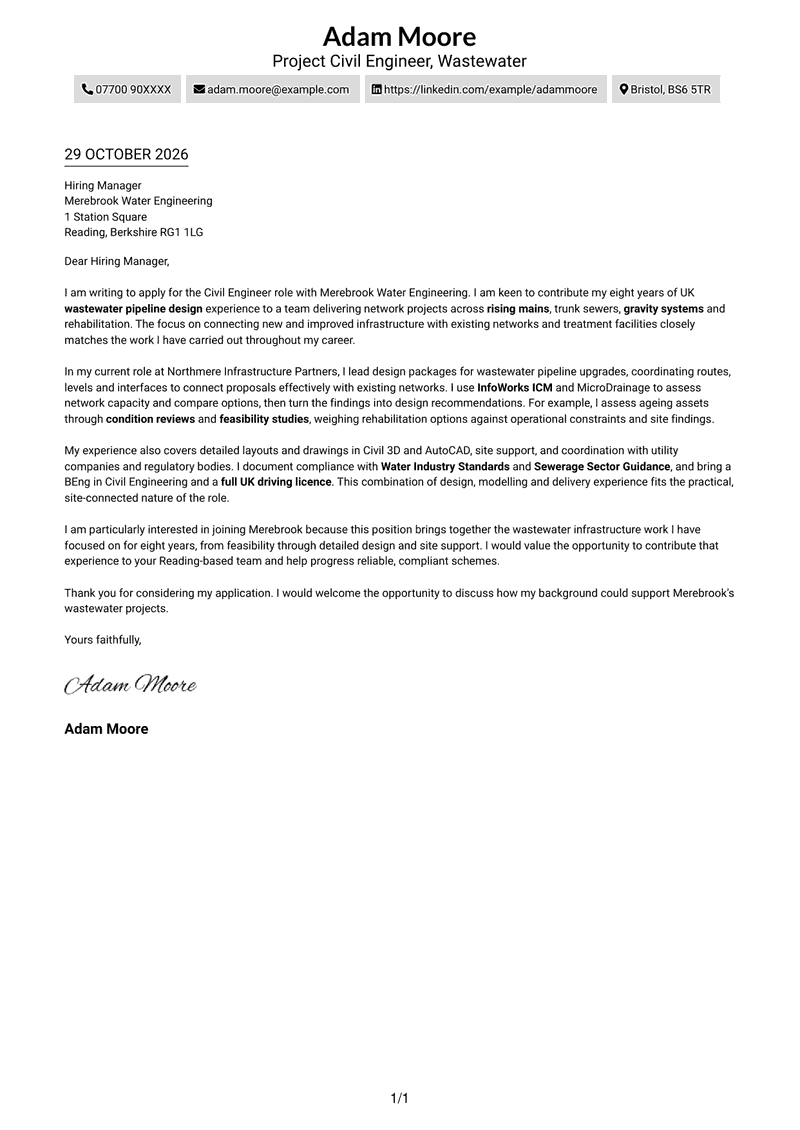
This practical guide to a Civil Engineer - Wastewater Infrastructure cover letter shows how to present relevant design evidence across seven layouts.
What Makes a Great Civil Engineer - Wastewater Infrastructure Cover Letter in 2026
A strong letter explains your interest in the role and links your wastewater design experience to its work. A clear opening and focused body help the reader follow your case.
Use relevant evidence, such as hydraulic modelling, pipeline design or asset rehabilitation assessments. Show how your approach supports safe, practical delivery and explain why the employer’s wastewater work interests you.
The featured Civil Engineer - Wastewater Infrastructure example moves from role interest to relevant design and delivery evidence, then to a direct close; adapt this focused progression and choose a presentation suited to the employer and communication context.
#1 Simple One Column Format Cover Letter Example
A single-column letter keeps the sender details in the header and the letter body together for a direct reading order.
Why This Format Works
- Sender details stay in the header, separate from the letter’s main message.
- Unheaded paragraphs let the application, evidence and closing read as one connected argument.
- A single body column gives each paragraph a clear top-to-bottom reading order.
Best For
- Direct top-to-bottom reading
- A continuous letter body
- Simple contact presentation
- Traditional letter structure
- Minimal visual separation
#2 Two Column Format Cover Letter Example
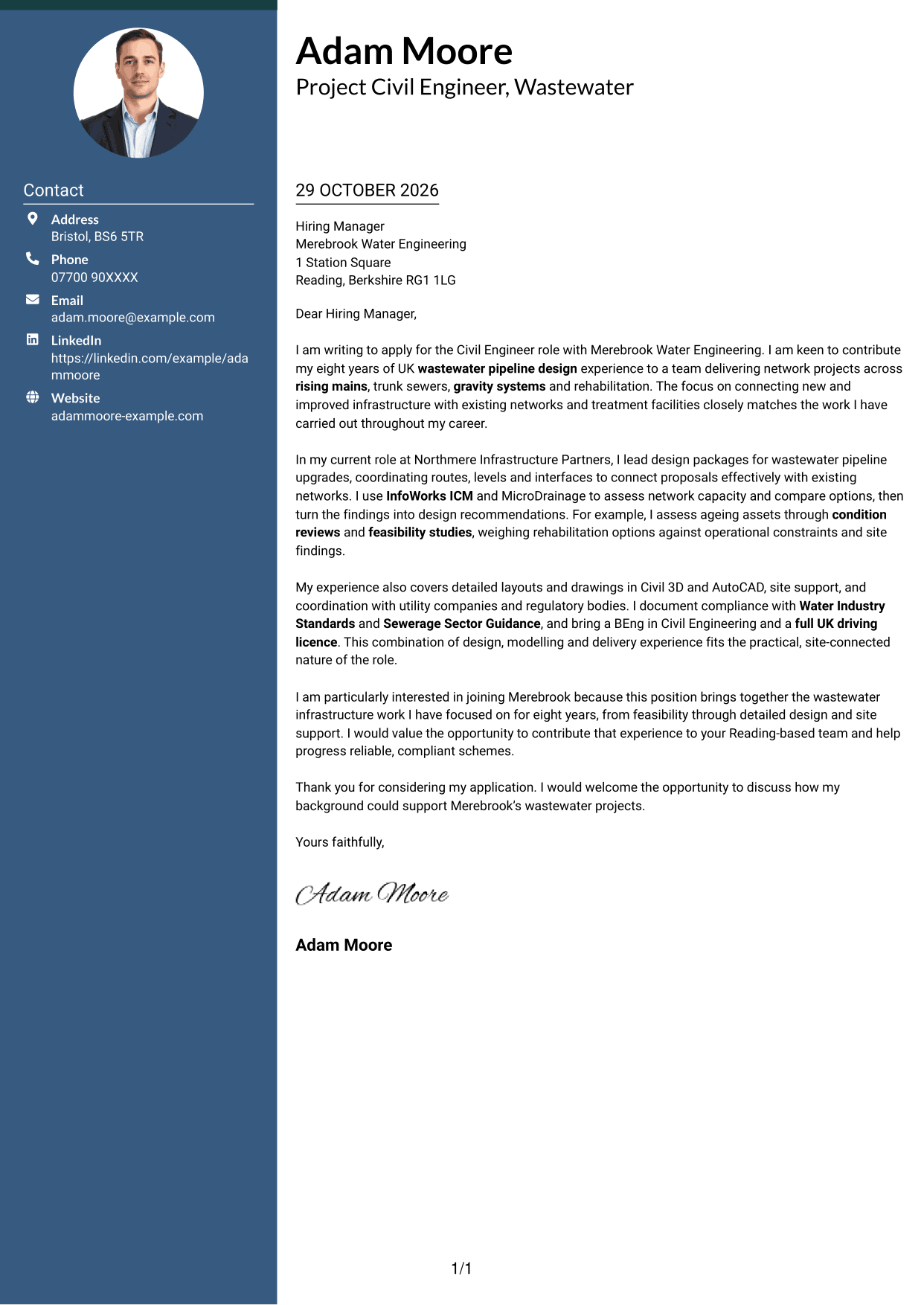
A contact sidebar sits beside one continuous letter body, keeping contact details apart from the main message.
Why This Format Works
- The sidebar gives contact details a separate place beside the letter’s paragraphs.
- A single body column keeps the application and supporting evidence in sequence.
- The clear division helps reviewers distinguish contact information from the letter itself.
Best For
- Contact details beside the letter
- A clear distinction between contact and message
- One continuous argument
- Compact contact information
- A defined reading order
#3 Photo Header Two Column Format Cover Letter Example
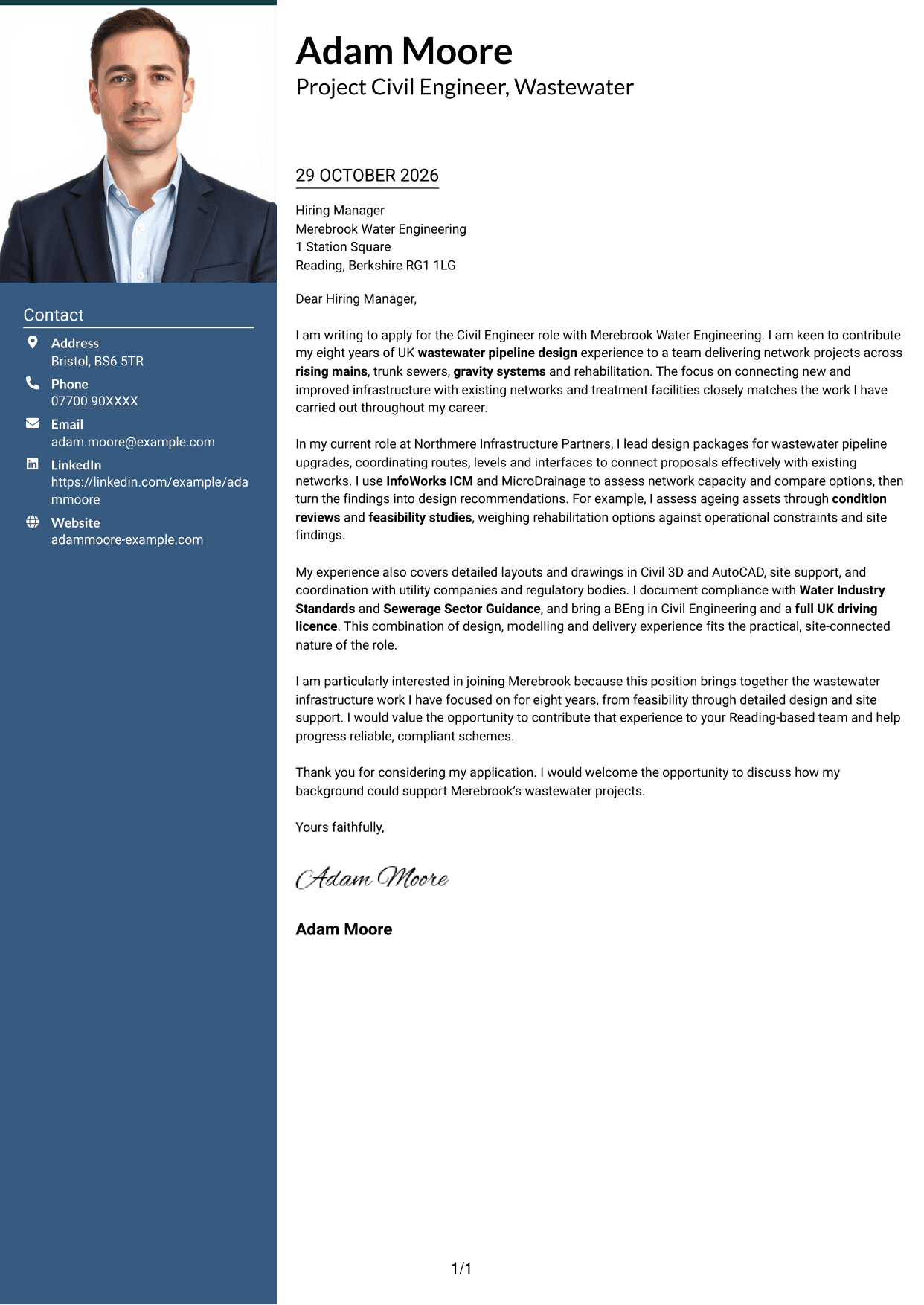
A photo in the header adds a visual point of identification, while a contact sidebar sits beside the continuous letter body.
Why This Format Works
- The portrait provides a visible point of identification in the header.
- Contact details sit apart from the body, keeping the letter’s message distinct.
- A continuous body column lets readers follow the case for the role in order.
Best For
- A portrait in the header
- Contact details beside the message
- A continuous letter body
- Visual identification at first glance
- A clear division between contact and letter
#4 One Column Format with Photo Cover Letter Example
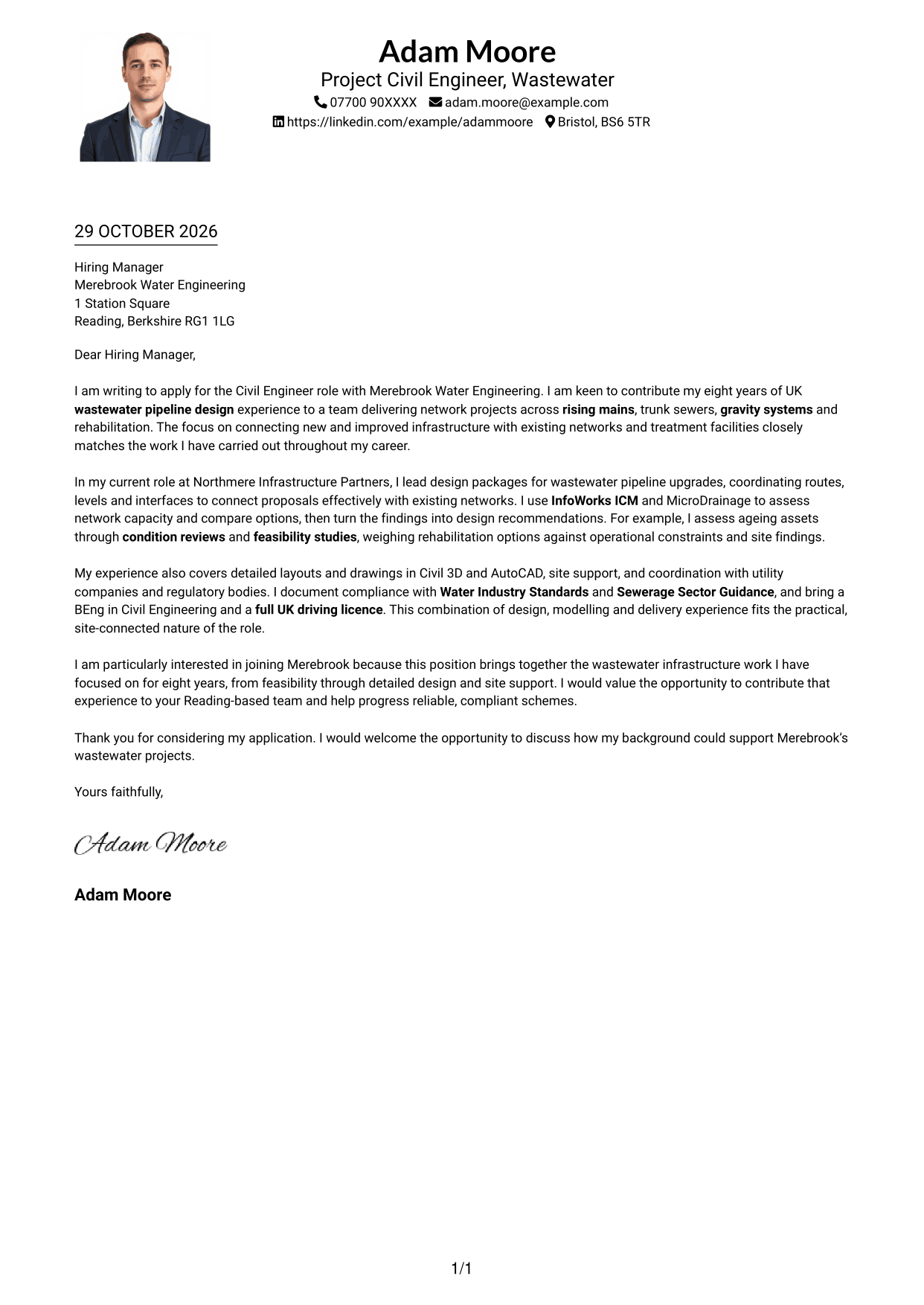
A photo in the header gives this one-column letter a visible point of identification while the body follows a direct reading order.
Why This Format Works
- The header portrait makes the sender visually identifiable without dividing the letter body.
- One body column keeps each paragraph in a straightforward reading sequence.
- Contact details remain in the header rather than interrupting the letter’s message.
Best For
- A portrait with a direct reading order
- One-column letter layout
- Contact details in the header
- A continuous letter body
- Visual identification without a sidebar
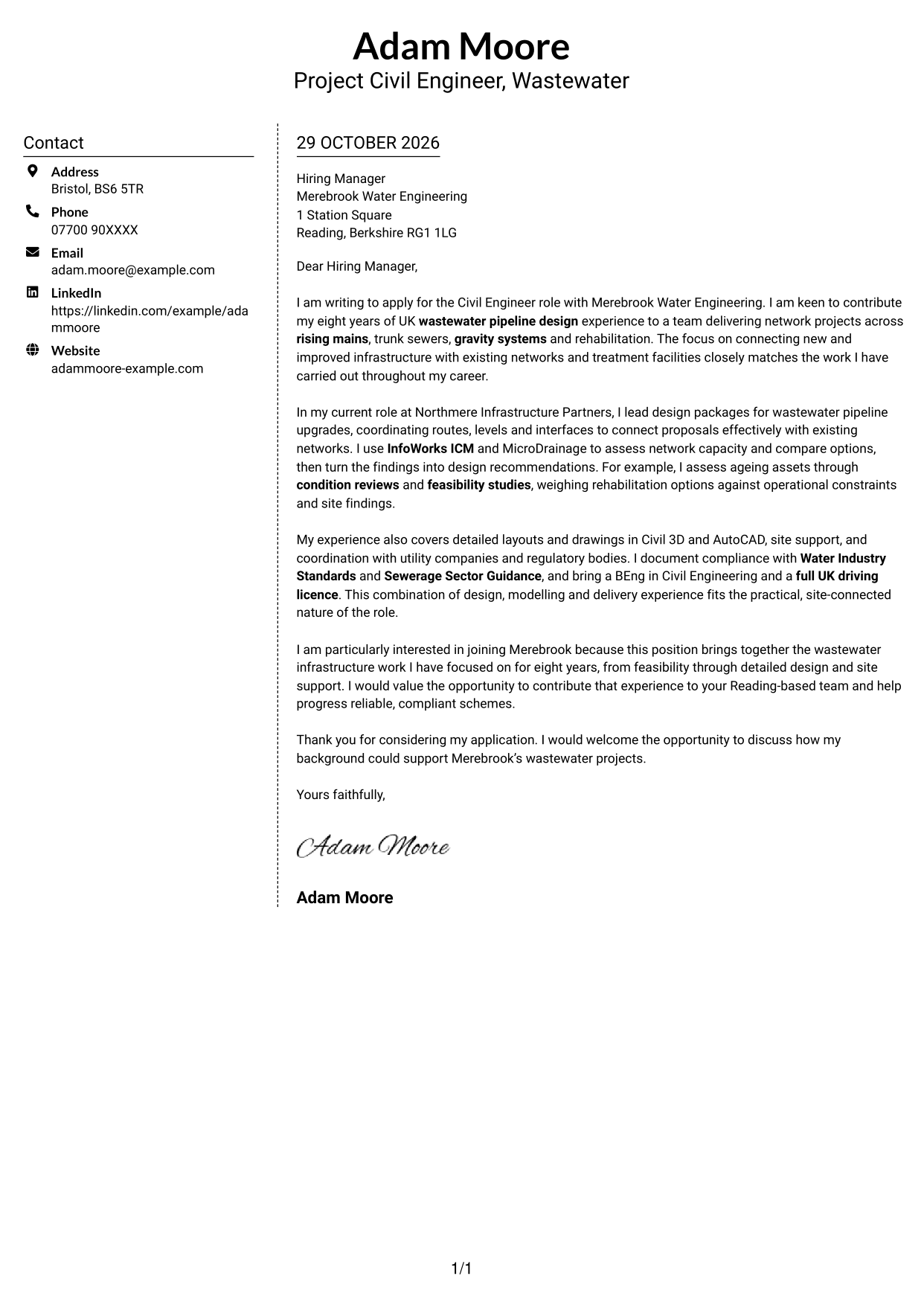
#5 Simple Two Column Format Cover Letter Example
The contact sidebar and continuous letter body use two distinct columns, separating contact details from the letter’s message.
Why This Format Works
- Contact information has its own column, apart from the letter’s paragraphs.
- The body remains continuous, so motivation and evidence stay in their intended order.
- The two-column arrangement makes the difference between contact details and message clear.
Best For
- A separate contact column
- Contact details beside the letter
- One continuous body of paragraphs
- A clear distinction between sender details and message
- Two-column page organisation
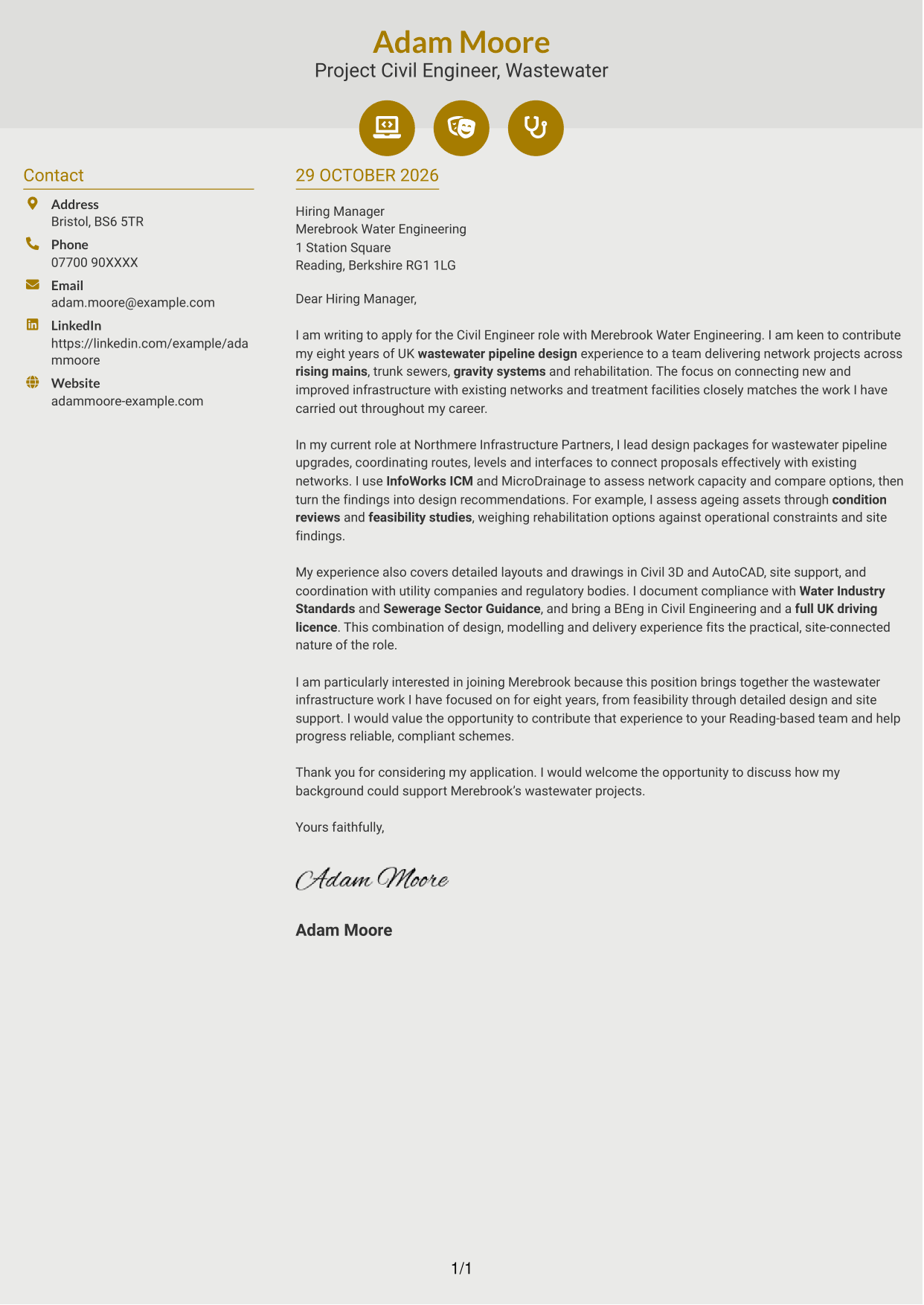
#6 Modern Icon Format Cover Letter Example
Contact detail cues and decorative header accents sit with a contact sidebar beside one continuous letter body.
Why This Format Works
- Contact cues help identify the sender’s details without labelling the letter’s argument.
- The sidebar keeps contact information distinct from the continuous letter body.
- Readers can follow the opening, supporting points and closing in one body column.
Best For
- Contact details with visual cues
- A separate contact sidebar
- One continuous letter body
- Clear separation of contact and message
- A defined paragraph sequence
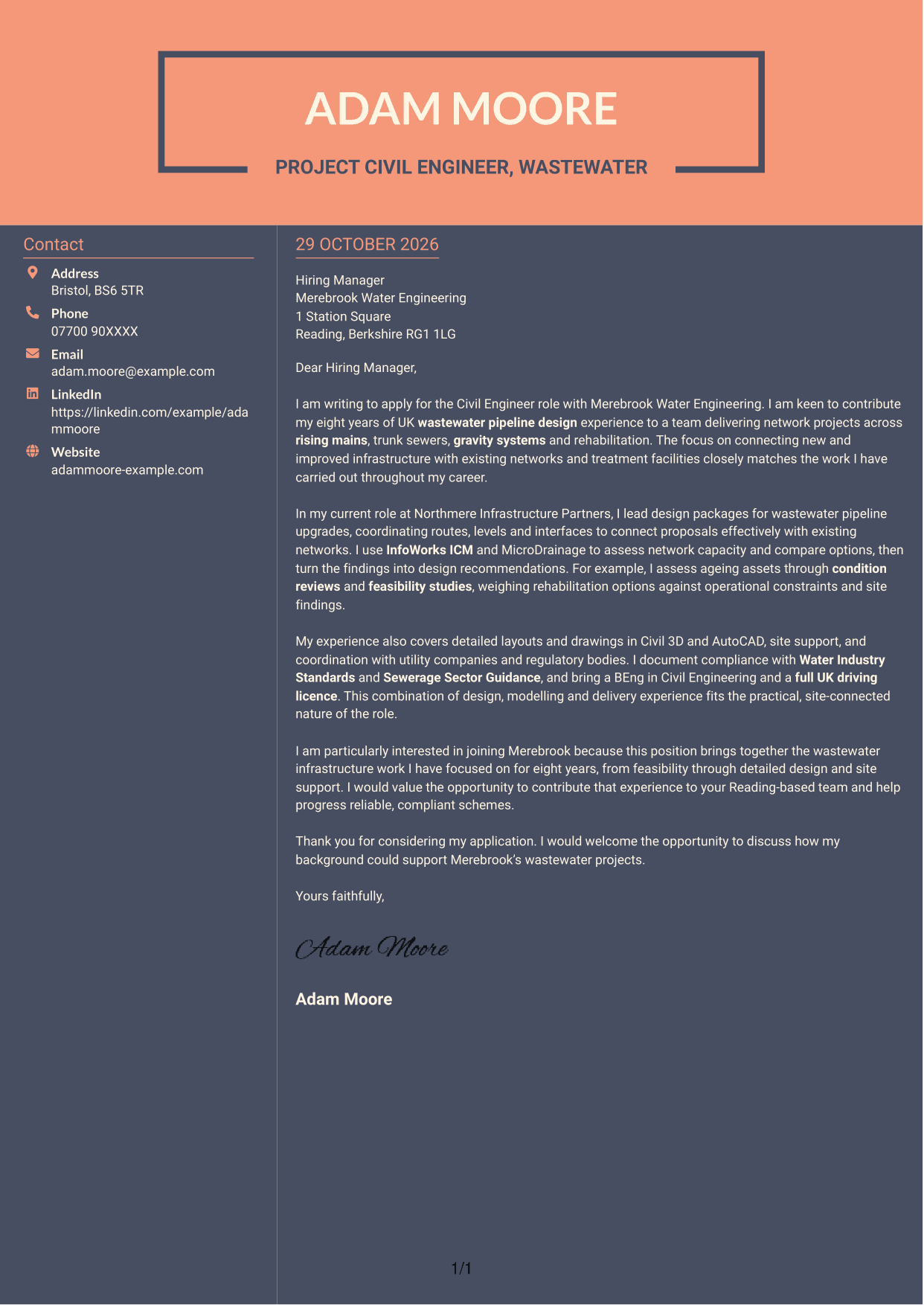
#7 Creative Two Tone Format Cover Letter Example
Two columns place the contact sidebar beside the continuous letter body, giving contact details and the message separate areas.
Why This Format Works
- The contact sidebar sets sender information apart from the letter’s central message.
- A continuous body keeps the motivation and evidence in a natural sequence.
- The distinct columns make it easy to tell contact details from letter paragraphs.
Best For
- Contact information beside the message
- A continuous letter argument
- Two-column organisation
- Separate sender and letter details
- A clear paragraph sequence
See Also
- 7 Civil Design Engineer - Water and Wastewater Infrastructure CV Templates with Example
- 7 Civil Engineer - Wastewater Infrastructure CV Templates with Example
- 7 Associate Director Civil Engineer - Water and Wastewater CV Templates with Example
- 7 Civil and Structural Engineer - Refinery Infrastructure CV Templates with Example
- 7 Civil Engineer - Development Infrastructure CV Templates with Example
- 7 Civil Engineer - HV Infrastructure CV Templates with Example
- 7 Civil Engineer Lead - Drainage and Infrastructure Design CV Templates with Example
- 7 Civil Infrastructure Engineer - Nuclear New-Build CV Templates with Example
- 7 Civil Design Engineer - Water and Wastewater Infrastructure Cover Letter Templates with Example
- 7 Associate Director Civil Engineer - Water and Wastewater Cover Letter Templates with Example
Frequently Asked Questions
What should a Civil Engineer - Wastewater Infrastructure cover letter highlight?
Connect your wastewater design experience to the role’s work. Relevant examples may include pipeline layouts, hydraulic modelling, condition assessments, rehabilitation options, compliance coordination and site support.
How can I show that my experience fits this role?
Choose one or two specific examples and explain your contribution. For instance, describe how you used InfoWorks ICM or MicroDrainage to assess a network, or how condition findings helped compare rehabilitation options.
How should I explain my interest in Merebrook Water Engineering?
Link your interest to the role’s wastewater infrastructure work, such as connections to existing networks and treatment facilities. Be specific about why that work appeals to you and how your experience could support it.
How should I structure this cover letter?
Open by naming the role and giving a clear reason for applying. Use the body to connect relevant design and delivery evidence to the work, then close by restating your interest and welcoming a discussion.
Should I include every detail of my engineering experience?
No. Focus on the work that best shows your fit for this role, such as wastewater pipeline design, modelling or rehabilitation assessments. A few clear examples make the letter easier to follow.




