
7 Clinical Administrator Cover Letter Templates with Example
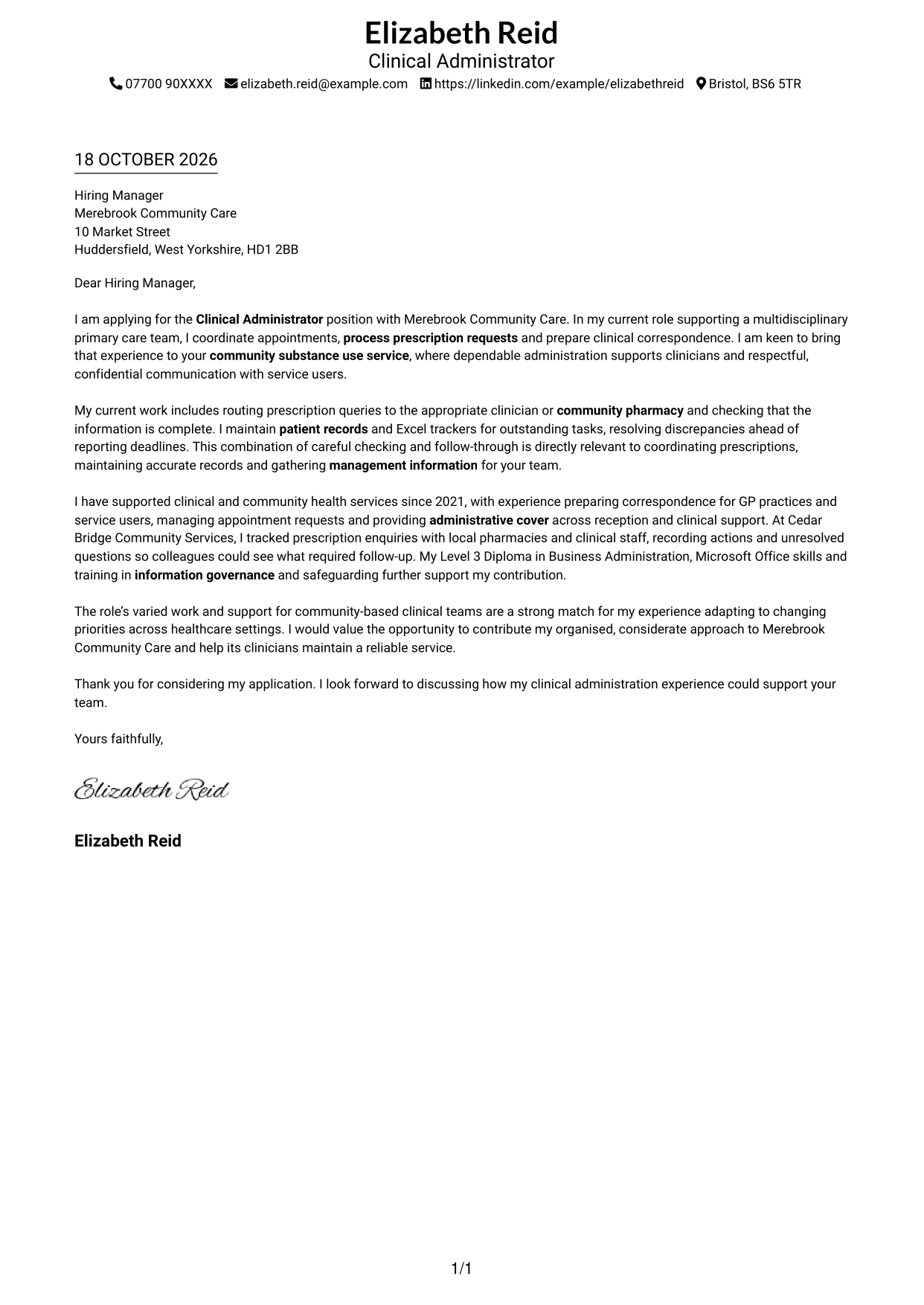
This guide to a Clinical Administrator cover letter shows how to present your fit across seven layouts.
What Makes a Great Clinical Administrator Cover Letter in 2026
A strong letter connects your interest in the Clinical Administrator role with clear examples of appointment coordination, prescription administration and clinical correspondence. It should also show care in communicating with service users and handling confidential information.
Use specific evidence, such as checking prescription queries, keeping accurate records or maintaining Excel trackers for reporting deadlines. Link these examples to the service’s needs and explain your genuine interest in supporting its clinical team.
The featured example moves from interest in the role to relevant duties, focused evidence and a courteous close; adapt this progression while choosing a presentation that suits the employer and communication context.
#1 Simple One Column Format Cover Letter Example
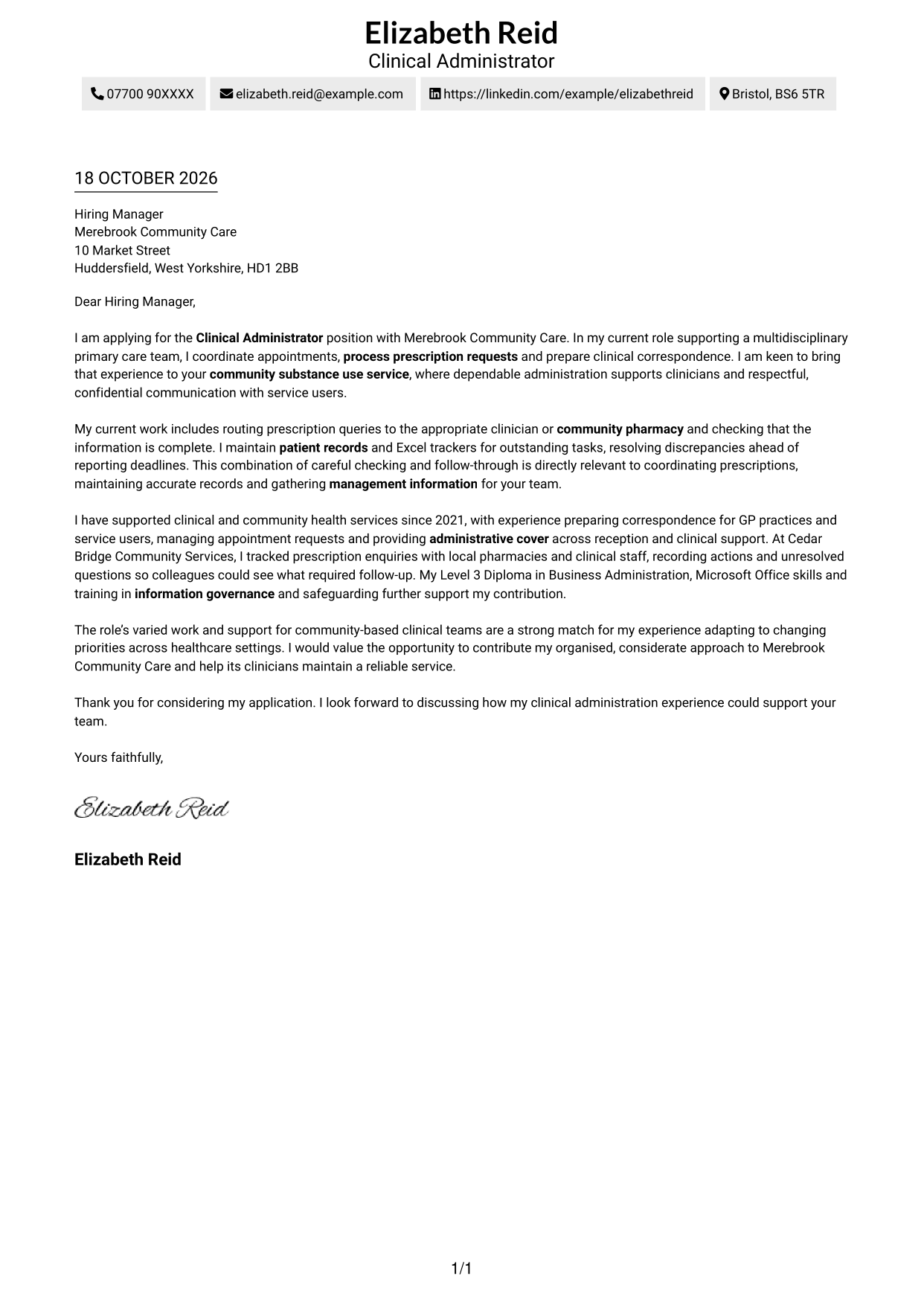
The Simple One Column Format keeps sender details in the header and presents the letter as one continuous body.
Why This Format Works
- The single column keeps sender details and letter paragraphs on one reading path.
- A continuous body lets the opening, supporting points and close read in sequence.
- Without a sidebar, the page gives the letter body the full column width.
Best For
- Single-column correspondence
- Header-based sender details
- Letters with continuous prose
- A straightforward reading order
- Correspondence without a portrait
#2 Two Column Format Cover Letter Example
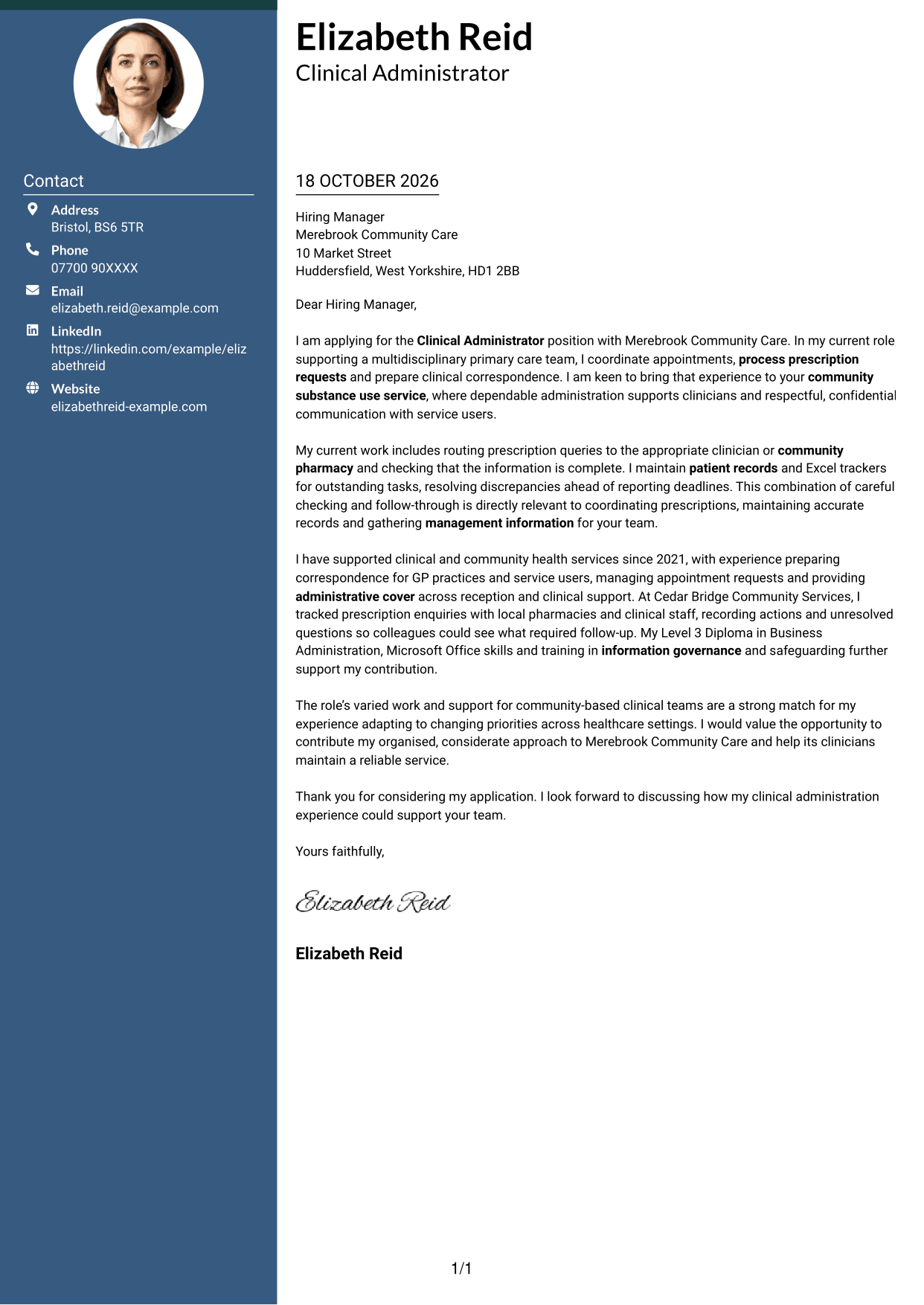
The Two Column Format places contact details in a sidebar beside one continuous letter body.
Why This Format Works
- The contact sidebar keeps sender information apart from the letter's main reading path.
- The continuous body keeps motivation, evidence and closing paragraphs together in sequence.
- A single text column gives the argument a clear direction from opening to close.
Best For
- Separate sender and message areas
- Letters with a contact sidebar
- Continuous cover letter prose
- Readers who prefer a clear reading order
- Applications with concise contact details
#3 Photo Header Two Column Format Cover Letter Example
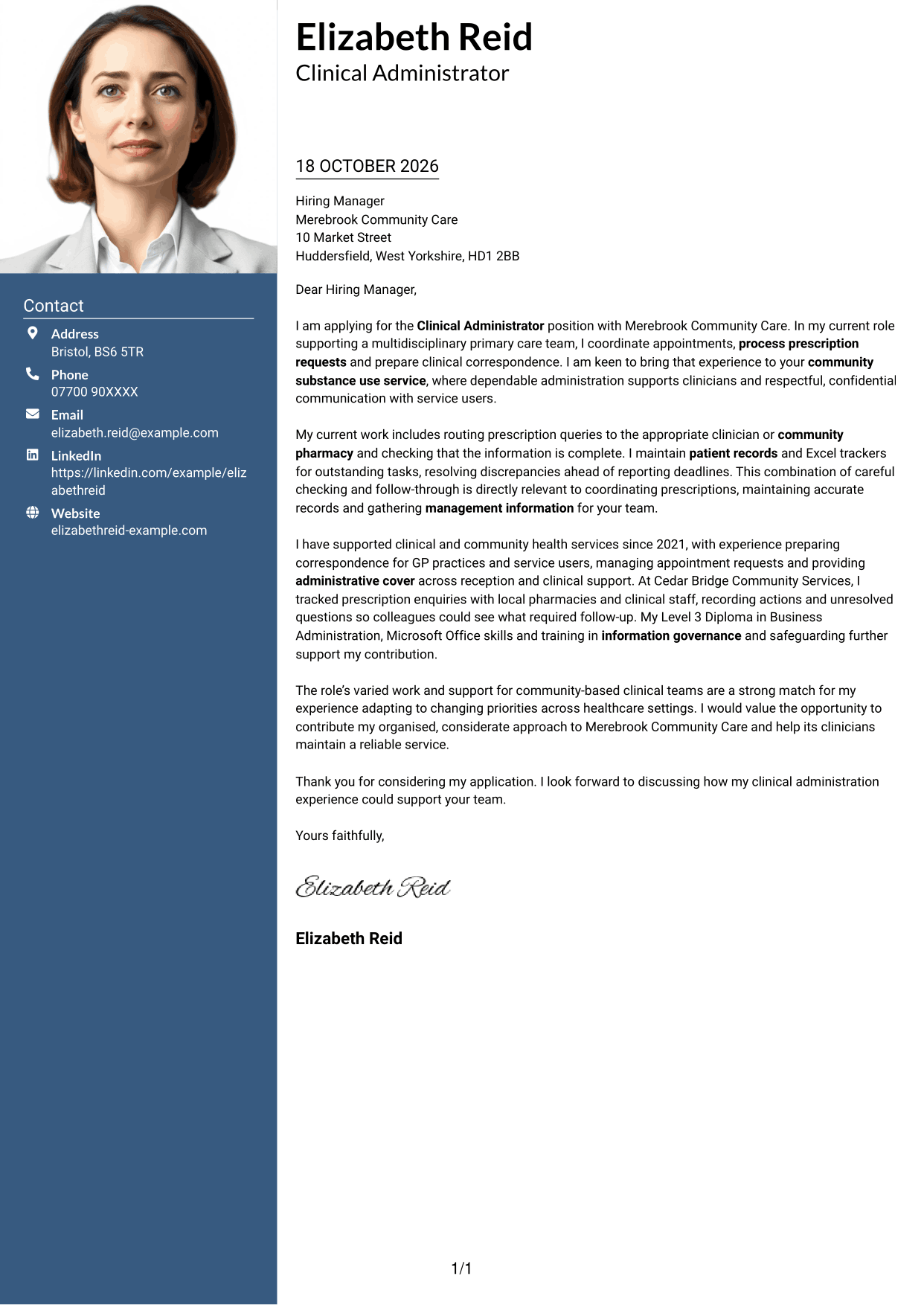
The Photo Header Two Column Format includes a photograph and contact sidebar beside one continuous letter body.
Why This Format Works
- Contact details remain distinct from the letter's continuous paragraphs in the adjacent column.
- The single body column keeps the opening, evidence and close in order.
- A photograph offers a visible personal element for readers who prefer one.
Best For
- Letters that include a photograph
- A separate contact reference
- Continuous letter paragraphs
- Two-column contact and message layouts
- Applications with a personal visual element
#4 One Column Format with Photo Cover Letter Example
The One Column Format with Photo combines one continuous letter column with a photograph.
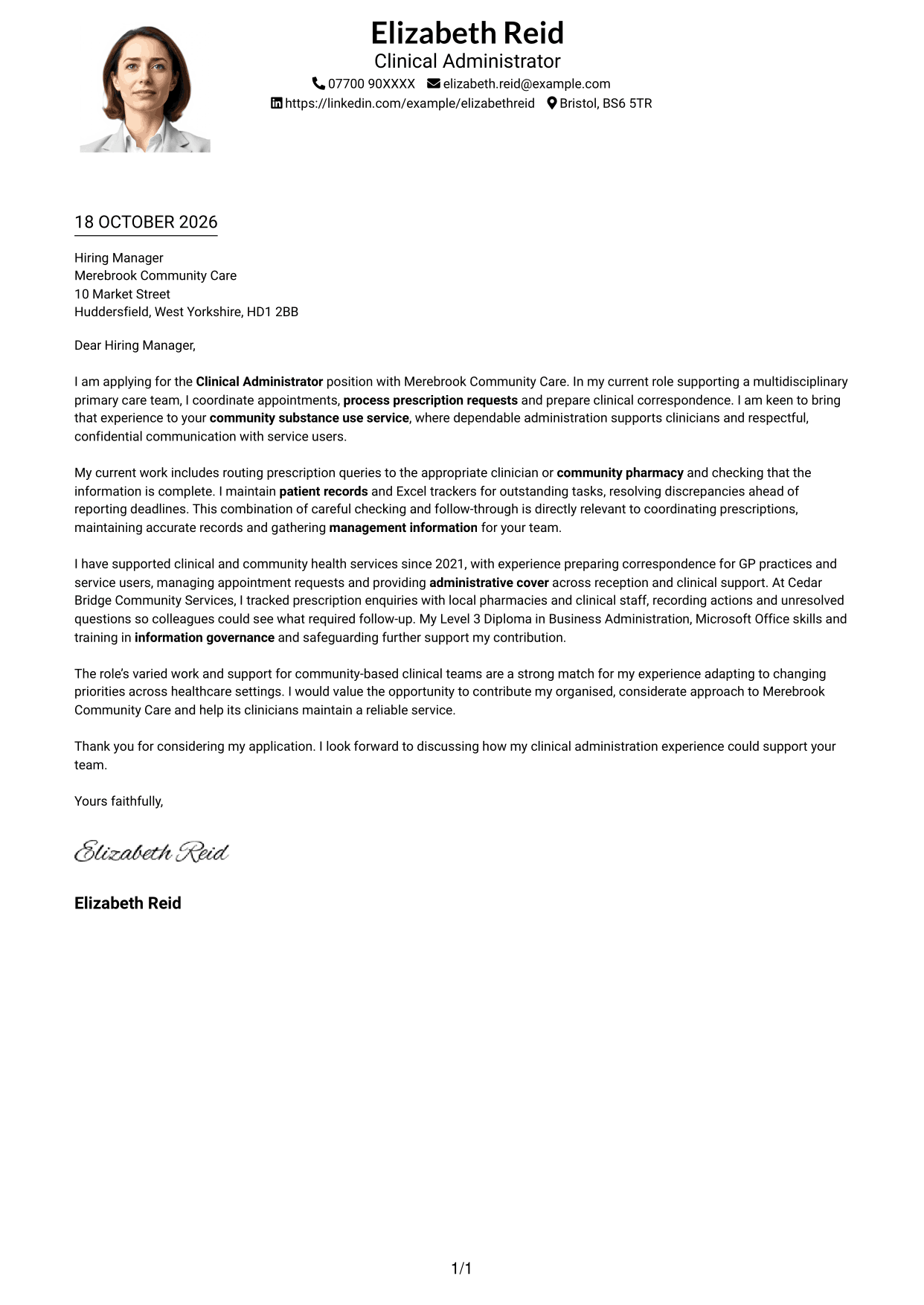
Why This Format Works
- The single column keeps the letter's opening, supporting points and close in sequence.
- A photograph adds a personal visual element to the page.
- Sender details and the letter share one main reading path.
Best For
- One-column letter layouts
- Letters that include a photograph
- A single reading path
- Continuous paragraph-based arguments
- Applications with a visual introduction
#5 Simple Two Column Format Cover Letter Example
The Simple Two Column Format places contact details in a sidebar alongside one continuous letter body.
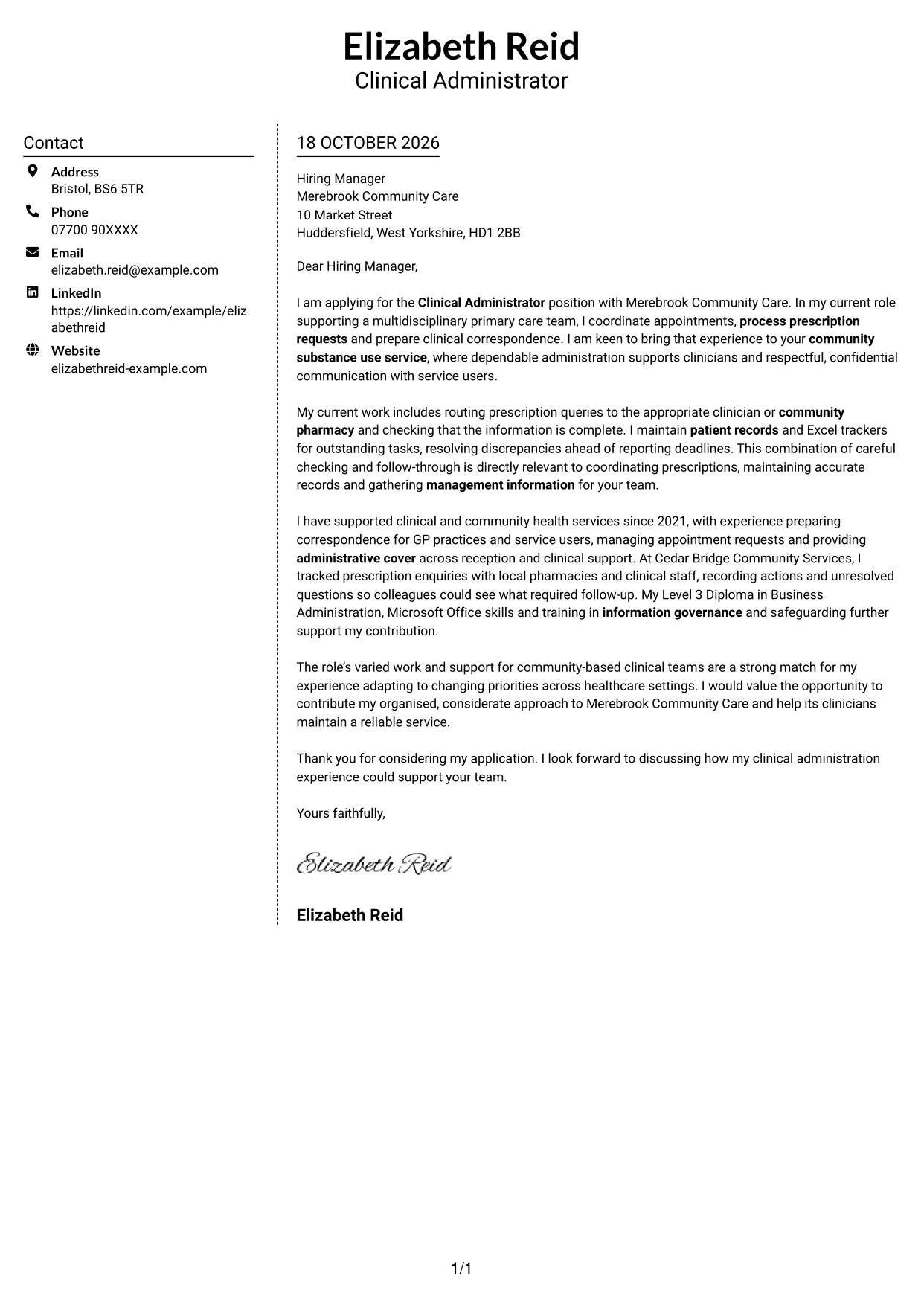
Why This Format Works
- A distinct contact area keeps sender details separate from the main message.
- The letter itself stays in one column, with paragraphs read in sequence.
- Two clear areas let readers distinguish contact information from correspondence.
Best For
- Contact details outside the letter body
- A separate sender information area
- Letters with uninterrupted prose
- Readers who prefer two distinct areas
- No-photo correspondence
#6 Modern Icon Format Cover Letter Example
The Modern Icon Format uses two columns, with contact details in a sidebar and icons as contact cues.
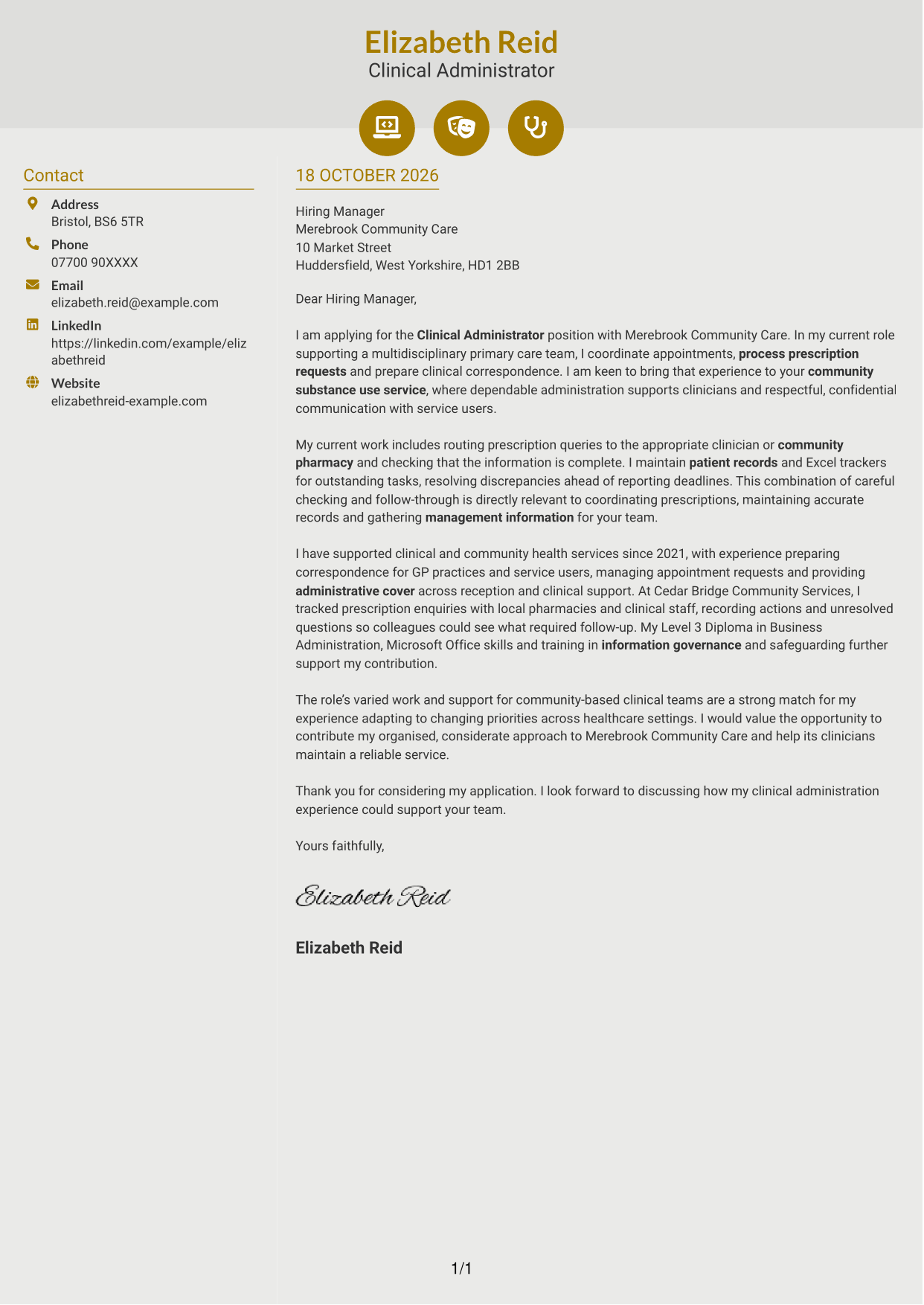
Why This Format Works
- Icons act as cues for contact details, not for stages of the letter.
- The sidebar separates sender information from the continuous letter body.
- A single body column keeps the message in a clear reading order.
Best For
- Icon-marked contact details
- A contact sidebar beside the message
- Continuous letter paragraphs
- Readers who value visual contact cues
- A clear separation of contact and correspondence
#7 Creative Two Tone Format Cover Letter Example
The Creative Two Tone Format places a contact sidebar beside one continuous letter body.
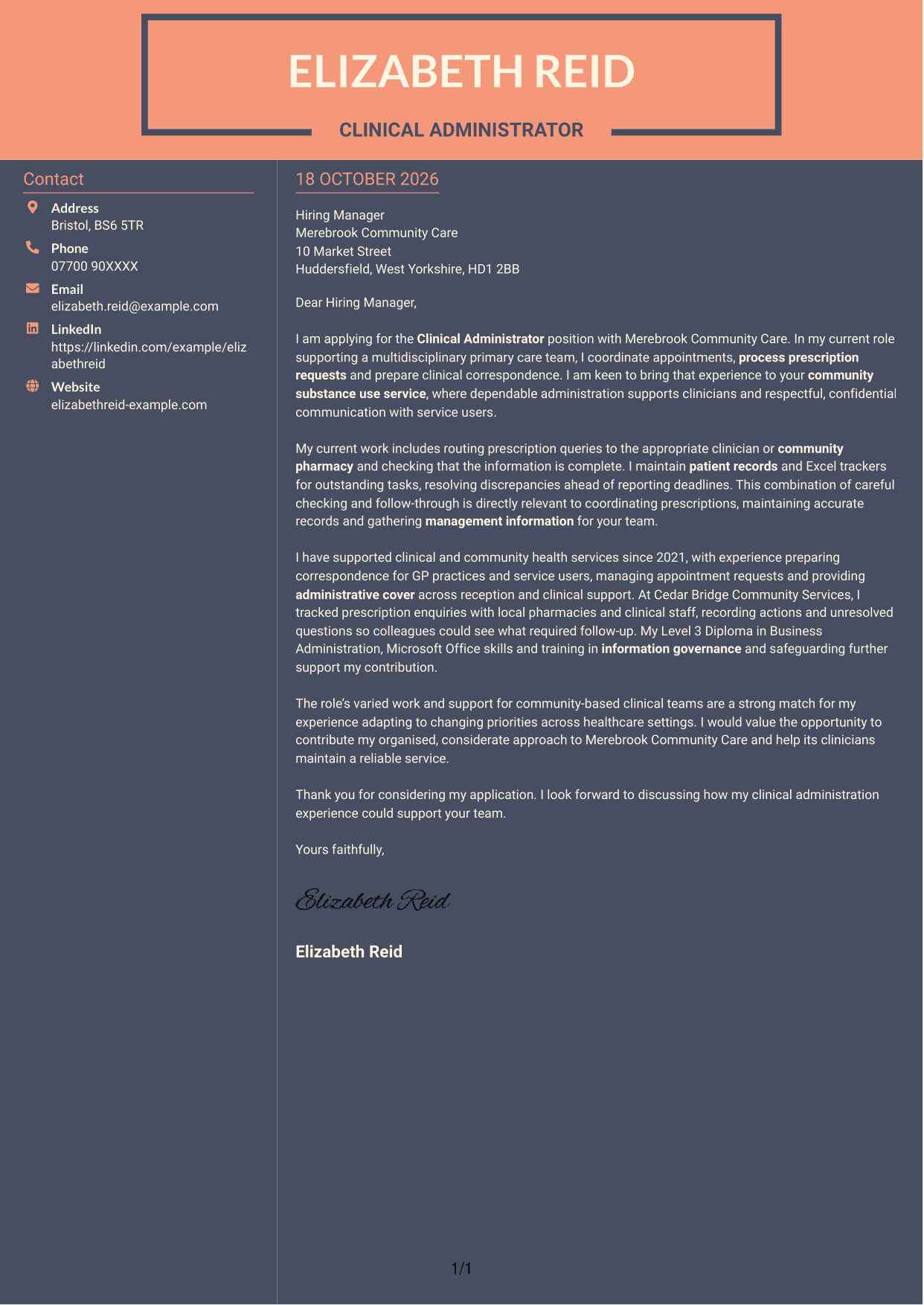
Why This Format Works
- The sidebar gives sender details a distinct place beside the letter.
- The continuous body keeps the opening, supporting points and close together.
- One main text column preserves a direct reading order for the message.
Best For
- Contact details beside the message
- A distinct sender information area
- Letters with continuous prose
- Readers who prefer a direct reading order
- Two-column correspondence without a portrait
See Also
- 7 Clinical Administrator CV Templates with Example
- 7 Clinical Trainer - Robotic-Assisted Knee Surgery CV Templates with Example
- 7 Postgraduate Administrator - Admissions and Student Support CV Templates with Example
- 7 Research Grants Administrator - Post-Award Finance CV Templates with Example
- 7 Service Administrator - Ophthalmology Patient Administration CV Templates with Example
- 7 Quantity Surveyor - Residential Construction CV Templates with Example
- 7 Senior Buying Manager - Fashion Retail CV Templates with Example
- 7 Head of Data & Analytics Retail CV Templates with Example
- 7 Clinical Trainer - Robotic-Assisted Knee Surgery Cover Letter Templates with Example
- 7 Postgraduate Administrator - Admissions and Student Support Cover Letter Templates with Example
Frequently Asked Questions
What should a Clinical Administrator cover letter highlight?
Show how your experience fits the role’s daily work. Relevant examples may include coordinating appointments, preparing GP correspondence, handling prescription queries, keeping accurate records and communicating with service users in a considerate, confidential way.
How can I show that my experience fits a community clinical service?
Choose an example that shows how you supported clinicians or service users in a busy setting. Explain the action you took, such as routing a prescription query or keeping colleagues informed, and how it helped the service run reliably.
How should I explain my interest in Merebrook Community Care?
Use a genuine reason for applying, such as an interest in supporting community-based clinical teams. Connect that reason to the contribution you can make through organised administration and respectful, confidential communication.
How should I structure a Clinical Administrator cover letter?
Open by naming the role and giving a clear reason for applying. Use the body to connect your experience with appointments, prescriptions, correspondence and records, then close by restating your interest and inviting a discussion.
Should I include every administrative duty I have done?
No. Select the examples that best match the role. A few clear details about clinical administration, pharmacy liaison, accurate records or workload priorities will make your case easier to follow.




