
7 Commercial SAP Solution Architect Cover Letter Templates with Example
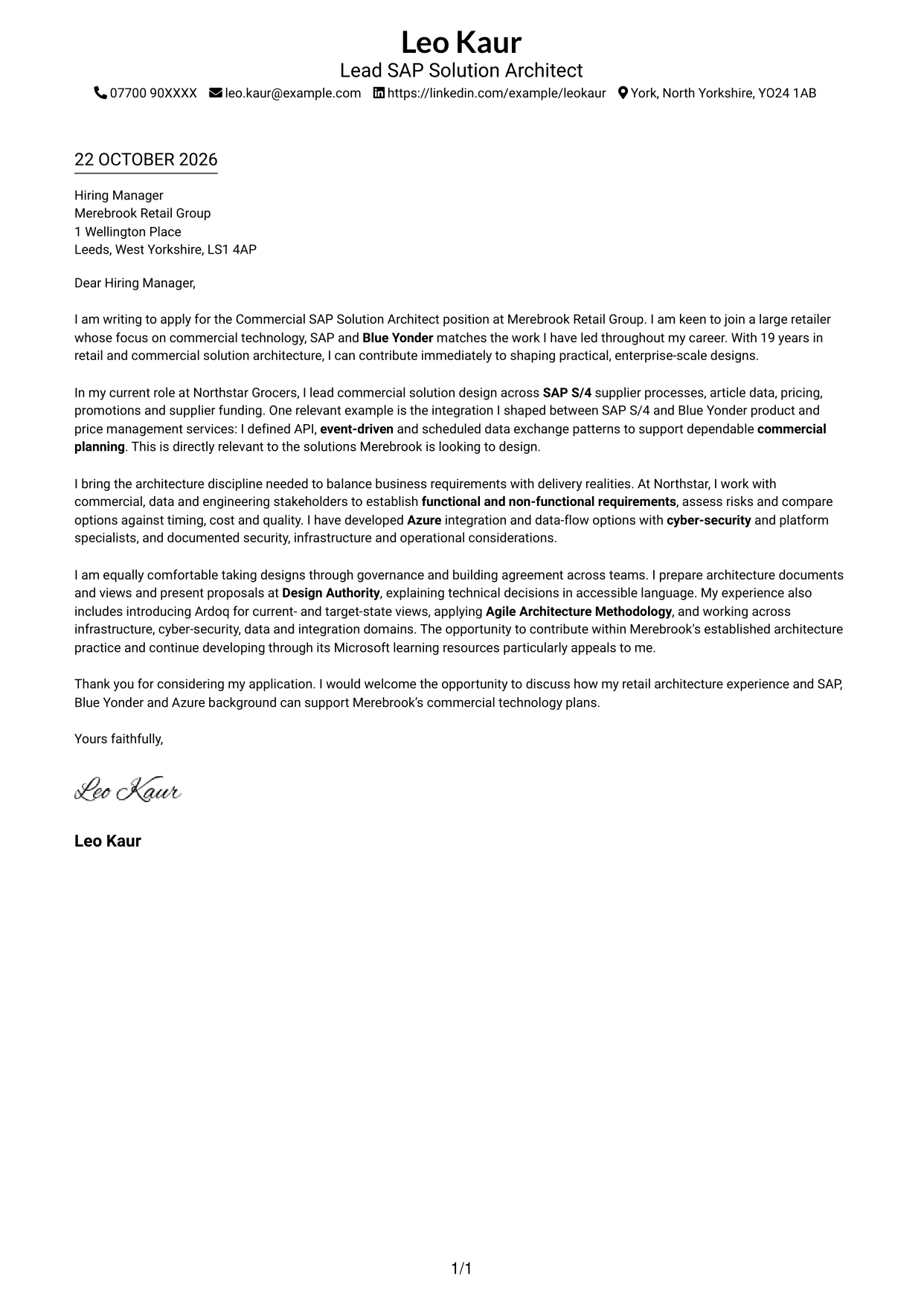
This practical guide to a Commercial SAP Solution Architect cover letter shows you how to present your fit and motivation across seven layouts.
What Makes a Great Commercial SAP Solution Architect Cover Letter in 2026
A strong letter connects your interest in the role with clear examples of commercial solution design. Show how your SAP S/4 and Blue Yonder work relates to supplier processes, article data, pricing, promotions or supplier funding.
Choose evidence that shows how you assess requirements, integration options and delivery risks. Explain how your approach balances cost, quality and timing, and link your interest in the employer to its commercial technology work.
The featured example moves from role interest to a relevant SAP S/4 and Blue Yonder integration example, then explains delivery and governance strengths before closing with motivation. Adapt this focused progression, choosing a presentation that suits the employer and communication context.
#1 Simple One Column Format Cover Letter Example
The Simple One Column Format keeps sender details in the header and gives the employer-focused letter a direct reading path.
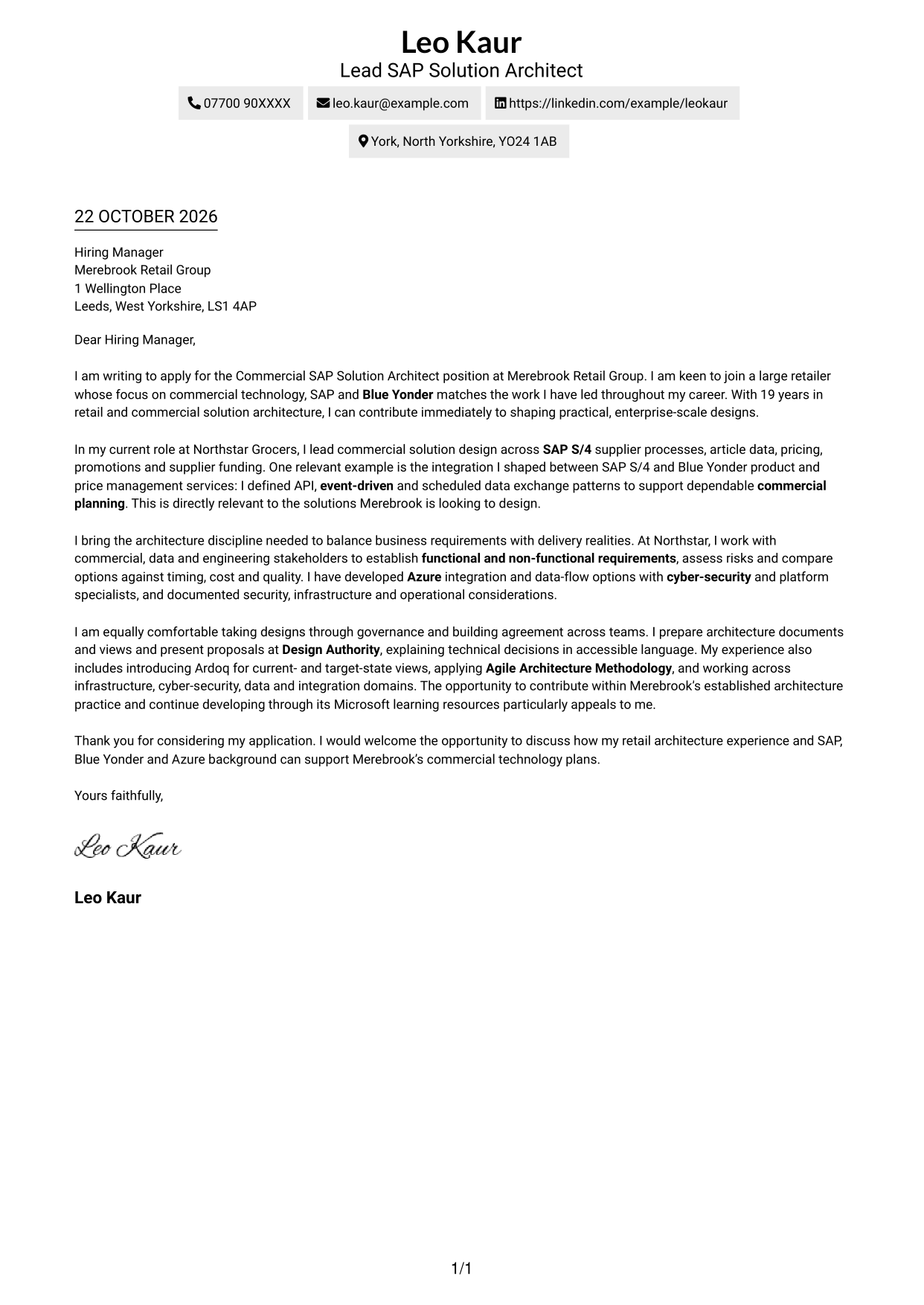
Why This Format Works
- Header-based sender details remain separate from the employer-focused letter message.
- One text column carries the opening, evidence and close in a clear sequence.
- Readers can follow the case without moving between parallel body columns.
Best For
- Single-column letter pages
- Header-led contact details
- Direct, linear message flow
- Continuous persuasive prose
- Photo-free document preference
#2 Two Column Format Cover Letter Example
With the Two Column Format, contact details sit in a sidebar while the persuasive message remains in one continuous body.
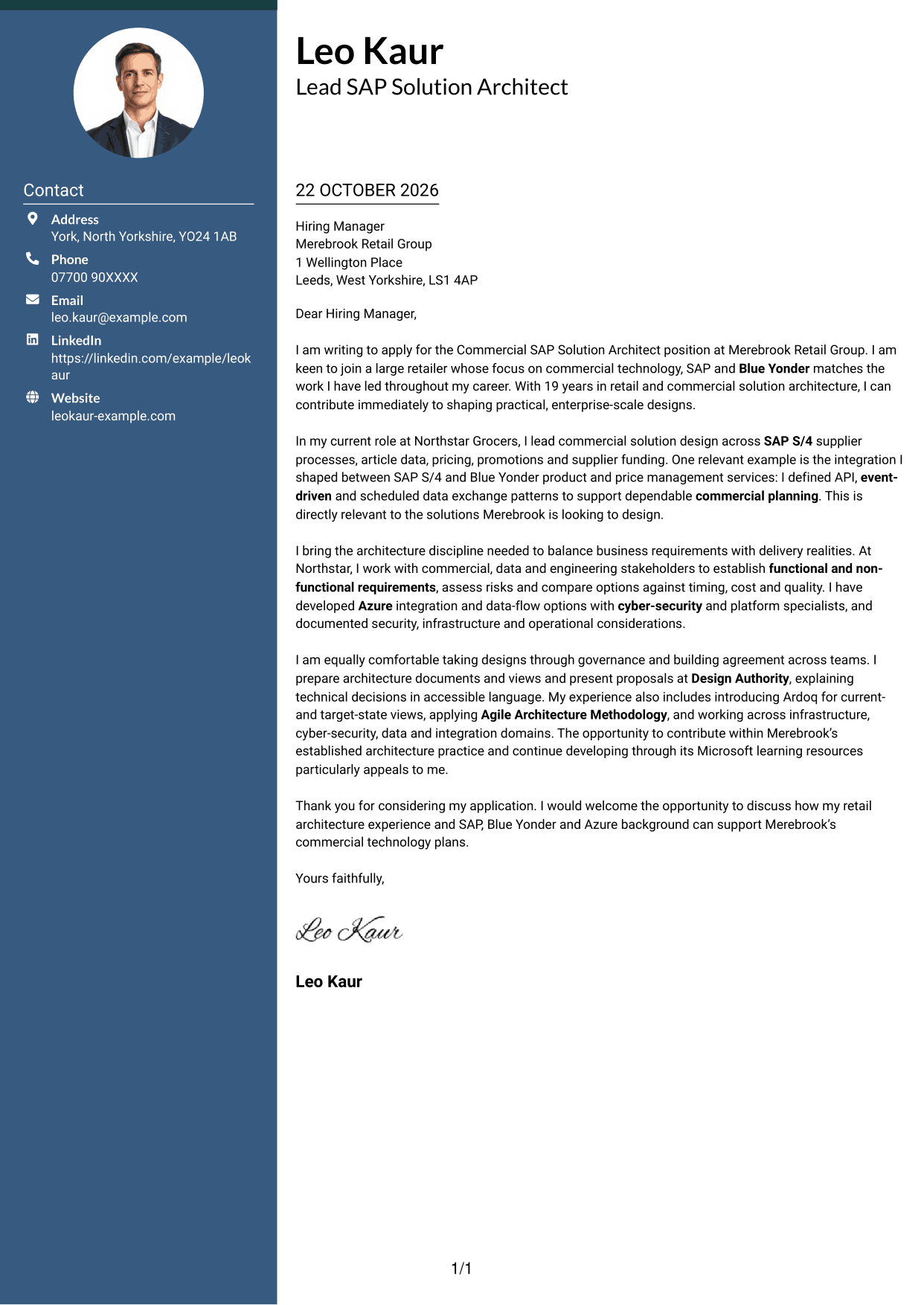
Why This Format Works
- The contact sidebar gives sender details a clear place beside the letter.
- One continuous body lets the case unfold in paragraph order.
- The argument stays together rather than spreading across parallel text columns.
Best For
- Sidebar contact presentation
- Contact-rich applications
- Single-column letter arguments
- Two-column page preference
- Photo-free contact layouts
#3 Photo Header Two Column Format Cover Letter Example
The Photo Header Two Column Format combines a photo and contact sidebar with one continuous letter body, keeping the written case together.
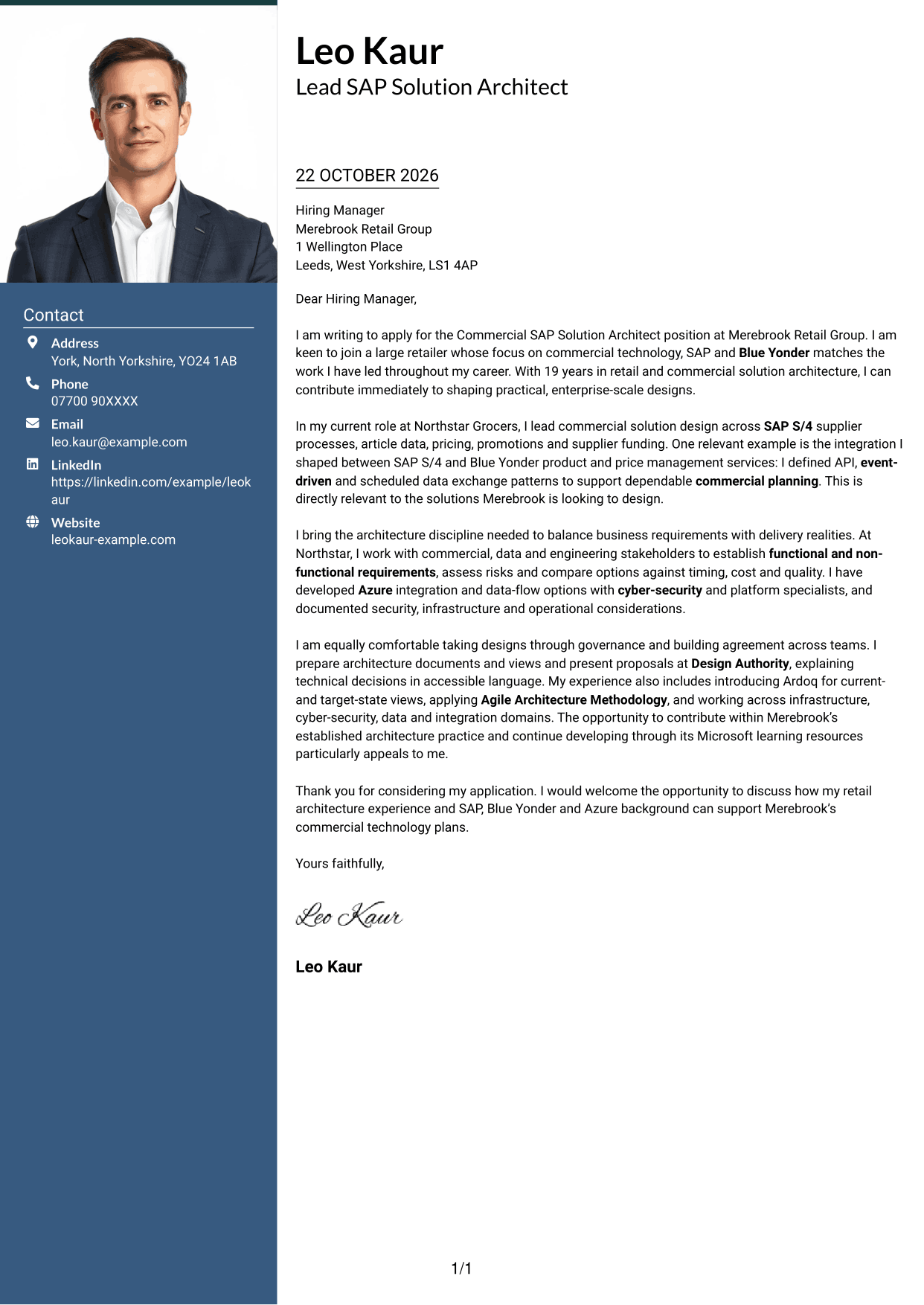
Why This Format Works
- A photo adds a visual element without changing the letter's argument.
- The sidebar keeps contact details apart from the message paragraphs.
- One connected body lets the opening, case and close read in sequence.
Best For
- Photo-inclusive letter layouts
- Sidebar contact details
- Connected persuasive paragraphs
- Two-column page preference
- Applications where photo use is appropriate
#4 One Column Format with Photo Cover Letter Example
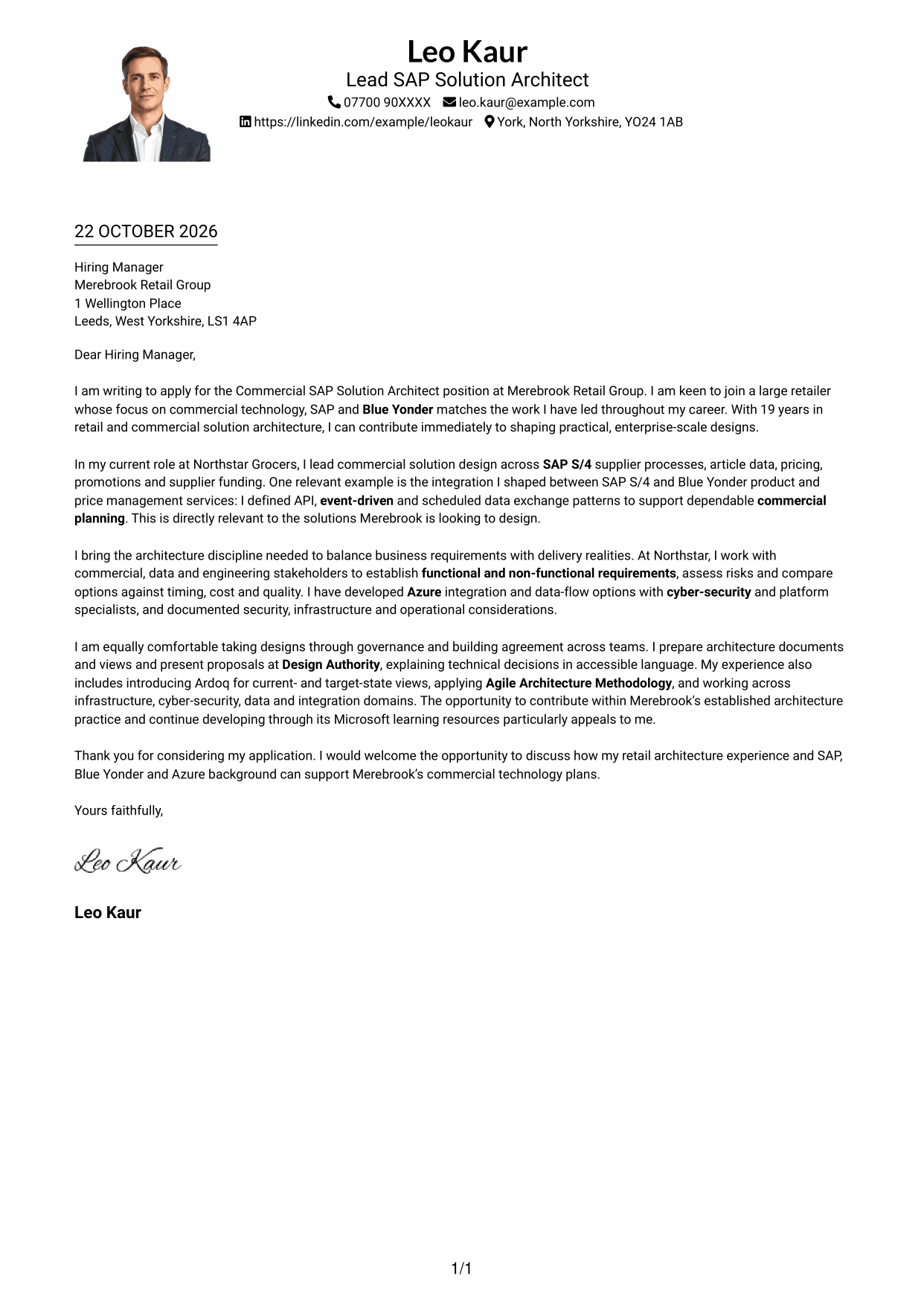
The One Column Format with Photo includes a photo while keeping sender details in the header and the letter in one text column.
Why This Format Works
- A photo provides a visual feature while the letter remains the main message.
- Header contact details stay distinct from the continuous letter body.
- The single text column gives paragraphs a straightforward reading sequence.
Best For
- Photo-inclusive letter pages
- Header-based sender details
- One-column page preference
- Direct paragraph reading
- Photo use in applications
#5 Simple Two Column Format Cover Letter Example
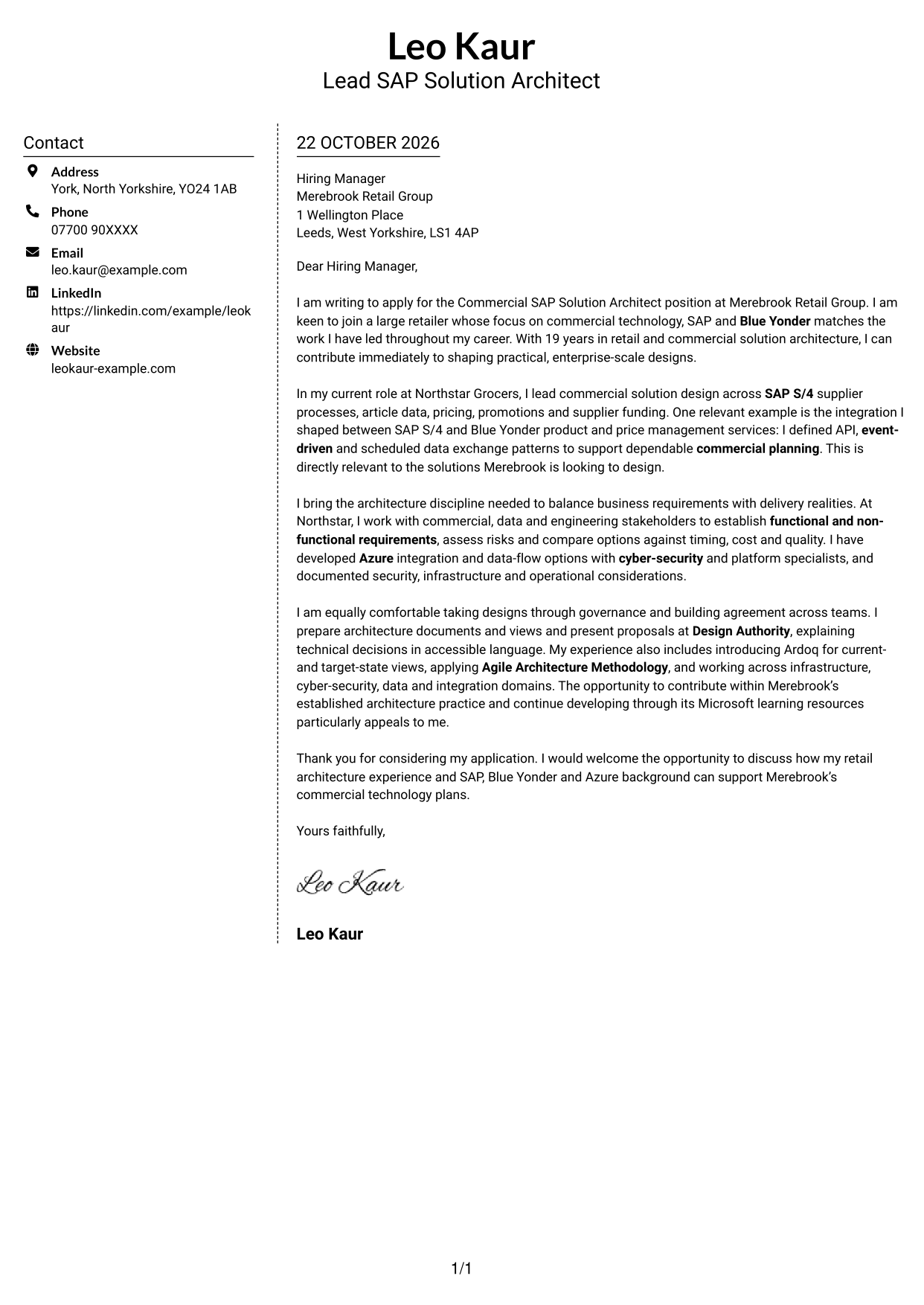
The Simple Two Column Format places contact details beside a single, continuous letter body, so the written case stays together.
Why This Format Works
- Sender details have their own sidebar, apart from the employer-facing message.
- The letter body keeps the opening, supporting case and closing together.
- Readers can distinguish contact information from the main letter at a glance.
Best For
- Separate contact and message areas
- Letters with connected arguments
- Sidebar-based sender information
- Two-column page preference
- Photo-free letter layouts
#6 Modern Icon Format Cover Letter Example
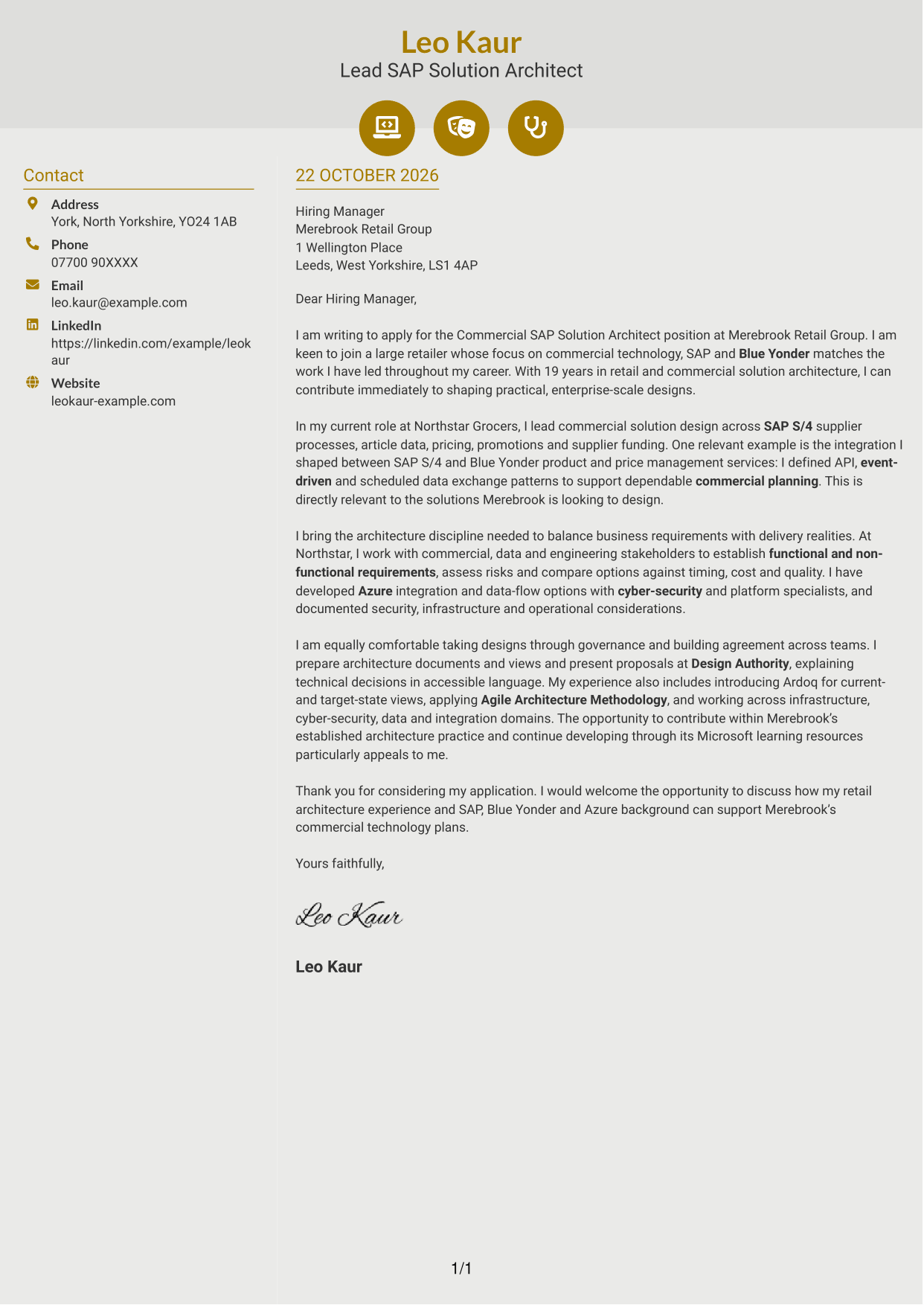
The Modern Icon Format uses icons as cues for contact details, with the opening, evidence and close kept in one continuous body.
Why This Format Works
- Contact icons help distinguish sender details from the letter's main text.
- The sidebar keeps contact information separate from the persuasive paragraphs.
- The body remains continuous, so icons do not label argument stages.
Best For
- Icon-cued contact details
- Sidebar-based contact information
- Continuous letter arguments
- Two-column page preference
- Photo-free icon layouts
#7 Creative Two Tone Format Cover Letter Example
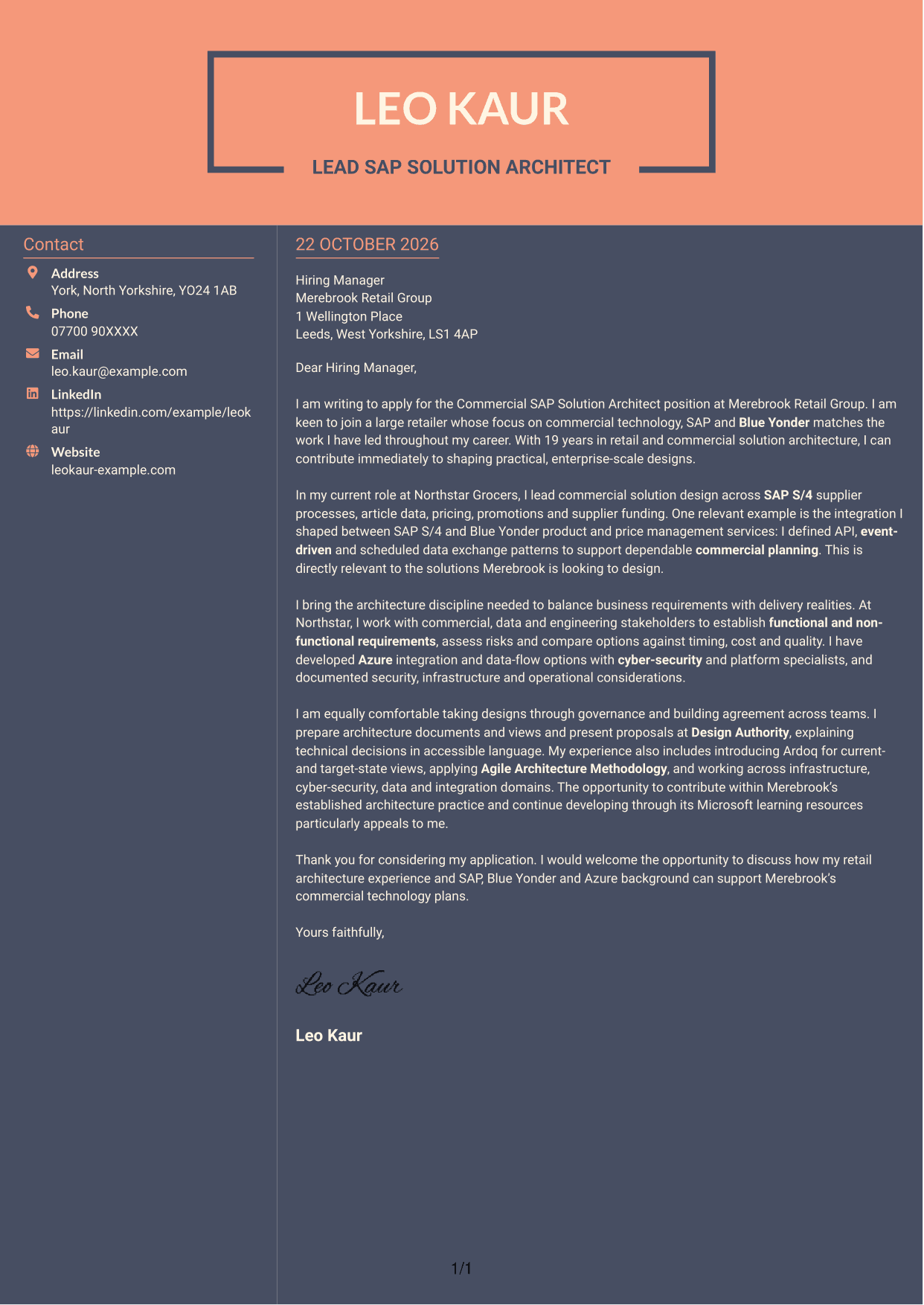
The Creative Two Tone Format places a contact sidebar beside one continuous letter body, keeping the employer-focused message in a single reading stream.
Why This Format Works
- The sidebar gives contact details a separate place beside the letter.
- A single body keeps the opening, persuasive case and close connected.
- The message does not split across parallel body columns.
Best For
- Side-by-side contact and message
- Letters with connected paragraphs
- Separate sender information
- Two-column page preference
- Photo-free letter layouts
See Also
- 7 Commercial SAP Solution Architect CV Templates with Example
- 7 AI Solution Architect - Agentic AI CV Templates with Example
- 7 Data & Analytics Solution Architect - Cloud Data Platforms CV Templates with Example
- 7 Data Protection Solution Architect CV Templates with Example
- 7 Data & Solution Architect - Defence CV Templates with Example
- 7 Data Solution Architect - Reinsurance CV Templates with Example
- 7 Digital Solution Architect - Financial Services CV Templates with Example
- 7 Enterprise Solutions Architect - Microsoft Stack CV Templates with Example
- 7 AI Solution Architect - Agentic AI Cover Letter Templates with Example
- 7 Data & Analytics Solution Architect - Cloud Data Platforms Cover Letter Templates with Example
Frequently Asked Questions
What should a Commercial SAP Solution Architect cover letter highlight?
Show how your solution design experience relates to the role’s commercial work. Useful examples can cover SAP S/4 supplier and article processes, pricing, promotions, supplier funding, Blue Yonder and Azure integration.
How can I make my experience relevant to this role?
Describe one clear example, such as shaping API, event-driven or scheduled data exchanges between SAP S/4 and Blue Yonder. Explain the purpose of the design and how you considered requirements, dependencies or delivery risks.
How should I explain my interest in the employer?
Connect your motivation to details that genuinely appeal to you. For this role, you could refer to its commercial technology work, established architecture practice or Microsoft learning resources, if these match your interests.
What is a clear way to structure this cover letter?
Open by naming the role and explaining your interest. Use the body to give relevant design evidence and show how you communicate decisions, then close by restating your fit and welcoming a discussion.
Should I include every part of my work history?
No. Focus on the experience that best supports your fit for this position. A concise example of commercial design, integration or stakeholder communication is more useful than a full list of past duties.




