
7 Consulting Director - Life Sciences Commercial Technology Cover Letter Templates with Example
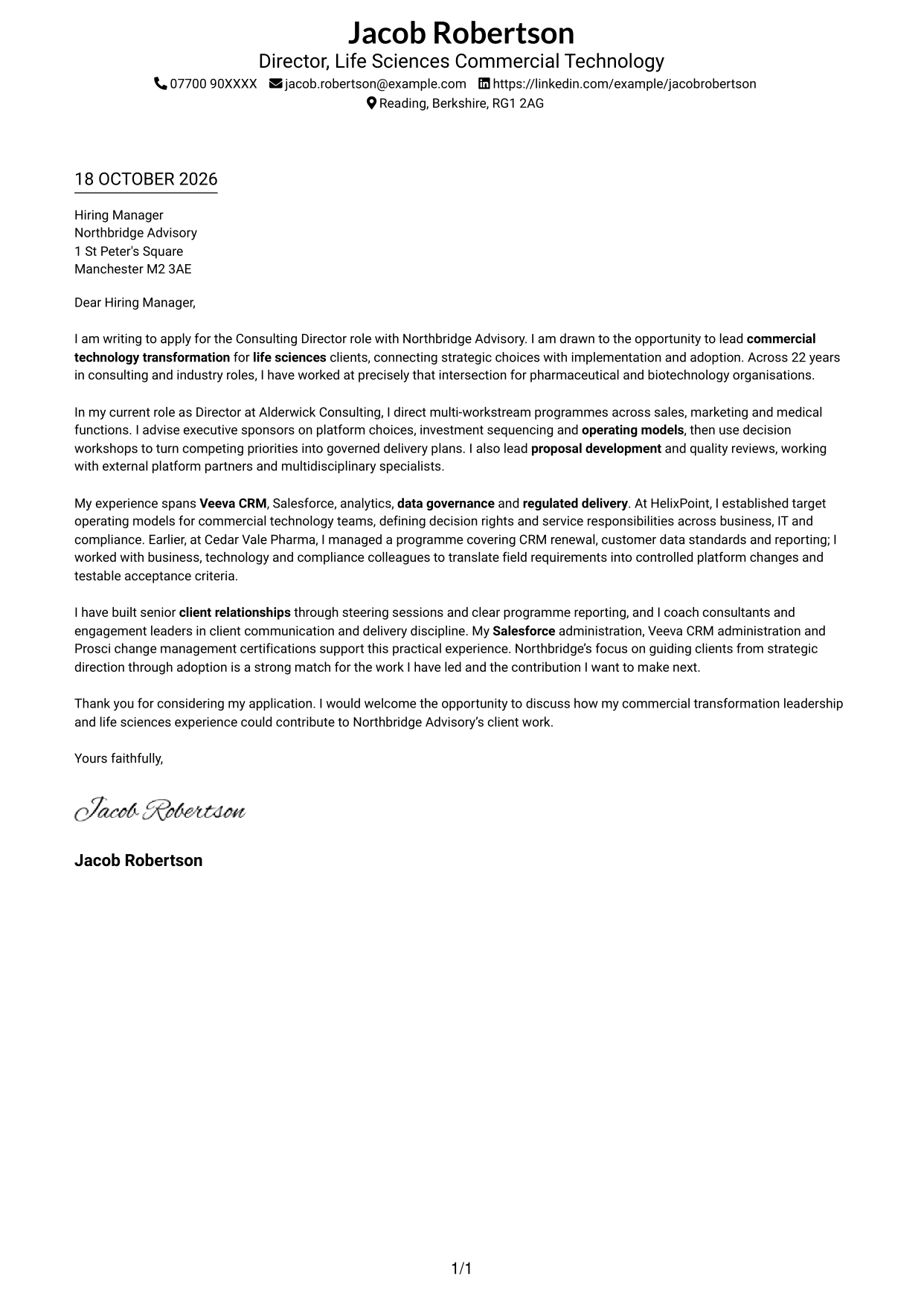
This practical guide to a Consulting Director - Life Sciences Commercial Technology cover letter presents seven layouts and shows how to make your role fit clear.
What Makes a Great Consulting Director - Life Sciences Commercial Technology Cover Letter in 2026
A strong letter links your motivation to lead commercial technology change with the needs of life sciences clients. Its opening should make your interest clear, while the body shows how you guide strategy, delivery and adoption.
Choose evidence such as shaping CRM programmes, setting commercial technology operating models or guiding change in regulated settings. Then connect that experience to the employer’s focus and explain why its work appeals to you.
The featured example follows a focused progression from role interest to leadership evidence and a clear close; adapt this flow while choosing a presentation suited to the employer and communication context.
#1 Simple One Column Format Cover Letter Example
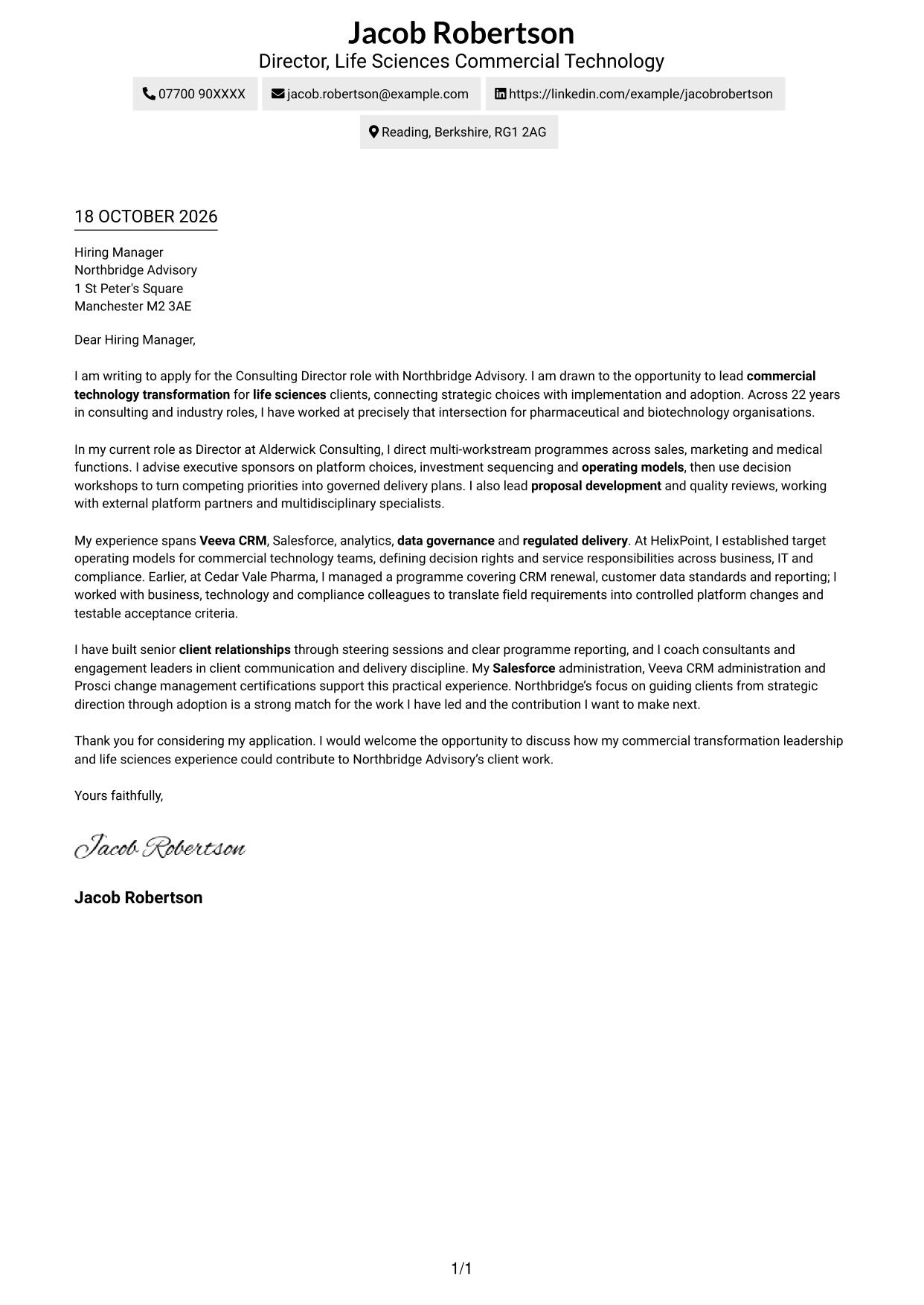
The Simple One Column Format keeps the letter body in one column, with sender details in the header.
Why This Format Works
- Sender details stay in the header, apart from the single-column letter body.
- The continuous paragraphs let reviewers follow motivation, evidence and closing in sequence.
- Without section headings, the message reads as a connected letter, not labelled stages.
Best For
- Single-column letter reading
- Header-based contact details
- Connected persuasive paragraphs
- A direct opening-to-closing progression
- Focus on the written message
#2 Two Column Format Cover Letter Example
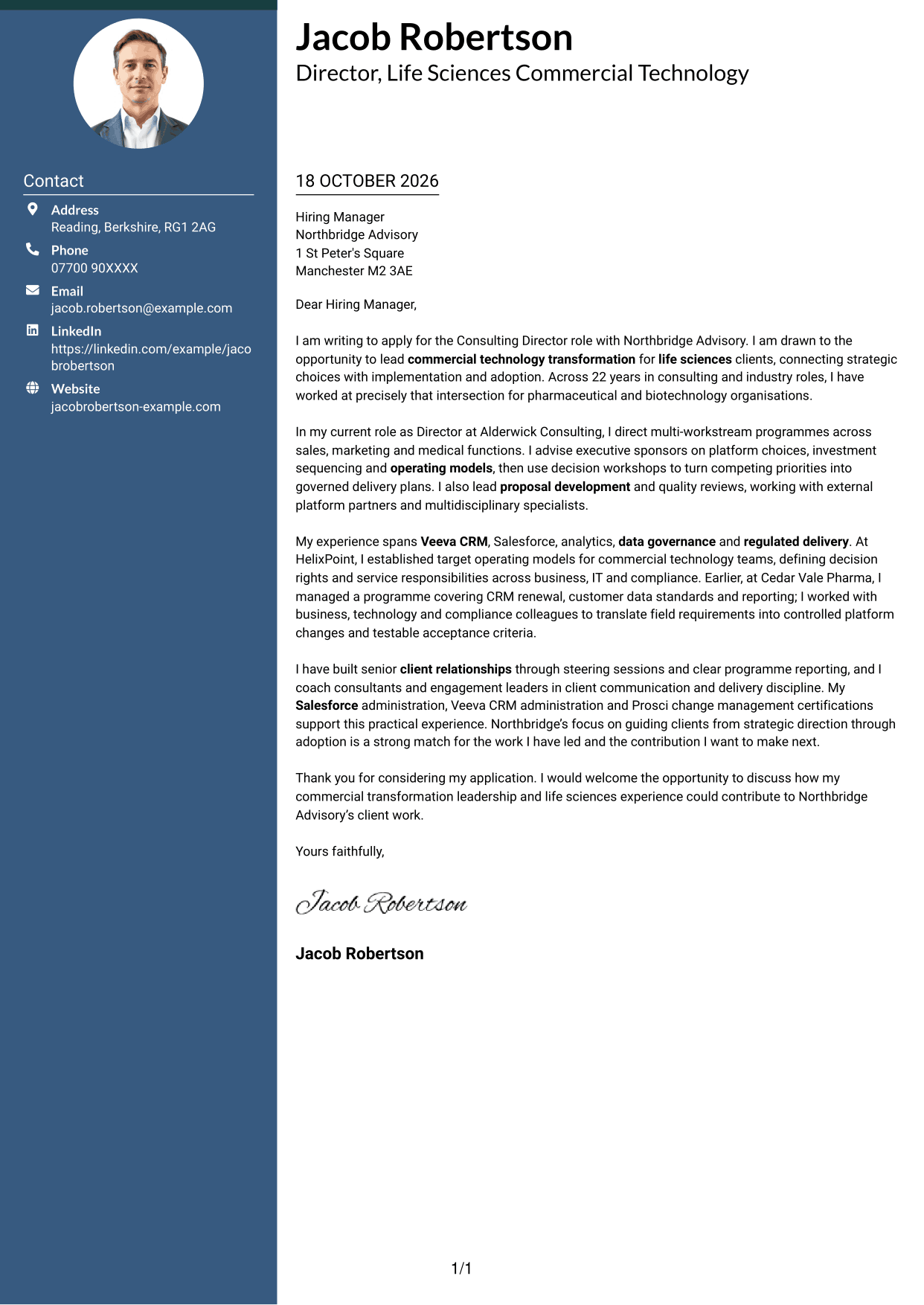
The Two Column Format places a contact sidebar beside one continuous letter body, keeping contact details separate from the message.
Why This Format Works
- The sidebar gives contact information a clear place beside the letter body.
- The main text keeps motivation, evidence and closing together in one reading track.
- Reviewers can locate sender details without searching through the letter paragraphs.
Best For
- Contact details beside the message
- A single letter-body reading track
- Quick access to sender information
- Clear separation of contact and correspondence
- Text-led application documents
#3 Photo Header Two Column Format Cover Letter Example
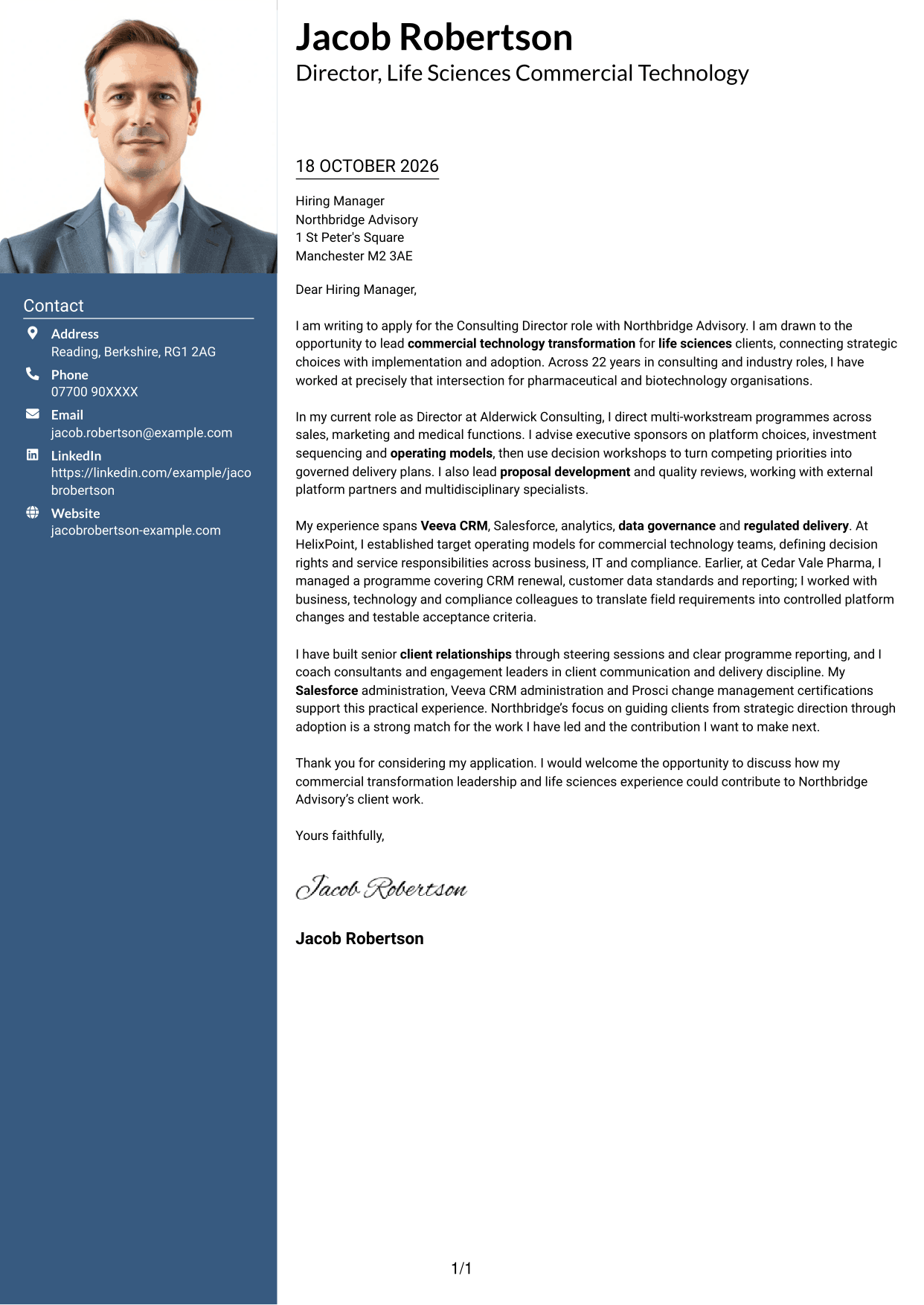
The Photo Header Two Column Format combines a photo and contact sidebar with one continuous letter body.
Why This Format Works
- The photo adds a personal visual element to the contact-led layout.
- Contact details sit apart from the letter, making them easier to locate.
- The continuous body keeps the opening, evidence and closing in reading order.
Best For
- Photo-inclusive letter layouts
- Contact details set beside the message
- A continuous persuasive letter
- A personal visual touch
- Separate contact and correspondence areas
#4 One Column Format with Photo Cover Letter Example
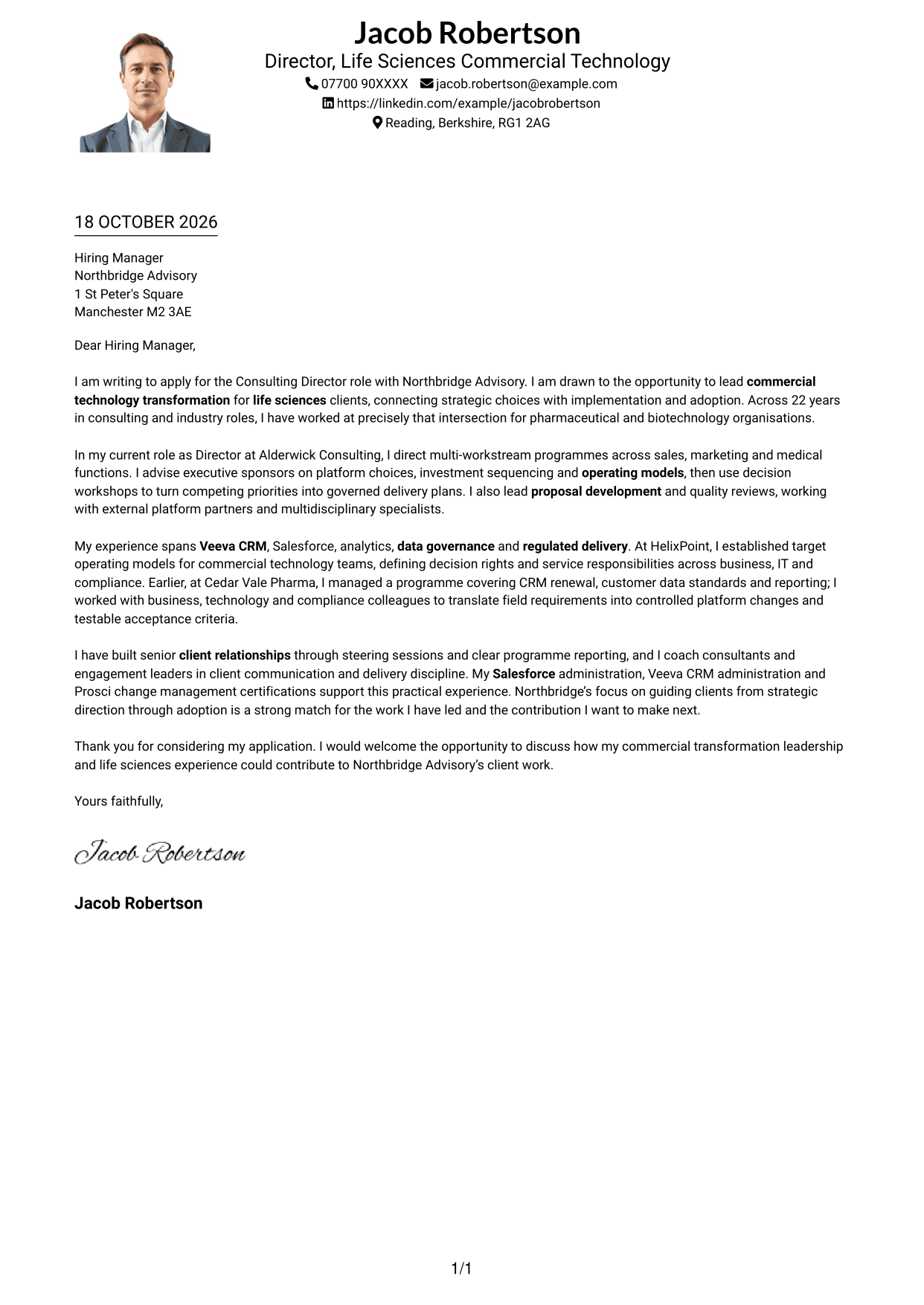
The One Column Format with Photo pairs a photo with a single-column letter body and sender details in the header.
Why This Format Works
- A single body column keeps the letter's message in one reading path.
- The photo adds a personal visual element without creating a second text column.
- Header-based sender details remain distinct from the letter paragraphs.
Best For
- One-column letter reading
- A photo alongside the letter
- Header-based contact details
- A connected message without sidebars
- A personal visual element
#5 Simple Two Column Format Cover Letter Example
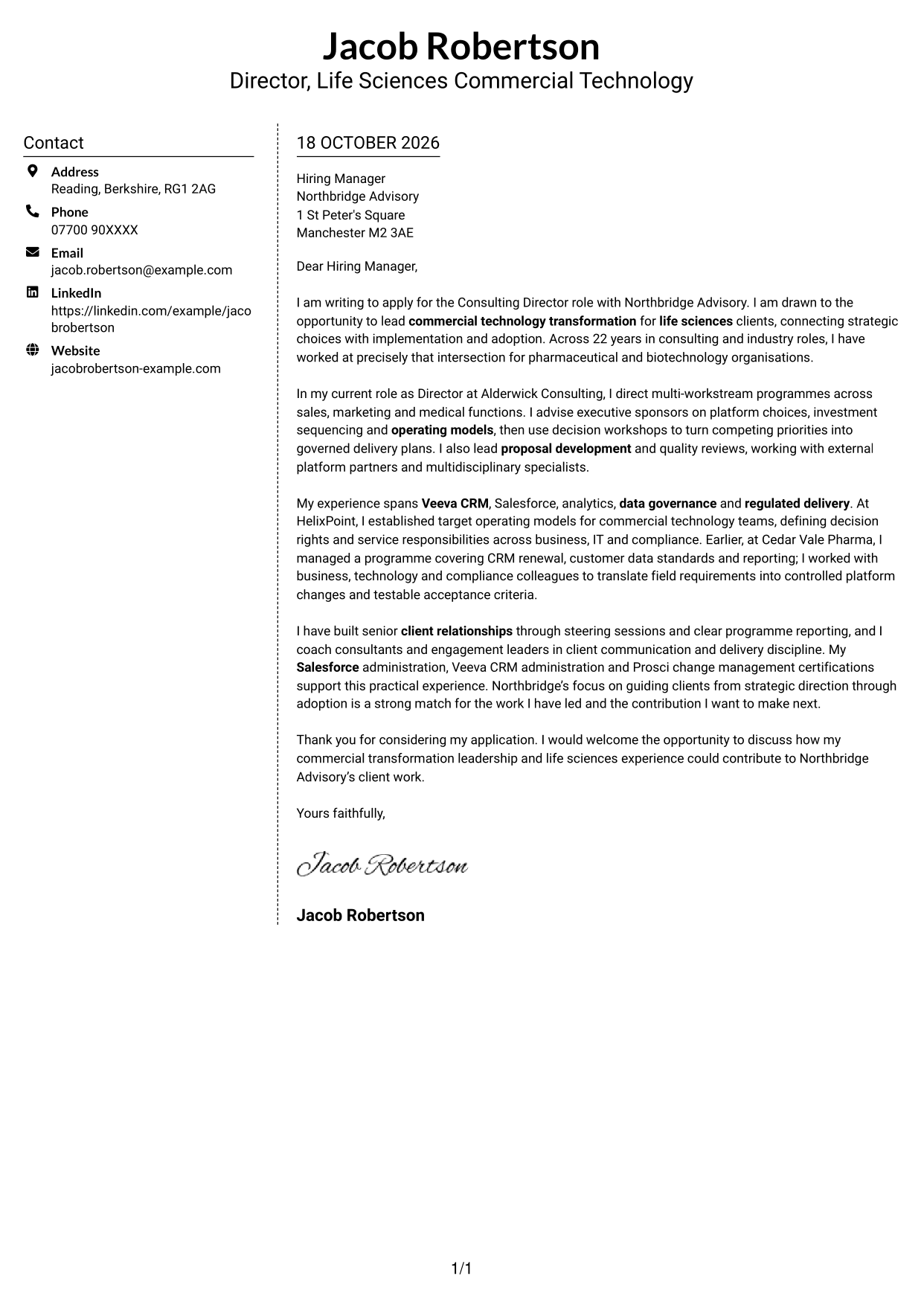
The Simple Two Column Format sets a contact sidebar beside one uninterrupted letter body.
Why This Format Works
- A dedicated sidebar separates contact information from the letter's argument.
- The single body keeps each paragraph in the same reading sequence.
- The two areas make it easy to distinguish correspondence from sender details.
Best For
- A separate contact area
- One uninterrupted letter body
- Side-by-side contact and correspondence
- Clear distinction between sender and message
- A simple two-column page
#6 Modern Icon Format Cover Letter Example
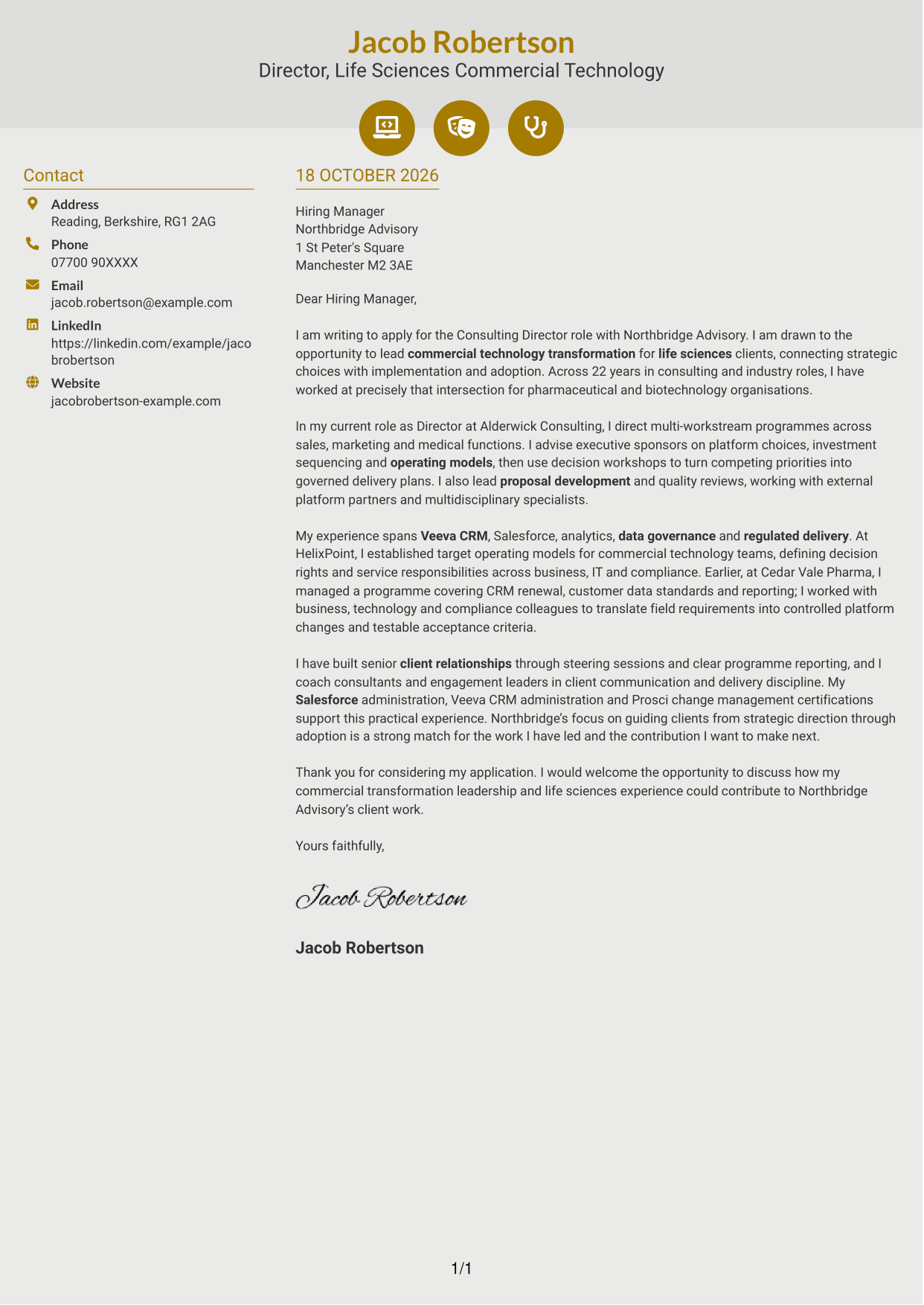
The Modern Icon Format uses two columns, with icons for contact details or as decorative header accents beside one continuous letter body.
Why This Format Works
- Contact icons can help reviewers identify contact details in the sidebar.
- The letter stays together in one body rather than parallel text columns.
- Header accents add a visual detail without labelling parts of the argument.
Best For
- Icon cues for contact details
- A continuous letter beside contact information
- A distinctive header accent
- Clear separation of message and details
- Two-column correspondence layouts
#7 Creative Two Tone Format Cover Letter Example
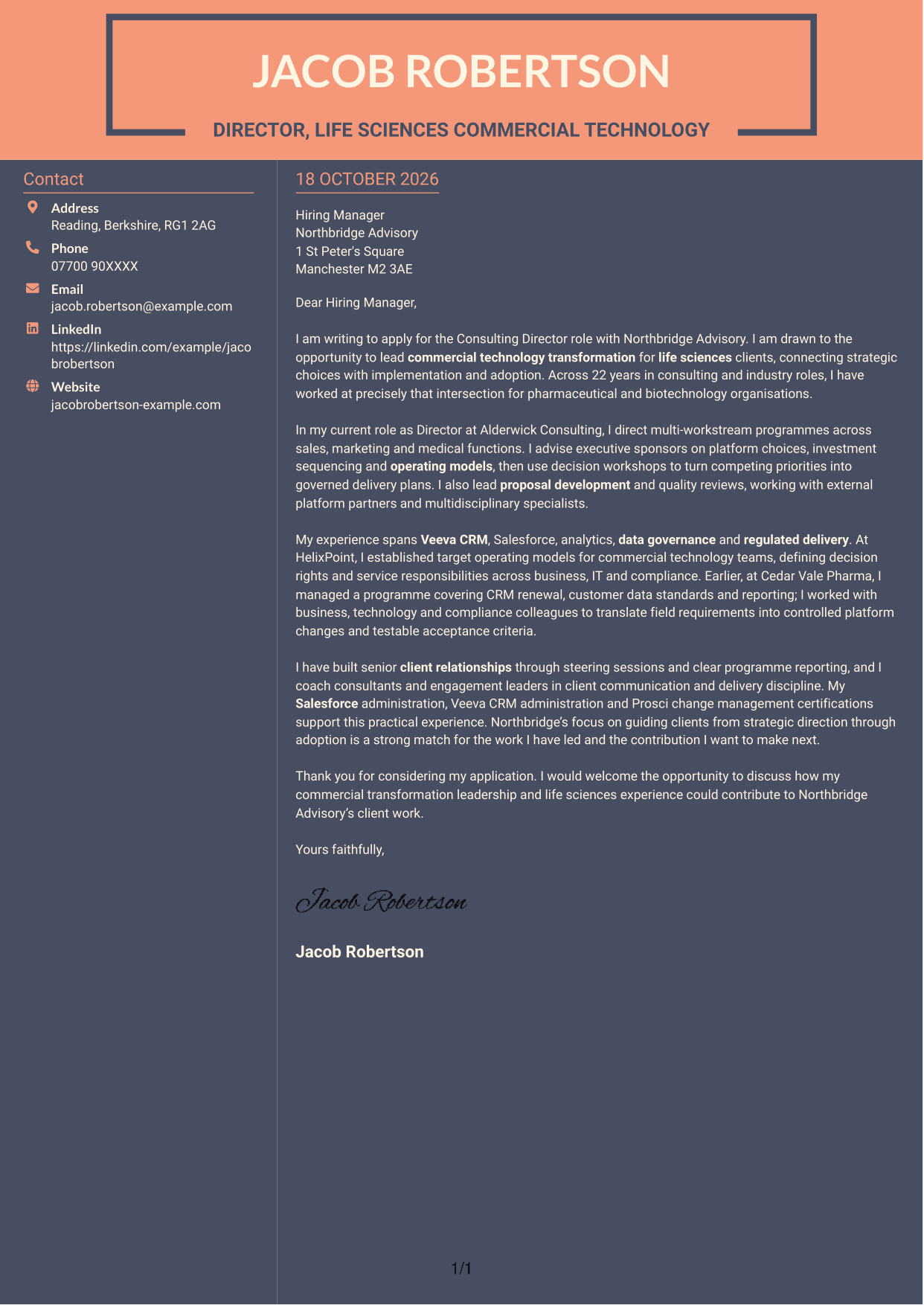
The Creative Two Tone Format places a contact sidebar beside one continuous letter body, keeping the message in a single reading track.
Why This Format Works
- The contact sidebar gives sender details a place outside the letter paragraphs.
- The continuous body keeps the opening, supporting points and closing together.
- Reviewers can read the message without moving between argument columns.
Best For
- Contact details outside the message
- One continuous letter body
- A single-track argument
- Easy access to sender information
- Side-by-side document organisation
See Also
- 7 Consulting Director - Life Sciences Commercial Technology CV Templates with Example
- 7 Associate Director of Student Recruitment and Admissions CV Templates with Example
- 7 Quantity Surveyor - Residential Construction CV Templates with Example
- 7 Senior Buying Manager - Fashion Retail CV Templates with Example
- 7 Head of Data & Analytics Retail CV Templates with Example
- 7 Machine Operative - Chilled Food Production CV Templates with Example
- 7 Payments Co-ordinator - Accounts Payable CV Templates with Example
- 7 Housing Officer - Resident and Estate Management CV Templates with Example
- 7 Front of House Team Leader - Luxury Guest Services CV Templates with Example
- 7 Associate Director of Student Recruitment and Admissions Cover Letter Templates with Example
Frequently Asked Questions
What should a Consulting Director - Life Sciences Commercial Technology cover letter highlight?
Show how you lead commercial technology change in life sciences and build trust with senior clients. Relevant examples may cover CRM strategy, operating models, data governance, regulated delivery, proposals or team coaching.
How can I show that my experience fits this role?
Use a specific example and explain your part in it. For instance, describe how you advised on Veeva CRM or Salesforce delivery, aligned business and compliance needs, or helped define decision rights for a commercial technology team.
How should I explain my interest in the employer?
Connect your motivation to the role’s focus on guiding clients from strategy through implementation and adoption. Explain why that work matters to you and how your approach could support the employer’s client work.
How should I structure this cover letter?
Open with the role and a clear reason for applying. Use the body to give focused evidence of leadership and client impact, then close by restating your interest and welcoming a discussion.
Should I include every part of my work history?
No. Select the examples that best show your fit for this consulting leadership role. Focus on the results and responsibilities that support your message rather than listing every duty.




