
7 Corporate Receptionist Cover Letter Templates with Example
This practical guide to a Corporate Receptionist cover letter presents seven layouts and shows how to explain your fit clearly.
What Makes a Great Corporate Receptionist Cover Letter in 2026
A strong letter shows how you can give visitors a warm welcome while keeping calls, enquiries and meeting arrangements organised. Open with your interest in the role and the service you can offer.
Use clear examples of relevant work, such as directing enquiries, preparing meeting rooms or following visitor access procedures. Link this evidence to the employer’s needs, and explain your genuine interest in the role.
The featured example moves from interest in the role to evidence about enquiries, meeting coordination and visitor access, then closes with a clear next step; adapt this focused progression and choose a presentation suited to the employer and communication context.
#1 Simple One Column Format Cover Letter Example
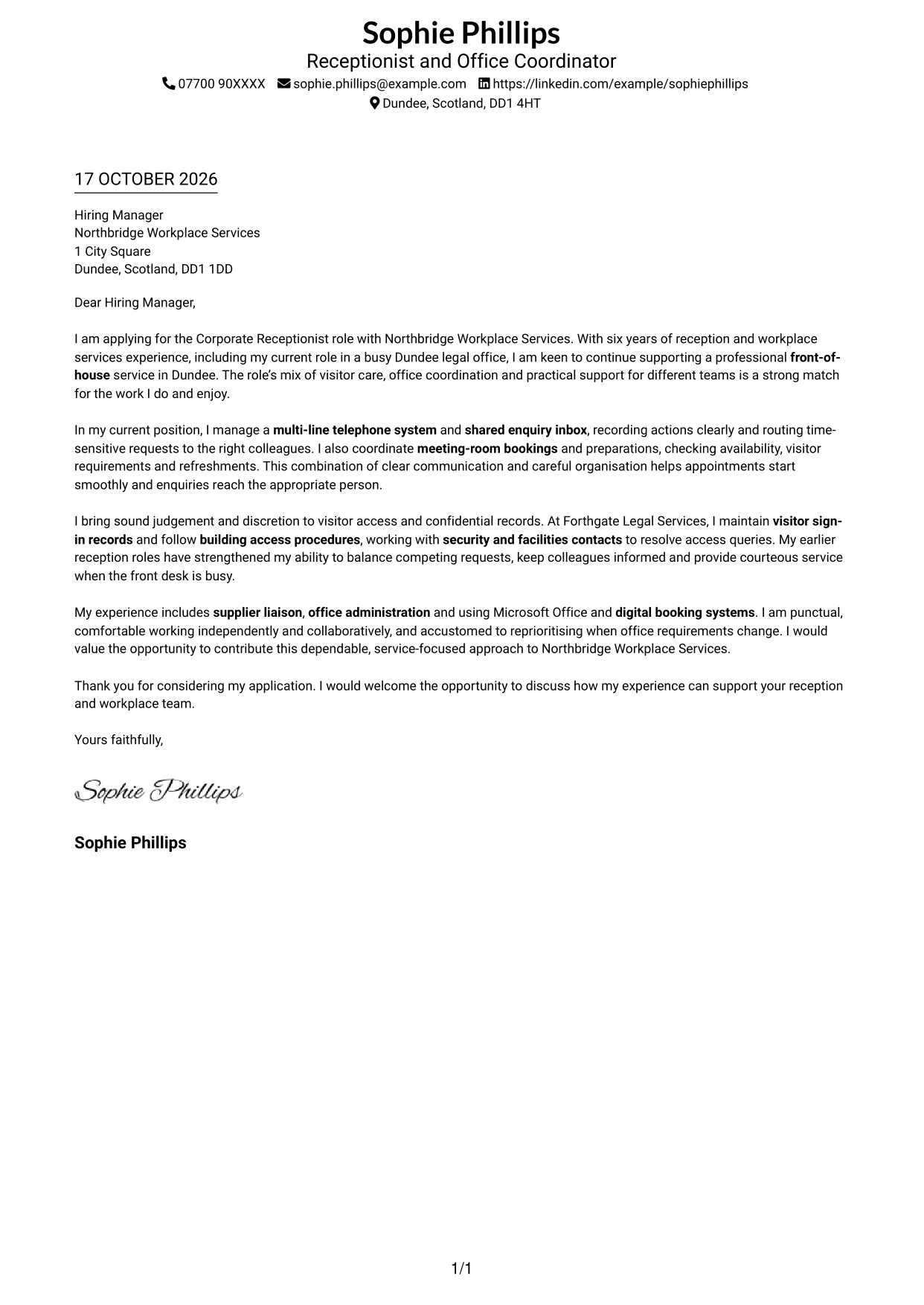
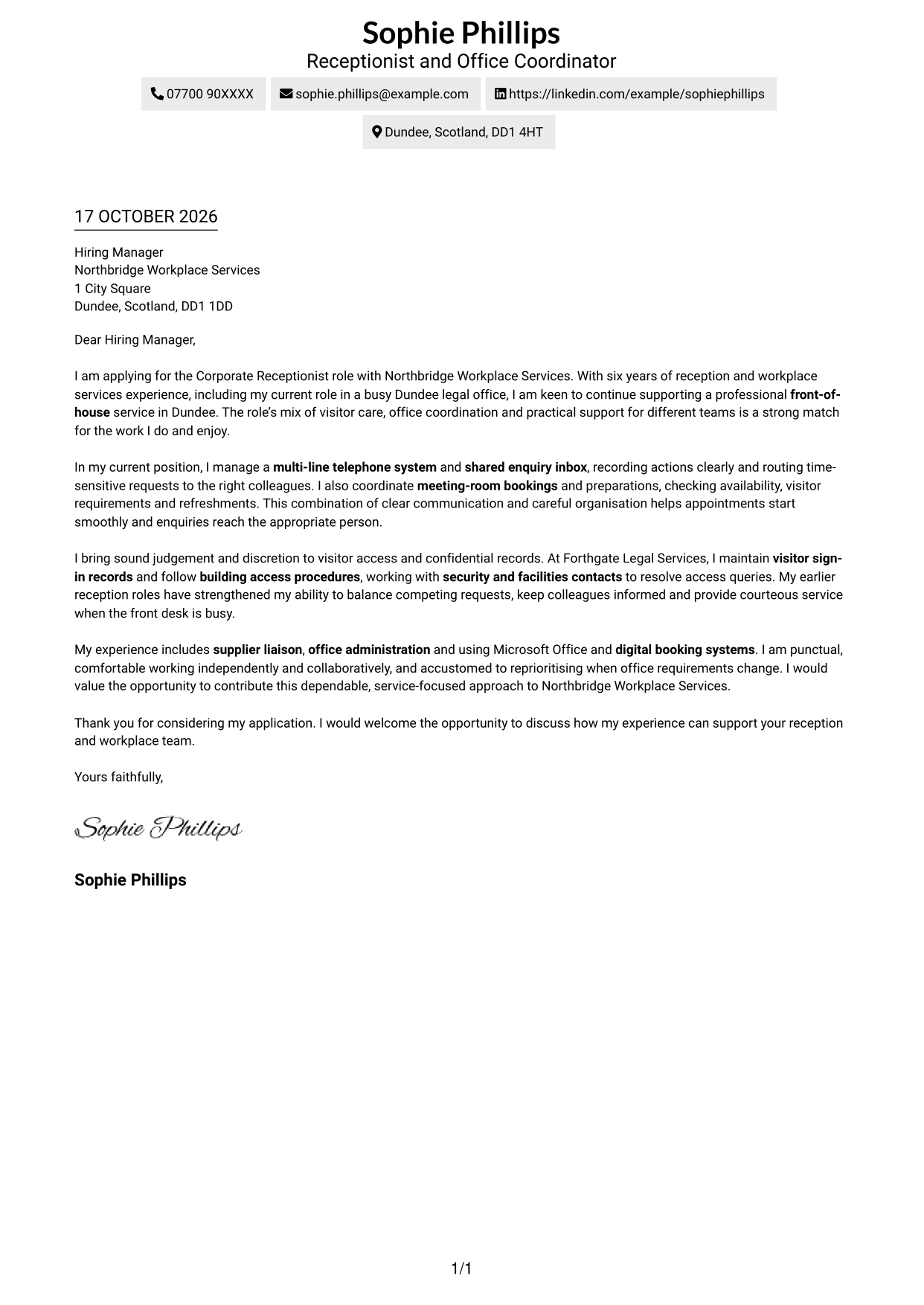
Sender details sit in the header, while the full letter follows a single-column path.
Why This Format Works
- Sender details in the header leave the letter itself in one clear column.
- One uninterrupted body carries the opening, evidence and closing in sequence.
- The absence of section headings keeps the message in natural letter paragraphs.
Best For
- Single-column reading order
- Header-based sender details
- Continuous letter paragraphs
- Text-led applications
- Letters with several supporting points
#2 Two Column Format Cover Letter Example
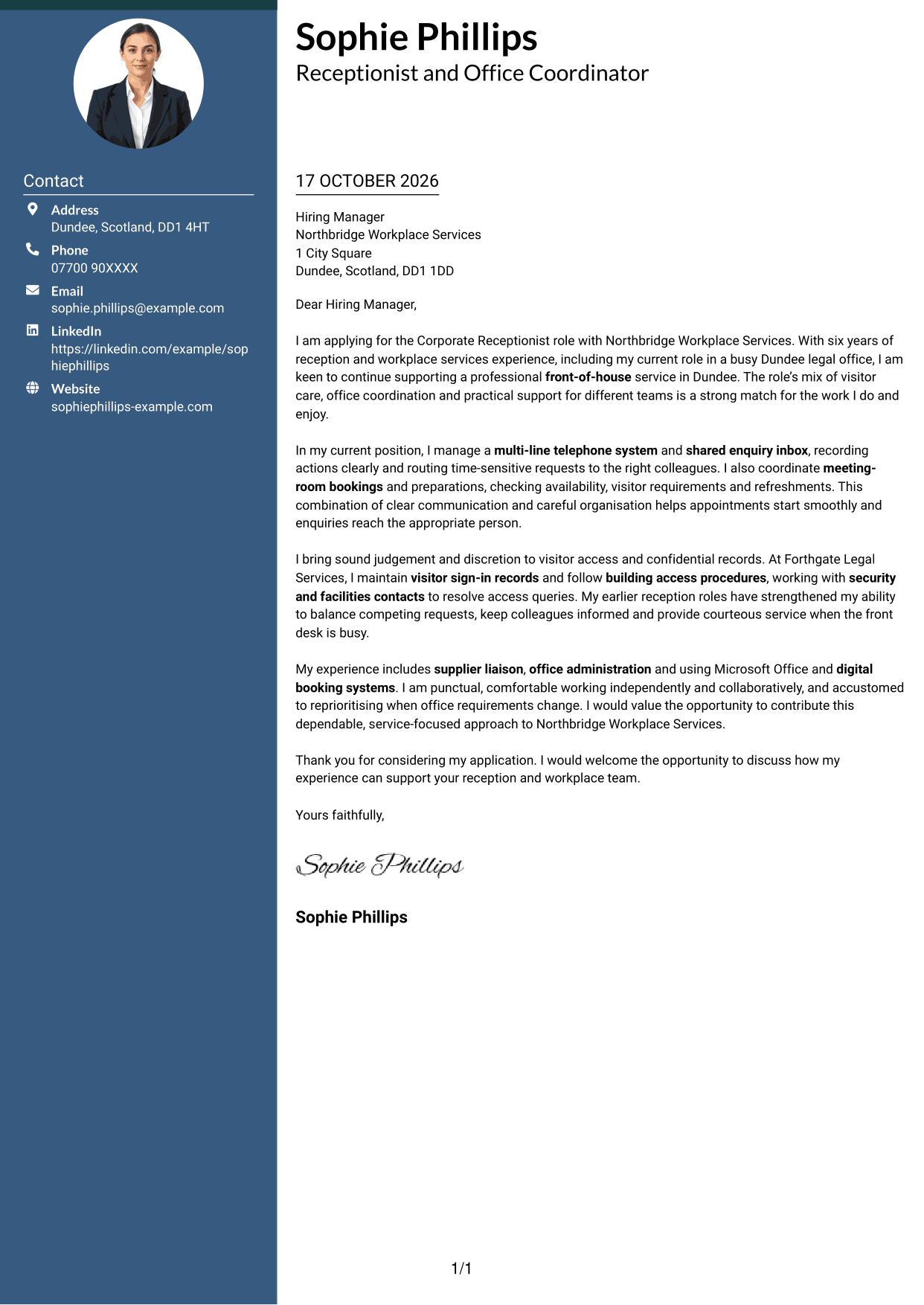
A contact sidebar sits beside one continuous letter body, keeping contact information apart from the message.
Why This Format Works
- The sidebar separates sender contact information from the main letter text.
- One continuous body keeps the argument in a familiar paragraph sequence.
- No section labels interrupt the letter's progression from interest to closing.
Best For
- Contact details apart from the message
- Continuous paragraph arguments
- Two-column page organisation
- Several points of role alignment
- Photo-free applications
#3 Photo Header Two Column Format Cover Letter Example
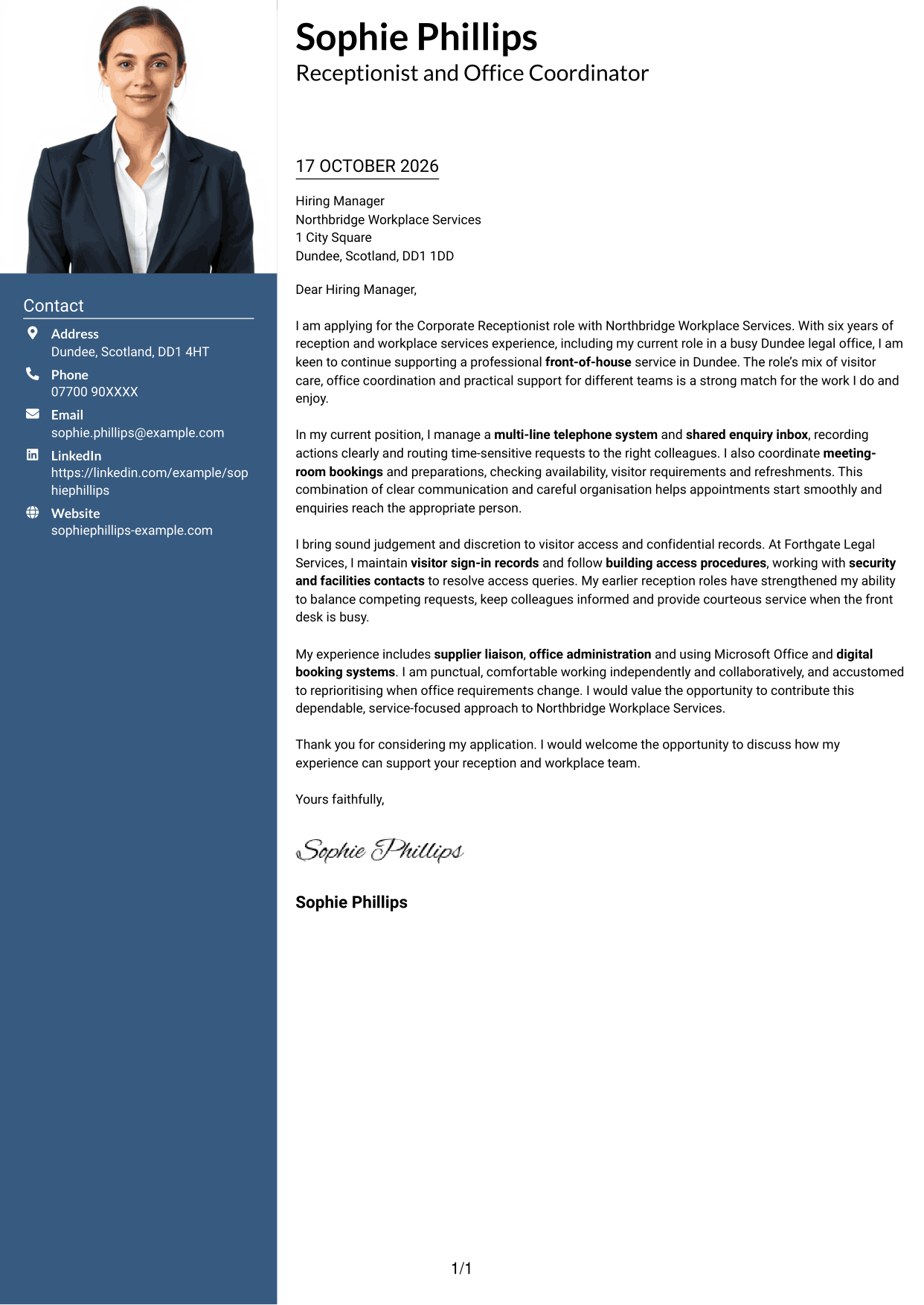
This two-column layout includes a photo, a contact sidebar and one continuous letter body.
Why This Format Works
- Contact details occupy a sidebar, apart from the continuous letter body.
- Motivation, supporting points and closing remain together in one body.
- The included photo offers a visual option without changing the letter's message.
Best For
- Portrait-inclusive applications
- Contact details beside the message
- Continuous letter paragraphs
- Two-column reading order
- Letters with several supporting points
#4 One Column Format with Photo Cover Letter Example
A single-column letter body is paired with a photo, while sender details remain in the header.
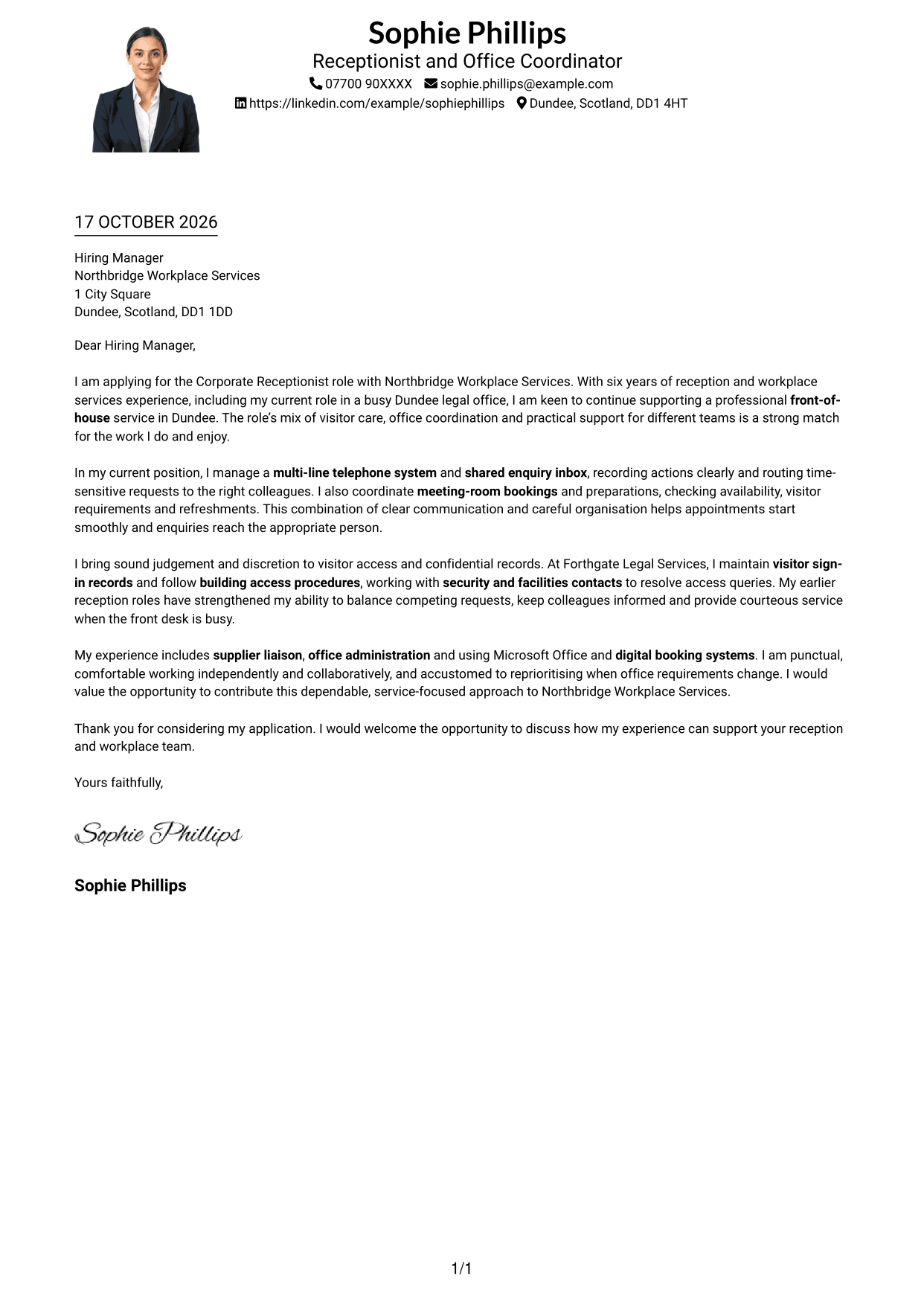
Why This Format Works
- One-column reading keeps the message in a direct, familiar sequence.
- Sender details stay in the header, separate from the letter paragraphs.
- The photo adds a visual element while the body remains uninterrupted.
Best For
- One-column letter reading
- Header-based sender contact
- Photo-inclusive documents
- Paragraph-led application cases
- Letters with several supporting points
#5 Simple Two Column Format Cover Letter Example
Contact information has its own sidebar beside a main letter body that stays continuous.
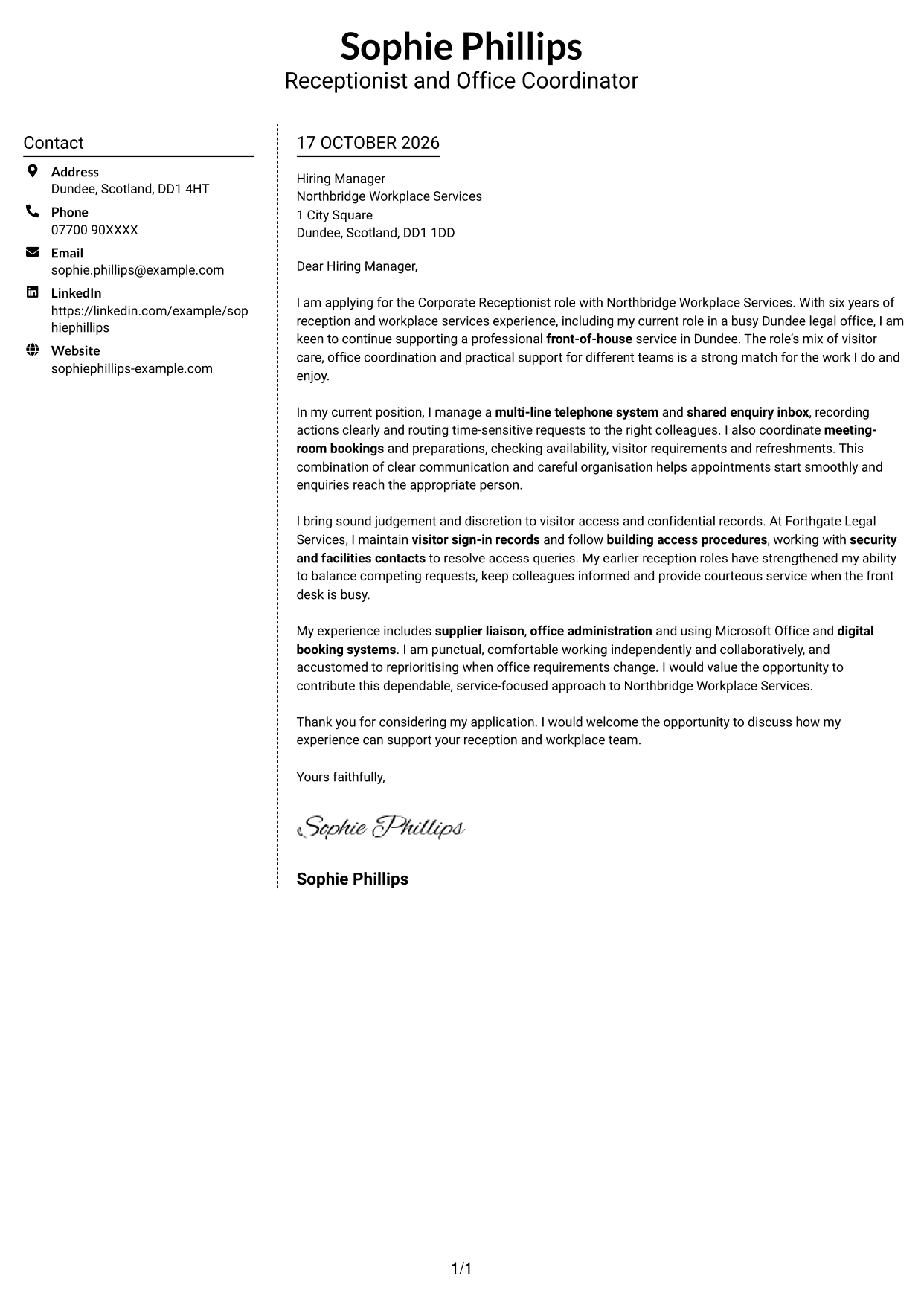
Why This Format Works
- Contact information has its own sidebar beside the main letter text.
- All persuasive paragraphs stay together rather than splitting across columns.
- Without internal headings, the letter retains a familiar paragraph-based tone.
Best For
- Sidebar contact organisation
- Uninterrupted letter body
- Two-column layout preference
- Applications without a portrait
- Letters with several supporting points
#6 Modern Icon Format Cover Letter Example
Contact icons and header accents add visual cues to the contact sidebar beside the continuous letter body.
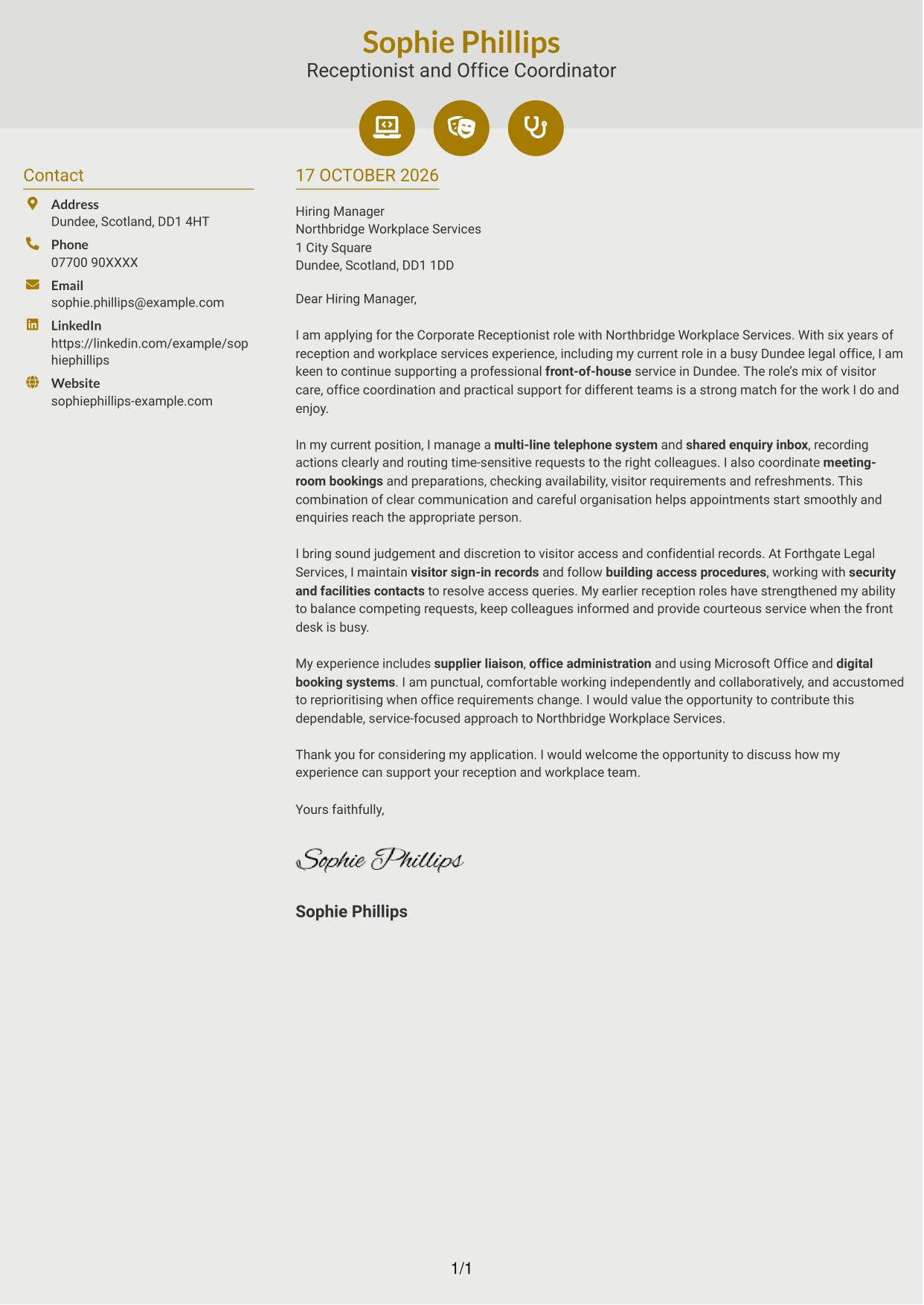
Why This Format Works
- Contact icons give readers visual cues for the details in the sidebar.
- The main letter body stays continuous, with no icons labelling its argument.
- Header accents remain decorative rather than marking stages of the message.
Best For
- Icon-cued contact details
- Continuous argument paragraphs
- Two-column reading order
- Decorative header accents
- Letters with several supporting points
#7 Creative Two Tone Format Cover Letter Example
Contact information and the continuous letter body occupy separate areas of this two-column layout.
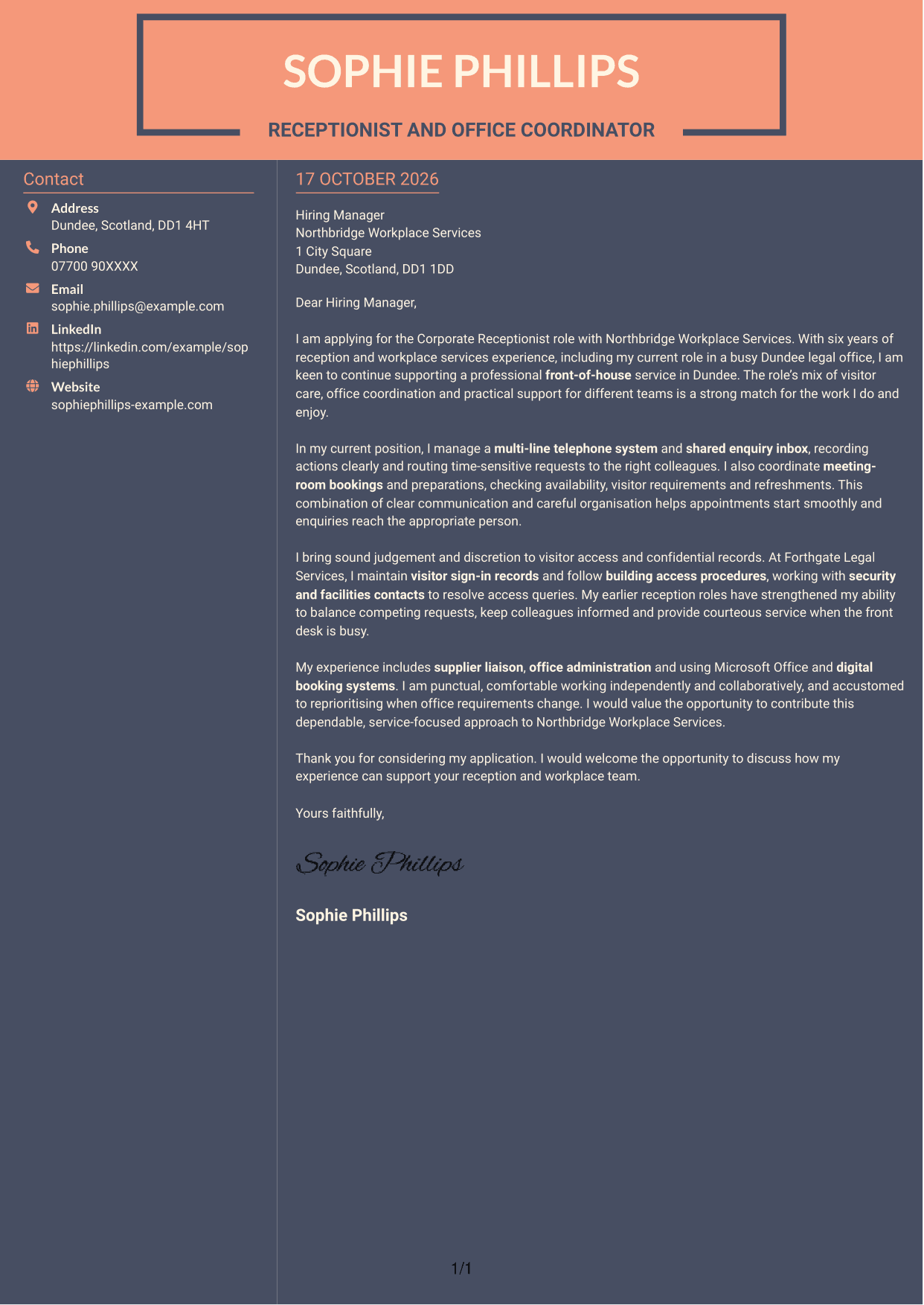
Why This Format Works
- Contact information and letter text occupy separate areas of the two-column page.
- The body stays in one sequence, keeping motivation and evidence together.
- With no photo, the visual focus stays on the written message.
Best For
- Separate contact and letter areas
- Continuous message flow
- Two-column document layout
- Photo-free presentation
- Letters with several supporting points
See Also
- 7 Corporate Receptionist CV Templates with Example
- 7 Front of House Coordinator - Corporate Reception CV Templates with Example
- 7 Guest Services Ambassador - Corporate Reception CV Templates with Example
- 7 Operations Planning Manager - Rail Maintenance CV Templates with Example
- 7 Postgraduate Administrator - Admissions and Student Support CV Templates with Example
- 7 Cash Reconciliation Assistant - Retail and Wholesale Accounts CV Templates with Example
- 7 Associate, US Funds Tax CV Templates with Example
- 7 Associate - Export, Trade and Commodity Finance CV Templates with Example
- 7 Front of House Coordinator - Corporate Reception Cover Letter Templates with Example
- 7 Guest Services Ambassador - Corporate Reception Cover Letter Templates with Example
Frequently Asked Questions
What should a Corporate Receptionist cover letter highlight?
Show how you welcome visitors, handle telephone and written enquiries, and help meetings run smoothly. Examples of accurate record-keeping, access procedures and practical office support can also help show your fit.
How can I make my experience relevant to this role?
Choose a few examples that match the work, such as managing a busy switchboard, arranging meeting rooms or working with security and facilities contacts. Explain what you did and how it supported visitors or colleagues.
How should I explain my interest in the employer?
Use a genuine reason connected to the role or the employer’s workplace service. Then explain how your approach to visitor care, communication or office support could help the team.
What is a clear way to structure this cover letter?
Start with the role and your reason for applying. Use the body to give focused examples of reception and office support, then close by restating your interest and welcoming a discussion.
Should I include every part of my work history?
No. Select the experience that best supports your fit for the Corporate Receptionist role. A small number of useful examples can make your message clearer than a full account of every duty.




