
7 Corporate Tax Senior Manager Cover Letter Templates with Example
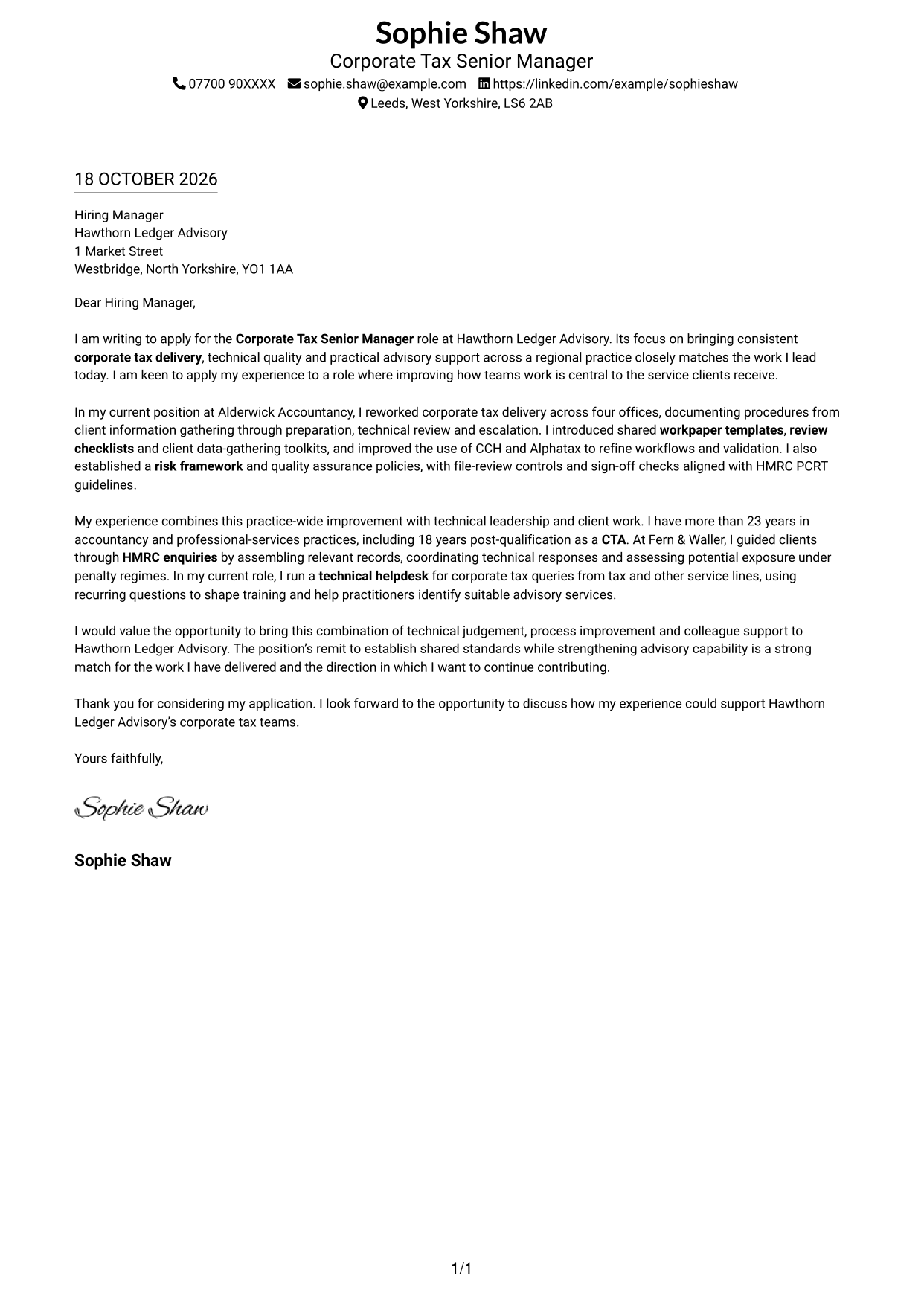
This practical guide to a Corporate Tax Senior Manager cover letter shows how to present your role fit across seven layouts.
What Makes a Great Corporate Tax Senior Manager Cover Letter in 2026
A strong letter connects technical judgement with better corporate tax delivery, clear risk controls and useful support for colleagues. Open with your interest in the role and the value of this work.
Choose evidence such as improving procedures across offices, strengthening file review or supporting HMRC enquiries. Link each example to the employer’s priorities and explain your interest in its approach to tax services.
The featured example moves from interest in the role to practice-wide improvements, technical leadership and a clear close; adapt this focused progression while choosing a presentation suited to the employer and communication context.
#1 Simple One Column Format Cover Letter Example
The single-column page keeps sender details in the header and the letter body in one direct reading path.
Why This Format Works
- Sender details stay in the header, apart from the letter's persuasive message.
- A single column gives each paragraph consistent horizontal alignment.
- The continuous body carries opening, evidence and closing paragraphs in sequence.
Best For
- Single-column reading preference
- Text-led application documents
- Header-based contact details
- Continuous paragraph-style letters
- Photo-free submissions
#2 Two Column Format Cover Letter Example
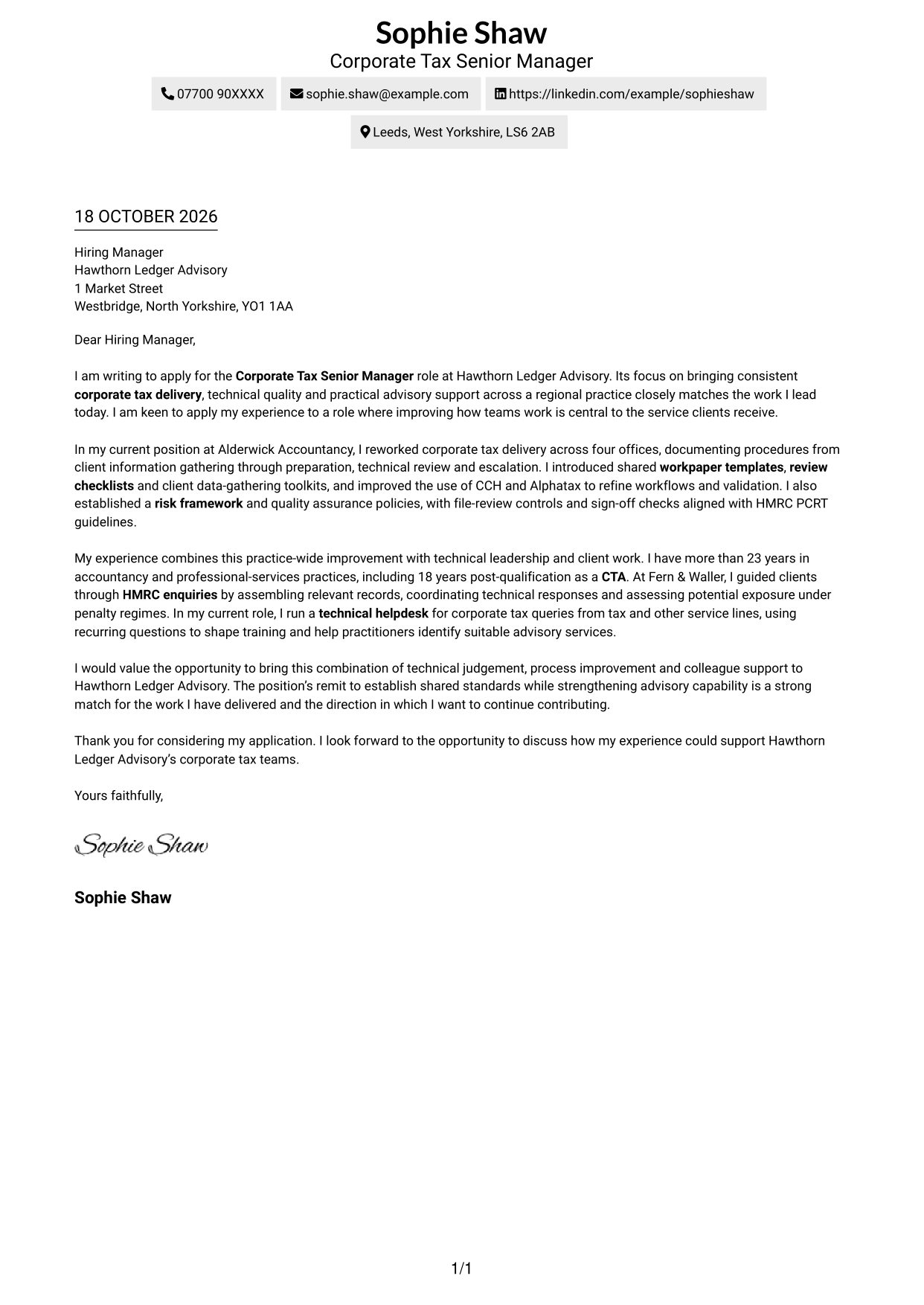
A contact sidebar sits beside one continuous letter body, keeping sender information distinct from the message.
Why This Format Works
- The sidebar gives reviewers a separate place to find sender contact details.
- One letter column keeps the opening, case and close together in sequence.
- The photo-free treatment suits readers who prefer a text-led page.
Best For
- Side-by-side contact and message
- Single-column letter arguments
- Photo-free document preference
- Formal employer correspondence
- Applications prioritising the written case
#3 Photo Header Two Column Format Cover Letter Example
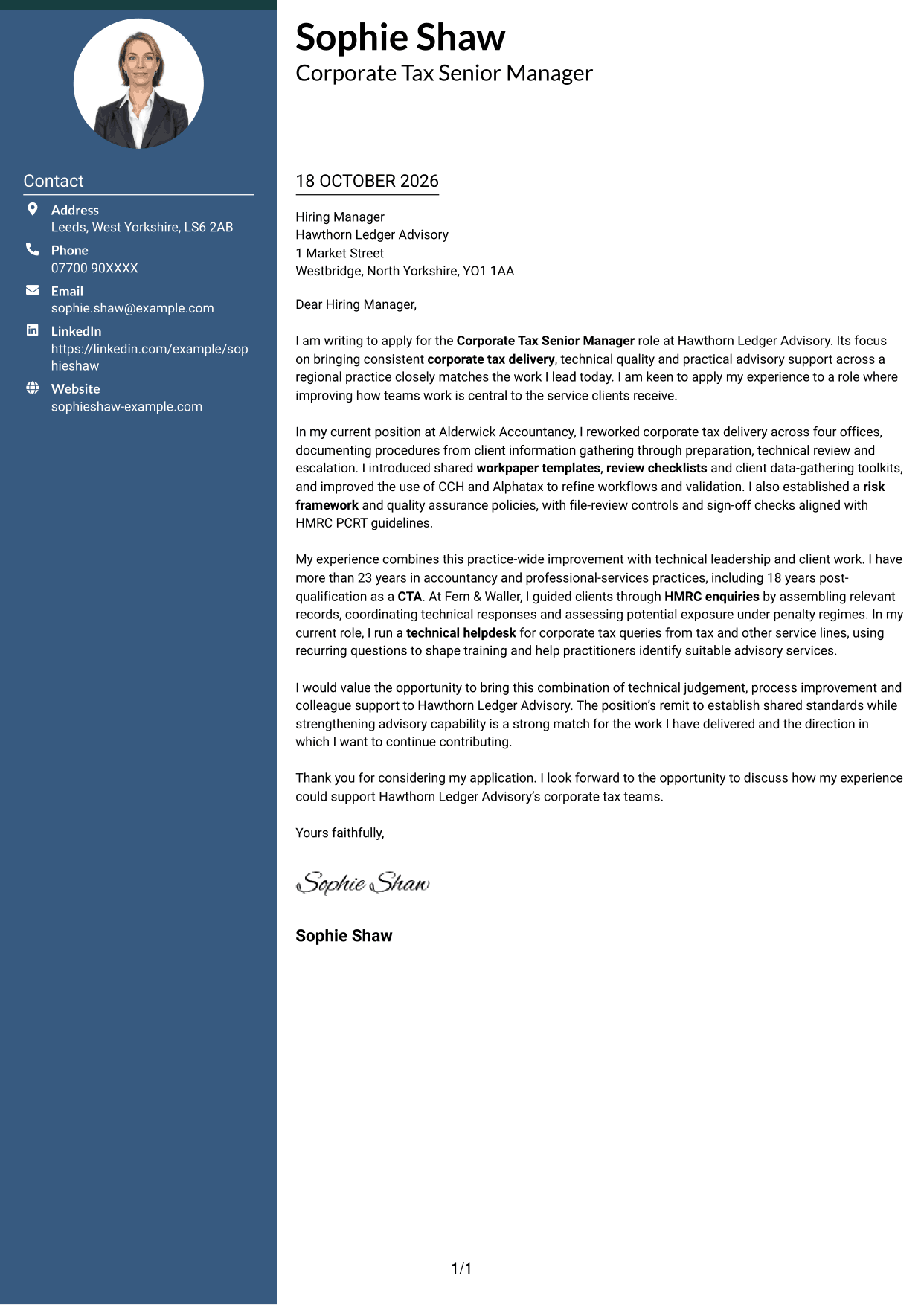
A portrait in the header adds a visible personal identifier, while the contact sidebar sits beside one continuous letter body.
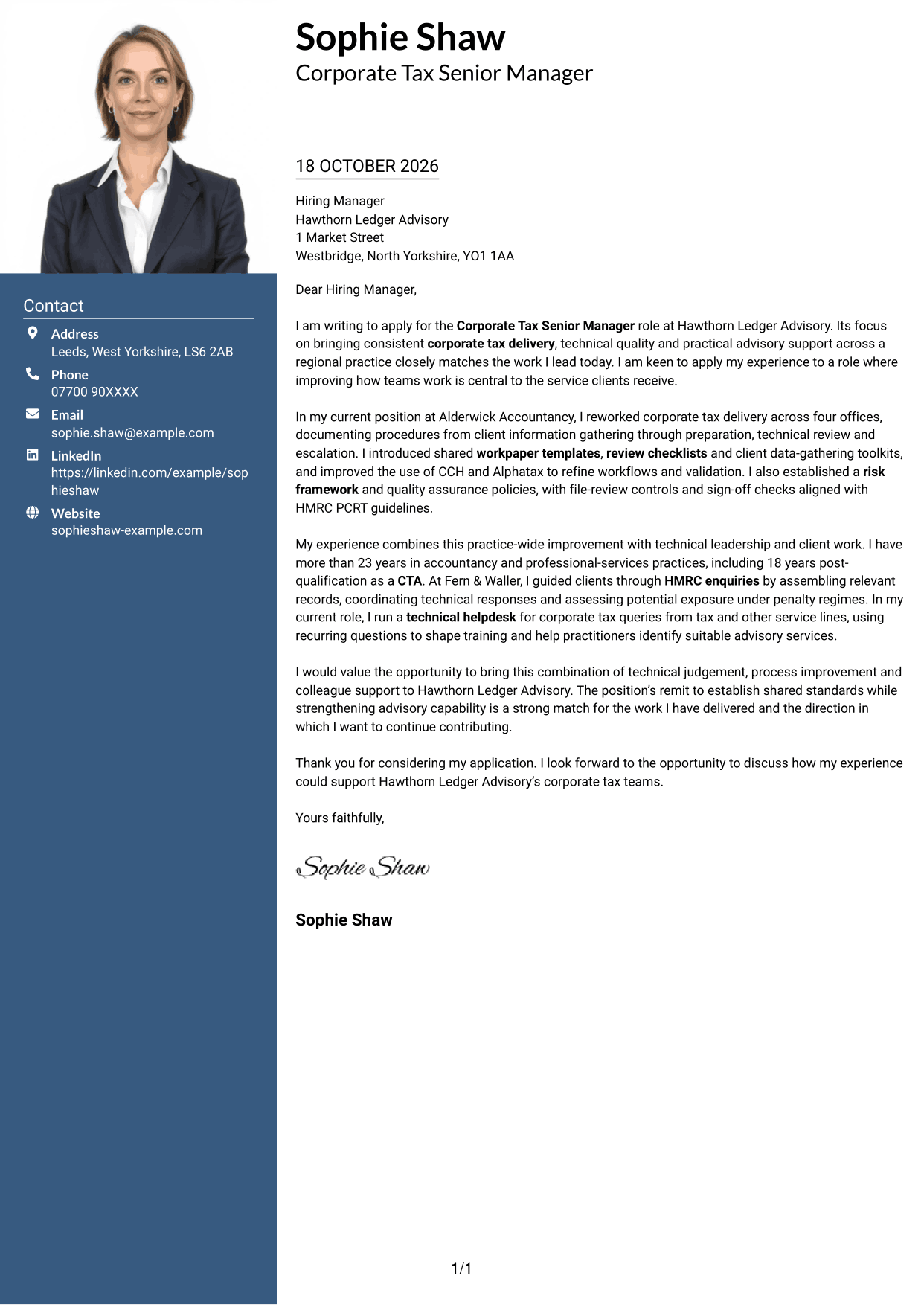
Why This Format Works
- The portrait provides a clear visual identifier in the contact presentation.
- Contact details remain apart from the letter's continuous argument.
- The single letter column keeps the opening and closing in sequence.
Best For
- Applications requesting a portrait
- Side-by-side contact and message
- Continuous letter paragraphs
- A visible personal identifier
- Contact details in a sidebar
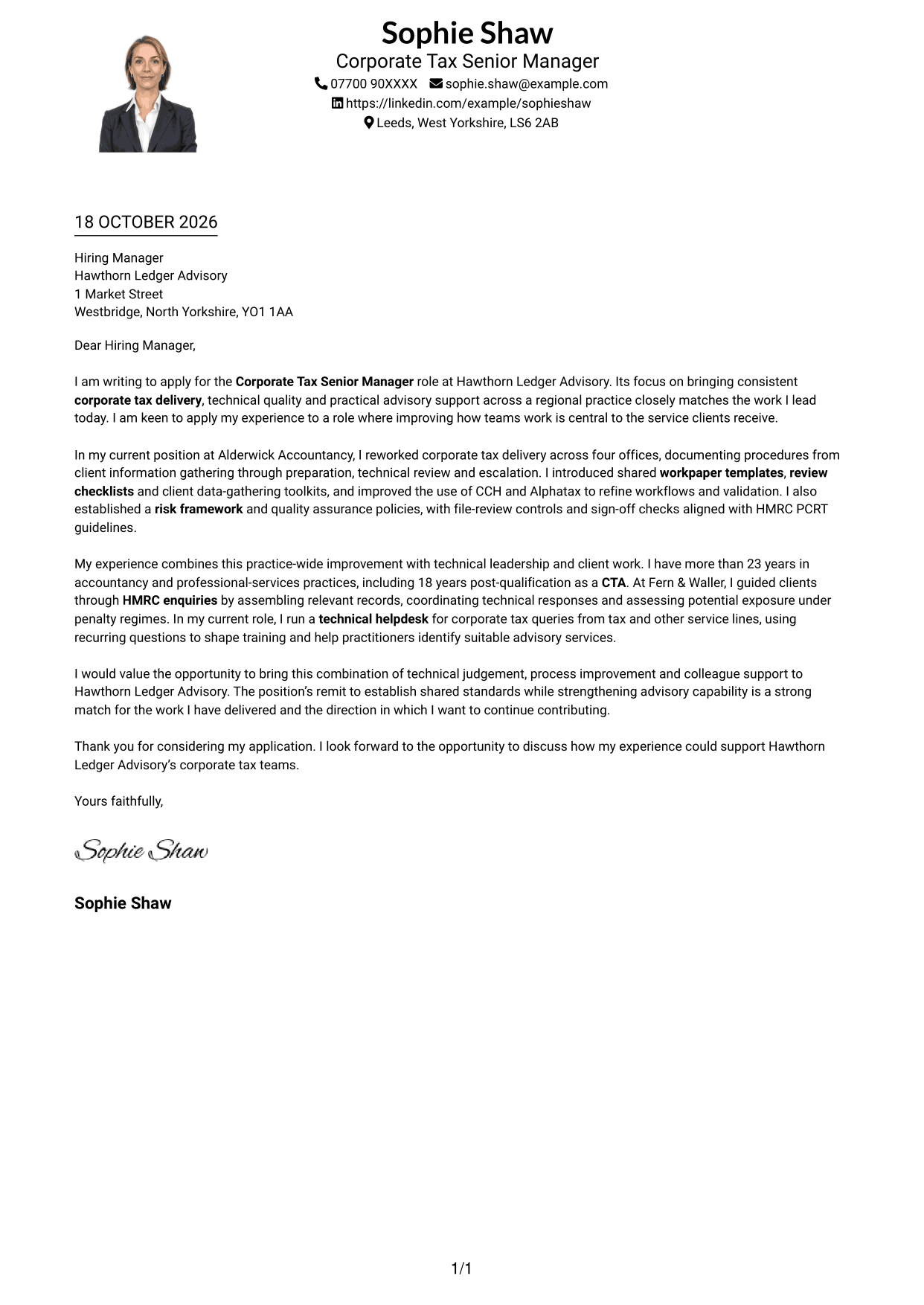
#4 One Column Format with Photo Cover Letter Example
The one-column letter includes a photo, offering a personal visual element without placing the message in parallel columns.
Why This Format Works
- The portrait adds a visual point of identification without dividing the message.
- One column gives each paragraph a consistent place on the page.
- Header-based sender details stay distinct from the continuous letter body.
Best For
- Single-column letter reading
- Applications where a portrait is expected
- Continuous paragraph-style correspondence
- Header-based sender information
- A personal visual element
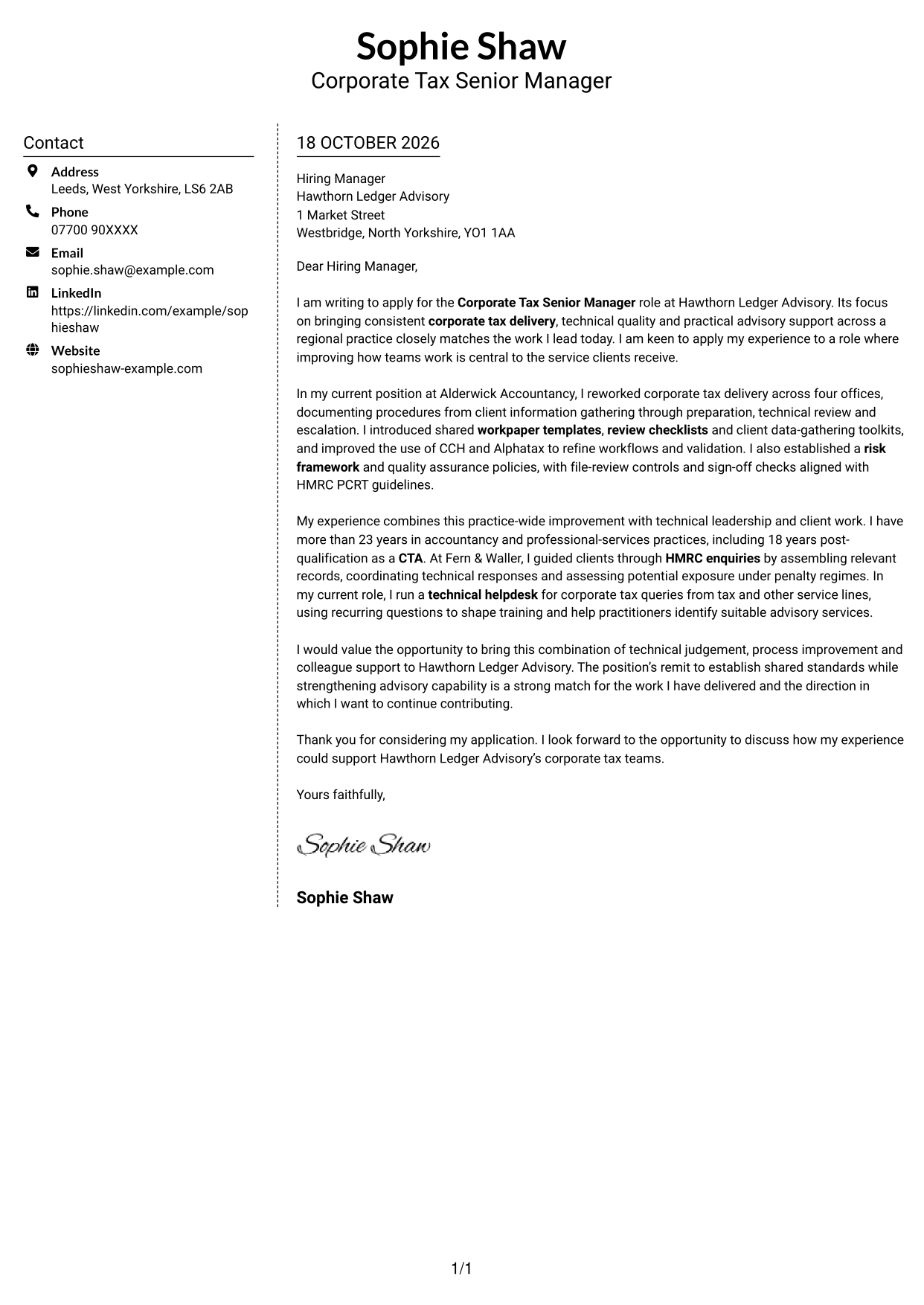
#5 Simple Two Column Format Cover Letter Example
This two-column layout places sender details in a contact sidebar alongside one uninterrupted letter body.
Why This Format Works
- The sidebar keeps sender details apart from the uninterrupted letter body.
- Reviewers can follow the opening, supporting case and close in one column.
- Photo-free styling suits readers who prefer a text-led letter.
Best For
- Contact details beside the message
- One-column letter arguments
- Photo-free application documents
- Paragraph-led business correspondence
- Applications focused on the written case
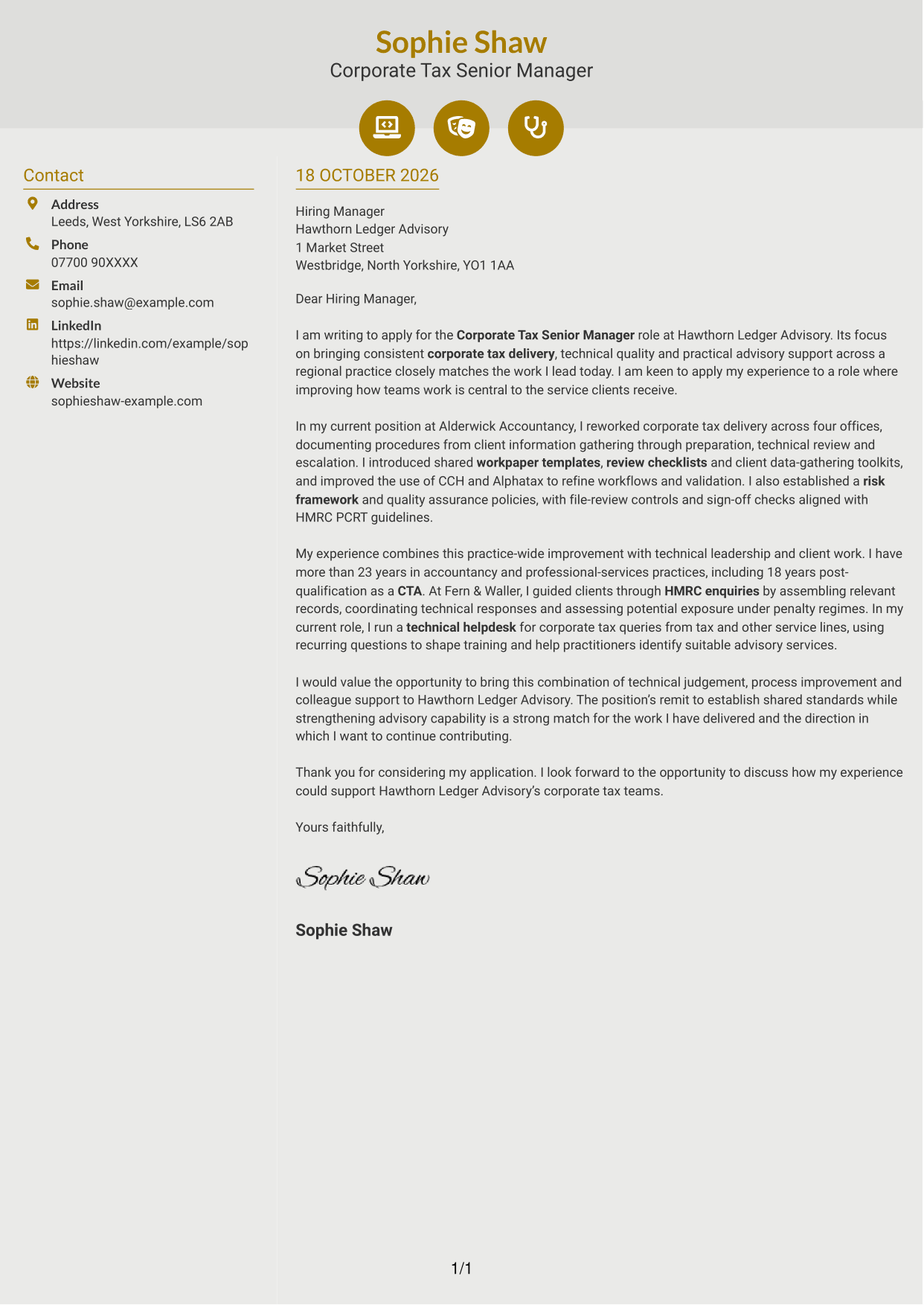
#6 Modern Icon Format Cover Letter Example
Contact icons add visual cues in the sidebar, while the letter remains one continuous column.
Why This Format Works
- Contact icons provide visual cues for sender information, not letter arguments.
- The sidebar and letter body remain distinct, with the message in one column.
- Photo-free styling leaves the page centred on written correspondence.
Best For
- Icon cues for contact details
- Side-by-side contact and message
- A single-column letter body
- Photo-free document preferences
- Text-led correspondence
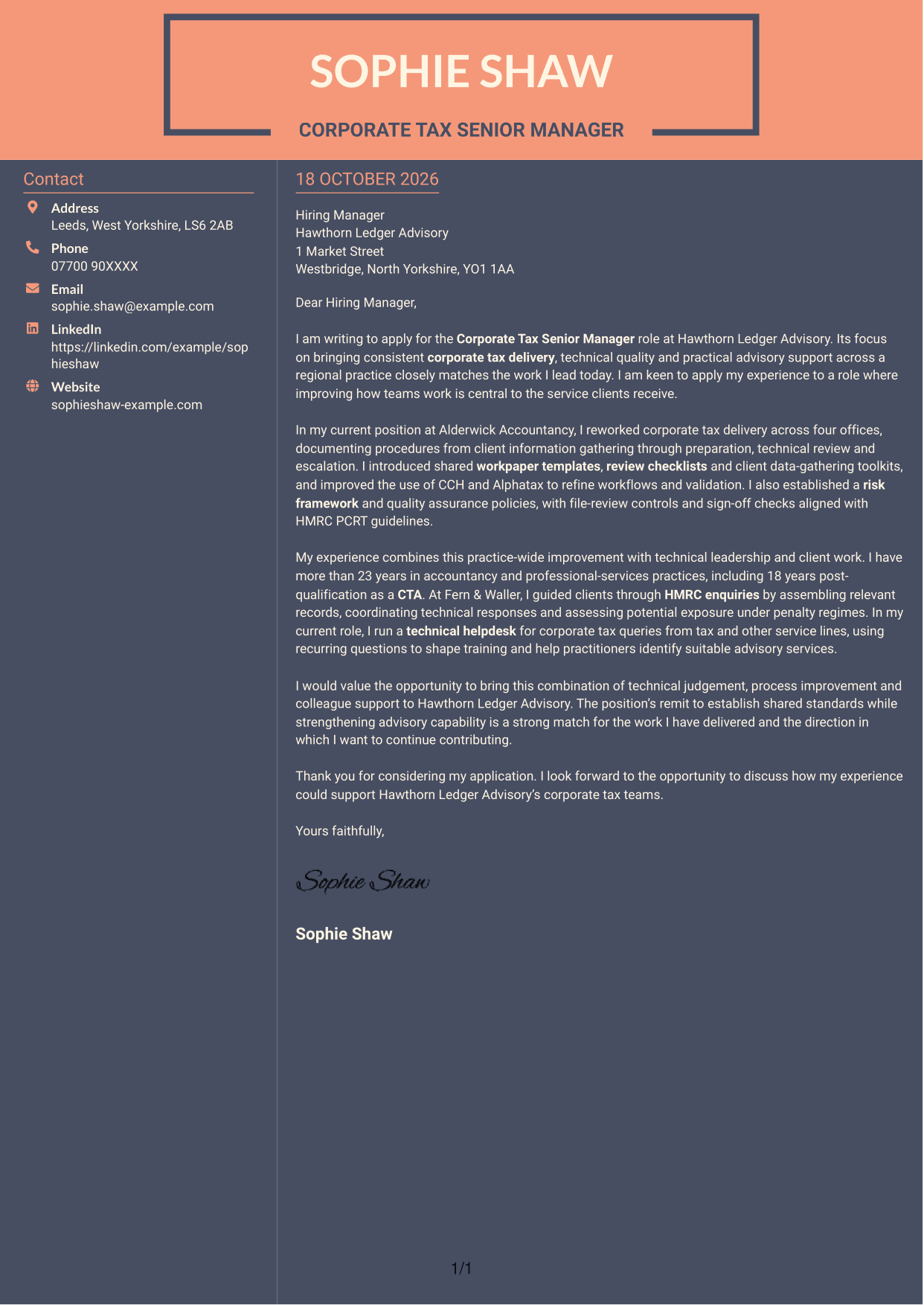
#7 Creative Two Tone Format Cover Letter Example
The two-column arrangement places sender contact details beside a continuous letter body, keeping correspondence distinct from contact information.
Why This Format Works
- Contact details occupy a separate sidebar beside the letter body.
- The argument remains in one column, so paragraphs stay together.
- No portrait keeps visual attention on the written correspondence.
Best For
- A separate contact sidebar
- Single-column letter arguments
- Photo-free correspondence
- Contact details apart from the message
- Paragraph-based business letters
See Also
- 7 Business Tax Manager - Corporate Tax Compliance CV Templates with Example
- 7 Corporate Tax Senior Manager CV Templates with Example
- 7 Tax Assistant - Personal and Corporate Tax CV Templates with Example
- 7 Corporate Receptionist CV Templates with Example
- 7 Front of House Coordinator - Corporate Reception CV Templates with Example
- 7 Guest Services Ambassador - Corporate Reception CV Templates with Example
- 7 Associate, US Funds Tax CV Templates with Example
- 7 Employment Tax Manager - Client Advisory and Compliance CV Templates with Example
- 7 Business Tax Manager - Corporate Tax Compliance Cover Letter Templates with Example
- 7 Tax Assistant - Personal and Corporate Tax Cover Letter Templates with Example
Frequently Asked Questions
What should a Corporate Tax Senior Manager cover letter highlight?
Show how your technical judgement supports consistent corporate tax work and sound risk controls. You might discuss procedures, review standards, quality assurance, HMRC enquiries or colleague support, using specific examples that match your experience.
How can I show that I can improve tax delivery across a practice?
Describe a change you led, such as setting shared procedures or introducing workpaper templates and review checklists. Explain how you brought colleagues on board and how the change supported more consistent preparation and review.
How should I explain my technical experience?
Use a clear example involving UK tax rules, an HMRC enquiry or a penalty issue. Briefly explain your role, the judgement you applied and how you communicated the outcome.
How can I show that I support advisory work as well as compliance?
Explain how you help colleagues recognise suitable advisory needs during compliance work. Include how you share guidance or training, and connect that support to useful service for clients.
How can I compare the cover letter examples?
Review the PNG image previews to compare the page layouts. Use View in Editor to open an example and customise its presentation for your message and communication context.




