
7 CRM Executive - Customer Lifecycle Campaigns Cover Letter Templates with Example
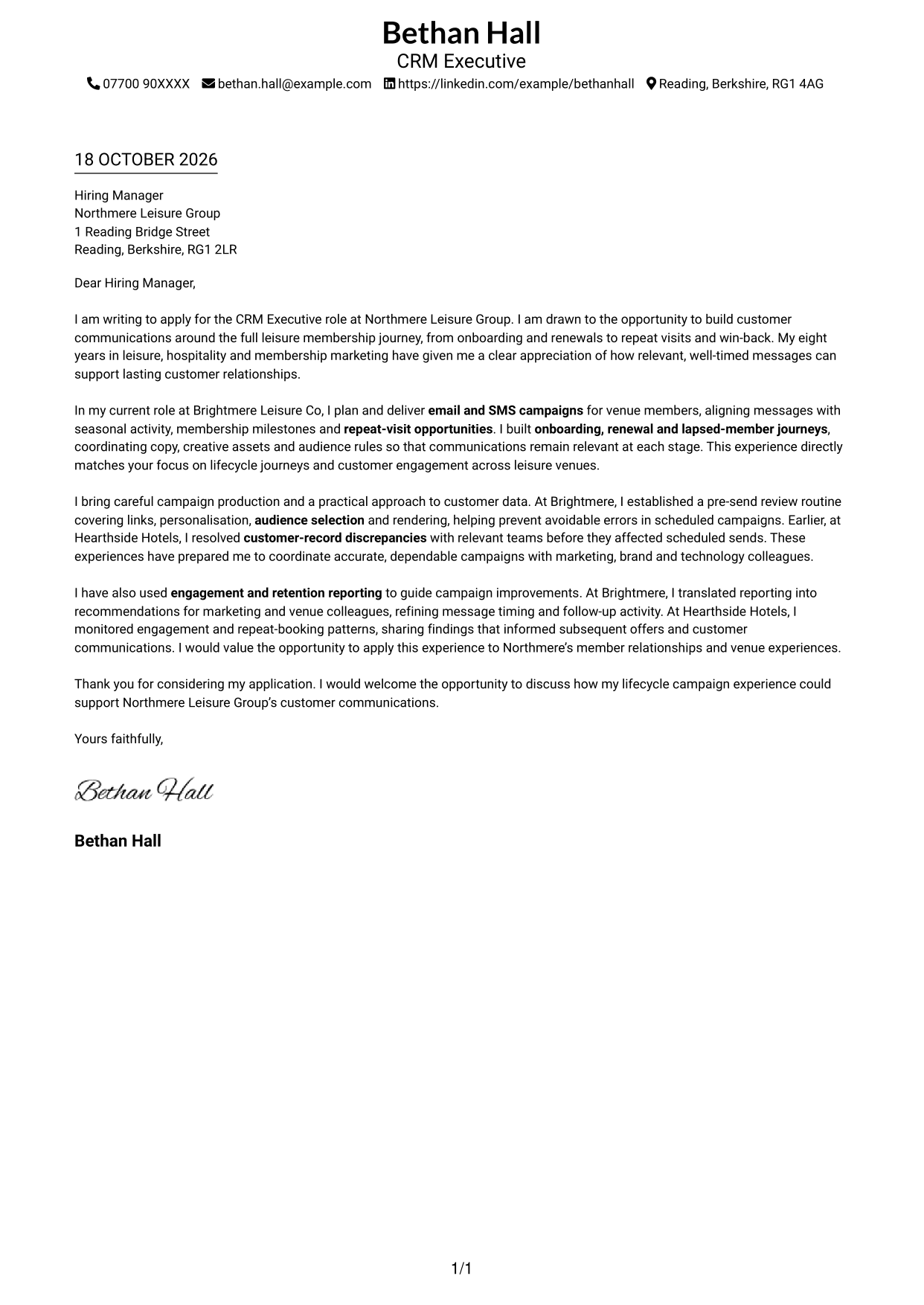
This guide helps you write a CRM Executive - Customer Lifecycle Campaigns cover letter and compare seven layouts.
What Makes a Great CRM Executive - Customer Lifecycle Campaigns Cover Letter in 2026
A strong letter explains your interest in customer lifecycle work and shows how you can create relevant communications across email and SMS. Make the opening clear and connect your motivation to the role.
Use specific evidence, such as building onboarding and renewal journeys, checking campaigns before launch or improving messages with engagement and retention results. Show how your approach supports accurate, helpful communications and stronger customer relationships.
The featured example moves from interest in the role to lifecycle campaign experience, careful campaign checks and a clear close; adapt this focused progression while choosing a presentation that suits the employer and communication context.
#1 Simple One Column Format Cover Letter Example
The one-column layout keeps sender details in the header and gives the letter a direct reading path.
Why This Format Works
- Sender details are grouped in the header, so contact information is easy to find.
- The single column gives the greeting, paragraphs and closing one clear reading order.
- Continuous paragraphs let the motivation and supporting points develop without body headings.
Best For
- Header contact reference
- Single-column correspondence
- Paragraph-led persuasion
- Photo-free applications
- Letters without body headings
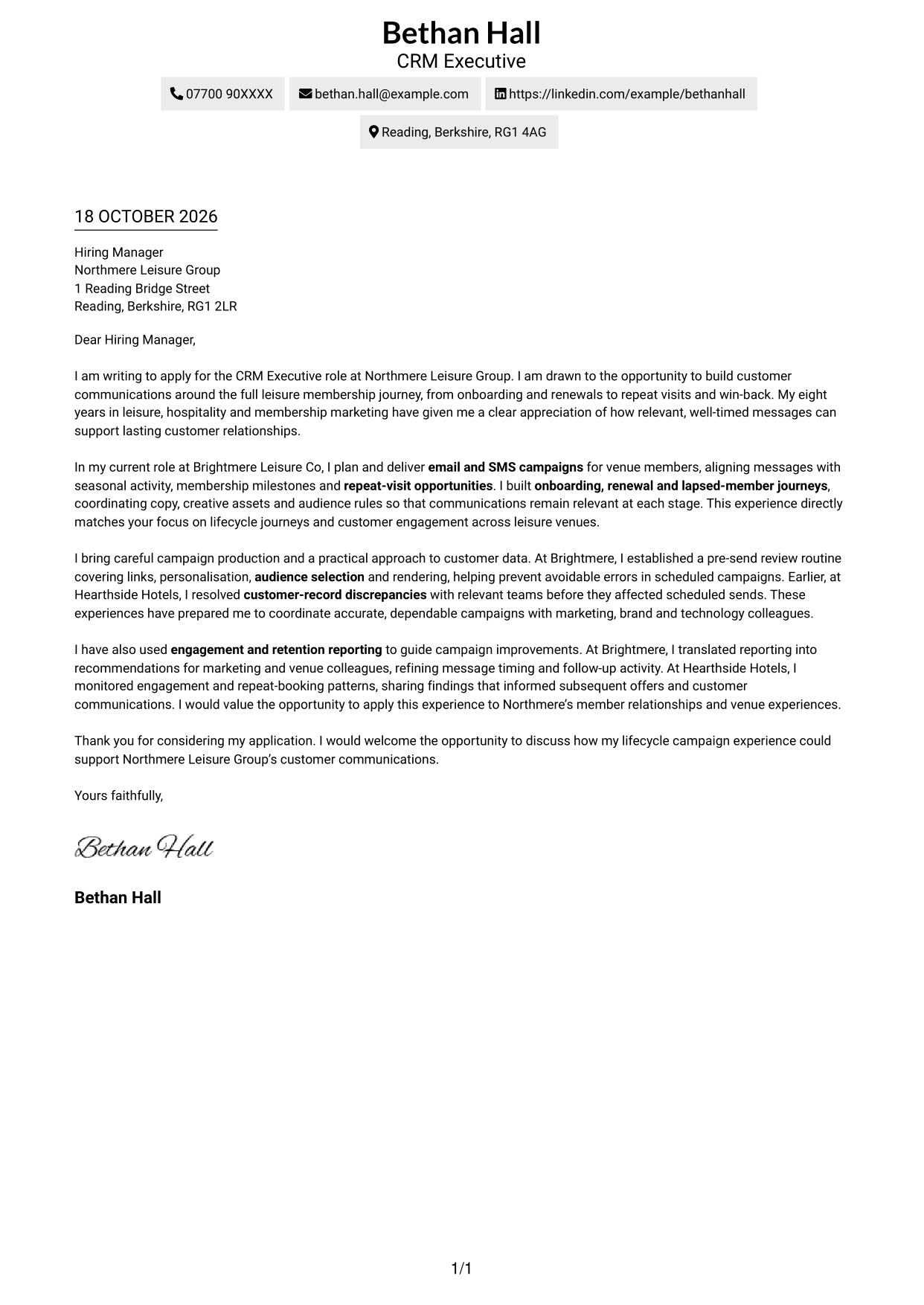
#2 Two Column Format Cover Letter Example
A contact sidebar sits beside the continuous letter body, keeping sender information distinct from the message.
Why This Format Works
- The contact sidebar keeps sender details available without interrupting the letter body.
- One continuous body carries the opening, supporting evidence and closing in sequence.
- The photo-free layout suits applicants who prefer the letter itself to take focus.
Best For
- Sidebar contact details
- Continuous letter paragraphs
- Photo-free correspondence
- Side-by-side reading preference
- Letters with a clear contact area
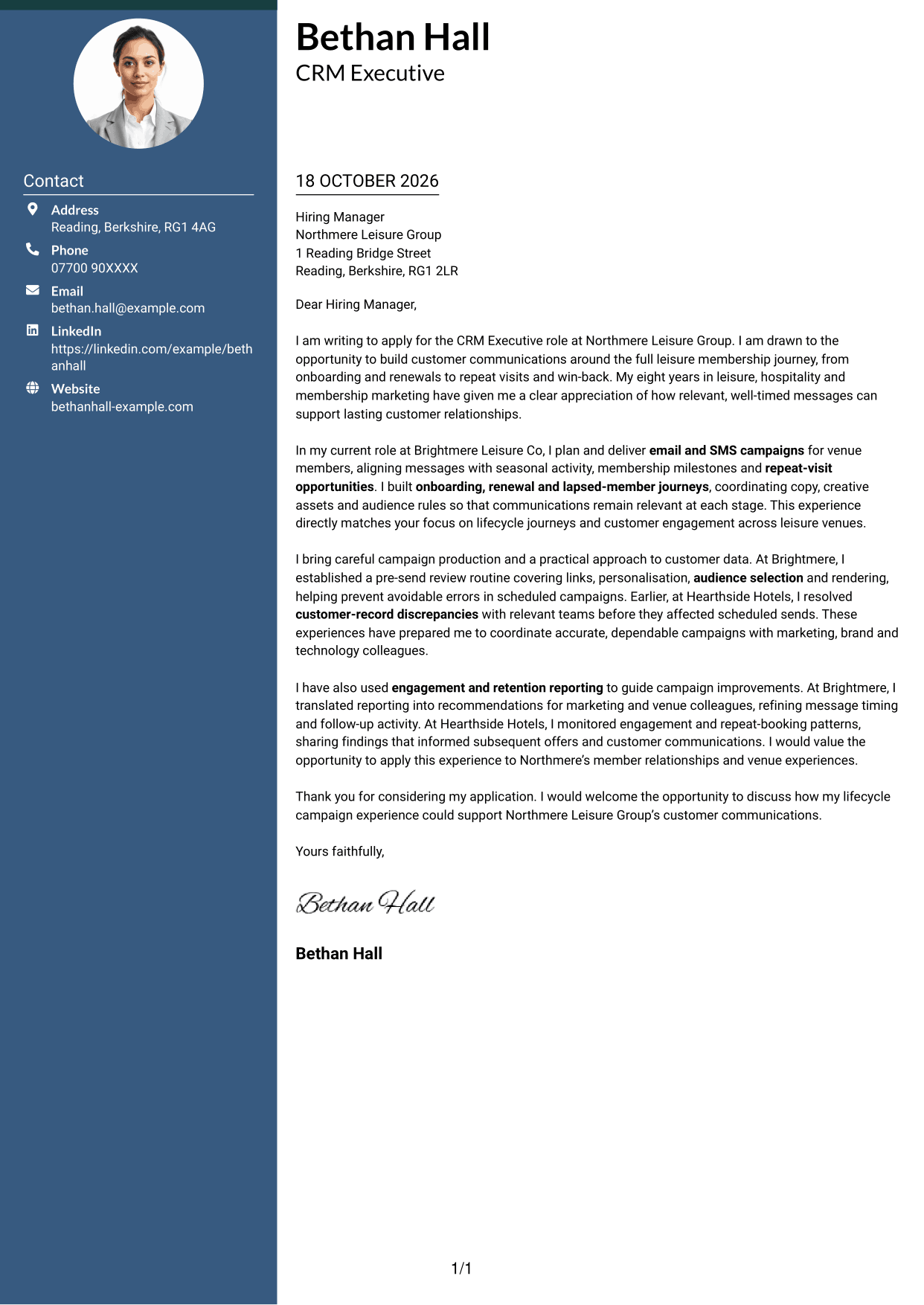
#3 Photo Header Two Column Format Cover Letter Example
The two-column layout includes a photo and contact sidebar beside one continuous letter body.
Why This Format Works
- An included photo offers a portrait-led visual choice without changing the letter’s argument.
- Contact details stay in a sidebar, separate from the message for quick reference.
- One continuous body keeps the opening, evidence and closing in their natural order.
Best For
- Portrait-led visual preference
- Sidebar contact reference
- Continuous letter arguments
- Photo-inclusive correspondence
- Two-column document layout
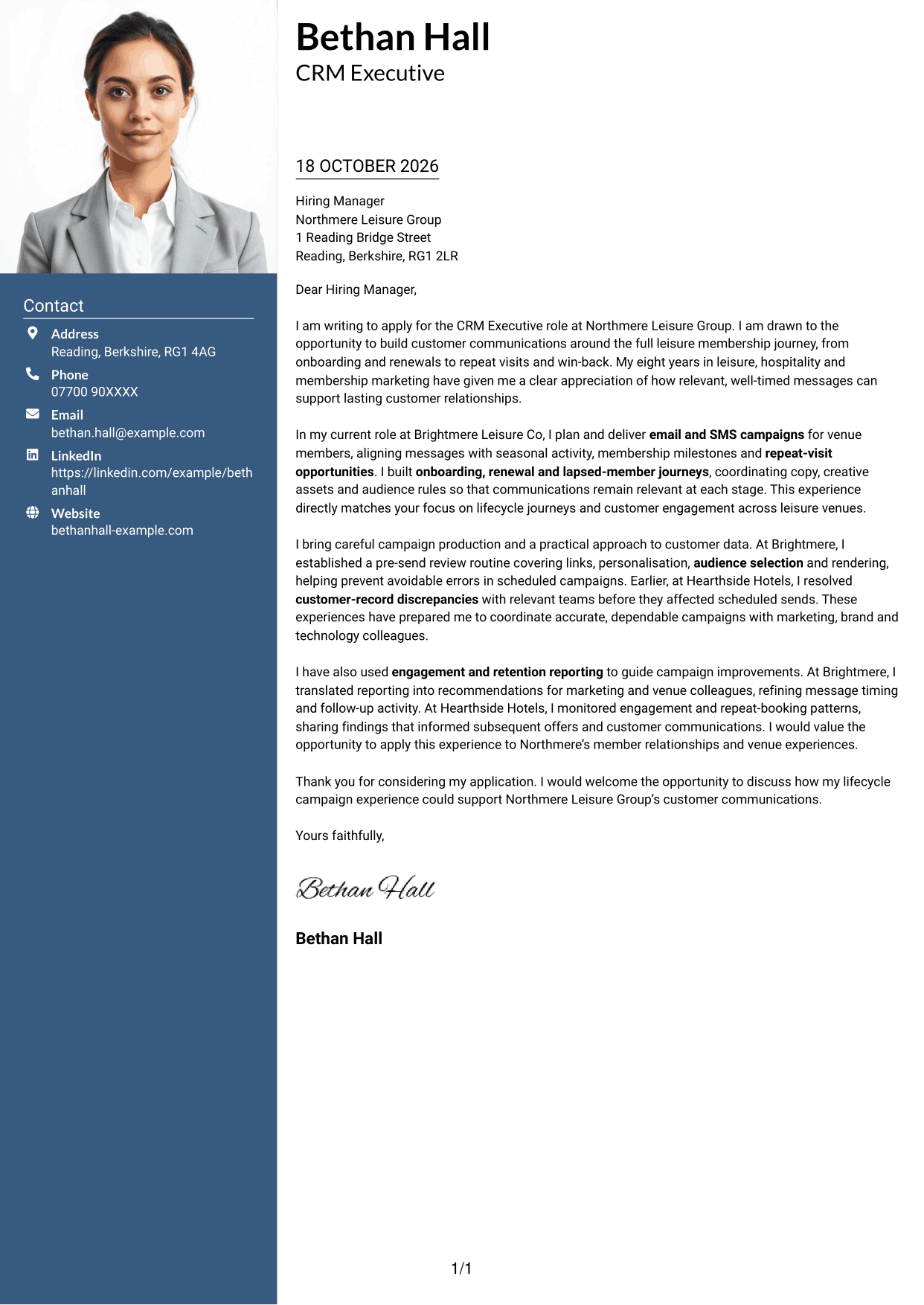
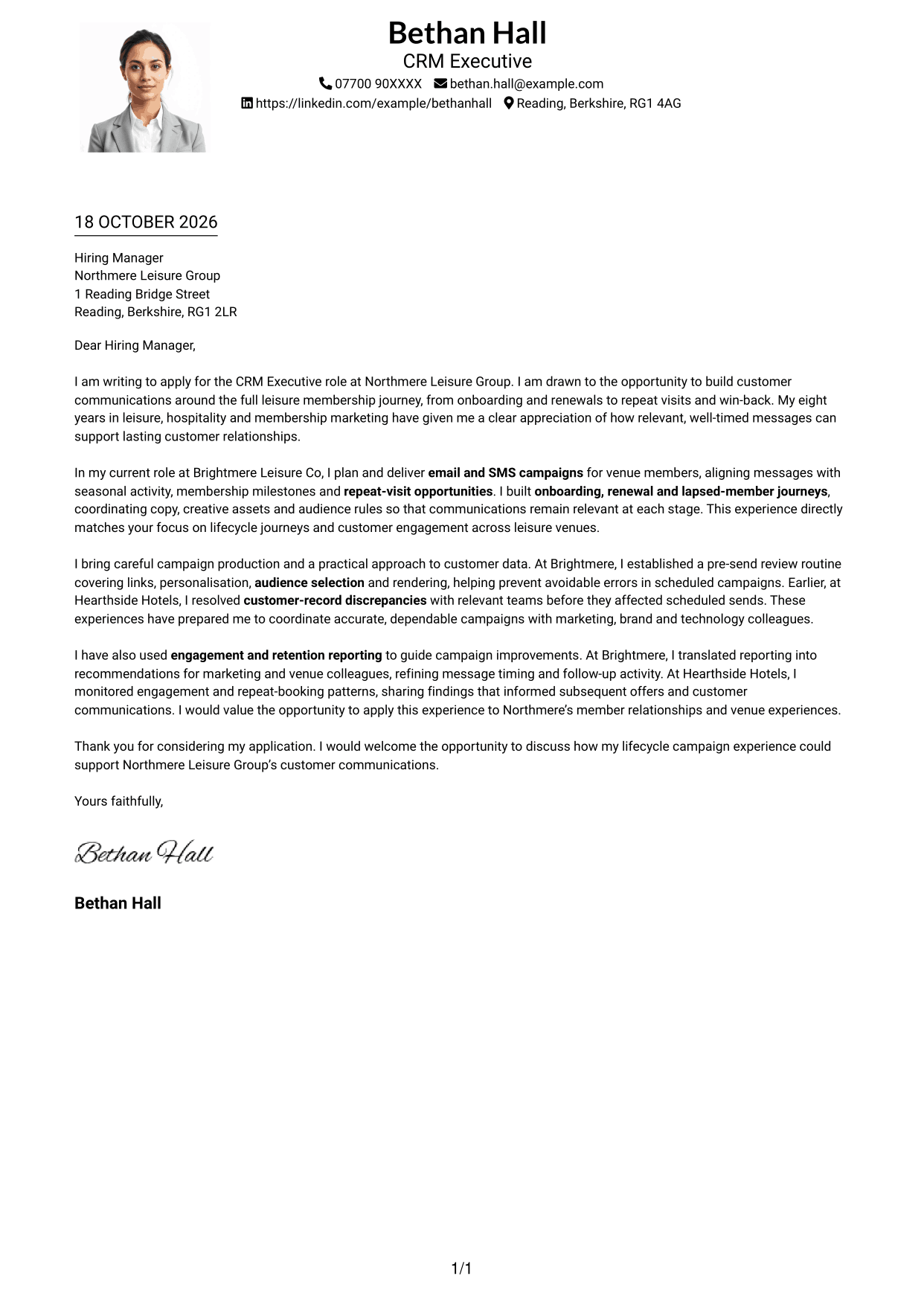
#4 One Column Format with Photo Cover Letter Example
A photo appears within the one-column layout, while the letter body follows a single reading path.
Why This Format Works
- The photo offers a portrait-based visual choice within a single-column letter.
- Sender details remain in the header, apart from the continuous letter paragraphs.
- The single column keeps the greeting, main message and closing together in sequence.
Best For
- One-column letter reading
- Portrait-based presentation
- Header contact details
- Continuous paragraph flow
- Letters with a single reading path
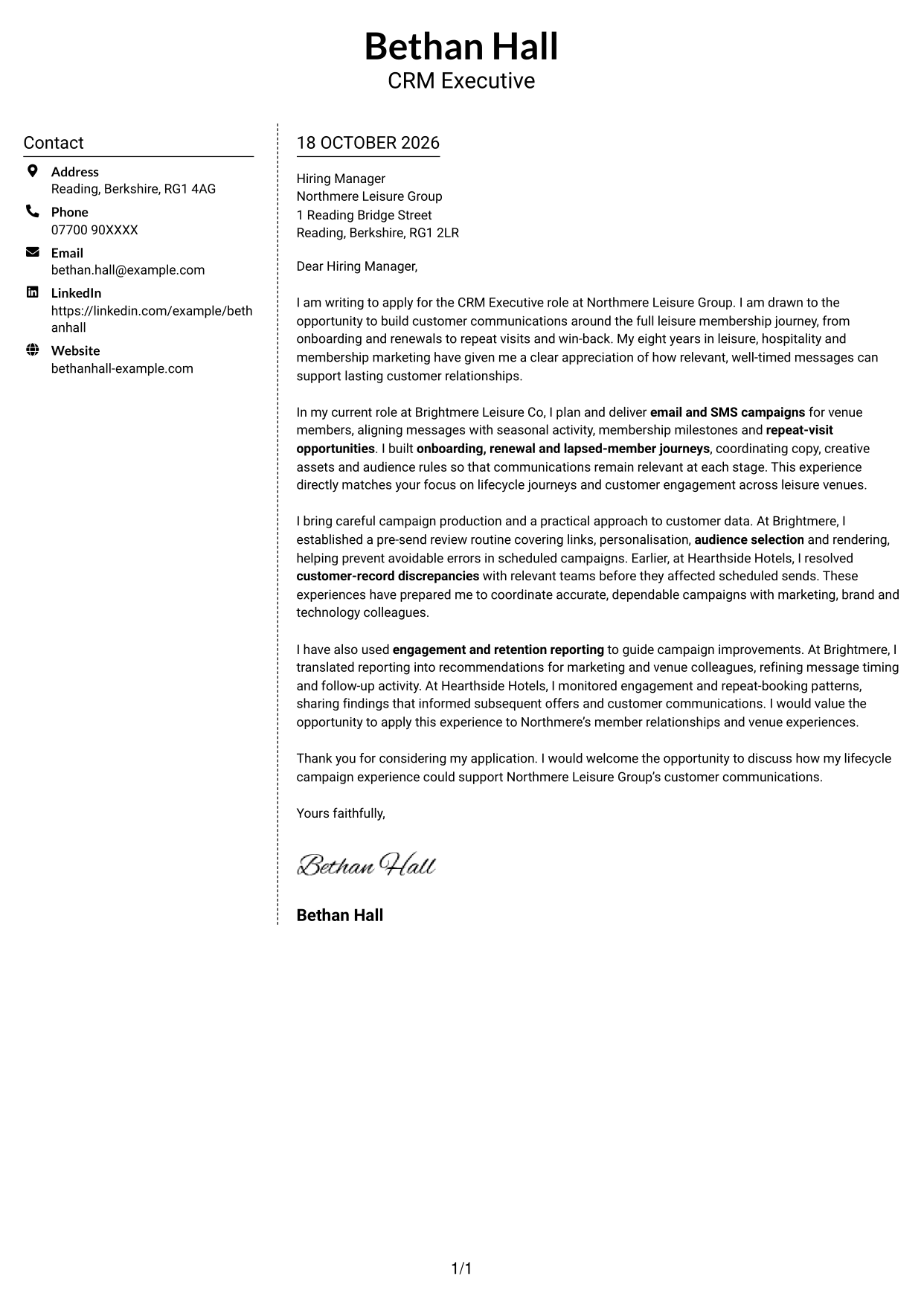
#5 Simple Two Column Format Cover Letter Example
The contact sidebar and continuous letter body form two clear areas, with the written message kept in one column.
Why This Format Works
- The sidebar gathers sender details for reference alongside the continuous letter body.
- An uninterrupted message allows motivation and supporting points to connect naturally.
- Photo-free presentation keeps the page focused on correspondence rather than a portrait.
Best For
- Separate contact reference
- Uninterrupted letter paragraphs
- Photo-free correspondence
- Side-by-side organisation
- Correspondence without a portrait
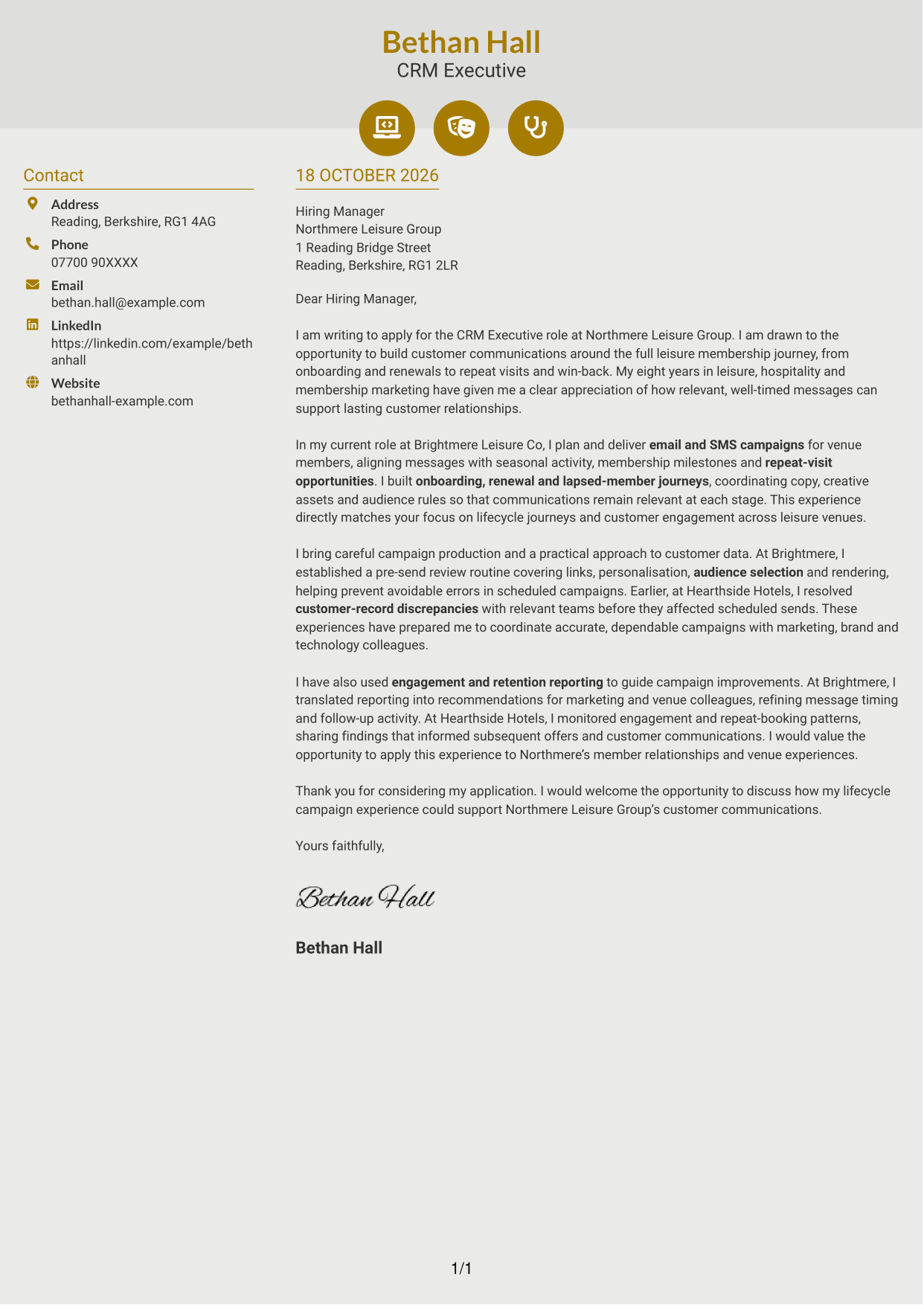
#6 Modern Icon Format Cover Letter Example
The two-column layout pairs a contact sidebar with one continuous letter body, while icons cue contact details.
Why This Format Works
- Contact icons make key sender details easier to identify in the sidebar.
- The continuous letter body keeps motivation and evidence in one reading sequence.
- Decorative header icons add a visual cue without dividing the argument into sections.
Best For
- Icon-cued contact details
- Sidebar contact layout
- Continuous letter body
- Decorative header accents
- Two-column reading order
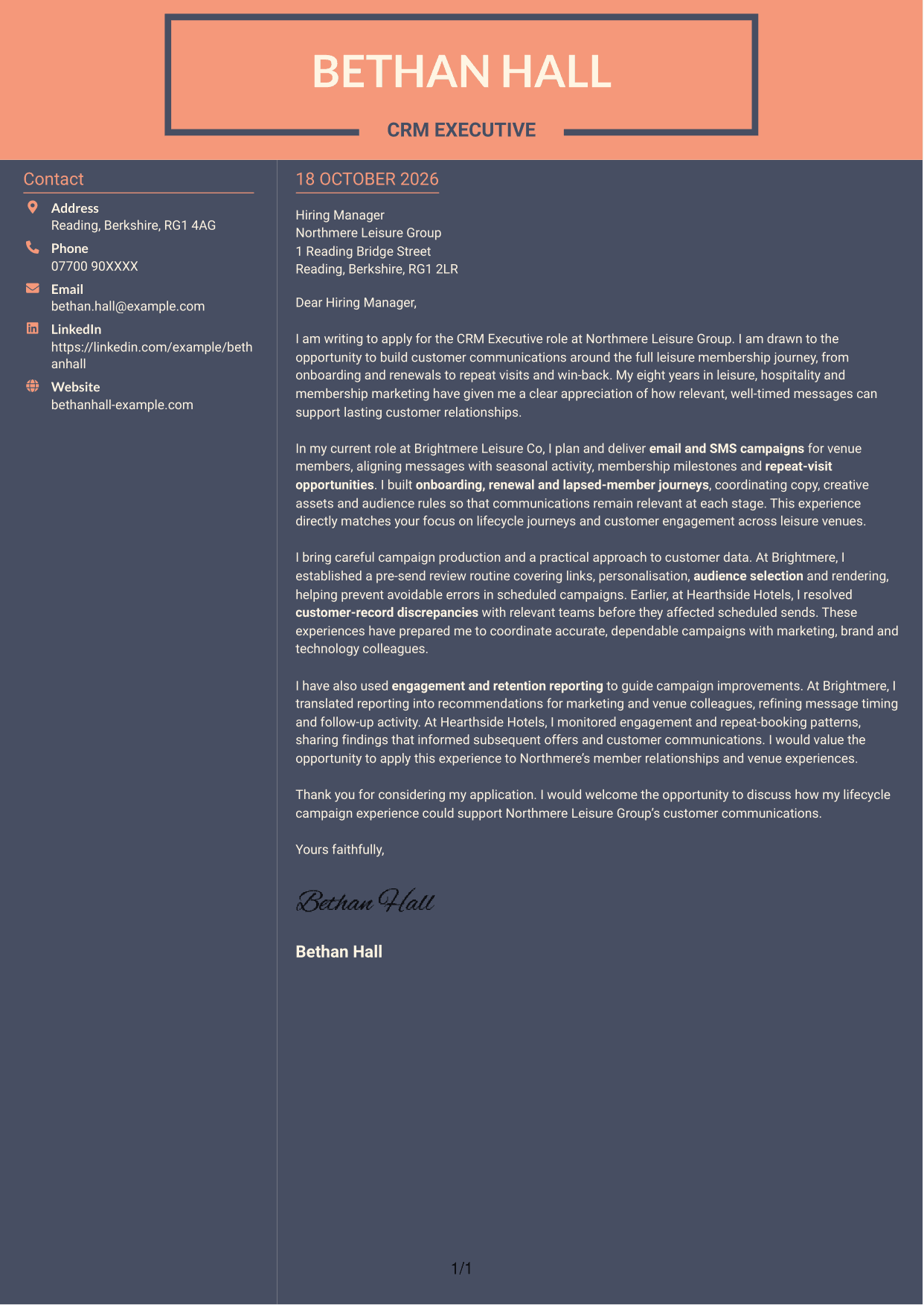
#7 Creative Two Tone Format Cover Letter Example
The two-column arrangement places contact details beside a continuous letter body, separating reference information from the message.
Why This Format Works
- Contact information sits apart from the message, giving each area a clear role.
- Keeping the letter body continuous lets the case unfold from opening to close.
- With no photo, the two-column design suits readers who prefer written correspondence.
Best For
- Separate contact and message areas
- Continuous opening-to-close argument
- Photo-free applications
- Side-by-side document organisation
- Letters led by written content
See Also
- 7 CRM Executive - Customer Lifecycle Campaigns CV Templates with Example
- 7 Marketing Executive - Student Recruitment Marketing CV Templates with Example
- 7 Quantity Surveyor - Residential Construction CV Templates with Example
- 7 Senior Buying Manager - Fashion Retail CV Templates with Example
- 7 Head of Data & Analytics Retail CV Templates with Example
- 7 Machine Operative - Chilled Food Production CV Templates with Example
- 7 Payments Co-ordinator - Accounts Payable CV Templates with Example
- 7 Housing Officer - Resident and Estate Management CV Templates with Example
- 7 Front of House Team Leader - Luxury Guest Services CV Templates with Example
- 7 Marketing Executive - Student Recruitment Marketing Cover Letter Templates with Example
Frequently Asked Questions
What should a CRM Executive - Customer Lifecycle Campaigns cover letter highlight?
Show how your experience relates to email and SMS campaign delivery, customer journeys and member communications. Give clear examples of onboarding, renewals, win-back activity, campaign checks or reporting where these match your background.
How can I show that I can manage customer lifecycle campaigns?
Describe a relevant journey or campaign and explain your part in planning the message, audience and timing. You could also show how you coordinated creative work or checked details before a campaign went out.
How can I show care with customer data and campaign quality?
Use a specific example of checking audience selection, links or personalisation, or of correcting customer records with colleagues. Explain how your checks helped make communications more accurate and reliable.
How should I explain my interest in the employer?
Focus on a genuine reason for wanting to support its customer communications or venue experiences. Link that interest to the work in the role, such as helping members stay engaged and encouraging repeat visits.
What is a clear way to structure this cover letter?
Open with the role and why it interests you. Use the body to give focused evidence of campaign delivery, journey work and careful checks, then close by restating your interest and inviting a conversation.




