
7 CRM Manager - Student Recruitment Marketing Cover Letter Templates with Example
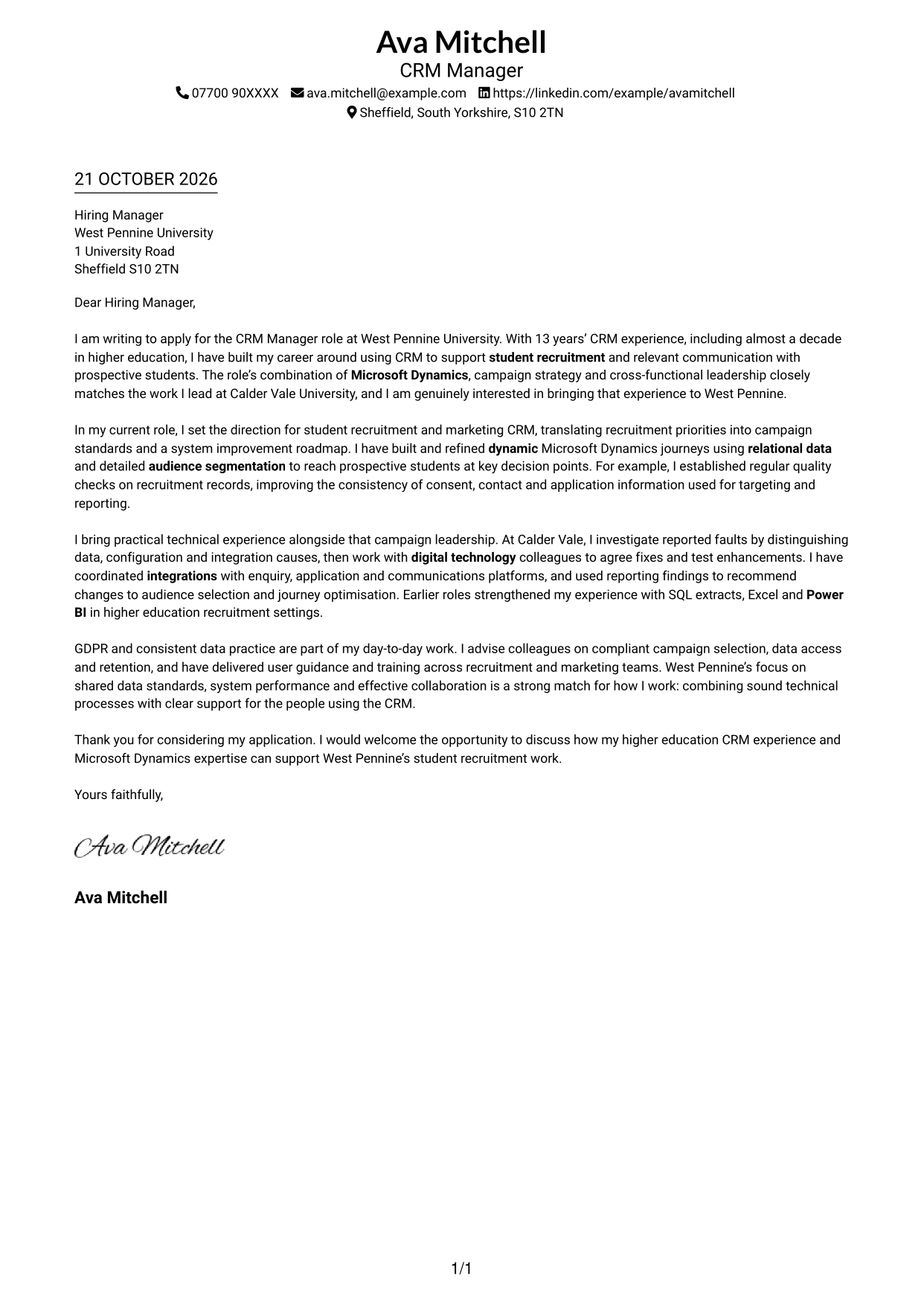
This practical guide to a CRM Manager - Student Recruitment Marketing cover letter shares seven layouts and shows how to make your role fit clear.
What Makes a Great CRM Manager - Student Recruitment Marketing Cover Letter in 2026
A strong letter links your CRM strategy to relevant, personalised communication throughout the prospective student journey. Make your opening direct and show your interest in the role.
Use specific evidence about Microsoft Dynamics journeys, data quality, integrations or GDPR practice, then explain how your approach supports the employer’s priorities for student recruitment.
The featured application moves from interest in the role to CRM strategy and student journeys, then to technical problem-solving, data practice and a clear close. Adapt this focused progression while choosing a presentation that suits the employer and communication context.
#1 Simple One Column Format Cover Letter Example
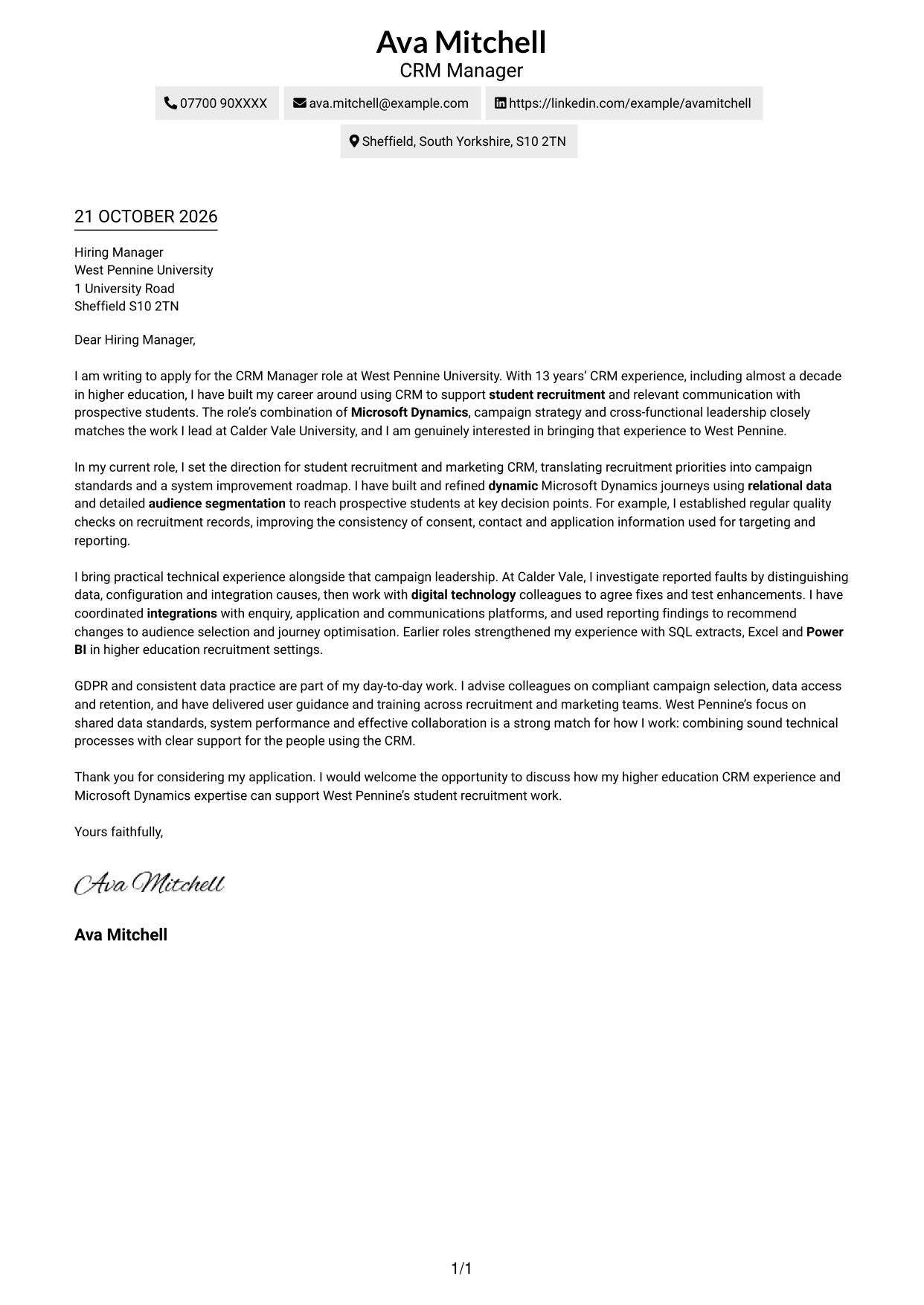
Sender details sit in the header above a single-column letter, keeping the page visually straightforward.
Why This Format Works
- Header contact details stay distinct from the letter, making them easy to find.
- The continuous body carries the opening, evidence and close in sequence.
- Without a portrait, the page keeps its focus on written communication.
Best For
- Single-column reading
- Header-based contact details
- Text-led applications
- Photo-free documents
- Traditional letter structure
#2 Two Column Format Cover Letter Example
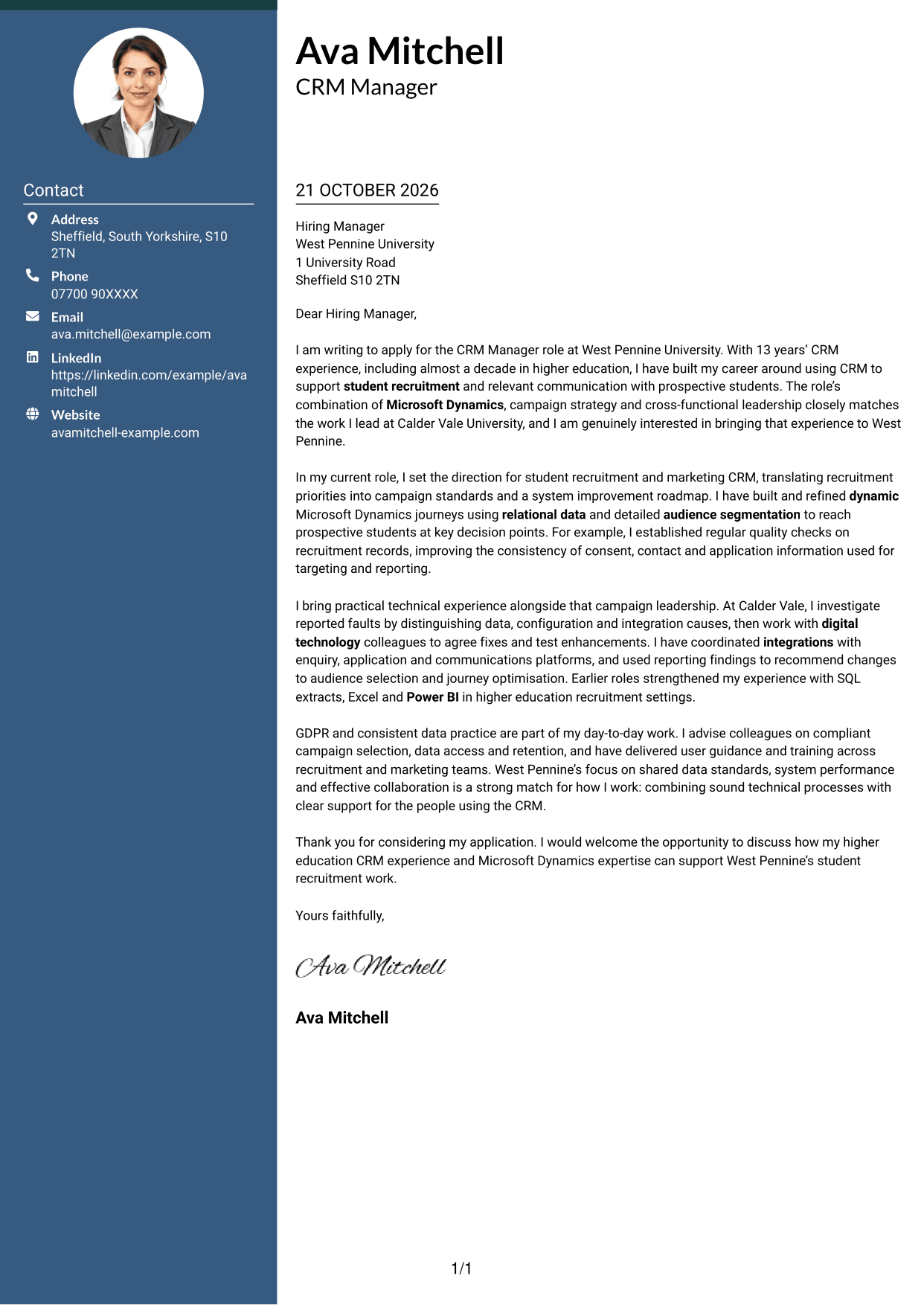
A contact sidebar sits beside the continuous letter body, keeping personal details separate from the written case.
Why This Format Works
- The sidebar gives contact details a distinct place beside the letter.
- One continuous body lets the opening, supporting points and close read in order.
- The photo-free layout suits readers who prefer a text-led page.
Best For
- Side-by-side page layout
- Separate contact information
- Continuous letter paragraphs
- Text-led correspondence
- Photo-free applications
#3 Photo Header Two Column Format Cover Letter Example
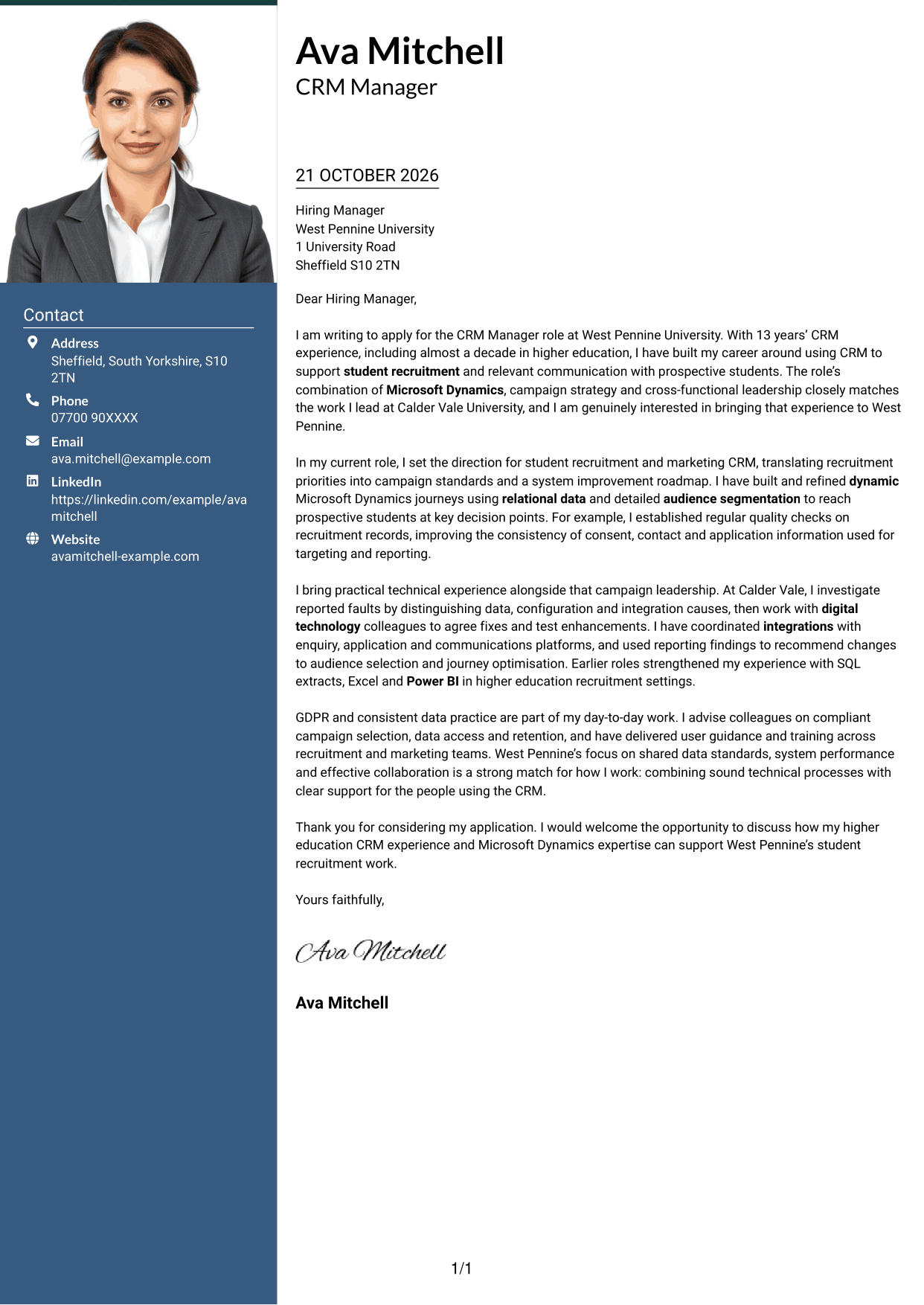
A photo header adds a portrait to the two-column layout, with contact details beside the continuous letter body.
Why This Format Works
- The sidebar keeps contact details apart from the letter's persuasive paragraphs.
- The continuous body presents the opening, evidence and close as one message.
- A portrait adds a personal visual element without changing the letter's argument.
Best For
- Portrait-led header
- Contact details beside the letter
- Continuous written argument
- Photo-inclusive correspondence
- Two-column organisation
#4 One Column Format with Photo Cover Letter Example
The one-column letter includes a photo, combining a personal visual element with a straightforward reading path.
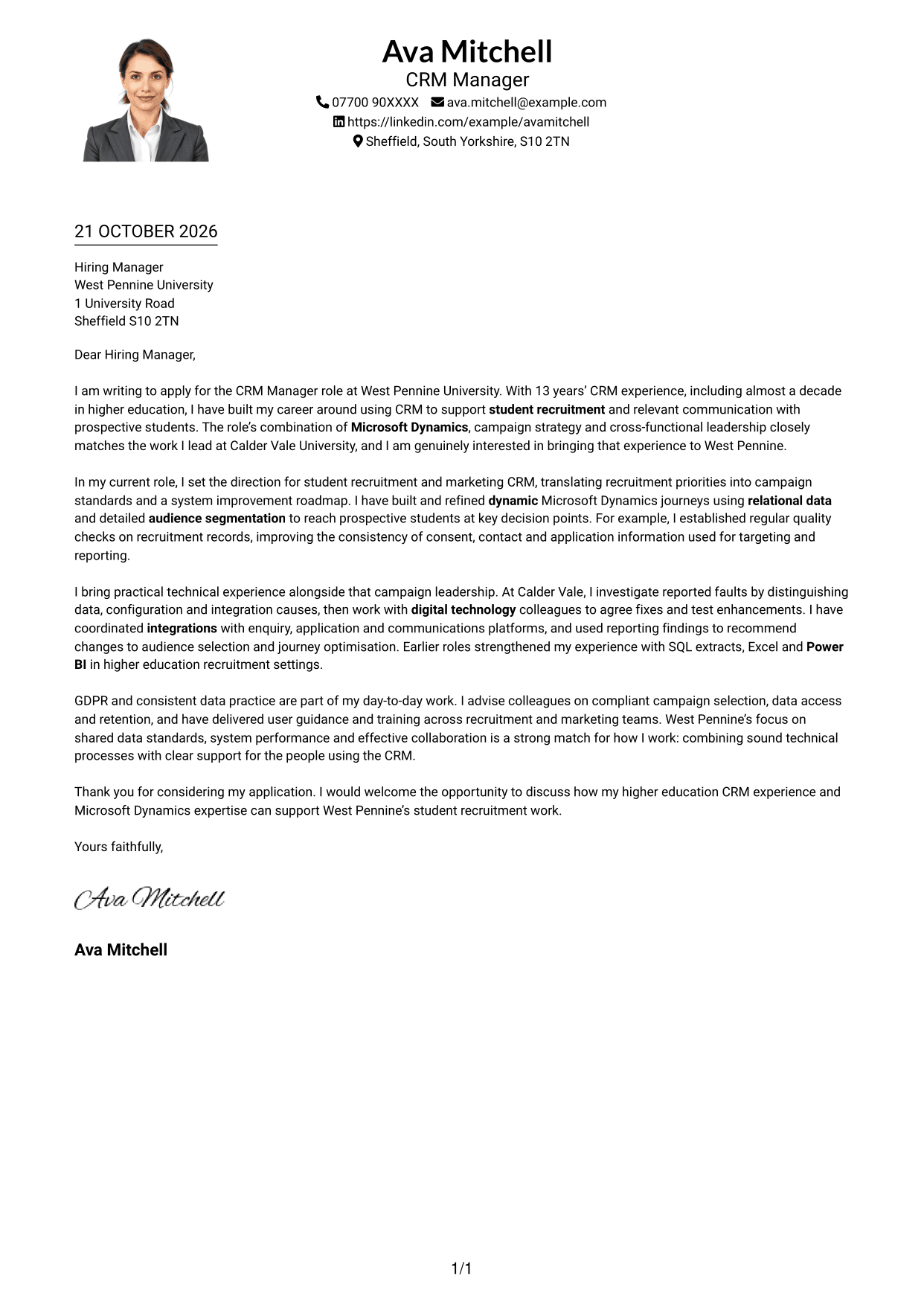
Why This Format Works
- The single-column body keeps the letter's paragraphs in a familiar reading order.
- A portrait adds visual context while leaving the written case intact.
- Sender details in the header remain separate from the continuous letter.
Best For
- Single-column reading
- Photo-inclusive applications
- Header contact details
- Continuous letter text
- Portrait-friendly correspondence
#5 Simple Two Column Format Cover Letter Example
A contact sidebar and a separate, continuous letter body give this simple format a clear two-column arrangement.
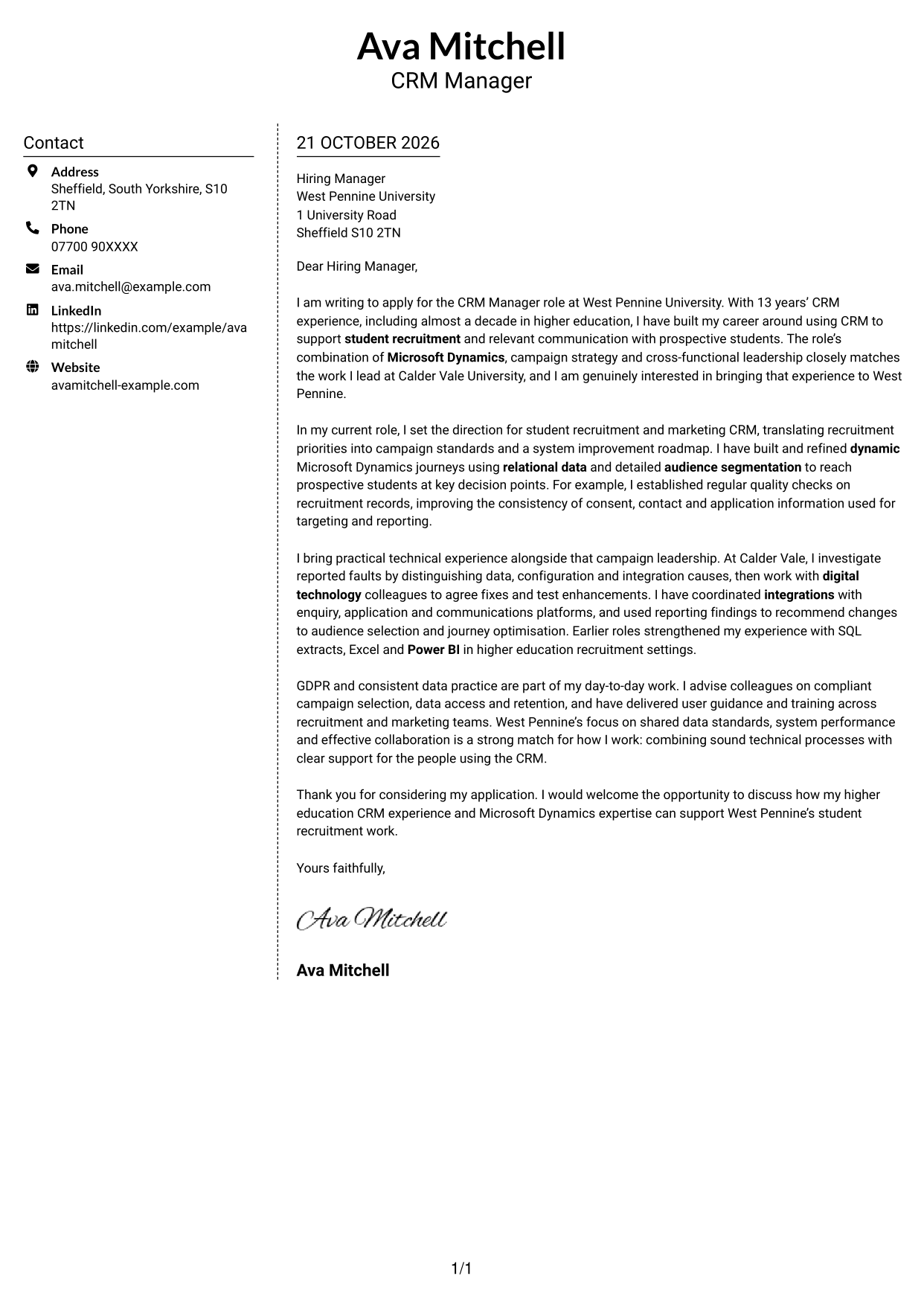
Why This Format Works
- Contact details have a dedicated area, apart from the main letter text.
- The continuous paragraphs keep motivation and supporting evidence together.
- Without a portrait, attention stays on the words and their message.
Best For
- Two-column page organisation
- Distinct contact area
- Uninterrupted letter text
- Photo-free correspondence
- Simple visual structure
#6 Modern Icon Format Cover Letter Example
Contact icons add visual cues in the sidebar, while the letter remains a continuous body in the two-column layout.
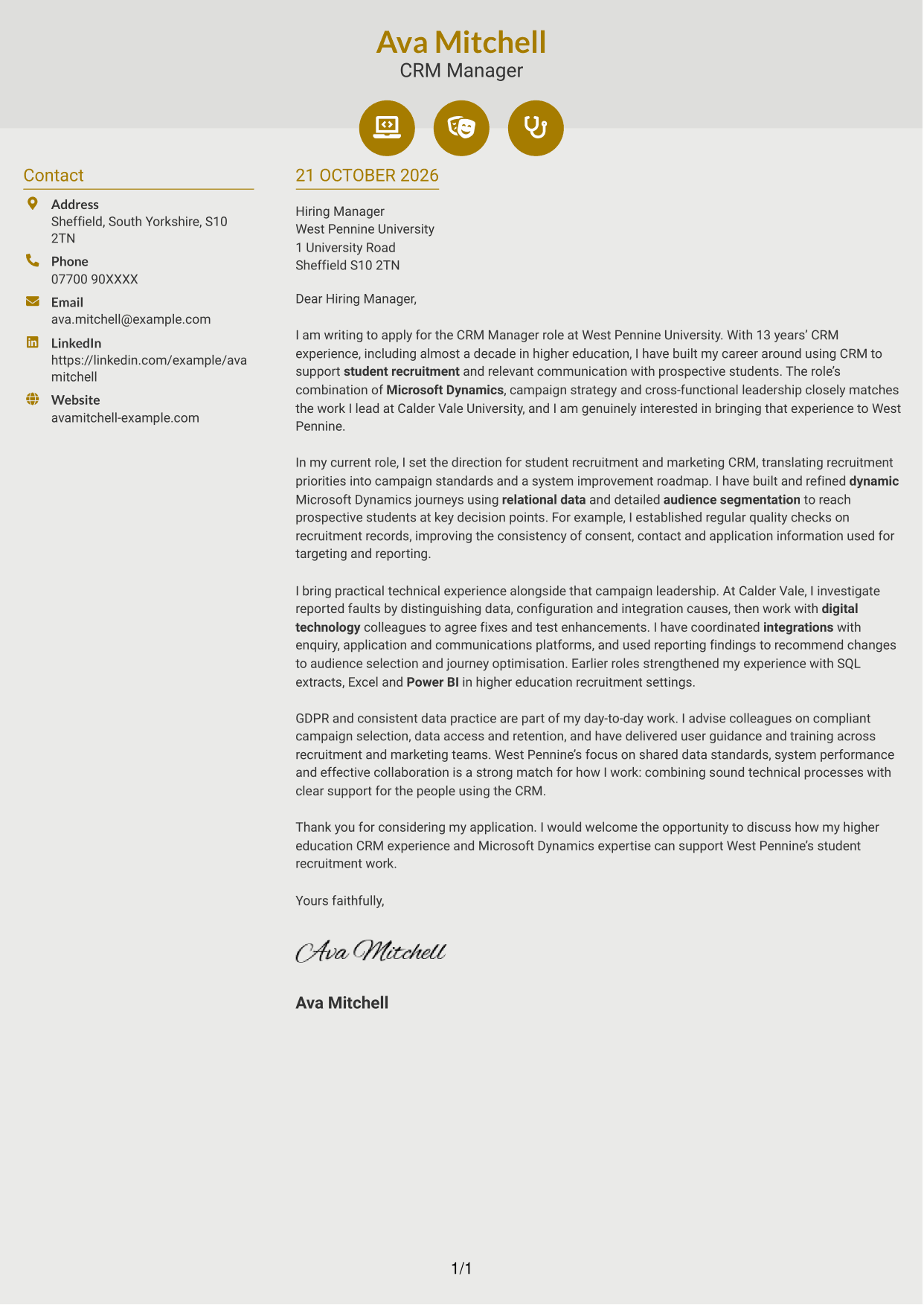
Why This Format Works
- Icons cue contact details without labelling parts of the letter's argument.
- The sidebar separates personal details from the continuous letter body.
- The opening, evidence and close stay together in one reading sequence.
Best For
- Icon-led contact details
- Two-column page layout
- Continuous letter paragraphs
- Visual contact cues
- Photo-free applications
#7 Creative Two Tone Format Cover Letter Example
The two-column arrangement places contact details in a sidebar beside one continuous letter body.
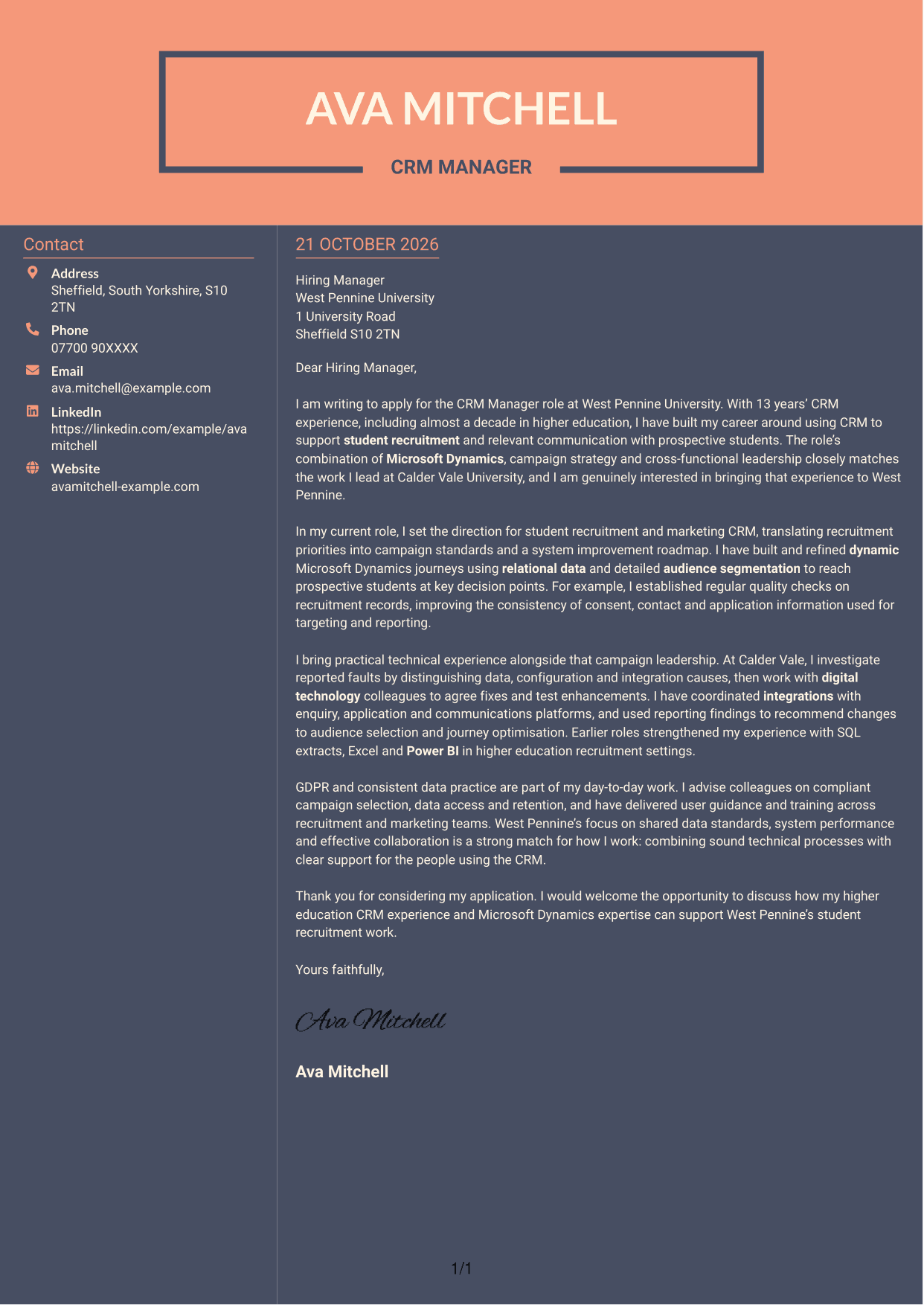
Why This Format Works
- The contact sidebar gives key details a separate place beside the letter.
- The continuous body keeps the written case together from opening to close.
- The photo-free presentation leaves the letter's wording as its main focus.
Best For
- Two-column organisation
- Contact details kept apart
- Continuous letter body
- Text-focused presentation
- Photo-free correspondence
See Also
- 7 CRM Manager - Student Recruitment Marketing CV Templates with Example
- 7 CRM Executive - Customer Lifecycle Campaigns CV Templates with Example
- 7 Treasury Analyst - Cash and Collateral Management CV Templates with Example
- 7 International Scholarships Administrator CV Templates with Example
- 7 Academic Resource Planning Coordinator - Workload Data CV Templates with Example
- 7 Regulatory Complaint Handler - Financial Services CV Templates with Example
- 7 Reception Administrator CV Templates with Example
- 7 Due Diligence Officer - Third-Party Relationship Risk CV Templates with Example
- 7 EMA Assembler CV Templates with Example
- 7 CRM Executive - Customer Lifecycle Campaigns Cover Letter Templates with Example
Frequently Asked Questions
What should a CRM Manager - Student Recruitment Marketing cover letter highlight?
Show how your CRM work can support relevant communications for prospective students. Use evidence you can support, such as building Microsoft Dynamics journeys, improving data quality, managing integrations or applying GDPR practices.
How can I show both strategic and technical experience?
Choose one example that links a recruitment goal to your CRM work. Explain the decision you made, such as refining an audience journey or investigating an integration issue, and how you worked with colleagues to put it into practice.
How should I connect my letter to the university’s priorities?
Refer to priorities stated in the job description, such as shared data standards, system improvement and collaboration across marketing, recruitment and digital technology. Explain how your relevant experience and working approach match those needs.
What is a clear structure for this cover letter?
Open with the role and your reason for applying. Use the body to show your CRM strategy, student journey and technical or data practice, then close by restating your interest and inviting a discussion.
Should I mention every CRM tool I have used?
No. Focus on the tools that help prove your fit for this role. Microsoft Dynamics is central to the position, while SQL, Excel or Power BI may be useful to mention when they support a relevant example.




