
7 Customer Account Coordinator - Semiconductor Sales Operations Cover Letter Templates with Example
This practical guide to a Customer Account Coordinator - Semiconductor Sales Operations cover letter shows how to present your role fit across seven layouts.
What Makes a Great Customer Account Coordinator - Semiconductor Sales Operations Cover Letter in 2026
A strong letter links customer service and accurate order coordination to the needs of semiconductor sales operations. Make your opening clear about your interest in the role and the value you can bring.
Use relevant evidence, such as checking order terms, keeping Salesforce records accurate, tracking deliveries or reporting service risks. Explain how your approach supports clear customer updates and the employer’s work with planning and commercial teams.
The featured example moves from role interest to current order coordination, reporting evidence, broader account support and a clear close; adapt this focused progression while choosing a presentation suited to the employer and communication context.
#1 Simple One Column Format Cover Letter Example
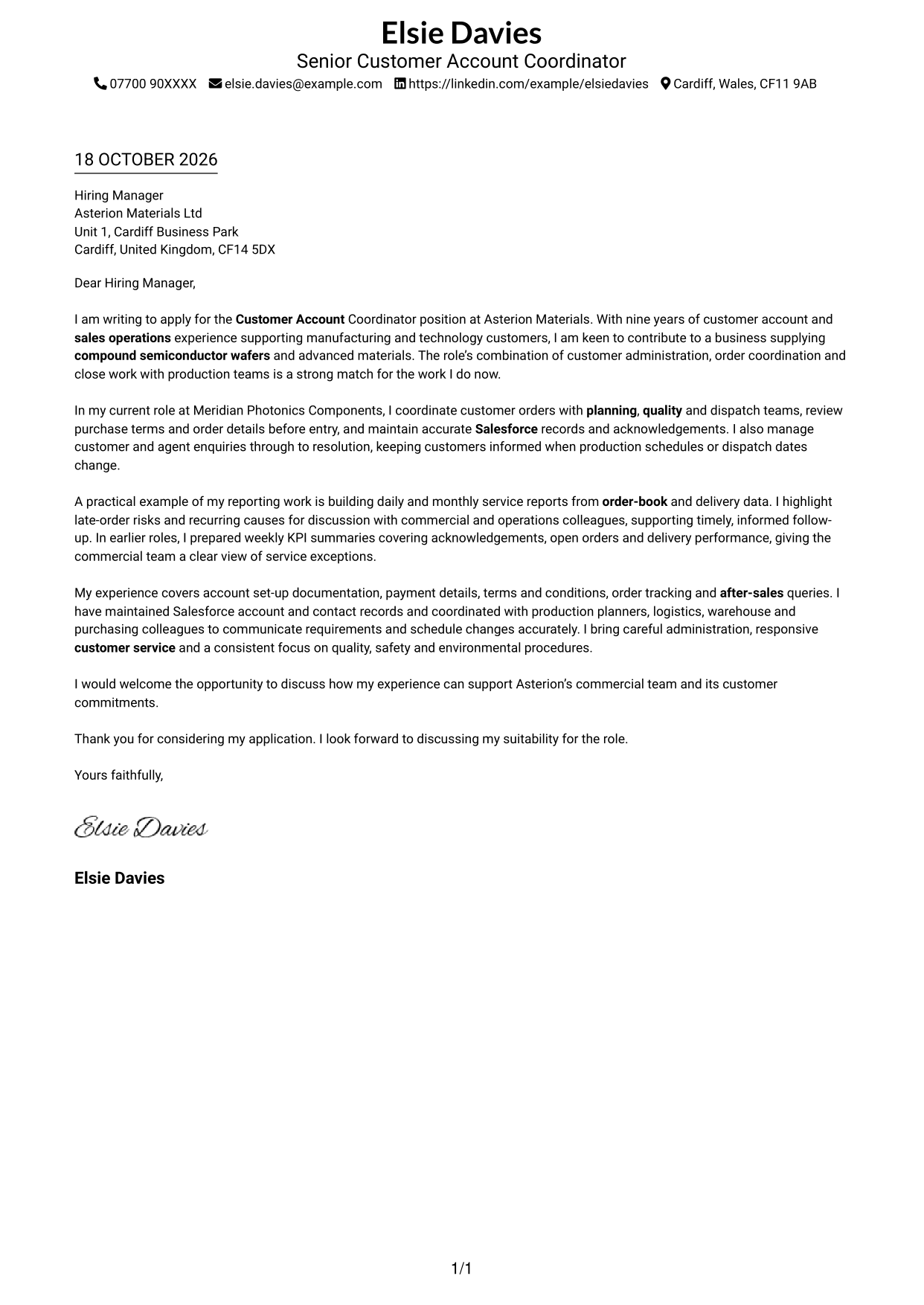
Simple One Column Format keeps sender details in the header and the letter in one column, giving the message a direct reading path.
Why This Format Works
- Header details sit apart from one continuous column for the letter's full message.
- Opening, supporting points and closing stay in a single, uninterrupted reading sequence.
- Leaving out a portrait keeps the page centred on the written correspondence.
Best For
- Single-column correspondence
- Continuous letter paragraphs
- Header-led contact information
- Text-first application style
- Letters without portrait imagery
#2 Two Column Format Cover Letter Example
Two Column Format places contact details in a sidebar beside one continuous letter body, keeping practical information distinct from the message.
Why This Format Works
- The contact sidebar makes sender details easy to locate before reading.
- The letter's paragraphs stay together, preserving the order of the application.
- Contact information remains visible beside the message during review.
Best For
- Contact details beside the message
- One-body correspondence
- Quick sender-detail reference
- Text-led application design
- Letters without portrait imagery
#3 Photo Header Two Column Format Cover Letter Example
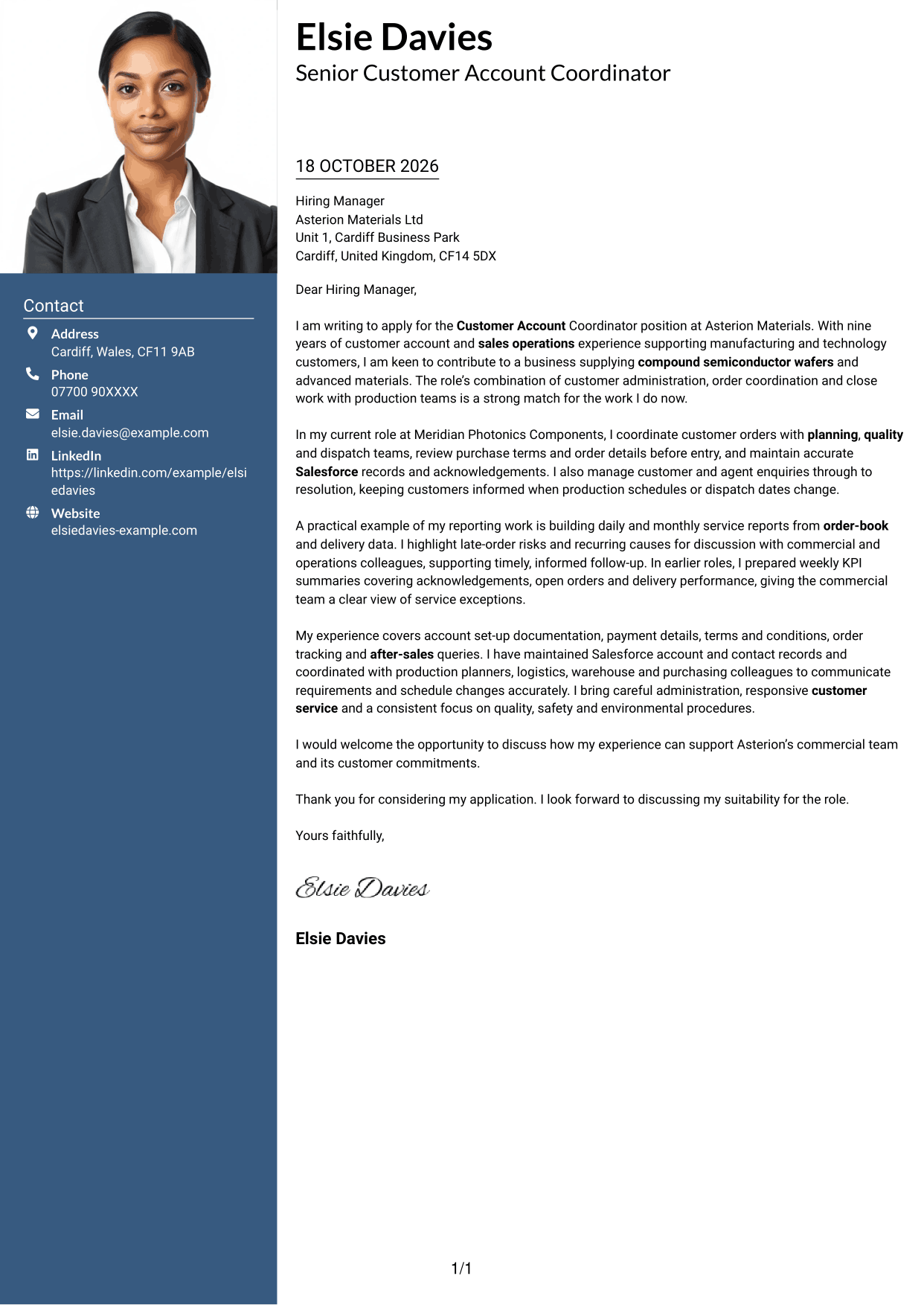
Photo Header Two Column Format combines a photo header and contact sidebar with one continuous letter body, for applications that call for a portrait without splitting the message.
Why This Format Works
- The contact sidebar gives practical sender details a separate, easy-to-find place.
- One continuous body carries the opening, supporting case and closing in sequence.
- A photo header adds a portrait while the letter remains in one body.
Best For
- Portrait-inclusive applications
- Contact details beside the letter
- Single-body correspondence
- A visual introduction
- Quick access to sender information
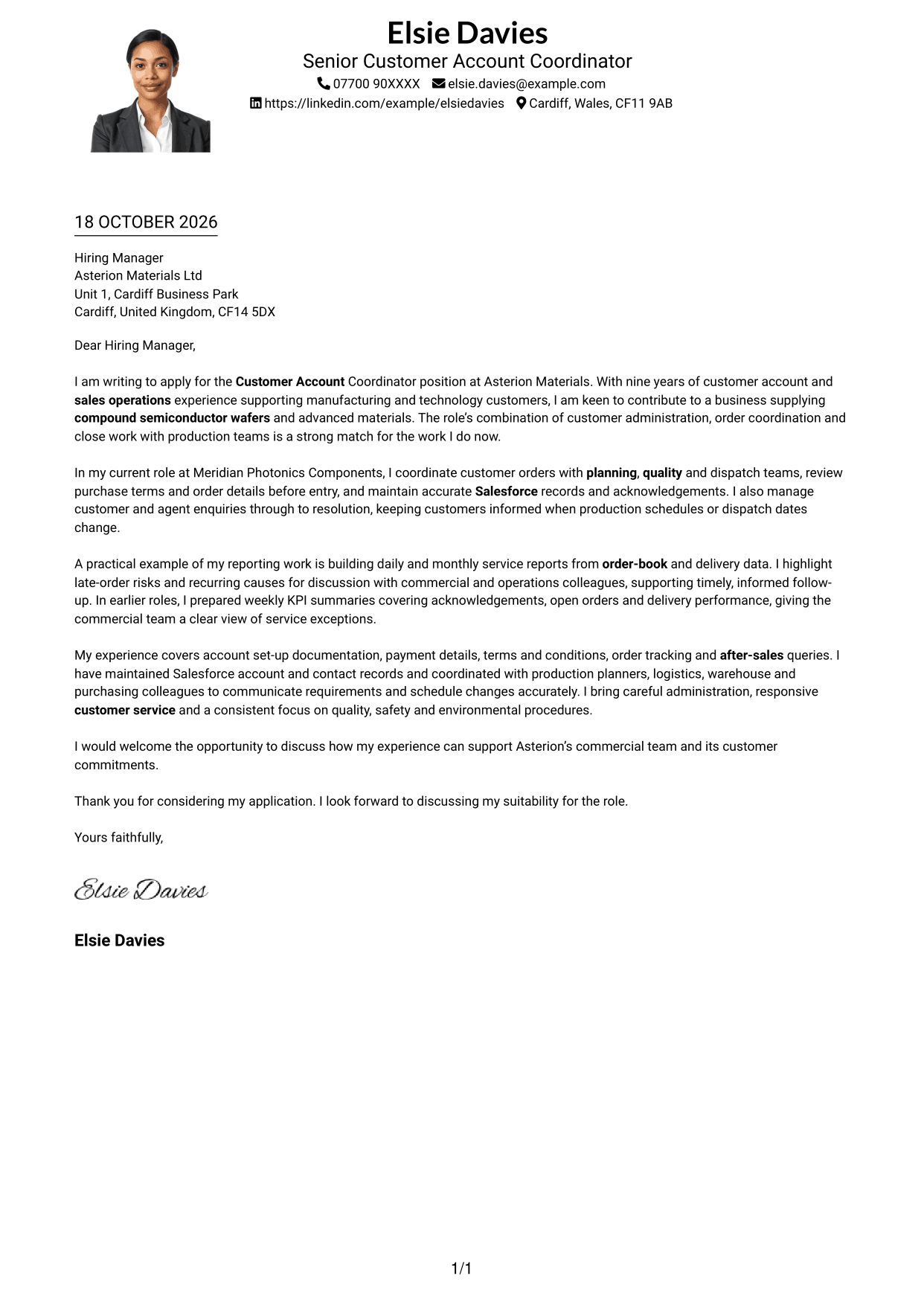
#4 One Column Format with Photo Cover Letter Example
One Column Format with Photo keeps the letter in a single body column and includes a portrait, adding a personal visual element without parallel text areas.
Why This Format Works
- Sender details stay in the header, leaving the letter body as one reading path.
- Continuous paragraphs preserve the order from opening through evidence to closing.
- The portrait adds a visual element without dividing the written message.
Best For
- Single-column letters with a portrait
- Continuous paragraph flow
- Header-based contact details
- A personal visual introduction
- Applications without a contact sidebar
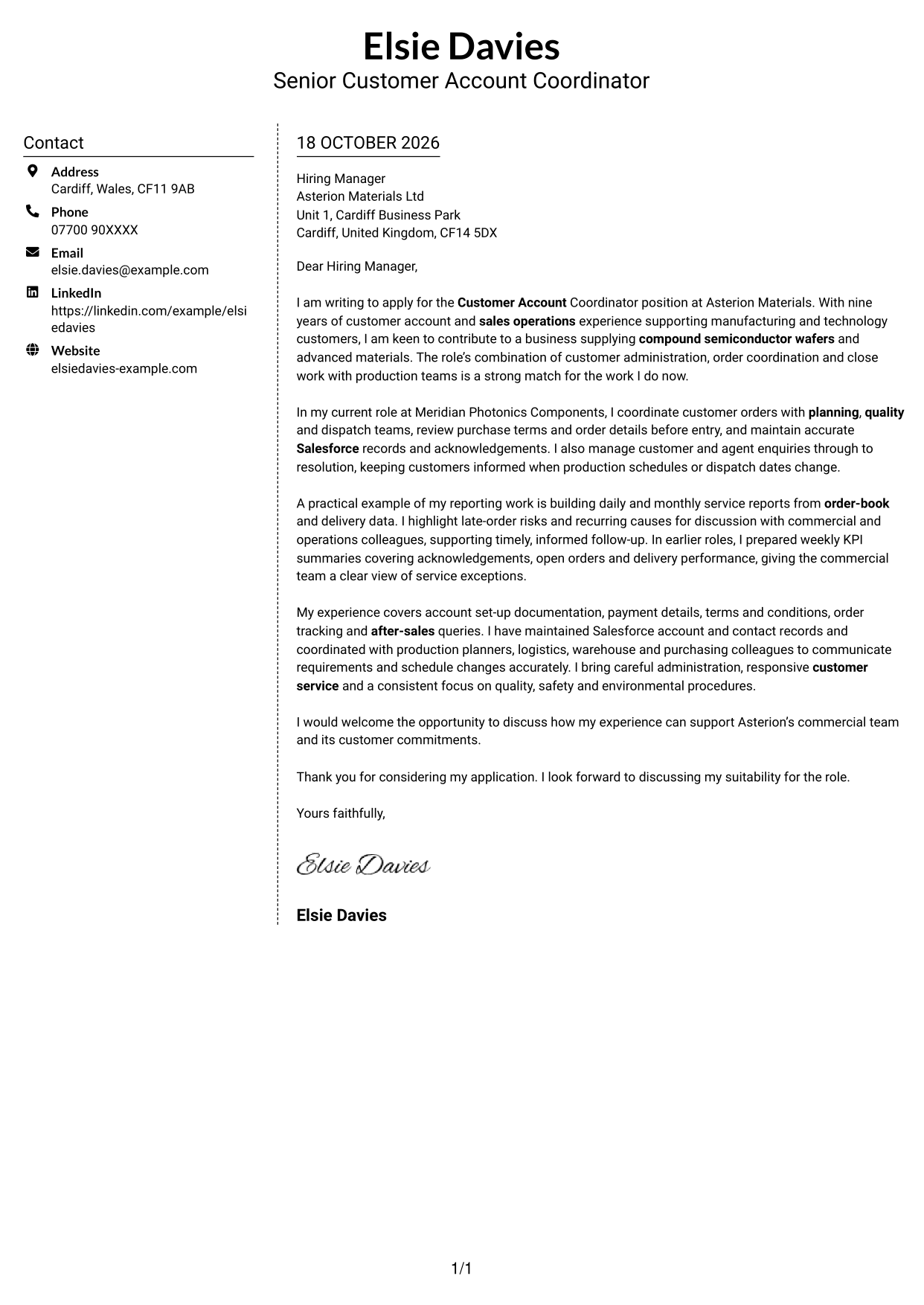
#5 Simple Two Column Format Cover Letter Example
Simple Two Column Format sets contact details in a sidebar beside one continuous letter body, separating practical information from the persuasive message.
Why This Format Works
- Sender information sits to the side, so it does not interrupt the letter.
- The continuous body keeps the message's paragraphs in their intended order.
- A separate contact area gives practical details a clear place on the page.
Best For
- Side-by-side contact and letter content
- One-body correspondence
- Easy-to-find sender details
- Text-led application design
- Letters without portrait imagery
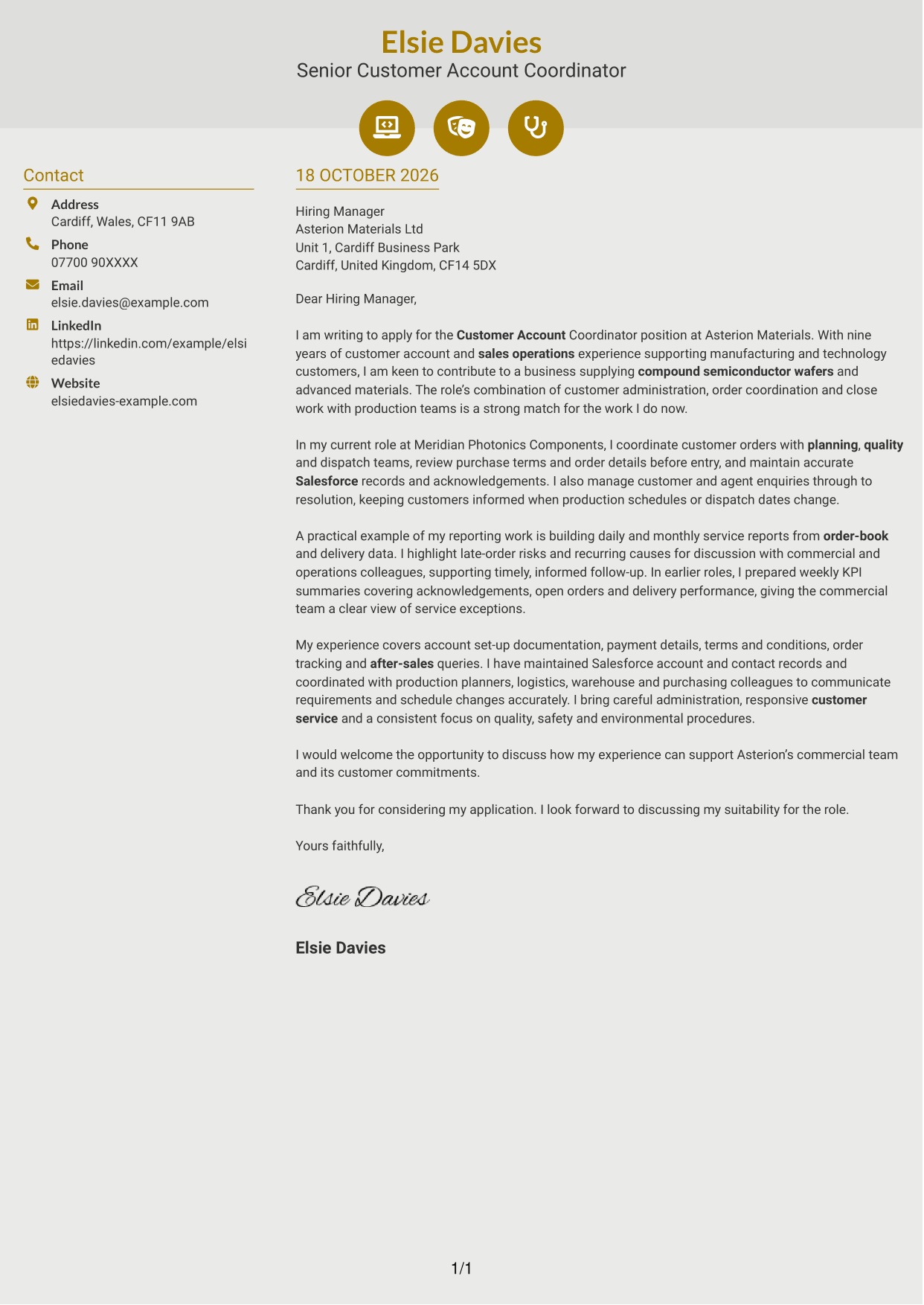
#6 Modern Icon Format Cover Letter Example
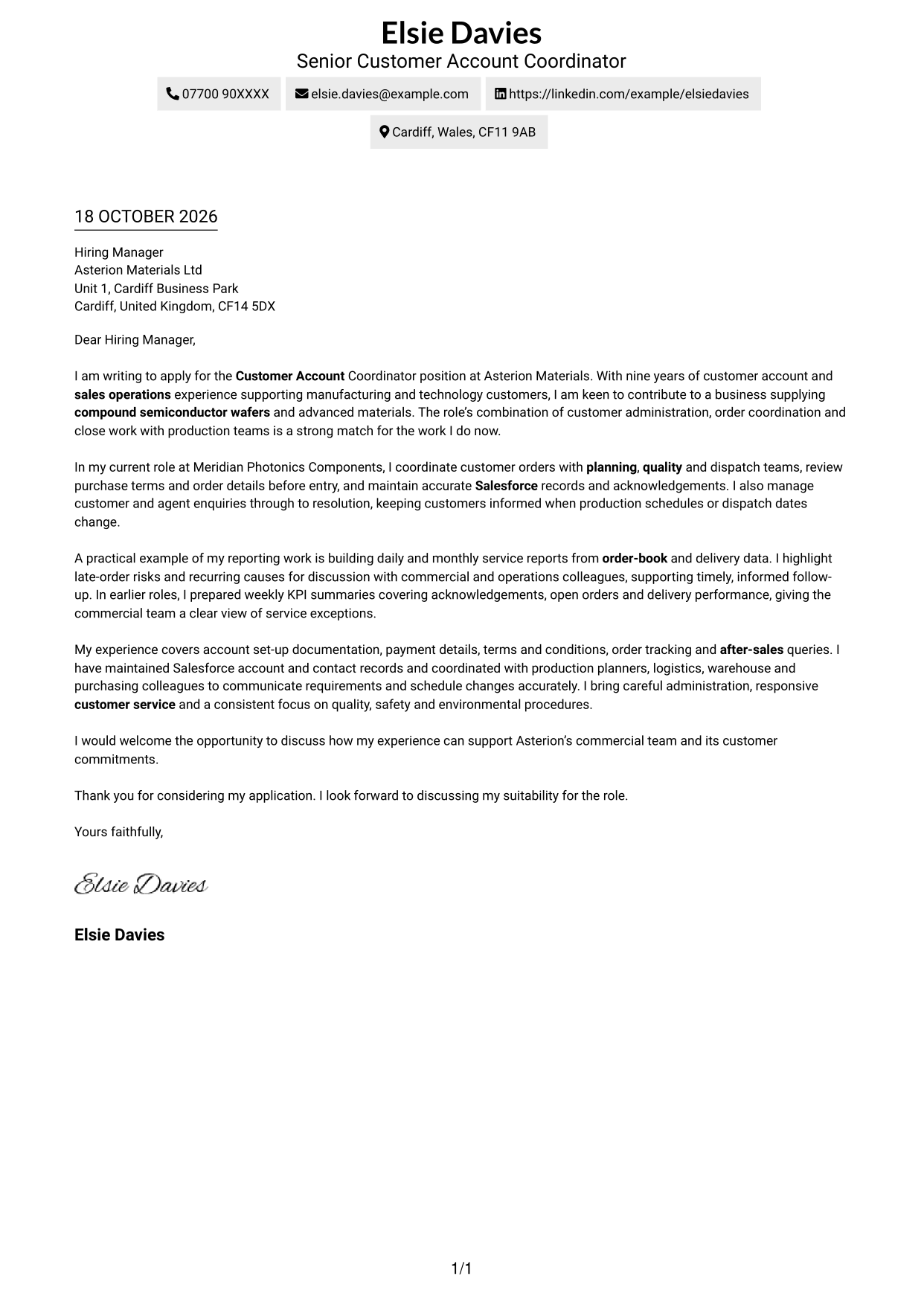
Modern Icon Format places contact cues and decorative header accents beside a continuous letter body in two columns, distinguishing practical details from the message.
Why This Format Works
- Contact cues help readers identify practical details without labelling letter paragraphs.
- The body remains continuous, so the application reads as one connected message.
- Header accents add visual detail while the argument stays in plain paragraphs.
Best For
- Icon-led contact details
- Continuous letter paragraphs
- Two-column organisation
- A visually marked header
- Letters without portrait imagery
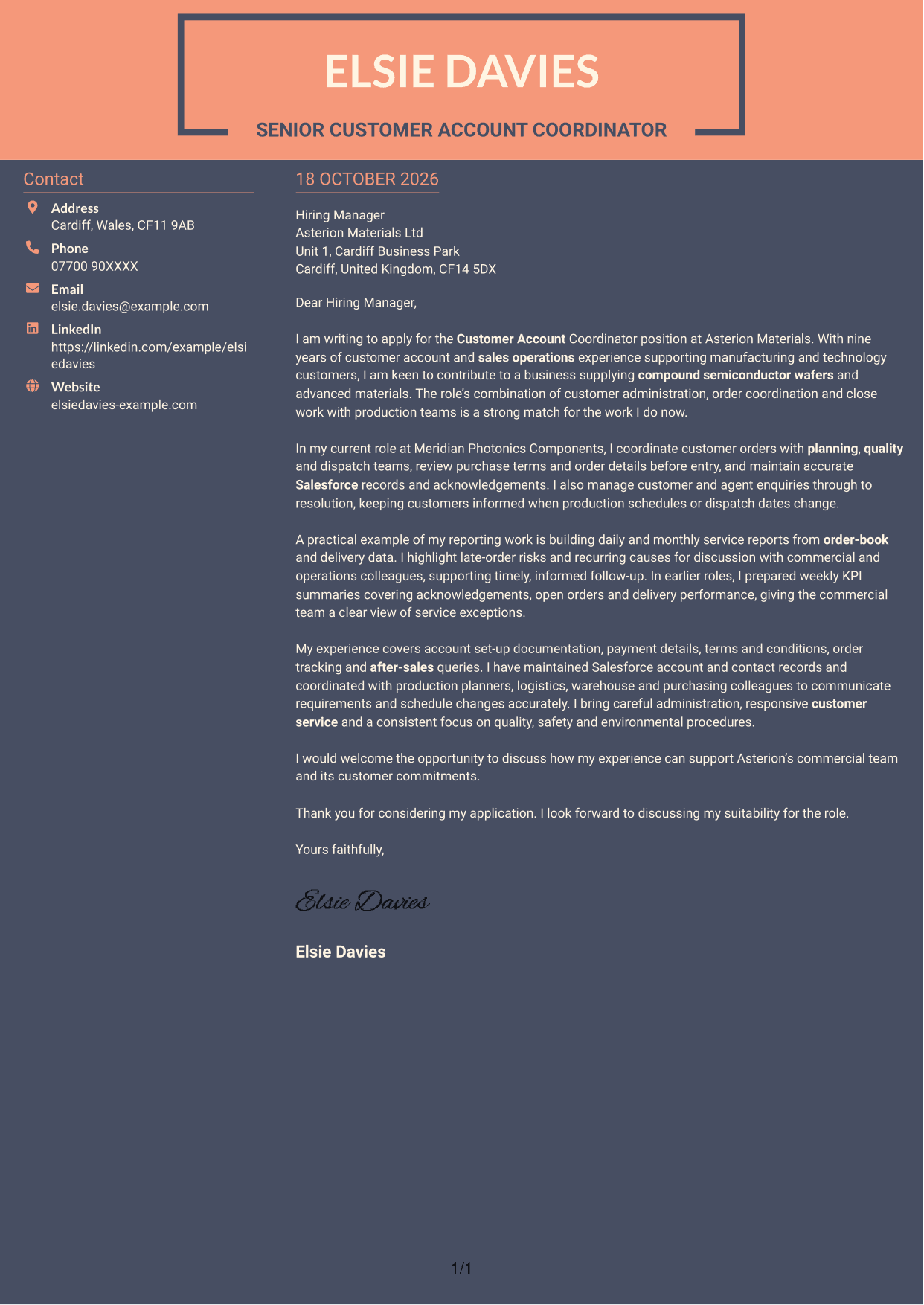
#7 Creative Two Tone Format Cover Letter Example
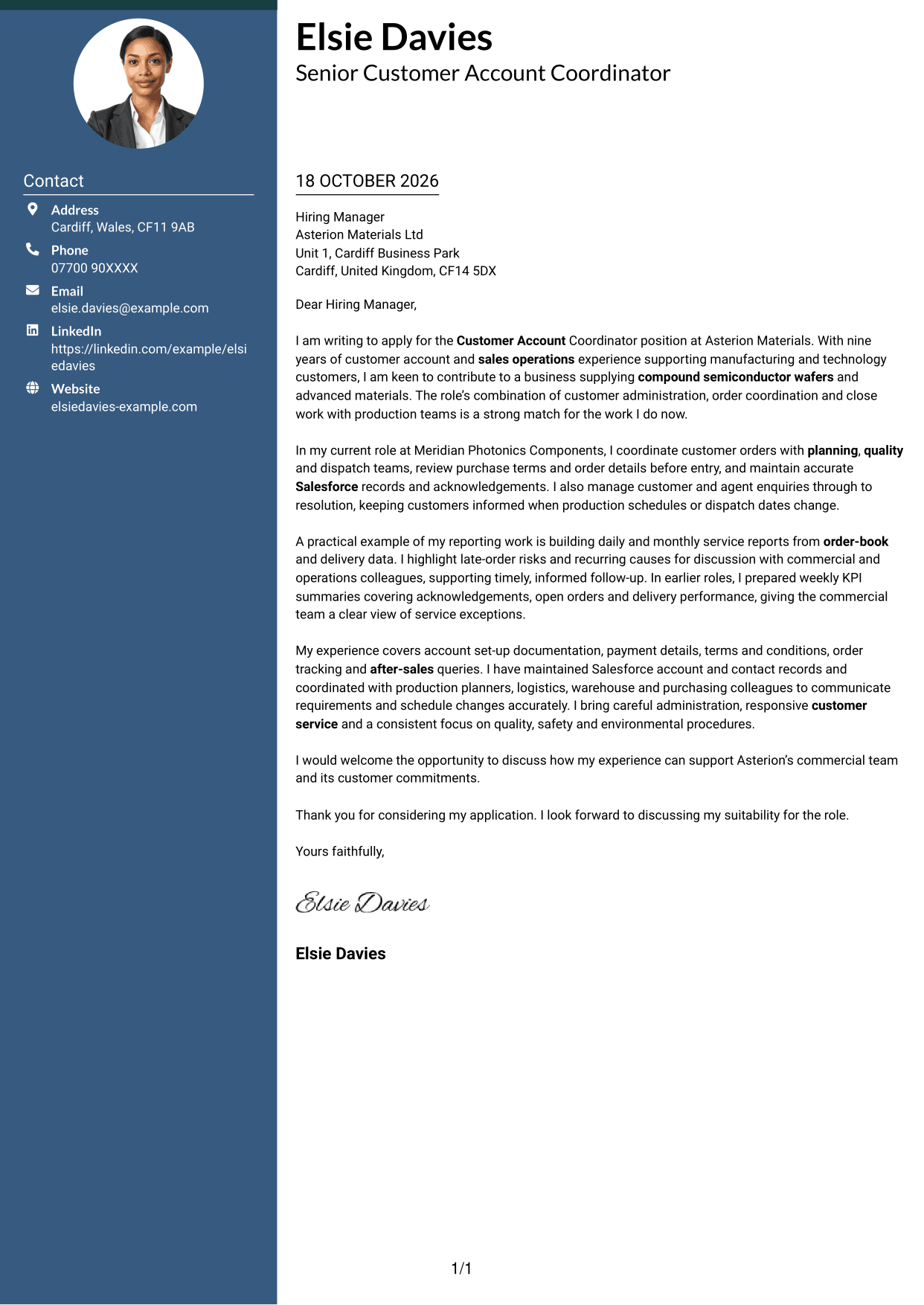
Creative Two Tone Format places a contact sidebar beside one uninterrupted letter body, giving sender details their own space while keeping the message together.
Why This Format Works
- The sidebar separates practical contact details from the letter's persuasive content.
- The body keeps opening, supporting points and closing together in one sequence.
- A distinct contact area helps readers return to sender details while reviewing.
Best For
- Contact information beside the message
- Uninterrupted letter paragraphs
- Quick sender-detail reference
- Two-column page organisation
- Letters without portrait imagery
See Also
- 7 Customer Account Coordinator - Semiconductor Sales Operations CV Templates with Example
- 7 Front of House Coordinator - Corporate Reception CV Templates with Example
- 7 Meeting & Events Coordinator CV Templates with Example
- 7 Programme Coordinator - Adult English and Maths Projects CV Templates with Example
- 7 Quantity Surveyor - Residential Construction CV Templates with Example
- 7 Senior Buying Manager - Fashion Retail CV Templates with Example
- 7 Head of Data & Analytics Retail CV Templates with Example
- 7 Machine Operative - Chilled Food Production CV Templates with Example
- 7 Front of House Coordinator - Corporate Reception Cover Letter Templates with Example
- 7 Meeting & Events Coordinator Cover Letter Templates with Example
Frequently Asked Questions
What should a Customer Account Coordinator - Semiconductor Sales Operations cover letter highlight?
Show how you support accurate customer account administration, order processing and delivery updates. You can also describe how you work with planning, quality and logistics teams to resolve queries and keep customers informed.
How can I show my experience is relevant to semiconductor sales operations?
Choose examples from account and order work that match the role. For instance, explain how you checked terms before order entry, managed a delivery query or shared a service report with colleagues.
How should I explain my interest in the employer?
Give a genuine reason for your interest in the employer’s work with compound semiconductor wafers and advanced materials. Then connect that interest to the customer support and order coordination you would bring to the role.
How should I structure this cover letter?
Open with the role and your reason for applying. Use the body to show relevant order coordination, customer communication and reporting experience, then close by restating your interest and inviting a discussion.
Should I include every part of my work history?
No. Focus on the experience that best shows your fit for this role, such as account administration, Salesforce records, delivery tracking and customer query resolution. A few clear examples are easier for an employer to follow.




