
7 Data & Analytics Solution Architect - Cloud Data Platforms Cover Letter Templates with Example
This practical guide helps you write a Data & Analytics Solution Architect - Cloud Data Platforms cover letter, with seven layouts to compare and adapt.
What Makes a Great Data & Analytics Solution Architect - Cloud Data Platforms Cover Letter in 2026
A strong letter connects client advice, cloud data architecture and delivery leadership to the needs of this role. Open with a clear reason for applying and the value you can bring.
Use focused evidence, such as designing a Databricks lakehouse on Azure or leading discovery and delivery. Link that example to Calderstone’s client work and explain why its mix of advisory and transformation work interests you.
The featured example moves from interest in the role to a specific cloud architecture example, then explains wider delivery strengths and closes with a clear next step; adapt this focused progression while choosing a presentation that suits the employer and communication context.
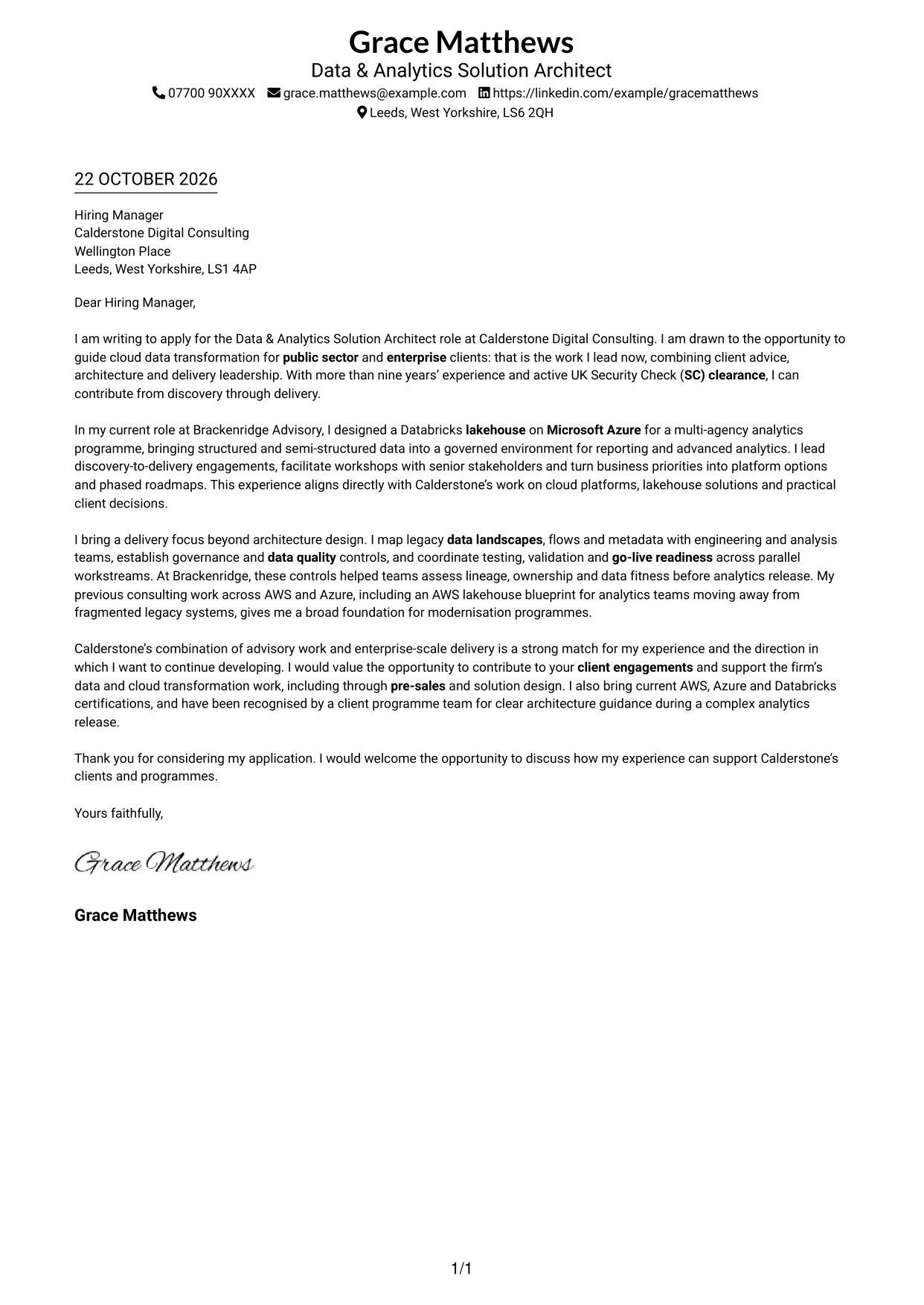
#1 Simple One Column Format Cover Letter Example
Simple One Column Format keeps sender details in the header and the letter in one column, giving the application message a direct, familiar layout.
Why This Format Works
- Sender details stay in the header, apart from the application message.
- A single body column gives the letter a familiar reading order.
- Unheaded paragraphs keep motivation and evidence within one continuous message.
Best For
- Single-column letter preference
- Contact details in the header
- Continuous paragraph arguments
- Text-led applications
- Familiar letter structure
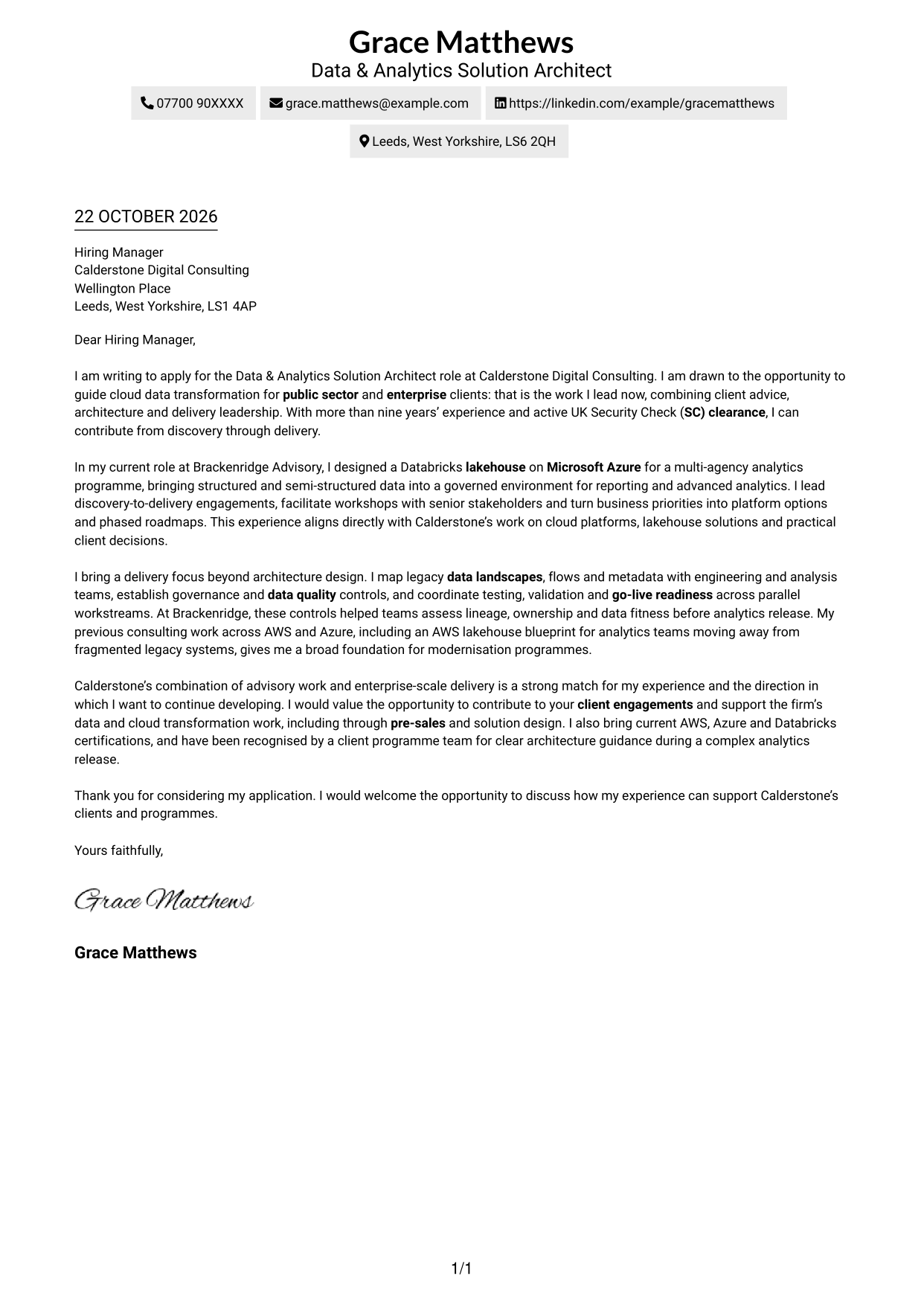
#2 Two Column Format Cover Letter Example
Two Column Format places contact details in a sidebar beside one continuous letter body, keeping key details separate without dividing the message.
Why This Format Works
- The contact sidebar gives readers a separate place to find sender details.
- One uninterrupted body keeps the case together from opening through closing.
- The two-column arrangement separates contact information without splitting the letter argument.
Best For
- Contact details set apart
- A continuous letter argument
- Sidebar-led correspondence
- Clear separation of message and contact information
- Two-column reading preference
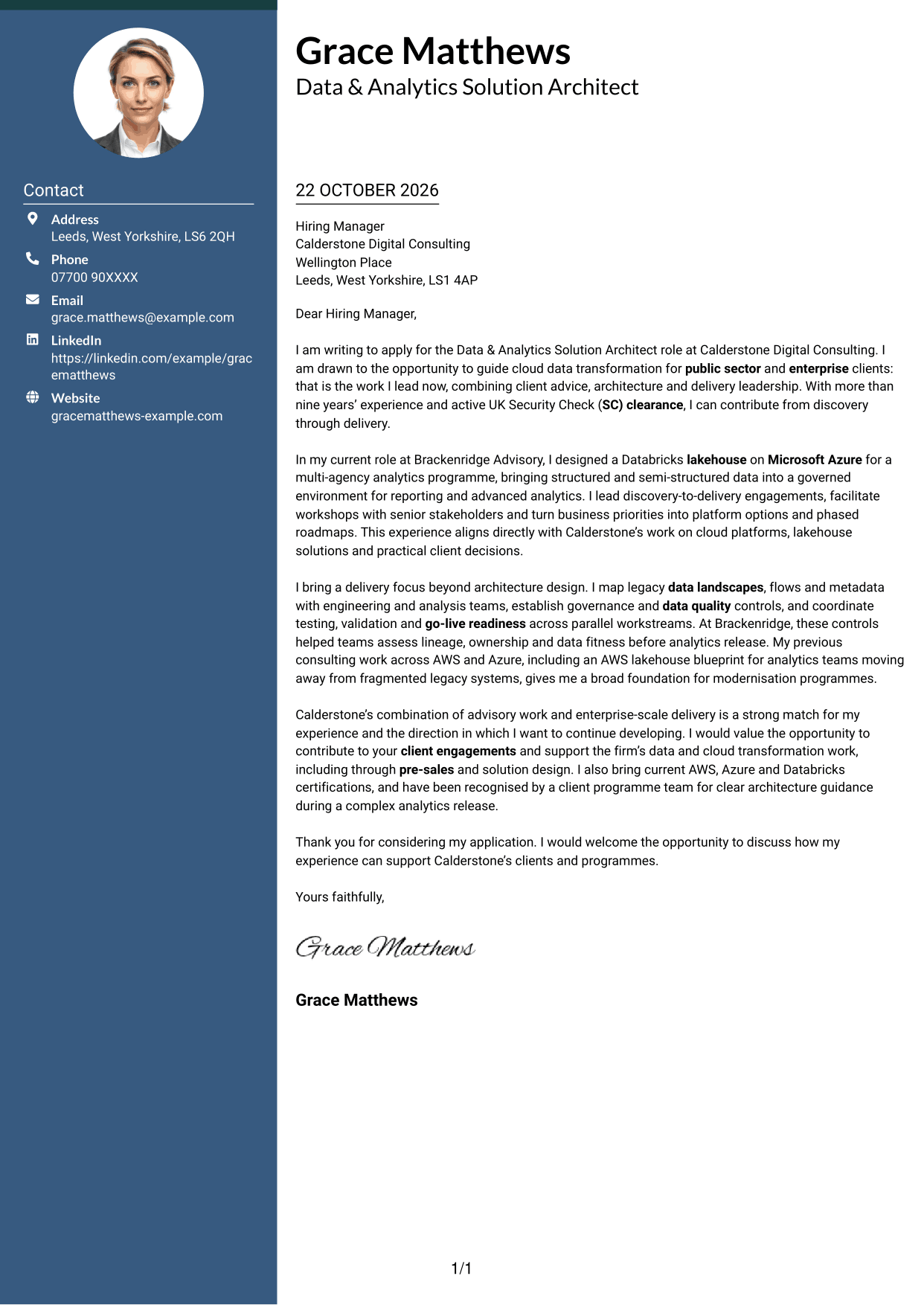
#3 Photo Header Two Column Format Cover Letter Example
Photo Header Two Column Format pairs a sender photo with a contact sidebar and one continuous letter body, for a photo-led presentation that keeps the message together.
Why This Format Works
- The photo adds a personal visual element to the contact presentation.
- Contact details sit apart from the letter, making them easy to locate.
- A continuous body lets readers follow the application message in order.
Best For
- Photo-led contact presentation
- A separate contact sidebar
- Continuous letter paragraphs
- Applications where a portrait is preferred
- Clear contact and message separation
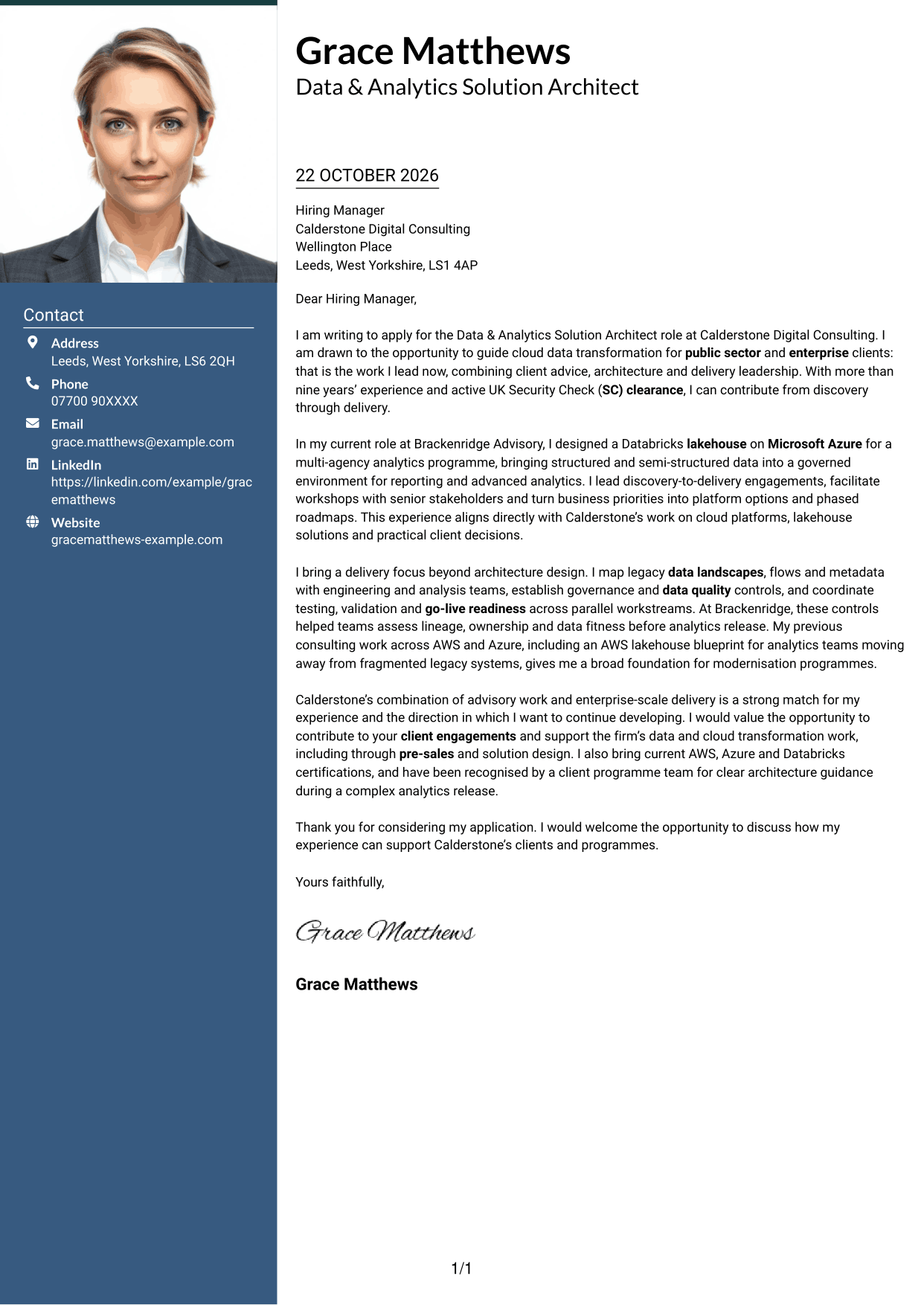
#4 One Column Format with Photo Cover Letter Example
One Column Format with Photo keeps the letter in a single column and includes a photo, suiting applications where a portrait is part of the preferred presentation.
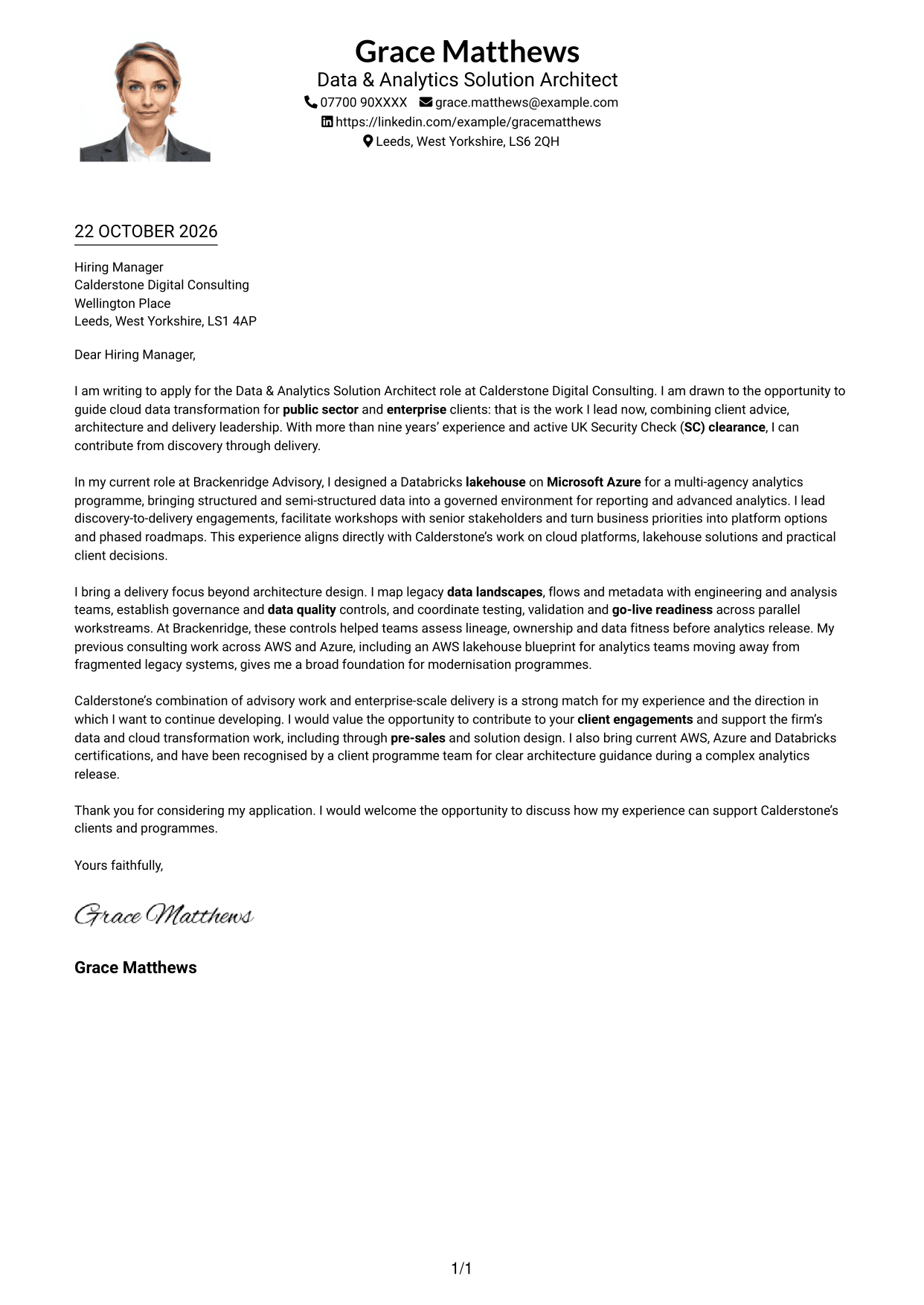
Why This Format Works
- The photo adds a visual element without dividing the letter body.
- A single column gives the paragraphs one clear reading sequence.
- Sender details remain in the header, separate from the application message.
Best For
- Single-column correspondence
- Photo-inclusive letter presentation
- A direct paragraph sequence
- Header-based sender details
- Applications with a preferred portrait
#5 Simple Two Column Format Cover Letter Example
Simple Two Column Format sets contact details in a sidebar and keeps every letter paragraph together in one body column, separating the details from the message.
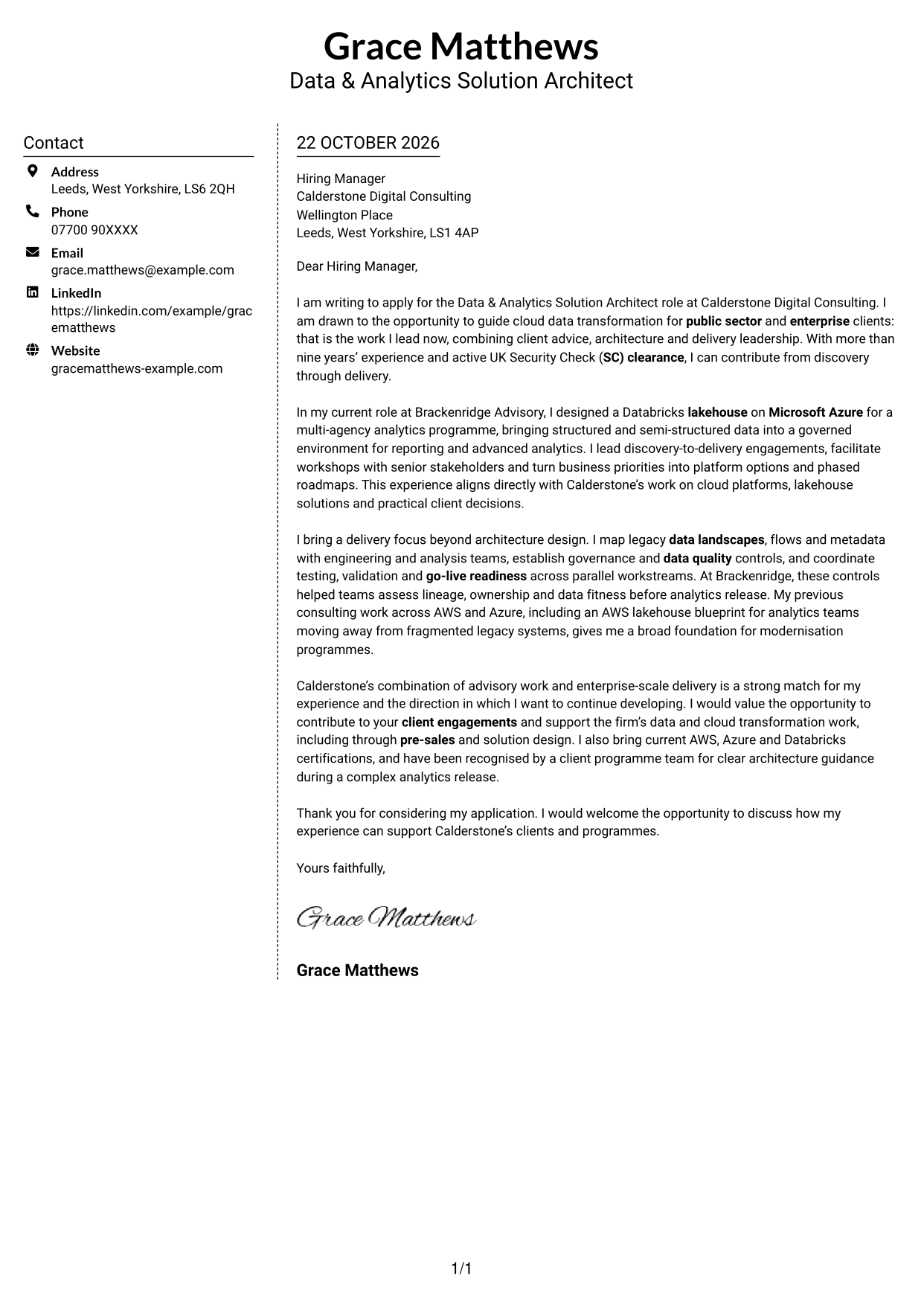
Why This Format Works
- A dedicated sidebar gives contact details their own clear place.
- The letter remains one body, so its paragraphs are not split across columns.
- This arrangement keeps the contact area distinct from the application message.
Best For
- Distinct contact information
- One continuous letter body
- A sidebar-based layout
- Applications with several supporting points
- Readers who prefer separated contact details
#6 Modern Icon Format Cover Letter Example
Modern Icon Format uses two columns, with icons as cues for contact details and one continuous letter body alongside them.
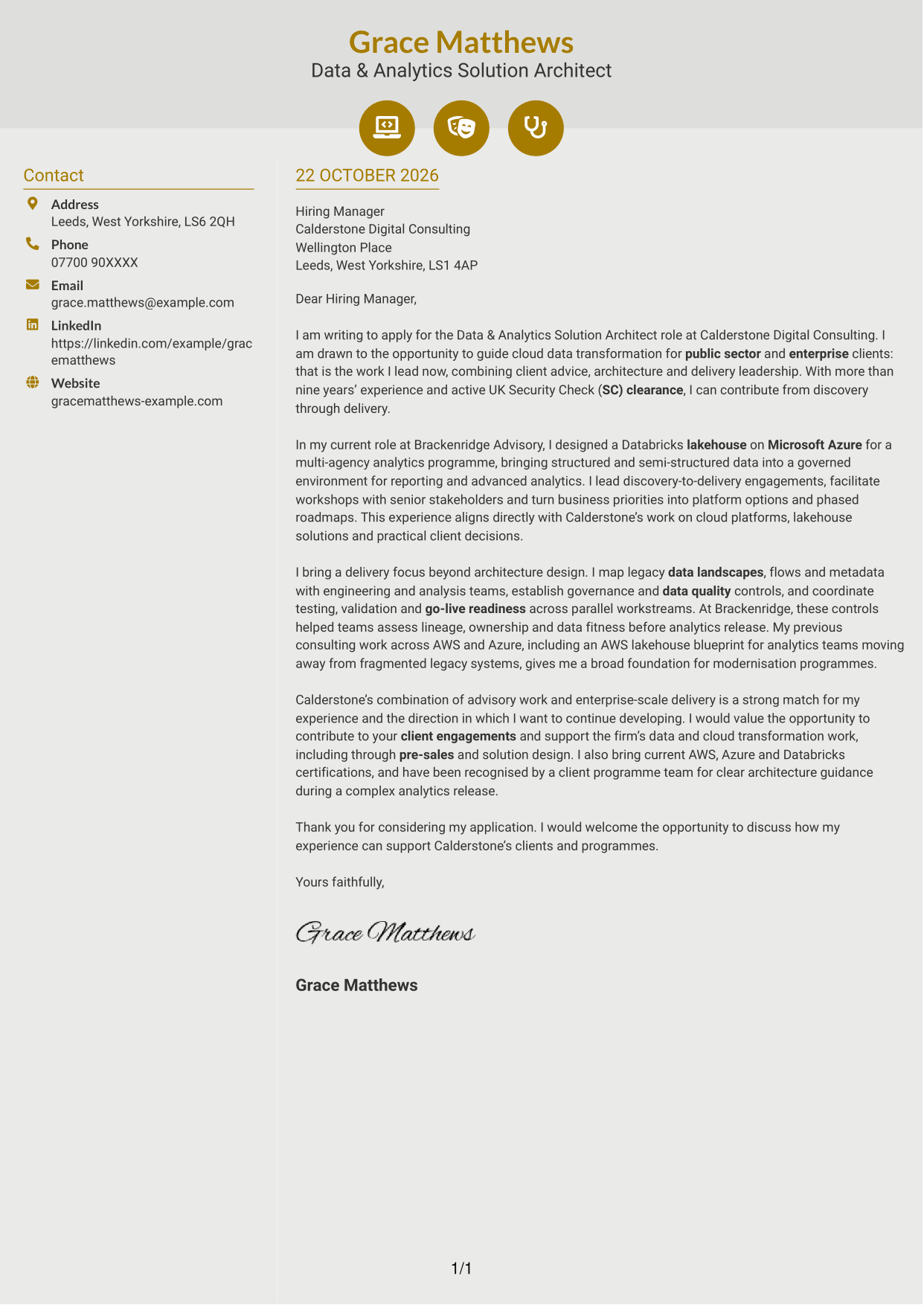
Why This Format Works
- Icons provide visual cues for contact details, not for letter arguments.
- The sidebar keeps sender information separate from the application message.
- One continuous body lets the opening, evidence and close read as a letter.
Best For
- Icon-led contact details
- A separate contact sidebar
- One continuous letter argument
- Visual cues for sender information
- Two-column correspondence
#7 Creative Two Tone Format Cover Letter Example
Creative Two Tone Format places a contact sidebar beside one continuous letter body, keeping sender information distinct while the message reads as a connected whole.
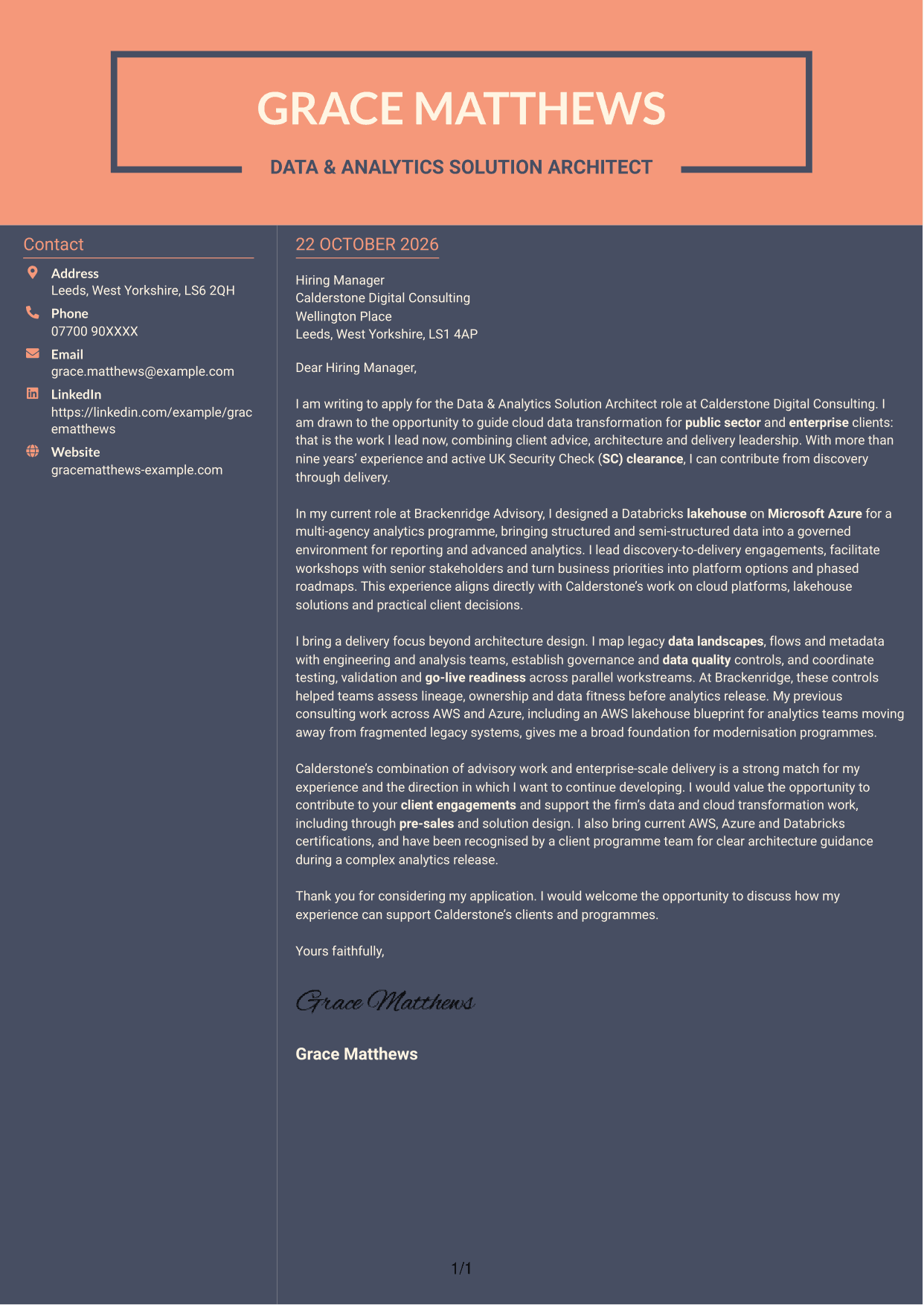
Why This Format Works
- The sidebar gives contact details a separate place beside the letter.
- Keeping paragraphs together helps readers follow the message from start to finish.
- Contact information and the application text have distinct reading areas.
Best For
- Contact details beside the message
- A connected paragraph narrative
- Sidebar-based correspondence
- Clear separation of sender and letter
- Applications needing a steady reading flow
See Also
- 7 Data & Analytics Solution Architect - Cloud Data Platforms CV Templates with Example
- 7 Data Protection Solution Architect CV Templates with Example
- 7 Data & Solution Architect - Defence CV Templates with Example
- 7 Data Solution Architect - Reinsurance CV Templates with Example
- 7 Solution Architect - Platform, Event and Domain-Driven Architecture CV Templates with Example
- 7 Lead Solution Architect - Cloud Migration CV Templates with Example
- 7 Lead Solutions Architect - Legacy-to-Cloud Migration CV Templates with Example
- 7 AI Solution Architect - Agentic AI CV Templates with Example
- 7 Data Protection Solution Architect Cover Letter Templates with Example
- 7 Data & Solution Architect - Defence Cover Letter Templates with Example
Frequently Asked Questions
What should a Data & Analytics Solution Architect - Cloud Data Platforms cover letter highlight?
Show how you connect client needs with cloud data design and practical delivery. Relevant evidence may include leading workshops, shaping a platform roadmap, or guiding migration, governance and go-live work.
How can I show my fit for this role?
Choose a specific example and explain your contribution and its purpose. For instance, describe how you designed a Databricks lakehouse on Microsoft Azure for a multi-agency analytics programme, then link that work to the role’s focus on cloud platforms and client outcomes.
How should I explain my interest in Calderstone Digital Consulting?
Connect your motivation to the firm’s stated work with public sector and enterprise clients on data and cloud transformation. Be specific about why the combination of client advice, solution design and delivery appeals to you.
What is a clear structure for this cover letter?
Begin with the role and your reason for applying. Use the body to give a relevant architecture example and explain your delivery approach, then close by restating your interest and inviting a conversation.
Should I mention Security Check clearance?
Yes, when it is relevant to the position and you hold active clearance. State it briefly, then use the rest of the letter to show your fit through evidence such as client workshops, cloud platform design and delivery leadership.




