
7 Data Solution Architect - Reinsurance Cover Letter Templates with Example
This practical guide helps you write a Data Solution Architect - Reinsurance cover letter and compare its seven layouts.
What Makes a Great Data Solution Architect - Reinsurance Cover Letter in 2026
A strong letter connects your interest in the role with clear evidence of data architecture for ceded reinsurance. Its opening should show why the transformation matters to you and how your approach fits its discovery-to-delivery needs.
Choose relevant examples, such as CenataSure and Subscribe integration, Azure and Databricks data flows, or work with premiums, claims, recoveries and treaty arrangements. Explain your part and link it to the employer’s platform goals and architecture standards.
The featured example moves from interest in the ceded reinsurance transformation to platform integration evidence, wider reinsurance knowledge and a clear close; adapt this focused progression and choose a presentation suited to the employer and communication context.
#1 Simple One Column Format Cover Letter Example
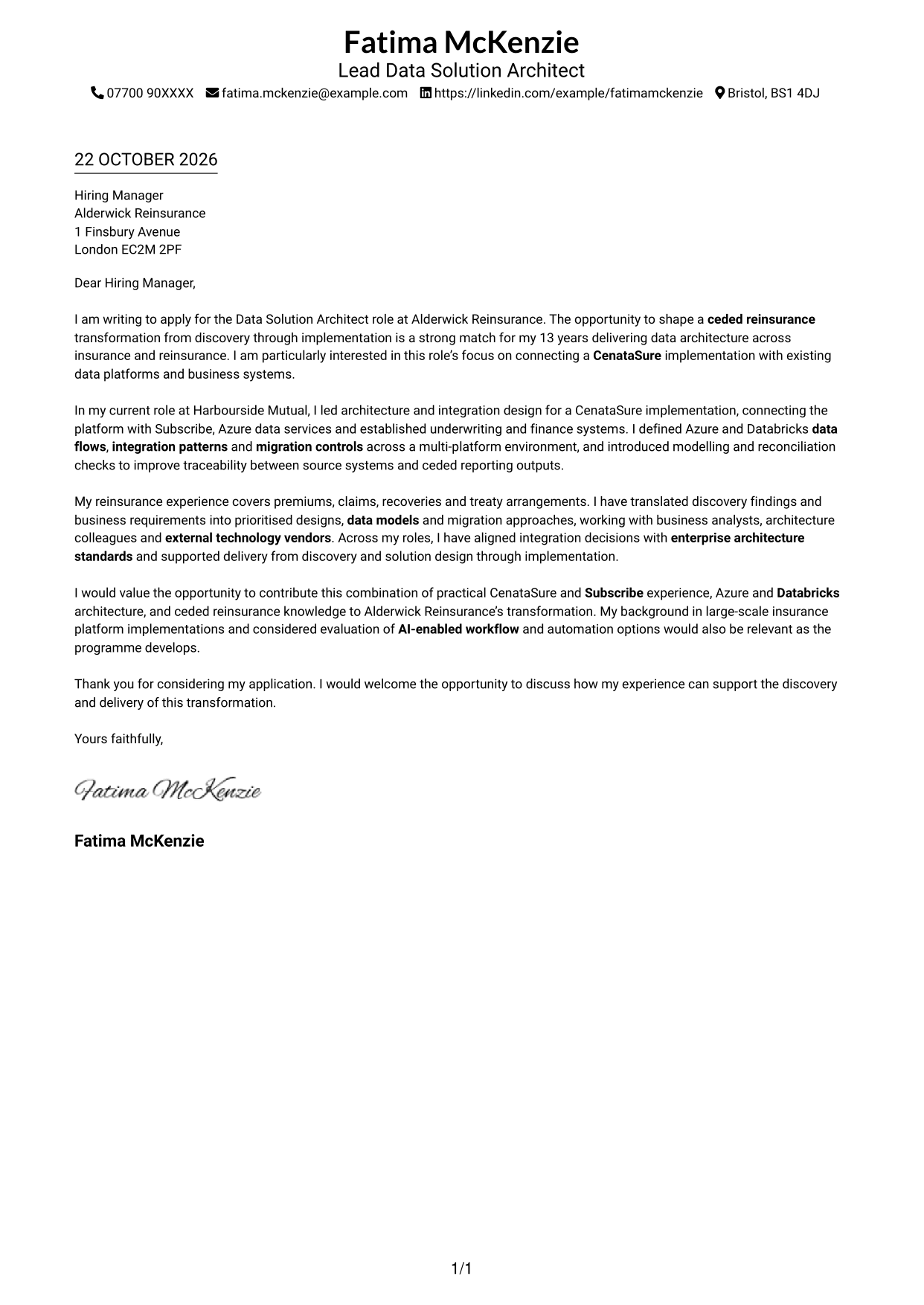
Sender details sit in the header above a one-column letter body, keeping contact information distinct from the message.
Why This Format Works
- One reading column keeps each paragraph within a straightforward path.
- The opening, supporting points and close remain part of one letter.
- No body headings preserve the natural flow of business correspondence.
Best For
- Single-column letter-body preference
- Formal application correspondence
- Paragraph-led persuasive messages
- Letters with a clear sender header
- Applications without contact sidebars
#2 Two Column Format Cover Letter Example
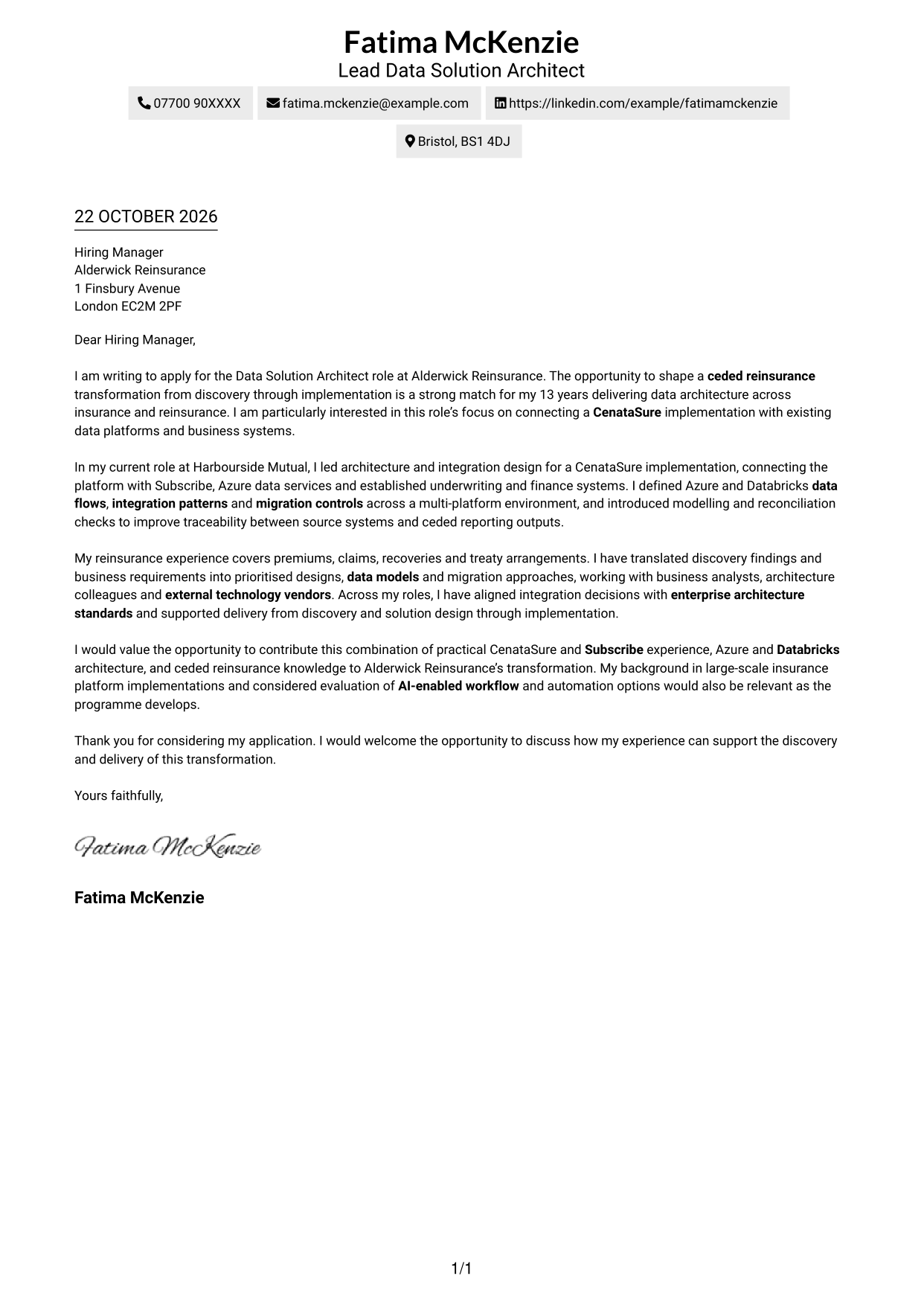
A contact sidebar sits beside a single-column letter body, separating correspondence details from the message without dividing its argument.
Why This Format Works
- The sidebar keeps sender contact details apart from the letter text.
- A single body column gives the paragraphs a clear reading order.
- The continuous message carries motivation and evidence without section labels.
Best For
- Contact details beside the letter
- Continuous paragraph-based correspondence
- A single reading path through the message
- Letters without body section headings
- Side-by-side contact presentation
#3 Photo Header Two Column Format Cover Letter Example
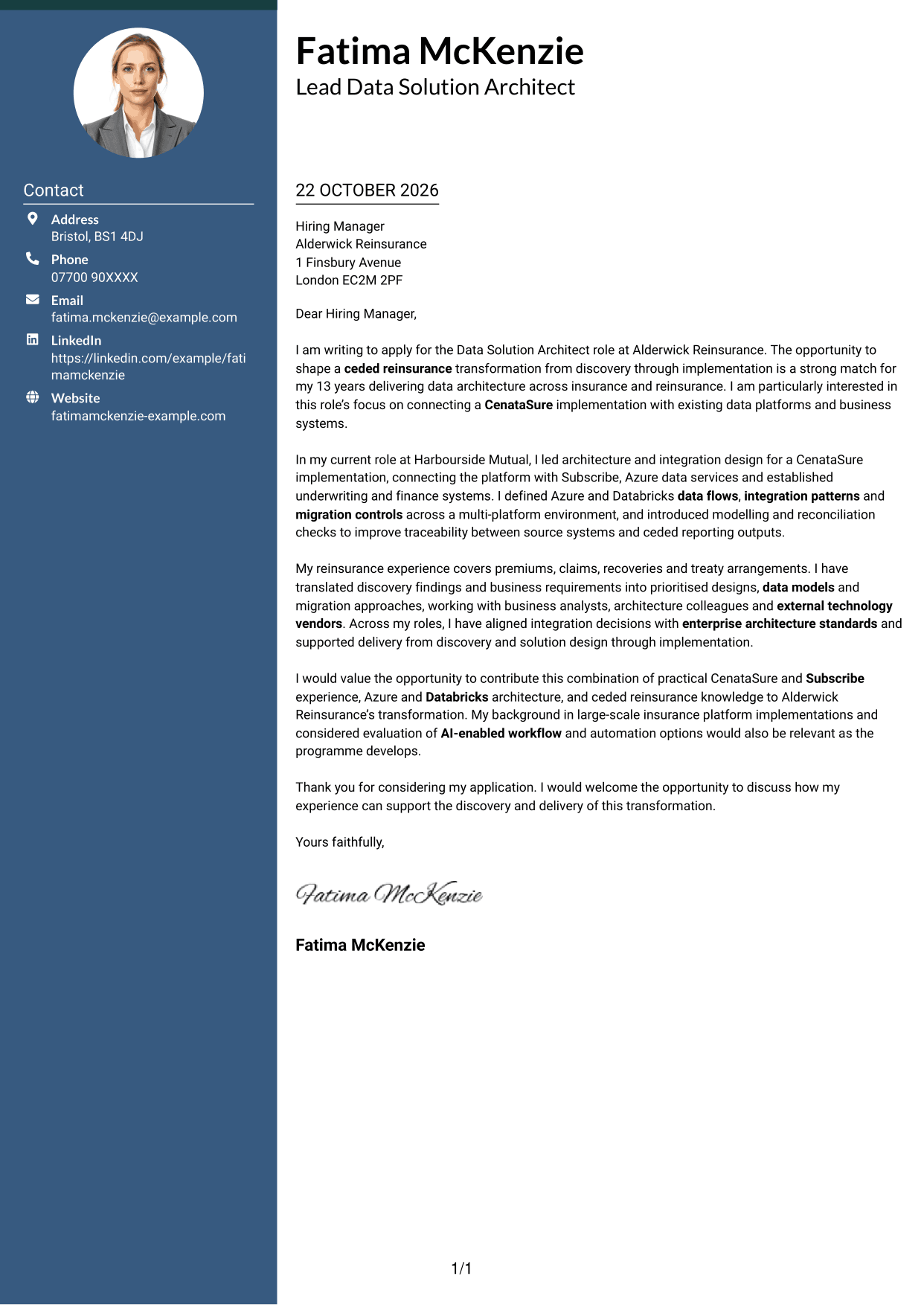
A portrait accompanies the two-column layout, with contact details in a sidebar beside one continuous letter body.
Why This Format Works
- The portrait adds a visual element without interrupting the letter text.
- Contact details remain separate from the argument in the main body.
- One body column lets the letter move naturally from opening to close.
Best For
- Applications requesting a portrait
- Contact details in a separate sidebar
- Continuous letter-body reading
- Formal correspondence with a visual profile
- One-column argument flow
#4 One Column Format with Photo Cover Letter Example
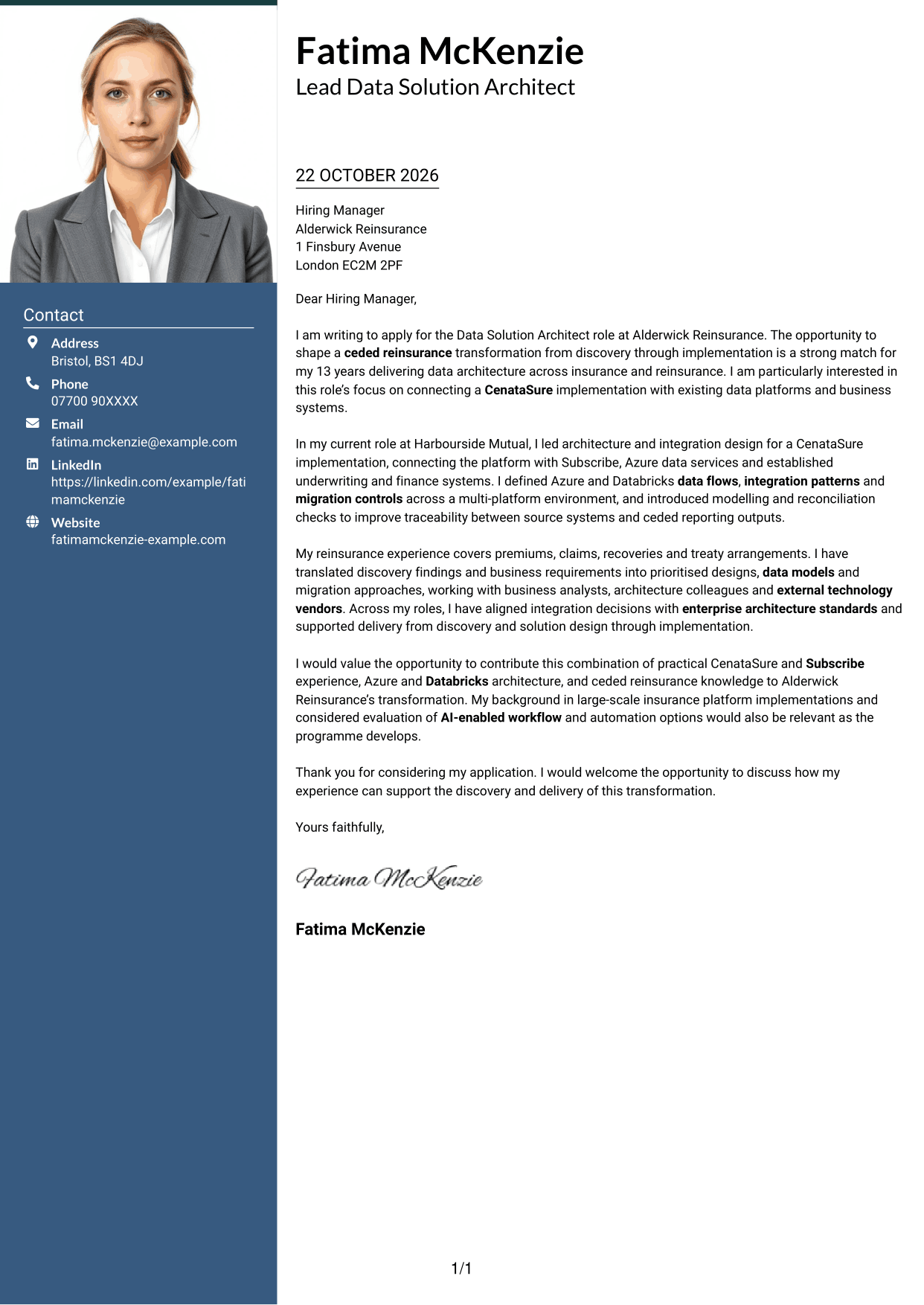
A photo accompanies the one-column design, while the sender details and continuous letter body retain a single-column presentation.
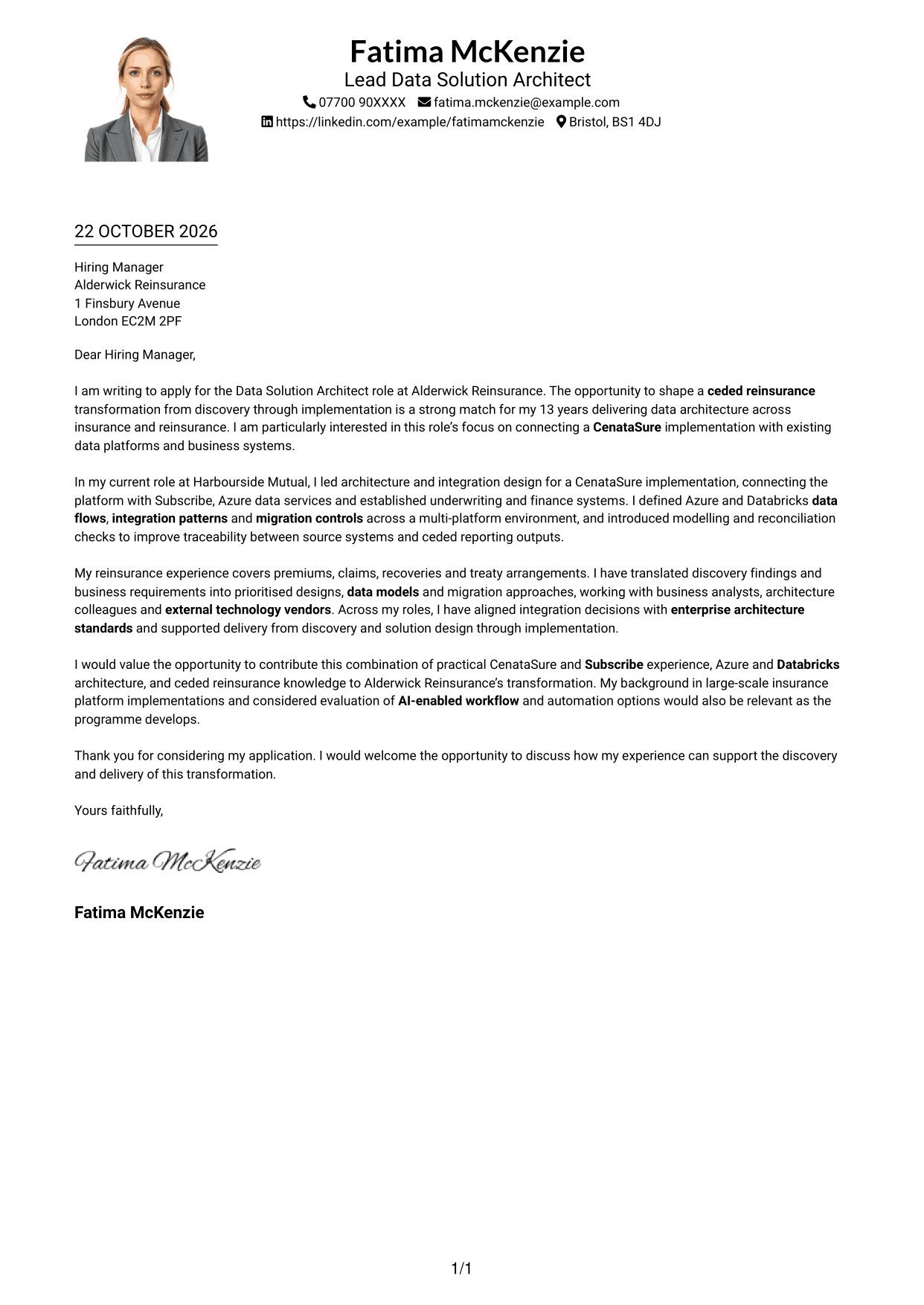
Why This Format Works
- The portrait gives the header a visual point of recognition.
- Sender details and letter paragraphs share one column.
- The continuous body presents the message without labelled argument sections.
Best For
- Single-column correspondence with a portrait
- Letters needing a personal visual element
- One-column contact and message presentation
- Paragraph-led application letters
- Correspondence without body section headings
#5 Simple Two Column Format Cover Letter Example
The two-column layout places contact details in a sidebar, while the letter itself remains one continuous body.
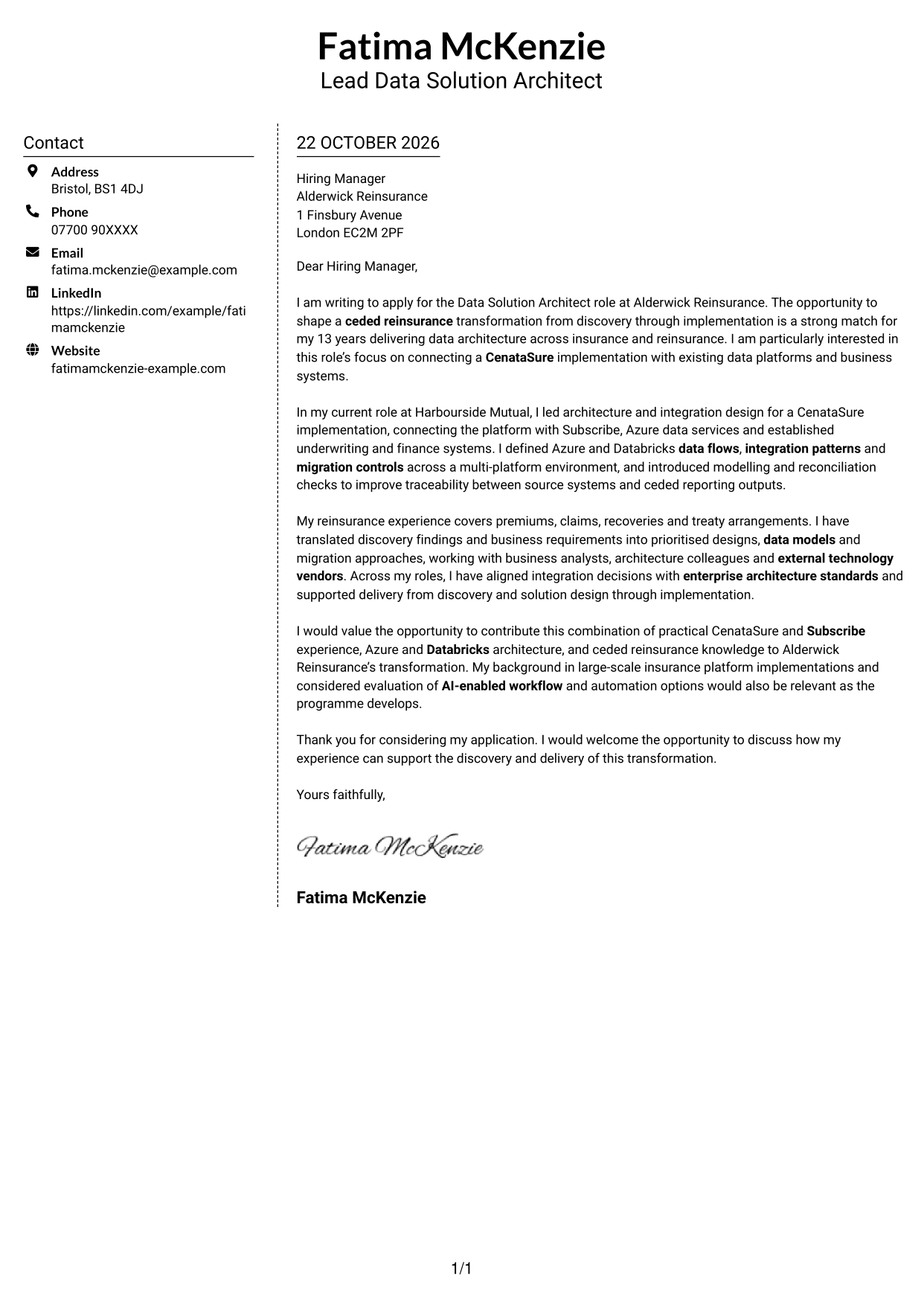
Why This Format Works
- The sidebar lets readers find contact information without searching the letter.
- A single-column body keeps each paragraph in a consistent sequence.
- The message stays in letter form rather than divided into labelled stages.
Best For
- Separate contact and message areas
- Sidebar-based contact presentation
- Continuous business correspondence
- Single-column letter-body preference
- Applications with several supporting paragraphs
#6 Modern Icon Format Cover Letter Example
Contact icons appear in the sidebar of this two-column format, beside a single continuous letter body.
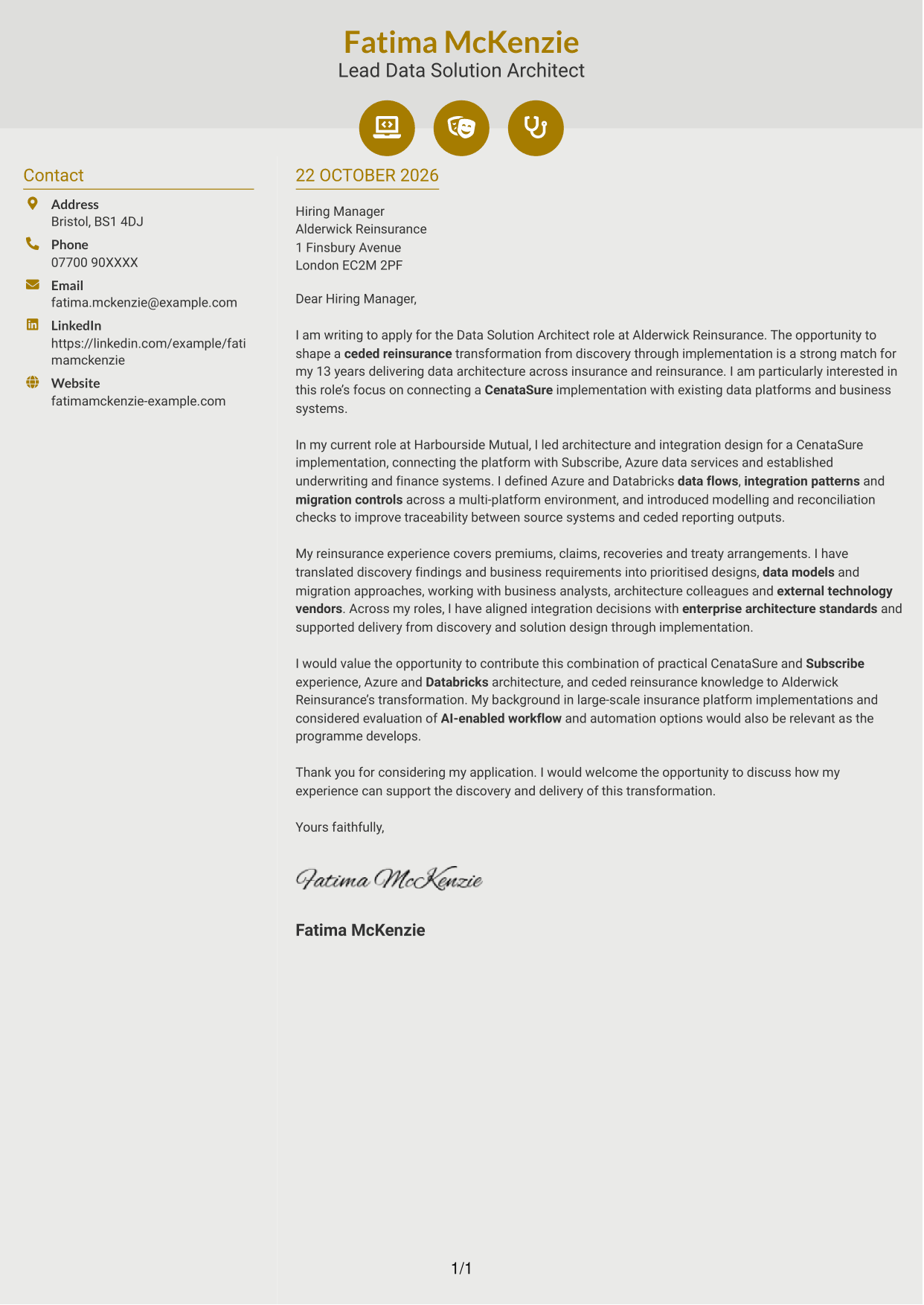
Why This Format Works
- Icons act as contact cues, not labels for parts of the letter.
- The sidebar separates contact details from the continuous message.
- One body column keeps the opening and closing in the same reading flow.
Best For
- Icon-led contact details
- A separate contact sidebar
- Letters with an uninterrupted body
- Single-column message reading
- Visual cues for correspondence details
#7 Creative Two Tone Format Cover Letter Example
A two-column layout places the contact sidebar beside a continuous letter body, keeping the message together in one column.
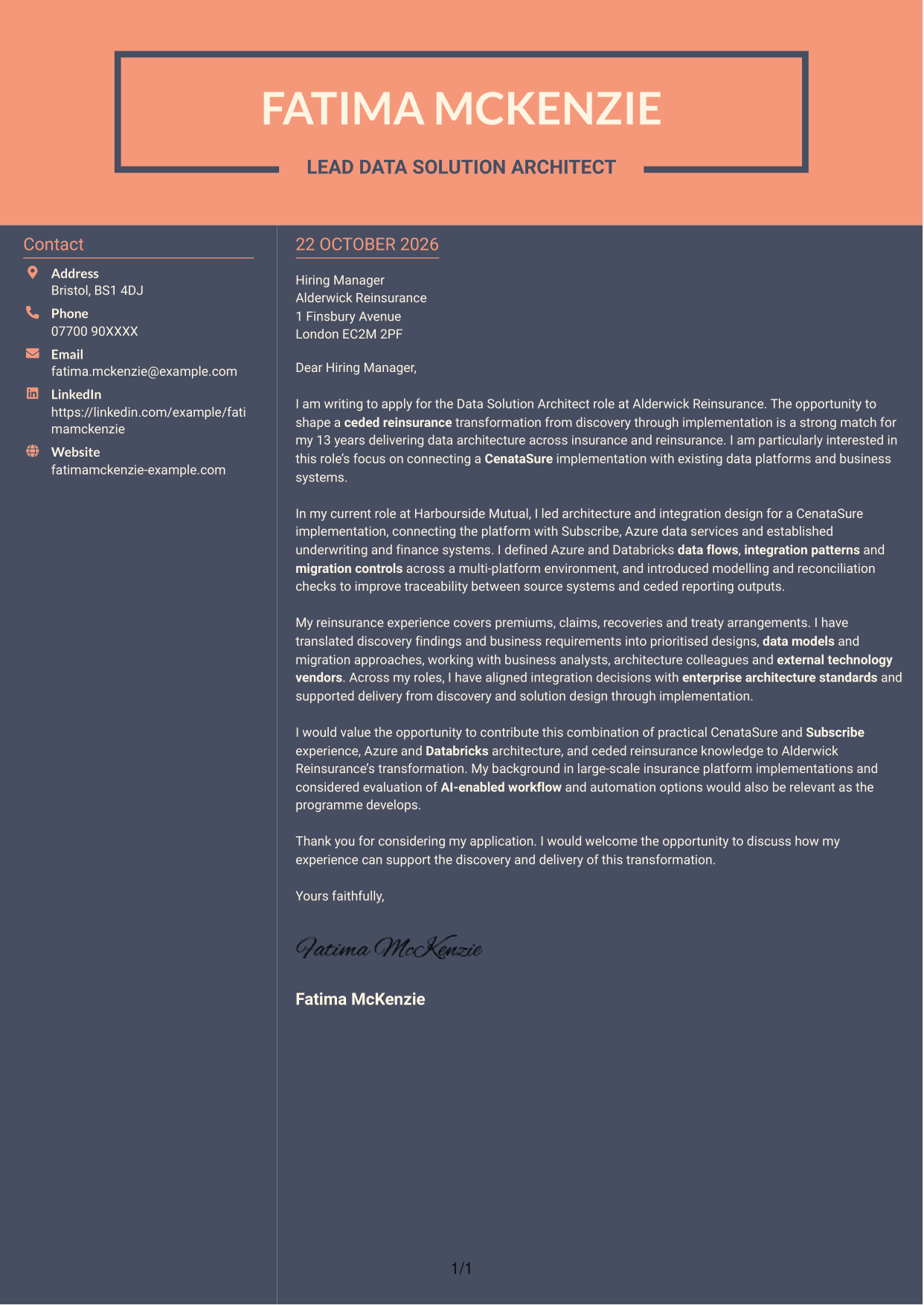
Why This Format Works
- The sidebar gives contact details a place apart from the letter text.
- A single body column keeps the letter's paragraphs together.
- The continuous format lets the message read as correspondence, not labelled sections.
Best For
- Contact information beside the message
- One-column letter-body preference
- Continuous application correspondence
- Letters without labelled argument sections
- Separate sender and reader details
See Also
- 7 Data Solution Architect - Reinsurance CV Templates with Example
- 7 Data & Analytics Solution Architect - Cloud Data Platforms CV Templates with Example
- 7 Data Protection Solution Architect CV Templates with Example
- 7 Data & Solution Architect - Defence CV Templates with Example
- 7 AI Solution Architect - Agentic AI CV Templates with Example
- 7 Commercial SAP Solution Architect CV Templates with Example
- 7 Digital Solution Architect - Financial Services CV Templates with Example
- 7 Enterprise Solutions Architect - Microsoft Stack CV Templates with Example
- 7 Data & Analytics Solution Architect - Cloud Data Platforms Cover Letter Templates with Example
- 7 Data Protection Solution Architect Cover Letter Templates with Example
Frequently Asked Questions
What should a Data Solution Architect - Reinsurance cover letter highlight?
Show how your data architecture work relates to ceded reinsurance and complex platform integration. Useful evidence may include CenataSure, Subscribe, Azure or Databricks, as well as data models, migration planning and work with business teams or technology vendors.
How can I show my experience is relevant to this role?
Choose one specific example and explain the challenge, your contribution and the result. For instance, describe how you shaped a data flow or integration design, then connect that work to reliable reinsurance reporting or delivery.
How should I explain my interest in Alderwick Reinsurance?
Connect your motivation to the advertised ceded reinsurance transformation and its CenataSure implementation. Explain why the discovery-to-delivery work interests you, using only details you know to be accurate.
What is a clear way to structure this cover letter?
Open with the role and a specific reason for applying. Use the body to show relevant platform, reinsurance and stakeholder experience, then close by linking your contribution to the transformation and inviting a discussion.
Can I compare the cover letter previews before customising an example?
Yes. Review the PNG image previews to compare the page layout, then open an example in the editor to customise its presentation and wording for the role.




