
7 Design Engineer - Maritime Cover Letter Templates with Example
This practical guide helps you create a Design Engineer - Maritime cover letter and compare its seven layouts.
What Makes a Great Design Engineer - Maritime Cover Letter in 2026
A strong letter links your interest in the role to relevant maritime design work. Show how you can support port, harbour or waterfront schemes from design through construction.
Use clear examples of design calculations, technical documentation and coordination with clients or contractors. Explain why the employer’s maritime work interests you and how your approach supports practical project delivery.
The featured example moves from interest in the role to current design and construction evidence, then to earlier consultancy experience and a clear close; adapt this focused progression and choose a presentation suited to the employer and communication context.
#1 Simple One Column Format Cover Letter Example
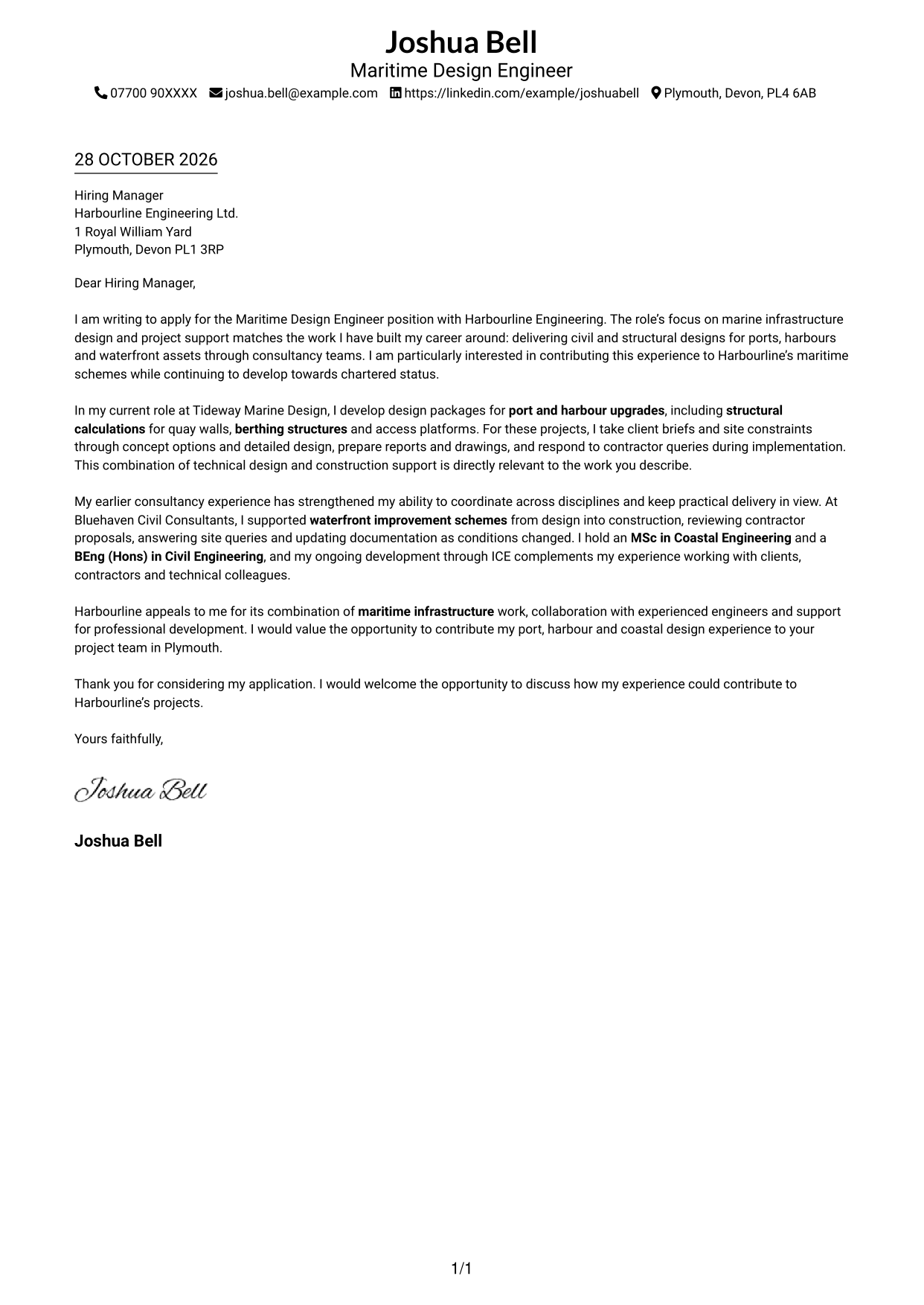
Sender details sit in the header above one continuous letter column, giving the message a direct reading route.
Why This Format Works
- Sender details in the header keep contact information easy to locate.
- One clear reading route carries the message from its opening to close.
- Unheaded paragraphs let motivation, evidence and the request remain part of one letter.
Best For
- Letters with header-based contact details
- A straightforward top-to-bottom reading order
- Continuous motivation and evidence
- Unlabelled paragraph-based messages
- Traditional formal applications
#2 Two Column Format Cover Letter Example
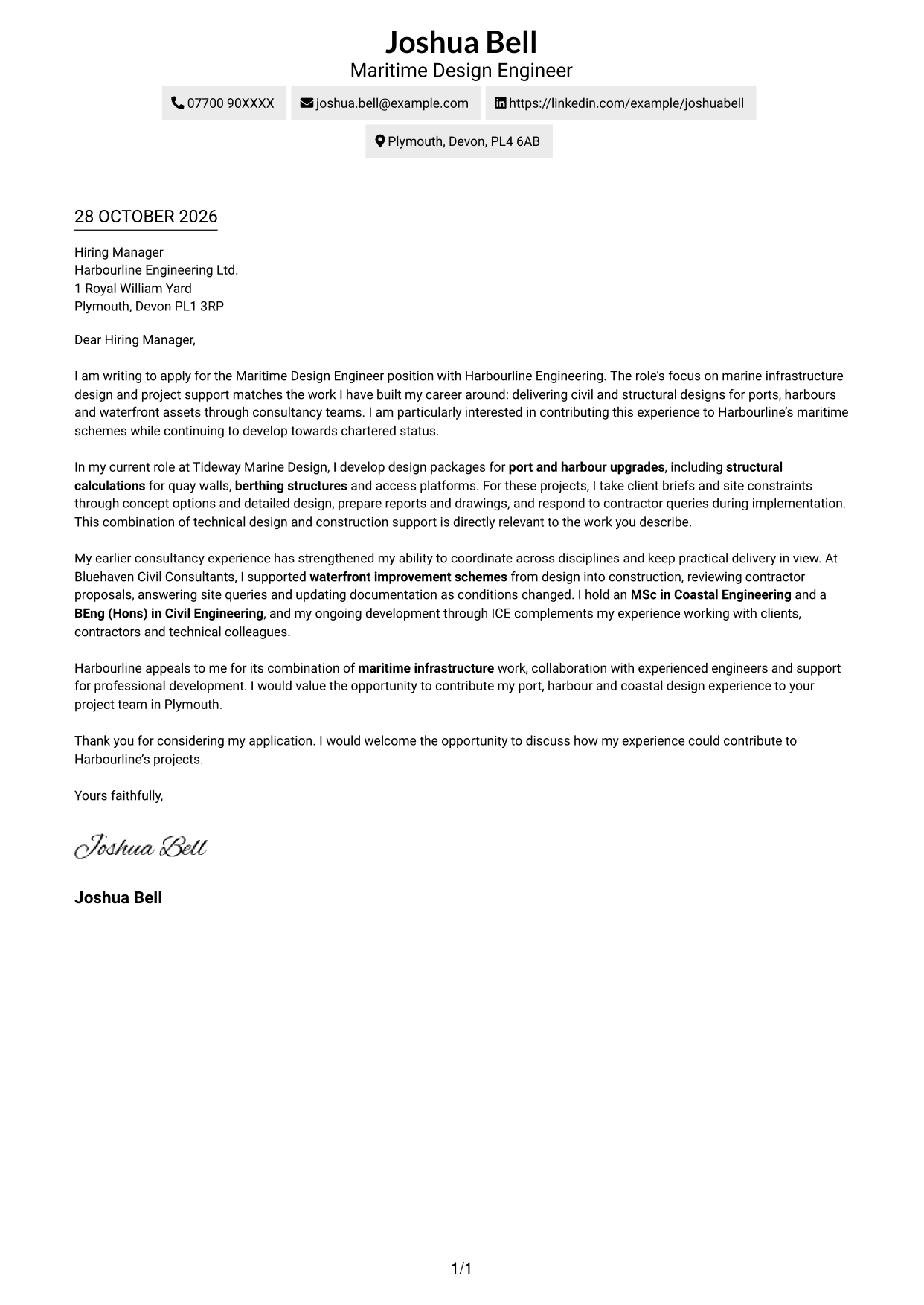
A contact sidebar sits beside the continuous letter body, keeping correspondence details distinct from the persuasive message.
Why This Format Works
- Contact details sit apart from the message, so readers can find them quickly.
- One continuous letter body keeps the argument in a natural reading order.
- Unheaded paragraphs let motivation, evidence and the closing read as one message.
Best For
- Contact details beside the message
- Separate sender and letter areas
- A clear route through the argument
- Paragraph-led application letters
- Readers who scan contact details first
#3 Photo Header Two Column Format Cover Letter Example
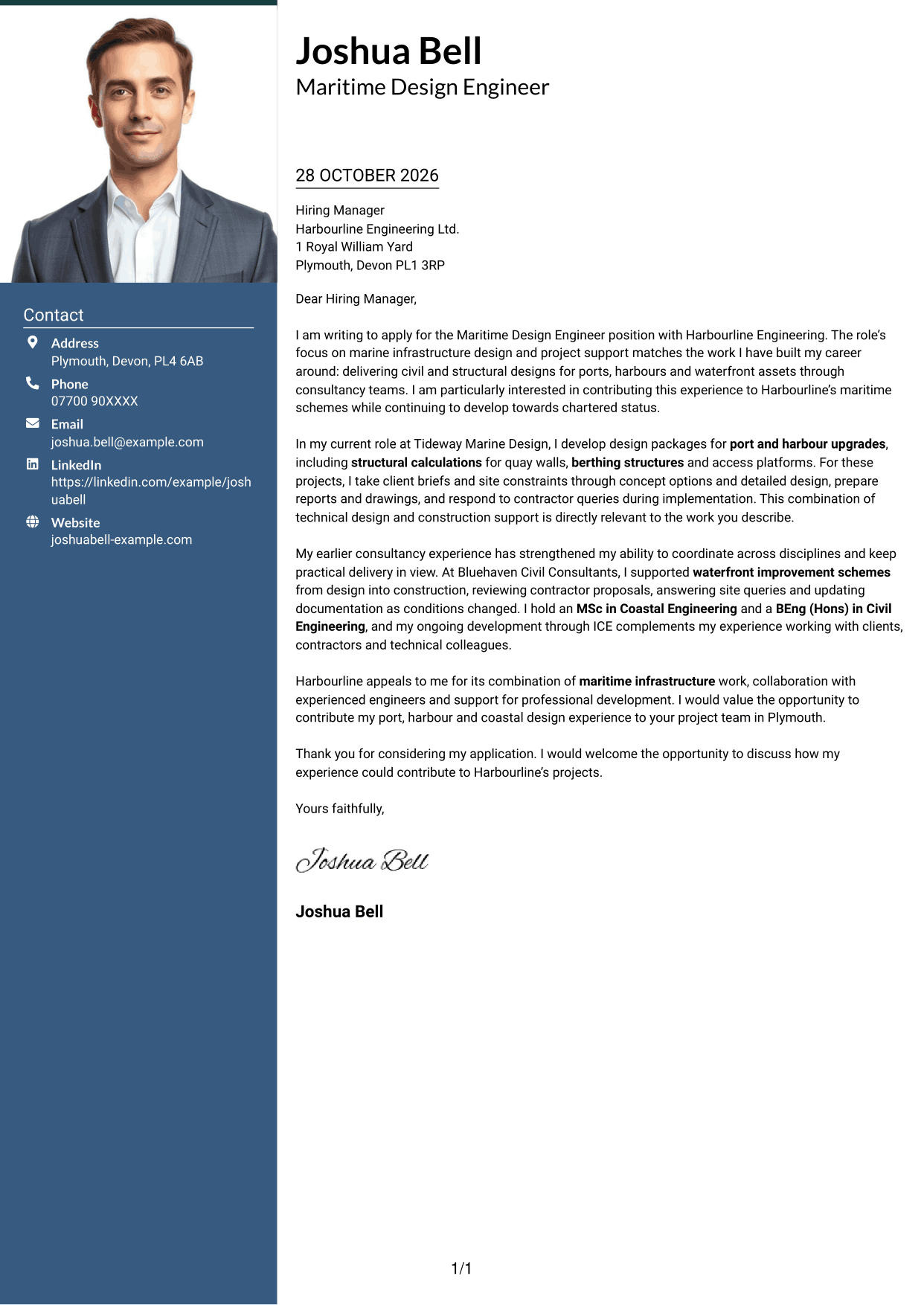
A photo adds a personal visual element to this two-column layout, while the contact sidebar remains distinct from the letter body.
Why This Format Works
- The photo offers a personal visual point of reference without interrupting the letter.
- The contact sidebar keeps sender details separate from the persuasive paragraphs.
- A continuous body carries the opening, evidence and closing in sequence.
Best For
- Photo-inclusive application documents
- Distinct contact and message areas
- Formal correspondence with a portrait
- Paragraph-based persuasive letters
- Applications with a personal visual element
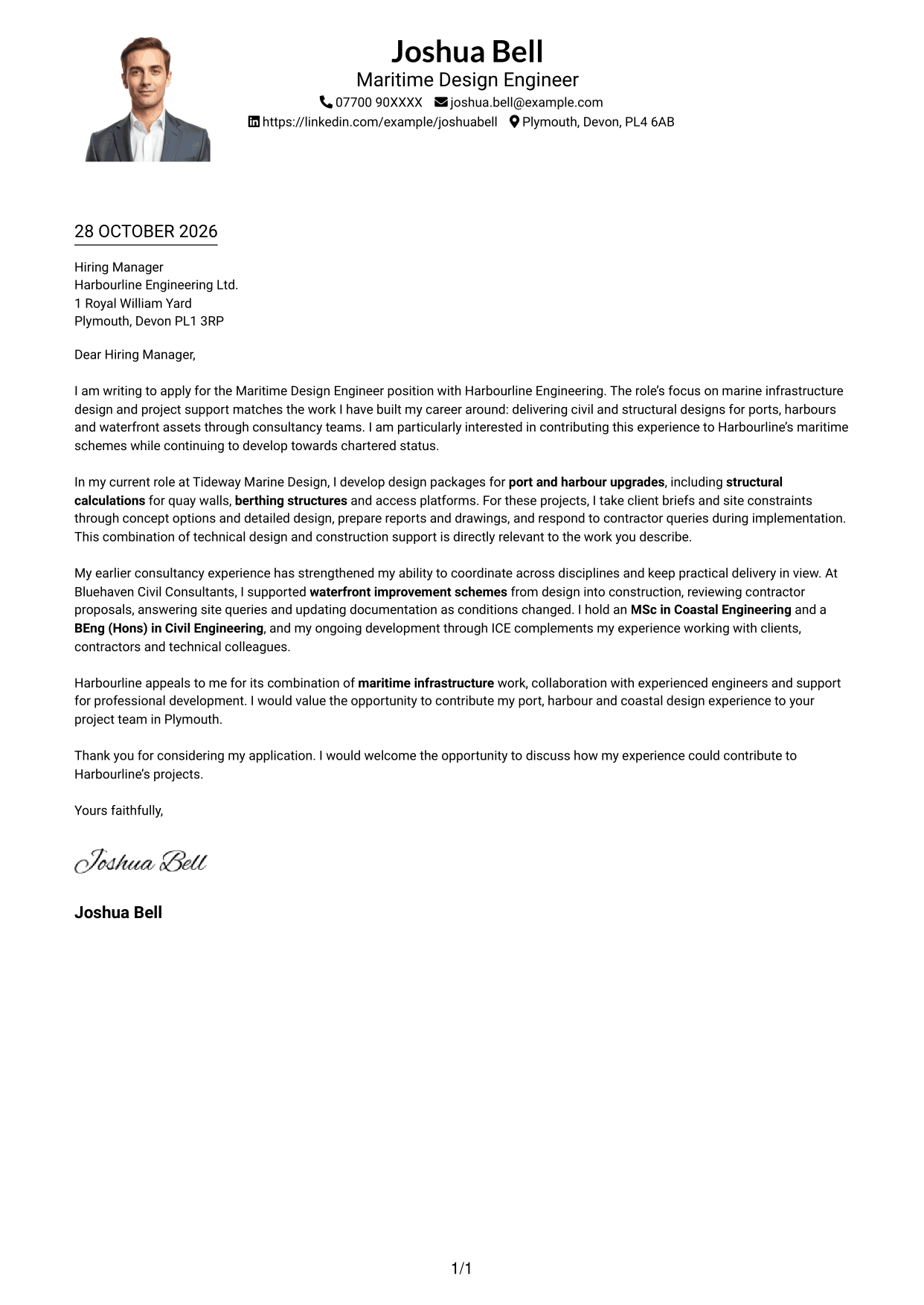
#4 One Column Format with Photo Cover Letter Example
The letter keeps a one-column reading order and includes a photo for applicants who want a personal visual element.
Why This Format Works
- A single reading route keeps the letter body easy to follow from start to finish.
- The photo adds a personal visual feature without dividing the written message.
- Unheaded paragraphs preserve a natural flow between motivation, evidence and the close.
Best For
- One-column letters with a portrait
- Header-based contact information
- Continuous application messages
- Top-to-bottom reading preference
- Letters without argument headings
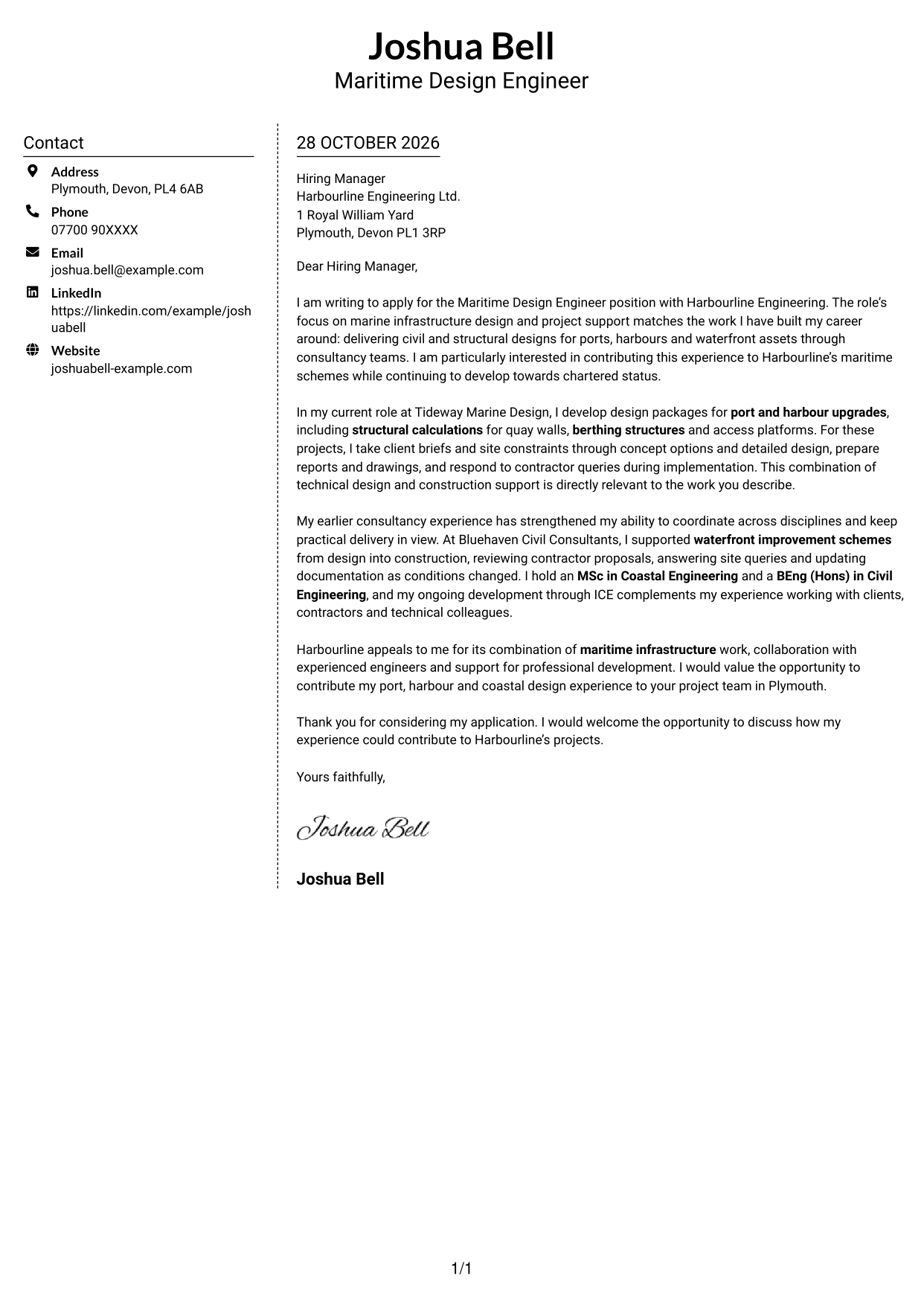
#5 Simple Two Column Format Cover Letter Example
A contact sidebar stands beside the uninterrupted letter body, separating sender details from the message without splitting its argument.
Why This Format Works
- The sidebar gives contact details a separate place beside the letter.
- The uninterrupted body lets readers follow the message without parallel text columns.
- Unlabelled paragraphs keep the motivation, supporting evidence and close connected.
Best For
- A separate contact sidebar
- Uninterrupted persuasive paragraphs
- Sender details outside the message
- Applications with several points of evidence
- A clear division between contact and letter
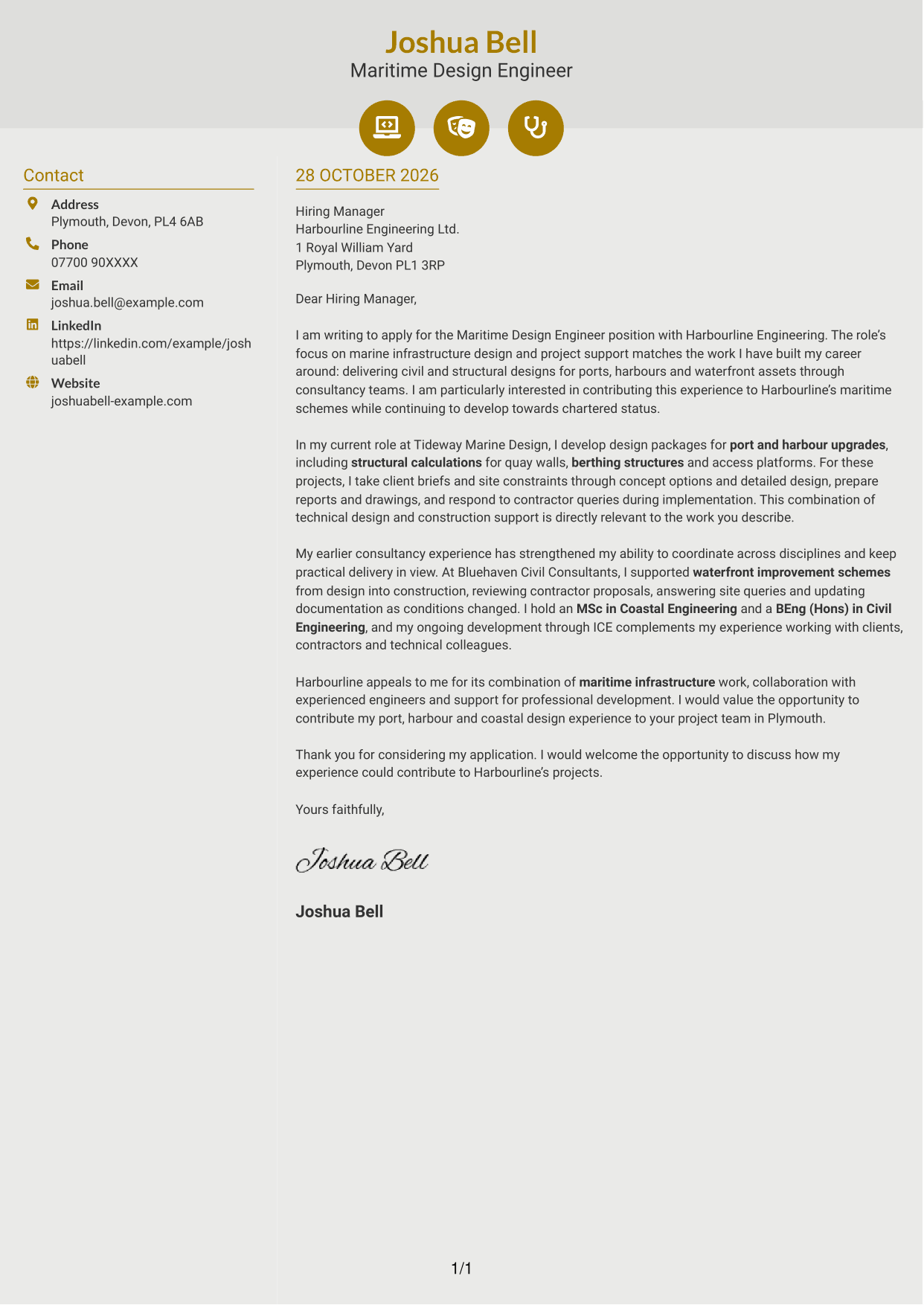
#6 Modern Icon Format Cover Letter Example
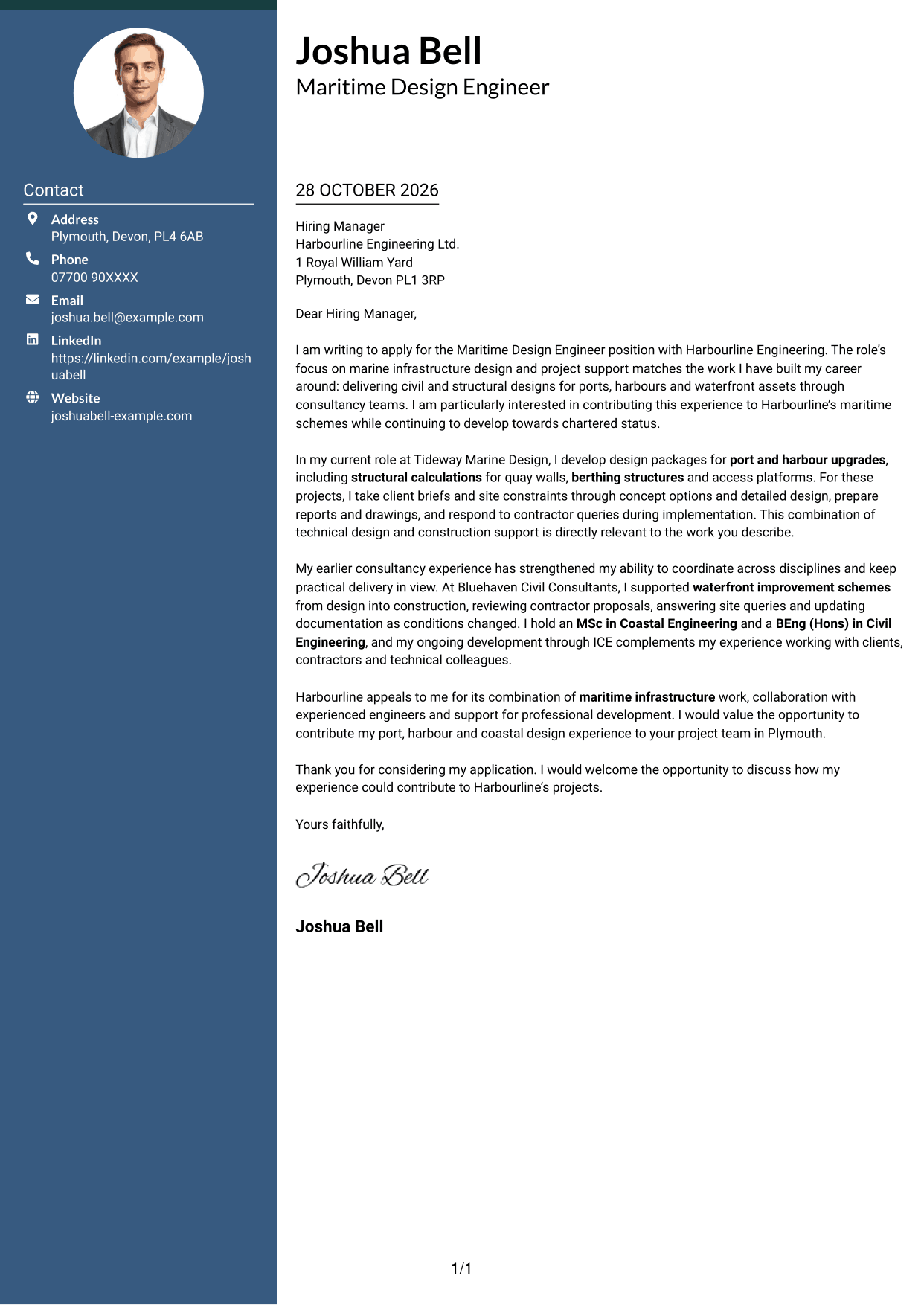
Icons provide cues for contact details in the sidebar, while the letter itself remains one continuous body.
Why This Format Works
- Icons help distinguish contact details without labelling parts of the argument.
- The sidebar keeps sender information apart from the letter’s persuasive content.
- One continuous body carries the reader through the message in order.
Best For
- Icon-cued contact information
- A sidebar beside the letter
- Paragraph-led motivation and evidence
- Letters without section labels
- A continuous argument from opening to close
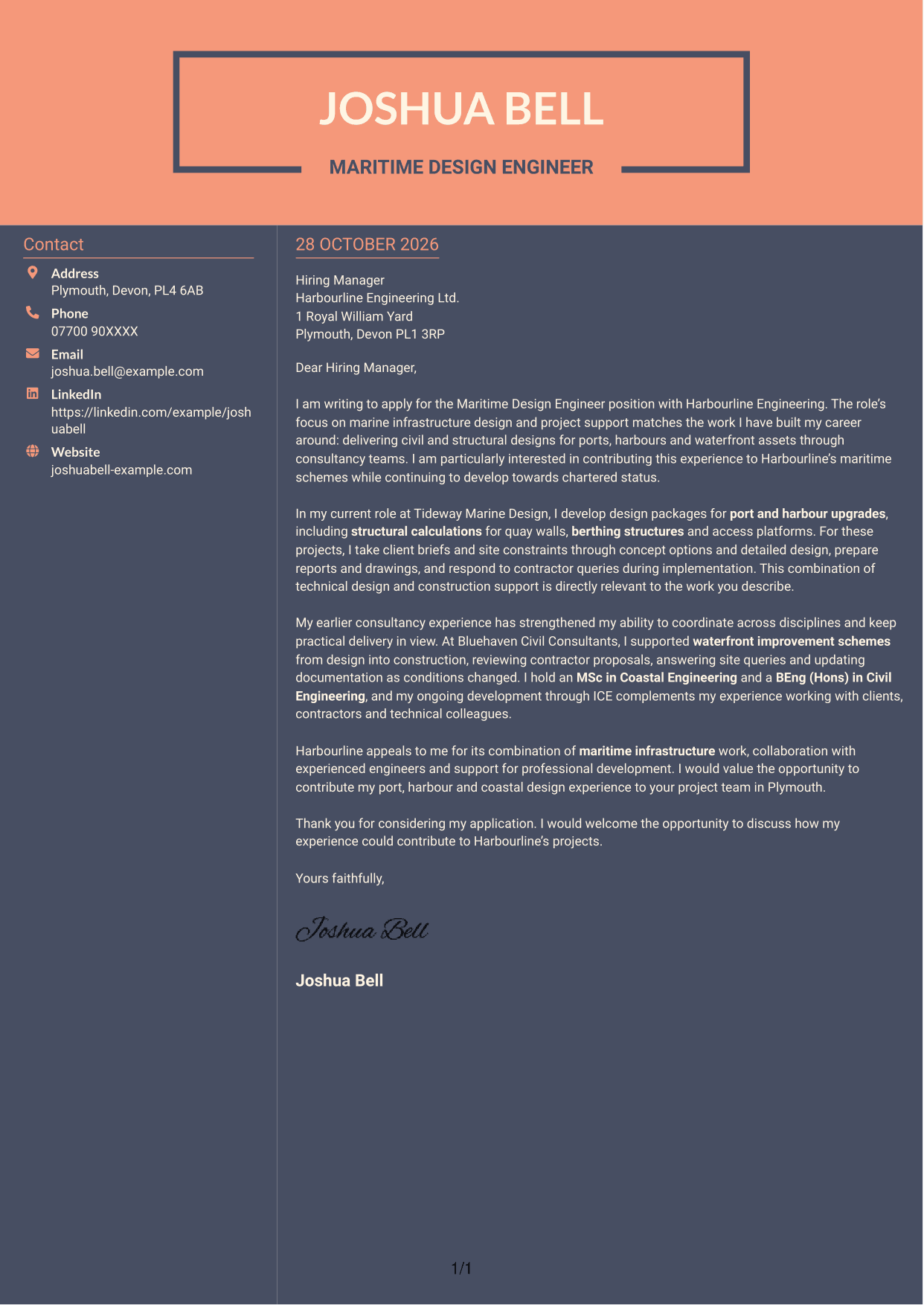
#7 Creative Two Tone Format Cover Letter Example
The two-column arrangement gives contact details their own sidebar beside the continuous letter, keeping the message in one clear body.
Why This Format Works
- The sidebar separates sender details from the main letter without dividing its argument.
- A continuous body keeps the opening, evidence and closing together.
- Contact information remains distinct while the message reads as connected paragraphs.
Best For
- Sidebar-based contact presentation
- Long-form motivation in paragraphs
- A single argument without section labels
- Contact details outside the message
- Connected opening, evidence and closing
See Also
- 7 Design Engineer - Maritime CV Templates with Example
- 7 Assistant Civil Engineer - Highways and Drainage Design CV Templates with Example
- 7 Civil Design Engineer - Water and Wastewater Infrastructure CV Templates with Example
- 7 Civil Engineer Lead - Drainage and Infrastructure Design CV Templates with Example
- 7 Geotechnical Engineer - Ground Investigation and Design CV Templates with Example
- 7 Graduate Civil Engineer - Rail Infrastructure Design CV Templates with Example
- 7 Graduate Civil Engineer - Residential Design CV Templates with Example
- 7 Senior Civil Engineer - Infrastructure Design CV Templates with Example
- 7 Assistant Civil Engineer - Highways and Drainage Design Cover Letter Templates with Example
- 7 Civil Design Engineer - Water and Wastewater Infrastructure Cover Letter Templates with Example
Frequently Asked Questions
What should a Design Engineer - Maritime cover letter highlight?
Connect your relevant design experience to the role. You could discuss maritime infrastructure, engineering calculations, technical documents, and support through construction and implementation, using only evidence that reflects your own work.
How can I show that my experience fits this role?
Choose a specific example that shows your contribution, such as taking a port or harbour design from concept to detailed design or responding to contractor queries. Explain how your actions helped the team make practical project decisions.
How should I explain my interest in the employer?
Refer to a genuine reason for wanting to contribute to its maritime infrastructure work. Link that interest to the type of design and project support you can offer, without making claims you cannot support.
How should I structure a Design Engineer - Maritime cover letter?
Open by naming the role and giving a clear reason for applying. Use the body to connect relevant design and delivery evidence to the position, then close by restating your interest and inviting a discussion.
Should I include every detail of my engineering experience?
No. Select a few examples that best show your fit for this maritime design role. Keep each point relevant and explain how it relates to the employer’s work.




