
7 Development Services Officer - Planning Applications Cover Letter Templates with Example
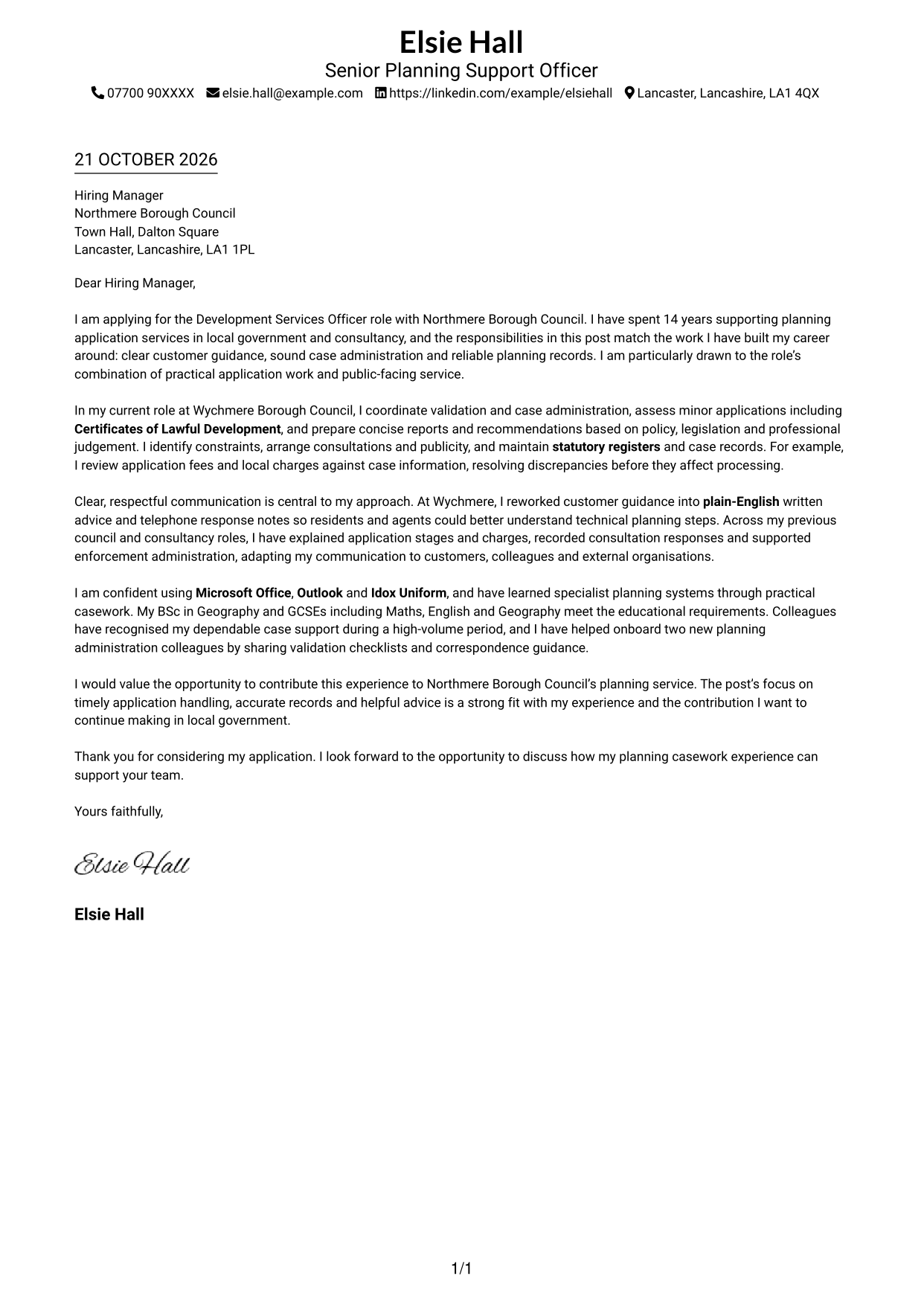
This practical guide helps you create a Development Services Officer - Planning Applications cover letter, with seven layouts to help you present your planning casework clearly.
What Makes a Great Development Services Officer - Planning Applications Cover Letter in 2026
A strong letter for this role makes a clear case for accurate application handling, helpful customer advice and sound judgement. Open with your interest, then show how you can support validation, minor assessments and reliable planning records.
Choose clear examples of checking applications, assessing Certificates of Lawful Development, maintaining fee records or explaining planning steps in plain English. Link this evidence to Northmere Borough Council’s need for timely applications and respectful public service.
The featured example follows a focused progression from interest in the role to relevant casework evidence, communication and a clear close; adapt that progression while choosing a presentation suited to the employer and communication context.
#1 Simple One Column Format Cover Letter Example
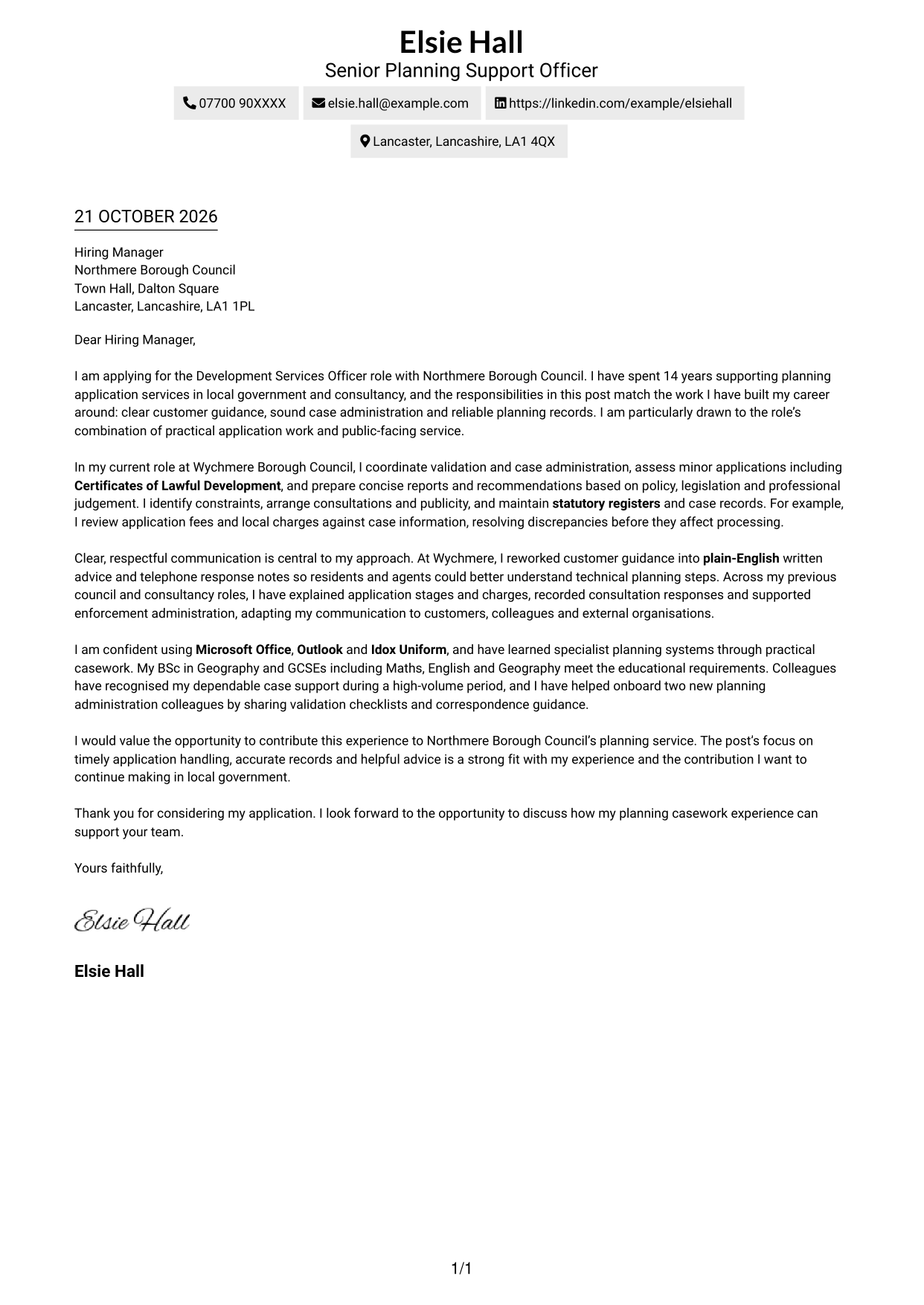
The single-column body keeps the sender details in the header and the complete letter in one direct reading path.
Why This Format Works
- One reading column carries the greeting, case for fit and close in a familiar sequence.
- Sender details stay in the header, apart from the letter’s persuasive paragraphs.
- Readers who favour a direct letter layout can follow the message without a sidebar.
Best For
- Single-column letter reading
- Header-based contact details
- Direct, familiar page layouts
- Continuous persuasive paragraphs
- Letters without a contact sidebar
#2 Two Column Format Cover Letter Example
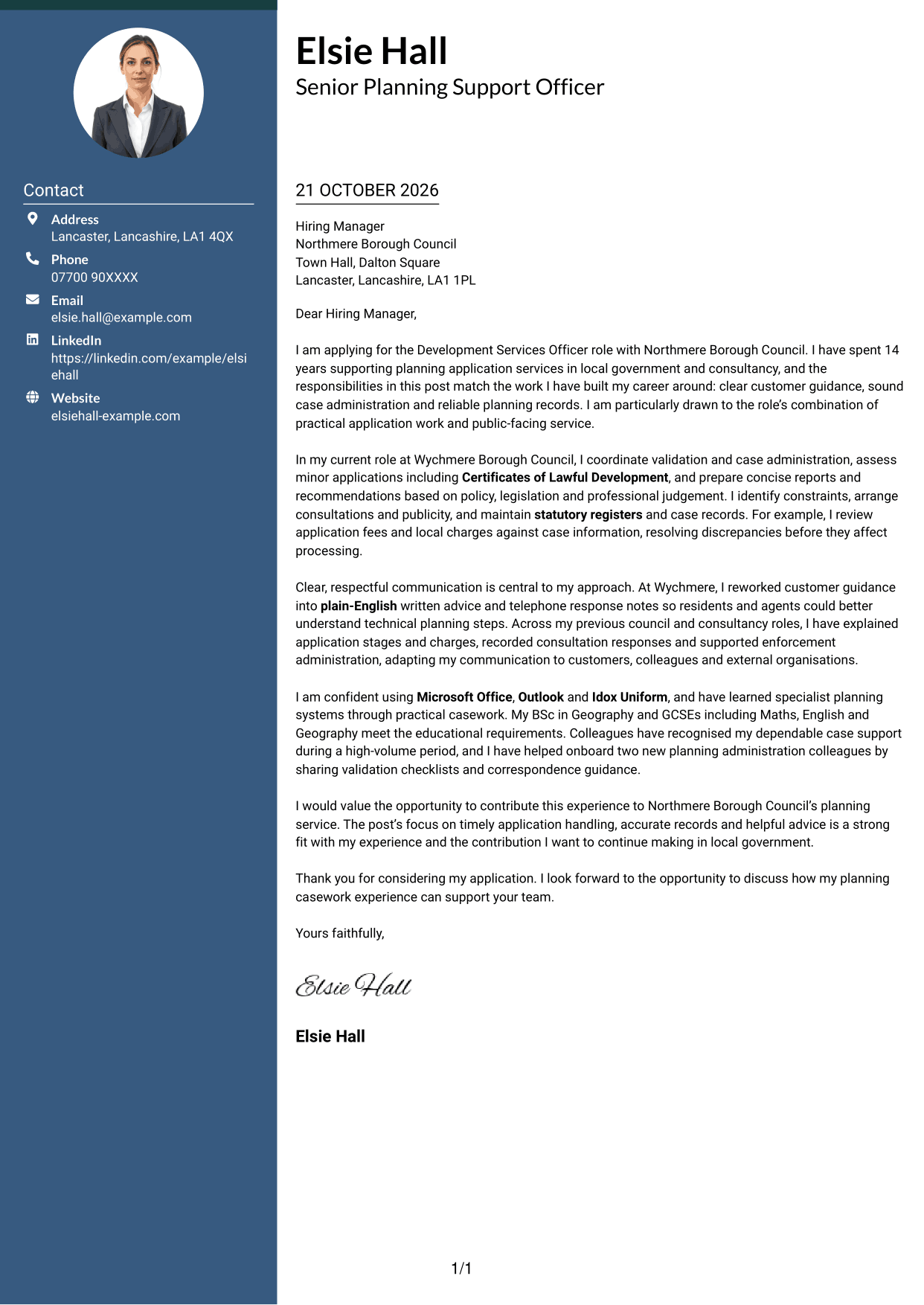
A contact sidebar sits beside the letter’s single-column body, keeping details available without breaking the message.
Why This Format Works
- Contact details occupy a sidebar, so they remain distinct from the letter’s message.
- The main column keeps the opening, supporting case and close in one sequence.
- Side-by-side content suits readers who want contact information visible beside correspondence.
Best For
- Sidebar-based contact details
- A single-column letter argument
- Side-by-side correspondence layouts
- Letters with several supporting paragraphs
- Contact information beside the message
#3 Photo Header Two Column Format Cover Letter Example
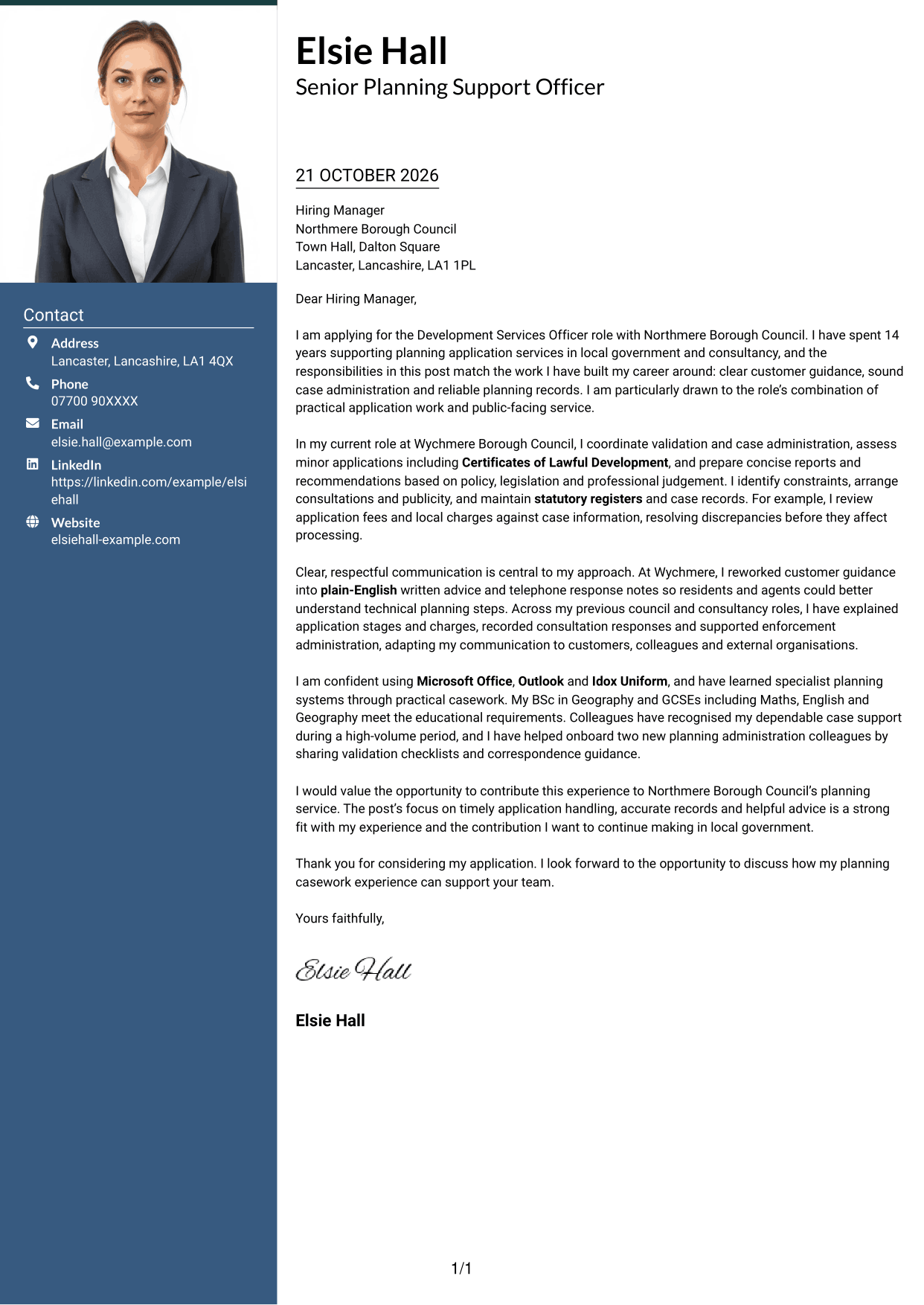
A photo adds a personal visual element to this two-column layout, while the letter remains one continuous body.
Why This Format Works
- Contact information sits apart from the message, while remaining easy to find.
- The letter keeps its opening, evidence and closing in one uninterrupted body.
- The photo offers a personal visual choice without dividing the written argument.
Best For
- Photo-inclusive letter layouts
- Separate contact information
- Continuous written arguments
- A personal visual introduction
- Side-by-side contact and correspondence
#4 One Column Format with Photo Cover Letter Example
The photo gives this one-column letter a personal visual feature, while the message follows one direct reading path.
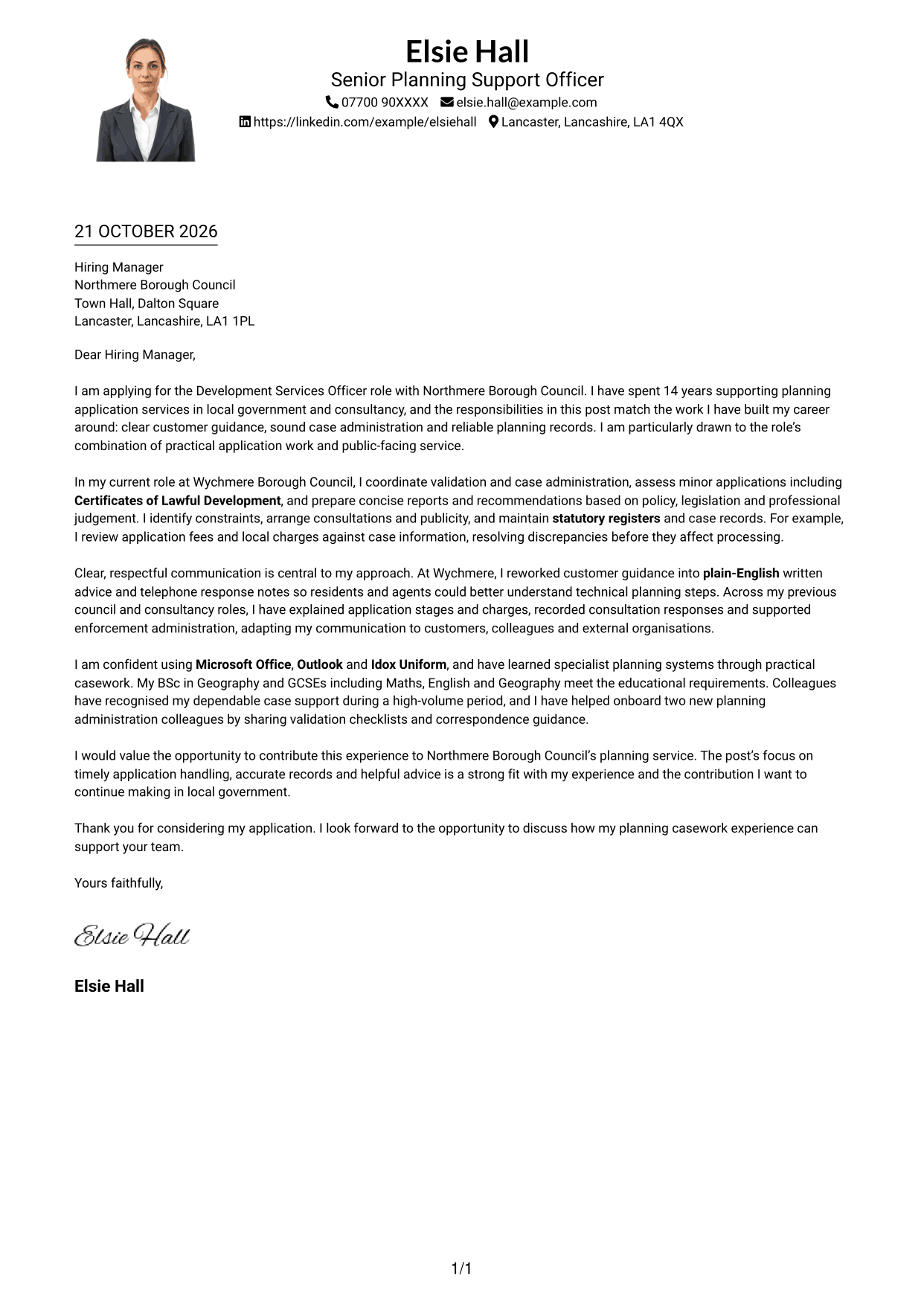
Why This Format Works
- One column keeps the greeting, case for fit and closing in natural order.
- The photo adds a personal visual element without splitting the written message.
- Header-based sender details remain distinct from the continuous letter paragraphs.
Best For
- One-column letter flow
- Photo-inclusive correspondence
- A direct case for fit
- Header-based sender details
- Letters with continuous paragraphs
#5 Simple Two Column Format Cover Letter Example
Contact details take a separate sidebar, while one column carries the complete letter as a continuous message.
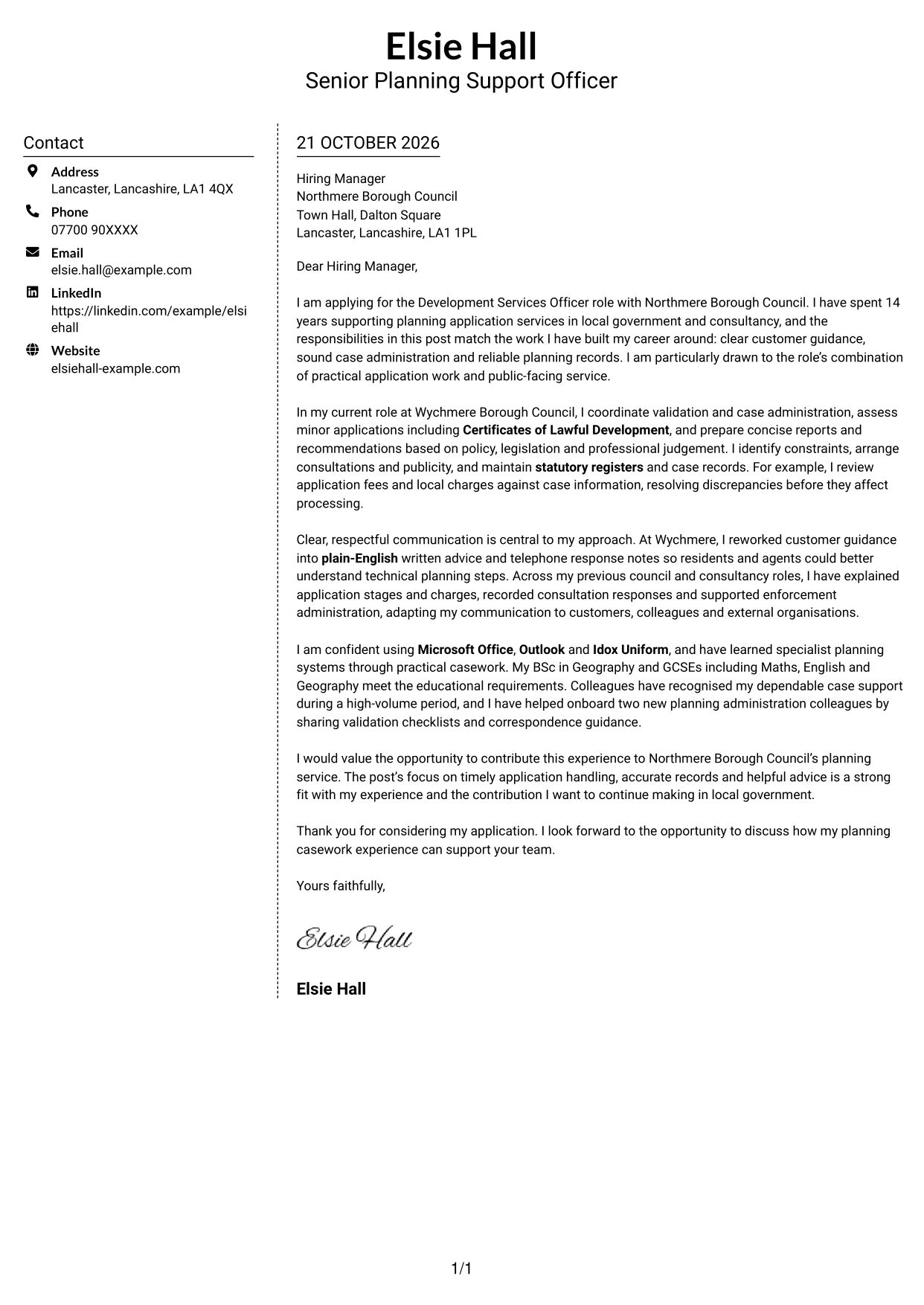
Why This Format Works
- Sender details sit in a sidebar, leaving the main area for the letter.
- The body reads as one continuous message, not separate argument columns.
- This arrangement suits readers who want the letter and sender details visible together.
Best For
- A separate contact sidebar
- One-column letter arguments
- Contact details beside correspondence
- Several supporting letter paragraphs
- A continuous case for fit
#6 Modern Icon Format Cover Letter Example
Contact icons and a sidebar sit beside the continuous letter body, making this a two-column layout with visual contact cues.
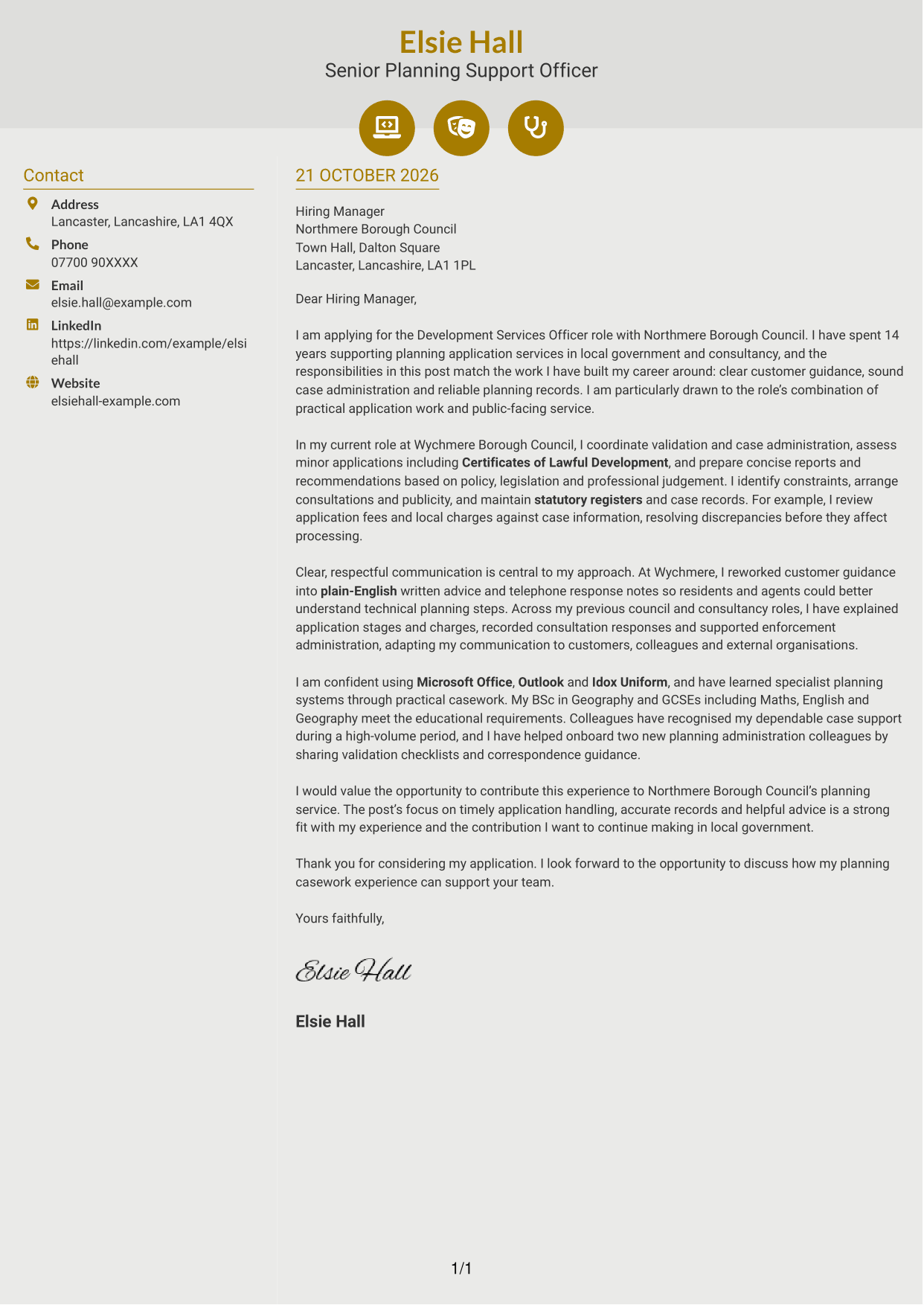
Why This Format Works
- Icons cue contact details in the sidebar without labelling the letter’s argument.
- The adjacent main column keeps the greeting through closing in one continuous body.
- Decorative header icons add a visual accent without acting as argument headings.
Best For
- Icon-cued contact details
- A continuous letter body
- Visual accents in the header
- Side-by-side contact and message
- Letters without argument headings
#7 Creative Two Tone Format Cover Letter Example
The contact sidebar and continuous letter body sit side by side, giving the correspondence a distinct two-part layout.
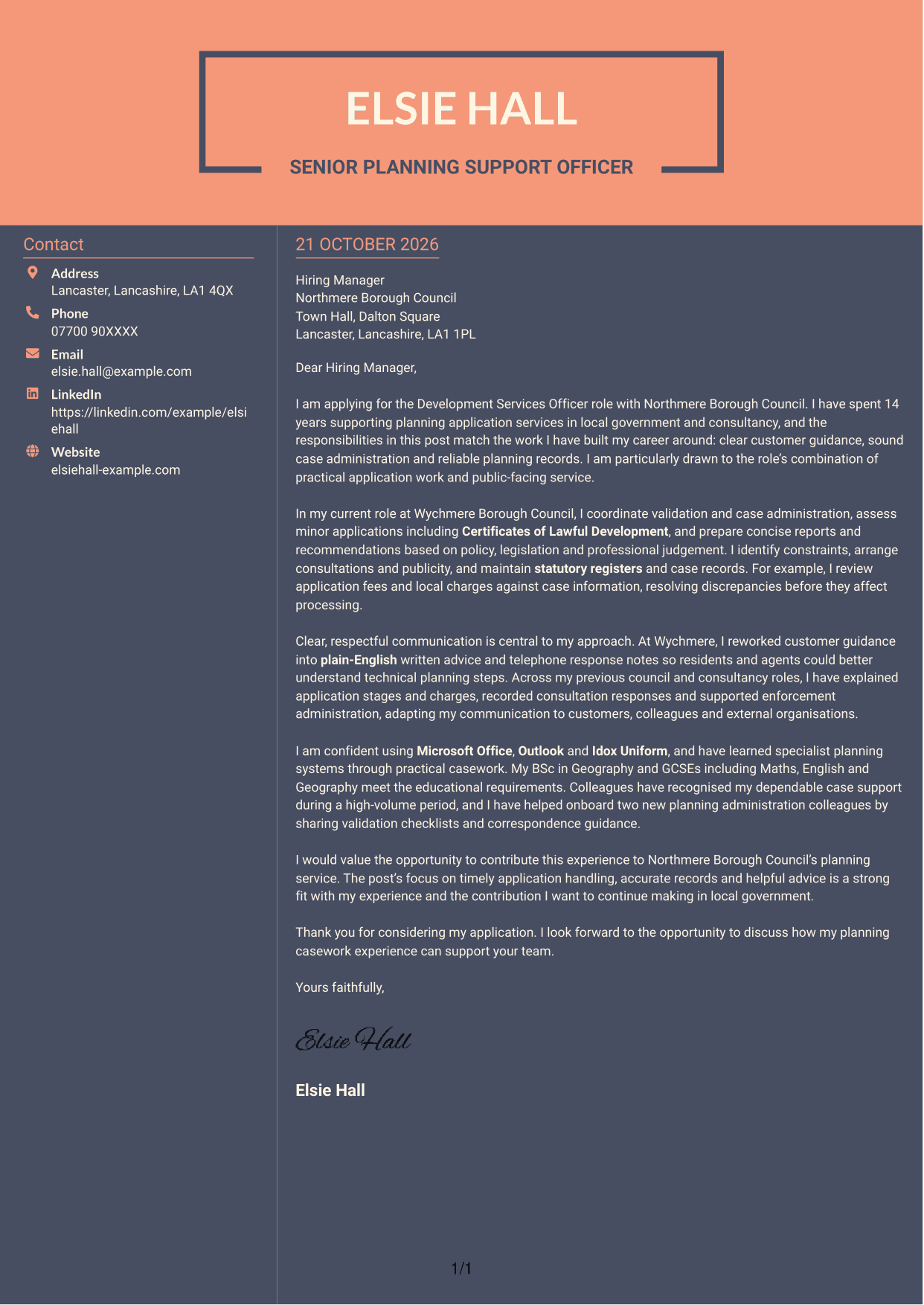
Why This Format Works
- Contact details in the sidebar remain separate from the letter’s central message.
- One continuous body lets readers follow the case for fit from opening to close.
- Side-by-side areas suit readers who prefer contact information next to the correspondence.
Best For
- Contact details outside the main text
- A single continuous argument
- Side-by-side letter layouts
- Clear separation of sender and message
- Letters with a central case for fit
See Also
- 7 Development Services Officer - Planning Applications CV Templates with Example
- 7 Compliance Assurance Officer - FCA-Regulated Financial Services CV Templates with Example
- 7 Admin Officer - Court Administration CV Templates with Example
- 7 Attendance & Family Liaison Officer CV Templates with Example
- 7 Attendance Officer - Student Attendance Administration CV Templates with Example
- 7 Business Support Officer - Operations Support CV Templates with Example
- 7 Due Diligence Officer - Third-Party Relationship Risk CV Templates with Example
- 7 Housing Officer - Resident and Estate Management CV Templates with Example
- 7 Compliance Assurance Officer - FCA-Regulated Financial Services Cover Letter Templates with Example
- 7 Admin Officer - Court Administration Cover Letter Templates with Example
Frequently Asked Questions
What should a Development Services Officer - Planning Applications cover letter highlight?
Show how your experience can support application validation, minor assessments, consultations and accurate planning records. Include evidence of clear customer advice, fee checks or enforcement administration where it fits your background.
How can I make my planning experience relevant to this role?
Choose a specific example that shows what you did and why it mattered. You might explain how you checked an application, prepared a recommendation or resolved a fee record issue, then link it to timely and accurate case handling.
How should I explain my interest in Northmere Borough Council?
Refer to a genuine reason for wanting to support its planning service and local customers. Connect that reason to the work in the advert, such as clear guidance, sound application handling or reliable records.
How should I structure this cover letter?
Open by naming the role and explaining your interest. Use the body paragraphs for relevant planning casework, communication and systems experience, then close by restating your fit and inviting a discussion.
Should I include every part of my work history?
No. Focus on the examples that best show your fit for this position. A few clear details about application handling, customer advice and record keeping will be more persuasive than a full list of past duties.




