
7 Digital Solution Architect - Financial Services Cover Letter Templates with Example
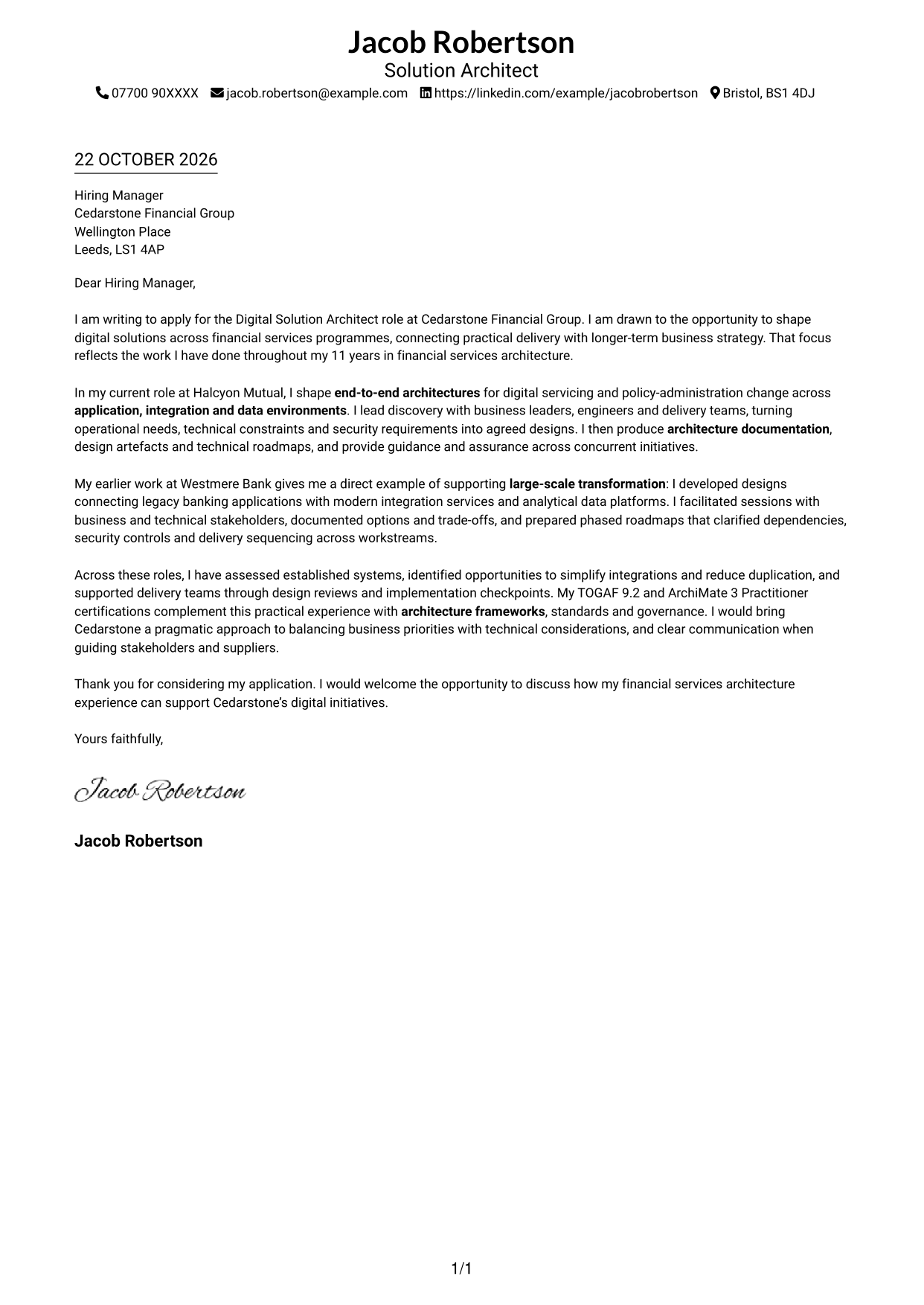
This guide to a Digital Solution Architect - Financial Services cover letter helps you present a strong case through seven layouts.
What Makes a Great Digital Solution Architect - Financial Services Cover Letter in 2026
A strong letter links your motivation for the role with clear evidence of solution architecture across application, integration and data environments. Its opening should show how you connect immediate delivery needs with longer-term business aims.
Use focused examples of requirements discovery, architecture guidance and delivery assurance, then explain how your approach supports sound decisions across complex programmes. Show how you communicate with stakeholders and align practical designs with standards, security and governance.
The featured example moves from role interest to current architecture responsibilities, a relevant transformation example and a clear close; adapt this focused progression while choosing a presentation suited to the employer and communication context.
#1 Simple One Column Format Cover Letter Example
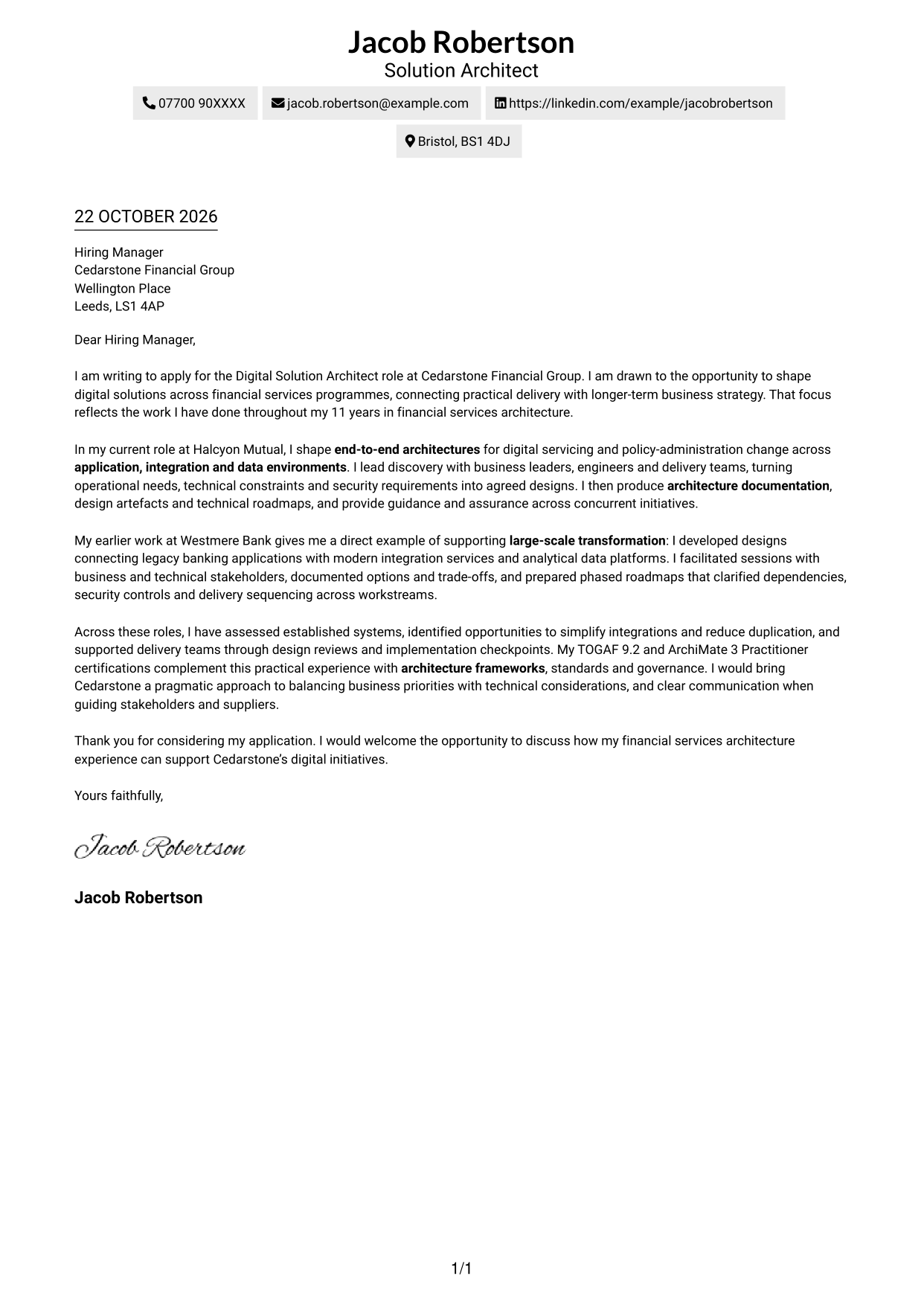
A single-column page keeps sender details in the header and the letter body on one reading path, helping reviewers follow the message from opening to close.
Why This Format Works
- Sender details remain in the header, separate from the letter’s main message.
- A single reading path helps reviewers follow motivation, evidence and the closing.
- Unheaded paragraphs keep the case natural rather than dividing it into labelled stages.
Best For
- One-column letter layouts
- Header-based sender details
- Paragraph-led role alignment
- A clear opening-to-close sequence
- Text-first application presentation
#2 Two Column Format Cover Letter Example
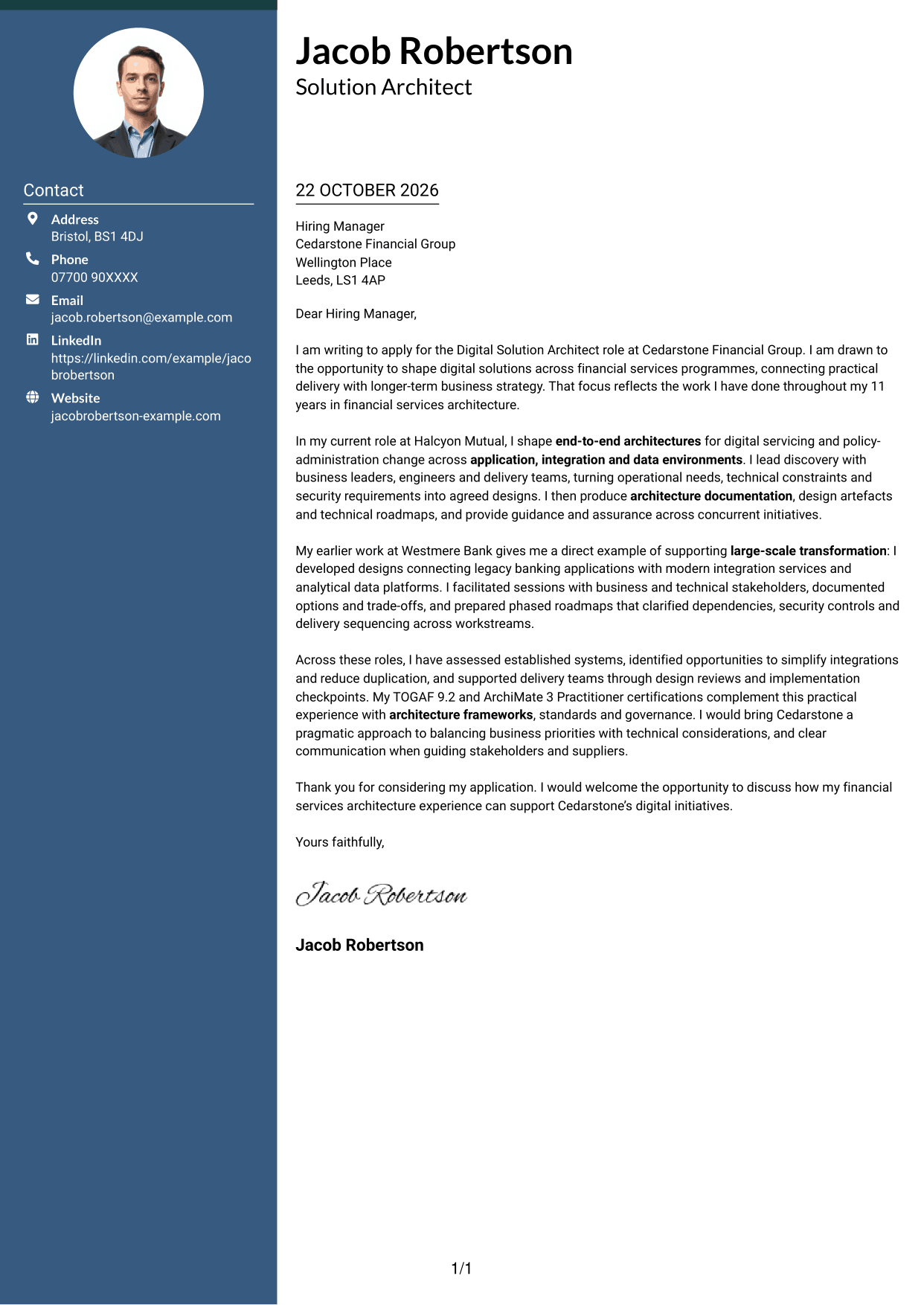
A contact sidebar sits beside the continuous letter body, keeping contact details distinct while the argument remains in one reading path.
Why This Format Works
- The sidebar makes contact details easy to find without interrupting the letter.
- Motivation, evidence and the closing stay together in a continuous body.
- Unlabelled paragraphs let the message develop without artificial section breaks.
Best For
- Contact details beside the letter
- A continuous persuasive message
- Paragraph-based application writing
- Quick access to sender information
- Clear separation of contact and prose
#3 Photo Header Two Column Format Cover Letter Example
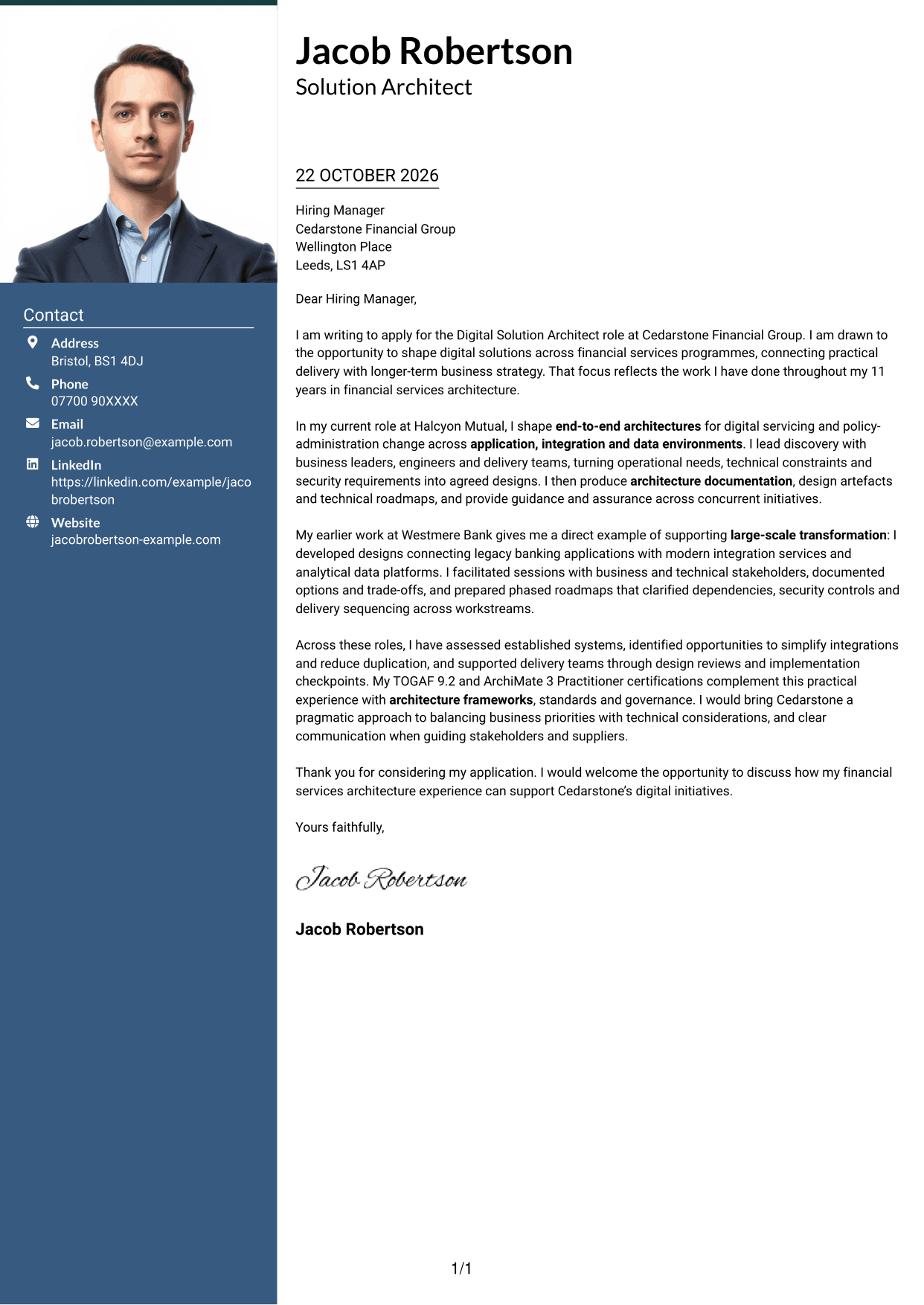
A photo in the header and a contact sidebar give this two-column format a visible personal element while keeping the letter body continuous.
Why This Format Works
- The sidebar separates contact details from the paragraphs carrying the application message.
- A continuous body keeps motivation and supporting evidence in a natural sequence.
- The header photo adds a visible personal element without dividing the letter.
Best For
- A letter with a visible portrait
- Contact details in a separate area
- One continuous argument
- A personal header treatment
- Paragraph-led role alignment
#4 One Column Format with Photo Cover Letter Example
The one-column letter body keeps the message in a direct reading order, while the photo adds a distinct visual element to the page.
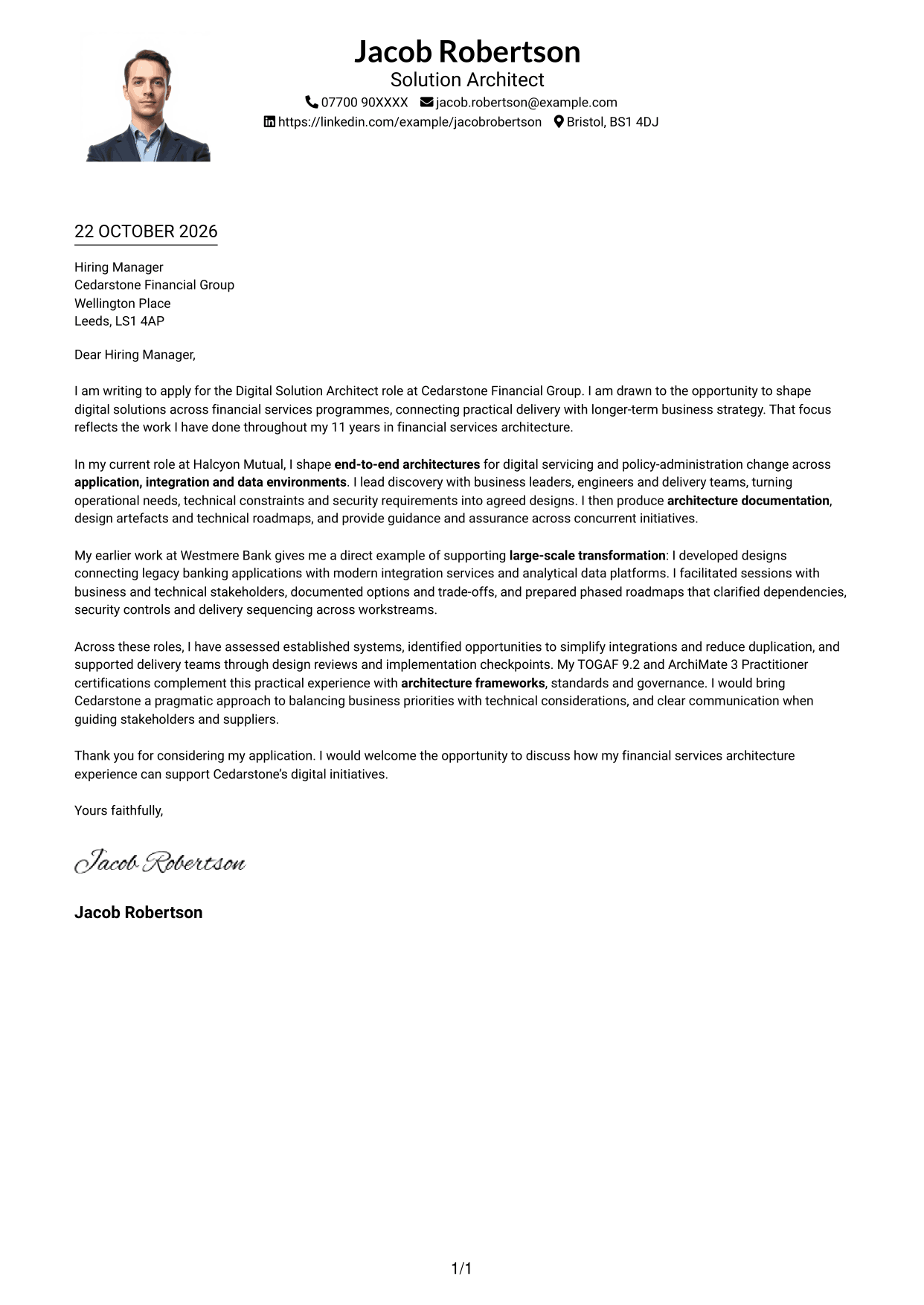
Why This Format Works
- The single-column body presents the application message in a straightforward sequence.
- The photo adds a visible personal detail without interrupting the letter’s paragraphs.
- A continuous body lets the closing follow naturally from the supporting case.
Best For
- One-column letter reading
- A visible portrait on the page
- Paragraph-led application messages
- A direct opening-to-close sequence
- A personal visual detail
#5 Simple Two Column Format Cover Letter Example
A contact sidebar keeps sender information alongside, but separate from, the continuous letter body, giving the page two clear areas.
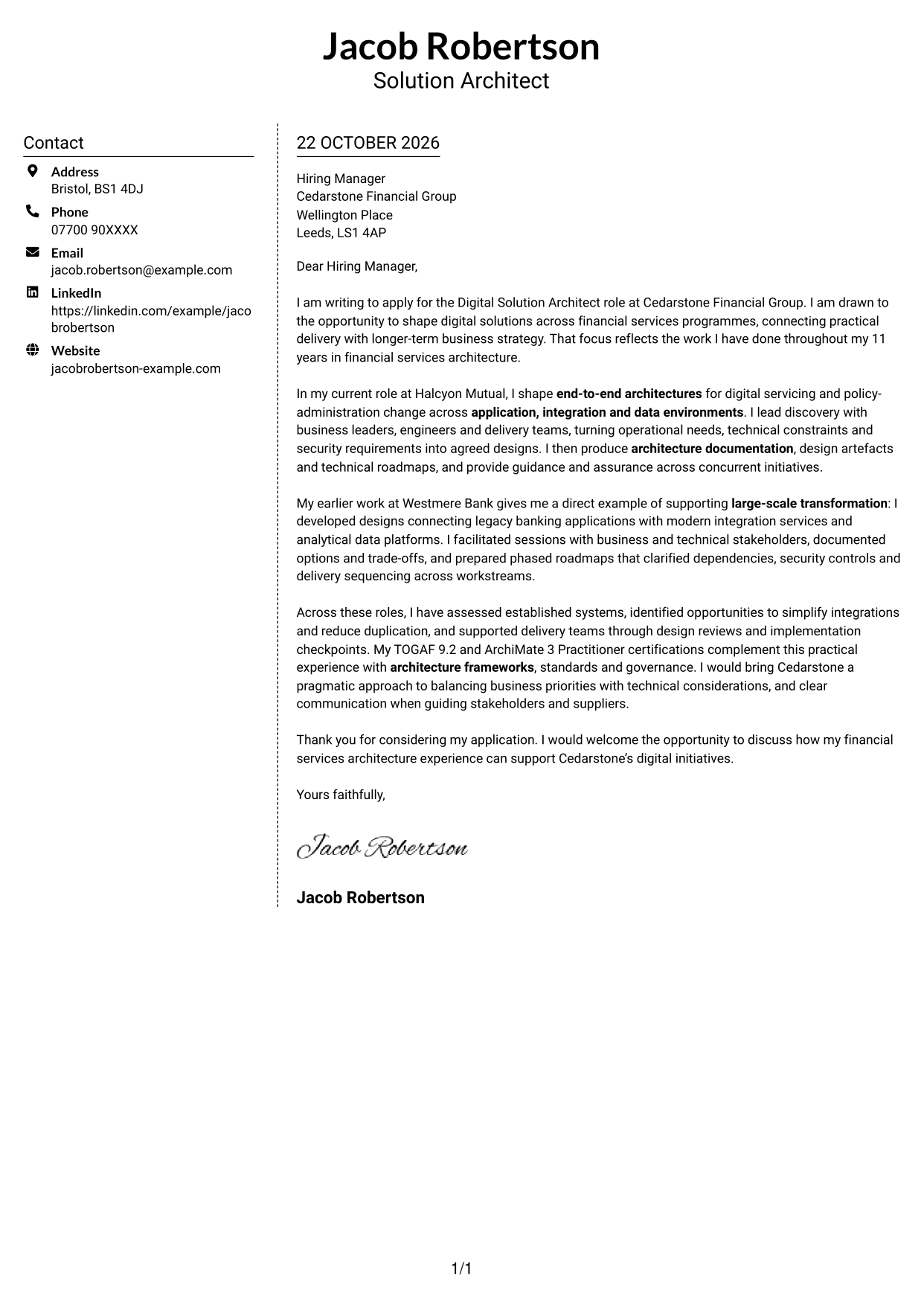
Why This Format Works
- The sidebar gives contact details a clear place beside the main letter.
- The continuous body keeps the opening, supporting case and close together.
- Two distinct areas make it easy to tell contact information from the message.
Best For
- Contact information beside the letter
- A single continuous message
- Distinct contact and letter areas
- A paragraph-led application
- Easy-to-locate sender details
#6 Modern Icon Format Cover Letter Example
Contact icons and decorative header accents sit within a two-column layout, while the letter itself remains one continuous body.
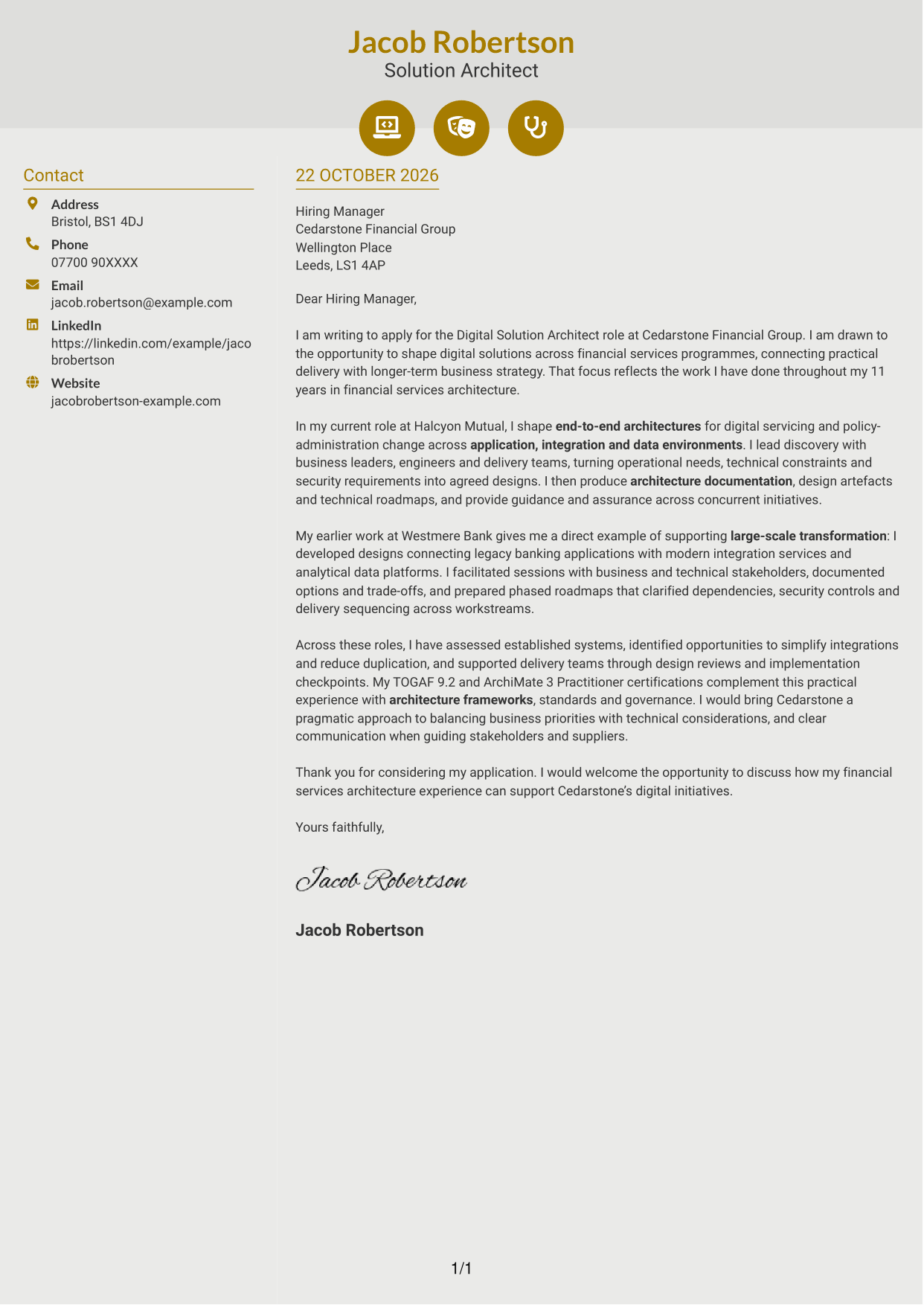
Why This Format Works
- Contact icons provide visual cues for finding sender details in the sidebar.
- The letter body stays continuous, preserving a clear route through the argument.
- Header accents add visual interest without acting as labels for letter paragraphs.
Best For
- Icon-led contact details
- A continuous letter body
- Two-column contact organisation
- Visual cues in the header
- Paragraph-based persuasion
#7 Creative Two Tone Format Cover Letter Example
The two-column layout places contact details beside the continuous letter body, keeping the sender information distinct from the main message.
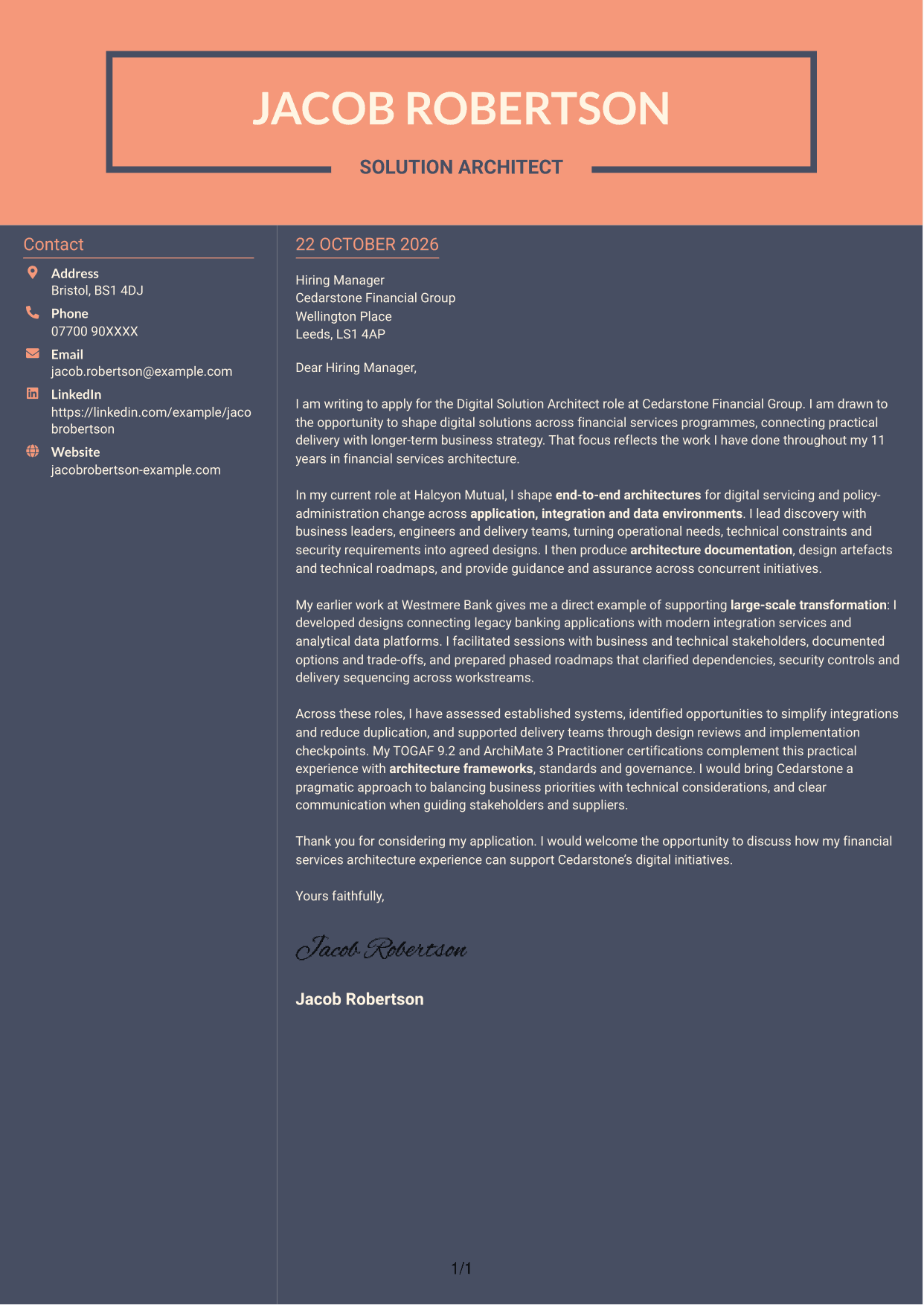
Why This Format Works
- The contact sidebar gives sender information a place apart from the application message.
- The body’s continuous paragraphs keep the reasoning together from opening to close.
- Separate areas help reviewers distinguish contact details from the letter’s argument.
Best For
- Contact details beside the message
- A continuous letter argument
- Separate sender information
- A clear paragraph sequence
- A distinct contact area
See Also
- 7 Digital Solution Architect - Financial Services CV Templates with Example
- 7 ISP Solution Architect - IT Infrastructure and Service Management CV Templates with Example
- 7 AI Solution Architect - Agentic AI CV Templates with Example
- 7 Commercial SAP Solution Architect CV Templates with Example
- 7 Data & Analytics Solution Architect - Cloud Data Platforms CV Templates with Example
- 7 Data Protection Solution Architect CV Templates with Example
- 7 Data & Solution Architect - Defence CV Templates with Example
- 7 Data Solution Architect - Reinsurance CV Templates with Example
- 7 ISP Solution Architect - IT Infrastructure and Service Management Cover Letter Templates with Example
- 7 AI Solution Architect - Agentic AI Cover Letter Templates with Example
Frequently Asked Questions
What should a Digital Solution Architect - Financial Services cover letter highlight?
Show how you turn business and technical needs into practical designs across application, integration and data environments. Include relevant evidence of stakeholder engagement, architecture governance and support for delivery teams.
How can I show that my experience fits this role?
Choose a specific example that shows the decisions you supported and your part in the work. You might describe leading requirements discovery, connecting established applications with integration services, or guiding delivery through design reviews.
How should I explain my interest in Cedarstone Financial Group?
Refer to a genuine reason for your interest, based on information you have about the organisation or this role. Connect that reason to the work of shaping digital solutions and balancing delivery needs with longer-term business strategy.
What is a clear way to structure this cover letter?
Open with the role and your reason for applying. Use the body to show relevant architecture work and a clear example, then close by restating your interest and inviting further discussion.
Should I include every part of my work history?
No. Select the examples that best support your fit for this position. Focus on your contribution to solution design, stakeholder decisions and delivery rather than listing every responsibility.




