
7 Dynamics Finance & Operations Architect Cover Letter Templates with Example
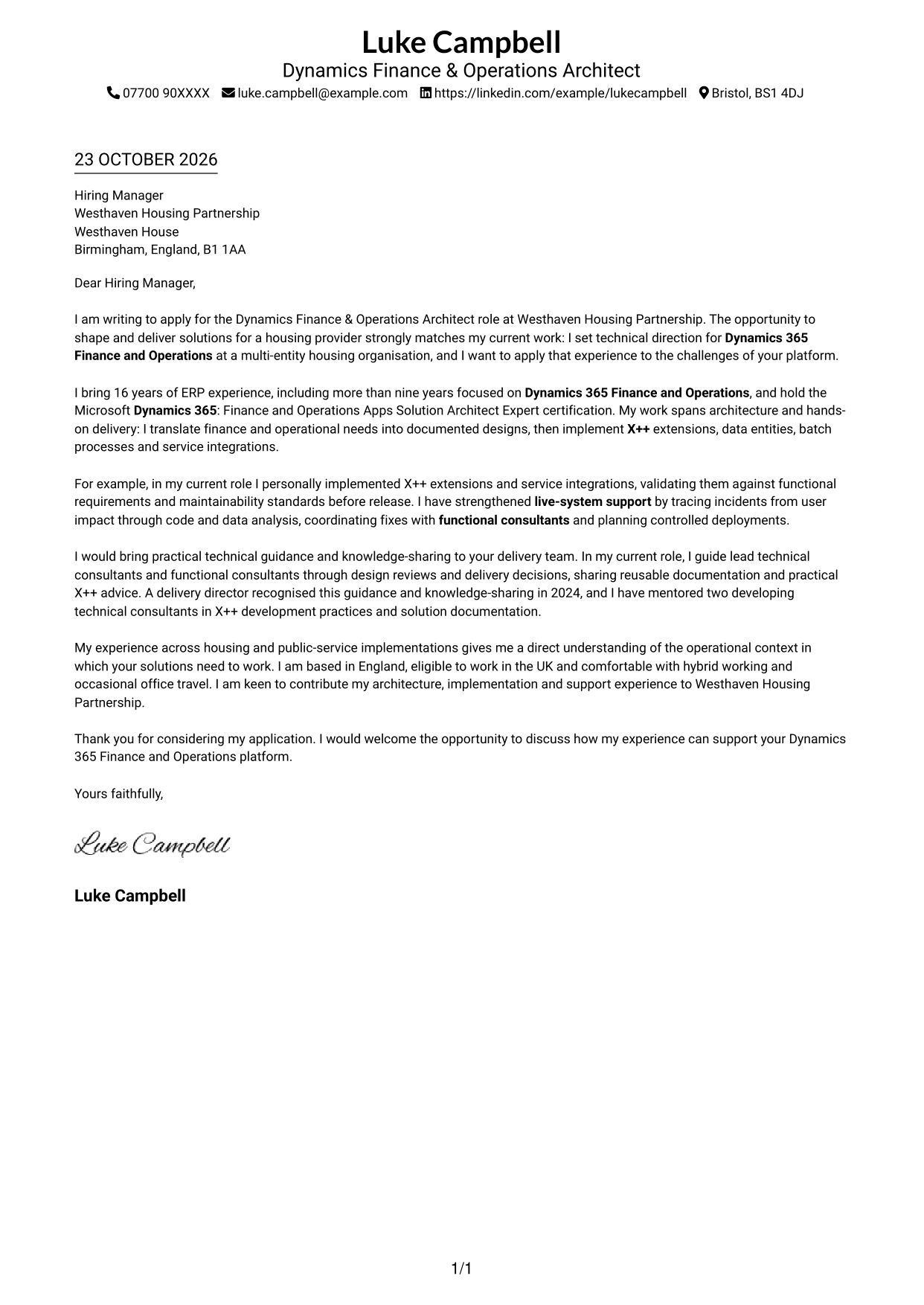
This practical guide helps you write a Dynamics Finance & Operations Architect cover letter and compare seven layouts.
What Makes a Great Dynamics Finance & Operations Architect Cover Letter in 2026
A strong letter connects architecture with hands-on delivery, showing how you turn finance and operational needs into practical Dynamics 365 Finance and Operations solutions. Make your interest in the role clear from the opening.
Use specific evidence, such as implementing X++ extensions and integrations, supporting live systems, or guiding technical and functional consultants. Link that evidence to the housing provider’s needs and explain why its work interests you.
The featured example moves from role motivation to relevant credentials, delivery evidence, team guidance and a clear close; adapt this focused progression while choosing a presentation suited to the employer and communication context.
#1 Simple One Column Format Cover Letter Example
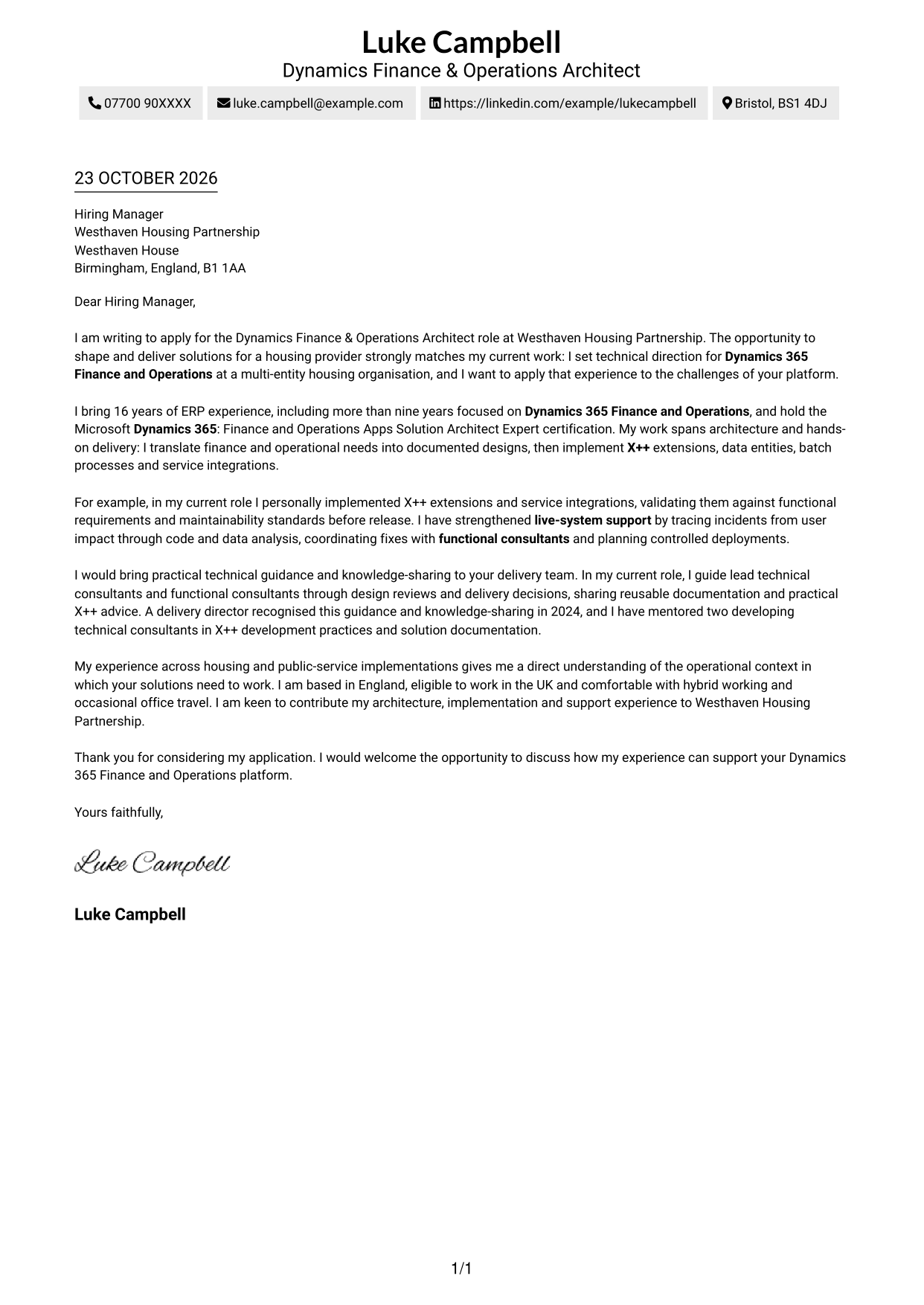
A single-column letter keeps sender details in the header and the message together, giving readers one clear path from greeting to close.
Why This Format Works
- Sender details sit in the header, keeping the letter body in one reading path.
- Unbroken paragraphs let reviewers follow motivation, evidence and closing in sequence.
- No portrait is included, a useful choice for text-led correspondence.
Best For
- One-column reading preferences
- Header-based contact details
- Continuous letter paragraphs
- Text-led applications without a portrait
- Applications built around written persuasion
#2 Two Column Format Cover Letter Example
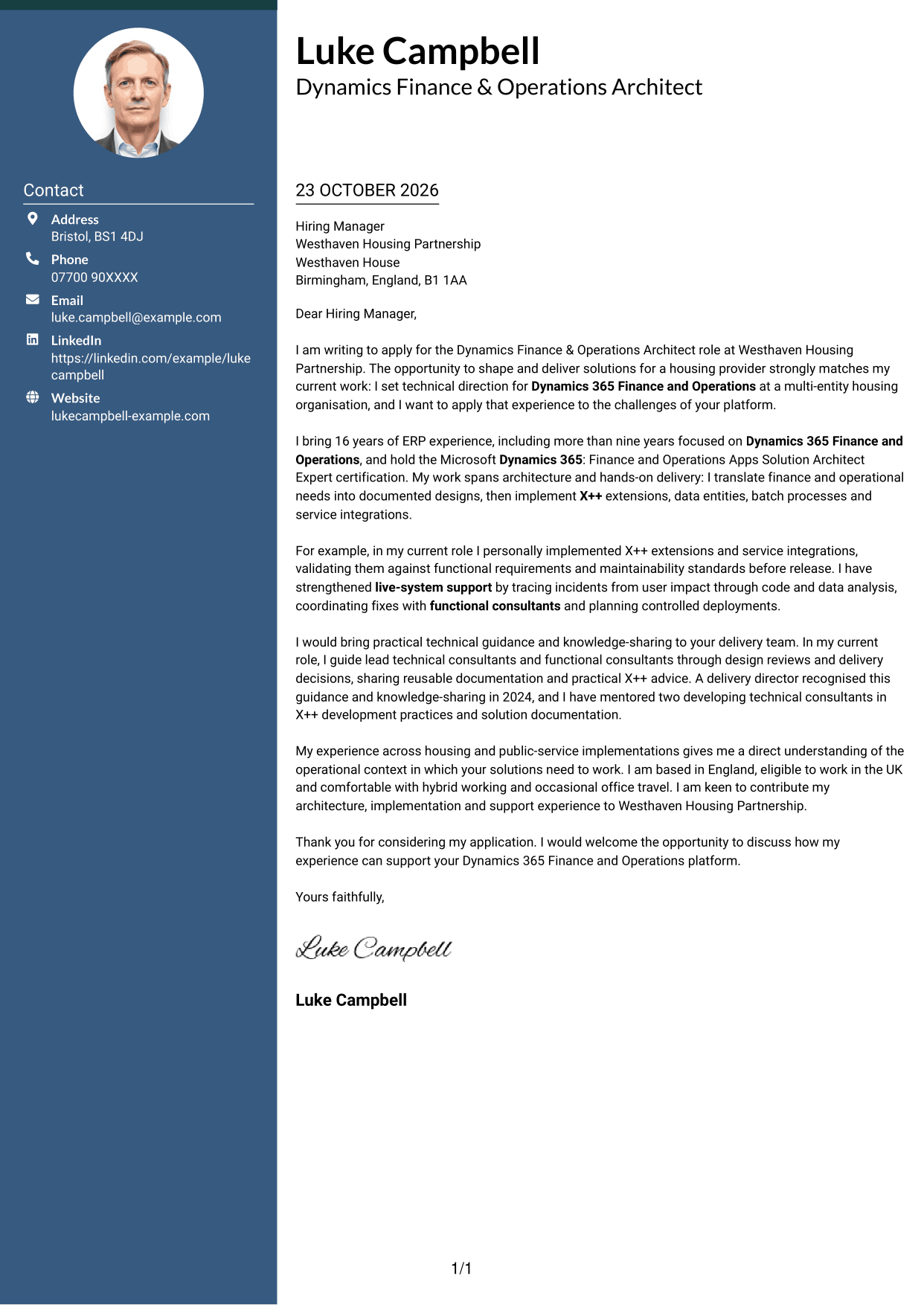
A contact sidebar sits beside the continuous letter body, giving readers a separate place to check sender details without splitting the argument.
Why This Format Works
- A contact sidebar keeps sender details apart from the letter's continuous body.
- Unbroken paragraphs let reviewers follow motivation, evidence and closing in sequence.
- Readers can check contact information without interrupting the written argument.
Best For
- Contact details kept apart from the message
- Continuous prose without body headings
- Readers who scan sender information first
- Paragraph-led applications with several points
- Text-only correspondence without a portrait
#3 Photo Header Two Column Format Cover Letter Example
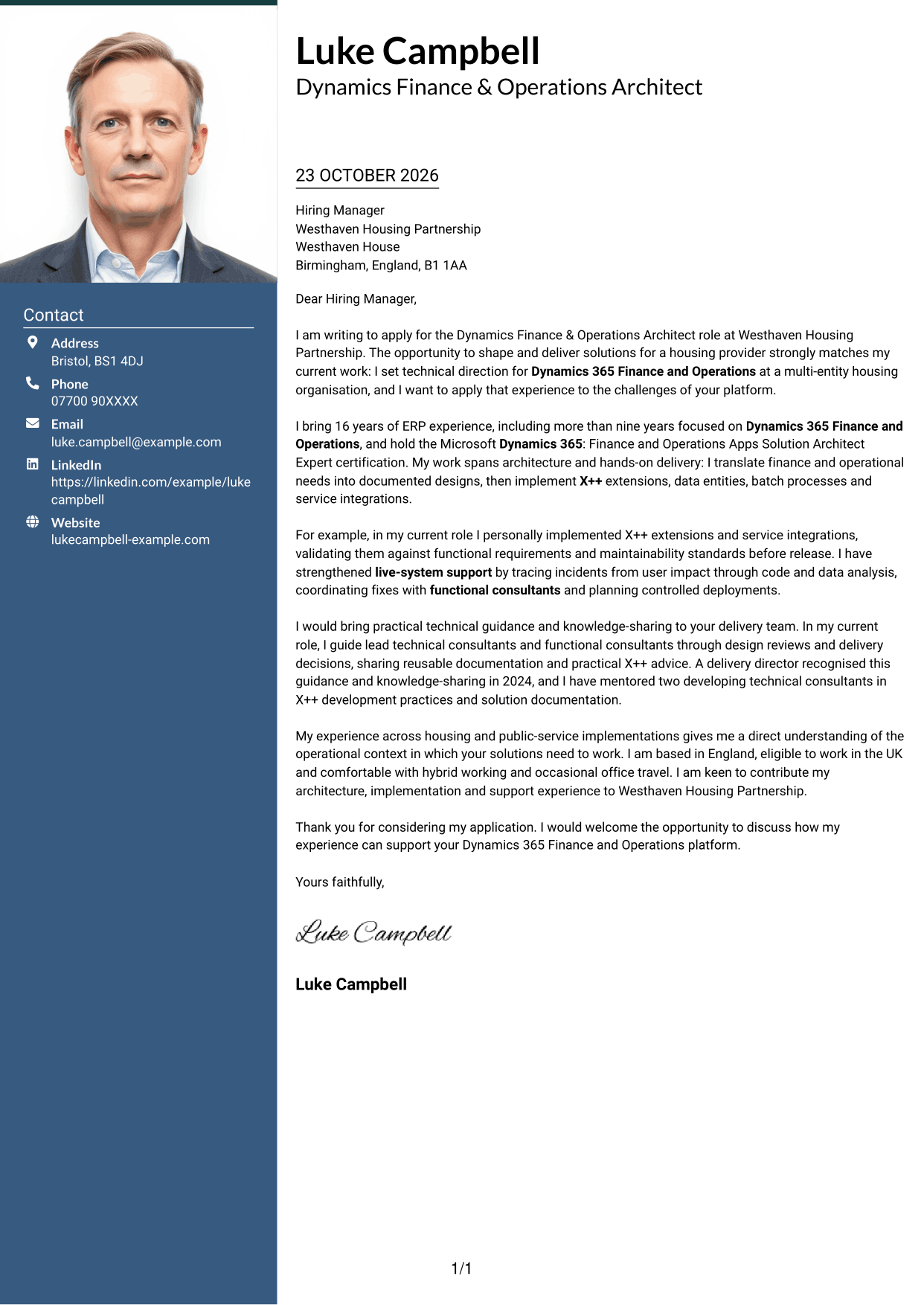
This two-column layout includes a portrait alongside a contact sidebar, adding a personal visual element while keeping the letter body continuous.
Why This Format Works
- The contact sidebar gives sender details a place apart from the letter text.
- One continuous body keeps motivation and supporting evidence in a clear sequence.
- Portrait inclusion suits applications where a personal visual element is preferred.
Best For
- Portrait-inclusive correspondence
- Two-column reading preferences
- Contact details separate from the message
- Unsectioned, paragraph-led letters
- Applications with a sustained written case
#4 One Column Format with Photo Cover Letter Example
A portrait accompanies the single-column letter, offering a personal visual element while the message follows one continuous reading path.
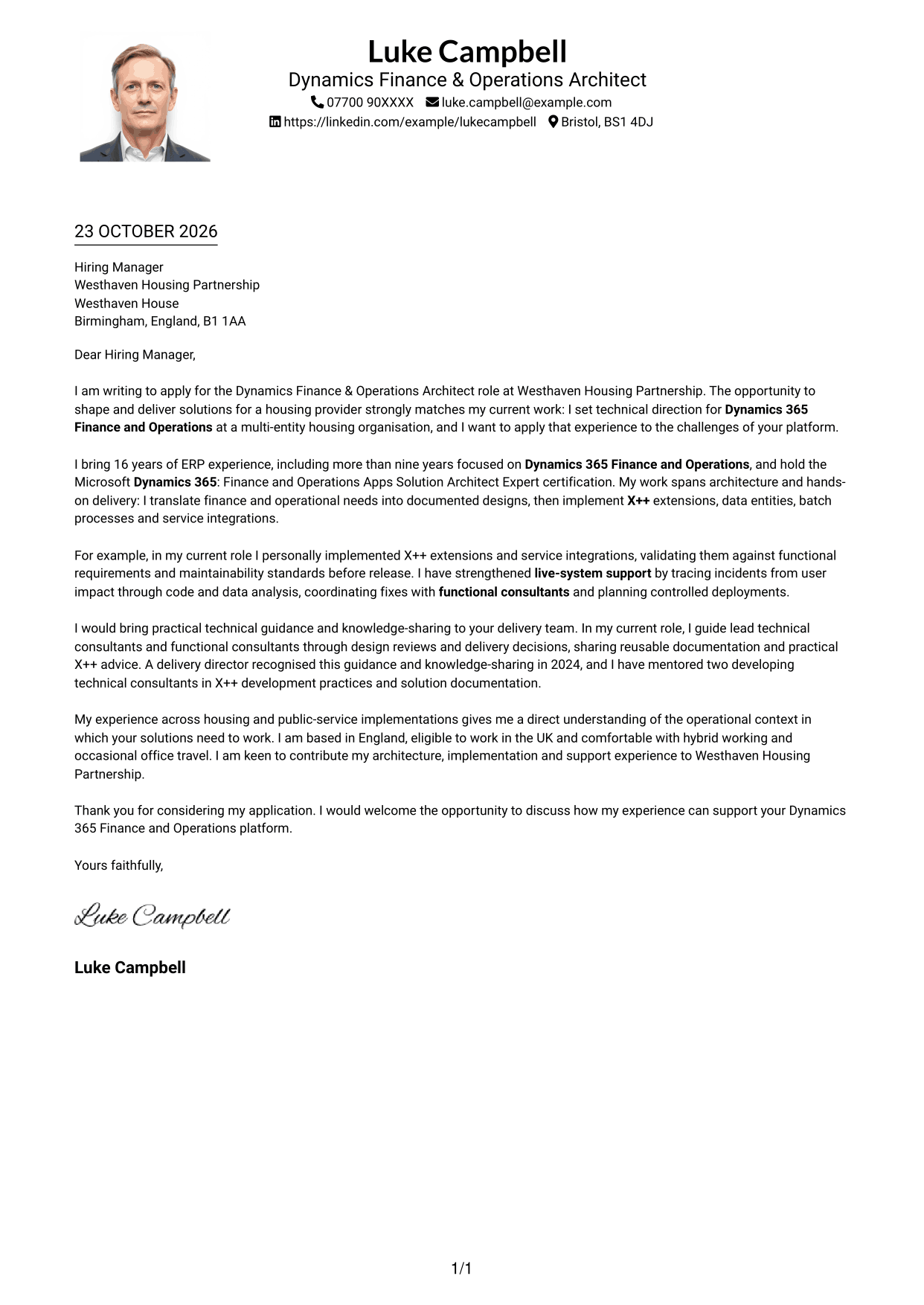
Why This Format Works
- One column keeps the argument in a single path from greeting to close.
- Sender details remain in the header, apart from the letter paragraphs.
- A portrait adds a personal visual element without dividing the letter body.
Best For
- Single-column reading preferences
- Portrait-inclusive correspondence
- Sender details in the header
- Letters with one continuous body
- Applications centred on written communication
#5 Simple Two Column Format Cover Letter Example
A contact sidebar gives sender information its own place beside the continuous letter, keeping practical details distinct from the written message.
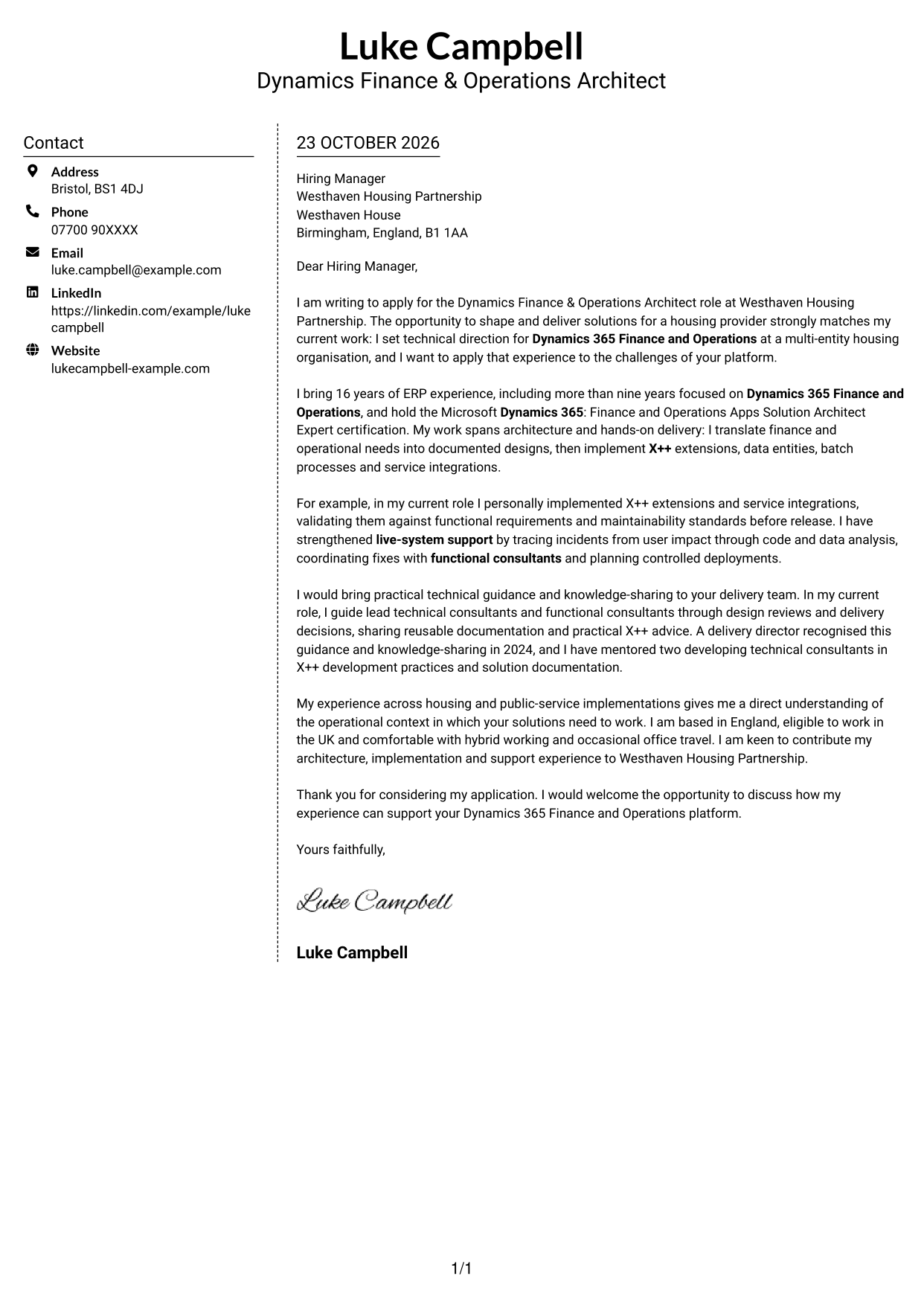
Why This Format Works
- Contact details occupy a sidebar, so the letter body remains uninterrupted.
- Reviewers can read the opening, evidence and close as one connected message.
- The photo-free presentation keeps contact and letter content text-led.
Best For
- Separate contact and message areas
- Letters with a connected argument
- Sender details easy to locate
- Text-led correspondence without a portrait
- Readers who prefer an uninterrupted letter
#6 Modern Icon Format Cover Letter Example
Contact icons give sender details visual cues within a two-column layout, while the letter itself remains one continuous body.
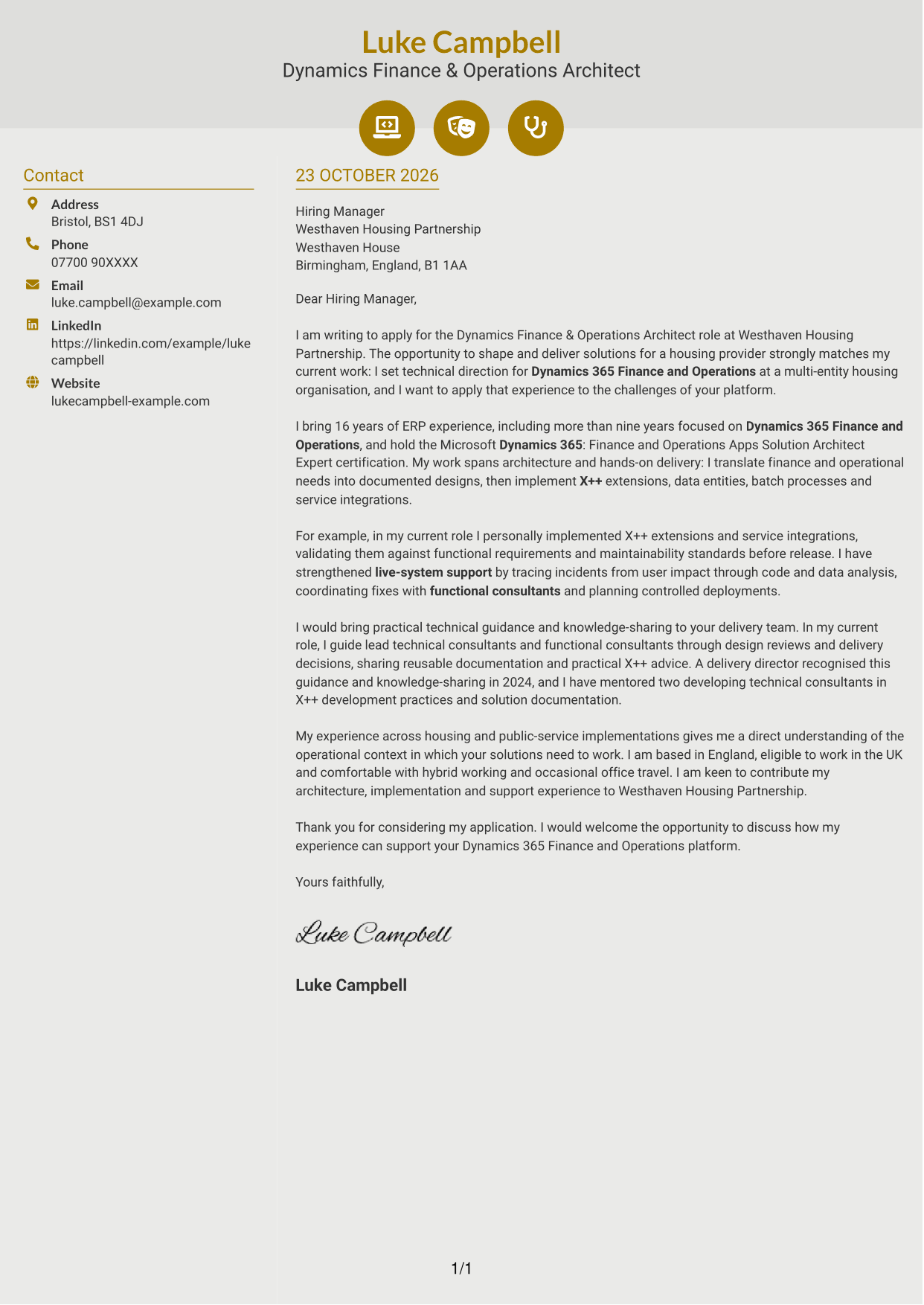
Why This Format Works
- Icons cue contact details, helping readers recognise sender information at a glance.
- The sidebar keeps contact information distinct from the continuous letter body.
- Decorative icons do not divide the letter into argument sections.
Best For
- Icon-led contact details
- Two-column reading preferences
- Continuous letter arguments
- Readers who want clear sender information
- Applications without a portrait
#7 Creative Two Tone Format Cover Letter Example
A contact sidebar sits beside the uninterrupted letter body, giving sender information its own place while the written case stays in sequence.
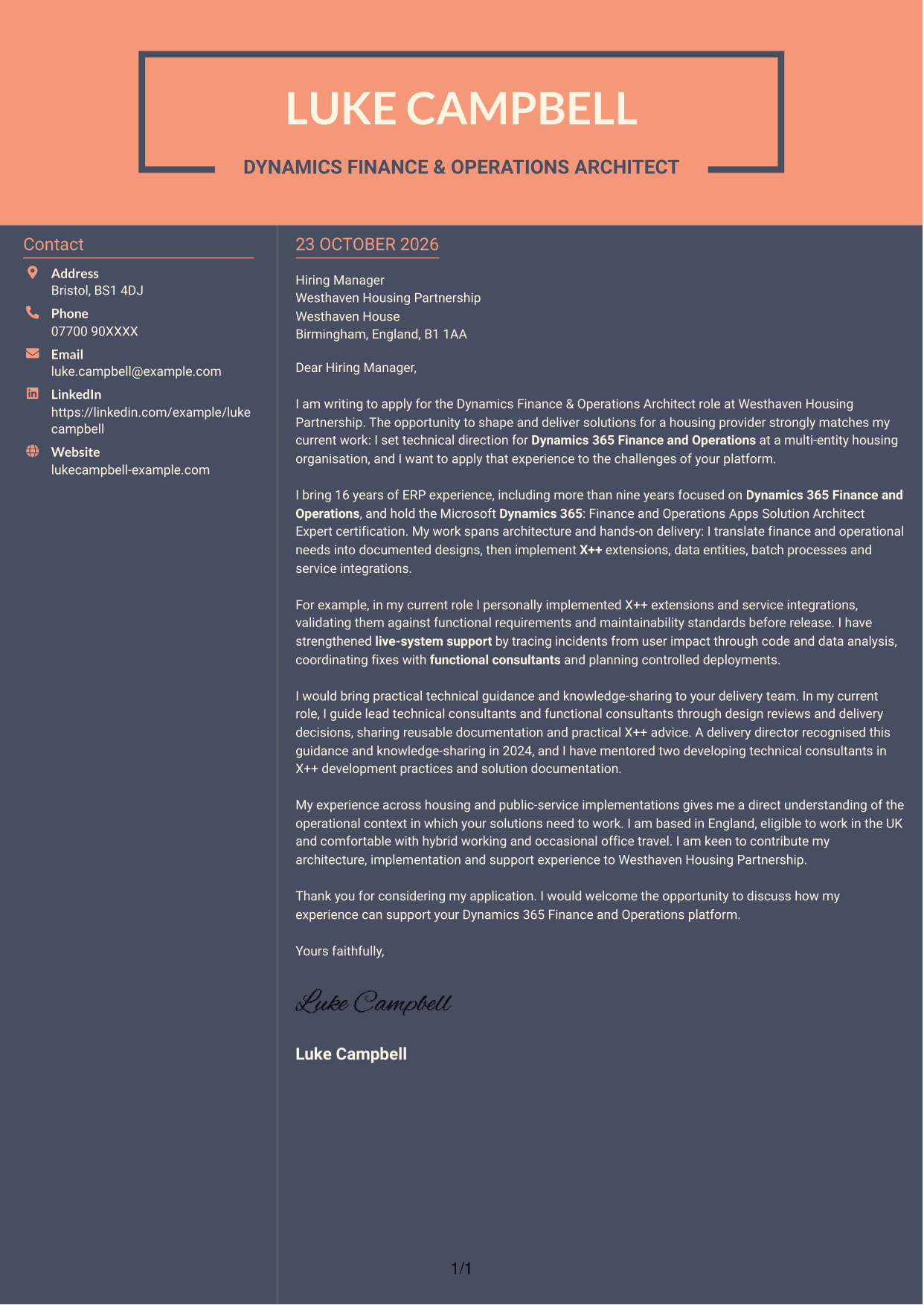
Why This Format Works
- Sender details sit beside the letter rather than within its paragraphs.
- The continuous body keeps the opening, evidence and closing together.
- Without a portrait, the layout keeps visual attention on the written message.
Best For
- Contact details apart from letter text
- Continuous paragraph-based letters
- Readers who want a clear reading sequence
- Text-first correspondence without a portrait
- Applications with a connected written case
See Also
- 7 Dynamics Finance & Operations Architect CV Templates with Example
- 7 Finance Architect Insurance CV Templates with Example
- 7 Senior Finance Solution Architect - Financial Software CV Templates with Example
- 7 AI Solution Architect - Agentic AI CV Templates with Example
- 7 AI Solution Architect - GCP / Agentic AI CV Templates with Example
- 7 Architect - Retail and Commercial CV Templates with Example
- 7 Associate Architect - Architectural Project Delivery CV Templates with Example
- 7 Associate Architect - Education and Healthcare CV Templates with Example
- 7 Finance Architect Insurance Cover Letter Templates with Example
- 7 Senior Finance Solution Architect - Financial Software Cover Letter Templates with Example
Frequently Asked Questions
What should a Dynamics Finance & Operations Architect cover letter highlight?
Show how you connect technical design with delivery and support. Relevant examples may include Dynamics 365 Finance and Operations architecture, X++ development, integrations, incident resolution and guidance for delivery colleagues.
How can I show that my experience fits this role?
Choose a clear example that shows the business need, your design or implementation, and the result. For instance, explain how you built and checked an X++ extension or traced a live-system issue and helped plan a controlled fix.
How should I explain my interest in the housing provider?
Connect your interest to the organisation’s housing work and the need for dependable systems across finance and operations. Use a genuine point about its work, then explain how your relevant experience could support its platform.
How should I structure this cover letter?
Open by naming the role and your reason for applying. Use the body to connect your architecture, hands-on delivery and support experience to the role, then close by restating your interest and inviting a discussion.
Should I include all my Dynamics experience?
No. Select the evidence that best supports your fit for this role. A focused example of design, implementation or support will make a clearer case than a full account of every responsibility.




