
7 Employment Advisor - IPS Supported Employment CV Templates with Example
This guide shows you how to create an Employment Advisor - IPS Supported Employment CV that is clear, focused and easy to review. You will learn how to organise relevant evidence and choose a format that helps readers follow your experience.
For this role, a strong CV explains how you use Individual Placement and Support (IPS), vocational profiling and person-led planning to help people move towards paid work. It can also show how you manage caseloads, work with treatment teams and Jobcentre Plus, and provide support after a job starts.
Compare the PNG image previews of this example in 7 layouts, then open a preferred version in the editor to customise it. The guide also covers ATS readability, useful CV sections and role-specific terms such as reasonable adjustments, employer engagement and recovery planning.
What Makes a Great Employment Advisor - IPS Supported Employment CV in 2026
A strong CV makes your IPS practice, employment support and partnership work easy to find. Clear experience bullets show how you plan job searches, support individual choices and follow up after a job starts.
Use relevant terms such as vocational profiling, caseload management, Jobcentre Plus and in-work support. Add figures only when you can support them with accurate evidence.
Note: CV examples are for educational purposes only. Use only information that accurately reflects your experience and qualifications. References to real organisations do not imply affiliation or endorsement.
#1 Plain Two Column Format CV Example
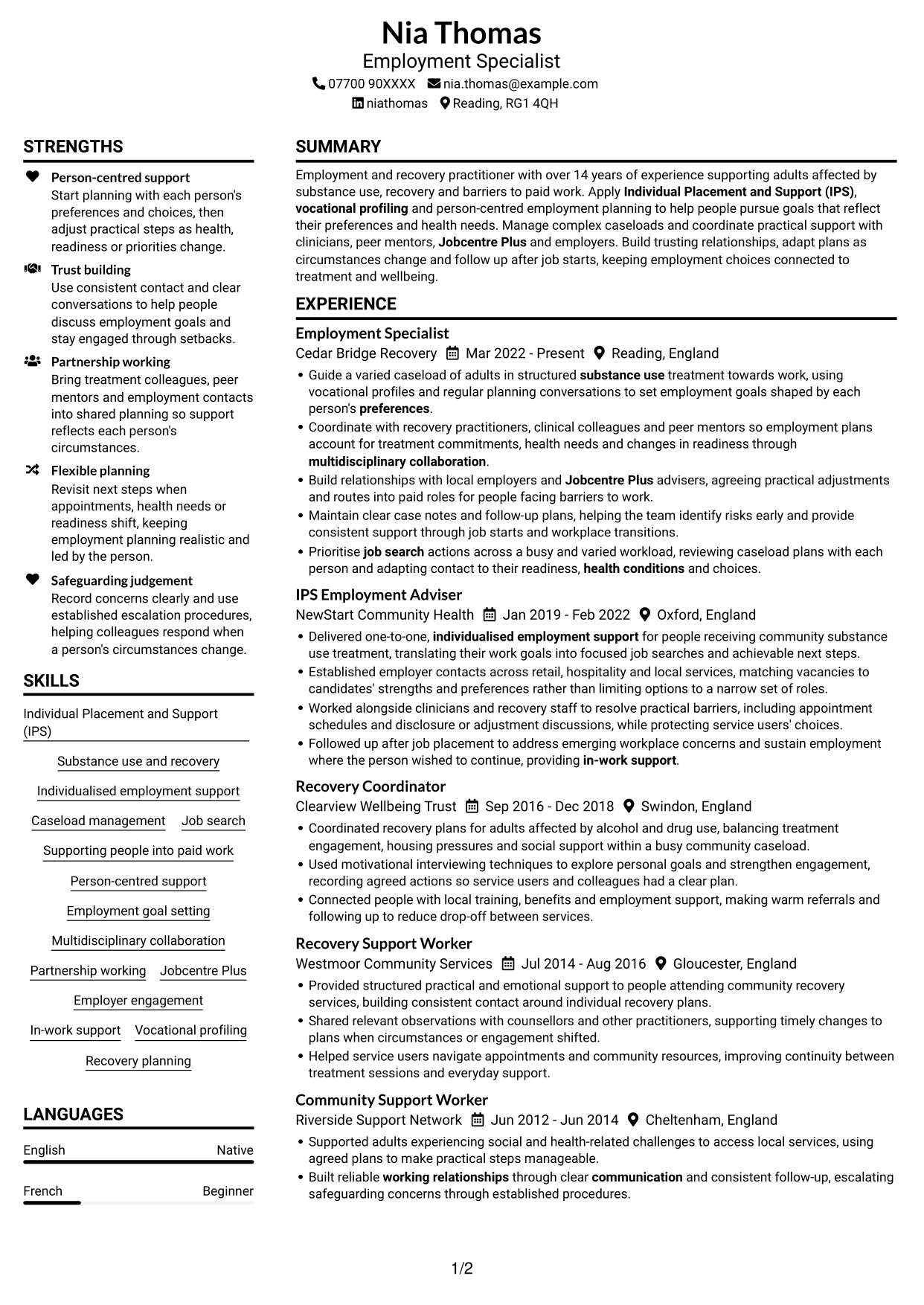
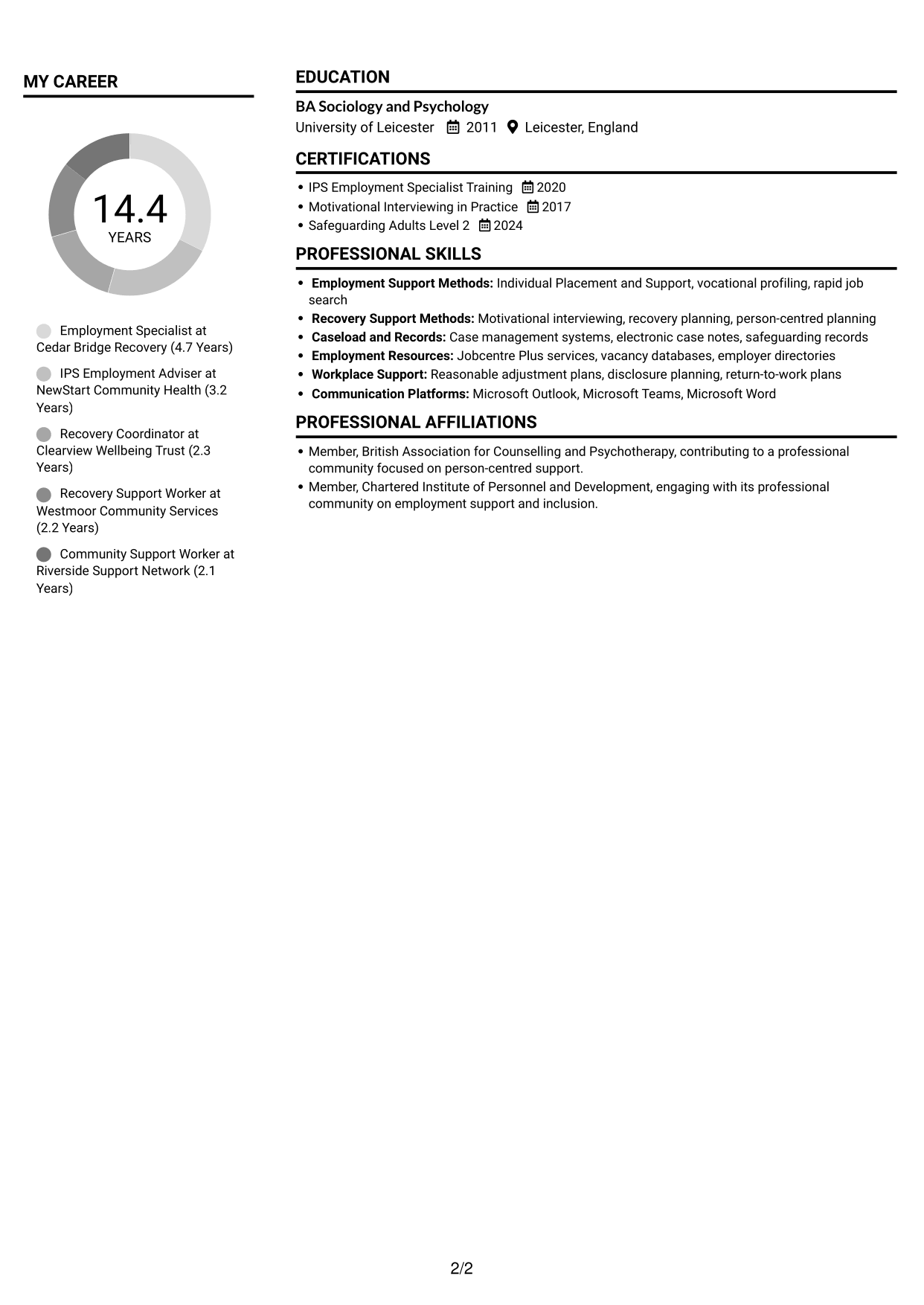
The Plain Two Column Format uses two columns to give CV sections separate reading areas, a practical choice for readers who prefer a divided layout.
CV Snapshot
- CV title: Employment Specialist
- Over 14 years supporting adults affected by substance use
- Individual Placement and Support (IPS) and vocational profiling
- BA Sociology and Psychology, University of Leicester, 2011
Why This Format Works
- Two columns give work history and supporting CV details distinct reading areas.
- Reviewers can find skills without scanning every experience entry.
- Education and certifications remain identifiable within the broader section layout.
Best For
- Two-column reading preference
- CVs with several sections
- Career history with supporting details
- Quick section finding
- Text-led CV presentation
CV Keywords
- Individual Placement and Support (IPS)
- Substance use and recovery
- Individualised employment support
- Caseload management
- Job search
- Supporting people into paid work
- Person-centred support
- Employment goal setting
- Multidisciplinary collaboration
- Partnership working
- Jobcentre Plus
- Employer engagement
- In-work support
- Vocational profiling
- Recovery planning
#2 Simple One Column Format CV Example
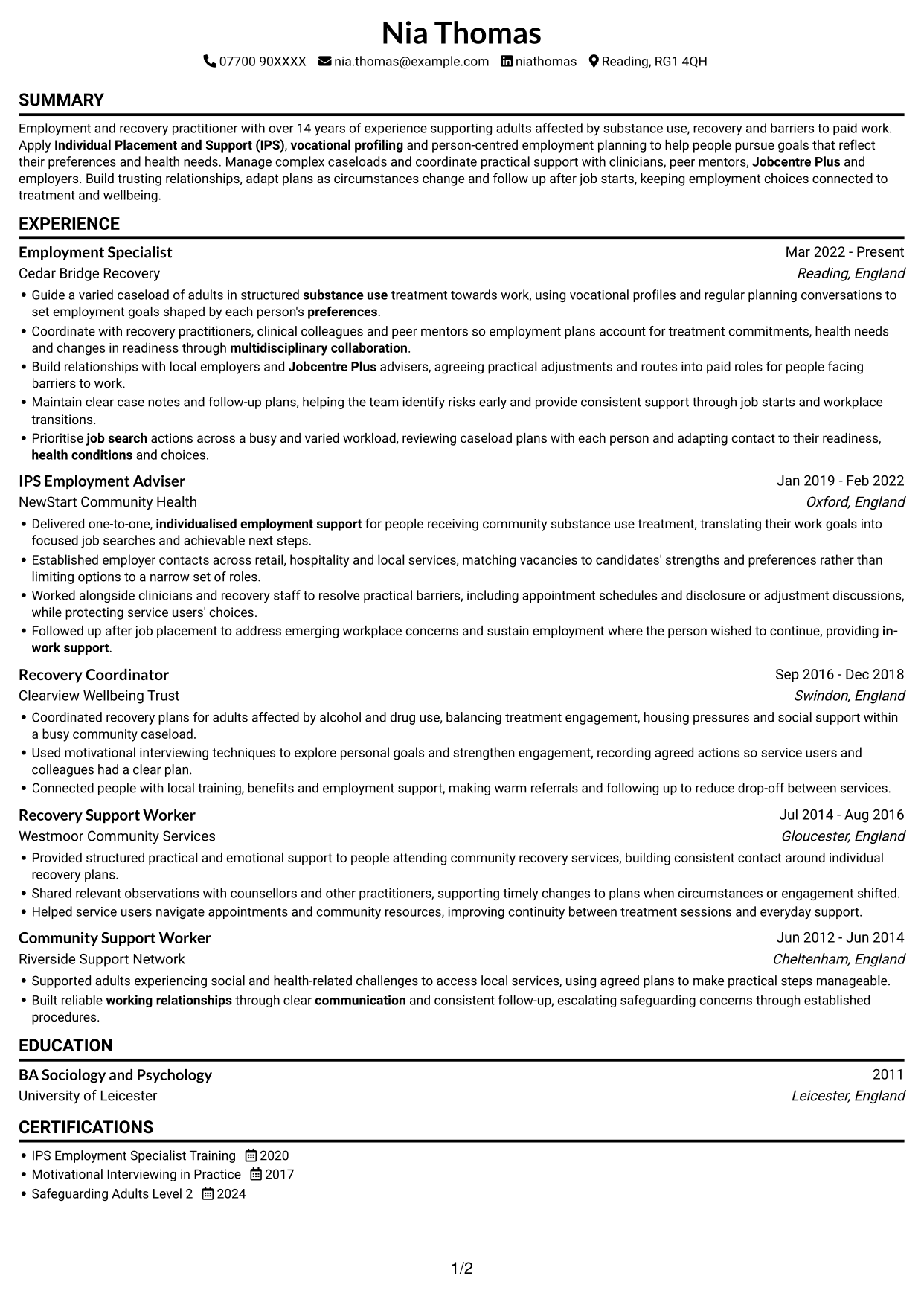
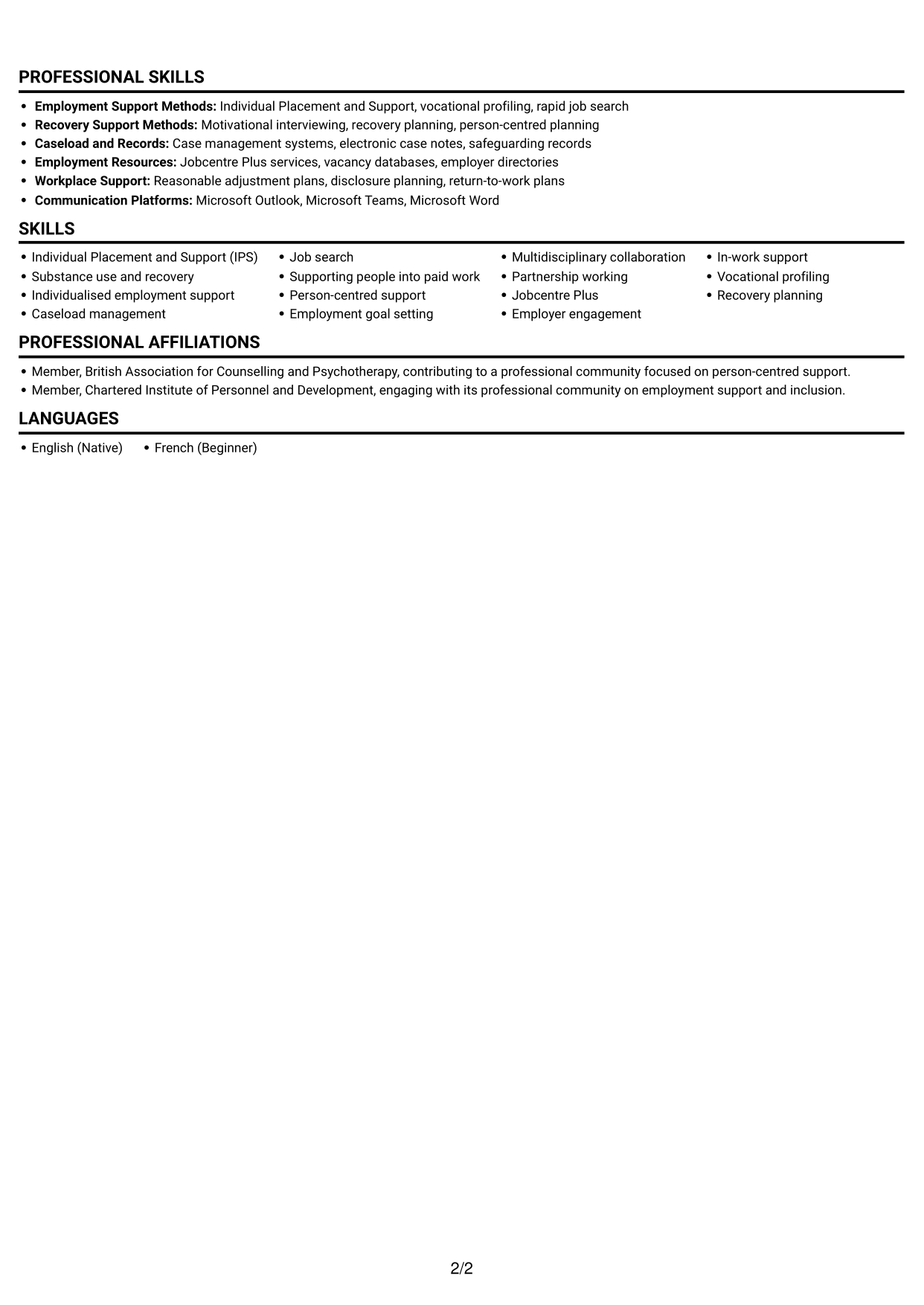
The Simple One Column Format keeps the CV in one vertical reading path, a useful choice when a straightforward section sequence matters most.
Why This Format Works
- The single-column route keeps career history in a clear top-to-bottom sequence.
- Reviewers can follow experience entries without moving between columns.
- Skills, education and credentials share one consistent reading path.
Best For
- Single-column reading preference
- Continuous top-to-bottom review
- Detailed career histories
- Longer section descriptions
- Straightforward section order
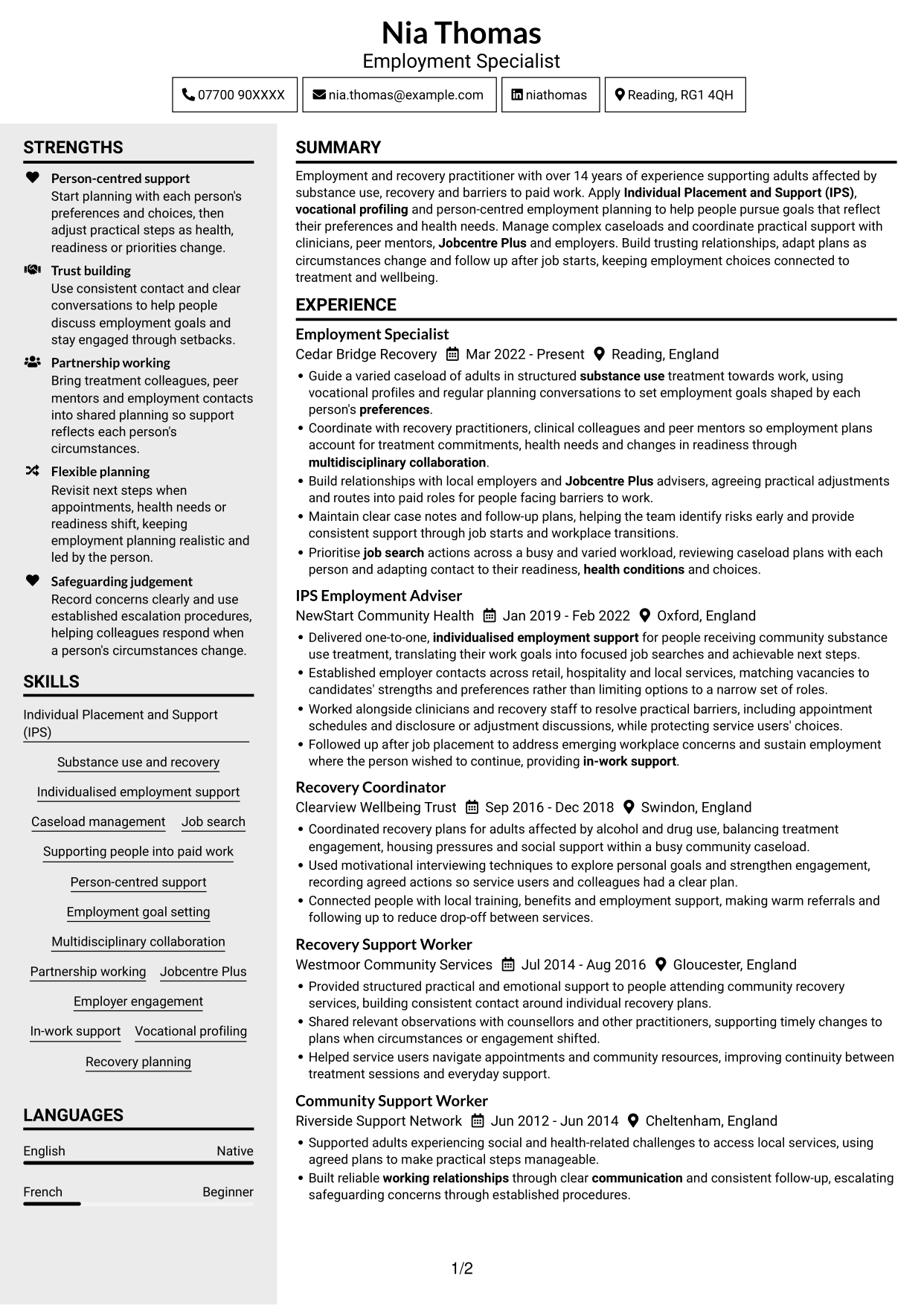
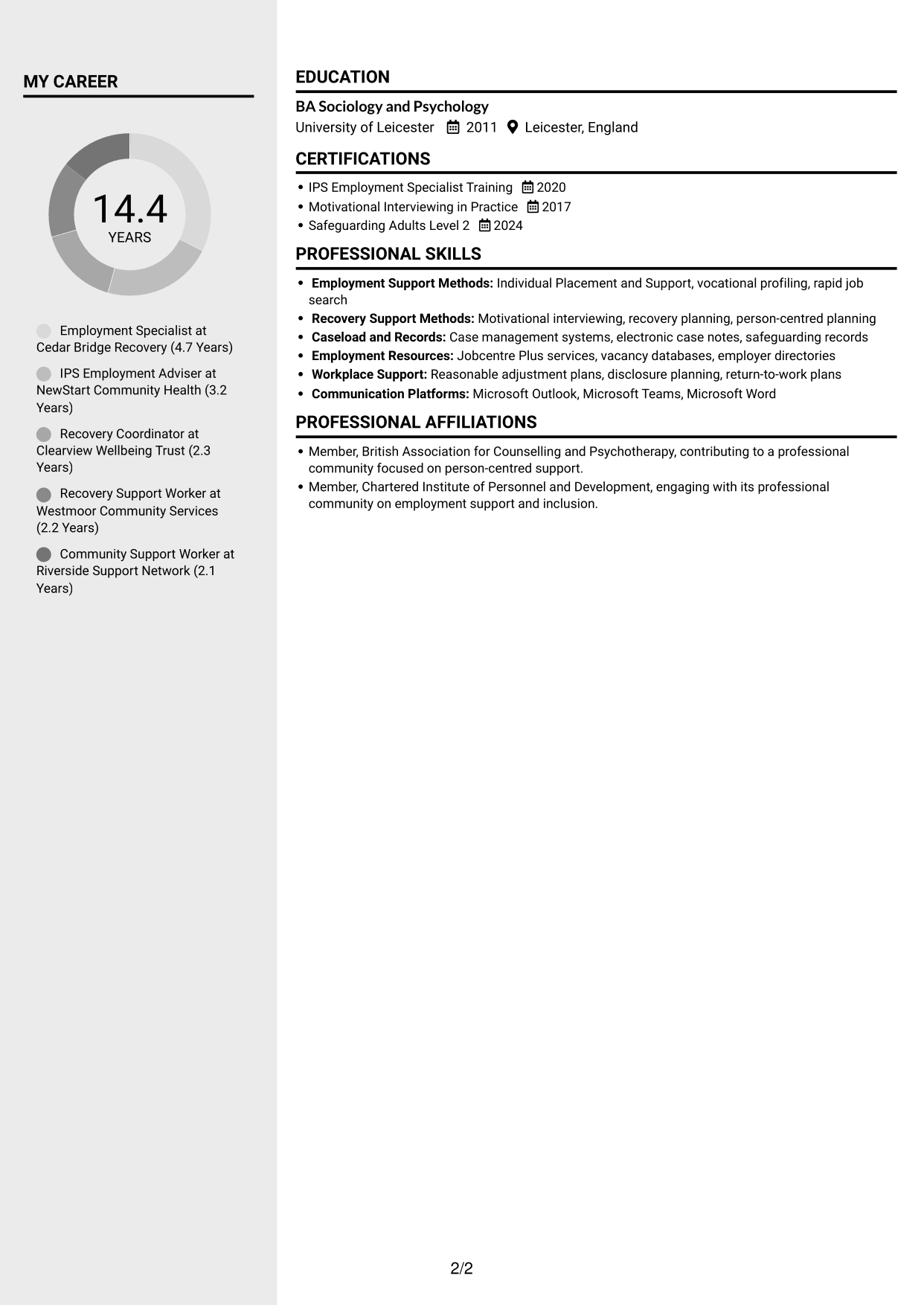
#3 Clean Two Column Sidebar Format CV Example
The Clean Two Column Sidebar Format uses two columns for a clear division of CV content, suited to readers who want distinct areas on the page.
Why This Format Works
- Separate reading areas help reviewers locate experience and supporting CV details.
- The two-column structure offers a direct route between work history and skills.
- Education and certifications can be read as distinct parts of the CV.
Best For
- Side-by-side section reading
- CVs with varied content
- Work history and credentials
- Clear content separation
- Quick movement between sections
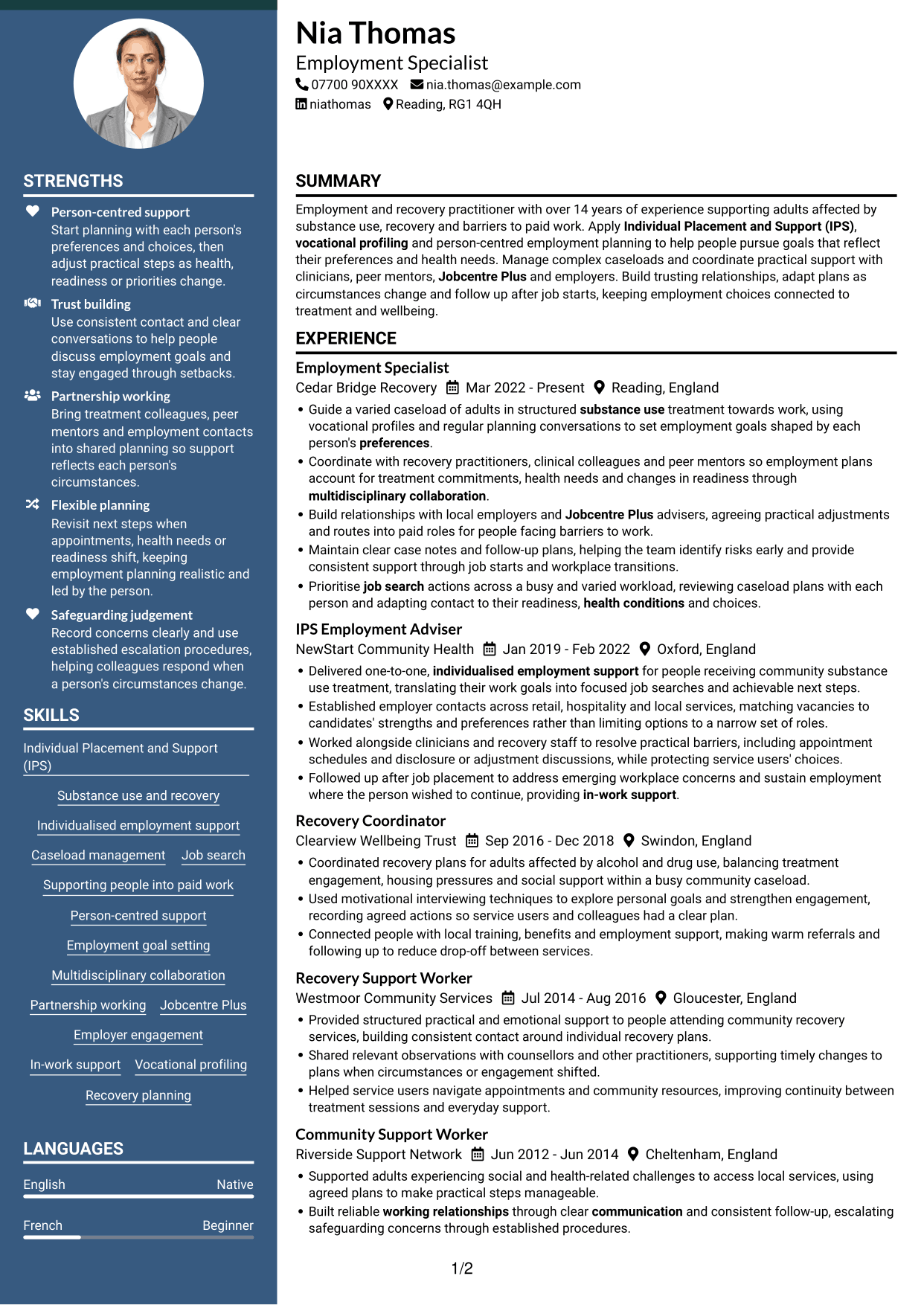
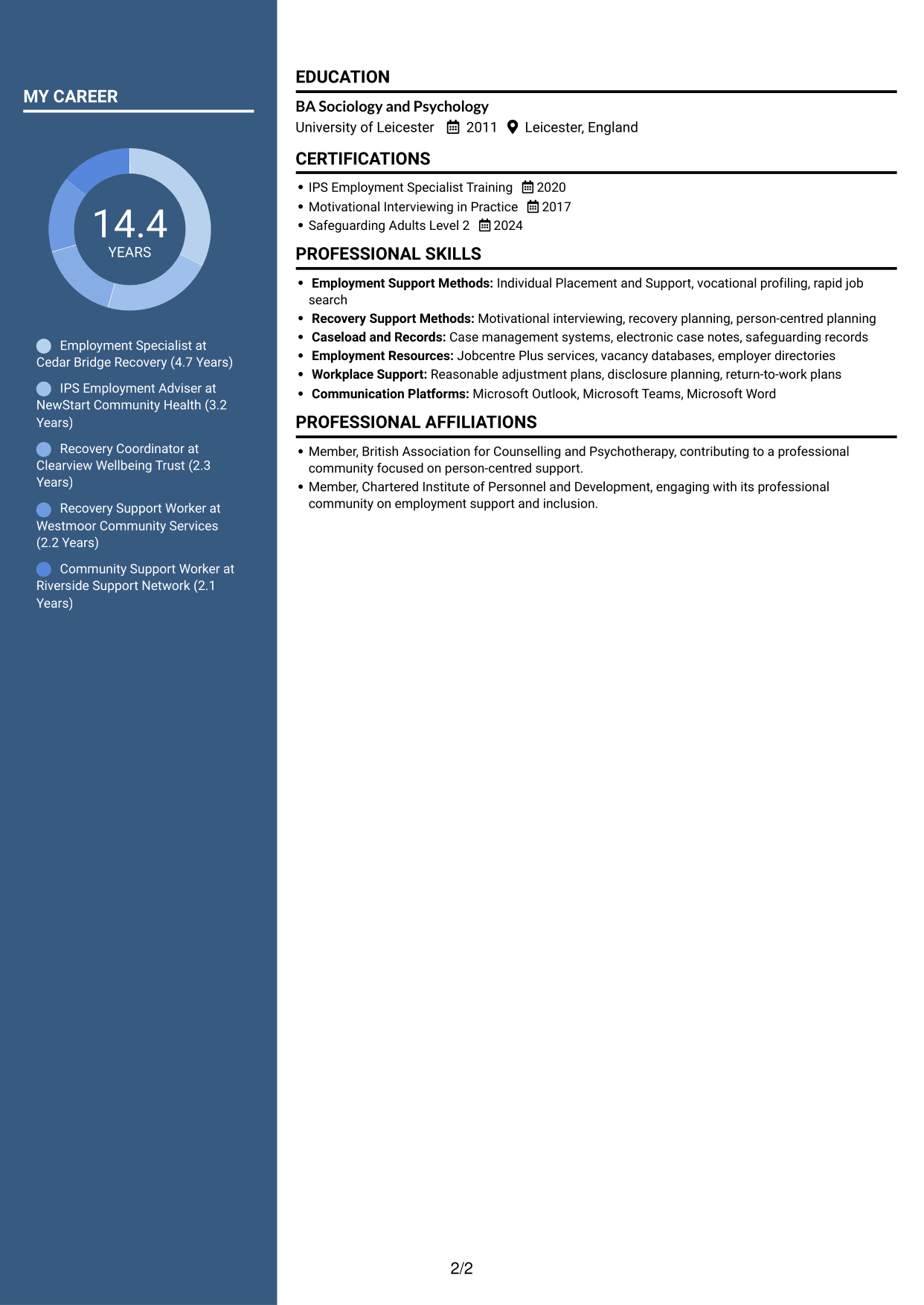
#4 Two Column Format CV Example
The Two Column Format places CV content across two columns, a practical option for readers who prefer to review information in parallel areas.
Why This Format Works
- The divided reading layout lets reviewers move between experience and other CV sections.
- Career history and supporting details can be reviewed without one long text sequence.
- Separate content areas help skills and education stand apart from work entries.
Best For
- Parallel section reading
- CVs with varied sections
- Work history alongside other details
- Short section-by-section reviews
- A divided page layout
#5 Photo Header Two Column Format CV Example
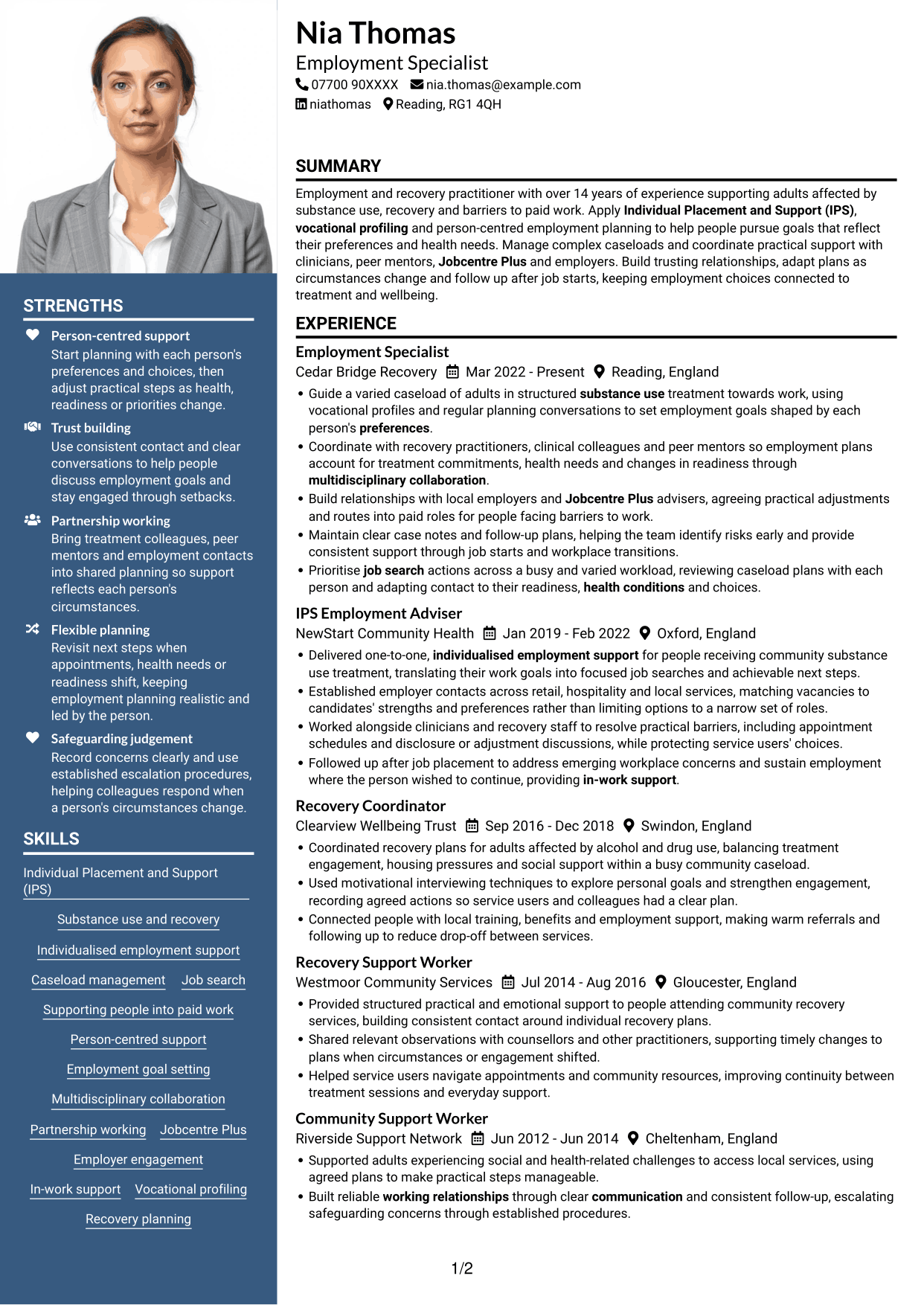
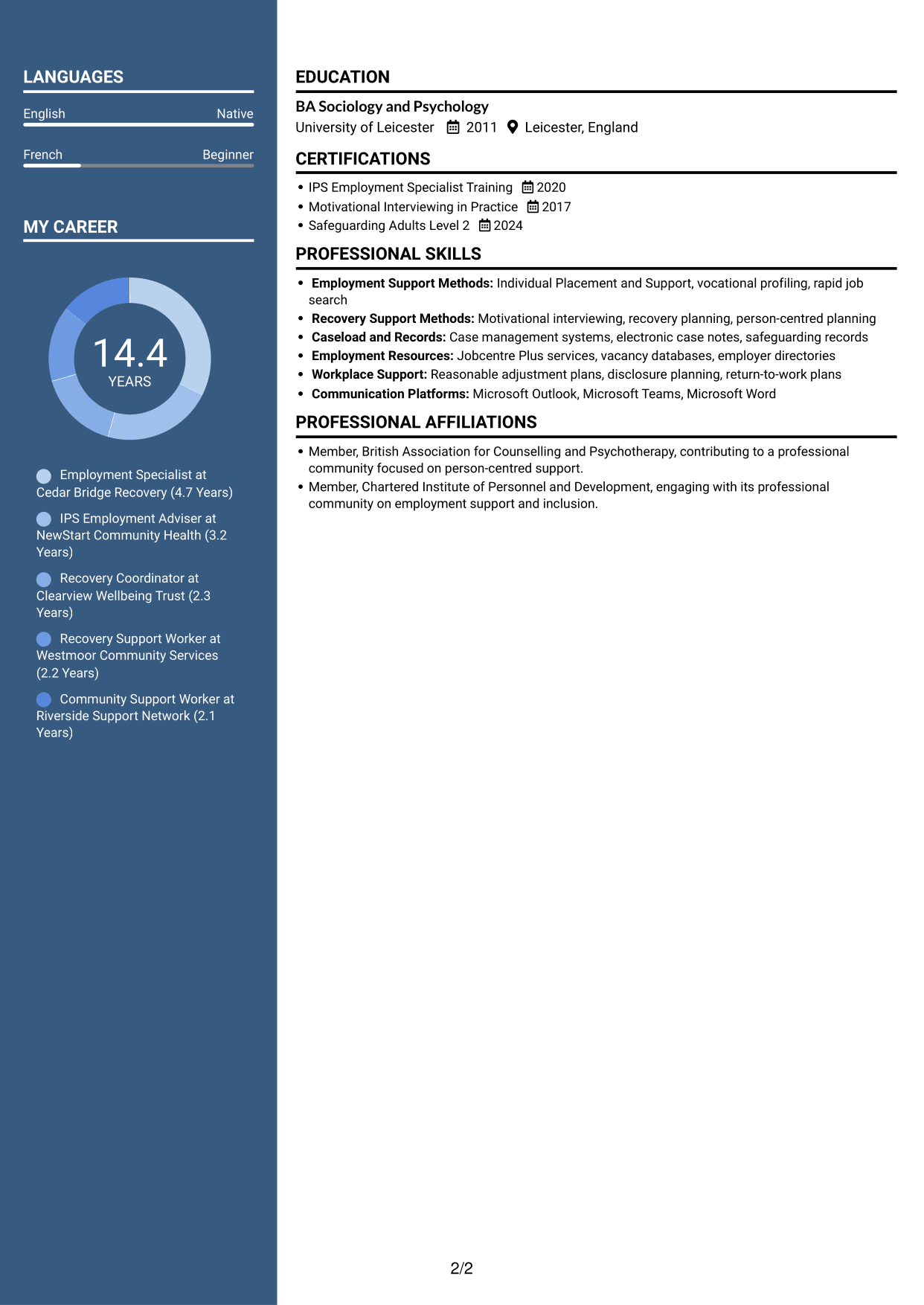
The Photo Header Two Column Format pairs a portrait in the header with a two-column body, for readers who want a photo-led introduction and divided CV content.
Why This Format Works
- The two-column body gives experience and supporting CV details separate reading areas.
- Reviewers can move between career history and other sections without one long text path.
- The header portrait adds a clear visual point of identification.
Best For
- CVs with a header portrait
- Two-column reading preference
- Separate areas for work and other details
- Visual identification in the header
- CVs with multiple sections
#6 Coloured Two Column Format CV Example
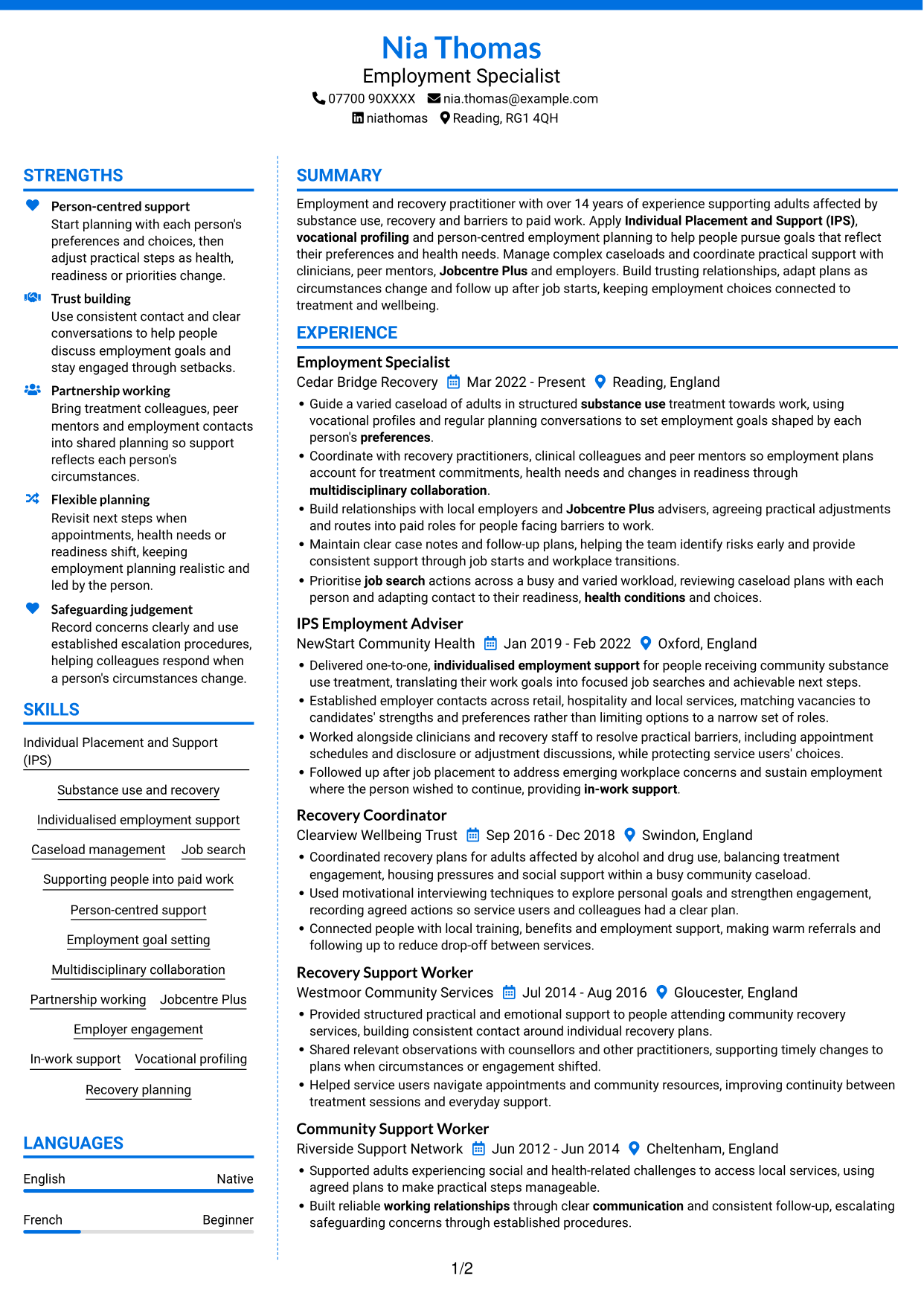
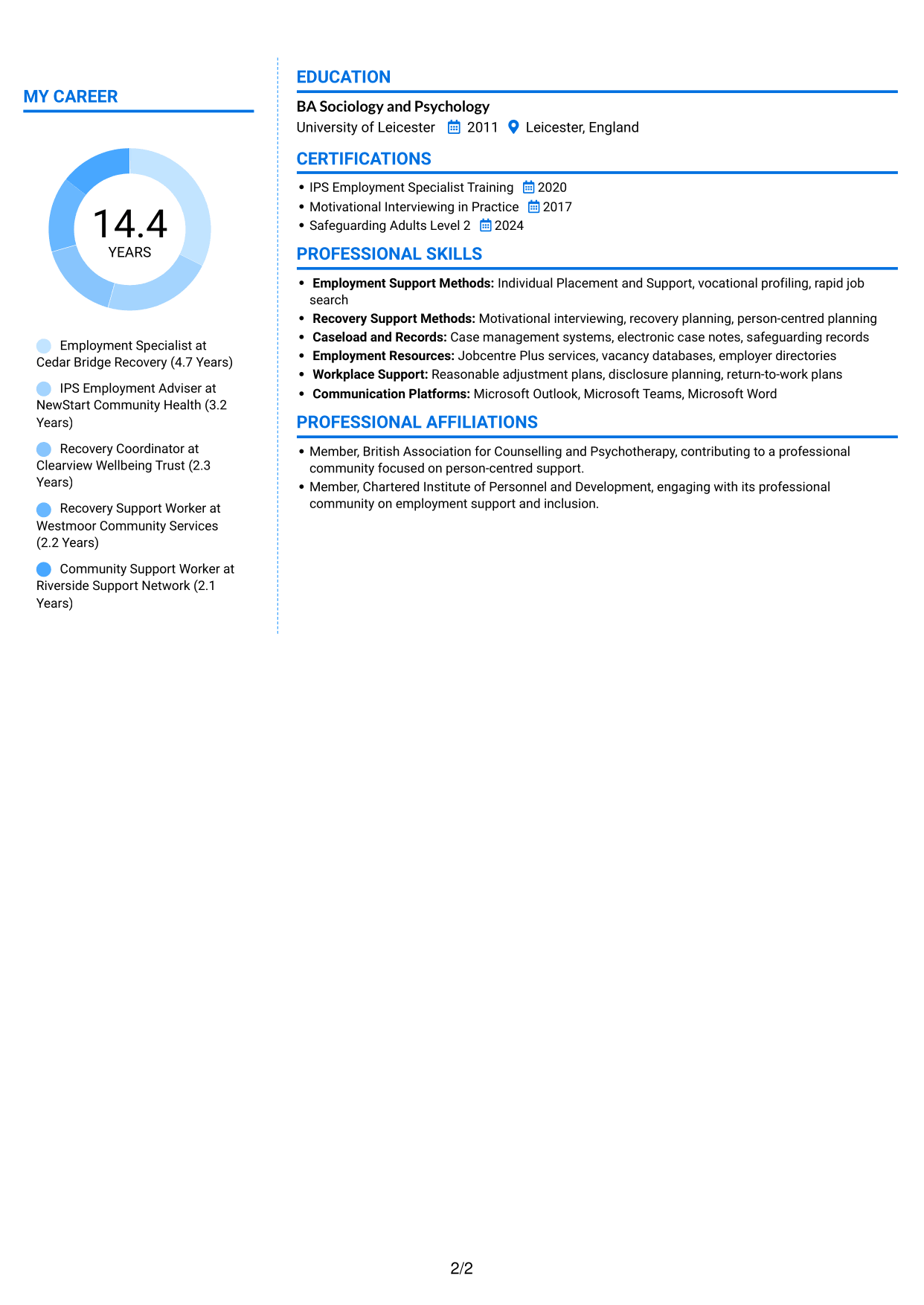
The Coloured Two Column Format presents the CV in two columns, a useful option for readers who favour a divided page rather than one continuous column.
Why This Format Works
- The two-column reading pattern separates experience from other CV information.
- Reviewers can move between work history and skills without following one long sequence.
- Education and credentials remain distinct sections within the overall layout.
Best For
- Divided page preference
- CVs with several content areas
- Work history with supporting information
- Separate skills and education sections
- Two-column reading
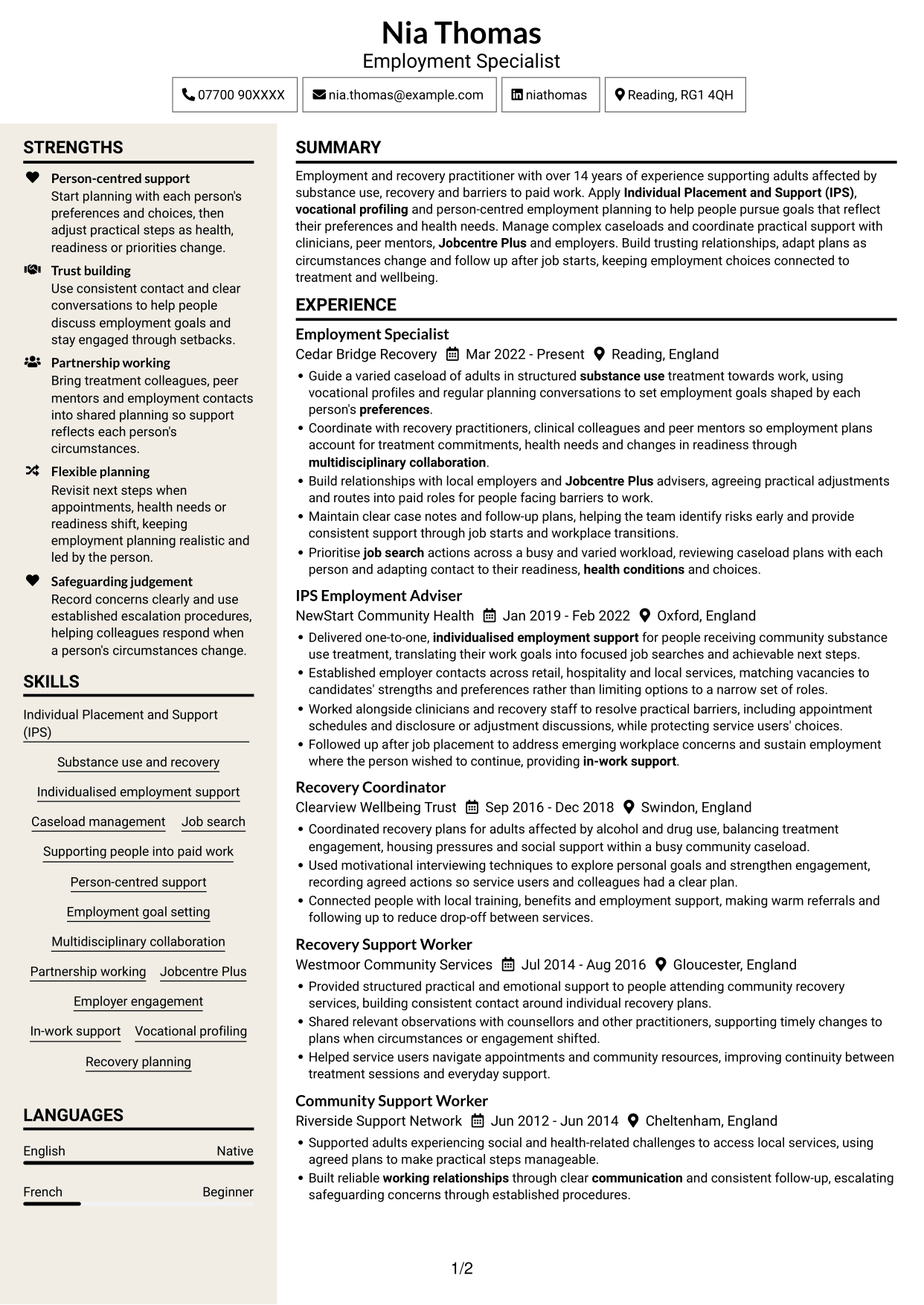
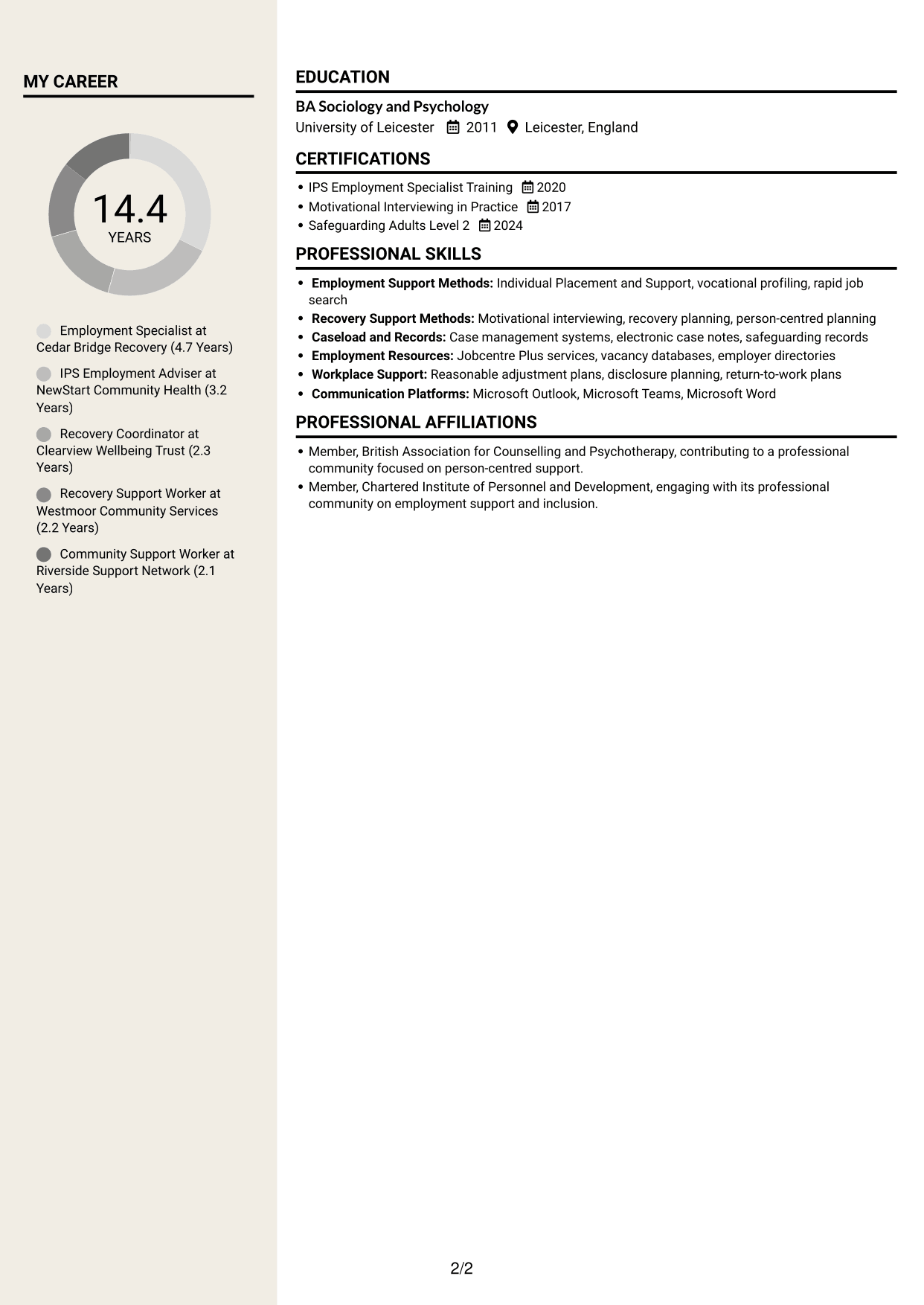
#7 Stylish Two Column Designer Format CV Example
The Stylish Two Column Designer Format uses two columns, a considered choice for readers who want CV information arranged in parallel areas.
Why This Format Works
- Parallel reading areas help reviewers move between experience and other CV sections.
- The divided structure keeps career history from becoming one uninterrupted text block.
- Skills and credentials can be located separately from work entries.
Best For
- Parallel content areas
- CVs with mixed sections
- Career history and credentials
- A divided reading layout
- Separate skills and experience
Why Build Your Employment Advisor - IPS Supported Employment CV with ResumeInMinutes
A clear CV helps readers see how your employment support connects with recovery plans and each person's goals. Compare the PNG image previews, then open an example in the editor to customise its content and layout.
- Different CV layouts
- Clear, readable section structure
- Space for role-specific keywords
- Organised skills and experience
- PNG image previews
- CV customisation in the editor
Choose a format that makes your experience easy to scan. Keep the focus on IPS, person-led employment planning, partnership working and practical support into work.
See Also
- 7 Customer Care Advisor - Continence Care CV Templates with Example
- 7 Service Advisor - Automotive Aftersales CV Templates with Example
- 7 Quantity Surveyor - Residential Construction CV Templates with Example
- 7 Senior Buying Manager - Fashion Retail CV Templates with Example
- 7 Head of Data & Analytics Retail CV Templates with Example
- 7 Machine Operative - Chilled Food Production CV Templates with Example
- 7 Payments Co-ordinator - Accounts Payable CV Templates with Example
- 7 Housing Officer - Resident and Estate Management CV Templates with Example
- 7 Employment Advisor - IPS Supported Employment Cover Letter Templates with Example
- 7 Customer Care Advisor - Continence Care Cover Letter Templates with Example
Frequently Asked Questions
Are these Employment Advisor - IPS Supported Employment CV templates ATS-friendly?
The example uses clear headings and sections that are easy to scan. Include relevant terms naturally, such as Individual Placement and Support (IPS), vocational profiling, caseload management and in-work support.
Are these separate CV examples or different layouts of one example?
This page presents one role-focused CV example in different layouts. Compare the PNG image previews, then open a version in the editor to customise it.
What should an Employment Advisor - IPS Supported Employment CV include?
Include a focused profile, relevant experience, skills, education and any relevant training. Show how you use IPS, support job search, manage a caseload, work with treatment colleagues and employers, and provide follow-up after placement.
Which CV layout works well for this role?
Choose a format with clear headings and an easy-to-follow order for experience, skills and education. A simple layout helps recruiters and applicant tracking systems find key details.
How can I show employment support experience on my CV?
Use short bullet points to explain the action you took and why it mattered. Include supported outcomes where available, such as job starts or sustained employment, and do not add figures you cannot verify.
Should I include a photo on my CV?
For UK applications, a photo is usually not needed. Use the space for relevant experience, skills and training instead.




