
7 Energy Specialist - Customer Billing and Metering Cover Letter Templates with Example
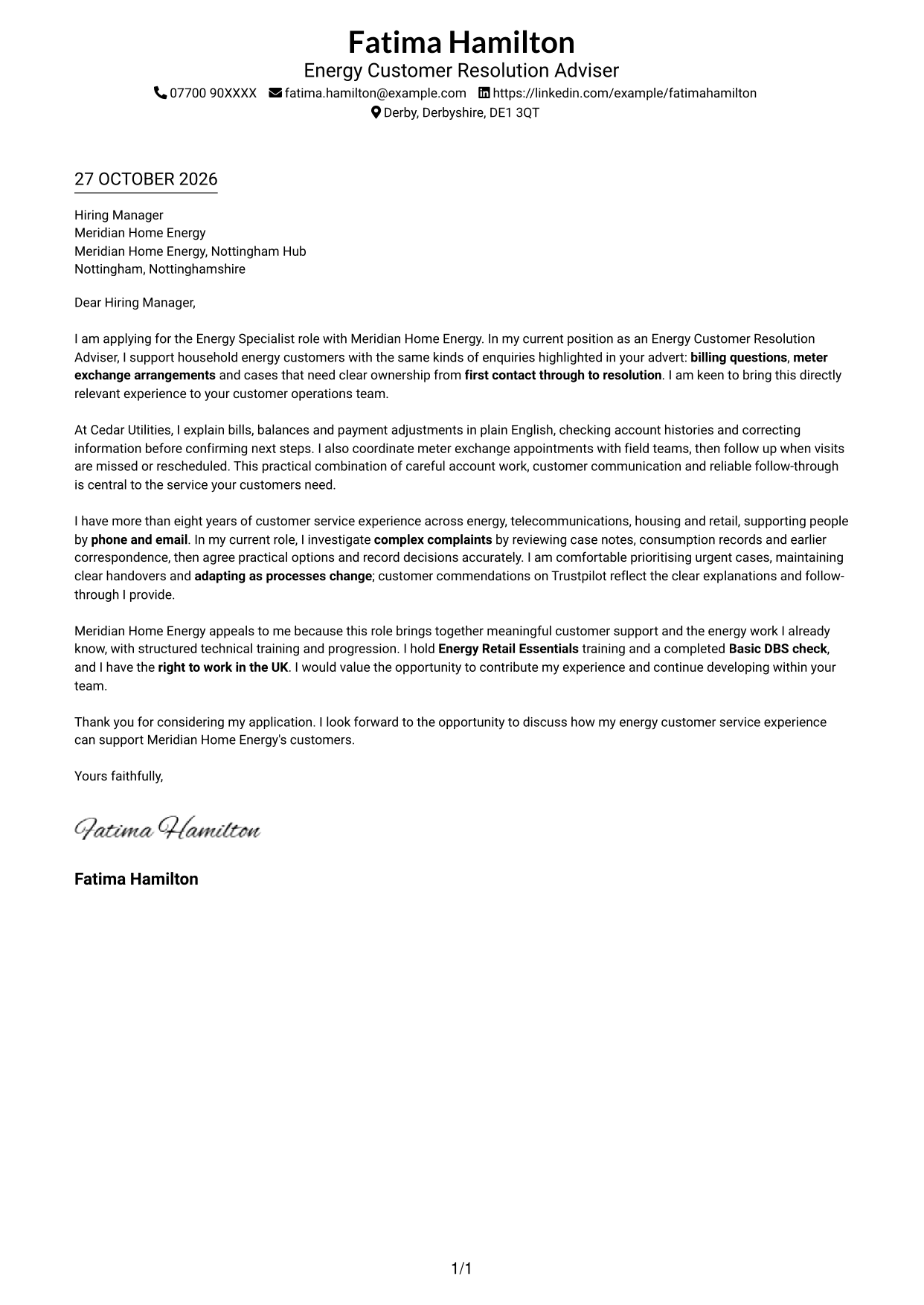
This guide helps you create an Energy Specialist - Customer Billing and Metering cover letter, with seven layouts to help you present relevant experience clearly.
What Makes a Great Energy Specialist - Customer Billing and Metering Cover Letter in 2026
A strong letter links clear customer communication with billing support, meter exchange arrangements and ownership from first contact to resolution. Make your reason for applying clear from the start.
Use concise examples of explaining bills, coordinating appointments or resolving complex complaints. Show how your approach fits the employer’s need for empathy, sound decisions and reliable follow-up.
The featured example moves from interest in the role to relevant billing and metering experience, then to motivation and a clear close. Adapt this focused progression while choosing a presentation that suits the employer and communication context.
#1 Simple One Column Format Cover Letter Example
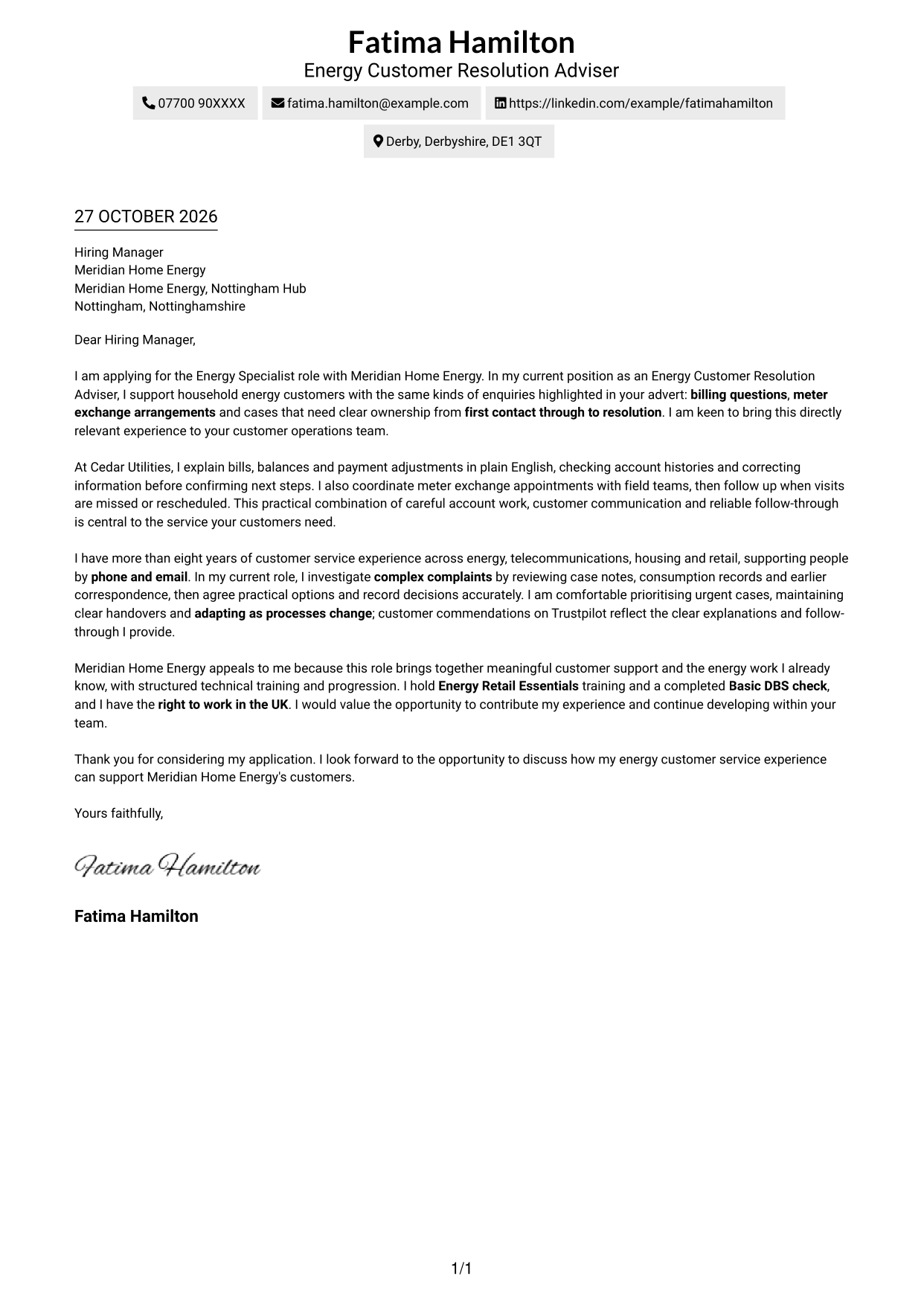
A single-column page keeps the sender details and continuous letter body in one reading path, giving the application a familiar, direct presentation.
Why This Format Works
- Sender details remain in the header, keeping the main letter area uncluttered.
- The single-column body lets readers follow the opening, evidence and closing in order.
- A familiar page structure suits readers who prefer a direct letter presentation.
Best For
- Single-column letter reading
- Header-led contact details
- Continuous prose applications
- Traditional letter presentation
- Readers avoiding parallel columns
#2 Two Column Format Cover Letter Example
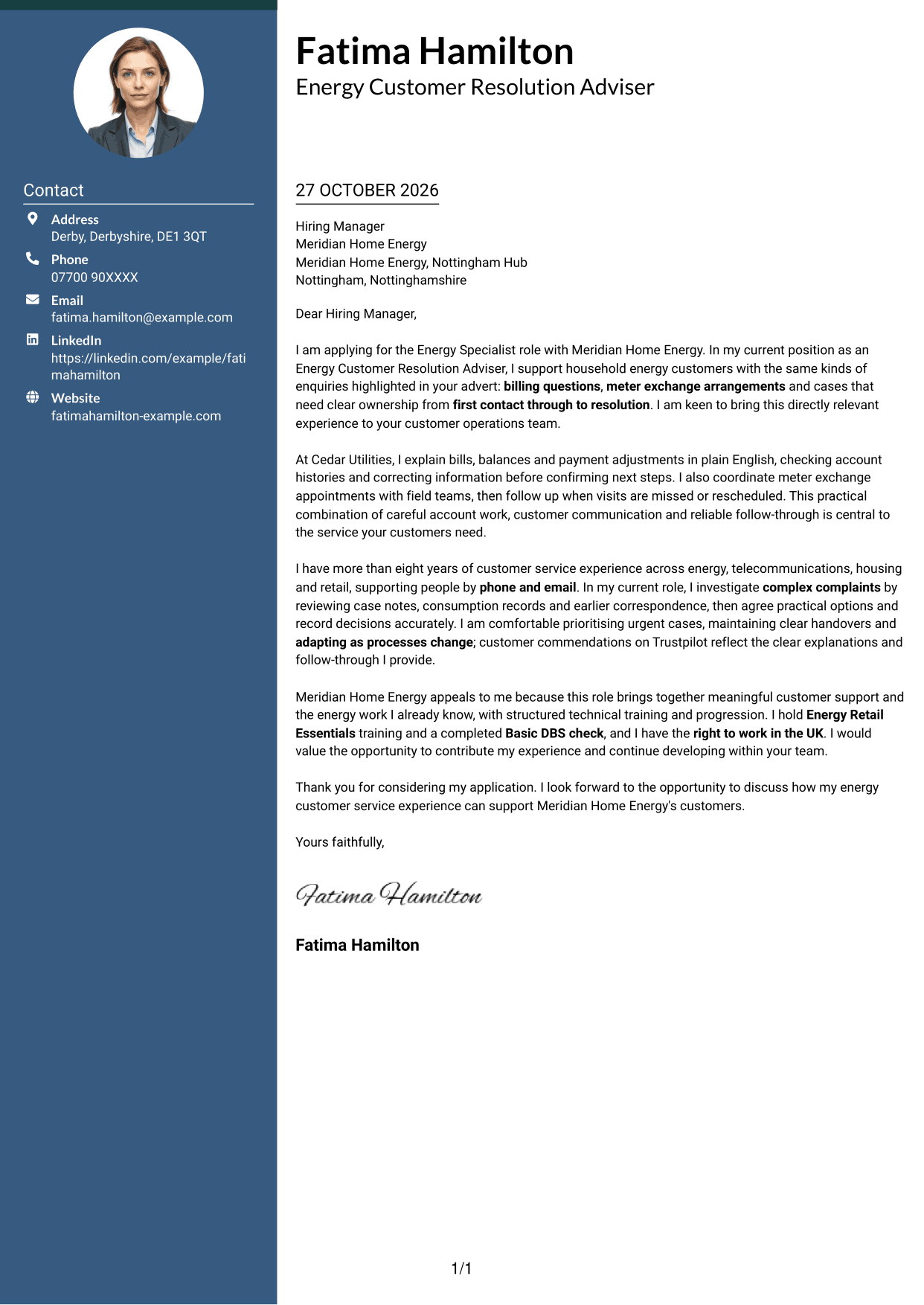
A contact sidebar sits beside one continuous letter body, keeping sender information separate while preserving a clear reading path through the message.
Why This Format Works
- The contact sidebar gives sender information a distinct place beside the letter.
- One continuous body keeps the application’s opening, supporting points and close connected.
- Without argument headings, the message reads as a connected letter rather than labelled sections.
Best For
- Separate contact and letter areas
- Continuous prose applications
- Quick access to sender details
- Side-by-side layout preference
- Letters without body headings
#3 Photo Header Two Column Format Cover Letter Example
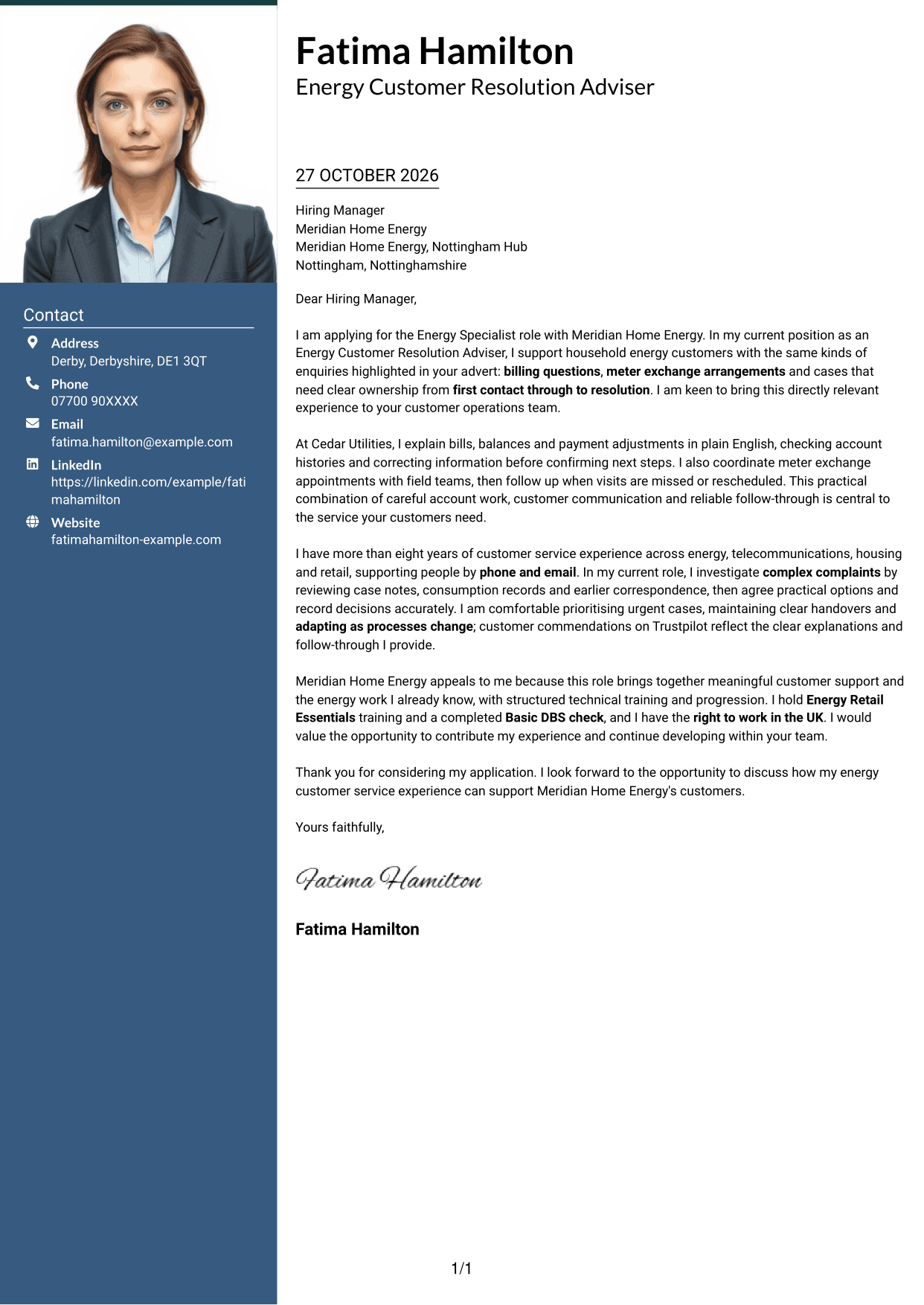
A photo in the header adds a personal visual element, while a contact sidebar sits beside the continuous letter body for a clear division of information.
Why This Format Works
- The header photo offers a personal visual choice without changing the letter’s message.
- Contact details sit apart from the paragraphs, so readers can locate them easily.
- The uninterrupted body keeps the application’s message in a natural sequence.
Best For
- Photo-led header preference
- Separate contact and letter areas
- Continuous letter paragraphs
- Visual personalisation
- Side-by-side reading layout
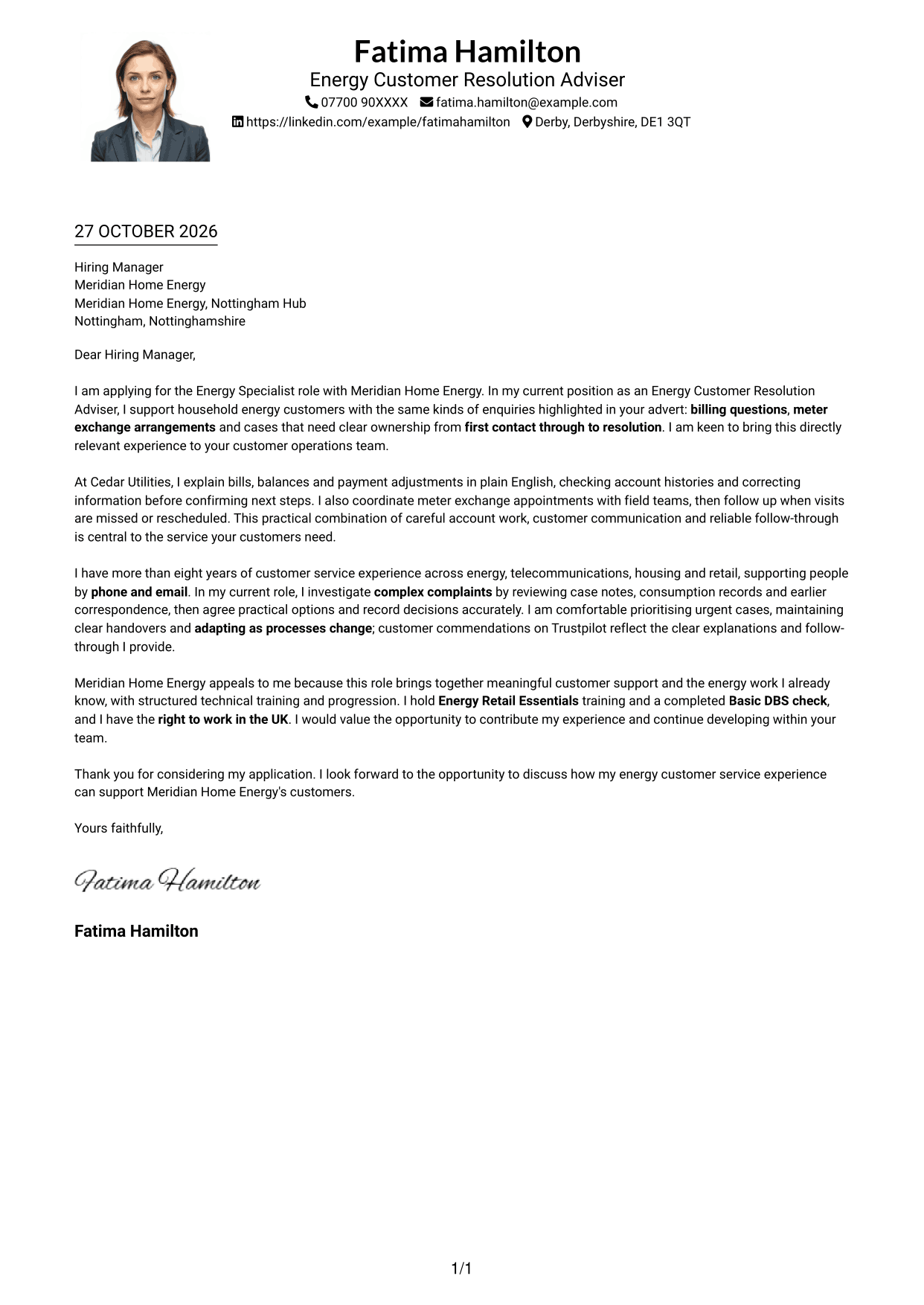
#4 One Column Format with Photo Cover Letter Example
A photo adds a personal visual touch to the header, while the single-column letter body keeps the message in one direct reading sequence.
Why This Format Works
- The header photo gives the page a personal visual element for readers who prefer one.
- Sender details stay with the header rather than forming a separate column.
- The single-column body carries the message from its opening through to the close.
Best For
- Photo in the header
- Single-column letter reading
- Header-based contact details
- Continuous paragraph flow
- Personal visual presentation
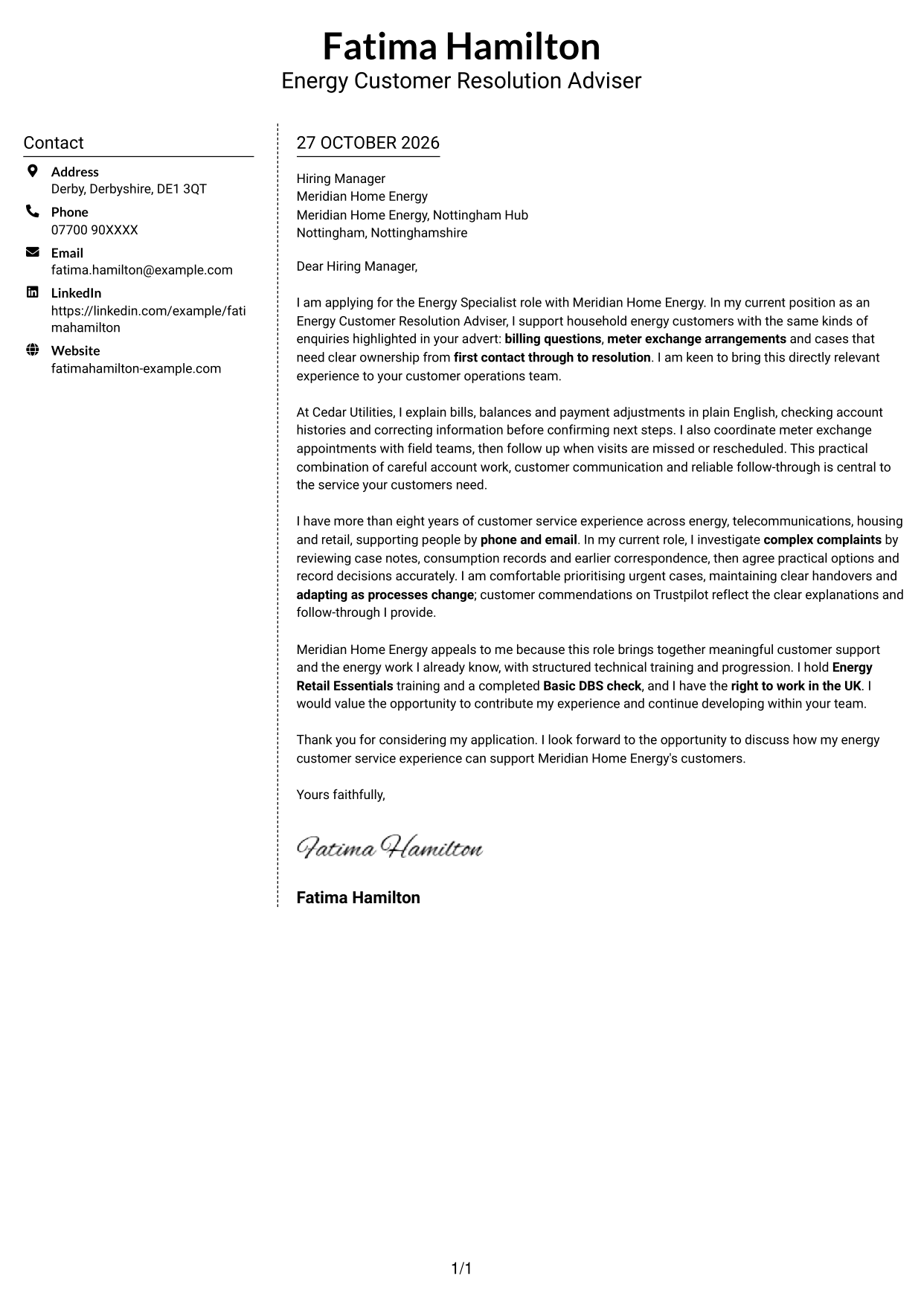
#5 Simple Two Column Format Cover Letter Example
Sender details have a separate sidebar beside the letter, while the message remains a single continuous body for straightforward reading.
Why This Format Works
- The separate contact area makes sender information easy to find without interrupting the message.
- Opening, evidence and closing paragraphs remain together in one body column.
- The absence of argument headings keeps the letter in a familiar form.
Best For
- Contact details beside the letter
- One continuous message
- Familiar letter structure
- Readers who prefer side-by-side areas
- Applications without body headings
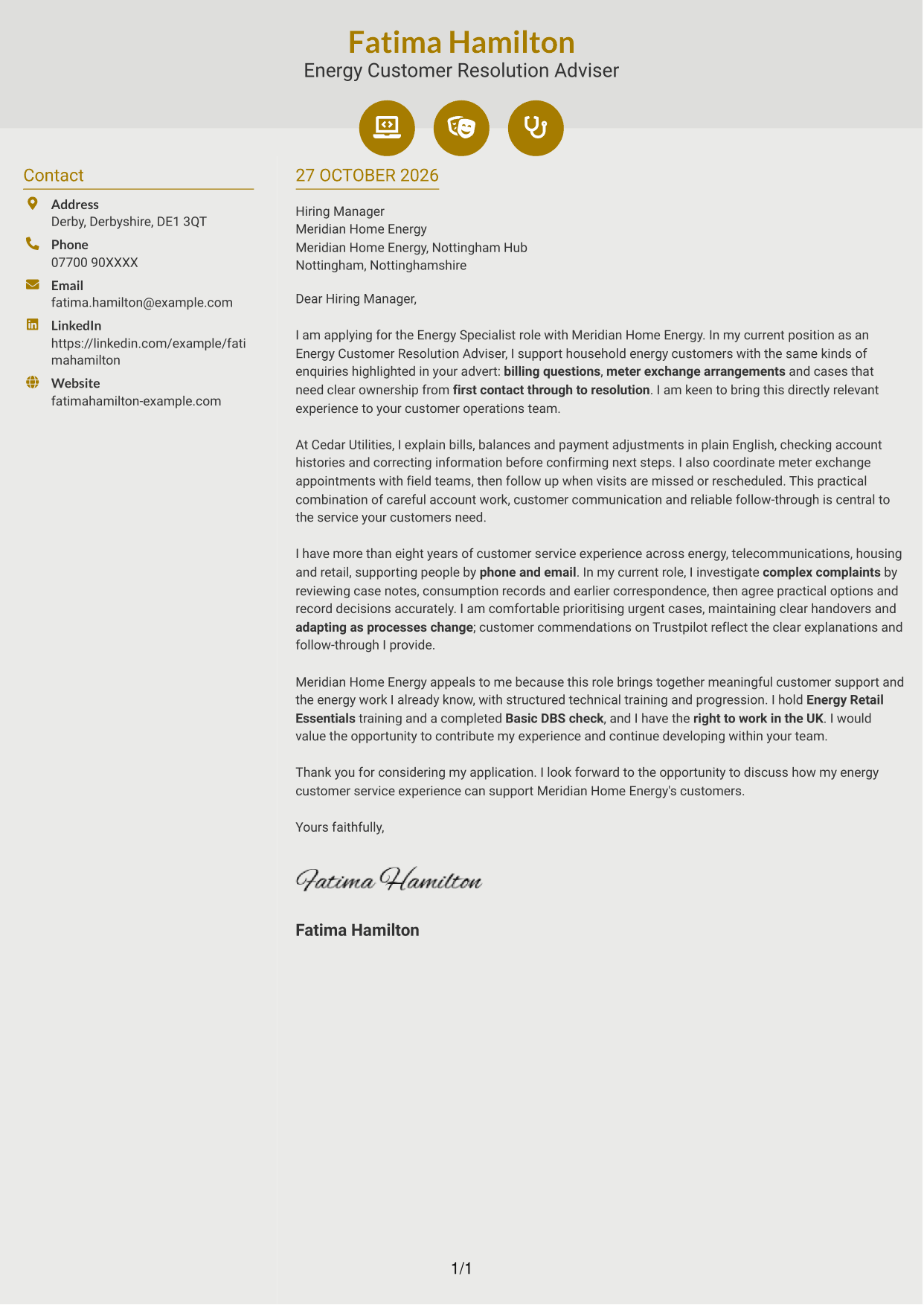
#6 Modern Icon Format Cover Letter Example
Contact icons add visual cues to the sidebar, while the letter remains one continuous body beside the contact details.
Why This Format Works
- Icons give readers visual cues for contact details, not for letter argument stages.
- The separate sidebar keeps sender information distinct from the message itself.
- A continuous body preserves the sequence from application to closing.
Best For
- Icon cues for contact details
- Separate contact and letter areas
- Continuous letter paragraphs
- Quick access to sender information
- Readers who like visual cues
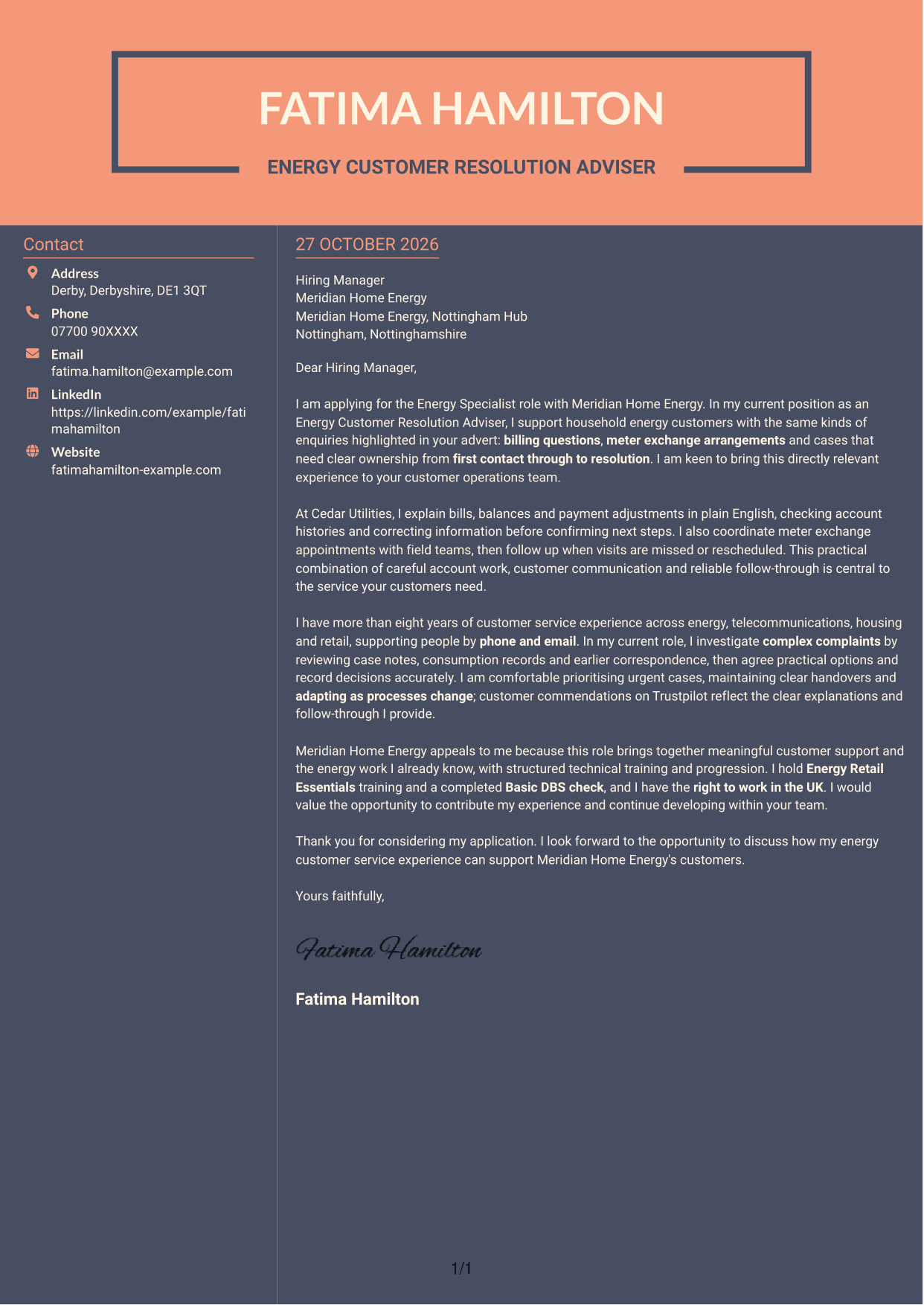
#7 Creative Two Tone Format Cover Letter Example
The contact sidebar sits beside one continuous letter body, giving sender information a separate place without splitting the message.
Why This Format Works
- A dedicated contact column keeps sender details apart from the letter paragraphs.
- The continuous body lets readers follow the message without switching between argument columns.
- The layout suits a preference for contact information beside, rather than above, the letter.
Best For
- Contact sidebar preference
- One-column letter argument
- Sender details beside the message
- Continuous application letters
- Side-by-side information layout
See Also
- 7 Energy Specialist - Customer Billing and Metering CV Templates with Example
- 7 Senior IT Internal Auditor Energy and Infrastructure CV Templates with Example
- 7 People Services Adviser - Employee Lifecycle CV Templates with Example
- 7 Health, Safety and Environment Advisor - Operational Safety CV Templates with Example
- 7 Plant Health Research Support Officer CV Templates with Example
- 7 Senior Brand Manager - Herbs, Spices and Seasonings CV Templates with Example
- 7 Head of PSHE - RSHE Curriculum CV Templates with Example
- 7 Pricing Manager - Legal Services CV Templates with Example
- 7 Reserve Officer - Habitat Management CV Templates with Example
- 7 Senior IT Internal Auditor Energy and Infrastructure Cover Letter Templates with Example
Frequently Asked Questions
What should an Energy Specialist - Customer Billing and Metering cover letter highlight?
Show how you communicate clearly with customers and take ownership of their enquiries. Relevant examples may include explaining bills, arranging meter exchanges, resolving complaints and following up until the case is settled.
How can I show that my experience fits this role?
Choose a specific example that shows the steps you took and how you kept the customer informed. You could describe checking an account history, explaining a payment adjustment or coordinating a meter visit, if these reflect your experience.
How should I explain my interest in Meridian Home Energy?
Connect your interest to the work described in the advert, such as helping energy customers with billing and meter enquiries. Explain why this service matters to you and how your communication and case ownership could support the team.
What is a clear structure for this cover letter?
Start by naming the role and giving your main reason for applying. Use the body to show relevant customer service examples and your interest in the employer, then close with a brief statement of thanks and interest in discussing your application.
Should I include every part of my work history?
No. Focus on the examples most relevant to billing enquiries, meter appointments, customer communication and resolving cases. A few clear examples will help the employer see your fit without making the letter too long.




