
7 Enterprise Solutions Architect - Microsoft Stack Cover Letter Templates with Example
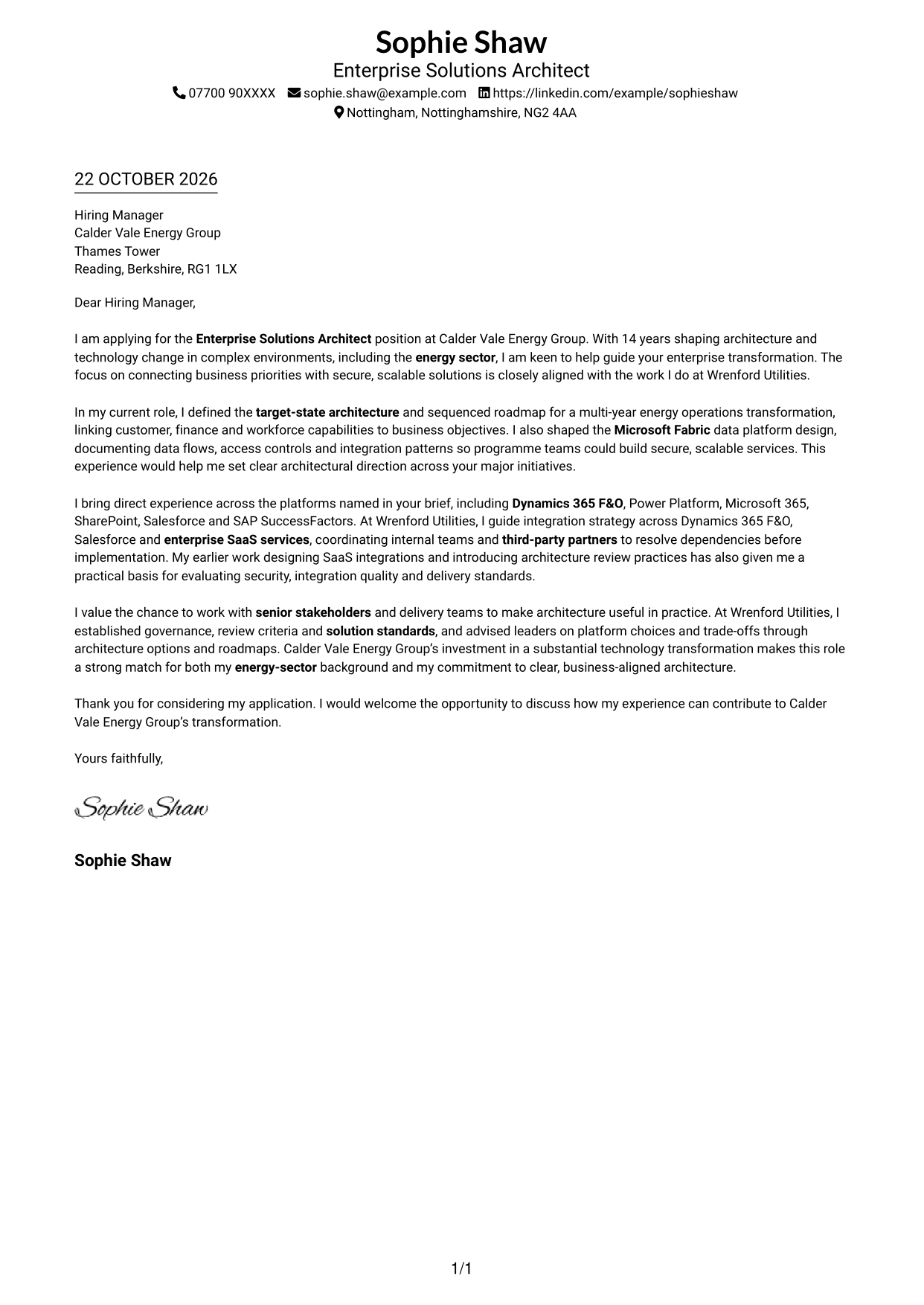
This practical guide to an Enterprise Solutions Architect - Microsoft Stack cover letter shows how to present role fit across seven layouts.
What Makes a Great Enterprise Solutions Architect - Microsoft Stack Cover Letter in 2026
A strong letter links architectural direction to business goals, secure and scalable solutions, and the needs of a complex transformation. Its opening should make your interest in the role clear.
Use specific evidence, such as setting a target-state architecture and roadmap, shaping a Microsoft Fabric design, or guiding SaaS integration. Explain how your approach to governance and stakeholder decisions fits the employer’s transformation priorities.
The featured example follows a focused progression from role interest to architecture evidence, platform and integration experience, stakeholder alignment and a clear close. Adapt this flow while choosing a presentation suited to the employer and communication context.
#1 Simple One Column Format Cover Letter Example
The Simple One Column Format keeps sender details in the header and the letter body in one column, giving the message a direct reading path.
Why This Format Works
- Sender details stay in the header, separate from the letter's argument.
- Continuous paragraphs carry the opening, evidence and closing without section labels.
- One body column gives the message a single, consistent reading direction.
Best For
- One-column letter reading
- Header-based contact details
- Continuous paragraph arguments
- Direct opening-to-close narratives
- Photo-free document preferences
#2 Two Column Format Cover Letter Example
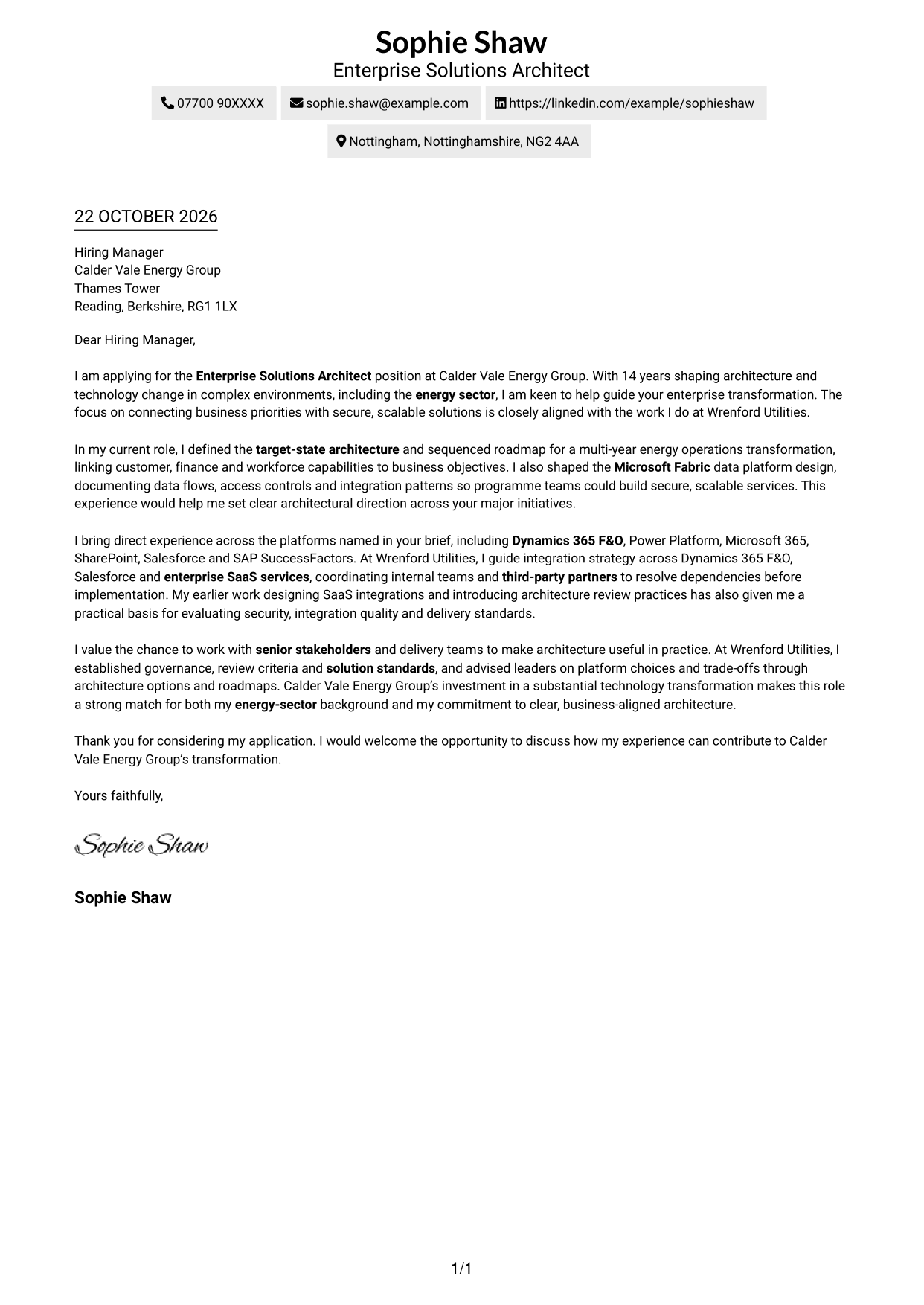
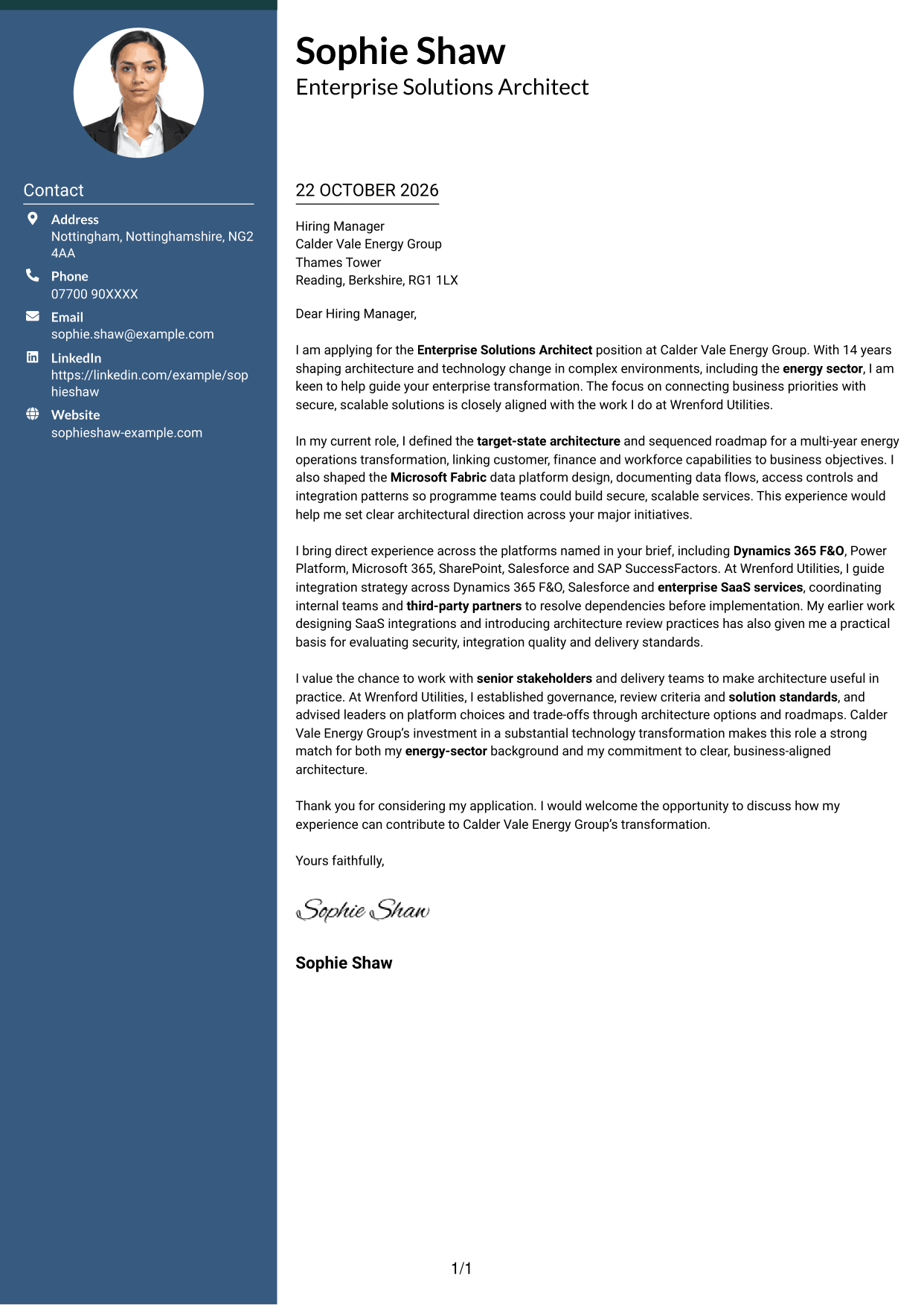
The Two Column Format places a contact sidebar beside one continuous letter body, keeping contact information distinct from the message.
Why This Format Works
- The contact sidebar lets readers locate sender details apart from the main message.
- The letter body stays continuous, so its reasoning reads as one connected case.
- Side-by-side placement distinguishes contact information without dividing the letter paragraphs.
Best For
- Contact details beside the message
- Two-column page preference
- Continuous letter arguments
- Separate sender and message areas
- Quick access to contact information
#3 Photo Header Two Column Format Cover Letter Example
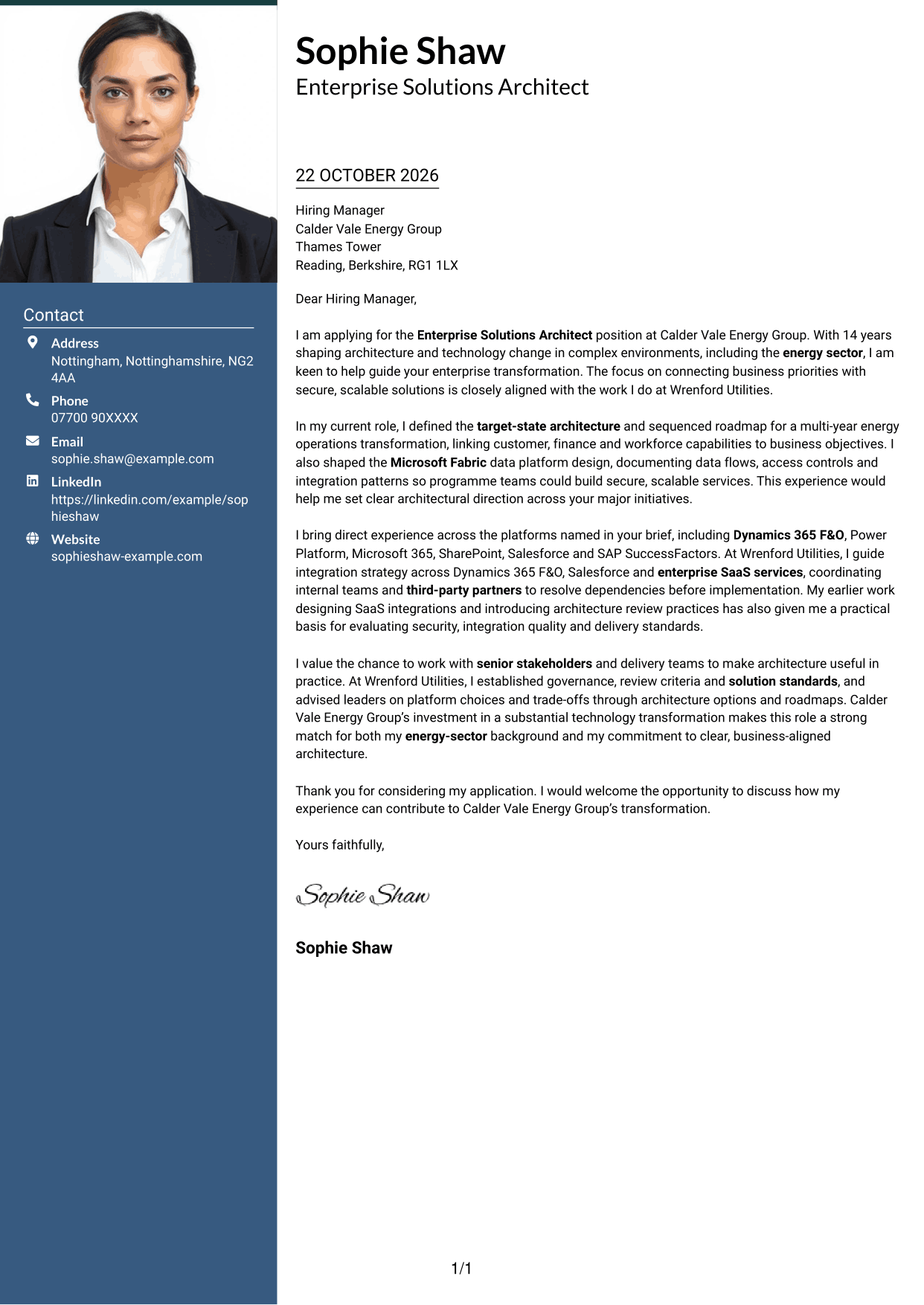
The Photo Header Two Column Format combines a contact sidebar and one continuous letter body with a photo, adding a portrait to the page's visual presentation.
Why This Format Works
- The sidebar keeps sender details distinct from the continuous letter body.
- The uninterrupted paragraphs let the opening, supporting points and close read together.
- Including a photo suits readers who prefer a portrait in the page design.
Best For
- Portrait-inclusive letter layouts
- Contact details beside the message
- Continuous paragraph arguments
- Two-column page preference
- Applications calling for a personal image
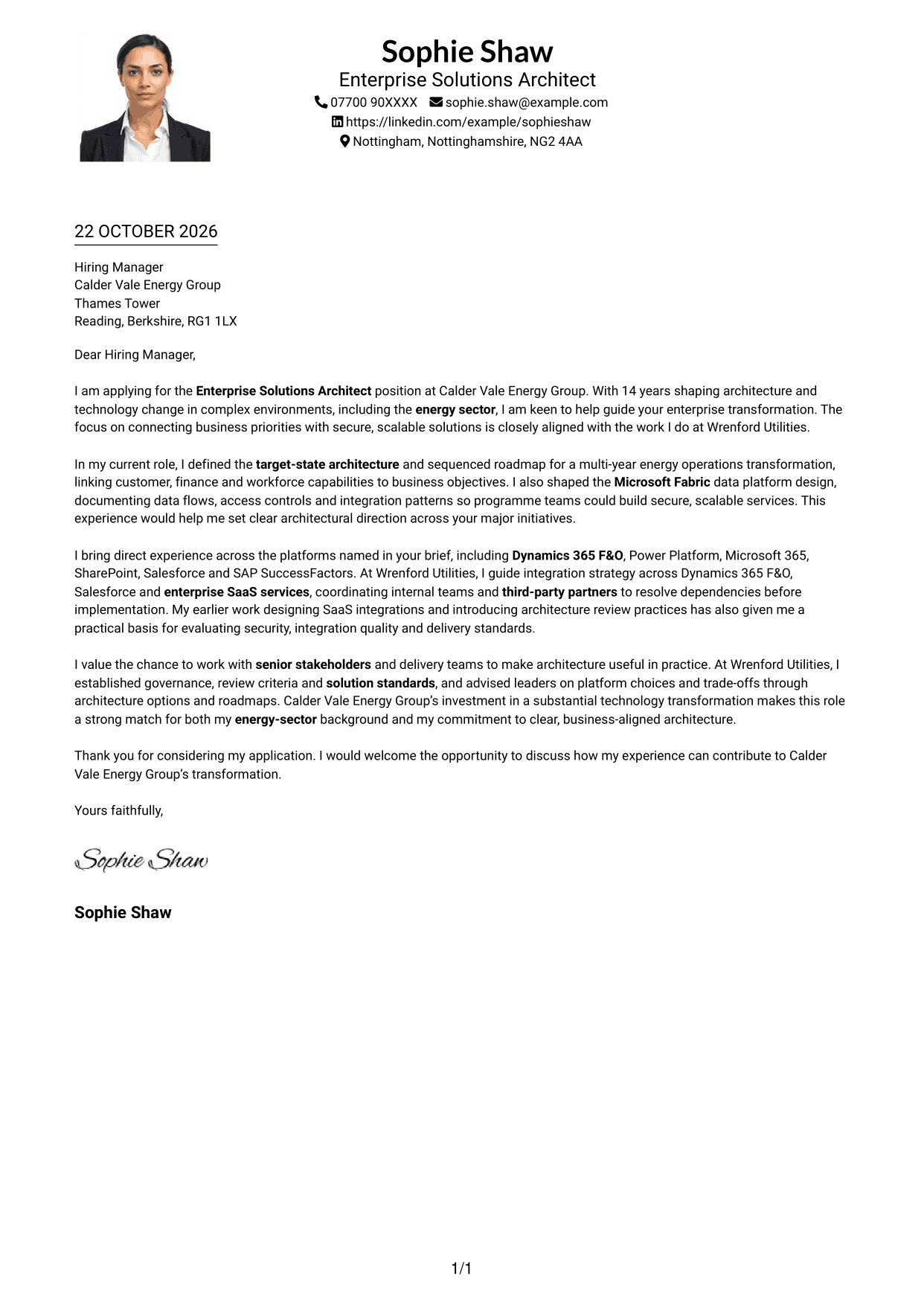
#4 One Column Format with Photo Cover Letter Example
The One Column Format with Photo keeps the letter body in one column and includes a photo, combining a direct reading path with a portrait.
Why This Format Works
- Sender details remain in the header, apart from the letter's main message.
- The body paragraphs follow one another without headings for argument stages.
- A photo gives the page a portrait-based visual feature alongside the letter.
Best For
- One-column letter reading
- Portrait-inclusive correspondence
- Header-based sender details
- Continuous letter paragraphs
- A direct opening-to-close path
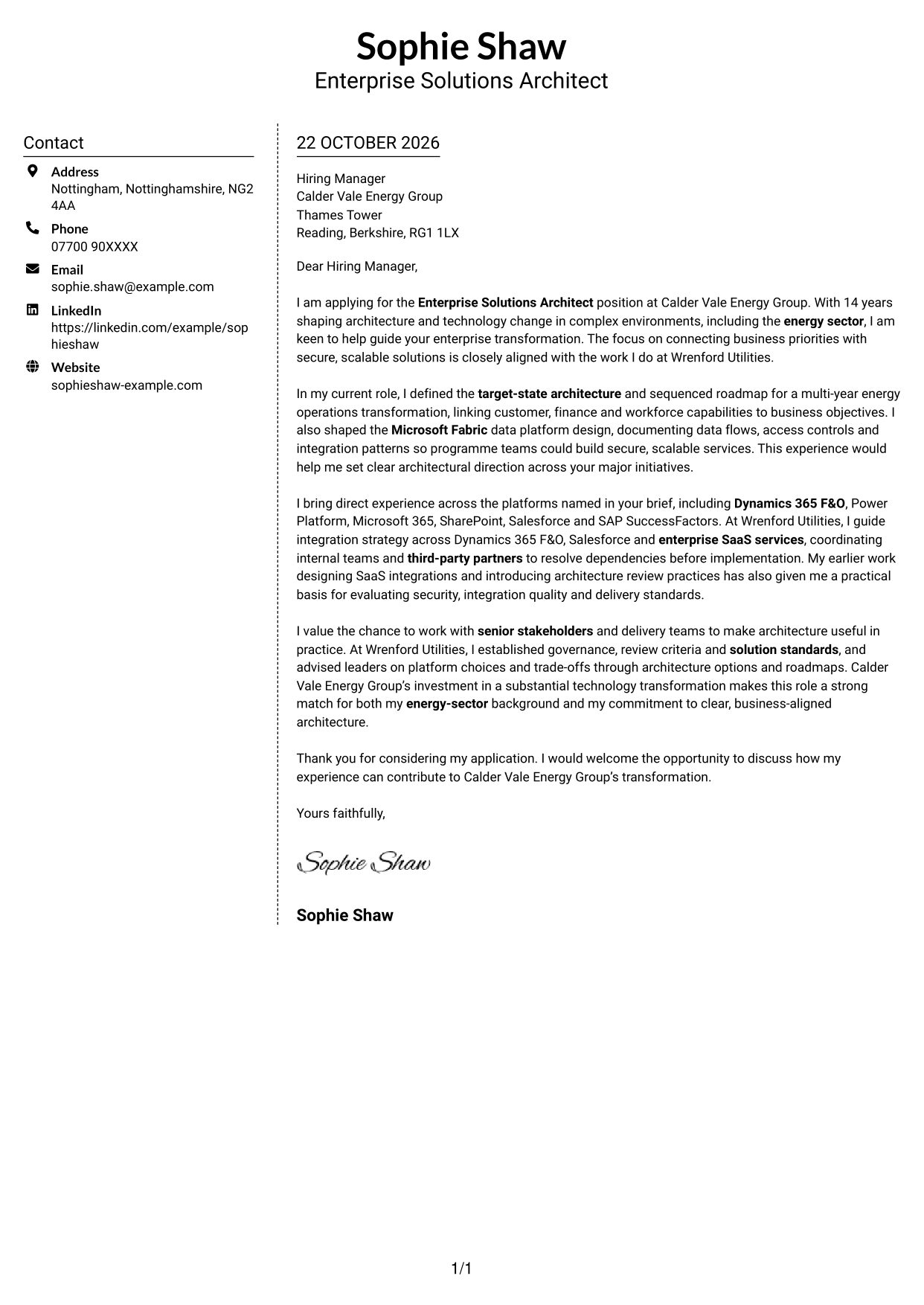
#5 Simple Two Column Format Cover Letter Example
The Simple Two Column Format sets a contact sidebar beside one continuous letter body, separating sender information from the persuasive message.
Why This Format Works
- Contact details occupy their own sidebar, distinct from the letter's argument.
- The continuous body keeps motivation, evidence and closing in one sequence.
- The two-column arrangement gives contact information and letter text separate areas.
Best For
- Contact information in a sidebar
- Two-column page preference
- Uninterrupted letter arguments
- Distinct sender and message areas
- Photo-free document preferences
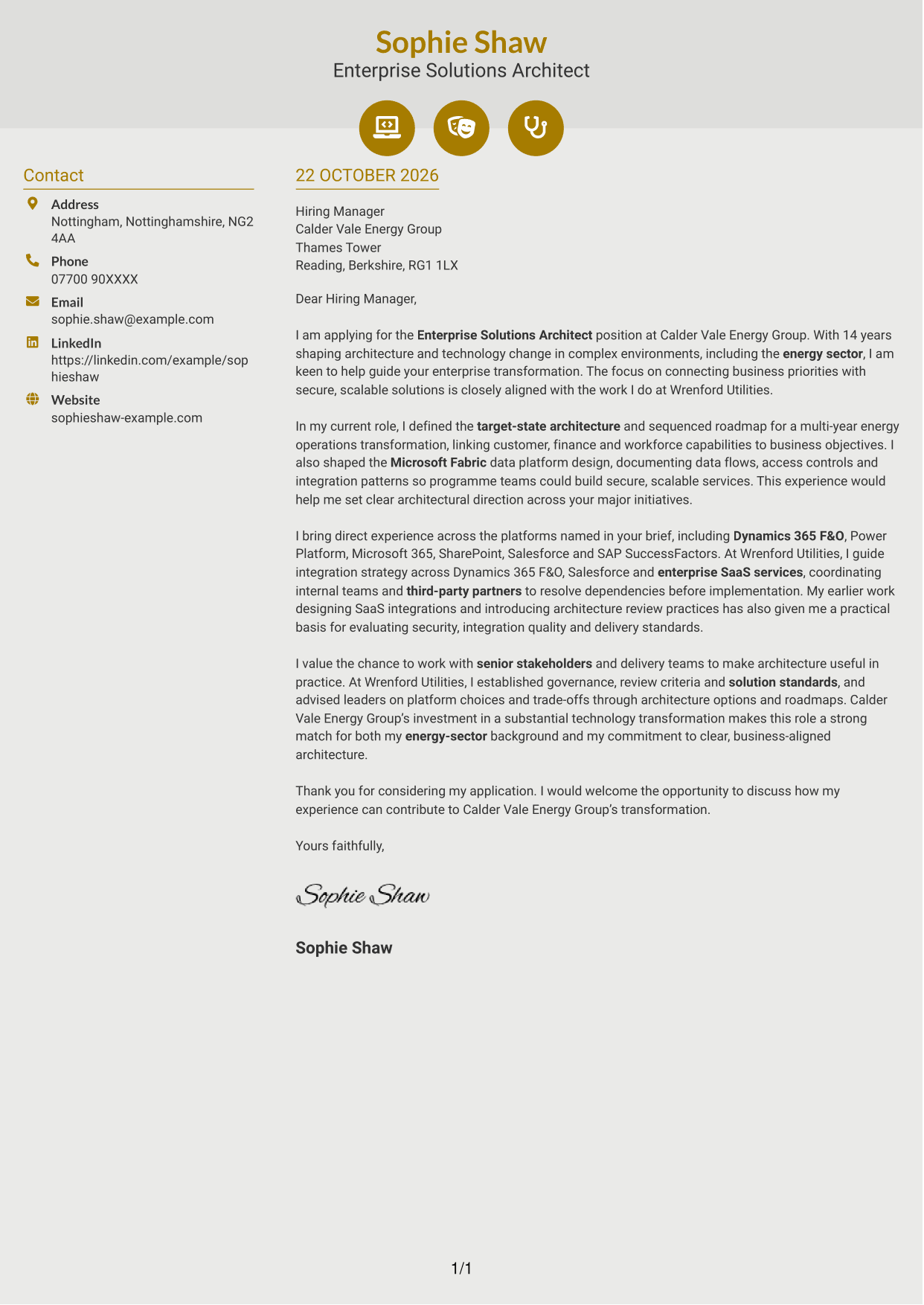
#6 Modern Icon Format Cover Letter Example
The Modern Icon Format places a contact sidebar beside one continuous letter body, using icons as cues for contact details rather than letter sections.
Why This Format Works
- Contact icons help distinguish sender details from the continuous letter body.
- The main paragraphs remain uninterrupted, keeping the argument in a single sequence.
- The sidebar places contact information apart from the letter's message.
Best For
- Icon-cued contact details
- Contact sidebar layouts
- Continuous letter arguments
- Two-column page preference
- Photo-free correspondence
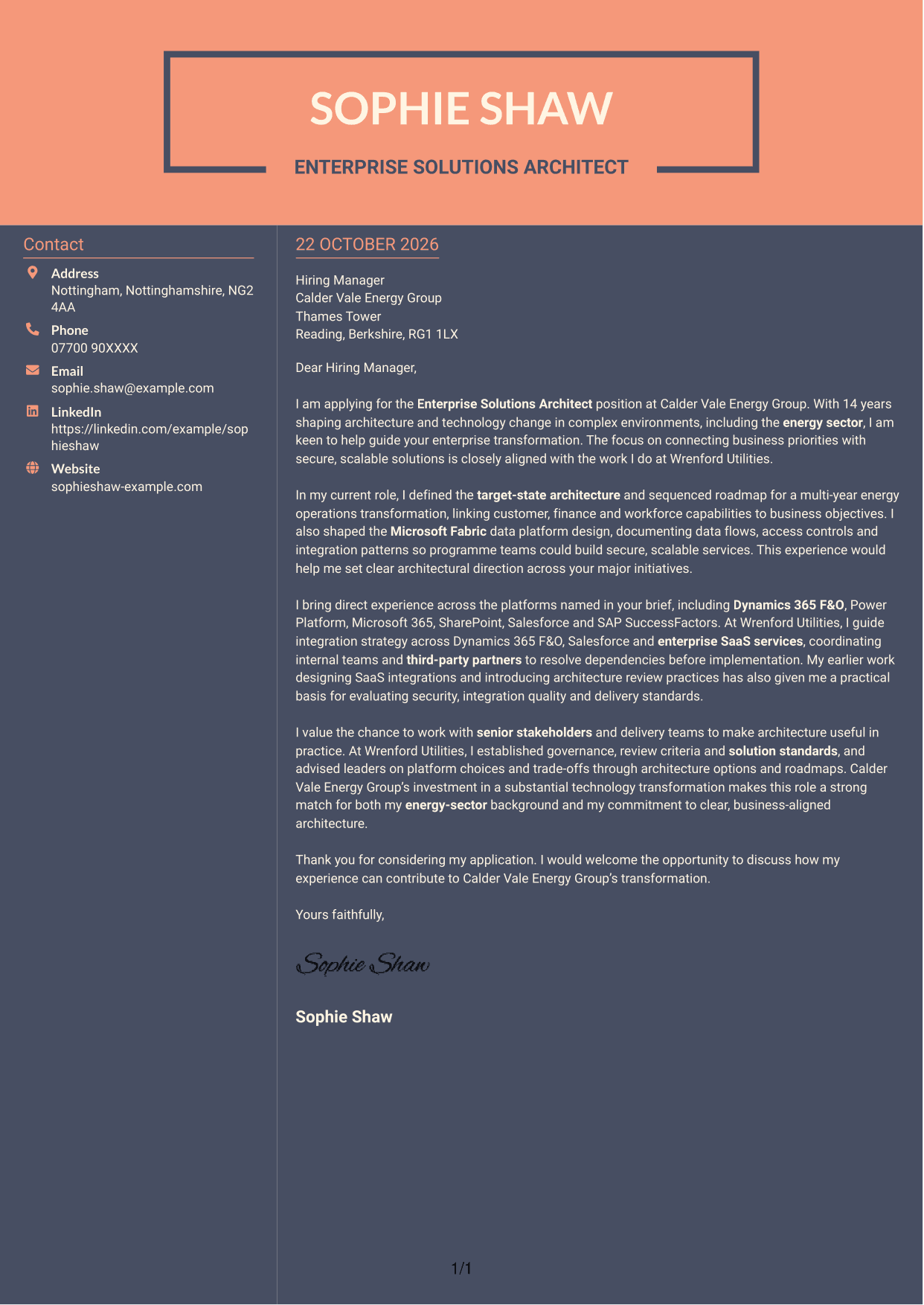
#7 Creative Two Tone Format Cover Letter Example
The Creative Two Tone Format places a contact sidebar beside one continuous letter body, keeping sender information distinct from the letter's argument.
Why This Format Works
- The contact sidebar separates sender details from the main letter text.
- The letter's continuous paragraphs let motivation and supporting evidence read together.
- Contact information and the message occupy distinct areas of the page.
Best For
- Contact details beside the message
- Two-column page preference
- Continuous paragraph arguments
- Separate sender and letter areas
- Photo-free letter layouts
See Also
- 7 Enterprise Solutions Architect - Microsoft Stack CV Templates with Example
- 7 AI Solution Architect - Agentic AI CV Templates with Example
- 7 Commercial SAP Solution Architect CV Templates with Example
- 7 Data & Analytics Solution Architect - Cloud Data Platforms CV Templates with Example
- 7 Data Protection Solution Architect CV Templates with Example
- 7 Data & Solution Architect - Defence CV Templates with Example
- 7 Data Solution Architect - Reinsurance CV Templates with Example
- 7 Digital Solution Architect - Financial Services CV Templates with Example
- 7 AI Solution Architect - Agentic AI Cover Letter Templates with Example
- 7 Commercial SAP Solution Architect Cover Letter Templates with Example
Frequently Asked Questions
What should an Enterprise Solutions Architect - Microsoft Stack cover letter highlight?
Show how you turn business needs into clear architecture and delivery direction. Relevant evidence may include target-state planning, Microsoft platform design, SaaS integration, governance and advice to senior stakeholders.
How can I show my Microsoft platform experience?
Name the platforms that are relevant to the role, then explain what you did with them. For example, describe how you shaped a Microsoft Fabric design or guided integration across Dynamics 365 F&O, Salesforce and enterprise SaaS services.
How can I connect my experience to an energy transformation?
Choose an example that shows how architecture supported business change. Explain how a target-state design or roadmap connected operational needs with secure, scalable solutions, and relate that work to the employer’s stated transformation goals.
How should I structure this cover letter?
Open with your interest in the position and a clear point of fit. Use the body to give focused evidence of architecture, integration and stakeholder work, then close by restating your interest and inviting a discussion.
Should I include every platform and project in my letter?
No. Select the platforms and examples that best match the role. Explain your contribution and its relevance rather than listing every tool or responsibility.




