
7 Façade Designer - Curtain Walling Cover Letter Templates with Example
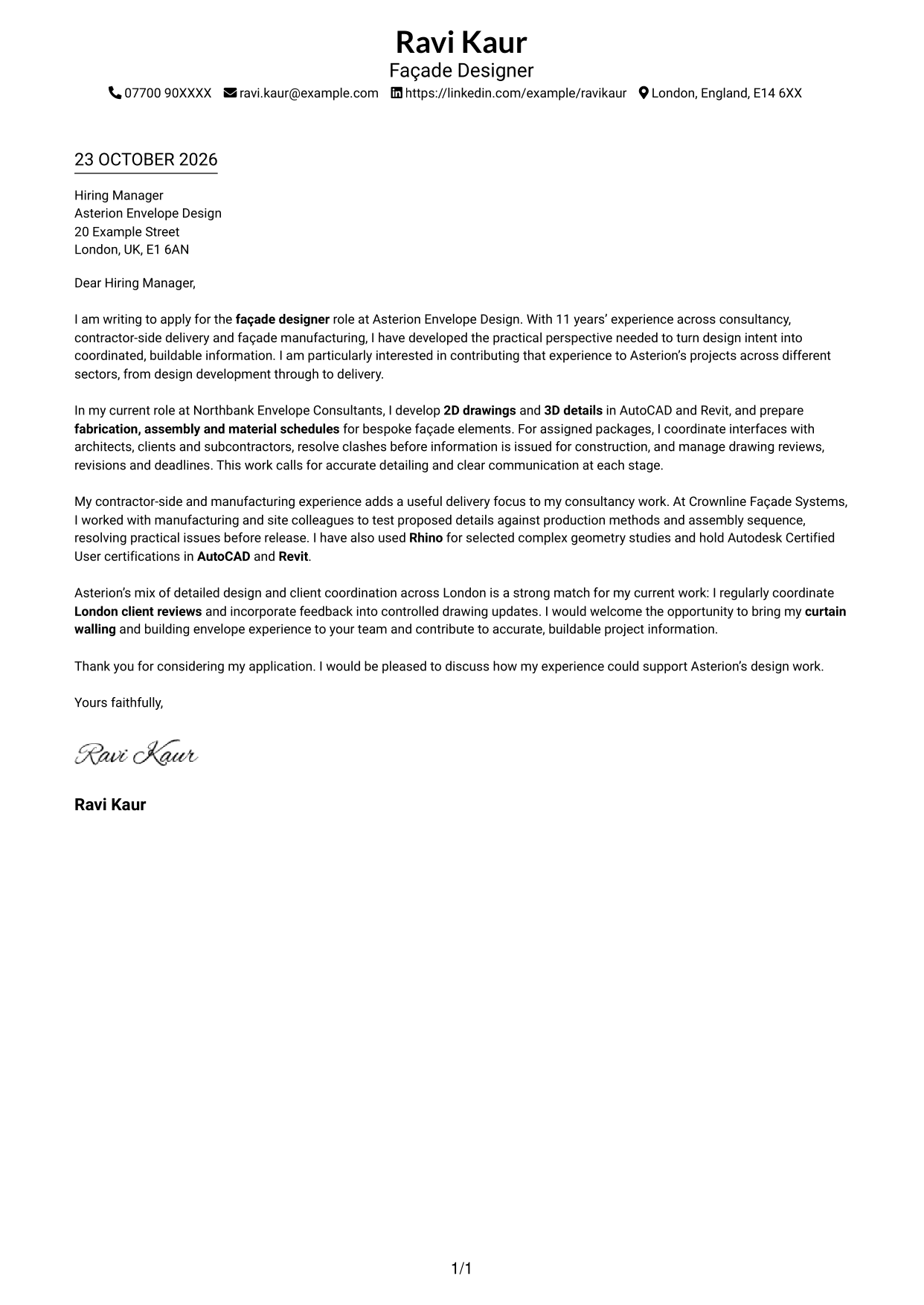
This practical guide to a Façade Designer - Curtain Walling cover letter shows how to present your role fit across seven layouts.
What Makes a Great Façade Designer - Curtain Walling Cover Letter in 2026
A strong letter links your interest in curtain walling design to clear, buildable information and effective project delivery. Open with the role and the value you can bring.
Use focused evidence, such as coordinating 2D drawings and 3D details, preparing fabrication and assembly schedules, or resolving design clashes. Show how your approach fits the employer’s needs and explain what interests you about its work.
The featured example follows a focused progression from role interest to design and coordination evidence, then a clear close. Adapt that flow while choosing a presentation suited to the employer and communication context.
#1 Simple One Column Format Cover Letter Example
The Simple One Column Format keeps the sender details in the header and the letter body in one column, giving the application a clear reading path.
Why This Format Works
- The sender’s details stay in the header, leaving the letter body uninterrupted.
- One reading column keeps the application’s opening, case and close in sequence.
- Without a contact sidebar, the page gives the letter body the full width.
Best For
- Single-column letter reading
- Header-based sender details
- Uninterrupted application arguments
- Full-width paragraph presentation
- Letters without a contact sidebar
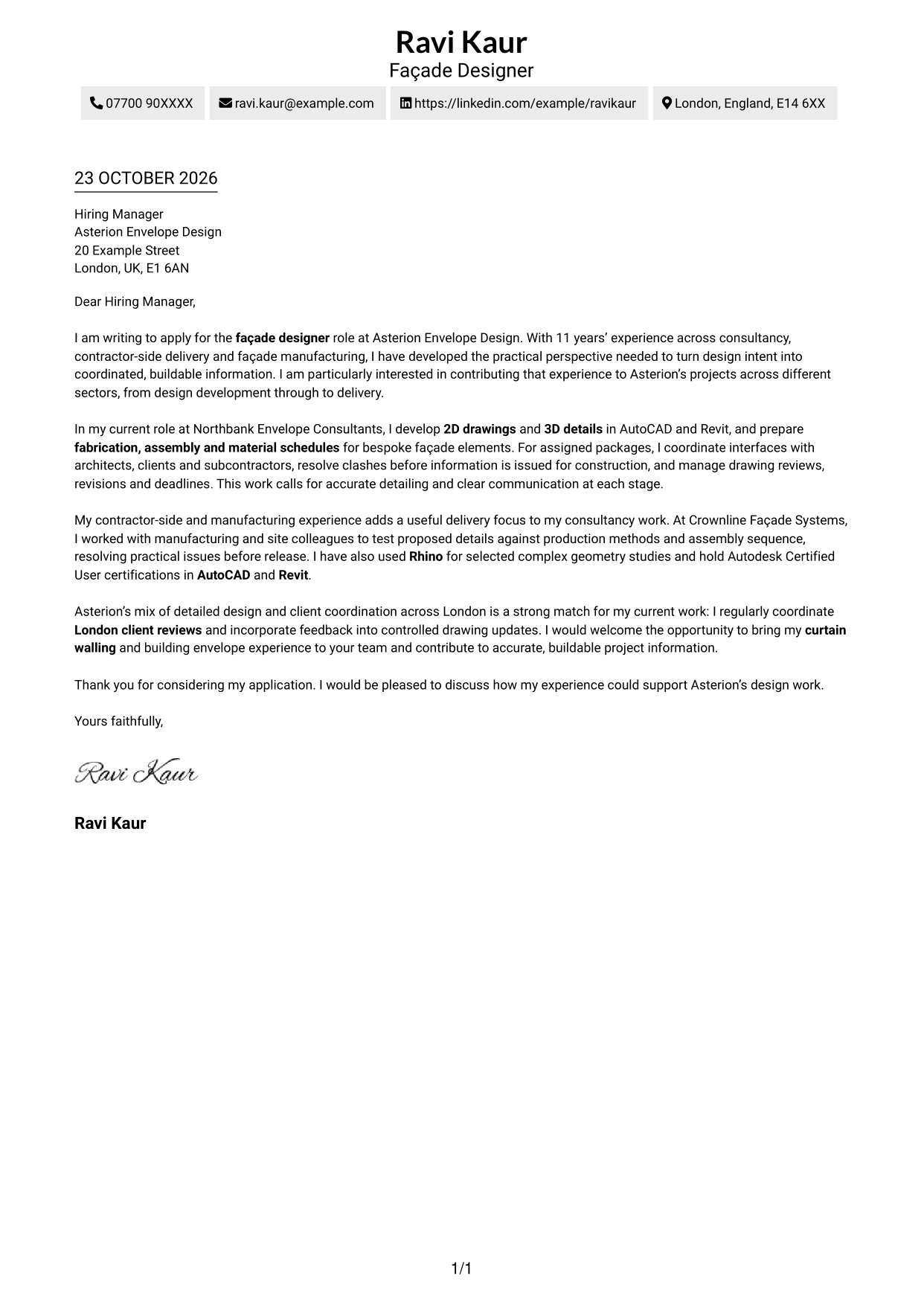
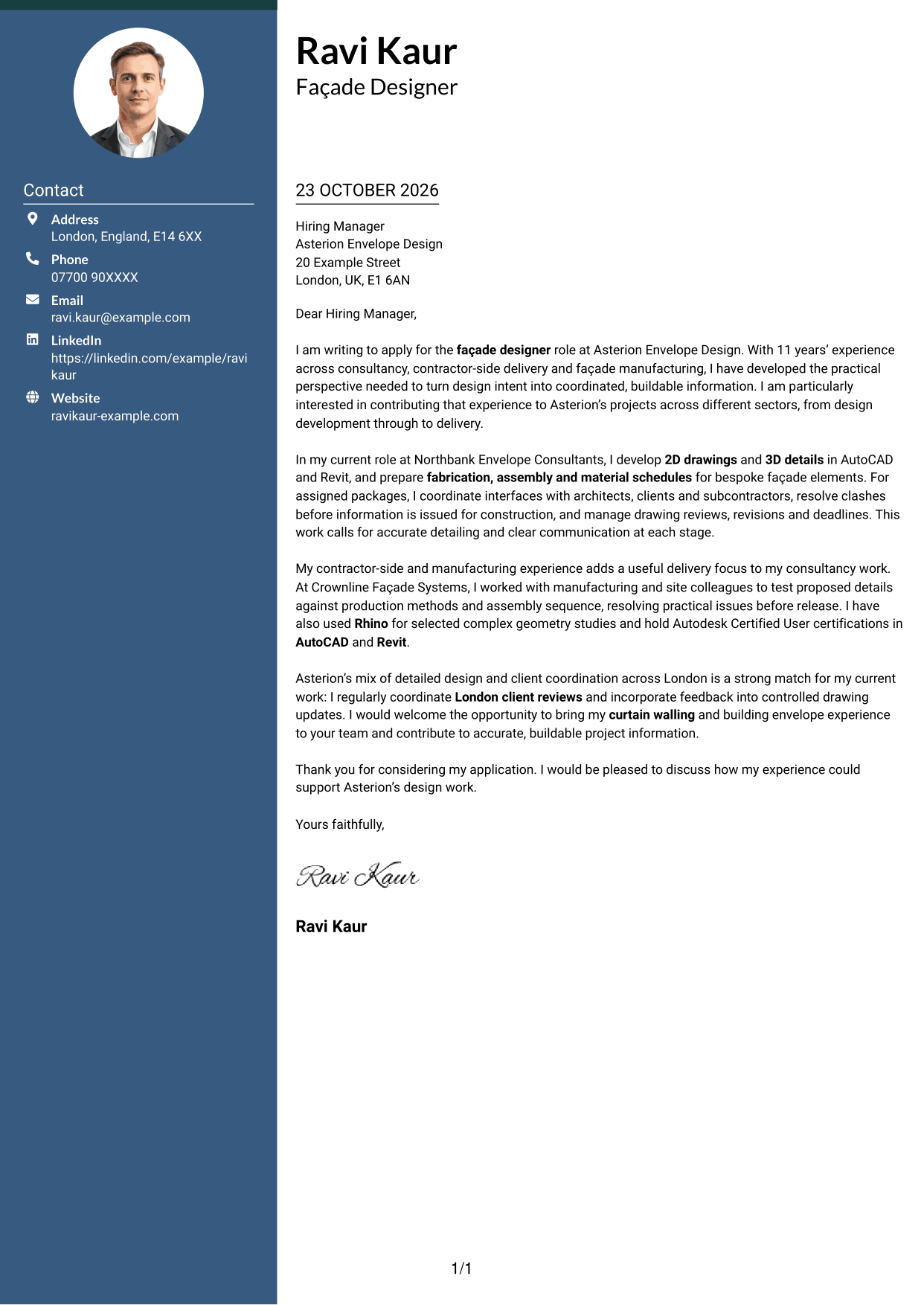
#2 Two Column Format Cover Letter Example
The Two Column Format places a contact sidebar beside one continuous letter column, keeping sender information distinct from the application argument.
Why This Format Works
- Contact details remain easy to locate without interrupting the letter’s main reading column.
- The body carries the opening, supporting points and close as one connected argument.
- Separate placement for sender information leaves the letter paragraphs together.
Best For
- Contact details apart from the letter
- Sidebar and body separation
- Continuous paragraph arguments
- Quick access to sender information
- Side-by-side document structure
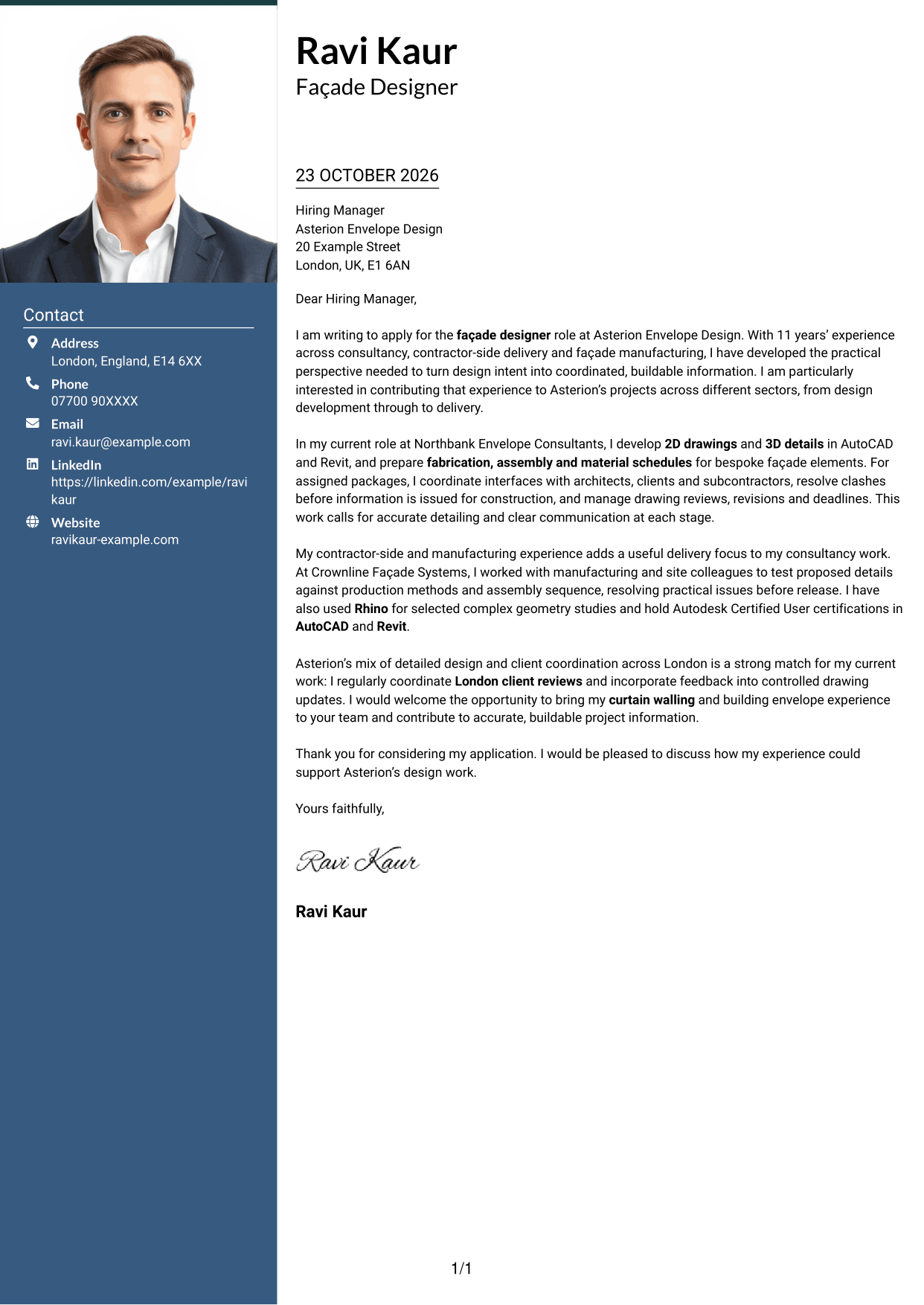
#3 Photo Header Two Column Format Cover Letter Example
The Photo Header Two Column Format includes a photo and places contact details beside one continuous letter body, adding a personal visual element without dividing the argument.
Why This Format Works
- The photo adds a personal visual detail without acting as evidence for the application.
- Contact information has its own sidebar, apart from the connected letter paragraphs.
- One body column lets the reviewer follow the case from opening to close.
Best For
- Photo-inclusive correspondence
- Sidebar contact details
- Continuous letter paragraphs
- Personal visual identification
- Separate contact and letter areas
#4 One Column Format with Photo Cover Letter Example
The One Column Format with Photo includes a photo while keeping the letter in one reading column, so the application’s argument stays together.
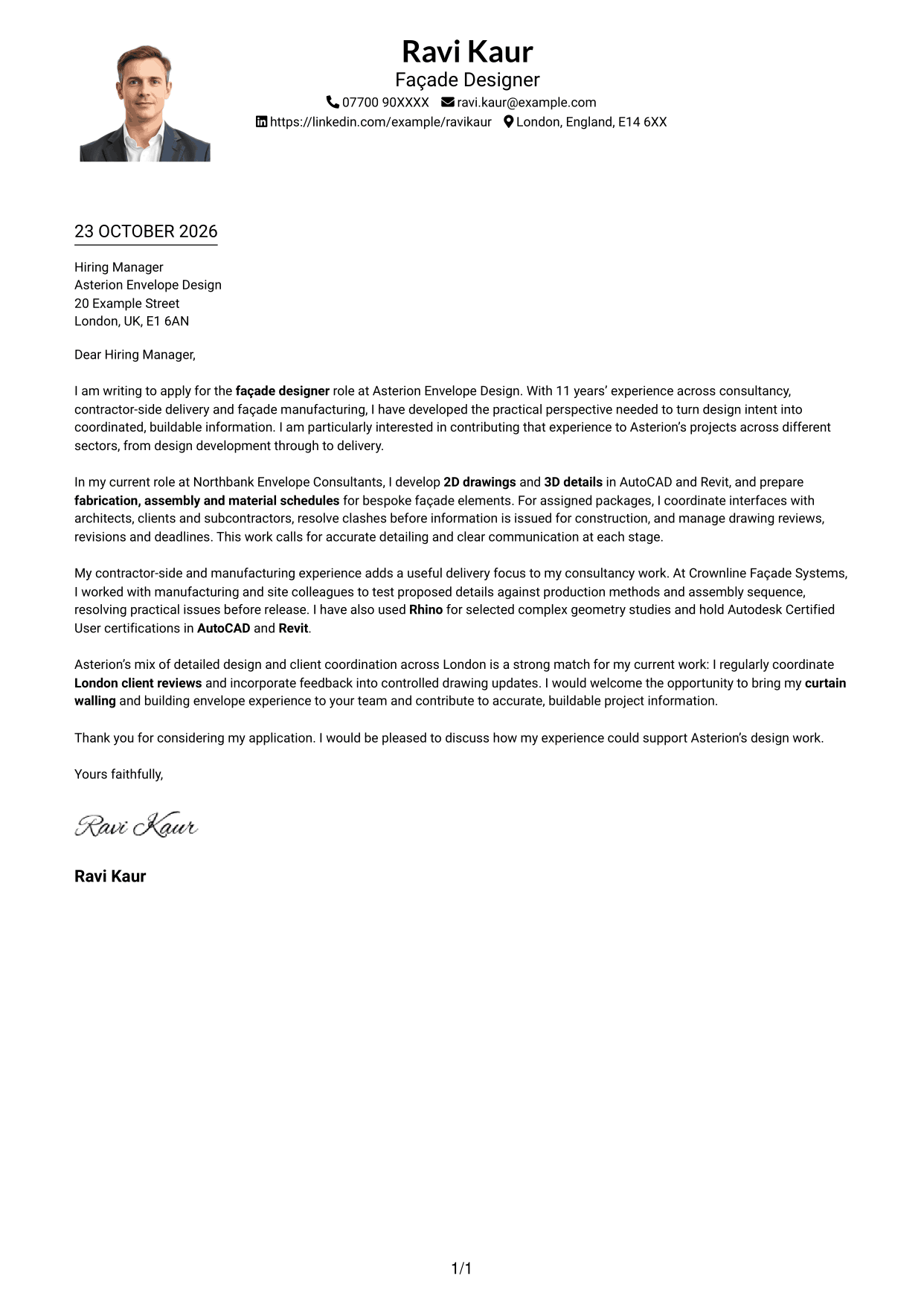
Why This Format Works
- One reading column keeps the opening, evidence and close in a clear sequence.
- The photo adds a personal visual element without dividing the letter body.
- Sender details in the header keep contact information outside the letter’s argument.
Best For
- Single-column letters with a photo
- Paragraph-led application cases
- Photo-inclusive sender presentation
- One continuous reading path
- Header-based contact details
#5 Simple Two Column Format Cover Letter Example
The Simple Two Column Format sets contact details beside one continuous letter body, separating reference information from the case for applying.
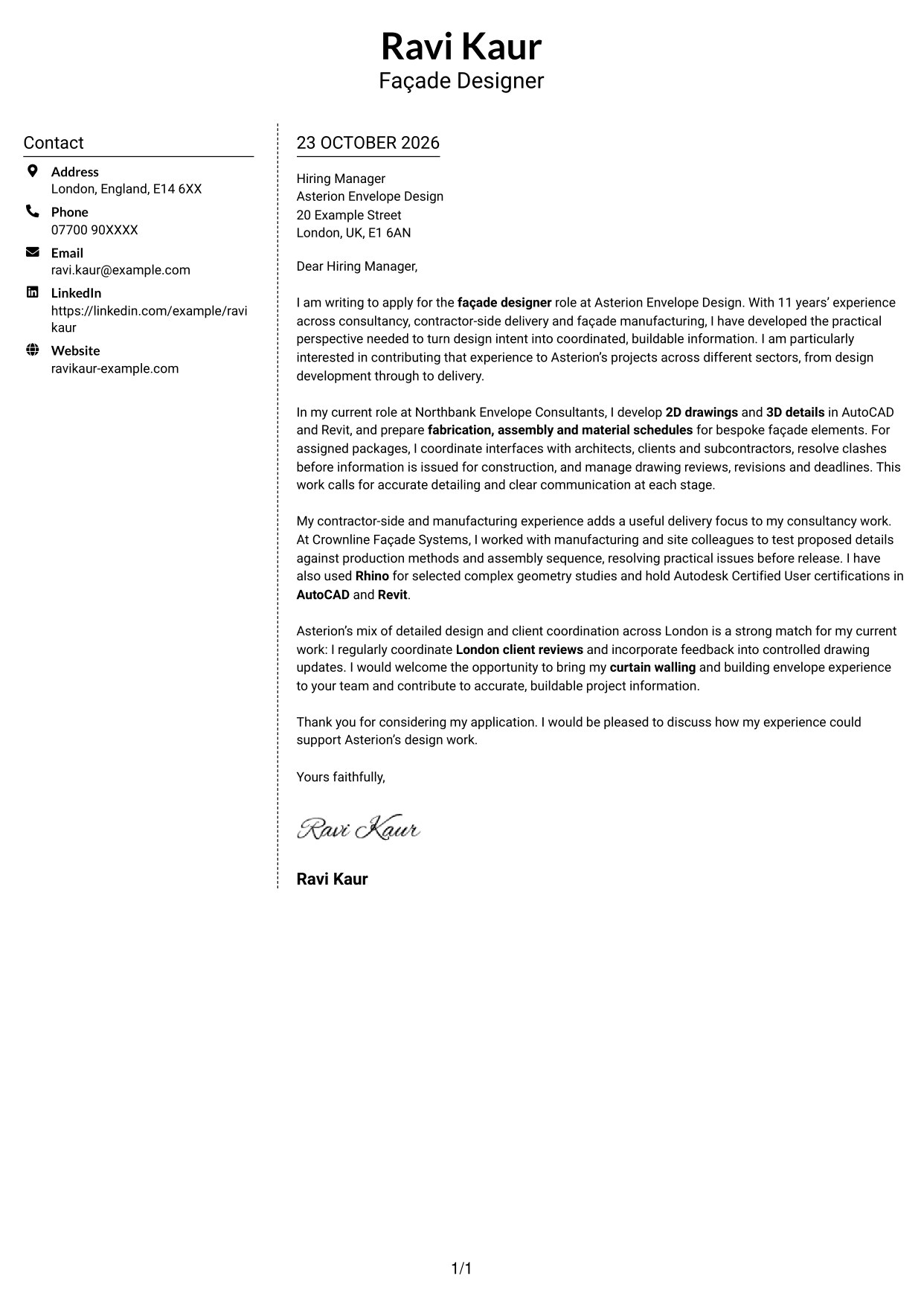
Why This Format Works
- Side-by-side placement separates contact details from the letter’s persuasive paragraphs.
- One continuous body keeps the application’s opening and closing connected.
- The contact sidebar offers a distinct place to find sender information.
Best For
- Contact sidebar beside the letter
- Unbroken persuasive paragraphs
- Separate sender information
- Simple two-column reading
- Applications with a clear central argument
#6 Modern Icon Format Cover Letter Example
The Modern Icon Format uses icons as contact cues in a two-column layout, while the letter itself remains one continuous body.
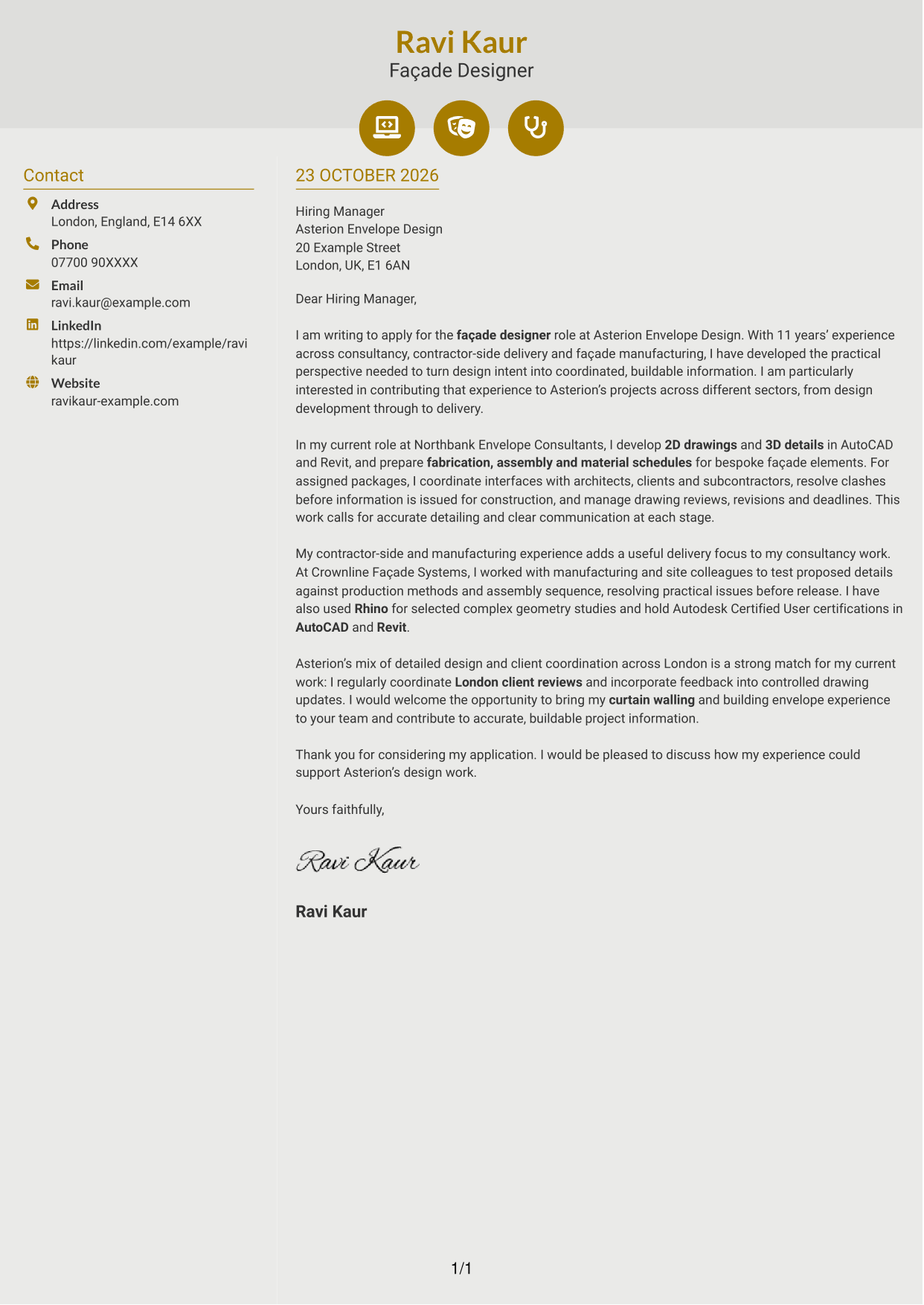
Why This Format Works
- Icons cue contact details, not the motivation or evidence in the letter body.
- The contact sidebar stays distinct while the letter’s paragraphs remain continuous.
- Two columns keep reference details apart from the application’s main argument.
Best For
- Icon-marked contact details
- Two-column letter organisation
- Continuous application paragraphs
- Separate contact and argument areas
- Visual cues for sender information
#7 Creative Two Tone Format Cover Letter Example
The Creative Two Tone Format places a contact sidebar beside one continuous letter body, keeping sender details separate from the application’s argument.
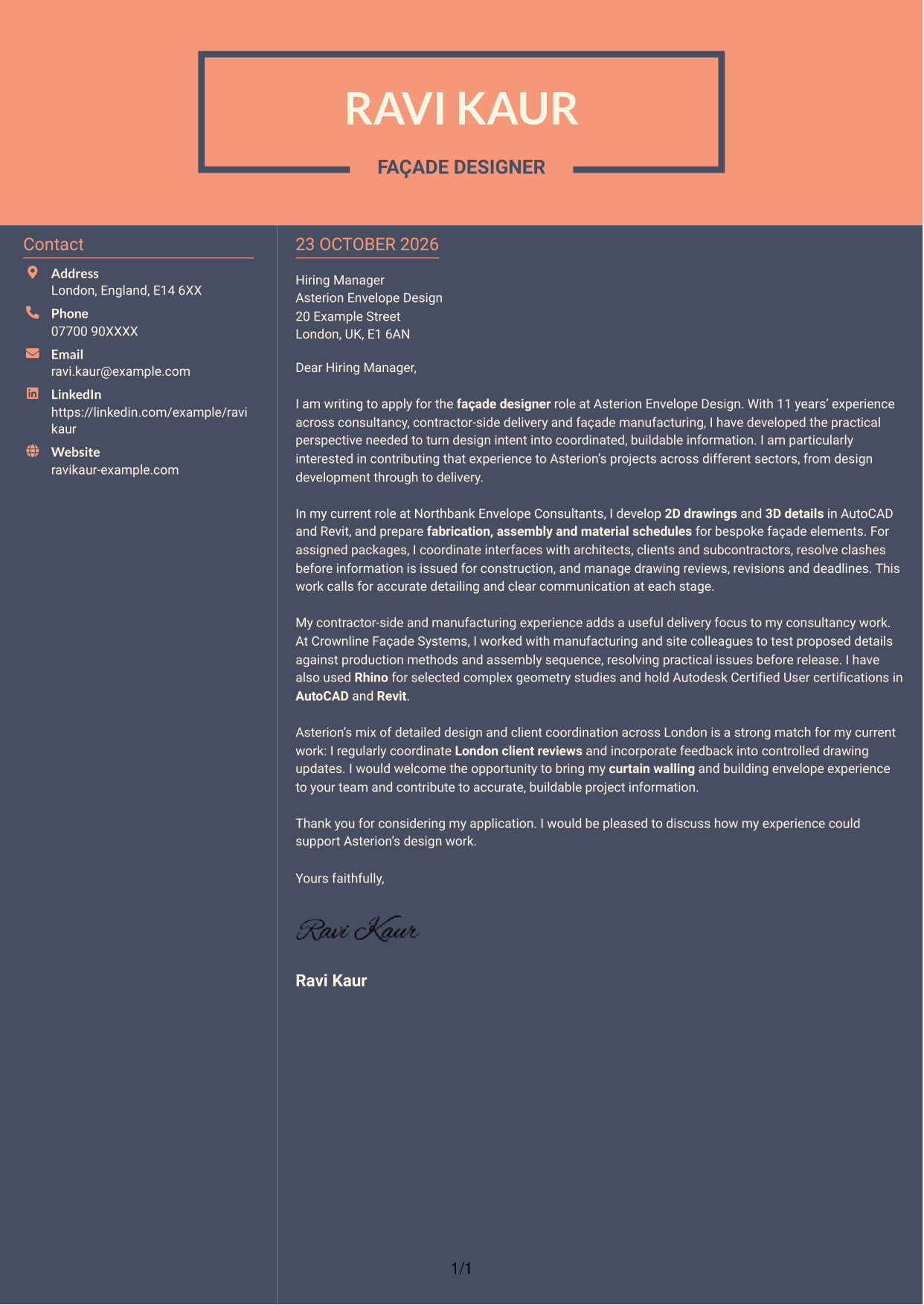
Why This Format Works
- Contact information occupies its own column beside the uninterrupted letter body.
- One continuous argument keeps the opening, supporting case and close together.
- The two-column arrangement gives sender details a separate place to find.
Best For
- Contact details beside the letter
- Continuous application argument
- Distinct sender information
- Two-column document organisation
- Letters with a connected opening and close
See Also
- 7 Façade Designer - Curtain Walling CV Templates with Example
- 7 Department Manager - Women's Designer Galleries CV Templates with Example
- 7 Lead Interior Designer - Revit CV Templates with Example
- 7 Yacht Designer - Exterior Systems CV Templates with Example
- 7 AI Engineer Apprentice - Generative AI CV Templates with Example
- 7 AI Solutions Engineer CV Templates with Example
- 7 Data Scientist & Engineer - Legal Data Products CV Templates with Example
- 7 Projects Manager - Bespoke Joinery CV Templates with Example
- 7 Department Manager - Women's Designer Galleries Cover Letter Templates with Example
- 7 Lead Interior Designer - Revit Cover Letter Templates with Example
Frequently Asked Questions
What should a Façade Designer - Curtain Walling cover letter highlight?
Show how your design work supports practical, buildable curtain walling solutions. Relevant evidence may include coordinated drawings and details, fabrication or assembly schedules, and communication with clients, architects and subcontractors.
How can I make my experience relevant to this role?
Choose a clear example of your contribution to a design package. Explain how you checked details, coordinated interfaces or resolved a practical issue, and connect the result to accurate information and project delivery.
How should I explain my interest in the employer?
Refer to a genuine feature of the employer’s design work or project approach. Then explain how your interest in detailed façade design and client coordination could support its team.
What is a clear way to structure this cover letter?
Start by naming the role and giving a direct reason for applying. Use the body for relevant design and coordination evidence, then close by restating your interest and inviting a conversation.
Should I include every part of my work history?
No. Select the experience that best supports your fit for this position. A small number of relevant examples can make your message clearer and more persuasive.




