
7 Finance Assistant - Charity Finance Cover Letter Templates with Example
This practical guide helps you shape a Finance Assistant - Charity Finance cover letter and compare seven layouts.
What Makes a Great Finance Assistant - Charity Finance Cover Letter in 2026
A strong letter links your interest in charity finance to the careful support this role needs. Open with your reason for applying, then show how your approach fits the work.
Use clear examples, such as checking sales invoices, comparing supplier statements or recording overdue balance follow-up. Explain how you work accurately, handle queries with care and welcome feedback, then connect your motivation to the charity’s service.
The featured example moves from interest in the role to practical charity finance evidence, then to working approach and a clear close; adapt this focused progression while choosing a presentation suited to the employer and communication context.
#1 Simple One Column Format Cover Letter Example
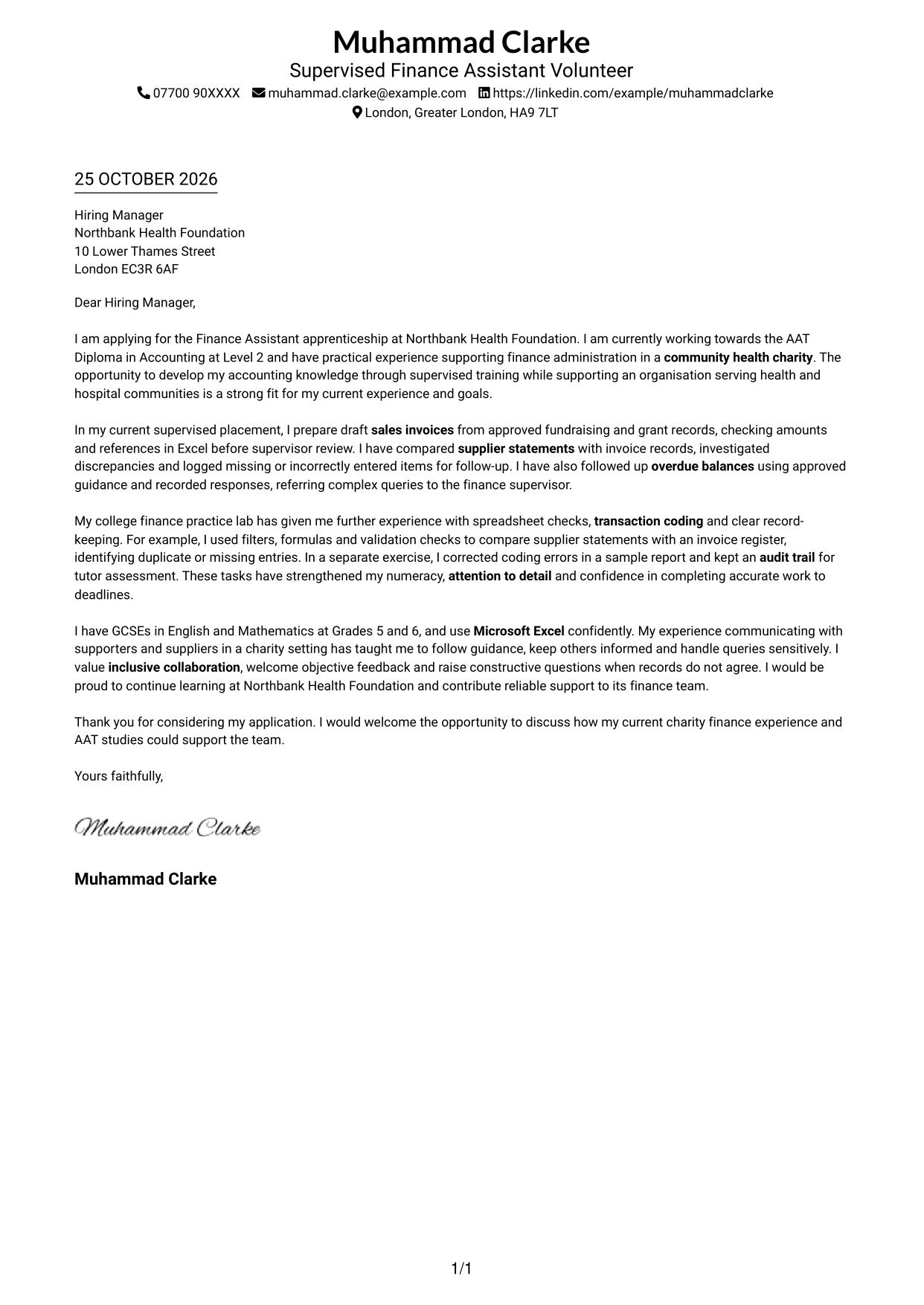
This single-column format keeps sender details in the header and the letter in one direct reading path.
Why This Format Works
- Sender details remain distinct from the letter’s opening, evidence and closing paragraphs.
- One continuous body lets reviewers follow motivation, examples and closing in order.
- Without a sidebar, the page keeps the contact and message in a straightforward single-column structure.
Best For
- Single-column letter layouts
- Header-based contact details
- Paragraph-led applications
- Direct opening-to-close reading
- Minimal page structure
#2 Two Column Format Cover Letter Example
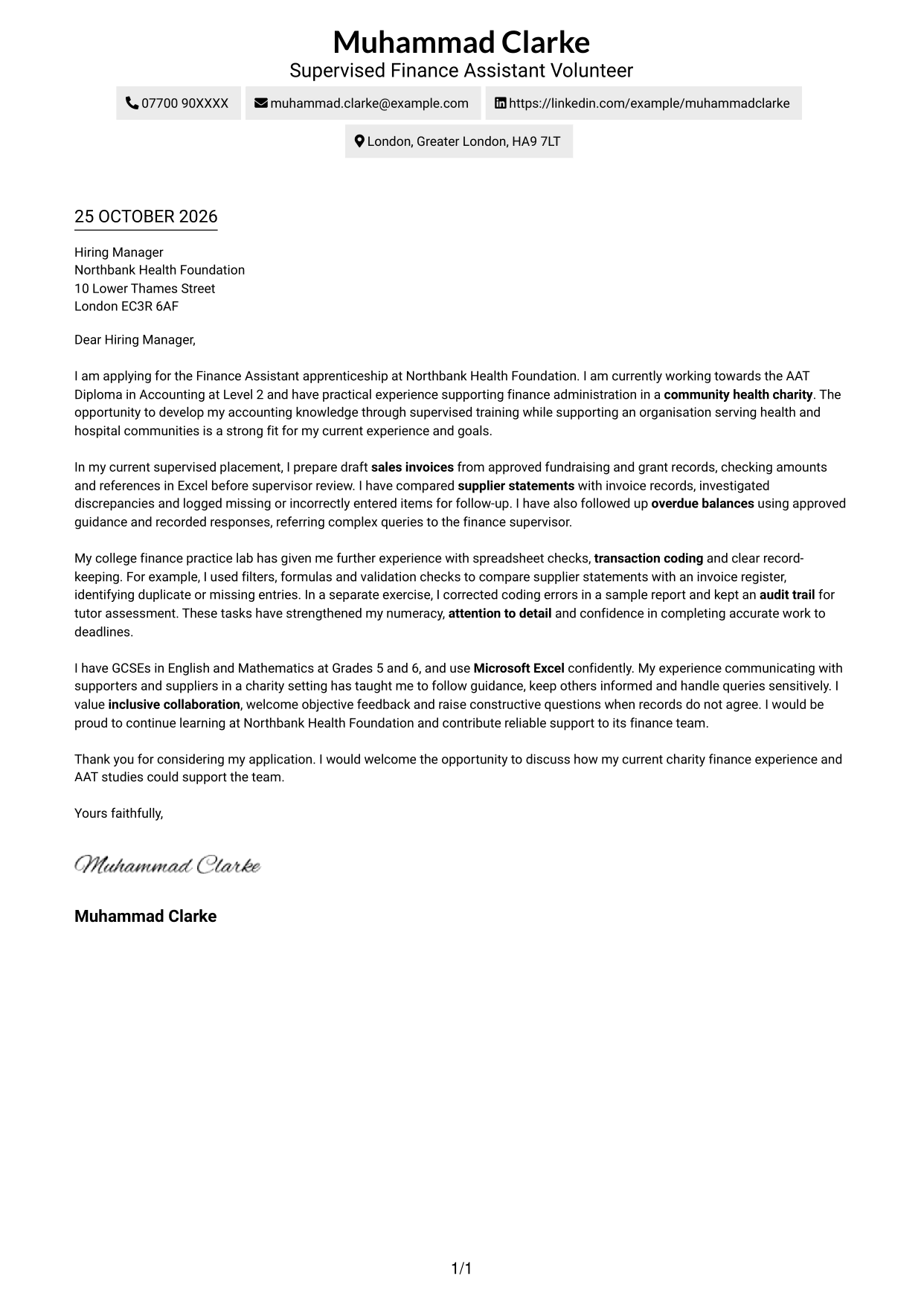
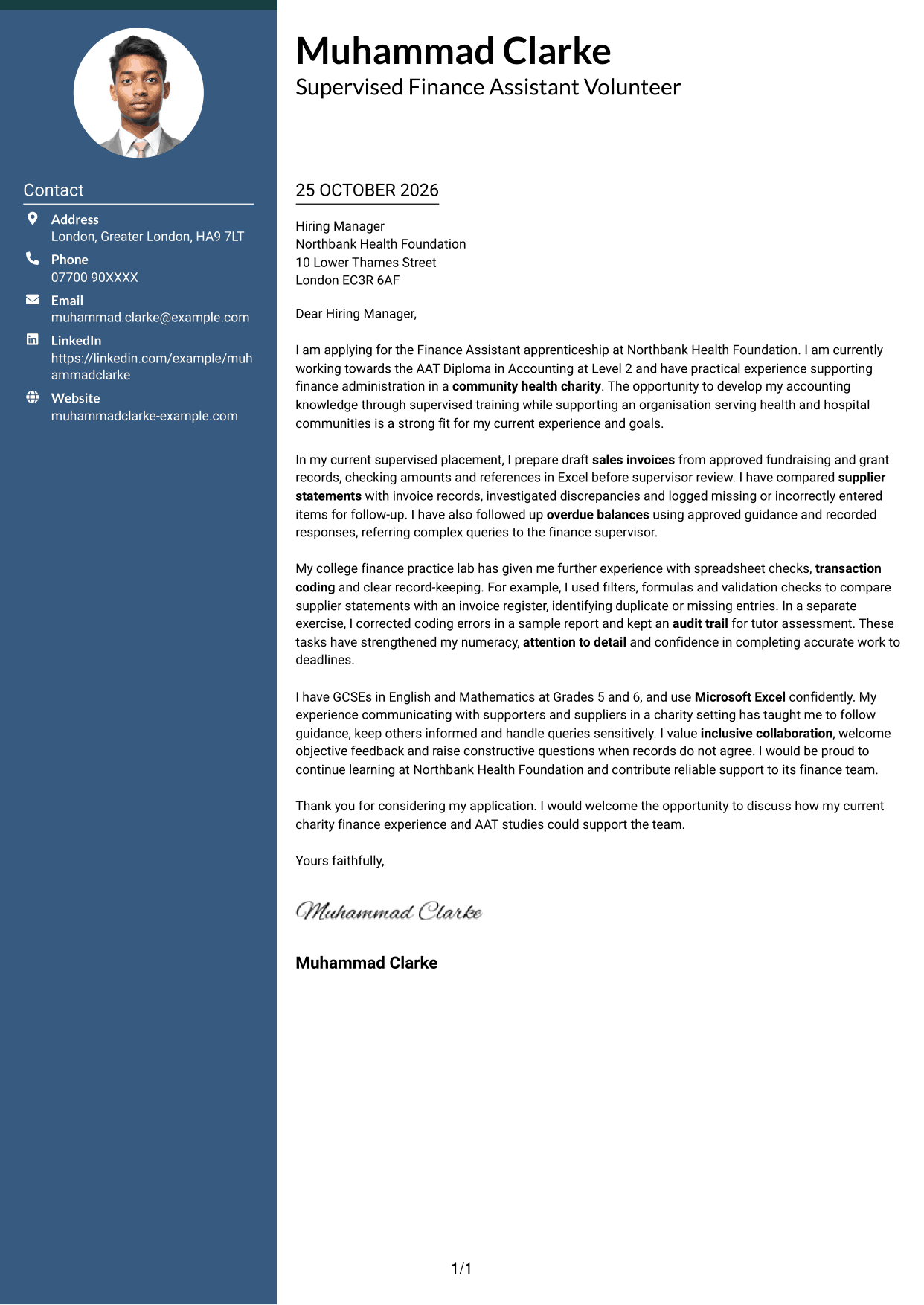
A contact sidebar sits beside one continuous letter body, keeping contact information distinct while the argument remains intact.
Why This Format Works
- Contact details sit apart from the message, so reviewers can find sender information quickly.
- The letter’s opening, supporting examples and close remain together in one body.
- Reading moves from the sidebar to the letter without dividing its paragraphs.
Best For
- Contact details beside the message
- A connected letter narrative
- Quick sender-information lookup
- Side-by-side contact and message areas
- Paragraph-based application correspondence
#3 Photo Header Two Column Format Cover Letter Example
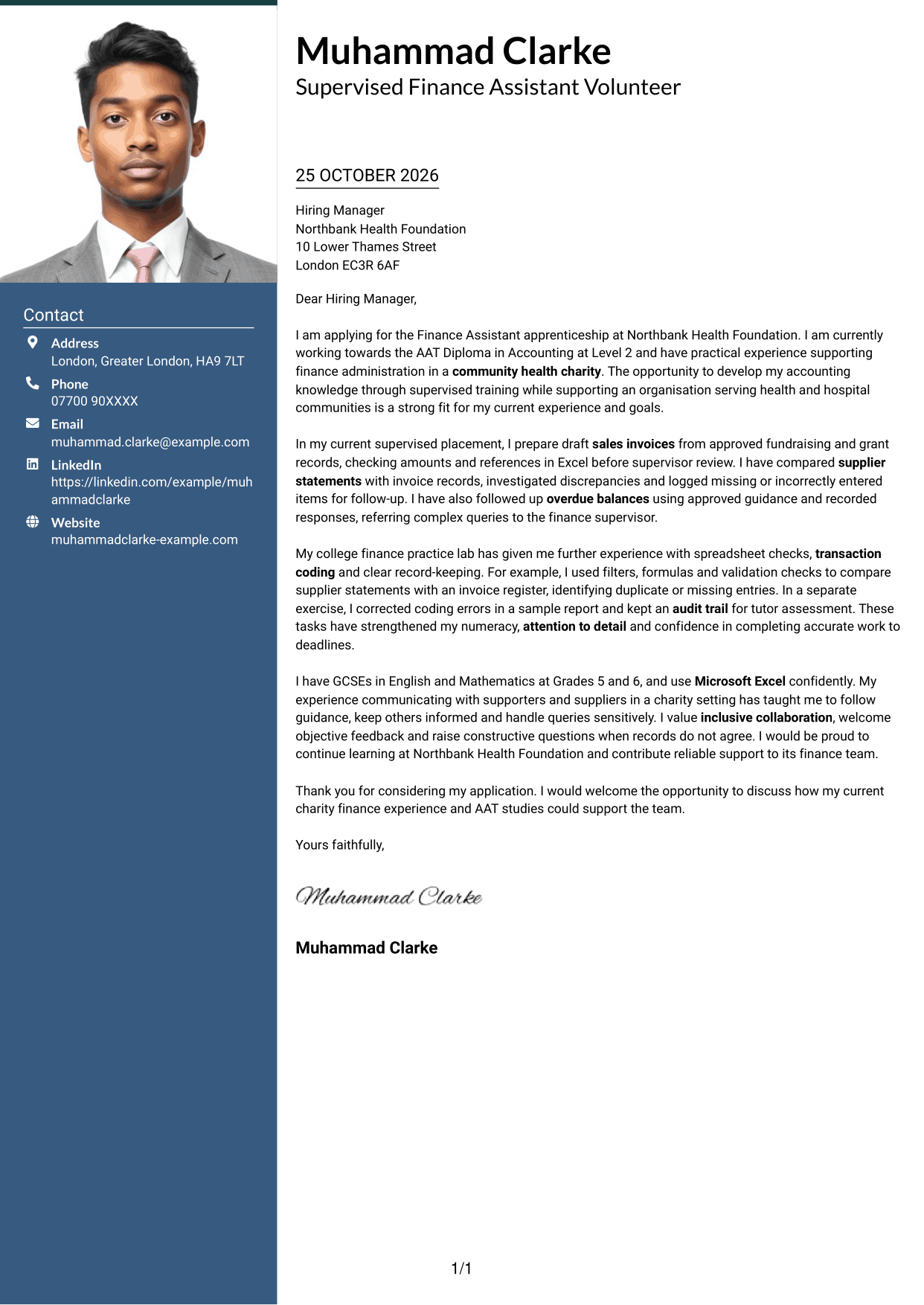
A portrait joins the contact sidebar, while the letter itself stays in one continuous body.
Why This Format Works
- The portrait gives the contact area a visual point of reference for the reader.
- Sender details stay apart from the letter’s argument, making the two areas easy to distinguish.
- Opening, evidence and closing remain in one body rather than parallel columns.
Best For
- Portrait in the contact area
- Contact details apart from the message
- Single-body letter arguments
- Quick sender-information lookup
- Paragraph-led persuasion
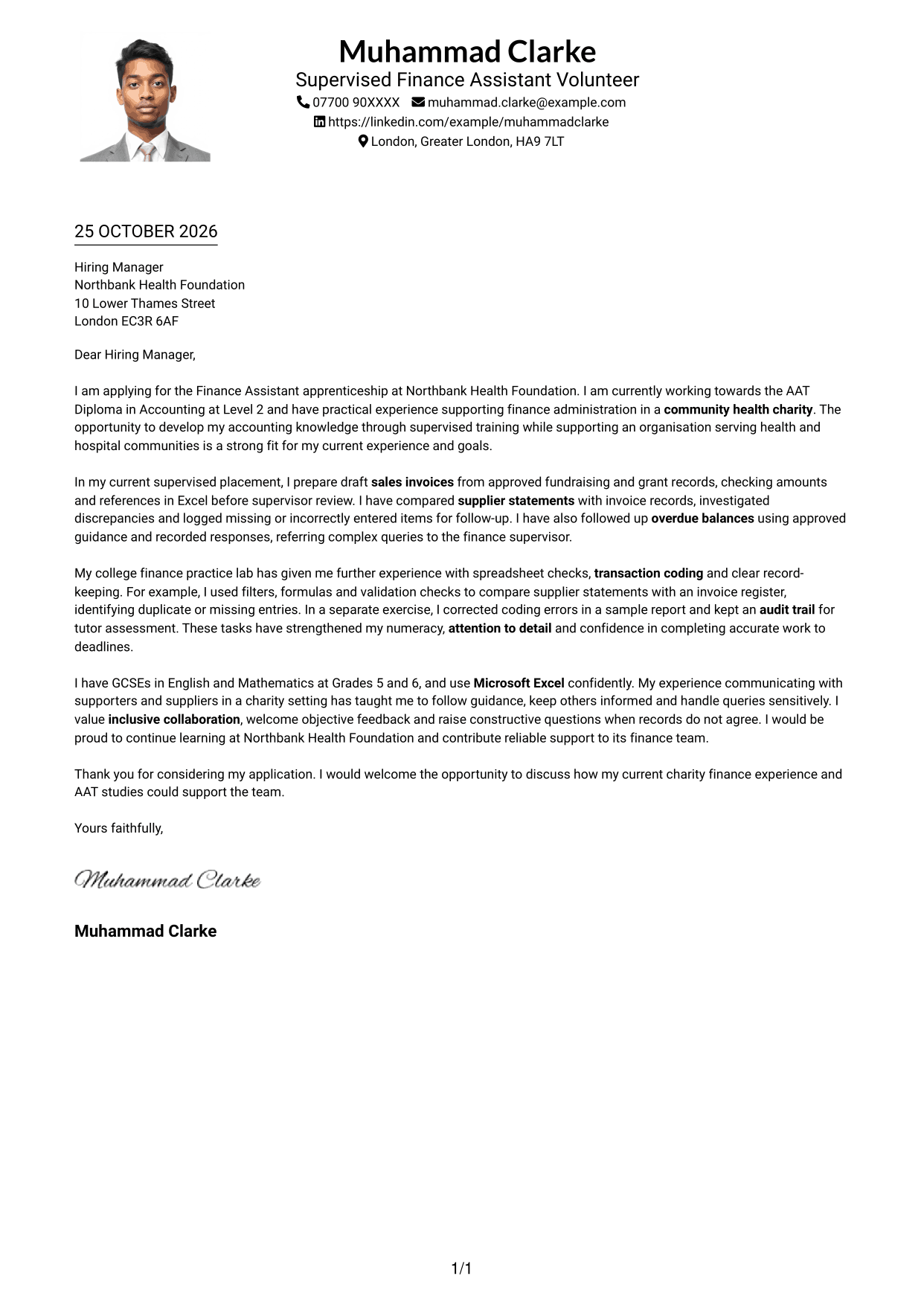
#4 One Column Format with Photo Cover Letter Example
The single-column layout includes a portrait and keeps the letter body together for a personal but direct presentation.
Why This Format Works
- The portrait adds a visual point of recognition within the header presentation.
- Sender details and the letter body share one column, without a separate contact sidebar.
- Continuous paragraphs let reviewers follow motivation, evidence and closing in sequence.
Best For
- Portrait within a single-column layout
- Header-based sender details
- A continuous letter argument
- Direct paragraph-by-paragraph reading
- Photo-inclusive correspondence
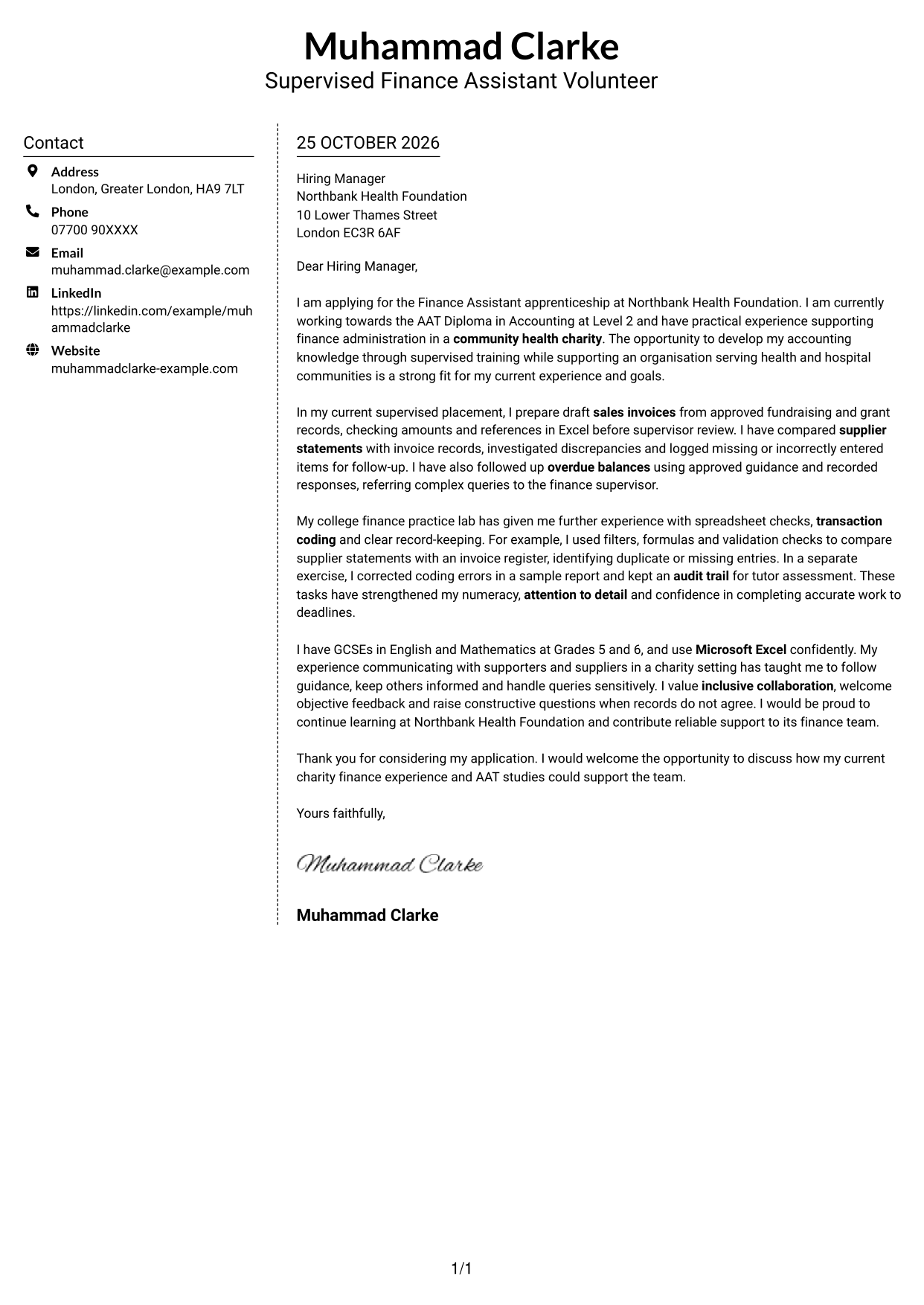
#5 Simple Two Column Format Cover Letter Example
A contact sidebar sits beside the continuous letter body, offering a clear separation between details and message.
Why This Format Works
- Sidebar placement keeps sender information separate while the letter remains a single argument.
- Reviewers can read the opening, examples and close within one uninterrupted body.
- The two-column arrangement makes sender information easy to locate beside the message.
Best For
- Contact sidebar layouts
- One-body letter narratives
- Separate sender information
- Side-by-side page organisation
- Paragraph-led applications
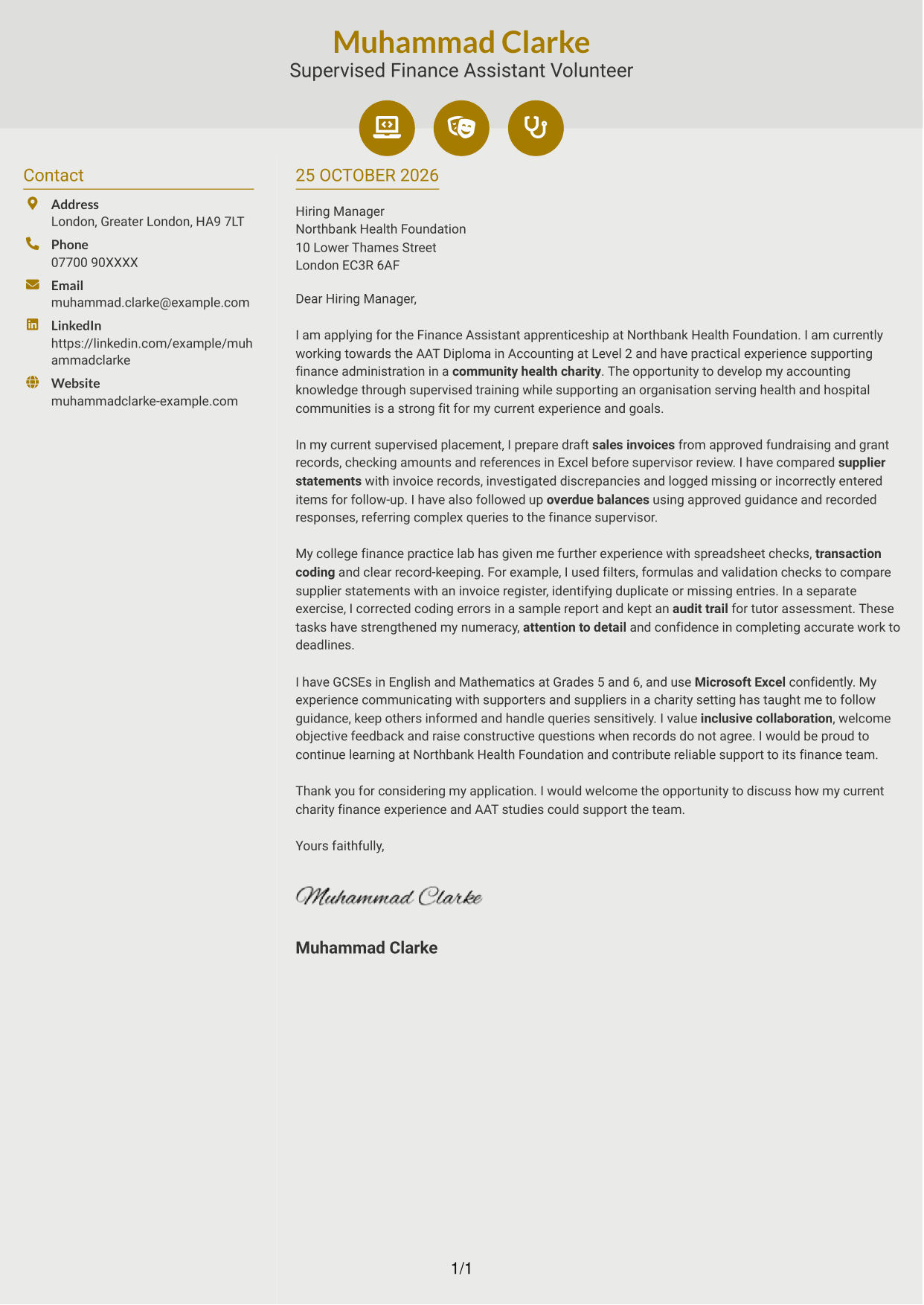
#6 Modern Icon Format Cover Letter Example
Contact icons add visual cues to the sidebar beside a single continuous letter body.
Why This Format Works
- Contact icons act as cues for sidebar details, not for the letter’s paragraphs.
- One continuous body carries the opening, evidence and closing without argument labels.
- Separate contact and message areas let readers locate sender information without interrupting the letter.
Best For
- Icon cues for contact details
- A separate contact sidebar
- Continuous paragraph-led letters
- Quick contact-detail lookup
- One connected letter argument
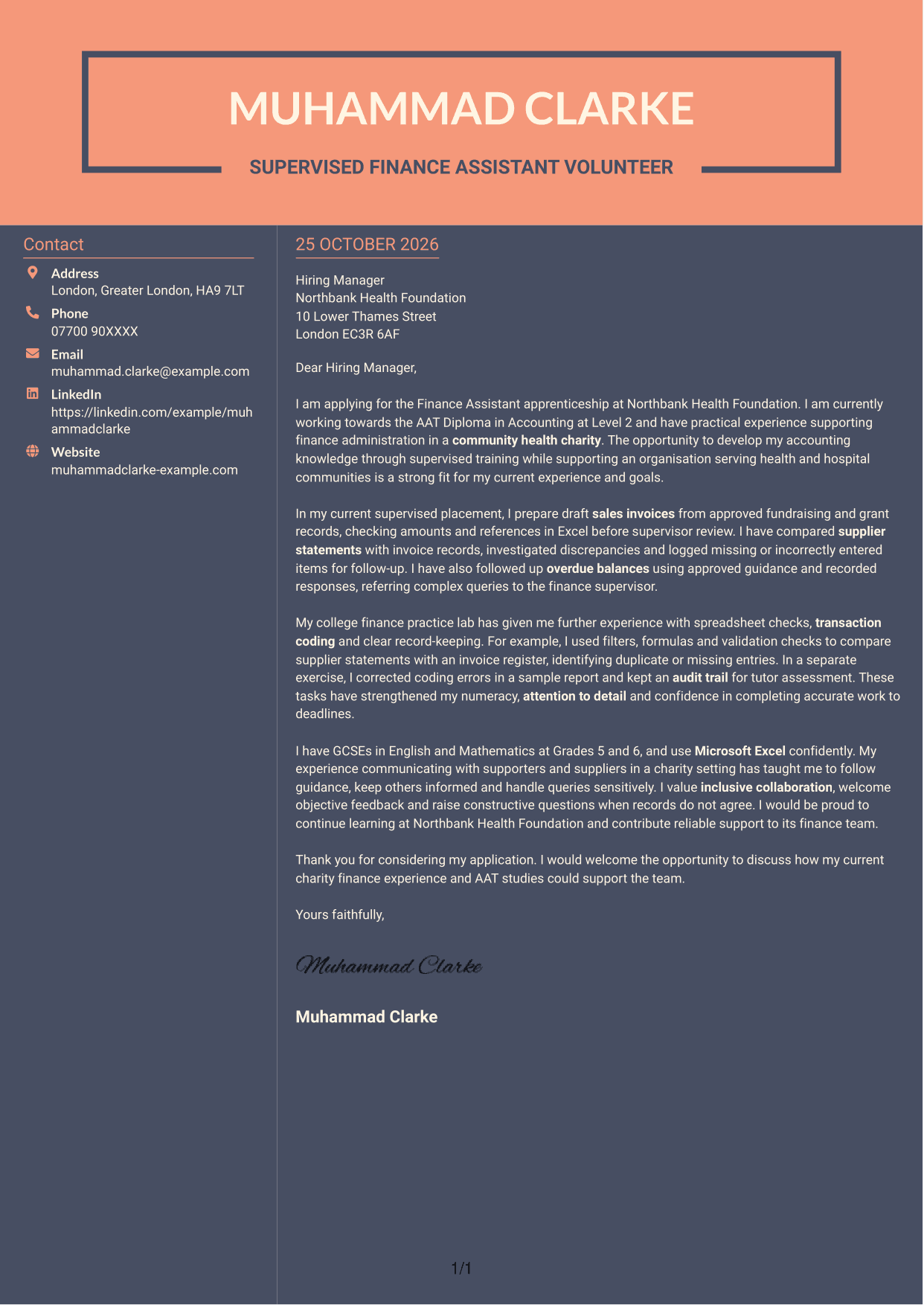
#7 Creative Two Tone Format Cover Letter Example
The two-column layout places contact details beside one continuous letter body, keeping the message connected while separating sender information.
Why This Format Works
- Separate contact and message areas give the letter a clear two-column reading arrangement.
- Despite the sidebar, the opening, supporting examples and closing stay in one body.
- Sender details remain easy to distinguish from the letter’s continuous argument.
Best For
- Two-column letter layouts
- Contact details beside the message
- A continuous written case
- Clear sender-information location
- Paragraph-led motivation and evidence
See Also
- 7 Finance Assistant - Charity Finance CV Templates with Example
- 7 Bookkeeper & Payroll Assistant - Hospitality Finance CV Templates with Example
- 7 Finance and Payroll Assistant - Payroll and Transactional Finance CV Templates with Example
- 7 Finance Assistant Apprentice - Bookkeeping and Payroll CV Templates with Example
- 7 Finance Assistant Apprentice - Multi-Company Bookkeeping CV Templates with Example
- 7 Finance & HR Assistant - Payroll CV Templates with Example
- 7 Senior Finance Assistant - Research Finance CV Templates with Example
- 7 Accounts Assistant - Accounts Payable and Accounts Receivable CV Templates with Example
- 7 Bookkeeper & Payroll Assistant - Hospitality Finance Cover Letter Templates with Example
- 7 Finance and Payroll Assistant - Payroll and Transactional Finance Cover Letter Templates with Example
Frequently Asked Questions
What should a Finance Assistant - Charity Finance cover letter highlight?
Show why charity finance interests you and how your evidence fits routine finance support. Relevant examples may include preparing sales invoices, checking supplier statements, following up overdue balances and handling queries carefully.
How can I connect my experience to this role?
Choose a specific task and explain what you did and how you checked the result. For example, describe comparing supplier statements with invoice records or recording a coding correction, then link that care to accurate finance administration.
How should I explain my interest in a charity finance role?
Give a genuine reason for wanting to support a charitable organisation. You could explain how service-focused work appeals to you, then connect that interest to the finance support this role provides.
What is a clear way to structure this cover letter?
Begin with the role and your reason for applying. Use the body to show relevant finance tasks and your working approach, then close by restating your interest and inviting a discussion.
Should I include every finance task I have completed?
No. Select a few examples that best show your fit, such as invoice checks, supplier statement comparisons or careful query handling. Explain the value of each example instead of listing every task.




