
7 Finance & HR Assistant - Payroll CV Templates with Example
This guide shows you how to build a Finance & HR Assistant - Payroll CV that is clear, focused and easy to review. You will learn how to present relevant evidence and choose a format that helps readers find key details quickly.
For this role, show how you handle payroll preparation to gross pay, employee changes and different terms and conditions. Explain your work with payroll cut-offs, absence reports, pay queries and finance information, and name systems such as Kronos, Oracle, ESS and Excel when they match your experience.
Compare the example presented in 7 layouts through their PNG image previews, then open a preferred example in the editor to customise it. The guide also explains how to organise sections, use role-specific keywords and make your CV easier for people and applicant tracking systems to scan.
What Makes a Great Finance & HR Assistant - Payroll CV in 2026
A strong CV puts payroll checks, finance support and people administration in a clear order. Use concise bullet points to show the work you handled and how you supported accurate, timely pay.
Include relevant terms such as gross-pay processing, starter and leaver checks, Kronos, absence reporting and pay-query resolution. Add figures only when you can confirm them.
Note: CV examples are for educational purposes only. Use only information that accurately reflects your experience and qualifications. References to real organisations do not imply affiliation or endorsement.
#1 Plain Two Column Format CV Example
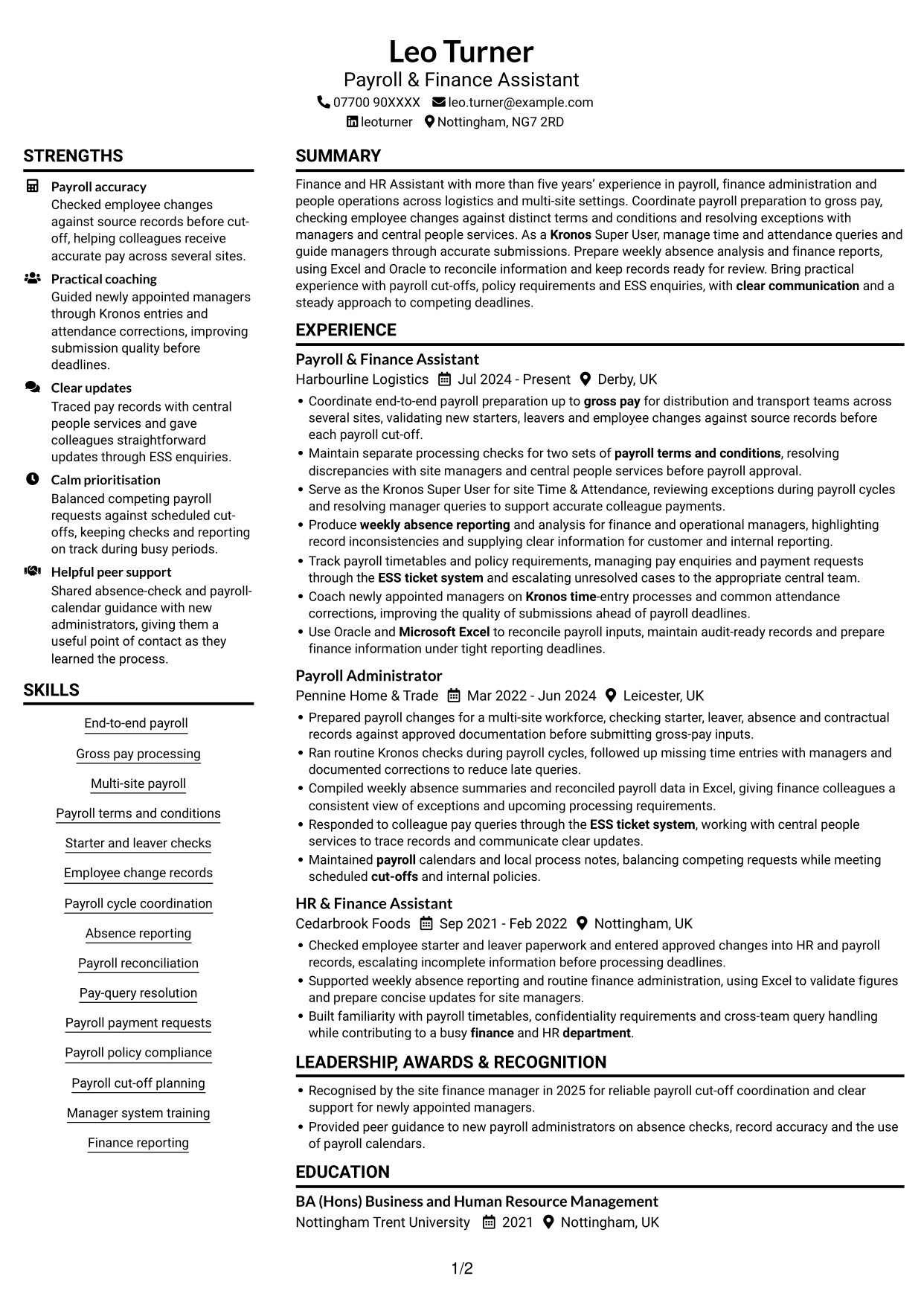
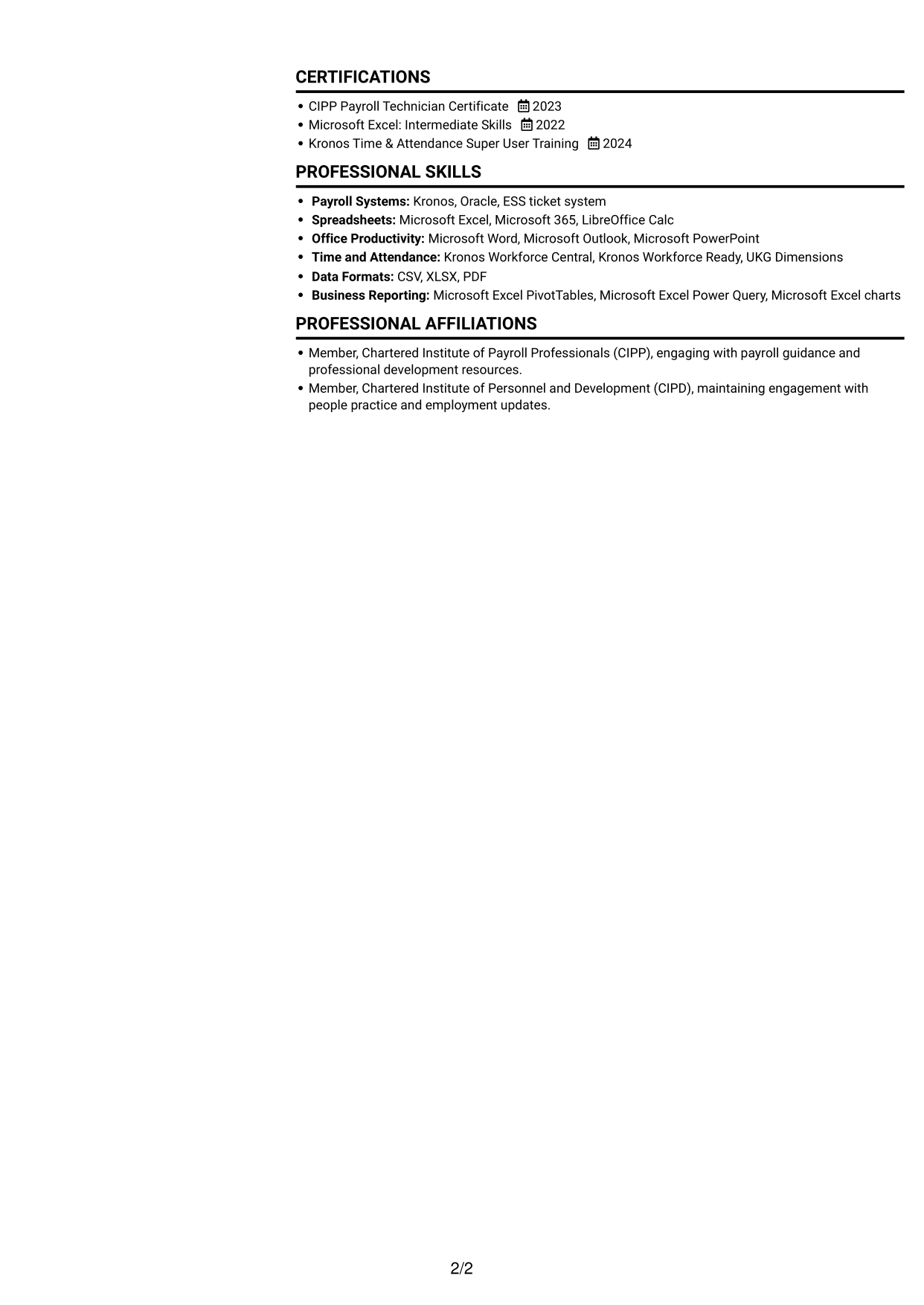
The two-column body places career history beside supporting details, helping recruiters compare experience and qualifications.
CV Snapshot
- More than five years’ experience across payroll, finance administration and people operations
- Multi-site payroll preparation to gross pay, including employee-change checks
- Systems: Kronos, Oracle and ESS ticket system
- Credentials: CIPP Payroll Technician Certificate, Microsoft Excel and Kronos training
Why This Format Works
- Experience and supporting sections occupy separate columns, helping reviewers compare career history with qualifications.
- Distinct section areas make education and certifications easier to locate during a quick scan.
- Detailed work entries can sit alongside concise supporting information without a single long text block.
Best For
- CVs with several roles to show
- Detailed work histories with supporting credentials
- Readers comparing experience and qualifications
- CVs with multiple concise sections
- Applications needing clear section separation
CV Keywords
- Coordinate end-to-end payroll preparation up to gross pay
- Built familiarity with payroll timetables, confidentiality requirements and cross-team query handling while contributing to a busy finance and HR department.
- Coordinate end-to-end payroll preparation up to gross pay for distribution and transport teams across several sites
- Payroll terms and conditions
- validating new starters, leavers and employee changes against source records before each payroll cut-off.
- Kronos
- Kronos Time & Attendance Super User
- Payroll cycle coordination
- weekly absence reporting and analysis
- Produce weekly absence reporting and analysis for finance and operational managers
- ESS ticket system
- Maintained payroll calendars and local process notes, balancing competing requests while meeting scheduled cut-offs
- Payroll policy compliance
- Coach newly appointed managers on Kronos time-entry processes and common attendance corrections
- Microsoft Excel
#2 Simple One Column Format CV Example
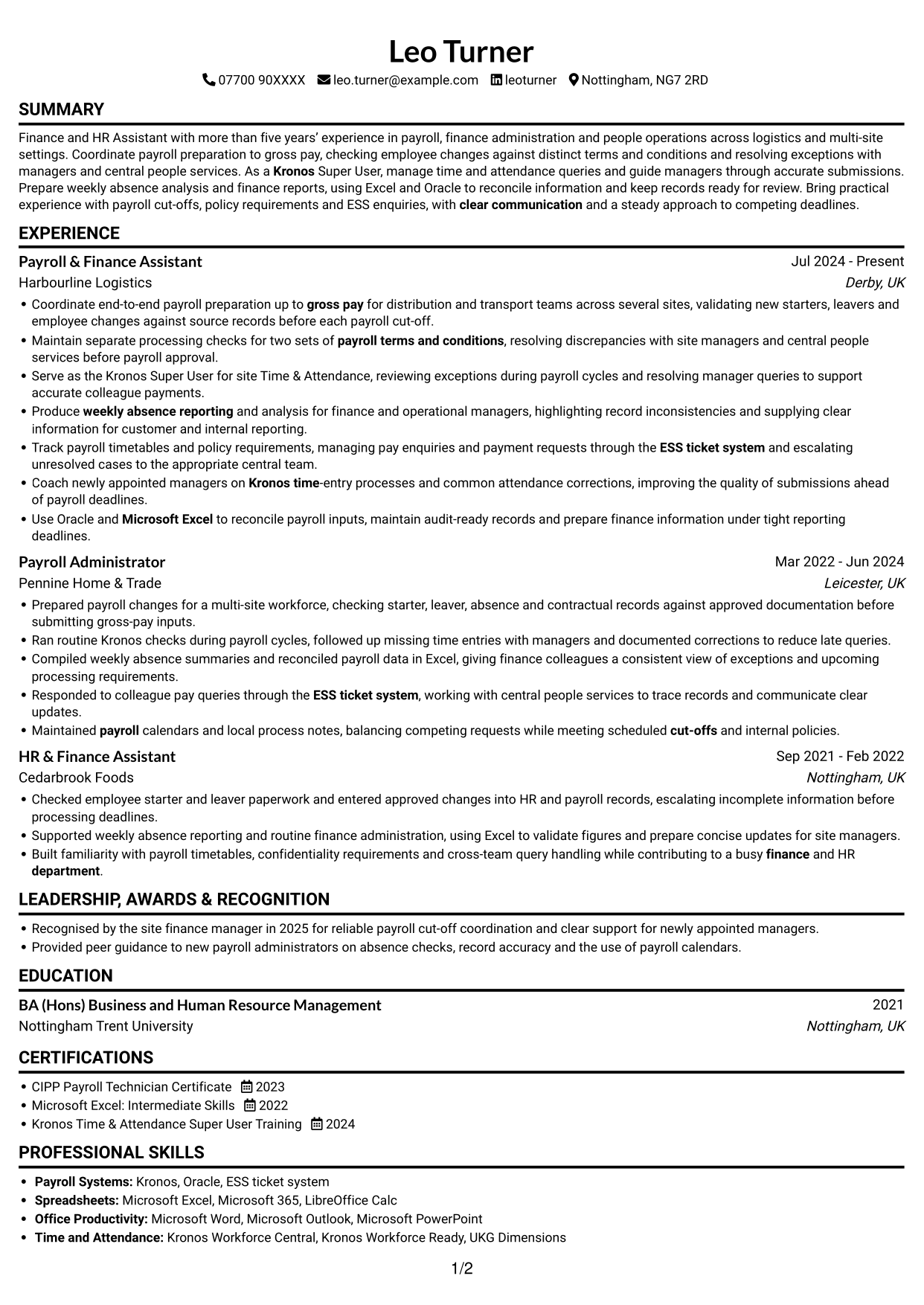
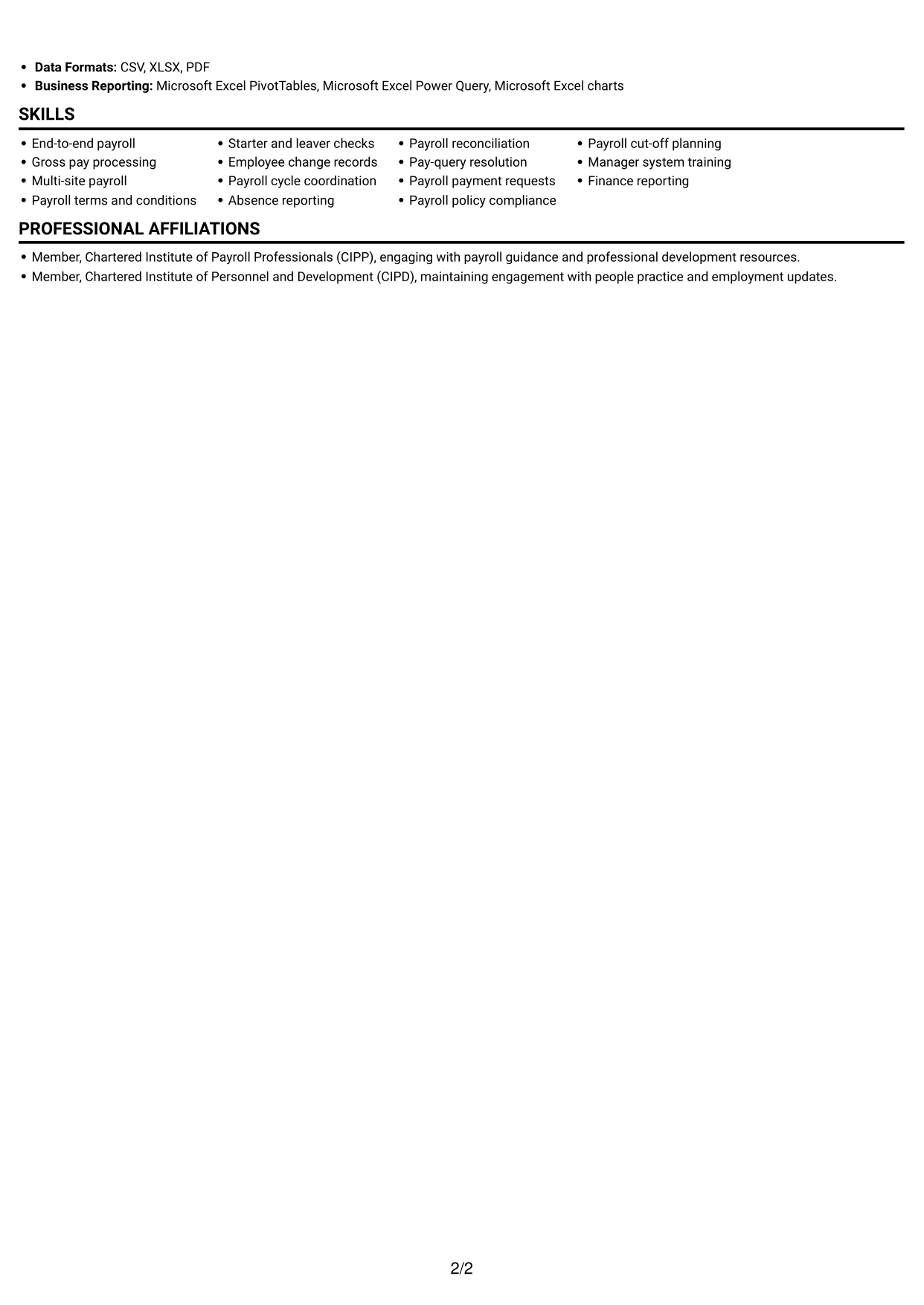
A single-column body gives the work history a clear top-to-bottom path, making the chronology easy to follow.
Why This Format Works
- One reading path lets reviewers follow dated roles without moving between separate columns.
- Consistent section widths give detailed experience bullets a clear and steady reading line.
- Skills, education and credentials can be reviewed in one vertical sequence.
Best For
- Chronological career histories
- CVs with detailed experience bullets
- Straightforward top-to-bottom navigation
- Clearly ordered section content
- Text-first document preferences
#3 Clean Two Column Sidebar Format CV Example
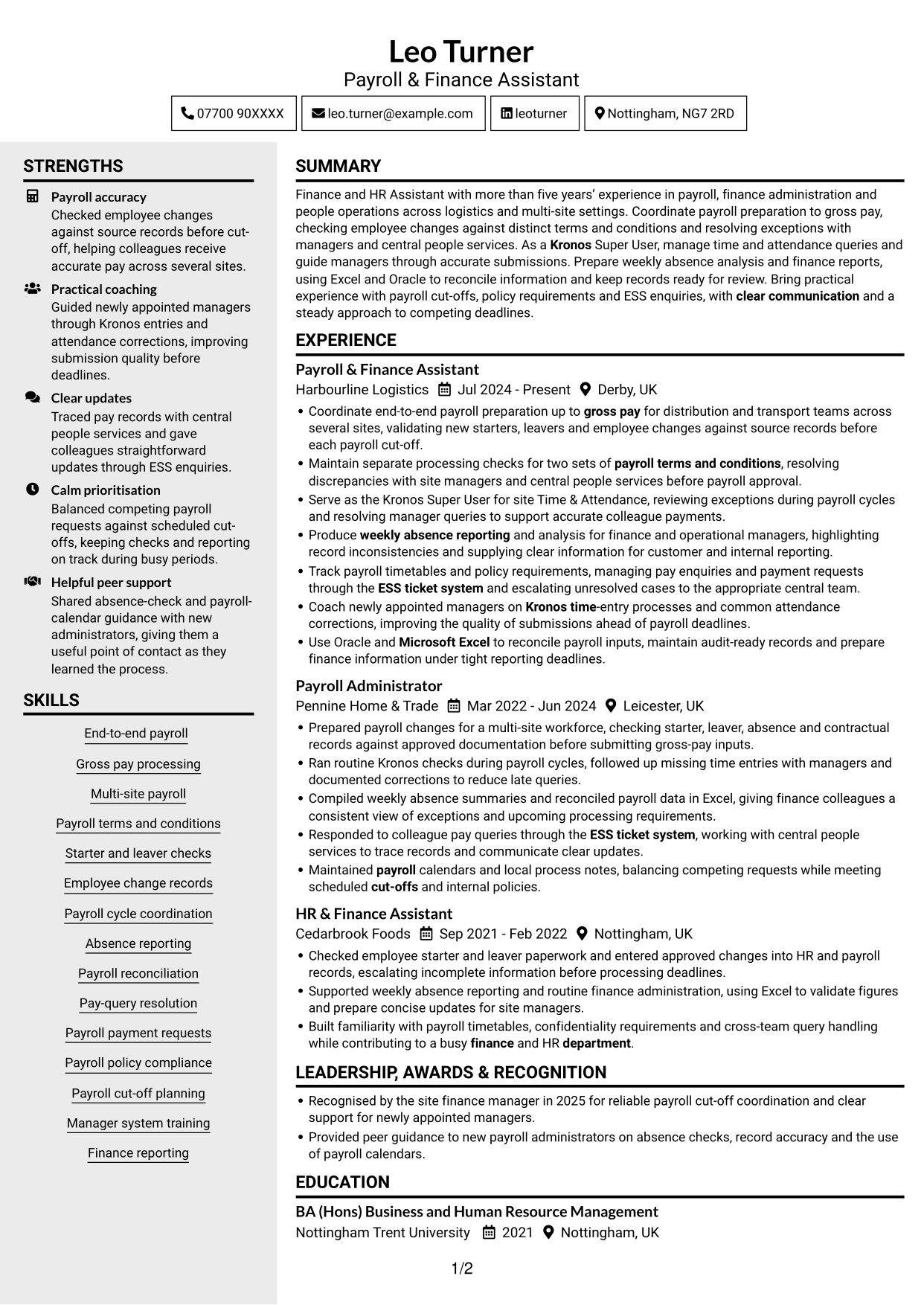
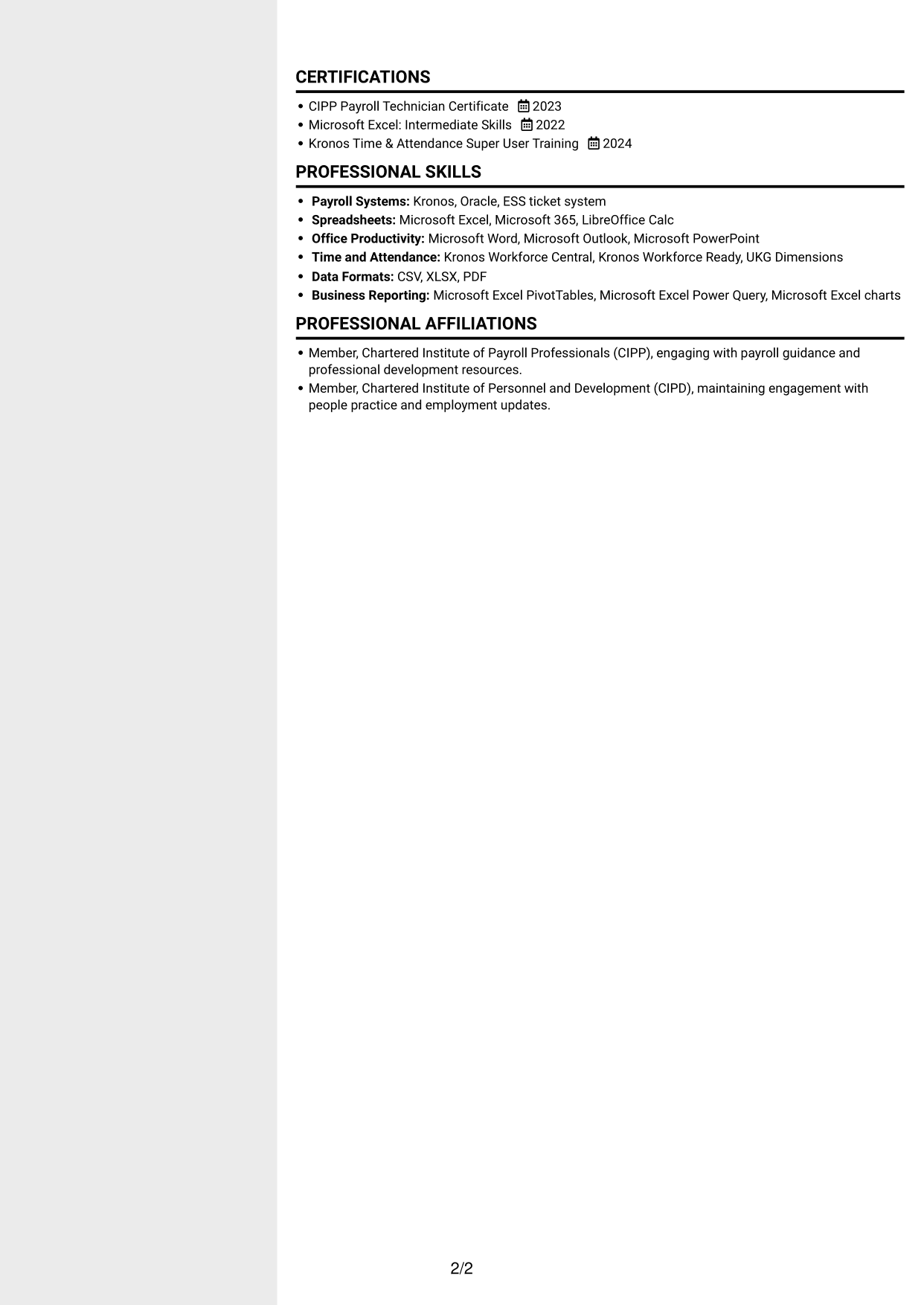
The clean two-column arrangement gives experience and supporting information separate areas, helping reviewers find key sections without scanning one long column.
Why This Format Works
- Separate reading areas help reviewers move between career history and supporting details.
- The section layout gives education and certifications clear places within the CV.
- Work history remains easy to follow alongside skills and other concise information.
Best For
- CVs with varied section lengths
- Experience paired with supporting details
- Readers locating specific CV sections
- Career histories with multiple roles
- Applications needing orderly information
#4 Two Column Format CV Example
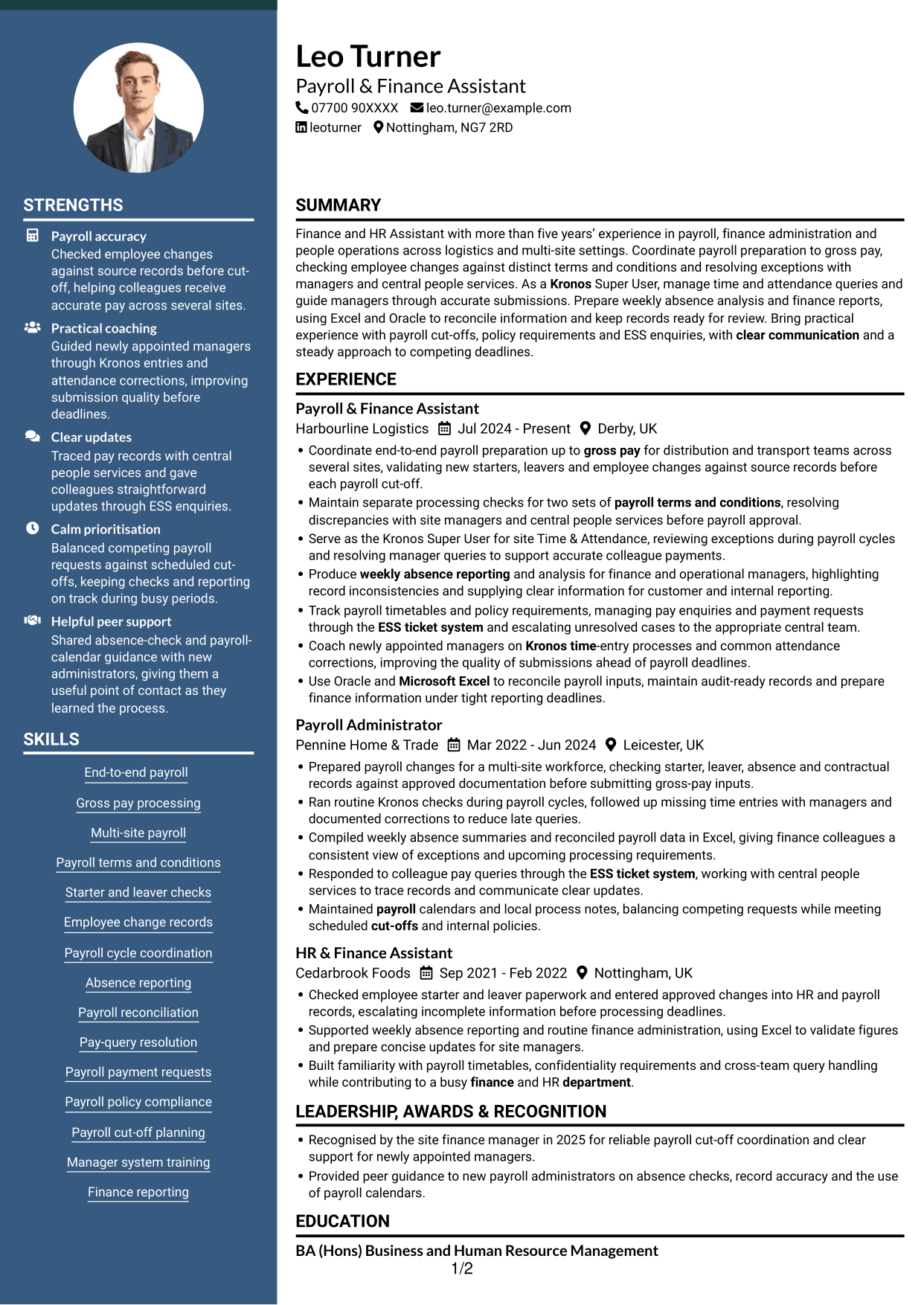
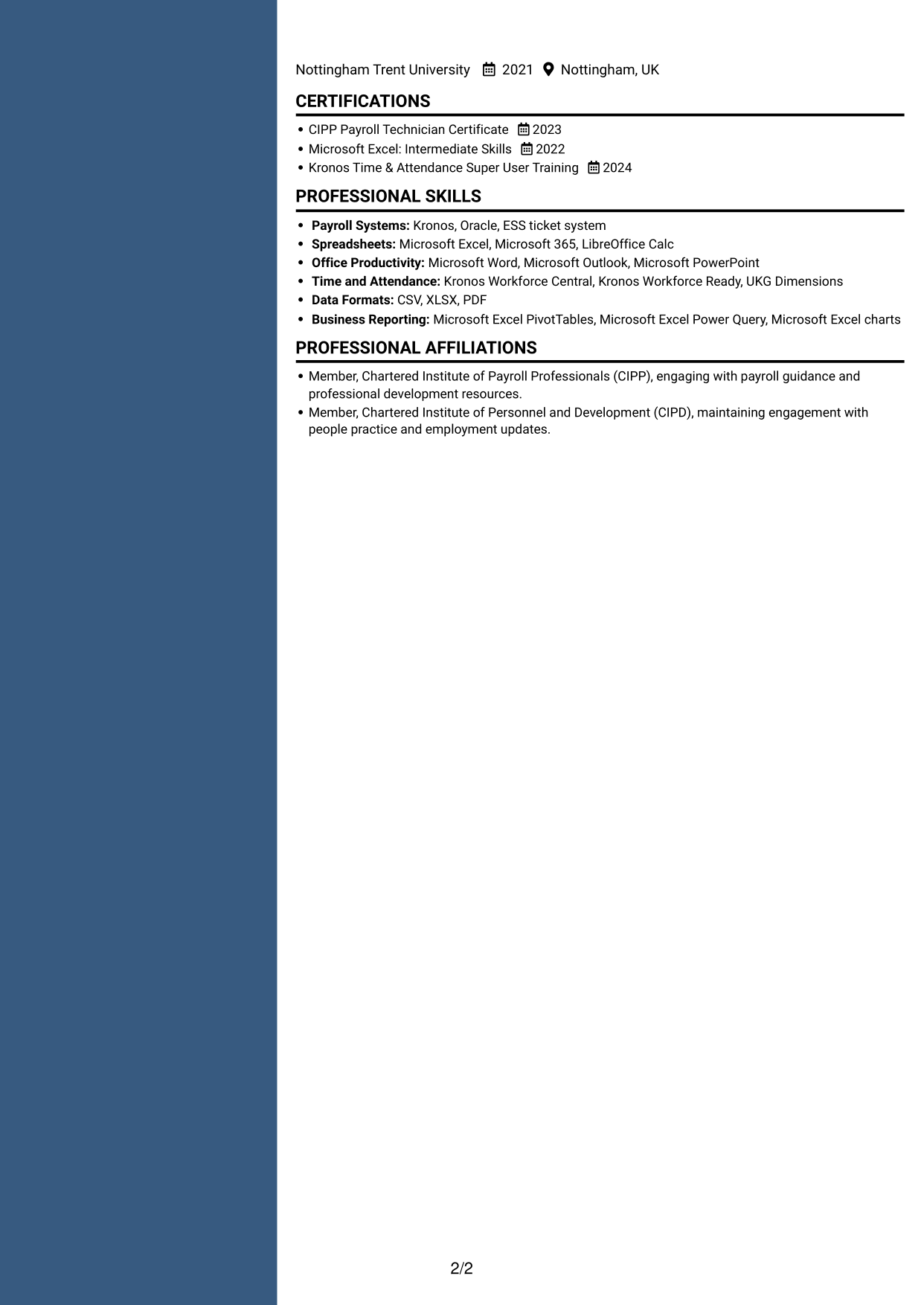
Two columns create distinct reading areas for career history and supporting sections, a useful choice when a CV brings together detailed experience and credentials.
Why This Format Works
- The separate columns help reviewers compare career progression with supporting qualifications.
- Section areas make skills and education easier to locate during a brief review.
- Detailed experience can be read alongside concise credentials and other CV information.
Best For
- CVs combining detailed history and credentials
- Readers comparing experience with qualifications
- Several sections with different content lengths
- Career histories supported by formal education
- Applications needing a clear section structure
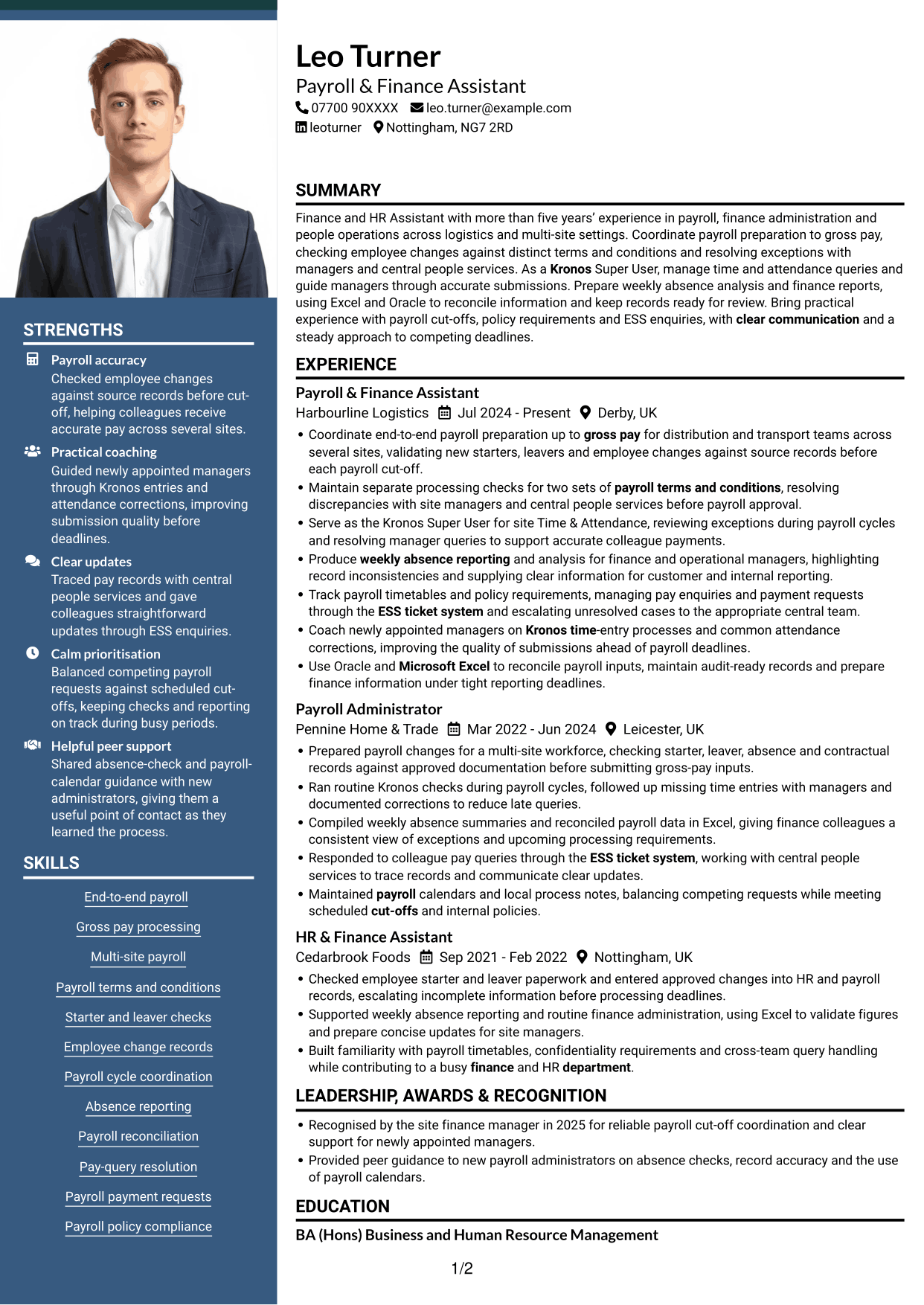
#5 Photo Header Two Column Format CV Example
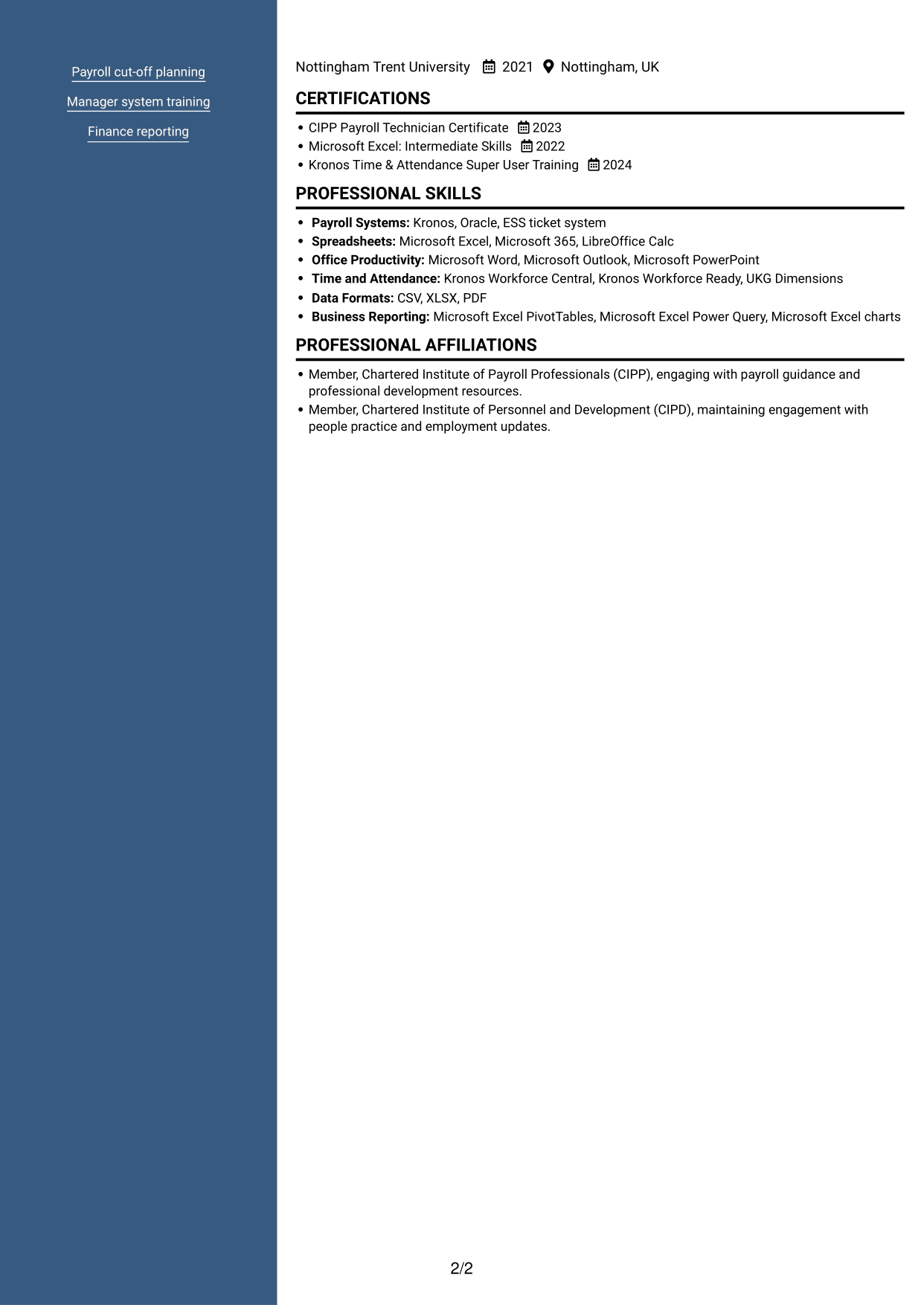
A photo header adds a clear visual feature above the two-column body, which keeps career history and supporting sections distinct.
Why This Format Works
- The two body columns distinguish experience from supporting information for easier navigation.
- Career history and credentials can be reviewed in separate areas of the page.
- A photo header suits readers who prefer a CV with a visible portrait.
Best For
- CVs using a profile photo
- Readers who prefer a photo header
- Career histories with supporting credentials
- Applications with several CV sections
- Two-column reading preferences
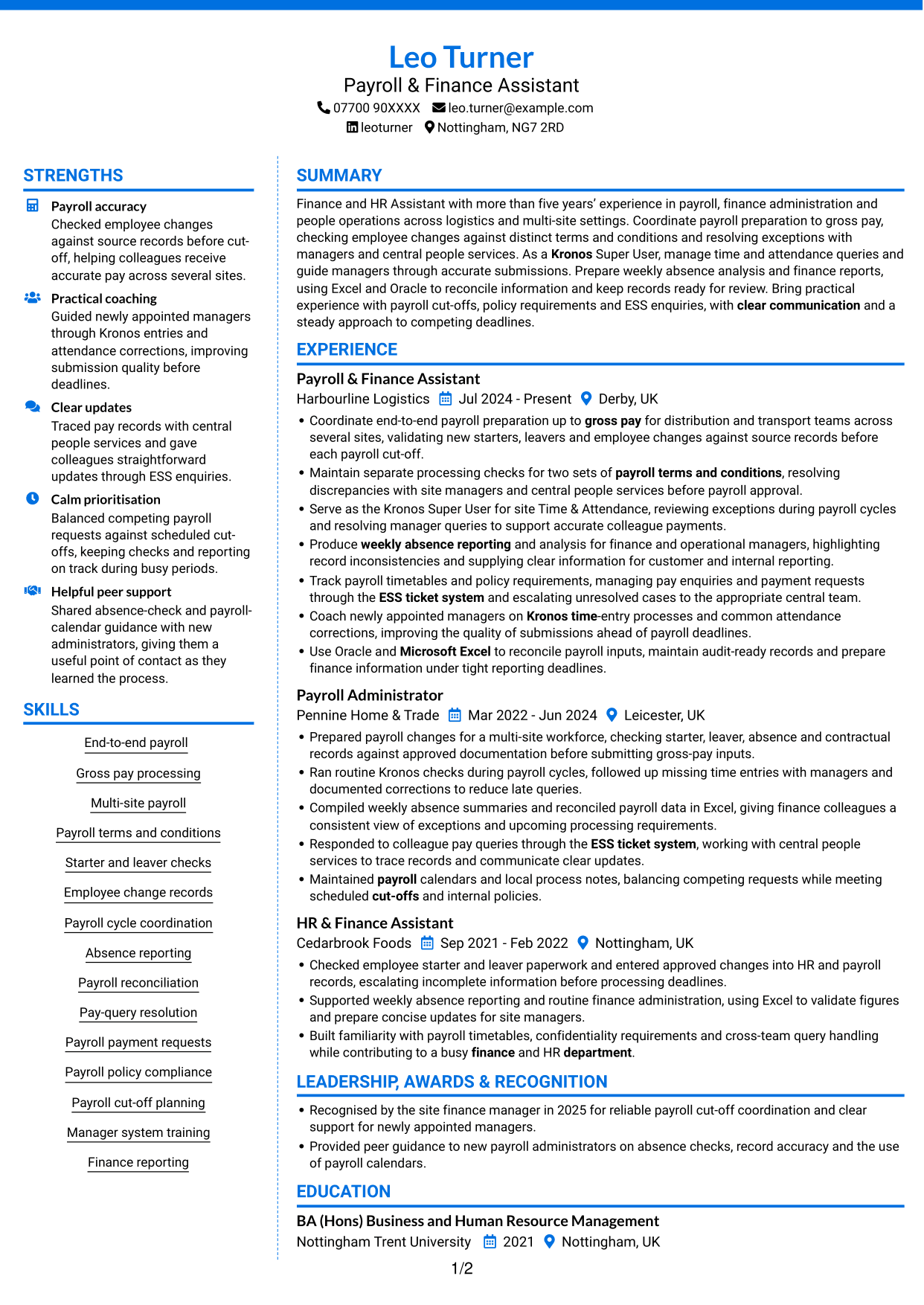
#6 Coloured Two Column Format CV Example
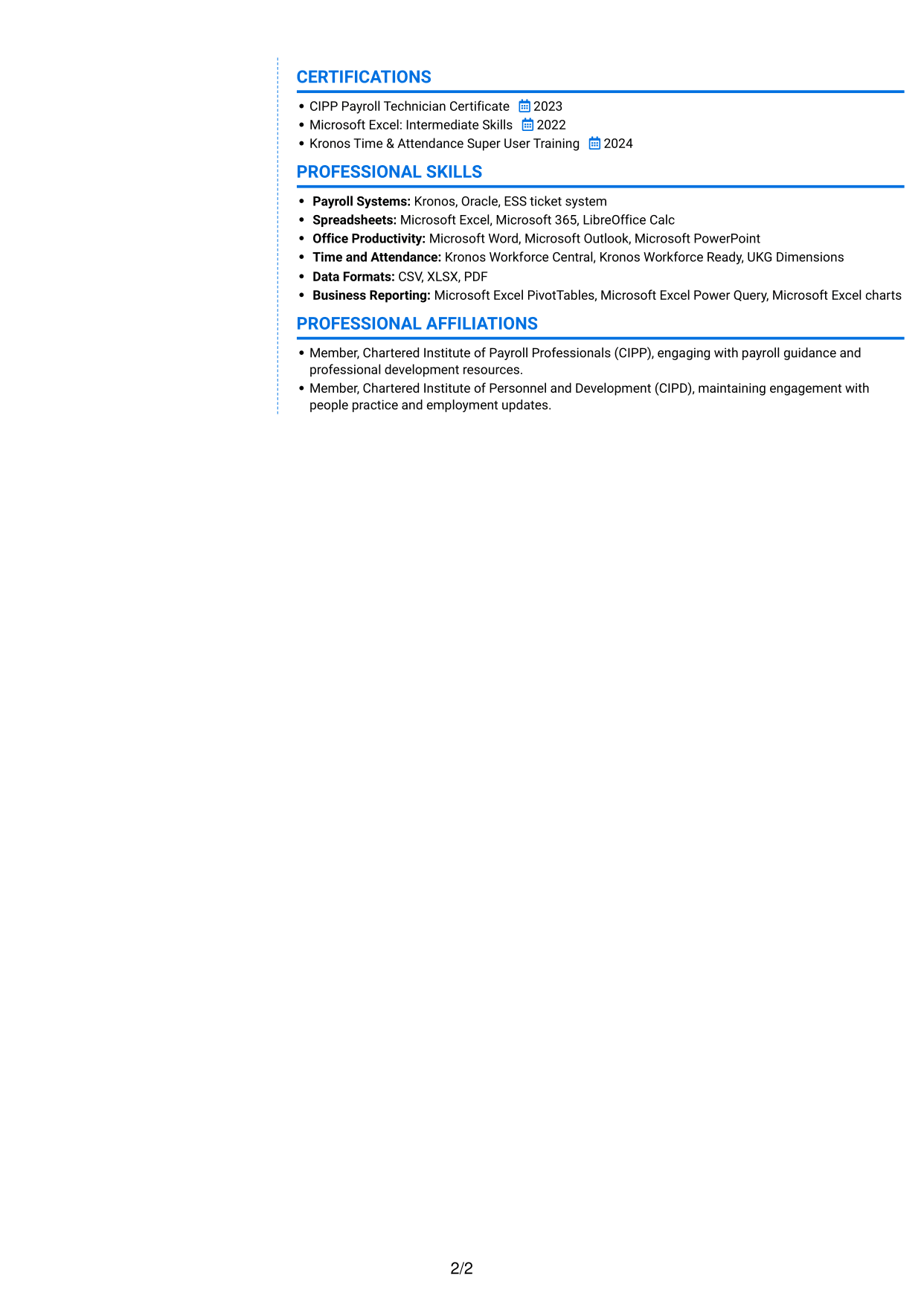
The two-column layout gives the CV distinct reading areas, a practical option for keeping detailed experience separate from supporting sections.
Why This Format Works
- Separate columns help reviewers locate career history without overlooking other CV sections.
- Distinct reading areas keep skills, education and credentials easy to distinguish.
- Experience details can be reviewed alongside concise supporting information.
Best For
- CVs with detailed work history
- Readers seeking distinct content areas
- Skills and credentials in one document
- Applications with several supporting sections
- Two-column information preferences
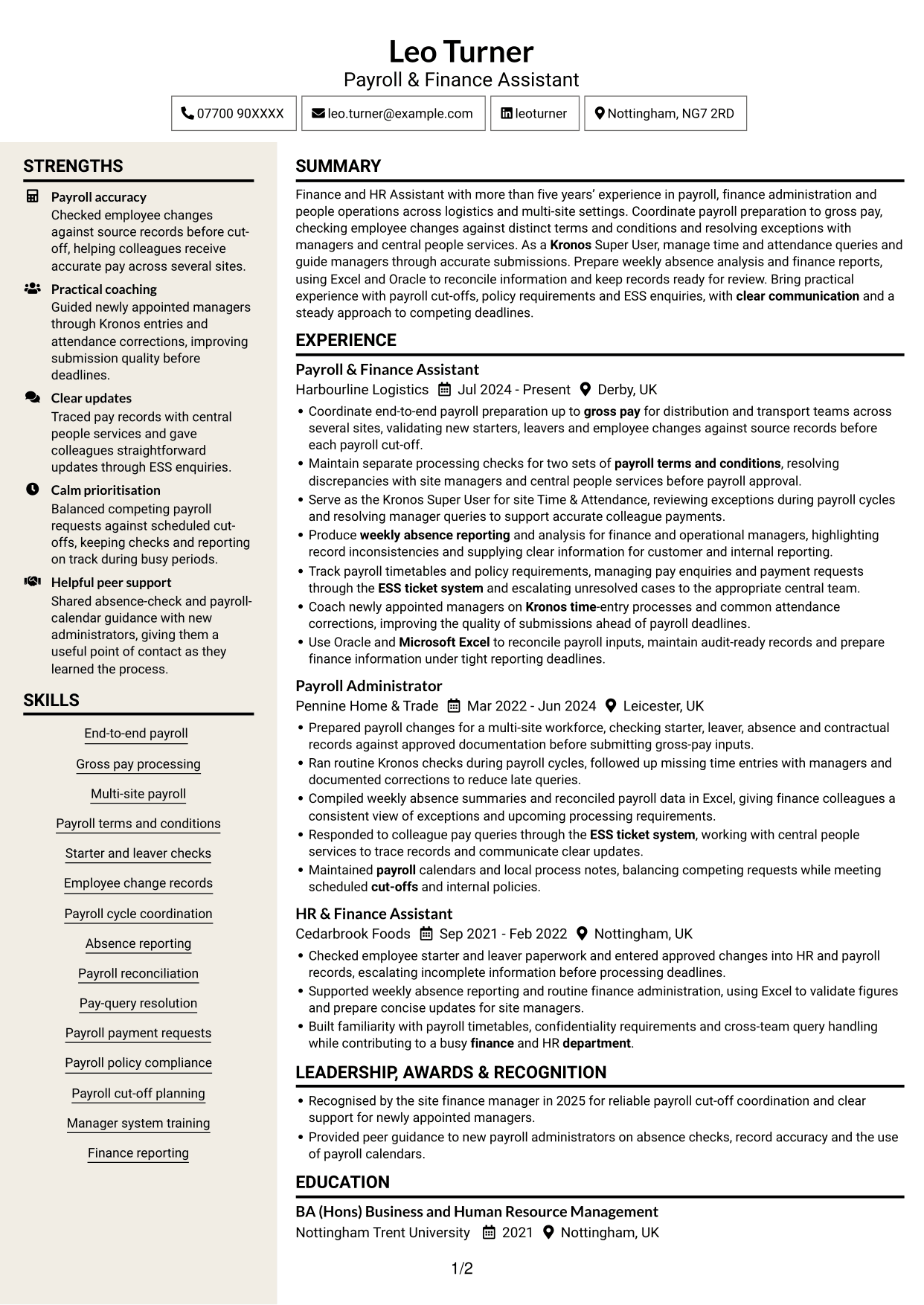
#7 Stylish Two Column Designer Format CV Example
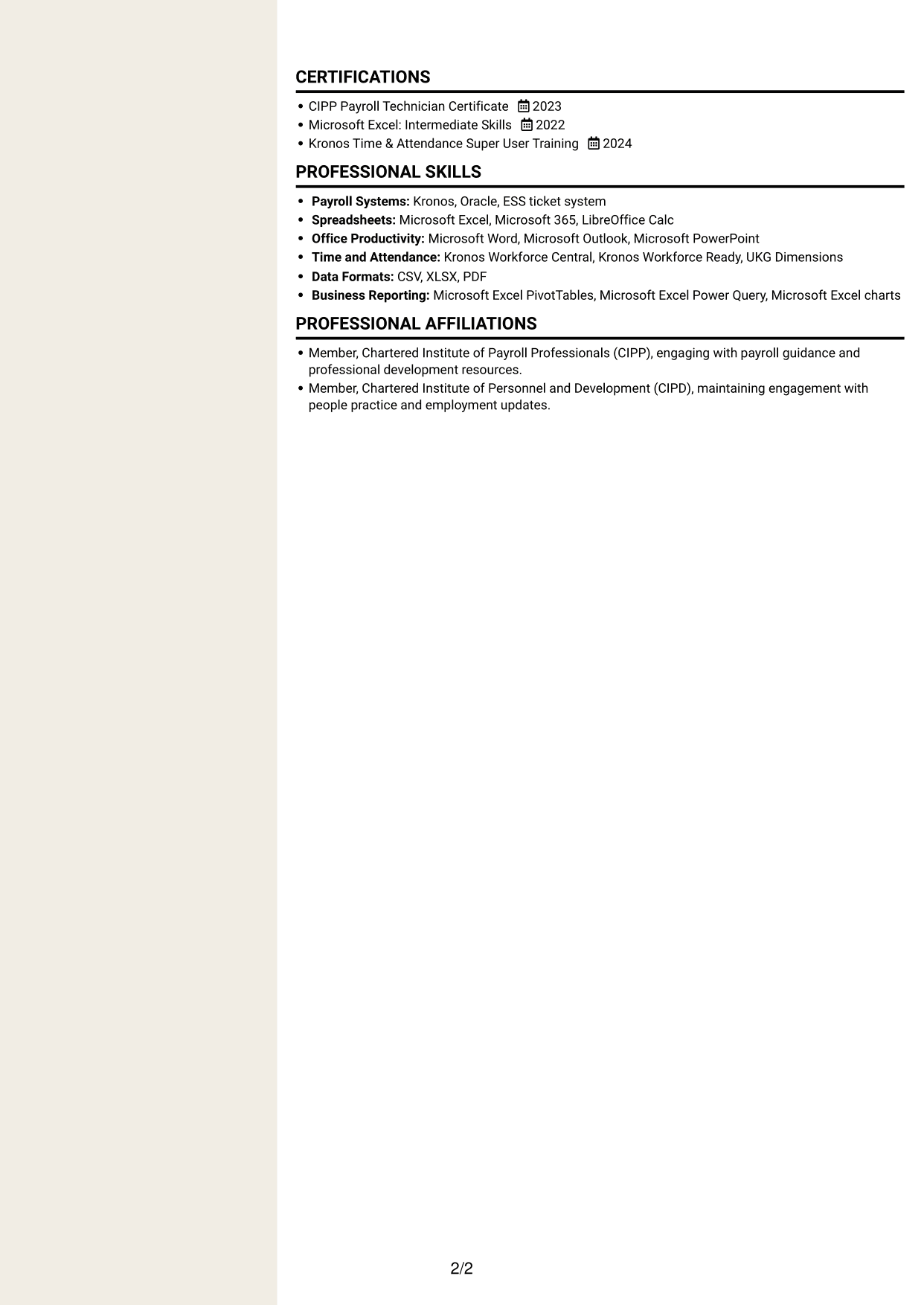
This two-column design gives career history and supporting details distinct areas, helping reviewers move through a CV with varied information.
Why This Format Works
- Separate content areas make career history easier to follow beside supporting sections.
- Reviewers can locate education and credentials without searching through every experience detail.
- The two-column reading order suits CVs that combine substantial history with concise information.
Best For
- CVs with varied information
- Career histories with supporting credentials
- Readers who prefer clear section areas
- Experience alongside concise qualifications
- Applications with several content types
Why Build Your Finance & HR Assistant - Payroll CV with ResumeInMinutes
ResumeInMinutes helps you arrange payroll experience, skills and education in a clear CV. Compare PNG image previews, then open an example in the editor to customise its wording and layout.
- Different CV layouts
- Clear, readable section structure
- Space for payroll keywords
- Well-organised skills and experience
- PNG image previews
- CV customisation in the editor
Choose a format that makes payroll duties and supporting skills easy to follow. Keep the focus on accurate checks, reliable reporting and clear evidence of your work with systems and colleagues.
See Also
- 7 Bookkeeper & Payroll Assistant - Hospitality Finance CV Templates with Example
- 7 Finance and Payroll Assistant - Payroll and Transactional Finance CV Templates with Example
- 7 Finance Assistant Apprentice - Bookkeeping and Payroll CV Templates with Example
- 7 Finance Assistant Apprentice - Multi-Company Bookkeeping CV Templates with Example
- 7 Finance Assistant - Charity Finance CV Templates with Example
- 7 Senior Finance Assistant - Research Finance CV Templates with Example
- 7 Bookkeeper and Payroll Assistant CV Templates with Example
- 7 Accounts Assistant - Accounts Payable and Accounts Receivable CV Templates with Example
- 7 Finance & HR Assistant - Payroll Cover Letter Templates with Example
- 7 Bookkeeper & Payroll Assistant - Hospitality Finance Cover Letter Templates with Example
Frequently Asked Questions
Are these Finance & HR Assistant - Payroll CV templates ATS-friendly?
The examples use readable headings and clear sections to support scanning. Add relevant terms naturally, such as payroll to gross pay, Kronos, Oracle, ESS, absence reporting and Microsoft Excel.
Are these separate CV examples or different layouts of one example?
This page presents one role-focused CV example in different layouts. Compare the PNG image previews, then open an example in the editor to customise it.
What should a Finance & HR Assistant - Payroll CV include?
Include a focused summary, relevant experience, skills, education and certifications. Show evidence of payroll checks, starter and leaver records, absence reporting, pay-query handling, finance support and relevant systems.
Which CV layout works well for this role?
Choose a format with clear headings and an easy-to-follow order for experience, skills and education. A simple structure helps readers find important details without searching through dense blocks of text.
How can I show payroll achievements on my CV?
Use short bullet points to explain the task, your contribution and the result. Include supported details about accurate checks, payroll cut-offs, reports or manager support, and do not claim figures you cannot verify.
Should I include a photo on my CV?
A photo is usually not needed for UK applications. Use the space for relevant experience, skills and evidence of your work instead.




