
7 Finance Manager - Manufacturing Finance Cover Letter Templates with Example
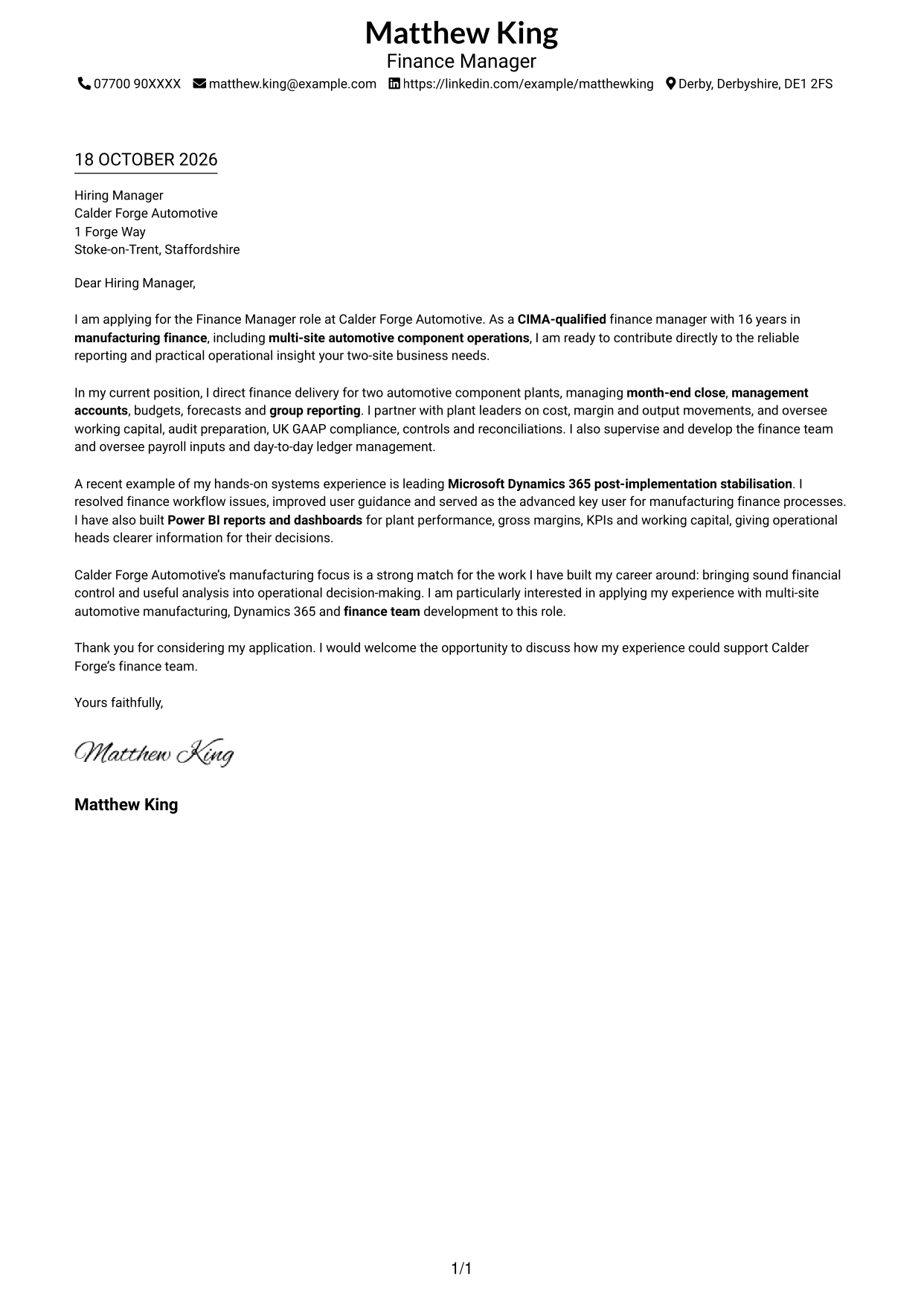
This guide helps you write a focused Finance Manager - Manufacturing Finance cover letter, with seven layouts to compare and adapt.
What Makes a Great Finance Manager - Manufacturing Finance Cover Letter in 2026
A strong letter connects manufacturing finance experience to reliable reporting, sound financial control and useful support for plant leaders. Make your interest in the Finance Manager - Manufacturing Finance role clear from the start.
Use specific evidence, such as leading a Dynamics 365 stabilisation, building Power BI reports or managing finance across two plants. Explain how your approach fits the employer’s needs and why its manufacturing work interests you.
The featured example follows a focused progression from role interest to relevant manufacturing finance responsibilities, a clear example of systems and reporting work, and a direct close; adapt this order while choosing a presentation suited to the employer and communication context.
#1 Simple One Column Format Cover Letter Example
A single-column page keeps the sender details in the header and the letter body in one clear reading path.
Why This Format Works
- Sender details stay in the header, apart from the letter’s message.
- One column lets the reviewer follow every paragraph in its written order.
- The photo-free page suits a simple, text-led presentation.
Best For
- Single-column letter layouts
- Direct, text-led applications
- Letters with a clear paragraph sequence
- Contact details above the message
- Photo-free correspondence
#2 Two Column Format Cover Letter Example
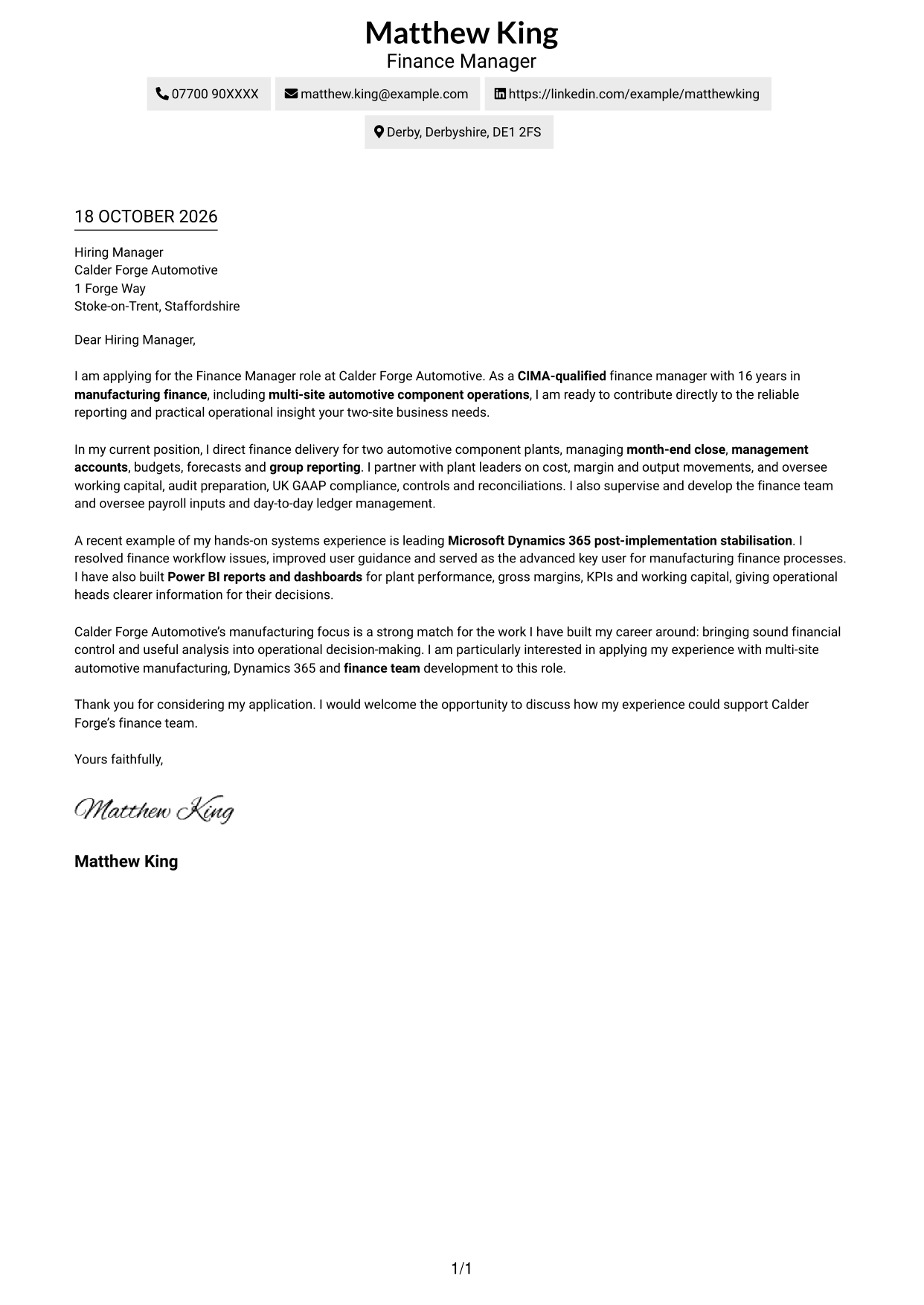
The Two Column Format places contact details in a sidebar beside one continuous letter body.
Why This Format Works
- Contact details sit apart from the message, making them easy to locate.
- One continuous body keeps the opening, motivation and evidence in paragraph order.
- The photo-free layout keeps visual attention on the written message.
Best For
- Separate contact and message areas
- Letters with uninterrupted paragraphs
- Applications with detailed contact information
- Photo-free correspondence
- Readers who prefer a divided page
#3 Photo Header Two Column Format Cover Letter Example
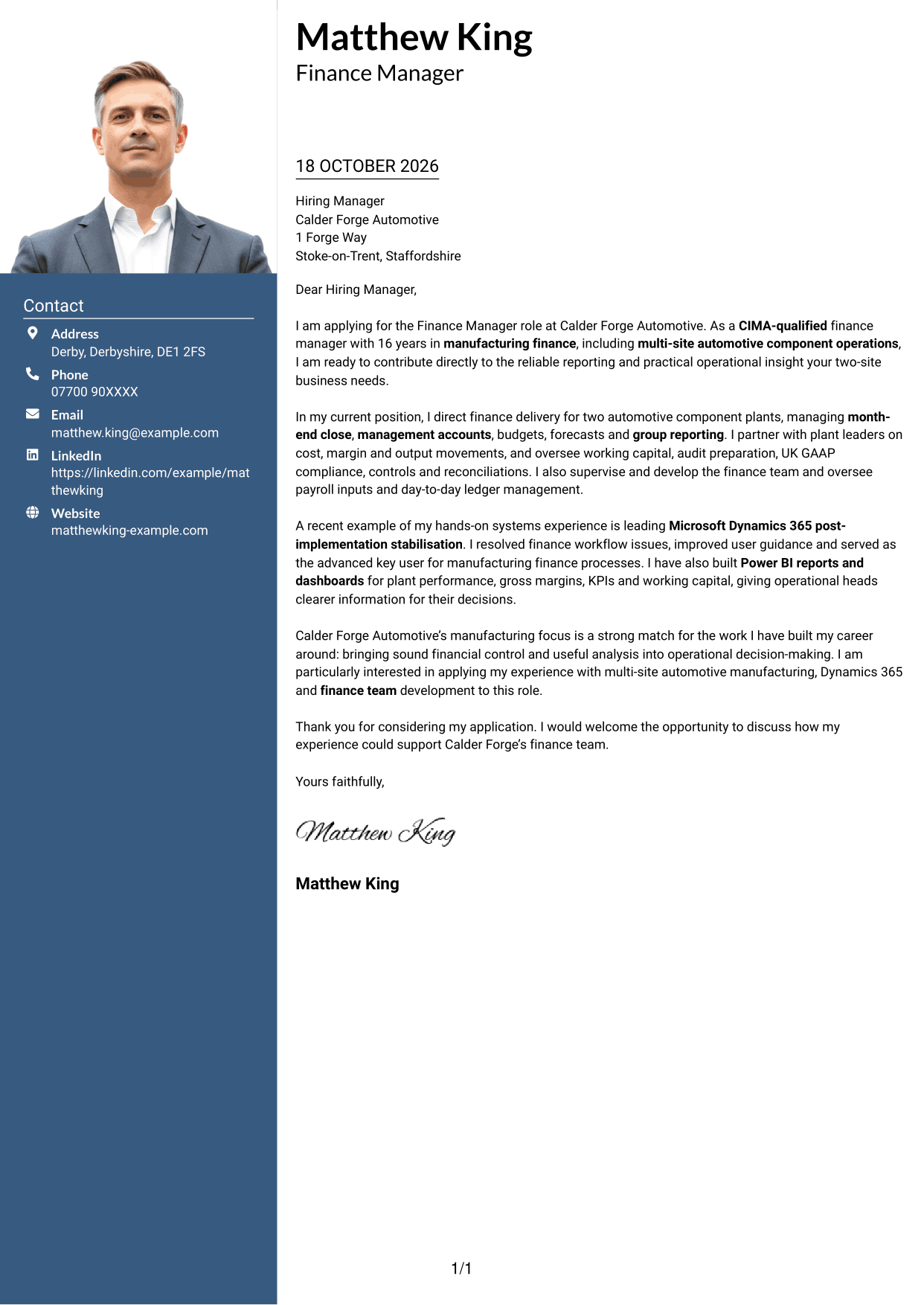
A photo in the header gives the Photo Header Two Column Format a personal visual element, with contact details beside one continuous letter body.
Why This Format Works
- Contact details remain separate while the letter body keeps its natural paragraph order.
- Keeping the argument in one column avoids splitting its paragraphs across areas.
- The header photo adds a personal visual element without dividing the message.
Best For
- Letters with a header photo
- Separate contact and message areas
- Continuous letter paragraphs
- Applications with a personal visual element
- Readers who prefer a photo beside the letter
#4 One Column Format with Photo Cover Letter Example
The One Column Format with Photo combines a photo with a single-column letter body and sender details in the header.
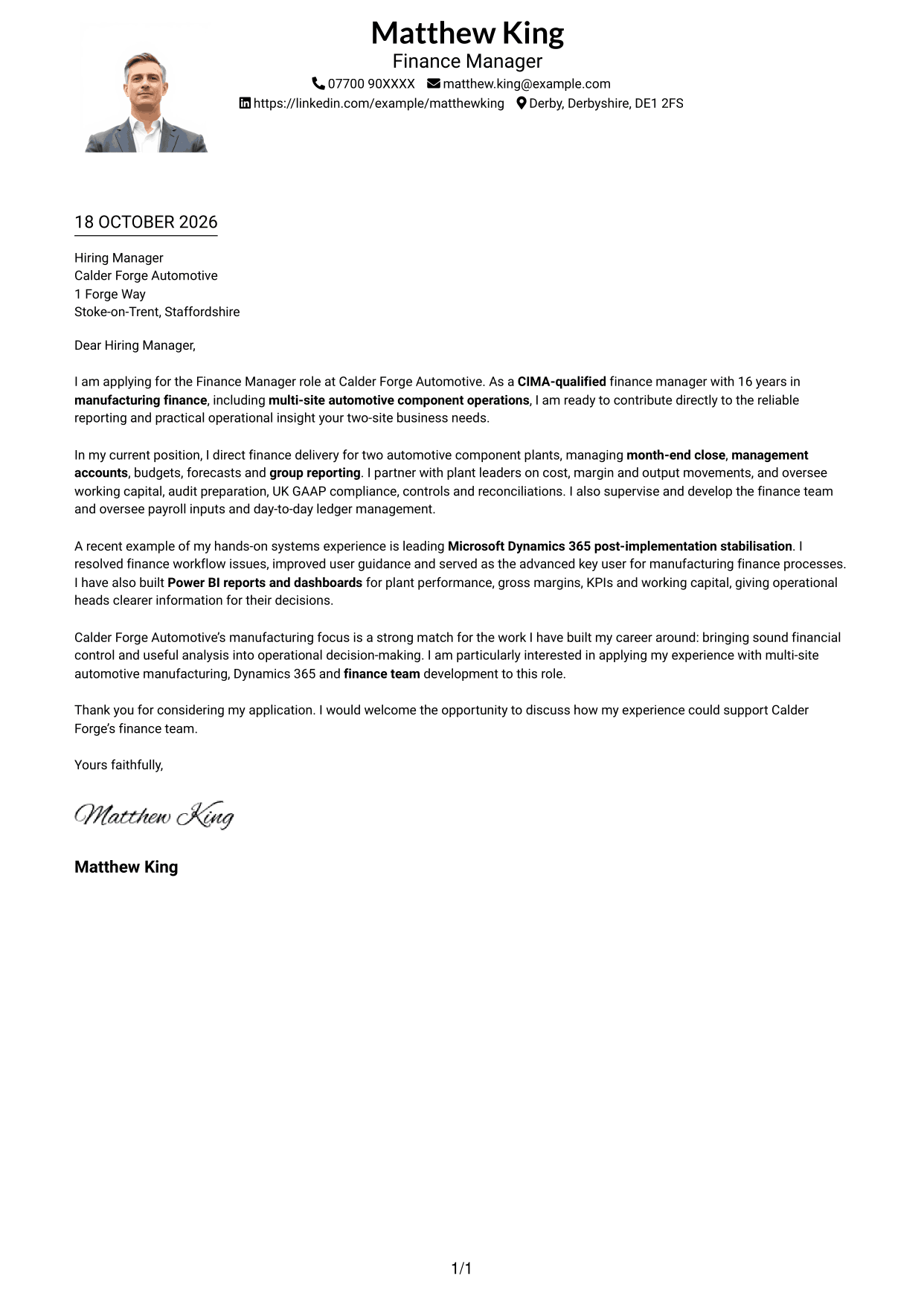
Why This Format Works
- One-column reading keeps the letter’s opening and closing in the same sequence.
- Sender details remain in the header rather than a contact sidebar.
- The photo offers a visible personal touch while the message stays in one column.
Best For
- Single-column letters with a photo
- A clear opening-to-closing sequence
- Sender details in the header
- Applications with a personal visual element
- Readers who prefer one reading path
#5 Simple Two Column Format Cover Letter Example
The Simple Two Column Format sets a contact sidebar beside a continuous letter body, keeping the message in one column.
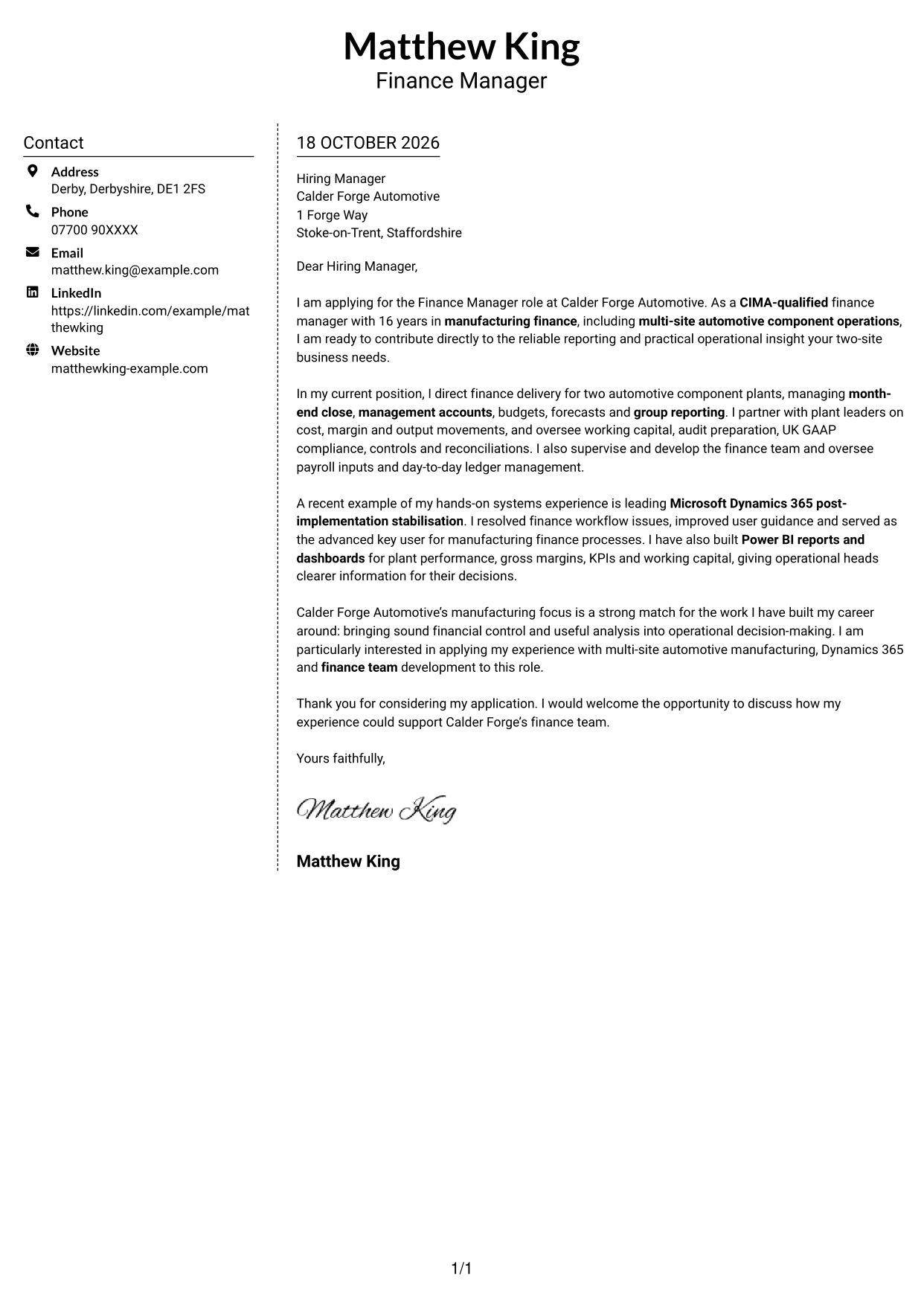
Why This Format Works
- Contact information has its own column beside the message.
- Letter paragraphs remain together in a single body column.
- The simple layout keeps the page focused on the written correspondence.
Best For
- A contact sidebar beside the letter
- One-column message text
- Simple, text-led correspondence
- Applications without a photo
- Readers who want a clear division
#6 Modern Icon Format Cover Letter Example
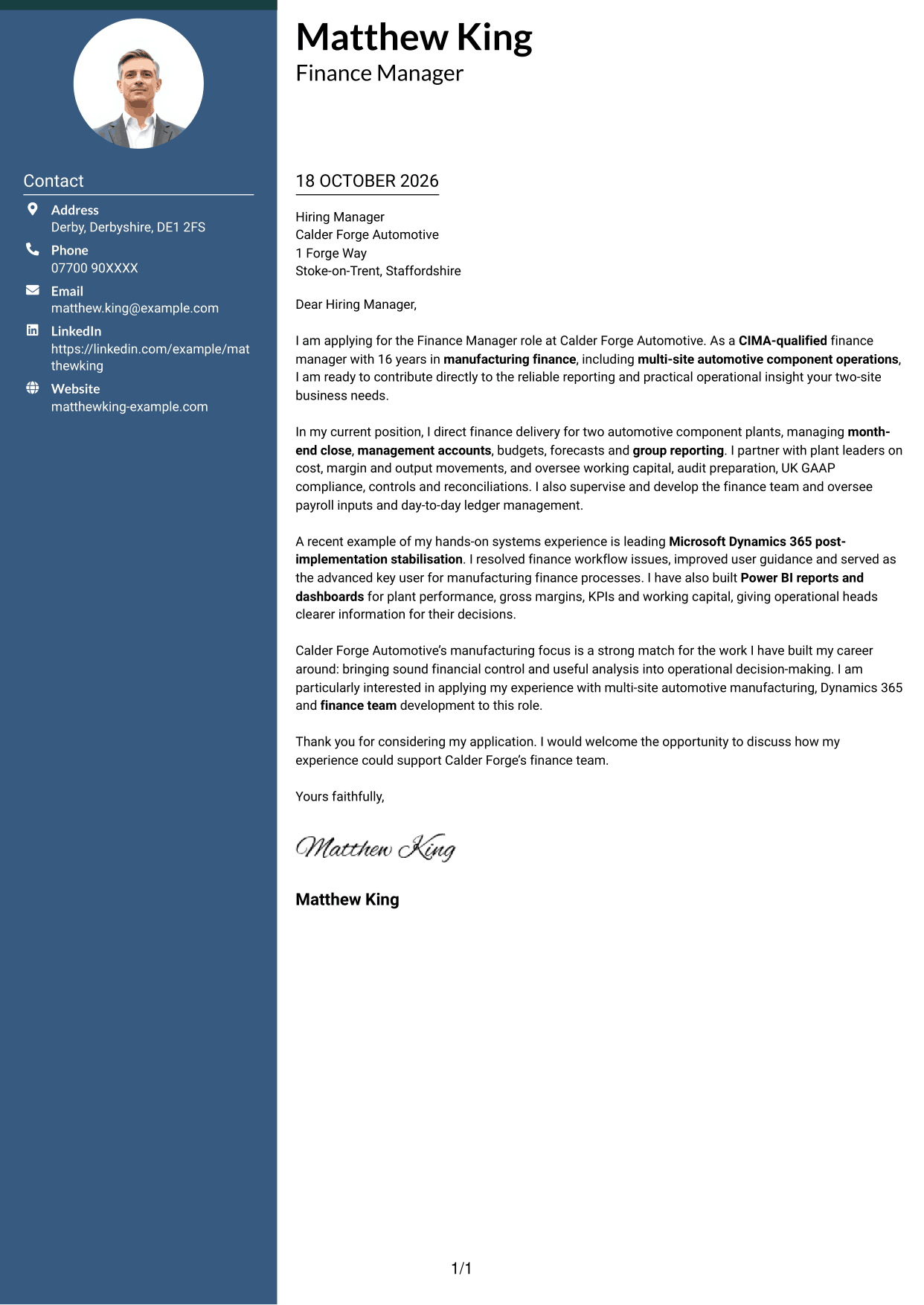
The Modern Icon Format uses two columns, with contact-detail cues in the sidebar and the letter in one continuous body.
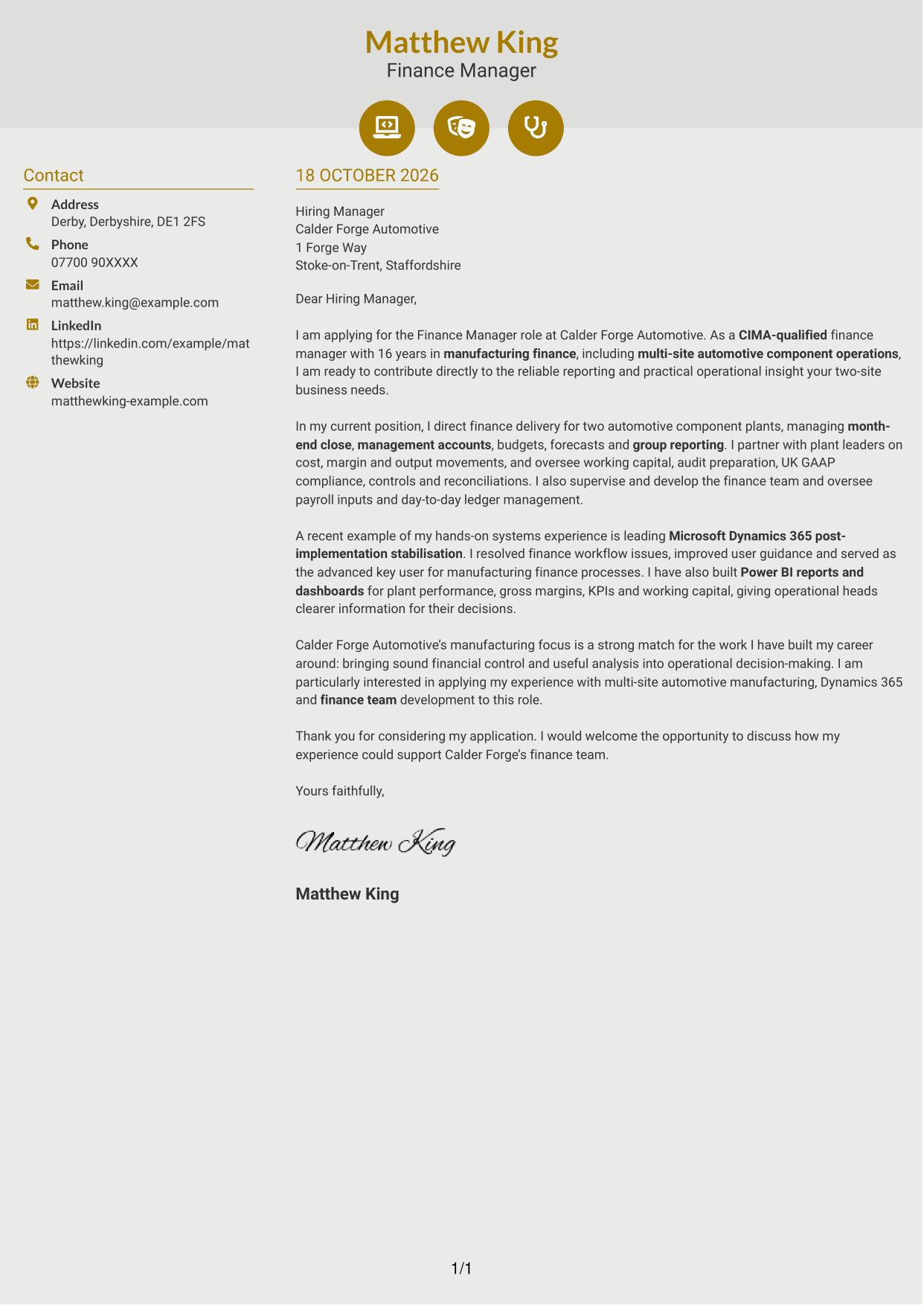
Why This Format Works
- Icon cues can help distinguish contact details from the letter text.
- The sidebar keeps contact information beside, not within, the continuous message.
- The single letter column preserves the order of each paragraph.
Best For
- Icon-led contact details
- A separate contact sidebar
- Letters with a continuous paragraph sequence
- Readers who value quick contact details
- Photo-free correspondence
#7 Creative Two Tone Format Cover Letter Example
The Creative Two Tone Format uses two columns for a contact sidebar and a continuous letter body, keeping the message in one column.
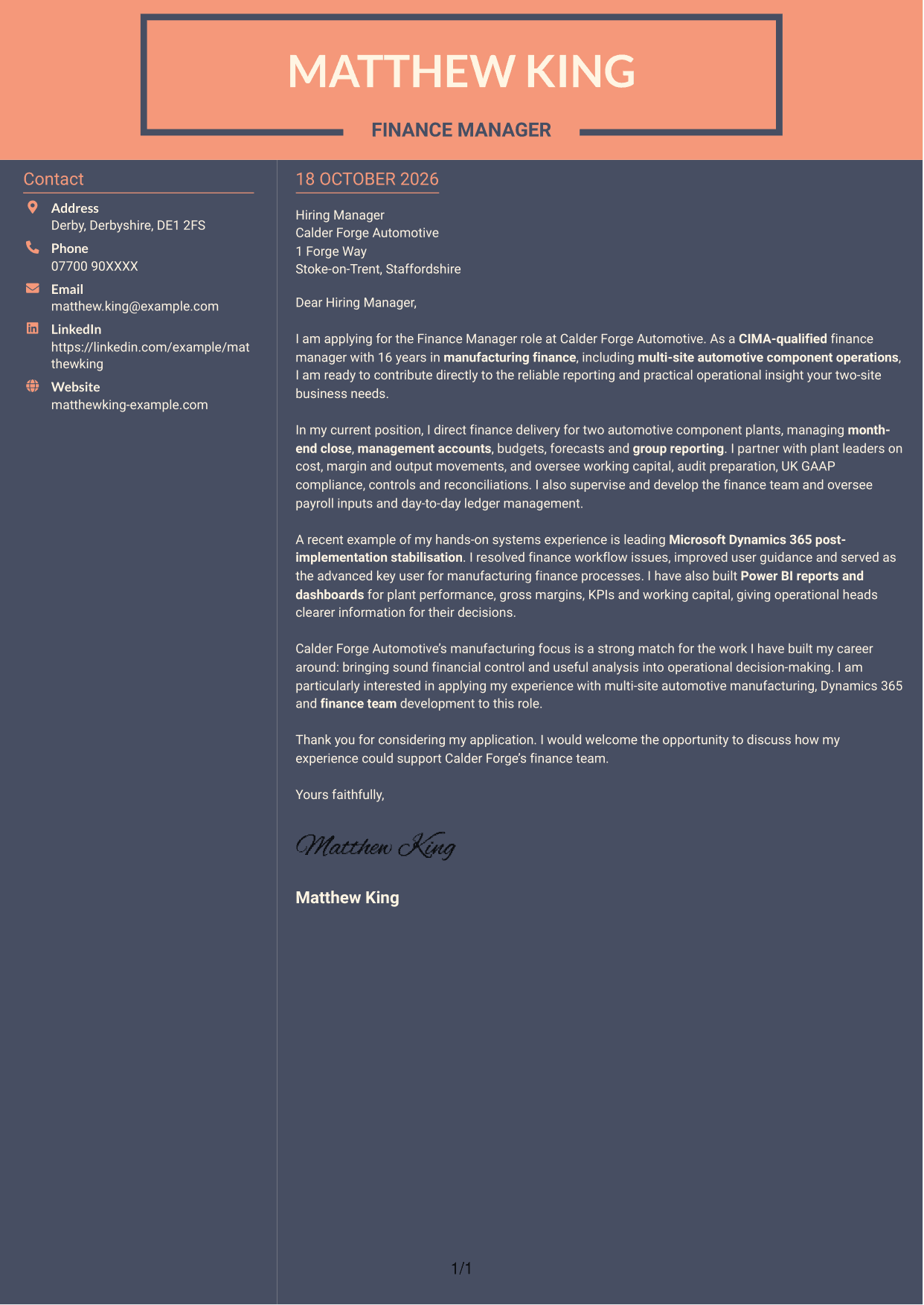
Why This Format Works
- The contact sidebar gives sender details a defined place beside the message.
- The main column keeps the letter paragraphs together in their written order.
- Readers can refer to contact information without inserting it into the correspondence.
Best For
- A distinct contact area beside the letter
- One-column message text
- Letters with a clear paragraph order
- Readers who prefer side-by-side information
- Applications without a photo
See Also
- 7 Finance Manager - Manufacturing Finance CV Templates with Example
- 7 Accounts Administrator - Payroll and Finance CV Templates with Example
- 7 Associate - Export, Trade and Commodity Finance CV Templates with Example
- 7 Associate - Structured Commodity Finance CV Templates with Example
- 7 Bookkeeper - Property Finance CV Templates with Example
- 7 Finance and Payroll Assistant - Payroll and Transactional Finance CV Templates with Example
- 7 Finance Apprentice - Housing Finance CV Templates with Example
- 7 Finance Assistant Apprentice - Multi-Company Bookkeeping CV Templates with Example
- 7 Accounts Administrator - Payroll and Finance Cover Letter Templates with Example
- 7 Associate - Export, Trade and Commodity Finance Cover Letter Templates with Example
Frequently Asked Questions
What should a Finance Manager - Manufacturing Finance cover letter highlight?
Show how your manufacturing finance experience supports accurate reporting and practical decisions. Relevant examples may include month-end close, budgets and forecasts, working capital, financial controls, or partnership with plant leaders.
How can I show my fit for this manufacturing finance role?
Choose a clear example that matches the role’s needs. For instance, explain how you managed finance across manufacturing sites, supported operational reviews, or improved the quality of reporting, and state the value of that work.
How should I describe Dynamics 365 and Power BI experience?
Give a brief example of what you did and how it helped the finance team or operational leaders. You could describe resolving finance workflow issues after a Dynamics 365 implementation or using Power BI dashboards to make plant results easier to review.
How can I explain my interest in Calder Forge Automotive?
Connect your interest to the company’s manufacturing work and the role’s two-site scope. Explain how you would bring clear financial insight and reliable control to support operational decisions.
What is a clear way to structure this cover letter?
Open by naming the Finance Manager - Manufacturing Finance role and your reason for applying. Use the body to show relevant experience in reporting, systems and operational support, then close by restating your interest and inviting a conversation.




