
7 Full Stack Engineer - Java and React CV Templates with Example
This guide shows you how to create a Full Stack Engineer - Java and React CV that is clear, focused and easy to review. You will learn how to organise your evidence and choose a professional format for this exact role.
For this role, make your experience with React and TypeScript easy to find alongside Java and Spring Boot development. Show how you build and use APIs, test software, work in Agile teams and deliver dependable features, with results where you can support them.
The example is presented in 7 layouts, so you can compare the PNG image previews and open a version in the editor to customise it. The guide also covers ATS-friendly structure, useful CV sections and role-relevant terms such as AWS, Docker, Kubernetes, Kafka and GraphQL.
What Makes a Great Full Stack Engineer - Java and React CV in 2026
A strong CV makes frontend and backend work easy to scan. Clear experience bullets show what you built, the tools you used and the value of the result.
Include relevant terms such as React, TypeScript, Java, Spring Boot, API development, software testing and Agile delivery. Add measurable results only when you can verify them.
Note: CV examples are for educational purposes only. Use only information that accurately reflects your experience and qualifications. References to real organisations do not imply affiliation or endorsement.
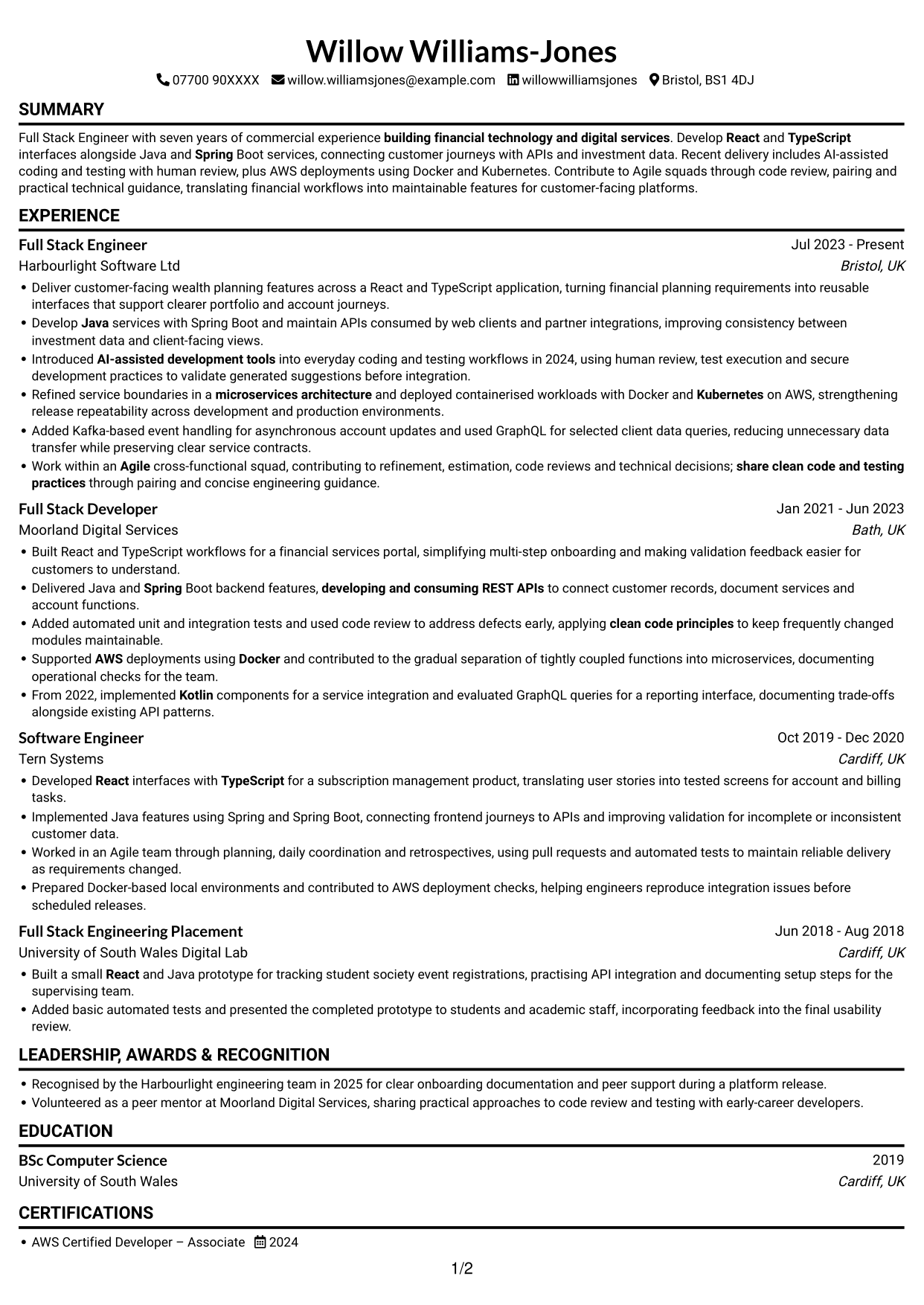
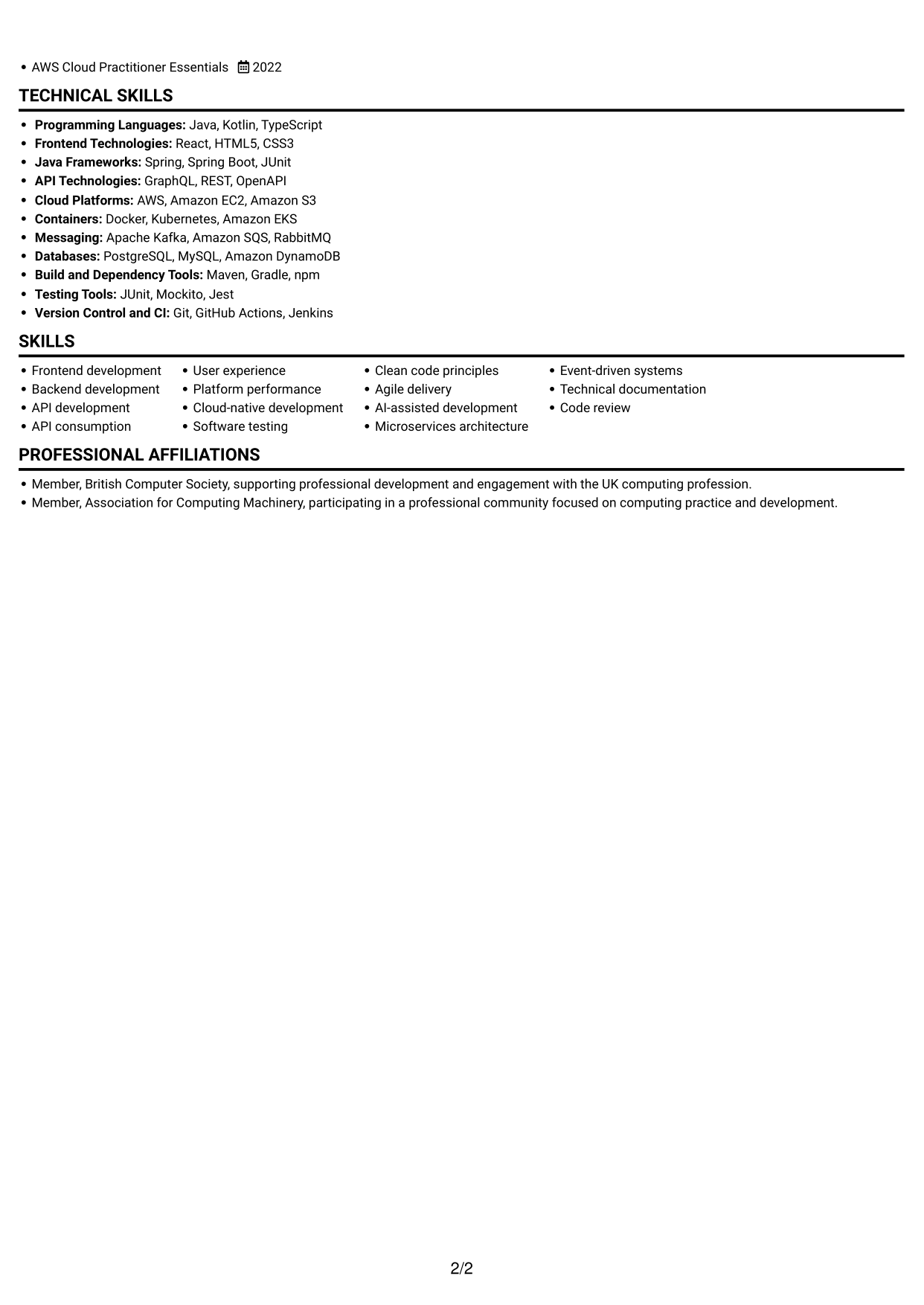
#1 Simple One Column Format CV Example
The single-column layout keeps the CV in one reading path, helping reviewers follow career progression from role to role.
Why This Format Works
- Experience entries can be read in sequence, making career progression easy to follow.
- One text column gives detailed achievement bullets room to run across the page.
- Skills and education stay within the same reading path as employment history.
Best For
- Linear section-by-section review
- Detailed experience descriptions
- Chronological career histories
- CVs with varied section content
- A familiar reading order
CV Keywords
- React
- TypeScript
- Java
- Spring
- developing and consuming REST APIs
- AI-assisted development tools
- share clean code and testing practices
- Software testing
- clean code principles
- Work within an Agile cross-functional squad
- Frontend development
- Backend development
- User experience
- Platform performance
- Cloud-native development
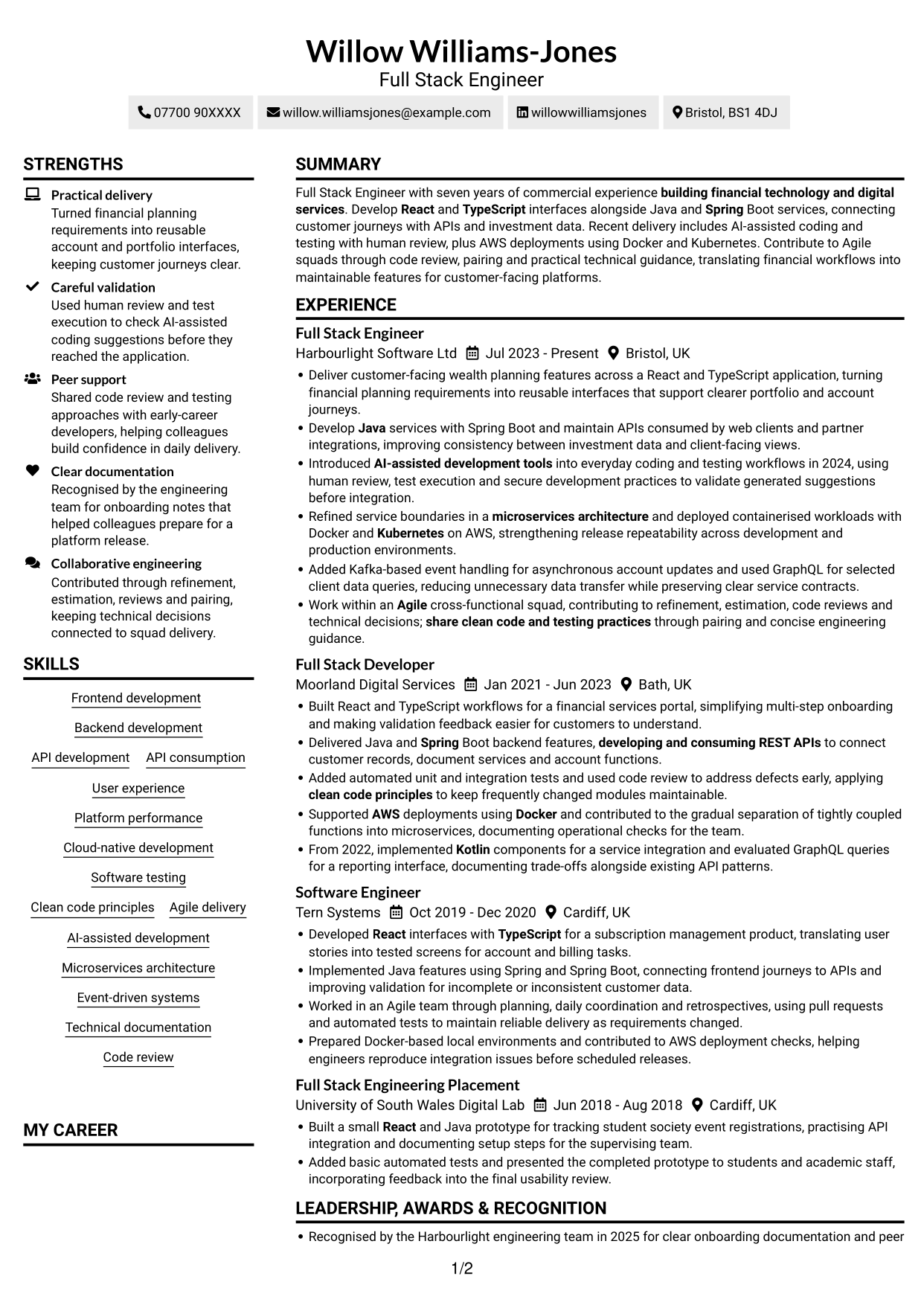
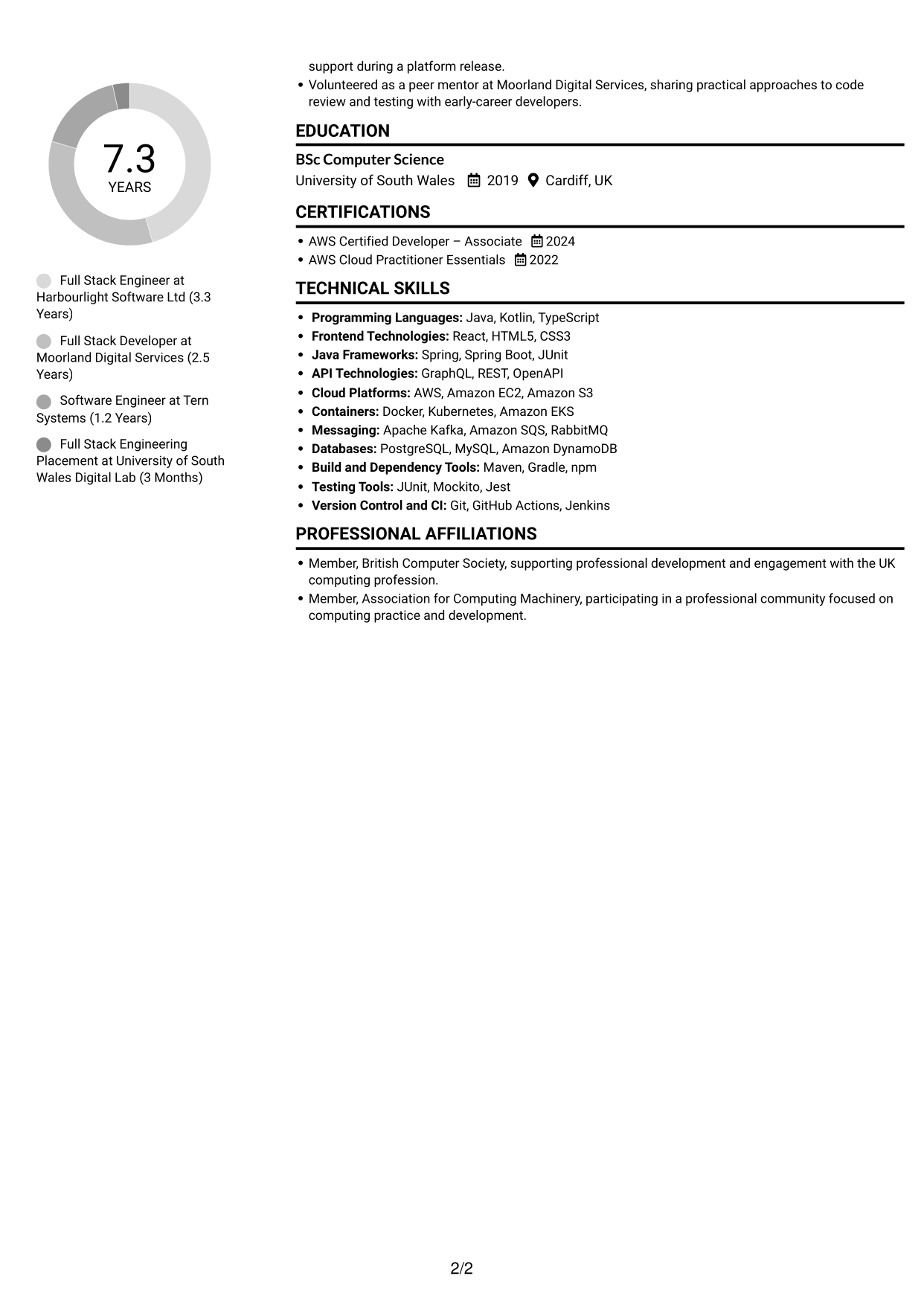
#2 Simple Two Column Format CV Example
The two-column body places content in parallel areas, helping reviewers take in experience and supporting details together.
Why This Format Works
- Parallel content areas let reviewers take in experience and supporting details together.
- Separate columns give skills and education room alongside the career record.
- The layout reduces the need to scan one long vertical run of text.
Best For
- Side-by-side section review
- CVs with varied content
- Quick access to supporting details
- Compact skills and education sections
- Readers who prefer parallel content
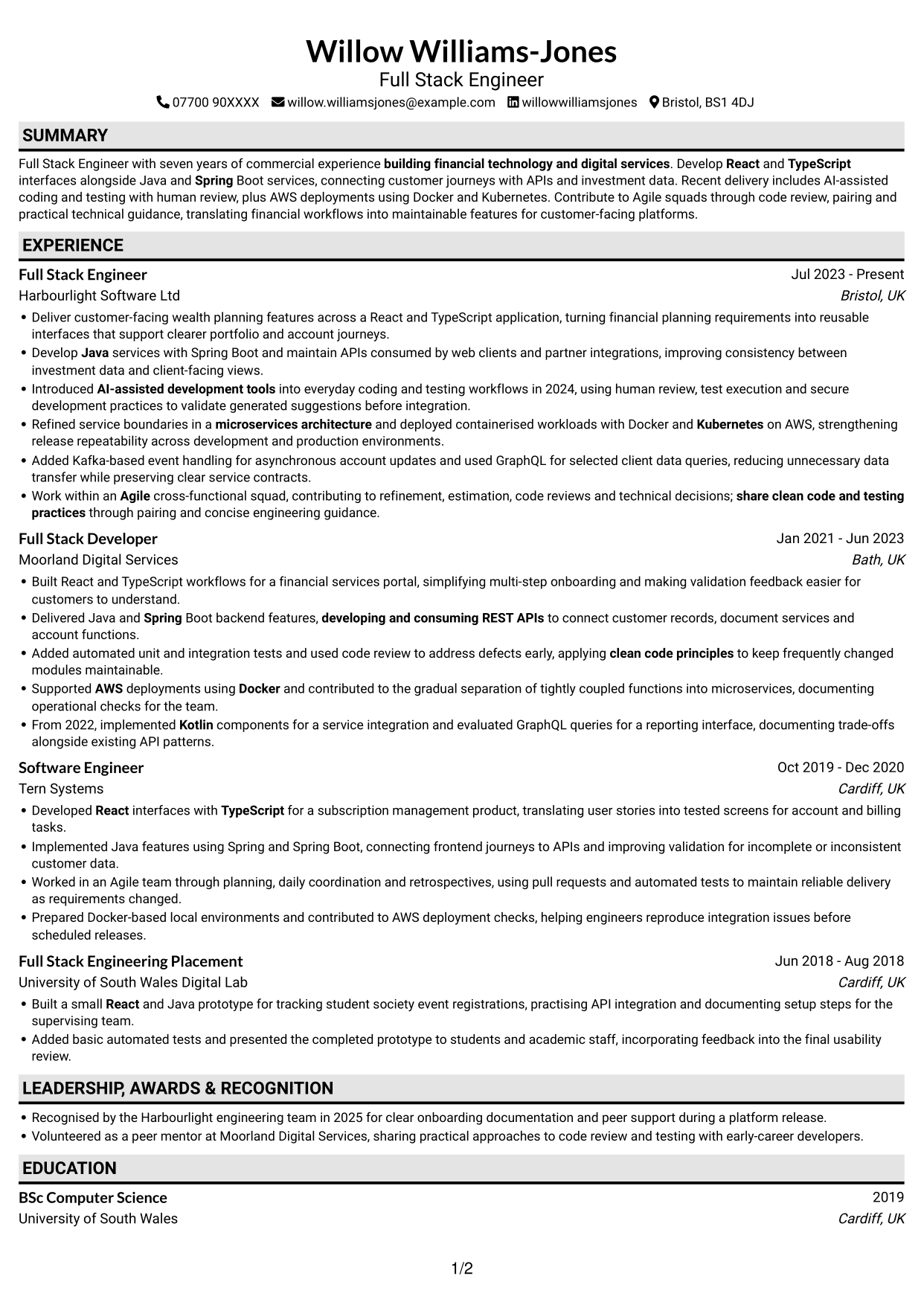
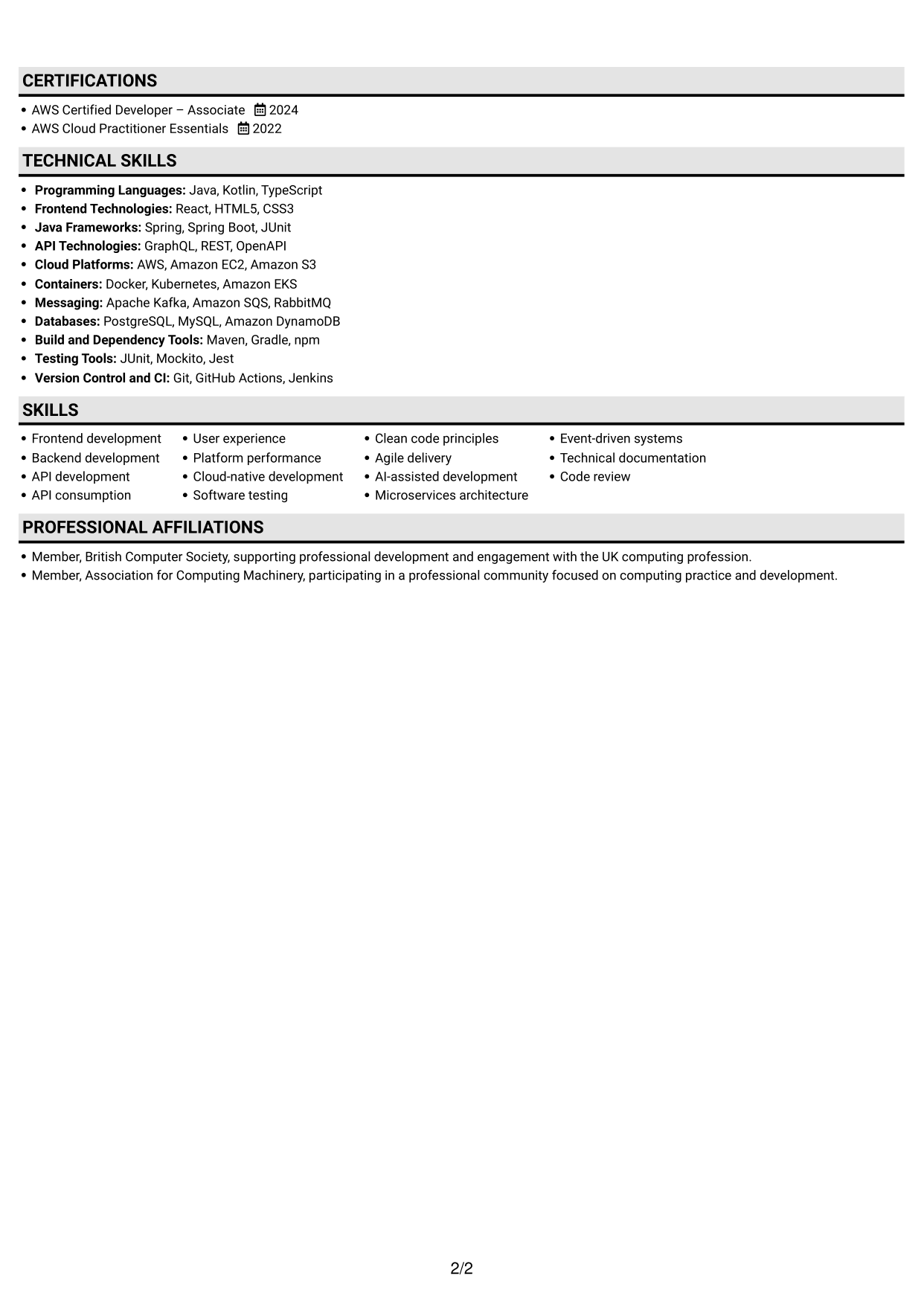
#3 Plain One Column with Shaded Labels CV Example
The one-column layout keeps each CV section in a shared reading sequence, a practical choice for reviewers who prefer a direct route through the content.
Why This Format Works
- Reviewers can follow employment history from one role to the next without changing columns.
- A shared text area supports detailed bullets across experience and achievements.
- Skills, education and credentials remain within the same overall reading sequence.
Best For
- Direct section-by-section review
- Detailed career histories
- Longer achievement bullets
- A single reading sequence
- CVs with several content areas
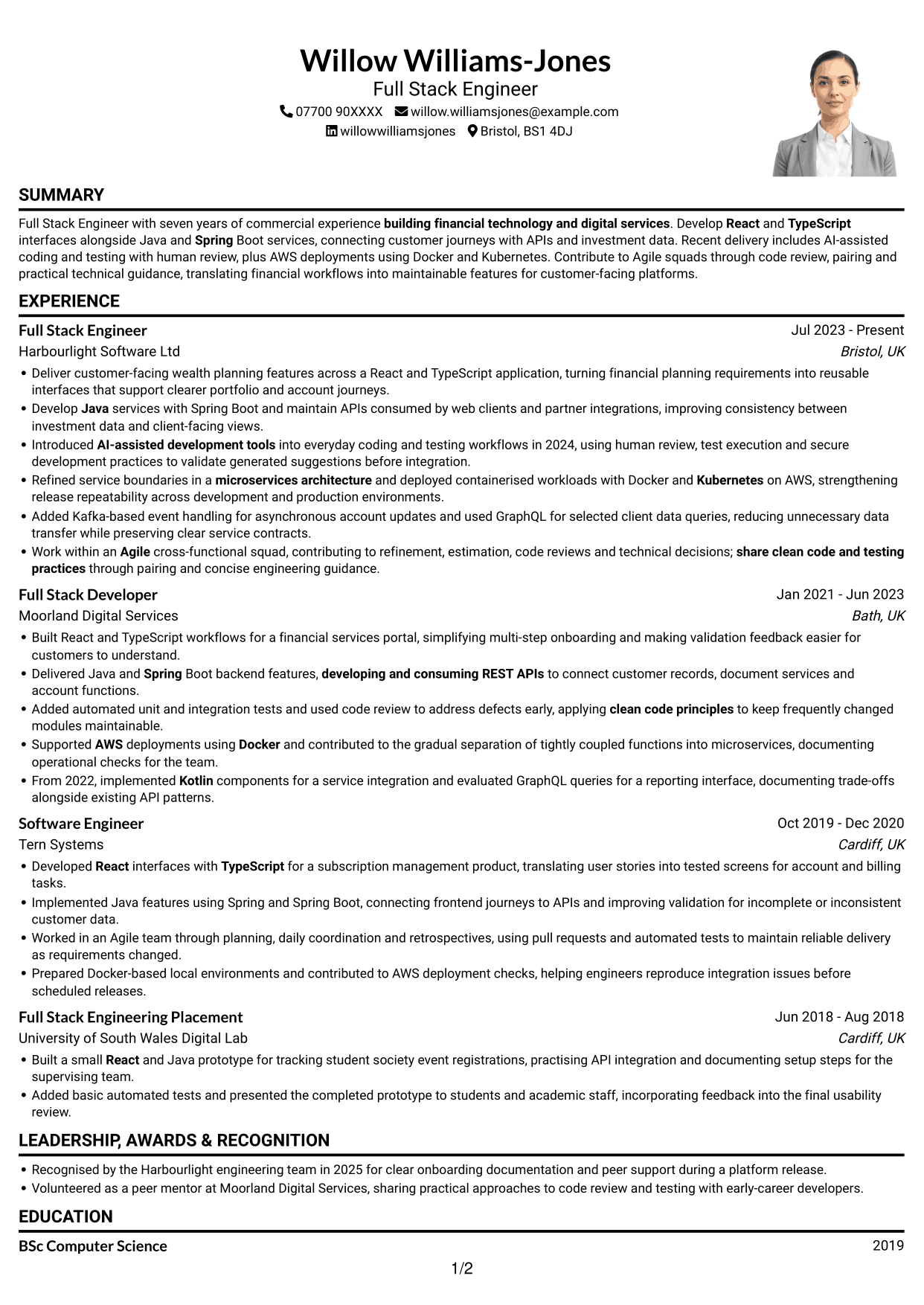
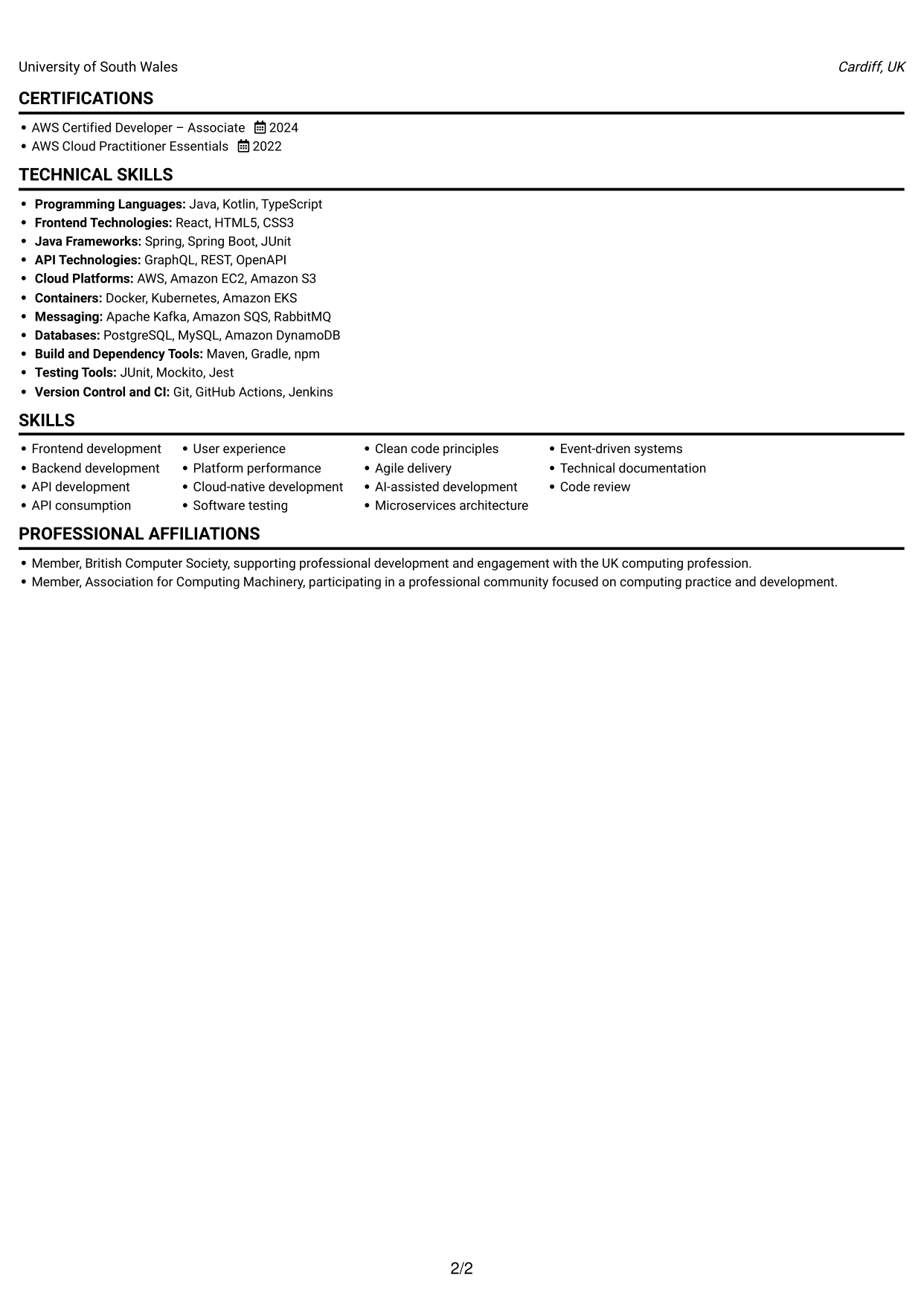
#4 One Column Format with Photo Right CV Example
A portrait accompanies the single-column CV, giving readers a visual reference while keeping the written sections in one reading path.
Why This Format Works
- The single text column lets reviewers move through experience without switching between content areas.
- Career history remains in a direct sequence from one position to the next.
- Skills and credentials can be reviewed within the same written flow as experience.
Best For
- CVs including a portrait
- One-path document review
- Sequential career histories
- A personal visual reference
- Experience sections with detailed bullets
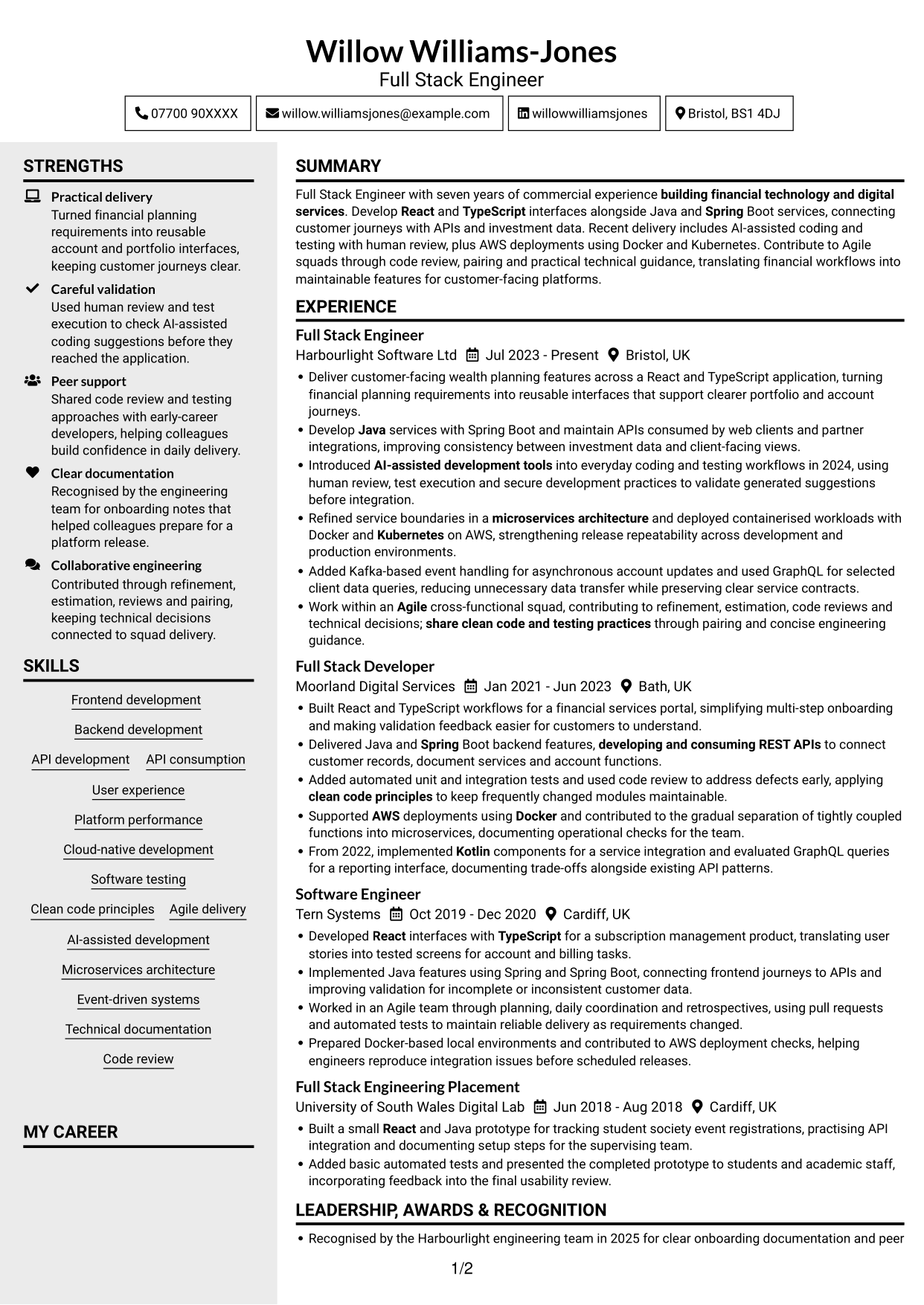
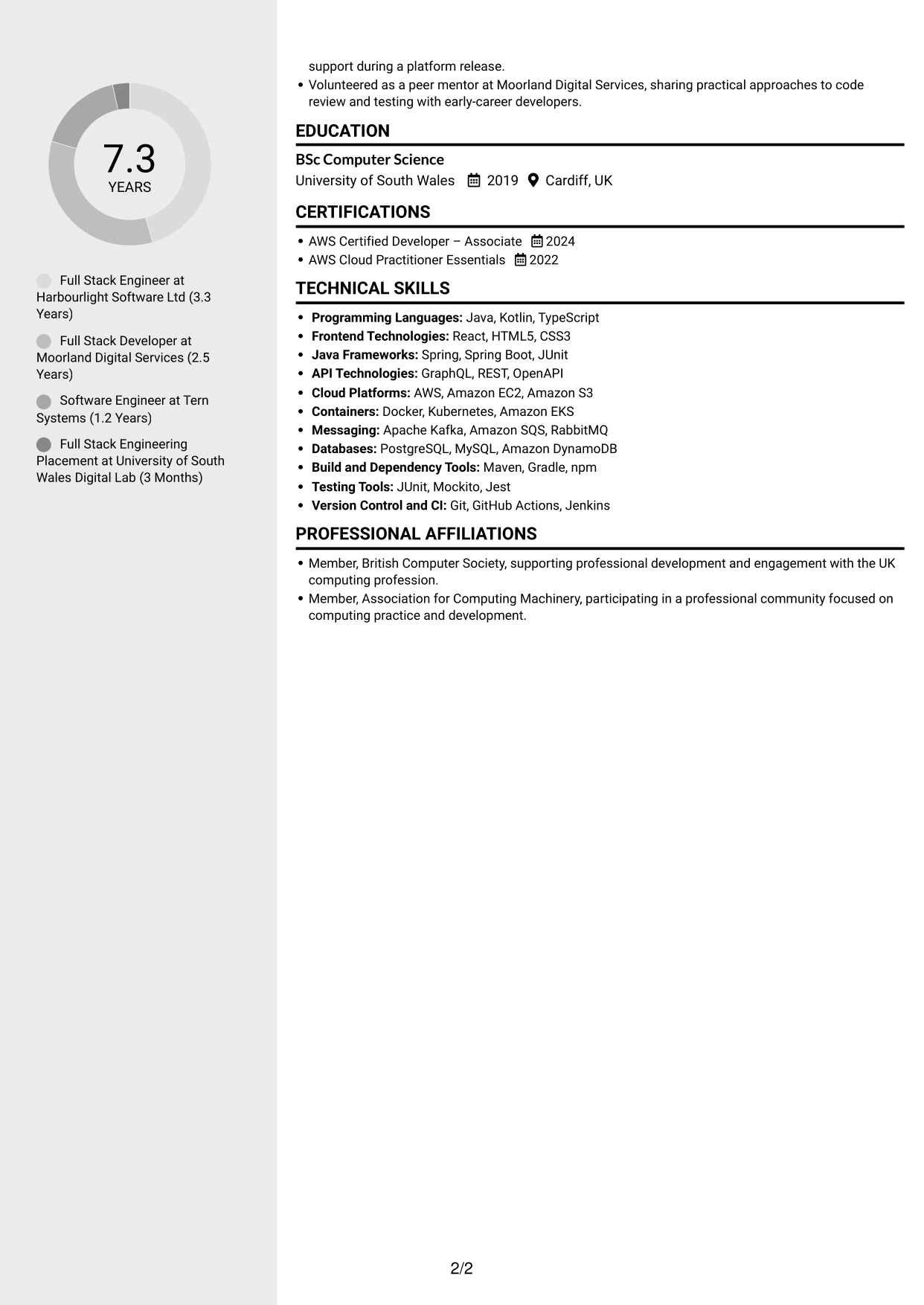
#5 Clean Two Column Sidebar Format CV Example
The two-column body provides parallel areas for CV content, helping reviewers locate supporting details beside the main career record.
Why This Format Works
- Parallel areas make it easier to review experience alongside other CV information.
- Separate columns give skills and education their own space in the document.
- The two-part reading area helps break up a dense set of sections.
Best For
- Parallel content review
- CVs with supporting details
- Skills beside career history
- A shorter visual scan
- Sections that need clear separation
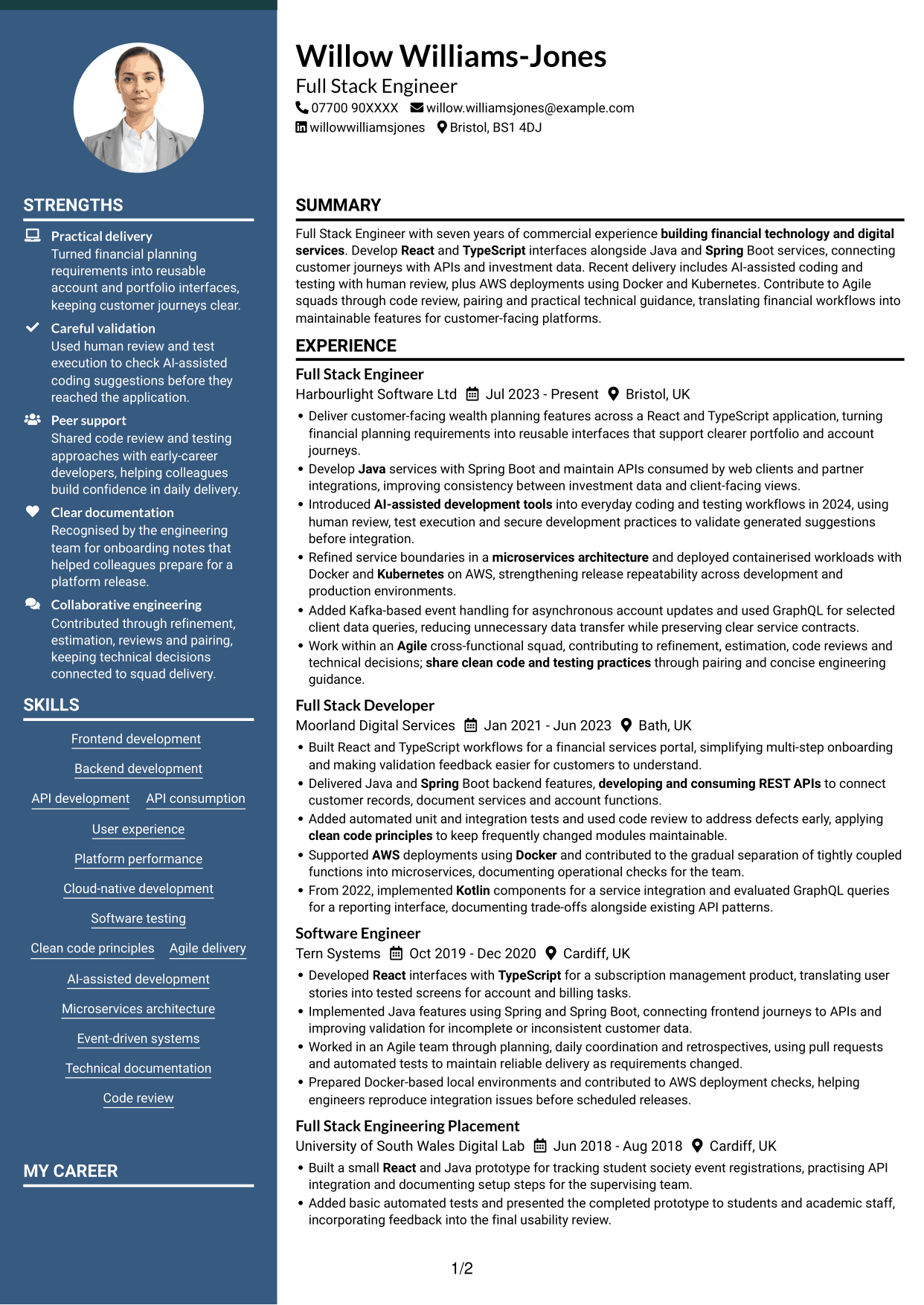
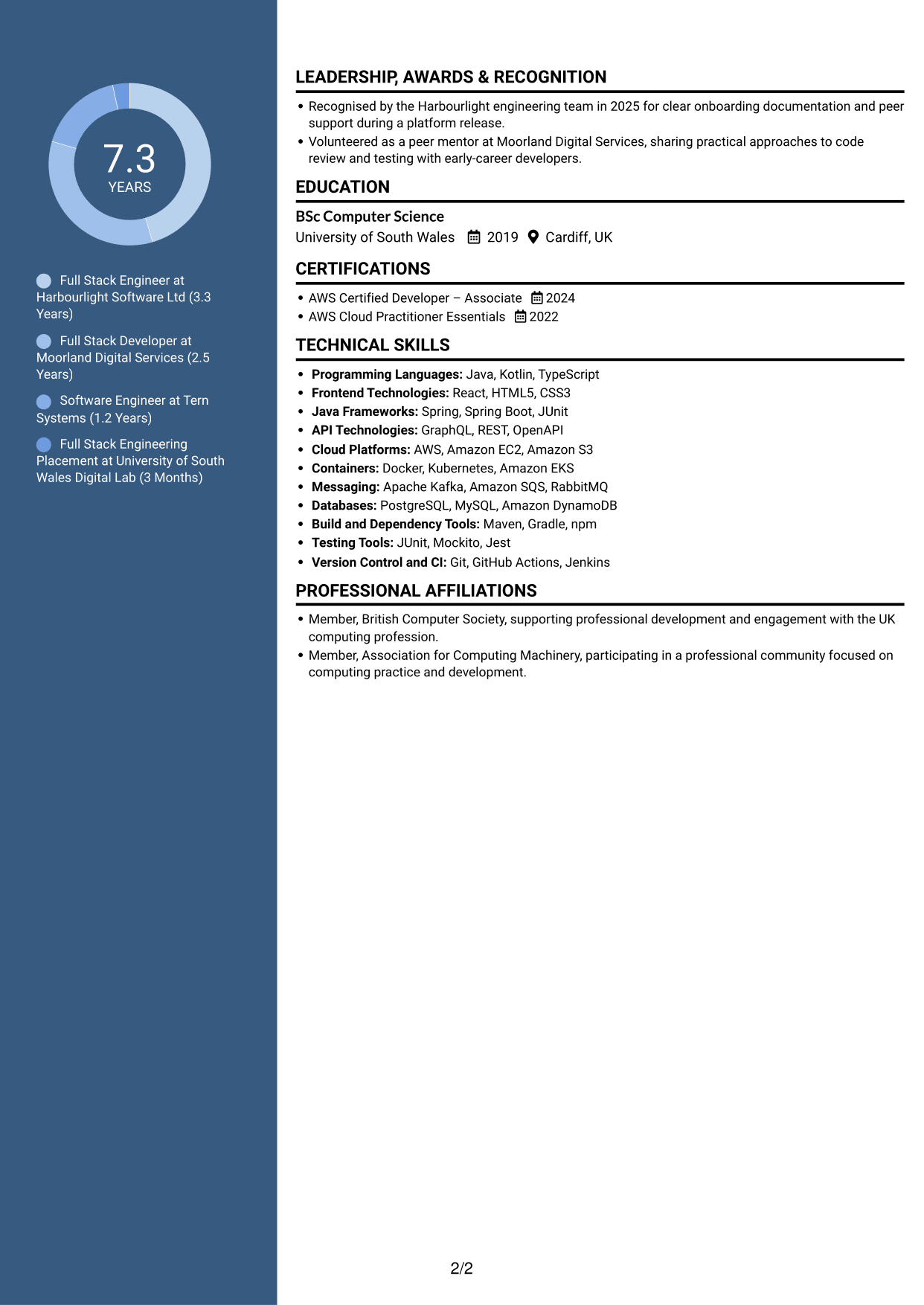
#6 Two Column Format CV Example
Two columns organise the CV across parallel content areas, a useful option when reviewers need to move between career details and other sections.
Why This Format Works
- Reviewers can scan career history and supporting sections without one long text run.
- The parallel arrangement gives skills and education a clear place in the CV.
- Experience bullets remain easy to locate within the wider section structure.
Best For
- Review across parallel areas
- CVs with several sections
- Separate skills and education details
- Less continuous vertical scanning
- Career information with supporting sections
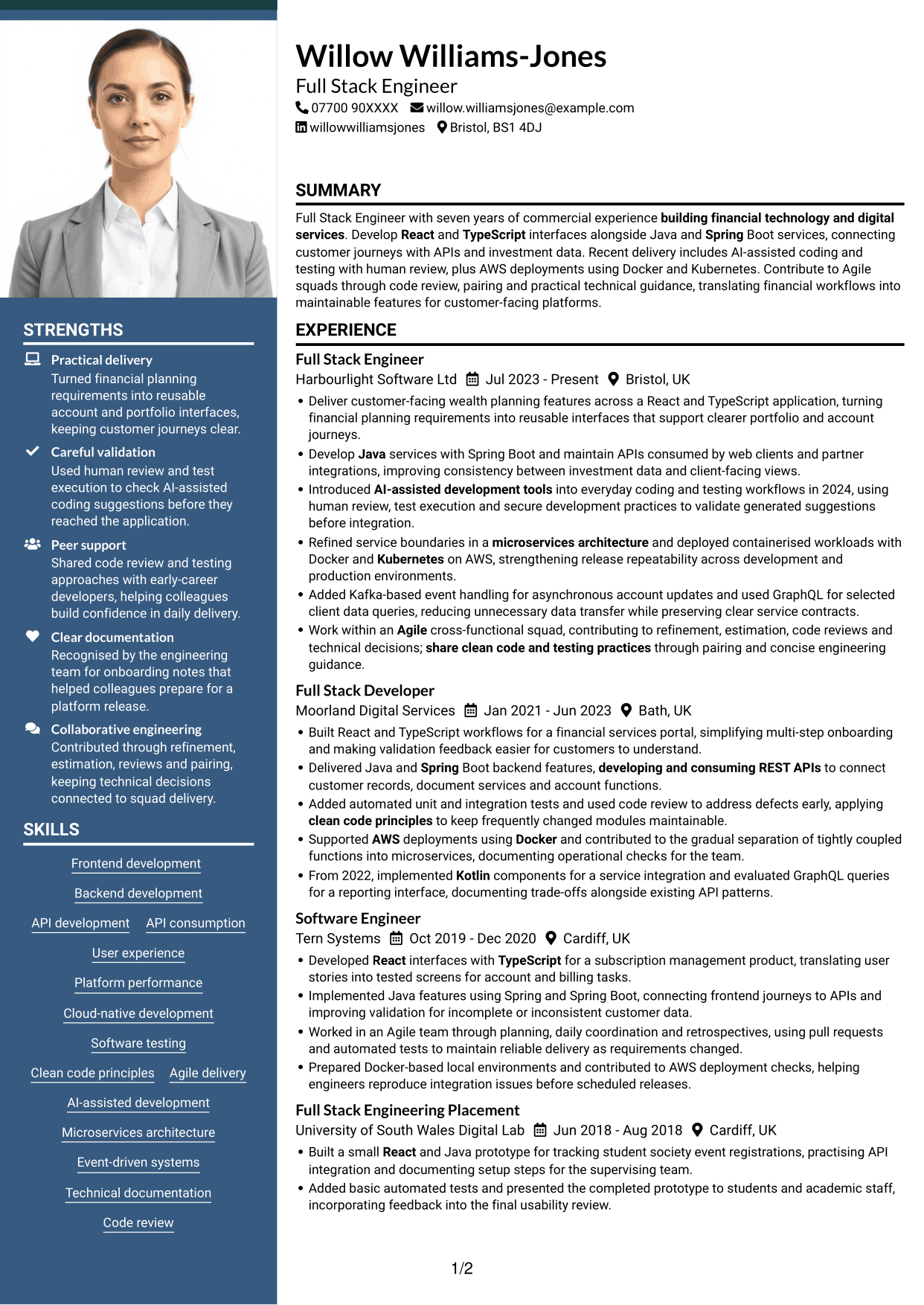
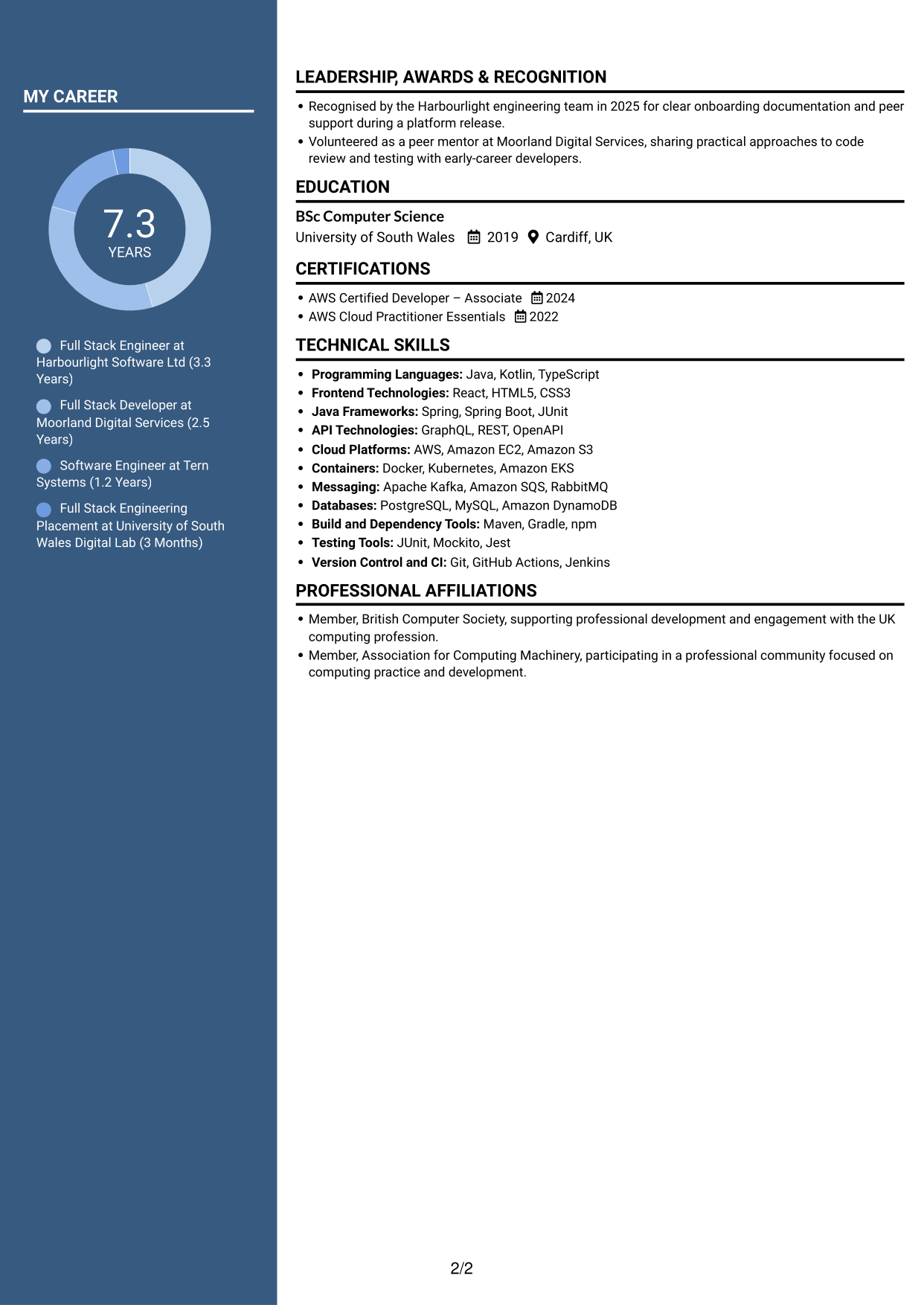
#7 Photo Header Two Column Format CV Example
The two-column CV includes a portrait, combining a visual reference with parallel content areas for reviewers who value both features.
Why This Format Works
- Parallel columns help reviewers move between experience and supporting CV sections.
- The two-column structure gives technical skills and education distinct areas.
- A portrait adds a personal visual element without changing the content order.
Best For
- CVs including a portrait
- Parallel section review
- Separate skills and education areas
- A personal visual element
- Career histories with supporting details
Why Build Your Full Stack Engineer - Java and React CV with ResumeInMinutes
ResumeInMinutes helps you organise your technical skills, experience and education in a clear CV. Compare PNG image previews, then open an example in the editor to customise its content and layout.
- Different CV layouts
- Clear, readable section structure
- Space for role-specific keywords
- Organised skills and experience
- PNG image previews
- CV customisation in the editor
Choose a format that makes your React and Java work easy to follow. Keep skills, project evidence and measurable achievements easy to find during a quick review.
See Also
- Full Stack Lead Software Engineer CV Guide (Java, Spring Boot, AWS) (Examples + Free PDF Downloads)
- 7 Principal Full-Stack Software Engineer - Python, Data and AI CV Templates with Example
- 7 Java Engineer - Cloud-Native Microservices CV Templates with Example
- 7 Java Software Engineer - Cross-Domain Security CV Templates with Example
- 7 Lead Software Engineer - Java, Spring Boot, AWS CV Templates with Example
- 7 Principal Software Engineer - Java and Enterprise Integration CV Templates with Example
- Principal Software Engineer CV Guide (Java, AWS) (Examples + Free PDF Downloads)
- 7 Senior Backend Engineer (Java) CV Templates with Example
- 7 Full Stack Engineer - Java and React Cover Letter Templates with Example
- 7 Principal Full-Stack Software Engineer - Python, Data and AI Cover Letter Templates with Example
Frequently Asked Questions
Are these Full Stack Engineer - Java and React CV templates ATS-friendly?
The examples use clear headings and sections to support scanning. Include relevant terms naturally, such as React, TypeScript, Java, Spring Boot, API development, software testing and Agile delivery.
Are these separate CV examples or different layouts of one example?
This page shows one role-focused CV example in different layouts. Compare the PNG image previews, then open an example in the editor to customise it.
What should a Full Stack Engineer - Java and React CV include?
Include a focused summary, relevant experience, technical skills, education and certifications. Use concise bullets to show frontend and backend delivery, API work, testing and the results you can support.
Which CV layout works well for this role?
Choose a layout with clear headings and an easy-to-follow order for experience, skills and education. A simple structure helps recruiters and applicant tracking systems find key details.
How can I show Full Stack Engineer achievements on my CV?
Write concise bullets that explain the work, your contribution and the outcome. Where you have reliable figures, use them to show improvements in performance, reliability, delivery or customer journeys.
Should I include a photo on my CV?
For UK applications, a photo is usually not needed. Use the space for relevant experience, technical skills and measurable results instead.




