
7 Geotechnical Engineer - Ground Investigation and Design Cover Letter Templates with Example
This practical guide to a Geotechnical Engineer - Ground Investigation and Design cover letter presents seven layouts to help you show your role fit with clear, relevant evidence.
What Makes a Great Geotechnical Engineer - Ground Investigation and Design Cover Letter in 2026
A strong letter links ground investigation and design work to the needs of the role. Make the opening direct, then show how you turn ground data into practical solutions for foundations, retaining structures, earthworks or slopes.
Use specific evidence, such as interpreting borehole records or preparing calculations and technical reports with relevant design tools and standards. Connect your examples to the employer’s project work, and explain your interest in contributing to safe, sustainable design and construction support.
The featured example moves from interest in the role to ground investigation and design evidence, then to collaboration, employer alignment and a clear close; adapt this focused progression while choosing a presentation suited to the employer and communication context.
#1 Simple One Column Format Cover Letter Example
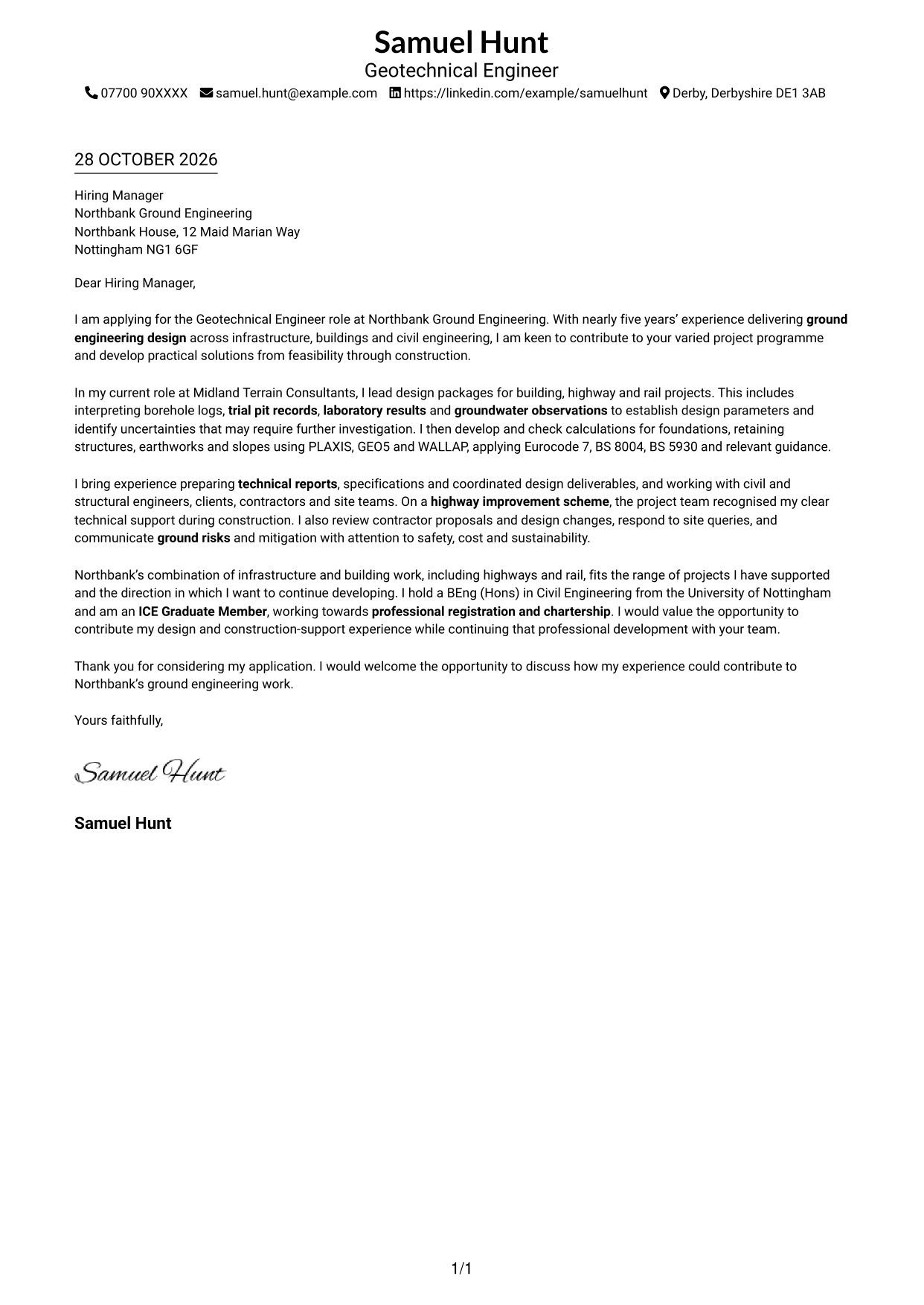
Simple One Column Format keeps sender details and the continuous letter body in a single column for a direct reading sequence.
Why This Format Works
- The single column keeps sender details and the letter body in one reading sequence.
- Continuous paragraphs let the reviewer follow motivation, evidence and closing in order.
- A photo-free presentation suits readers who prefer correspondence without a portrait.
Best For
- Text-focused applications
- Photo-free document preferences
- Letters favouring direct prose
- Simple contact presentation
- Unheaded correspondence
#2 Two Column Format Cover Letter Example
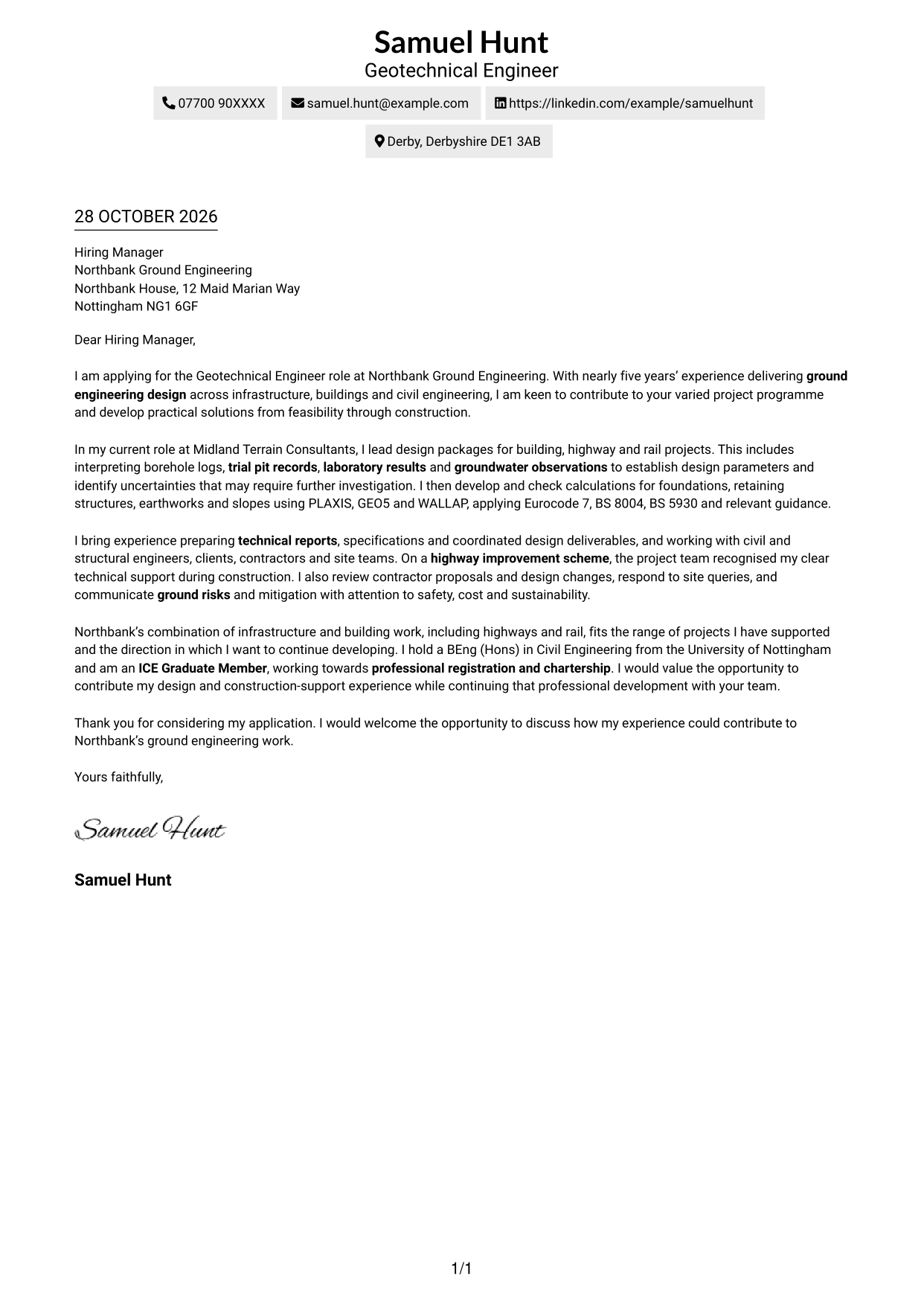
Two Column Format places contact details in a sidebar beside one continuous letter body, keeping the correspondence visually distinct.
Why This Format Works
- Contact details sit apart from the letter, making them easy to locate.
- The body stays in one column, so the argument reads as a continuous message.
- Without argument headings, the paragraphs retain a direct greeting-to-closing progression.
Best For
- Sidebar contact presentation
- One-column letter text
- Clear contact lookup
- Text-focused application documents
- Continuous written correspondence
#3 Photo Header Two Column Format Cover Letter Example
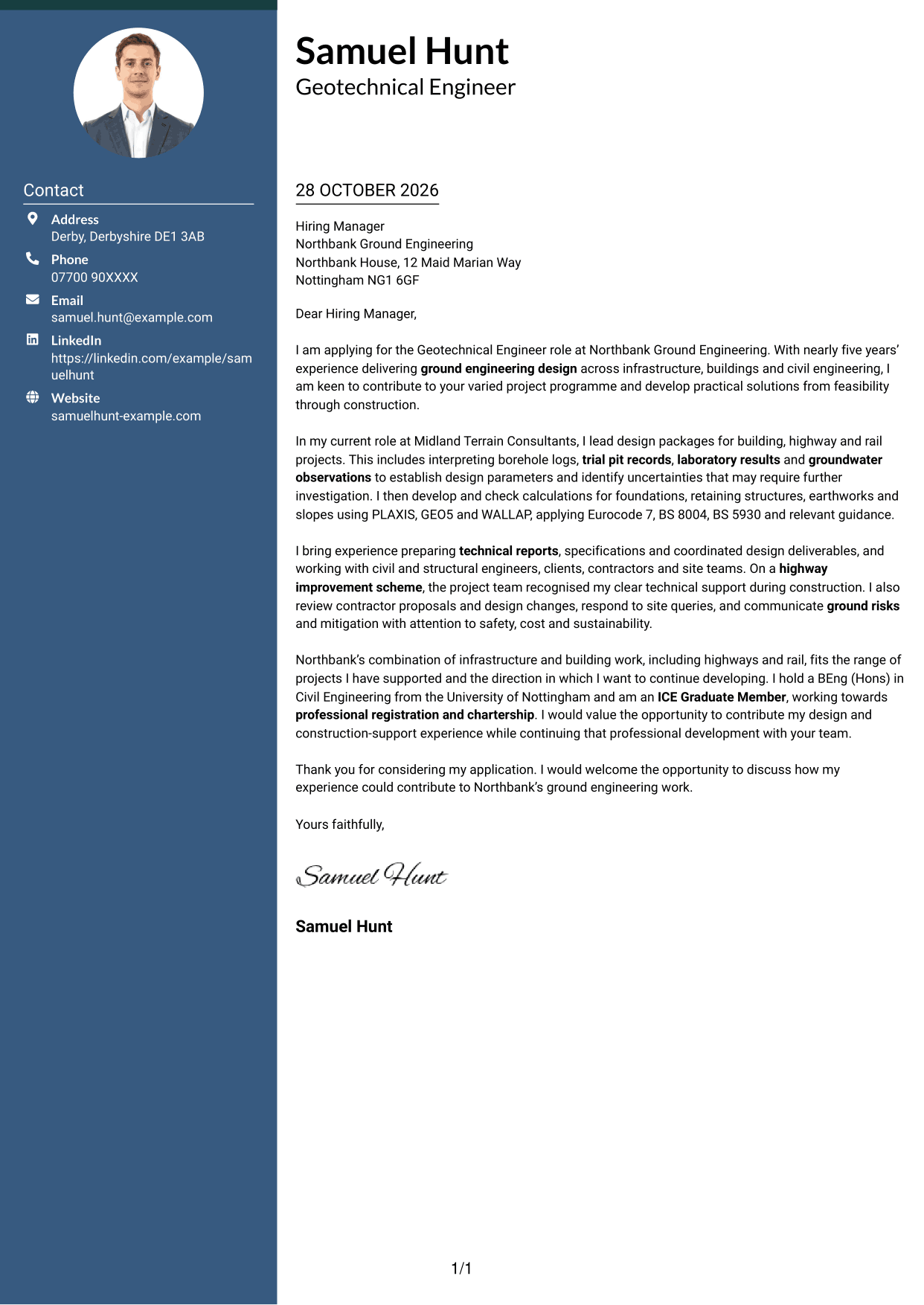
Photo Header Two Column Format includes a portrait and uses a contact sidebar beside one continuous letter body.
Why This Format Works
- Contact details stay in a sidebar, separate from the continuous letter body.
- One main text column lets the reviewer follow the argument in order.
- The portrait offers a visual choice for applicants who want a photo included.
Best For
- Portrait-inclusive applications
- Two-column page preference
- Separate contact details
- One-column persuasive text
- Letters with a personal image
#4 One Column Format with Photo Cover Letter Example
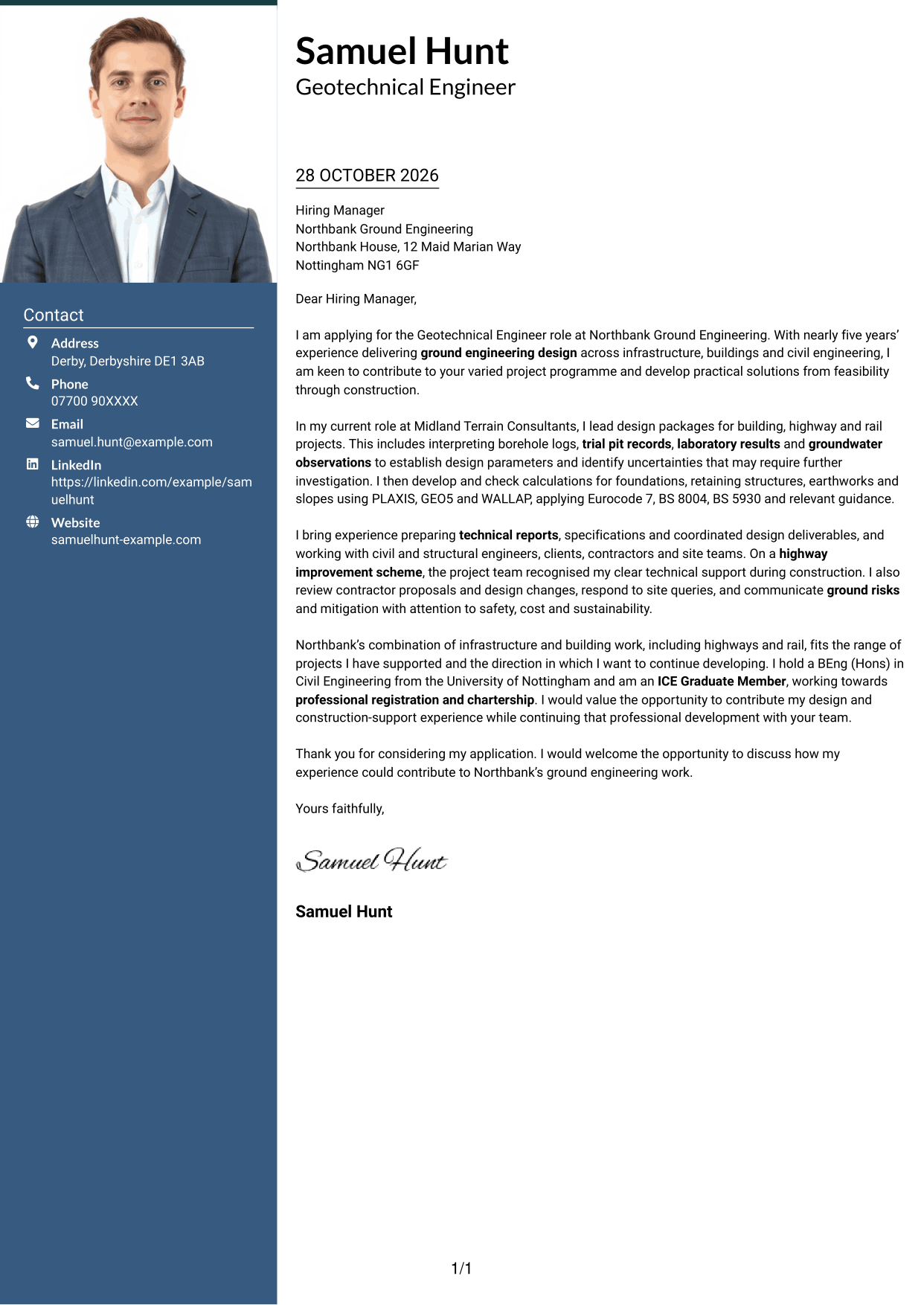
One Column Format with Photo uses a single-column letter layout and includes a portrait.
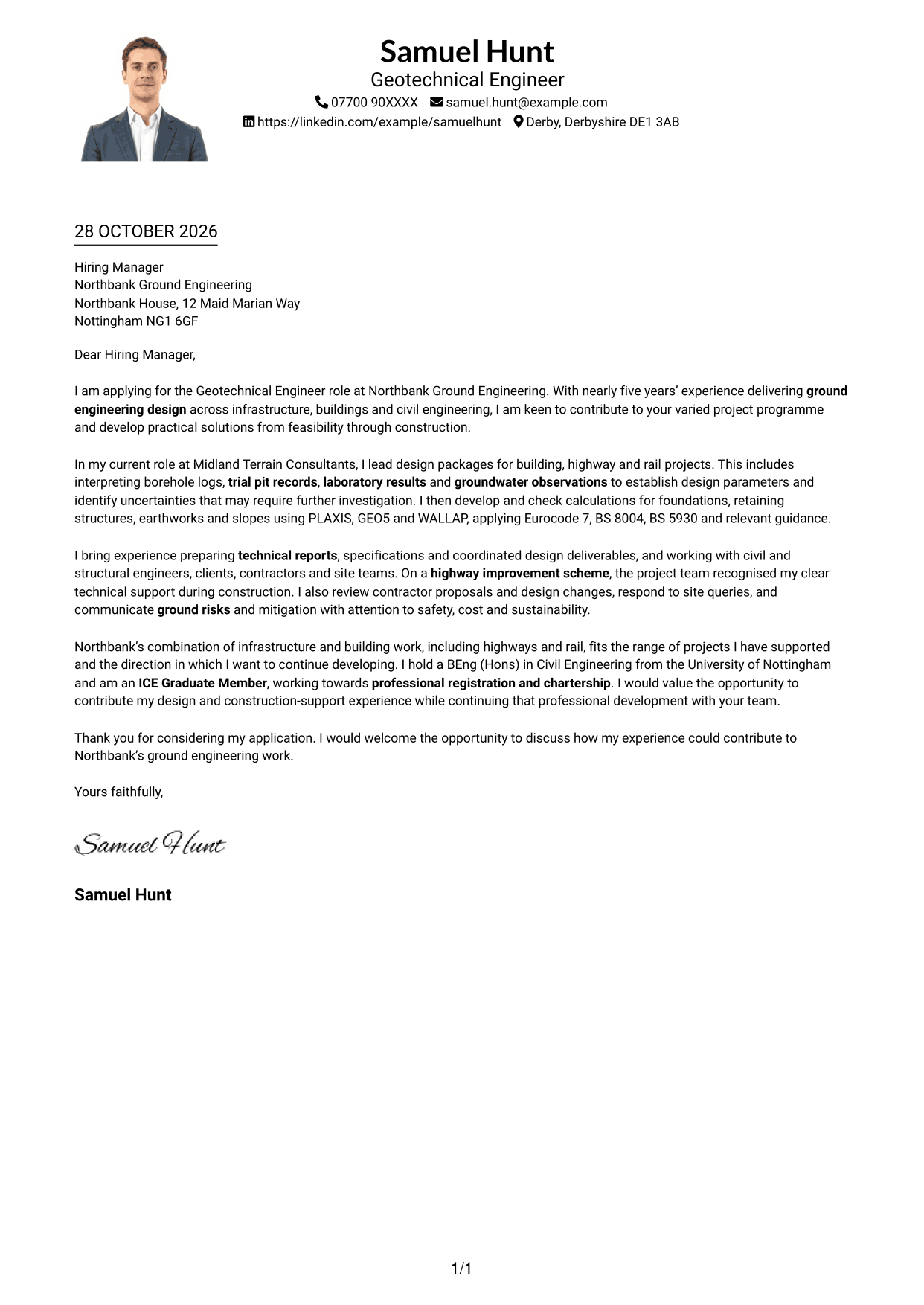
Why This Format Works
- One column keeps sender details and letter text within a single reading sequence.
- The continuous paragraphs carry motivation, evidence and closing without argument headings.
- The portrait provides a personal visual element, separate from the letter's written case.
Best For
- Single-column correspondence
- Applications using a portrait
- Direct letter reading
- Unheaded persuasive writing
- Personal visual presentation
#5 Simple Two Column Format Cover Letter Example
Simple Two Column Format sets contact details apart in a sidebar while keeping the letter itself in one column.
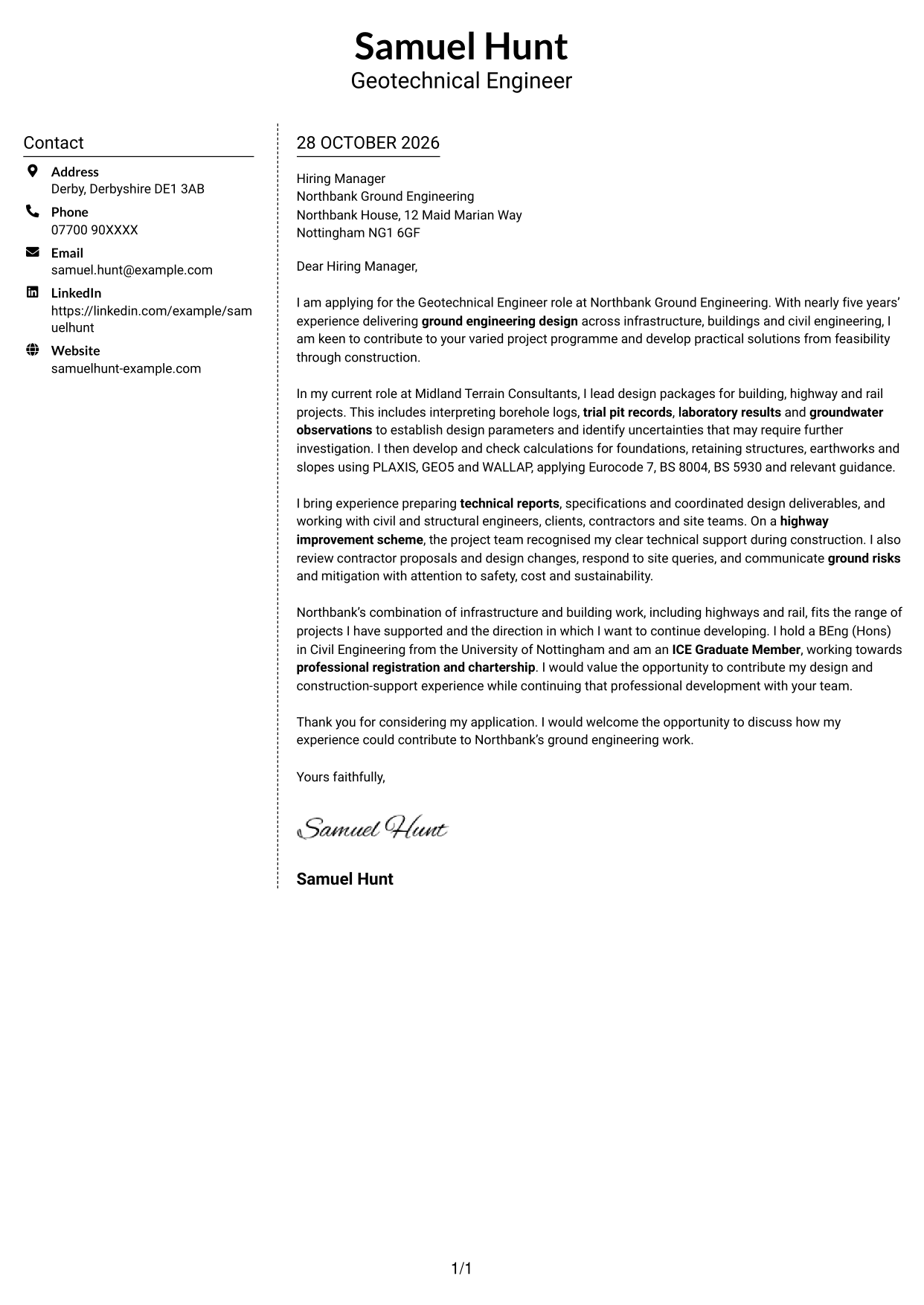
Why This Format Works
- Contact details have their own sidebar, distinct from the uninterrupted letter paragraphs.
- The body remains in one column, keeping the argument together from opening to close.
- No argument labels interrupt the letter's natural progression from greeting to sign-off.
Best For
- Sidebar-based contact details
- Single-column letter text
- Direct greeting-to-sign-off flow
- Letters with no argument headings
- Clearly separated contact information
#6 Modern Icon Format Cover Letter Example
Modern Icon Format uses two columns for contact details and a continuous letter body, with icons serving as contact cues or header accents.
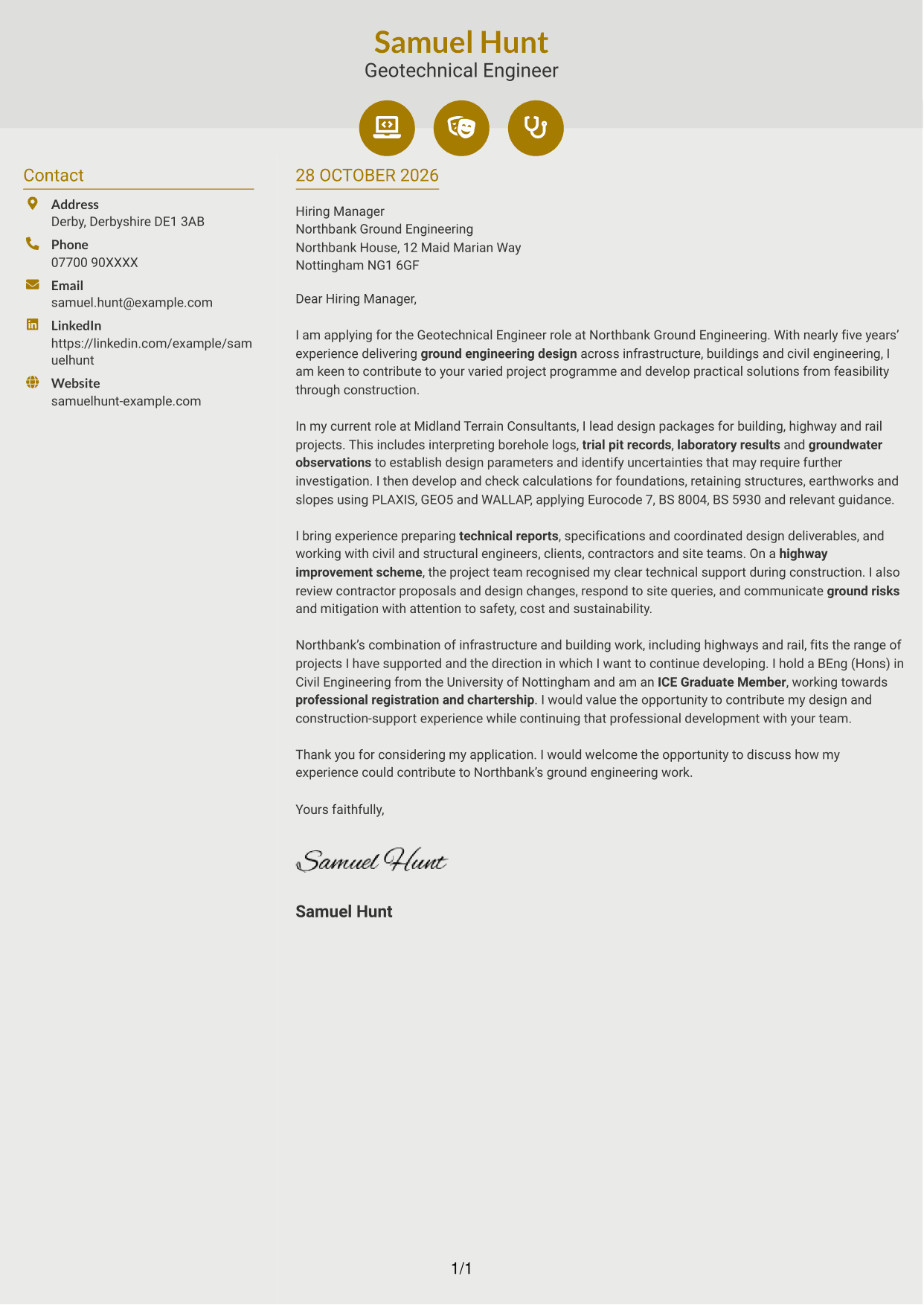
Why This Format Works
- Icons act as contact cues or header decoration, not labels for letter arguments.
- The contact sidebar separates practical details from the letter's continuous body.
- One body column keeps motivation, evidence and closing together in reading order.
Best For
- Contact details with visual cues
- Sidebar-based letter layouts
- Decorative header accents
- One-column letter text
- Letters with continuous prose
#7 Creative Two Tone Format Cover Letter Example
Creative Two Tone Format places a contact sidebar beside the continuous letter body, keeping the correspondence in two columns.
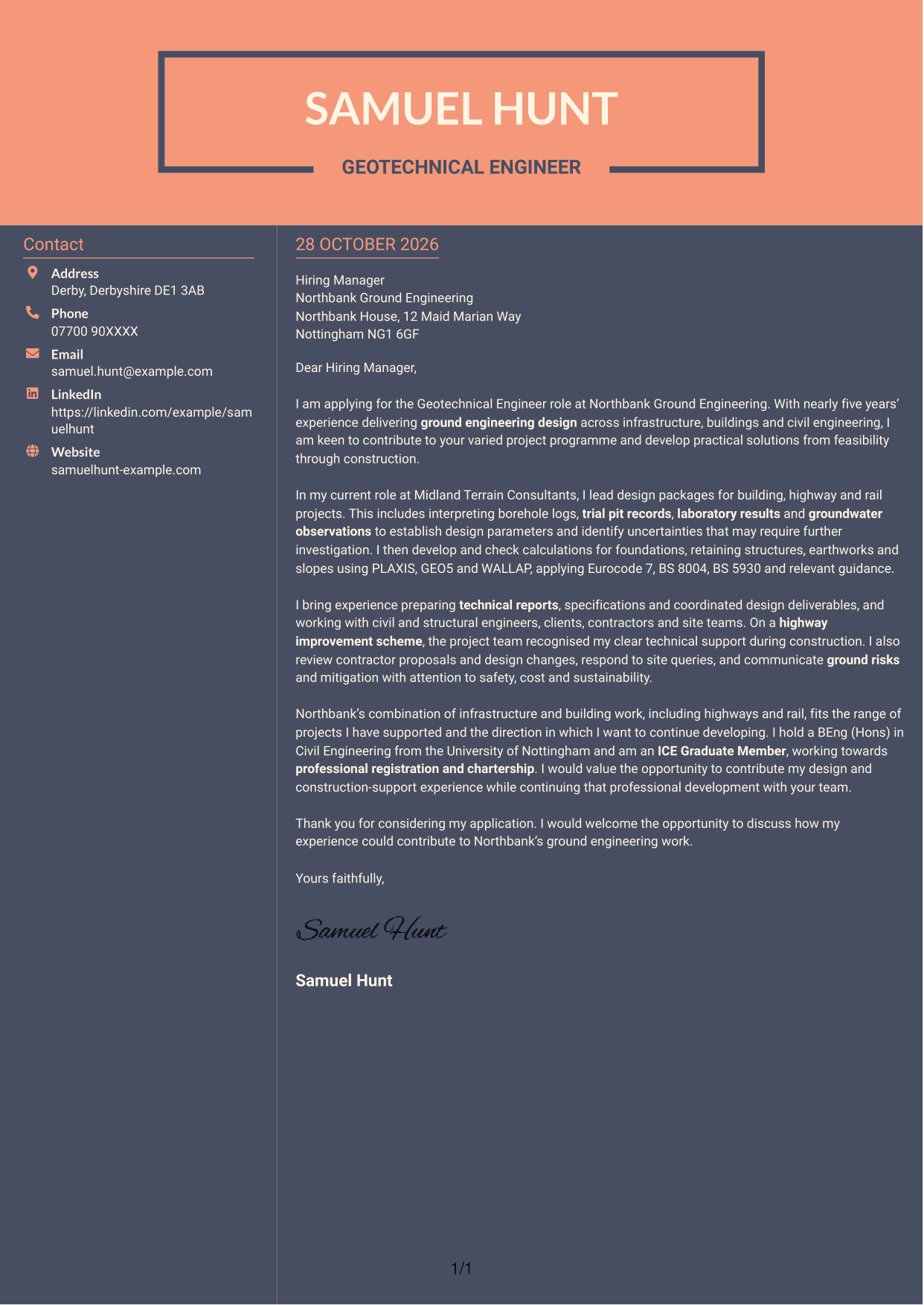
Why This Format Works
- The sidebar keeps sender details apart while the body remains a single letter.
- Motivation, supporting evidence and closing stay in one continuous reading sequence.
- Without headings for argument stages, the letter keeps a direct correspondence style.
Best For
- Two-column correspondence
- Contact sidebar preference
- Single-column body text
- Text-led application letters
- Direct letter communication
See Also
- 7 Geotechnical Engineer - Ground Investigation and Design CV Templates with Example
- 7 Assistant Civil Engineer - Highways and Drainage Design CV Templates with Example
- 7 Civil Design Engineer - Water and Wastewater Infrastructure CV Templates with Example
- 7 Civil Engineer Lead - Drainage and Infrastructure Design CV Templates with Example
- 7 Design Engineer - Maritime CV Templates with Example
- 7 Graduate Civil Engineer - Rail Infrastructure Design CV Templates with Example
- 7 Graduate Civil Engineer - Residential Design CV Templates with Example
- 7 Senior Civil Engineer - Infrastructure Design CV Templates with Example
- 7 Assistant Civil Engineer - Highways and Drainage Design Cover Letter Templates with Example
- 7 Civil Design Engineer - Water and Wastewater Infrastructure Cover Letter Templates with Example
Frequently Asked Questions
What should a Geotechnical Engineer - Ground Investigation and Design cover letter highlight?
Show how your ground investigation knowledge supports sound design decisions. Relevant examples may include interpreting site records, assessing ground risks, preparing calculations and explaining recommendations for foundations, retaining structures, earthworks or slopes.
How can I show my design experience clearly?
Choose a specific task and explain what you did, how you used the available ground information and what design decision your work supported. Mention tools such as PLAXIS, GEO5 or WALLAP only if you have used them, and link your approach to relevant standards where appropriate.
How should I explain my interest in Northbank Ground Engineering?
Refer to Northbank’s work across infrastructure and buildings, including highways and rail. Explain how that project mix relates to your interests and the contribution you hope to make.
What is a clear way to structure this cover letter?
Open by naming the role and giving a clear reason for applying. Use the body to connect relevant investigation, design and construction-support evidence to the role, then close by restating your interest and welcoming a discussion.
Should I include every part of my geotechnical experience?
No. Focus on the examples that best match the role, such as ground data interpretation, design calculations, technical reports or work with project teams. A small number of well-explained examples is easier to follow.




