
7 Global Account Manager - Education Assessments Cover Letter Templates with Example
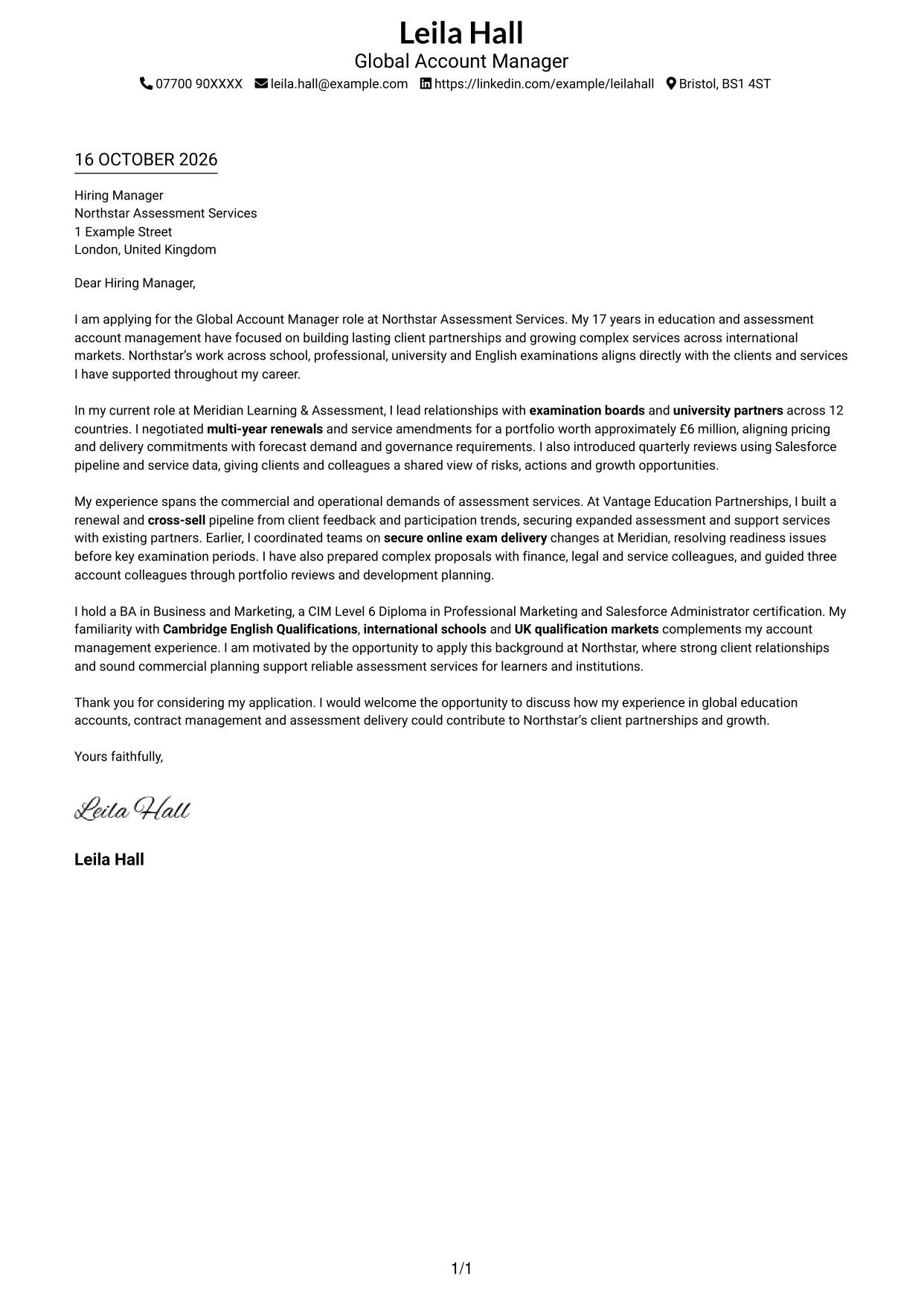
This guide helps you write a Global Account Manager - Education Assessments cover letter, with seven layouts to compare and adapt.
What Makes a Great Global Account Manager - Education Assessments Cover Letter in 2026
A strong letter shows how you build global client partnerships, grow education assessment services and balance commercial goals with dependable delivery. Make your interest in the role clear from the opening.
Use specific evidence, such as managing international accounts, negotiating renewals or improving assessment delivery. Link that evidence to the employer’s needs and explain why its work across education assessments interests you.
The featured example moves from clear role interest to evidence of global account work, contract renewals and assessment delivery, then closes with a direct statement of motivation; adapt this focused progression and choose a presentation suited to the employer and communication context.
#1 Simple One Column Format Cover Letter Example
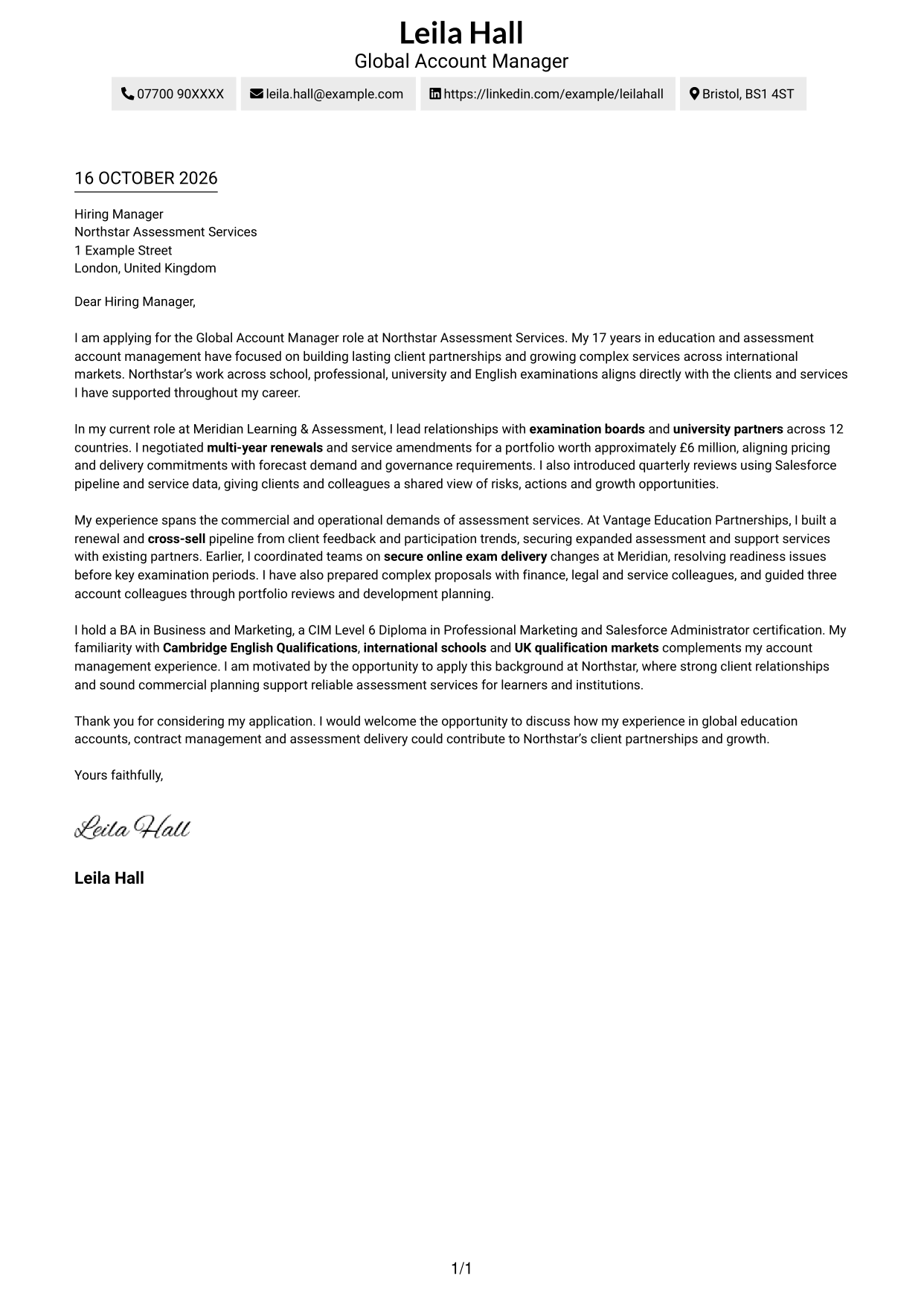
Simple One Column Format places sender details in the header above one letter column, keeping the message in a direct reading order.
Why This Format Works
- Sender details remain in the header, apart from the letter's single body column.
- The opening, supporting paragraphs and closing stay in one clear sequence.
- Readers who prefer one text column can follow the message without a sidebar.
Best For
- Single-column correspondence
- Header-based sender details
- Multi-paragraph applications
- Letters without body headings
- Direct opening-to-close flow
#2 Two Column Format Cover Letter Example
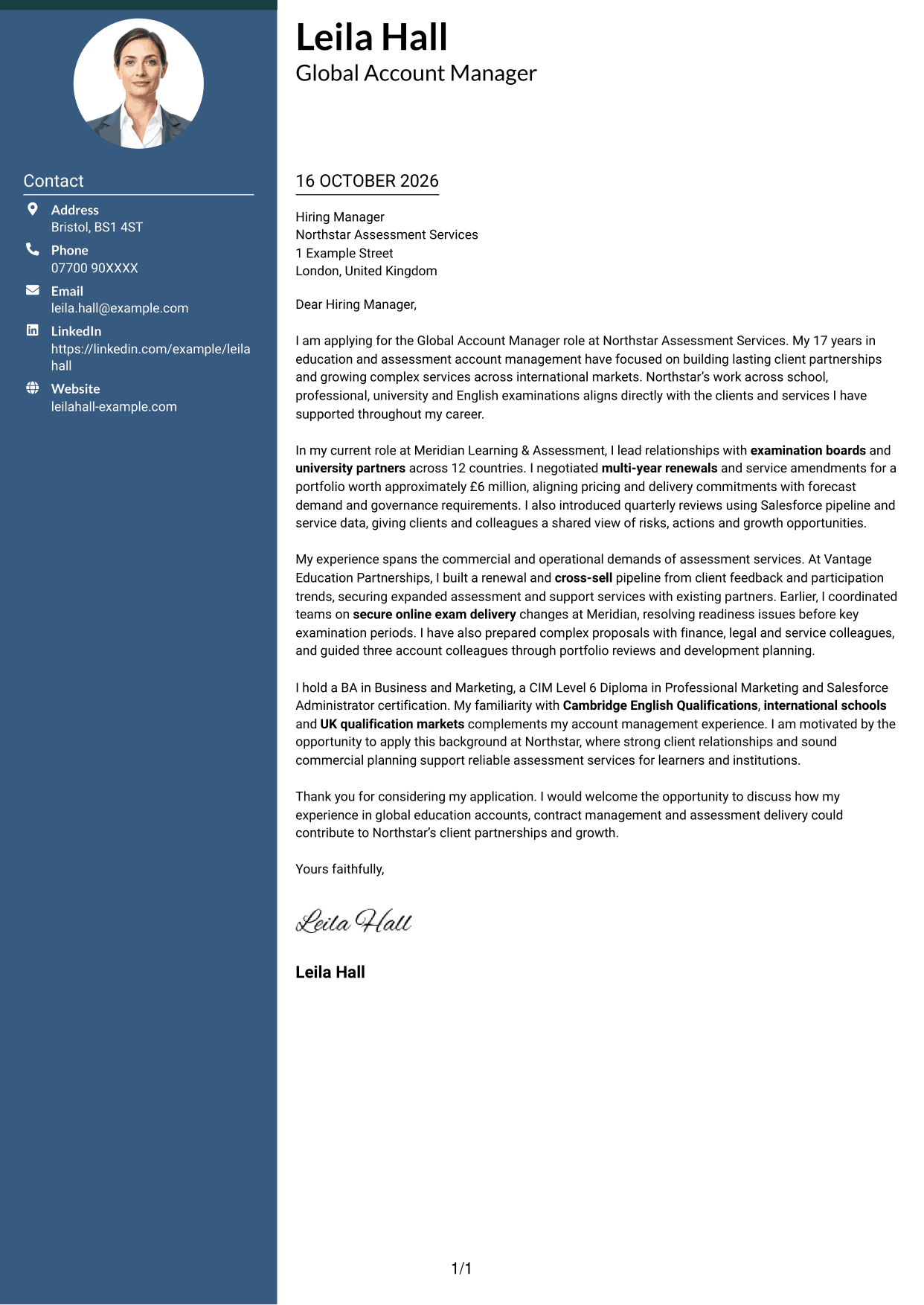
Two Column Format places contact details in a sidebar beside one continuous letter body, keeping correspondence details apart from the message.
Why This Format Works
- The sidebar gives sender details a separate place beside the letter.
- All argument paragraphs remain in one body column, preserving their written order.
- Side-by-side placement lets readers see contact details and letter text together.
Best For
- Sidebar contact details
- Multi-paragraph applications
- Two-column page preference
- One continuous letter argument
- Letters without body headings
#3 Photo Header Two Column Format Cover Letter Example
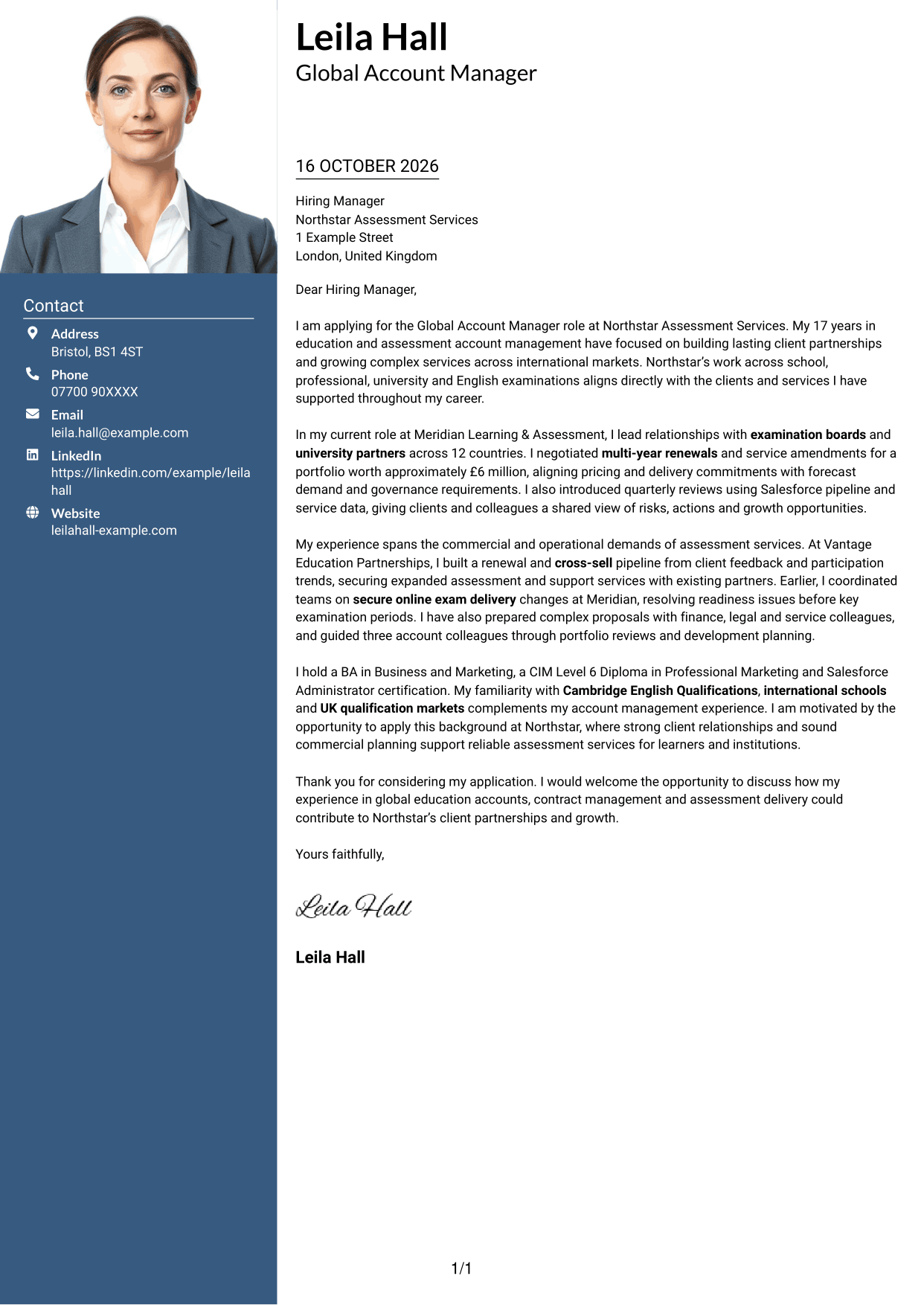
Photo Header Two Column Format pairs a header photo with a contact sidebar beside one continuous letter body, for readers who prefer a portrait-led page.
Why This Format Works
- Contact information sits apart from the message in its own sidebar.
- The letter's paragraphs still form one continuous argument in the main body.
- The header photo offers a personal visual choice for photo-preferring readers.
Best For
- Photo-led header preference
- Sidebar contact details
- Multi-paragraph applications
- Two-column correspondence
- Letters without body headings
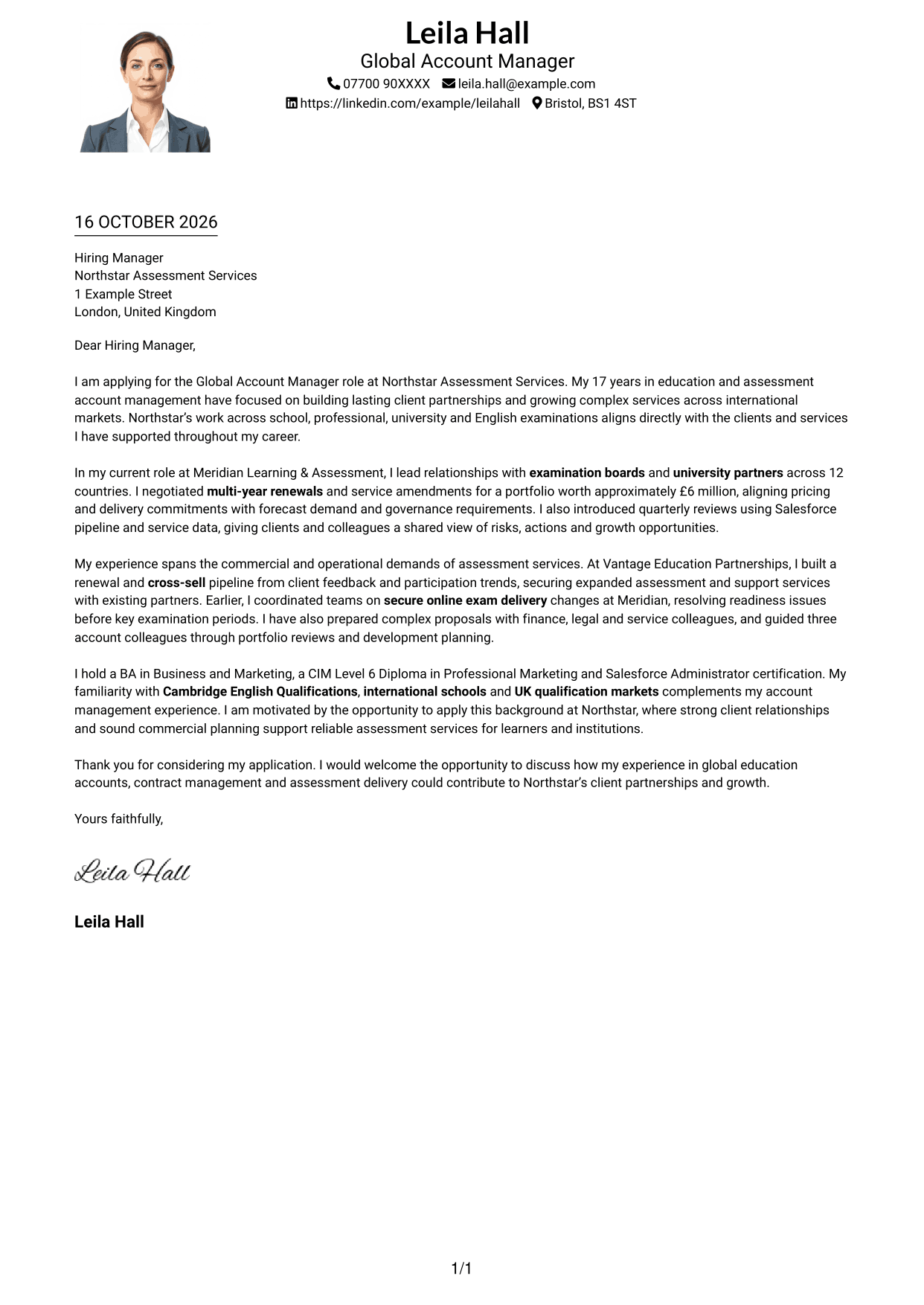
#4 One Column Format with Photo Cover Letter Example
One Column Format with Photo keeps the letter in one body column and includes a photo, suiting readers who prefer both features on the same page.
Why This Format Works
- Sender details stay in the header, while the letter keeps one body column.
- The opening, evidence and closing remain part of one continuous letter.
- The photo offers a visual option without changing the letter's reading order.
Best For
- Photo-inclusive letter layouts
- Single-column page preference
- Header-based sender details
- Multi-paragraph applications
- Letters without body headings
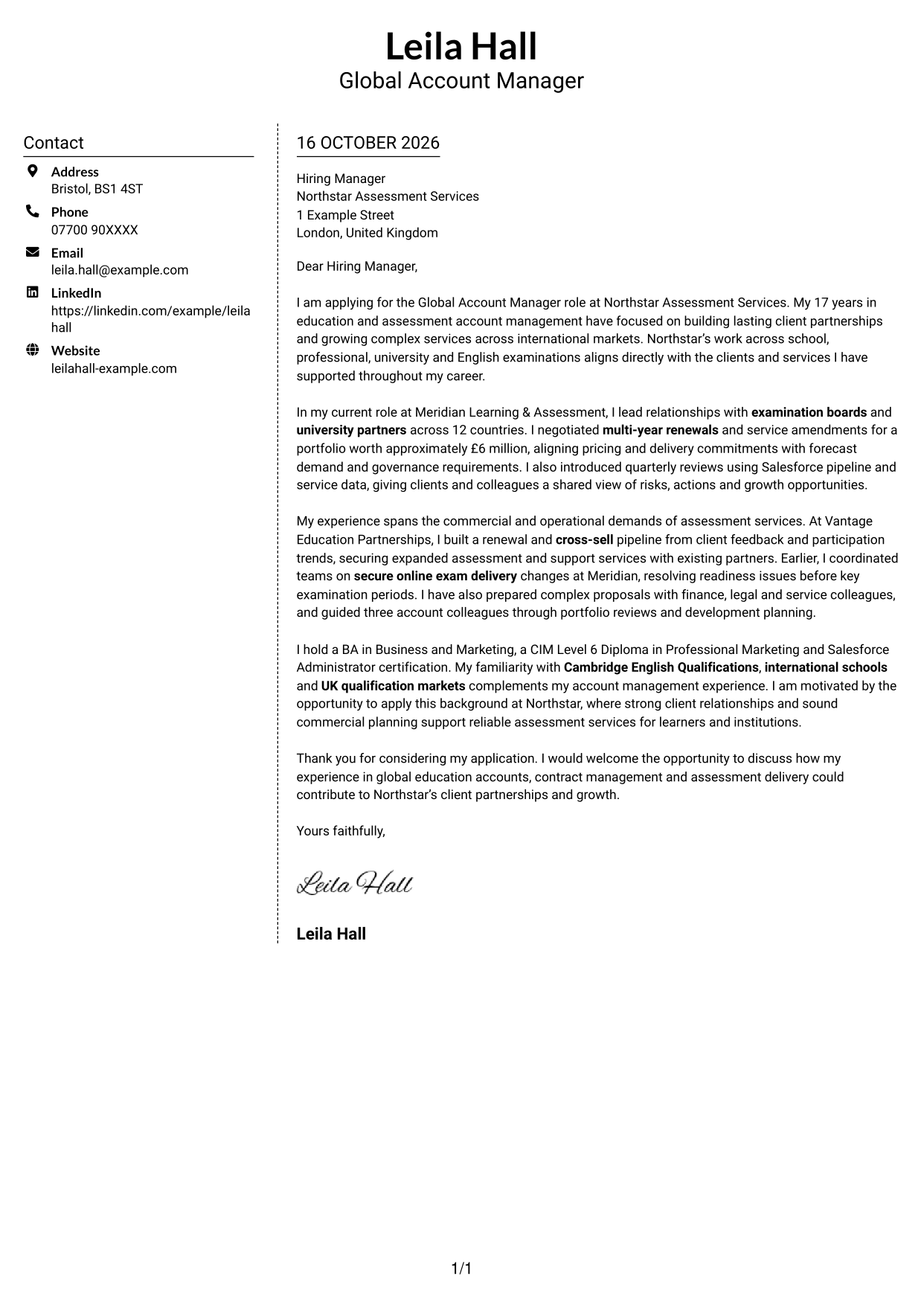
#5 Simple Two Column Format Cover Letter Example
Simple Two Column Format sets a contact sidebar beside one continuous letter body, giving contact information a separate place from the message.
Why This Format Works
- Contact details sit in the sidebar, leaving the letter as one continuous body.
- Readers can follow the message from opening to close within its own column.
- Side-by-side placement keeps sender information and correspondence visibly distinct.
Best For
- Sidebar contact details
- Continuous letter arguments
- Two-column page preference
- Multi-paragraph applications
- Letters without body headings
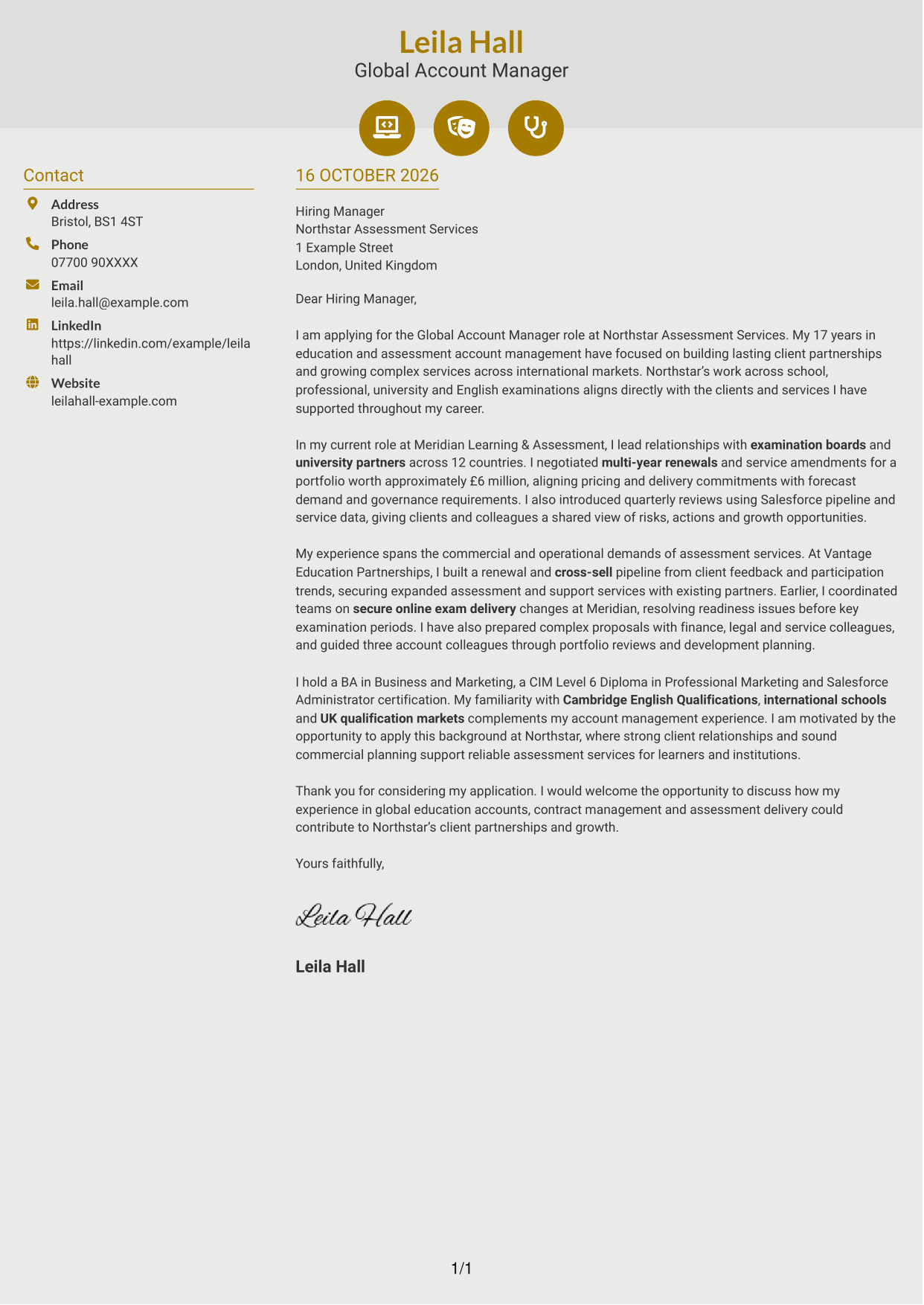
#6 Modern Icon Format Cover Letter Example
Modern Icon Format uses two columns for the contact sidebar and letter body, while icons cue contact details and add header accents.
Why This Format Works
- Icons cue contact details, while the sidebar stays separate from the letter text.
- The opening, supporting paragraphs and close stay together in one continuous body.
- Two columns distinguish contact information from the letter's reading area.
Best For
- Icon-cued contact details
- Sidebar-based correspondence
- Multi-paragraph applications
- Two-column reading preference
- Letters without body headings
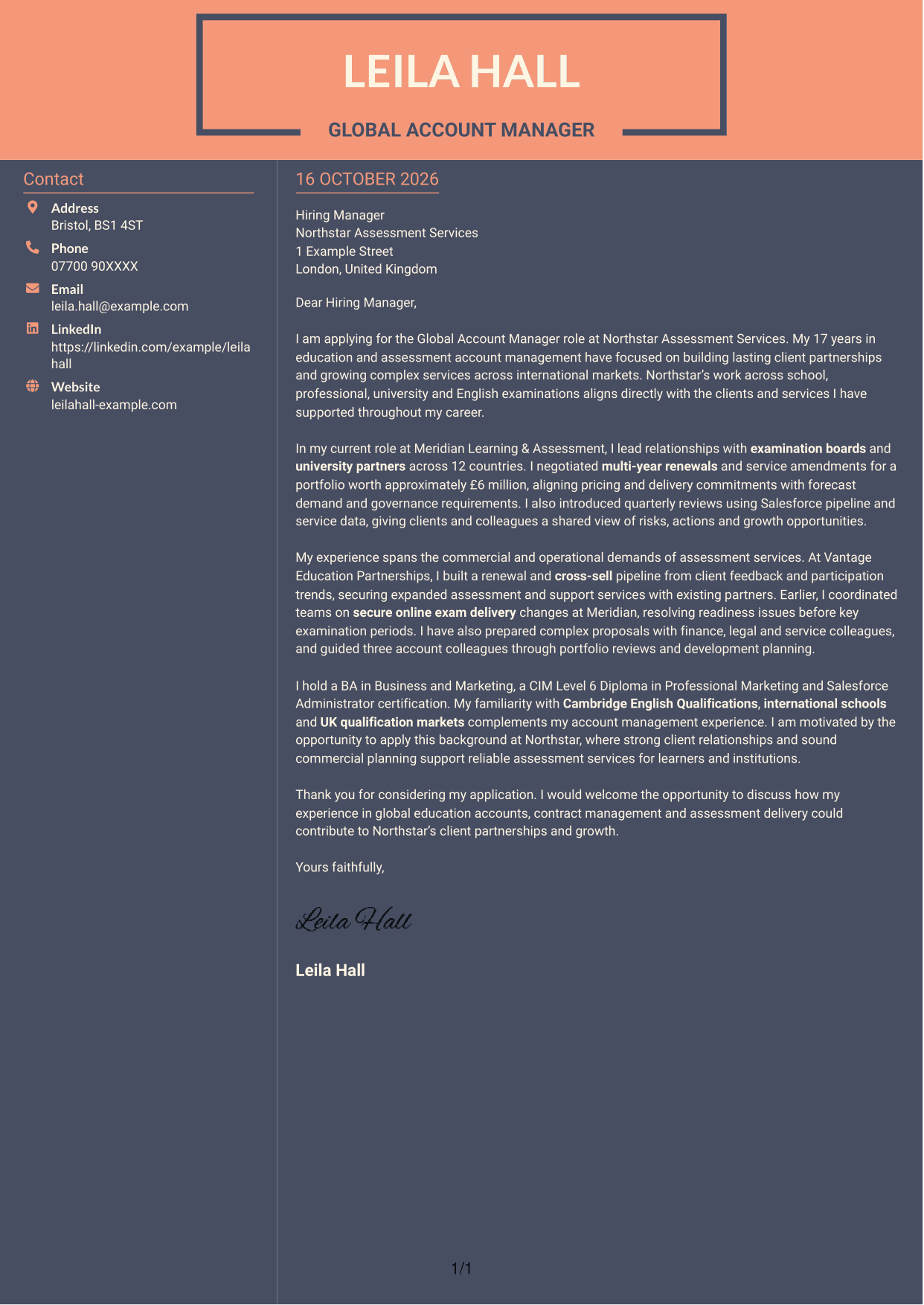
#7 Creative Two Tone Format Cover Letter Example
Creative Two Tone Format places a contact sidebar beside one continuous letter body, giving contact information its own space alongside the message.
Why This Format Works
- The sidebar keeps contact details apart from the letter's continuous body.
- Opening, supporting paragraphs and closing remain in one connected reading sequence.
- Readers can view contact information and correspondence in separate columns.
Best For
- Separate contact and message areas
- Multi-paragraph applications
- Two-column page preference
- Continuous letter arguments
- Letters without body headings
See Also
- 7 Global Account Manager - Education Assessments CV Templates with Example
- 7 New Business Senior Manager - Financial Sponsor Coverage CV Templates with Example
- 7 Assistant Manager - Digital and Cyber Governance CV Templates with Example
- 7 Content Editor - Digital Rewards CV Templates with Example
- 7 Sales Associate - Activewear and Womenswear CV Templates with Example
- 7 Strategic Finance Lead - Technical Finance CV Templates with Example
- 7 Store Manager - Retail Sales and Store Operations CV Templates with Example
- 7 Graduate Analyst - US Funds Tax CV Templates with Example
- 7 Stock Operative - Menswear CV Templates with Example
- 7 Senior Manager - Third Party Assurance Methodology, Reporting and Risk Management CV Templates with Example
Frequently Asked Questions
What should a Global Account Manager - Education Assessments cover letter highlight?
Show how you build long-term client relationships and turn client needs into account plans. Relevant examples may include global partnerships, contract renewals, service improvements, commercial growth and coordination across teams.
How can I show my experience is relevant to this role?
Choose one or two examples that show your contribution and its result. The featured letter, for example, refers to examination and university partners across 12 countries, multi-year renewals and quarterly reviews using Salesforce data.
How should I explain my interest in the employer?
Connect your interest to the organisation’s work in education assessments and the clients it serves. Explain how your background in assessment services and global account relationships could support reliable service and sustainable growth.
What is a clear structure for this cover letter?
Open with the role and a direct reason for applying. Use the body to show relevant client, contract and service experience, then close by restating your interest and inviting a conversation.
Should I include every part of my work history?
No. Select the evidence that best matches global education account management. A few clear examples of client partnerships, renewals or assessment delivery will make your case easier to follow.




