
7 Graduate Audit & Accounts Associate Cover Letter Templates with Example
This practical guide to a Graduate Audit & Accounts Associate cover letter shows how to present relevant audit evidence and role motivation across seven layouts.
What Makes a Great Graduate Audit & Accounts Associate Cover Letter in 2026
A strong letter explains why the role appeals to you and links your audit and accounts experience to its client work. A clear opening sets out your interest, while the body shows how you can contribute.
Use specific evidence, such as testing transactions and controls, preparing draft financial statements, or resolving inconsistencies before review. Connect your client communication and digital consultancy experience to the firm’s needs and explain what you hope to develop.
The featured example moves from interest in the role to relevant audit evidence, client service and digital work, then closes with a clear case for a conversation. Adapt this focused progression while choosing a presentation suited to the employer and communication context.
#1 Simple One Column Format Cover Letter Example
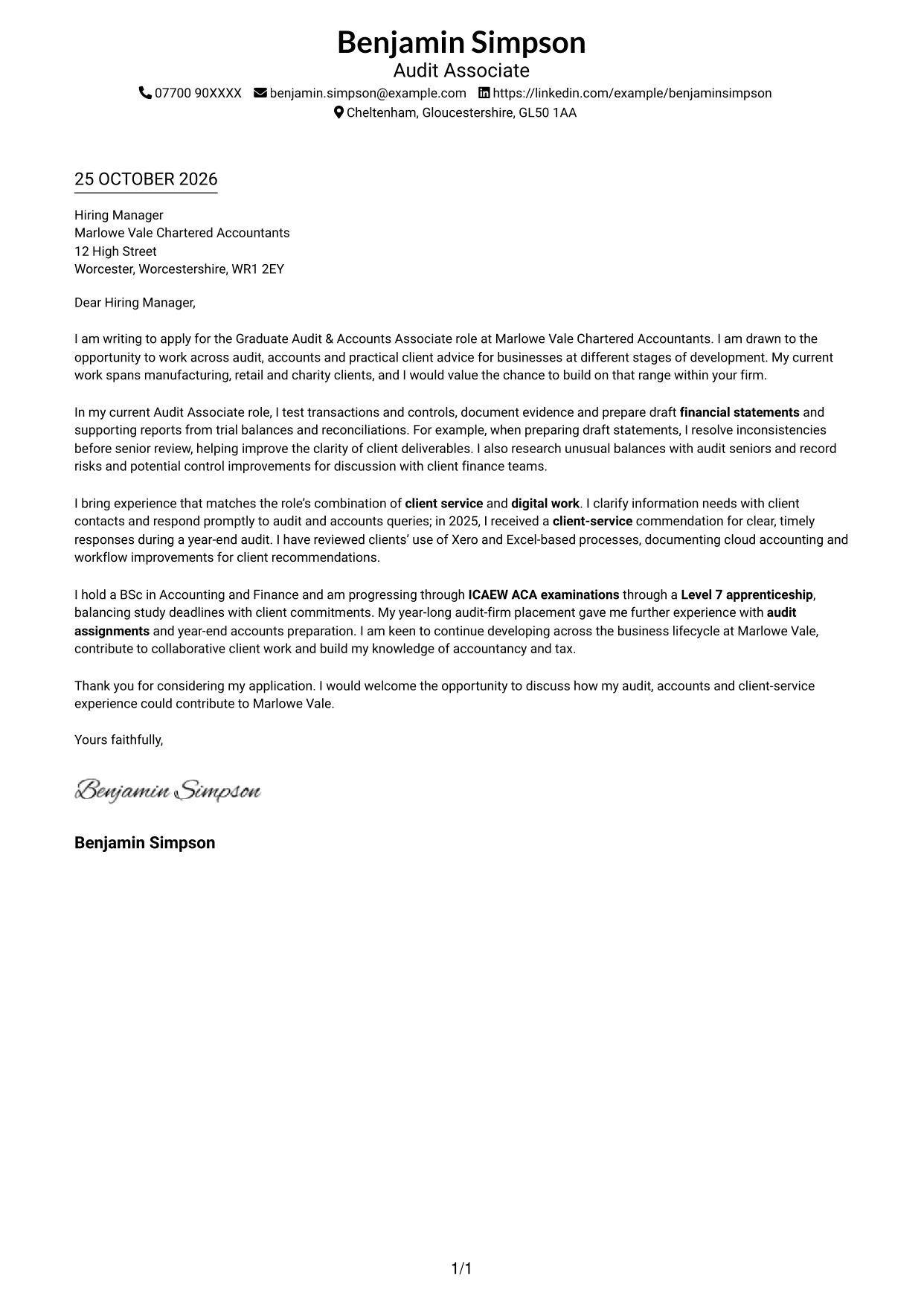
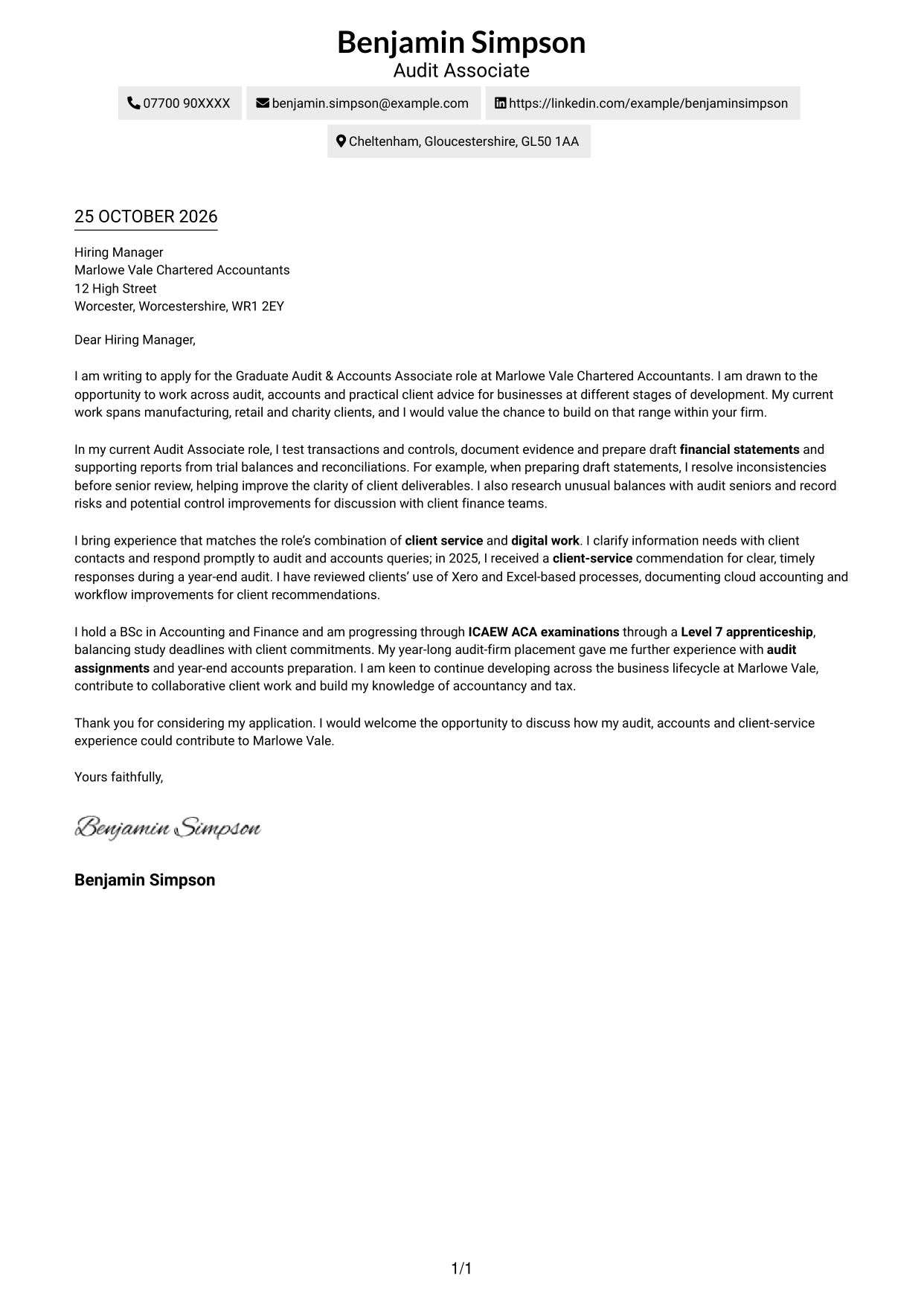
Simple One Column Format places sender details in the header and keeps the letter in one continuous column, giving the correspondence a familiar reading path.
Why This Format Works
- Sender details remain in the header, apart from the letter's continuous body.
- The opening, supporting points and close stay in one clear reading sequence.
- One-column correspondence suits readers who prefer a familiar letter layout.
Best For
- Single-column correspondence
- Familiar letter-page layouts
- Header-based contact details
- Paragraph-led application writing
- No-sidebar page preferences
#2 Two Column Format Cover Letter Example
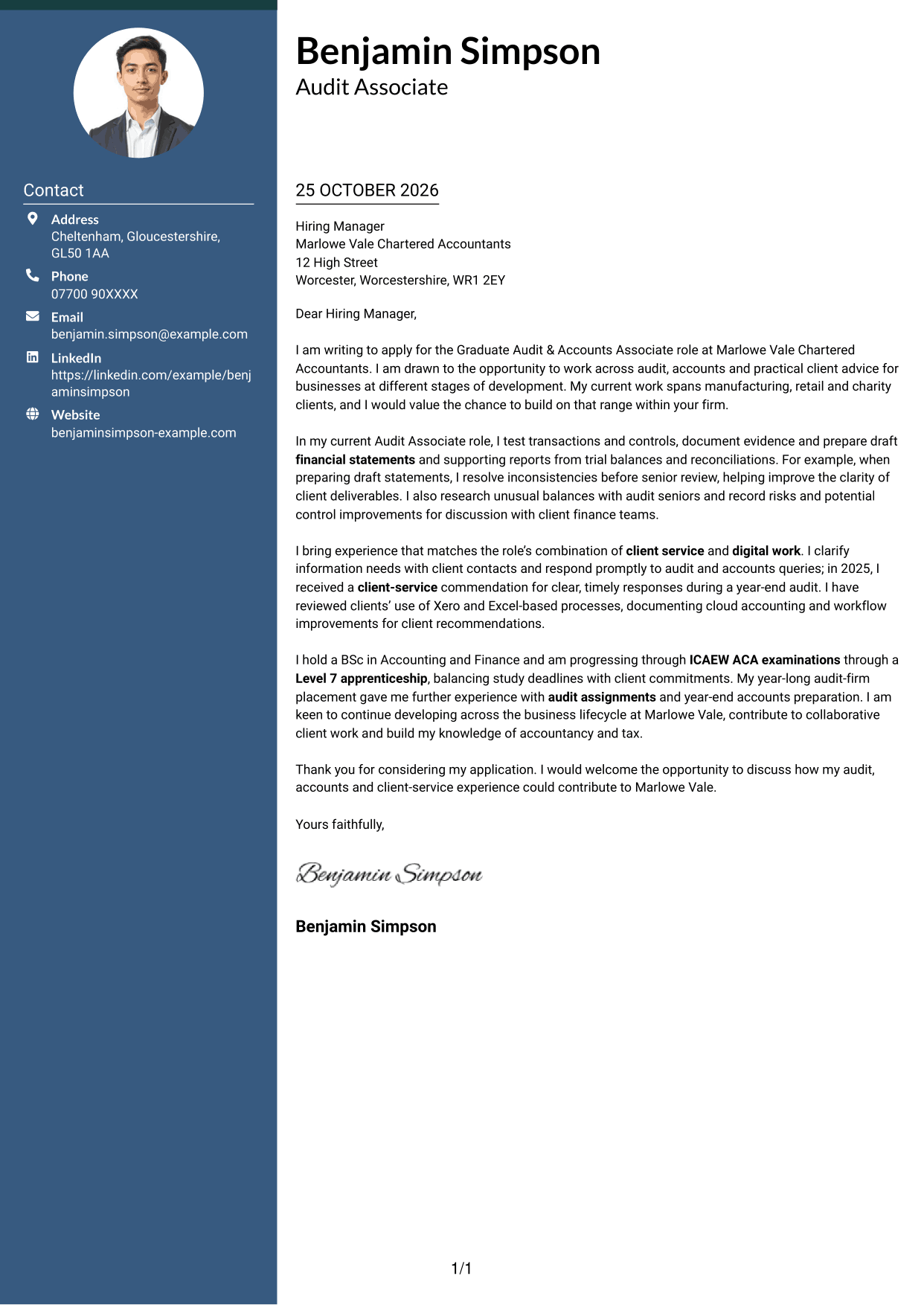
Two Column Format places a contact sidebar beside one continuous letter body, separating sender details from the message while preserving its paragraph order.
Why This Format Works
- Contact details sit in a sidebar, distinct from the continuous letter body.
- One body column keeps the opening and closing in their natural order.
- No headings interrupt the argument, so the message reads as a complete letter.
Best For
- Contact details beside correspondence
- Single-column letter bodies
- Continuous paragraph arguments
- Side-by-side page preferences
- Formal application letters
#3 Photo Header Two Column Format Cover Letter Example
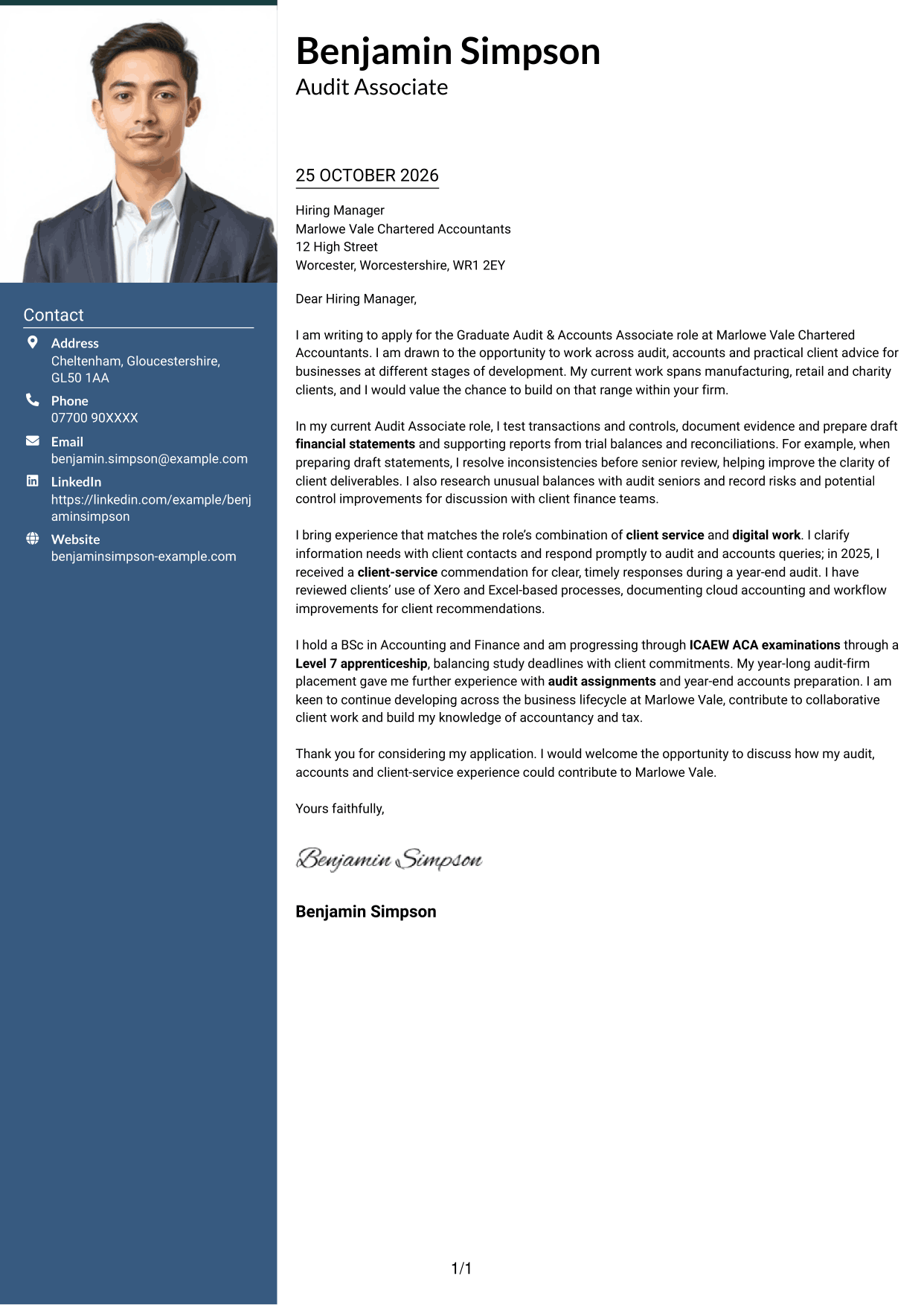
Photo Header Two Column Format combines a photograph and contact sidebar with one continuous letter column, pairing a personal visual element with a clear message area.
Why This Format Works
- Contact details occupy a sidebar, while the letter remains one continuous column.
- The photograph adds a personal visual element without changing the letter's structure.
- A single body column keeps the paragraphs together without argument headings.
Best For
- Photo-inclusive correspondence
- Sidebar and letter pairing
- Continuous paragraph letters
- Personal visual presentation
- Two-column page preferences
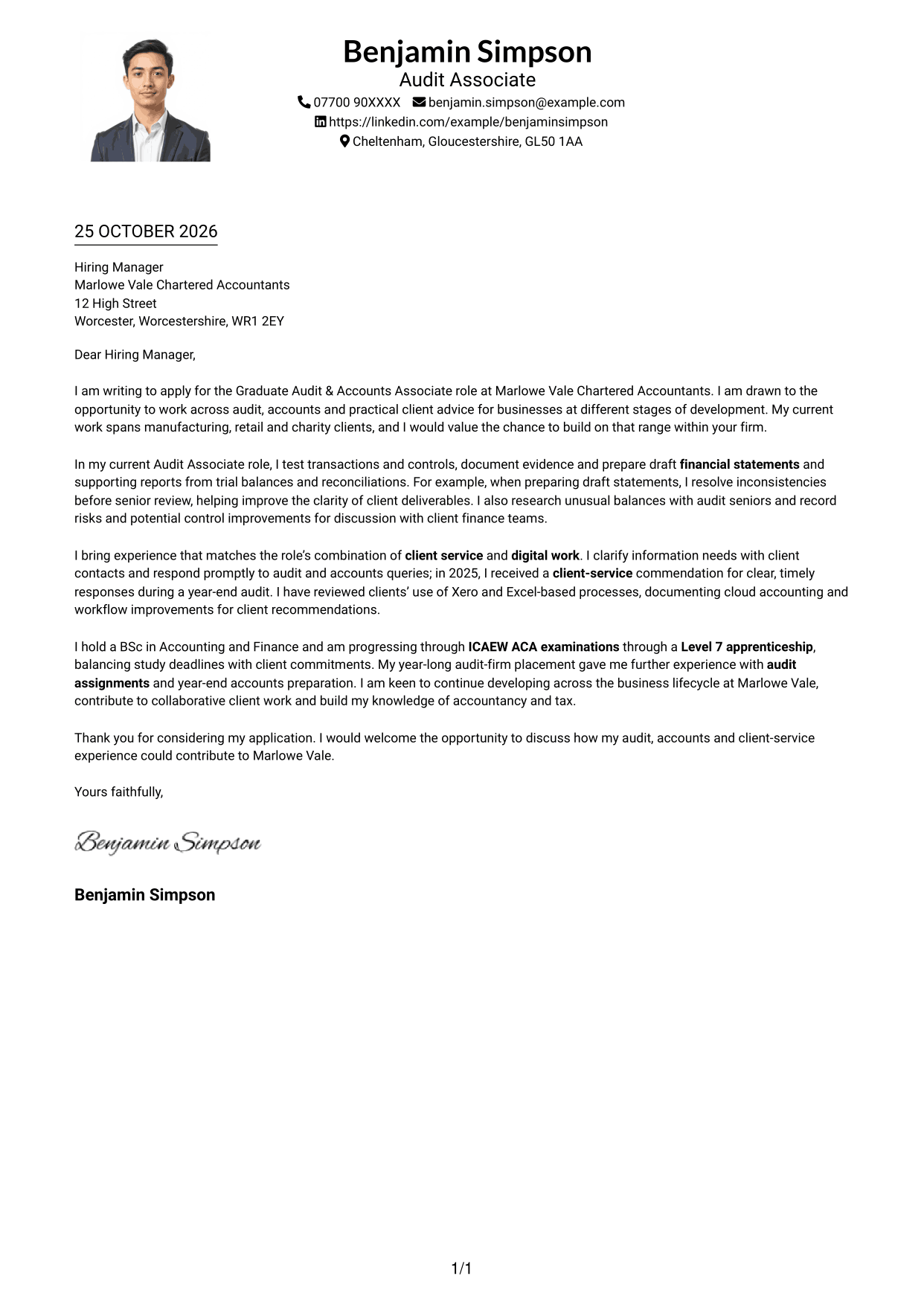
#4 One Column Format with Photo Cover Letter Example
One Column Format with Photo keeps the letter in a single column and includes a photograph, bringing the correspondence together in a familiar reading sequence.
Why This Format Works
- Sender details stay in the header, with the letter arranged in one column.
- The photograph provides a personal visual element without changing the correspondence structure.
- Paragraphs remain part of one continuous message, with no argument headings.
Best For
- One-column letter pages
- Applications with a personal photo
- Header-based sender details
- Continuous paragraph correspondence
- Familiar top-to-bottom reading
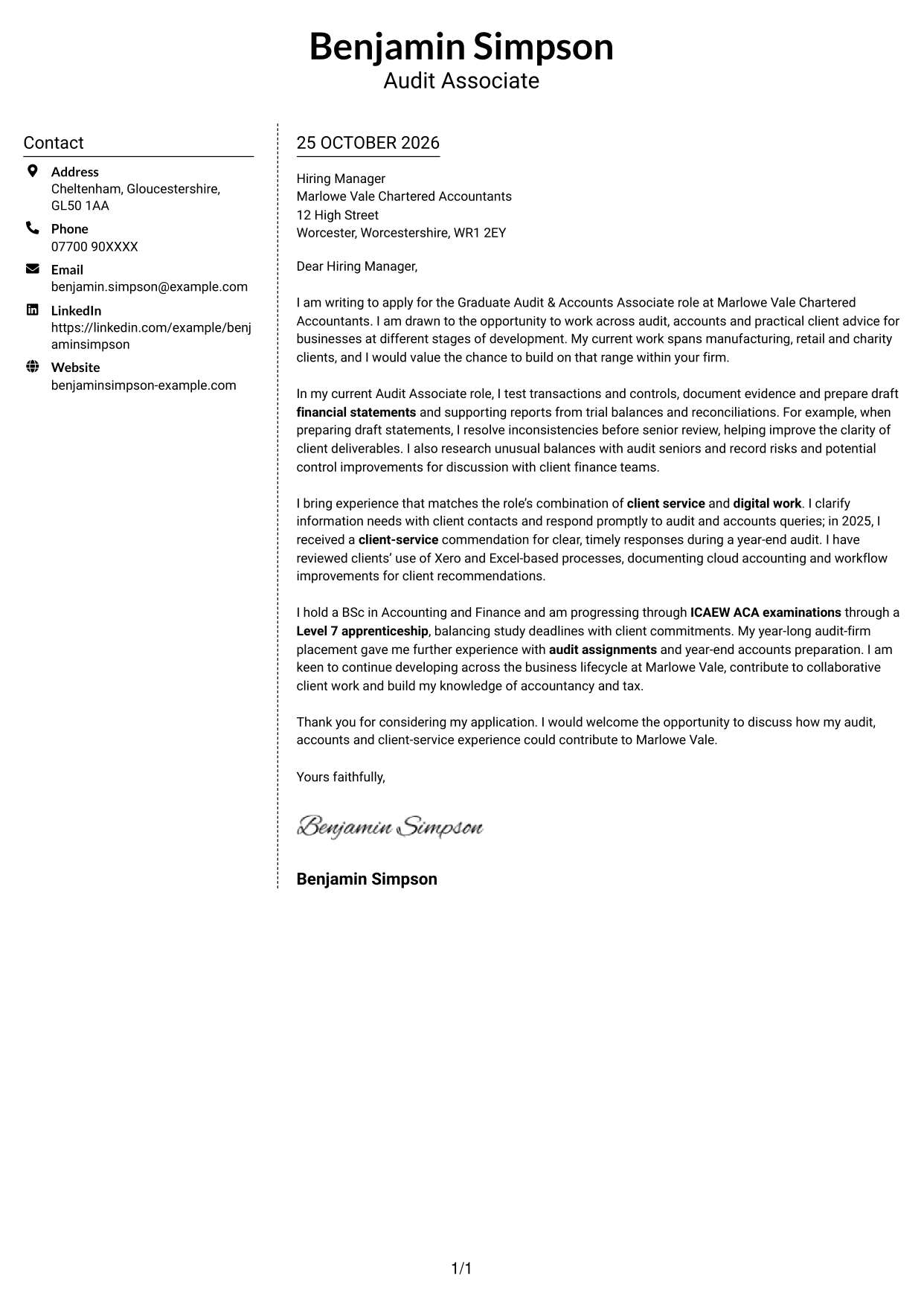
#5 Simple Two Column Format Cover Letter Example
Simple Two Column Format places contact details in a sidebar next to one continuous letter column, keeping the sender information distinct from the correspondence.
Why This Format Works
- The contact sidebar separates sender details from the letter's single body column.
- The message progresses in one column rather than competing argument sections.
- No headings break the letter's argument into stages.
Best For
- Contact details kept apart
- Single-column letter text
- Uninterrupted correspondence
- Two-area page preferences
- Letters without argument headings
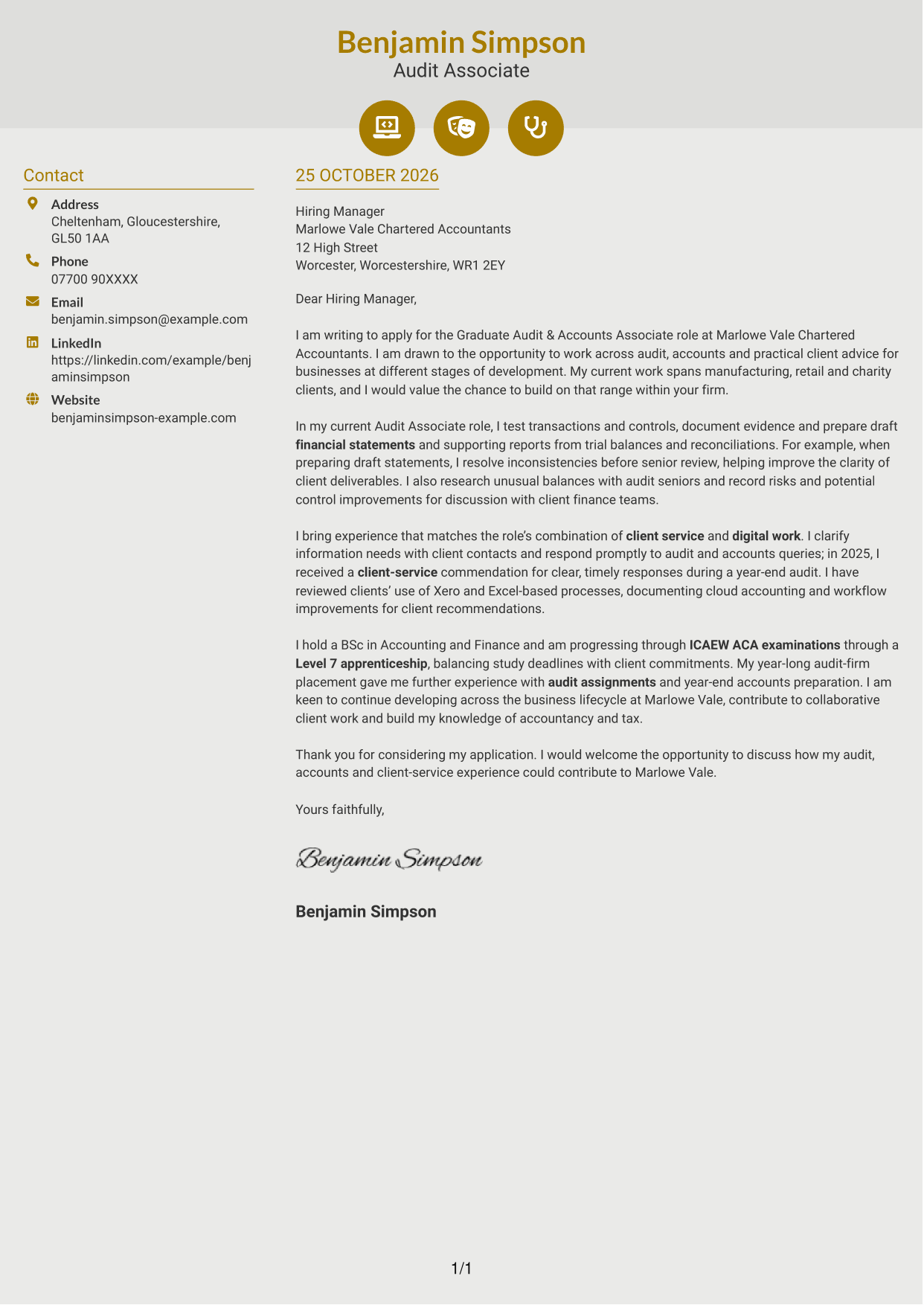
#6 Modern Icon Format Cover Letter Example
Modern Icon Format pairs a contact sidebar with one continuous letter column, while icons cue contact details and decorate the header rather than label the argument.
Why This Format Works
- Contact icons help identify sender details, while the letter stays in its own column.
- Decorative header accents add visual cues without labelling parts of the argument.
- One continuous body keeps the opening, evidence and close together in sequence.
Best For
- Icon-led contact cues
- Sidebar contact details
- Continuous letter arguments
- Decorative header accents
- Two-column correspondence
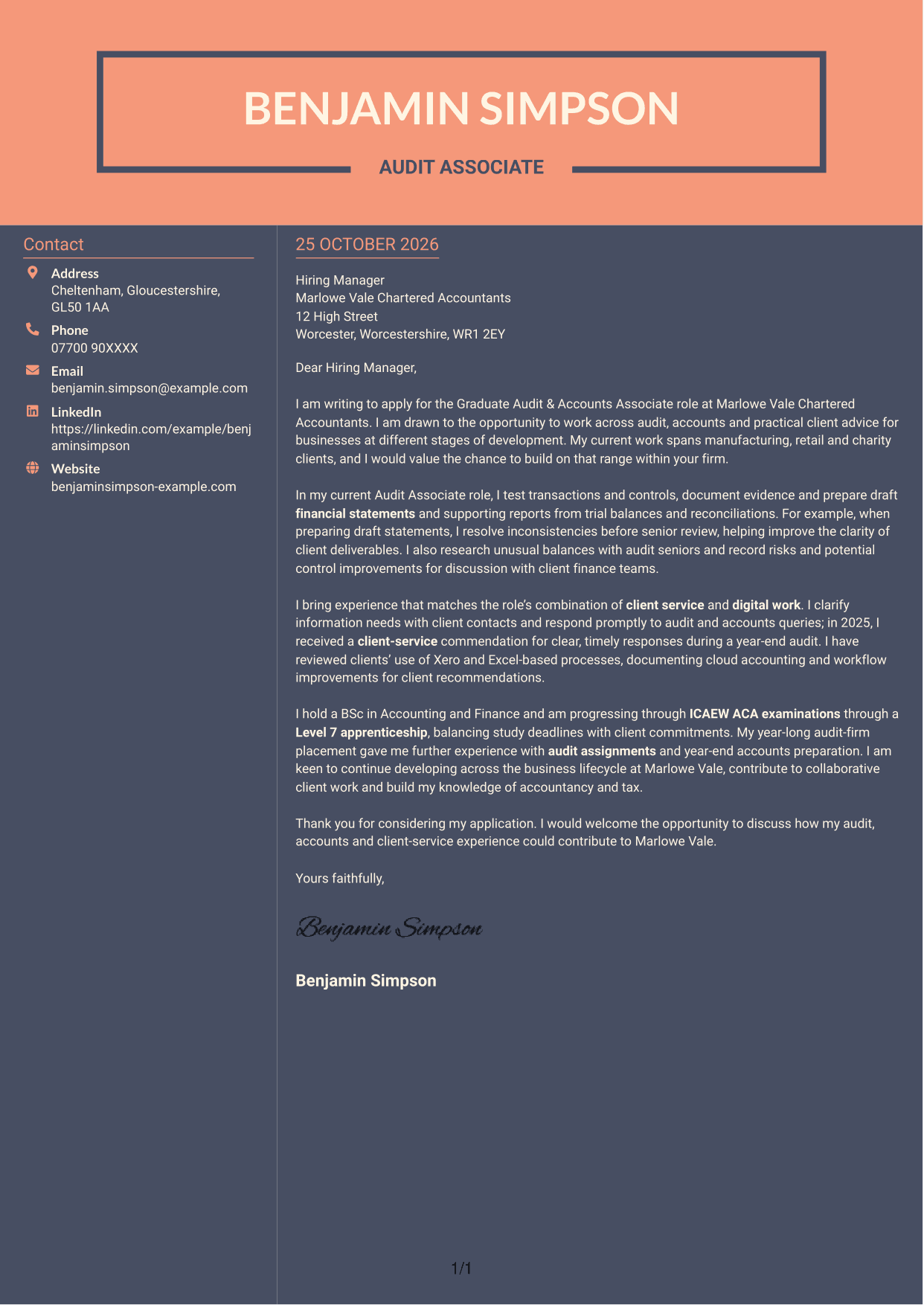
#7 Creative Two Tone Format Cover Letter Example
Creative Two Tone Format sets a contact sidebar beside one continuous letter column, giving sender details and correspondence separate areas without dividing the message.
Why This Format Works
- Contact details sit apart from the letter in a two-column arrangement.
- The continuous body keeps the argument in one column, not parallel sections.
- No headings split the message into separate argument stages.
Best For
- Contact information beside the message
- One-column letter bodies
- Split-page layout preferences
- Paragraph-based applications
- No-photo correspondence
See Also
- 7 Graduate Audit & Accounts Associate CV Templates with Example
- 7 Audit & Accounts Associate CV Templates with Example
- 7 Graduate Analyst - US Funds Tax CV Templates with Example
- 7 Graduate Business Analyst - Treasury CV Templates with Example
- 7 Graduate / Junior Developer - Python, Linux, C# and Java CV Templates with Example
- 7 Graduate Quantitative Developer - HFT / Low-Latency Systems CV Templates with Example
- 7 Software Engineering Graduate - 3D Radar Systems CV Templates with Example
- 7 Audit Assistant Manager - Consumer Markets CV Templates with Example
- 7 Audit & Accounts Associate Cover Letter Templates with Example
- 7 Graduate Analyst - US Funds Tax Cover Letter Templates with Example
Frequently Asked Questions
What should a Graduate Audit & Accounts Associate cover letter highlight?
Show how your experience relates to audit assignments, accounts preparation and client service. Useful examples include testing transactions and controls, preparing financial statements, researching risks and responding clearly to client queries.
How can I show that my experience fits this role?
Choose a specific task and explain your contribution and its value. For example, describe how you resolved an inconsistency in draft financial statements or identified a control issue for discussion with a client team.
How should I explain my interest in the firm?
Refer to the role’s mix of audit, accounts preparation and practical business advice. Explain how its range of client work and opportunities to develop across accountancy and tax match your genuine interests.
What is a clear way to structure this cover letter?
Open with the role and your reason for applying. Use the body to show relevant audit, accounts, client-service and digital experience, then close by restating your interest and welcoming a discussion.
Should I include all my experience in the letter?
No. Focus on the examples that best support your fit for this position. A small number of clear examples is more useful than a full account of every duty.




