
7 Graduate Civil Engineer - Rail Infrastructure Design Cover Letter Templates with Example
This guide helps you shape a focused Graduate Civil Engineer - Rail Infrastructure Design cover letter, with seven layouts to compare for clear, role-specific communication.
What Makes a Great Graduate Civil Engineer - Rail Infrastructure Design Cover Letter in 2026
A strong letter connects your interest in railway infrastructure design with the work of a civil engineer, using a clear opening, focused evidence and a confident close.
Choose relevant examples such as preparing calculations and technical notes, checking assumptions against UK design standards and Eurocodes, or coordinating design information. Explain how these experiences relate to the role and why the employer’s mix of rail and wider civil engineering work interests you.
The featured example moves from role interest to evidence from rail design and placement work, then closes with a clear link to the opportunity; adapt this focused progression while choosing a presentation suited to the employer and communication context.
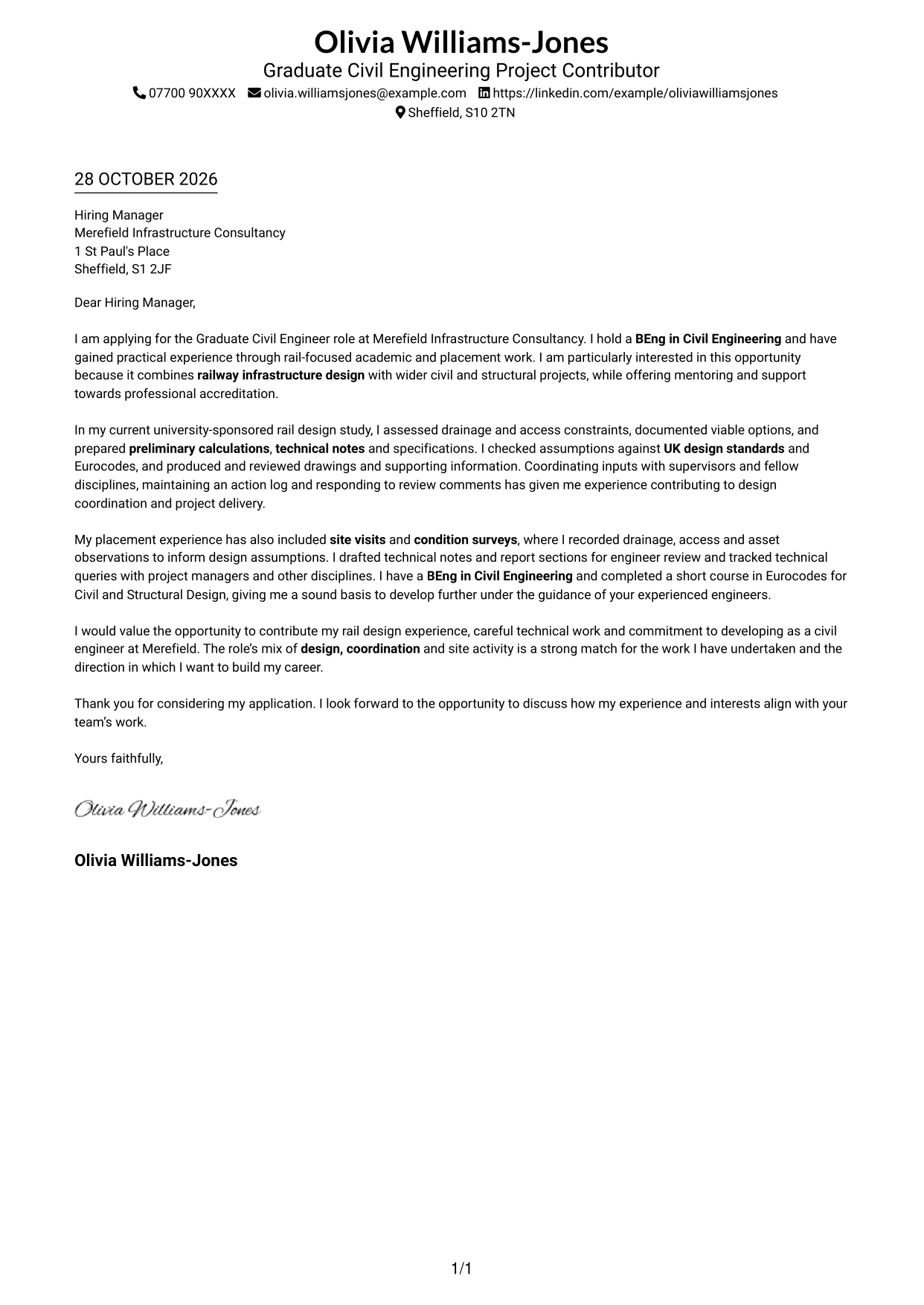
#1 Simple One Column Format Cover Letter Example
The Simple One Column Format keeps sender details in the header and the letter in one continuous column, giving the opening, supporting evidence and closing a direct reading path.
Why This Format Works
- A single column keeps the greeting, supporting paragraphs and close in one reading sequence.
- Header-based sender details stay apart from the letter's persuasive message.
- Without a sidebar, the letter body has the page's main reading space.
Best For
- Single-column correspondence
- Header-based contact details
- Letters with several evidence paragraphs
- Direct opening-to-close reading
- Text-led application pages
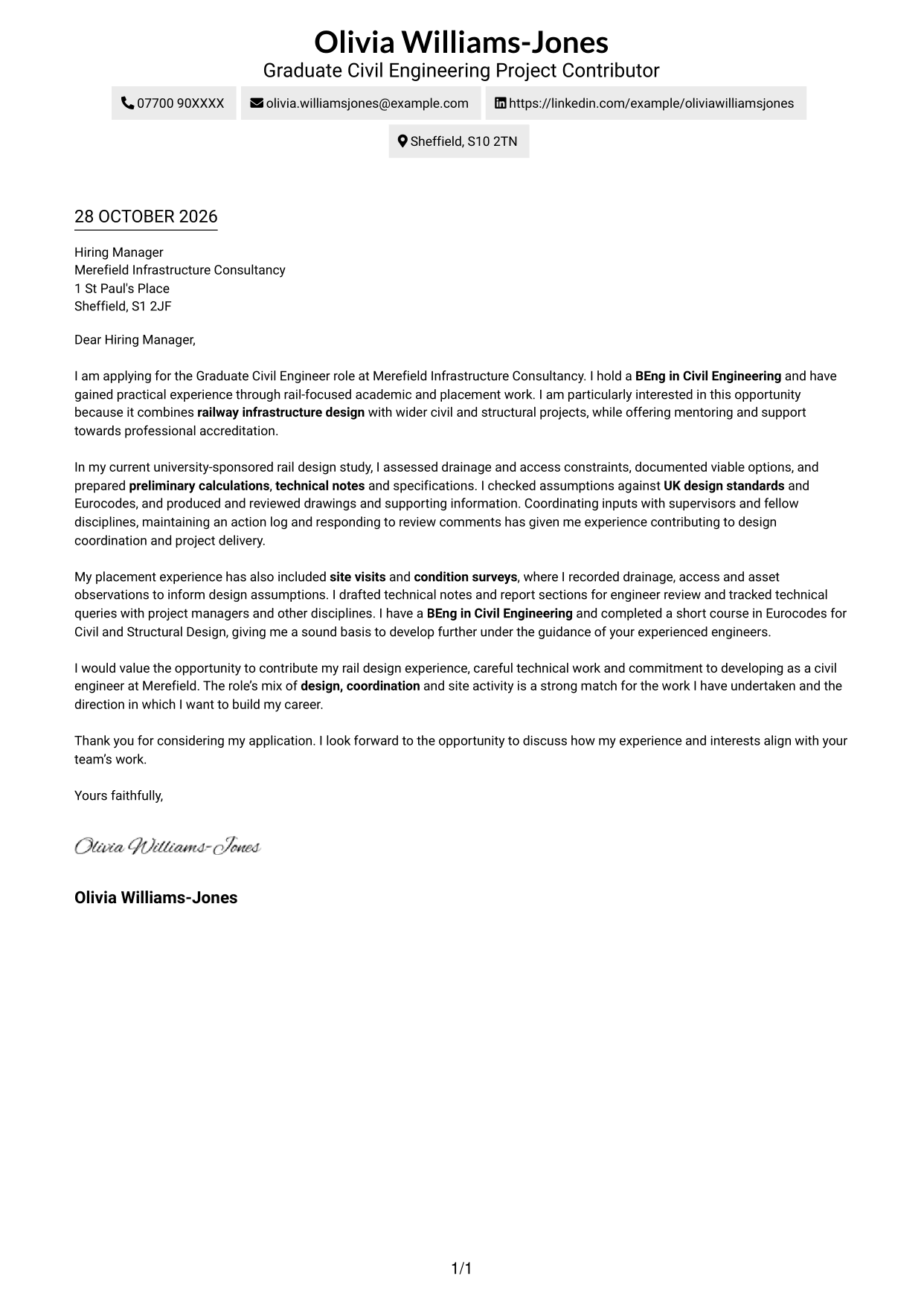
#2 Two Column Format Cover Letter Example
The Two Column Format places a contact sidebar beside one continuous letter body, keeping the application message together while giving contact details a separate place.
Why This Format Works
- A contact sidebar separates sender details from the continuous letter body.
- Opening, evidence and closing remain together in one body column.
- The side-by-side layout offers an alternative to a full-width page.
Best For
- Contact details beside the letter
- A continuous body argument
- Applications with several supporting paragraphs
- Quick access to sender information
- Two-column page preferences
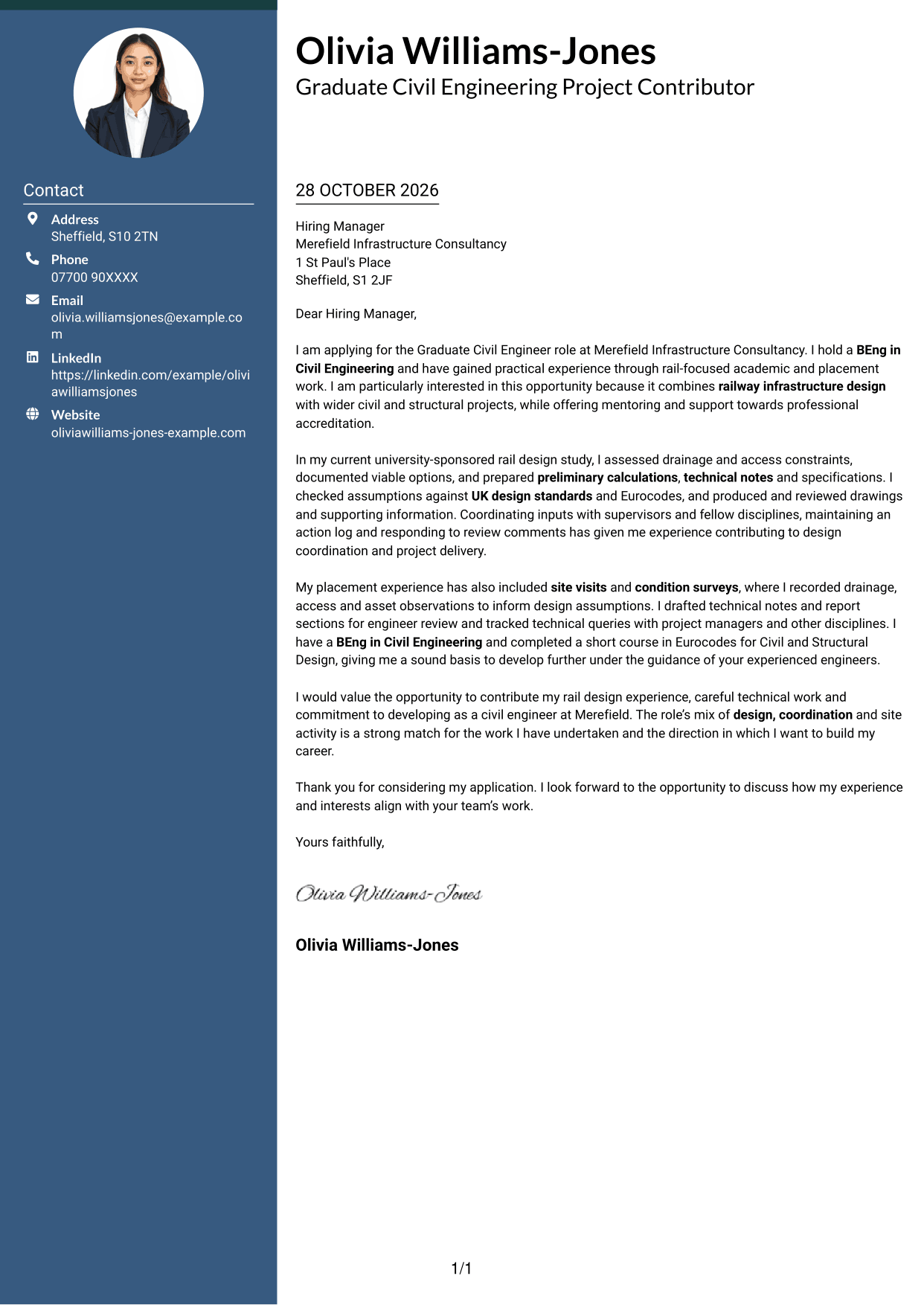
#3 Photo Header Two Column Format Cover Letter Example
The Photo Header Two Column Format pairs a portrait in the header with a contact sidebar and a continuous letter body, offering a clear place for both personal and written information.
Why This Format Works
- The contact sidebar keeps sender details separate from the letter's continuous argument.
- One body column lets the opening and closing read as parts of the same message.
- A portrait in the header adds a personal visual element without dividing the letter.
Best For
- Letters where a portrait is wanted
- Contact details beside the letter
- A continuous case across paragraphs
- Personal visual presentation
- Applications with several supporting paragraphs
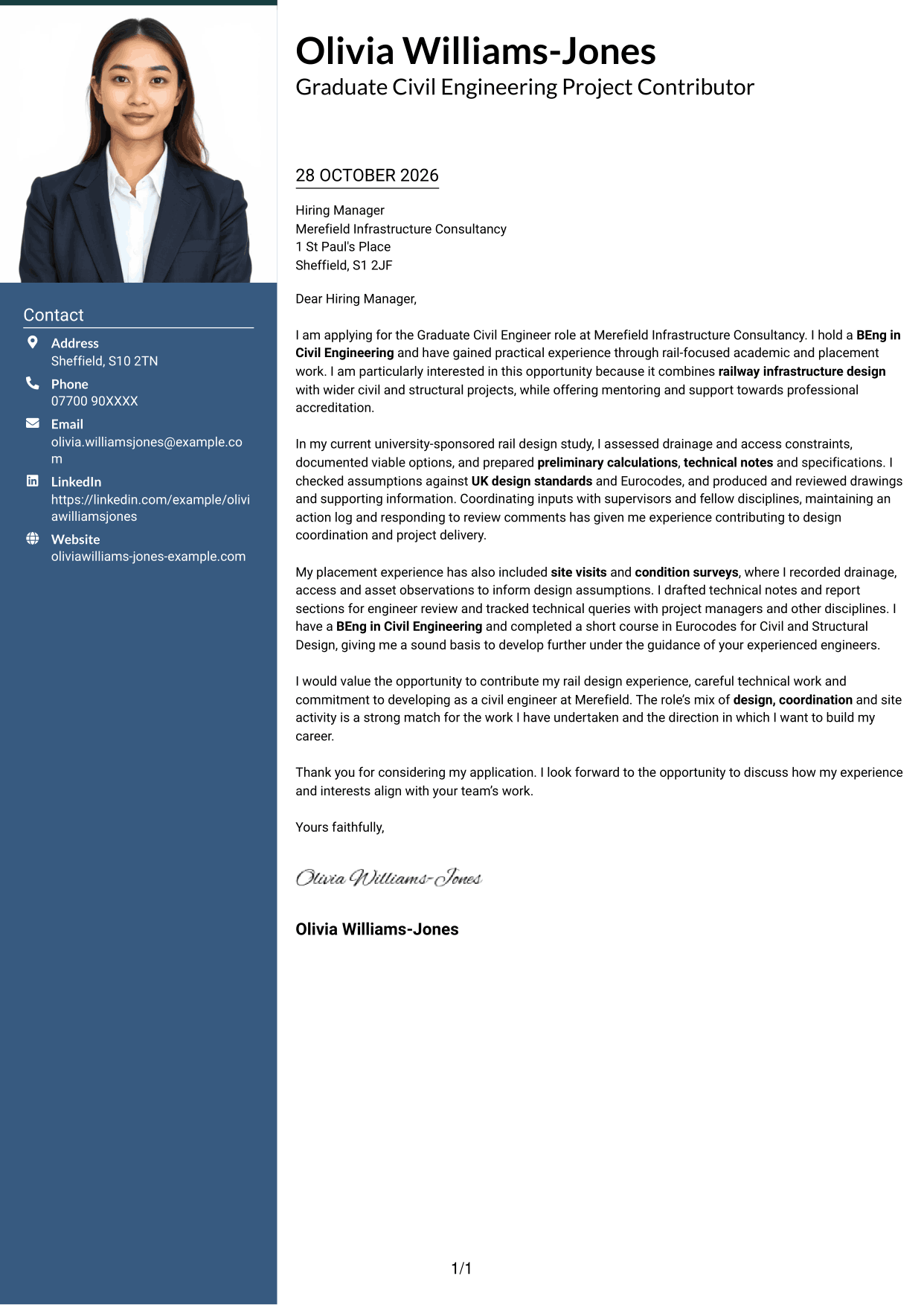
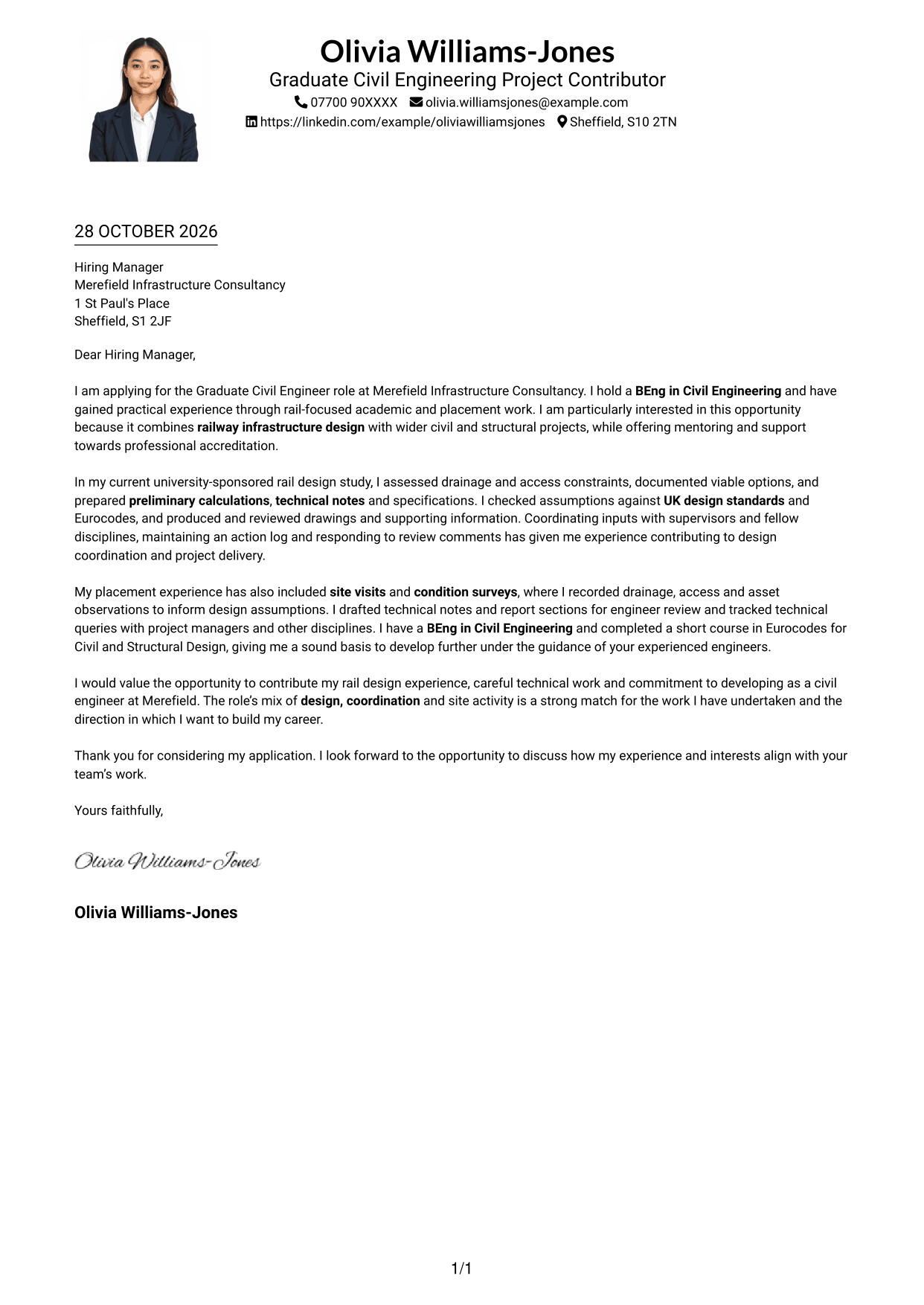
#4 One Column Format with Photo Cover Letter Example
The One Column Format with Photo places a portrait with the header while keeping the letter in one continuous column, combining a personal visual detail with a direct reading sequence.
Why This Format Works
- The single body column keeps the letter's paragraphs in a straightforward reading order.
- A portrait in the header adds a visual point of interest without breaking up the message.
- Sender details in the header remain distinct from the continuous letter text.
Best For
- One-column letter layouts
- Applications where a portrait is wanted
- A direct route through the letter
- Header-based sender details
- Letters with connected supporting paragraphs
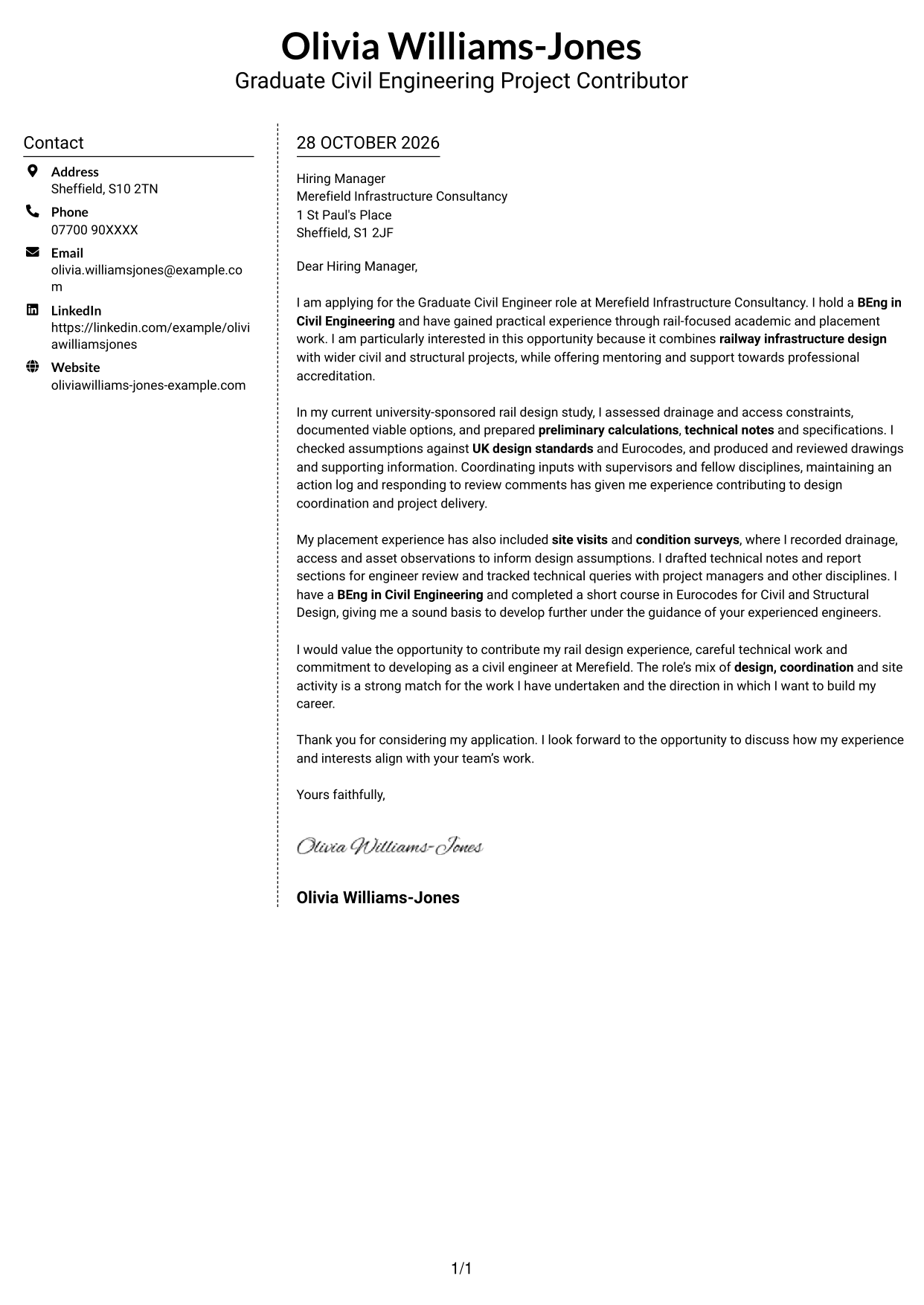
#5 Simple Two Column Format Cover Letter Example
The Simple Two Column Format sets contact details beside a single, continuous letter body, helping readers distinguish the practical contact information from the application message.
Why This Format Works
- Contact information has its own sidebar, apart from the letter's persuasive content.
- The body stays in one column, so the message is not split across parallel areas.
- A simple two-column arrangement gives the contact details a clear place on the page.
Best For
- A separate contact area
- Letters with a continuous argument
- Applications with full sender details
- Side-by-side information placement
- Text-led correspondence
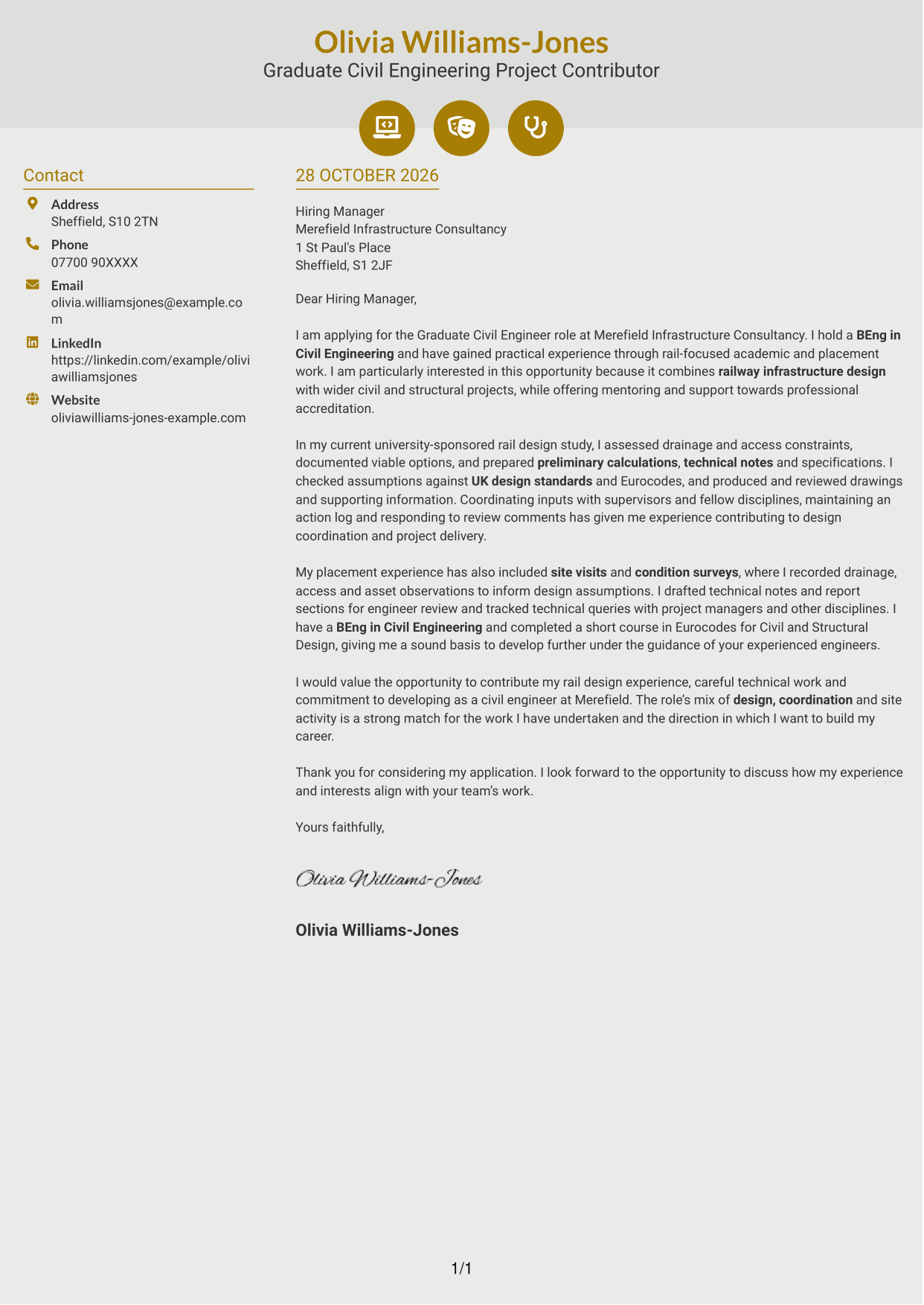
#6 Modern Icon Format Cover Letter Example
The Modern Icon Format uses two columns for contact details and the continuous letter body, with icons serving as contact cues or header accents rather than labels for the message.
Why This Format Works
- Contact icons can help distinguish details such as email or telephone information.
- The sidebar keeps contact details apart from the single-column letter body.
- The letter's opening, evidence and close stay in one continuous message.
Best For
- Icon-led contact details
- A separate contact sidebar
- Continuous letter paragraphs
- Quick reference to sender details
- Two-column correspondence
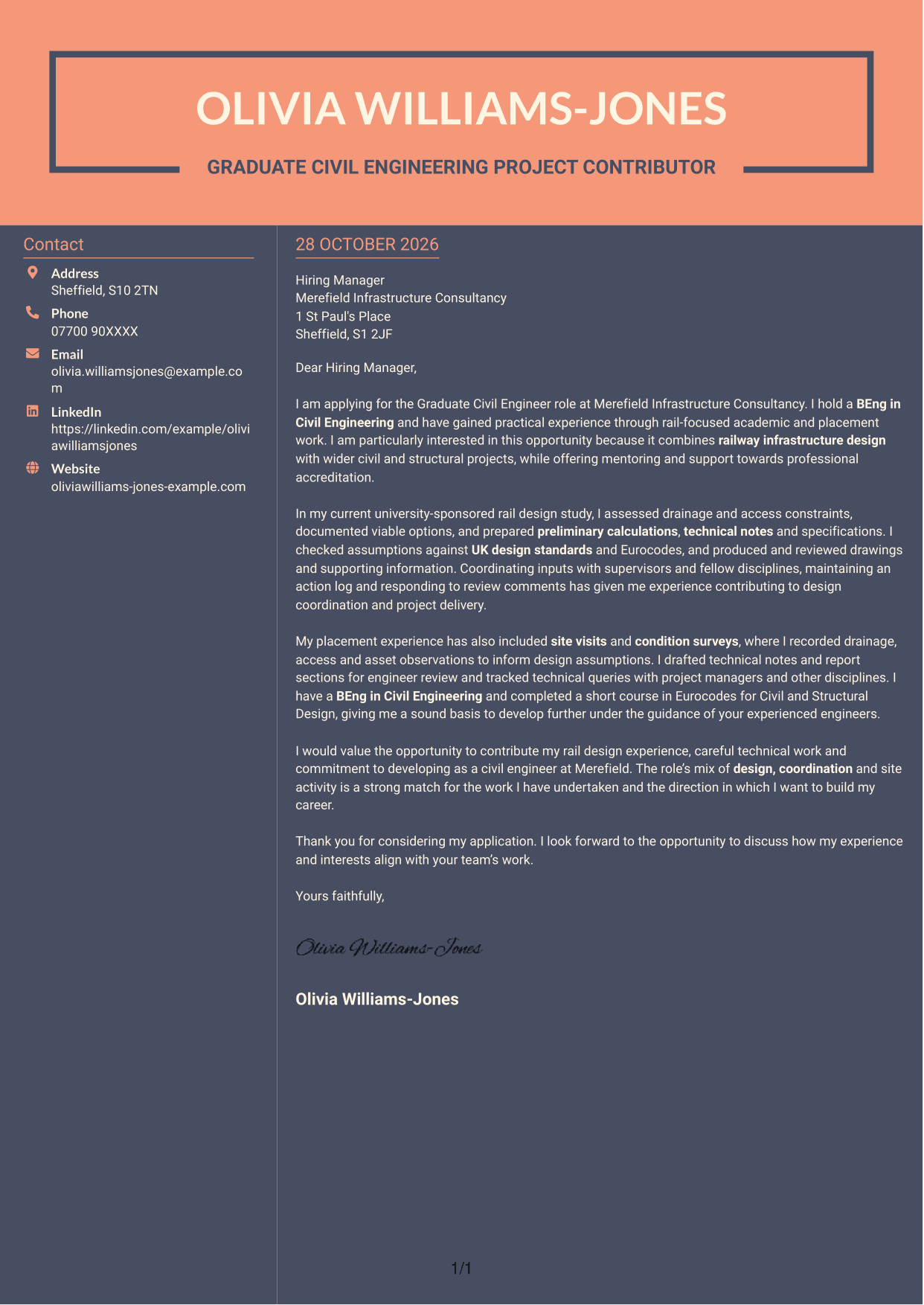
#7 Creative Two Tone Format Cover Letter Example
The Creative Two Tone Format places a contact sidebar beside one continuous letter body, a useful choice when contact information should sit apart while the application case reads in sequence.
Why This Format Works
- A separate sidebar gives contact details a distinct place beside the letter.
- The body remains one column, keeping each paragraph within the same message.
- Readers can follow the application case without moving between parallel text areas.
Best For
- Contact information beside the message
- One-column letter text
- Applications with a clear case to make
- Side-by-side page organisation
- Letters with several supporting paragraphs
See Also
- 7 Graduate Civil Engineer - Rail Infrastructure Design CV Templates with Example
- 7 Graduate Civil Engineer - Residential Design CV Templates with Example
- 7 Civil Design Engineer - Water and Wastewater Infrastructure CV Templates with Example
- 7 Civil Engineer Lead - Drainage and Infrastructure Design CV Templates with Example
- 7 Senior Civil Engineer - Infrastructure Design CV Templates with Example
- 7 Project Engineer - Rail/Civil Engineering CV Templates with Example
- 7 Senior Project Engineer - Rail and Civil Engineering CV Templates with Example
- 7 Assistant Civil Engineer - Highways and Drainage Design CV Templates with Example
- 7 Graduate Civil Engineer - Residential Design Cover Letter Templates with Example
- 7 Civil Design Engineer - Water and Wastewater Infrastructure Cover Letter Templates with Example
Frequently Asked Questions
What should a Graduate Civil Engineer - Rail Infrastructure Design cover letter highlight?
Show your interest in railway infrastructure design and give relevant evidence from your civil engineering work. You could describe preparing calculations, technical notes, specifications or reports, reviewing drawings, or supporting design coordination.
How can I make my experience relevant to this role?
Choose a specific example and explain your contribution. For instance, describe how you assessed drainage or access constraints, checked design assumptions against standards, or recorded observations during a site visit or survey.
How should I explain my interest in the employer?
Connect your interest to the role’s railway infrastructure and wider civil and structural engineering work. You can also explain why mentoring and support towards professional accreditation matter to your development, if that reflects your aims.
What is a clear way to structure this cover letter?
Open by naming the role and giving a clear reason for applying. Use the body to show relevant design, coordination or site experience, then close by summarising your interest and inviting further discussion.
Should I include every part of my engineering experience?
No. Select the examples that best show your fit for railway infrastructure design. A few clear details about your contribution are more useful than a full list of every task.




