
7 Graduate / Junior Developer - Python, Linux, C# and Java Cover Letter Templates with Example
This practical guide to a Graduate / Junior Developer - Python, Linux, C# and Java cover letter presents seven layouts to help you shape a clear, role-focused application.
What Makes a Great Graduate / Junior Developer - Python, Linux, C# and Java Cover Letter in 2026
A strong letter links your interest in the role to clear examples of software development. Show how your work with Python, Linux, C# or Java relates to the team’s product and approach.
Use evidence from your projects, such as automated tests, Agile teamwork or a feature you developed. Explain why the employer’s product and way of working appeal to you.
The featured example moves from role interest to a focused account of relevant project work, then to a clear close; adapt this progression while choosing a presentation suited to the employer and communication context.
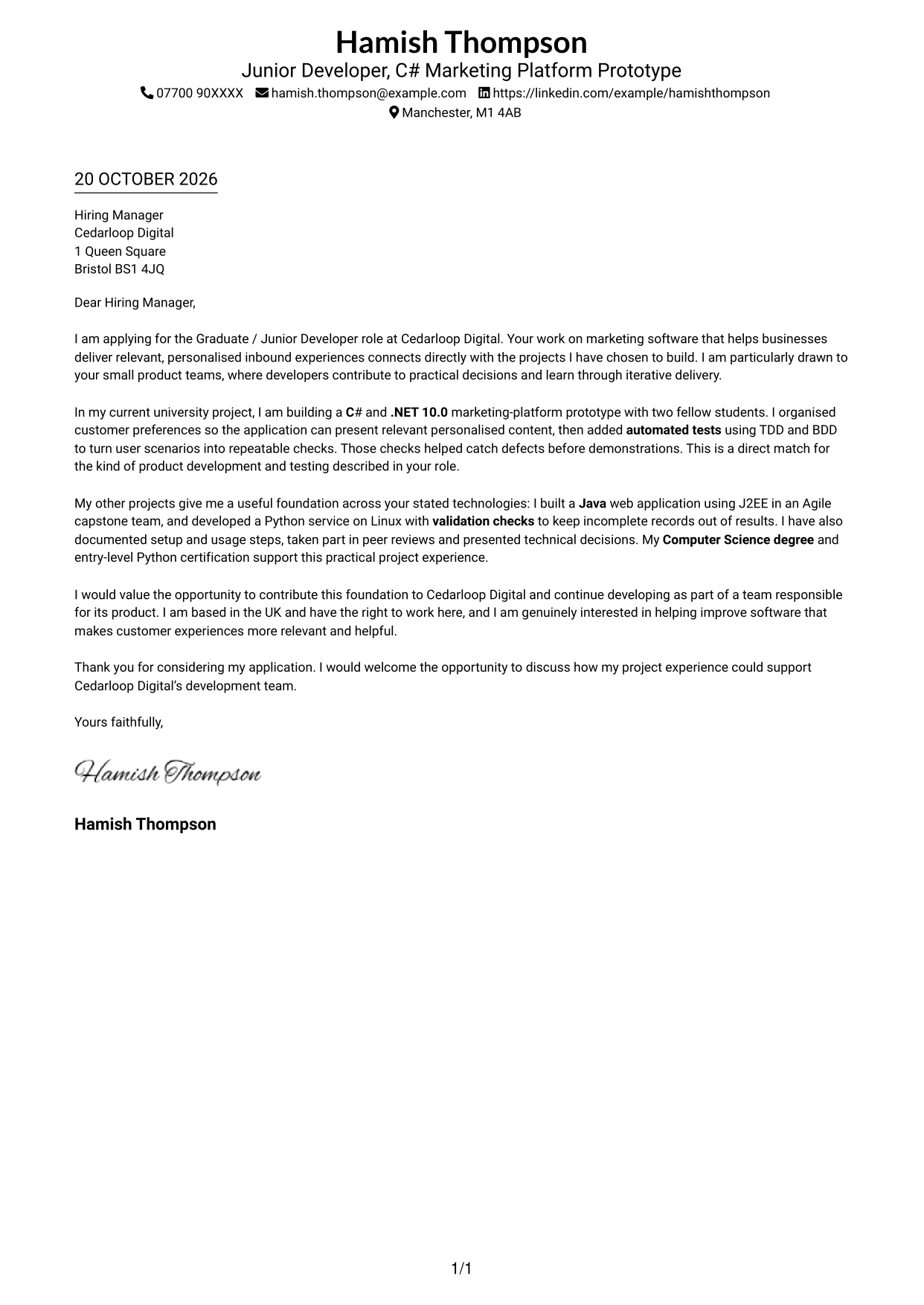
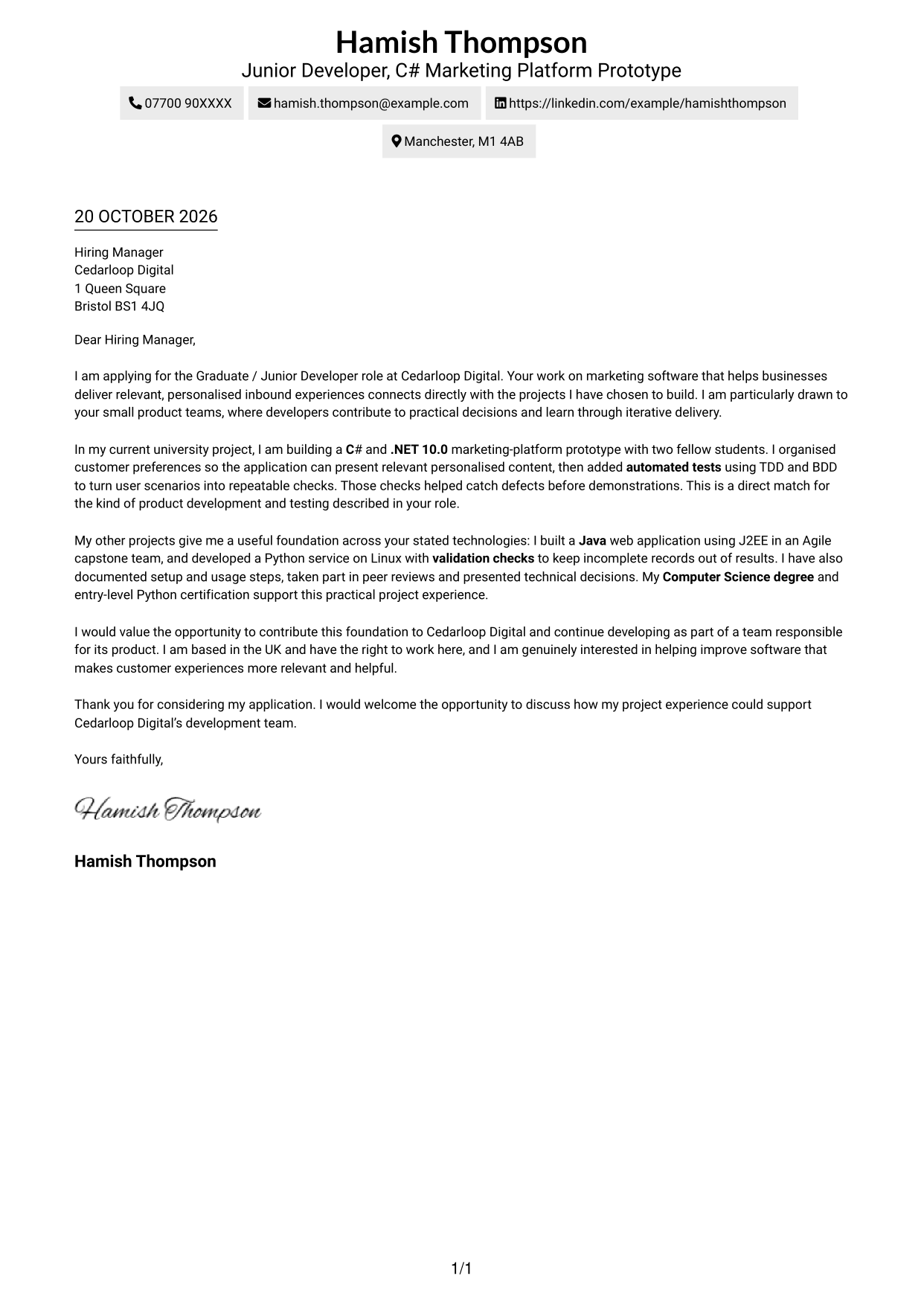
#1 Simple One Column Format Cover Letter Example
The Simple One Column Format places sender details in the header above a continuous letter body, giving the correspondence one clear reading path.
Why This Format Works
- Paragraph breaks give the motivation, project evidence and closing request clear visual pauses.
- Sender details remain in the header, separate from the letter’s central argument.
- One reading path keeps the case for fit in a natural sequence.
Best For
- One-column letter layouts
- Header-led contact details
- Continuous paragraph reading
- Photo-free applications
- Letters without body headings
#2 Two Column Format Cover Letter Example
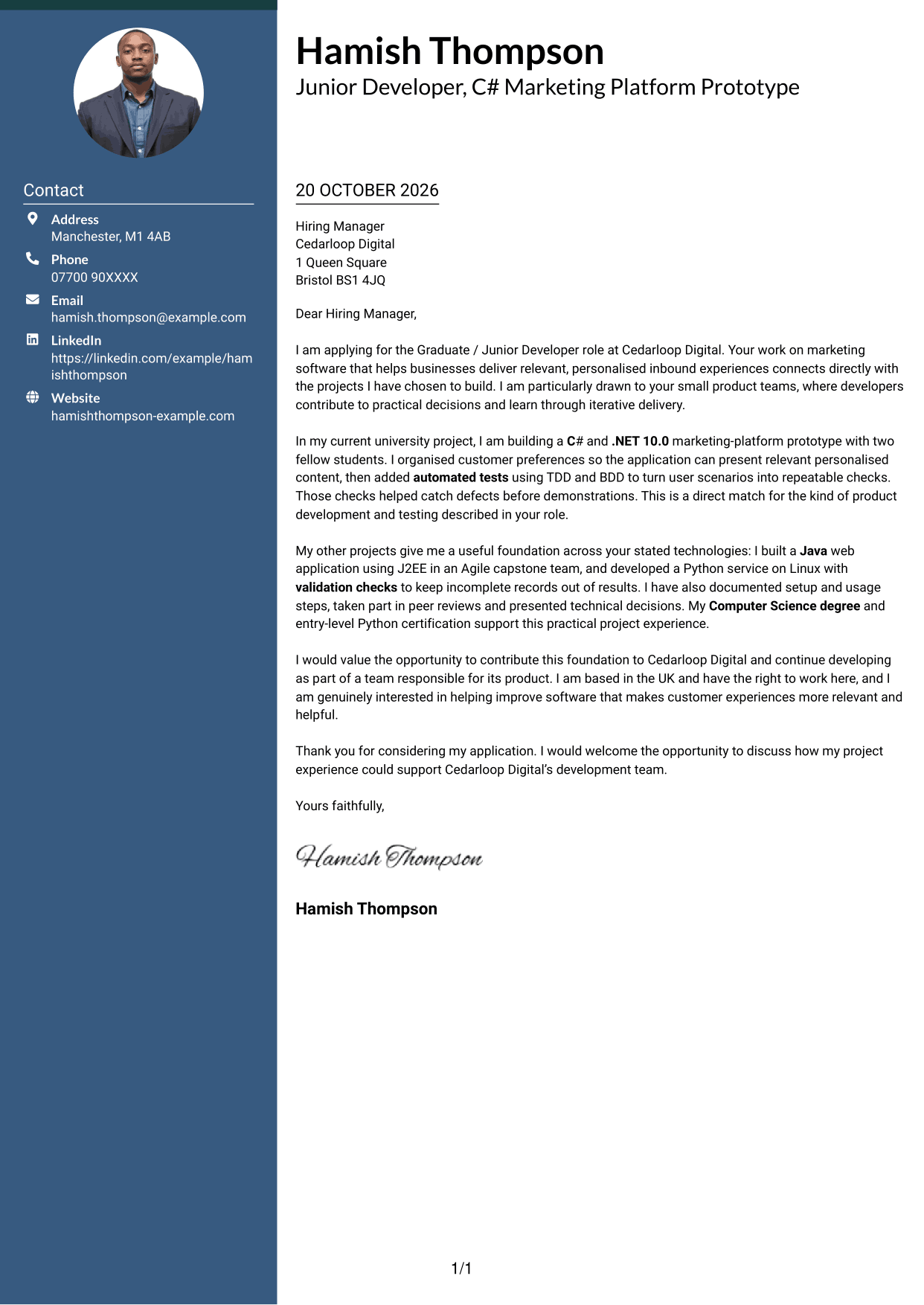
The Two Column Format sets a contact sidebar beside the continuous letter body, keeping contact details apart from the argument.
Why This Format Works
- Contact details sit apart from the letter, so the reviewer can locate them quickly.
- One continuous body keeps motivation and evidence within the same argument.
- The body remains the main reading area, without parallel argument columns.
Best For
- Contact details beside the letter
- Continuous persuasive paragraphs
- Quick access to sender information
- Photo-free correspondence
- Letters with a clear argument
#3 Photo Header Two Column Format Cover Letter Example
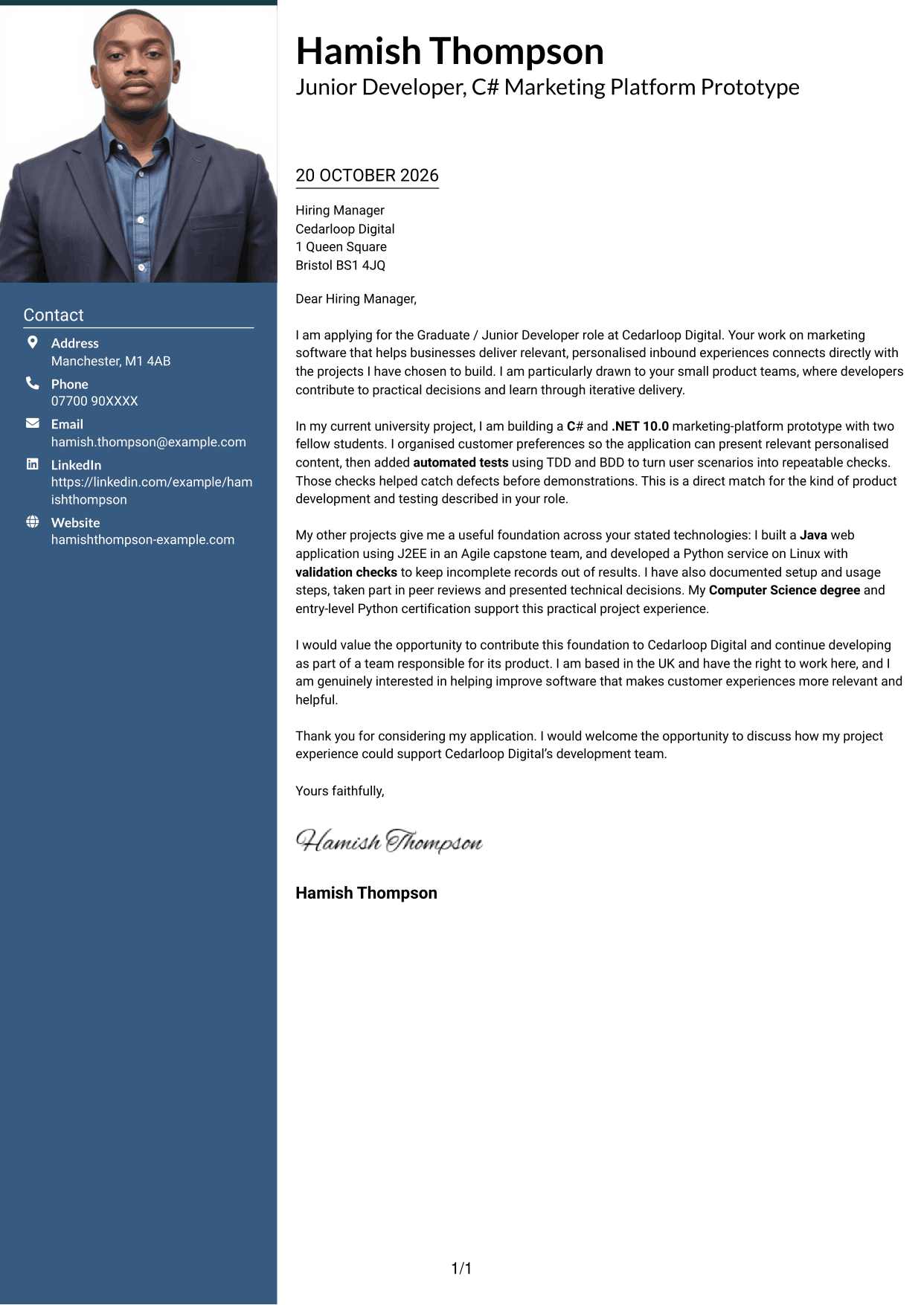
The Photo Header Two Column Format pairs a photo with a contact sidebar, while keeping the letter itself in one continuous body.
Why This Format Works
- Contact information stays in its own sidebar, separate from the letter’s case.
- The photo offers a personal visual element for readers who prefer one.
- Opening, project evidence and closing remain together in one continuous body.
Best For
- Photo-led contact presentation
- Sidebar contact details
- Continuous letter arguments
- A personal visual element
- Letters with a clear closing
#4 One Column Format with Photo Cover Letter Example
The One Column Format with Photo includes a photo alongside a single-column letter, keeping the correspondence in one continuous reading path.
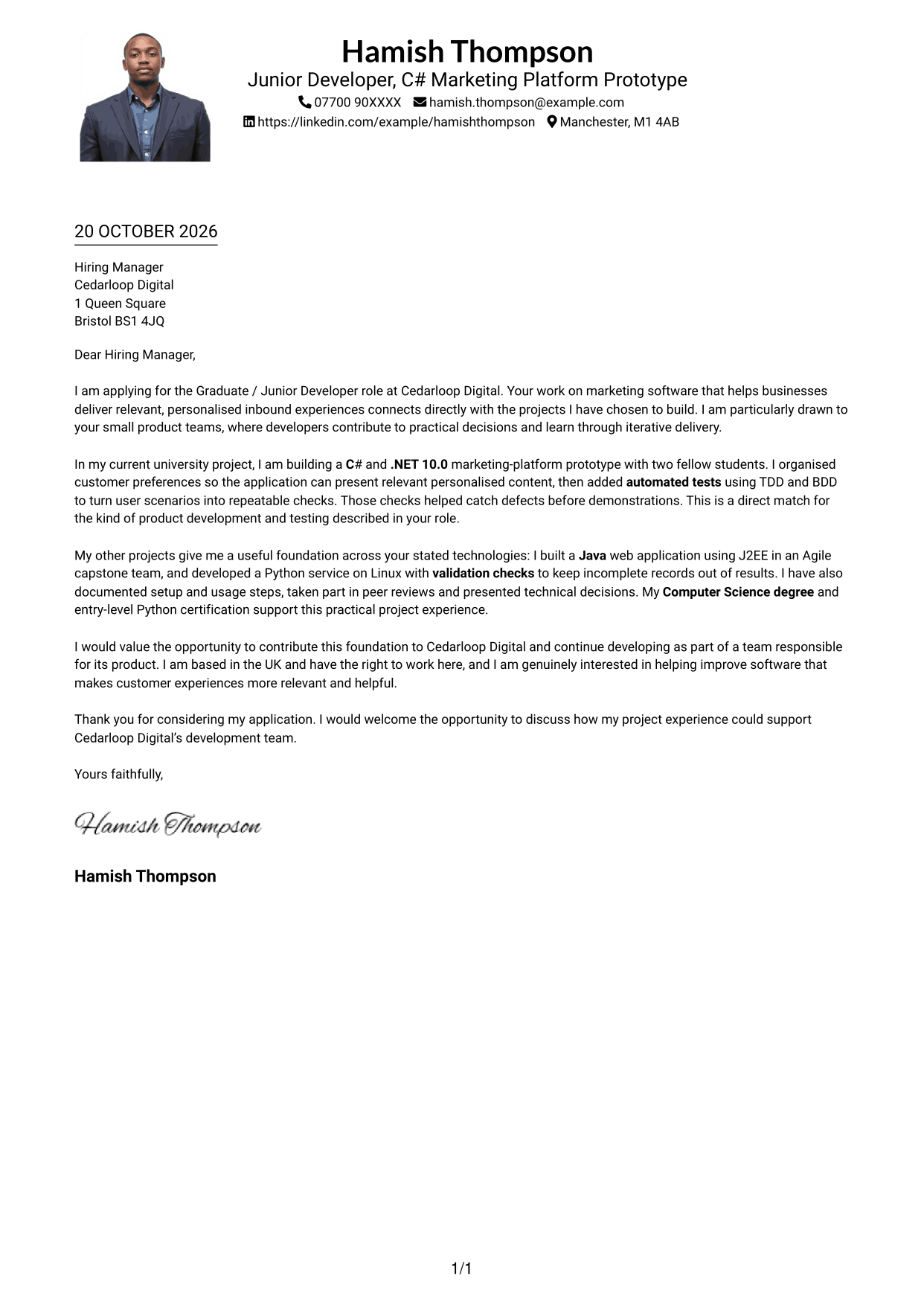
Why This Format Works
- One-column reading keeps the letter’s motivation and evidence in a single sequence.
- Sender details sit in the header rather than beside the argument.
- The included photo suits readers who want a visual element with their correspondence.
Best For
- Single-column letter reading
- Photo-inclusive correspondence
- Header-based sender details
- Uninterrupted letter paragraphs
- A visual personal touch
#5 Simple Two Column Format Cover Letter Example
The Simple Two Column Format places contact details in a sidebar beside the continuous letter body, without splitting the argument across columns.
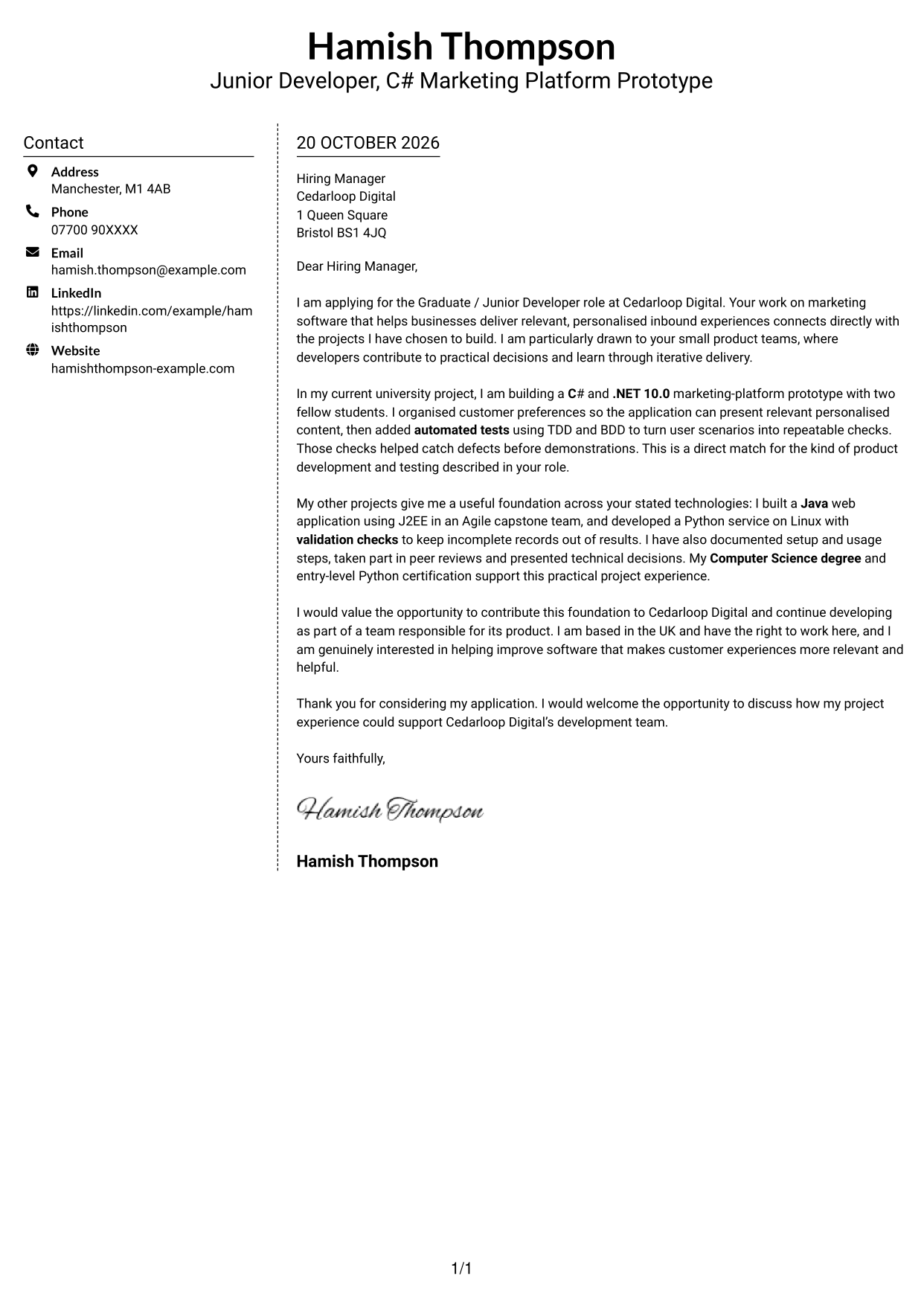
Why This Format Works
- Contact details in the sidebar stay distinct from the letter’s main message.
- The letter body remains continuous, preserving the link between reasons and evidence.
- Without a photo, the page gives visual attention to the written correspondence.
Best For
- Sidebar-based contact details
- Continuous written arguments
- Photo-free correspondence
- Clear separation of contact and message
- Text-led applications
#6 Modern Icon Format Cover Letter Example
The Modern Icon Format uses two columns for contact details and the continuous letter body, with icons serving as contact cues rather than argument headings.
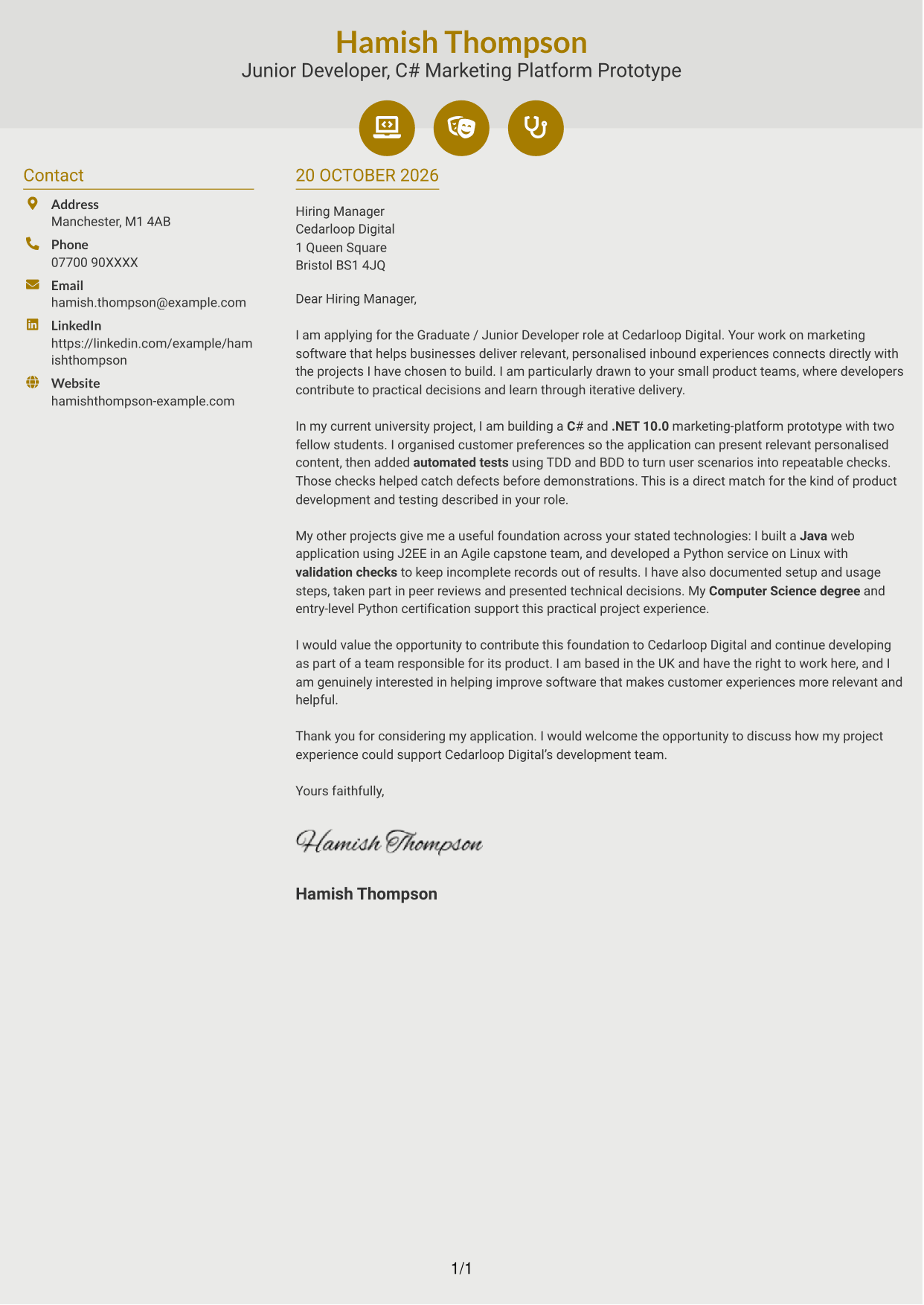
Why This Format Works
- Contact icons help readers recognise key details in the sidebar.
- The letter’s motivation and supporting evidence remain in one continuous body.
- Paragraph breaks give the reasons and closing request distinct visual pauses.
Best For
- Icon-marked contact details
- Two-column correspondence
- Continuous letter paragraphs
- Clear paragraph breaks
- Photo-free applications
#7 Creative Two Tone Format Cover Letter Example
The Creative Two Tone Format places a contact sidebar beside the continuous letter body, keeping the sender details separate from the message.
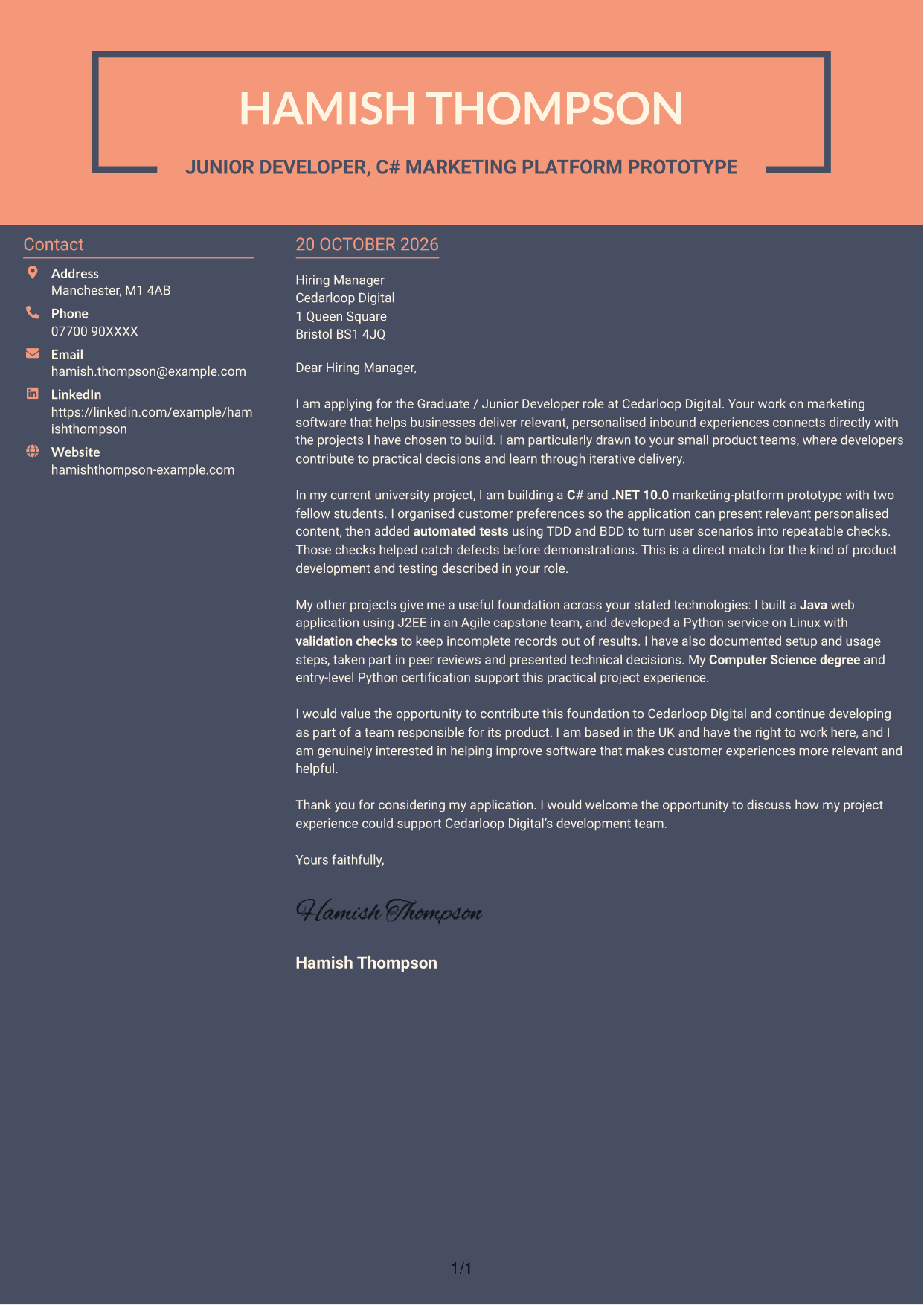
Why This Format Works
- The contact sidebar keeps sender details apart from the persuasive text.
- One continuous letter body lets motivation and evidence build in sequence.
- Photo-free presentation suits a text-led application with no portrait.
Best For
- Contact details beside the message
- Continuous persuasive writing
- Photo-free applications
- Text-led correspondence
- A clear motivation-to-evidence sequence
See Also
- 7 Graduate / Junior Developer - Python, Linux, C# and Java CV Templates with Example
- 7 Graduate Quantitative Developer - HFT / Low-Latency Systems CV Templates with Example
- Java Developer Intern CV Guide (Example + Free PDF Download)
- Java Software Developer CV Guide (Examples + Free PDF Downloads)
- Senior Java Developer CV Guide (Examples + Free PDF Downloads)
- Top 15 Java Developer CV Examples for 2026 (Free PDF Downloads)
- 7 Infrastructure Python Developer CV Templates with Example
- 7 Junior Python Developer CV Templates with Example
- 7 Graduate Quantitative Developer - HFT / Low-Latency Systems Cover Letter Templates with Example
- 7 Infrastructure Python Developer Cover Letter Templates with Example
Frequently Asked Questions
What should a Graduate / Junior Developer - Python, Linux, C# and Java cover letter highlight?
Show why you are interested in the role and give specific evidence from your software work. For example, describe how you used Python on Linux or built an application with C# or Java, and explain your contribution.
How can I show that my project experience fits this role?
Choose a clear example and explain what you built, the decisions you made and what the work achieved. You could describe using automated tests with TDD or BDD, or working with others in an Agile team.
How should I explain my interest in the employer?
Connect your motivation to the employer’s marketing software and its aim to provide relevant, helpful customer experiences. You can also explain why contributing to a small product team appeals to you.
What is a clear way to structure this cover letter?
Open by naming the role and giving a genuine reason for applying. Use the body for relevant project evidence and role fit, then close by restating your interest and inviting a conversation.
Should I include every technical skill in my cover letter?
No. Select the skills that best support your examples and match the role, such as Python, Linux, C#, Java, .NET 10.0 or J2EE. Explain how you used them rather than listing them without context.




