
7 Graduate Quantitative Developer - HFT / Low-Latency Systems Cover Letter Templates with Example
This practical guide to a Graduate Quantitative Developer - HFT / Low-Latency Systems cover letter presents seven layouts and shows how to make your technical fit clear.
What Makes a Great Graduate Quantitative Developer - HFT / Low-Latency Systems Cover Letter in 2026
A strong letter explains your interest in building dependable, performance-sensitive systems for electronic markets. Show how you can work with quantitative researchers and traders as ideas move from research towards production.
Choose clear evidence, such as C++ work with exchange protocols, profiling to assess latency, or tests for concurrent message handling. Link that evidence to the employer’s focus and explain why this work interests you.
The featured Graduate Quantitative Developer - HFT / Low-Latency Systems example moves from role interest to relevant systems evidence and a clear close; adapt this focused progression while choosing a presentation that suits the employer and communication context.
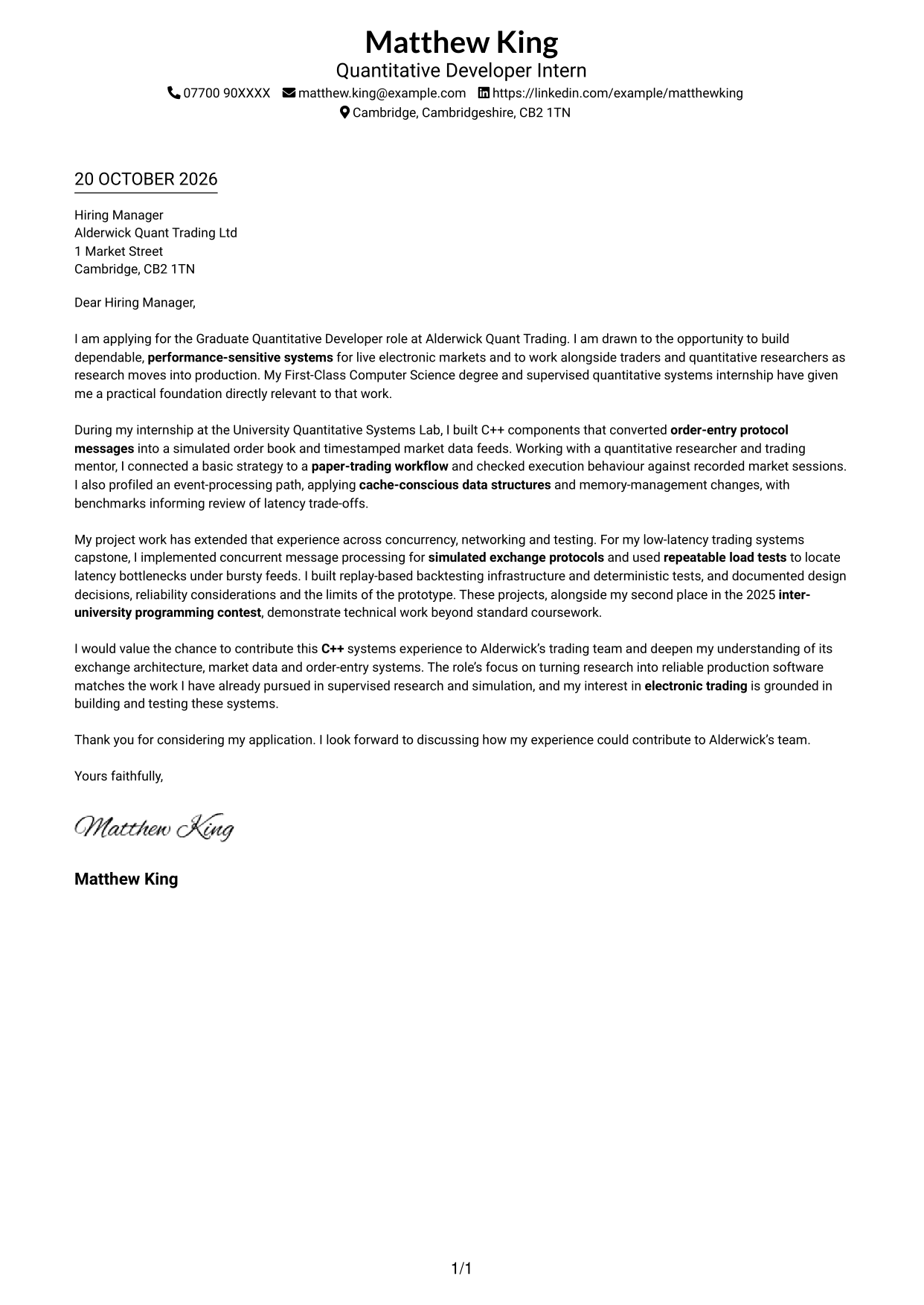
#1 Simple One Column Format Cover Letter Example
The Simple One Column Format keeps the letter body in one column, giving the message a clear, continuous reading path.
Why This Format Works
- Sender details sit in the header, leaving the letter body as one clear column.
- Continuous paragraphs let the motivation and supporting examples read as one connected case.
- The closing follows the evidence directly, without headings that interrupt the letter’s tone.
Best For
- Single-column letter reading
- Sender details in a header
- Continuous persuasive prose
- Applications with several supporting examples
- Direct written communication
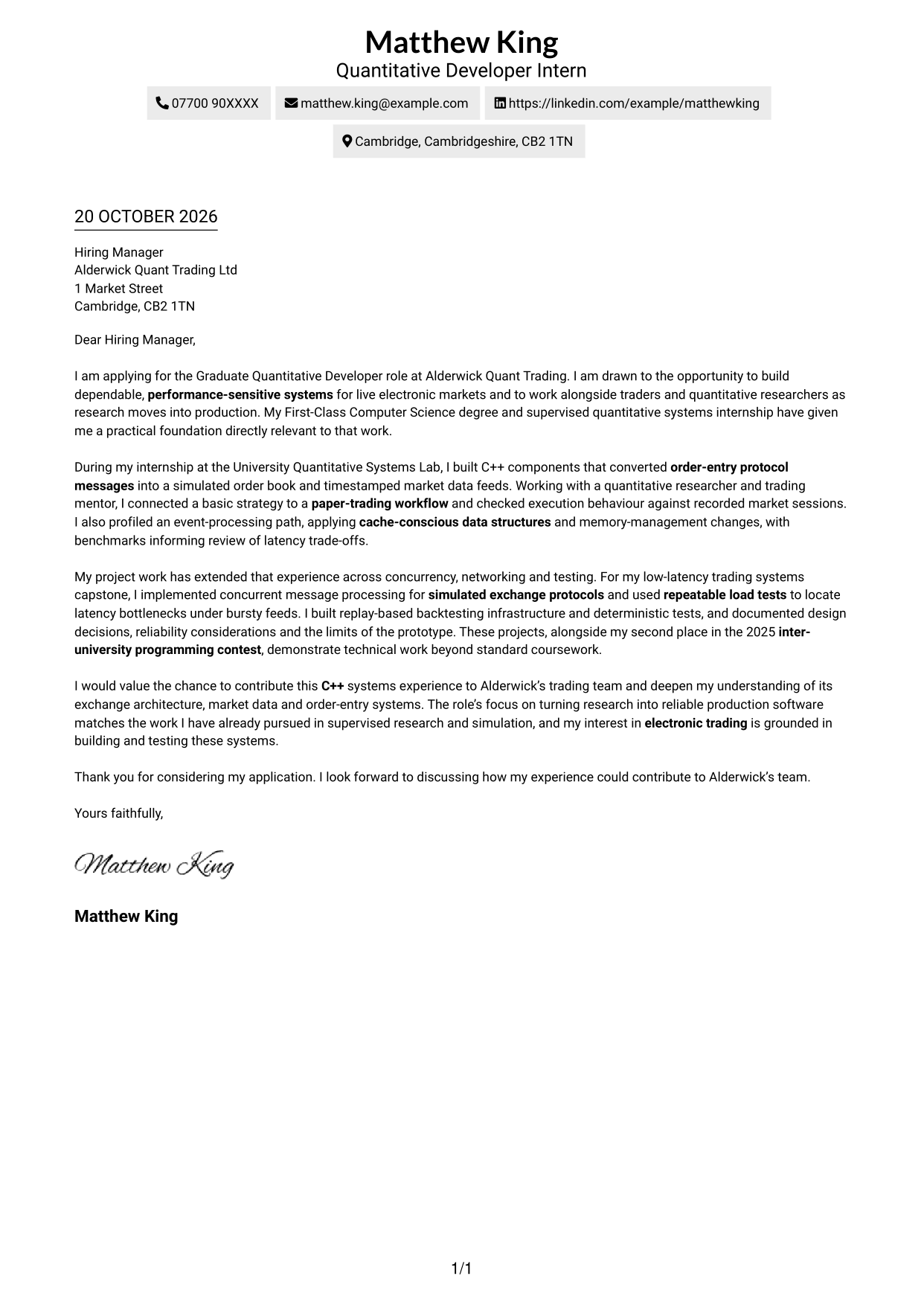
#2 Two Column Format Cover Letter Example
The Two Column Format places a contact sidebar beside one continuous letter body, keeping sender details distinct from the message.
Why This Format Works
- The contact sidebar keeps sender details distinct from the letter’s persuasive paragraphs.
- A single letter body carries motivation and supporting examples in their intended sequence.
- No internal headings preserve a direct, personal tone through the complete application message.
Best For
- Distinct contact and message areas
- Continuous letter arguments
- Multi-paragraph applications
- Letters without argument headings
- Formal written applications
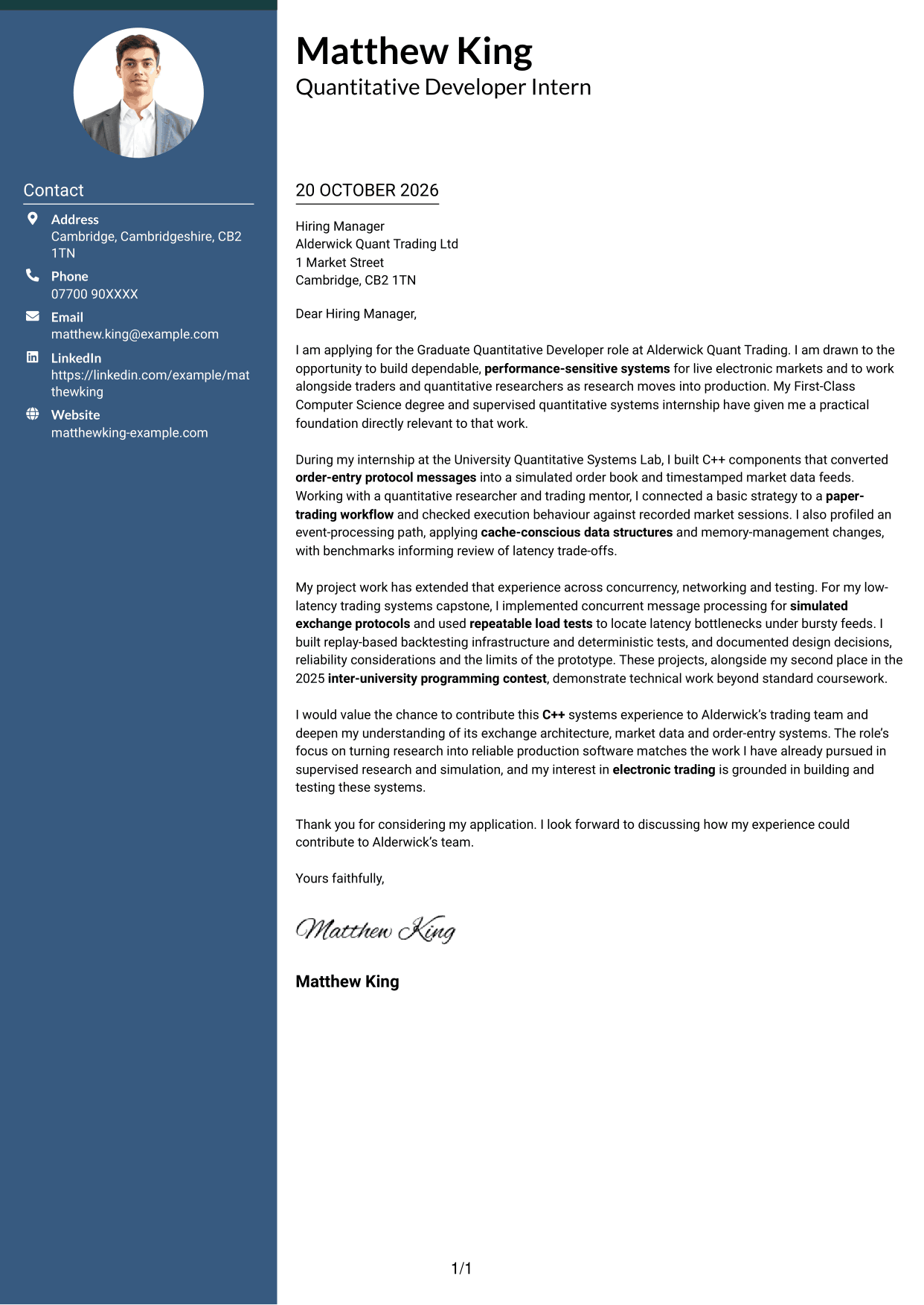
#3 Photo Header Two Column Format Cover Letter Example
The Photo Header Two Column Format combines a portrait and contact sidebar with one continuous letter body for a photo-inclusive presentation.
Why This Format Works
- A portrait adds a personal visual element without changing the letter’s argument.
- The contact sidebar gives sender details a distinct place beside the message.
- Continuous paragraphs carry the application’s case without splitting it into parallel columns.
Best For
- Portrait-inclusive documents
- Contact details beside the message
- A continuous persuasive letter
- Applications with supporting examples
- A personal visual introduction
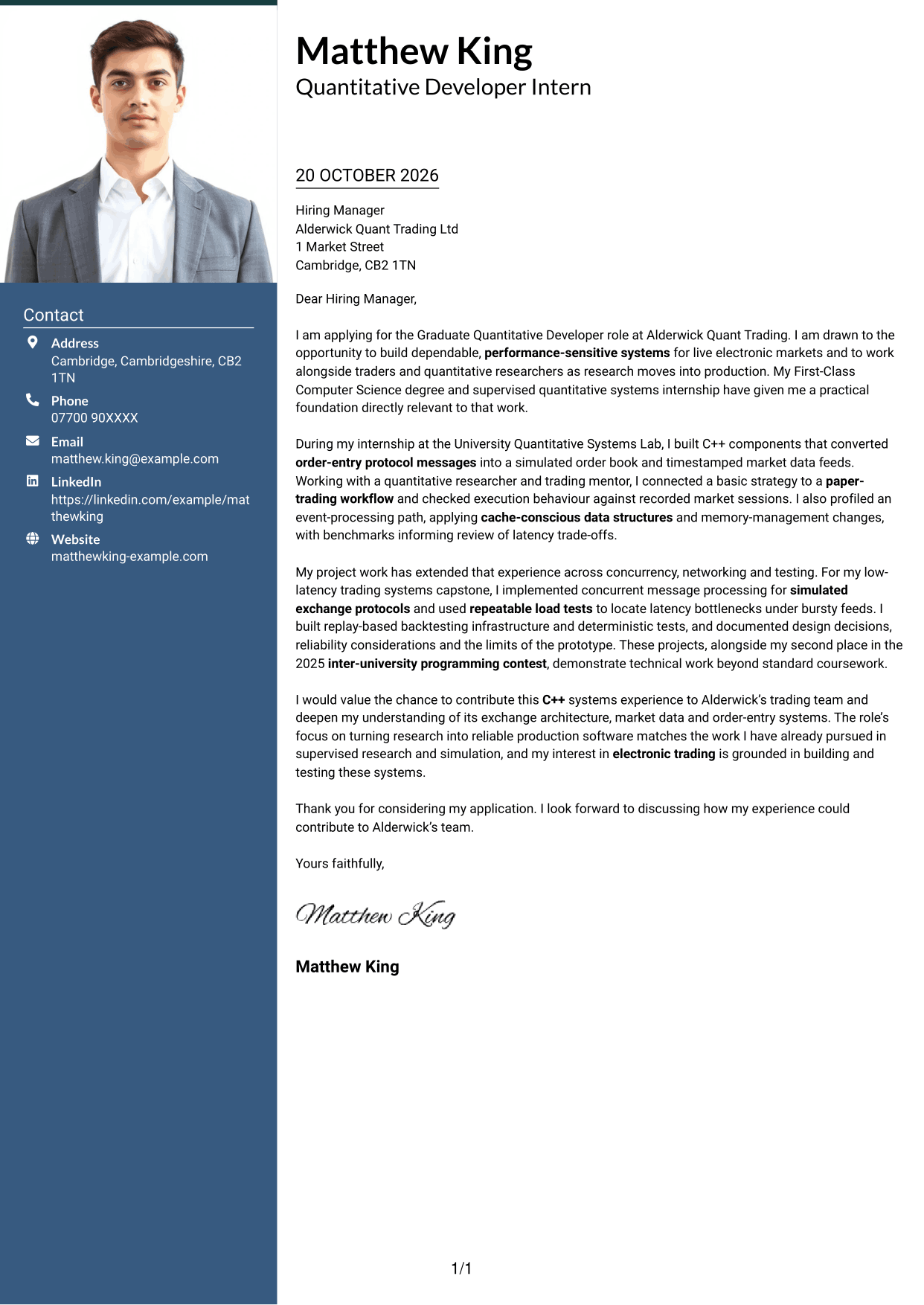
#4 One Column Format with Photo Cover Letter Example
The One Column Format with Photo includes a portrait while keeping the letter body in one column for a personal visual presentation.
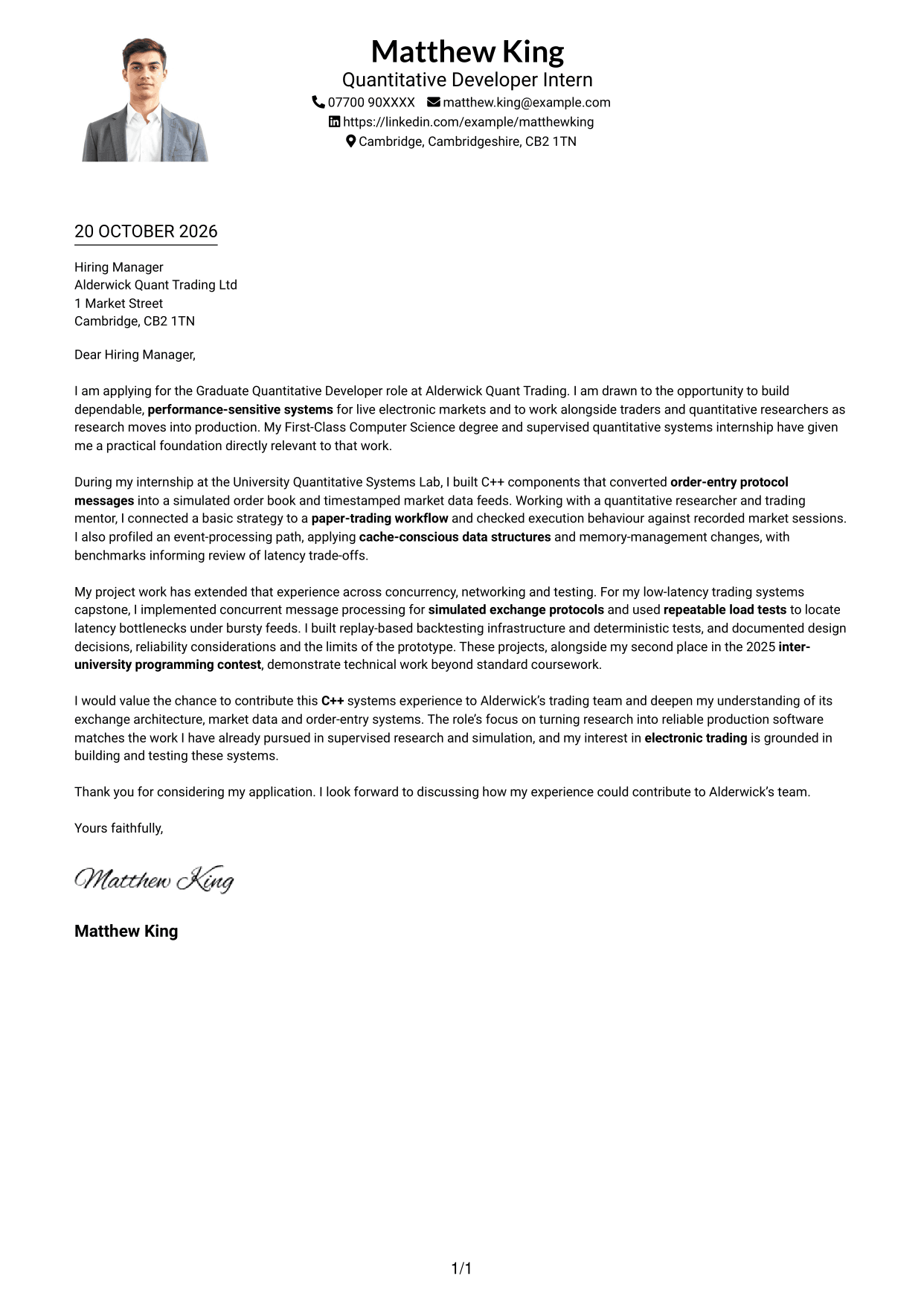
Why This Format Works
- The photo adds a personal visual element while the letter keeps a single-column body.
- Header contact details remain apart from the uninterrupted paragraphs that make the case.
- Without internal headings, the message can maintain a direct tone from greeting to close.
Best For
- One-column letter layouts
- Photo-inclusive applications
- An uninterrupted written case
- Header-led contact details
- A direct professional tone
#5 Simple Two Column Format Cover Letter Example
The Simple Two Column Format sets a contact sidebar beside one continuous letter body, offering a straightforward way to separate contact details from the message.
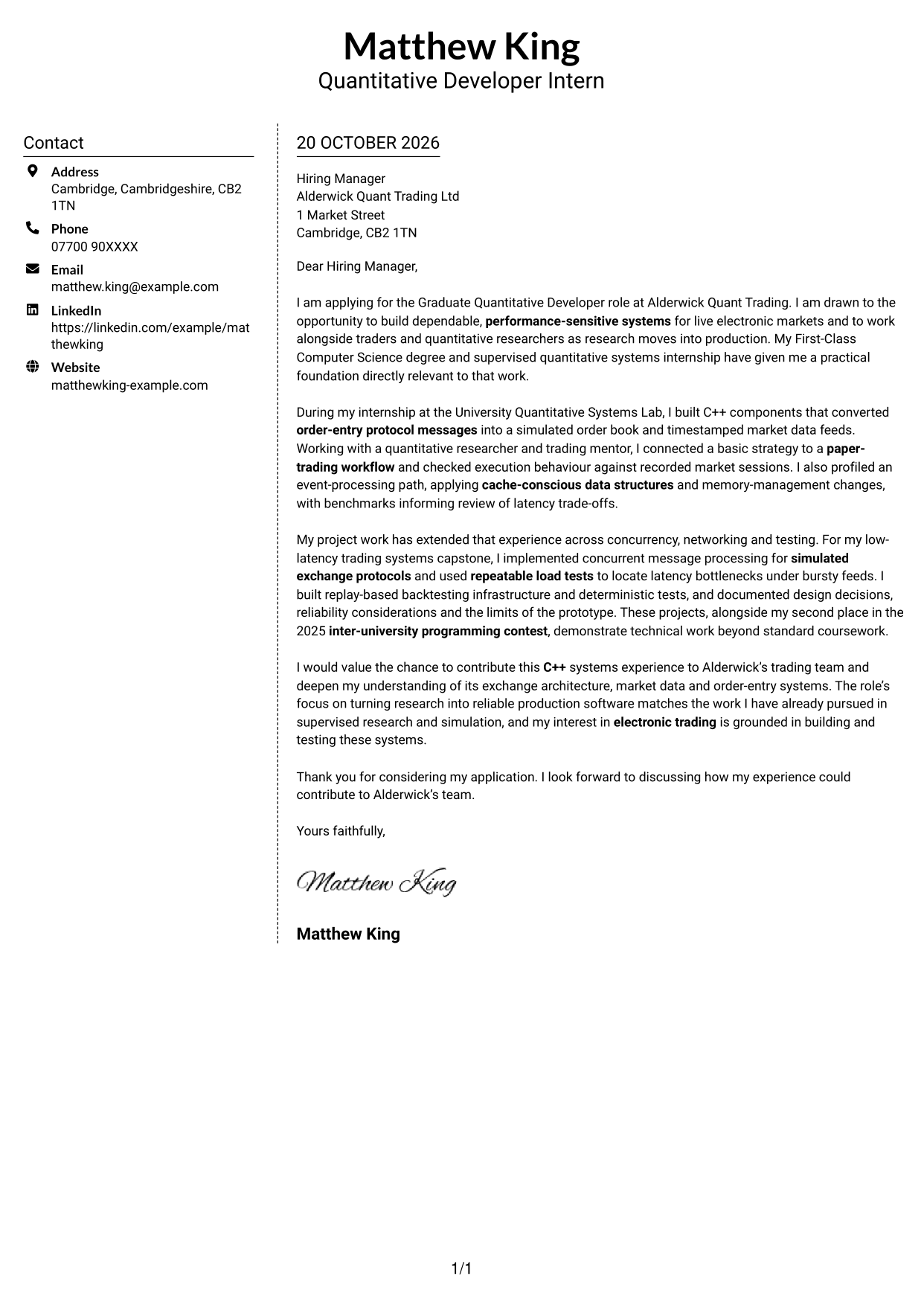
Why This Format Works
- Sender information stays in the contact sidebar, apart from the main letter text.
- The continuous body keeps motivation and supporting evidence within one message.
- The absence of internal headings suits a direct, prose-led application.
Best For
- Contact information in a sidebar
- Letter paragraphs kept together
- Multi-paragraph applications
- Readers checking sender details
- Prose-led written approaches
#6 Modern Icon Format Cover Letter Example
The Modern Icon Format uses two columns, with icons as contact cues and header accents while the letter remains one continuous body.
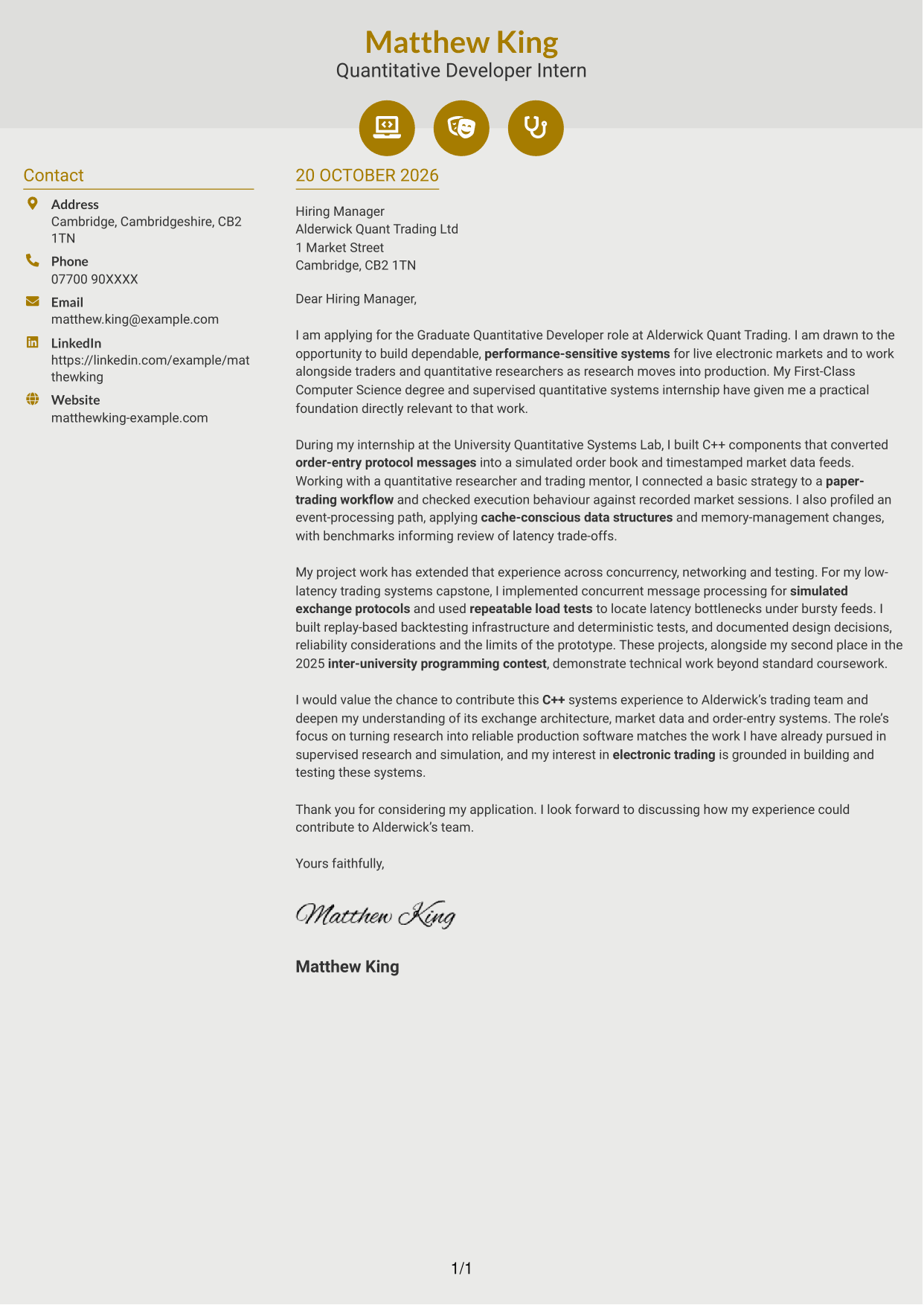
Why This Format Works
- Icons act as contact cues, not labels for the letter’s argument.
- The sidebar keeps contact information apart from the message itself.
- One continuous body lets motivation, evidence and closing read as connected prose.
Best For
- Icon-marked contact details
- A continuous letter argument
- Applications with evidence paragraphs
- Letters without argument headings
- A visually accented header
#7 Creative Two Tone Format Cover Letter Example
The Creative Two Tone Format places a contact sidebar beside one continuous letter body, separating sender details from the written case.
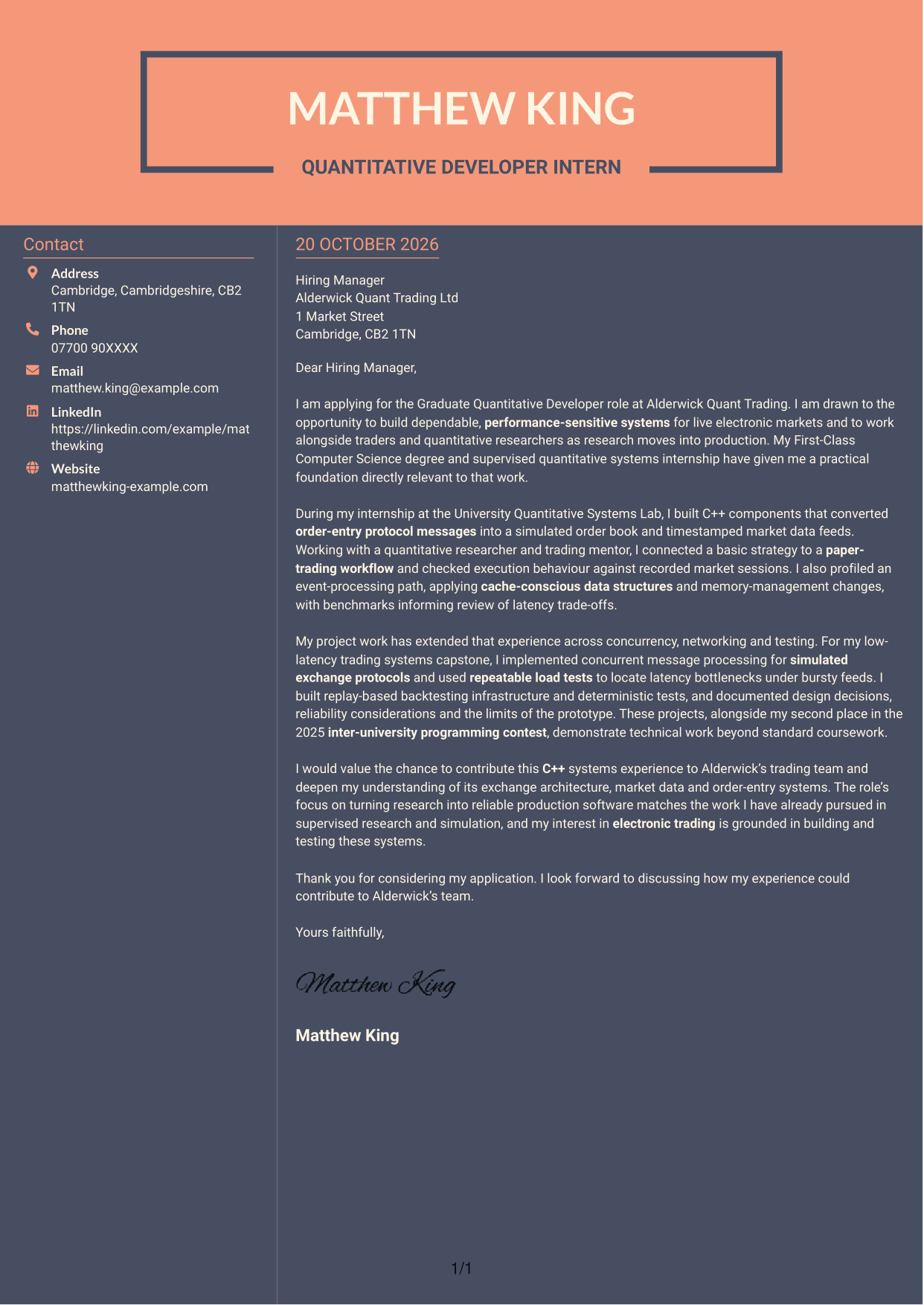
Why This Format Works
- The contact sidebar makes sender details easy to distinguish from the letter.
- A single body keeps the opening, supporting points and closing in one message.
- Without argument headings, the prose can present a natural, direct case.
Best For
- Separated sender and message areas
- Prose-led application letters
- Motivation followed by evidence
- Formal written approaches
- Applications with several paragraphs
See Also
- 7 Graduate Quantitative Developer - HFT / Low-Latency Systems CV Templates with Example
- 7 Graduate / Junior Developer - Python, Linux, C# and Java CV Templates with Example
- 7 Infrastructure Python Developer CV Templates with Example
- Java Developer Intern CV Guide (Example + Free PDF Download)
- Java Software Developer CV Guide (Examples + Free PDF Downloads)
- 7 Junior Python Developer CV Templates with Example
- 7 Mid Python Developer - Reporting and API Engineering CV Templates with Example
- 7 .NET Developer Wealth Management CV Templates with Example
- 7 Graduate / Junior Developer - Python, Linux, C# and Java Cover Letter Templates with Example
- 7 Infrastructure Python Developer Cover Letter Templates with Example
Frequently Asked Questions
What should a Graduate Quantitative Developer - HFT / Low-Latency Systems cover letter highlight?
Show your interest in electronic trading and your ability to build reliable, performance-sensitive software. Relevant evidence may include C++ systems work, exchange protocols, market data, concurrency, profiling and testing.
How can I show my technical fit in the letter?
Use one or two specific examples and explain your contribution and the result. For instance, describe how you tested simulated exchange messages or used benchmarks to assess a performance change.
How should I explain my interest in this type of work?
Be specific about what interests you in electronic markets and low-latency systems. Connect that interest to the work of developing dependable software with traders and quantitative researchers.
How should I structure this cover letter?
Open by naming the role and explaining your interest. Use the body to connect relevant technical evidence to the work, then close by restating your interest and inviting further discussion.
Should I include every technical project and skill?
No. Select the examples that best support your fit for this role. A focused account of relevant systems work is clearer and more persuasive than a full list of every project or skill.




